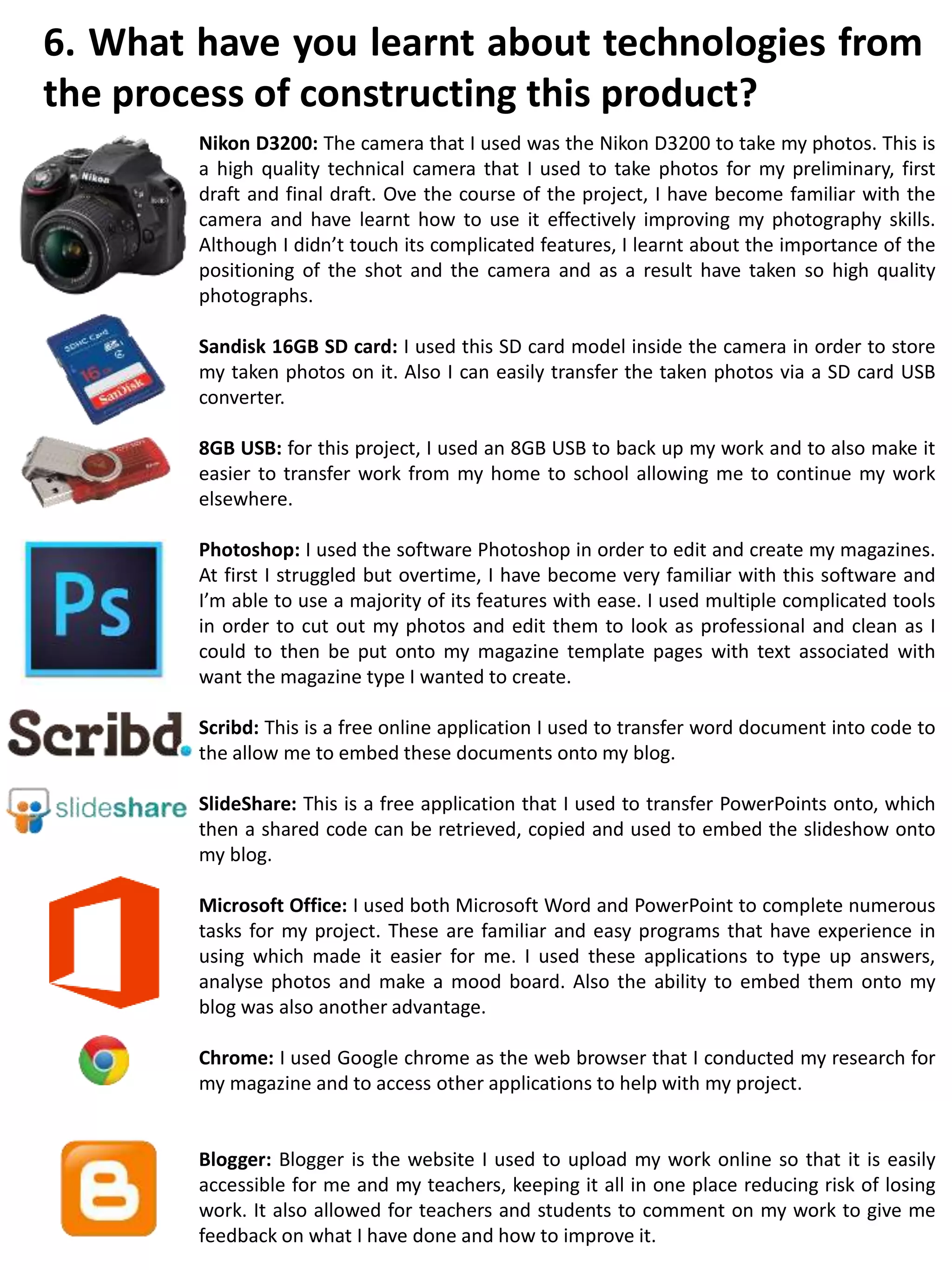
Nikon D3200: The camera that I used was the Nikon D3200 to take my photos. This is
a high quality technical camera that I used to take photos for my preliminary, first
draft and final draft. Ove the course of the project, I have become familiar with the
camera and have learnt how to use it effectively improving my photography skills.
Although I didn’t touch its complicated features, I learnt about the importance of the
positioning of the shot and the camera and as a result have taken so high quality
photographs.
Sandisk 16GB SD card: I used this SD card model inside the camera in order to store
my taken photos on it. Also I can easily transfer the taken photos via a SD card USB
converter.
8GB USB: for this project, I used an 8GB USB to back up my work and to also make it
easier to transfer work from my home to school allowing me to continue my work
elsewhere.
Photoshop: I used the software Photoshop in order to edit and create my magazines.
At first I struggled but overtime, I have become very familiar with this software and
I’m able to use a majority of its features with ease. I used multiple complicated tools
in order to cut out my photos and edit them to look as professional and clean as I
could to then be put onto my magazine template pages with text associated with
want the magazine type I wanted to create.
Scribd: This is a free online application I used to transfer word document into code to
the allow me to embed these documents onto my blog.
SlideShare: This is a free application that I used to transfer PowerPoints onto, which
then a shared code can be retrieved, copied and used to embed the slideshow onto
my blog.
Microsoft Office: I used both Microsoft Word and PowerPoint to complete numerous
tasks for my project. These are familiar and easy programs that have experience in
using which made it easier for me. I used these applications to type up answers,
analyse photos and make a mood board. Also the ability to embed them onto my
blog was also another advantage.
Chrome: I used Google chrome as the web browser that I conducted my research for
my magazine and to access other applications to help with my project.
Blogger: Blogger is the website I used to upload my work online so that it is easily
accessible for me and my teachers, keeping it all in one place reducing risk of losing
work. It also allowed for teachers and students to comment on my work to give me
feedback on what I have done and how to improve it.
6. What have you learnt about technologies from
the process of constructing this product?

Q7 finished

  • 1.
    Nikon D3200: Thecamera that I used was the Nikon D3200 to take my photos. This is a high quality technical camera that I used to take photos for my preliminary, first draft and final draft. Ove the course of the project, I have become familiar with the camera and have learnt how to use it effectively improving my photography skills. Although I didn’t touch its complicated features, I learnt about the importance of the positioning of the shot and the camera and as a result have taken so high quality photographs. Sandisk 16GB SD card: I used this SD card model inside the camera in order to store my taken photos on it. Also I can easily transfer the taken photos via a SD card USB converter. 8GB USB: for this project, I used an 8GB USB to back up my work and to also make it easier to transfer work from my home to school allowing me to continue my work elsewhere. Photoshop: I used the software Photoshop in order to edit and create my magazines. At first I struggled but overtime, I have become very familiar with this software and I’m able to use a majority of its features with ease. I used multiple complicated tools in order to cut out my photos and edit them to look as professional and clean as I could to then be put onto my magazine template pages with text associated with want the magazine type I wanted to create. Scribd: This is a free online application I used to transfer word document into code to the allow me to embed these documents onto my blog. SlideShare: This is a free application that I used to transfer PowerPoints onto, which then a shared code can be retrieved, copied and used to embed the slideshow onto my blog. Microsoft Office: I used both Microsoft Word and PowerPoint to complete numerous tasks for my project. These are familiar and easy programs that have experience in using which made it easier for me. I used these applications to type up answers, analyse photos and make a mood board. Also the ability to embed them onto my blog was also another advantage. Chrome: I used Google chrome as the web browser that I conducted my research for my magazine and to access other applications to help with my project. Blogger: Blogger is the website I used to upload my work online so that it is easily accessible for me and my teachers, keeping it all in one place reducing risk of losing work. It also allowed for teachers and students to comment on my work to give me feedback on what I have done and how to improve it. 6. What have you learnt about technologies from the process of constructing this product?