Prepared by
ILYAS ARAFATH K K
NO:109
CSE Dept
MEA ENGINEERING COLLEGE Perinthalmanna
INTRODUCTION
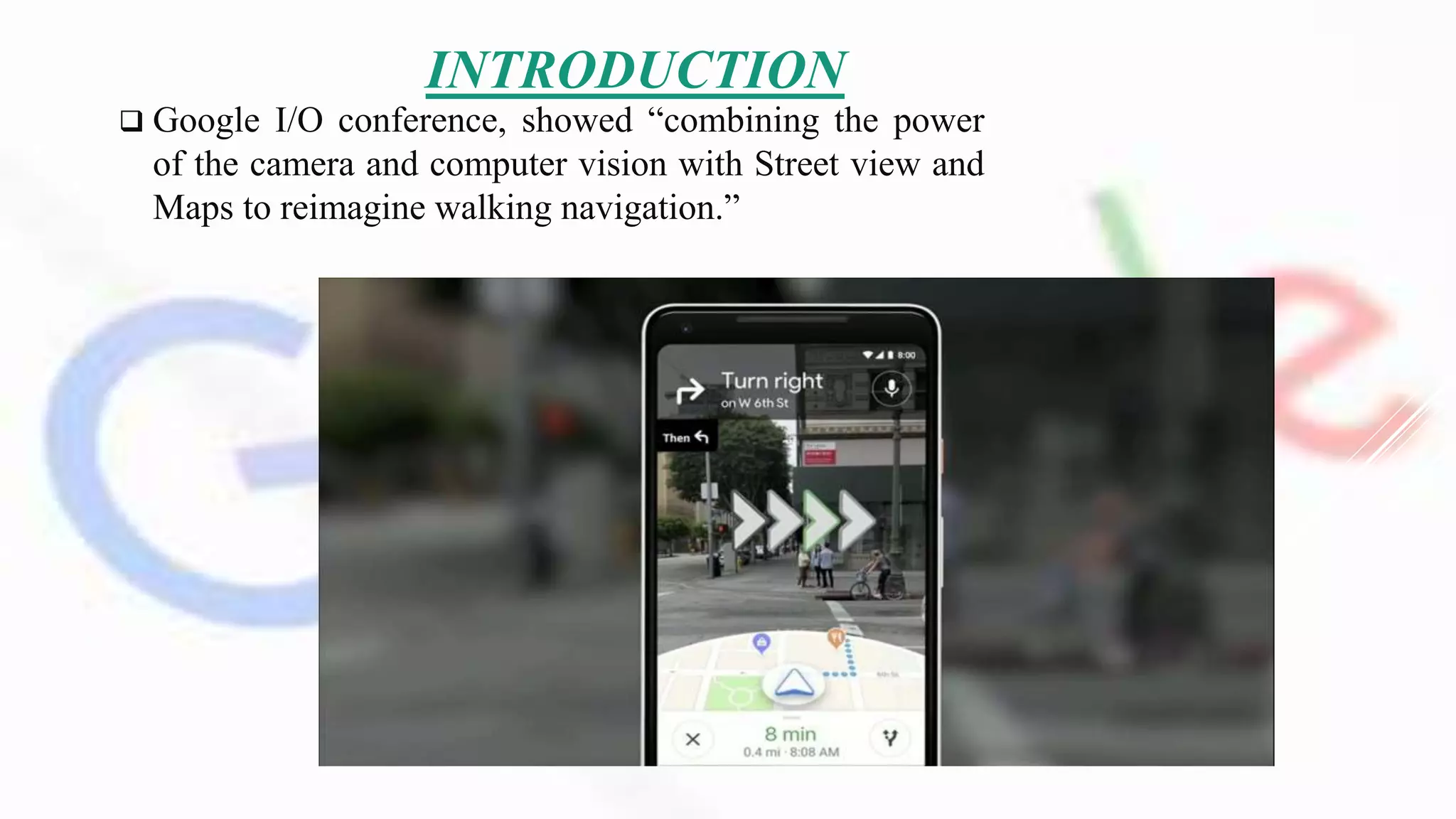
 Google I/O conference, showed “combining the power
of the camera and computer vision with Street view and
Maps to reimagine walking navigation.”
How users would often have to move around in the real
world to line themselves up with the blue dot marking their
location in Maps.
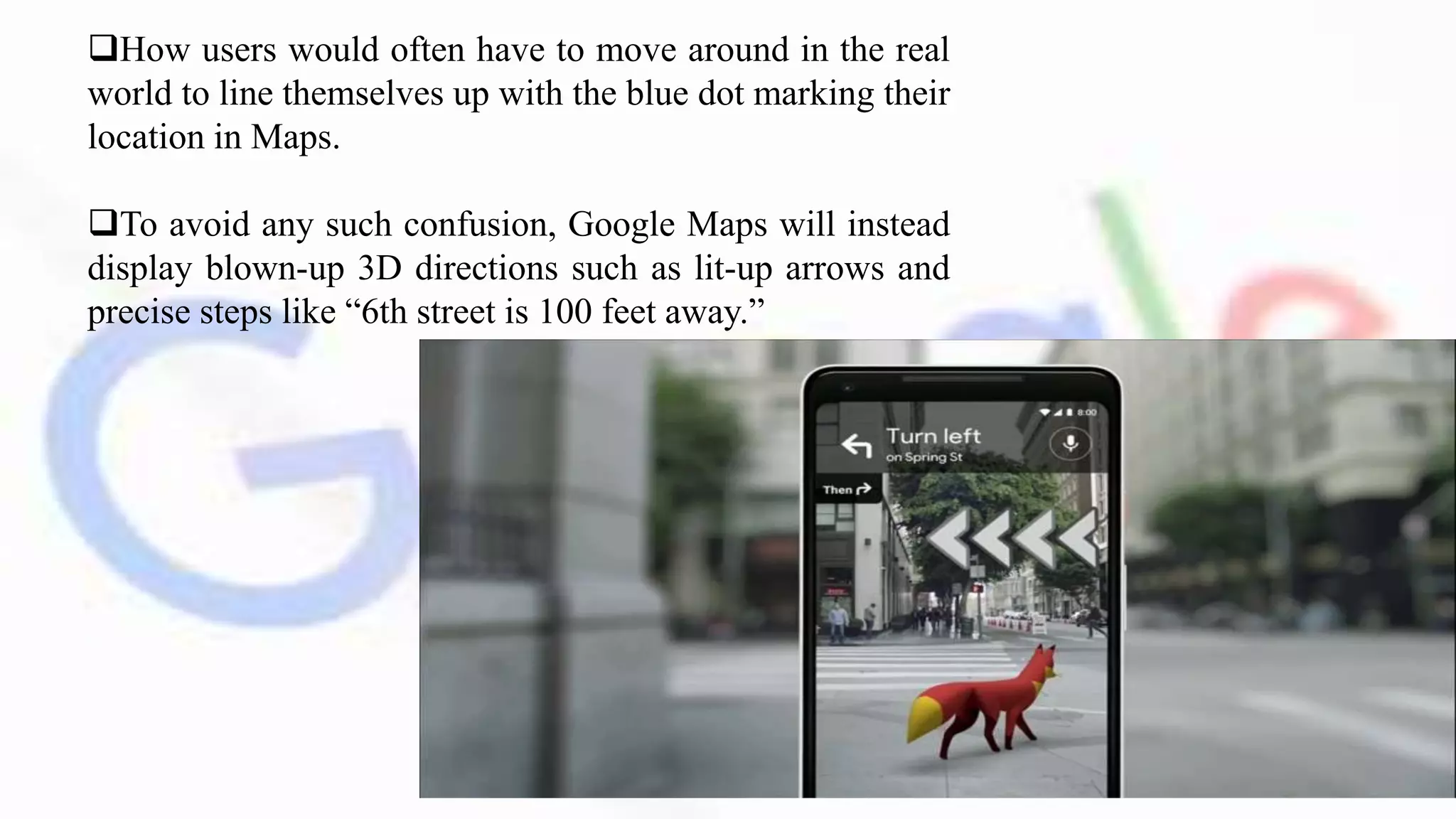
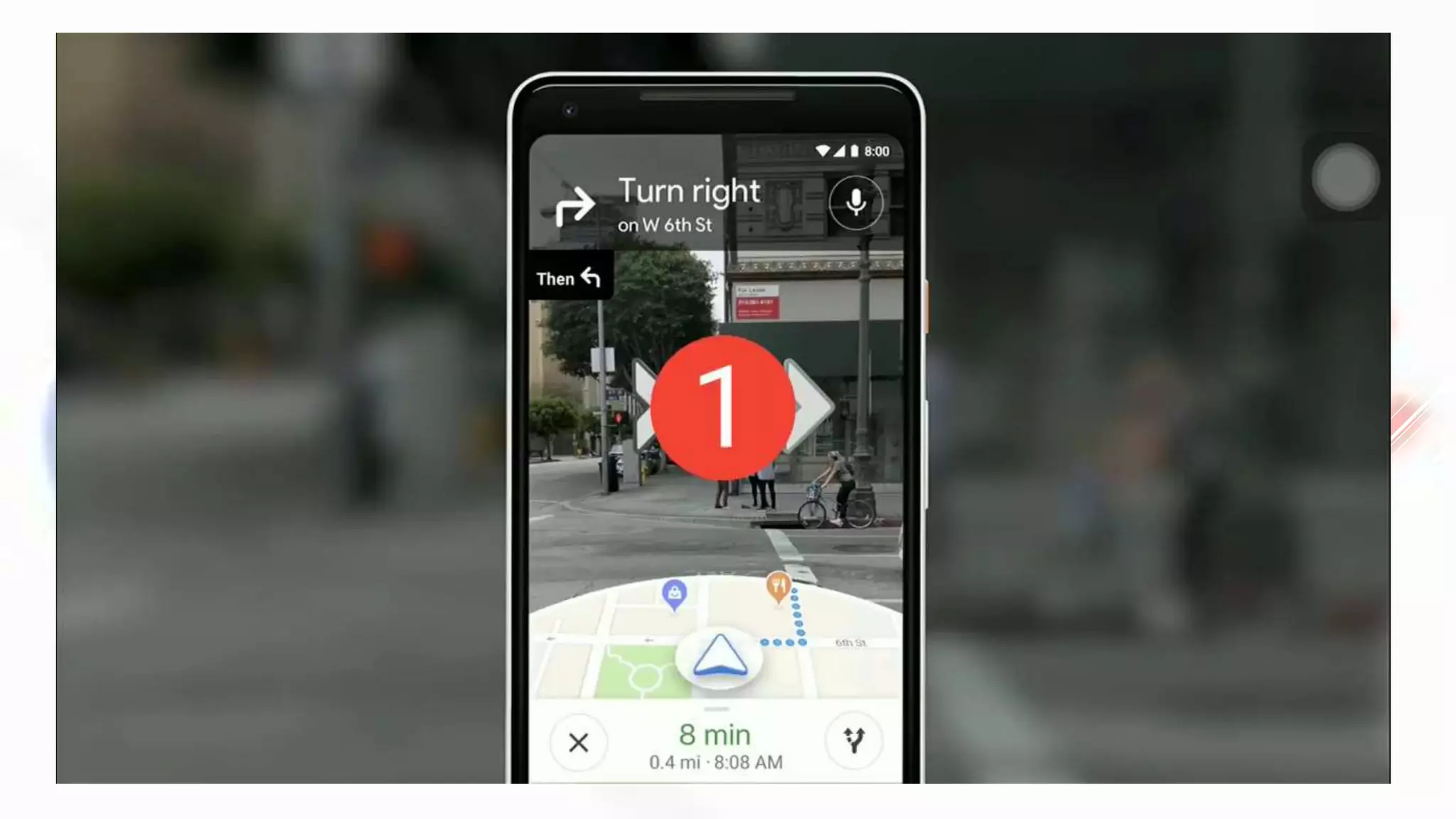
To avoid any such confusion, Google Maps will instead
display blown-up 3D directions such as lit-up arrows and
precise steps like “6th street is 100 feet away.”
HISTORY
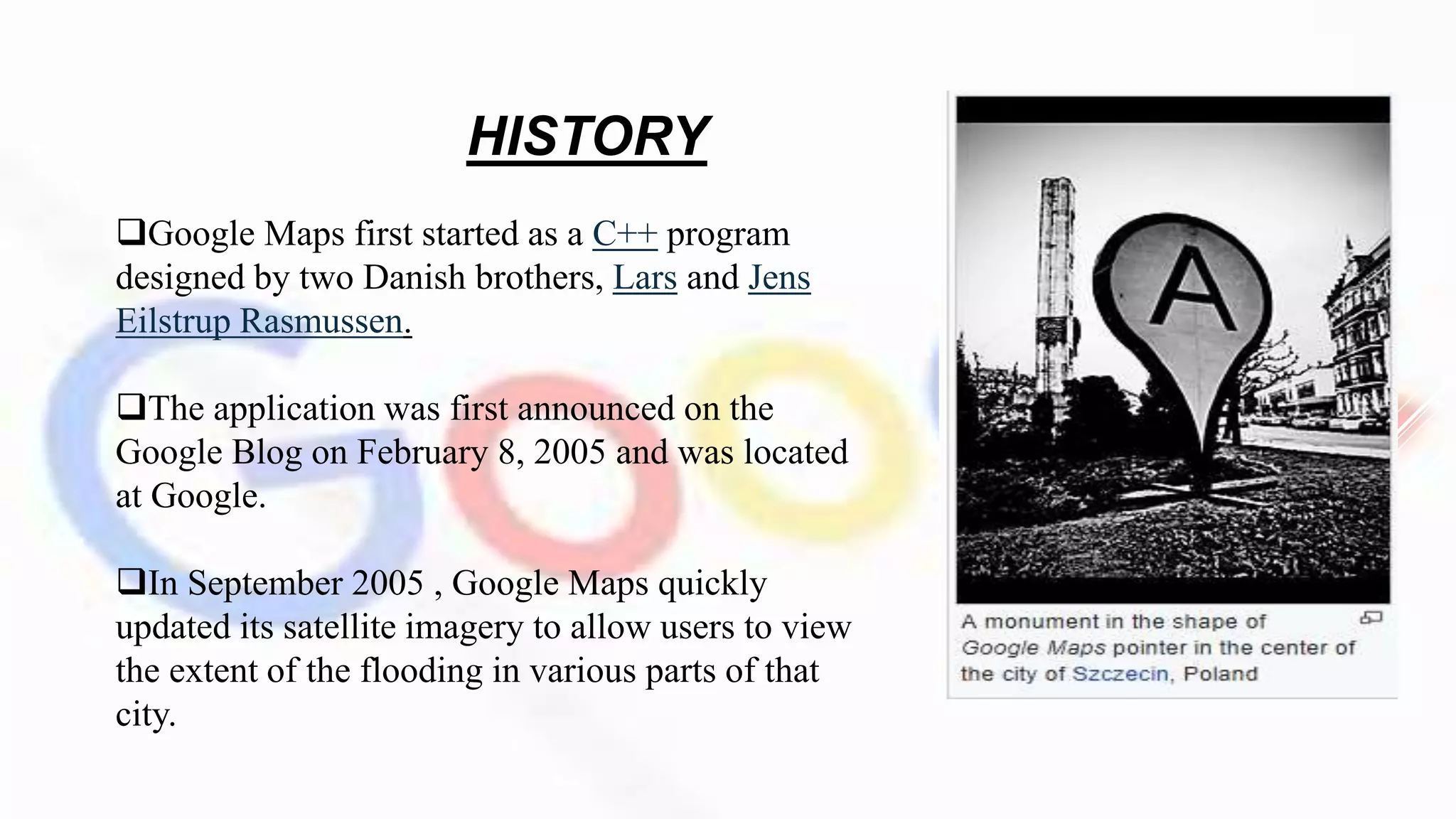
Google Maps first started as a C++ program
designed by two Danish brothers, Lars and Jens
Eilstrup Rasmussen.
The application was first announced on the
Google Blog on February 8, 2005 and was located
at Google.
In September 2005 , Google Maps quickly
updated its satellite imagery to allow users to view
the extent of the flooding in various parts of that
city.
In October 2009 their team introduced US version of Maps and use their
own data.
On January 29, 2013, Google Maps was updated to include a map of North
Korea
On June 27, 2016, Google rolled out new satellite imagery worldwide
sourced from Landsat 8, comprising over 700 trillion pixels of new data
 May 2018 Google announced major changes to the API structure
Aparna Chennapragada introduced one of the best new features: visual
guidance and Visual Positioning System in Google Maps Navigation.
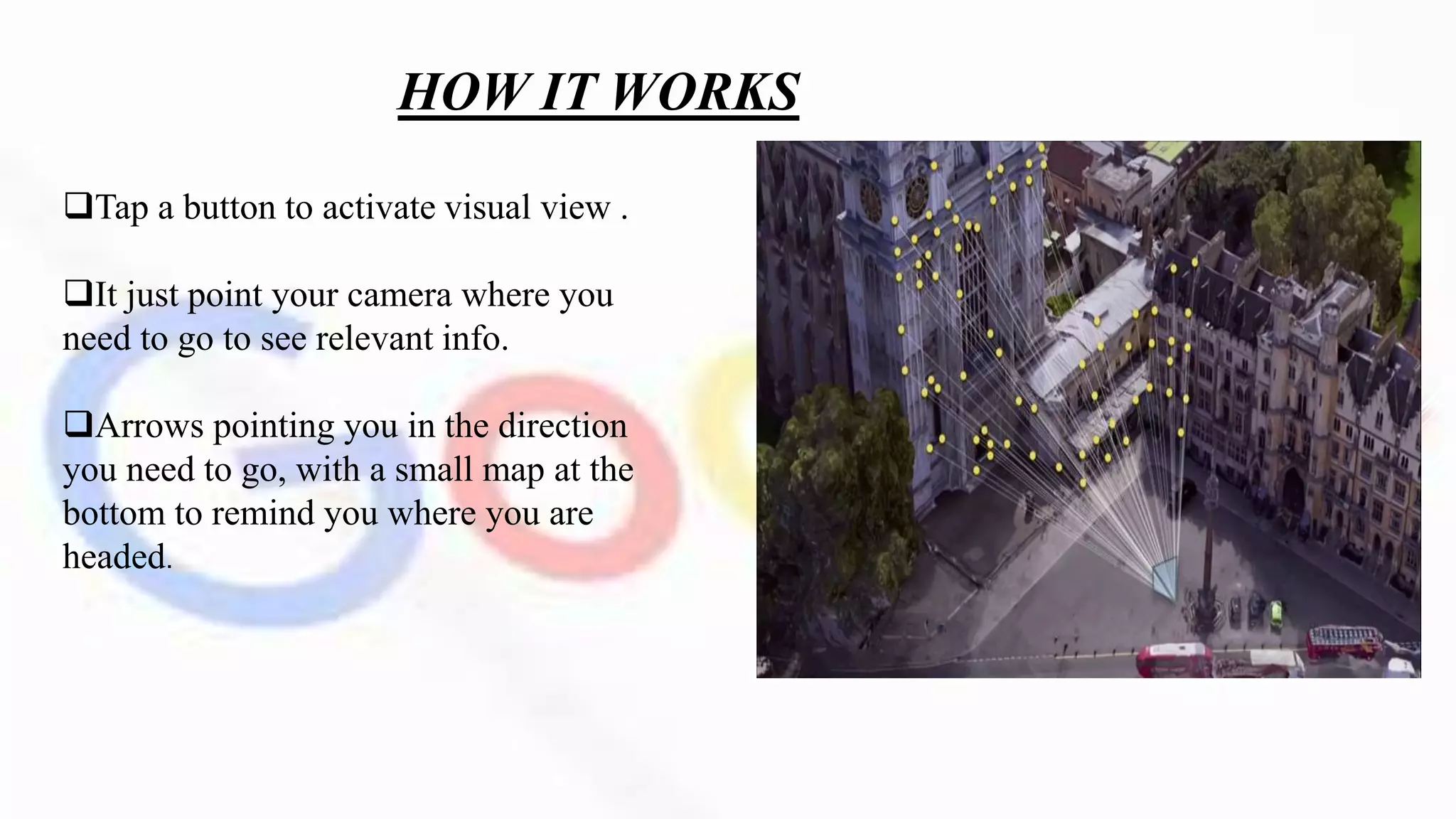
HOW IT WORKS
Tap a button to activate visual view .
It just point your camera where you
need to go to see relevant info.
Arrows pointing you in the direction
you need to go, with a small map at the
bottom to remind you where you are
headed.
 Finally, the Maps team has also been experimenting with a digital
avatar
 That can help further guide users, with a cartoon fox shown off as
an example.
 A smaller version of the traditional Maps experience will be
displayed on the lower half of the screen, should it be needed.
 It would automatically highlight points of interest nearby, such as
cafés or retail stores.
 The data retrieve under the Google lens technology ‘smart
selection’ .
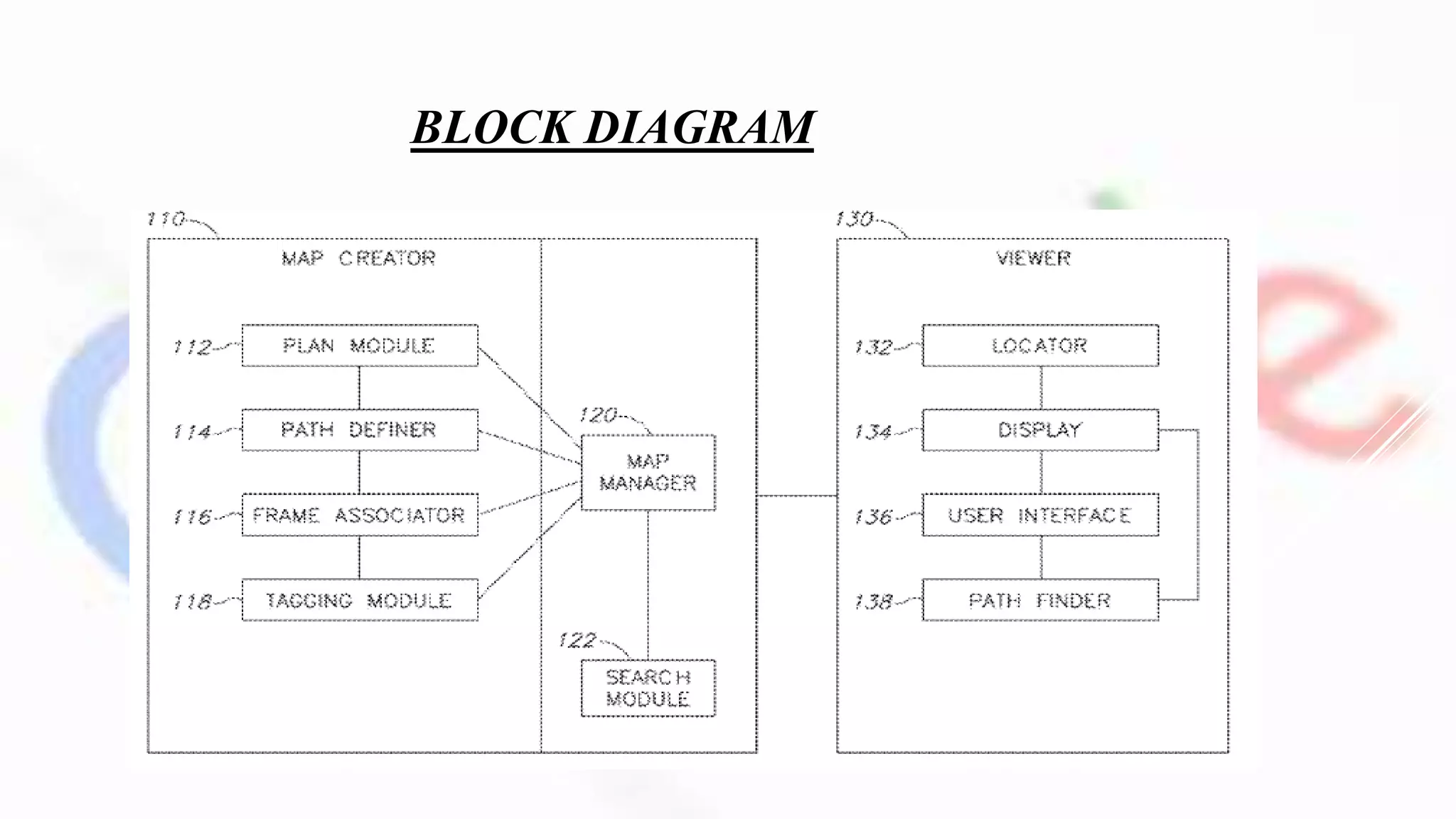
BLOCK DIAGRAM
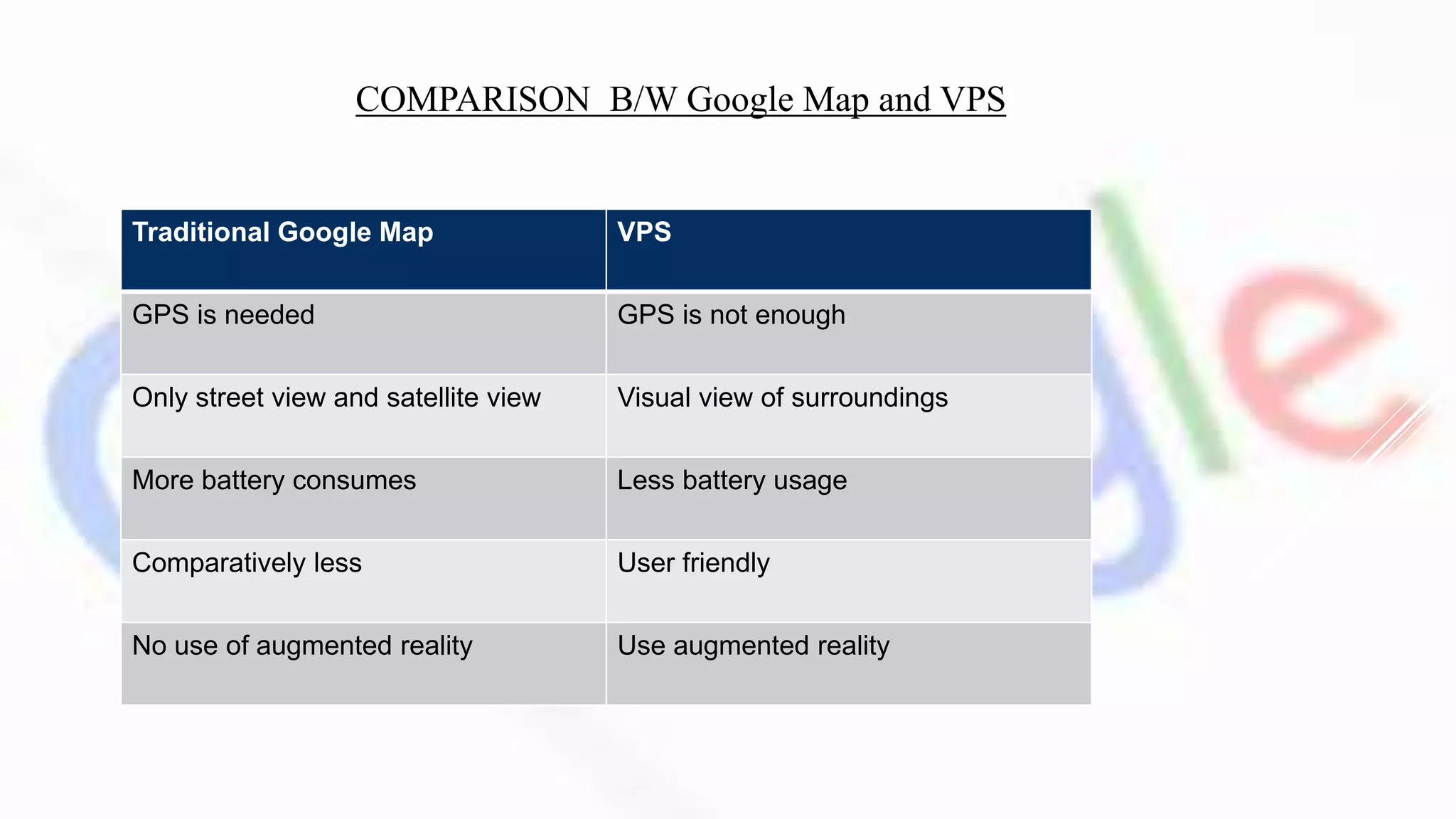
Traditional Google Map VPS
GPS is needed GPS is not enough
Only street view and satellite view Visual view of surroundings
More battery consumes Less battery usage
Comparatively less User friendly
No use of augmented reality Use augmented reality
COMPARISON B/W Google Map and VPS
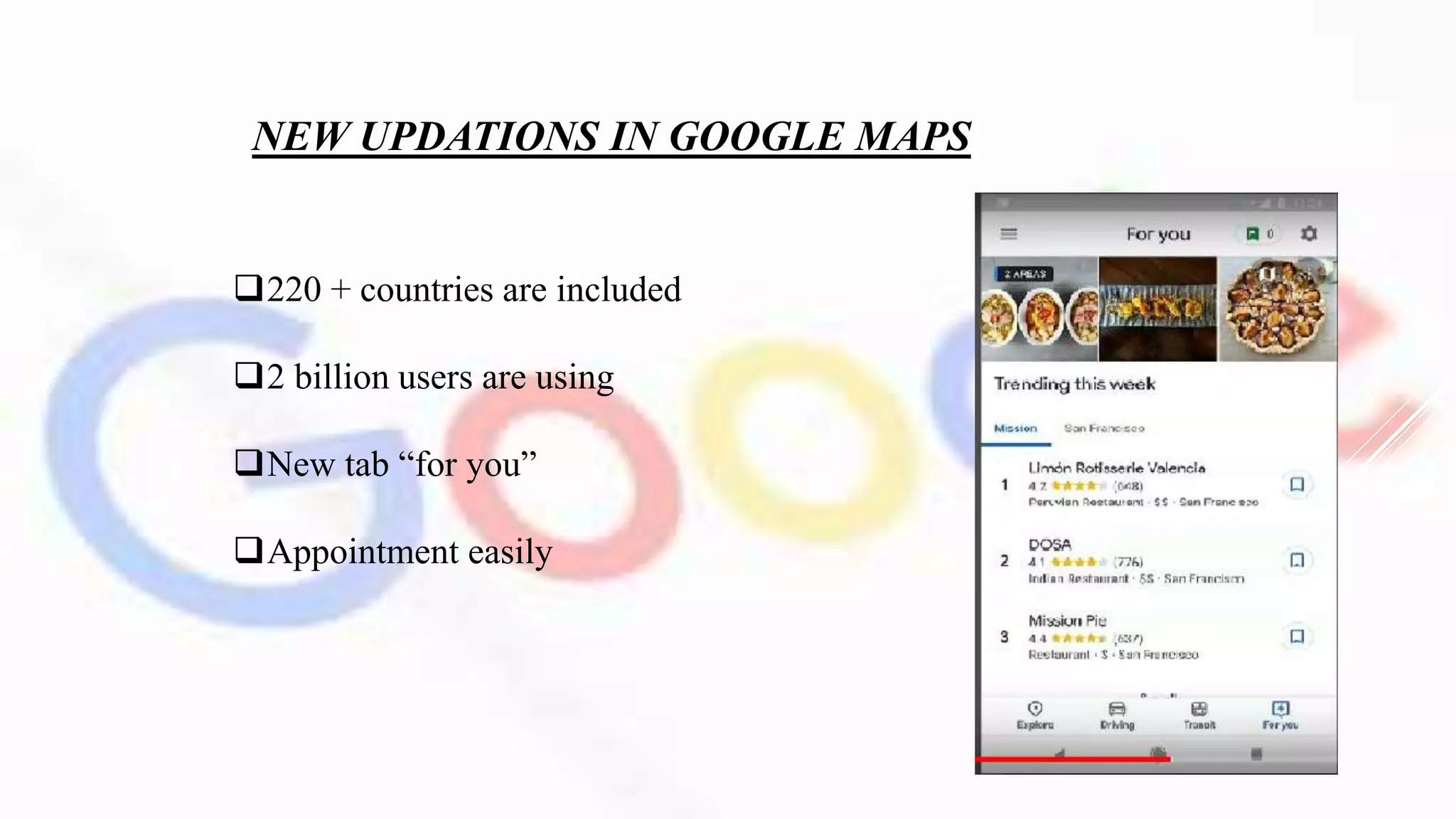
NEW UPDATIONS IN GOOGLE MAPS
220 + countries are included
2 billion users are using
New tab “for you”
Appointment easily
ADVANTAGE
Reduced battery usage
GPS is not required
User friendly
Very useful in urban areas
DISADVANTAGES
Need high quality camera
Camera failure
Internet is required [4G or above]
CONCLUSION
Technology is deeply influenced in our daily life. Visual
positioning system replace the Google maps. Google is
“combining the power of the camera and computer vision with
Street view and Maps to re imagine walking navigation.” and
also use the benefits of augmented reality.
REFERENCES
Google I/O keynote 2018 in youtube.
https://code4developers.com/vps-visual-positioning-system/
https://www.androidauthority.com/google-maps-visual-
positioning-system-navigation-863139/
visual Positioning System

visual Positioning System

  • 2.
    Prepared by ILYAS ARAFATHK K NO:109 CSE Dept MEA ENGINEERING COLLEGE Perinthalmanna
  • 3.
    INTRODUCTION  Google I/Oconference, showed “combining the power of the camera and computer vision with Street view and Maps to reimagine walking navigation.”
  • 4.
    How users wouldoften have to move around in the real world to line themselves up with the blue dot marking their location in Maps. To avoid any such confusion, Google Maps will instead display blown-up 3D directions such as lit-up arrows and precise steps like “6th street is 100 feet away.”
  • 5.
    HISTORY Google Maps firststarted as a C++ program designed by two Danish brothers, Lars and Jens Eilstrup Rasmussen. The application was first announced on the Google Blog on February 8, 2005 and was located at Google. In September 2005 , Google Maps quickly updated its satellite imagery to allow users to view the extent of the flooding in various parts of that city.
  • 6.
    In October 2009their team introduced US version of Maps and use their own data. On January 29, 2013, Google Maps was updated to include a map of North Korea On June 27, 2016, Google rolled out new satellite imagery worldwide sourced from Landsat 8, comprising over 700 trillion pixels of new data  May 2018 Google announced major changes to the API structure Aparna Chennapragada introduced one of the best new features: visual guidance and Visual Positioning System in Google Maps Navigation.
  • 7.
    HOW IT WORKS Tapa button to activate visual view . It just point your camera where you need to go to see relevant info. Arrows pointing you in the direction you need to go, with a small map at the bottom to remind you where you are headed.
  • 8.
     Finally, theMaps team has also been experimenting with a digital avatar  That can help further guide users, with a cartoon fox shown off as an example.  A smaller version of the traditional Maps experience will be displayed on the lower half of the screen, should it be needed.  It would automatically highlight points of interest nearby, such as cafés or retail stores.  The data retrieve under the Google lens technology ‘smart selection’ .
  • 9.
  • 10.
    Traditional Google MapVPS GPS is needed GPS is not enough Only street view and satellite view Visual view of surroundings More battery consumes Less battery usage Comparatively less User friendly No use of augmented reality Use augmented reality COMPARISON B/W Google Map and VPS
  • 11.
    NEW UPDATIONS INGOOGLE MAPS 220 + countries are included 2 billion users are using New tab “for you” Appointment easily
  • 12.
    ADVANTAGE Reduced battery usage GPSis not required User friendly Very useful in urban areas
  • 13.
    DISADVANTAGES Need high qualitycamera Camera failure Internet is required [4G or above]
  • 14.
    CONCLUSION Technology is deeplyinfluenced in our daily life. Visual positioning system replace the Google maps. Google is “combining the power of the camera and computer vision with Street view and Maps to re imagine walking navigation.” and also use the benefits of augmented reality.
  • 15.
    REFERENCES Google I/O keynote2018 in youtube. https://code4developers.com/vps-visual-positioning-system/ https://www.androidauthority.com/google-maps-visual- positioning-system-navigation-863139/