Exploring Google Maps
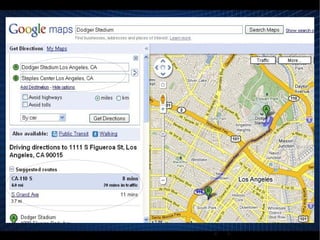
Google Maps A web mapping service application and technology provided by Google. Google Maps can be accessed through the web by going to its main site,  http://maps.google.com .
street mapping
route planning
urban business locator What does Google Maps offer?
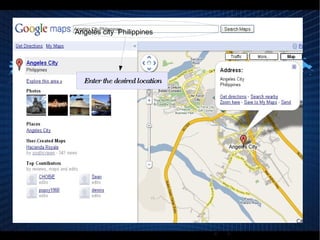
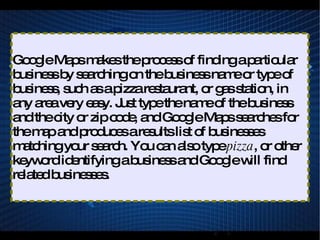
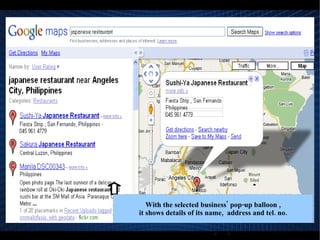
Why use Google Maps? Google Maps provides locations of establishments like businesses with their address and contact number. With its user-friendly interface, Google shows results available in text and on the map by just typing the desired place.
Modify How Google Maps Appears
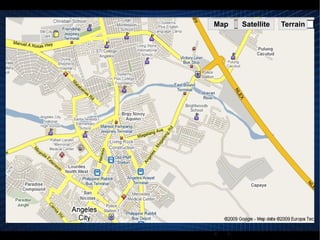
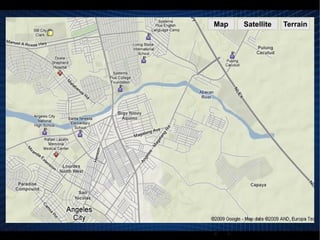
Map button It similar to a street map.
It has a gray background.
The small roads are colored white, larger roads are yellow and major highways and interstates are colored orange.
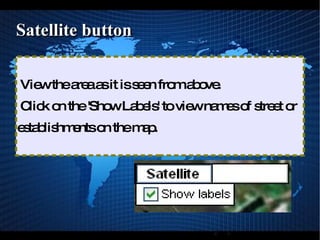
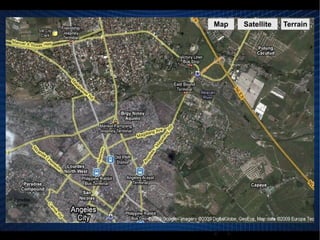
Satellite button View the area as it is seen from above.
Click on the 'Show Labels' to view names of street or establishments on the map.
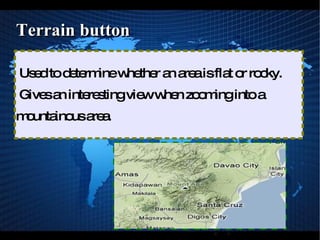
Terrain button Used to determine whether an area is flat or rocky.
Gives an interesting view when zooming into a mountainous area.


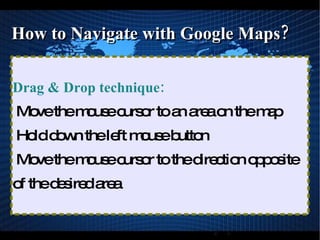
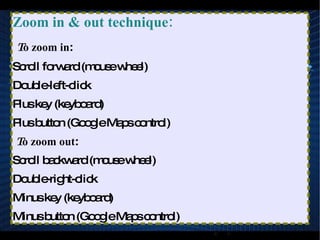
How to Navigate with Google Maps?
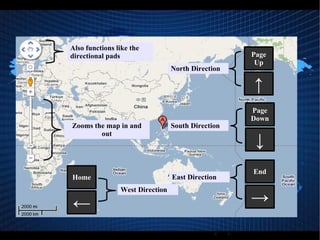
How to Navigate with Google Maps? When Moving North Direction : Up arrow key : to move a small amount
Page up key : to move a larger amount
Up button : to move half the area the  Page Up key provides
How to Navigate with Google Maps? When Moving South Direction: Down arrow key :  to move a small amount
Page down key :  to move a larger amount
Down button : to move half the area the  Page Down key provides
How to Navigate with Google Maps? When Moving West Direction: Left arrow key :  to move a small amount
Home key :  to move a larger amount
Left button : to move half the area the  Home key provides
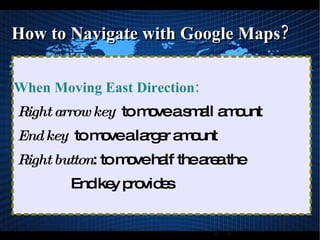
How to Navigate with Google Maps? When Moving East Direction: Right arrow key :  to move a small amount
End key :  to move a larger amount
Right button : to move half the area the  End key provides

5 Google Maps