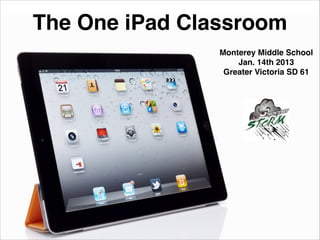
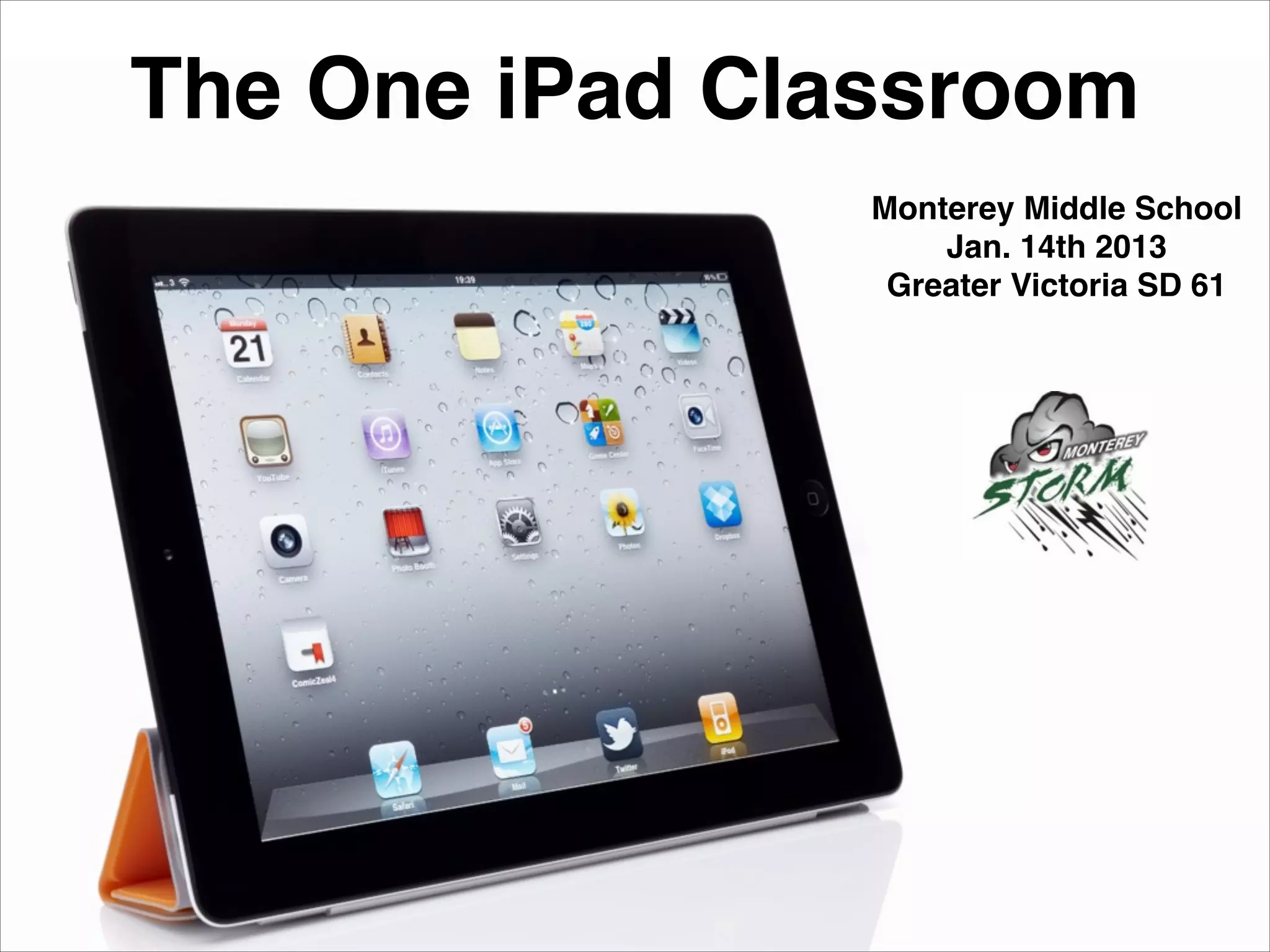

The One iPad Classroom
Monterey Middle School!
Jan. 14th 2013!
Greater Victoria SD 61
Dave Shortreed
Coordinator of
Educational Technology!
Greater Victoria SD 61!
@mr_shortreed
www.daveshortreed.com!
!

Tweet to #sd61learn
Team Work

http://commons.wikimedia.org/wiki/File:Working_Together_Teamwork_Puzzle_Concept.jpg
Collaboration and Innovation

http://commons.wikimedia.org/wiki/File:Farm_silos.jpg
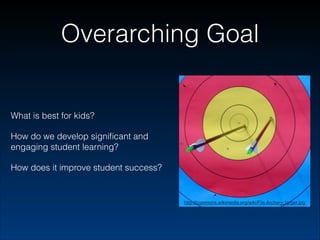
Overarching Goal

What is best for kids?
How do we develop significant and
engaging student learning?
How does it improve student success?

http://commons.wikimedia.org/wiki/File:Archery_target.jpg
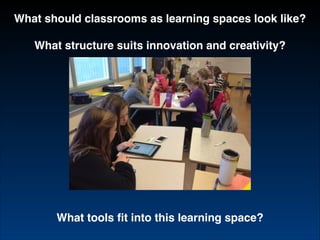
What should classrooms as learning spaces look like?!
!

What structure suits innovation and creativity?

What tools fit into this learning space?
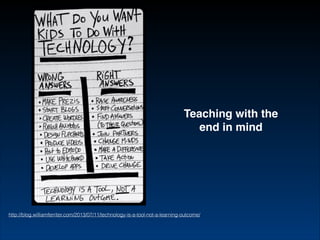
Teaching with the
end in mind

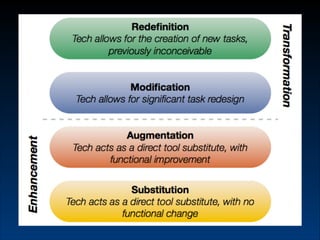
http://blog.williamferriter.com/2013/07/11/technology-is-a-tool-not-a-learning-outcome/
http://commons.wikimedia.org/wiki/File:Archery_target.jpg
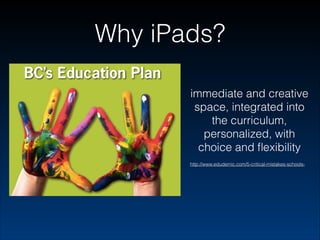
Why iPads?
immediate and creative
space, integrated into
the curriculum,
personalized, with
choice and flexibility
http://www.edudemic.com/5-critical-mistakes-schools-
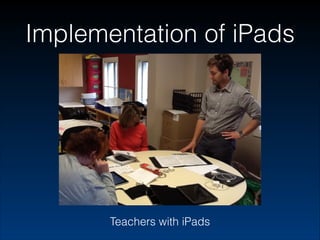
Implementation of iPads

Teachers with iPads
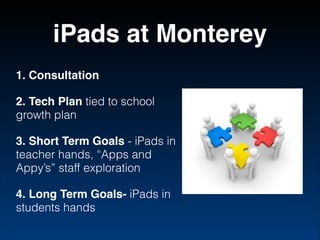
iPads at Monterey
1. Consultation!
2. Tech Plan tied to school
growth plan
3. Short Term Goals - iPads in
teacher hands, “Apps and
Appy’s” staff exploration
4. Long Term Goals- iPads in
students hands
“how a small suite of apps related to annotating, curation, and image,
audio, and video production that [can] support a diverse student
performances of understanding”
(Daccord, 2013)
Apps can’t do everything
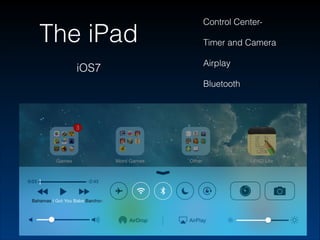
The iPad
iOS7

Control CenterTimer and Camera
Airplay
Bluetooth
Searching for Apps
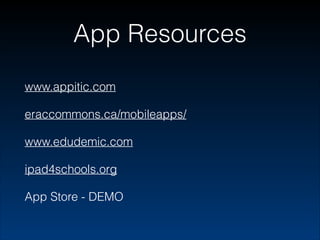
App Resources
www.appitic.com
eraccommons.ca/mobileapps/
www.edudemic.com
ipad4schools.org
App Store - DEMO
Evergreen Apps
not tied to content!
limitless instructional possibilities!
integrate to foster creativity and innovation!
creating, annotating, curating!

http://www.eschoolnews.com/2013/05/28/the-evergreen-ipadwhy-all-your-apps-should-fit-on-one-screen/
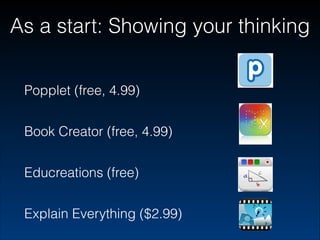
As a start: Showing your thinking
!

Popplet (free, 4.99)
!

Book Creator (free, 4.99)
!

Educreations (free)
!

Explain Everything ($2.99)
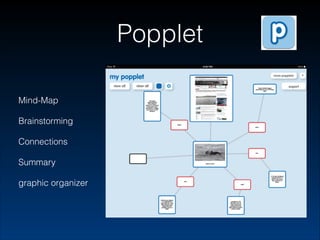
Popplet
Mind-Map
Brainstorming
Connections
Summary
graphic organizer
Book Creator
non-fiction report writing
digital storytelling
photo, video, audio, animation,
paint, text
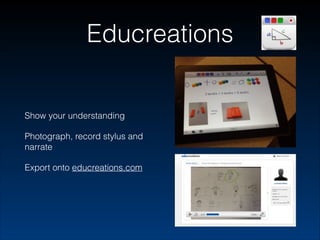
Educreations

Show your understanding
Photograph, record stylus and
narrate
Export onto educreations.com
Explain Everything
peer- editing
pre-made slides
reflections/assessments
presentations
www.explainingunderstanding.com
Show and Tell
3 minutes

How do you see yourself using
the iPad in your classroom?

Anyone willing to share out?
Using the iPad as
a teacher
iCloud Benefits:
contacts, calendars,
safari, notes, keychain,
photos, back up, find my
iPad
icloud.com - access from
any computer
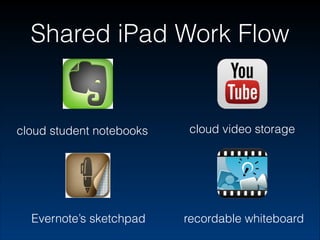
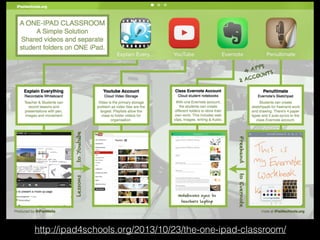
Shared iPad Work Flow

cloud student notebooks

Evernote’s sketchpad

cloud video storage

recordable whiteboard
Resources
Twitter - #sd61learn
!

daveshortreed.com/TEC-package
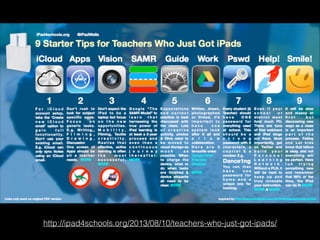
http://ipad4schools.org/2013/08/10/teachers-who-just-got-ipads/
http://ipad4schools.org/2013/10/23/the-one-ipad-classroom/

The One iPad Classroom