INTERNET, WWW AND E-MAIL
TOPIC 2: BROWSING THE
INTERNET
OUTLINES















WHAT IS INTERNET?
WHAT IS WWW?
DIFFERENCE BETWEEN WWW AND INTERNET
HOW DOES THE WWW WORK?

WHAT IS INFORMATION RESOURCE?
WHAT IS URL?
WHAT IS WEB SITE?
WHAT IS PAGE?
WHAT IS HYPERLINK
WHAT IS WEB APPLICATION?
WEB BROWSER?
WHAT IS FTP?
WHAT IS SEARCH ENGINE?
WHAT IS ISP?
INTERNET
 Is all the computers that are

connected together into a
large, global network so that they
can talk to each other.
THE WORLD WIDE WEB
 Is a collection of interlinked documents

(web pages) that can be accessed via
Internet..
 It s a virtual space in which information
could be shared or exchanged.
 We need computer language: HTML
(hypertext mark up language), to could
locate documents on the www on different
computers.
Difference between WWW and
Internet
The Internet and the Web are not the same.

Internet

WWW

•The Internet is a massive
network of networks.
•It connects millions of
computers together globally,
• forming a network in which any
computer can communicate with
any other computer as long as
they are both connected to the
Internet.
• Information travels over the
Internet using a variety of
languages known as protocols.

•The World Wide Web, or simply
Web,
•is a way of accessing
information over the medium of
the Internet.
•The Web uses the HTTP
protocol, only one of the
languages spoken over the
Internet, to transmit data.
How Does the WWW Work?
 Web information is stored in documents

called Web pages
 Web pages are files stored on
computers called Web servers
 Computers reading the Web pages are
called Web clients
 Web clients view the pages with a
program called a Web browser
INFORMATION RESOURCE
 Is identified by Uniform Resource

Identifier and may be a web page,
image, video, or other piece of content.
 Simply, is a document or information
resource that is suitable for the world
wide web and can be accessed through
a web browser and displayed on a
monitor or mobile device.
 Hyperlinks present in resources enable
users to easily navigate their browsers
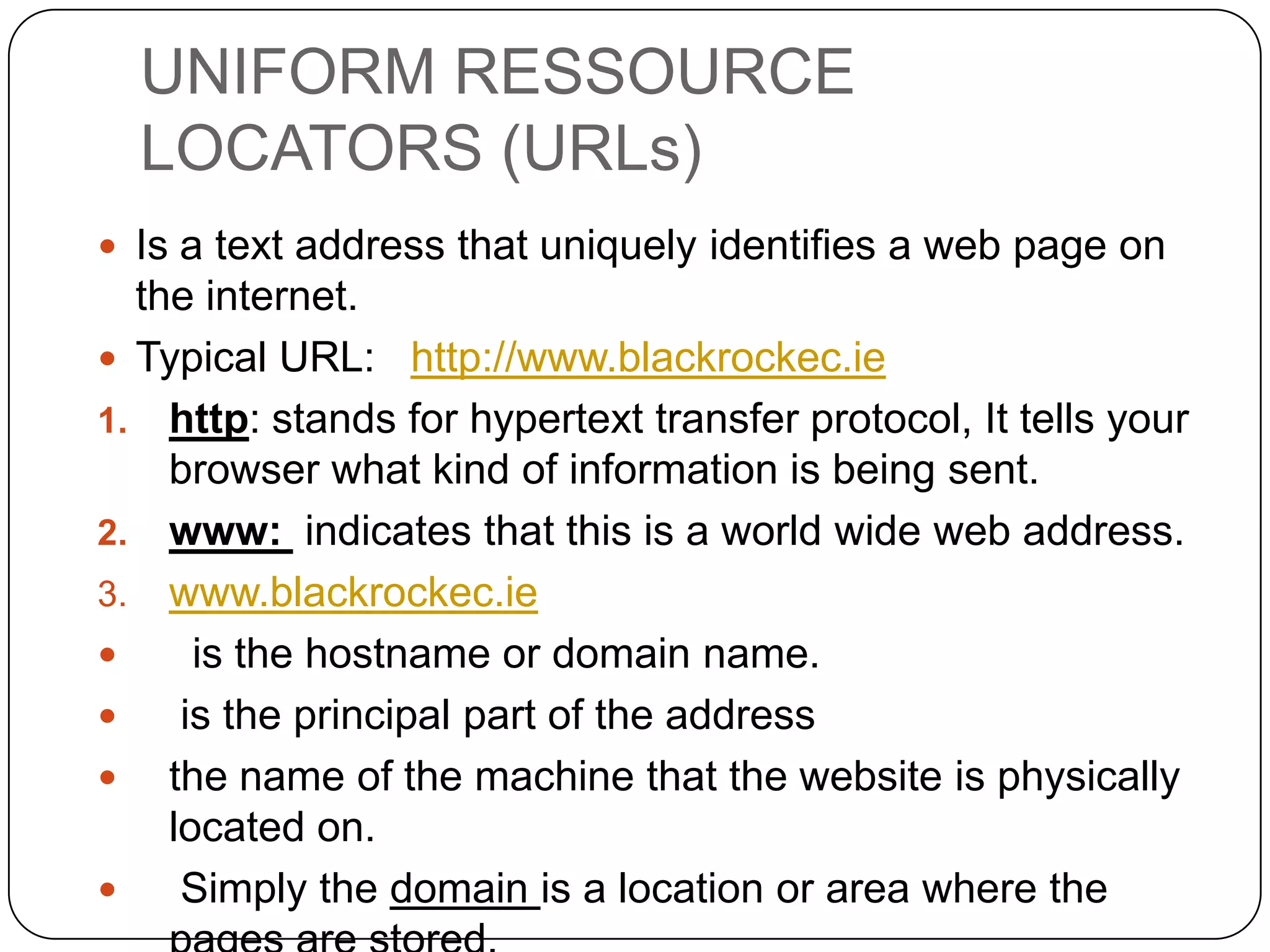
UNIFORM RESSOURCE
LOCATORS (URLs)
 Is a text address that uniquely identifies a web page on

the internet.
 Typical URL: http://www.blackrockec.ie
1. http: stands for hypertext transfer protocol, It tells your
browser what kind of information is being sent.
2. www: indicates that this is a world wide web address.
3. www.blackrockec.ie

is the hostname or domain name.

is the principal part of the address
 the name of the machine that the website is physically
located on.

Simply the domain is a location or area where the
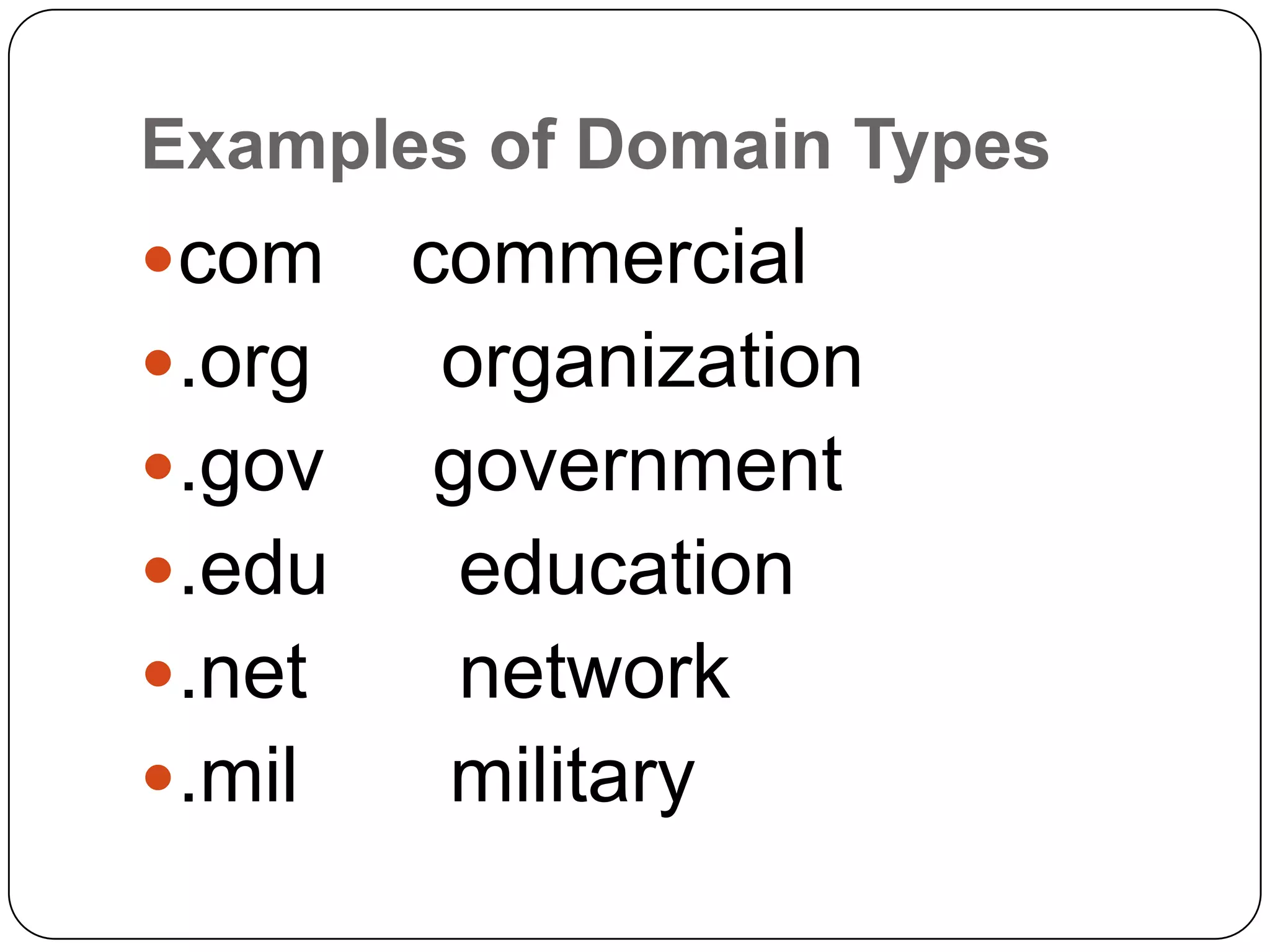
Examples of Domain Types
com

.org
.gov

.edu
.net

.mil

commercial
organization
government
education
network
military
WEB SITE
 A website (alternatively, Web site

or web site) is a collection of Web
pages, images, videos or other
digital assets that is hosted on one
or several Web server(s), usually
accessible via the Internet, cell
phone or a LAN.
WEB PAGE
 A Web page is a

document, typically written in
HTML, that is almost always
accessible via HTTP, a protocol that
transfers information from the Web
server to display in the user's Web
browser.
HYPERLINK
 Is a piece of text, an object or graphic

that acts like a button.
 Clicking a hyperlink performs an
action such as moving to another site
altogether.
 Anything that changes the cursor to
the hand cursor as you move it is
normally a hyperlink.
WEB APPLICATION
 A web application is a web site

designed to do more presenting
pages and hypermedia links, but
also act as a front end of data
processing. A good example of web
application is search engine
WEB BROWSER
 Is an application that enable users to

view individual web pages or the
collections of linked web pages that
comprise websites
 In Microsoft windows the most
commonly used browser is Internet
Explorer,
 although popular alternatives, such
as FireFox and opera are also
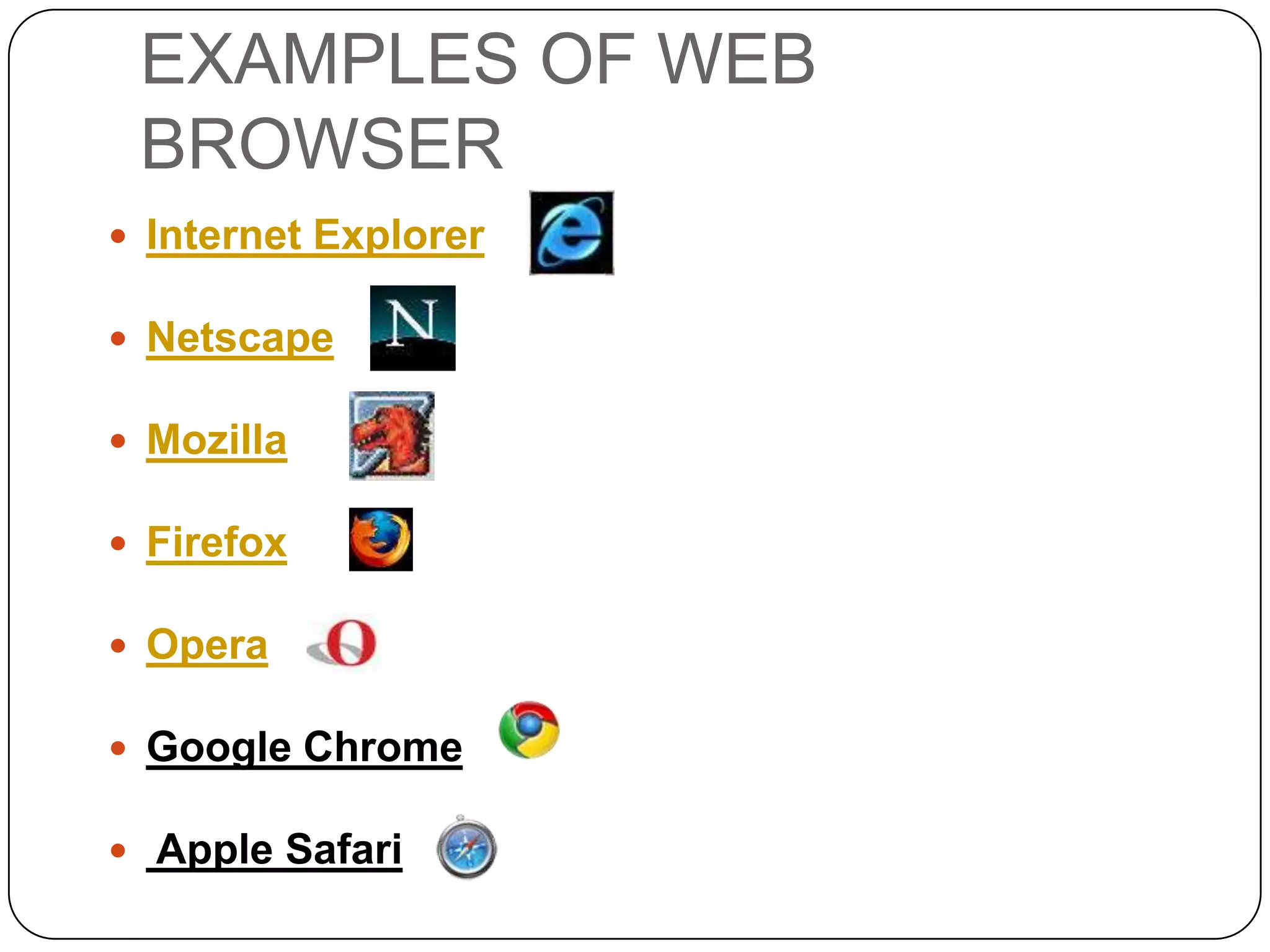
EXAMPLES OF WEB
BROWSER
 Internet Explorer

 Netscape
 Mozilla

 Firefox
 Opera
 Google Chrome
 Apple Safari
FILE TRANSFER PROTOCOL
 Is a recognized format that enables

users to transfer files between
different computers on the internet.
 FTP works in much the same way as
HTTP.
 HTTP works for transferring web
pages from a server to the user’s
browser.
SEARCH ENGINE
 Is a website that helps users to find other

websites using a searchable database.
 which searches for information on the
public World Wide Web.
 Information may consist of web
pages, images and other types of files.
ISP: Internet Service Provider
Example: Omantel

EXAMPLE OF SEARCHE
ENGINES

 Alexa Internet
 Ask.com
 Exalead
 Gigablast
 Google

 search.live
 Live Search
 MozDex
 WiseNut
 Yahoo! Search
ISP
 ISP: Internet Service Provider

 Example: Omantel

Web browsing and Internet termenologies

  • 1.
    INTERNET, WWW ANDE-MAIL TOPIC 2: BROWSING THE INTERNET
  • 2.
    OUTLINES               WHAT IS INTERNET? WHATIS WWW? DIFFERENCE BETWEEN WWW AND INTERNET HOW DOES THE WWW WORK? WHAT IS INFORMATION RESOURCE? WHAT IS URL? WHAT IS WEB SITE? WHAT IS PAGE? WHAT IS HYPERLINK WHAT IS WEB APPLICATION? WEB BROWSER? WHAT IS FTP? WHAT IS SEARCH ENGINE? WHAT IS ISP?
  • 3.
    INTERNET  Is allthe computers that are connected together into a large, global network so that they can talk to each other.
  • 4.
    THE WORLD WIDEWEB  Is a collection of interlinked documents (web pages) that can be accessed via Internet..  It s a virtual space in which information could be shared or exchanged.  We need computer language: HTML (hypertext mark up language), to could locate documents on the www on different computers.
  • 5.
    Difference between WWWand Internet The Internet and the Web are not the same. Internet WWW •The Internet is a massive network of networks. •It connects millions of computers together globally, • forming a network in which any computer can communicate with any other computer as long as they are both connected to the Internet. • Information travels over the Internet using a variety of languages known as protocols. •The World Wide Web, or simply Web, •is a way of accessing information over the medium of the Internet. •The Web uses the HTTP protocol, only one of the languages spoken over the Internet, to transmit data.
  • 6.
    How Does theWWW Work?  Web information is stored in documents called Web pages  Web pages are files stored on computers called Web servers  Computers reading the Web pages are called Web clients  Web clients view the pages with a program called a Web browser
  • 7.
    INFORMATION RESOURCE  Isidentified by Uniform Resource Identifier and may be a web page, image, video, or other piece of content.  Simply, is a document or information resource that is suitable for the world wide web and can be accessed through a web browser and displayed on a monitor or mobile device.  Hyperlinks present in resources enable users to easily navigate their browsers
  • 8.
    UNIFORM RESSOURCE LOCATORS (URLs) Is a text address that uniquely identifies a web page on the internet.  Typical URL: http://www.blackrockec.ie 1. http: stands for hypertext transfer protocol, It tells your browser what kind of information is being sent. 2. www: indicates that this is a world wide web address. 3. www.blackrockec.ie  is the hostname or domain name.  is the principal part of the address  the name of the machine that the website is physically located on.  Simply the domain is a location or area where the
  • 9.
    Examples of DomainTypes com .org .gov .edu .net .mil commercial organization government education network military
  • 10.
    WEB SITE  Awebsite (alternatively, Web site or web site) is a collection of Web pages, images, videos or other digital assets that is hosted on one or several Web server(s), usually accessible via the Internet, cell phone or a LAN.
  • 11.
    WEB PAGE  AWeb page is a document, typically written in HTML, that is almost always accessible via HTTP, a protocol that transfers information from the Web server to display in the user's Web browser.
  • 12.
    HYPERLINK  Is apiece of text, an object or graphic that acts like a button.  Clicking a hyperlink performs an action such as moving to another site altogether.  Anything that changes the cursor to the hand cursor as you move it is normally a hyperlink.
  • 13.
    WEB APPLICATION  Aweb application is a web site designed to do more presenting pages and hypermedia links, but also act as a front end of data processing. A good example of web application is search engine
  • 14.
    WEB BROWSER  Isan application that enable users to view individual web pages or the collections of linked web pages that comprise websites  In Microsoft windows the most commonly used browser is Internet Explorer,  although popular alternatives, such as FireFox and opera are also
  • 15.
    EXAMPLES OF WEB BROWSER Internet Explorer  Netscape  Mozilla  Firefox  Opera  Google Chrome  Apple Safari
  • 16.
    FILE TRANSFER PROTOCOL Is a recognized format that enables users to transfer files between different computers on the internet.  FTP works in much the same way as HTTP.  HTTP works for transferring web pages from a server to the user’s browser.
  • 17.
    SEARCH ENGINE  Isa website that helps users to find other websites using a searchable database.  which searches for information on the public World Wide Web.  Information may consist of web pages, images and other types of files.
  • 18.
    ISP: Internet ServiceProvider Example: Omantel EXAMPLE OF SEARCHE ENGINES  Alexa Internet  Ask.com  Exalead  Gigablast  Google  search.live  Live Search  MozDex  WiseNut  Yahoo! Search
  • 19.
    ISP  ISP: InternetService Provider  Example: Omantel