Using RSS Personally and Professionally

Loading...

Flash Player 9 (or above) is needed to view presentations.
We have detected that you do not have it on your computer. To install it, go here.

0 comments

Post a comment

    Post a comment
    Embed Video
    Edit your comment Cancel

    10 Favorites

    Using RSS Personally and Professionally - Presentation Transcript

    1. Using RSS Personally & Professionally Patricia F. Anderson <pfa@umich.edu> Health Sciences Libraries, UM June 6, 2007 © 2007 Regents of the University of Michigan. All rights reserved.
    2. What is RSS?
      • Colloquially referred to as Really Simple Syndication.
      • “ RSS is … used to publish frequently updated content such as blog entries, news headlines or podcasts. An RSS document, which is called a &quot;feed,&quot; &quot;web feed,&quot; or &quot;channel,&quot; contains either a summary of content from an associated web site or the full text. RSS makes it possible for people to keep up with their favorite web sites in an automated manner that's easier than checking them manually.”
        • RSS. Wikipedia: http://en.wikipedia.org/wiki/RSS_(file_format)
    3. Types of Information RSS Can Bring to You
      • Clinical Guidelines
      • Grant Opportunities
      • Journal Table of Contents
      • News Headlines
      • News Search Results
      • Organizational News & Updates
      • PubMed Search Results
      • Web Searches
      • Web 2.0
        • Blogs
        • Blog Search Results
        • Del.icio.us
        • Flickr Groups
        • Wikis
        • Youtube
        • more …
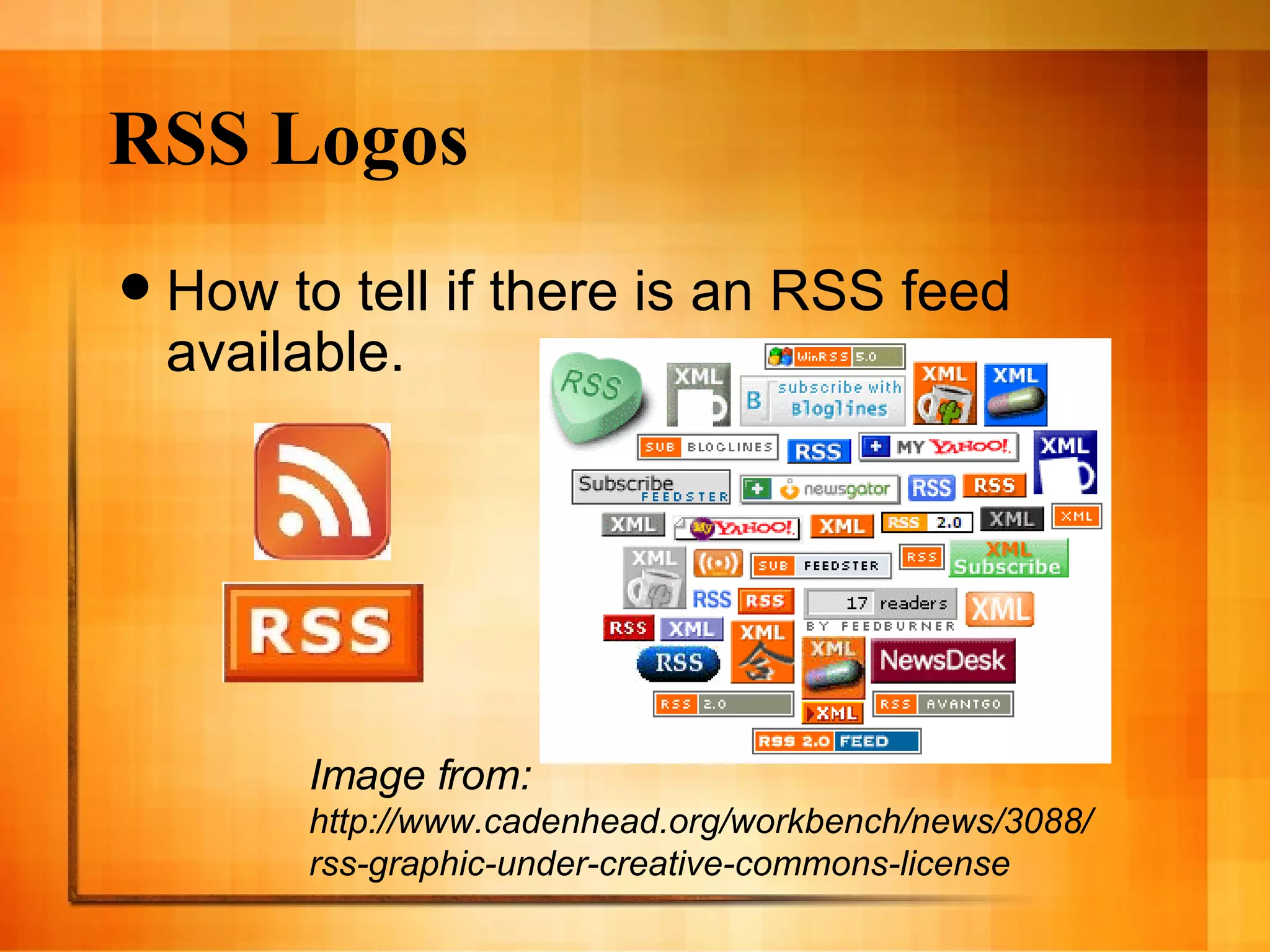
    4. RSS Logos
      • How to tell if there is an RSS feed available.
      Image from: http://www.cadenhead.org/workbench/news/3088/rss-graphic-under-creative-commons-license
    5. RSS Feed Libraries
      • RSS4Lib: http://www.rss4lib.com
      • RSS Compendium: http://allrss.com/rssfeeds.html
    6. RSS Feed Collections
      • Consumer RSS Feeds on USA.gov: http://www.usa.gov/Topics/Reference_Shelf/Libraries/RSS_Library/Consumer.shtml
      • Council on Federations: Getting Started with RSS: http://www.cof.org/Council/content.cfm?ItemNumber=1723&navItemNumber=1969
    7. RSS Feed Collections: Health / Med / Dent
      • AAFP: RSS Feeds: http://www.aafp.org/online/en/home/aboutus/theaafp/about/helpcenter/rss.html
      • Health RSS Feeds on USA.gov: http://www.usa.gov/Topics/Reference_Shelf/Libraries/RSS_Library/Health.shtml
      • FDA’s RSS News Feeds: http://www.fda.gov/cdrh/rss.html
      • NIDCR RSS Feeds: http://www.nidcr.nih.gov/rss/
      • NIH Library: RSS Feeds for Science and Medicine: http://nihlibrary.nih.gov/ResearchTools/RSSscimed.htm
      • RSS4Medics: http://www.rss4medics.com/
    8. RSS Feeds & Collections: Journals
      • JAMA Current Issue: http://jama.ama-assn.org/rss/current.xml
      • JAMA & Archives: RSS Feeds: http://pubs.ama-assn.org/misc/rssfeed.dtl
      • Lancet: RSS: http://www.thelancet.com/online/rss
      • Nature Webfeeds: http://www.nature.com/webfeeds/index.html
      • NEJM Online Feeds: http://content.nejm.org/rss/
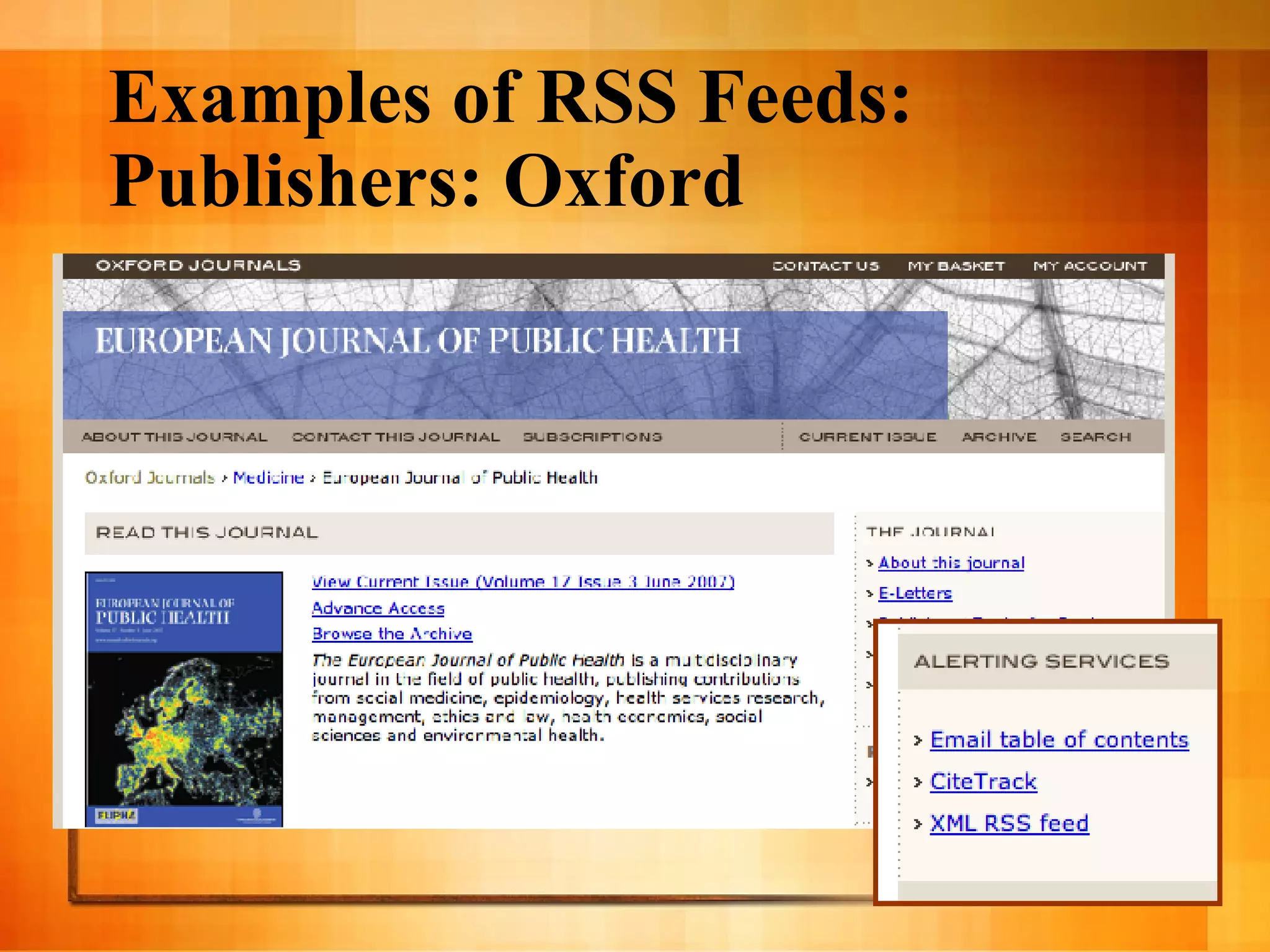
    9. Examples of RSS Feeds: Publishers: Oxford
      • European Journal of Public Health
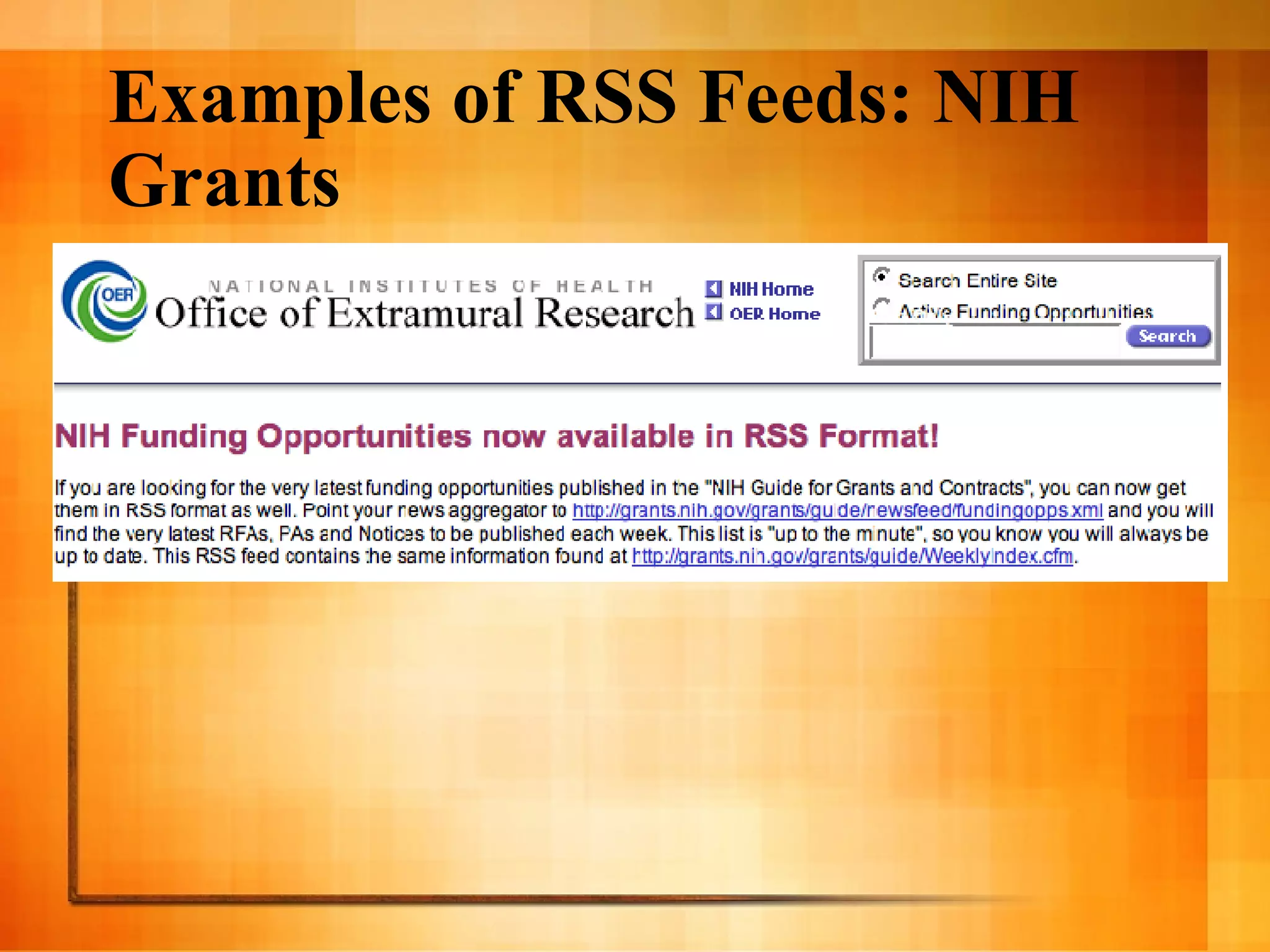
    10. Examples of RSS Feeds: NIH Grants
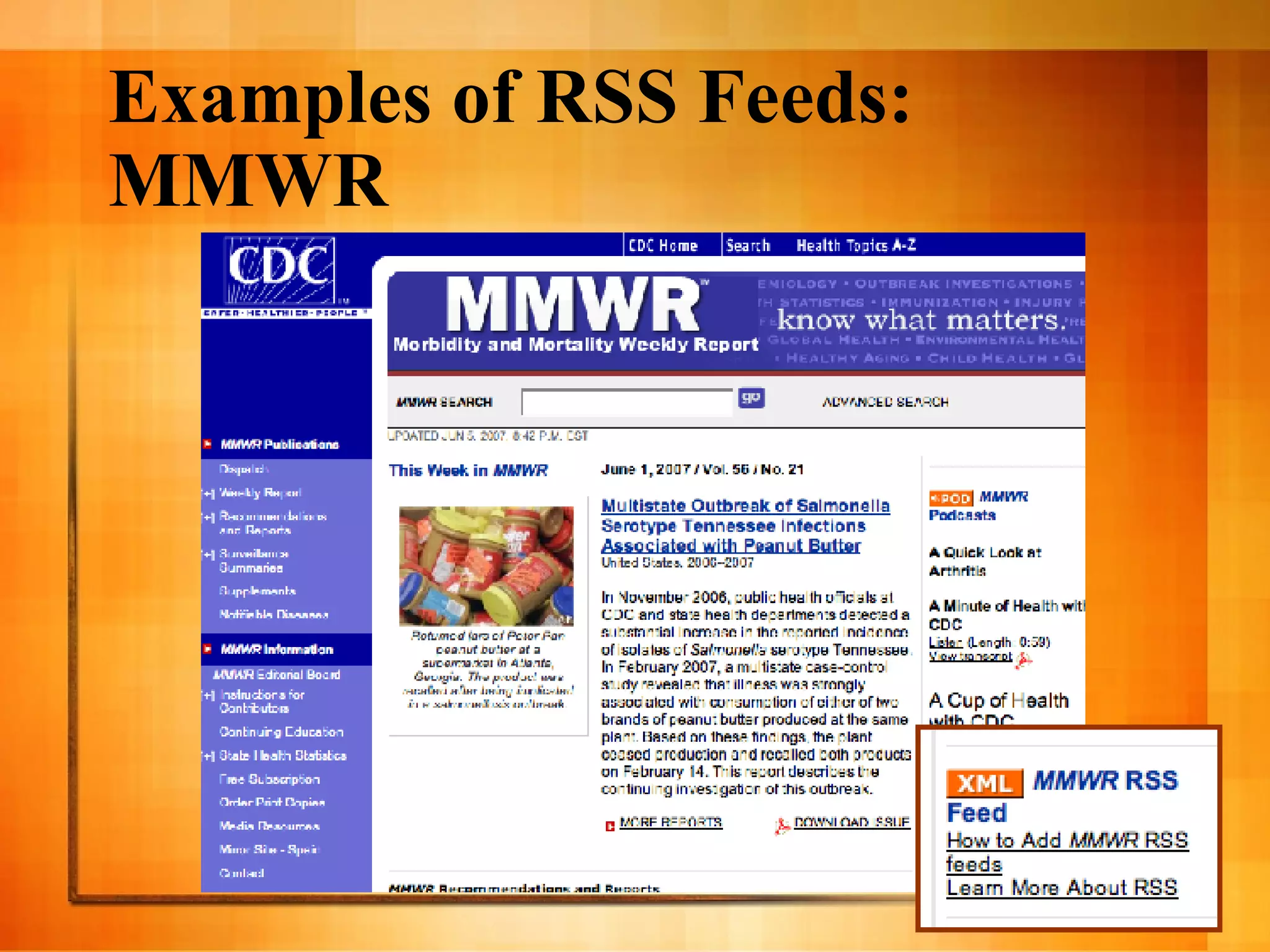
    11. Examples of RSS Feeds: MMWR
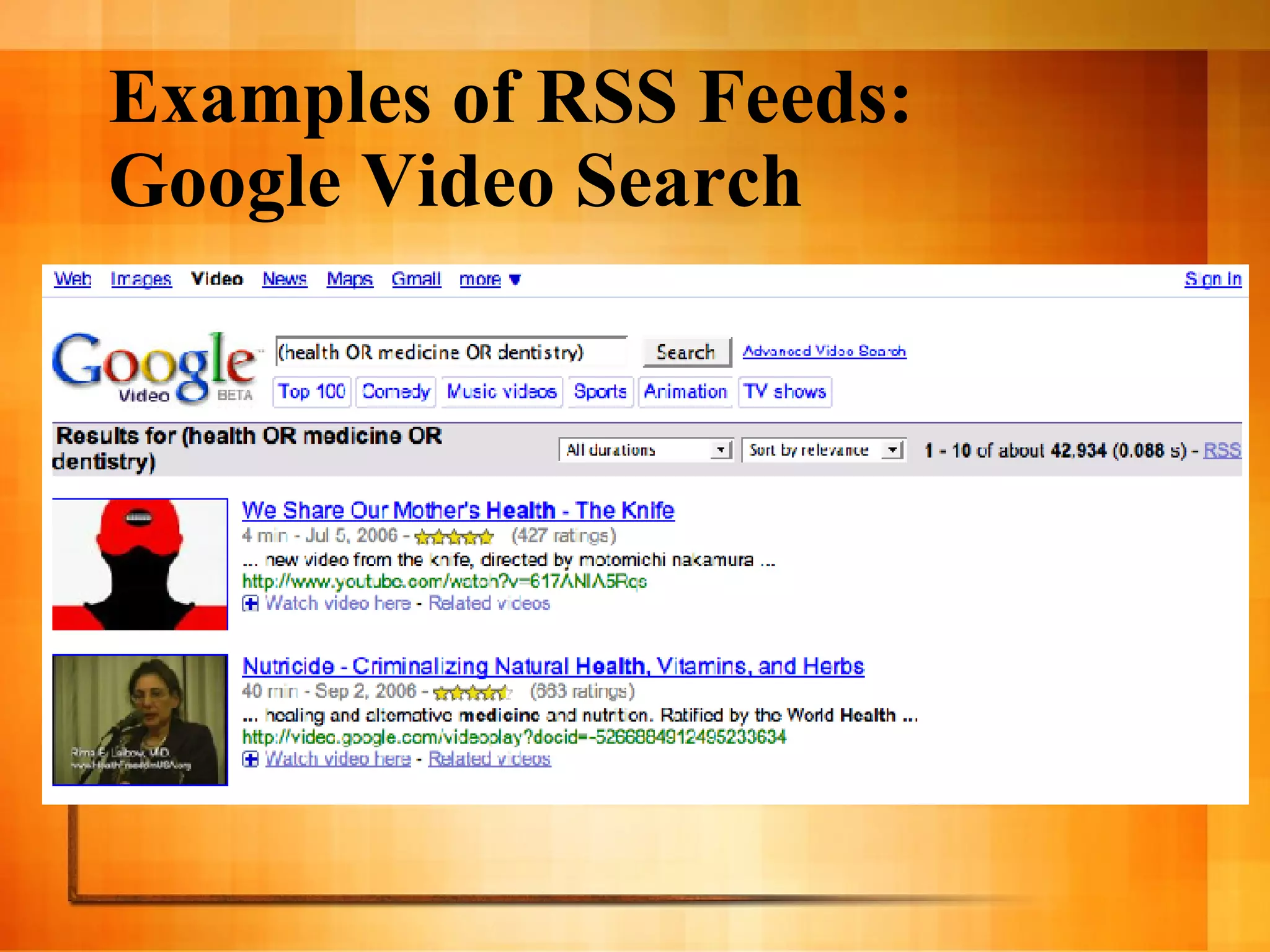
    12. Examples of RSS Feeds: Google Video Search
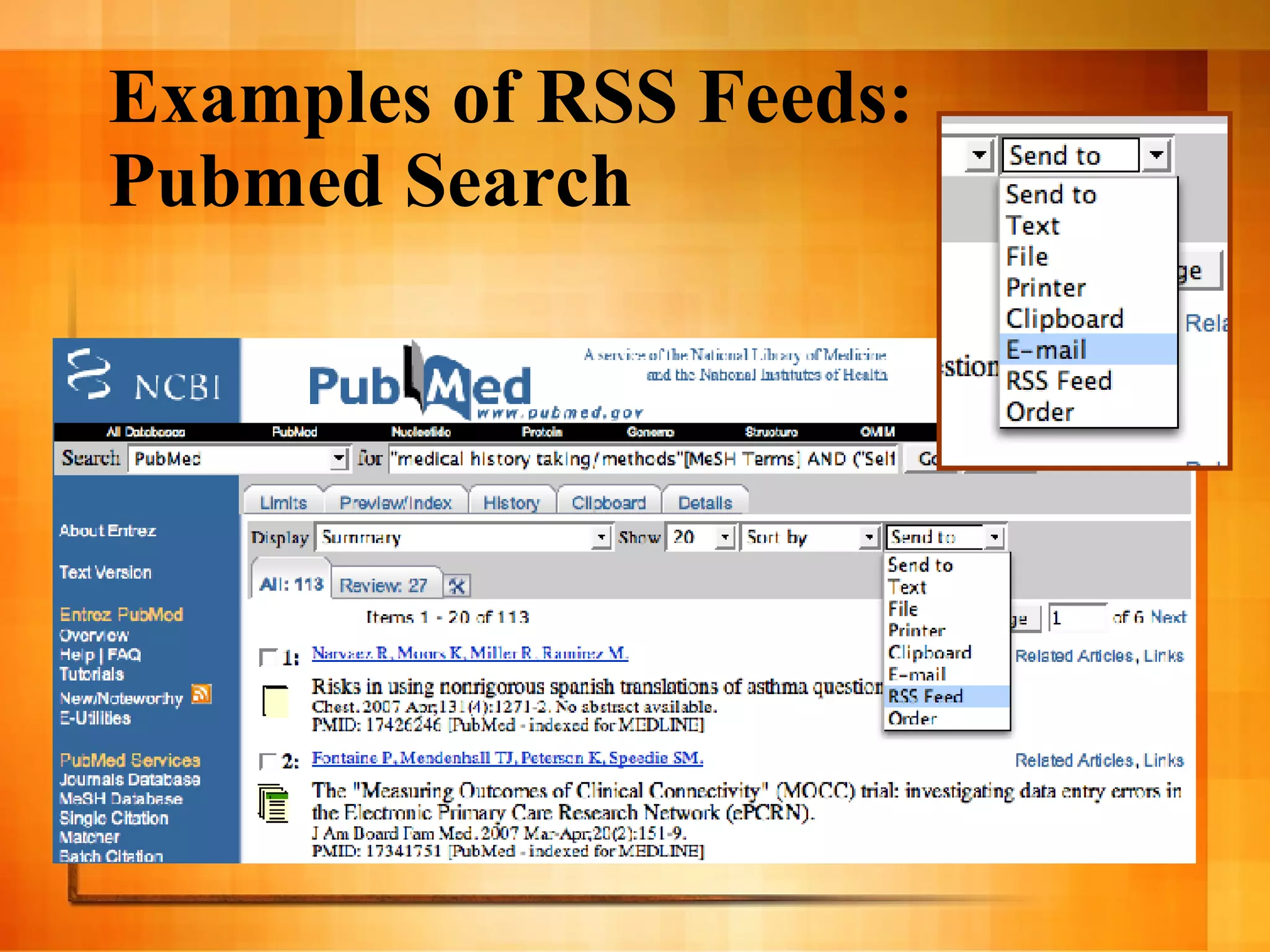
    13. Examples of RSS Feeds: Pubmed Search
    14. Feed Readers and Aggregators
      • Free or Fee
      • Applications
        • Pro: Special features
        • Con: Not portable
      • Web-based
        • Pro: Portability
    15. Feed Readers and Aggregators
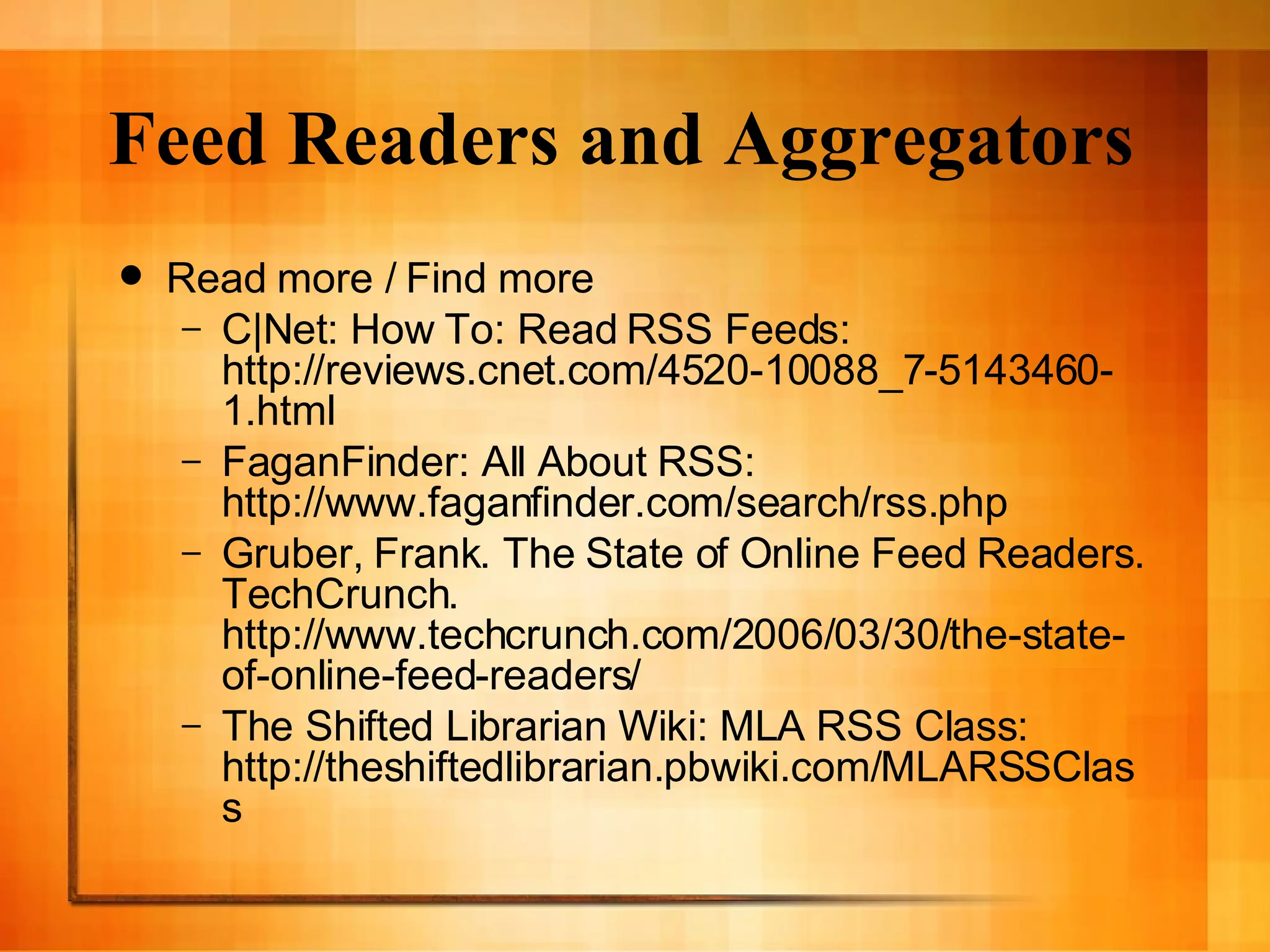
      • Read more / Find more
        • C|Net: How To: Read RSS Feeds: http://reviews.cnet.com/4520-10088_7-5143460-1.html
        • FaganFinder: All About RSS: http://www.faganfinder.com/search/rss.php
        • Gruber, Frank. The State of Online Feed Readers. TechCrunch. http://www.techcrunch.com/2006/03/30/the-state-of-online-feed-readers/
        • The Shifted Librarian Wiki: MLA RSS Class: http://theshiftedlibrarian.pbwiki.com/MLARSSClass
    16. Feed Readers and Aggregators
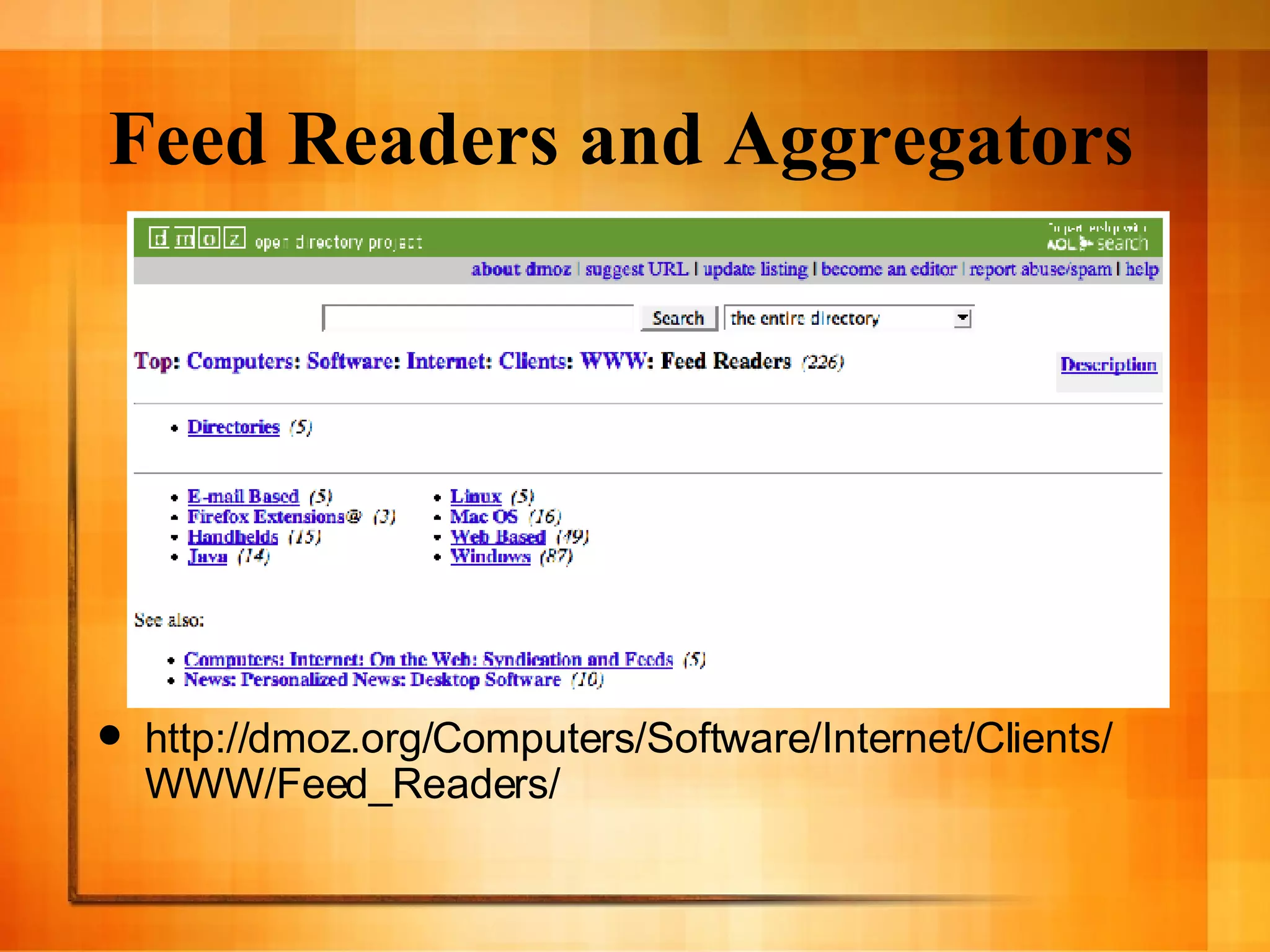
      • http://dmoz.org/Computers/Software/Internet/Clients/WWW/Feed_Readers/
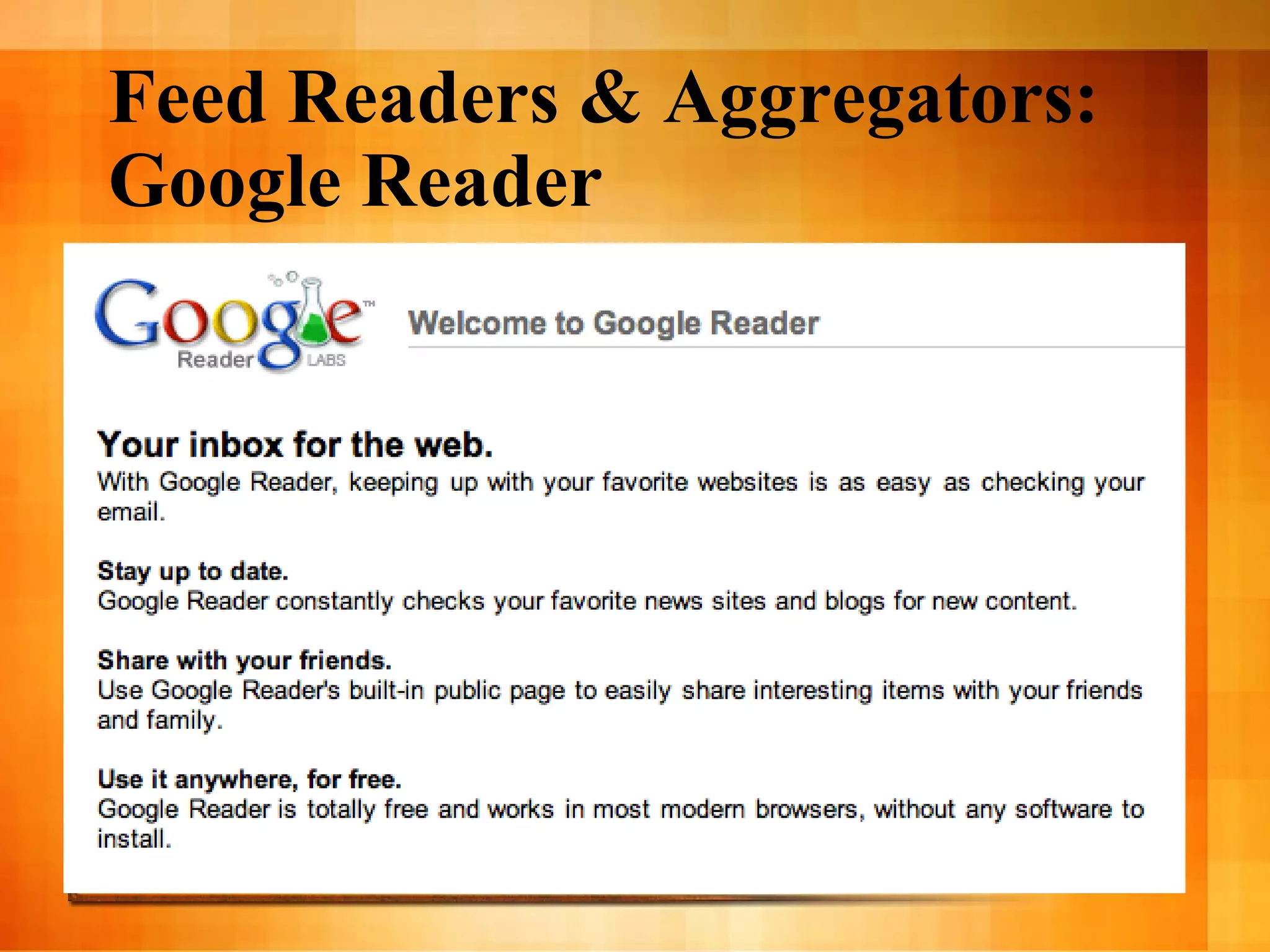
    17. Feed Readers & Aggregators: Google Reader
      • http://reader.google.com/
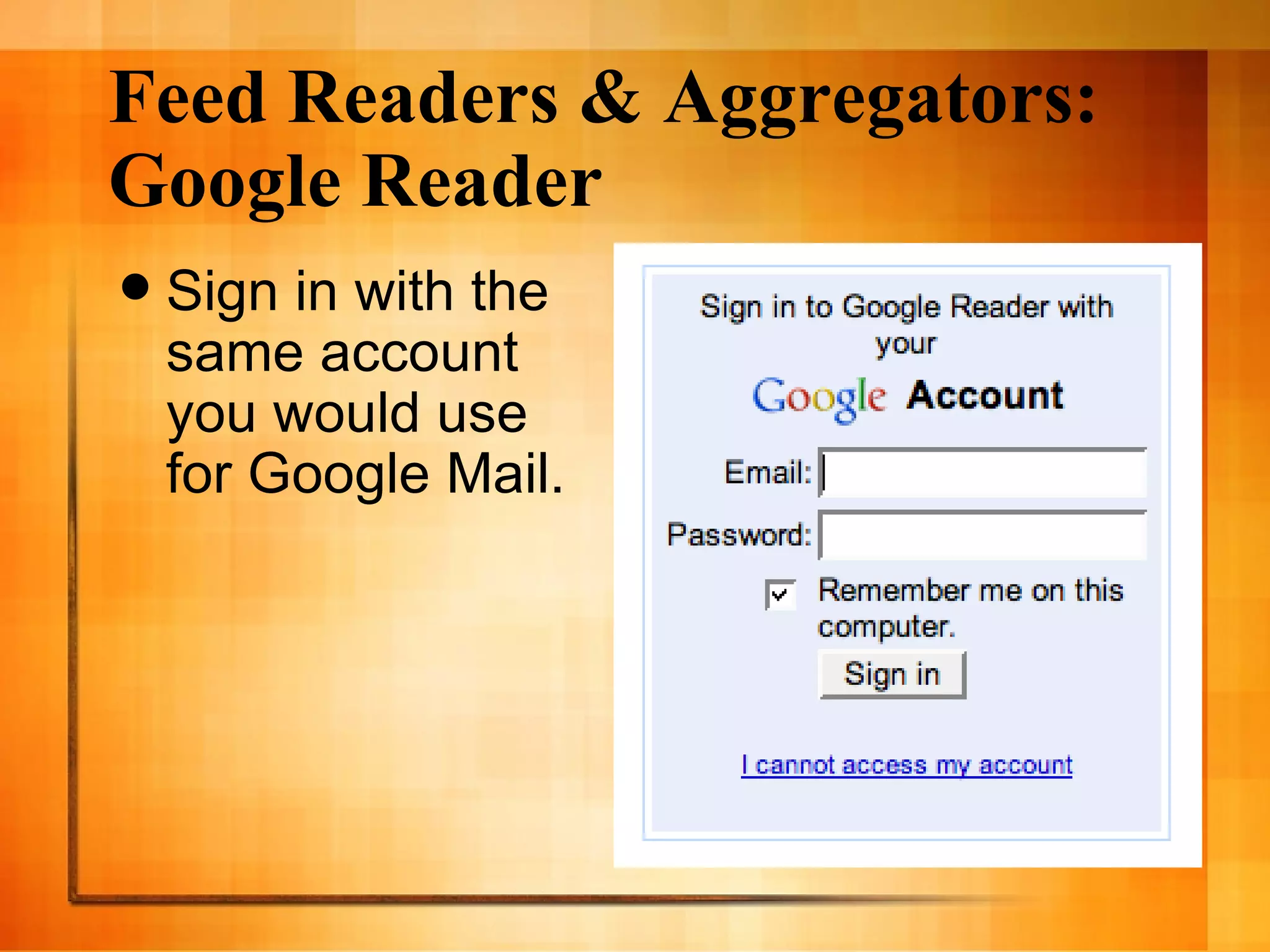
    18. Feed Readers & Aggregators: Google Reader
      • Sign in with the same account you would use for Google Mail.
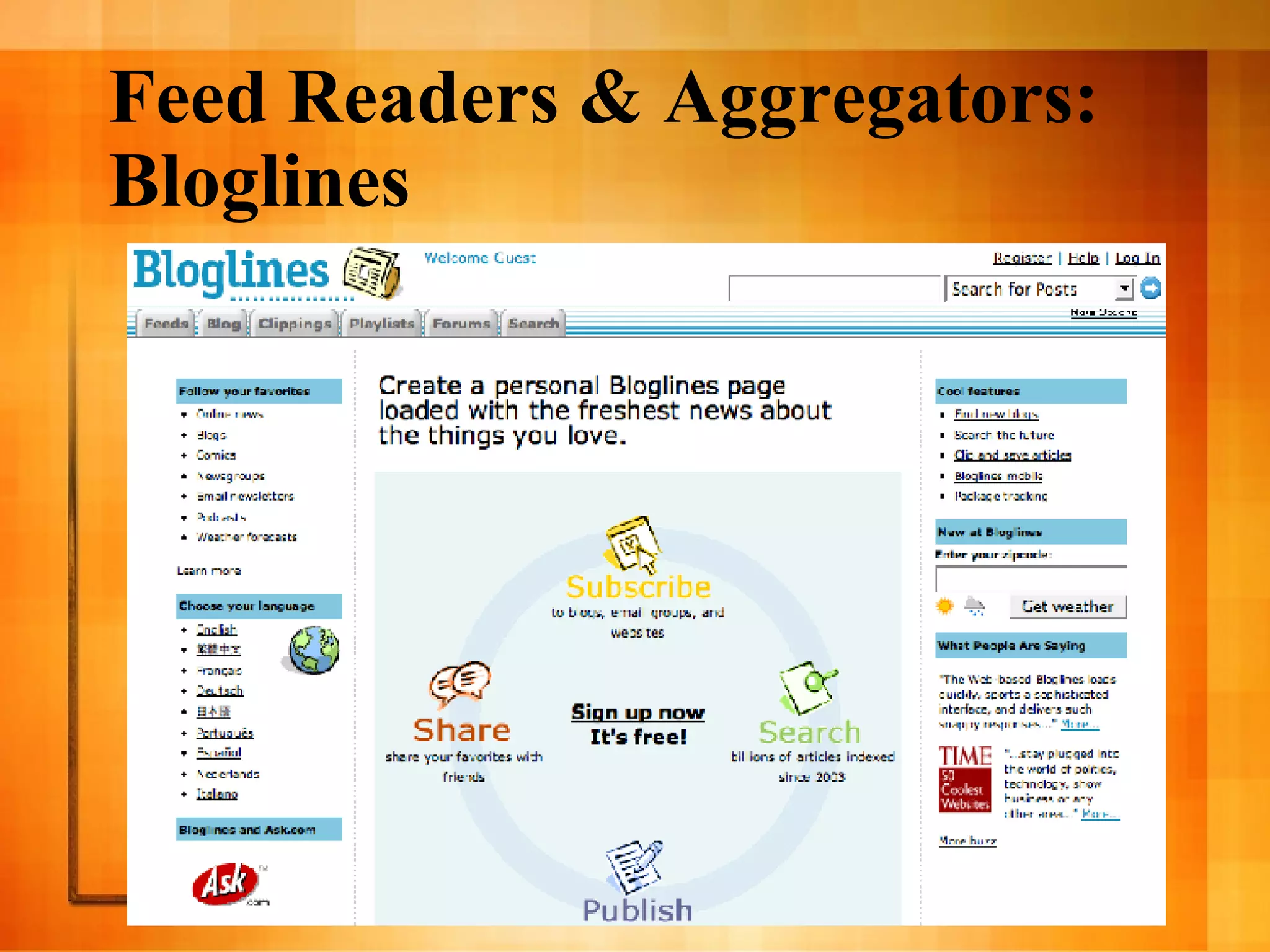
    19. Feed Readers & Aggregators: Bloglines
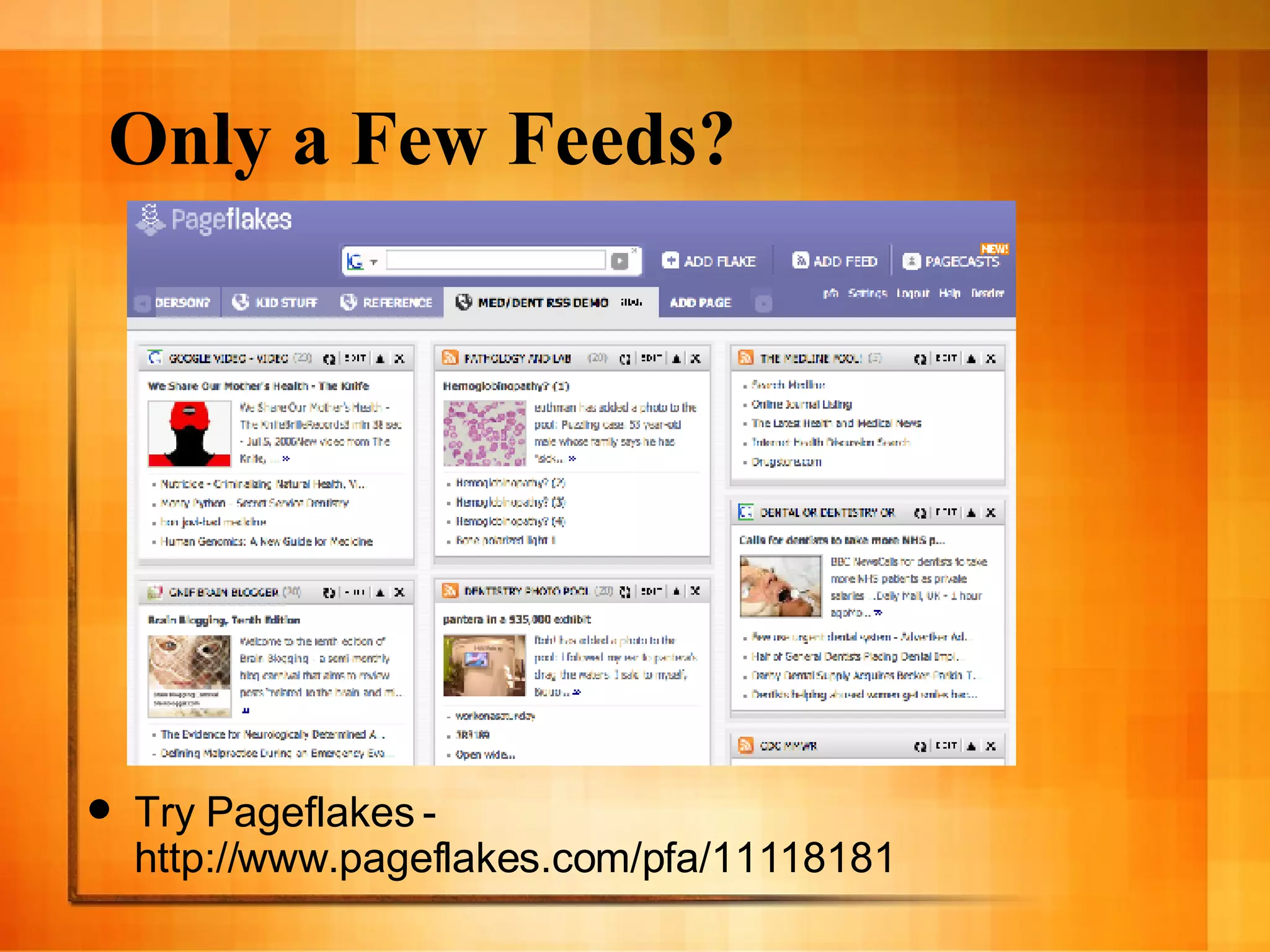
    20. Only a Few Feeds?
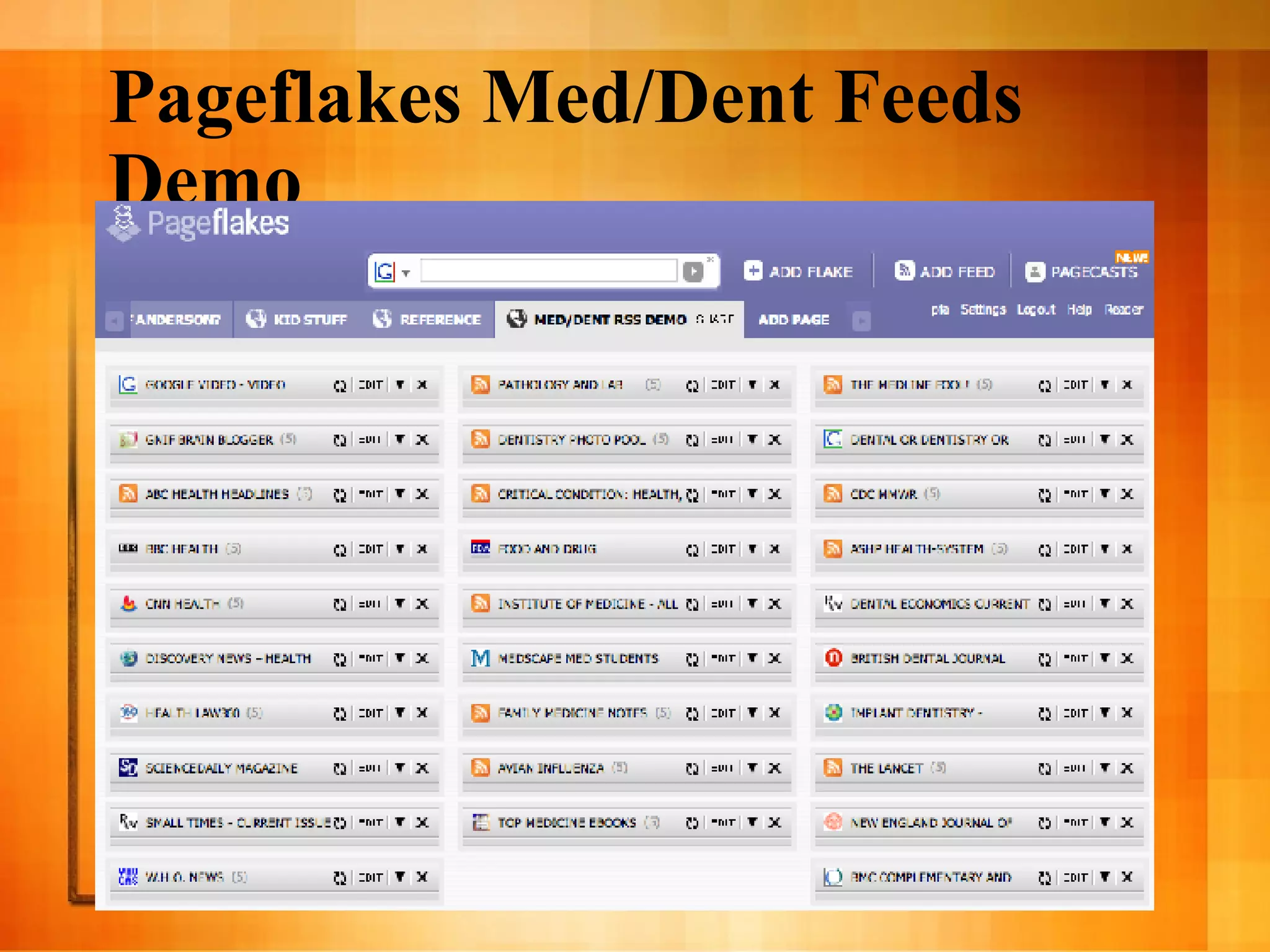
      • Try Pageflakes - http://www.pageflakes.com/pfa/11118181
    21. Pageflakes Med/Dent Feeds Demo
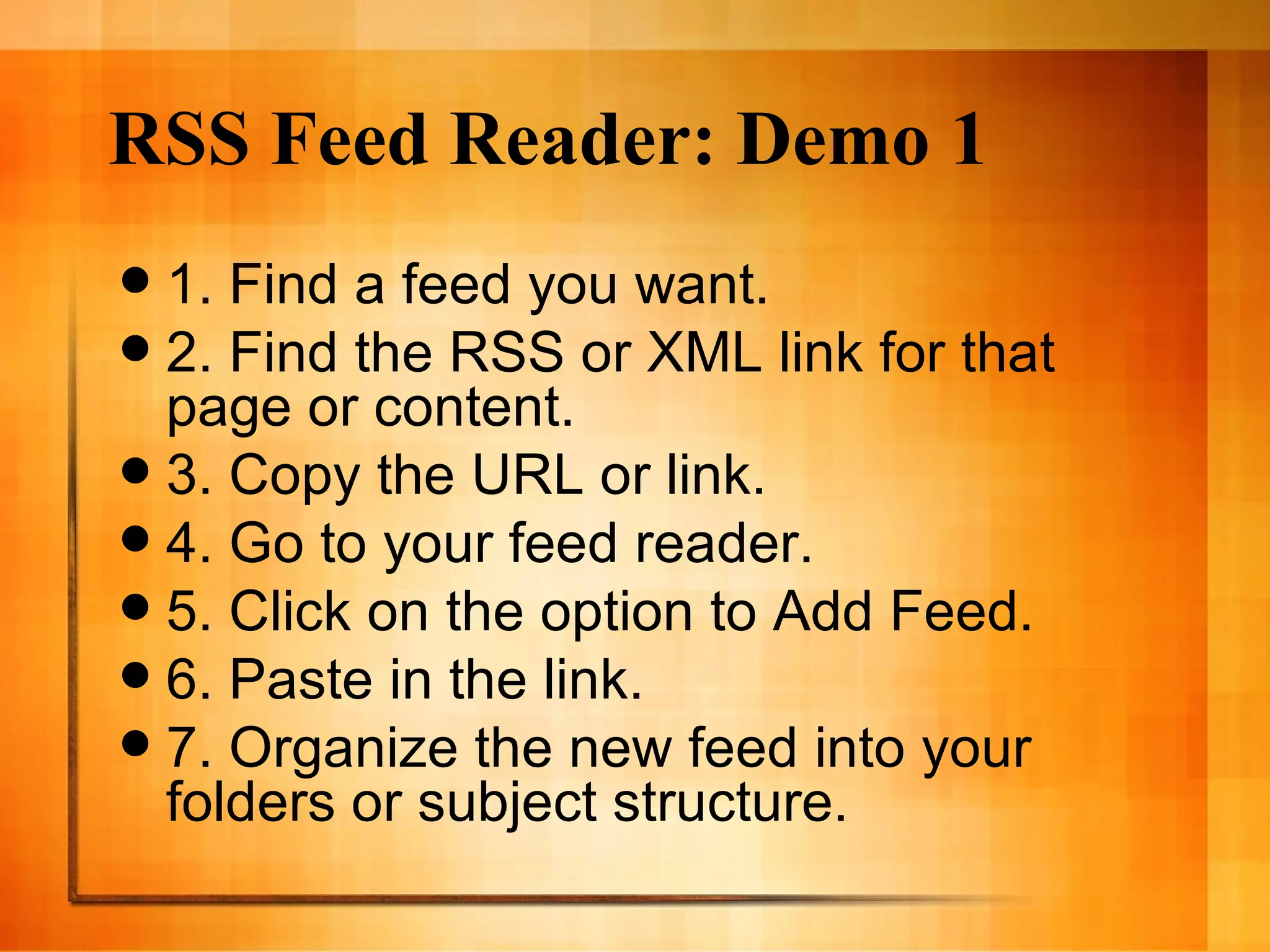
    22. RSS Feed Reader: Demo 1
      • 1. Find a feed you want.
      • 2. Find the RSS or XML link for that page or content.
      • 3. Copy the URL or link.
      • 4. Go to your feed reader.
      • 5. Click on the option to Add Feed.
      • 6. Paste in the link.
      • 7. Organize the new feed into your folders or subject structure.
    23. RSS Feed Reader: Demo, More Info
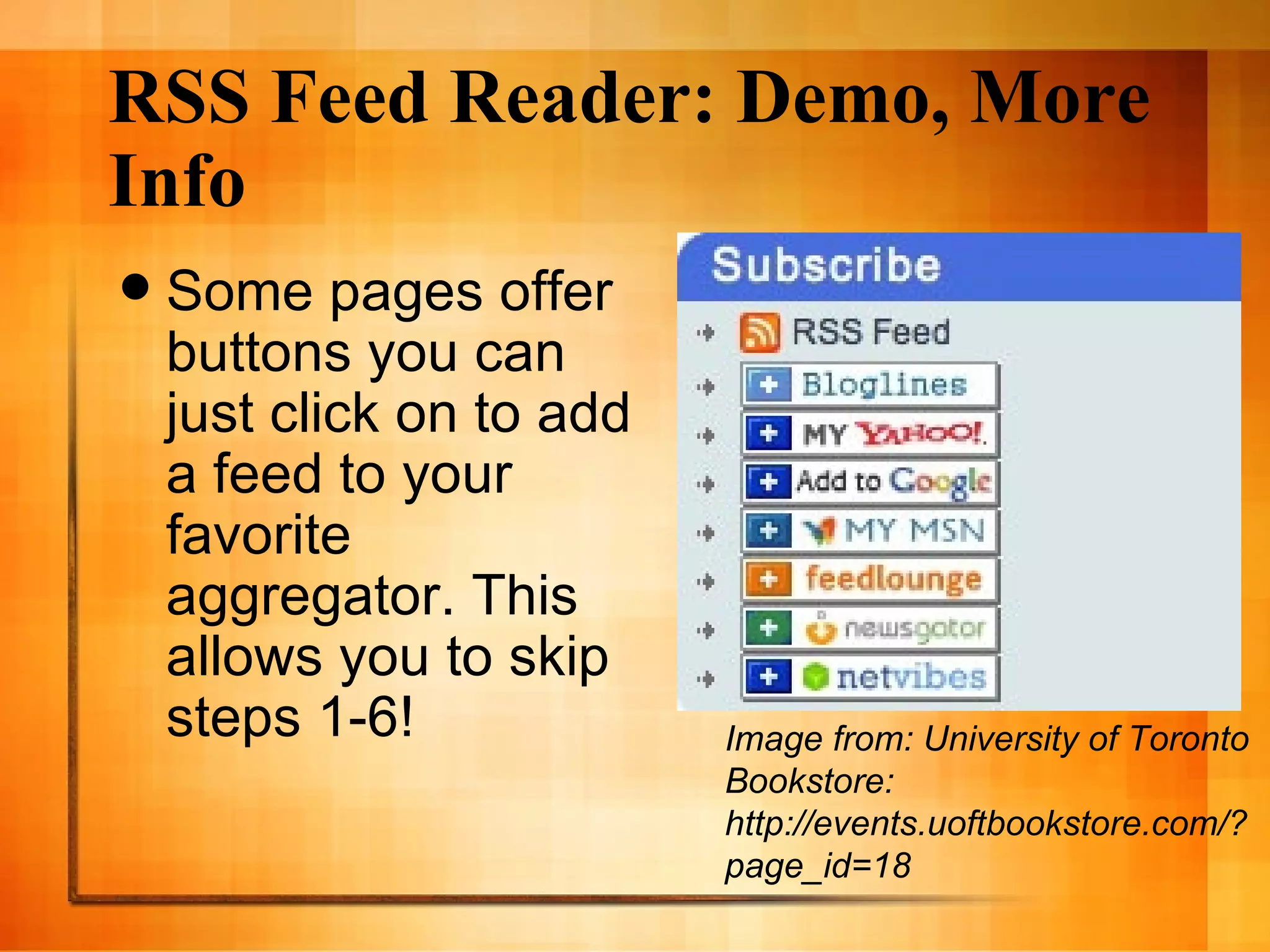
      • Some pages offer buttons you can just click on to add a feed to your favorite aggregator. This allows you to skip steps 1-6!
      Image from: University of Toronto Bookstore: http://events.uoftbookstore.com/?page_id=18
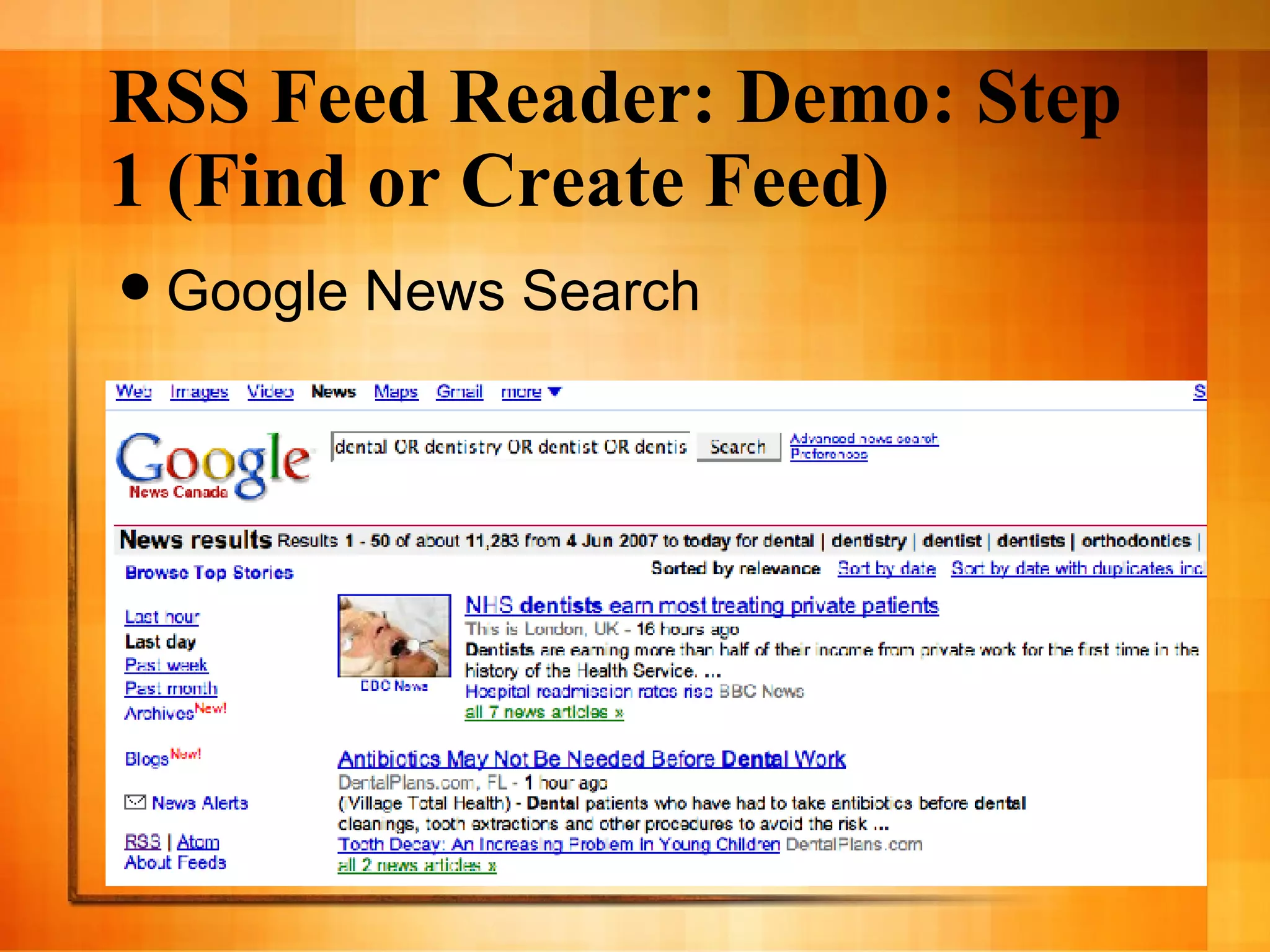
    24. RSS Feed Reader: Demo: Step 1 (Find or Create Feed)
      • Google News Search
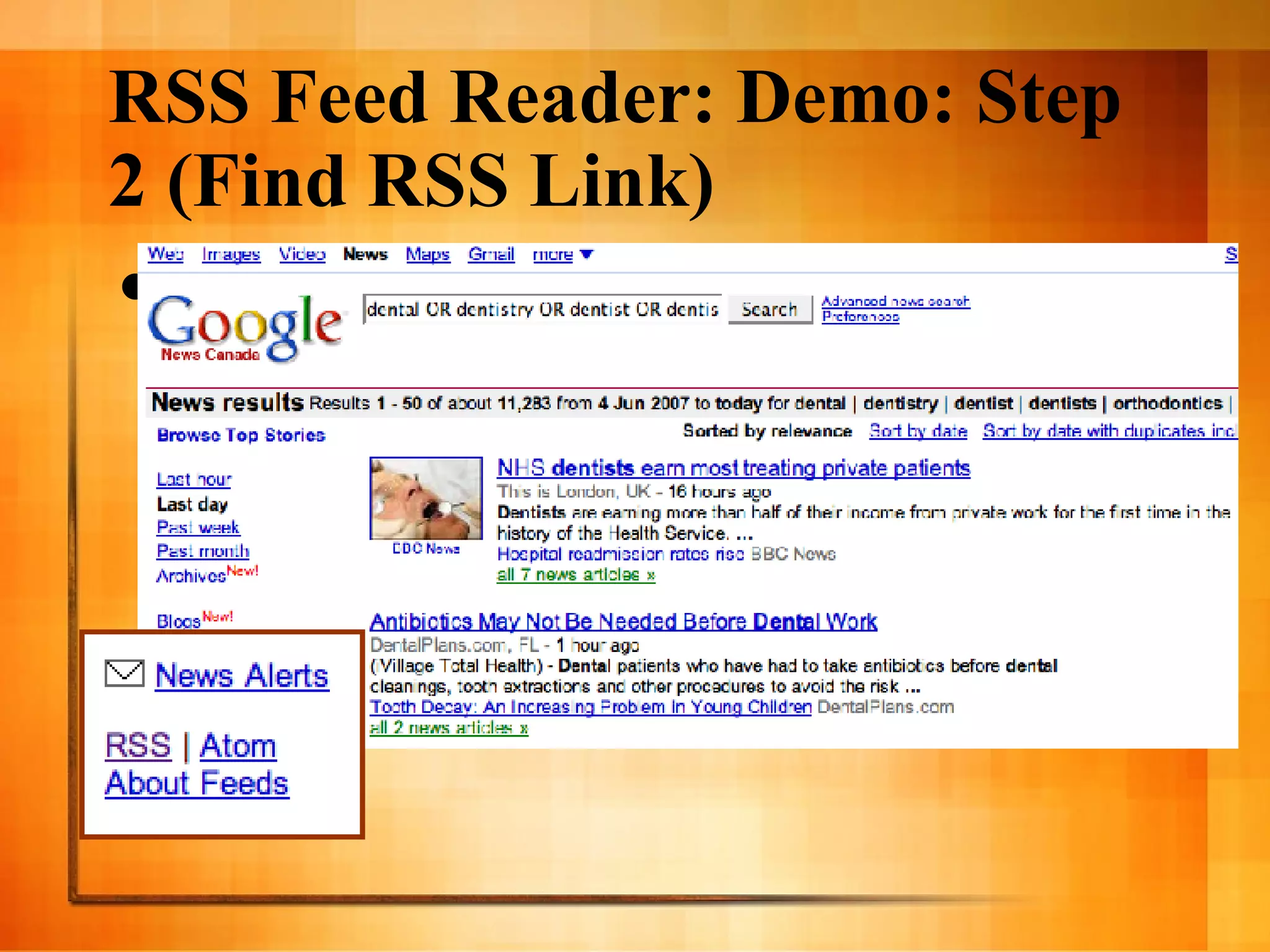
    25. RSS Feed Reader: Demo: Step 2 (Find RSS Link)
      • Google News Search plus enlargement of RSS link.
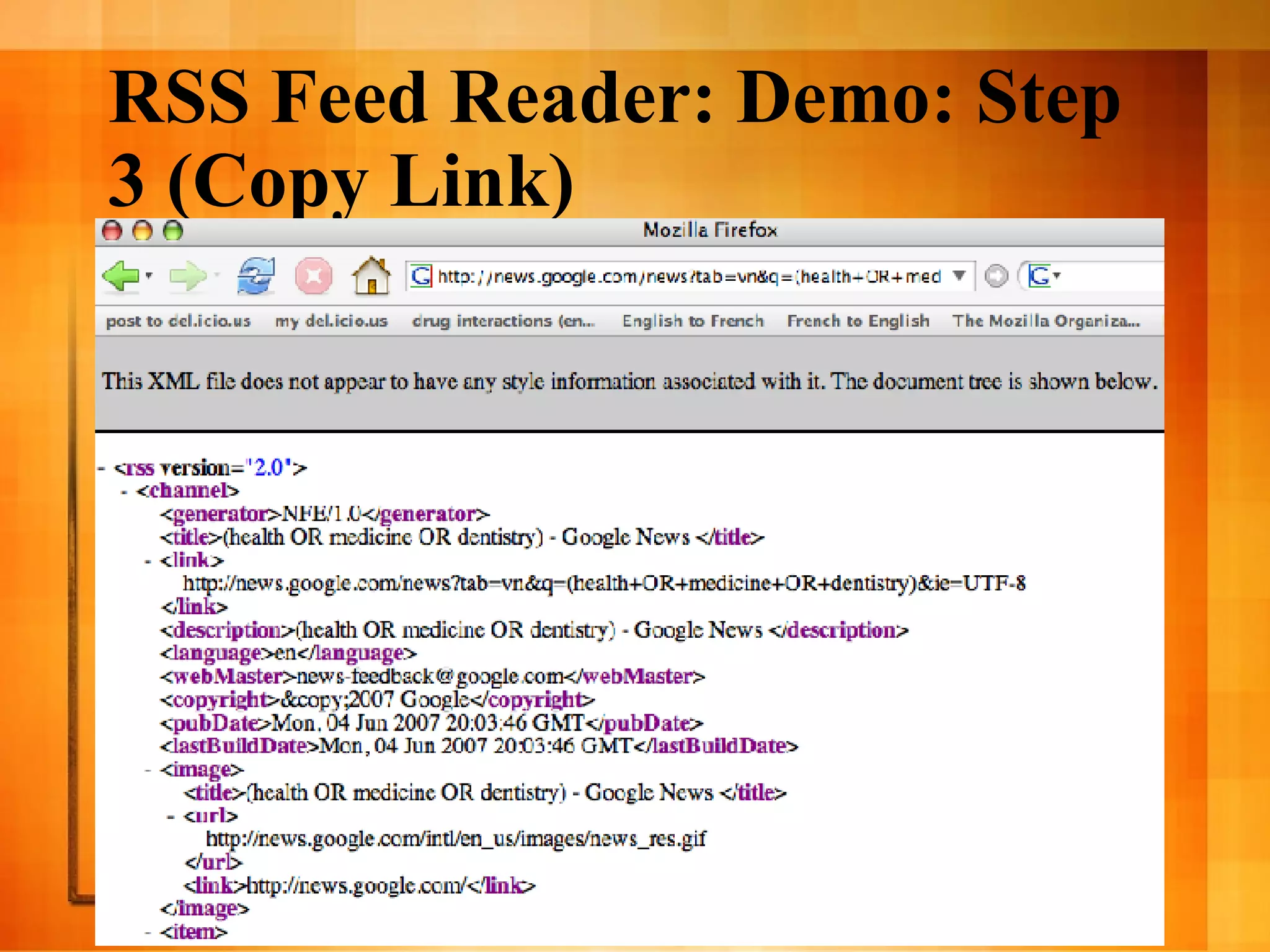
    26. RSS Feed Reader: Demo: Step 3 (Copy Link)
      • Screenshot showing what an RSS feed looks like in an HTML window, including the locator bar from which to copy the link.
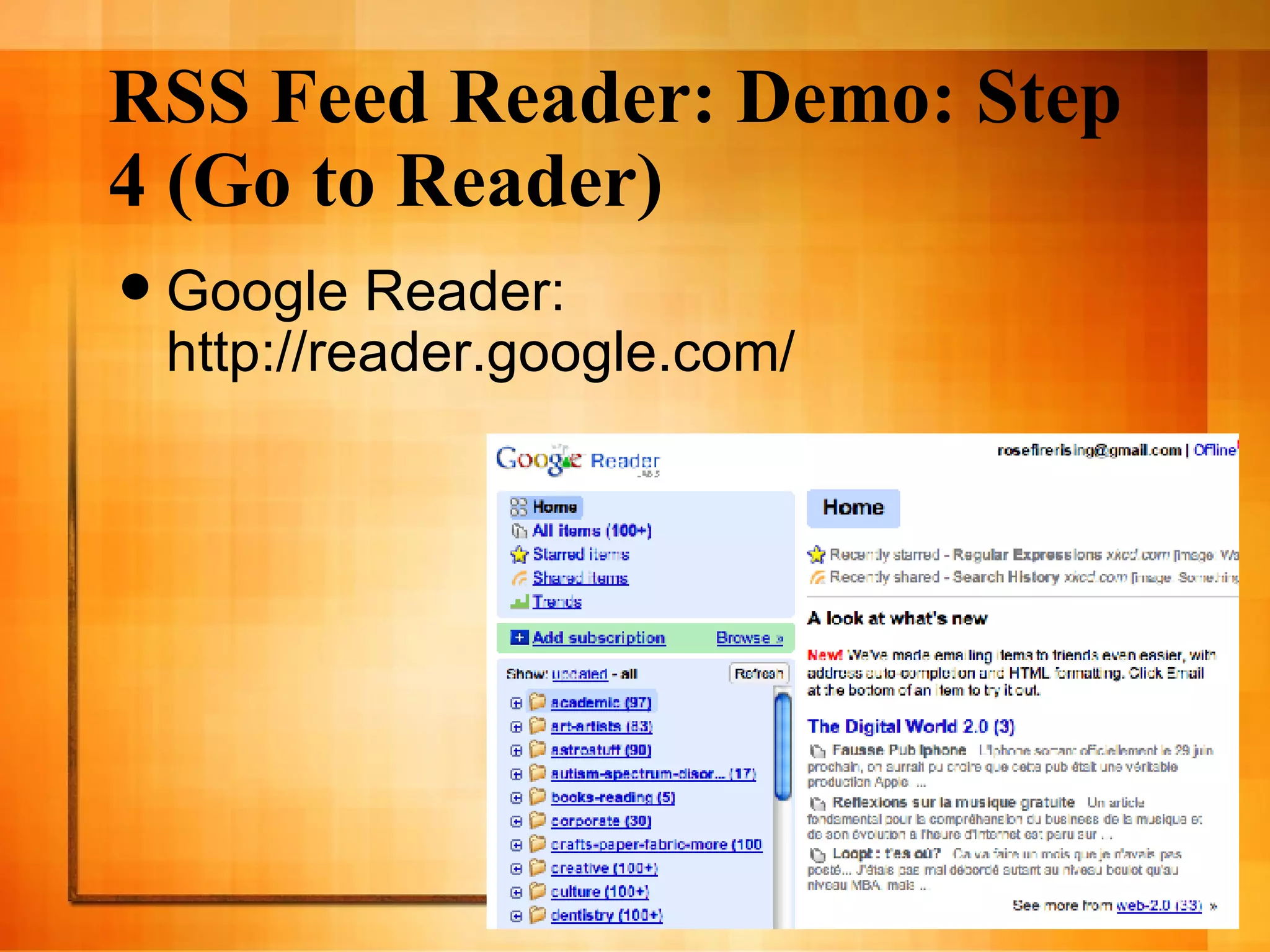
    27. RSS Feed Reader: Demo: Step 4 (Go to Reader)
      • Google Reader: http://reader.google.com/
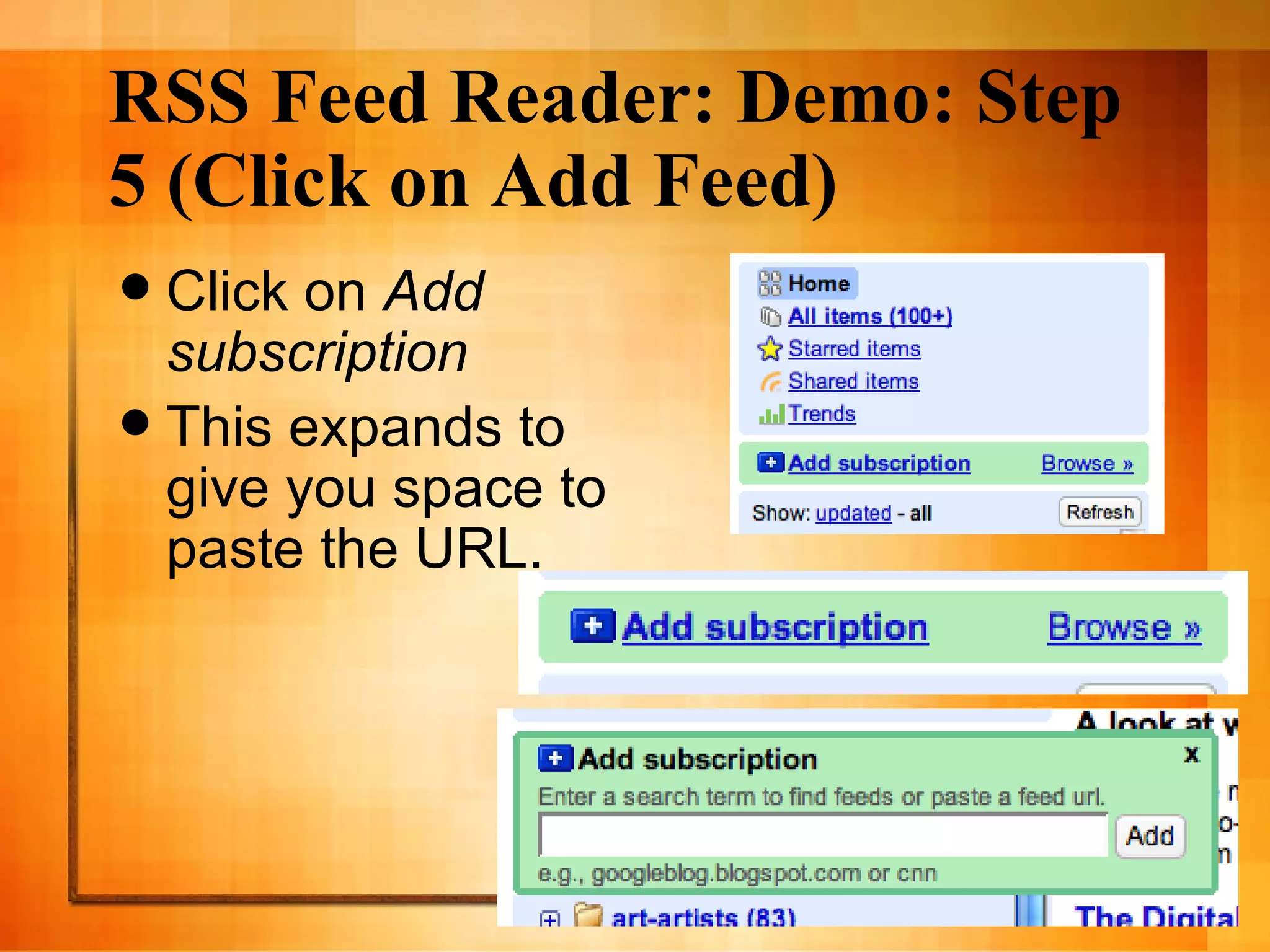
    28. RSS Feed Reader: Demo: Step 5 (Click on Add Feed)
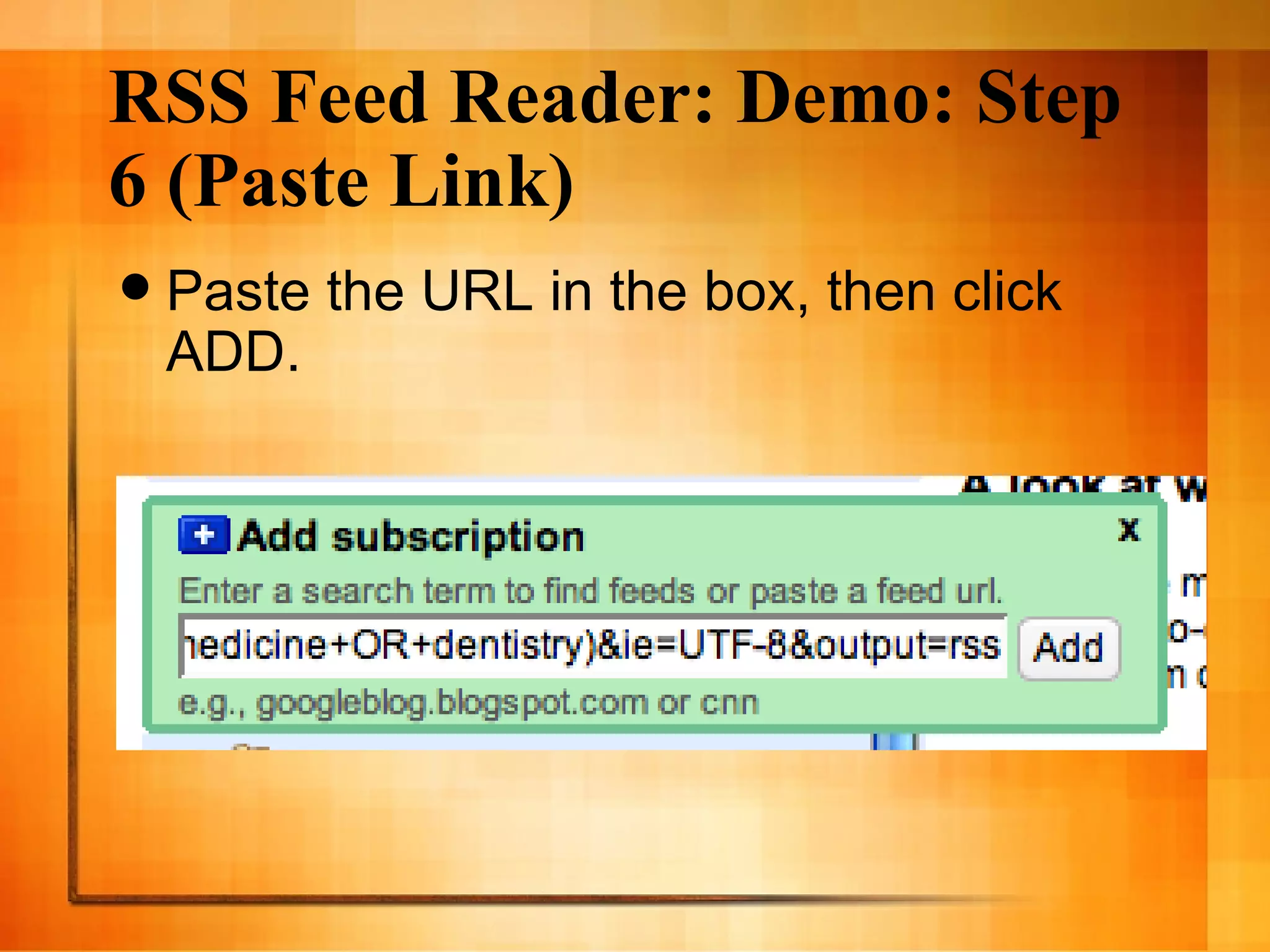
      • Click on Add subscription
      • This expands to give you space to paste the URL.
    29. RSS Feed Reader: Demo: Step 6 (Paste Link)
      • Paste the URL in the box, then click ADD.
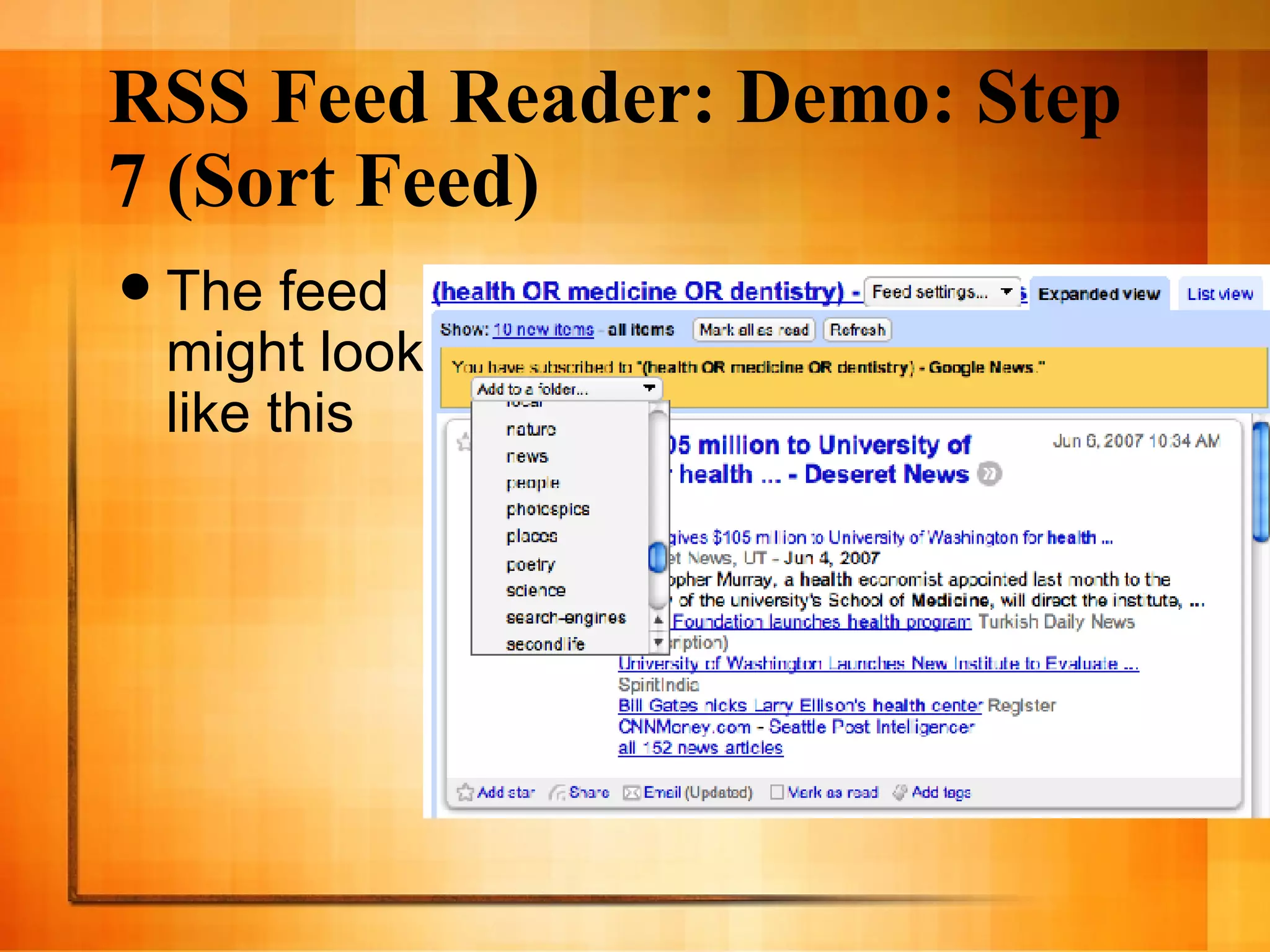
    30. RSS Feed Reader: Demo: Step 7 (Sort Feed)
      • The feed might look like this
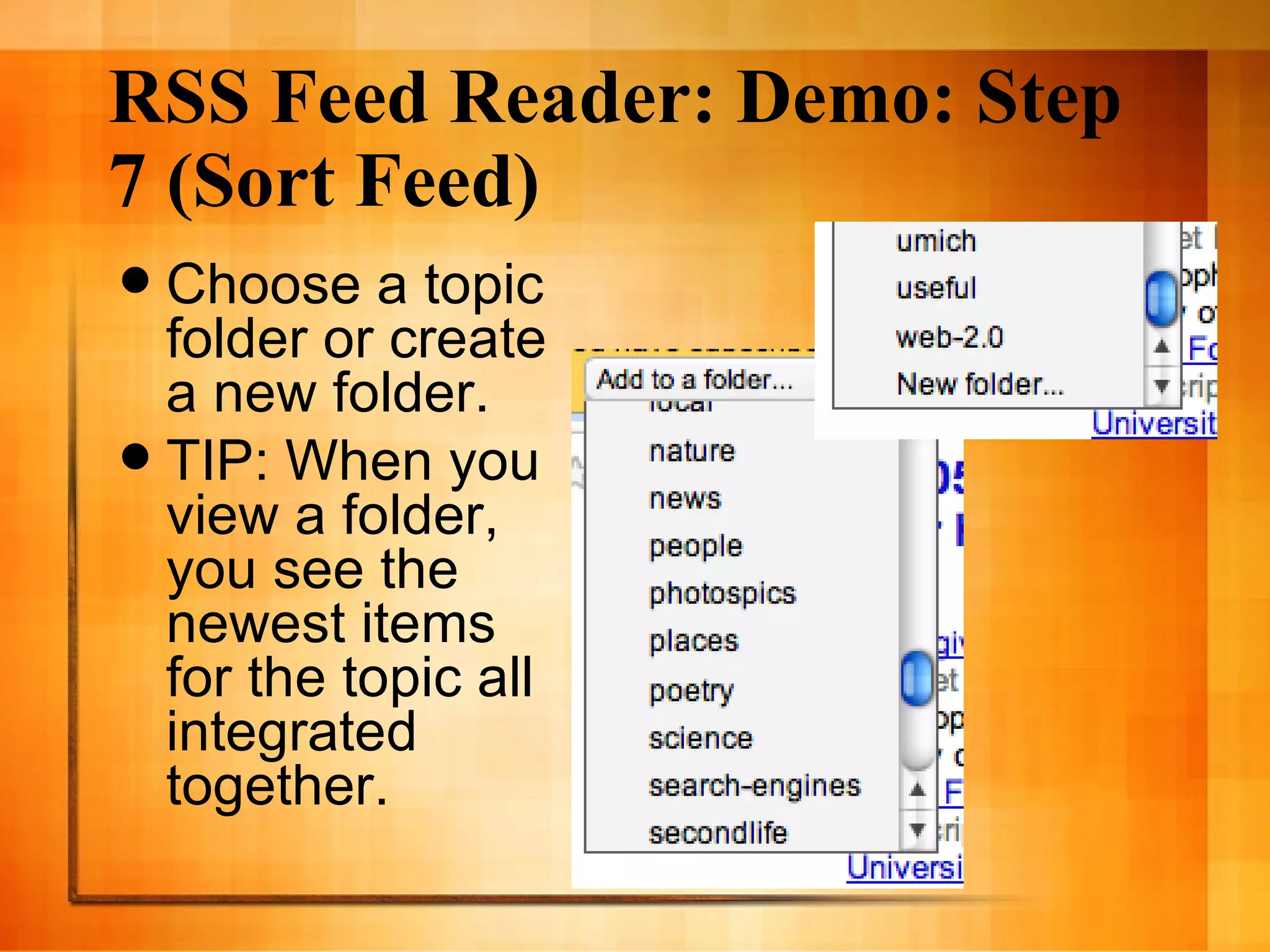
    31. RSS Feed Reader: Demo: Step 7 (Sort Feed)
      • Choose a topic folder or create a new folder.
      • TIP: When you view a folder, you see the newest items for the topic all integrated together.
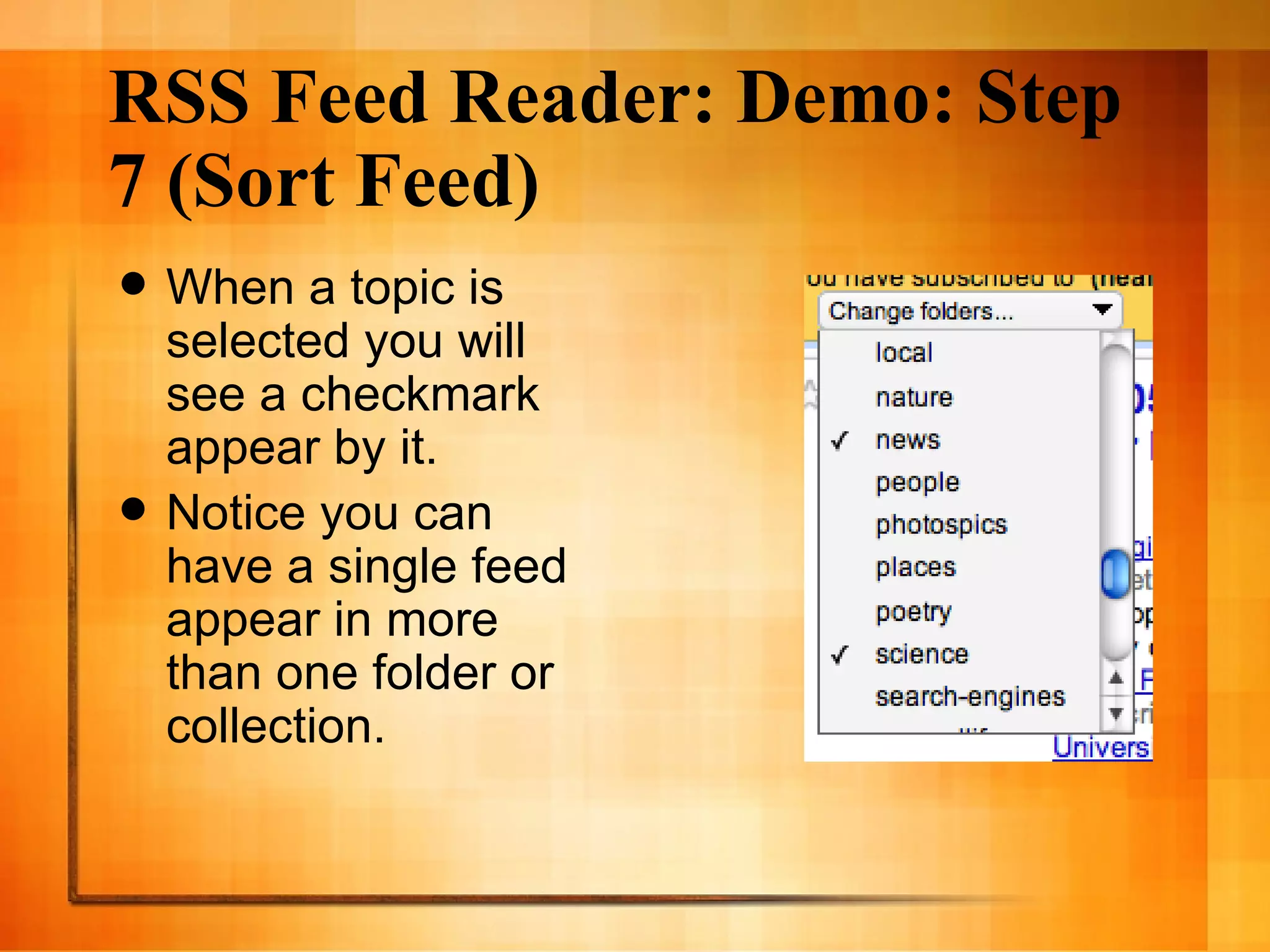
    32. RSS Feed Reader: Demo: Step 7 (Sort Feed)
      • When a topic is selected you will see a checkmark appear by it.
      • Notice you can have a single feed appear in more than one folder or collection.
    33. Other Neat Things to Do With RSS
      • Environmental scanning and market research:
        • Market Analysis Using RSS (Jos é Nazario): http://monkey.org/~jose/wiki/doku.php?id=wiki:marketanalysisusingrss
      • Add content to your web site:
        • Web 2.0 for Personal and Professional Productivity: RSS Feeds: http://mblog.lib.umich.edu/web20/archives/2007/05/rss_feeds.html
      • Read Gmail, get weather reports, daily cartoons, sports scores …
    34. Next Week: Med / Dent / Science Blogs
      • Please note - RSS was really made for tracking many blogs quickly.
      • RSS feed readers and aggregators remain one of the best tools for managing blogs that interest you.
    35. Using RSS Personally & Professionally
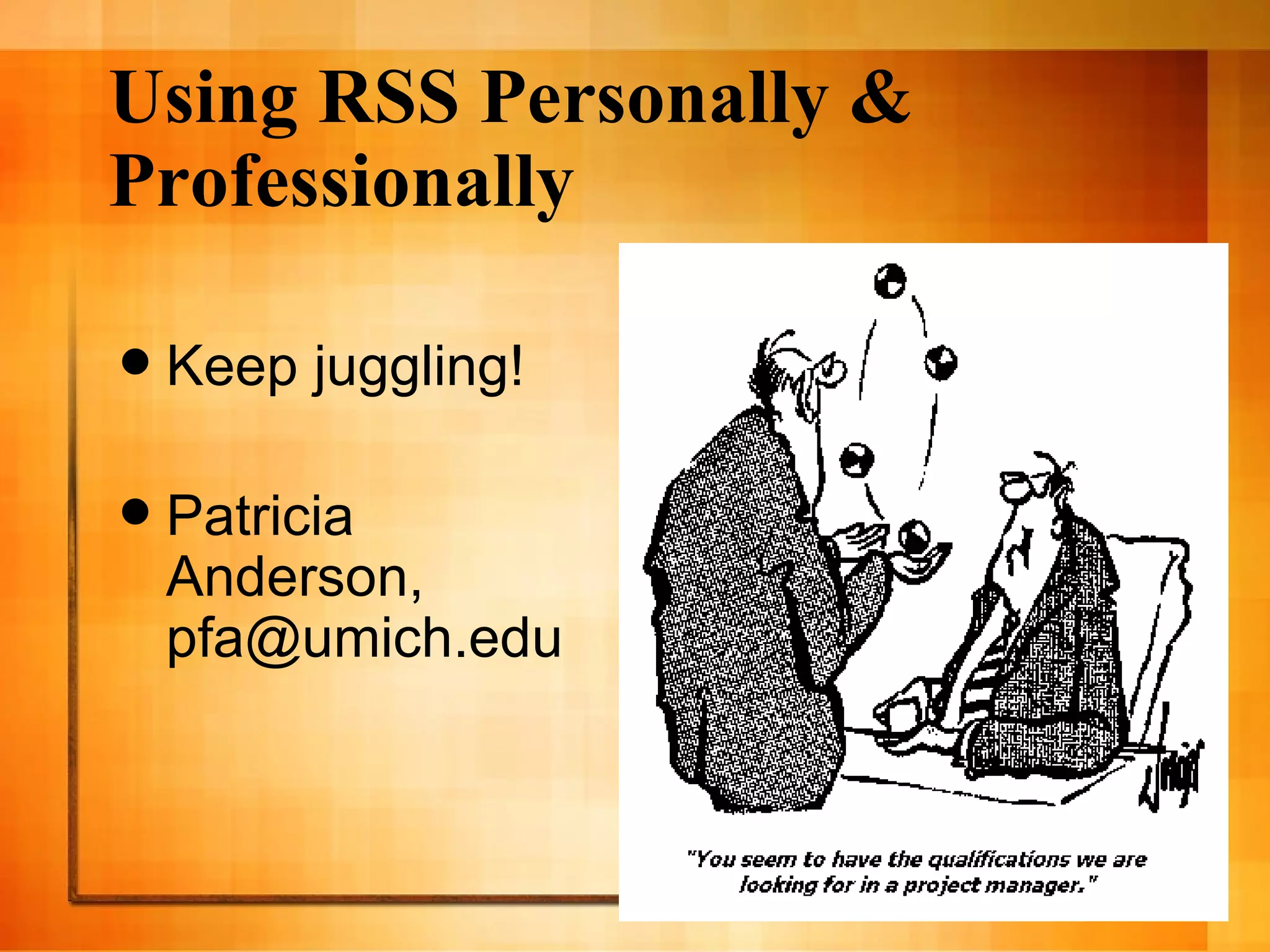
      • Keep juggling!
      • Patricia Anderson, pfa@umich.edu

    + University of Michigan Health Sciences LibrariesUniversity of Michigan Health Sciences Libraries, 3 years ago

    custom

    3189 views, 10 favs, 7 embeds more stats

    A tutorial for life and health sciences professiona more

    More info about this document

    CC Attribution-NonCommercial-ShareAlike LicenseCC Attribution-NonCommercial-ShareAlike LicenseCC Attribution-NonCommercial-ShareAlike License

    Go to text version

    • Total Views 3189
      • 3093 on SlideShare
      • 96 from embeds
    • Comments 0
    • Favorites 10
    • Downloads 238
    Most viewed embeds
    • 37 views on http://casesblog.blogspot.com
    • 26 views on http://davidrothman.net
    • 12 views on http://vtech.canalblog.com
    • 10 views on http://www.lib.umich.edu
    • 4 views on http://www.afeedisborn.com

    more

    All embeds
    • 37 views on http://casesblog.blogspot.com
    • 26 views on http://davidrothman.net
    • 12 views on http://vtech.canalblog.com
    • 10 views on http://www.lib.umich.edu
    • 4 views on http://www.afeedisborn.com
    • 4 views on https://extranet.uj.edu.pl
    • 3 views on http://billrothharom.blogspot.com

    less

    Flagged as inappropriate Flag as inappropriate
    Flag as inappropriate

    Select your reason for flagging this presentation as inappropriate. If needed, use the feedback form to let us know more details.

    Cancel
    File a copyright complaint
    Having problems? Go to our helpdesk?

    Categories