“Just the Facts, Ma’am”:
RSS and your library
Gillian Byrne
Information Services Librarian
Queen Elizabeth II Library
Memorial University of Newfoundland
What is RSS?
 Stands for:
“really simple syndication”
“rich site summary”
“RDF site summary”
 Means:
“[XML] format for syndicating news and
the content of news-like sites”
Mark Pilgrim, Dive Into XML
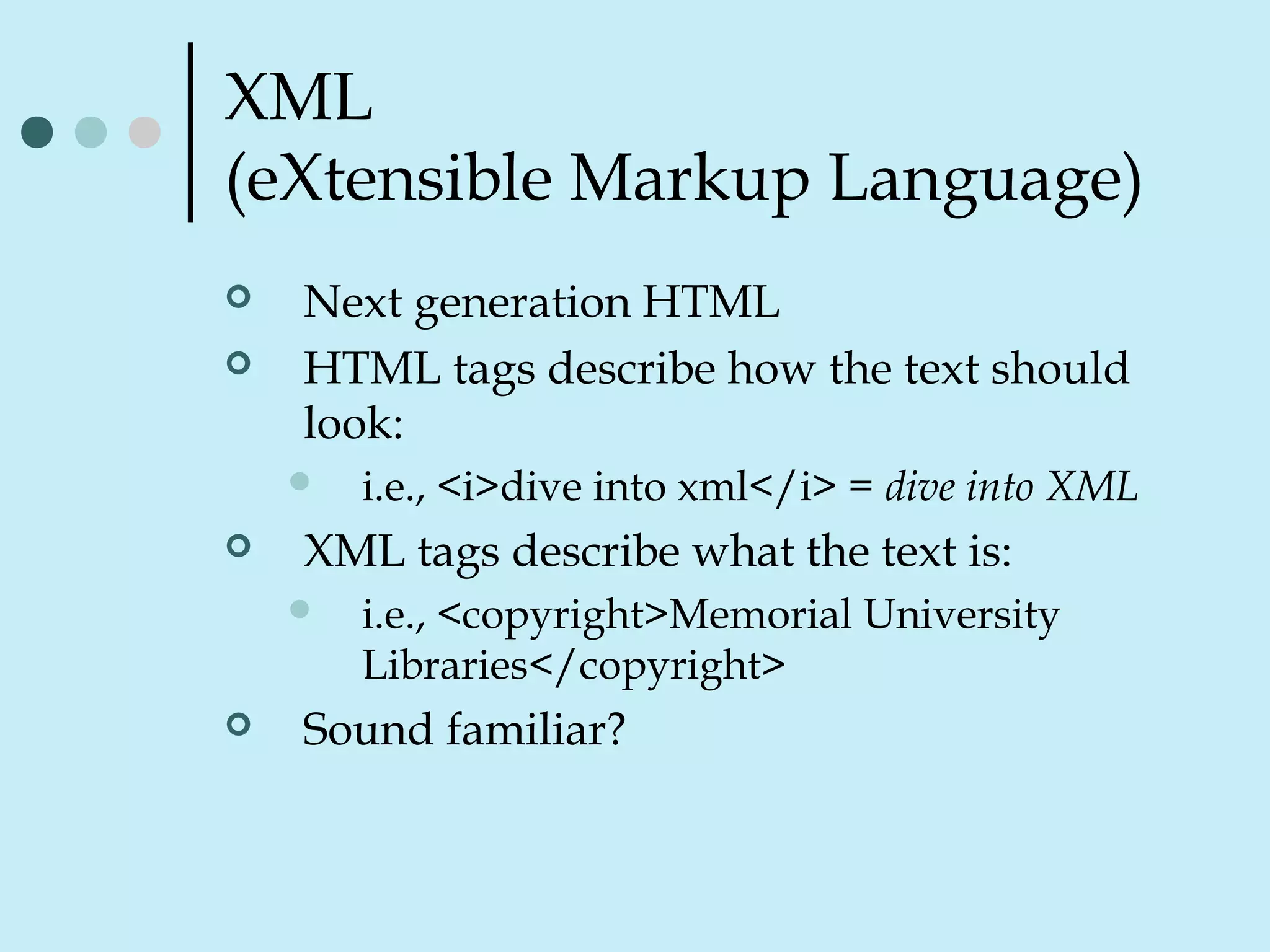
XML
(eXtensible Markup Language)
 Next generation HTML
 HTML tags describe how the text should
look:
 i.e., <i>dive into xml</i> = dive into XML
 XML tags describe what the text is:
 i.e., <copyright>Memorial University
Libraries</copyright>
 Sound familiar?
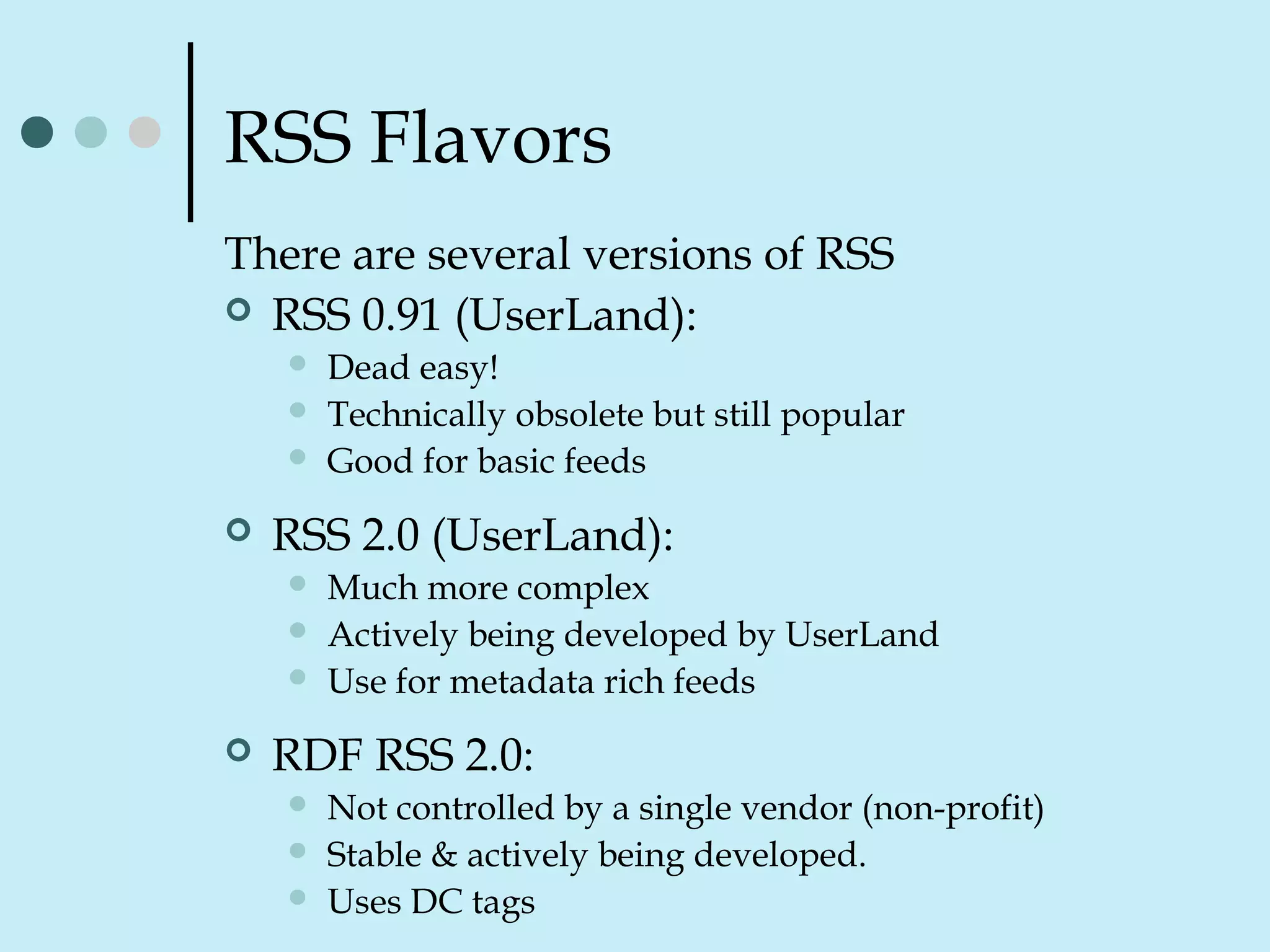
RSS Flavors
There are several versions of RSS
 RSS 0.91 (UserLand):
 Dead easy!
 Technically obsolete but still popular
 Good for basic feeds
 RSS 2.0 (UserLand):
 Much more complex
 Actively being developed by UserLand
 Use for metadata rich feeds
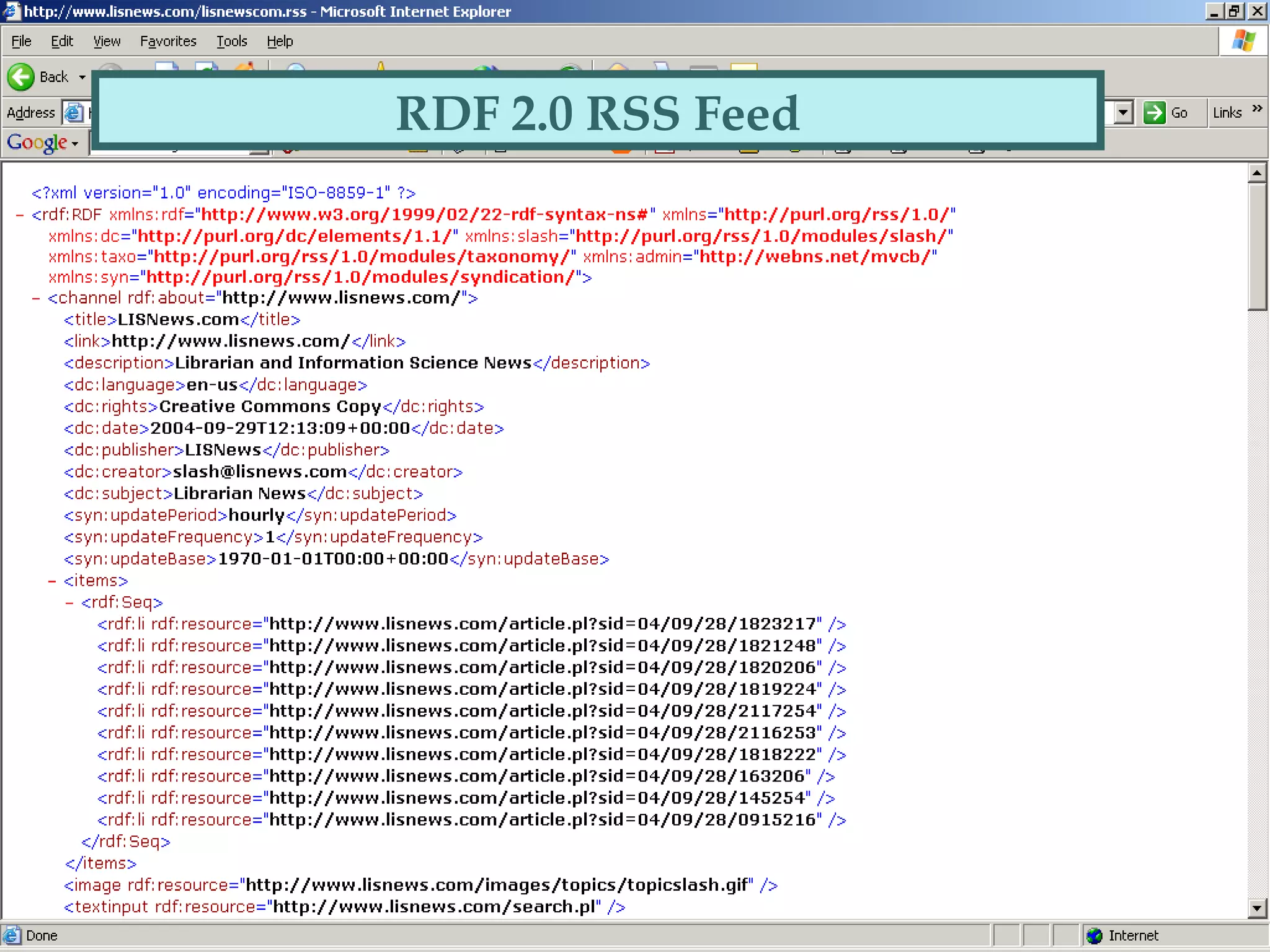
 RDF RSS 2.0:
 Not controlled by a single vendor (non-profit)
 Stable & actively being developed.
 Uses DC tags
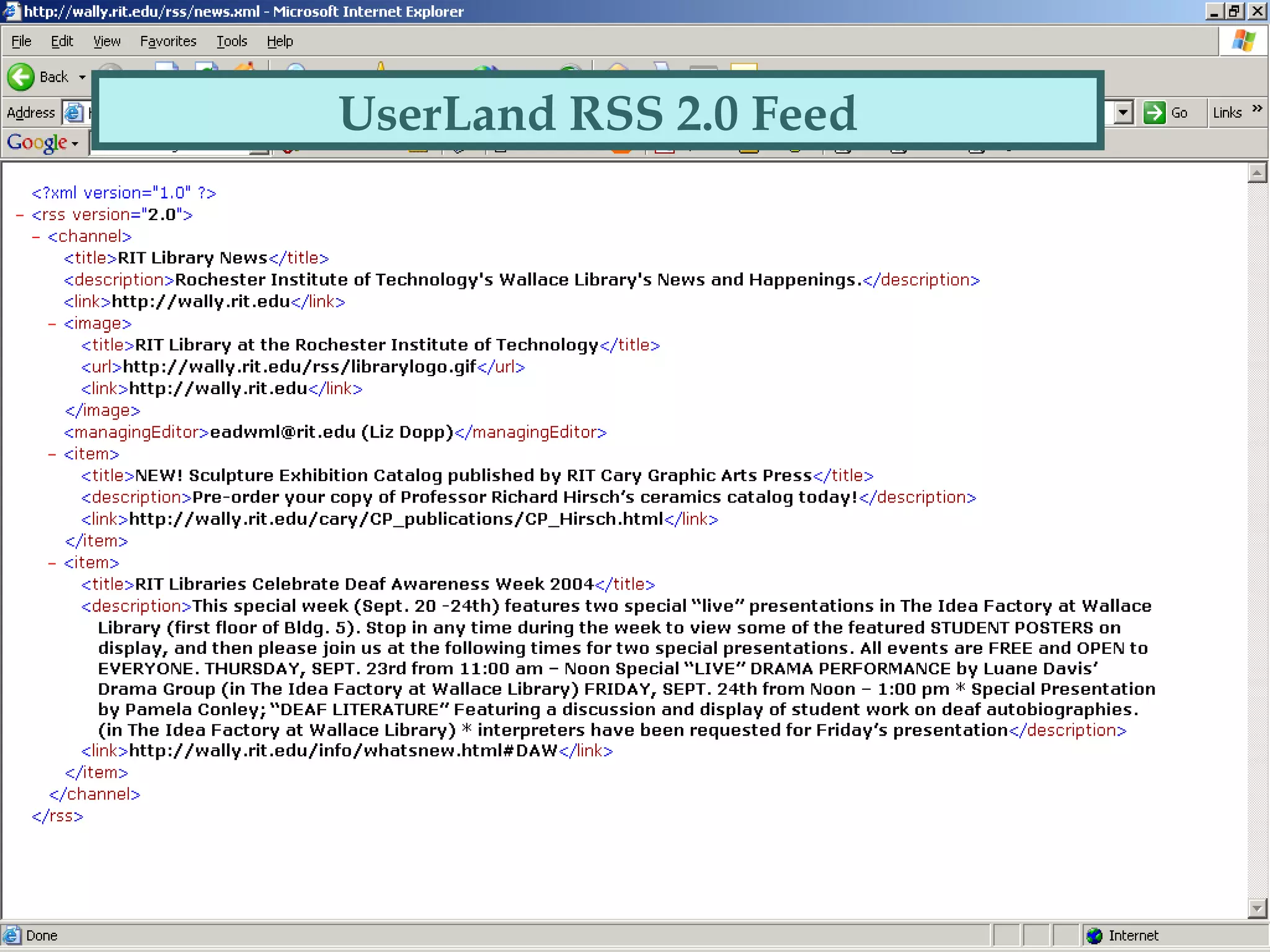
UserLand RSS 2.0 Feed
RDF 2.0 RSS Feed
What can RSS be used for?
 Any “periodic” web-based information
 i.e.,
•New books
•Events listings
•Bibliographies
 Even internal information such as patron
information or financial reports
 the 10% of your website that changes
frequently
Advantages of Using RSS
 Allows you to scan headlines from
several pages at one time
 No ads/spam…yet
 Real time news (feeds are updated
constantly)
 You can choose the sites you want to
view (pulling info rather than pushing)
How does it all work?
Creating RSS feeds
 Most blog software comes “XML
enabled”
 RSS feeds can be created from any
databasified data using script
Finding RSS feeds
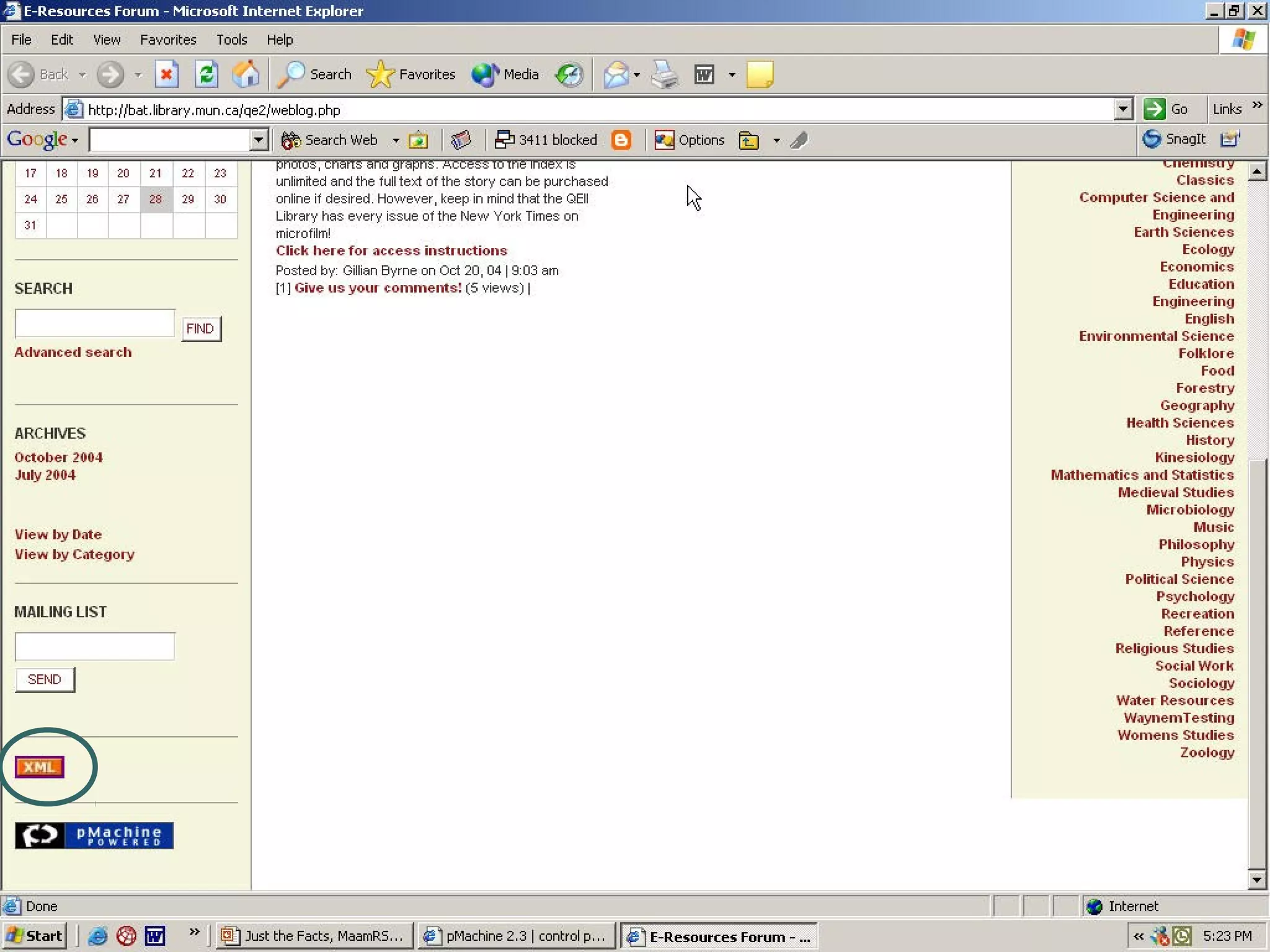
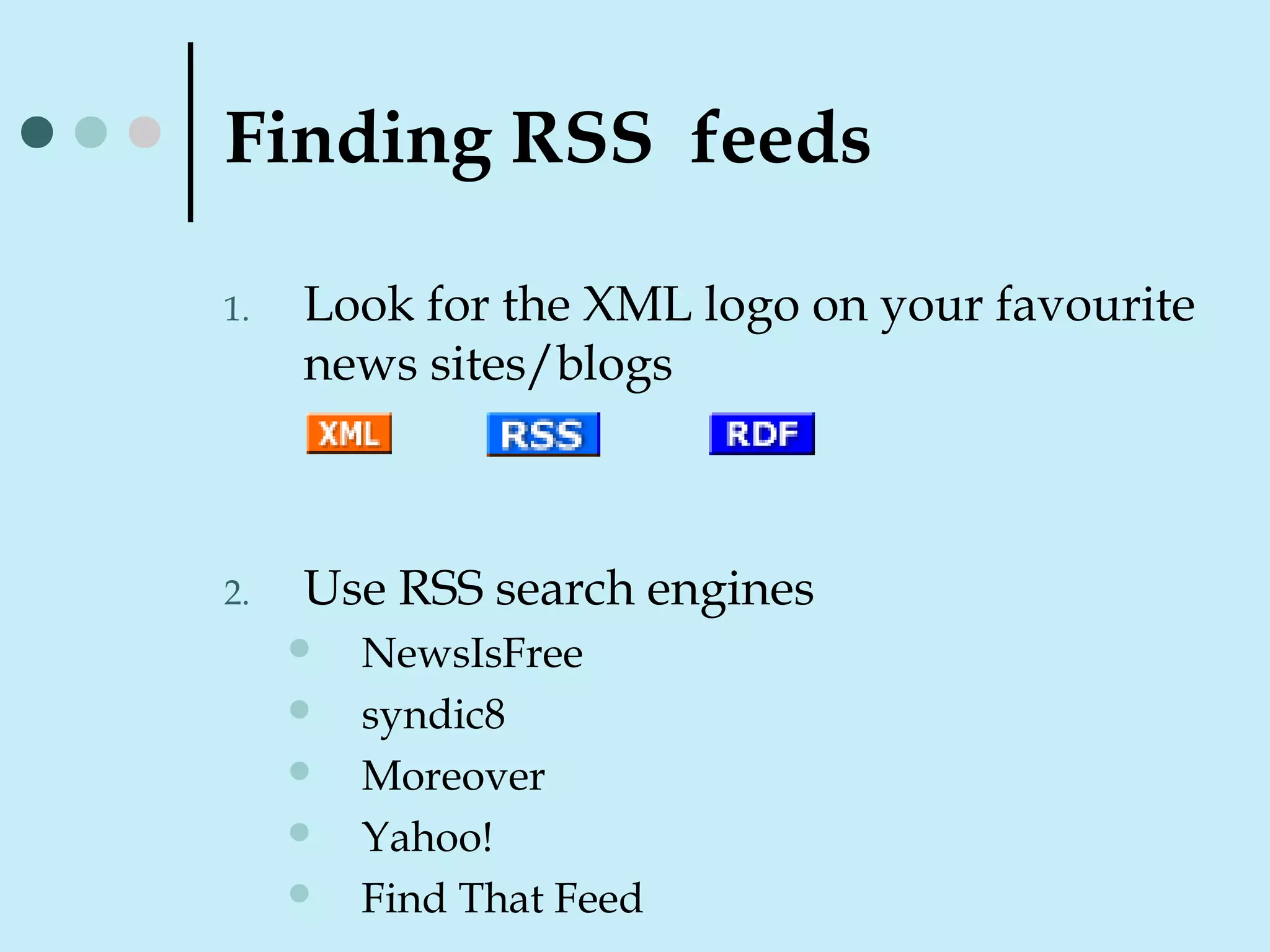
1. Look for the XML logo on your favourite
news sites/blogs
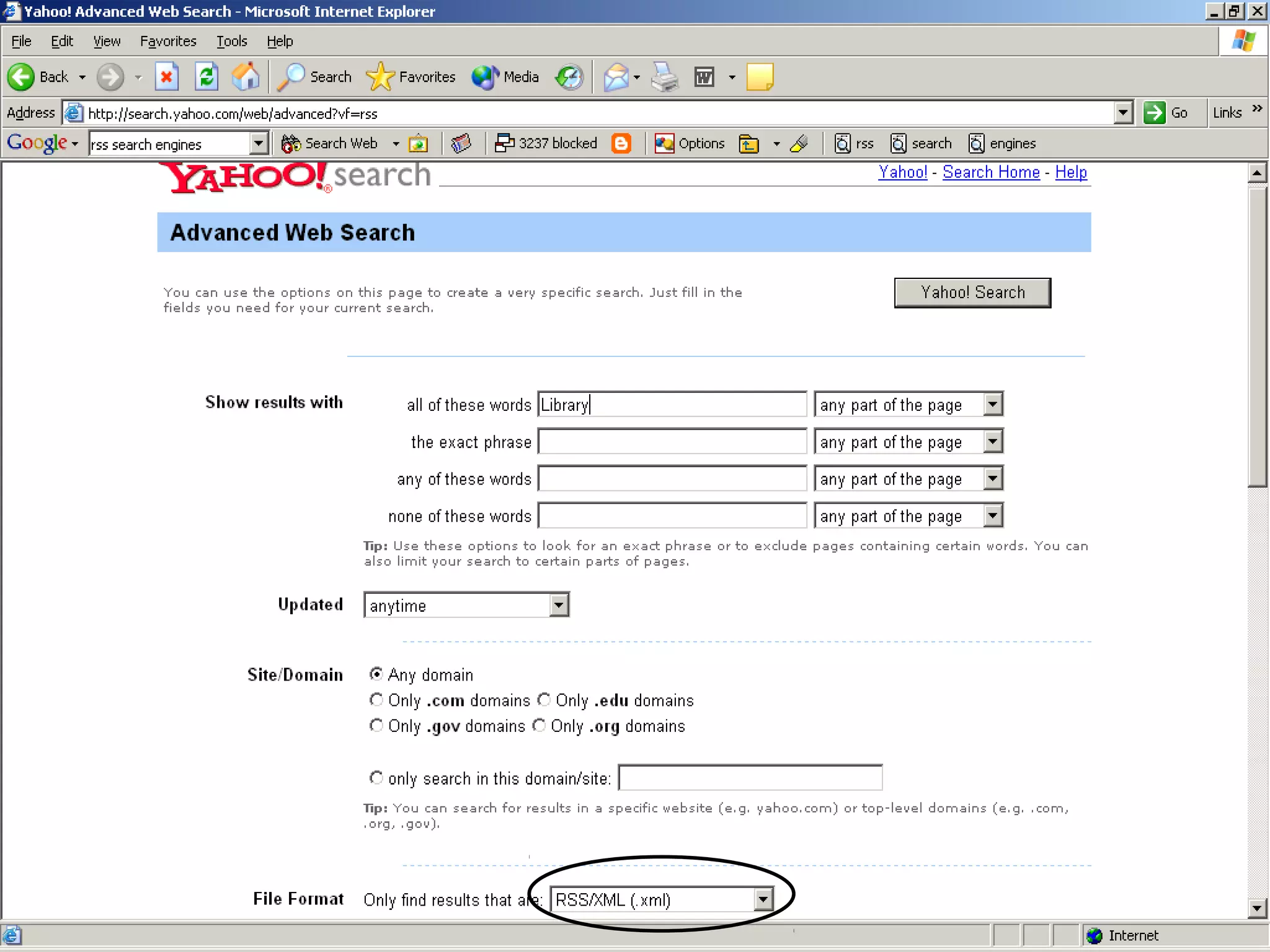
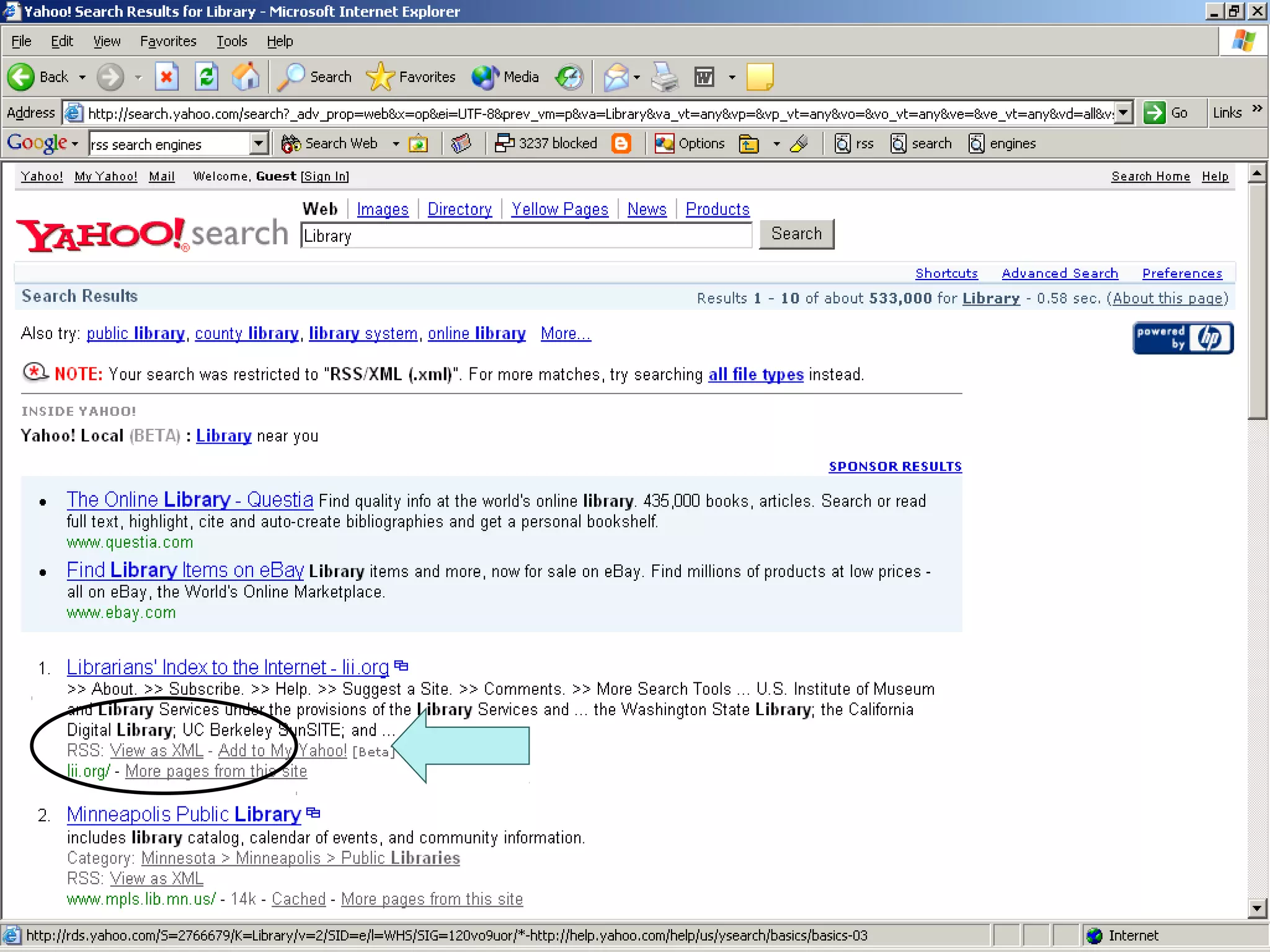
2. Use RSS search engines
 NewsIsFree
 syndic8
 Moreover
 Yahoo!
 Find That Feed
Reading RSS Feeds
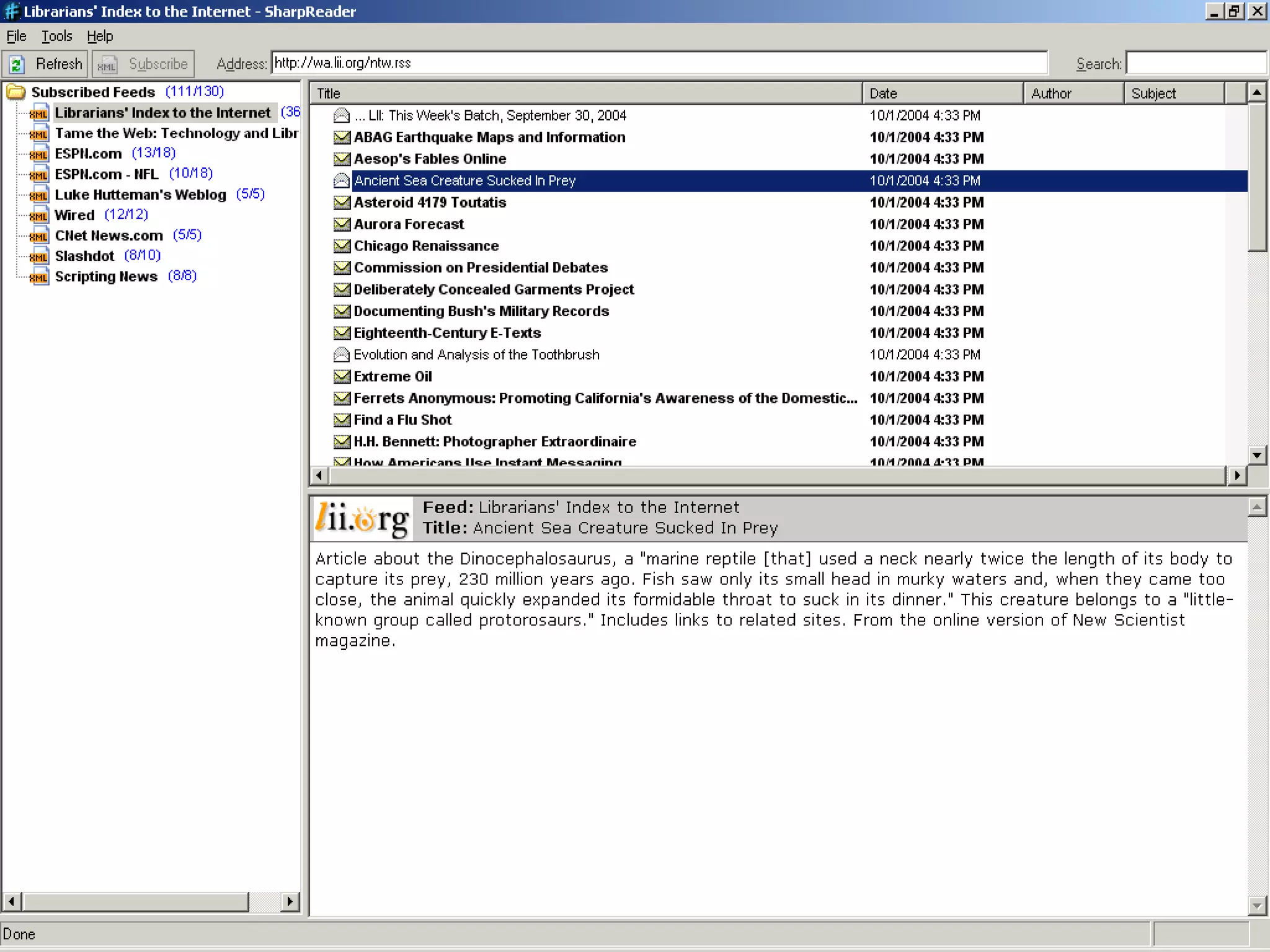
RSS aggregators
 Desktop aggregators
 AmphetaDesk
 Newzcrawler
 Newsmonster
 Web aggregators
 NewsIsFree
 MyFeedster
 Syndic8
 Bloglines
The Future
 ATOM
 Intranet implications
 Portal integration
 Hacks?
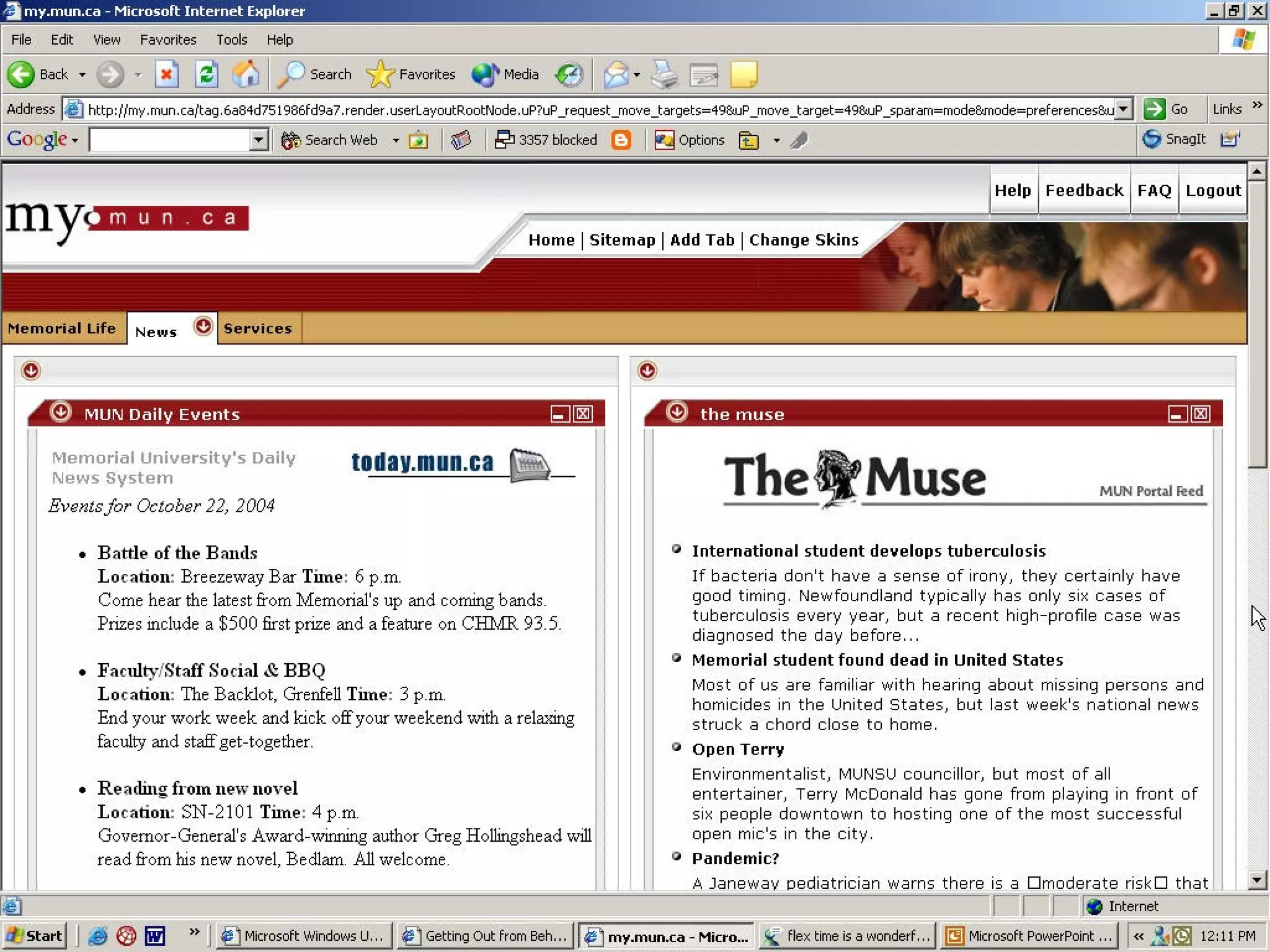
 Screen cap of my
MUN

“Just the Facts, Ma’am”: RSS and your library

  • 1.
    “Just the Facts,Ma’am”: RSS and your library Gillian Byrne Information Services Librarian Queen Elizabeth II Library Memorial University of Newfoundland
  • 2.
    What is RSS? Stands for: “really simple syndication” “rich site summary” “RDF site summary”  Means: “[XML] format for syndicating news and the content of news-like sites” Mark Pilgrim, Dive Into XML
  • 3.
    XML (eXtensible Markup Language) Next generation HTML  HTML tags describe how the text should look:  i.e., <i>dive into xml</i> = dive into XML  XML tags describe what the text is:  i.e., <copyright>Memorial University Libraries</copyright>  Sound familiar?
  • 4.
    RSS Flavors There areseveral versions of RSS  RSS 0.91 (UserLand):  Dead easy!  Technically obsolete but still popular  Good for basic feeds  RSS 2.0 (UserLand):  Much more complex  Actively being developed by UserLand  Use for metadata rich feeds  RDF RSS 2.0:  Not controlled by a single vendor (non-profit)  Stable & actively being developed.  Uses DC tags
  • 5.
  • 6.
  • 7.
    What can RSSbe used for?  Any “periodic” web-based information  i.e., •New books •Events listings •Bibliographies  Even internal information such as patron information or financial reports  the 10% of your website that changes frequently
  • 8.
    Advantages of UsingRSS  Allows you to scan headlines from several pages at one time  No ads/spam…yet  Real time news (feeds are updated constantly)  You can choose the sites you want to view (pulling info rather than pushing)
  • 9.
    How does itall work? Creating RSS feeds  Most blog software comes “XML enabled”  RSS feeds can be created from any databasified data using script
  • 11.
    Finding RSS feeds 1.Look for the XML logo on your favourite news sites/blogs 2. Use RSS search engines  NewsIsFree  syndic8  Moreover  Yahoo!  Find That Feed
  • 14.
    Reading RSS Feeds RSSaggregators  Desktop aggregators  AmphetaDesk  Newzcrawler  Newsmonster  Web aggregators  NewsIsFree  MyFeedster  Syndic8  Bloglines
  • 18.
    The Future  ATOM Intranet implications  Portal integration  Hacks?
  • 19.
     Screen capof my MUN

Editor's Notes

  • #5 Not too important, most readers can be configured to read all versions, but somewthing to keep in mond
  • #13 CLICK!
  • #14 CLICK!
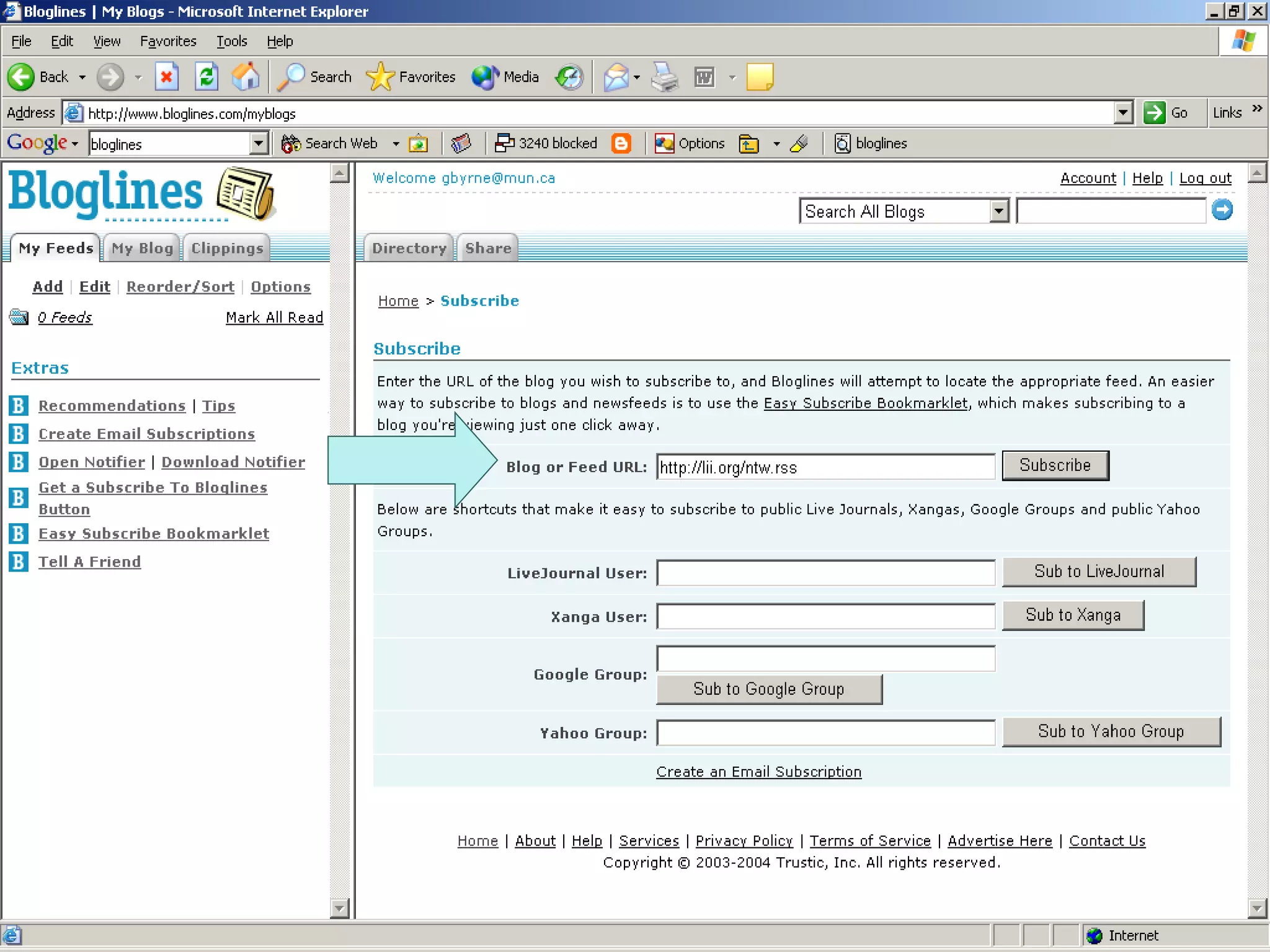
  • #16 CLICK: WHERE YOU ENTER THE URL OF THE FEED
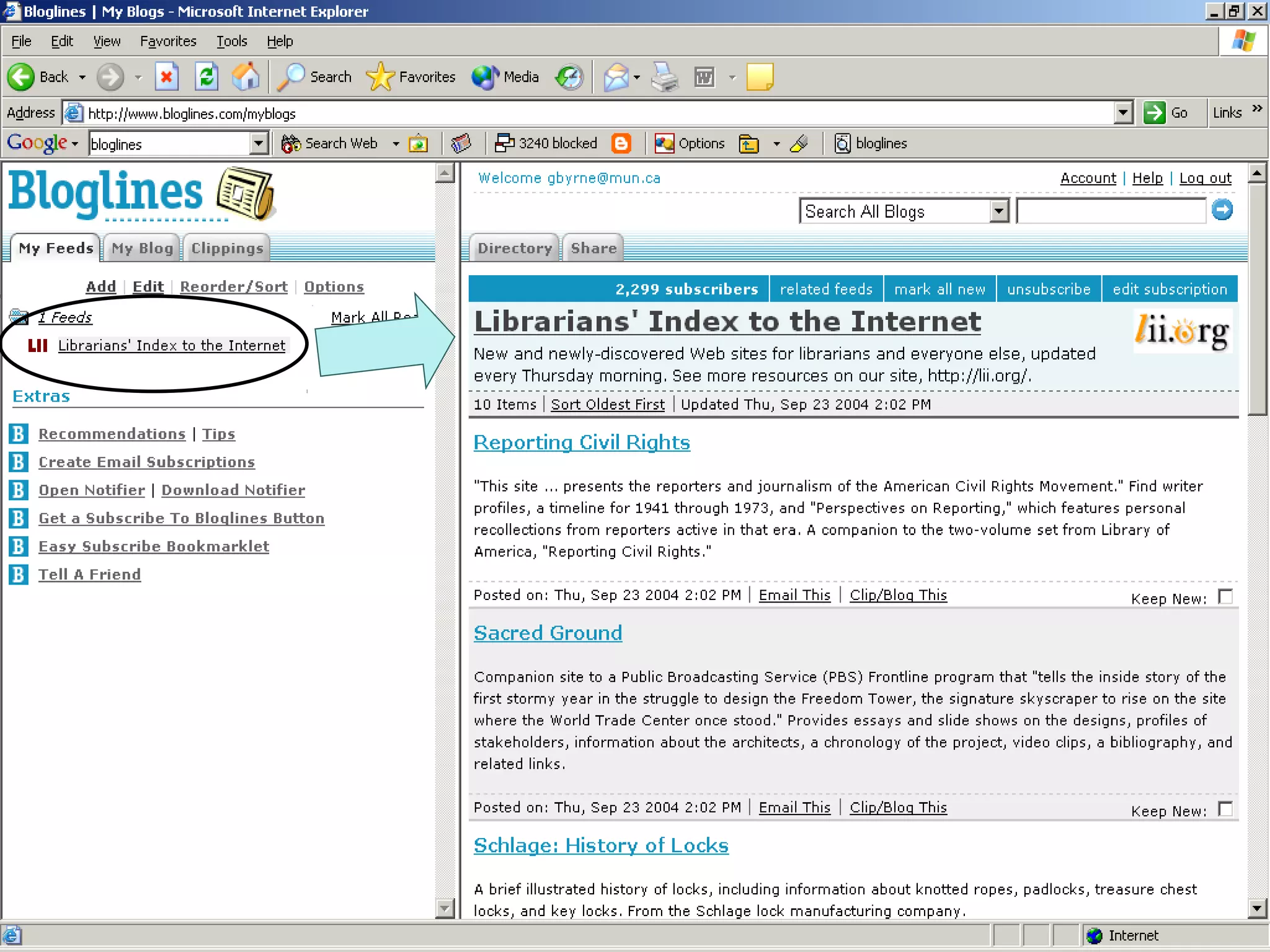
  • #17 CLICK: name of the feed CLICK: most recent itemd
  • #19 ATOM: Atom is designed to be a universal XML publishing standard for personal content (to get rid of the competing XML formats. Developed by a non-profit organization, ATOM is not widely supported yet (though blogger does) Intranet Integration: A replacement for listservs? Think of all the syndicated content that there is in your environment – absence reports, financial docs, class lists. All of that is easily published and transferred using XML Portal Integration: XML is one of the best ways to get syndicated data from here to there. MUN has a portal, we want to feed it our news. By using xml, we can easily push the news into a portal environemnt Hacks: Just a interesting end note, I rwead online about this avid user of the public library in pei 0 and an avid RSS user! He wanted to receive the list of books he had out in his RSS reader rather than going to his account in the library catalogue. He created a hack that logged into his account,