THERE ARE THREE PARTS TO BEING SAFE ON A COMPUTER! E-mail Etiquette Computer Care Internet Safety
E-MAIL ETIQUETTE Rules to help you be polite on-line.
DO NOT TYPE IN ALL CAPITALS. It is like yelling.
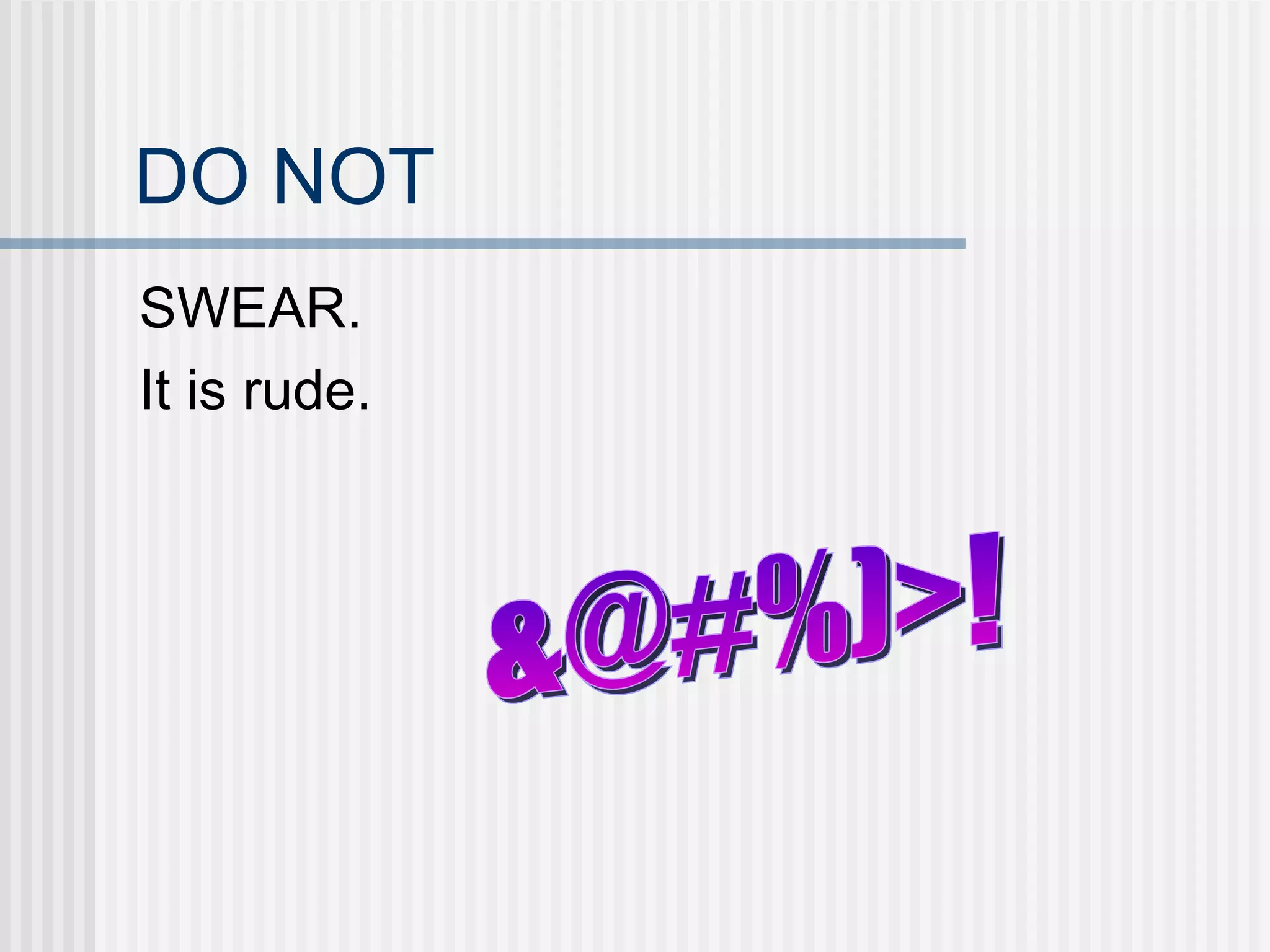
DO NOT SWEAR. It is rude. &@#%)>!
DO NOT FORWARD PERSONAL E-MAILS WITHOUT THE  SENDER’S PERMISSION. If they wrote it then they own it.
DO NOT SEND ANYTHING REALLY PERSONAL IN AN E-MAIL. Remember that e-mail is like a postcard and people, other than who you send it to, may read it.
COMPUTER CARE Rules to keep your computer working well.
DO NOT DOWNLOAD UNKNOWN E-MAILS, PROGRAMS, AND OTHER FILES. They may contain a virus which can damage your computer.
DO NOT DRINK BY YOUR COMPUTER. A spill may result in an electrical shock to you or your computer.  Liquids and electricity are a bad combination.
DO NOT  EAT BY YOUR COMPUTER. Food crumbs and other particles may get in your computer and it may not work as well.
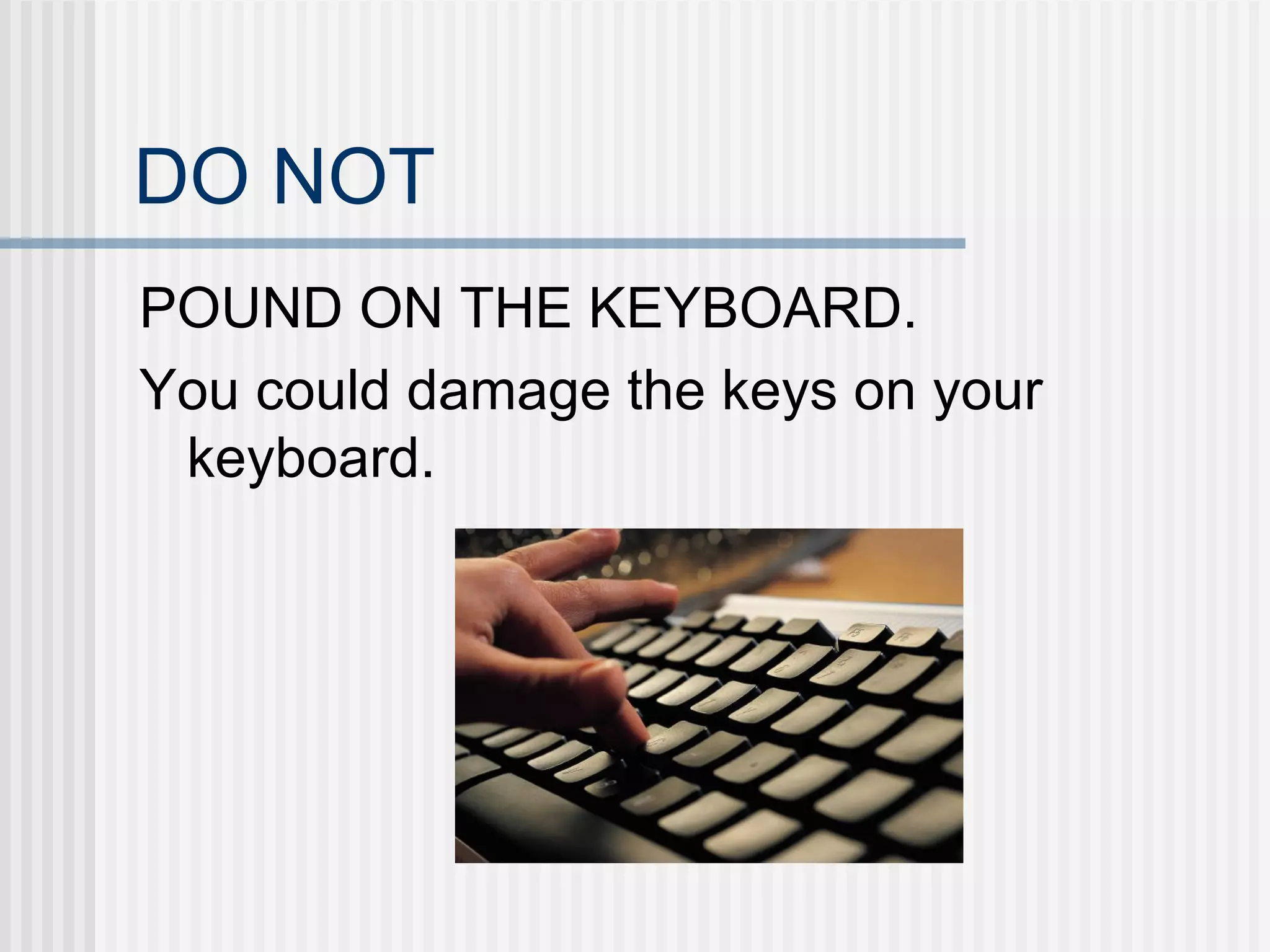
DO NOT POUND ON THE KEYBOARD. You could damage the keys on your keyboard.
INTERNET SAFETY Rules to keep you safe when you are on-line.
DO NOT GIVE OUT YOUR WHOLE NAME  ON-LINE.  IF POSSIBLE CHOOSE A SCREEN NAME WHICH DOESN’T TELL WHETHER YOU ARE A BOY OR A GIRL. If someone knows your name it is easier for them to find you. Jayne Stocker  STOCKY17
DO NOT GIVE OUT YOUR PHONE NUMBER  ON-LINE. There are reverse directories which allow someone to find an address from a phone number. 228-2828
DO NOT GIVE OUT YOUR HOME ADDRESS  ON-LINE. If someone knows your address they can come to your home and rob it.
DO NOT SHARE PERSONAL INFORMATION  ON-LINE SUCH AS THE NAME OF YOUR SCHOOL, THE NAME OF YOUR TEAM, THE NUMBER ON YOUR TEAM, UNIFORM, AND SO ON. It may allow someone bad to find you.
DO NOT KEEP E-MAILS WHICH MAKE YOU FEEL UNCOMFORTABLE A SECRET. Tell a teacher, your parents or another adult whom you trust. We can’t help if we don’t know about a problem.
DO NOT TELL YOUR E-MAIL PASSWORD TO ANYONE EXCEPT A TEACHER OR PARENT. Other people may use your e-mail account to embarrass your or pretend that they are you and get you into trouble.
DO NOT KEEP A COMPUTER WITH THE INTERNET IN YOUR BEDROOM. Children should use computers in a family room so that parents know what you are doing on-line.
DO NOT EVER MEET IN PERSON ANYONE YOU HAVE ONLY MET ON-LINE. People can lie on-line and you can never be sure who you are meeting.  It might be someone who wants to hurt you even if they pretended to be your friend on the Internet.
DO BE SMART. Use common sense, for example don’t go to inappropriate websites because you might lose your computer privileges.  If something feels or seems wrong then tell an adult about it.

Internetsafety08

  • 1.
    THERE ARE THREEPARTS TO BEING SAFE ON A COMPUTER! E-mail Etiquette Computer Care Internet Safety
  • 2.
    E-MAIL ETIQUETTE Rulesto help you be polite on-line.
  • 3.
    DO NOT TYPEIN ALL CAPITALS. It is like yelling.
  • 4.
    DO NOT SWEAR.It is rude. &@#%)>!
  • 5.
    DO NOT FORWARDPERSONAL E-MAILS WITHOUT THE SENDER’S PERMISSION. If they wrote it then they own it.
  • 6.
    DO NOT SENDANYTHING REALLY PERSONAL IN AN E-MAIL. Remember that e-mail is like a postcard and people, other than who you send it to, may read it.
  • 7.
    COMPUTER CARE Rulesto keep your computer working well.
  • 8.
    DO NOT DOWNLOADUNKNOWN E-MAILS, PROGRAMS, AND OTHER FILES. They may contain a virus which can damage your computer.
  • 9.
    DO NOT DRINKBY YOUR COMPUTER. A spill may result in an electrical shock to you or your computer. Liquids and electricity are a bad combination.
  • 10.
    DO NOT EAT BY YOUR COMPUTER. Food crumbs and other particles may get in your computer and it may not work as well.
  • 11.
    DO NOT POUNDON THE KEYBOARD. You could damage the keys on your keyboard.
  • 12.
    INTERNET SAFETY Rulesto keep you safe when you are on-line.
  • 13.
    DO NOT GIVEOUT YOUR WHOLE NAME ON-LINE. IF POSSIBLE CHOOSE A SCREEN NAME WHICH DOESN’T TELL WHETHER YOU ARE A BOY OR A GIRL. If someone knows your name it is easier for them to find you. Jayne Stocker STOCKY17
  • 14.
    DO NOT GIVEOUT YOUR PHONE NUMBER ON-LINE. There are reverse directories which allow someone to find an address from a phone number. 228-2828
  • 15.
    DO NOT GIVEOUT YOUR HOME ADDRESS ON-LINE. If someone knows your address they can come to your home and rob it.
  • 16.
    DO NOT SHAREPERSONAL INFORMATION ON-LINE SUCH AS THE NAME OF YOUR SCHOOL, THE NAME OF YOUR TEAM, THE NUMBER ON YOUR TEAM, UNIFORM, AND SO ON. It may allow someone bad to find you.
  • 17.
    DO NOT KEEPE-MAILS WHICH MAKE YOU FEEL UNCOMFORTABLE A SECRET. Tell a teacher, your parents or another adult whom you trust. We can’t help if we don’t know about a problem.
  • 18.
    DO NOT TELLYOUR E-MAIL PASSWORD TO ANYONE EXCEPT A TEACHER OR PARENT. Other people may use your e-mail account to embarrass your or pretend that they are you and get you into trouble.
  • 19.
    DO NOT KEEPA COMPUTER WITH THE INTERNET IN YOUR BEDROOM. Children should use computers in a family room so that parents know what you are doing on-line.
  • 20.
    DO NOT EVERMEET IN PERSON ANYONE YOU HAVE ONLY MET ON-LINE. People can lie on-line and you can never be sure who you are meeting. It might be someone who wants to hurt you even if they pretended to be your friend on the Internet.
  • 21.
    DO BE SMART.Use common sense, for example don’t go to inappropriate websites because you might lose your computer privileges. If something feels or seems wrong then tell an adult about it.