This document discusses integrating information and communication technologies (ICT) into the English language classroom. It defines ICT and computer-assisted language learning (CALL). It outlines benefits of ICT like providing richer learning materials and motivating students, as well as potential shortcomings like technical issues. It also addresses lesson planning with ICT, evaluating internet resources, using the internet for lessons, and designing web-based lessons.
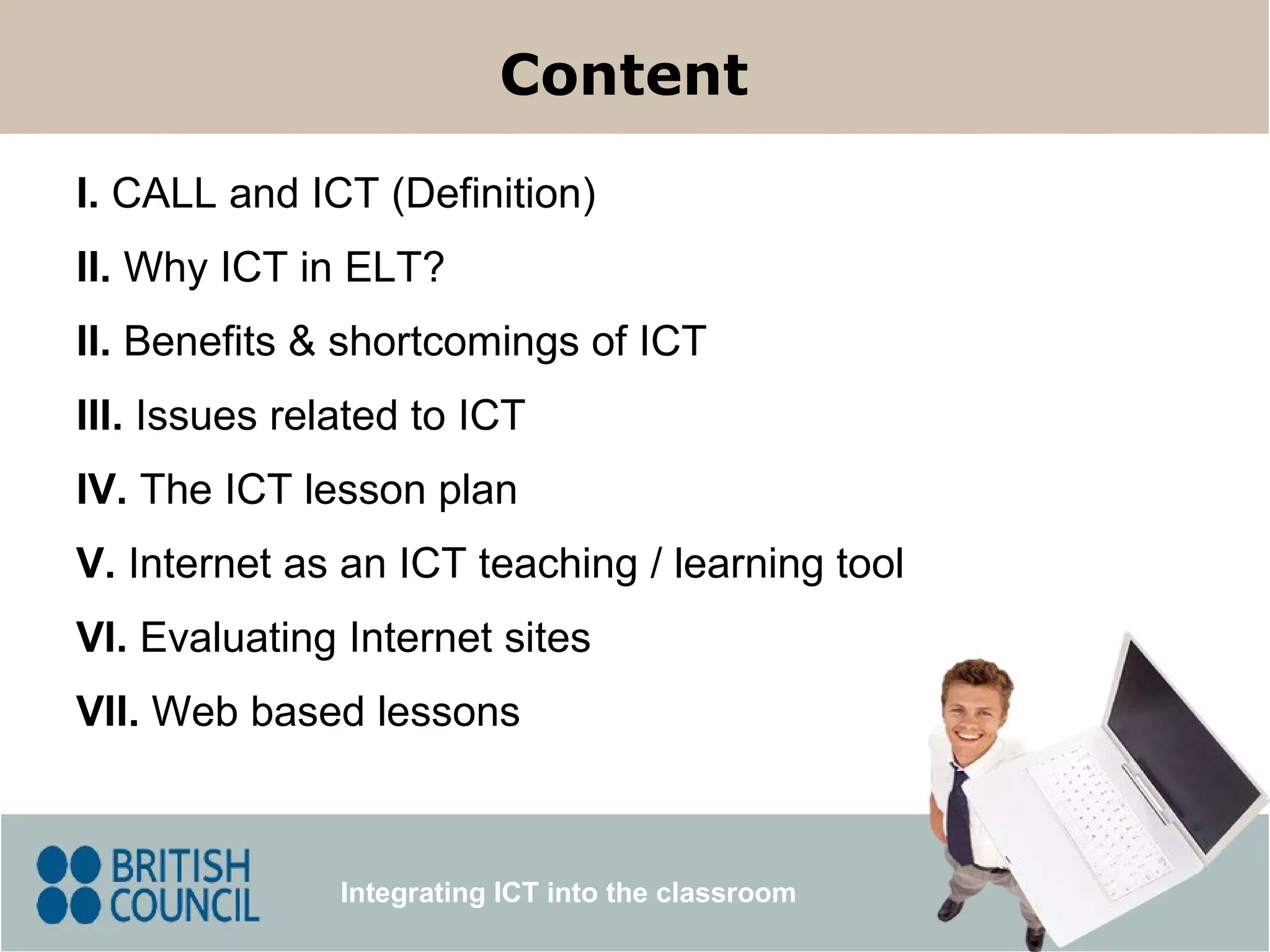
I. CALLand ICT (Definition) III. Issues related to ICT II. Benefits & shortcomings of ICT V. Internet as an ICT teaching / learning tool Content Integrating ICT into the classroom IV. The ICT lesson plan VI. Evaluating Internet sites VII. Web based lessons II. Why ICT in ELT?
3.
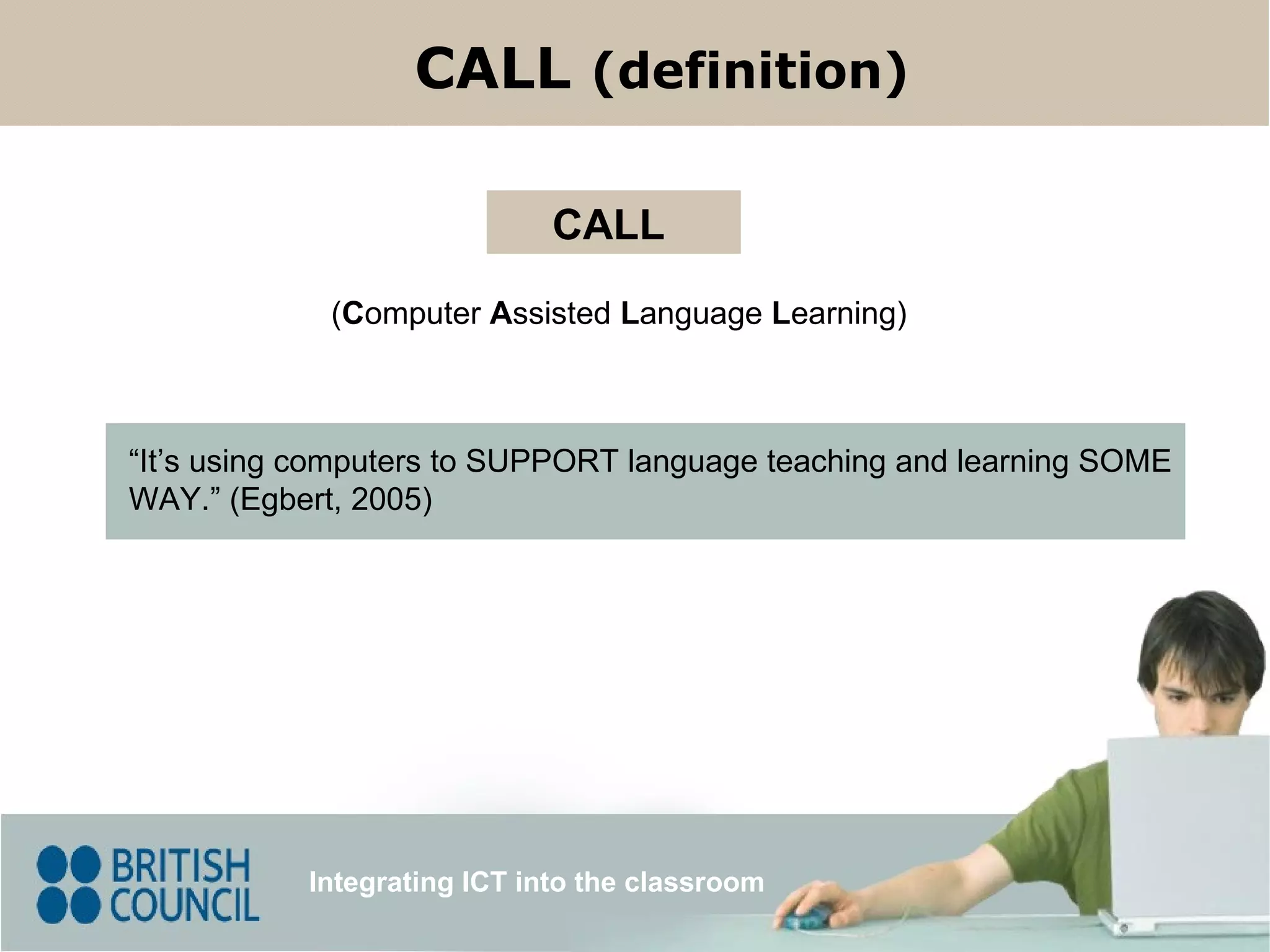
( C omputer A ssisted L anguage L earning) CALL “ It’s using computers to SUPPORT language teaching and learning SOME WAY.” (Egbert, 2005) Integrating ICT into the classroom CALL (definition)
4.
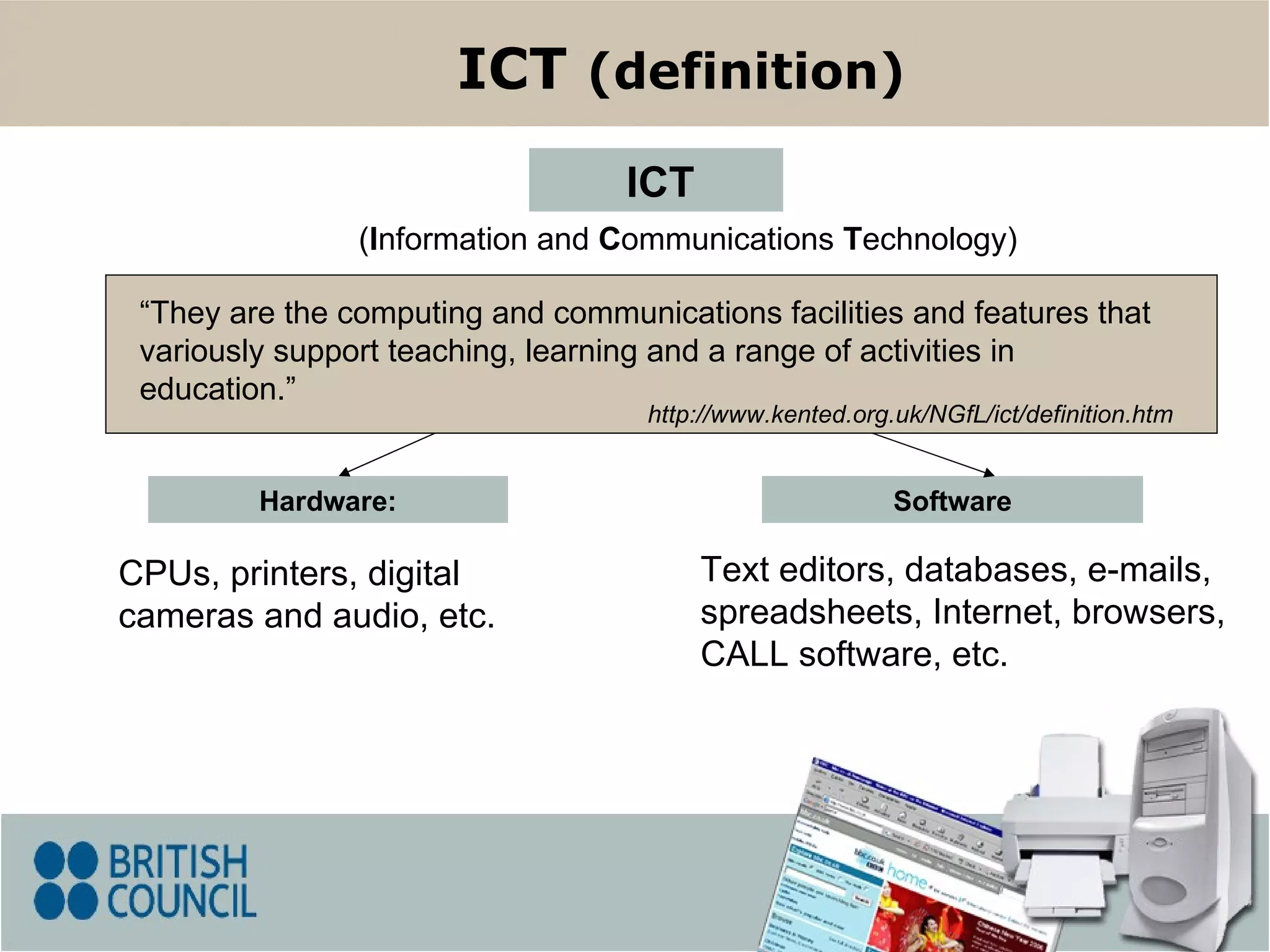
Hardware: CPUs, printers,digital cameras and audio, etc. Software ( I nformation and C ommunications T echnology) ICT ICT (definition) Text editors, databases, e-mails, spreadsheets, Internet, browsers, CALL software, etc. “ They are the computing and communications facilities and features that variously support teaching, learning and a range of activities in education .” http://www.kented.org.uk/NGfL/ict/definition.htm
5.
Integrating ICT intothe classroom Why ICT in ELT? The growing use of technology in today's world is pushing EFL-ESL teachers to consider the integration of ICT into the classroom. It can be dynamic and interactive. ICT gives learners immediate access to richer source materials . ICT can be effective and efficient. ICT can be used as a tool for motivating students to learn in a different way.
6.
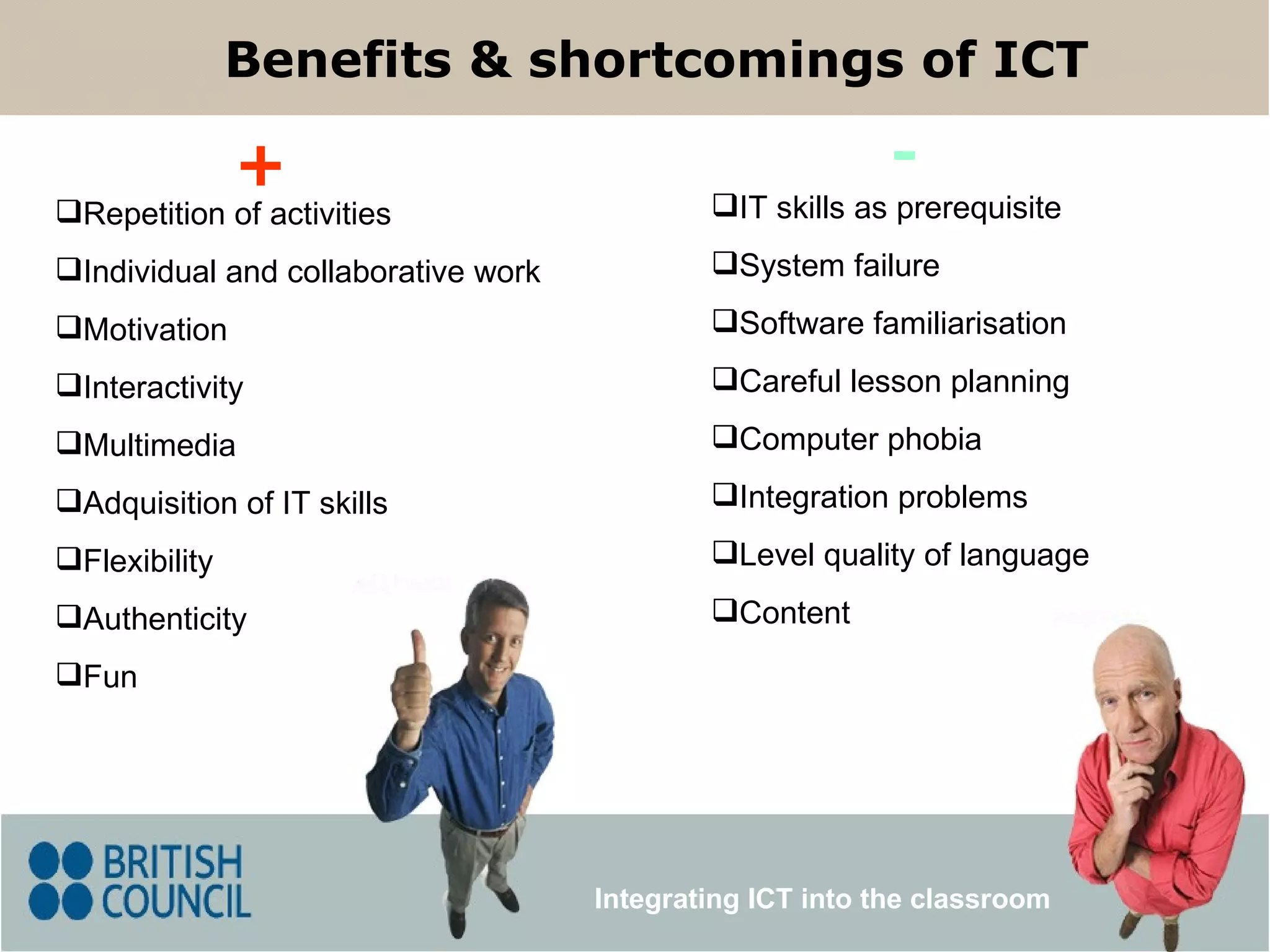
IT skills asprerequisite System failure Software familiarisation Careful lesson planning Computer phobia Integration problems Level quality of language Content Repetition of activities Individual and collaborative work Motivation Interactivity Multimedia Adquisition of IT skills Flexibility Authenticity Fun Benefits & shortcomings of ICT + - Integrating ICT into the classroom
7.
Issues related to ICT Integrating ICT into the classroom Students’ needs and interests In class or self-access Pedagogical aims Integration with the course programme and in the lesson itself Careful lesson planning Technical support/back-up lesson
8.
The ICT lessonplan Integrating ICT into the classroom Consider the type of technology you are going to use (A digital camera? / Internet? / a text editor?) Design lesson plan Apply lesson plan Edit your lesson plan (If need be!) Evaluate lesson plan
9.
You can accessauthentic reading-listening material There are different types of text genre You can plan communication and / or research projects Student can publish their own work Internet as an ICT teaching / learning tool Integrating ICT into the classroom Language exercises
10.
Evaluating internet sitesIntegrating ICT into the classroom Organization Currency (Updated? - Dead links?) Accessibility ( loading ) Clarity (information - advertisements? - mistakes?) Appropriateness and relevance (content)
11.
Web based lessonsIntegrating ICT into the classroom Web-based lesson design Demonstration Planning an ICT lesson: Pedagogical approach (Task-based approach) Stages of task-based activities
12.
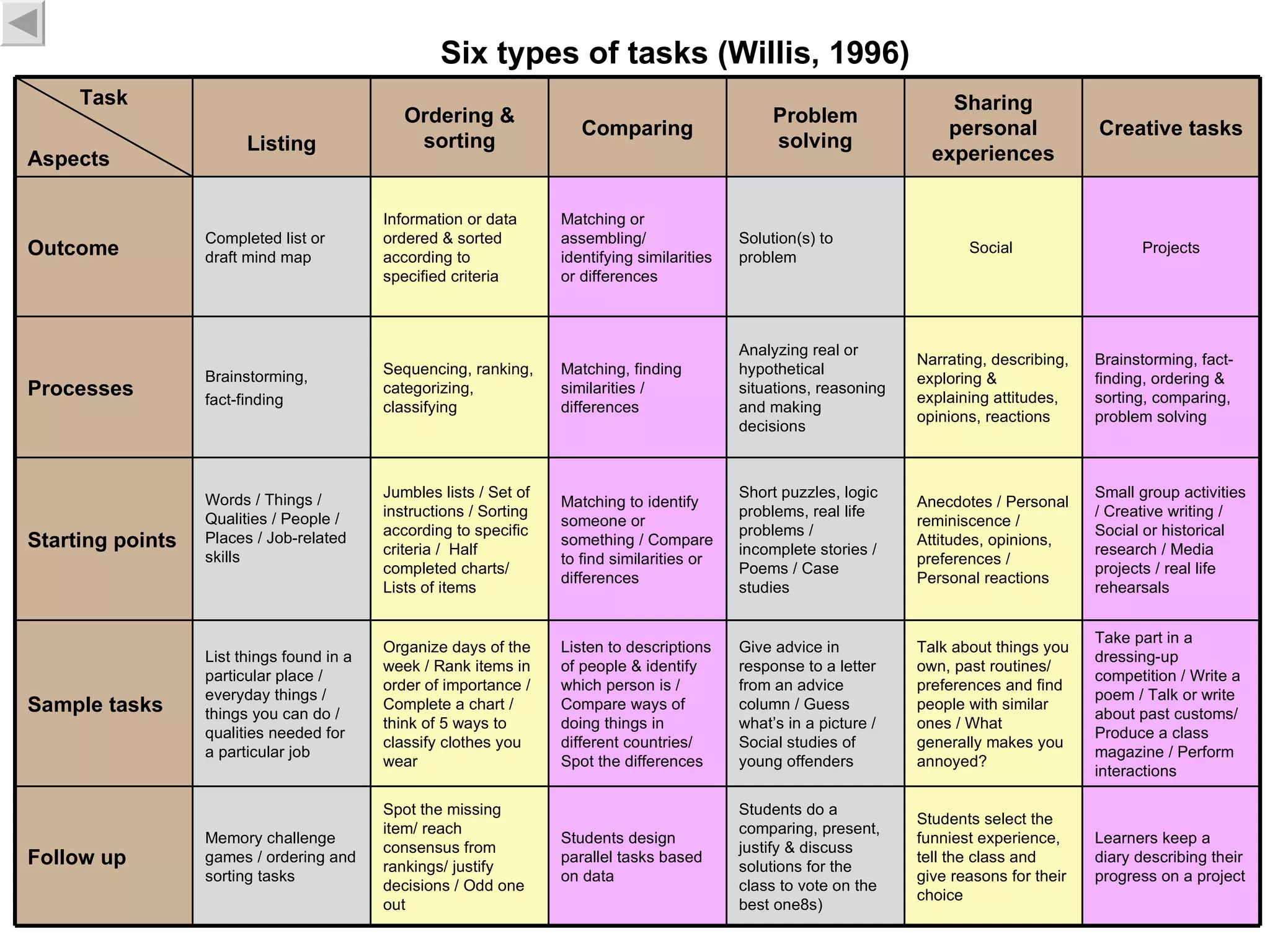
Six types oftasks (Willis, 1996) Take part in a dressing-up competition / Write a poem / Talk or write about past customs/ Produce a class magazine / Perform interactions Talk about things you own, past routines/ preferences and find people with similar ones / What generally makes you annoyed? Give advice in response to a letter from an advice column / Guess what’s in a picture / Social studies of young offenders Listen to descriptions of people & identify which person is / Compare ways of doing things in different countries/ Spot the differences Organize days of the week / Rank items in order of importance / Complete a chart / think of 5 ways to classify clothes you wear List things found in a particular place / everyday things / things you can do / qualities needed for a particular job Sample tasks Memory challenge games / ordering and sorting tasks Words / Things / Qualities / People / Places / Job-related skills Brainstorming, fact-finding Completed list or draft mind map Listing Students select the funniest experience, tell the class and give reasons for their choice Anecdotes / Personal reminiscence / Attitudes, opinions, preferences / Personal reactions Narrating, describing, exploring & explaining attitudes, opinions, reactions Social Sharing personal experiences Learners keep a diary describing their progress on a project Students do a comparing, present, justify & discuss solutions for the class to vote on the best one8s) Students design parallel tasks based on data Spot the missing item/ reach consensus from rankings/ justify decisions / Odd one out Follow up Small group activities / Creative writing / Social or historical research / Media projects / real life rehearsals Short puzzles, logic problems, real life problems / incomplete stories / Poems / Case studies Matching to identify someone or something / Compare to find similarities or differences Jumbles lists / Set of instructions / Sorting according to specific criteria / Half completed charts/ Lists of items Starting points Brainstorming, fact-finding, ordering & sorting, comparing, problem solving Analyzing real or hypothetical situations, reasoning and making decisions Matching, finding similarities / differences Sequencing, ranking, categorizing, classifying Processes Projects Solution(s) to problem Matching or assembling/ identifying similarities or differences Information or data ordered & sorted according to specified criteria Outcome Creative tasks Problem solving Comparing Ordering & sorting Task Aspects
13.
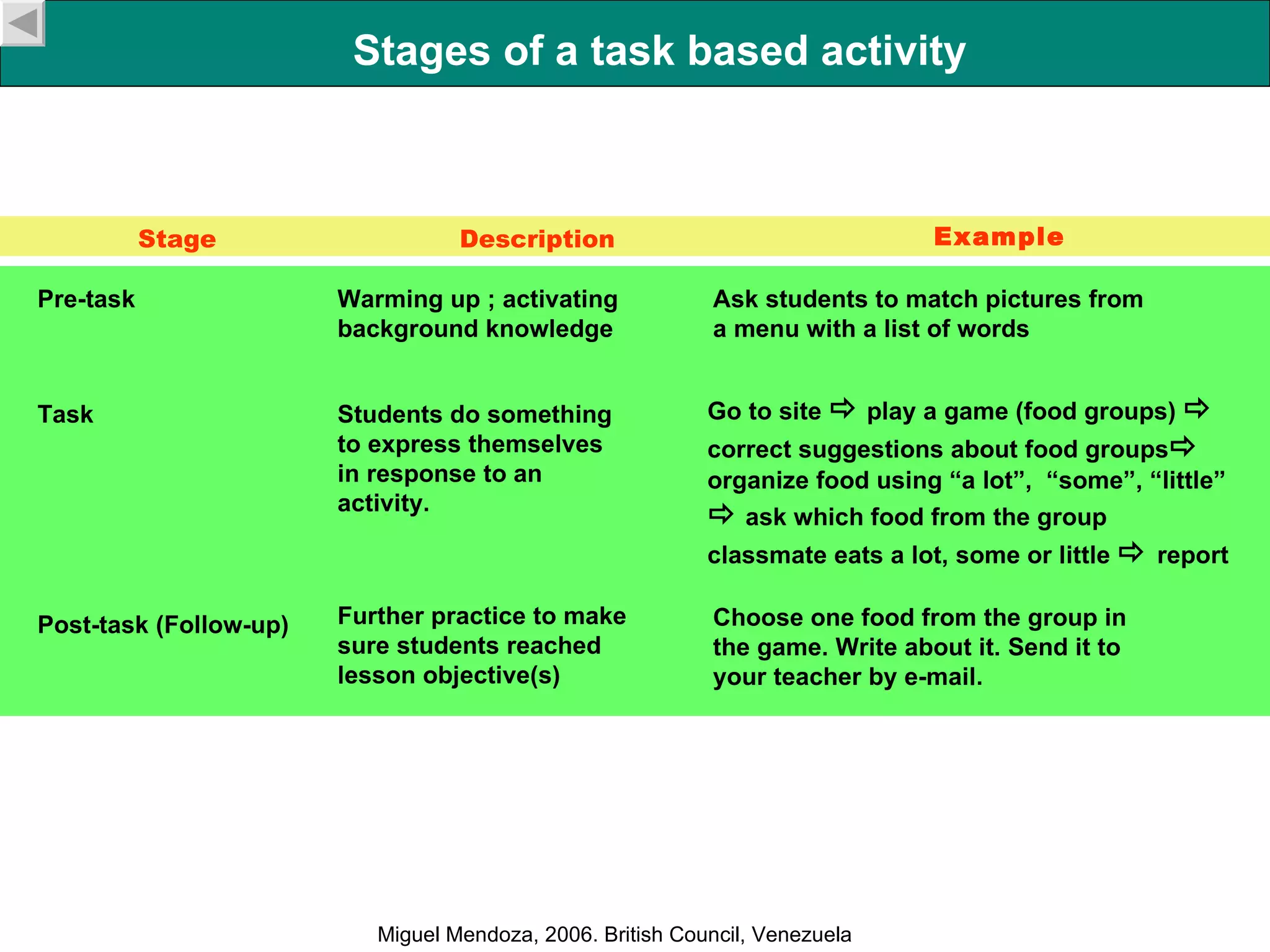
Stages of atask based activity Pre-task Warming up ; activating background knowledge Stage Example Task Post-task (Follow-up) Students do something to express themselves in response to an activity. Further practice to make sure students reached lesson objective(s) Ask students to match pictures from a menu with a list of words Go to site play a game (food groups) correct suggestions about food groups organize food using “a lot”, “some”, “little” ask which food from the group classmate eats a lot, some or little report Choose one food from the group in the game. Write about it. Send it to your teacher by e-mail. Description Miguel Mendoza, 2006. British Council, Venezuela
14.
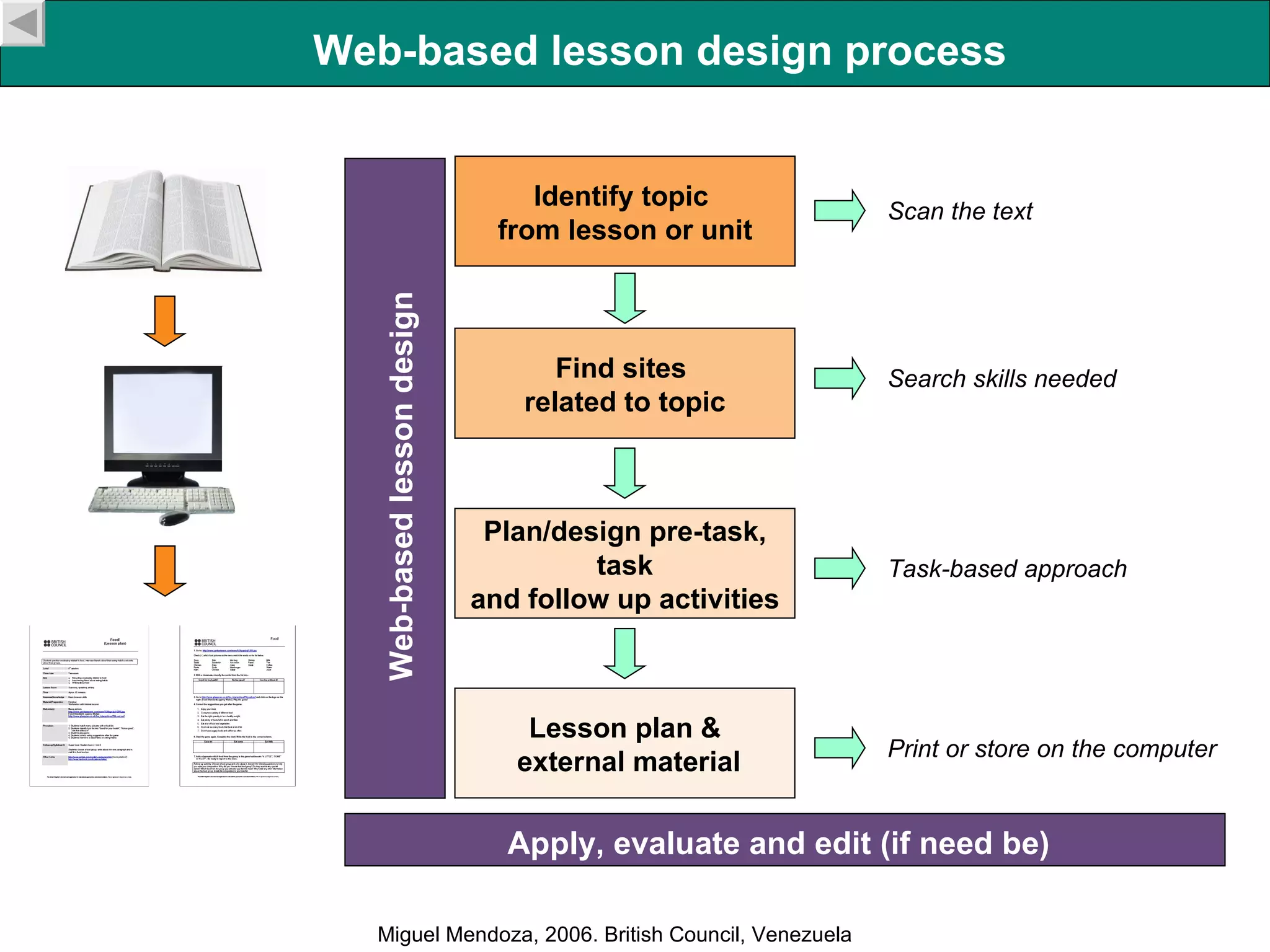
Identify topic from lesson or unit Find sites related to topic Plan/design pre-task, task and follow up activities Lesson plan & external material Web-based lesson design Scan the text Search skills needed Task-based approach Print or store on the computer Web-based lesson design process Miguel Mendoza, 2006. British Council, Venezuela Apply, evaluate and edit (if need be)
15.
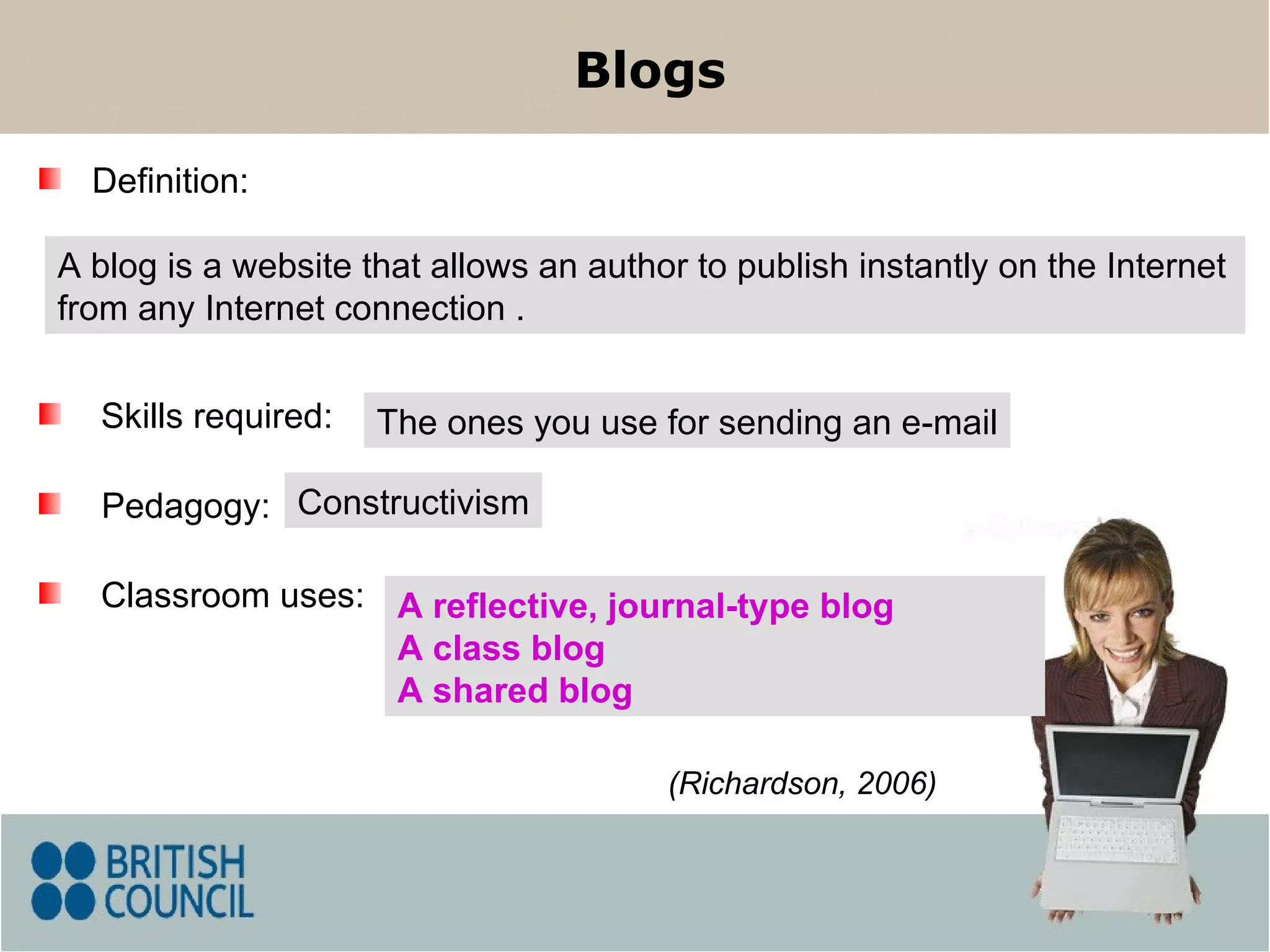
Blogs A blogis a website that allows an author to publish instantly on the Internet from any Internet connection . Skills required: Classroom uses: Pedagogy: (Richardson, 2006) Definition: The ones you use for sending an e-mail Constructivism A reflective, journal-type blog A class blog A shared blog
16.
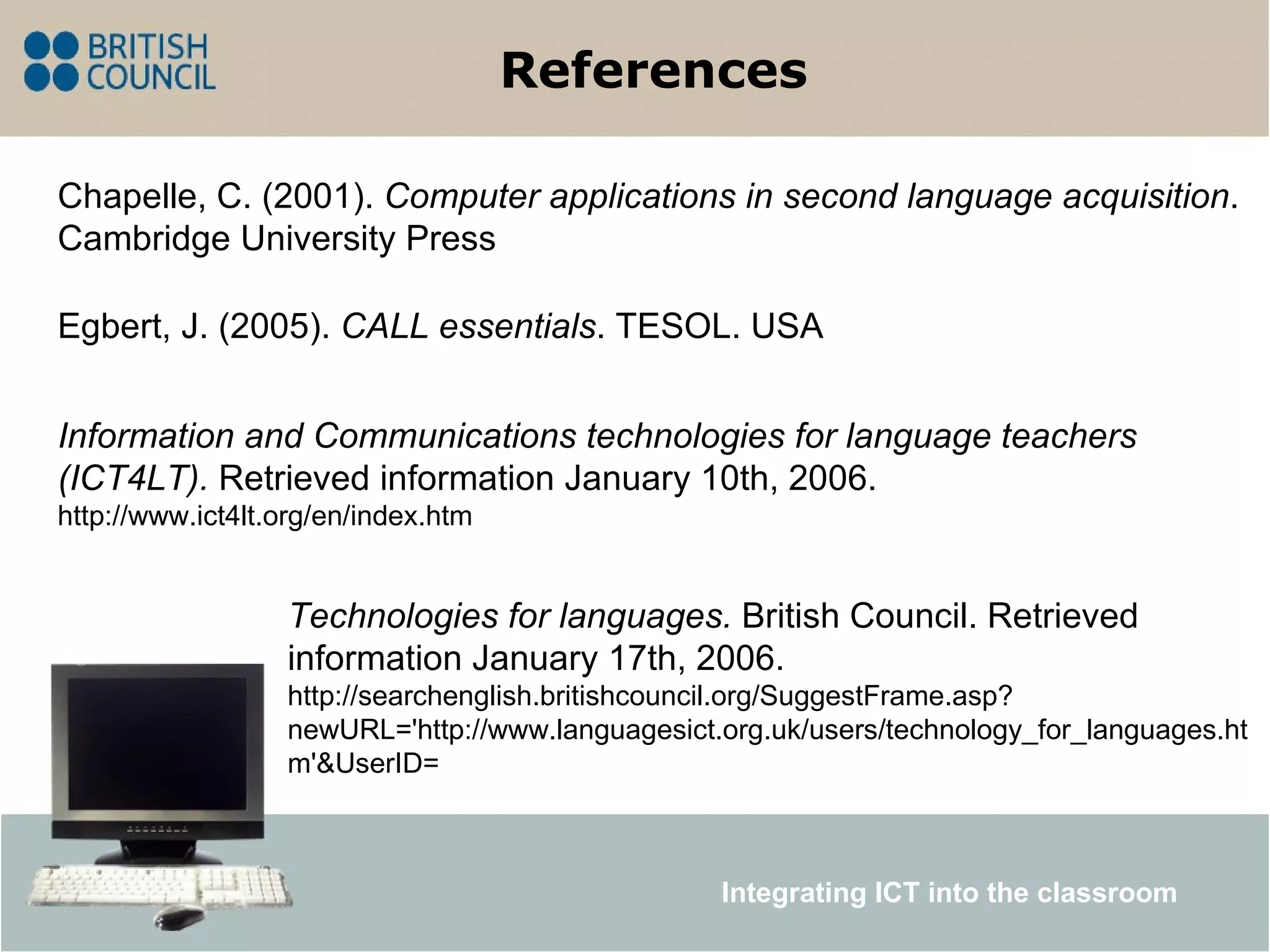
References Egbert, J.(2005). CALL essentials . TESOL. USA Technologies for languages. British Council. Retrieved information January 17th, 2006. http://searchenglish.britishcouncil.org/SuggestFrame.asp?newURL='http://www.languagesict.org.uk/users/technology_for_languages.htm'&UserID= Chapelle, C. (2001). Computer applications in second language acquisition . Cambridge University Press Information and Communications technologies for language teachers (ICT4LT). Retrieved information January 10th, 2006. http://www.ict4lt.org/en/index.htm Integrating ICT into the classroom