Lightweight Virtualization
with

Linux Containers
and

Docker
Outline
●

Why Linux Containers?

●

What are Linux Containers exactly?

●

What do we need on top of LXC?

●

Why Docker?

●

What is Docker exactly?

●

Where is it going?
Outline
●

Why Linux Containers?

●

What are Linux Containers exactly?

●

What do we need on top of LXC?

●

Why Docker?

●

What is Docker exactly?

●

Where is it going?
Why Linux Containers?

What are
we trying
to solve?
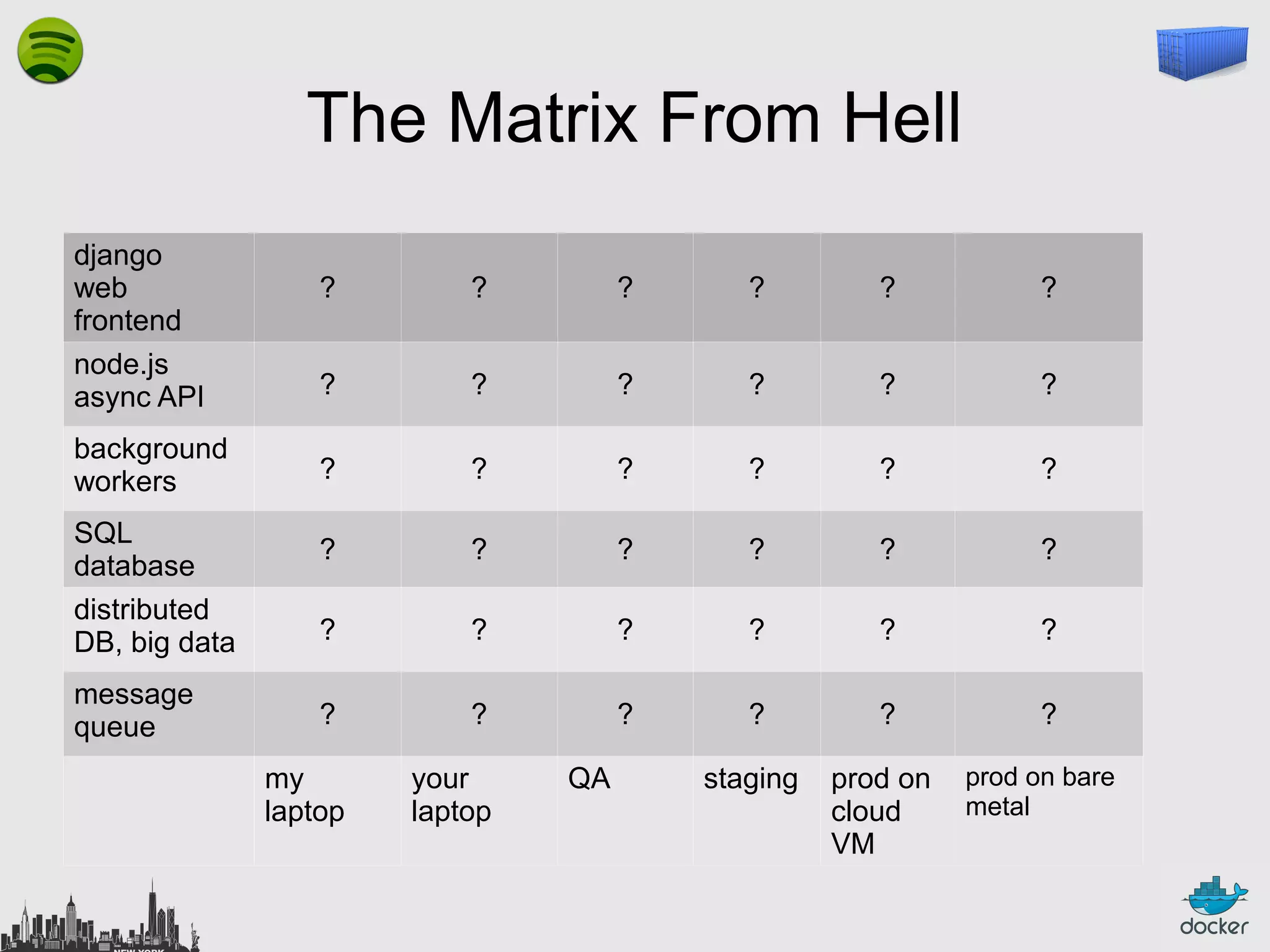
The Matrix From Hell
django
web
frontend
node.js
async API
background
workers
SQL
database
distributed
DB, big data
message
queue

?

?

?

?

?

?

?

?

?

?

?

?

?

?

?

?

?

?

?

?

?

?

?

?

?

?

?

?

?

?

?

?

?

?

?

?

staging

prod on
cloud
VM

my
laptop

your
laptop

QA

prod on bare
metal
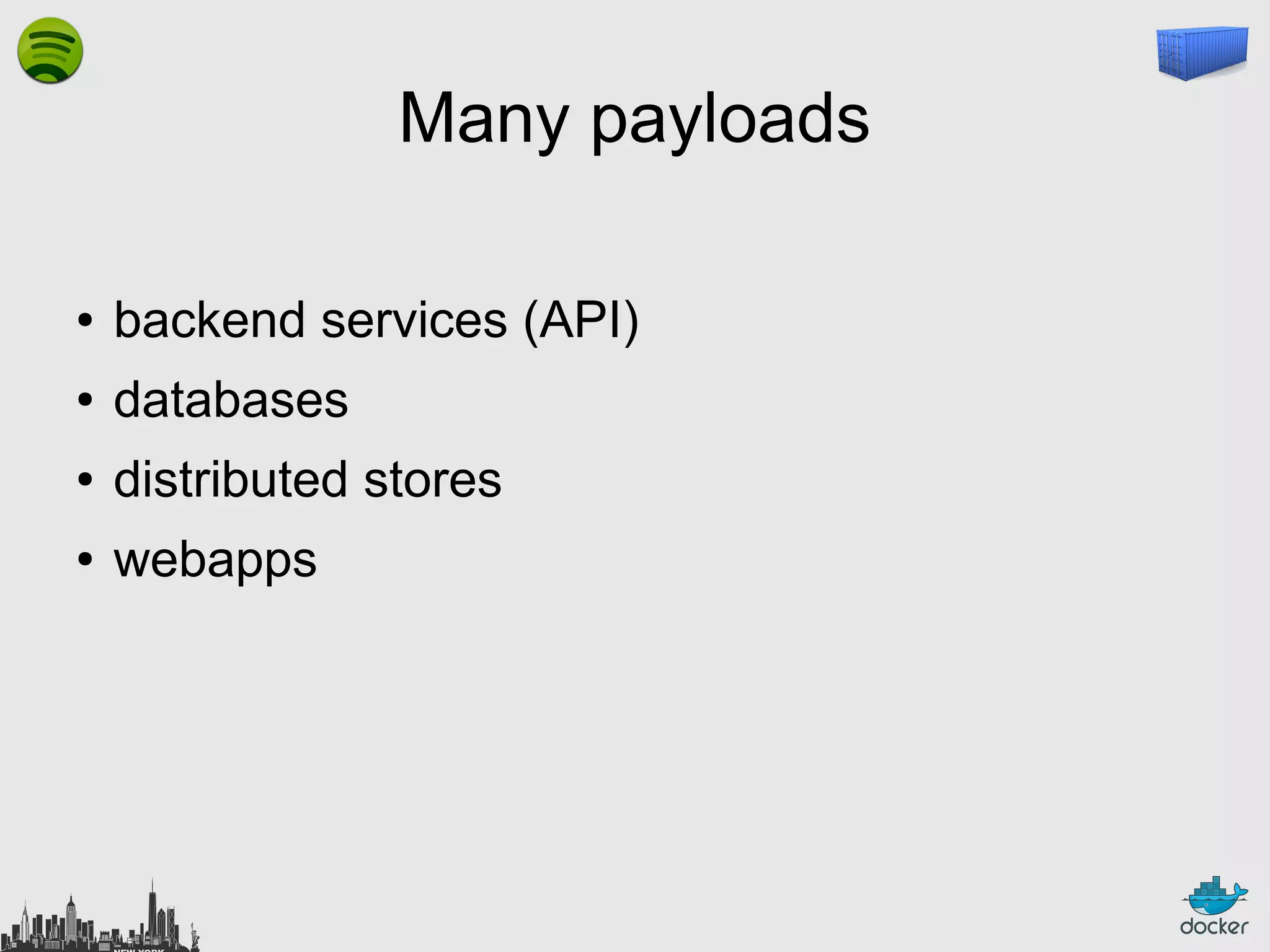
Many payloads
●

backend services (API)

●

databases

●

distributed stores

●

webapps
Many payloads
●

Go

●

Java

●

Node.js

●

PHP

●

Python

●

Ruby

●

…
Many payloads
●

CherryPy

●

Django

●

Flask

●

Plone

●

...
Many payloads
●

Apache

●

Gunicorn

●

uWSGI

●

...
Many payloads

+ your code
Many targets
●

your local development environment

●

your coworkers' developement environment

●

your Q&A team's test environment

●

some random demo/test server

●

the staging server(s)

●

the production server(s)

●

bare metal

●

virtual machines

●

shared hosting
Many targets
●

BSD

●

Linux

●

OS X
●

Windows
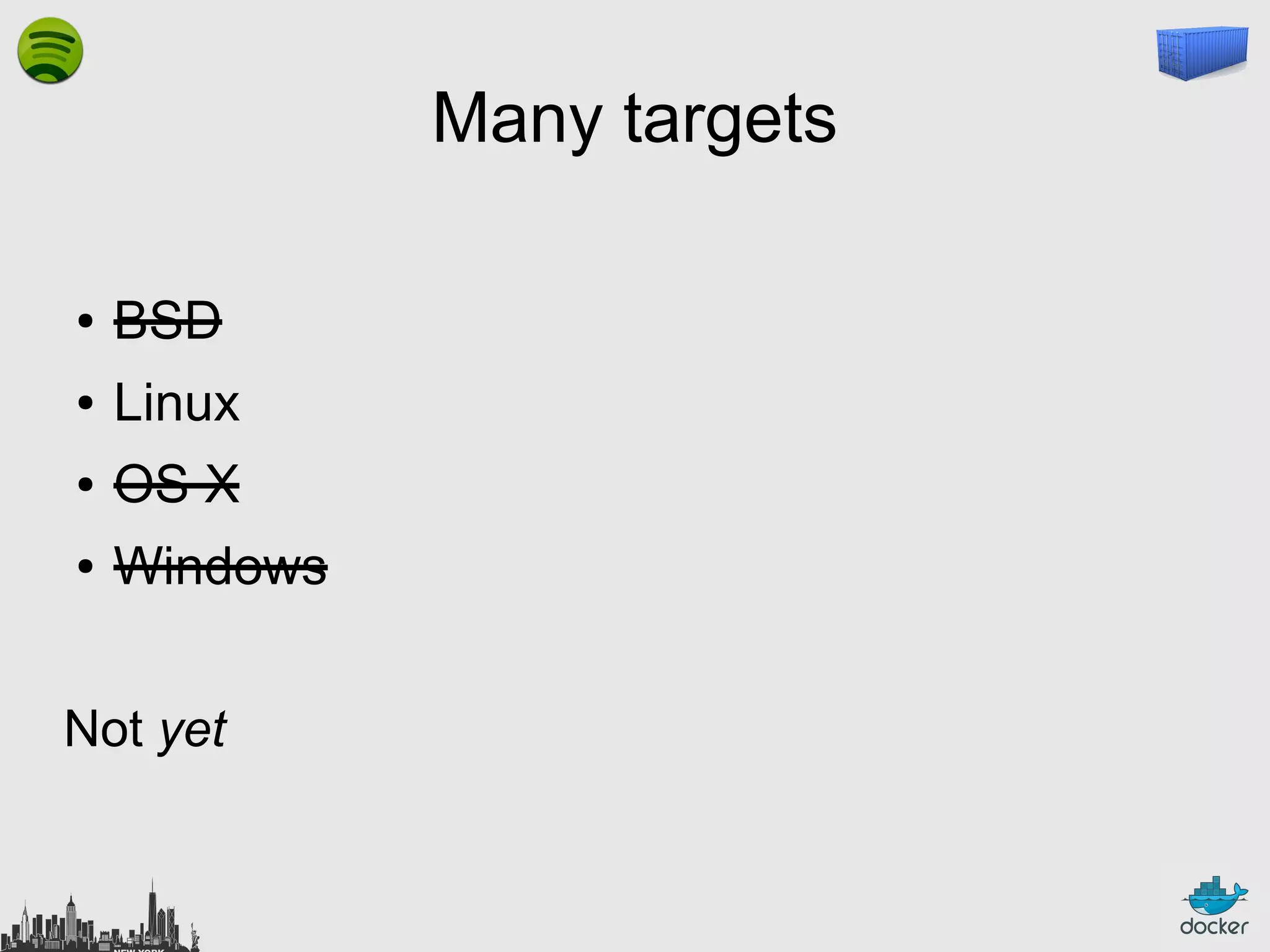
Many targets
●

BSD

●

Linux

●

OS X

●

Windows

Not yet
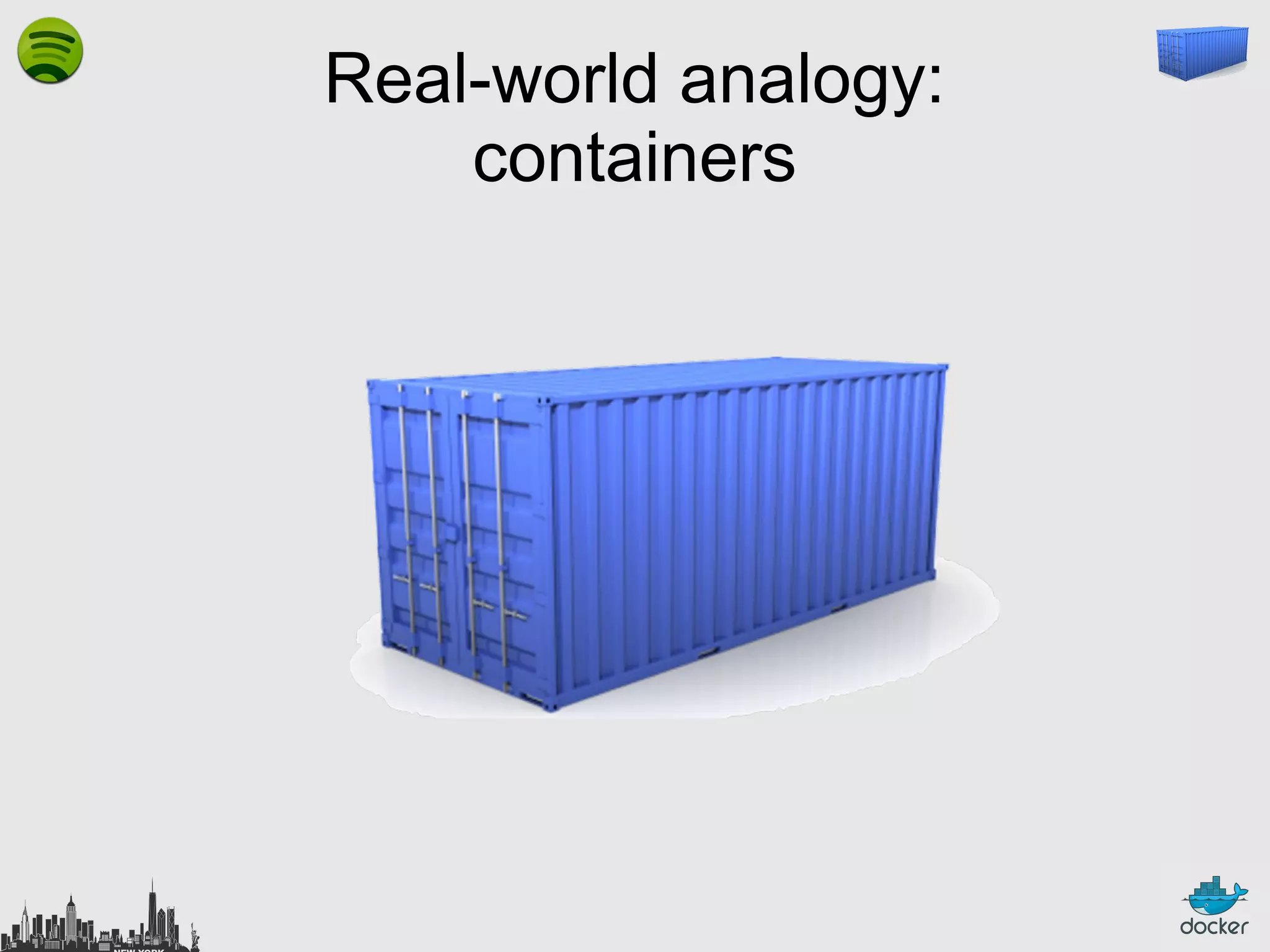
Real-world analogy:
containers
Many products
●

clothes

●

electronics

●

raw materials

●

wine

●

…
Many transportation methods
●

ships

●

trains

●

trucks

●

...
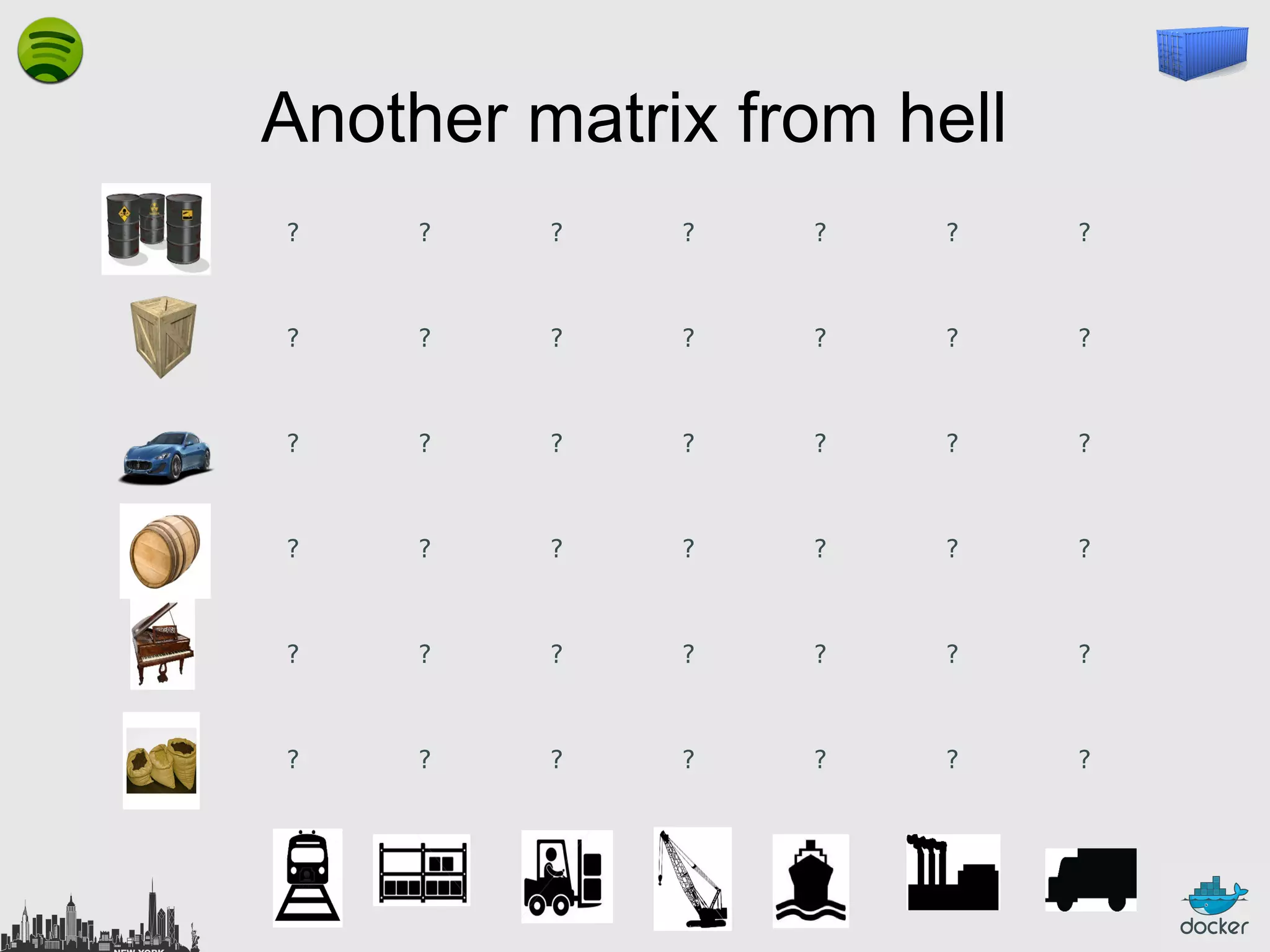
Another matrix from hell
?

?

?

?

?

?

?

?

?

?

?

?

?

?

?

?

?

?

?

?

?

?

?

?

?

?

?

?

?

?

?

?

?

?

?

?

?

?

?

?

?

?
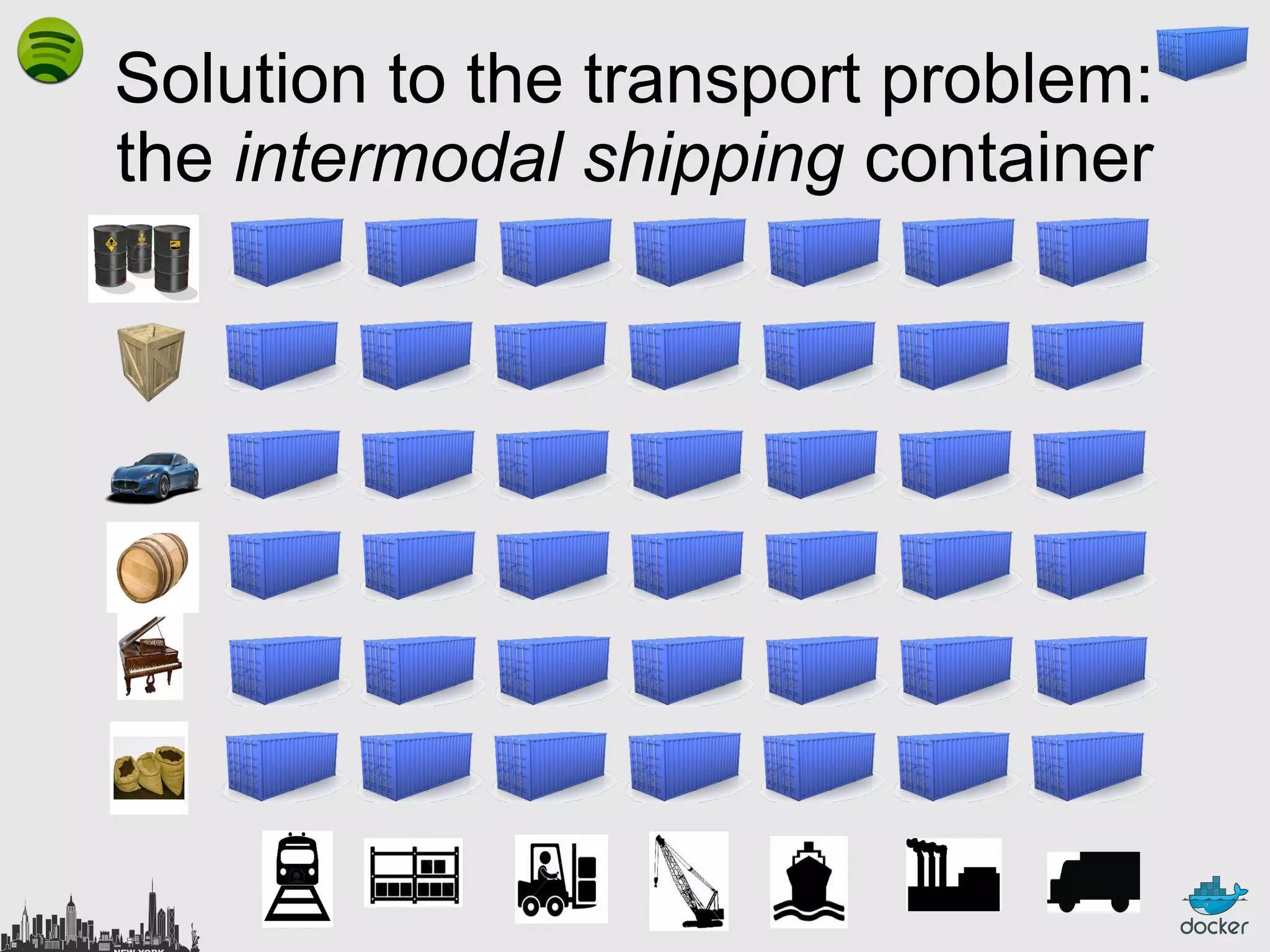
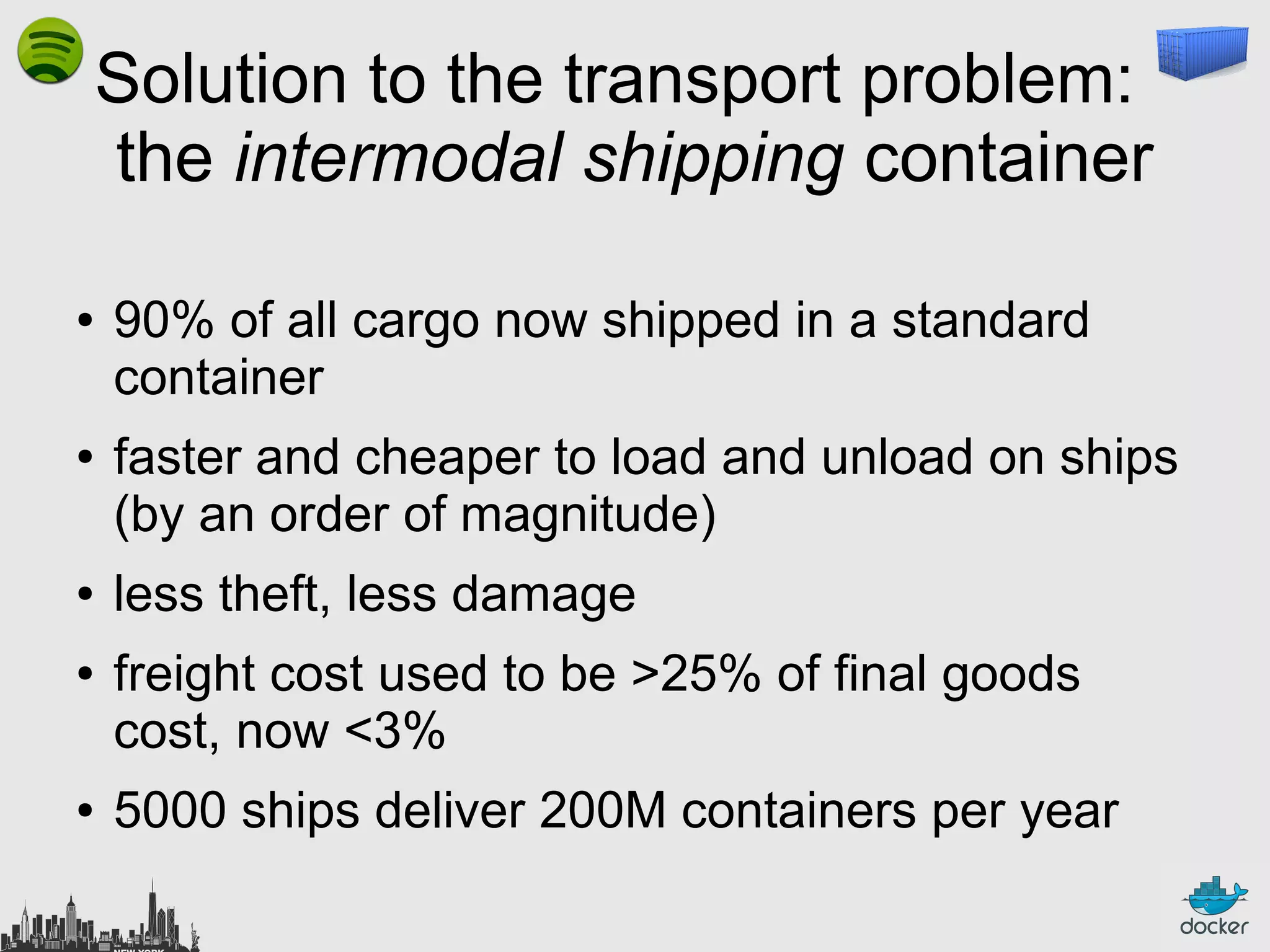
Solution to the transport problem:
the intermodal shipping container
Solution to the transport problem:
the intermodal shipping container
●

●

●
●

●

90% of all cargo now shipped in a standard
container
faster and cheaper to load and unload on ships
(by an order of magnitude)
less theft, less damage
freight cost used to be >25% of final goods
cost, now <3%
5000 ships deliver 200M containers per year
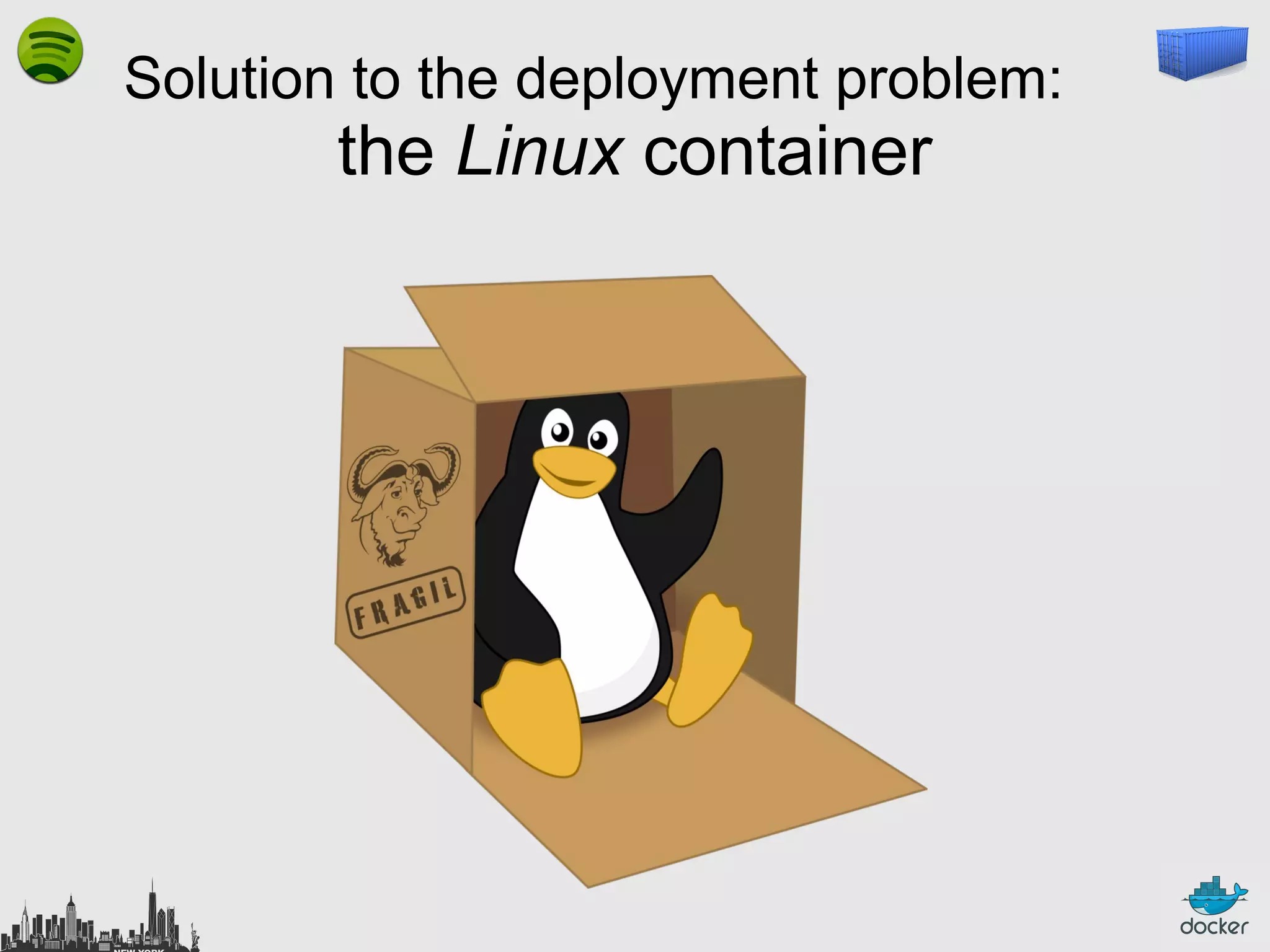
Solution to the deployment problem:

the Linux container
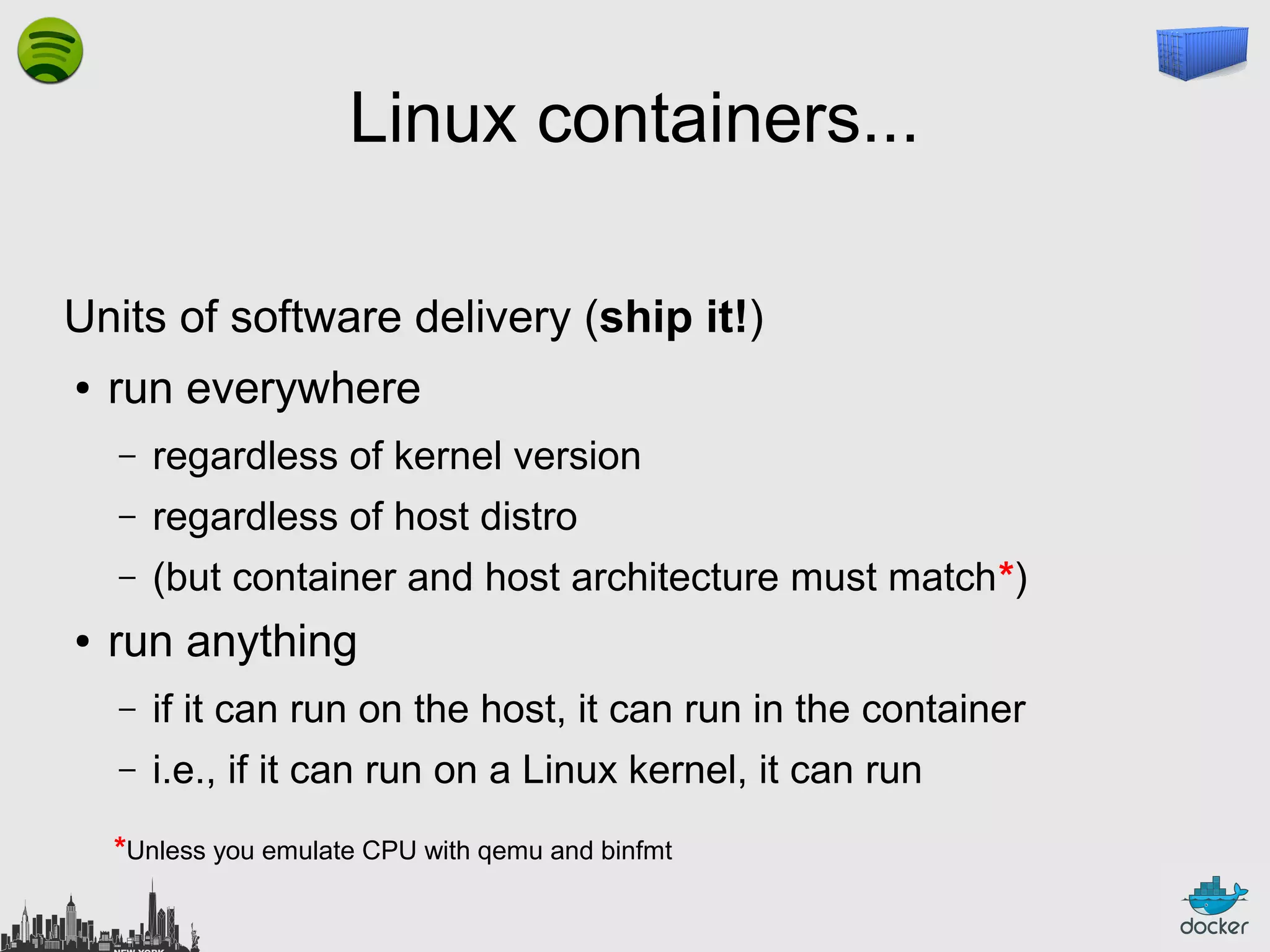
Linux containers...
Units of software delivery (ship it!)
●

run everywhere
–
–

regardless of host distro

–
●

regardless of kernel version
(but container and host architecture must match*)

run anything
–

if it can run on the host, it can run in the container

–

i.e., if it can run on a Linux kernel, it can run

*Unless you emulate CPU with qemu and binfmt
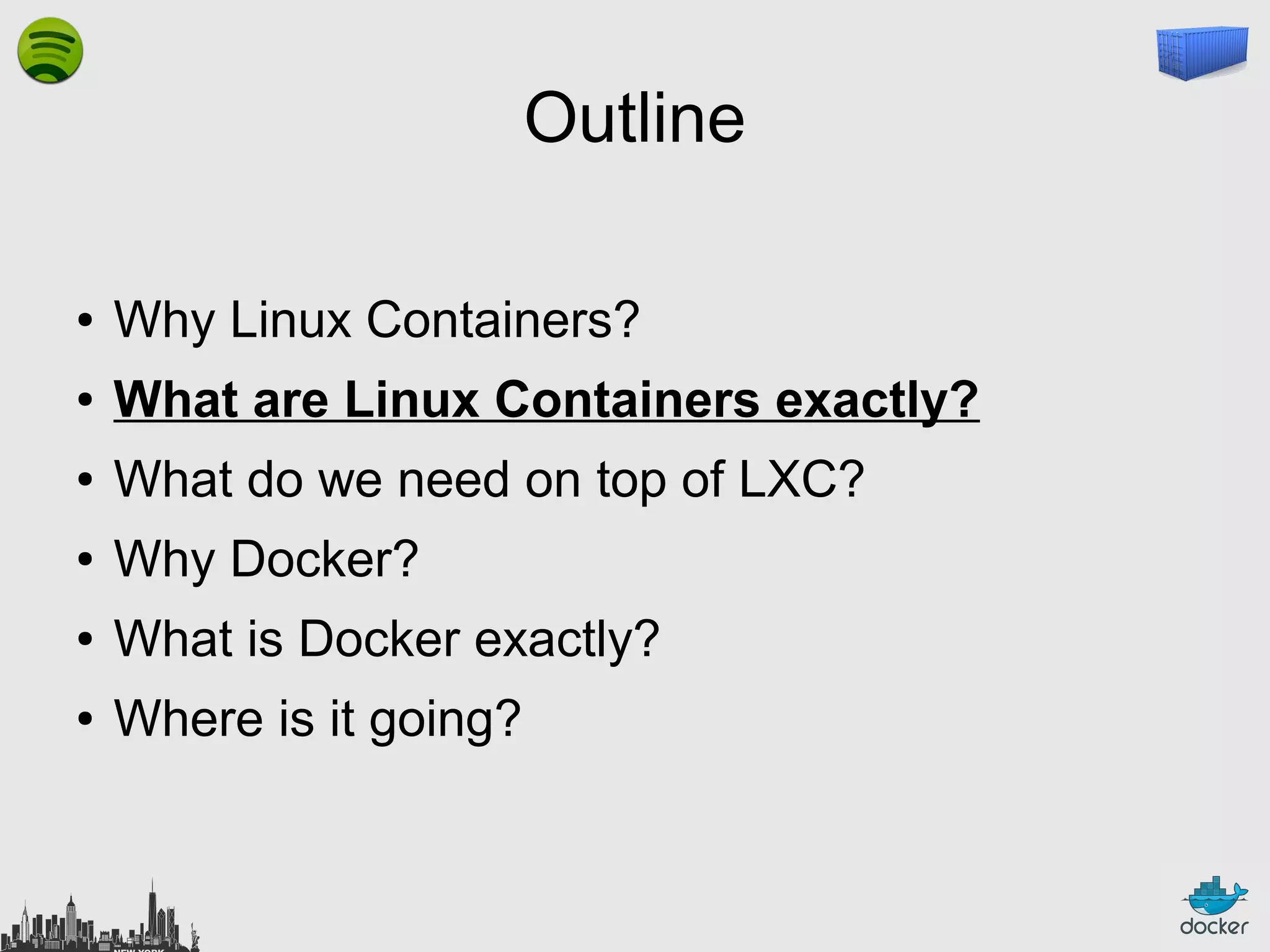
Outline
●

Why Linux Containers?

●

What are Linux Containers exactly?

●

What do we need on top of LXC?

●

Why Docker?

●

What is Docker exactly?

●

Where is it going?
What are Linux Containers exactly?
High level approach:
it's a lightweight VM
●

own process space

●

own network interface

●

can run stuff as root

●

can have its own /sbin/init
(different from the host)

« Machine Container »
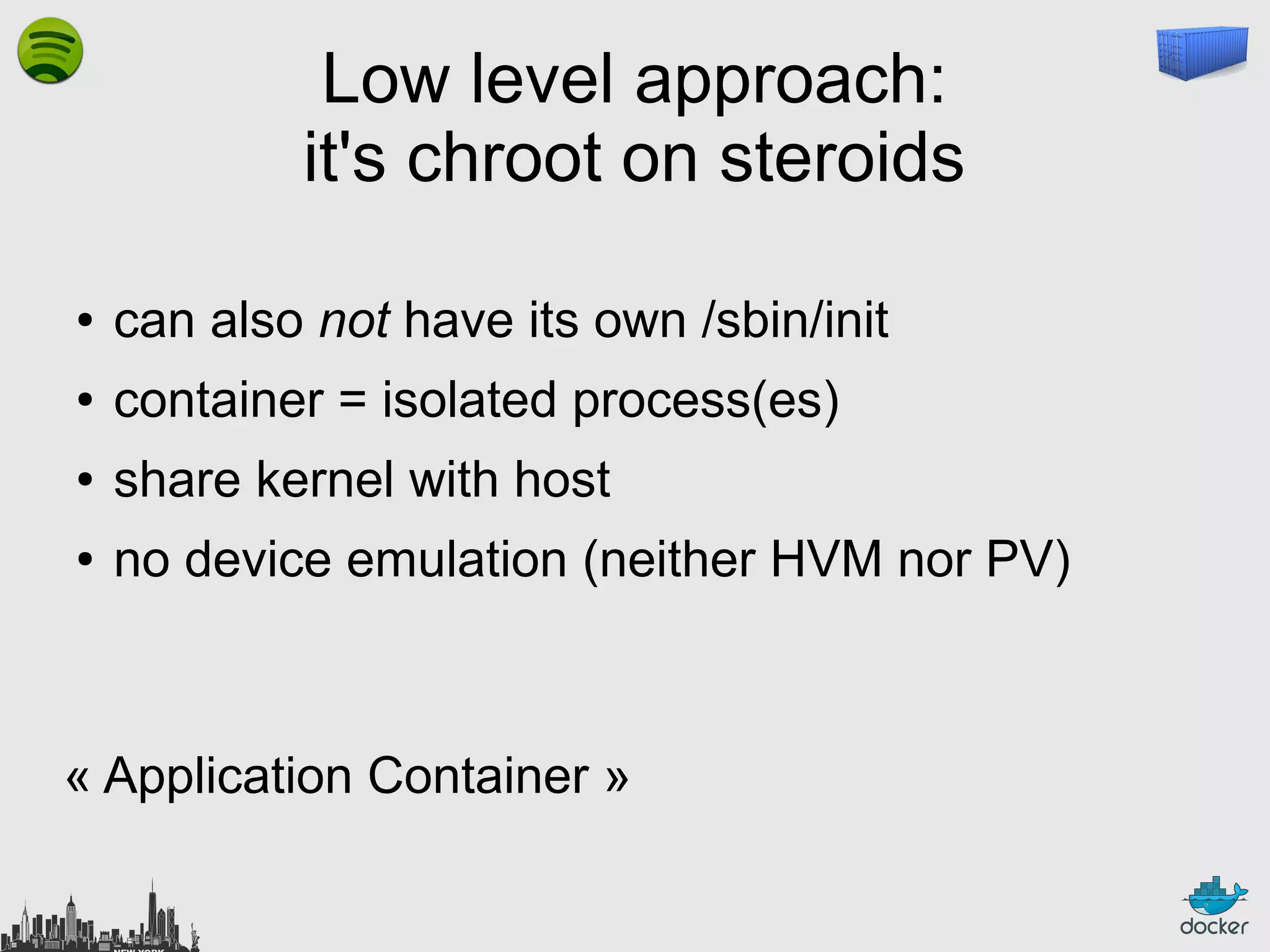
Low level approach:
it's chroot on steroids
●

can also not have its own /sbin/init

●

container = isolated process(es)

●

share kernel with host

●

no device emulation (neither HVM nor PV)

« Application Container »
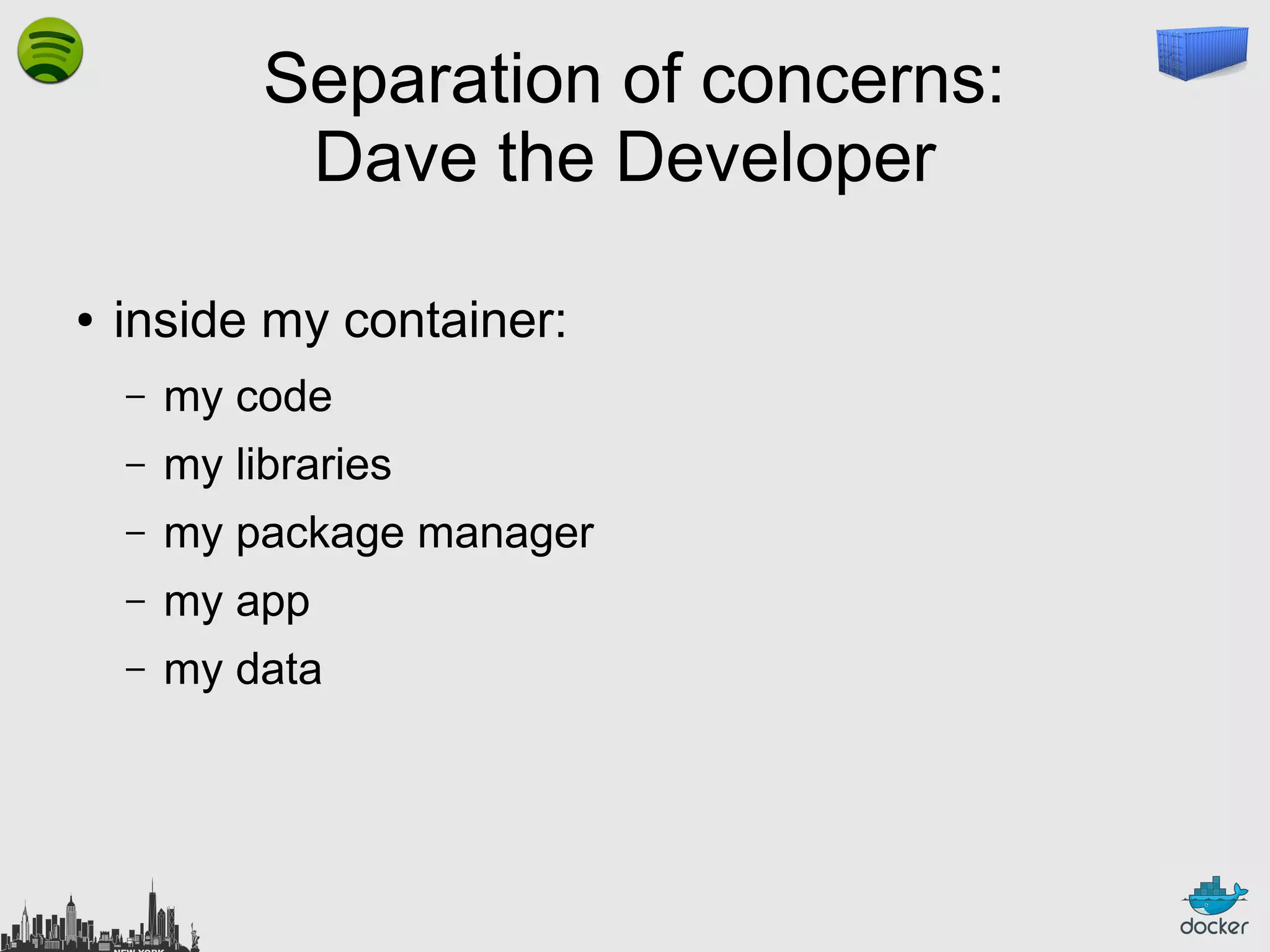
Separation of concerns:
Dave the Developer
●

inside my container:
–

my code

–

my libraries

–

my package manager

–

my app

–

my data
Separation of concerns:
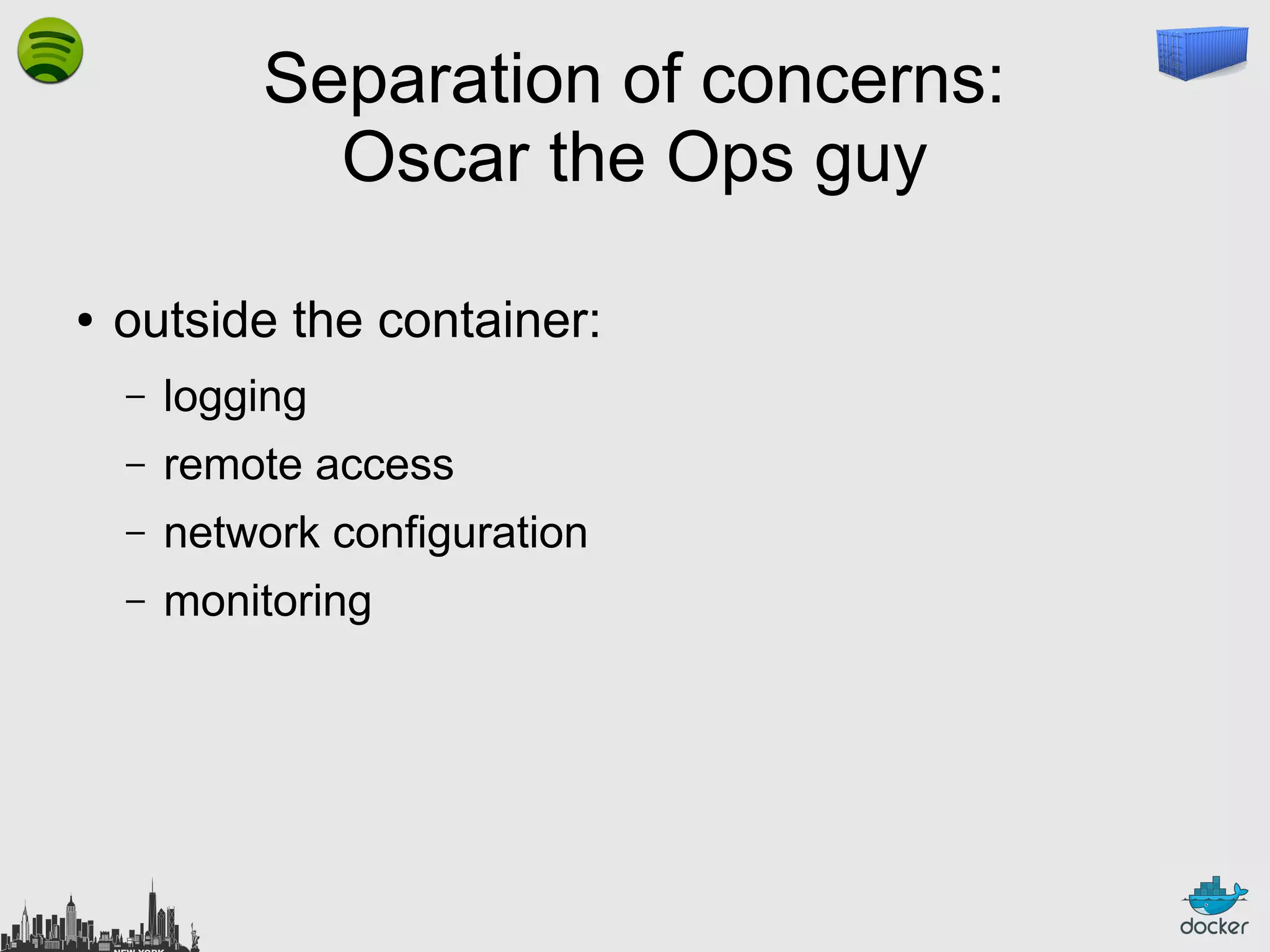
Oscar the Ops guy
●

outside the container:
–

logging

–

remote access

–

network configuration

–

monitoring
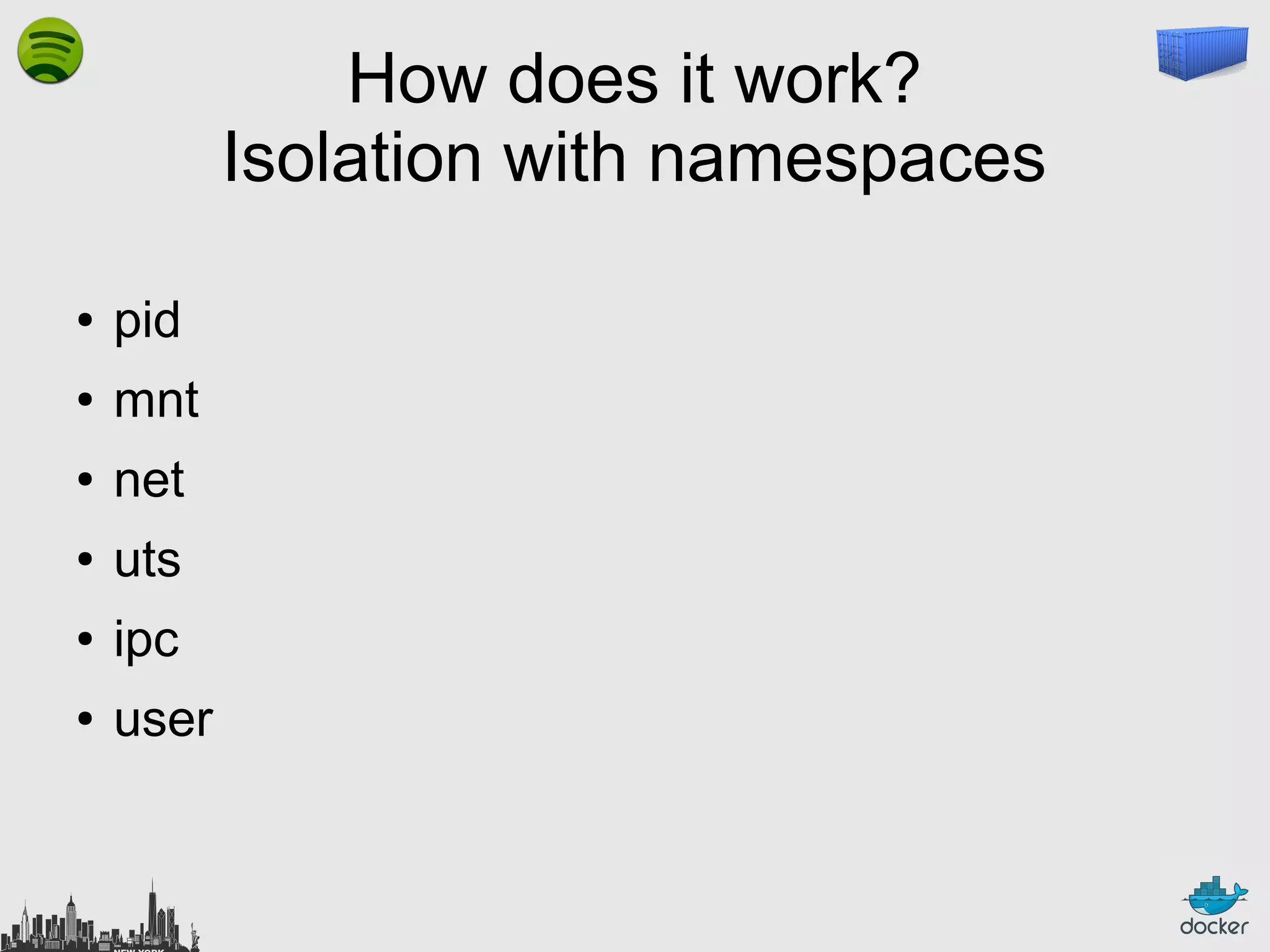
How does it work?
Isolation with namespaces
●

pid

●

mnt

●

net

●

uts

●

ipc

●

user
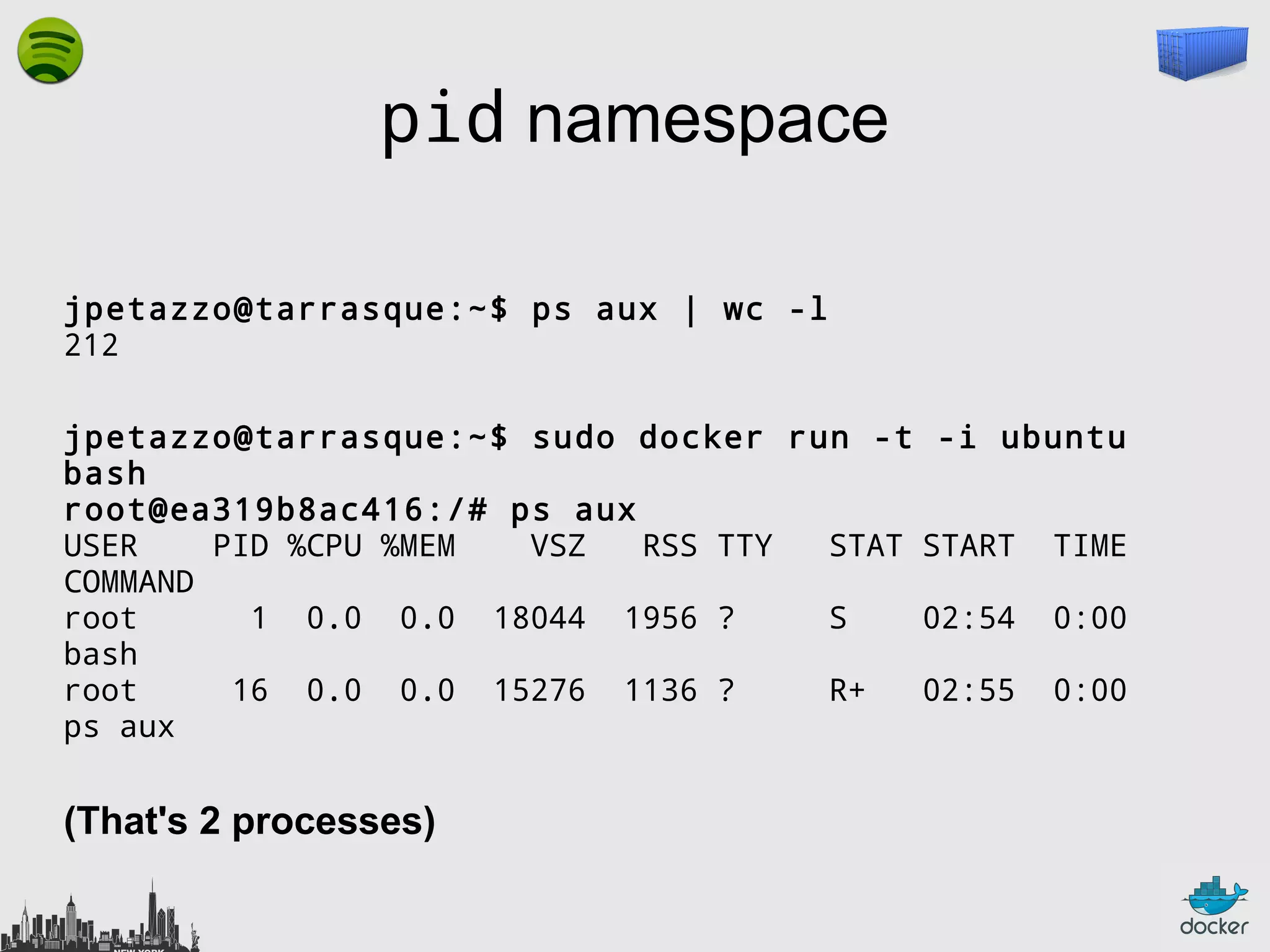
pid namespace
jpetazzo@tarrasque:~$ ps aux | wc -l
212
jpetazzo@tarrasque:~$ sudo docker run -t
bash
root@ea319b8ac416:/# ps aux
USER
PID %CPU %MEM
VSZ
RSS TTY
STAT
COMMAND
root
1 0.0 0.0 18044 1956 ?
S
bash
root
16 0.0 0.0 15276 1136 ?
R+
ps aux

(That's 2 processes)

-i ubuntu
START

TIME

02:54

0:00

02:55

0:00
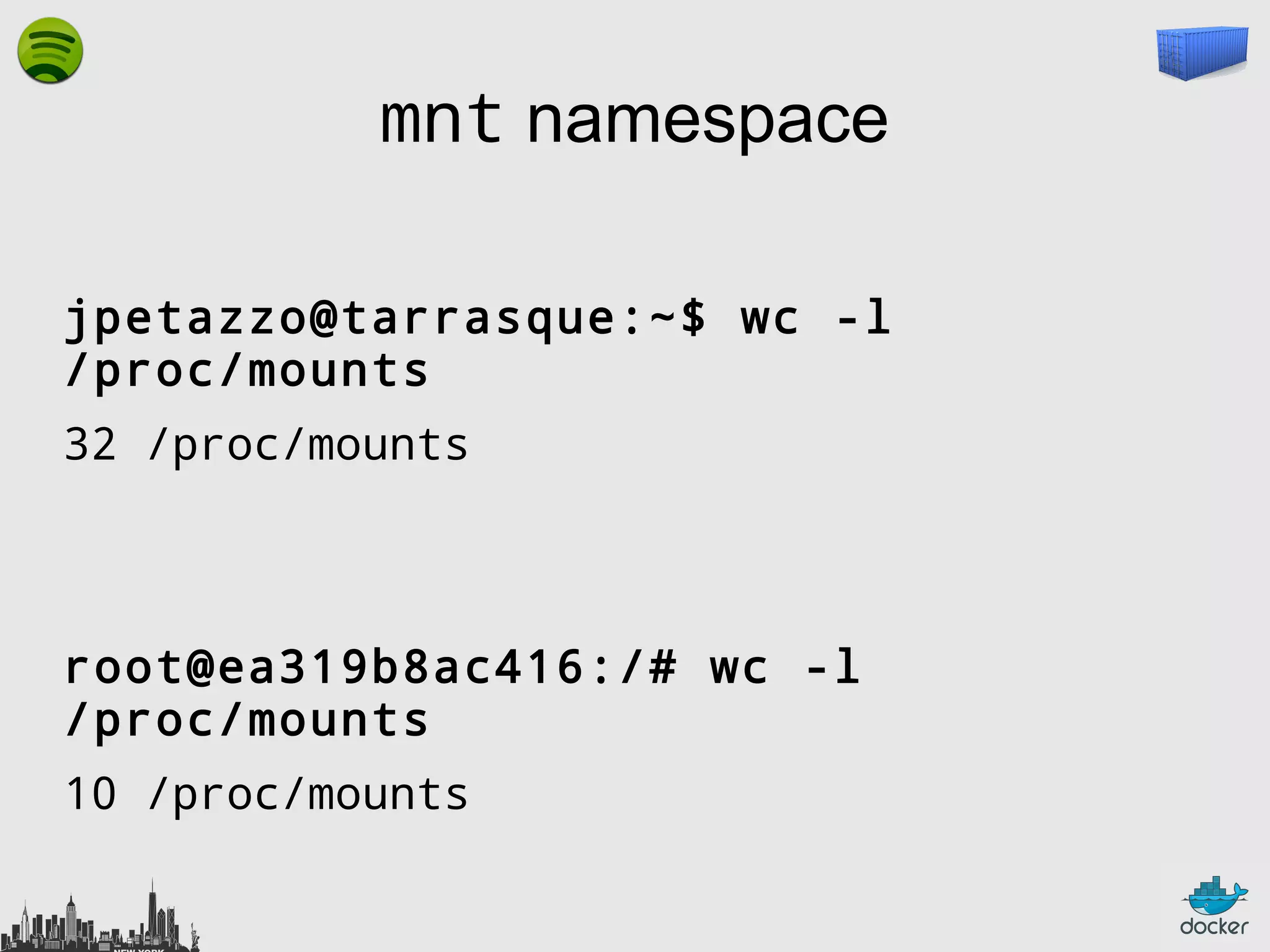
mnt namespace
jpetazzo@tarrasque:~$ wc -l
/proc/mounts
32 /proc/mounts

root@ea319b8ac416:/# wc -l
/proc/mounts
10 /proc/mounts
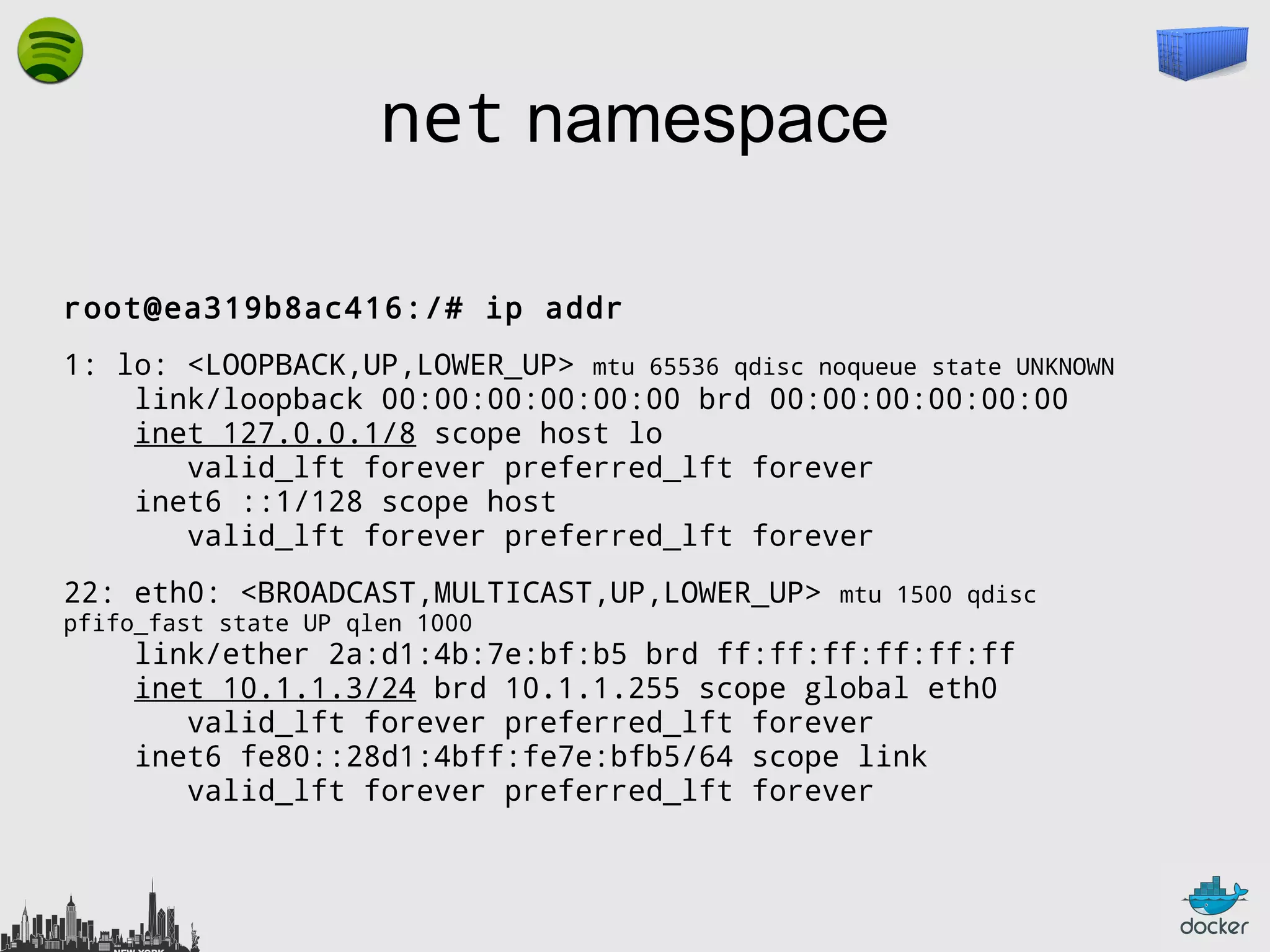
net namespace
root@ea319b8ac416:/# ip addr
1: lo: <LOOPBACK,UP,LOWER_UP> mtu 65536 qdisc noqueue state UNKNOWN
link/loopback 00:00:00:00:00:00 brd 00:00:00:00:00:00
inet 127.0.0.1/8 scope host lo
valid_lft forever preferred_lft forever
inet6 ::1/128 scope host
valid_lft forever preferred_lft forever
22: eth0: <BROADCAST,MULTICAST,UP,LOWER_UP>
pfifo_fast state UP qlen 1000

mtu 1500 qdisc

link/ether 2a:d1:4b:7e:bf:b5 brd ff:ff:ff:ff:ff:ff
inet 10.1.1.3/24 brd 10.1.1.255 scope global eth0
valid_lft forever preferred_lft forever
inet6 fe80::28d1:4bff:fe7e:bfb5/64 scope link
valid_lft forever preferred_lft forever
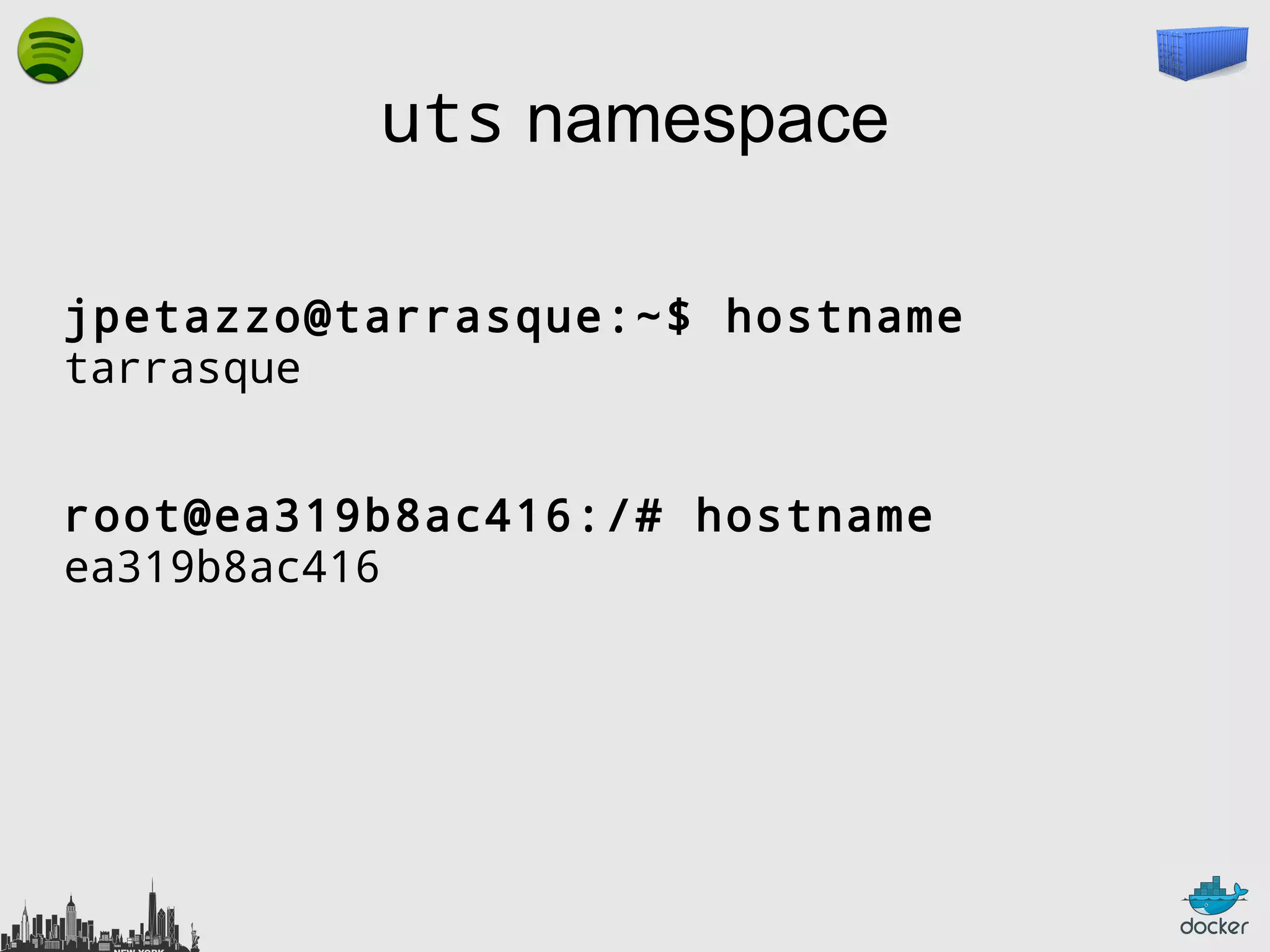
uts namespace
jpetazzo@tarrasque:~$ hostname
tarrasque
root@ea319b8ac416:/# hostname
ea319b8ac416
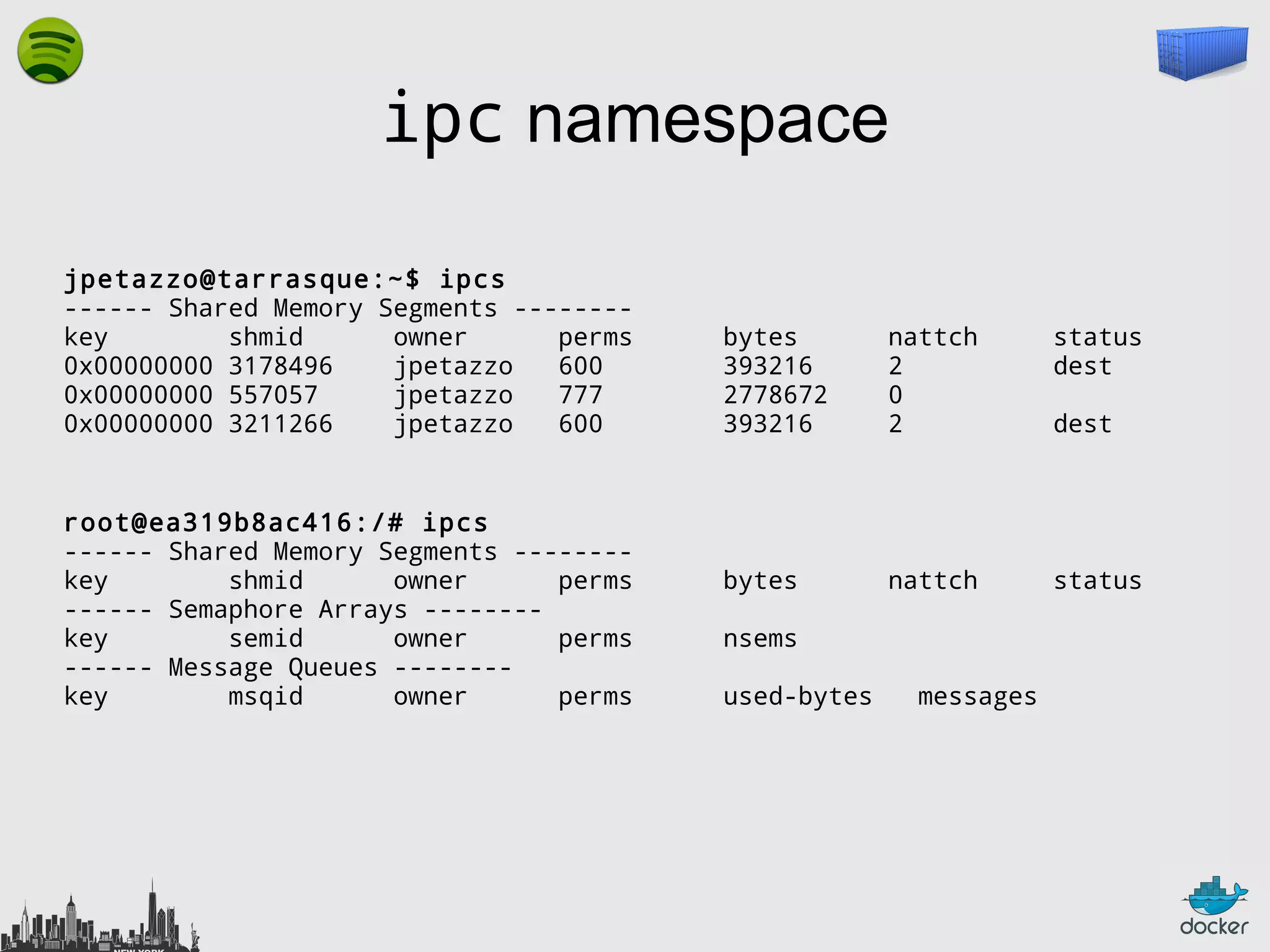
ipc namespace
jpetazzo@tarrasque:~$ ipcs
------ Shared Memory Segments -------key
shmid
owner
perms
0x00000000 3178496
jpetazzo
600
0x00000000 557057
jpetazzo
777
0x00000000 3211266
jpetazzo
600

root@ea319b8ac416:/# ipcs
------ Shared Memory Segments -------key
shmid
owner
perms
------ Semaphore Arrays -------key
semid
owner
perms
------ Message Queues -------key
msqid
owner
perms

bytes
393216
2778672
393216

nattch
2
0
2

status
dest

bytes

nattch

status

nsems
used-bytes

messages

dest
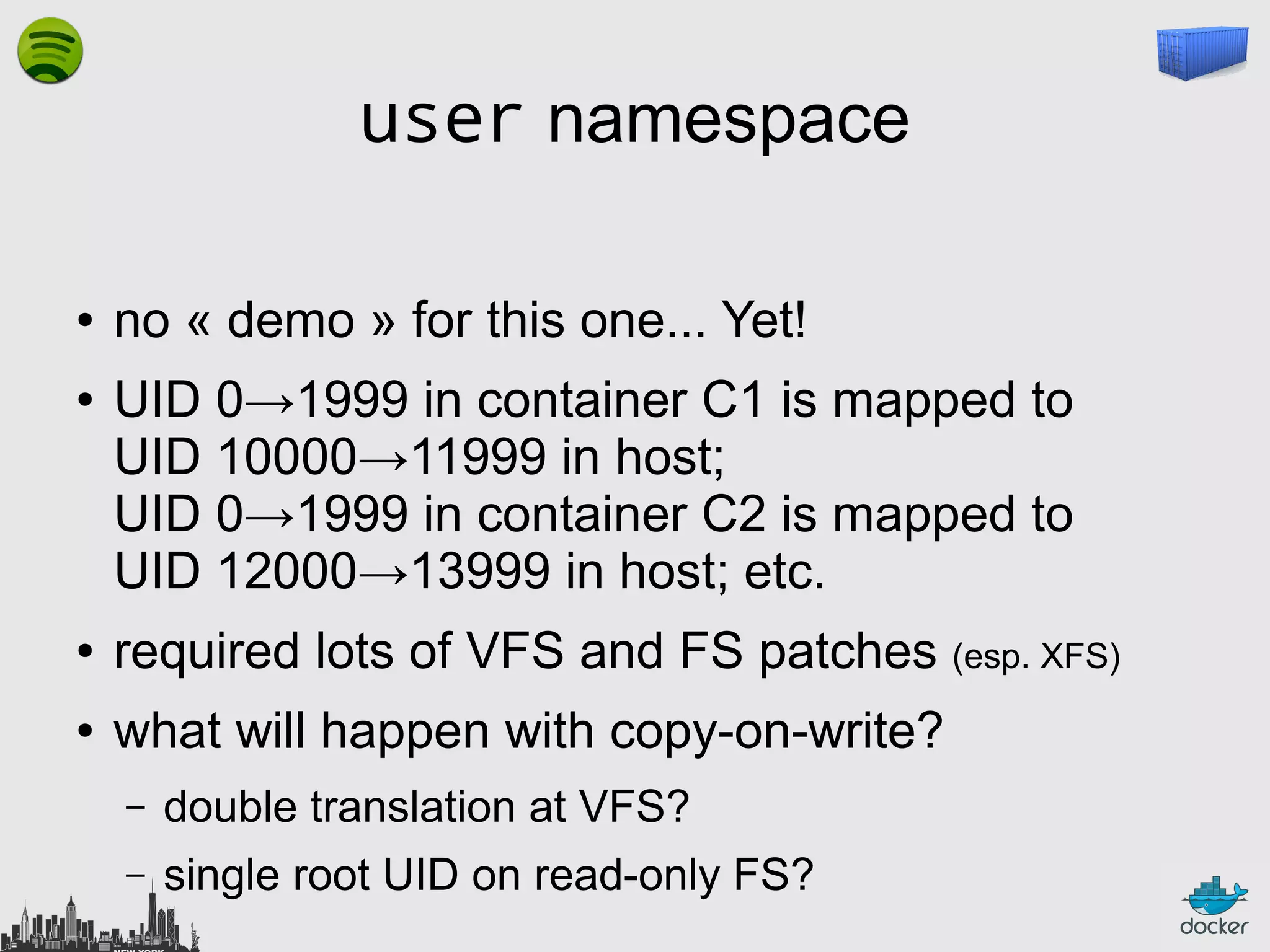
user namespace
●
●

no « demo » for this one... Yet!
UID 0→1999 in container C1 is mapped to
UID 10000→11999 in host;
UID 0→1999 in container C2 is mapped to
UID 12000→13999 in host; etc.

●

required lots of VFS and FS patches (esp. XFS)

●

what will happen with copy-on-write?
–

double translation at VFS?

–

single root UID on read-only FS?
How does it work?
Isolation with cgroups
●

memory

●

cpu

●

blkio

●

devices
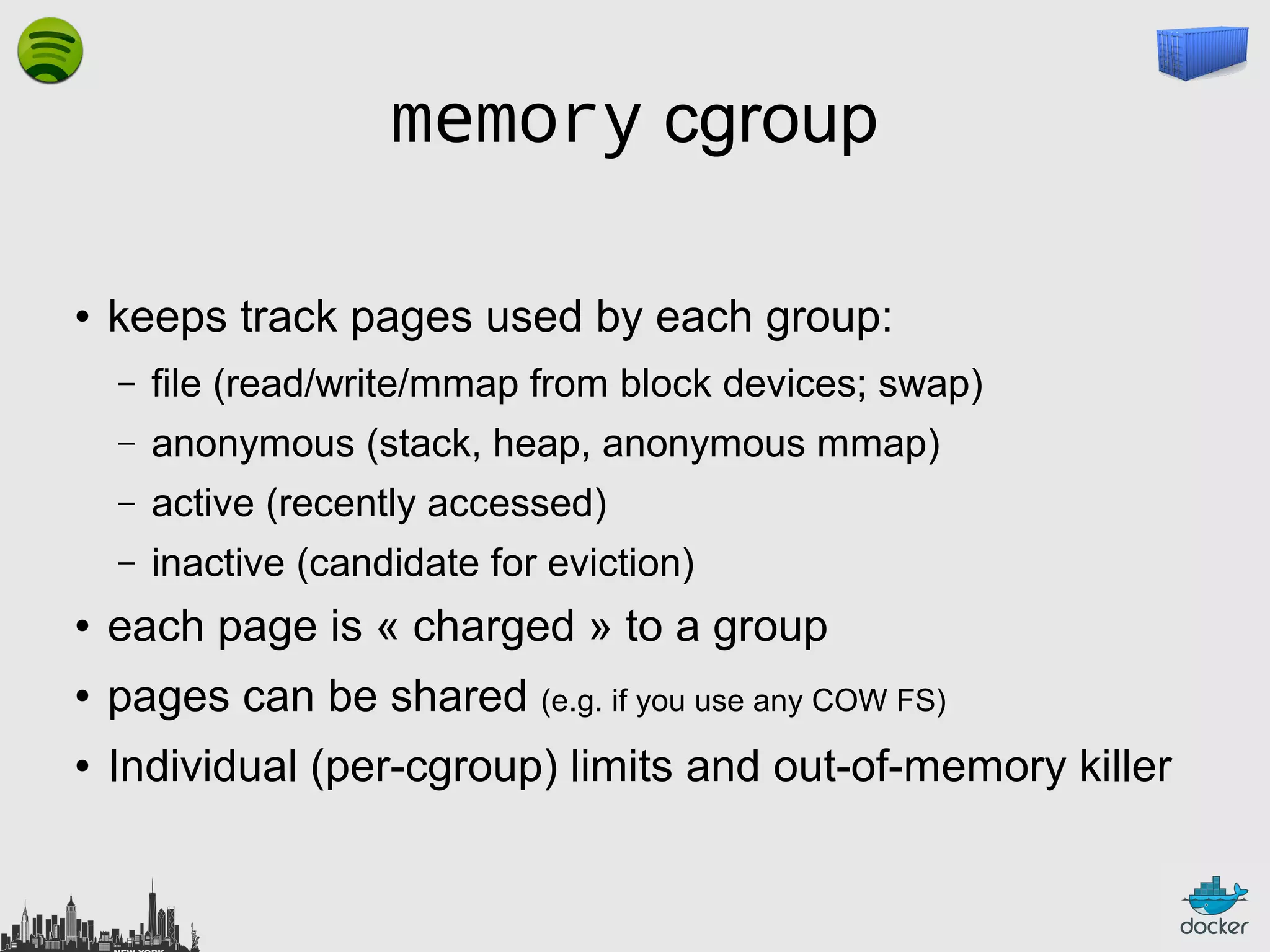
memory cgroup
●

keeps track pages used by each group:
–

file (read/write/mmap from block devices; swap)

–

anonymous (stack, heap, anonymous mmap)

–

active (recently accessed)

–

inactive (candidate for eviction)

●

each page is « charged » to a group

●

pages can be shared (e.g. if you use any COW FS)

●

Individual (per-cgroup) limits and out-of-memory killer
cpu and cpuset cgroups
●

keep track of user/system CPU time

●

set relative weight per group

●

pin groups to specific CPU(s)
–

Can be used to « reserve » CPUs for some apps

–

This is also relevant for big NUMA systems
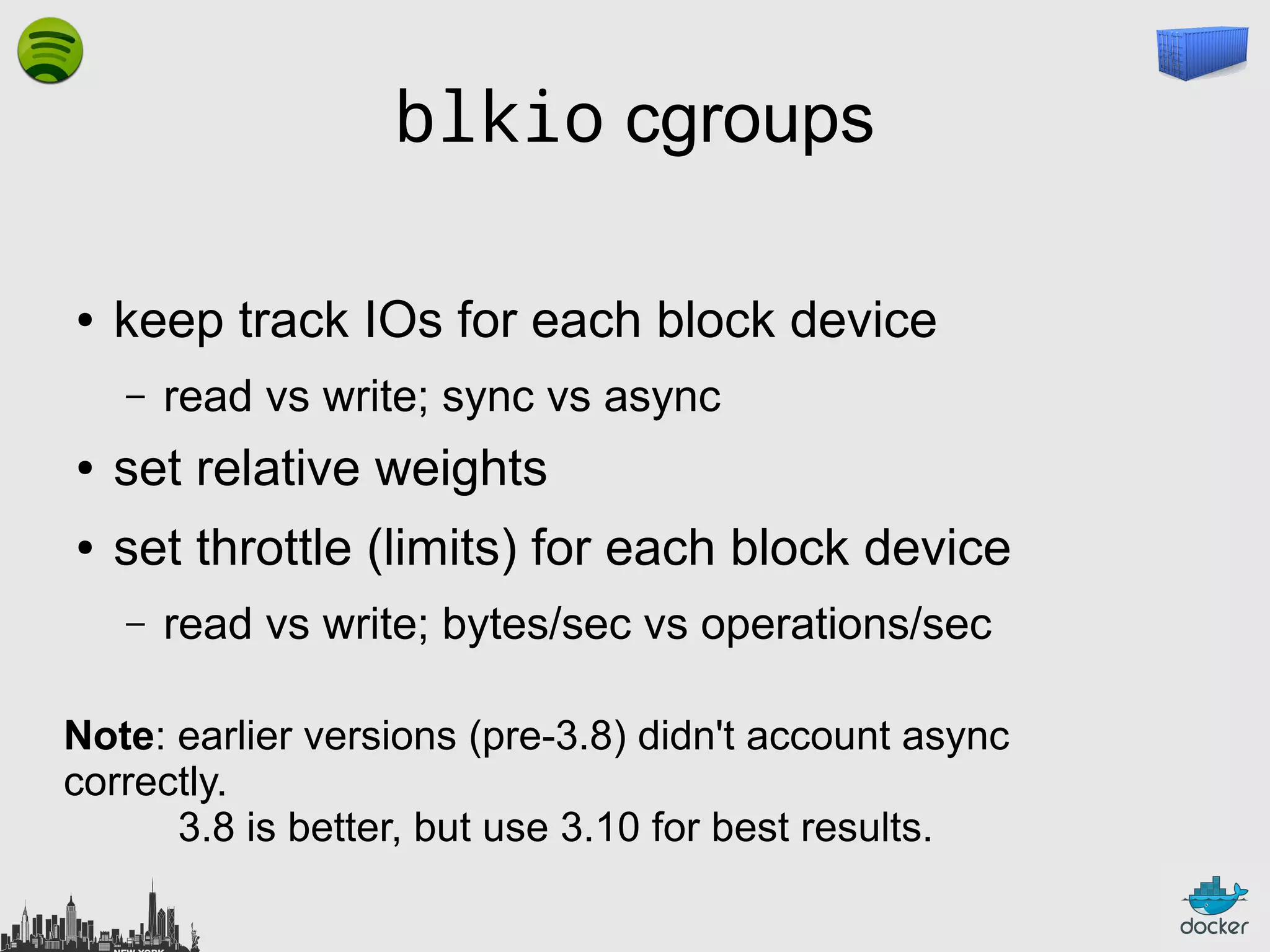
blkio cgroups
●

keep track IOs for each block device
–

read vs write; sync vs async

●

set relative weights

●

set throttle (limits) for each block device
–

read vs write; bytes/sec vs operations/sec

Note: earlier versions (pre-3.8) didn't account async
correctly.
3.8 is better, but use 3.10 for best results.
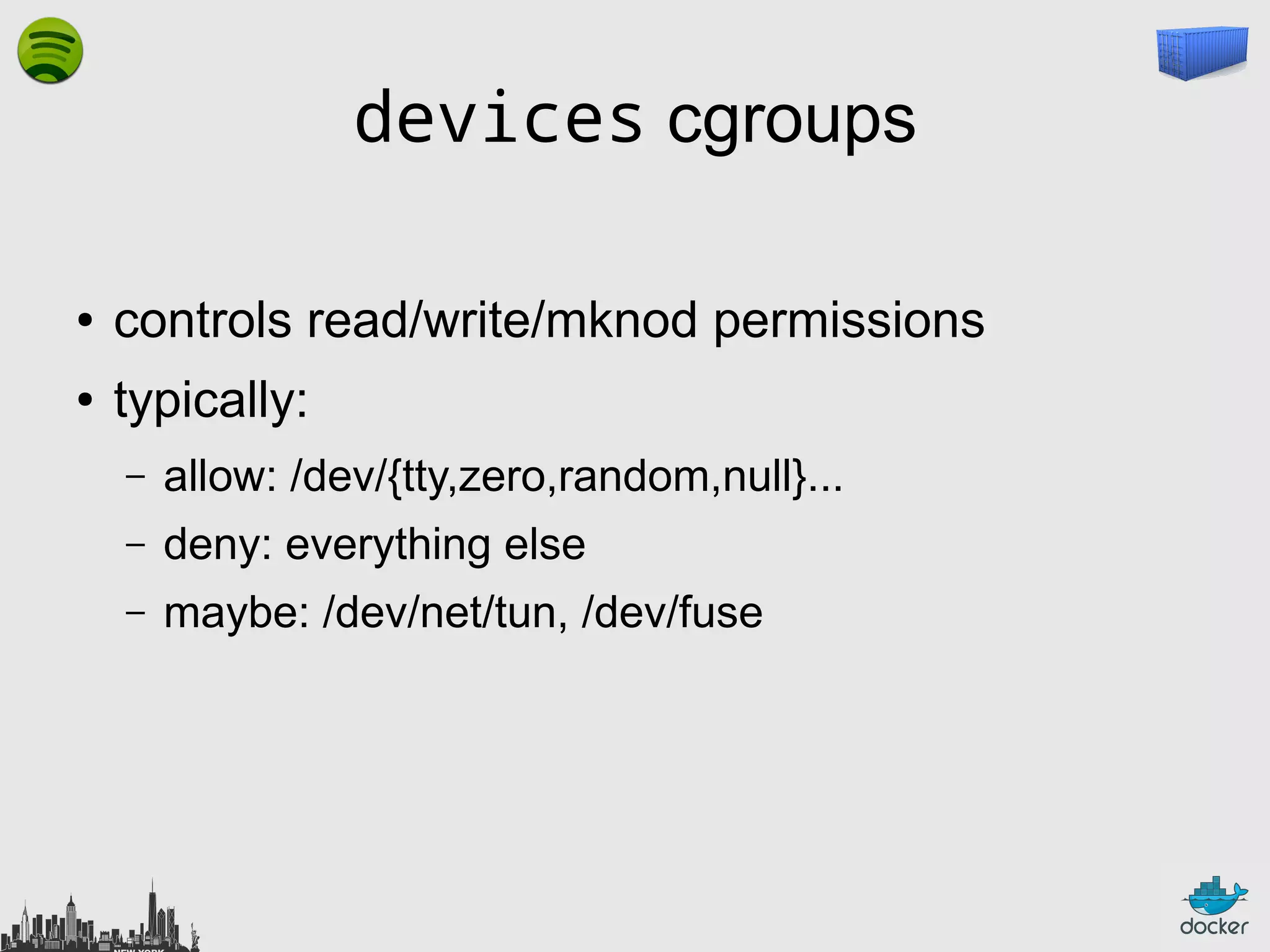
devices cgroups
●

controls read/write/mknod permissions

●

typically:
–

allow: /dev/{tty,zero,random,null}...

–

deny: everything else

–

maybe: /dev/net/tun, /dev/fuse
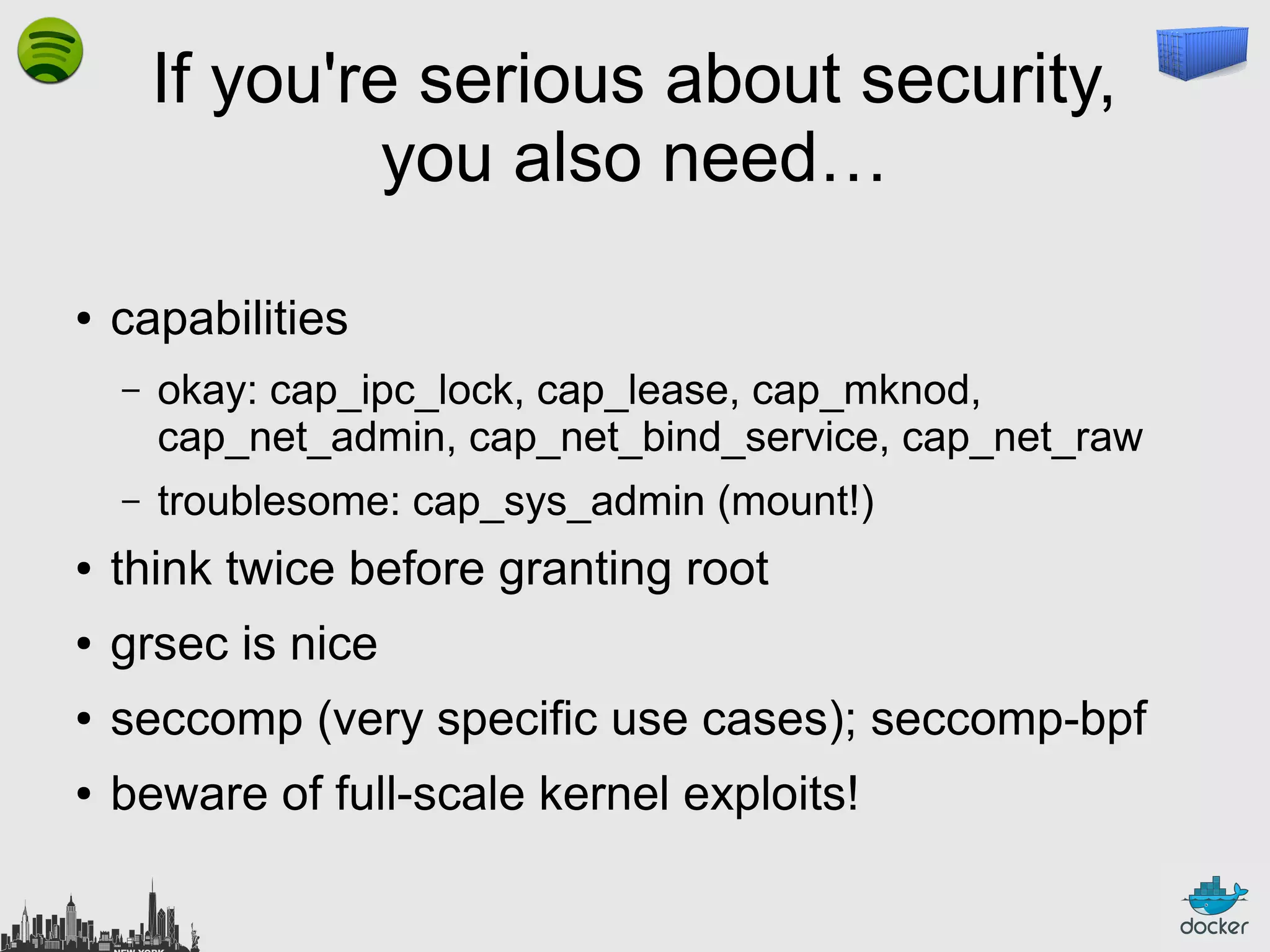
If you're serious about security,
you also need…
●

capabilities
–

okay: cap_ipc_lock, cap_lease, cap_mknod,
cap_net_admin, cap_net_bind_service, cap_net_raw

–

troublesome: cap_sys_admin (mount!)

●

think twice before granting root

●

grsec is nice

●

seccomp (very specific use cases); seccomp-bpf

●

beware of full-scale kernel exploits!
Efficiency
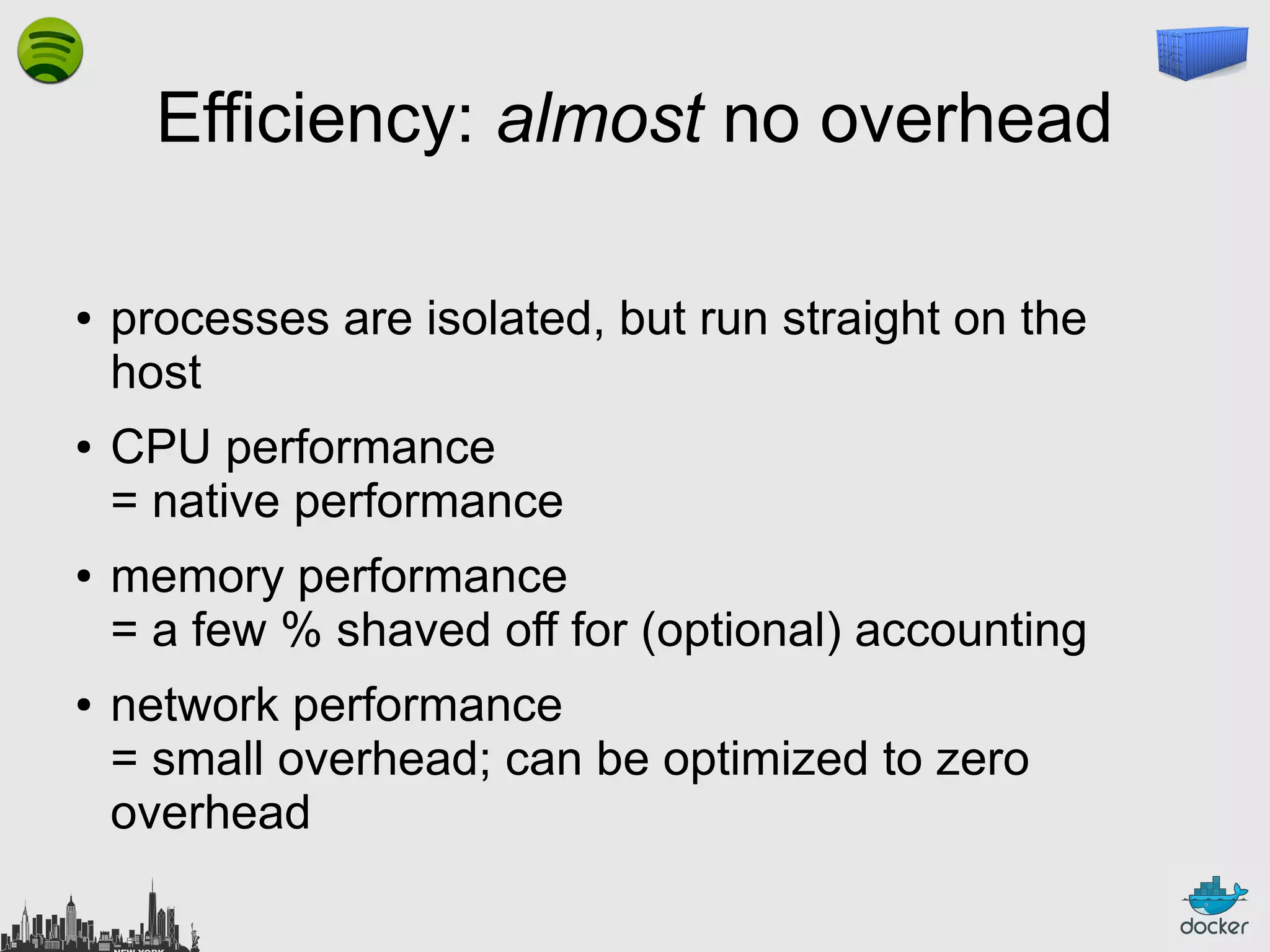
Efficiency: almost no overhead
●

●

●

●

processes are isolated, but run straight on the
host
CPU performance
= native performance
memory performance
= a few % shaved off for (optional) accounting
network performance
= small overhead; can be optimized to zero
overhead
Outline
●

Why Linux Containers?

●

What are Linux Containers exactly?

●

What do we need on top of LXC?

●

Why Docker?

●

What is Docker exactly?

●

Where is it going?
Efficiency: storage-friendly
●

●

●

unioning filesystems
(AUFS, overlayfs)
snapshotting filesystems
(BTRFS, ZFS)
copy-on-write
(thin snapshots with LVM or device-mapper)

This is now being integrated with low-level LXC tools as well!
Efficiency: storage-friendly
●

provisioning now takes a few milliseconds

●

… and a few kilobytes

●

creating a new base image (from a running
container) takes a few seconds (or even less)
Docker
Outline
●

Why Linux Containers?

●

What are Linux Containers exactly?

●

What do we need on top of LXC?

●

Why Docker?

●

What is Docker exactly?

●

Where is it going?
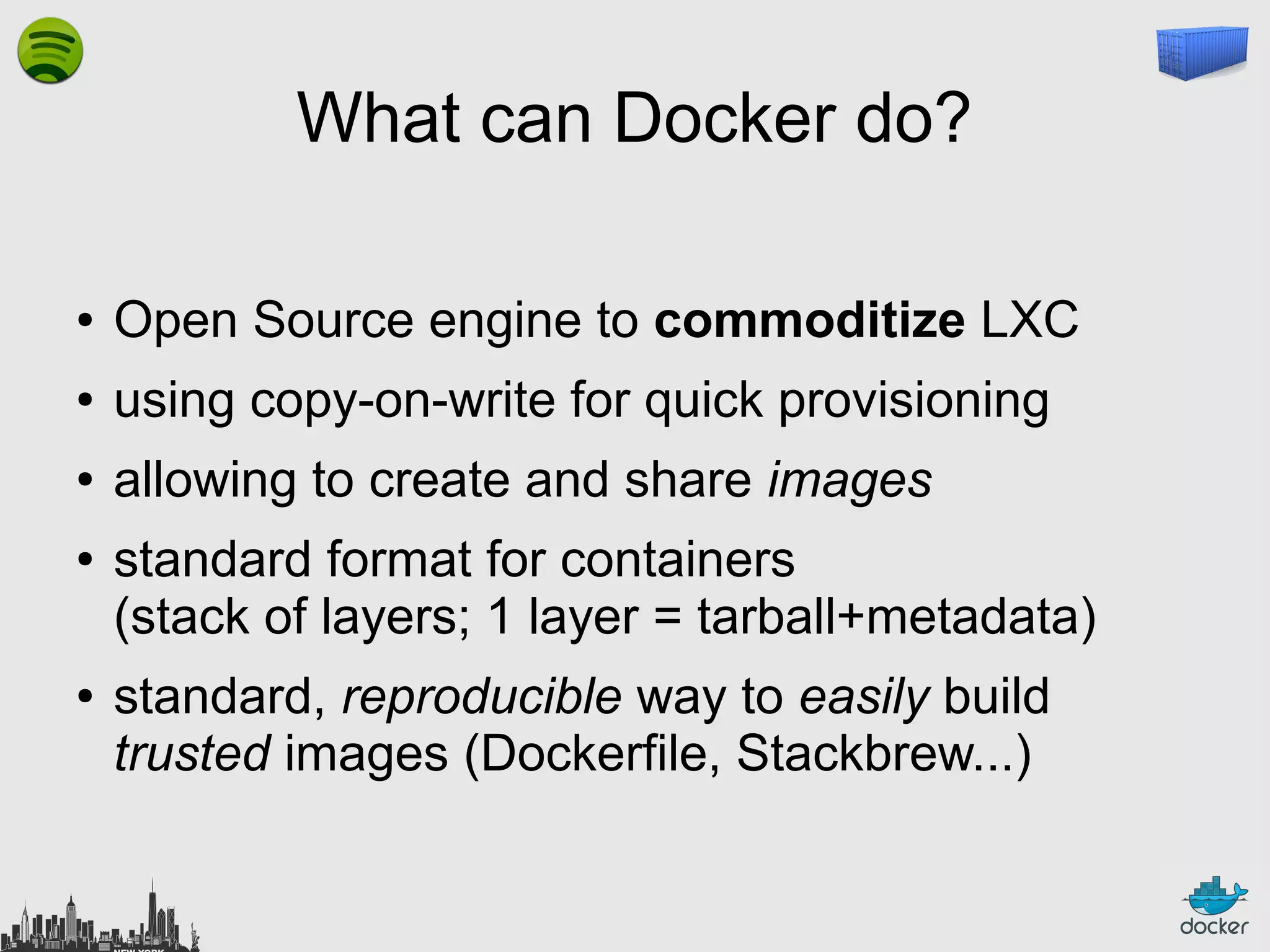
What can Docker do?
●

Open Source engine to commoditize LXC

●

using copy-on-write for quick provisioning

●

allowing to create and share images

●

●

standard format for containers
(stack of layers; 1 layer = tarball+metadata)
standard, reproducible way to easily build
trusted images (Dockerfile, Stackbrew...)
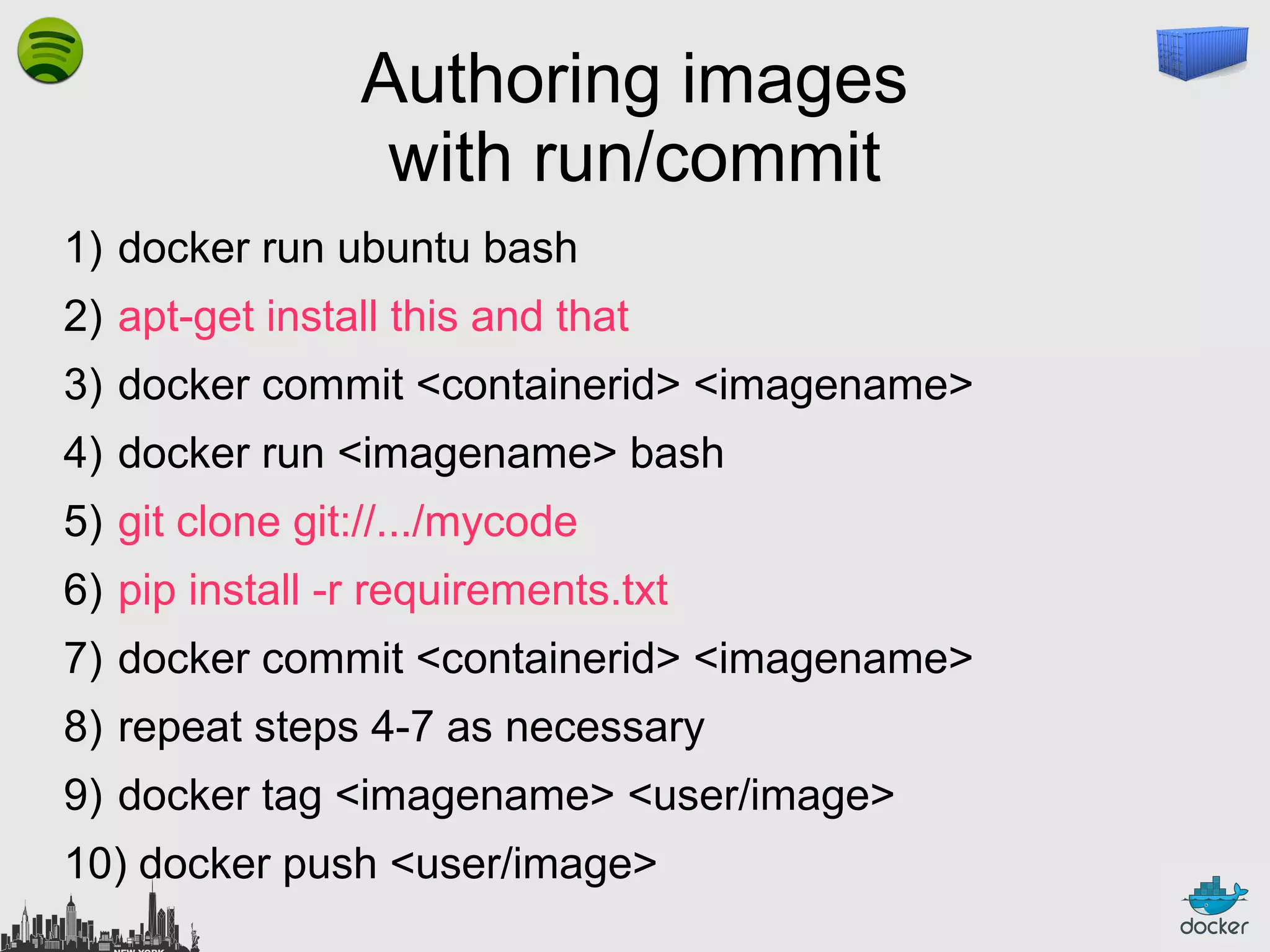
Authoring images
with run/commit
1) docker run ubuntu bash
2) apt-get install this and that
3) docker commit <containerid> <imagename>
4) docker run <imagename> bash
5) git clone git://.../mycode
6) pip install -r requirements.txt
7) docker commit <containerid> <imagename>
8) repeat steps 4-7 as necessary
9) docker tag <imagename> <user/image>
10) docker push <user/image>
Authoring images
with a Dockerfile
FROM ubuntu
RUN
RUN
RUN
RUN
RUN

apt-get
apt-get
apt-get
apt-get
apt-get

-y update
install -y
install -y
install -y
install -y

g++
erlang-dev erlang-manpages erlang-base-hipe ...
libmozjs185-dev libicu-dev libtool ...
make wget

RUN wget http://.../apache-couchdb-1.3.1.tar.gz | tar -C /tmp -zxfRUN cd /tmp/apache-couchdb-* && ./configure && make install
RUN printf "[httpd]nport = 8101nbind_address = 0.0.0.0" >
/usr/local/etc/couchdb/local.d/docker.ini
EXPOSE 8101
CMD ["/usr/local/bin/couchdb"]

docker build -t jpetazzo/couchdb .
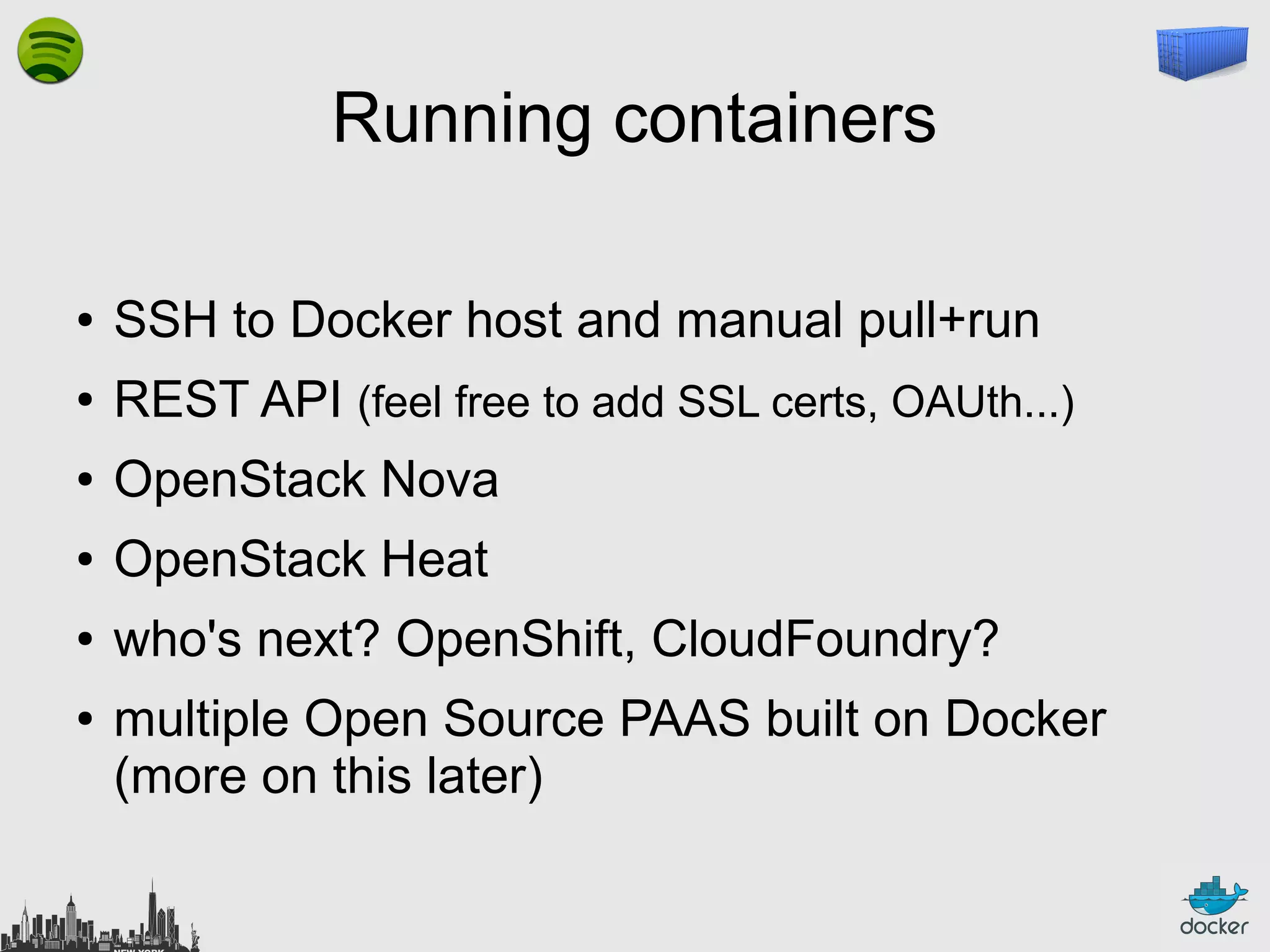
Running containers
●

SSH to Docker host and manual pull+run

●

REST API (feel free to add SSL certs, OAUth...)

●

OpenStack Nova

●

OpenStack Heat

●

who's next? OpenShift, CloudFoundry?

●

multiple Open Source PAAS built on Docker
(more on this later)
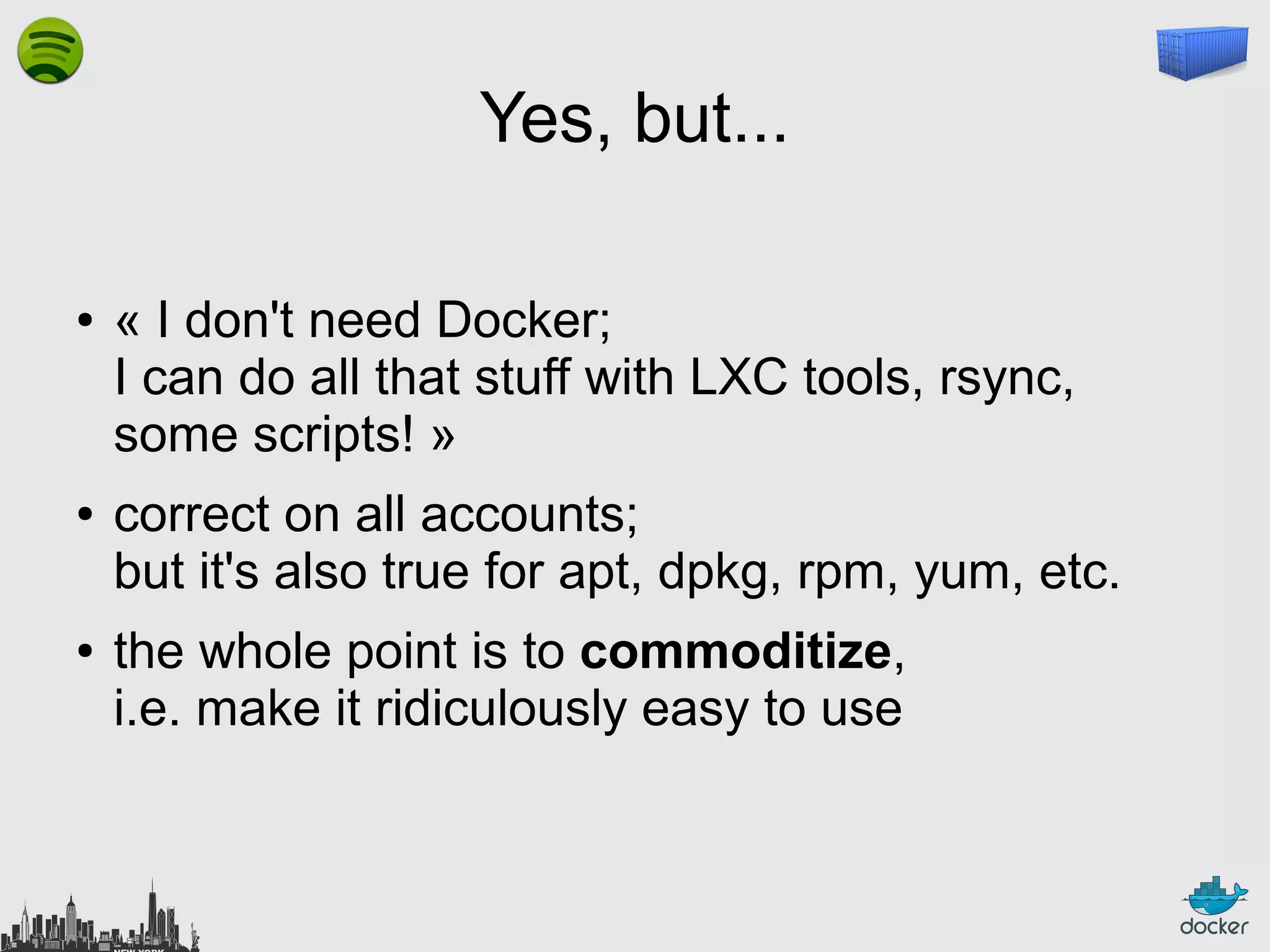
Yes, but...
●

●

●

« I don't need Docker;
I can do all that stuff with LXC tools, rsync,
some scripts! »
correct on all accounts;
but it's also true for apt, dpkg, rpm, yum, etc.
the whole point is to commoditize,
i.e. make it ridiculously easy to use
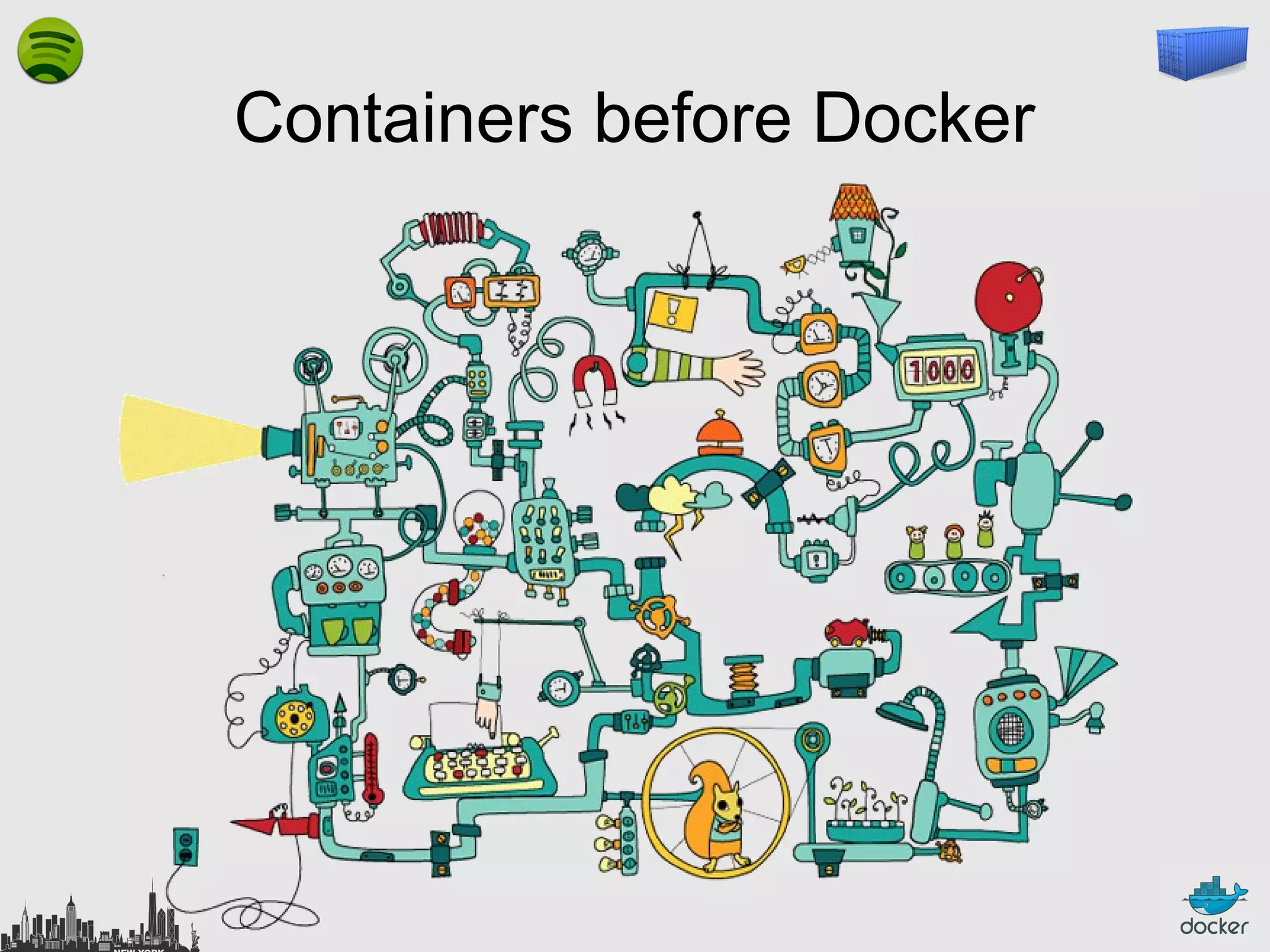
Containers before Docker
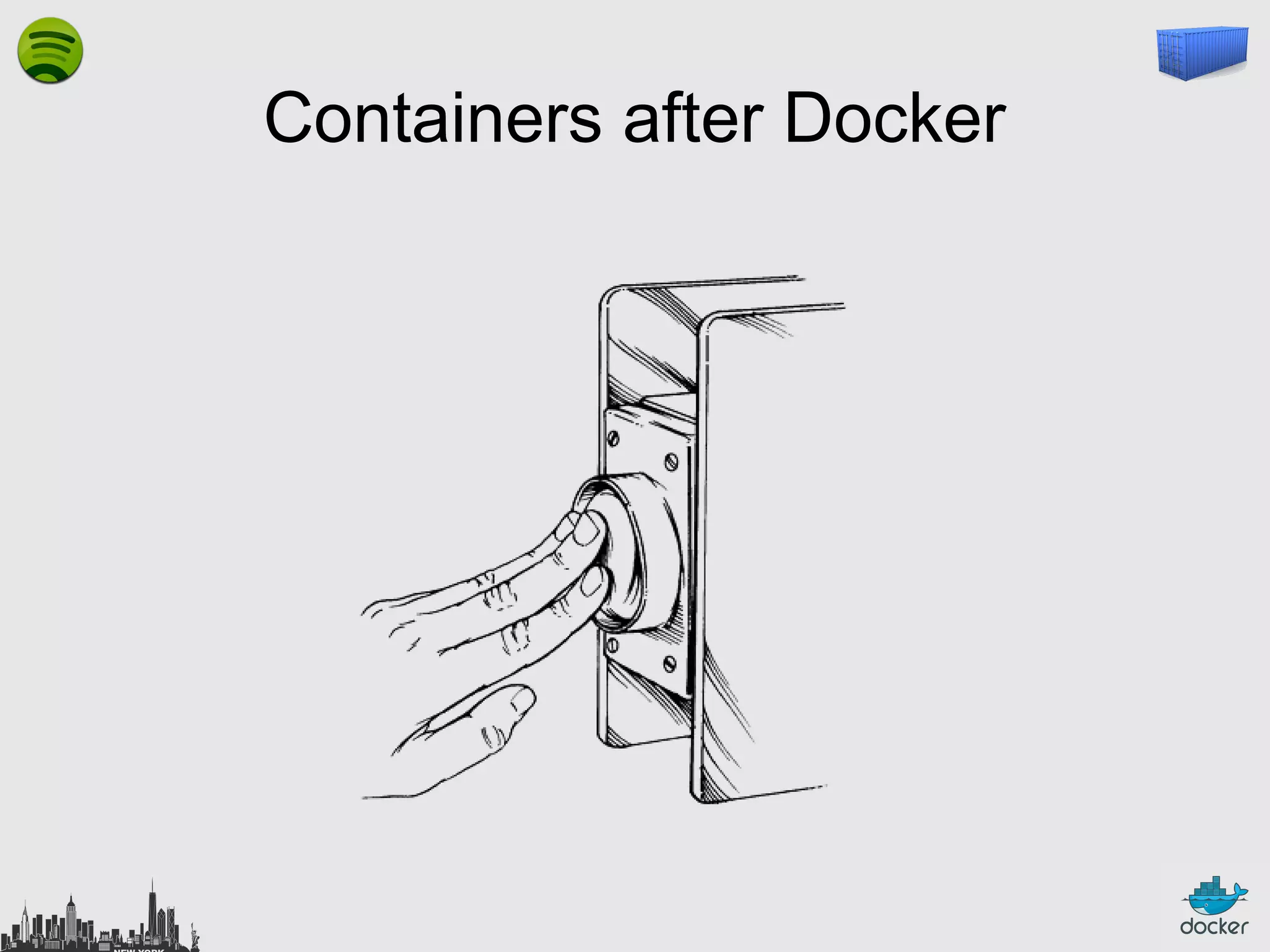
Containers after Docker
What this really means…
●

instead of writing « very small shell scripts » to
manage containers, write them to do the rest:
–

continuous deployment/integration/testing

–

orchestration

●

= use Docker as a building block

●

re-use other people images (yay ecosystem!)
Docker: sharing images
●

●
●

you can push/pull images to/from a registry
(public or private)
you can search images through a public index
dotCloud Docker Inc. the community
maintains a collection of base images
(Ubuntu, Fedora...)

●

coming soon: Stackbrew

●

satisfaction guaranteed or your money back
Docker: not sharing images
●

private registry
–
–

or security credentials

–
●

for proprietary code
or fast local access

the private registry is available
as an image on the public registry
(yes, that makes sense)
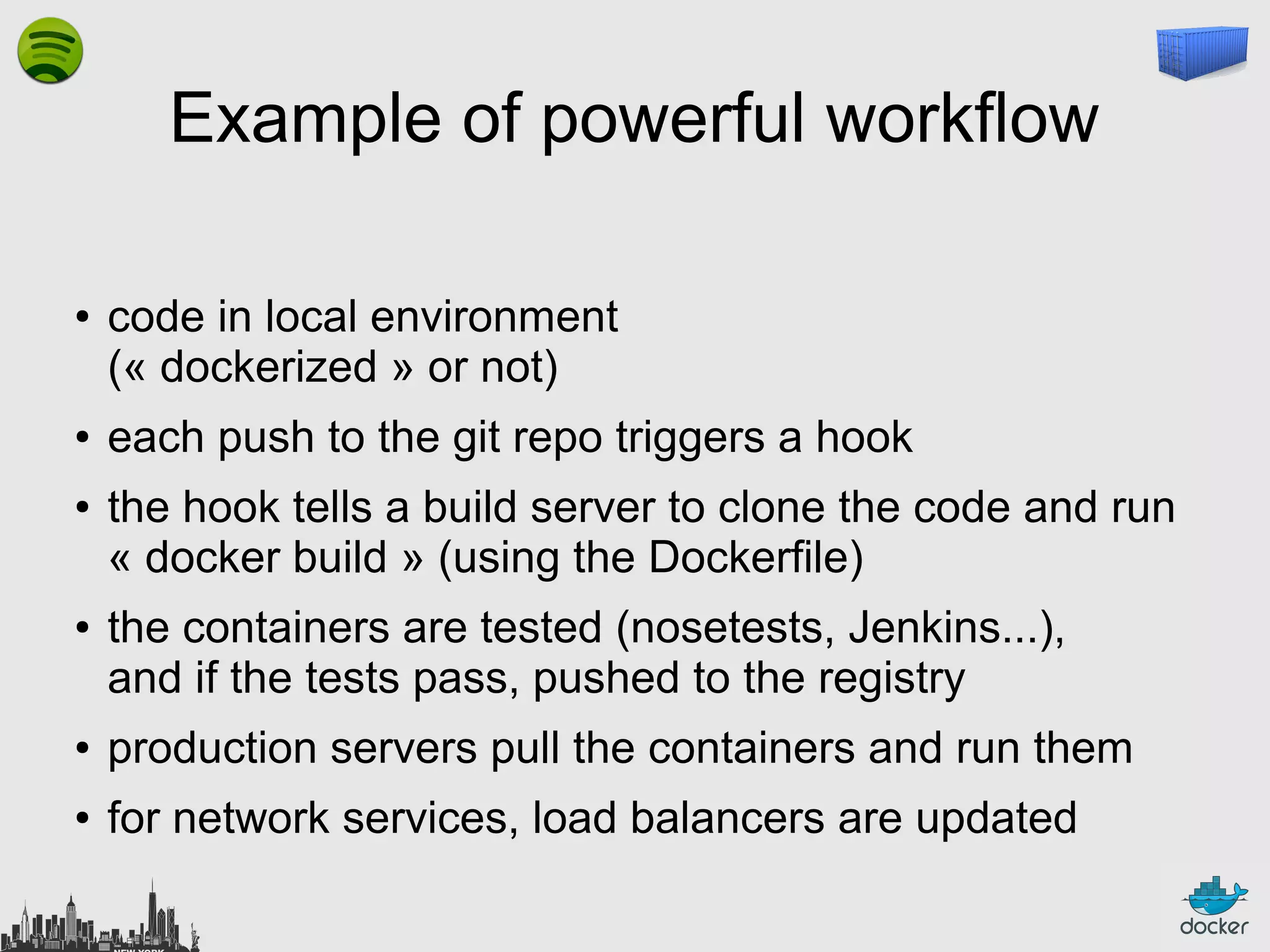
Example of powerful workflow
●

●

●

●

code in local environment
(« dockerized » or not)
each push to the git repo triggers a hook
the hook tells a build server to clone the code and run
« docker build » (using the Dockerfile)
the containers are tested (nosetests, Jenkins...),
and if the tests pass, pushed to the registry

●

production servers pull the containers and run them

●

for network services, load balancers are updated
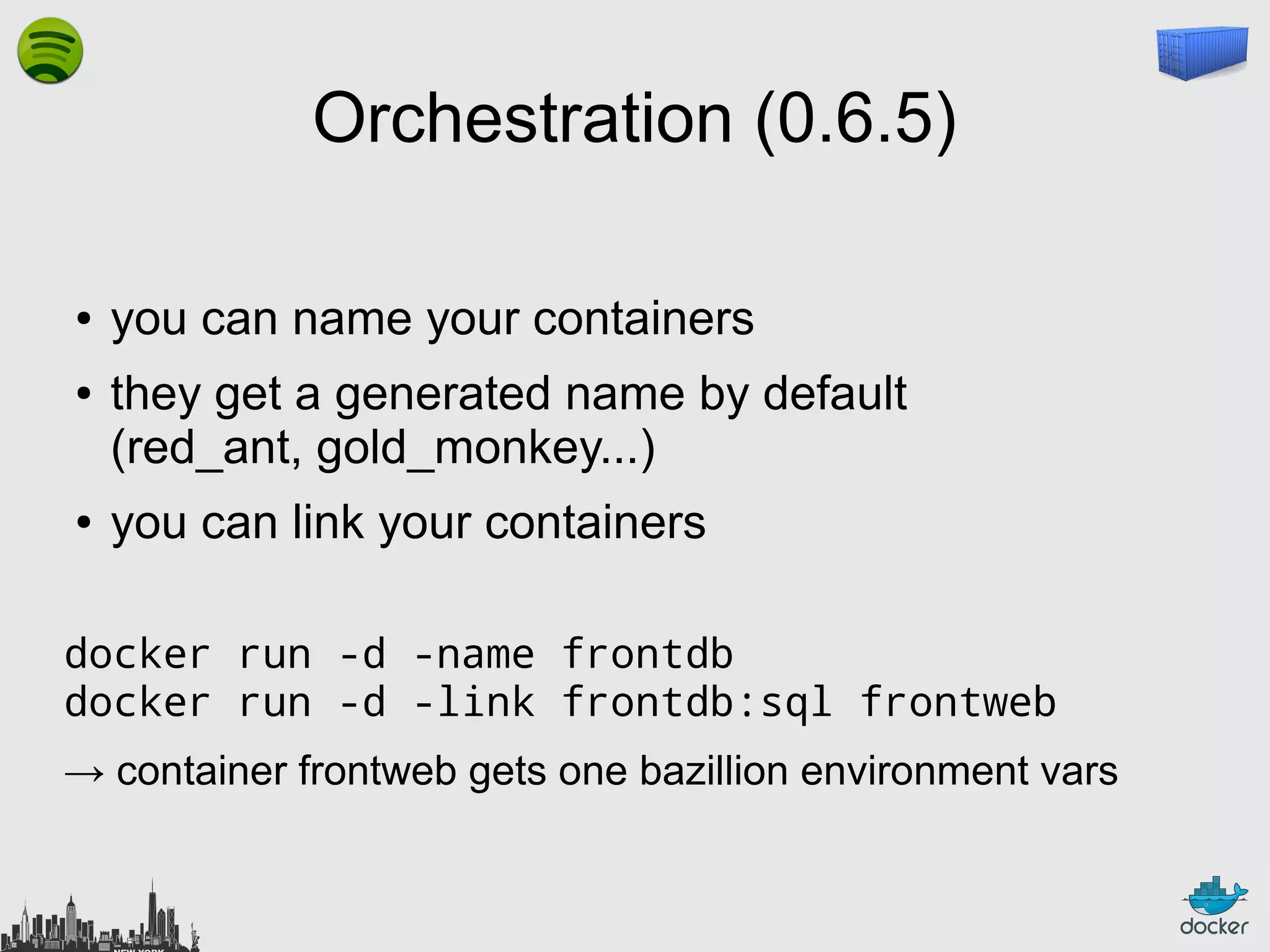
Orchestration (0.6.5)
●
●

●

you can name your containers
they get a generated name by default
(red_ant, gold_monkey...)
you can link your containers

docker run -d -name frontdb
docker run -d -link frontdb:sql frontweb
→ container frontweb gets one bazillion environment vars
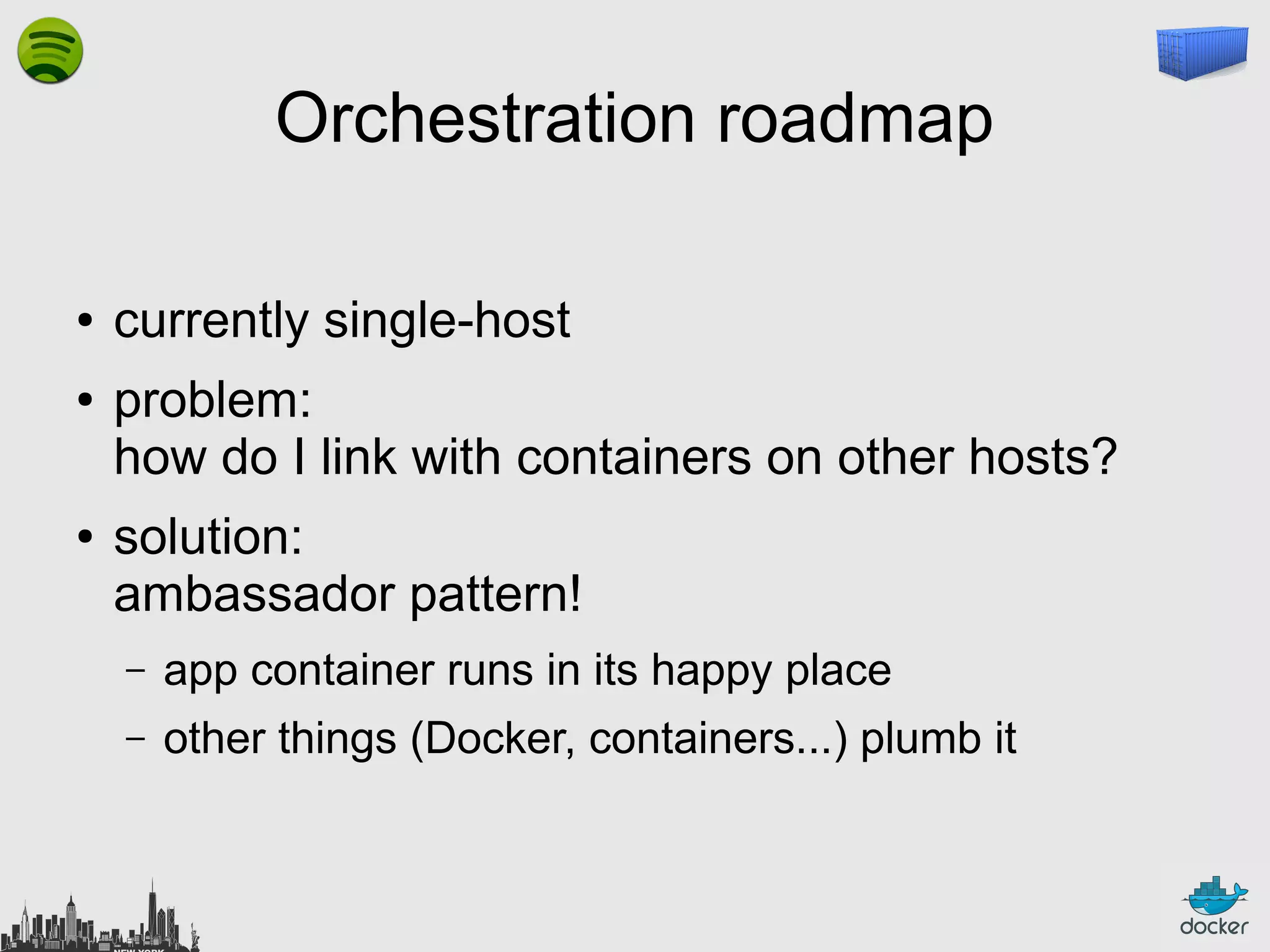
Orchestration roadmap
●
●

●

currently single-host
problem:
how do I link with containers on other hosts?
solution:
ambassador pattern!
–

app container runs in its happy place

–

other things (Docker, containers...) plumb it
Orchestration roadmap
●
●

●

currently static
problem:
what if I have to move a container?
what if there is a master/slave failover?
what if I have to WebScale my MangoDB
cluster?
solution:
dynamic discovery using Redis protocol
Dynamic Disco
●

beam
–

introspection API

–

based on Redis protocol
(i.e. all Redis clients work)

–

works well for synchronous req/rep and streams

–

reimplementation of Redis core in Go

–

think of it as « live environment variables »,
that you can watch/subscribe to
Outline
●

Why Linux Containers?

●

What are Linux Containers exactly?

●

What do we need on top of LXC?

●

Why Docker?

●

What is Docker exactly?

●

Where is it going?
What's Docker exactly?
●

rewrite of dotCloud internal container engine
–
–

●

original version: Python, tied to dotCloud's internal stuff
released version: Go, legacy-free

the Docker daemon runs in the background
–

manages containers, images, and builds

–

HTTP API (over UNIX or TCP socket)

–

embedded CLI talking to the API

●

Open Source (GitHub public repository + issue tracking)

●

user and dev mailing lists
Docker: the community
●

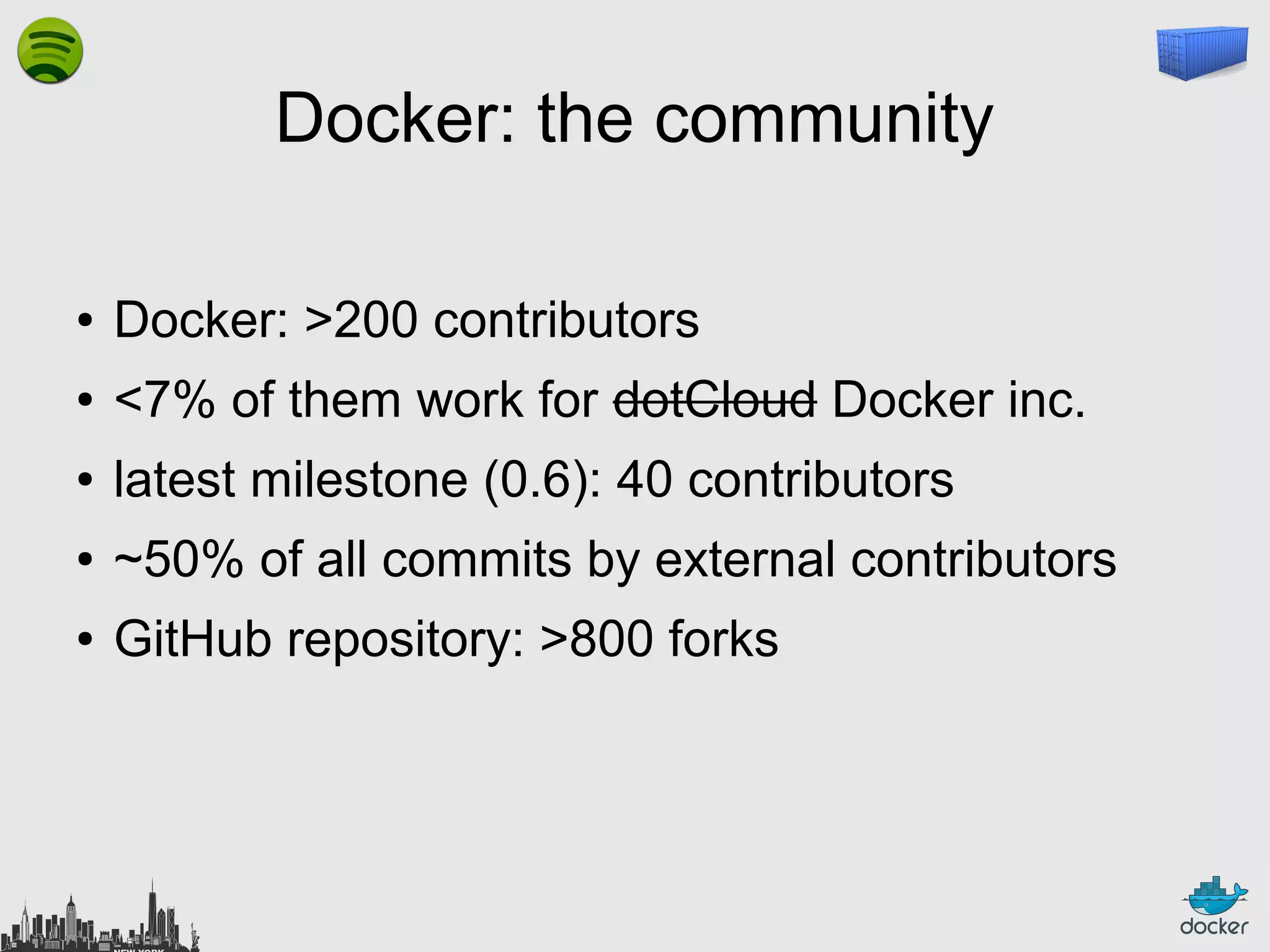
Docker: >200 contributors

●

<7% of them work for dotCloud Docker inc.

●

latest milestone (0.6): 40 contributors

●

~50% of all commits by external contributors

●

GitHub repository: >800 forks
Docker Inc.: the company
●

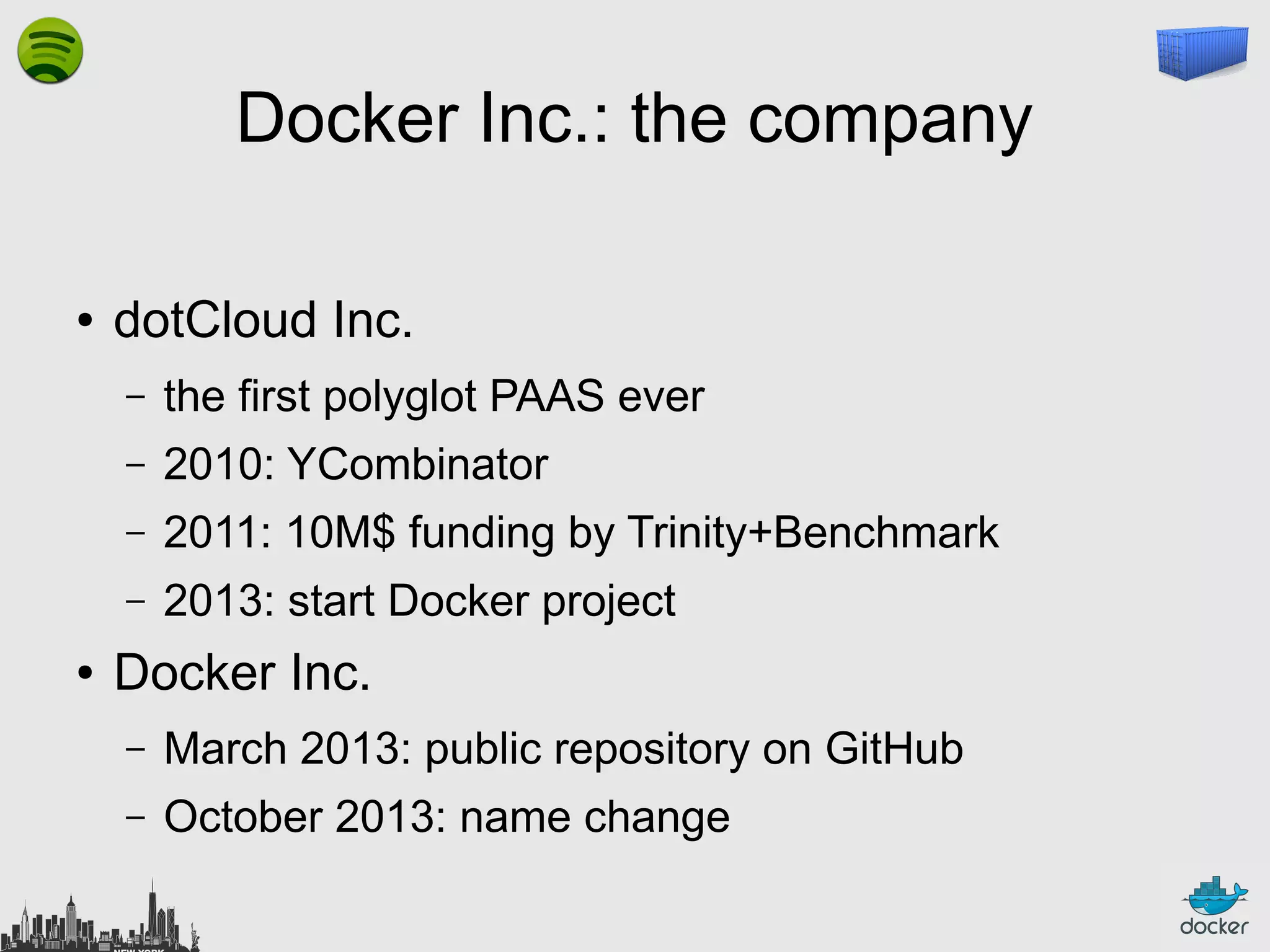
dotCloud Inc.
–
–

2010: YCombinator

–

2011: 10M$ funding by Trinity+Benchmark

–
●

the first polyglot PAAS ever

2013: start Docker project

Docker Inc.
–

March 2013: public repository on GitHub

–

October 2013: name change
Docker: the ecosystem
●

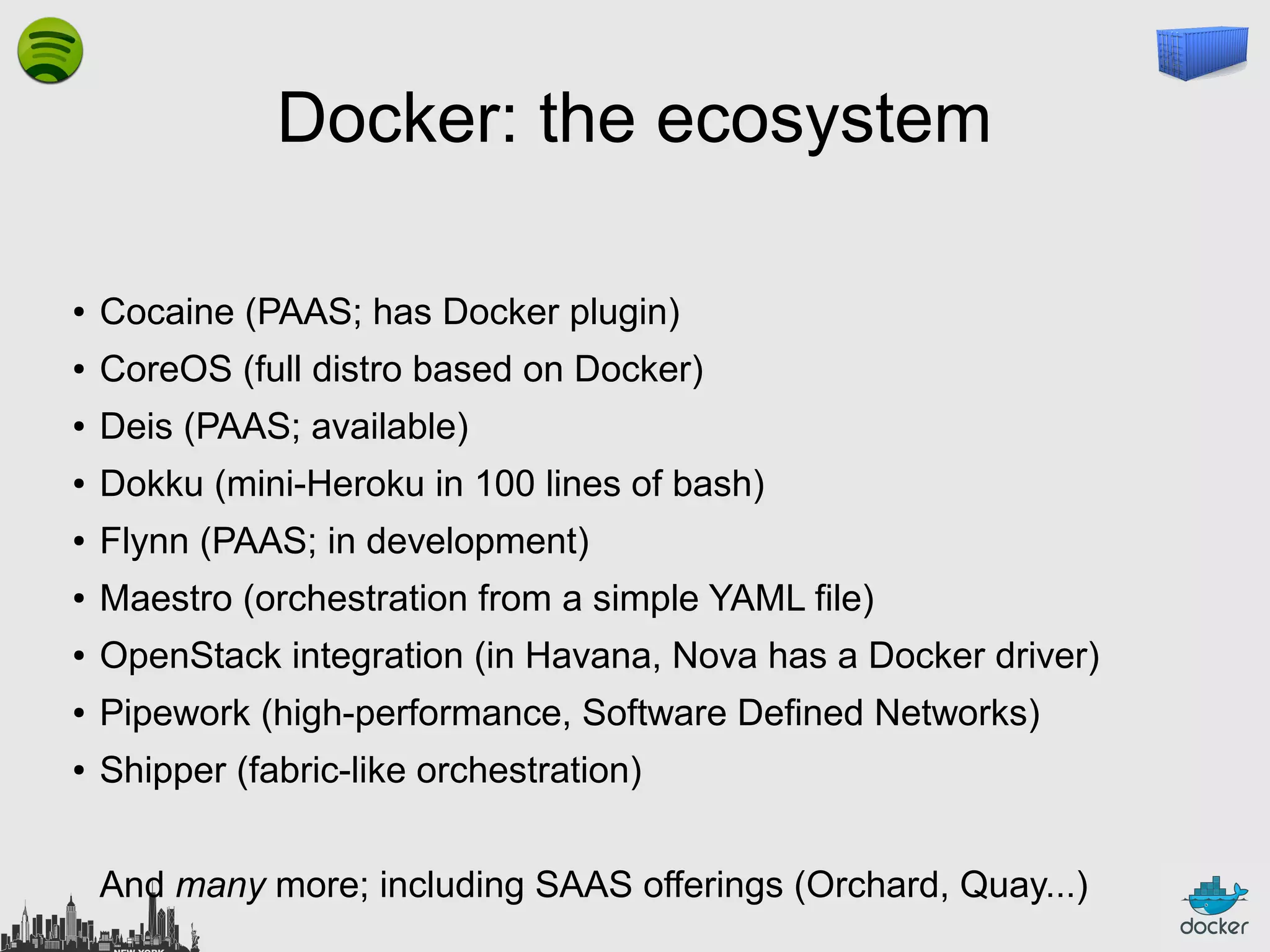
Cocaine (PAAS; has Docker plugin)

●

CoreOS (full distro based on Docker)

●

Deis (PAAS; available)

●

Dokku (mini-Heroku in 100 lines of bash)

●

Flynn (PAAS; in development)

●

Maestro (orchestration from a simple YAML file)

●

OpenStack integration (in Havana, Nova has a Docker driver)

●

Pipework (high-performance, Software Defined Networks)

●

Shipper (fabric-like orchestration)
And many more; including SAAS offerings (Orchard, Quay...)
Outline
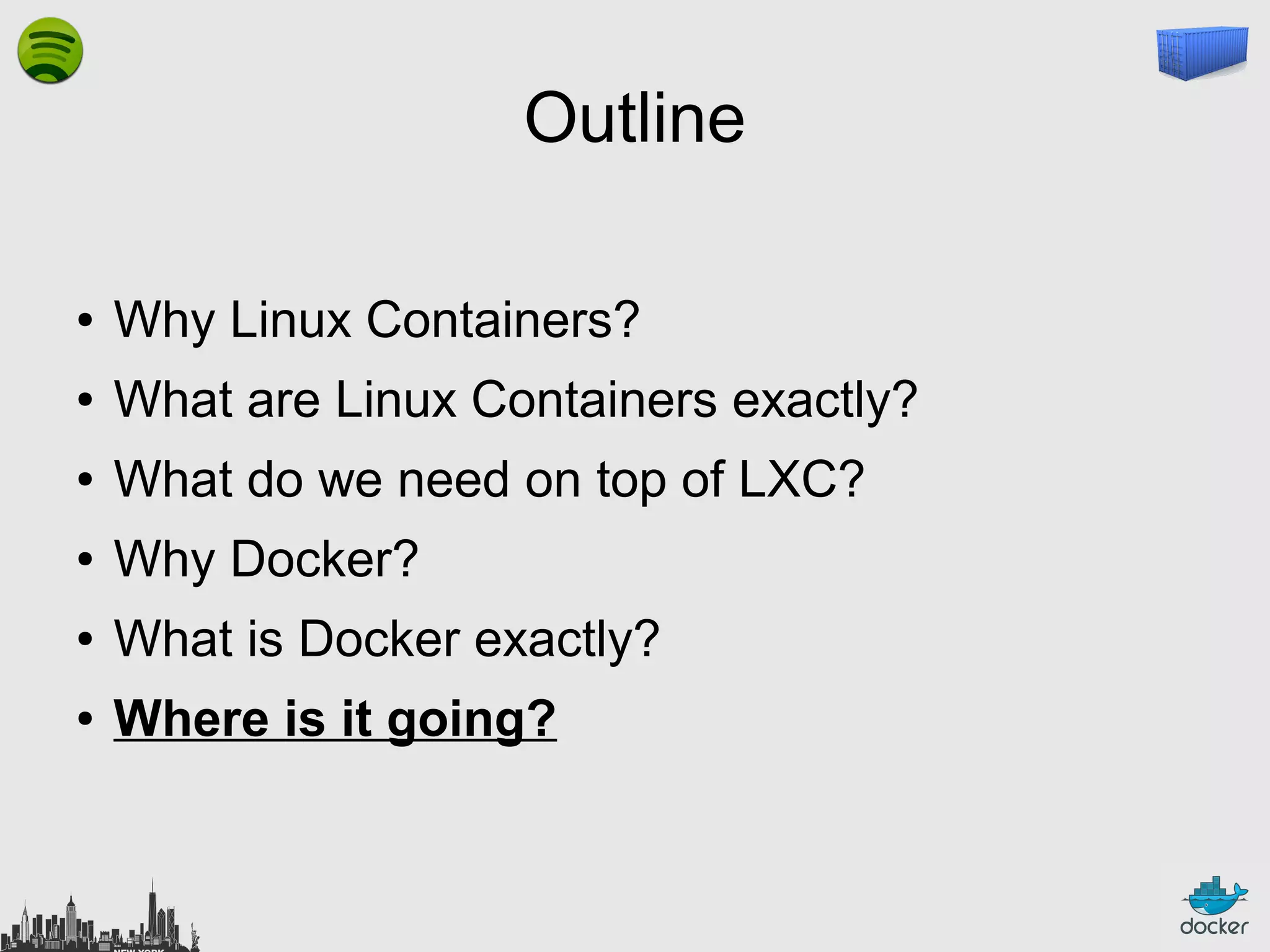
●

Why Linux Containers?

●

What are Linux Containers exactly?

●

What do we need on top of LXC?

●

Why Docker?

●

What is Docker exactly?

●

Where is it going?
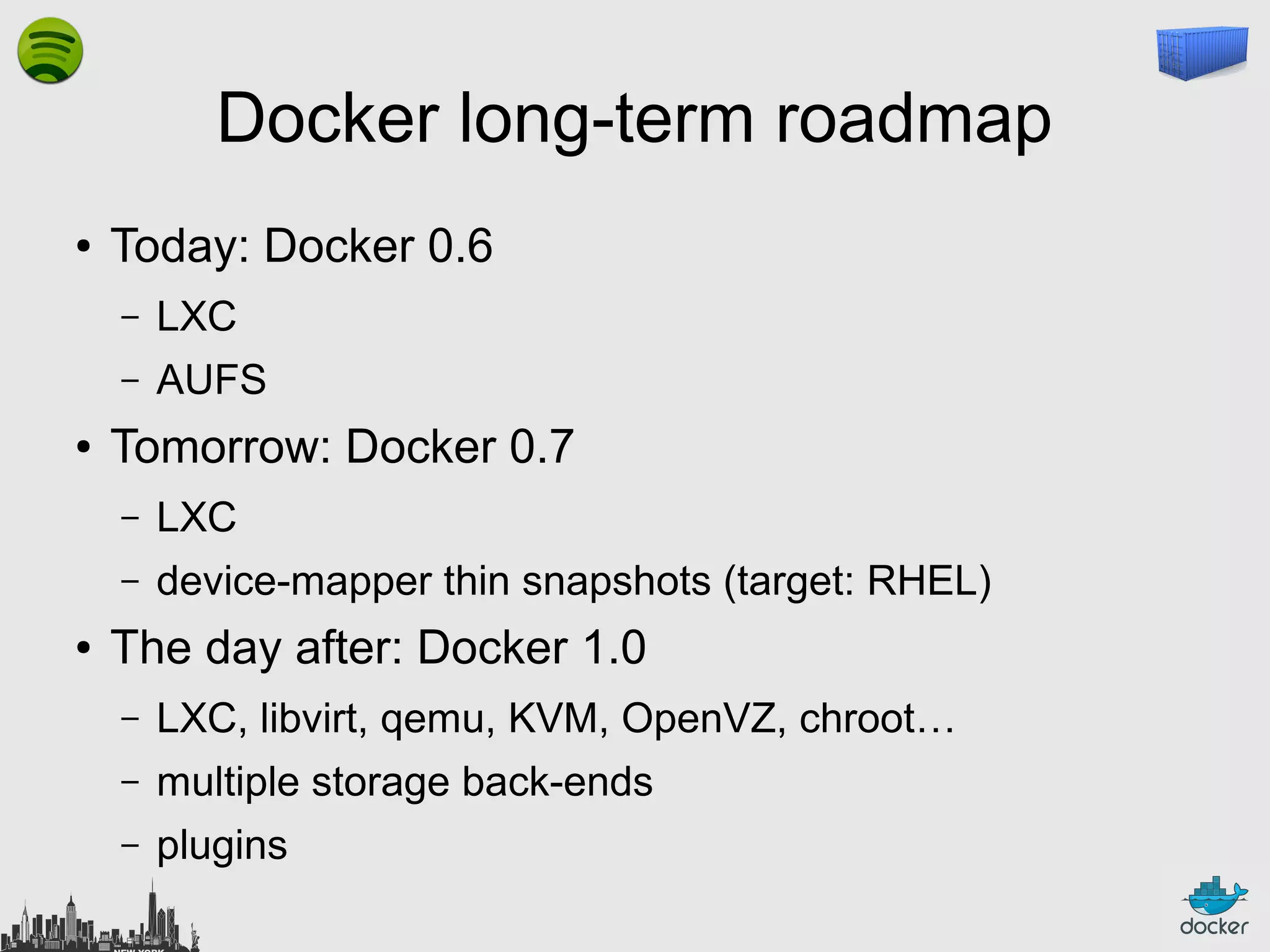
Docker long-term roadmap
●

Today: Docker 0.6
–
–

●

LXC
AUFS

Tomorrow: Docker 0.7
–
–

●

LXC
device-mapper thin snapshots (target: RHEL)

The day after: Docker 1.0
–

LXC, libvirt, qemu, KVM, OpenVZ, chroot…

–

multiple storage back-ends

–

plugins
Thank you! Questions?
http://docker.io/
http://docker.com/
https://github.com/dotcloud/docker
@docker
@jpetazzo
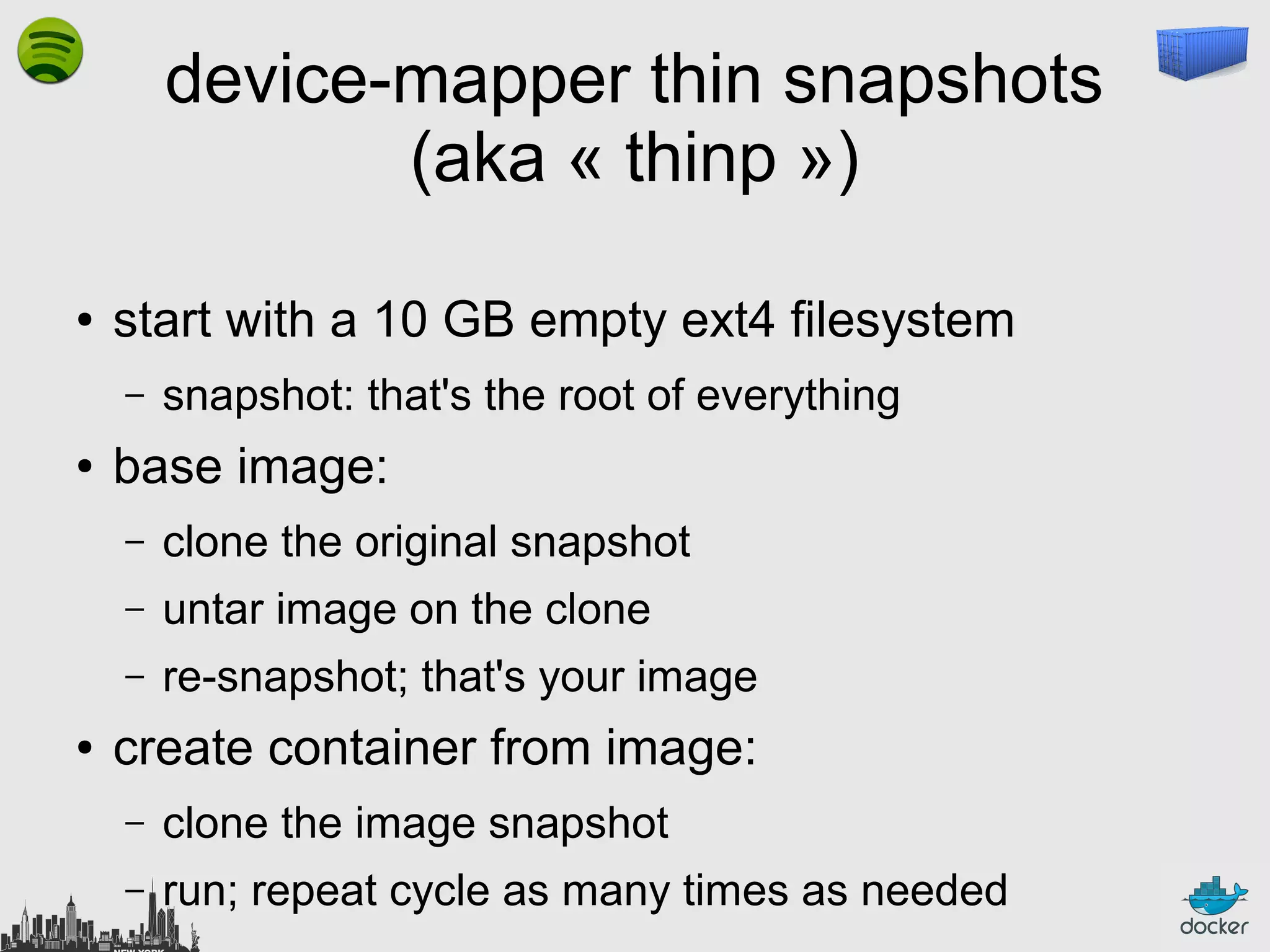
device-mapper thin snapshots
(aka « thinp »)
●

start with a 10 GB empty ext4 filesystem
–

●

snapshot: that's the root of everything

base image:
–
–

untar image on the clone

–
●

clone the original snapshot
re-snapshot; that's your image

create container from image:
–

clone the image snapshot

–

run; repeat cycle as many times as needed
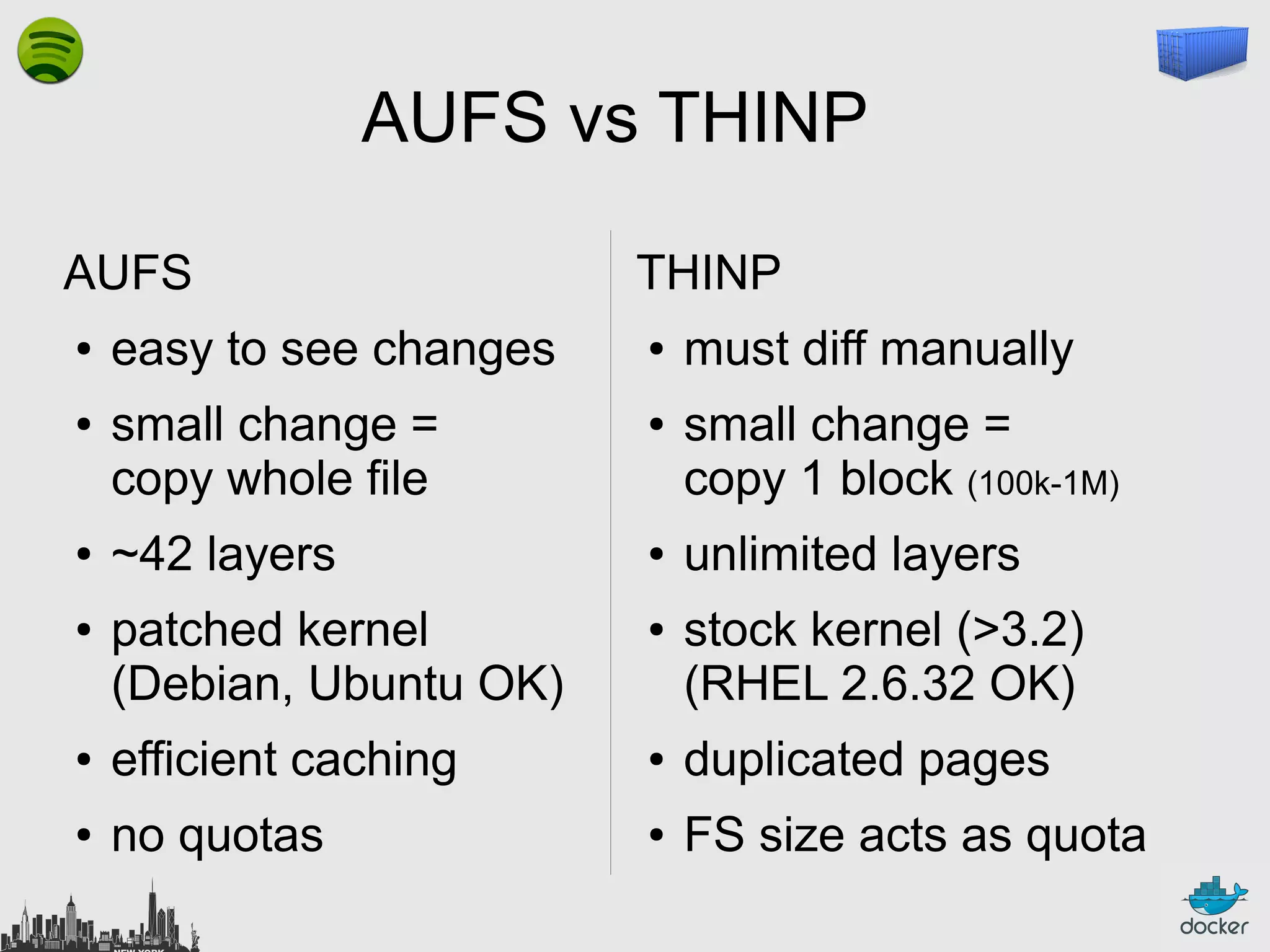
AUFS vs THINP
AUFS
●

●

●

●

easy to see changes
small change =
copy whole file
~42 layers
patched kernel
(Debian, Ubuntu OK)

THINP
●

●

●

●

must diff manually
small change =
copy 1 block (100k-1M)
unlimited layers
stock kernel (>3.2)
(RHEL 2.6.32 OK)

●

efficient caching

●

duplicated pages

●

no quotas

●

FS size acts as quota
Misconceptions about THINP
●

●

●

●

« performance degradation »
no; that was with « old » LVM snapshots
« can't handle 1000s of volumes »
that's LVM; Docker uses devmapper directly
« if snapshot volume is out of space,
it breaks and you lose everything »
that's « old » LVM snapshots; thinp halts I/O
« if still use disk space after 'rm -rf' »
no, thanks to 'discard passdown'

Let's Containerize New York with Docker!

  • 1.
  • 2.
    Outline ● Why Linux Containers? ● Whatare Linux Containers exactly? ● What do we need on top of LXC? ● Why Docker? ● What is Docker exactly? ● Where is it going?
  • 3.
    Outline ● Why Linux Containers? ● Whatare Linux Containers exactly? ● What do we need on top of LXC? ● Why Docker? ● What is Docker exactly? ● Where is it going?
  • 4.
    Why Linux Containers? Whatare we trying to solve?
  • 5.
  • 6.
  • 7.
    The Matrix FromHell django web frontend node.js async API background workers SQL database distributed DB, big data message queue ? ? ? ? ? ? ? ? ? ? ? ? ? ? ? ? ? ? ? ? ? ? ? ? ? ? ? ? ? ? ? ? ? ? ? ? staging prod on cloud VM my laptop your laptop QA prod on bare metal
  • 8.
    Many payloads ● backend services(API) ● databases ● distributed stores ● webapps
  • 9.
  • 10.
  • 11.
  • 12.
  • 13.
    Many targets ● your localdevelopment environment ● your coworkers' developement environment ● your Q&A team's test environment ● some random demo/test server ● the staging server(s) ● the production server(s) ● bare metal ● virtual machines ● shared hosting
  • 14.
  • 15.
  • 16.
  • 17.
  • 18.
  • 19.
    Another matrix fromhell ? ? ? ? ? ? ? ? ? ? ? ? ? ? ? ? ? ? ? ? ? ? ? ? ? ? ? ? ? ? ? ? ? ? ? ? ? ? ? ? ? ?
  • 20.
    Solution to thetransport problem: the intermodal shipping container
  • 21.
    Solution to thetransport problem: the intermodal shipping container ● ● ● ● ● 90% of all cargo now shipped in a standard container faster and cheaper to load and unload on ships (by an order of magnitude) less theft, less damage freight cost used to be >25% of final goods cost, now <3% 5000 ships deliver 200M containers per year
  • 22.
    Solution to thedeployment problem: the Linux container
  • 23.
    Linux containers... Units ofsoftware delivery (ship it!) ● run everywhere – – regardless of host distro – ● regardless of kernel version (but container and host architecture must match*) run anything – if it can run on the host, it can run in the container – i.e., if it can run on a Linux kernel, it can run *Unless you emulate CPU with qemu and binfmt
  • 24.
    Outline ● Why Linux Containers? ● Whatare Linux Containers exactly? ● What do we need on top of LXC? ● Why Docker? ● What is Docker exactly? ● Where is it going?
  • 25.
    What are LinuxContainers exactly?
  • 26.
    High level approach: it'sa lightweight VM ● own process space ● own network interface ● can run stuff as root ● can have its own /sbin/init (different from the host) « Machine Container »
  • 27.
    Low level approach: it'schroot on steroids ● can also not have its own /sbin/init ● container = isolated process(es) ● share kernel with host ● no device emulation (neither HVM nor PV) « Application Container »
  • 28.
    Separation of concerns: Davethe Developer ● inside my container: – my code – my libraries – my package manager – my app – my data
  • 29.
    Separation of concerns: Oscarthe Ops guy ● outside the container: – logging – remote access – network configuration – monitoring
  • 30.
    How does itwork? Isolation with namespaces ● pid ● mnt ● net ● uts ● ipc ● user
  • 31.
    pid namespace jpetazzo@tarrasque:~$ psaux | wc -l 212 jpetazzo@tarrasque:~$ sudo docker run -t bash root@ea319b8ac416:/# ps aux USER PID %CPU %MEM VSZ RSS TTY STAT COMMAND root 1 0.0 0.0 18044 1956 ? S bash root 16 0.0 0.0 15276 1136 ? R+ ps aux (That's 2 processes) -i ubuntu START TIME 02:54 0:00 02:55 0:00
  • 32.
    mnt namespace jpetazzo@tarrasque:~$ wc-l /proc/mounts 32 /proc/mounts root@ea319b8ac416:/# wc -l /proc/mounts 10 /proc/mounts
  • 33.
    net namespace root@ea319b8ac416:/# ipaddr 1: lo: <LOOPBACK,UP,LOWER_UP> mtu 65536 qdisc noqueue state UNKNOWN link/loopback 00:00:00:00:00:00 brd 00:00:00:00:00:00 inet 127.0.0.1/8 scope host lo valid_lft forever preferred_lft forever inet6 ::1/128 scope host valid_lft forever preferred_lft forever 22: eth0: <BROADCAST,MULTICAST,UP,LOWER_UP> pfifo_fast state UP qlen 1000 mtu 1500 qdisc link/ether 2a:d1:4b:7e:bf:b5 brd ff:ff:ff:ff:ff:ff inet 10.1.1.3/24 brd 10.1.1.255 scope global eth0 valid_lft forever preferred_lft forever inet6 fe80::28d1:4bff:fe7e:bfb5/64 scope link valid_lft forever preferred_lft forever
  • 34.
  • 35.
    ipc namespace jpetazzo@tarrasque:~$ ipcs ------Shared Memory Segments -------key shmid owner perms 0x00000000 3178496 jpetazzo 600 0x00000000 557057 jpetazzo 777 0x00000000 3211266 jpetazzo 600 root@ea319b8ac416:/# ipcs ------ Shared Memory Segments -------key shmid owner perms ------ Semaphore Arrays -------key semid owner perms ------ Message Queues -------key msqid owner perms bytes 393216 2778672 393216 nattch 2 0 2 status dest bytes nattch status nsems used-bytes messages dest
  • 36.
    user namespace ● ● no «demo » for this one... Yet! UID 0→1999 in container C1 is mapped to UID 10000→11999 in host; UID 0→1999 in container C2 is mapped to UID 12000→13999 in host; etc. ● required lots of VFS and FS patches (esp. XFS) ● what will happen with copy-on-write? – double translation at VFS? – single root UID on read-only FS?
  • 37.
    How does itwork? Isolation with cgroups ● memory ● cpu ● blkio ● devices
  • 38.
    memory cgroup ● keeps trackpages used by each group: – file (read/write/mmap from block devices; swap) – anonymous (stack, heap, anonymous mmap) – active (recently accessed) – inactive (candidate for eviction) ● each page is « charged » to a group ● pages can be shared (e.g. if you use any COW FS) ● Individual (per-cgroup) limits and out-of-memory killer
  • 39.
    cpu and cpusetcgroups ● keep track of user/system CPU time ● set relative weight per group ● pin groups to specific CPU(s) – Can be used to « reserve » CPUs for some apps – This is also relevant for big NUMA systems
  • 40.
    blkio cgroups ● keep trackIOs for each block device – read vs write; sync vs async ● set relative weights ● set throttle (limits) for each block device – read vs write; bytes/sec vs operations/sec Note: earlier versions (pre-3.8) didn't account async correctly. 3.8 is better, but use 3.10 for best results.
  • 41.
    devices cgroups ● controls read/write/mknodpermissions ● typically: – allow: /dev/{tty,zero,random,null}... – deny: everything else – maybe: /dev/net/tun, /dev/fuse
  • 42.
    If you're seriousabout security, you also need… ● capabilities – okay: cap_ipc_lock, cap_lease, cap_mknod, cap_net_admin, cap_net_bind_service, cap_net_raw – troublesome: cap_sys_admin (mount!) ● think twice before granting root ● grsec is nice ● seccomp (very specific use cases); seccomp-bpf ● beware of full-scale kernel exploits!
  • 43.
  • 44.
    Efficiency: almost nooverhead ● ● ● ● processes are isolated, but run straight on the host CPU performance = native performance memory performance = a few % shaved off for (optional) accounting network performance = small overhead; can be optimized to zero overhead
  • 45.
    Outline ● Why Linux Containers? ● Whatare Linux Containers exactly? ● What do we need on top of LXC? ● Why Docker? ● What is Docker exactly? ● Where is it going?
  • 46.
    Efficiency: storage-friendly ● ● ● unioning filesystems (AUFS,overlayfs) snapshotting filesystems (BTRFS, ZFS) copy-on-write (thin snapshots with LVM or device-mapper) This is now being integrated with low-level LXC tools as well!
  • 47.
    Efficiency: storage-friendly ● provisioning nowtakes a few milliseconds ● … and a few kilobytes ● creating a new base image (from a running container) takes a few seconds (or even less)
  • 48.
  • 49.
    Outline ● Why Linux Containers? ● Whatare Linux Containers exactly? ● What do we need on top of LXC? ● Why Docker? ● What is Docker exactly? ● Where is it going?
  • 50.
    What can Dockerdo? ● Open Source engine to commoditize LXC ● using copy-on-write for quick provisioning ● allowing to create and share images ● ● standard format for containers (stack of layers; 1 layer = tarball+metadata) standard, reproducible way to easily build trusted images (Dockerfile, Stackbrew...)
  • 51.
    Authoring images with run/commit 1)docker run ubuntu bash 2) apt-get install this and that 3) docker commit <containerid> <imagename> 4) docker run <imagename> bash 5) git clone git://.../mycode 6) pip install -r requirements.txt 7) docker commit <containerid> <imagename> 8) repeat steps 4-7 as necessary 9) docker tag <imagename> <user/image> 10) docker push <user/image>
  • 52.
    Authoring images with aDockerfile FROM ubuntu RUN RUN RUN RUN RUN apt-get apt-get apt-get apt-get apt-get -y update install -y install -y install -y install -y g++ erlang-dev erlang-manpages erlang-base-hipe ... libmozjs185-dev libicu-dev libtool ... make wget RUN wget http://.../apache-couchdb-1.3.1.tar.gz | tar -C /tmp -zxfRUN cd /tmp/apache-couchdb-* && ./configure && make install RUN printf "[httpd]nport = 8101nbind_address = 0.0.0.0" > /usr/local/etc/couchdb/local.d/docker.ini EXPOSE 8101 CMD ["/usr/local/bin/couchdb"] docker build -t jpetazzo/couchdb .
  • 53.
    Running containers ● SSH toDocker host and manual pull+run ● REST API (feel free to add SSL certs, OAUth...) ● OpenStack Nova ● OpenStack Heat ● who's next? OpenShift, CloudFoundry? ● multiple Open Source PAAS built on Docker (more on this later)
  • 54.
    Yes, but... ● ● ● « Idon't need Docker; I can do all that stuff with LXC tools, rsync, some scripts! » correct on all accounts; but it's also true for apt, dpkg, rpm, yum, etc. the whole point is to commoditize, i.e. make it ridiculously easy to use
  • 55.
  • 56.
  • 57.
    What this reallymeans… ● instead of writing « very small shell scripts » to manage containers, write them to do the rest: – continuous deployment/integration/testing – orchestration ● = use Docker as a building block ● re-use other people images (yay ecosystem!)
  • 58.
    Docker: sharing images ● ● ● youcan push/pull images to/from a registry (public or private) you can search images through a public index dotCloud Docker Inc. the community maintains a collection of base images (Ubuntu, Fedora...) ● coming soon: Stackbrew ● satisfaction guaranteed or your money back
  • 59.
    Docker: not sharingimages ● private registry – – or security credentials – ● for proprietary code or fast local access the private registry is available as an image on the public registry (yes, that makes sense)
  • 60.
    Example of powerfulworkflow ● ● ● ● code in local environment (« dockerized » or not) each push to the git repo triggers a hook the hook tells a build server to clone the code and run « docker build » (using the Dockerfile) the containers are tested (nosetests, Jenkins...), and if the tests pass, pushed to the registry ● production servers pull the containers and run them ● for network services, load balancers are updated
  • 61.
    Orchestration (0.6.5) ● ● ● you canname your containers they get a generated name by default (red_ant, gold_monkey...) you can link your containers docker run -d -name frontdb docker run -d -link frontdb:sql frontweb → container frontweb gets one bazillion environment vars
  • 62.
    Orchestration roadmap ● ● ● currently single-host problem: howdo I link with containers on other hosts? solution: ambassador pattern! – app container runs in its happy place – other things (Docker, containers...) plumb it
  • 63.
    Orchestration roadmap ● ● ● currently static problem: whatif I have to move a container? what if there is a master/slave failover? what if I have to WebScale my MangoDB cluster? solution: dynamic discovery using Redis protocol
  • 64.
    Dynamic Disco ● beam – introspection API – basedon Redis protocol (i.e. all Redis clients work) – works well for synchronous req/rep and streams – reimplementation of Redis core in Go – think of it as « live environment variables », that you can watch/subscribe to
  • 65.
    Outline ● Why Linux Containers? ● Whatare Linux Containers exactly? ● What do we need on top of LXC? ● Why Docker? ● What is Docker exactly? ● Where is it going?
  • 66.
    What's Docker exactly? ● rewriteof dotCloud internal container engine – – ● original version: Python, tied to dotCloud's internal stuff released version: Go, legacy-free the Docker daemon runs in the background – manages containers, images, and builds – HTTP API (over UNIX or TCP socket) – embedded CLI talking to the API ● Open Source (GitHub public repository + issue tracking) ● user and dev mailing lists
  • 67.
    Docker: the community ● Docker:>200 contributors ● <7% of them work for dotCloud Docker inc. ● latest milestone (0.6): 40 contributors ● ~50% of all commits by external contributors ● GitHub repository: >800 forks
  • 68.
    Docker Inc.: thecompany ● dotCloud Inc. – – 2010: YCombinator – 2011: 10M$ funding by Trinity+Benchmark – ● the first polyglot PAAS ever 2013: start Docker project Docker Inc. – March 2013: public repository on GitHub – October 2013: name change
  • 69.
    Docker: the ecosystem ● Cocaine(PAAS; has Docker plugin) ● CoreOS (full distro based on Docker) ● Deis (PAAS; available) ● Dokku (mini-Heroku in 100 lines of bash) ● Flynn (PAAS; in development) ● Maestro (orchestration from a simple YAML file) ● OpenStack integration (in Havana, Nova has a Docker driver) ● Pipework (high-performance, Software Defined Networks) ● Shipper (fabric-like orchestration) And many more; including SAAS offerings (Orchard, Quay...)
  • 70.
    Outline ● Why Linux Containers? ● Whatare Linux Containers exactly? ● What do we need on top of LXC? ● Why Docker? ● What is Docker exactly? ● Where is it going?
  • 71.
    Docker long-term roadmap ● Today:Docker 0.6 – – ● LXC AUFS Tomorrow: Docker 0.7 – – ● LXC device-mapper thin snapshots (target: RHEL) The day after: Docker 1.0 – LXC, libvirt, qemu, KVM, OpenVZ, chroot… – multiple storage back-ends – plugins
  • 72.
  • 73.
    device-mapper thin snapshots (aka« thinp ») ● start with a 10 GB empty ext4 filesystem – ● snapshot: that's the root of everything base image: – – untar image on the clone – ● clone the original snapshot re-snapshot; that's your image create container from image: – clone the image snapshot – run; repeat cycle as many times as needed
  • 74.
    AUFS vs THINP AUFS ● ● ● ● easyto see changes small change = copy whole file ~42 layers patched kernel (Debian, Ubuntu OK) THINP ● ● ● ● must diff manually small change = copy 1 block (100k-1M) unlimited layers stock kernel (>3.2) (RHEL 2.6.32 OK) ● efficient caching ● duplicated pages ● no quotas ● FS size acts as quota
  • 75.
    Misconceptions about THINP ● ● ● ● «performance degradation » no; that was with « old » LVM snapshots « can't handle 1000s of volumes » that's LVM; Docker uses devmapper directly « if snapshot volume is out of space, it breaks and you lose everything » that's « old » LVM snapshots; thinp halts I/O « if still use disk space after 'rm -rf' » no, thanks to 'discard passdown'