Deploy microservices
in containers
with Docker and friends
1 / 36
Who am I?
Jérôme Petazzoni (@jpetazzo)
French software engineer living in California
Joined Docker (dotCloud) more than 4 years ago
(I was at Docker before it was cool!)
I have built and scaled the dotCloud PaaS
I learned a few things about running containers
(in production)
2 / 36
Outline
What are microservices?
What are their challenges?
How does Docker help?
How can we do this today?
3 / 36
What are
microservices?
4 / 36
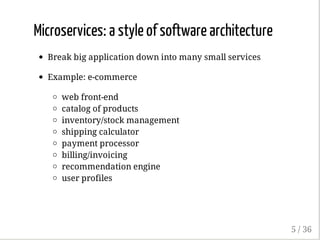
Microservices: a style of software architecture
Break big application down into many small services
Example: e-commerce
web front-end
catalog of products
inventory/stock management
shipping calculator
payment processor
billing/invoicing
recommendation engine
user profiles
5 / 36
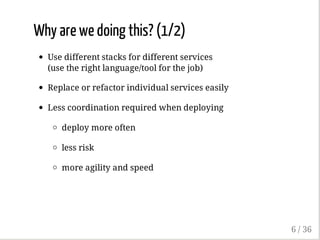
Why are we doing this? (1/2)
Use different stacks for different services
(use the right language/tool for the job)
Replace or refactor individual services easily
Less coordination required when deploying
deploy more often
less risk
more agility and speed
6 / 36
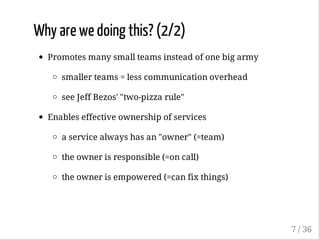
Why are we doing this? (2/2)
Promotes many small teams instead of one big army
smaller teams = less communication overhead
see Jeff Bezos' "two-pizza rule"
Enables effective ownership of services
a service always has an "owner" (=team)
the owner is responsible (=on call)
the owner is empowered (=can fix things)
7 / 36
What are the
challenges
associated with
microservices?
8 / 36
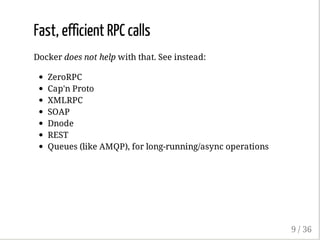
Fast, efficient RPC calls
Docker does not help with that. See instead:
ZeroRPC
Cap'n Proto
XMLRPC
SOAP
Dnode
REST
Queues (like AMQP), for long-running/async operations
9 / 36
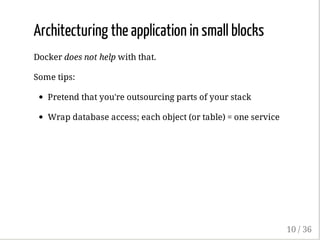
Architecturing the application in small blocks
Docker does not help with that.
Some tips:
Pretend that you're outsourcing parts of your stack
Wrap database access; each object (or table) = one service
10 / 36
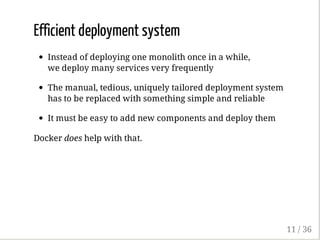
Efficient deployment system
Instead of deploying one monolith once in a while,
we deploy many services very frequently
The manual, tedious, uniquely tailored deployment system
has to be replaced with something simple and reliable
It must be easy to add new components and deploy them
Docker does help with that.
11 / 36
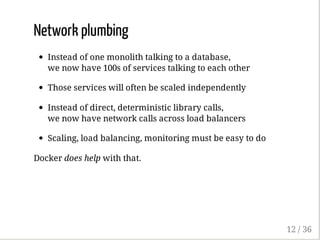
Network plumbing
Instead of one monolith talking to a database,
we now have 100s of services talking to each other
Those services will often be scaled independently
Instead of direct, deterministic library calls,
we now have network calls across load balancers
Scaling, load balancing, monitoring must be easy to do
Docker does help with that.
12 / 36
More challenges
See Microservices: not a free lunch by Benjamin Wootton.
13 / 36
How does Docker
help us to
implement
microservices?
14 / 36
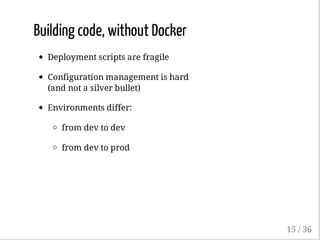
Building code, without Docker
Deployment scripts are fragile
Configuration management is hard
(and not a silver bullet)
Environments differ:
from dev to dev
from dev to prod
15 / 36
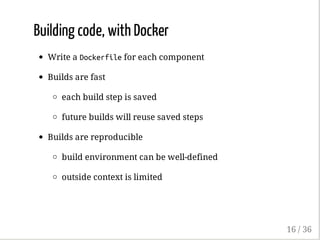
Building code, with Docker
Write a Dockerfilefor each component
Builds are fast
each build step is saved
future builds will reuse saved steps
Builds are reproducible
build environment can be well-defined
outside context is limited
16 / 36
17 / 36
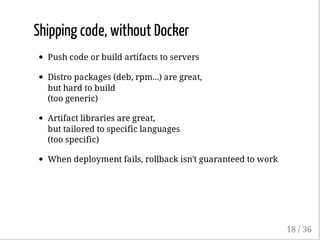
Shipping code, without Docker
Push code or build artifacts to servers
Distro packages (deb, rpm...) are great,
but hard to build
(too generic)
Artifact libraries are great,
but tailored to specific languages
(too specific)
When deployment fails, rollback isn't guaranteed to work
18 / 36
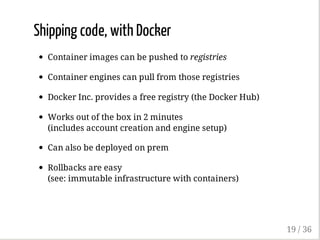
Shipping code, with Docker
Container images can be pushed to registries
Container engines can pull from those registries
Docker Inc. provides a free registry (the Docker Hub)
Works out of the box in 2 minutes
(includes account creation and engine setup)
Can also be deployed on prem
Rollbacks are easy
(see: immutable infrastructure with containers)
19 / 36
20 / 36
Network plumbing, without Docker
Application code must be modified to handle:
service discovery
(e.g. lookup endpoint addresses into Consul, Etcd, ZK)
failover
(same, but also needs to watch for changes)
Development stack becomes either:
very complex
(because of those extra components)
different from production
(because the code path differs)
21 / 36
Network plumbing, with Docker
Application code doesn't deal with plumbing
Application code connects to services using DNS aliases
DNS aliases are injected by Docker
(as entries in /etc/hosts)
In dev, DNS aliases map directly to service containers
In prod, DNS aliases map to special-purpose containers,
implementing service discovery, load-balancing, failover
Those containers are called ambassadors
22 / 36
How can we do
this today?
23 / 36
Developing on a single node
Docker Compose
Describe a stack of containers in a simple YAML file
Start the stack with a single command
Compose connects containers together with links
Also provides simple scaling and log aggregation
24 / 36
25 / 36
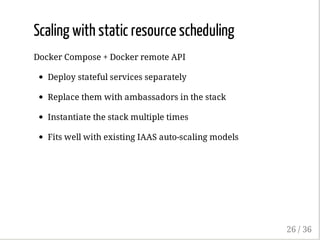
Scaling with static resource scheduling
Docker Compose + Docker remote API
Deploy stateful services separately
Replace them with ambassadors in the stack
Instantiate the stack multiple times
Fits well with existing IAAS auto-scaling models
26 / 36
27 / 36
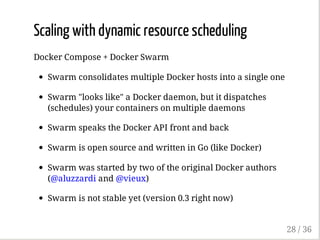
Scaling with dynamic resource scheduling
Docker Compose + Docker Swarm
Swarm consolidates multiple Docker hosts into a single one
Swarm "looks like" a Docker daemon, but it dispatches
(schedules) your containers on multiple daemons
Swarm speaks the Docker API front and back
Swarm is open source and written in Go (like Docker)
Swarm was started by two of the original Docker authors
(@aluzzardi and @vieux)
Swarm is not stable yet (version 0.3 right now)
28 / 36
No live demo
Video from DockerCon 2015,
Monday earlier this week
(10 minutes)
29 / 36
How do I get
started?
30 / 36
Installing Docker
31 / 36
Installing Docker
This must be super complicated, right?
32 / 36
Installing Docker
This must be super complicated, right?
Nope!
33 / 36
Installing Docker
This must be super complicated, right?
Nope!
Docker Machine makes it super easy to setup
Docker Machines (duh!)
34 / 36
35 / 36
Thanks!
Questions?
@jpetazzo
@docker
36 / 36

Deploy microservices in containers with Docker and friends - KCDC2015

  • 1.
    Deploy microservices in containers withDocker and friends 1 / 36
  • 2.
    Who am I? JérômePetazzoni (@jpetazzo) French software engineer living in California Joined Docker (dotCloud) more than 4 years ago (I was at Docker before it was cool!) I have built and scaled the dotCloud PaaS I learned a few things about running containers (in production) 2 / 36
  • 3.
    Outline What are microservices? Whatare their challenges? How does Docker help? How can we do this today? 3 / 36
  • 4.
  • 5.
    Microservices: a styleof software architecture Break big application down into many small services Example: e-commerce web front-end catalog of products inventory/stock management shipping calculator payment processor billing/invoicing recommendation engine user profiles 5 / 36
  • 6.
    Why are wedoing this? (1/2) Use different stacks for different services (use the right language/tool for the job) Replace or refactor individual services easily Less coordination required when deploying deploy more often less risk more agility and speed 6 / 36
  • 7.
    Why are wedoing this? (2/2) Promotes many small teams instead of one big army smaller teams = less communication overhead see Jeff Bezos' "two-pizza rule" Enables effective ownership of services a service always has an "owner" (=team) the owner is responsible (=on call) the owner is empowered (=can fix things) 7 / 36
  • 8.
    What are the challenges associatedwith microservices? 8 / 36
  • 9.
    Fast, efficient RPCcalls Docker does not help with that. See instead: ZeroRPC Cap'n Proto XMLRPC SOAP Dnode REST Queues (like AMQP), for long-running/async operations 9 / 36
  • 10.
    Architecturing the applicationin small blocks Docker does not help with that. Some tips: Pretend that you're outsourcing parts of your stack Wrap database access; each object (or table) = one service 10 / 36
  • 11.
    Efficient deployment system Insteadof deploying one monolith once in a while, we deploy many services very frequently The manual, tedious, uniquely tailored deployment system has to be replaced with something simple and reliable It must be easy to add new components and deploy them Docker does help with that. 11 / 36
  • 12.
    Network plumbing Instead ofone monolith talking to a database, we now have 100s of services talking to each other Those services will often be scaled independently Instead of direct, deterministic library calls, we now have network calls across load balancers Scaling, load balancing, monitoring must be easy to do Docker does help with that. 12 / 36
  • 13.
    More challenges See Microservices:not a free lunch by Benjamin Wootton. 13 / 36
  • 14.
    How does Docker helpus to implement microservices? 14 / 36
  • 15.
    Building code, withoutDocker Deployment scripts are fragile Configuration management is hard (and not a silver bullet) Environments differ: from dev to dev from dev to prod 15 / 36
  • 16.
    Building code, withDocker Write a Dockerfilefor each component Builds are fast each build step is saved future builds will reuse saved steps Builds are reproducible build environment can be well-defined outside context is limited 16 / 36
  • 17.
  • 18.
    Shipping code, withoutDocker Push code or build artifacts to servers Distro packages (deb, rpm...) are great, but hard to build (too generic) Artifact libraries are great, but tailored to specific languages (too specific) When deployment fails, rollback isn't guaranteed to work 18 / 36
  • 19.
    Shipping code, withDocker Container images can be pushed to registries Container engines can pull from those registries Docker Inc. provides a free registry (the Docker Hub) Works out of the box in 2 minutes (includes account creation and engine setup) Can also be deployed on prem Rollbacks are easy (see: immutable infrastructure with containers) 19 / 36
  • 20.
  • 21.
    Network plumbing, withoutDocker Application code must be modified to handle: service discovery (e.g. lookup endpoint addresses into Consul, Etcd, ZK) failover (same, but also needs to watch for changes) Development stack becomes either: very complex (because of those extra components) different from production (because the code path differs) 21 / 36
  • 22.
    Network plumbing, withDocker Application code doesn't deal with plumbing Application code connects to services using DNS aliases DNS aliases are injected by Docker (as entries in /etc/hosts) In dev, DNS aliases map directly to service containers In prod, DNS aliases map to special-purpose containers, implementing service discovery, load-balancing, failover Those containers are called ambassadors 22 / 36
  • 23.
    How can wedo this today? 23 / 36
  • 24.
    Developing on asingle node Docker Compose Describe a stack of containers in a simple YAML file Start the stack with a single command Compose connects containers together with links Also provides simple scaling and log aggregation 24 / 36
  • 25.
  • 26.
    Scaling with staticresource scheduling Docker Compose + Docker remote API Deploy stateful services separately Replace them with ambassadors in the stack Instantiate the stack multiple times Fits well with existing IAAS auto-scaling models 26 / 36
  • 27.
  • 28.
    Scaling with dynamicresource scheduling Docker Compose + Docker Swarm Swarm consolidates multiple Docker hosts into a single one Swarm "looks like" a Docker daemon, but it dispatches (schedules) your containers on multiple daemons Swarm speaks the Docker API front and back Swarm is open source and written in Go (like Docker) Swarm was started by two of the original Docker authors (@aluzzardi and @vieux) Swarm is not stable yet (version 0.3 right now) 28 / 36
  • 29.
    No live demo Videofrom DockerCon 2015, Monday earlier this week (10 minutes) 29 / 36
  • 30.
    How do Iget started? 30 / 36
  • 31.
  • 32.
    Installing Docker This mustbe super complicated, right? 32 / 36
  • 33.
    Installing Docker This mustbe super complicated, right? Nope! 33 / 36
  • 34.
    Installing Docker This mustbe super complicated, right? Nope! Docker Machine makes it super easy to setup Docker Machines (duh!) 34 / 36
  • 35.
  • 36.