#Mnnptechdummies | @jeffachen
Jeff Achen
Jeff Achen Videography &
Photography
(mnvideopro.com)
GiveMN Digital Strategist
(givemn.org)
Olivia James
GiveMN Nonprofit Outreach
Specialist
Leona Thao
GiveMN School Outreach
Specialist
#Mnnptechdummies | @jeffachen
Radio Shack
Ad from 1991
AM/FM Clock Radio = $13.88
In-ear Stereo Headphones = $7.88
Micro-thin calculator = $4.88
Computer w/ 20mb Hard drive =
$1,599
Mobile Cellular Phone = $199
Portable CD player = 159.95
Desktop Scanner = 99.95
Voice-Activated Cassette Tape
Recorder = $29.95
Answering Machine = $49.95
VHS Camcorder = $799
TOTAL = $2,963.4
($5,068.68 in today’s dollars)
What makes your phone so
smart?
It can:
• Take photos & edit them (PS
Touch, Snapseed, etc.)
• Capture video & edit (YouTube
Capture, iMovie)
• Publish to blogs, social networks
• Share via file sharing applications
(Dropbox, Google Drive)
• Word processing | Spreadsheets |
PowerPoint (Keynote)
• Scan and annotate documents
(Scanner Pro)
• Schedule reminders and take
notes
• Manage passwords (Dashlane,
Keeper, etc.)
• Read/watch/listen to the news,
music, podcasts, etc.
#Mnnptechdummies | @jeffachen
• Conduct commerce (eBay,
Esty, Amazon marketplace,
etc.)
• Scan QR codes
• Get directions
• Pocket calculator
• Serve as a teleprompter
(ProPrompter)
• Add graphic design to photos
(Over, Studio)
• Conduct video conference
calls (Google Hangout, Skype,
etc.)
• World clocks, timers,
stopwatch and alarms!
• Save and read pdf documents
and books
Okay, I’ve got my phone. Let’s do
this.
• Cool. We’ll discuss what a “visual”
content strategy can do and what it
looks like for your organization.
• Then, we’ll do a hands-on session for
creating quality photos and videos
using your phone.
• Next, we’ll talk about Instagram, Vine
and those other visual social newtorks
work.
• Last, we’ll do a giveaway of 2
Smartphone tripods.
#Mnnptechdummies | @jeffachen
Visuals ( ) are just
another form of communication
#Mnnptechdummies | @jeffachen
Photos
Videos
graphics
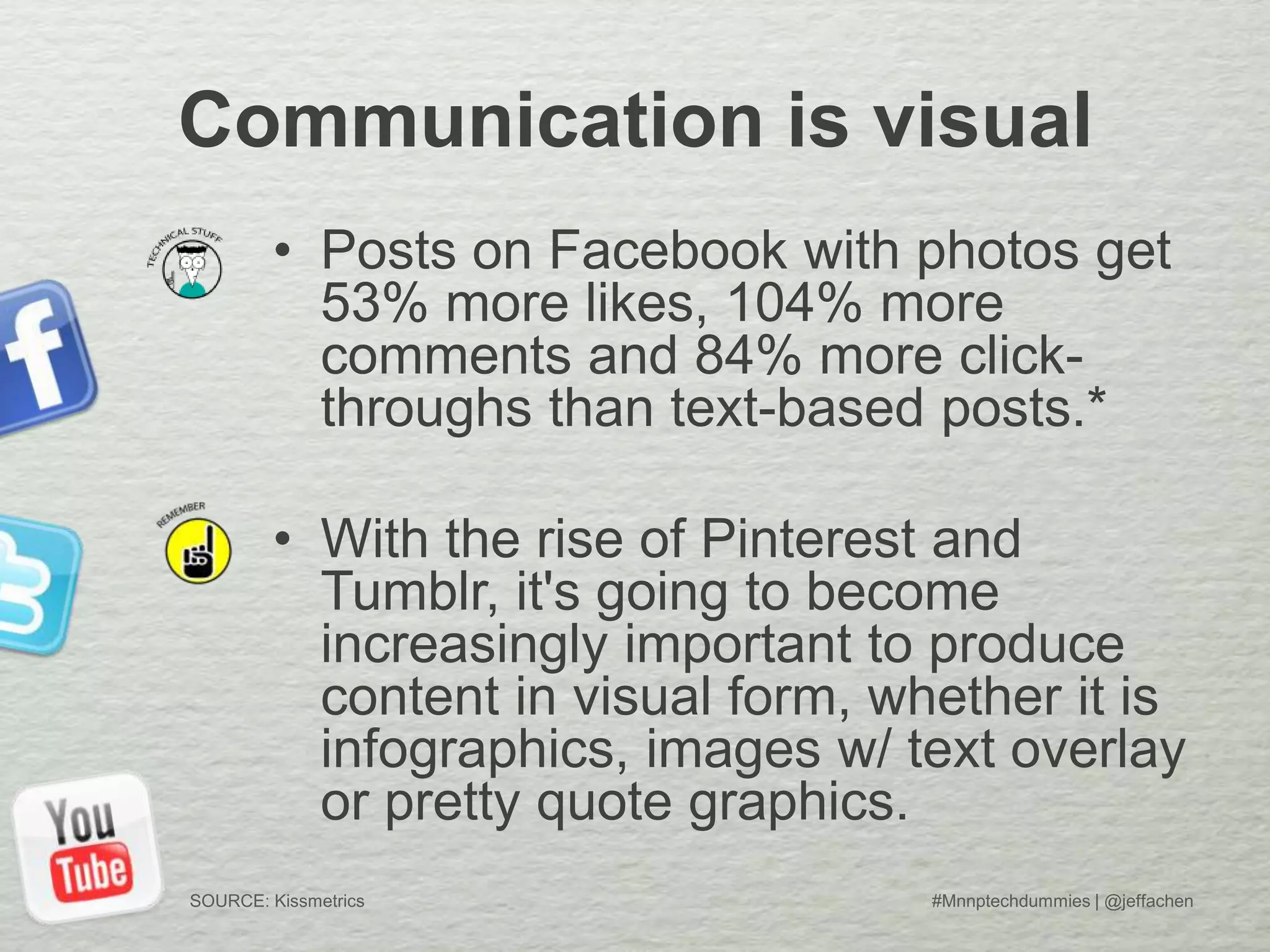
Communication is visual
• Posts on Facebook with photos get
53% more likes, 104% more
comments and 84% more click-
throughs than text-based posts.*
• With the rise of Pinterest and
Tumblr, it's going to become
increasingly important to produce
content in visual form, whether it is
infographics, images w/ text overlay
or pretty quote graphics.
#Mnnptechdummies | @jeffachenSOURCE: Kissmetrics
Visuals ( ) are just
another form of communication
#Mnnptechdummies | @jeffachen
Photos
Videos
graphics
• They convey emotion, tell stories,
inspire trust and many times
engage users more than written
text.
• Video, in particular, allows
viewers to “experience”
something.
• The key is aligning your strategic
goals with your visual
communication tools.
Stratigic Goals & Visual Tools
Strategic Goals
• Increase awareness of issue
X, Y, Z
• Increase donations in FY14
• Reduce customer service call
volume
• Increase organizational
transparency
• Make volunteering/donating
more fun and engaging
Visual Comm Tactics
• Photo or video series exploring
the issues
• Visual storytelling through
pics/video
• Engage via Twitter, Facebook,
etc. and provide information
using photos or graphics
• Thank you videos, videos from
donors or staff, fun graphics,
photos or memes
#Mnnptechdummies | @jeffachen
…in other words
#Mnnptechdummies | @jeffachen
Every piece of visual communication you
create should answer the following
questions:
• Who is this intended for?
• What are we trying to communicate?
• What action do we want viewers to take?
• Where will we post/publish this?
• Is this the best way to communicate this idea?
• Is this something I would watch/click/etc.?
Take out your Smartphones (or
tablets)
and open your camera app
#Mnnptechdummies | @jeffachen
Composition
#Mnnptechdummies | @jeffachen
Lighting
#Mnnptechdummies | @jeffachen
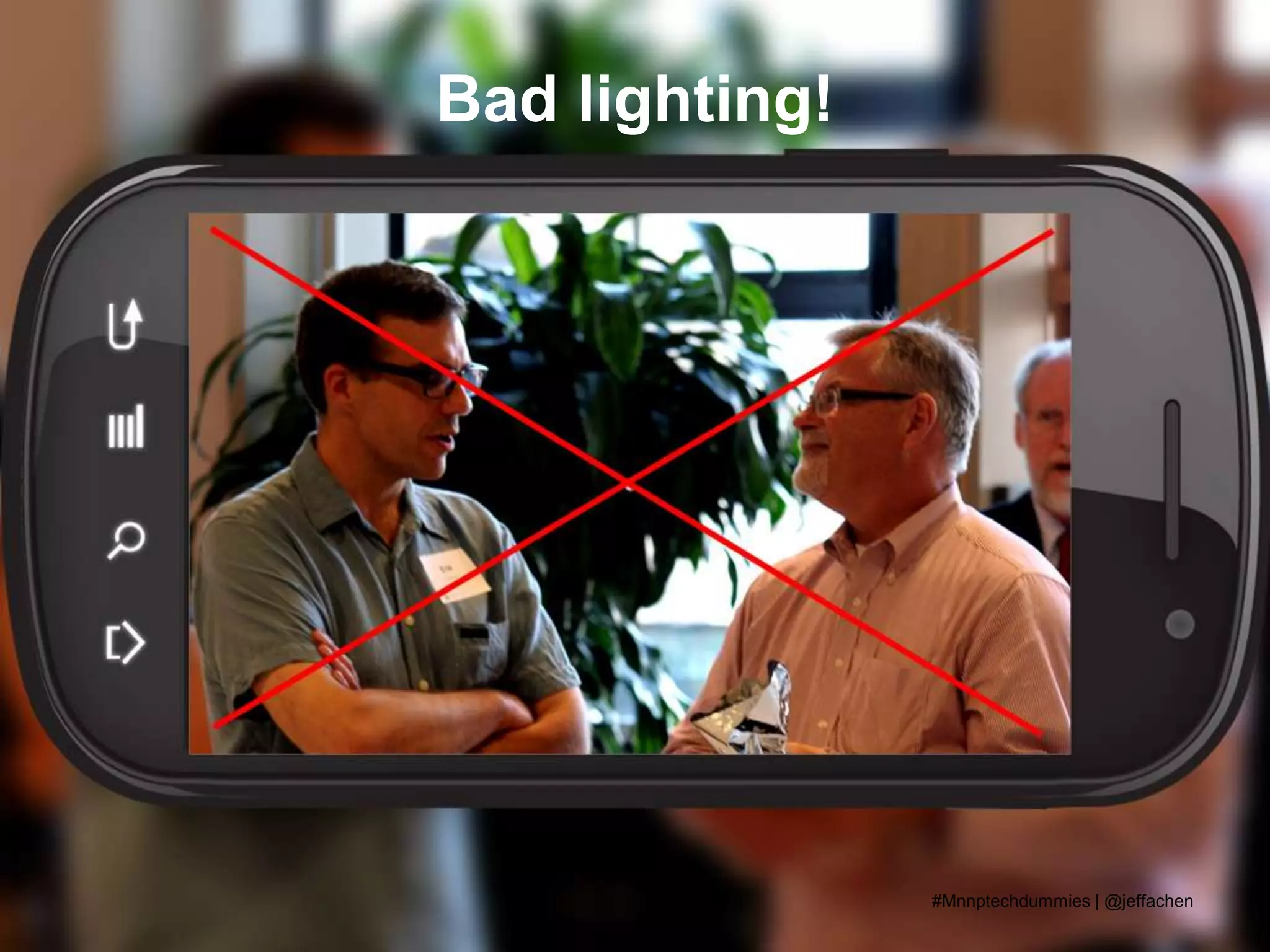
Bad lighting!
#Mnnptechdummies | @jeffachen
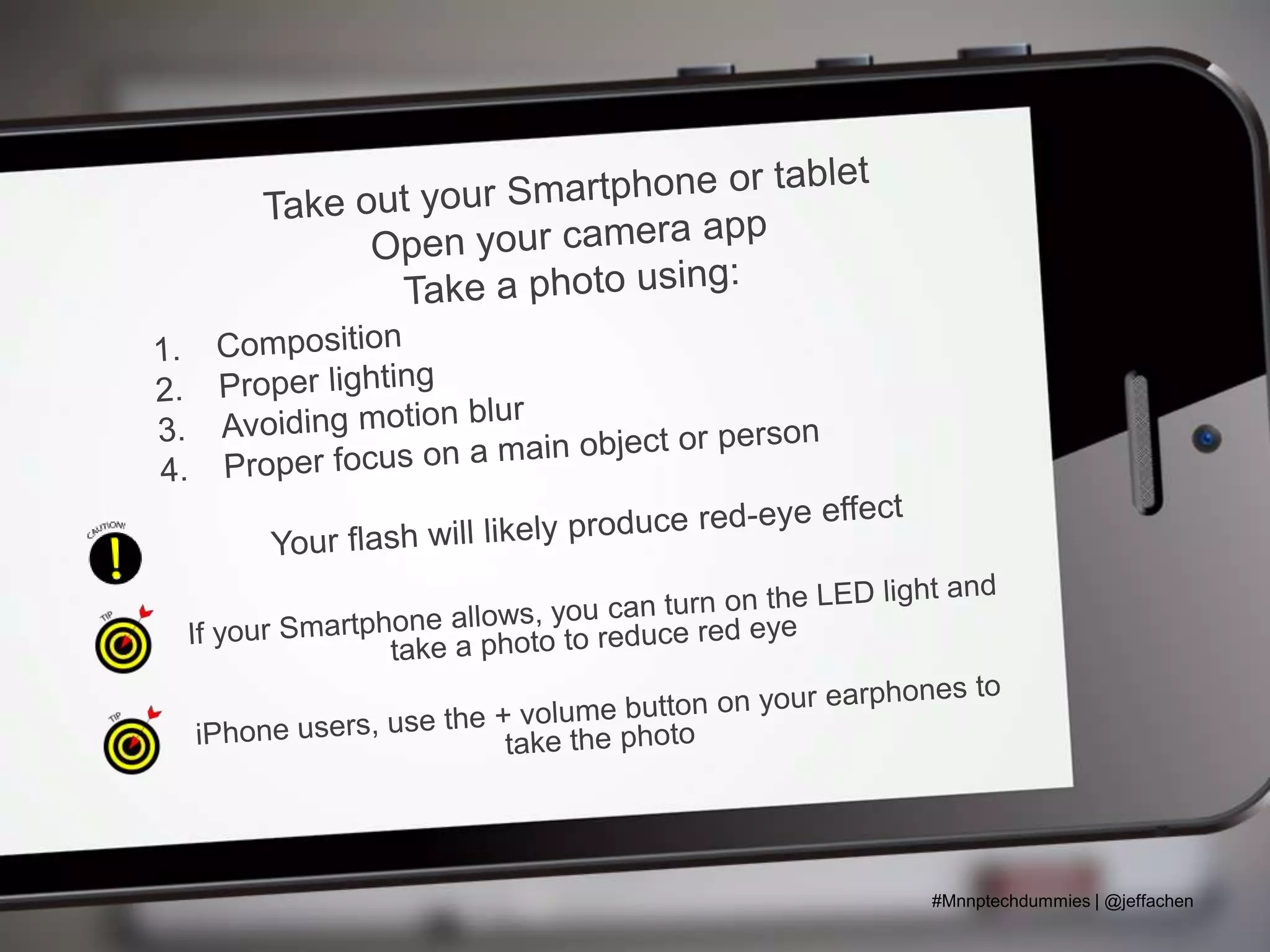
Avoid Motion Blur
#Mnnptechdummies | @jeffachen
Avoid Motion Blur
(use a tripod or stabilize your camera)
#Mnnptechdummies | @jeffachen
Now, open your video camera.
#Mnnptechdummies | @jeffachen
Tripods & Lighting
#Mnnptechdummies | @jeffachen
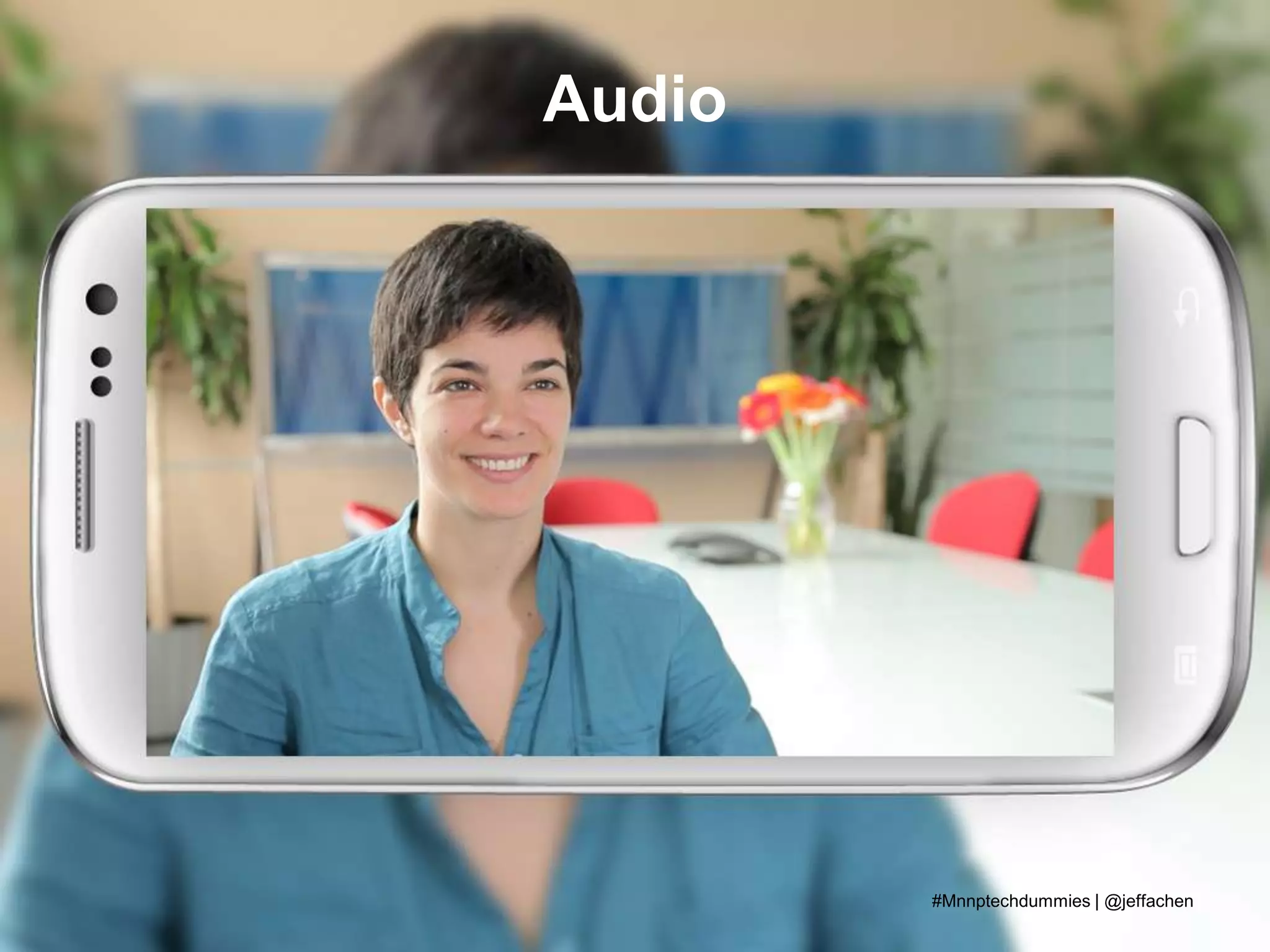
Audio
#Mnnptechdummies | @jeffachen
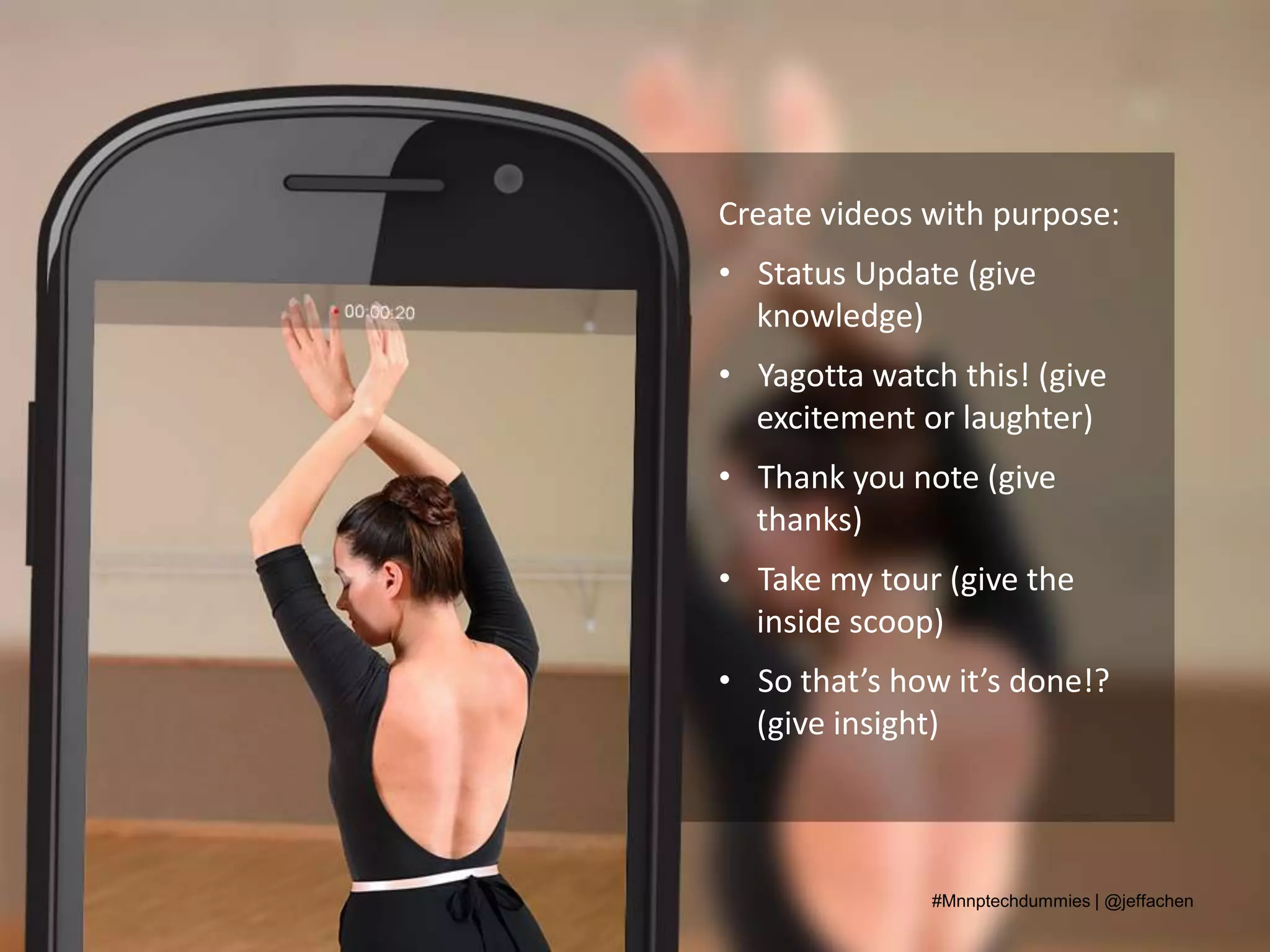
Create videos with purpose:
• Status Update (give
knowledge)
• Yagotta watch this! (give
excitement or laughter)
• Thank you note (give
thanks)
• Take my tour (give the
inside scoop)
• So that’s how it’s done!?
(give insight)
#Mnnptechdummies | @jeffachen
Visual Social Networks:
• Instagram
• Vine
• YouTube
• Pinterest
#Mnnptechdummies | @jeffachen
Examples - Instagram
Opportunity Partners
• #TheOP60 – I
support OP…
• Events
• Just for fun
#Mnnptechdummies | @jeffachen
Examples - Vine
The Humane Society
• Videos of their daily
work
• Funny videos to
promote their
magazine #allanimals
• How to put together a
disaster
preparedness pet kit
#Mnnptechdummies | @jeffachen
Examples - YouTube
YouthLink
• Public Service
Announcements
• National videos
• Thank you videos to
donors #GTMD13
• Updates from
Executive Director
#Mnnptechdummies | @jeffachen
Using your phone
for Vine &Instagram
• Keep it interesting and fun
• Be quirky
• Use hashtags and cross
promote via Twitter/Facebook
• Don’t just post photos about
yourselves
• Your visual communication
should align with your strategic
goals
#Mnnptechdummies | @jeffachen
Productivity
• Payments/Donation
processing
–GiveMN Mobile
– Square/Paypal
• Calendar apps
• Organization apps
#Mnnptechdummies | @jeffachen
Your assignment
• Think of your Smartphone like a
Swiss Army Knife for your
nonprofit life.
• Pick three tasks you can learn
to do on your Smartphone and
learn to use them weekly
• Practice taking photos and
videos using today’s techniques
#Mnnptechdummies | @jeffachen
There are no dumb questions.
#Mnnptechdummies | @jeffachen

Smartphones for dummies

  • 2.
    #Mnnptechdummies | @jeffachen JeffAchen Jeff Achen Videography & Photography (mnvideopro.com) GiveMN Digital Strategist (givemn.org) Olivia James GiveMN Nonprofit Outreach Specialist Leona Thao GiveMN School Outreach Specialist
  • 3.
    #Mnnptechdummies | @jeffachen RadioShack Ad from 1991 AM/FM Clock Radio = $13.88 In-ear Stereo Headphones = $7.88 Micro-thin calculator = $4.88 Computer w/ 20mb Hard drive = $1,599 Mobile Cellular Phone = $199 Portable CD player = 159.95 Desktop Scanner = 99.95 Voice-Activated Cassette Tape Recorder = $29.95 Answering Machine = $49.95 VHS Camcorder = $799 TOTAL = $2,963.4 ($5,068.68 in today’s dollars)
  • 4.
    What makes yourphone so smart? It can: • Take photos & edit them (PS Touch, Snapseed, etc.) • Capture video & edit (YouTube Capture, iMovie) • Publish to blogs, social networks • Share via file sharing applications (Dropbox, Google Drive) • Word processing | Spreadsheets | PowerPoint (Keynote) • Scan and annotate documents (Scanner Pro) • Schedule reminders and take notes • Manage passwords (Dashlane, Keeper, etc.) • Read/watch/listen to the news, music, podcasts, etc. #Mnnptechdummies | @jeffachen • Conduct commerce (eBay, Esty, Amazon marketplace, etc.) • Scan QR codes • Get directions • Pocket calculator • Serve as a teleprompter (ProPrompter) • Add graphic design to photos (Over, Studio) • Conduct video conference calls (Google Hangout, Skype, etc.) • World clocks, timers, stopwatch and alarms! • Save and read pdf documents and books
  • 5.
    Okay, I’ve gotmy phone. Let’s do this. • Cool. We’ll discuss what a “visual” content strategy can do and what it looks like for your organization. • Then, we’ll do a hands-on session for creating quality photos and videos using your phone. • Next, we’ll talk about Instagram, Vine and those other visual social newtorks work. • Last, we’ll do a giveaway of 2 Smartphone tripods. #Mnnptechdummies | @jeffachen
  • 6.
    Visuals ( )are just another form of communication #Mnnptechdummies | @jeffachen Photos Videos graphics
  • 7.
    Communication is visual •Posts on Facebook with photos get 53% more likes, 104% more comments and 84% more click- throughs than text-based posts.* • With the rise of Pinterest and Tumblr, it's going to become increasingly important to produce content in visual form, whether it is infographics, images w/ text overlay or pretty quote graphics. #Mnnptechdummies | @jeffachenSOURCE: Kissmetrics
  • 8.
    Visuals ( )are just another form of communication #Mnnptechdummies | @jeffachen Photos Videos graphics • They convey emotion, tell stories, inspire trust and many times engage users more than written text. • Video, in particular, allows viewers to “experience” something. • The key is aligning your strategic goals with your visual communication tools.
  • 9.
    Stratigic Goals &Visual Tools Strategic Goals • Increase awareness of issue X, Y, Z • Increase donations in FY14 • Reduce customer service call volume • Increase organizational transparency • Make volunteering/donating more fun and engaging Visual Comm Tactics • Photo or video series exploring the issues • Visual storytelling through pics/video • Engage via Twitter, Facebook, etc. and provide information using photos or graphics • Thank you videos, videos from donors or staff, fun graphics, photos or memes #Mnnptechdummies | @jeffachen
  • 10.
    …in other words #Mnnptechdummies| @jeffachen Every piece of visual communication you create should answer the following questions: • Who is this intended for? • What are we trying to communicate? • What action do we want viewers to take? • Where will we post/publish this? • Is this the best way to communicate this idea? • Is this something I would watch/click/etc.?
  • 11.
    Take out yourSmartphones (or tablets) and open your camera app #Mnnptechdummies | @jeffachen
  • 12.
  • 13.
  • 14.
  • 15.
  • 16.
    Avoid Motion Blur (usea tripod or stabilize your camera) #Mnnptechdummies | @jeffachen
  • 17.
  • 18.
    Now, open yourvideo camera. #Mnnptechdummies | @jeffachen
  • 19.
  • 20.
  • 21.
  • 22.
    Create videos withpurpose: • Status Update (give knowledge) • Yagotta watch this! (give excitement or laughter) • Thank you note (give thanks) • Take my tour (give the inside scoop) • So that’s how it’s done!? (give insight) #Mnnptechdummies | @jeffachen
  • 23.
    Visual Social Networks: •Instagram • Vine • YouTube • Pinterest #Mnnptechdummies | @jeffachen
  • 24.
    Examples - Instagram OpportunityPartners • #TheOP60 – I support OP… • Events • Just for fun #Mnnptechdummies | @jeffachen
  • 25.
    Examples - Vine TheHumane Society • Videos of their daily work • Funny videos to promote their magazine #allanimals • How to put together a disaster preparedness pet kit #Mnnptechdummies | @jeffachen
  • 26.
    Examples - YouTube YouthLink •Public Service Announcements • National videos • Thank you videos to donors #GTMD13 • Updates from Executive Director #Mnnptechdummies | @jeffachen
  • 27.
    Using your phone forVine &Instagram • Keep it interesting and fun • Be quirky • Use hashtags and cross promote via Twitter/Facebook • Don’t just post photos about yourselves • Your visual communication should align with your strategic goals #Mnnptechdummies | @jeffachen
  • 28.
    Productivity • Payments/Donation processing –GiveMN Mobile –Square/Paypal • Calendar apps • Organization apps #Mnnptechdummies | @jeffachen
  • 29.
    Your assignment • Thinkof your Smartphone like a Swiss Army Knife for your nonprofit life. • Pick three tasks you can learn to do on your Smartphone and learn to use them weekly • Practice taking photos and videos using today’s techniques #Mnnptechdummies | @jeffachen
  • 30.
    There are nodumb questions. #Mnnptechdummies | @jeffachen

Editor's Notes

  • #13 The rule of thirdsHave people looking into the open part of your pictureGet close! Show detail.
  • #14 The brightest light source should be behind you shining into your subjects.
  • #15 Do not place the brightest light source behind your subjects.
  • #16 Motion blur is the result of camera shake or movement in the photo while the camera is taking the photo.In difficult lighting situations, the camera’s shutter must stay open longer to take a well exposed picture. During the time that the shutter is open, any movement will show up as blur. That’s why it’s important to use a tripod.
  • #17 Learn when you can take photos without a tripod and when you need a tripod.
  • #20 Same principals apply in regards to lighting and stabilization with video. Make sure there is proper lighting and that your camera is steady.Use the rule of thirds as well.
  • #21 People don’t just watch your videos, they listen to them! Audio is half the equation for a good video. Avoid ambient sounds (air conditioners, street noise, etc.)Get your microphone close to your subject or opt to record a voice over.