©2012 Immersion Corporation–Confidential
NASDAQ: IMMR
Bob Heubel
Developer Evangelists, Haptics
April 2013
Enhancing the user experience
through the sense of touch
©2012 Immersion Corporation–Confidential 2
Agenda – We will answer these questions:
 Who is Immersion?
 What does touch feedback or tactile design mean?
 Why is touch feedback essential to the mobile UI?
 How can touch feedback be applied to better the UX?
 What are the best design practices for tactile feedback?
 What are touch feedback methods across platforms?
 Why concentrate on the Android vibration method?
 What is the extended vibration method for Android?
©2012 Immersion Corporation–Confidential
Who is Immersion? Company Highlights
Immersion: The Haptics Company
Worldwide Support
Offices in
EU, Korea, Taiwan, Japan, U
S & Canada
World Class Customer Base
Samsung, Nokia, LG, Toshiba, Fujitsu,
Sony, Microsoft, Logitech, Lexus,
BMW, CAE and many more
Established in Large, Rapidly
Growing Markets
Technology shipped in over 1B devices
 Mobile phones, game controllers, auto,
industrial, casino, other portable devices
Strong Intellectual
Property
Portfolio of 1,300+ granted and
pending patents specifically in the
field of Haptics related to both
hardware and software
Technology Leader
Developing tactile touch
solutions also known as
“Haptics” since 1993
NASDAQ: IMMR
©2012 Immersion Corporation–Confidential
4
©2012 Immersion Corporation–Confidential
5
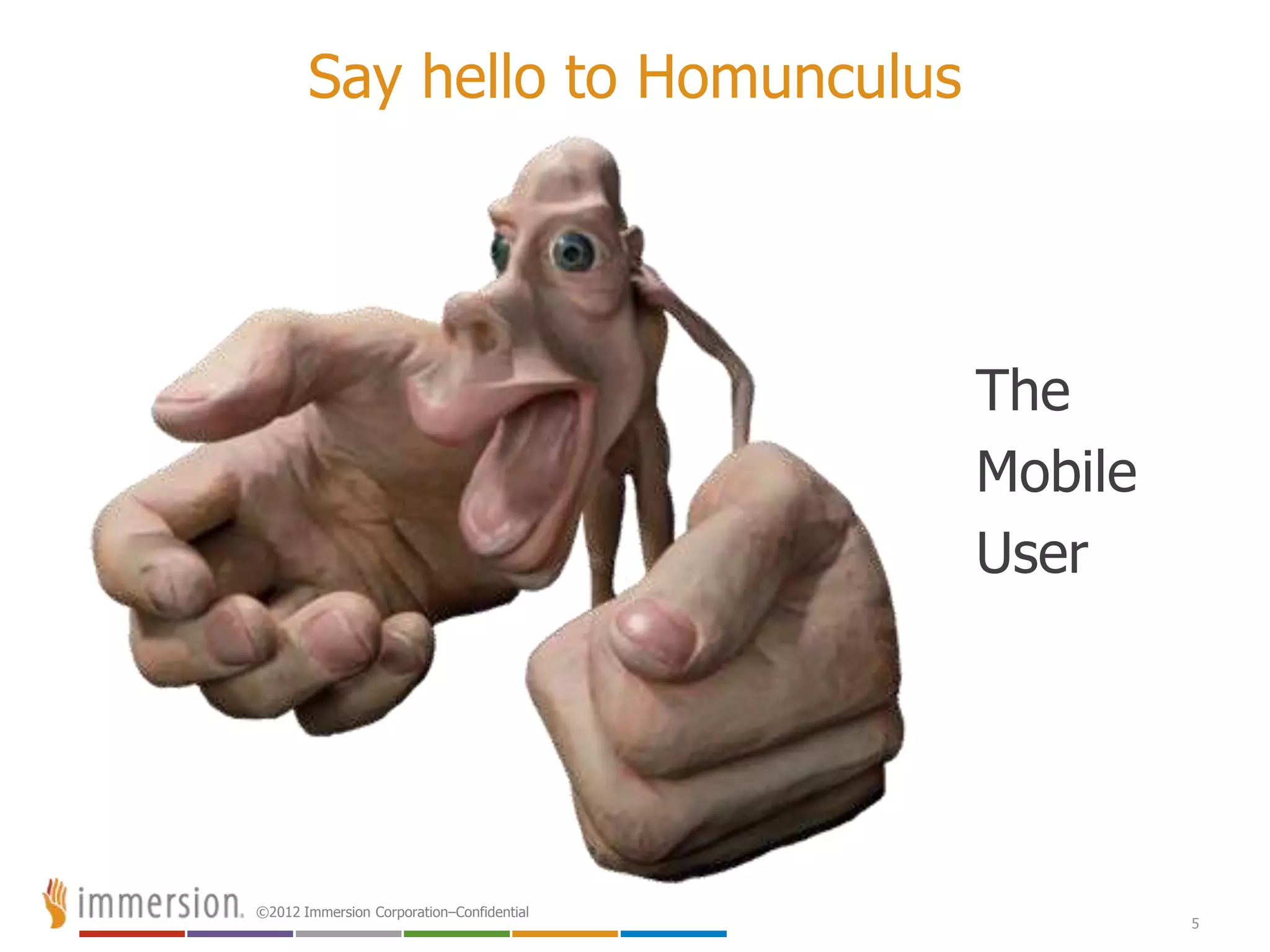
Say hello to Homunculus
The
Mobile
User
©2012 Immersion Corporation–Confidential
© 2011 Immersion Corporatio
©2012 Immersion Corporation–Confidential
7
•get a grip•how does that grab you?
•ifeeledgy
•standing on pins and needles
•s t r e t c h the imagination
a gripping experience
•only scratched the surface
•keep in touch
•a touching experience •i’m deeply touched
•itching to go
•can you handle it?
•put on the finishing touches
•he’s tactful
•she’s tactless
•hold your own
•be on your toes
•makes my skin crawl
•solid reputation
•a slimy character
•like a kick in the teeth
•make contact with
•don’t be pushy
•a mere slap on the wrist
•like a slap in the face
•a hands-off policy
•a clinging personality
•a palpable lie
•she’s touchy
•touch and go
•the personal touch
•walking on egg shells
•grasp an idea
•he rubs me the wrong way
•a rough character
intimate
immediate
emotional
©2012 Immersion Corporation–Confidential
© 2011 Immersion Corporatio
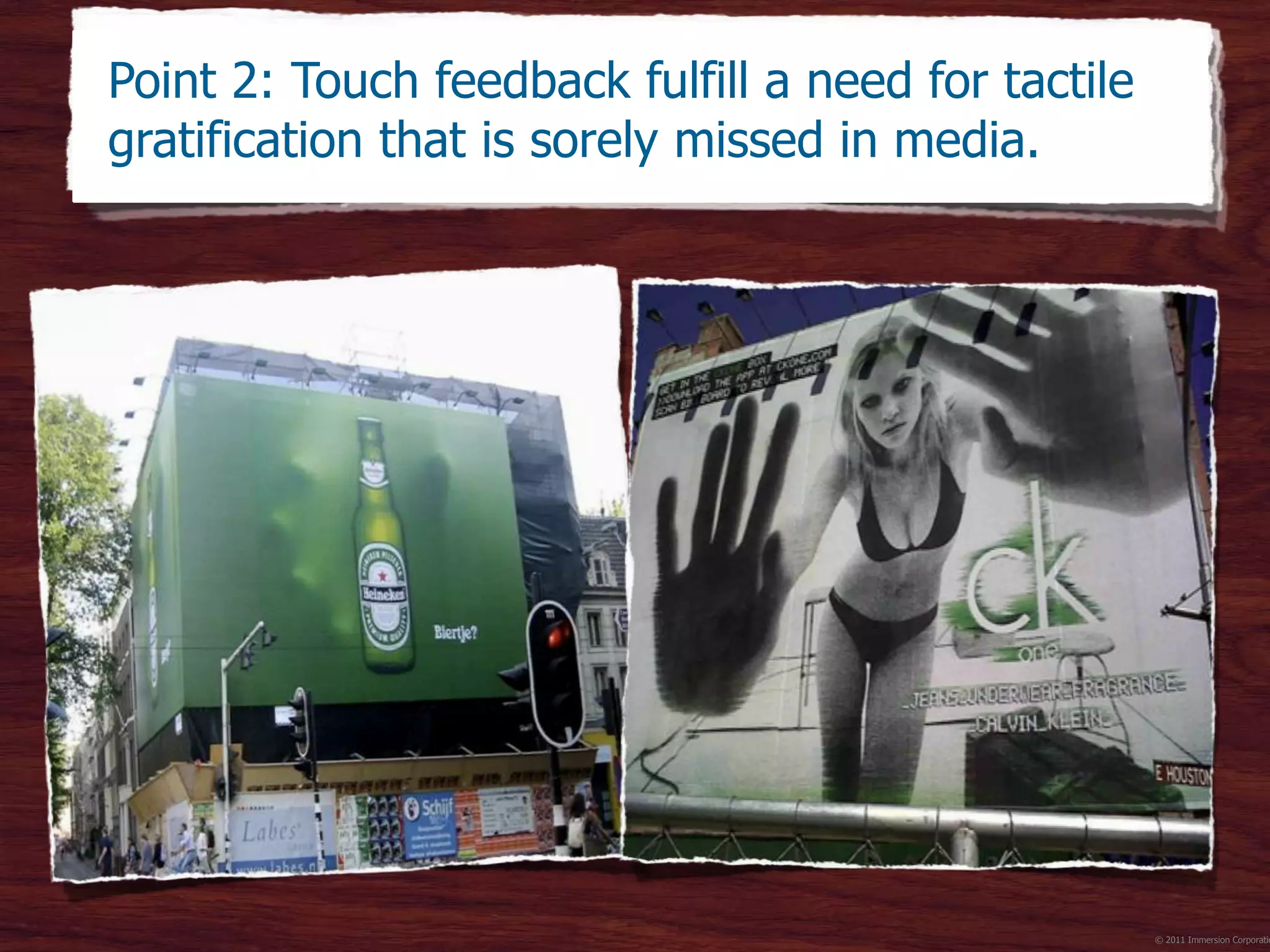
Agency TBWANeboko
Photo: Michael Harvey
CBS News
Photo: Walter Geis
Point 2: Touch feedback fulfill a need for tactile
gratification that is sorely missed in media.
©2012 Immersion Corporation–Confidential
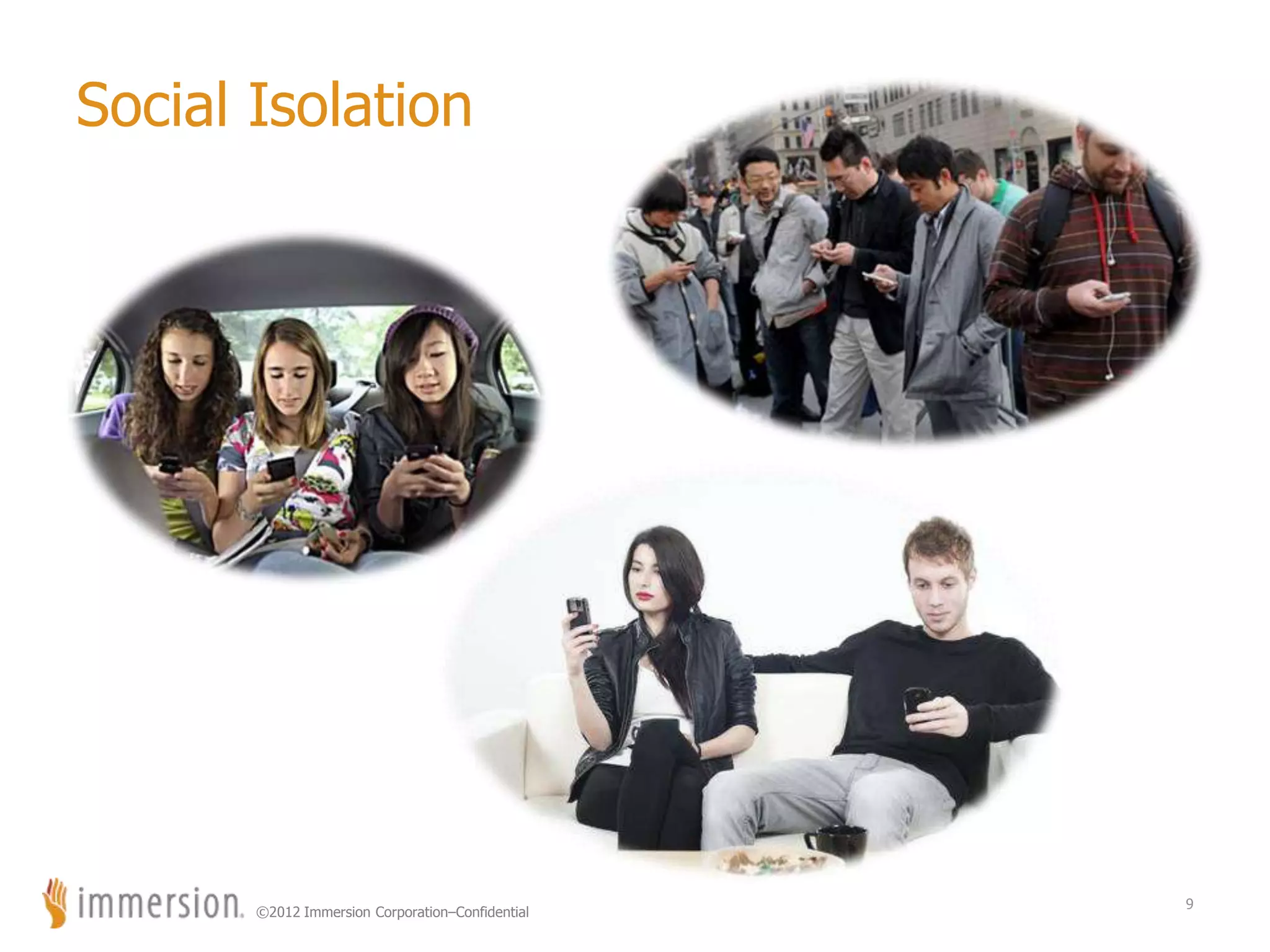
Social Isolation
9
©2012 Immersion Corporation–Confidential
© 2011 Immersion Corporatio
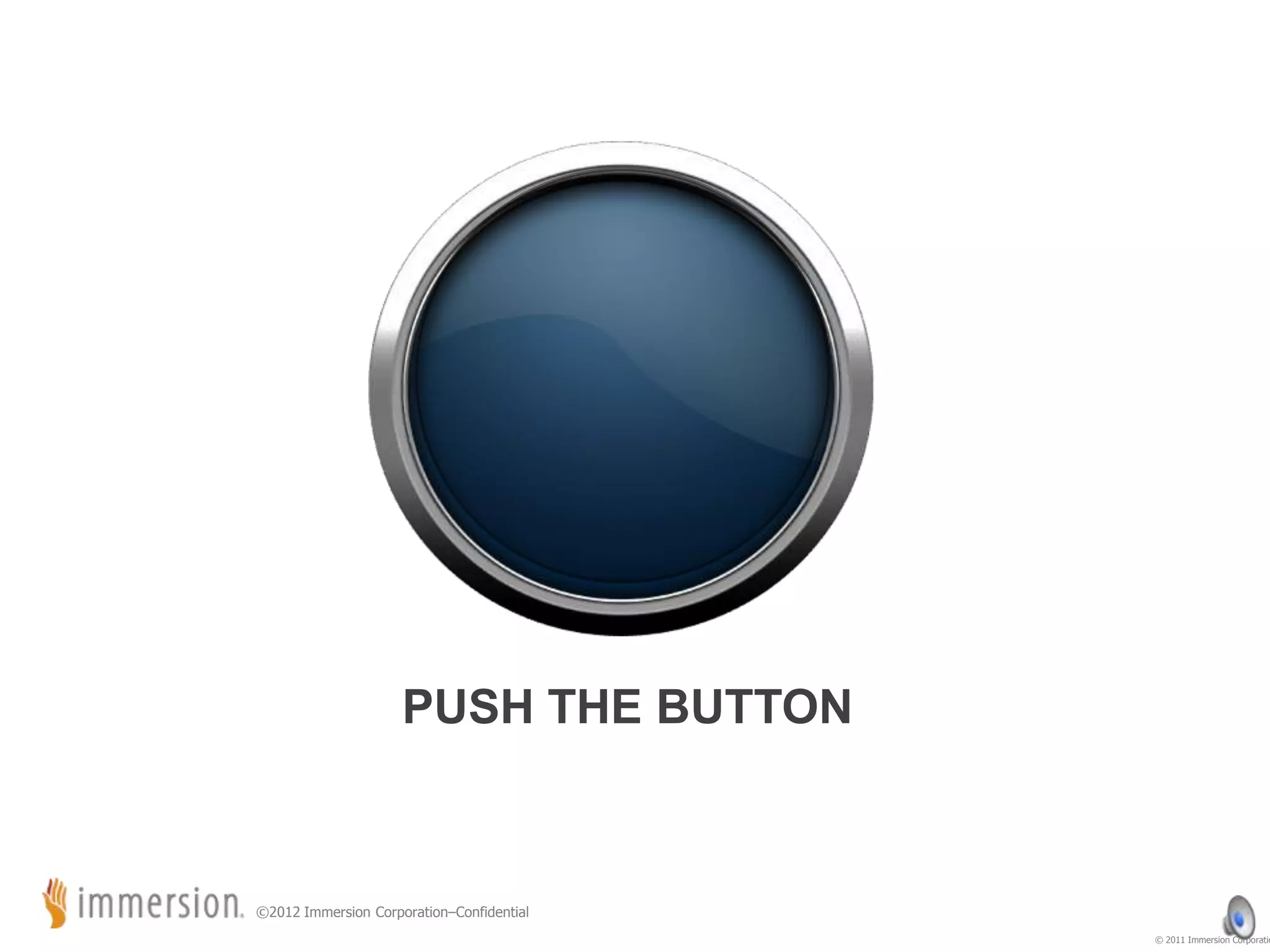
PUSH THE BUTTON
©2012 Immersion Corporation–Confidential
© 2011 Immersion Corporatio
©2012 Immersion Corporation–Confidential
© 2011 Immersion Corporatio
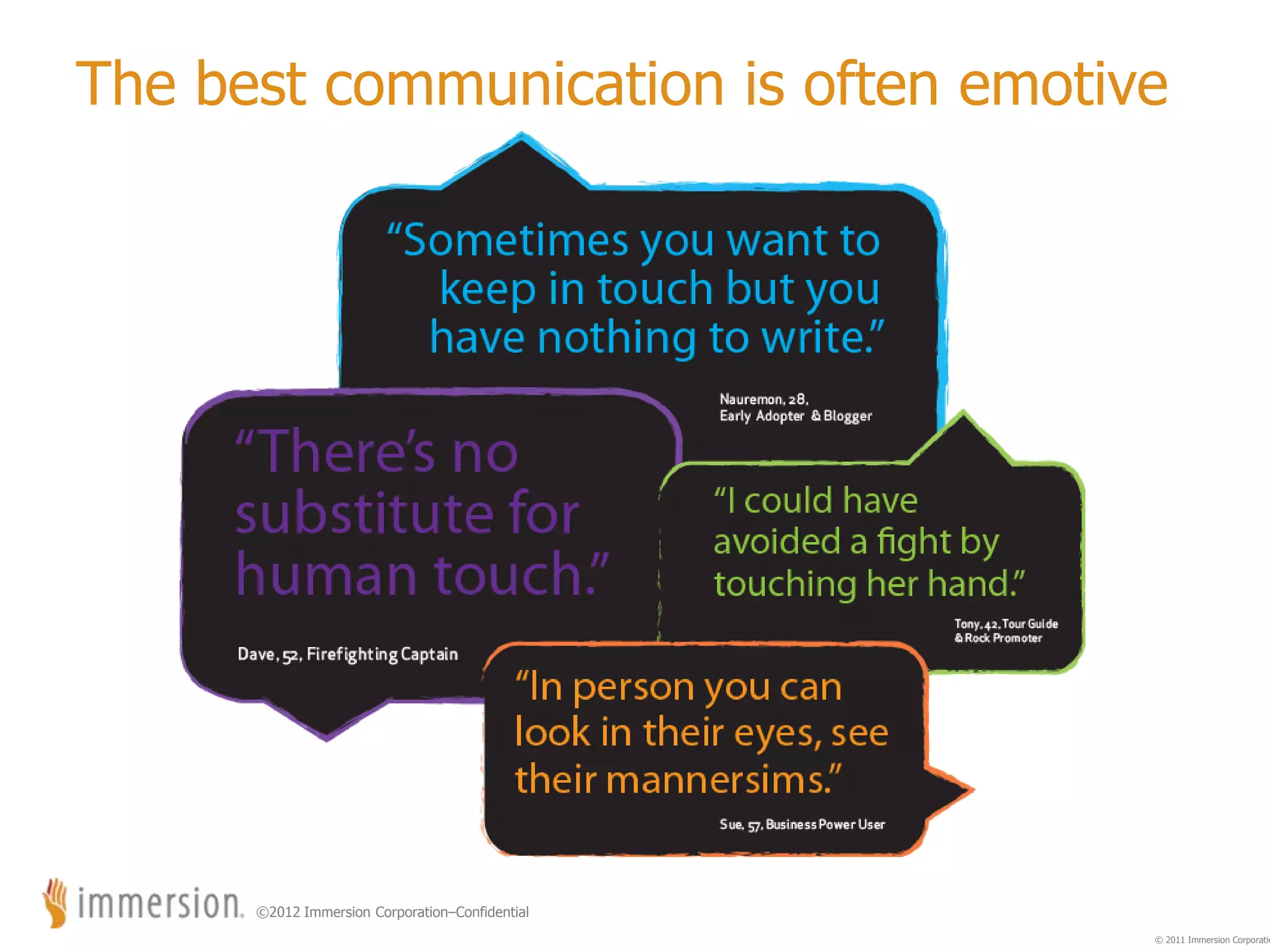
The best communication is often emotive
©2012 Immersion Corporation–Confidential
Core tactile feedback design principles
 Simple sensations are often the most effective
 Sensations that fit with visual & audio elements make
the whole greater than the sum of its parts
 It is bad to annoy, confuse or overwhelm the user
 It is good to give the user options
Always “play” test your tactile effects to ensure that you
are meeting these core principles.
13
©2012 Immersion Corporation–Confidential
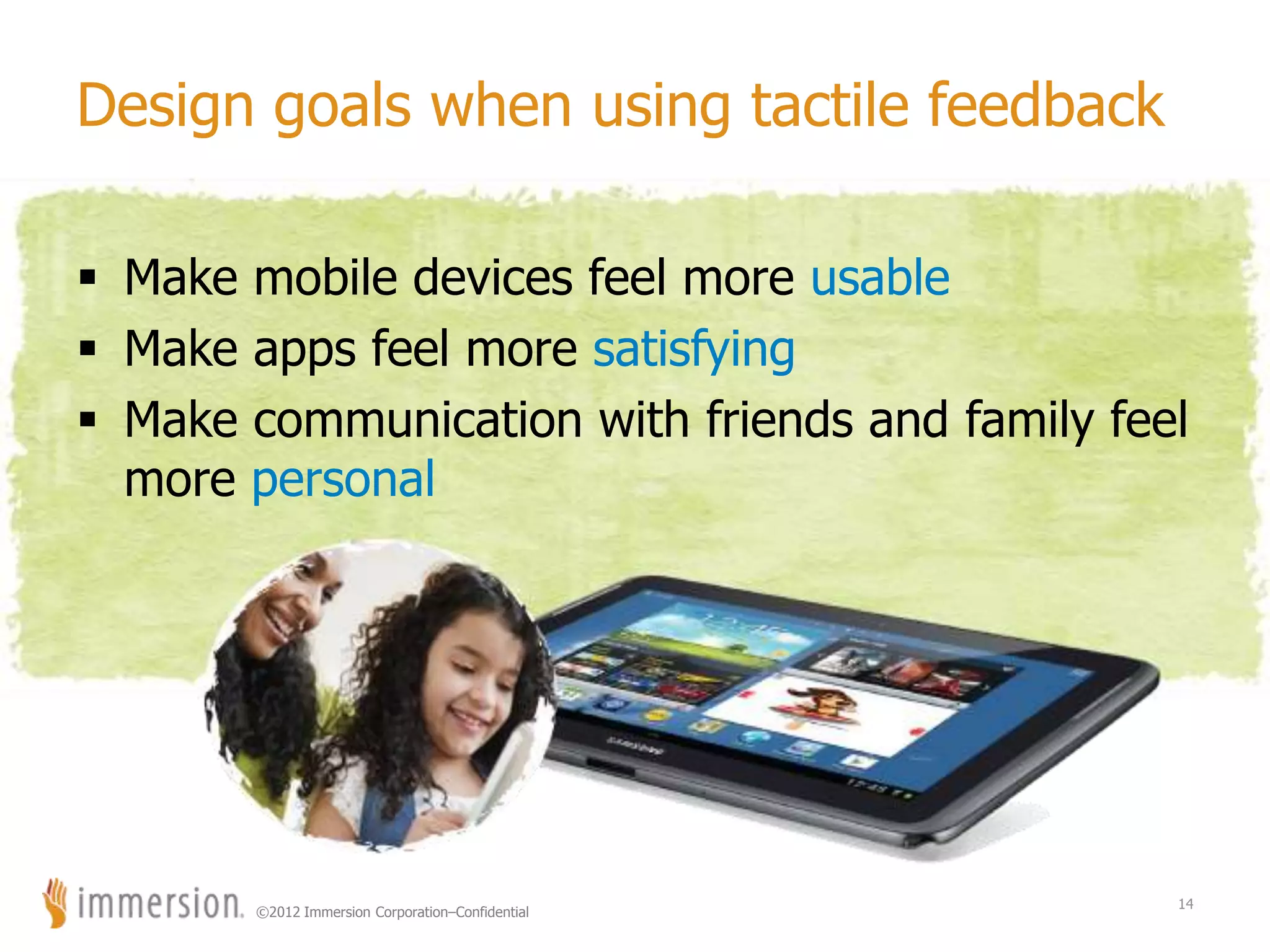
Design goals when using tactile feedback
 Make mobile devices feel more usable
 Make apps feel more satisfying
 Make communication with friends and family feel
more personal
14
©2012 Immersion Corporation–Confidential
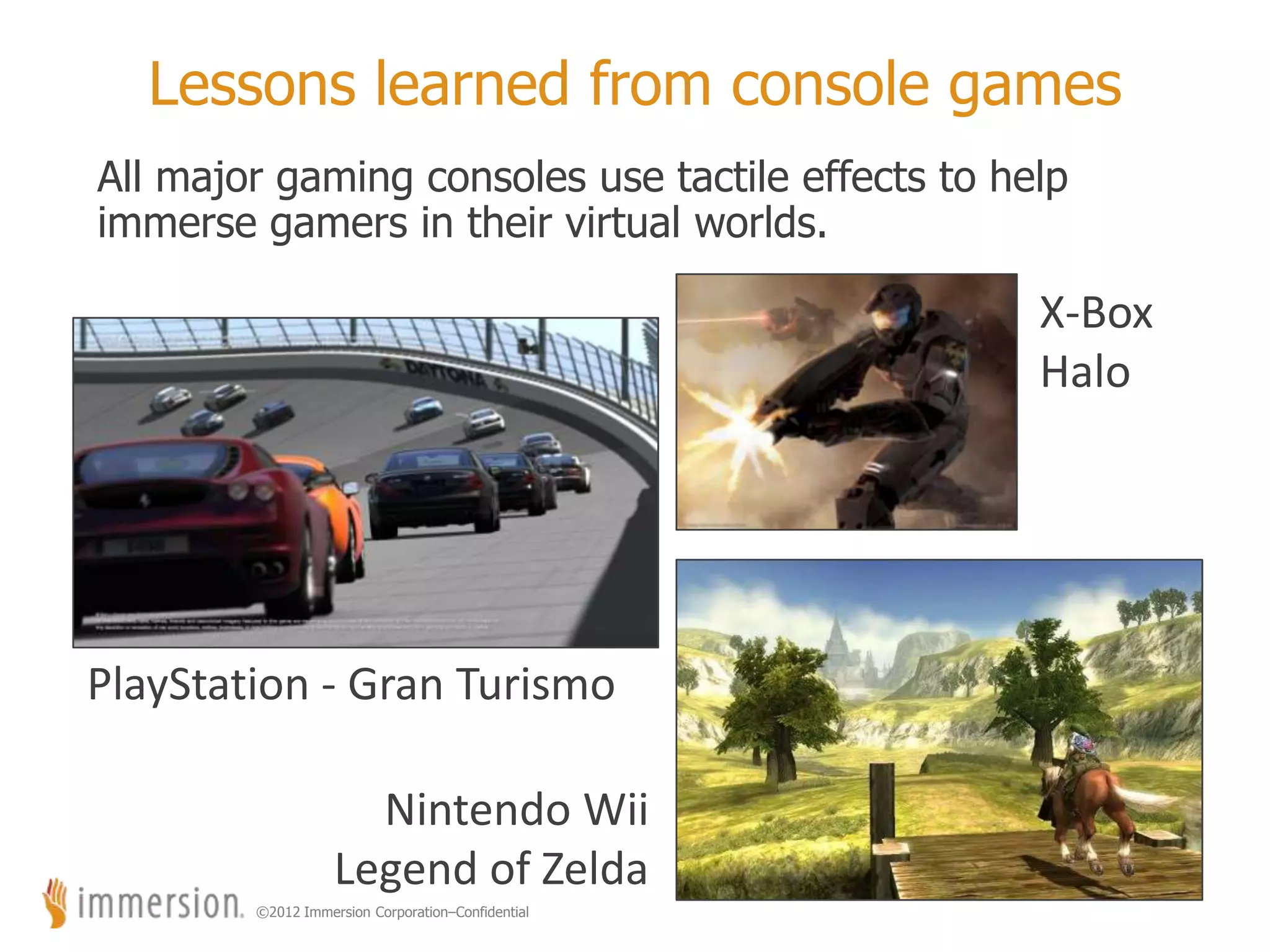
Lessons learned from console games
All major gaming consoles use tactile effects to help
immerse gamers in their virtual worlds.
15
X-Box
Halo
PlayStation - Gran Turismo
Nintendo Wii
Legend of Zelda
©2012 Immersion Corporation–Confidential
16
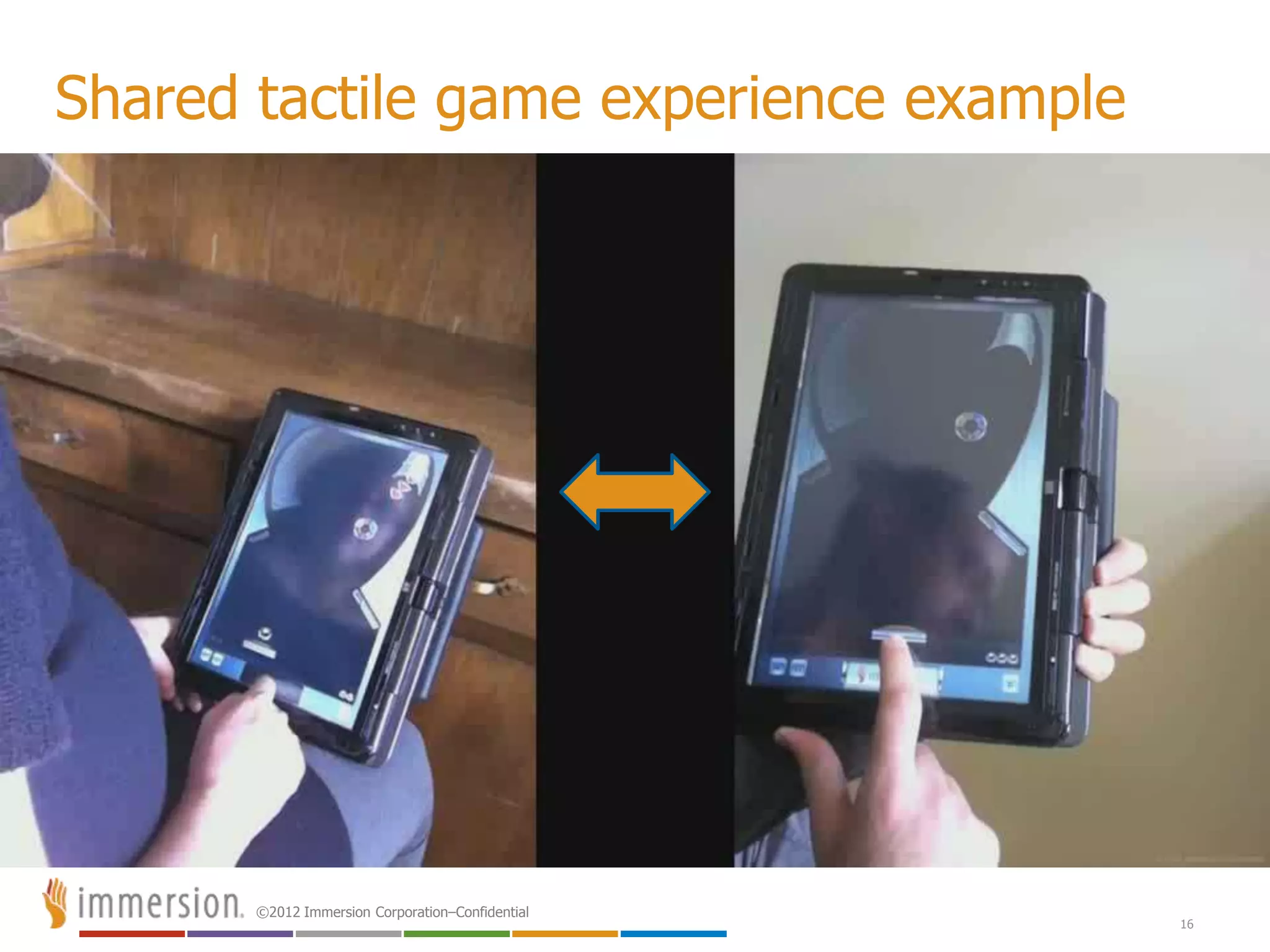
Shared tactile game experience example
©2012 Immersion Corporation–Confidential
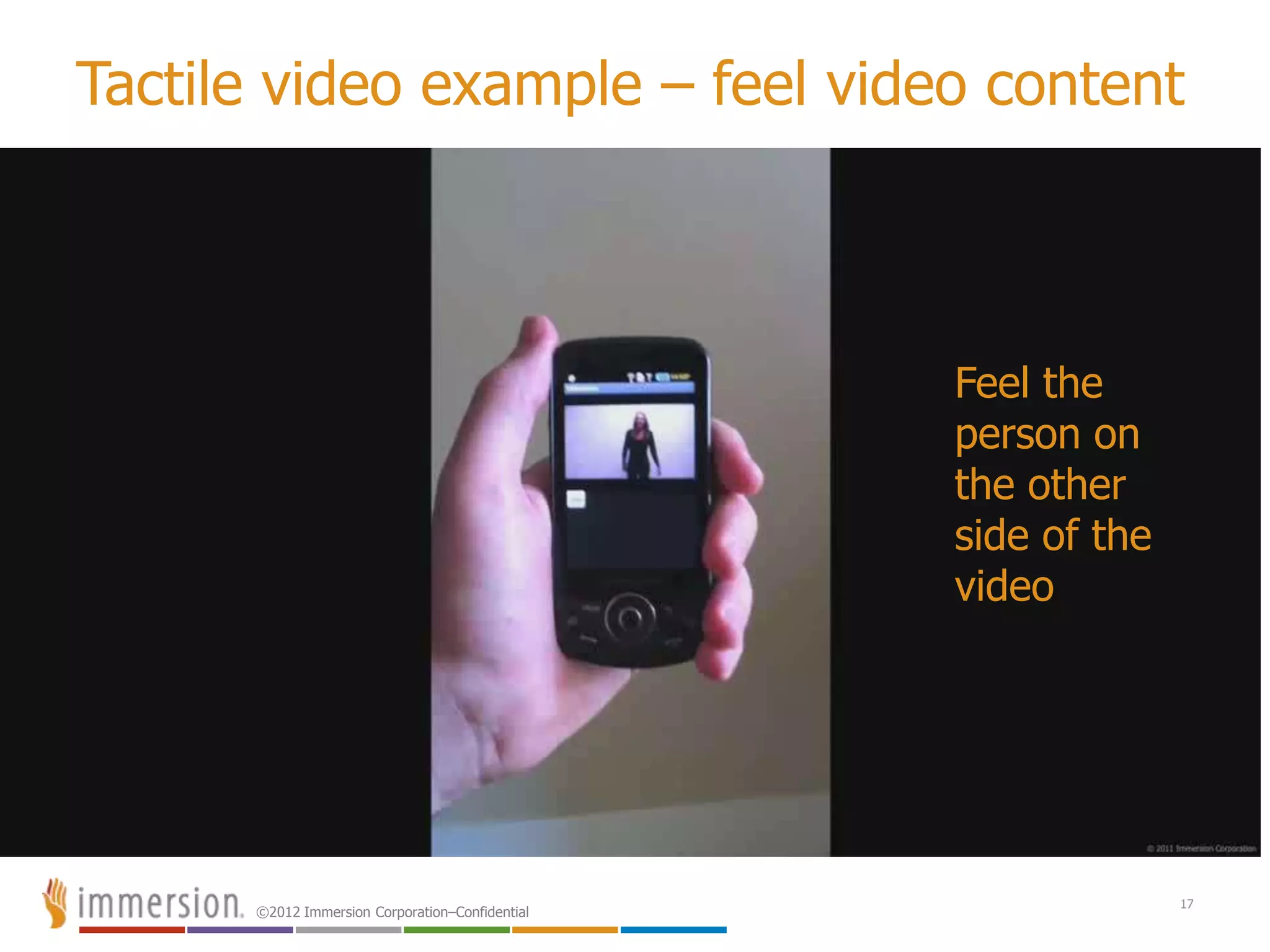
Tactile video example – feel video content
17
Feel the
person on
the other
side of the
video
©2012 Immersion Corporation–Confidential
18
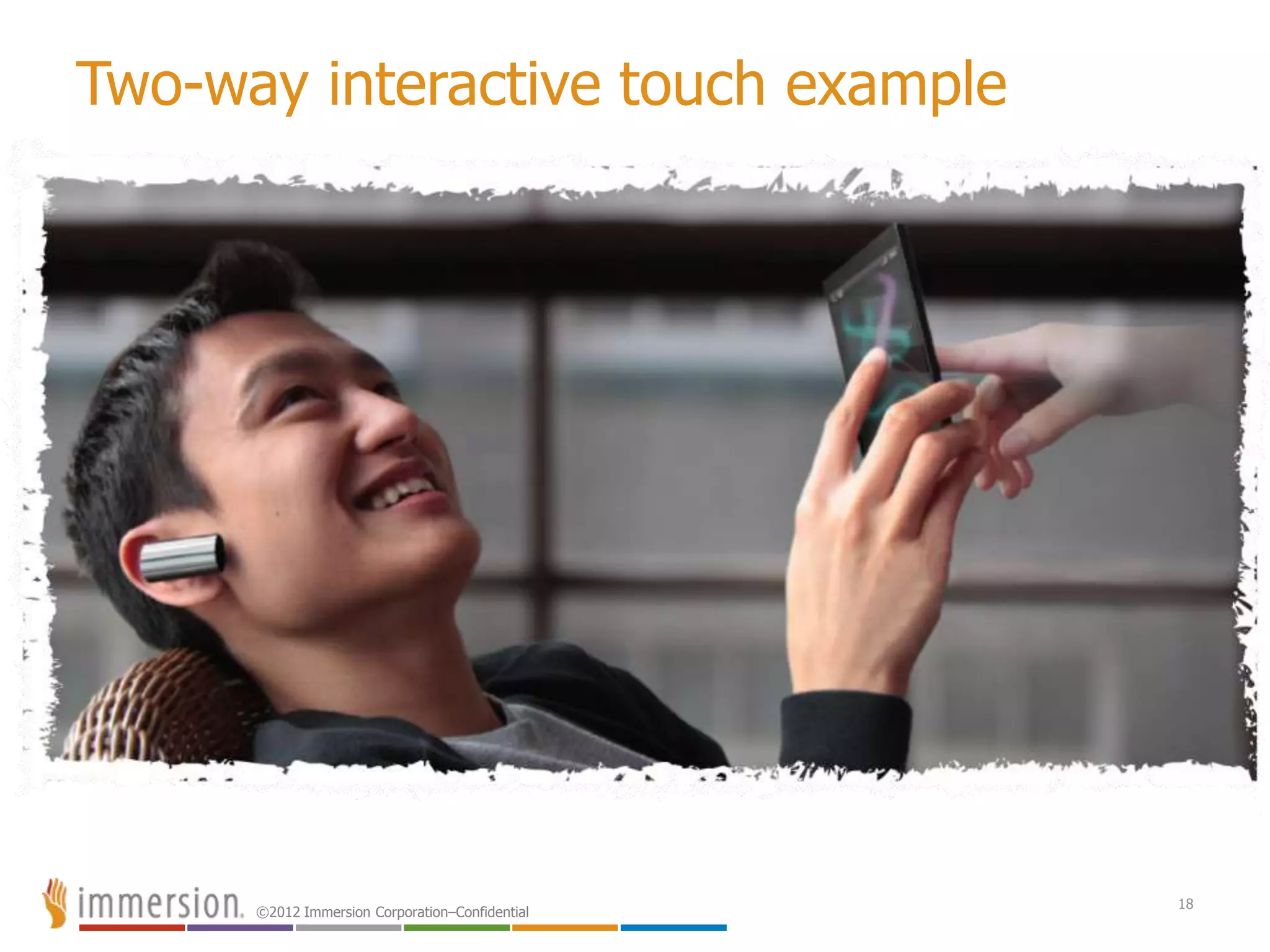
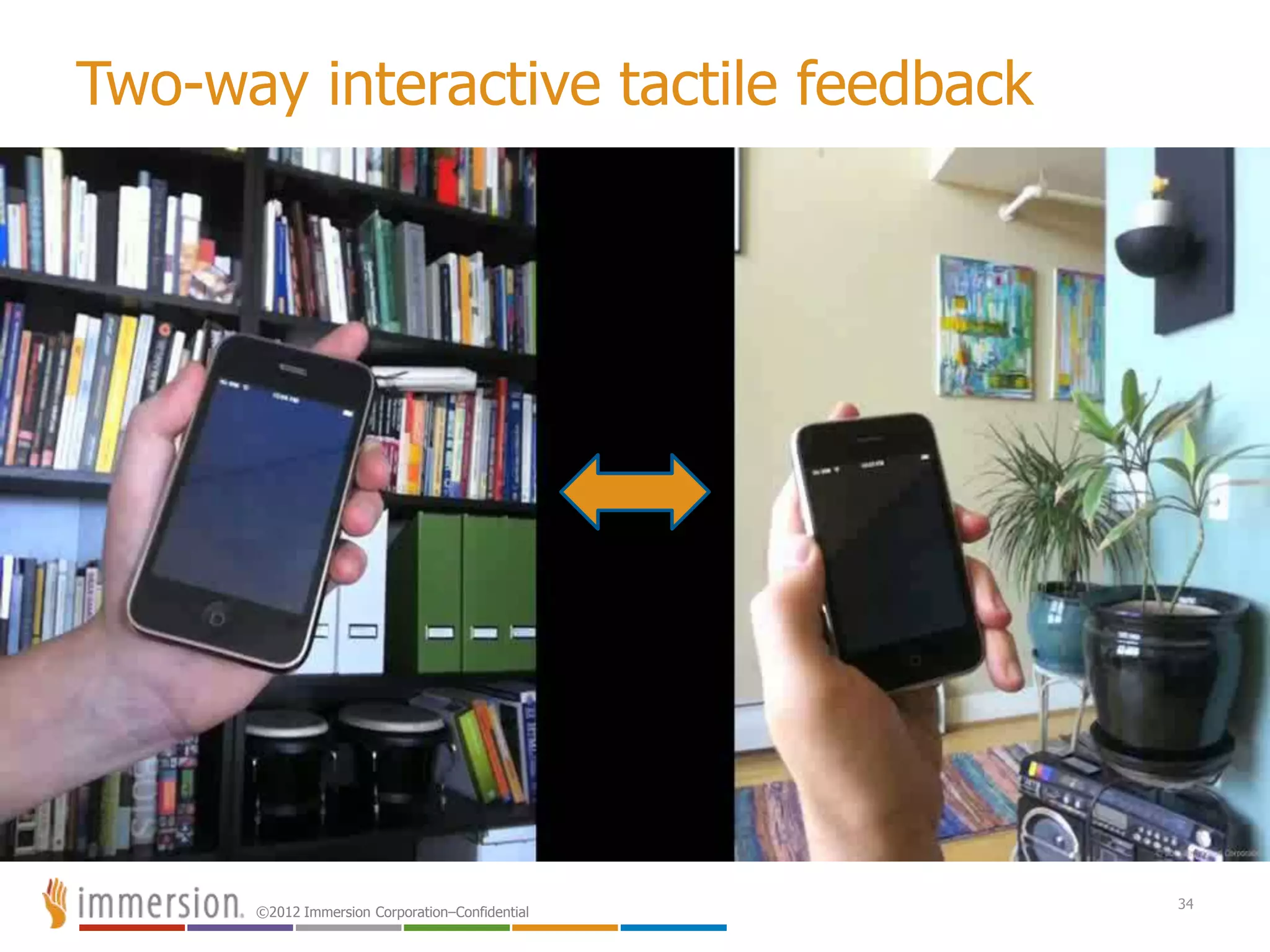
Two-way interactive touch example
©2012 Immersion Corporation–Confidential
Tactile feedback effects beyond games
Feedback in games is natural like X-Box or PS3 rumble, but
consider other possible uses like…
 Screen gestures – swipes, slides, pinches, twists
 Social networking – virtual poking, winking, smiling, kissing
 Children’s learning – touch confirmations & answer rewards
 Interactive 2-way videos – shared screen virtual touching
 Customizable alerts – alert patterns for caller & messaging IDs that can
be created by the user and stored as vibe IDs for any mobile contacts
 eReaders – feeling page turning, writing notes
 Apps for the sight impaired – Haptic navi-cues, Braille input, Braille
watch
 Sports / Health Apps – Alerts based on health monitoring or pacing
19
©2012 Immersion Corporation–Confidential
20
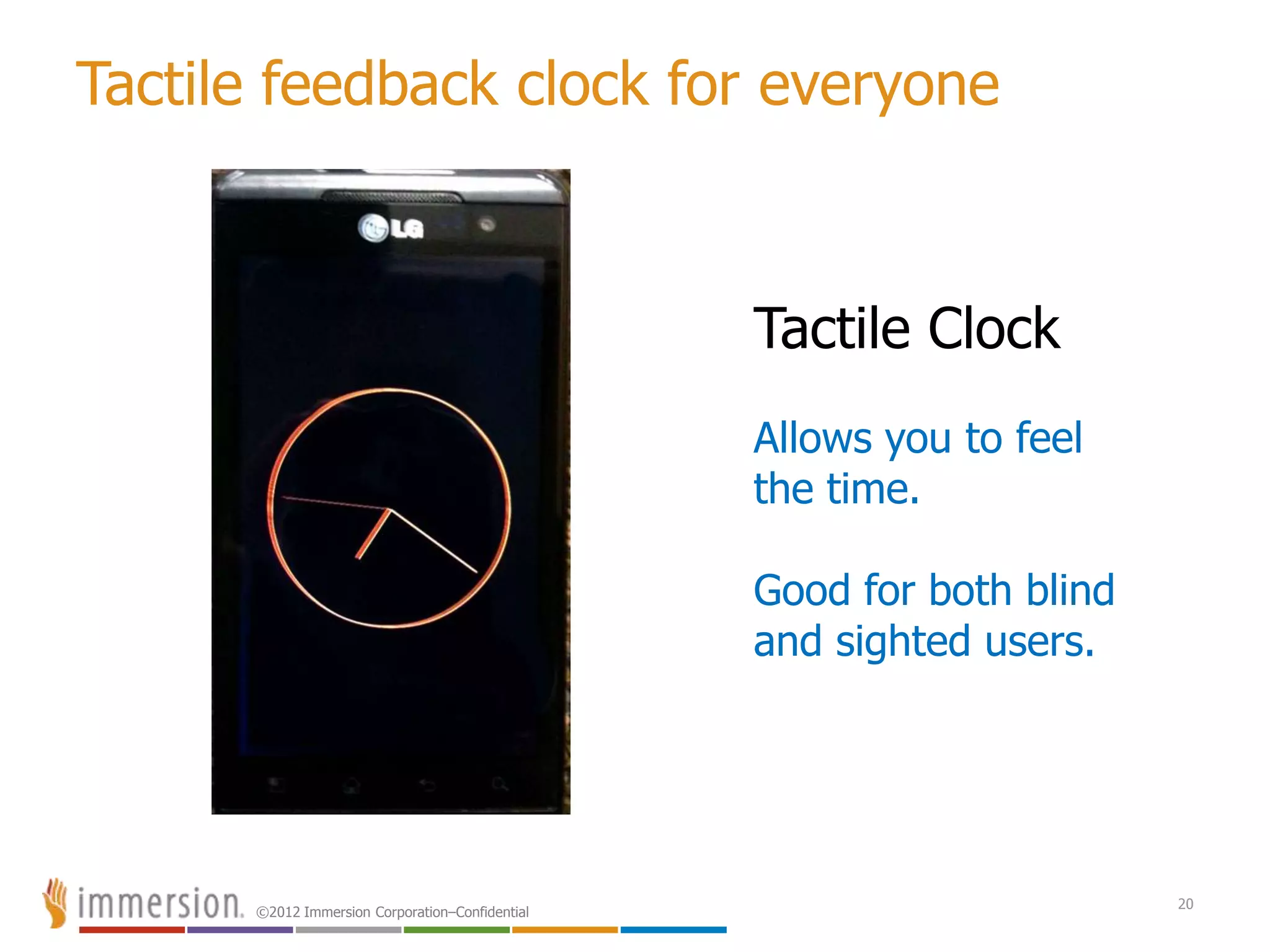
Tactile feedback clock for everyone
Tactile Clock
Allows you to feel
the time.
Good for both blind
and sighted users.
©2012 Immersion Corporation–Confidential
Top 5 reasons to use tactile feedback effects
#5 Increased sense of realism
“Feels like the real world”
#4 Increased immersion combining audio/visual/touch
“Sum is greater than individual parts”
#3 Greater user satisfaction
“Proven in game platforms”
#2 Increased stickiness
“Greater emotional connection to game play and UI”
And the #1 reason to use tactile effects…
#1 The potential for increased revenue
“Differentiating your app”
21
©2012 Immersion Corporation–Confidential
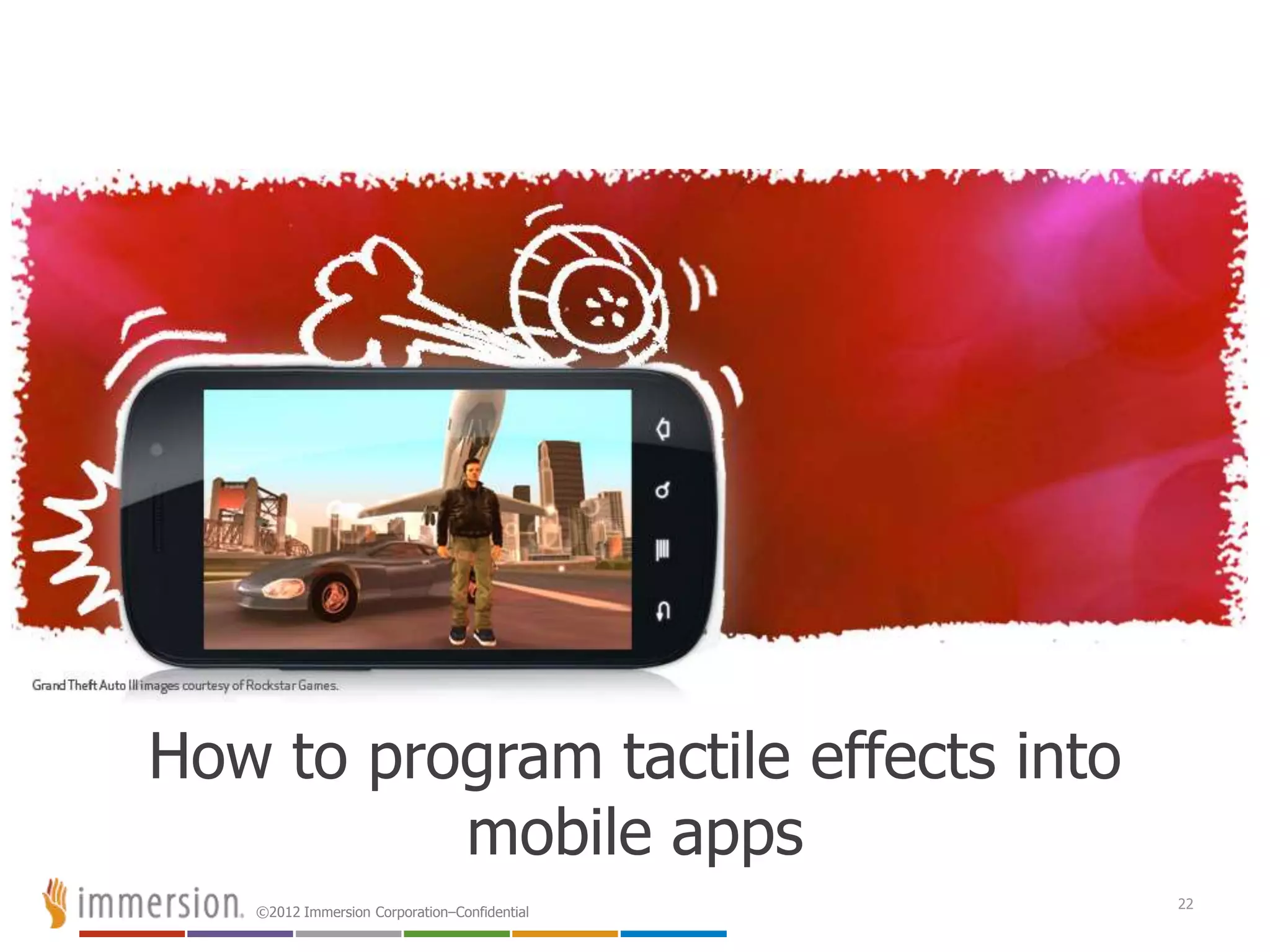
How to program tactile effects into
mobile apps
22
©2012 Immersion Corporation–Confidential
Tactile effect design by operating system
Nearly all operating systems allow you program vibration events
into your applications. But not all methods are created equal.
iOS – Only allows you to call a vibration constant that triggers the motor for a
set duration. This is not good for most games.
Android – Allows you to call a Vibrator Class and set on/off duration times.
Also offers an extended method through Immersion API.
Blackberry 10 – Allows you the same control as Android but uses a
VibrationController Class. Also has a Intensity parameter
Windows 8 – Allows you basically the same control as Android & Blackberry
but uses a VibrateController Class.
Bada – Allows you start/stop a Vibrator Class for duration but also has
methods for controlling intensity and repeat parameters.
Additionally, Bada offers an extended method through Immersion API
Symbian – For Javascript you use start/stop methods with their Vibra Class
that allows you to set duration and intensity parameters. For Qt on their
S60 API you use a wrapper class called HapticFeedback. This
Additionally, the HapticFeedback Class can be extended method through
the Immersion API
23
©2012 Immersion Corporation–Confidential
Tactile effect design in Android
There are over 600 Android device manufacturers with
over 7000 models of handsets and tablets.
To promote this opportunity, Immersion created a
free pre-designed library of tactile effects for
developers to quickly add touch effects into their
apps and games.
We call this the…
“Immersion Haptic Development Platform for Android”
24
©2012 Immersion Corporation–Confidential
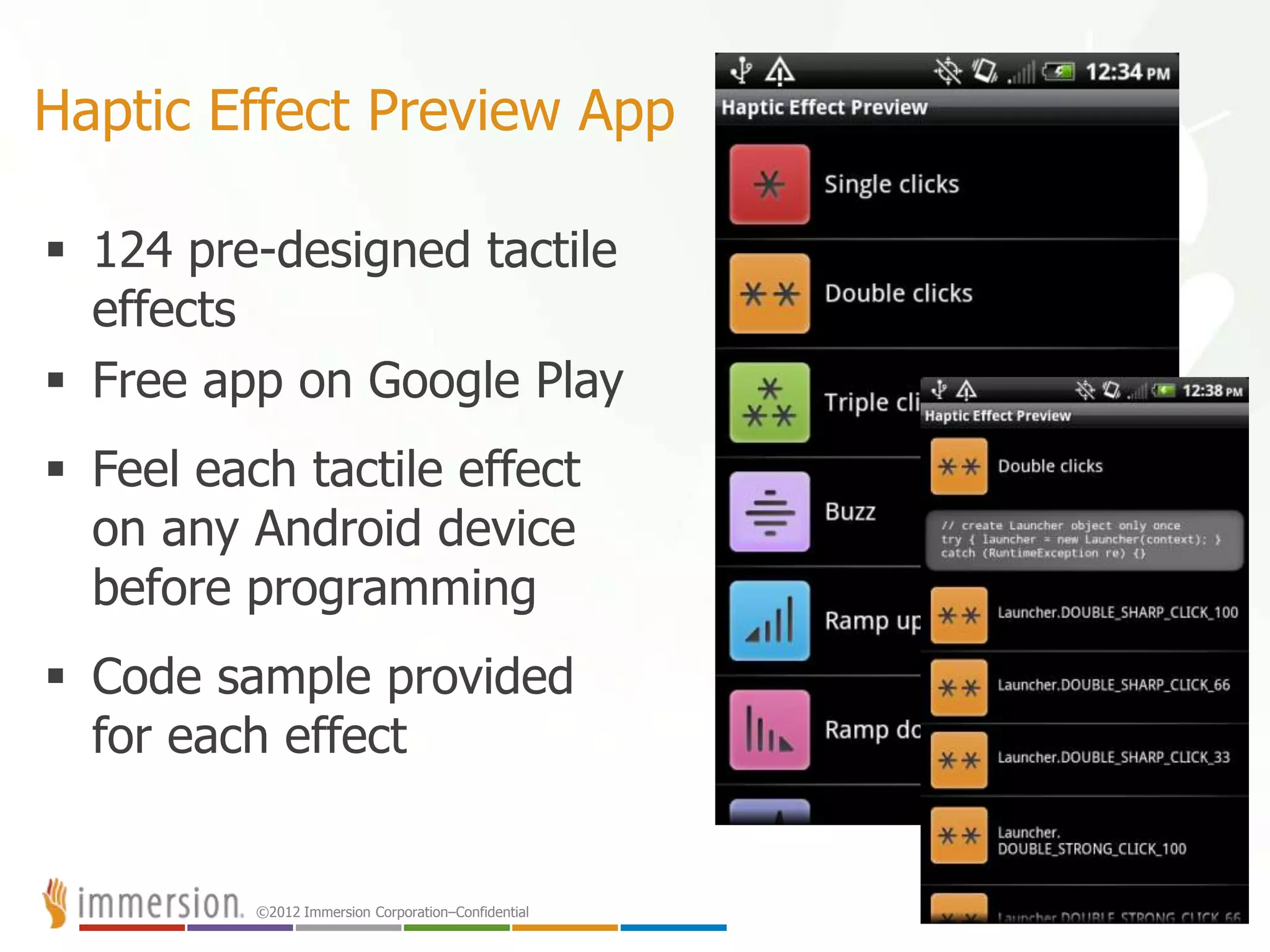
Haptic Effect Preview App
 124 pre-designed tactile
effects
 Free app on Google Play
 Feel each tactile effect
on any Android device
before programming
 Code sample provided
for each effect
25
©2012 Immersion Corporation–Confidential
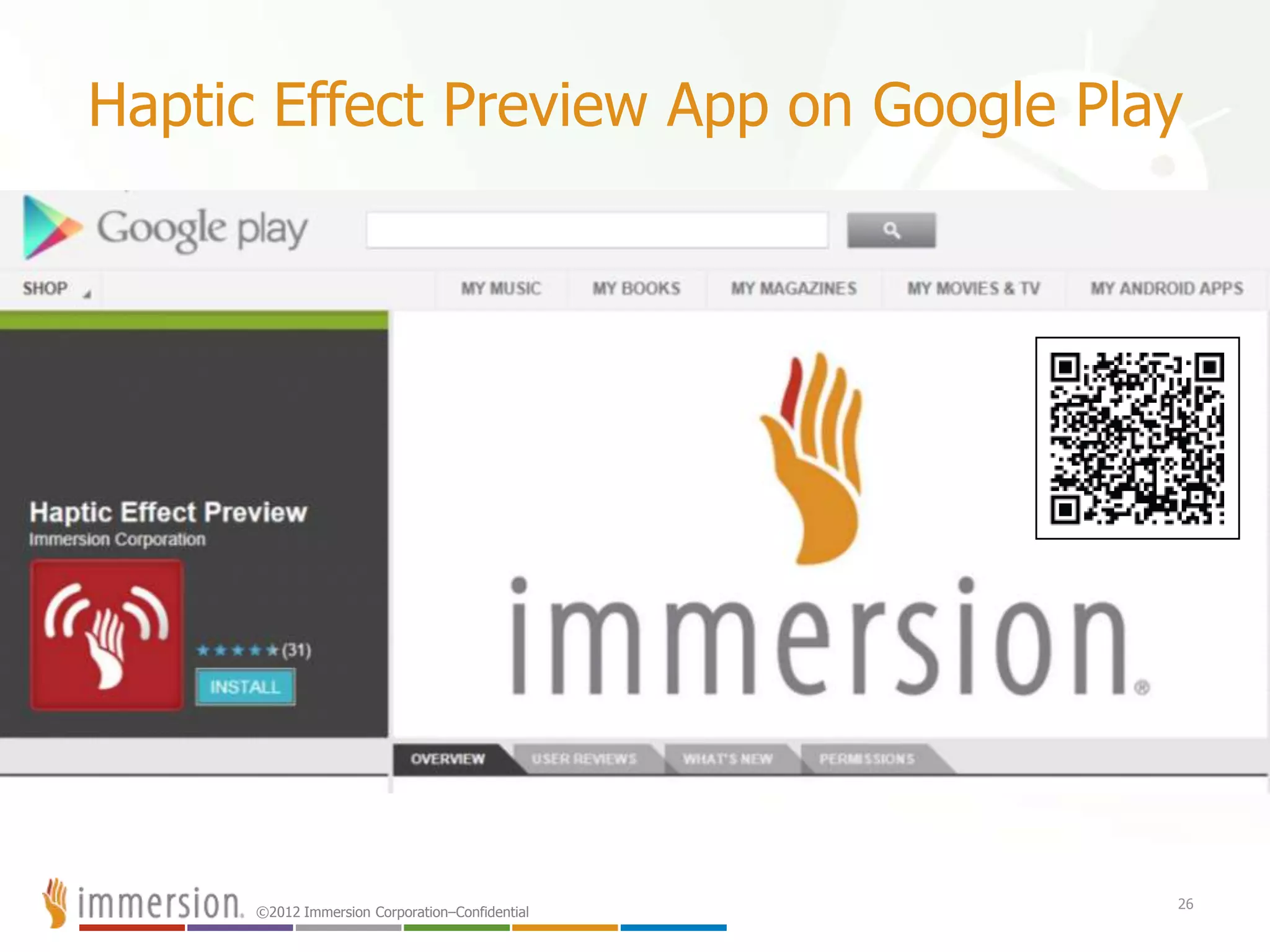
Haptic Effect Preview App on Google Play
26
©2012 Immersion Corporation–Confidential
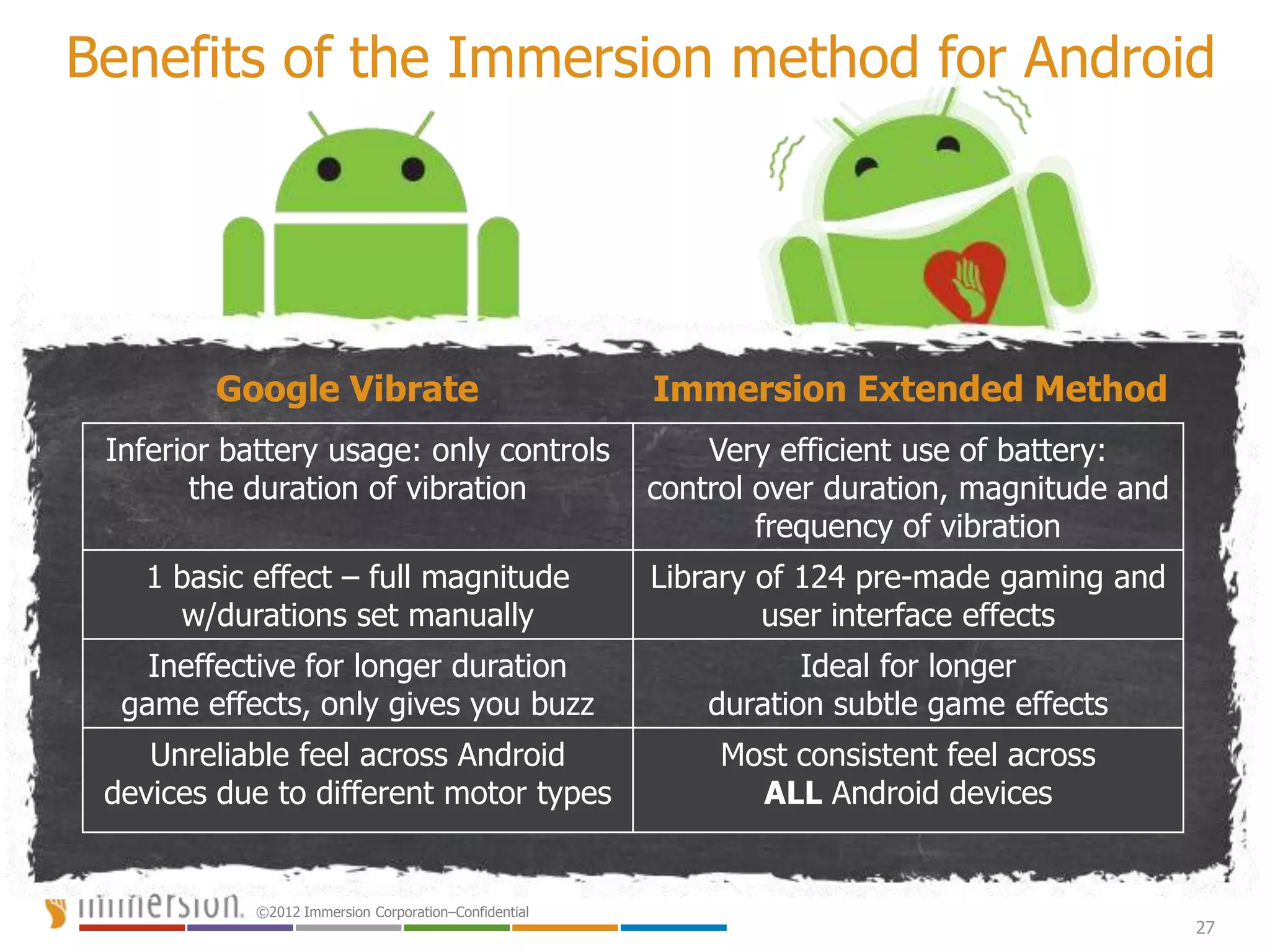
Benefits of the Immersion method for Android
Google Vibrate Immersion Extended Method
Inferior battery usage: only controls
the duration of vibration
Very efficient use of battery:
control over duration, magnitude and
frequency of vibration
1 basic effect – full magnitude
w/durations set manually
Library of 124 pre-made gaming and
user interface effects
Ineffective for longer duration
game effects, only gives you buzz
Ideal for longer
duration subtle game effects
Unreliable feel across Android
devices due to different motor types
Most consistent feel across
ALL Android devices
27
©2012 Immersion Corporation–Confidential 28
A word about actuators
The real beauty of the Immersion Haptic
SDK for tactile feedback effects
©2012 Immersion Corporation–Confidential
“Consistent feel across ALL Android devices”
Why is this important?
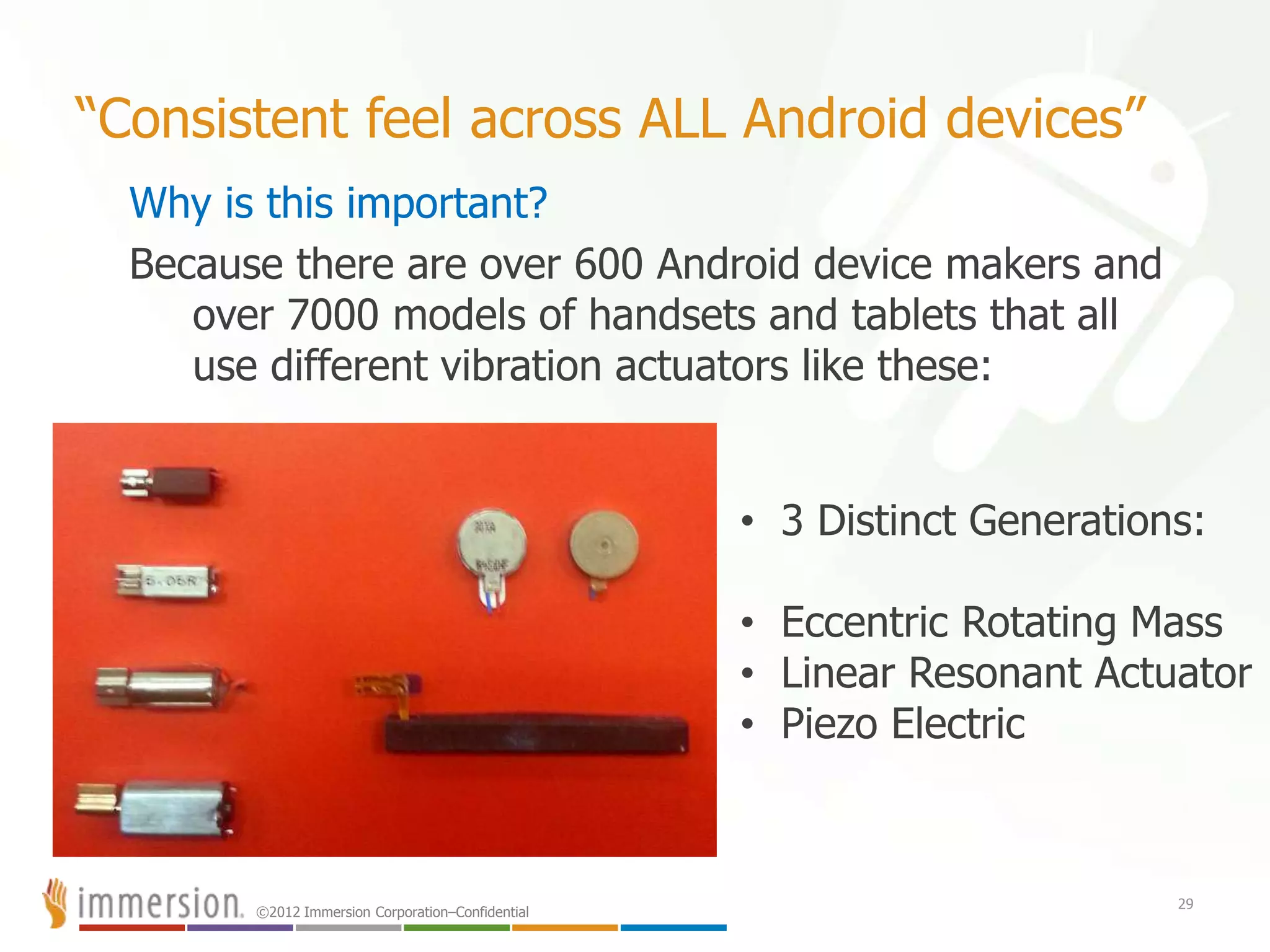
Because there are over 600 Android device makers and
over 7000 models of handsets and tablets that all
use different vibration actuators like these:
29
• 3 Distinct Generations:
• Eccentric Rotating Mass
• Linear Resonant Actuator
• Piezo Electric
©2012 Immersion Corporation–Confidential
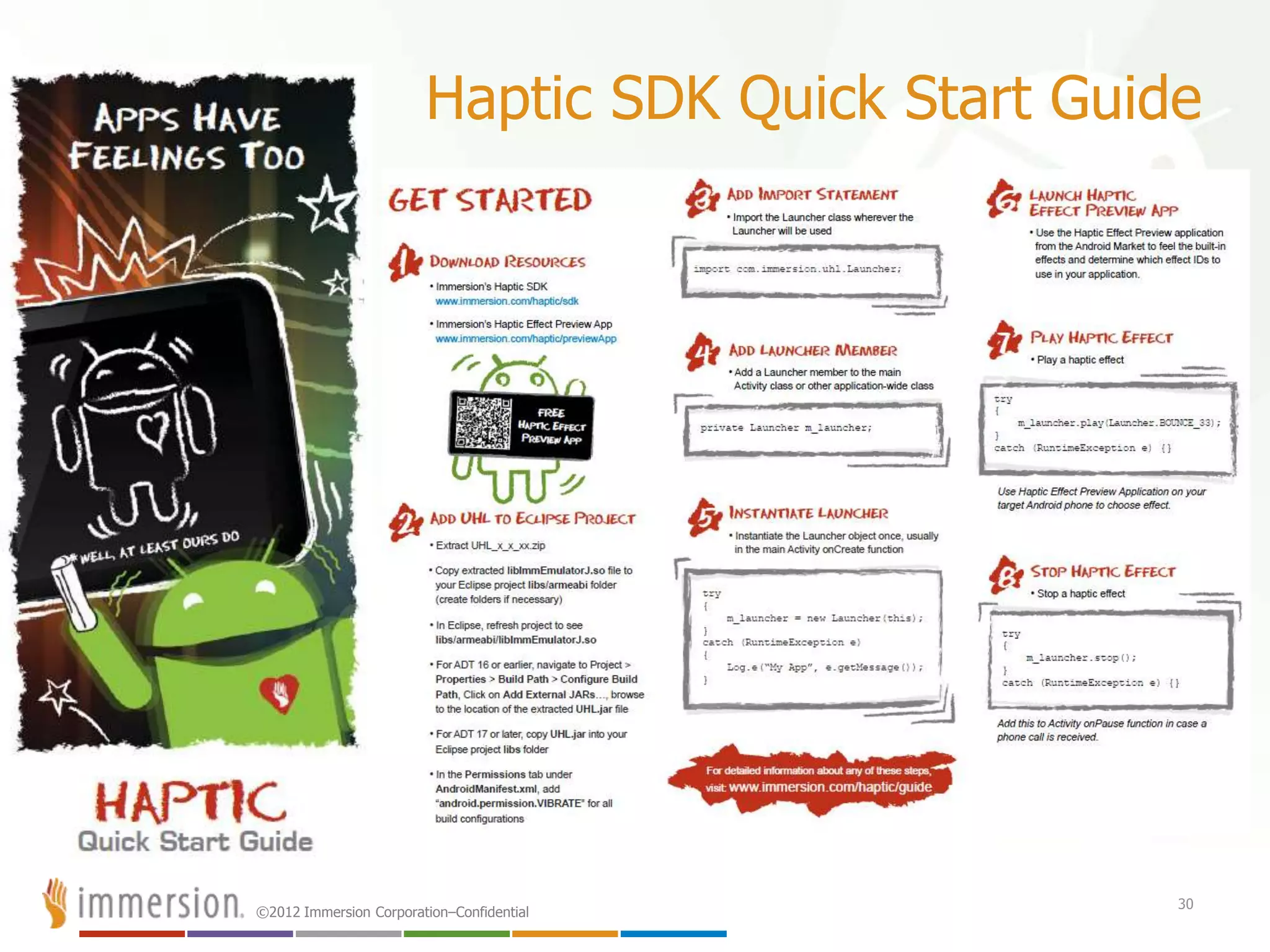
Haptic SDK Quick Start Guide
30
©2012 Immersion Corporation–Confidential
Downloading the Immersion tactile platform
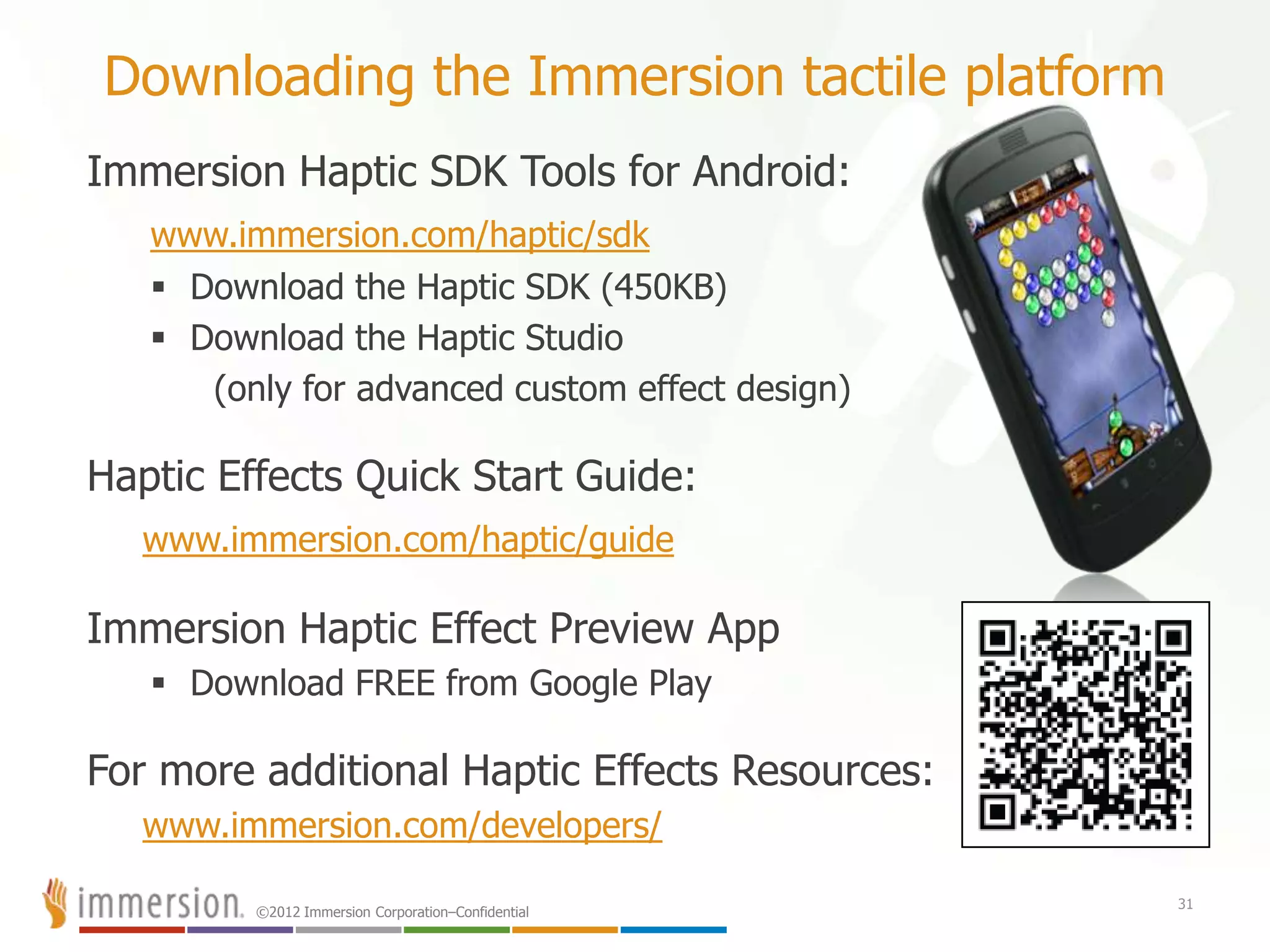
Immersion Haptic SDK Tools for Android:
www.immersion.com/haptic/sdk
 Download the Haptic SDK (450KB)
 Download the Haptic Studio
(only for advanced custom effect design)
Haptic Effects Quick Start Guide:
www.immersion.com/haptic/guide
Immersion Haptic Effect Preview App
 Download FREE from Google Play
For more additional Haptic Effects Resources:
www.immersion.com/developers/
31
©2012 Immersion Corporation–Confidential
Contact Us HapticsDev@immersion.com
Like Us http://www.facebook.com/ImmersionDeveloper
Follow Us @HapticsDev
Read Our Blog http://blog.immersion.com
Direct Access:
32
Bob Heubel
RHEUBEL@IMMERSION.COM
Peter van der Linden
PLINDEN@IMMERSION.COM
©2012 Immersion Corporation–Confidential
33
Thank you!
©2012 Immersion Corporation–Confidential
34
Two-way interactive tactile feedback

Enhancing the User Experience Through the Sense of Touch with Bob Heubel

  • 1.
    ©2012 Immersion Corporation–Confidential NASDAQ:IMMR Bob Heubel Developer Evangelists, Haptics April 2013 Enhancing the user experience through the sense of touch
  • 2.
    ©2012 Immersion Corporation–Confidential2 Agenda – We will answer these questions:  Who is Immersion?  What does touch feedback or tactile design mean?  Why is touch feedback essential to the mobile UI?  How can touch feedback be applied to better the UX?  What are the best design practices for tactile feedback?  What are touch feedback methods across platforms?  Why concentrate on the Android vibration method?  What is the extended vibration method for Android?
  • 3.
    ©2012 Immersion Corporation–Confidential Whois Immersion? Company Highlights Immersion: The Haptics Company Worldwide Support Offices in EU, Korea, Taiwan, Japan, U S & Canada World Class Customer Base Samsung, Nokia, LG, Toshiba, Fujitsu, Sony, Microsoft, Logitech, Lexus, BMW, CAE and many more Established in Large, Rapidly Growing Markets Technology shipped in over 1B devices  Mobile phones, game controllers, auto, industrial, casino, other portable devices Strong Intellectual Property Portfolio of 1,300+ granted and pending patents specifically in the field of Haptics related to both hardware and software Technology Leader Developing tactile touch solutions also known as “Haptics” since 1993 NASDAQ: IMMR
  • 4.
  • 5.
    ©2012 Immersion Corporation–Confidential 5 Sayhello to Homunculus The Mobile User
  • 6.
  • 7.
    ©2012 Immersion Corporation–Confidential 7 •geta grip•how does that grab you? •ifeeledgy •standing on pins and needles •s t r e t c h the imagination a gripping experience •only scratched the surface •keep in touch •a touching experience •i’m deeply touched •itching to go •can you handle it? •put on the finishing touches •he’s tactful •she’s tactless •hold your own •be on your toes •makes my skin crawl •solid reputation •a slimy character •like a kick in the teeth •make contact with •don’t be pushy •a mere slap on the wrist •like a slap in the face •a hands-off policy •a clinging personality •a palpable lie •she’s touchy •touch and go •the personal touch •walking on egg shells •grasp an idea •he rubs me the wrong way •a rough character intimate immediate emotional
  • 8.
    ©2012 Immersion Corporation–Confidential ©2011 Immersion Corporatio Agency TBWANeboko Photo: Michael Harvey CBS News Photo: Walter Geis Point 2: Touch feedback fulfill a need for tactile gratification that is sorely missed in media.
  • 9.
  • 10.
    ©2012 Immersion Corporation–Confidential ©2011 Immersion Corporatio PUSH THE BUTTON
  • 11.
  • 12.
    ©2012 Immersion Corporation–Confidential ©2011 Immersion Corporatio The best communication is often emotive
  • 13.
    ©2012 Immersion Corporation–Confidential Coretactile feedback design principles  Simple sensations are often the most effective  Sensations that fit with visual & audio elements make the whole greater than the sum of its parts  It is bad to annoy, confuse or overwhelm the user  It is good to give the user options Always “play” test your tactile effects to ensure that you are meeting these core principles. 13
  • 14.
    ©2012 Immersion Corporation–Confidential Designgoals when using tactile feedback  Make mobile devices feel more usable  Make apps feel more satisfying  Make communication with friends and family feel more personal 14
  • 15.
    ©2012 Immersion Corporation–Confidential Lessonslearned from console games All major gaming consoles use tactile effects to help immerse gamers in their virtual worlds. 15 X-Box Halo PlayStation - Gran Turismo Nintendo Wii Legend of Zelda
  • 16.
  • 17.
    ©2012 Immersion Corporation–Confidential Tactilevideo example – feel video content 17 Feel the person on the other side of the video
  • 18.
  • 19.
    ©2012 Immersion Corporation–Confidential Tactilefeedback effects beyond games Feedback in games is natural like X-Box or PS3 rumble, but consider other possible uses like…  Screen gestures – swipes, slides, pinches, twists  Social networking – virtual poking, winking, smiling, kissing  Children’s learning – touch confirmations & answer rewards  Interactive 2-way videos – shared screen virtual touching  Customizable alerts – alert patterns for caller & messaging IDs that can be created by the user and stored as vibe IDs for any mobile contacts  eReaders – feeling page turning, writing notes  Apps for the sight impaired – Haptic navi-cues, Braille input, Braille watch  Sports / Health Apps – Alerts based on health monitoring or pacing 19
  • 20.
    ©2012 Immersion Corporation–Confidential 20 Tactilefeedback clock for everyone Tactile Clock Allows you to feel the time. Good for both blind and sighted users.
  • 21.
    ©2012 Immersion Corporation–Confidential Top5 reasons to use tactile feedback effects #5 Increased sense of realism “Feels like the real world” #4 Increased immersion combining audio/visual/touch “Sum is greater than individual parts” #3 Greater user satisfaction “Proven in game platforms” #2 Increased stickiness “Greater emotional connection to game play and UI” And the #1 reason to use tactile effects… #1 The potential for increased revenue “Differentiating your app” 21
  • 22.
    ©2012 Immersion Corporation–Confidential Howto program tactile effects into mobile apps 22
  • 23.
    ©2012 Immersion Corporation–Confidential Tactileeffect design by operating system Nearly all operating systems allow you program vibration events into your applications. But not all methods are created equal. iOS – Only allows you to call a vibration constant that triggers the motor for a set duration. This is not good for most games. Android – Allows you to call a Vibrator Class and set on/off duration times. Also offers an extended method through Immersion API. Blackberry 10 – Allows you the same control as Android but uses a VibrationController Class. Also has a Intensity parameter Windows 8 – Allows you basically the same control as Android & Blackberry but uses a VibrateController Class. Bada – Allows you start/stop a Vibrator Class for duration but also has methods for controlling intensity and repeat parameters. Additionally, Bada offers an extended method through Immersion API Symbian – For Javascript you use start/stop methods with their Vibra Class that allows you to set duration and intensity parameters. For Qt on their S60 API you use a wrapper class called HapticFeedback. This Additionally, the HapticFeedback Class can be extended method through the Immersion API 23
  • 24.
    ©2012 Immersion Corporation–Confidential Tactileeffect design in Android There are over 600 Android device manufacturers with over 7000 models of handsets and tablets. To promote this opportunity, Immersion created a free pre-designed library of tactile effects for developers to quickly add touch effects into their apps and games. We call this the… “Immersion Haptic Development Platform for Android” 24
  • 25.
    ©2012 Immersion Corporation–Confidential HapticEffect Preview App  124 pre-designed tactile effects  Free app on Google Play  Feel each tactile effect on any Android device before programming  Code sample provided for each effect 25
  • 26.
    ©2012 Immersion Corporation–Confidential HapticEffect Preview App on Google Play 26
  • 27.
    ©2012 Immersion Corporation–Confidential Benefitsof the Immersion method for Android Google Vibrate Immersion Extended Method Inferior battery usage: only controls the duration of vibration Very efficient use of battery: control over duration, magnitude and frequency of vibration 1 basic effect – full magnitude w/durations set manually Library of 124 pre-made gaming and user interface effects Ineffective for longer duration game effects, only gives you buzz Ideal for longer duration subtle game effects Unreliable feel across Android devices due to different motor types Most consistent feel across ALL Android devices 27
  • 28.
    ©2012 Immersion Corporation–Confidential28 A word about actuators The real beauty of the Immersion Haptic SDK for tactile feedback effects
  • 29.
    ©2012 Immersion Corporation–Confidential “Consistentfeel across ALL Android devices” Why is this important? Because there are over 600 Android device makers and over 7000 models of handsets and tablets that all use different vibration actuators like these: 29 • 3 Distinct Generations: • Eccentric Rotating Mass • Linear Resonant Actuator • Piezo Electric
  • 30.
  • 31.
    ©2012 Immersion Corporation–Confidential Downloadingthe Immersion tactile platform Immersion Haptic SDK Tools for Android: www.immersion.com/haptic/sdk  Download the Haptic SDK (450KB)  Download the Haptic Studio (only for advanced custom effect design) Haptic Effects Quick Start Guide: www.immersion.com/haptic/guide Immersion Haptic Effect Preview App  Download FREE from Google Play For more additional Haptic Effects Resources: www.immersion.com/developers/ 31
  • 32.
    ©2012 Immersion Corporation–Confidential ContactUs HapticsDev@immersion.com Like Us http://www.facebook.com/ImmersionDeveloper Follow Us @HapticsDev Read Our Blog http://blog.immersion.com Direct Access: 32 Bob Heubel RHEUBEL@IMMERSION.COM Peter van der Linden PLINDEN@IMMERSION.COM
  • 33.
  • 34.

Editor's Notes

  • #3 Agenda – I will answer these questions for you todayWho is Immersion?What does touch feedback or tactile design mean?Why is touch feedback essential to the mobile UI?How can touch feedback be applied to better the UX?What are the best design practices for tactile feedback?What are touch feedback methods across platforms?Why concentrate on the Android vibration method?What is the extended vibration method for Android?
  • #4 Immersion is the leader in haptic technology.Our tactile touch feedback technology, also known as Haptics, has shipped in over a billion mobile and gaming devicesSome of our hardware partners that make these tactile feedback products include: Samsung, Motorola, LG, Toshiba, Fujitsu, Sony, Microsoft, Logitech and many othersImmersion is an intellectual property company with many patents. It is these patents that our partners license when they create hardware with tactile touch effect capabilityAnd Immersion has offices around the world to support our hardware and content development partners
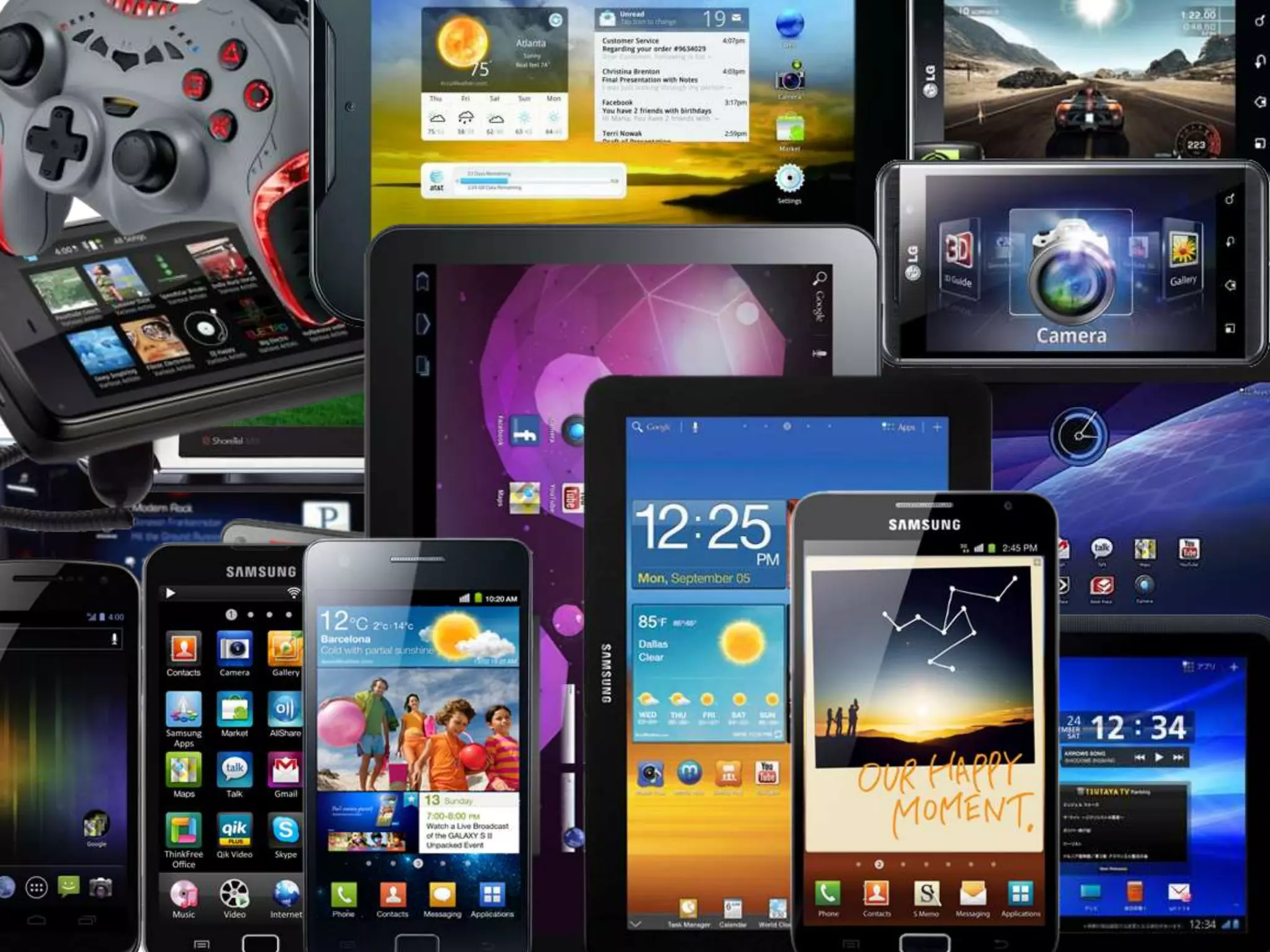
  • #5 All of these devices have vibration motors in them that allow developers to give touch feedback feeling to their users. I’ll explain why this is important and some design guidelines.
  • #6 This is a representation of how much of our cerebral cortex is used to process our sense of touch across different parts of our body.Notice how much processing is done through our hands.This is why touch feedback design is so critical to the mobile user experience.Our sense of touch is how we perceive the world around us, including virtual mobile screen environments for applications and games.
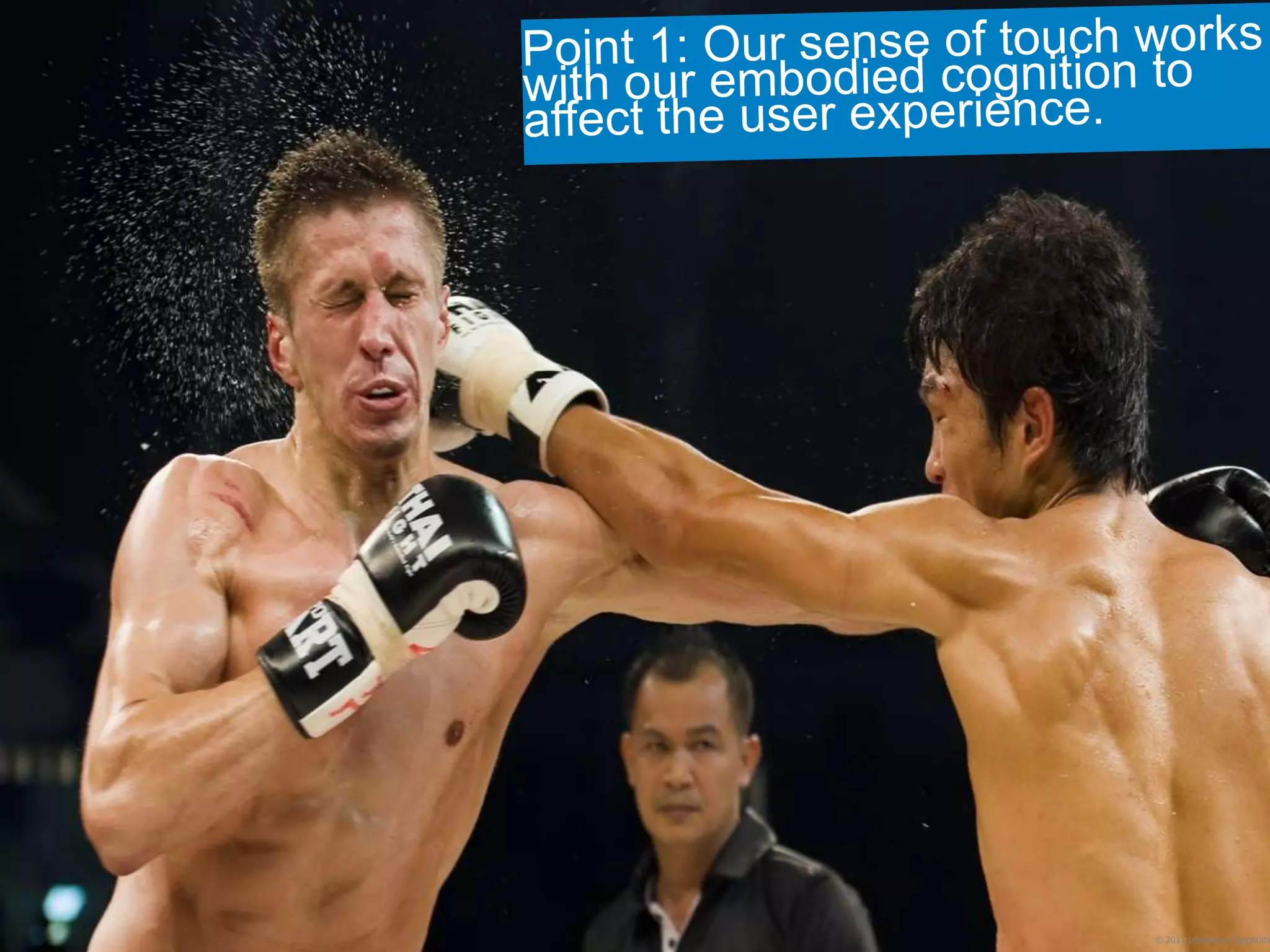
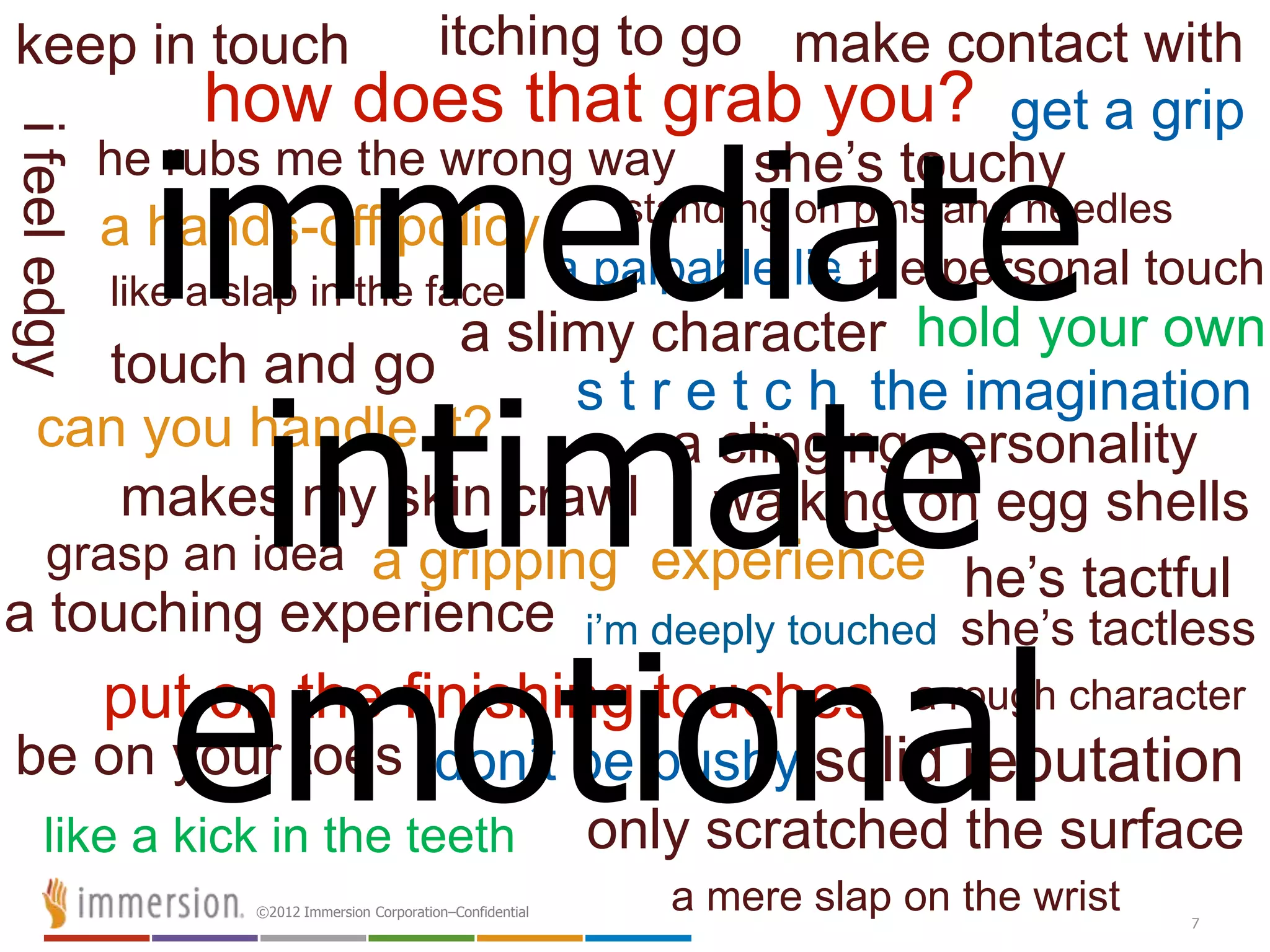
  • #8  Everyone in this room is probably familiar with vibration technology in mobile devices. But the technology itself doesn’t tell us what it’s good for. To understand what it’s good for, we need to look at what touch perception meansto people. When we look at tactile touch metaphors, this picture becomes more clear: Tactile touch feedback is intimate, immediate, and emotional with an emphasis on communication. More than other sensory metaphors of sight or sound, tactile touch metaphors are used to express subtleties of feeling and attitude.
  • #10 Does anyone here look engaged with the world around them, much less the person right next to them? No, and this is exactly where touch feedback can help to bring back a more emotional and realistic connection in mobile interfaces. Constance Classen, whom I’ll paraphrase here said, “We live in a society of the image, in which there is often nothing actually there to feel. The inability to touch the subject matter of the images that surround us, even though these have a tremendous impact on our lives, produces a sense of alienation, the feeling of being out of touch with one’s society, one’s environment. Where more and more the user becomes an isolated fragment in an indifferent universe.”
  • #11 Let’s start at the most basic level of mobile touch feedback.This is a button, right? It looks like a button. And when I press it, it can sound like a button. But without a tactile touch feeling this virtual button this is a very different experience than pressing a real mechanical button.This is why most mobile hardware manufacturers, like Samsung, Motorola, and Fujitsu add a tactile touch vibration event to their touchscreen QWERTY keyboard to better simulate a real button feel that completes the user experience of seeing, hearing and feeling the button like we expect in the real world.
  • #12 Tactile touch feedback is immediate, emotional and intimate with an emphasis on communication.When we have a “feeling” [“deep down”] about something, even if it may contradict what we have “heard”, or what we “see right in front of our eyes”, we are told to trust our “feeling”--because it’s the most reliable source of truth.So, in the most basic level of the user experience, good tactile touch design for mobile devices really is about adding “truth” to your applications and games
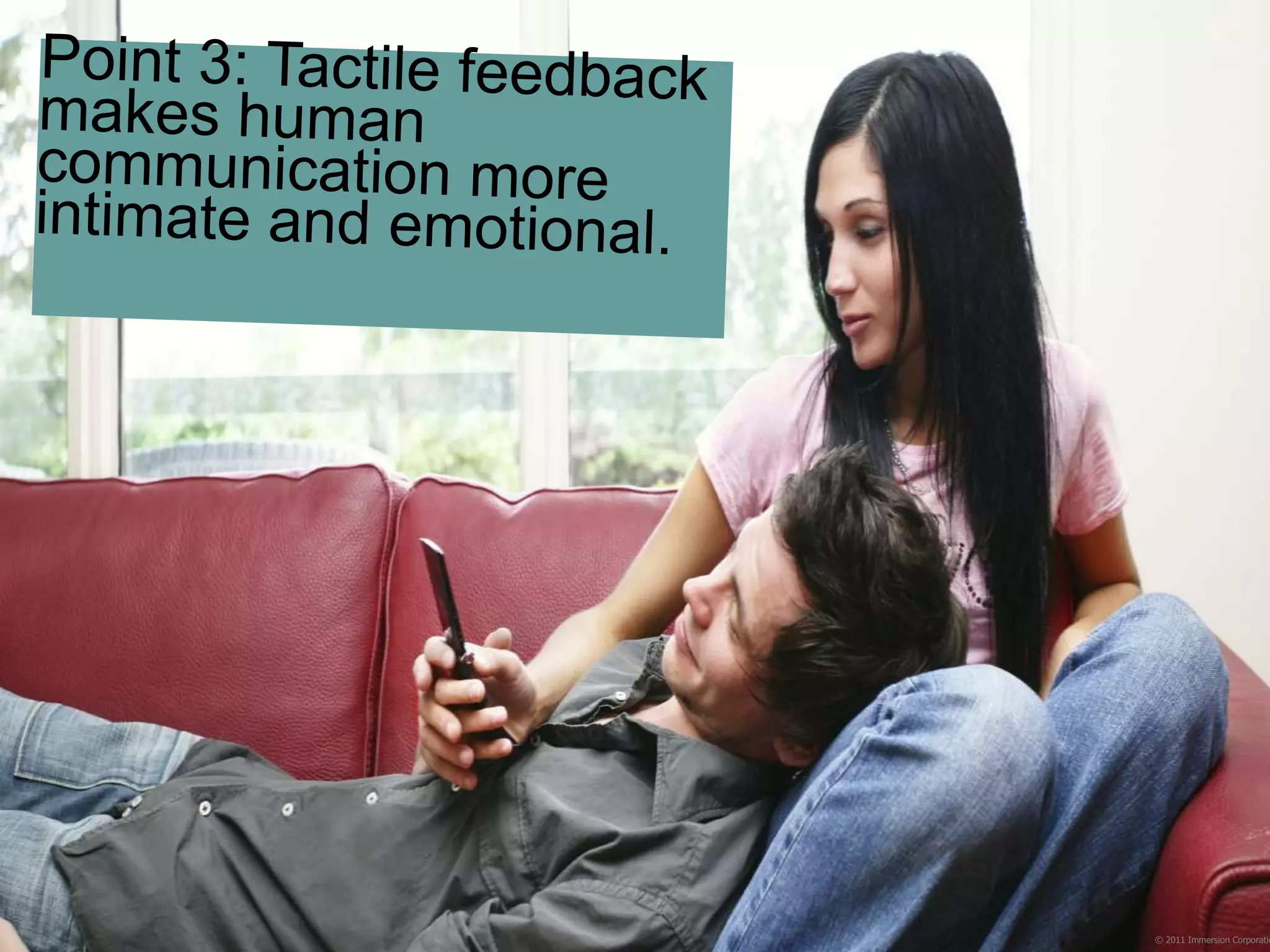
  • #13 The mobile platform and computers in general are not good at providing intimate or emotional communication. We have to create work around solutions like a smiley face emoticon in emails to express the underlying emotional meaning of our words. Tactile feedback can express intimacy and emotion without such work around abstractions like emoticons.For example, if my wife sent me a message with the tactile feeling of a heartbeat being played, I’d feel that intimacy and emotion and immediately understand the loving tone of her message. The point here is that we can use tactile effects to make the device feel more expressive and usable. And if it feels more usable, it IS more usable.
  • #15 So to summarize, our three main goals when designing tactile feedback effects in our mobile design are: To make the phone (feel) more usable thru such things as bringing back user interface (UI) button confirmations To make apps feel more satisfying by adding in tactile feedback effects that simulate real world touch experiences And to bring friends within arm’s reach by making communication feel more intimate as if you could literally reach through your mobile device and touch them using a simulated touch effect
  • #16 In the console gaming space, we’ve already learned the value of tactile feedback design in in rumble pads and force feedback racing wheels.For example, when Sony introduced their PS3, they removed the Dual Shock motors from their gamepads, citing that gamers did not really want or need Haptics in their games. However, just six months later Sony changed their minds after an outcry for rumble support from their community and brought back their Dual Shock gamepads with rumble feedback effects.This same value now applies to mobile game content in games like Rockstar’s Grand Theft Auto Vice City and Max Payne Mobile for Android where you can feel all different weapons firing. Or Sega’s Sonic title for Android were you can feel all of Sonic’s in-game action.
  • #19 Touch trail live demo here
  • #21 This was a concept that we turned into a real app at a recent Hackathon. It’s a clock, where you can tell the time by feeling the clock face. The clock gives a tactile bump as your fingers run over the hands. One bump for the minute hand, two bumps for the hour hand, and three bumps when the hands are on top of each other. You can check the time without looking at your watch or screen and without seeming rude. This is also useful for the visually impaired.
  • #22 Android hardware OEMs like Samsung and mobilecarriers are looking for good feeling games as a competitive advantage against their number one competitor Apple.Google is looking for games to feature in their Play Store that are different than most games. And if you develop for both Apple and Android platforms you can benefit from the both large consumer groups while differentiating your app from the millions of other apps in the marketplace.
  • #23 Ok, so how does one program these tactile effects into mobile apps?
  • #24 All the mobile platforms offer some method of adding tactile feedback into your apps. But in most cases the actual tactile effect design is tedious involving programming of specific motor on/off durations and motor intensity levels. Or in the case of iOS, you are only allowed to call a set duration buzzing effect.Because of this, few mobile developer have made the effort to add the sense of touch feedback into their apps. This is why my company has looked into methods to make mobile tactile design easier for designers and programmers, starting with the most open platform, Android.
  • #25 Everyone should be aware that Android is now the biggest selling mobile platform. Android devices are outselling iPhone and every other smartphone platform. Therefore, as the largest marketplace, Android has huge potential for developers.So, my company created a pre-designed tactile feedback effect library that is a FREE DOWNLOAD for designers and developers.We can give this library away for free because our business model is to get royalties from handset manufacturers who are already using our tactile feedback technology.
  • #26 This free library contains 124 pre-designed tactile effects broken into many categories, from UI button effects to gaming weapon and explosions effect to even the most subtle tactile texture effects.To support our library of tactile effects, we create a free effect preview application for designers to use. This application also designers to sample and plan which tactile effects they want to use before programming or compiling the effects into their apps. This saves a lot of time in the design process, so much so that tactile effects selection and implementation takes minutes instead of hours.
  • #27 And you can find this preview app on Google Play
  • #28 While Immersion is making tactile effect design easy on the Android, you might like to know some of the Immersion benefits beyond the 124 pre-designed tactile effects library.A standard Google vibrate command uses 100% voltage to the motor, but Immersion’s library use many different, lesser voltage magnitudes to deliver tactile effects. For example, tactile effect power consumption on a Samsung Galaxy class phone or tablet is essentially insignificant consuming only about 1% of the overall device power. 99% of power consumption on the Galaxy devices comes from the processor, display, sensors and communication components.And because the Immersion tactile effects have basically a tactile “volume” control, the effects can be very subtle which is ideal for longer duration effects so you do not annoy the user with strong buzzing. For example, in a drawing application you could add a very subtle virtual texture when drawing on a mobile screen to simulate a paper or canvas surface.And from a designer’s perspective, what is most important is keeping the feeling of your tactile design consistent from user-to-user. This is typically tough with so many different mobile devices on the market. But Immersion has thought about this problem too and worked to solve it for you.
  • #30 These are typical vibration actuators, cheapest to best, going diagonally across the picture from top left.There have been 3 distinct generations of actuators, with different characteristics of cost, size, power use, and performance.The current gold standard is the piezo actuator, which is not a motor at all, but a slim crystalline element.Because Immersion works with mobile manufacturers at the hardware prototyping level, we know all the motor types on the market. And we know the differences between the performance of these motors so we can compensate for those differences in our tactile effect library so you don’t have to. You can design your tactile effects into your app once and be confident that it will feel as consistent as possible across all Android devices.
  • #31 If you want to try your first Android project with tactile effects using the free Immersion library of 124 pre-made tactile effects, we also offer a Quick Start Guide, sample code and plugins for environments like Unity3D to quickly get you started.