PROTOTYPING AND
USABILITY TESTING

Elizabeth Snowdon
Business / Web Analyst Consultant specializing in User Centred Design
eliz.snowdon@gmail.com
About me
   Senior Business / Web Analyst Consultant
       Specialization in User Centred Design
   Over 12 years experience in high-technology
    companies leading software implementations, usability
    testing and web site design projects
   Conducting usability tests since 2003
   Clients/projects include:
     Sage
     PMC-Sierra
     Vancity
     Royal Bank of Canada
Key takeaways
   Benefits of usability testing
   When in the software development lifecycle to
    apply usability testing
   Prototyping to test design concepts
   Learn the fundamentals of usability testing
What is usability?
   ISO 9241-11
     “the  extent to which a product can be used by specified
      users to achieve specified goals with effectiveness,
      efficiency, and satisfaction in a specified context of use.”


   Usability Professionals Association
     Isan approach that incorporates direct user feedback
      throughout the development cycle in order to reduce
      costs and create products and tools that meet user
      needs
What is usability?
   Steve Krug, author of Don’t Make Me Think
     “..makingsure that something works well: that a person
      of average (or even below average) ability and
      experience can use the thing --- for it’s intended
      purpose without getting hopelessly frustrated”
Commonality of usability definitions
   A user is involved
   That user is doing something
   That user is doing something with a product, system,
    or other thing.

       Tullis   and Albert
User Centered Design
   Focus on users’ needs, tasks, and goals
   Invest in initial research and requirements
     Identify your target audience and observe them
     Let users define product requirements

   Iterative design process
   Observe real target users using the system
Usability testing
What
When
What is usability testing?
   is a technique used to evaluate a product by testing
    it on representative users.
   test users will try to complete typical tasks while
    observers watch, listen and takes notes.
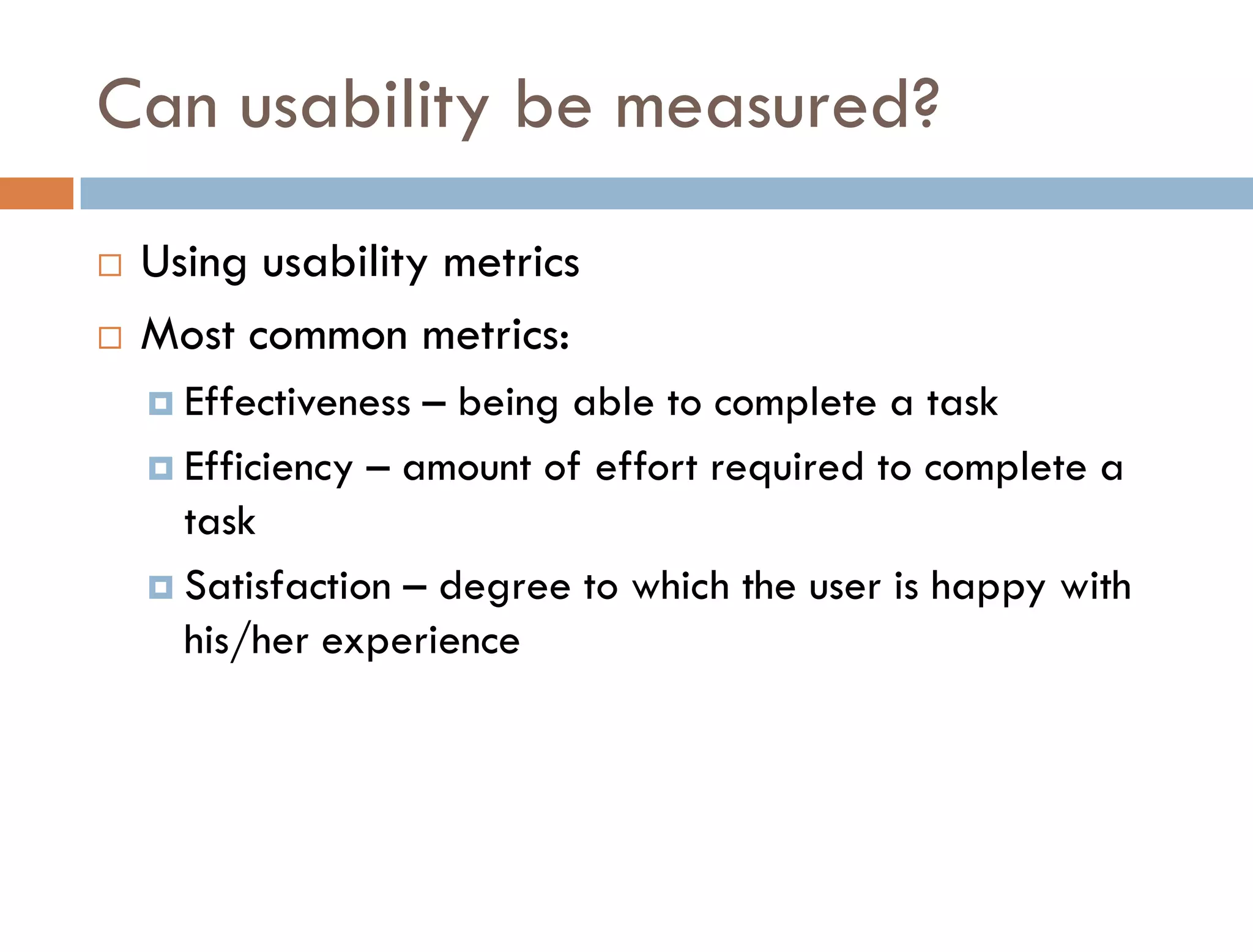
Can usability be measured?
   Using usability metrics
   Most common metrics:
     Effectiveness – being able to complete a task
     Efficiency – amount of effort required to complete a
      task
     Satisfaction – degree to which the user is happy with
      his/her experience
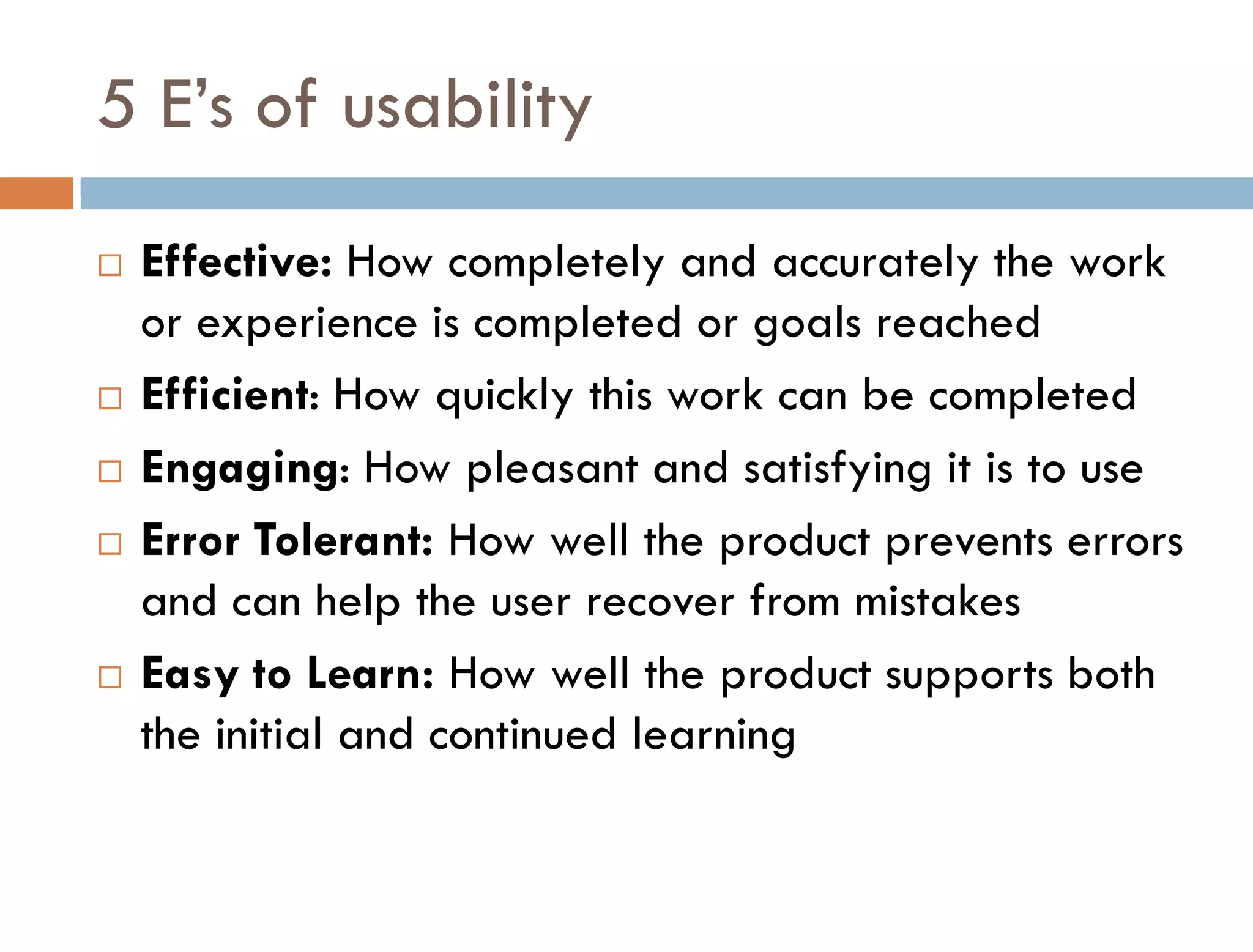
5 E’s of usability
   Effective: How completely and accurately the work
    or experience is completed or goals reached
   Efficient: How quickly this work can be completed
   Engaging: How pleasant and satisfying it is to use
   Error Tolerant: How well the product prevents errors
    and can help the user recover from mistakes
   Easy to Learn: How well the product supports both
    the initial and continued learning
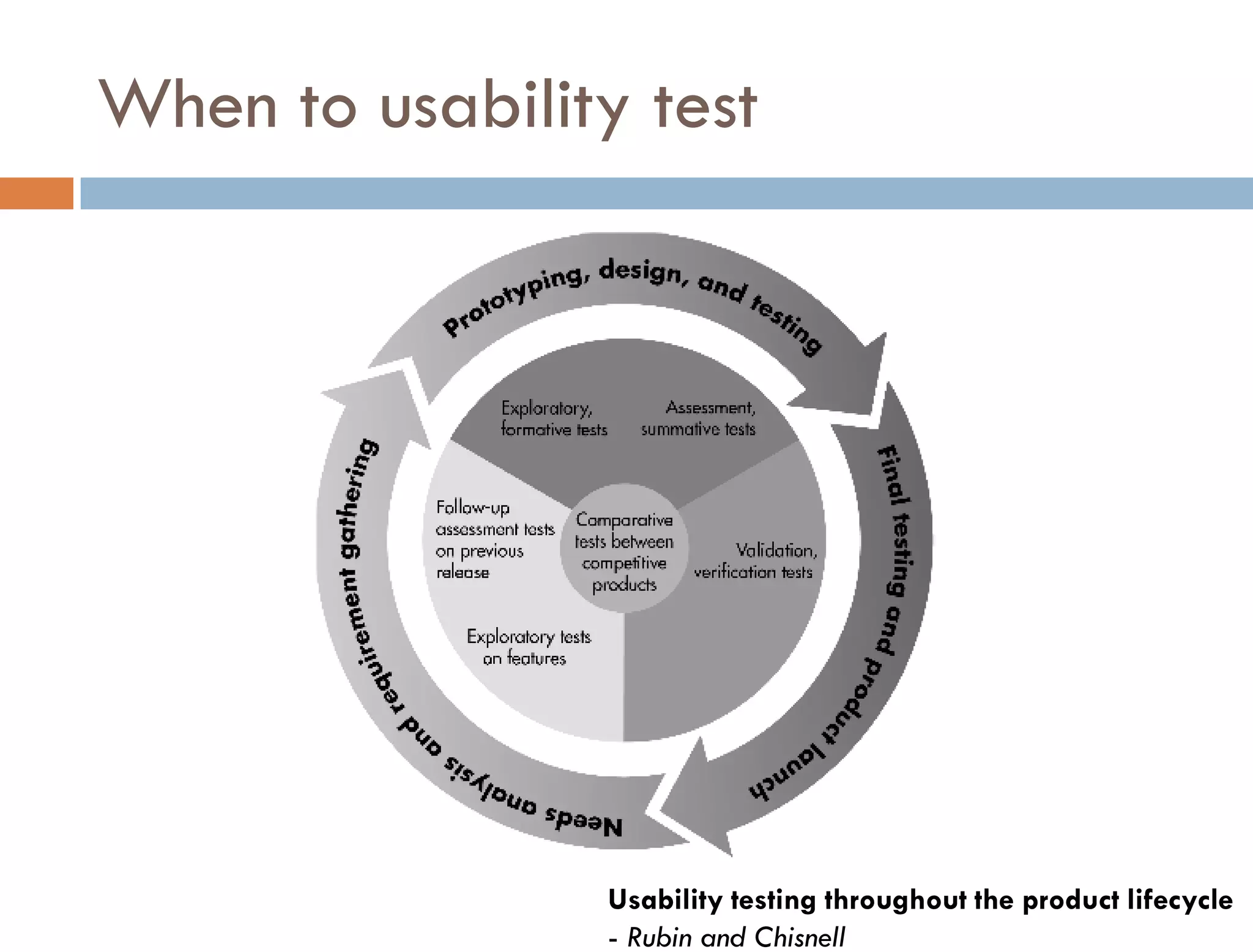
When to usability test


                Usability testing throughout the product lifecycle
                - Rubin and Chisnell
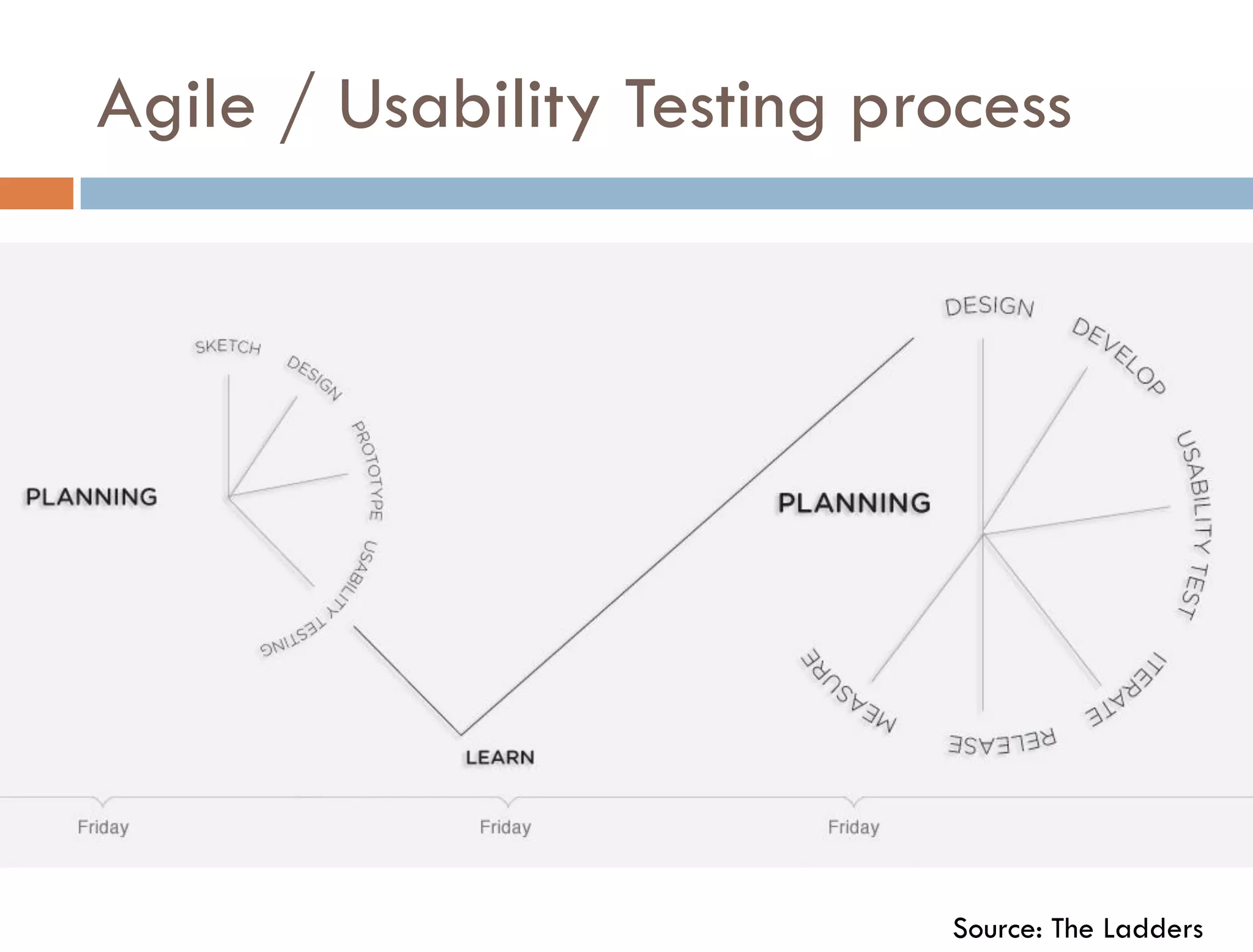
Agile / Usability Testing process


                            Source: The Ladders
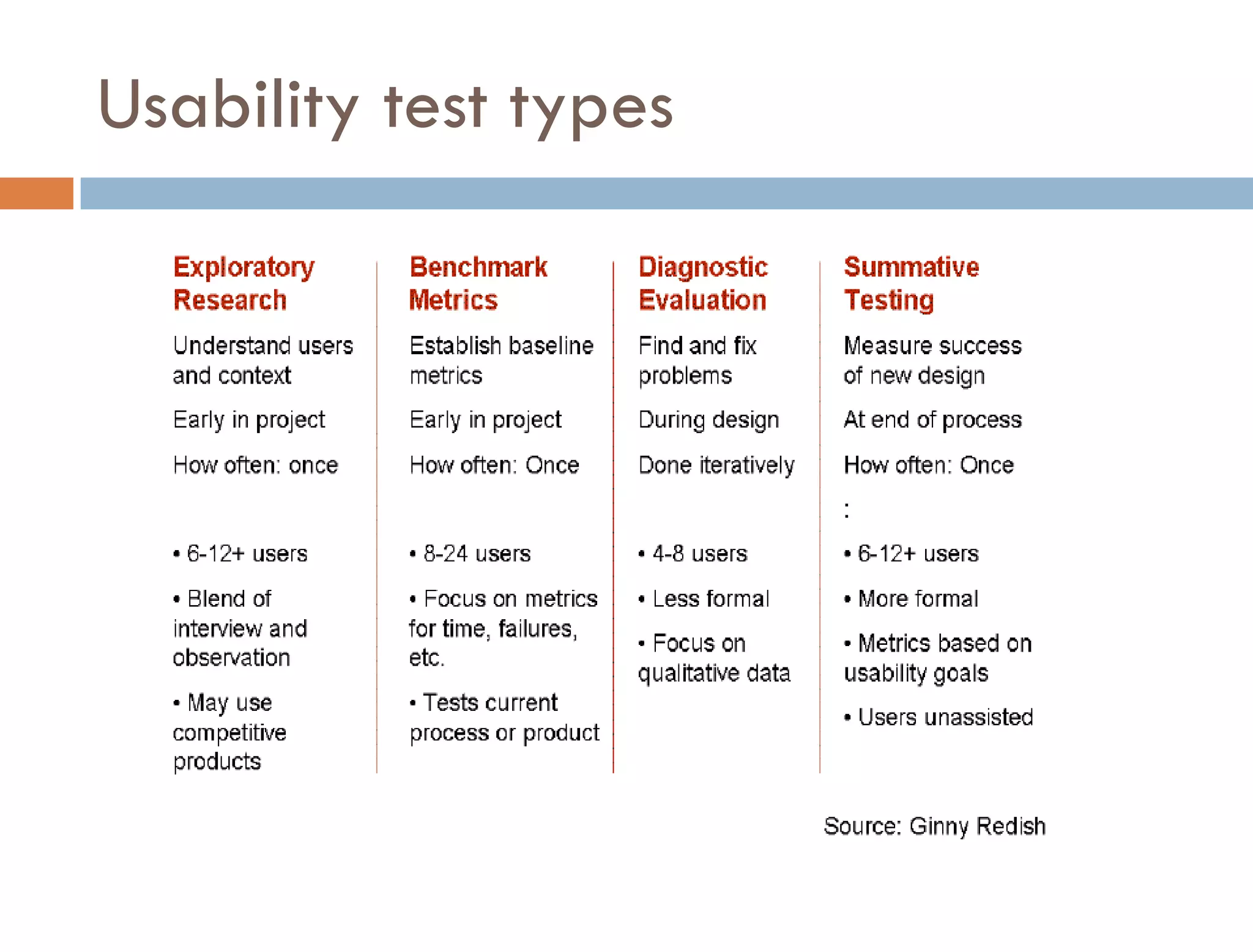
Usability test types
Usability testing
Why test?
Testing benefits
Informing design
   Identify and rectify usability deficiencies prior to
    product release
   Intent to create products that:
     Are useful to and valued by target audience
     Are easy to learn

     Help people to be efficient and effective

     Are satisfying (delightful) to use
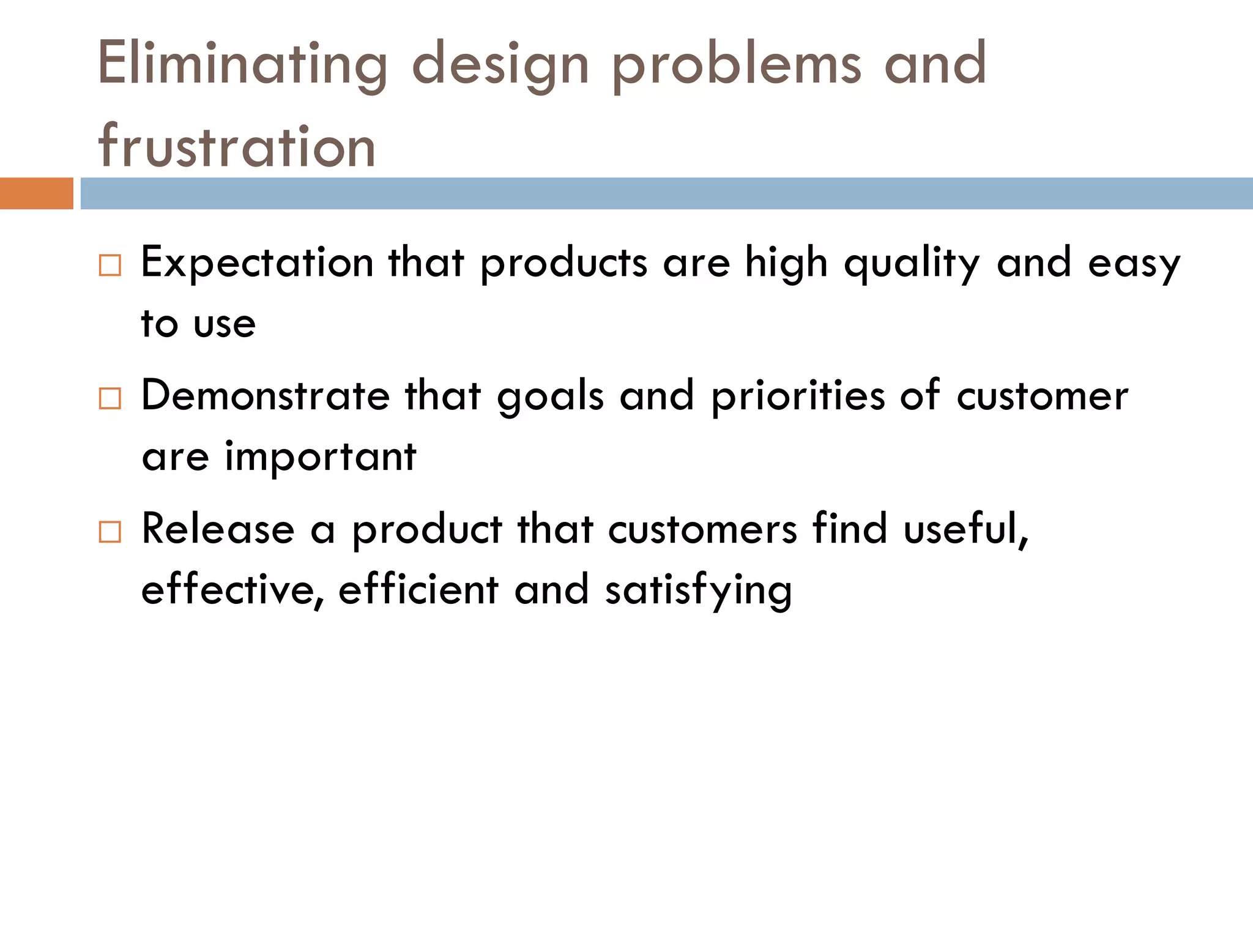
Eliminating design problems and
frustration
   Expectation that products are high quality and easy
    to use
   Demonstrate that goals and priorities of customer
    are important
   Release a product that customers find useful,
    effective, efficient and satisfying
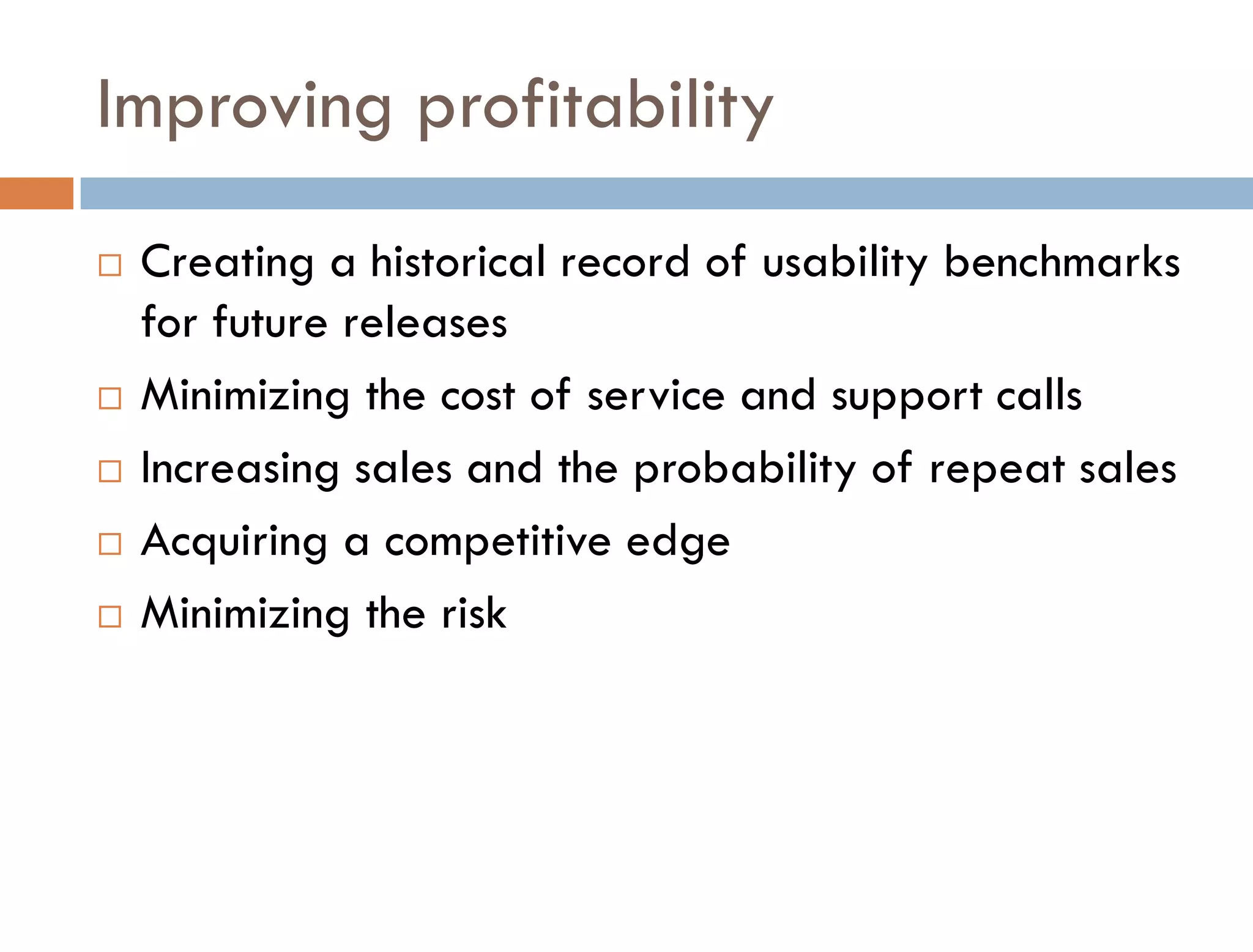
Improving profitability
   Creating a historical record of usability benchmarks
    for future releases
   Minimizing the cost of service and support calls
   Increasing sales and the probability of repeat sales
   Acquiring a competitive edge
   Minimizing the risk
Usability Testing
Who
How many
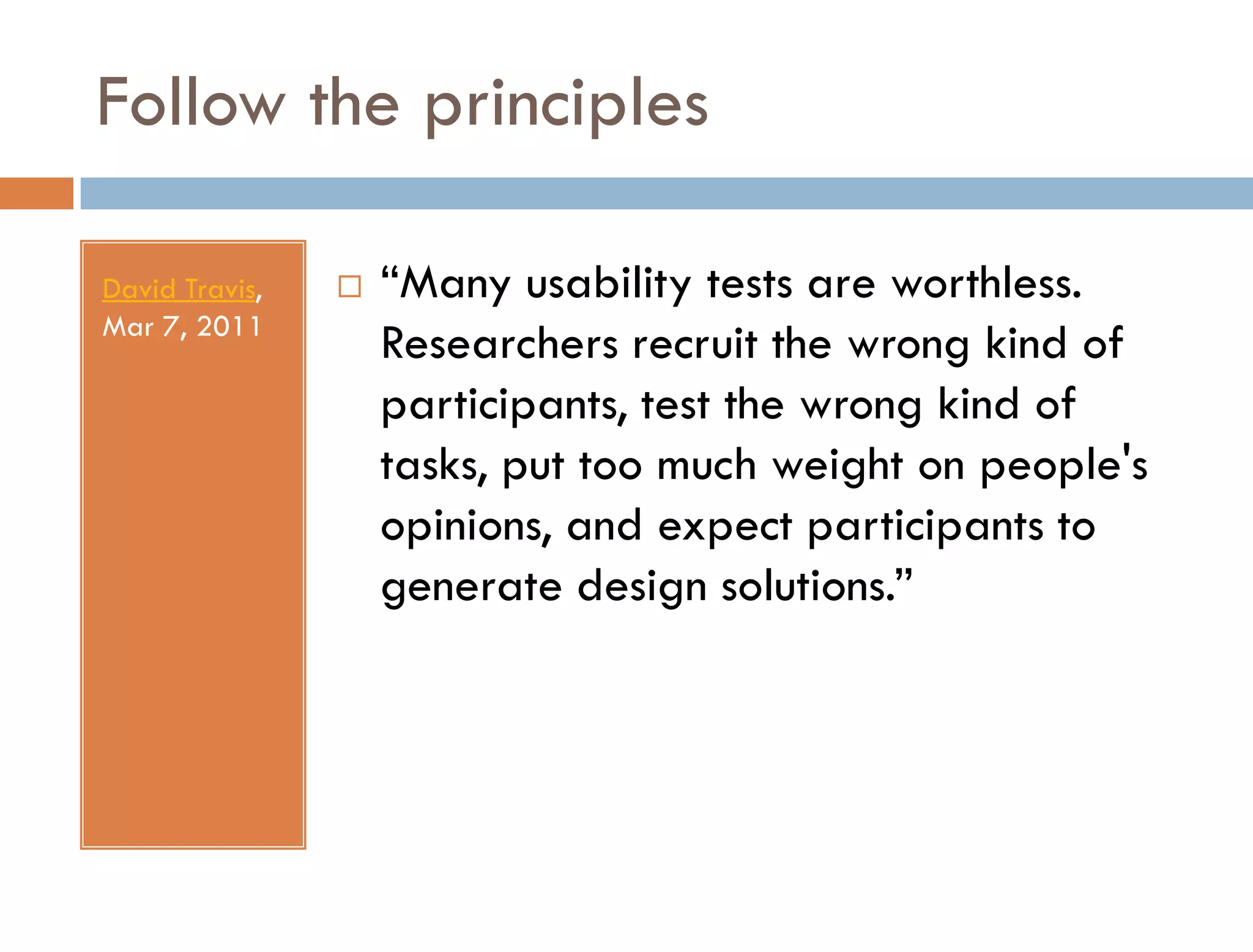
Follow the principles

David Travis,      “Many usability tests are worthless.
Mar 7, 2011
                    Researchers recruit the wrong kind of
                    participants, test the wrong kind of
                    tasks, put too much weight on people's
                    opinions, and expect participants to
                    generate design solutions.”
Test participants
   Participant’s background and abilities should be
    representative of your product’s intended user
   user profile – person with the relevant behaviour,
    skills, and knowledge who will use your product.
Visualize the test participant
   We want to find out where in the process of creating
    an expense report employees meet obstacles to
    completing and submitting their reports [the test
    objective]. The user of our employee expense
    reporting system travels about four times a year,
    attends one conference per year and creates about
    ten different reports a year. He or she is comfortable
    using computers and likes the ability to submit reports
    remotely.
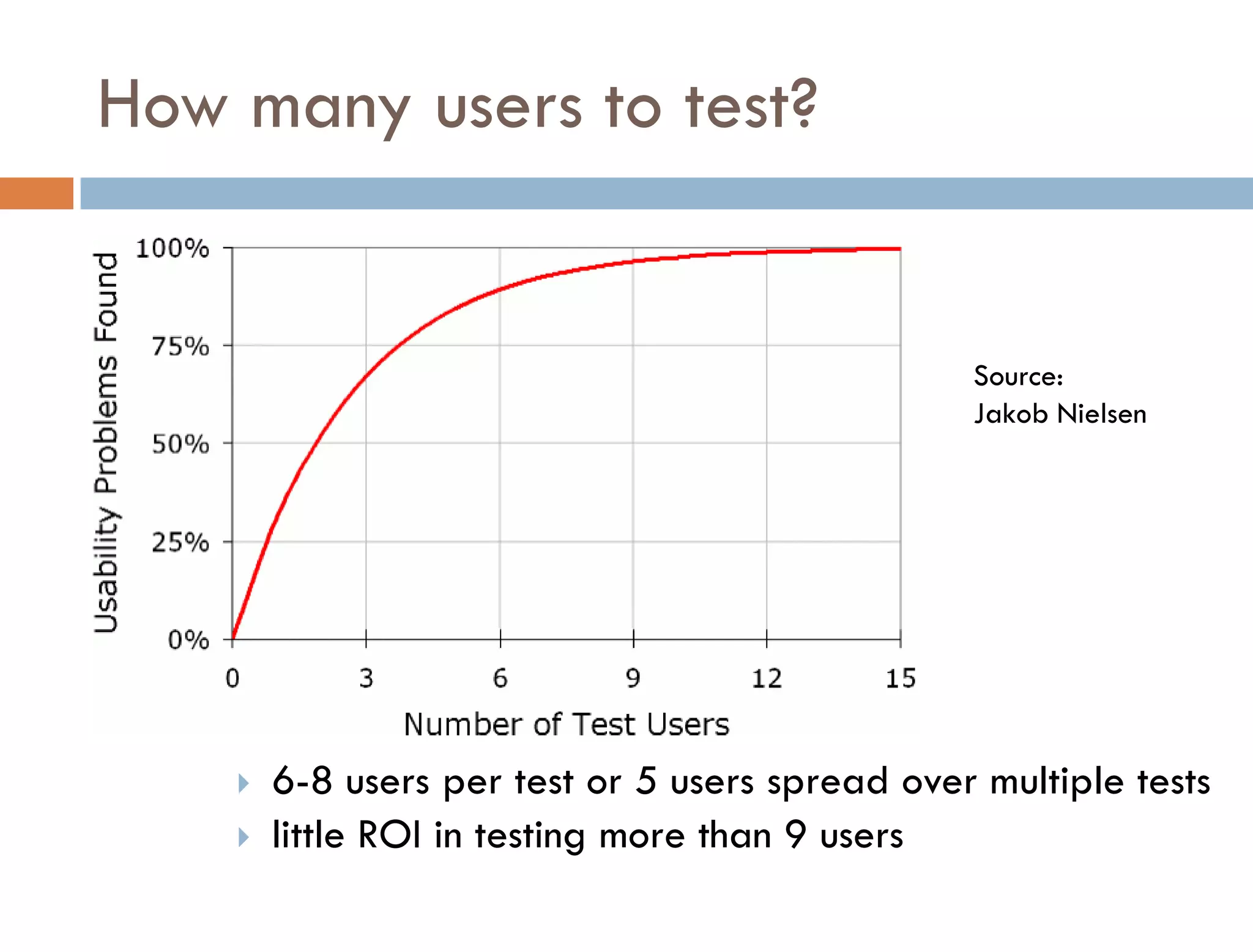
How many users to test?


                                                 Source:
                                                 Jakob Nielsen


       6-8 users per test or 5 users spread over multiple tests
       little ROI in testing more than 9 users
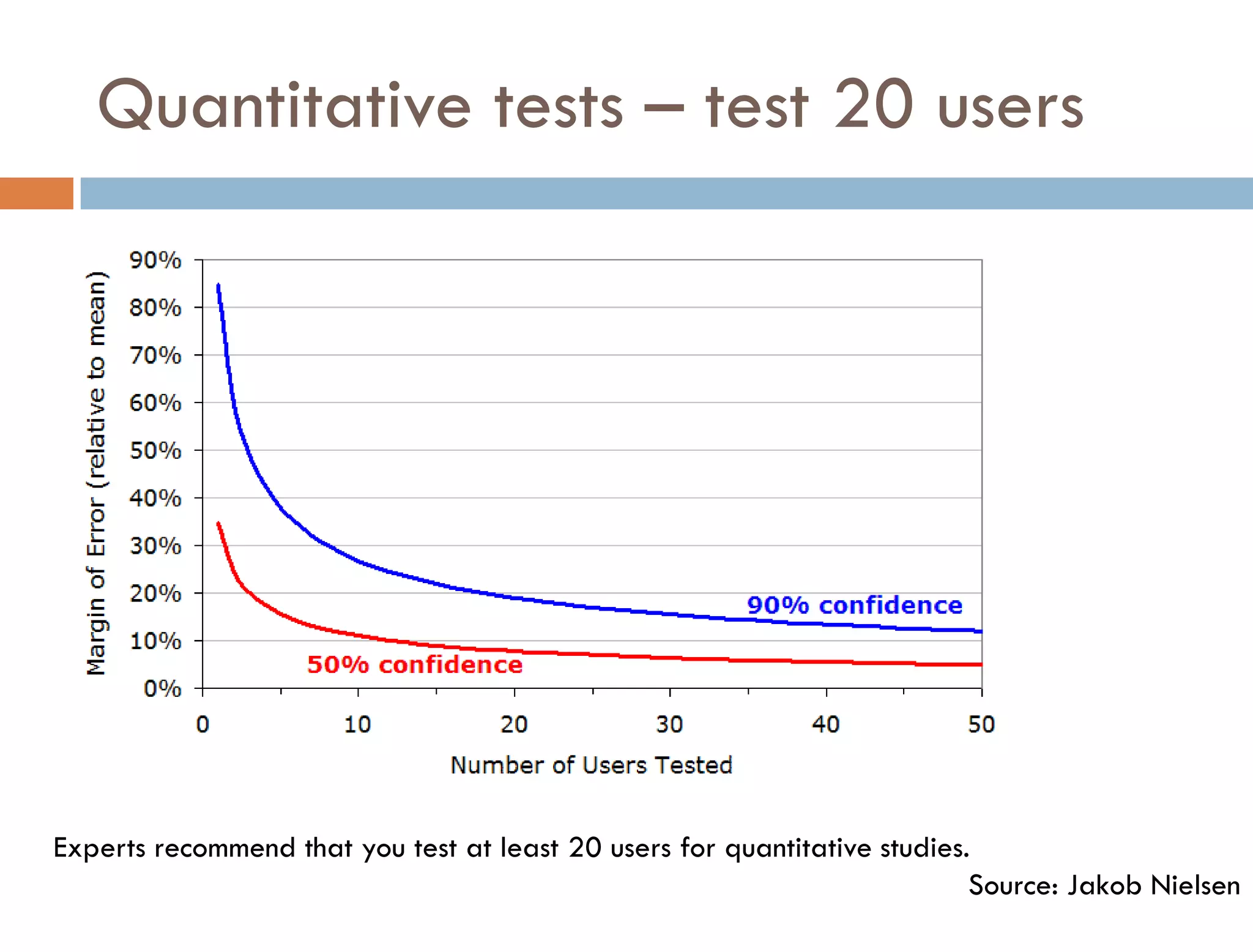
Quantitative tests – test 20 users


Experts recommend that you test at least 20 users for quantitative studies.
                                                                           Source: Jakob Nielsen
Usability testing
Where to test
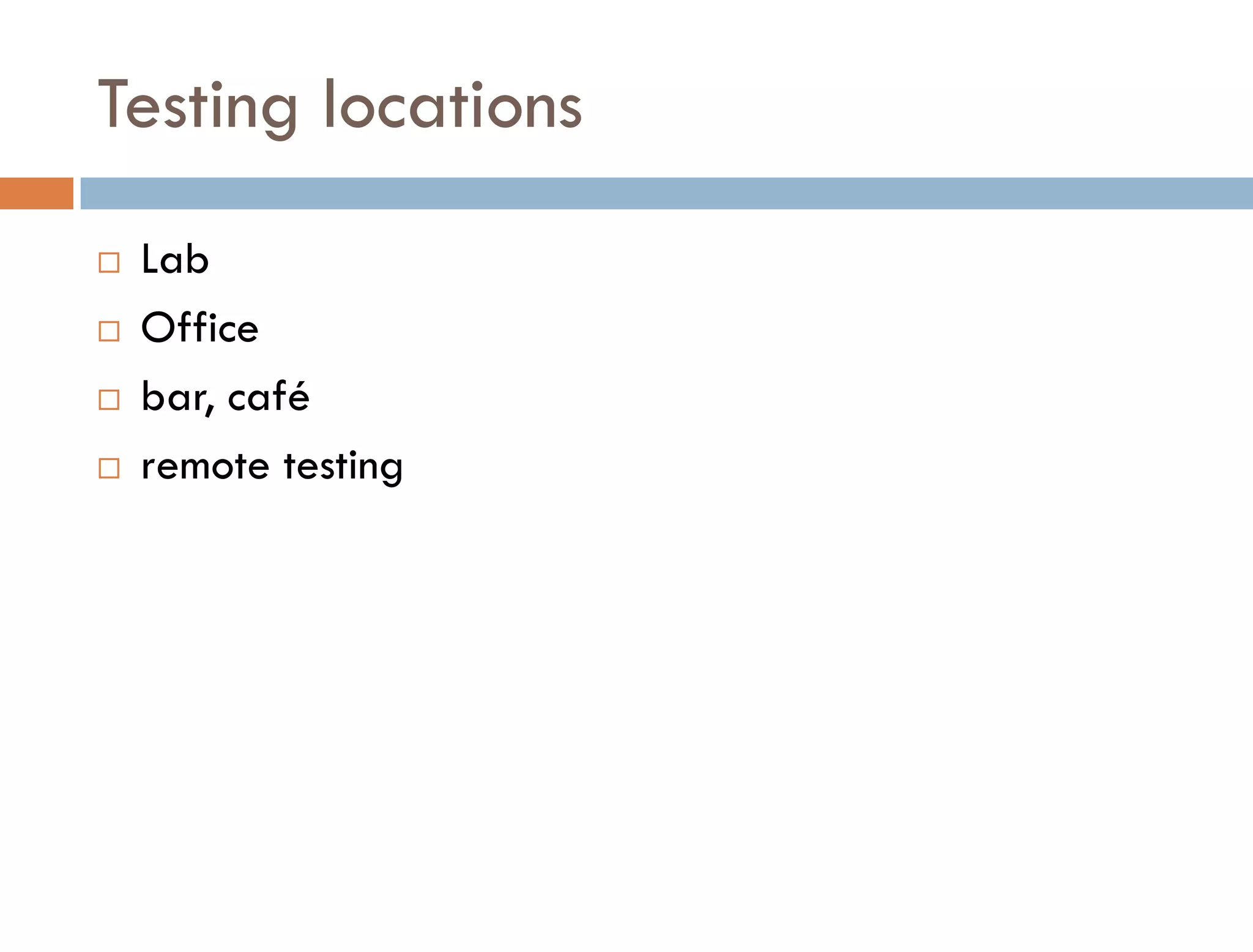
Testing locations
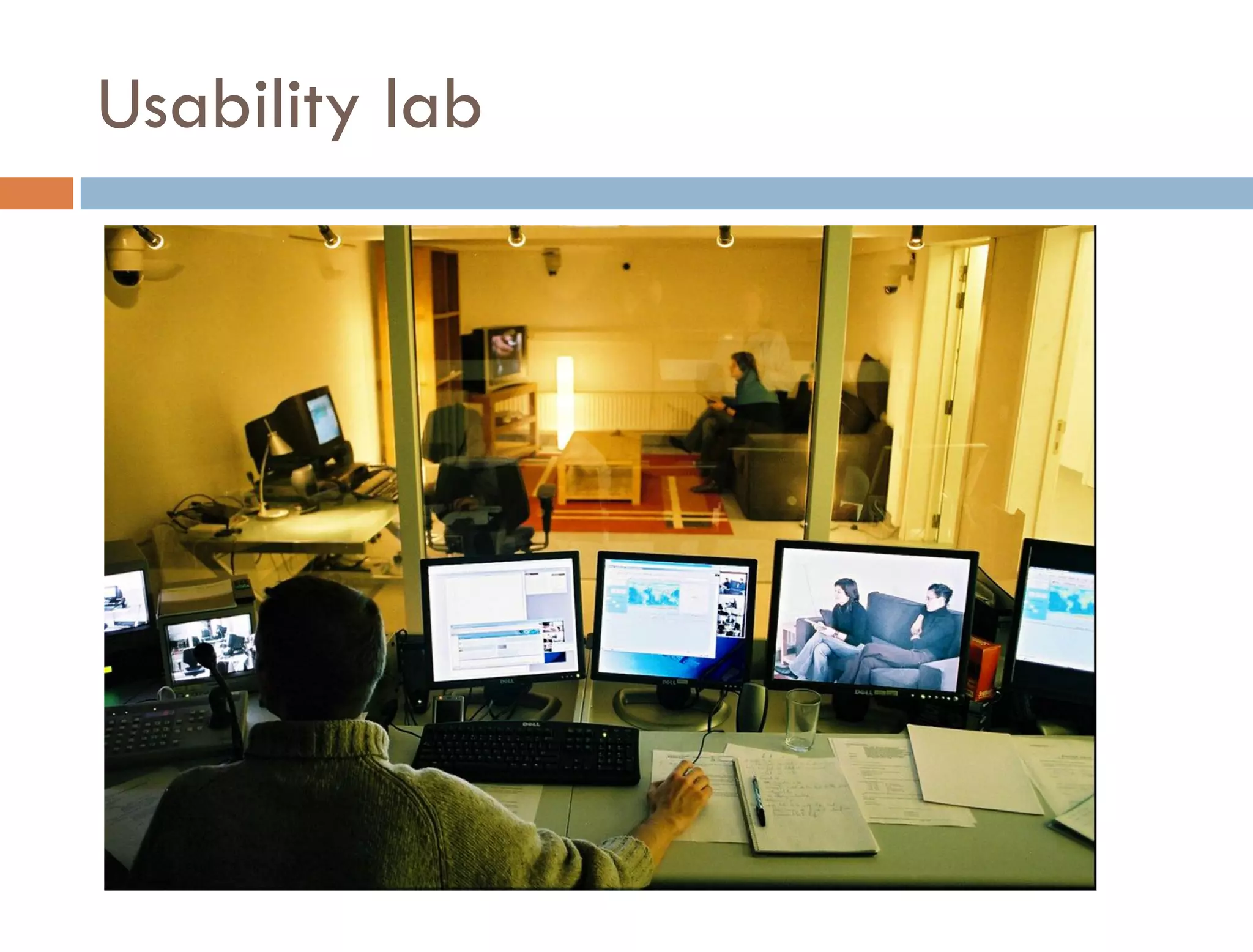
   Lab
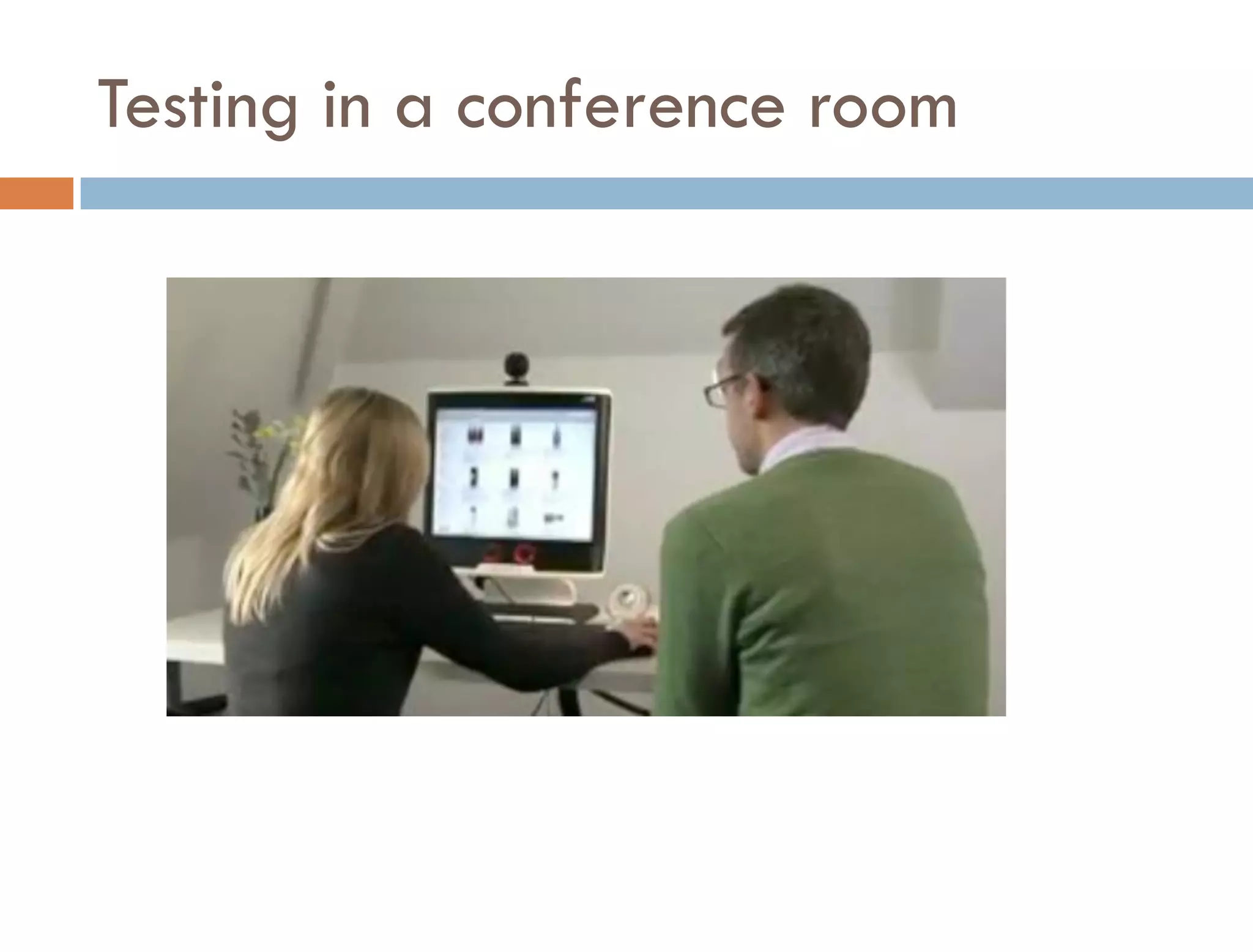
   Office
   bar, café
   remote testing
Usability lab
Testing in a conference room
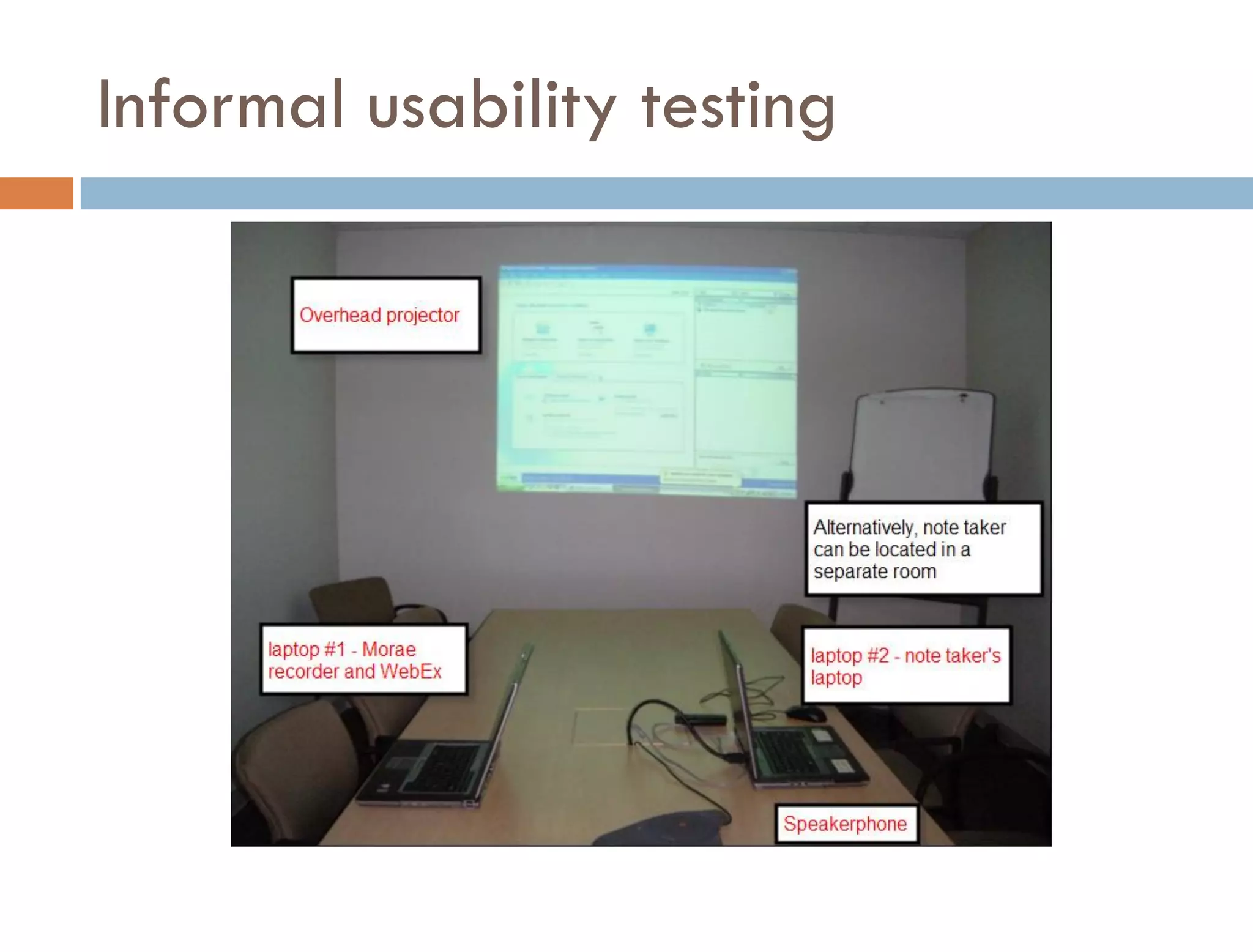
Informal usability testing
Remote testing requirements
   Moderator / Note-taker
     Screen sharing: WebEx or web conferencing tool
     Recording: Morae, Camtasia
     Speakerphone


   Participant
     High speed internet access
     Speakerphone or headset telephone


   for more info, go to Remote Testing Presentation
    http://bit.ly/7RYwSO
Prototyping
Benefits of prototyping
   Prototyping is generative.
   Communicates using show and tell
   Reduces misinterpretation
   saves time, effort and money
   creates a feedback loop, which ultimately reduces
    risk
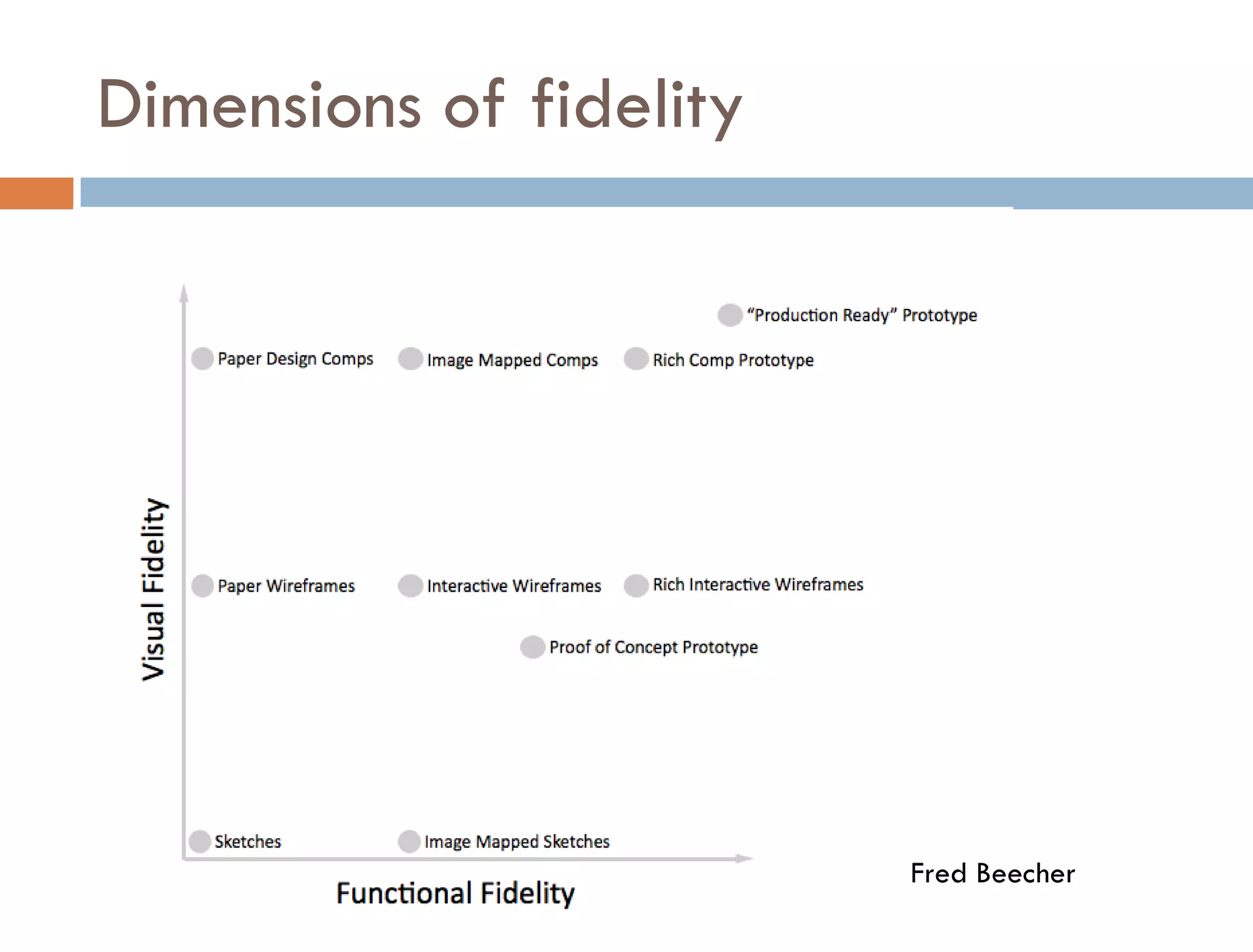
Dimensions of fidelity


                         Fred Beecher
Appropriate Fidelity

   “There is no such thing as high or low fidelity, only
    appropriate fidelity.” Bill Buxton
   Depends on
     where you are in the product development cycle
     your goals and your audience
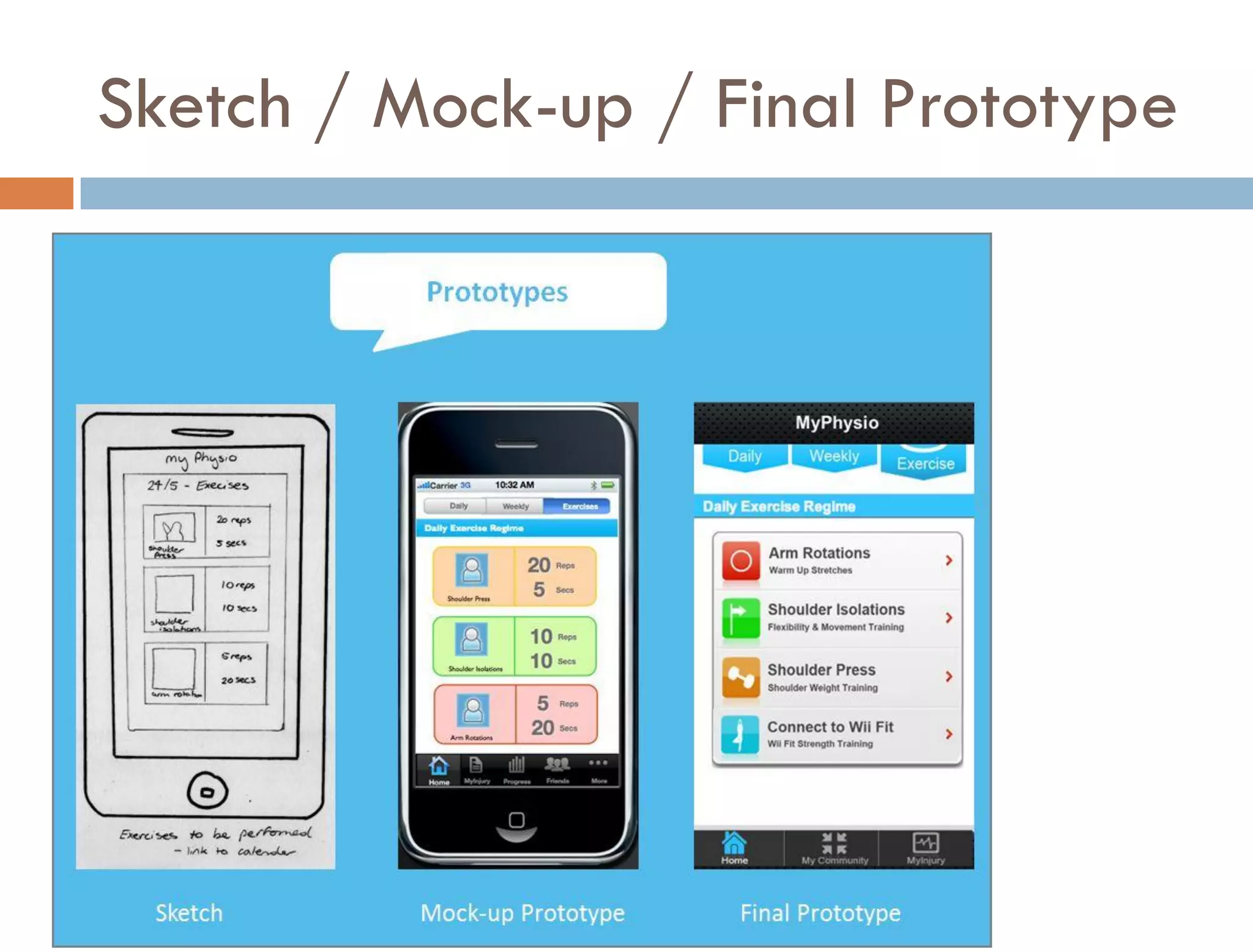
Sketch / Mock-up / Final Prototype
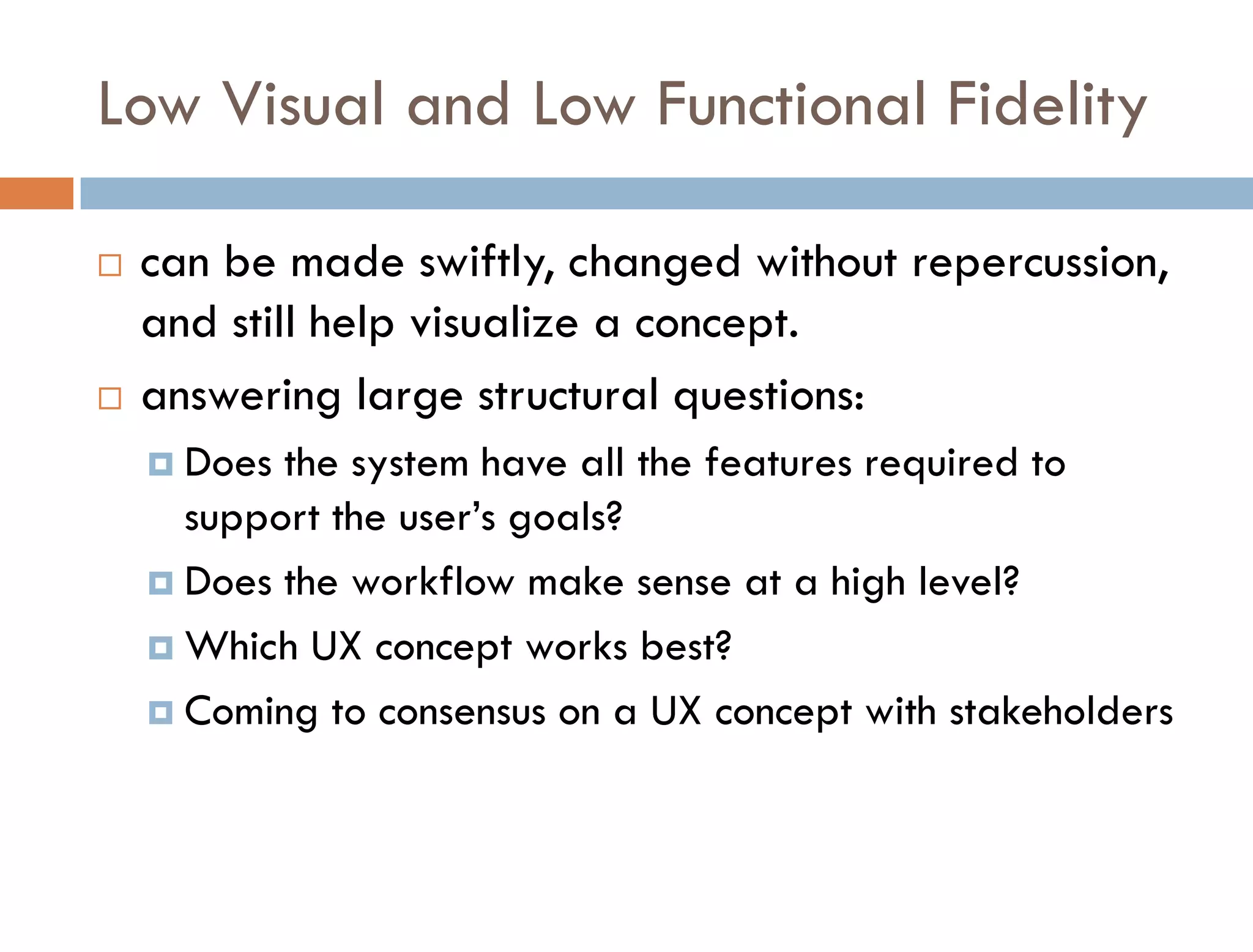
Low Visual and Low Functional Fidelity

   can be made swiftly, changed without repercussion,
    and still help visualize a concept.
   answering large structural questions:
     Does the system have all the features required to
      support the user’s goals?
     Does the workflow make sense at a high level?

     Which UX concept works best?

     Coming to consensus on a UX concept with stakeholders
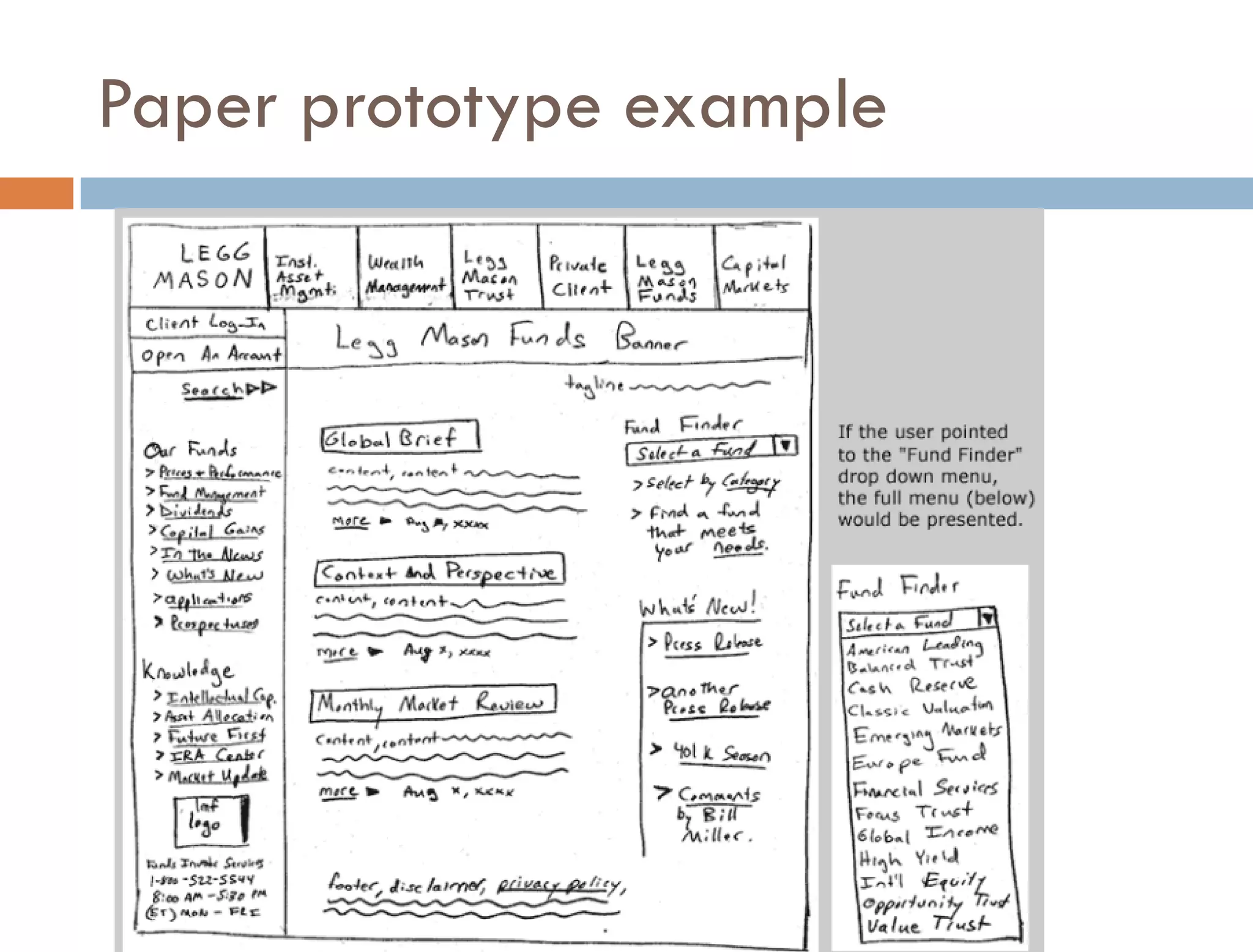
Paper prototype example
Low Visual and High Functional Fidelity

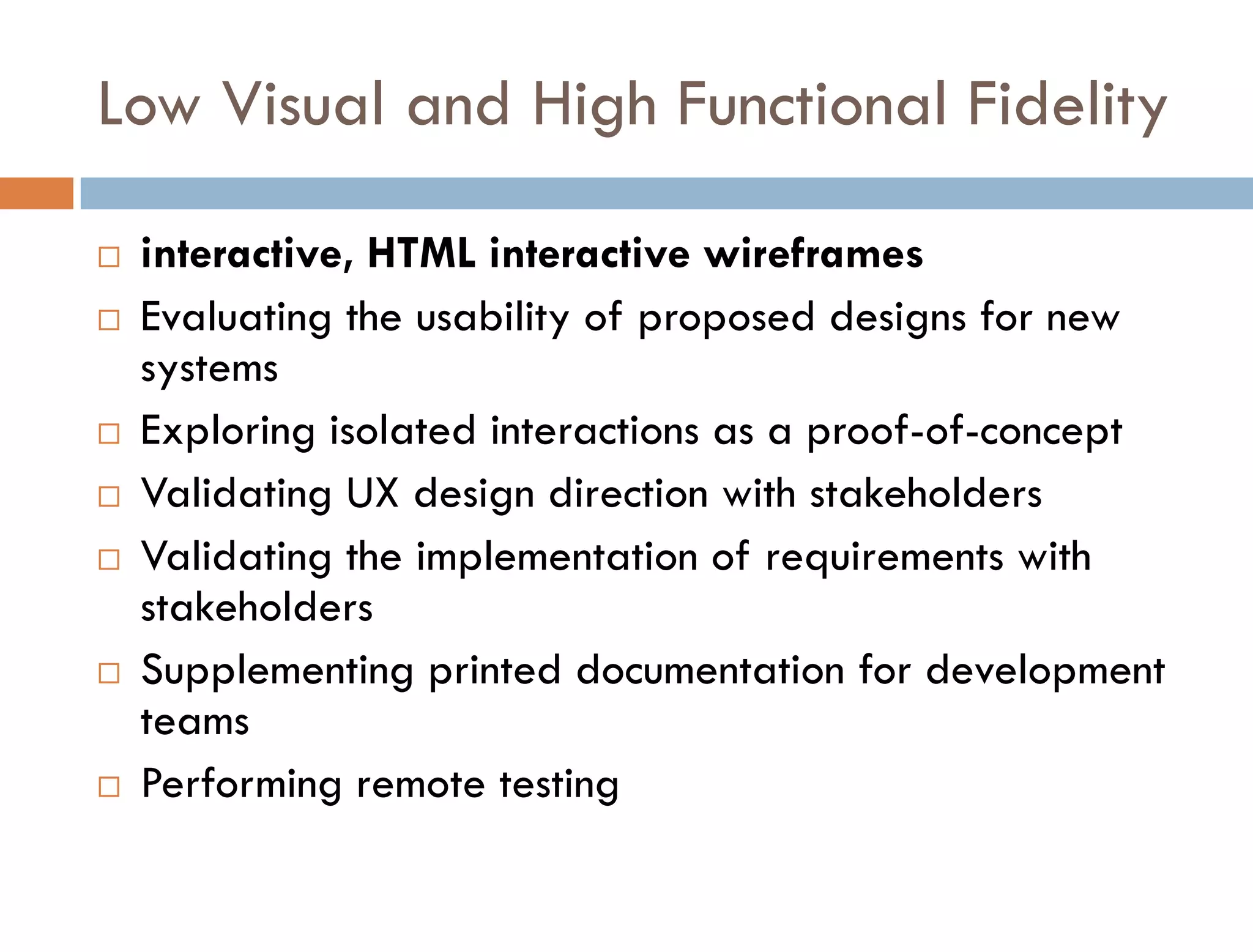
   interactive, HTML interactive wireframes
   Evaluating the usability of proposed designs for new
    systems
   Exploring isolated interactions as a proof-of-concept
   Validating UX design direction with stakeholders
   Validating the implementation of requirements with
    stakeholders
   Supplementing printed documentation for development
    teams
   Performing remote testing
High Visual / High Functional Fidelity

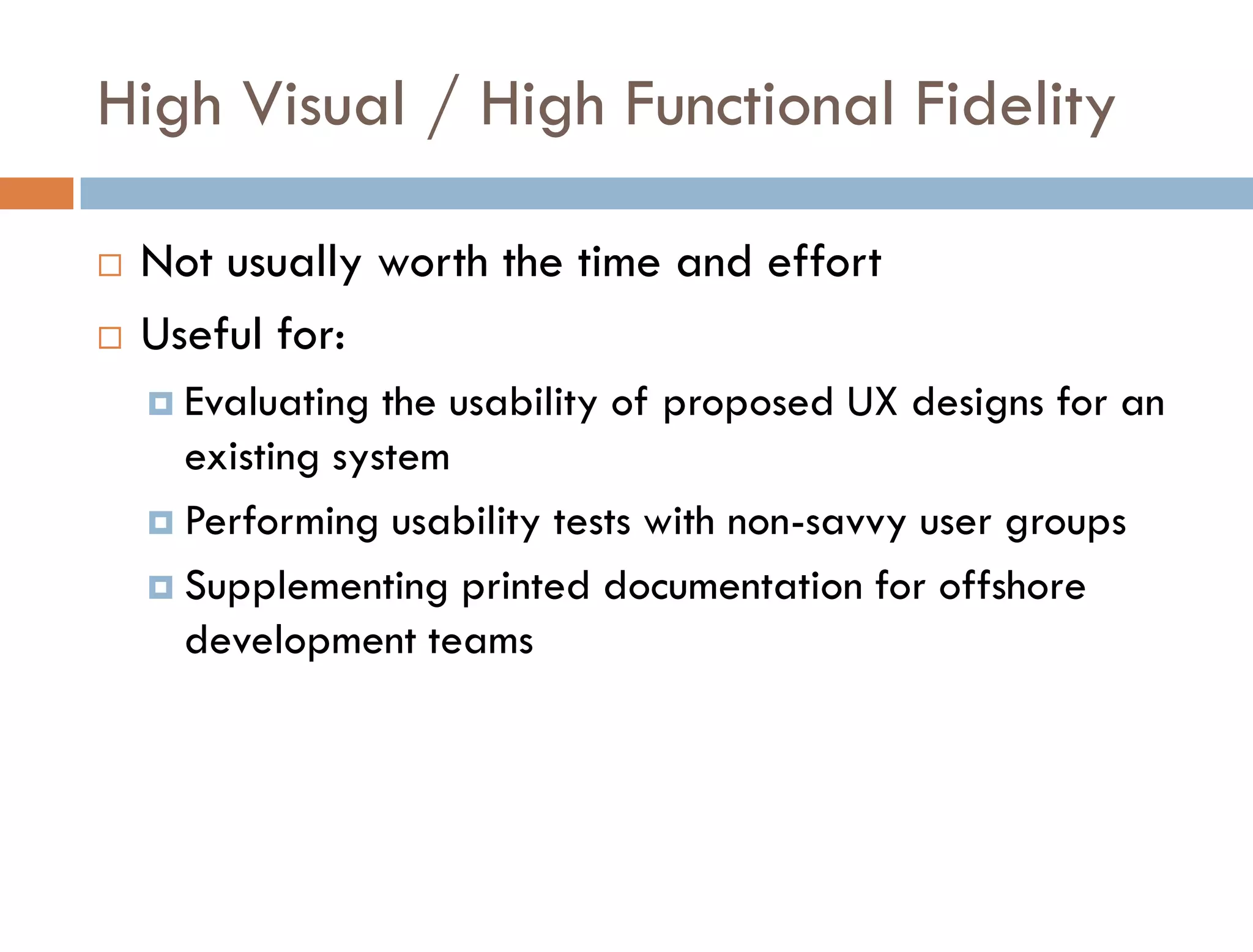
   Not usually worth the time and effort
   Useful for:
     Evaluating  the usability of proposed UX designs for an
      existing system
     Performing usability tests with non-savvy user groups

     Supplementing printed documentation for offshore
      development teams
Prototyping tools
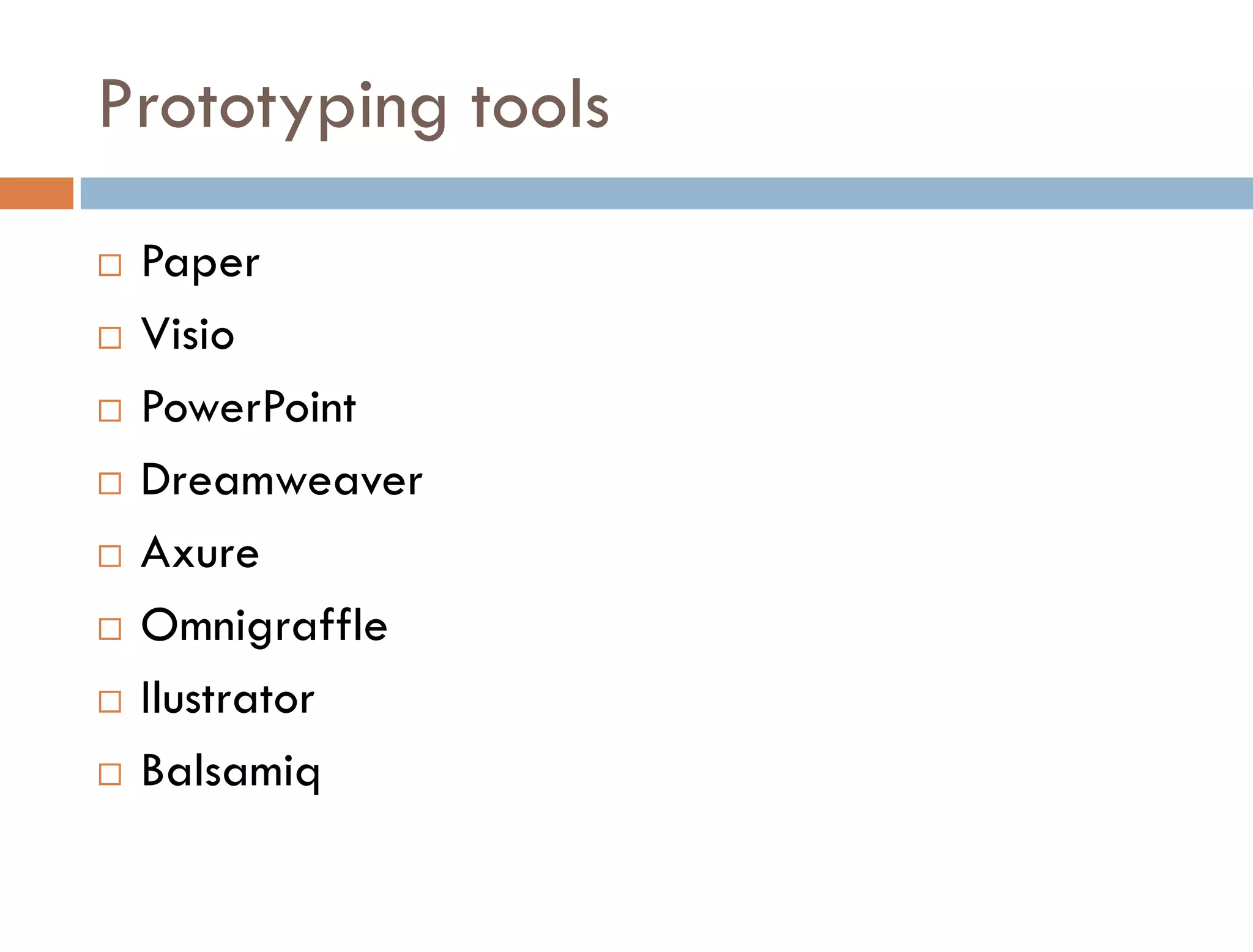
   Paper
   Visio
   PowerPoint
   Dreamweaver
   Axure
   Omnigraffle
   Ilustrator
   Balsamiq
Usability testing
How to test?
Test planning
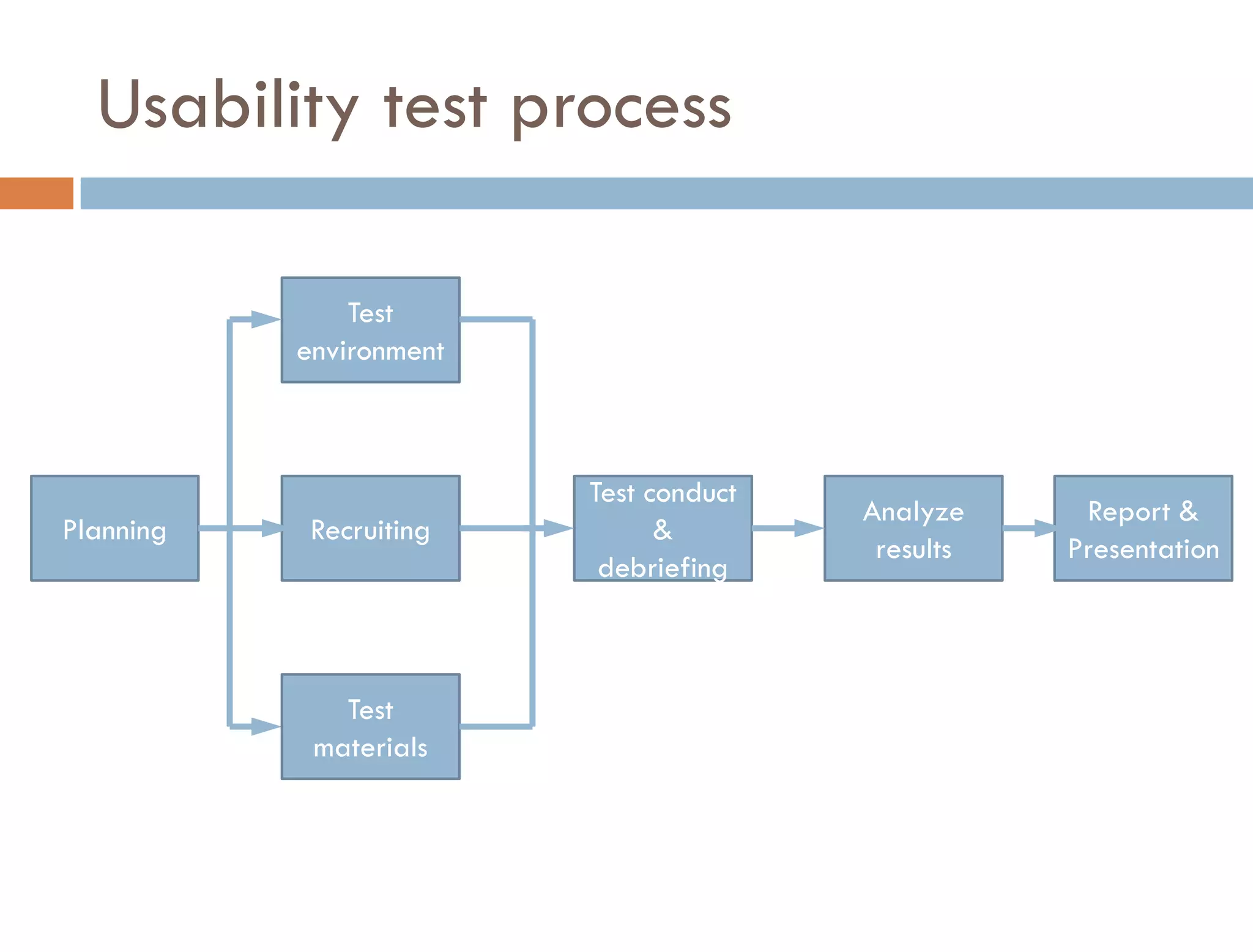
Usability test process

               Test
           environment


                         Test conduct
                                        Analyze     Report &
Planning    Recruiting         &
                                         results   Presentation
                          debriefing


              Test
            materials
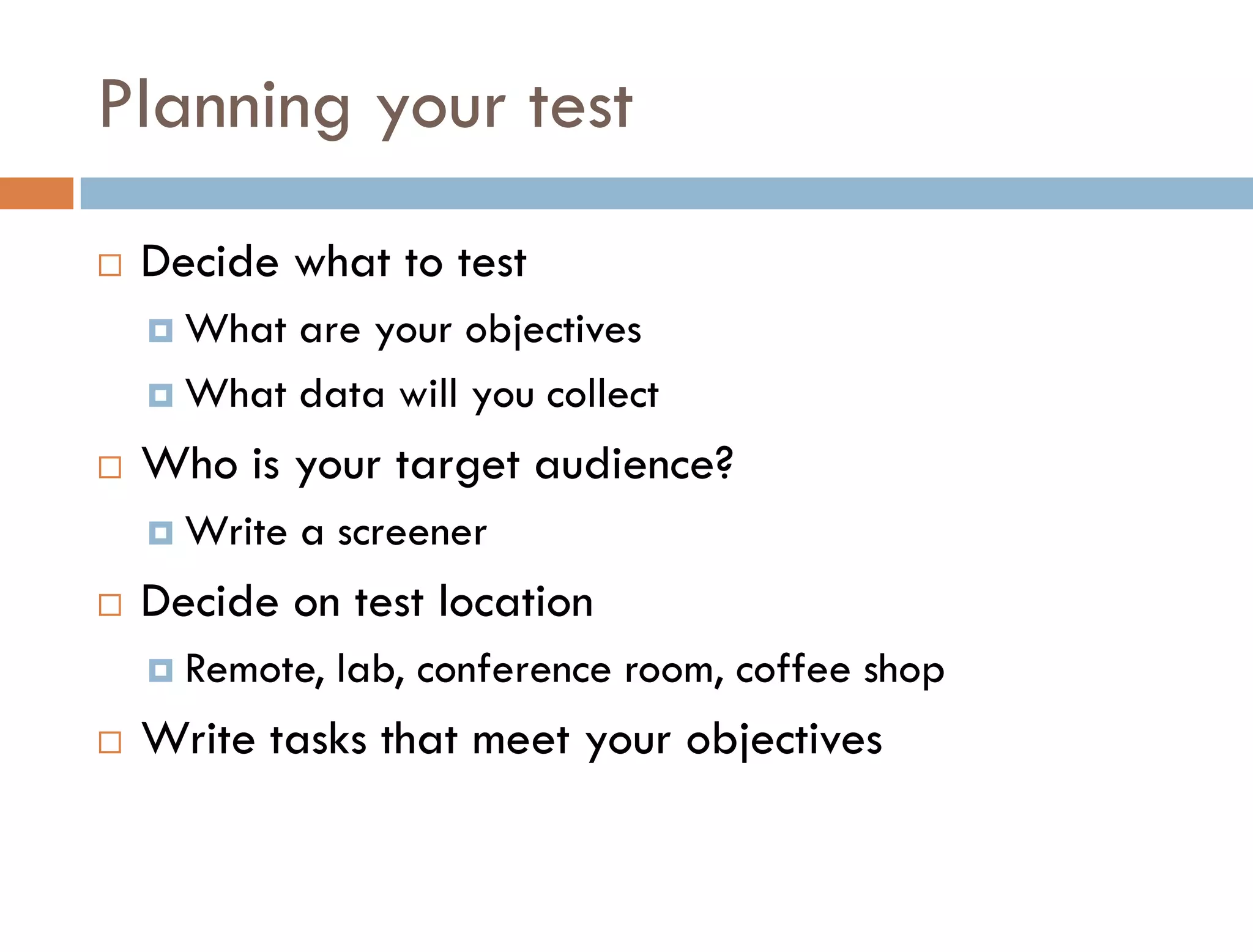
Planning your test
   Decide what to test
     What are your objectives
     What data will you collect

   Who is your target audience?
     Write   a screener
   Decide on test location
     Remote,   lab, conference room, coffee shop
   Write tasks that meet your objectives
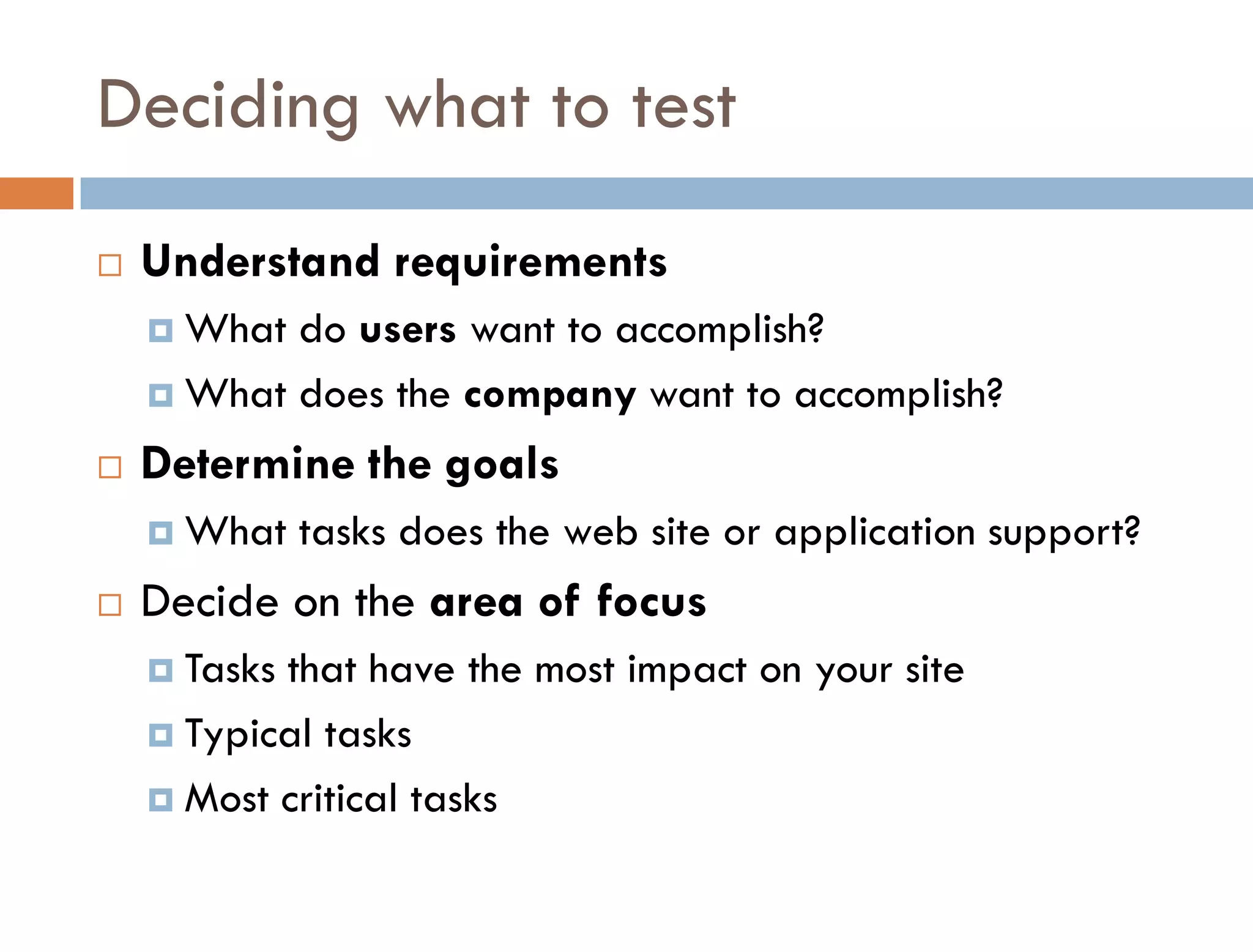
Deciding what to test
   Understand requirements
     What do users want to accomplish?
     What does the company want to accomplish?

   Determine the goals
     What    tasks does the web site or application support?
   Decide on the area of focus
     Tasksthat have the most impact on your site
     Typical tasks

     Most critical tasks
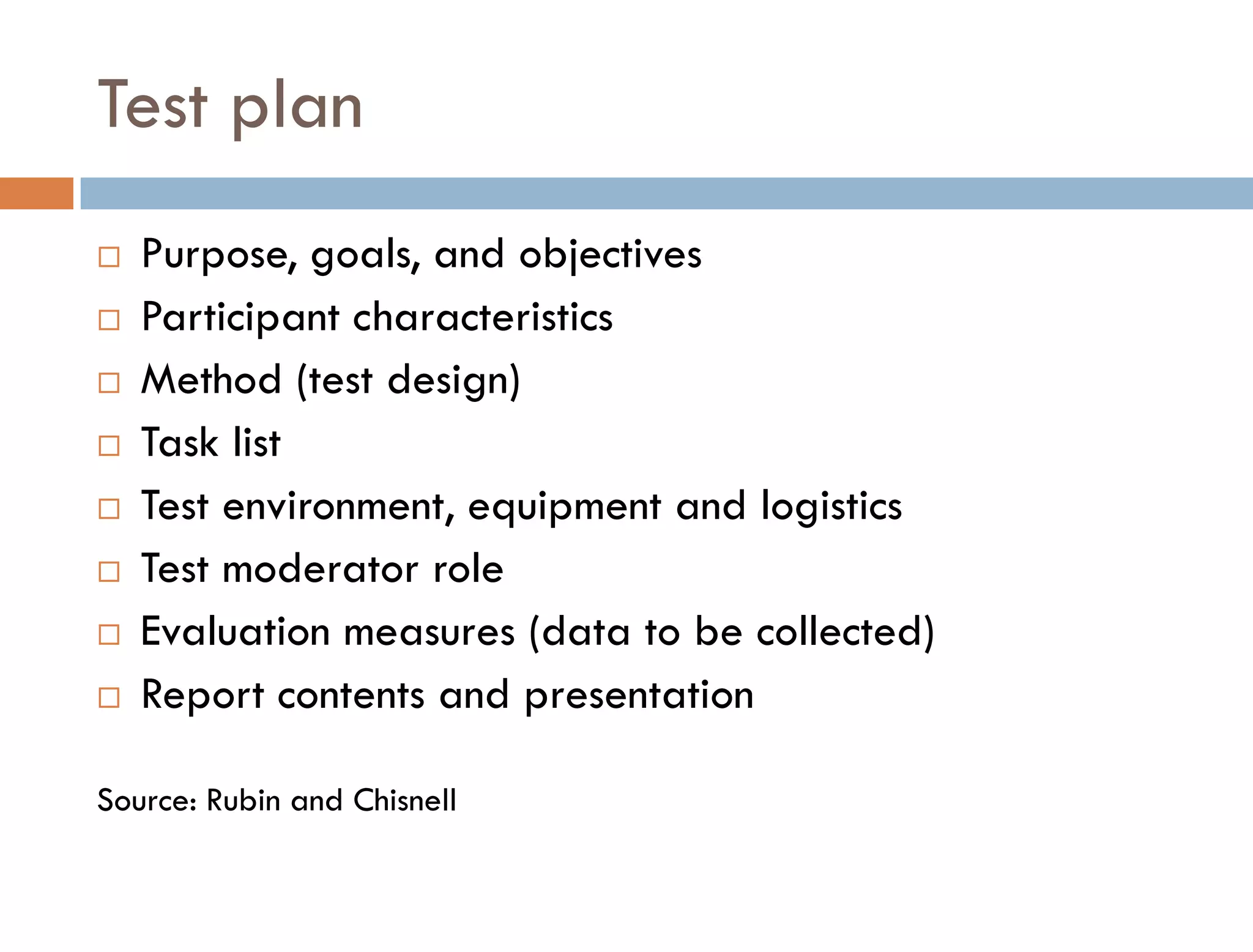
Test plan
   Purpose, goals, and objectives
   Participant characteristics
   Method (test design)
   Task list
   Test environment, equipment and logistics
   Test moderator role
   Evaluation measures (data to be collected)
   Report contents and presentation

Source: Rubin and Chisnell
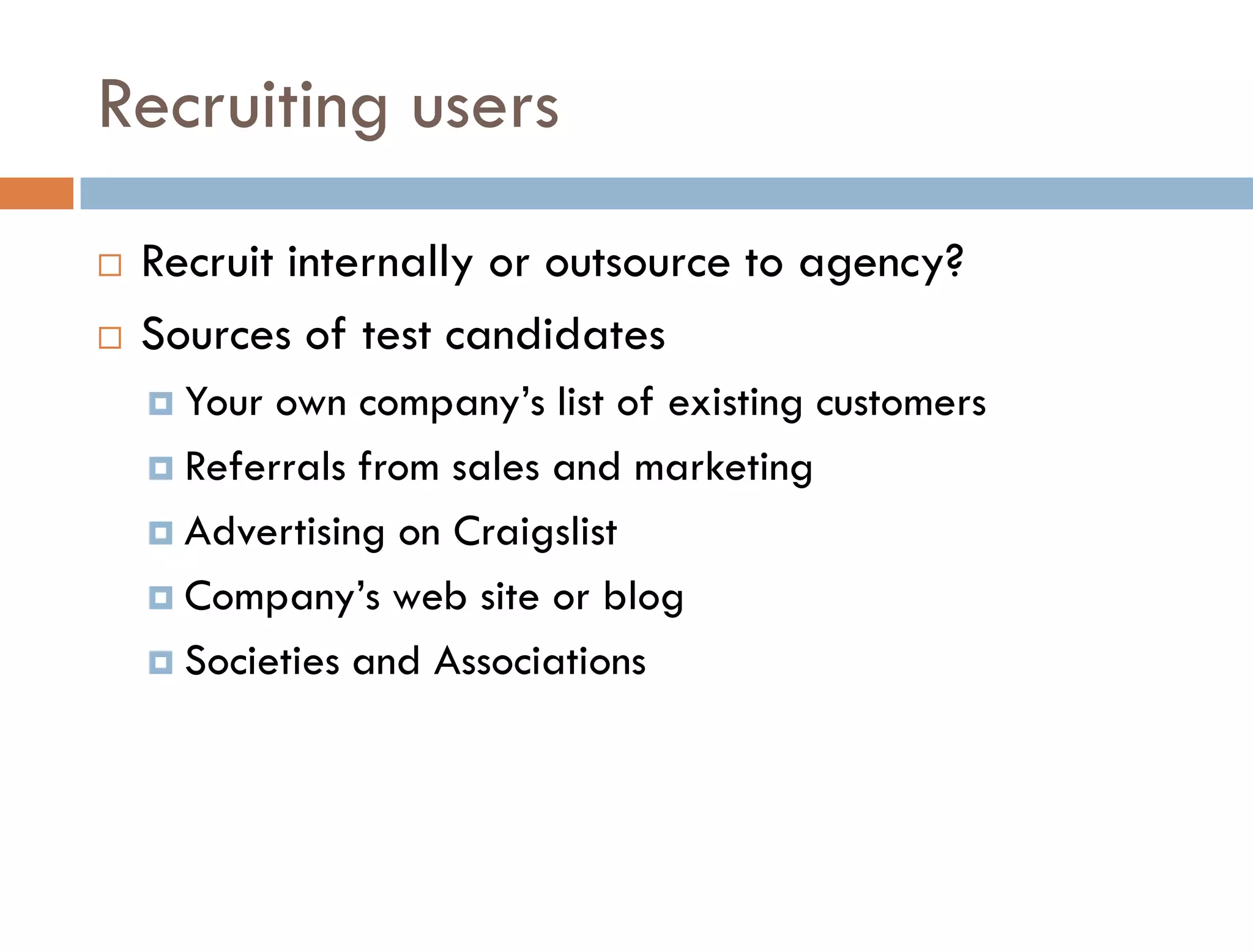
Recruiting users
   Recruit internally or outsource to agency?
   Sources of test candidates
     Your own company’s list of existing customers
     Referrals from sales and marketing

     Advertising on Craigslist

     Company’s web site or blog

     Societies and Associations
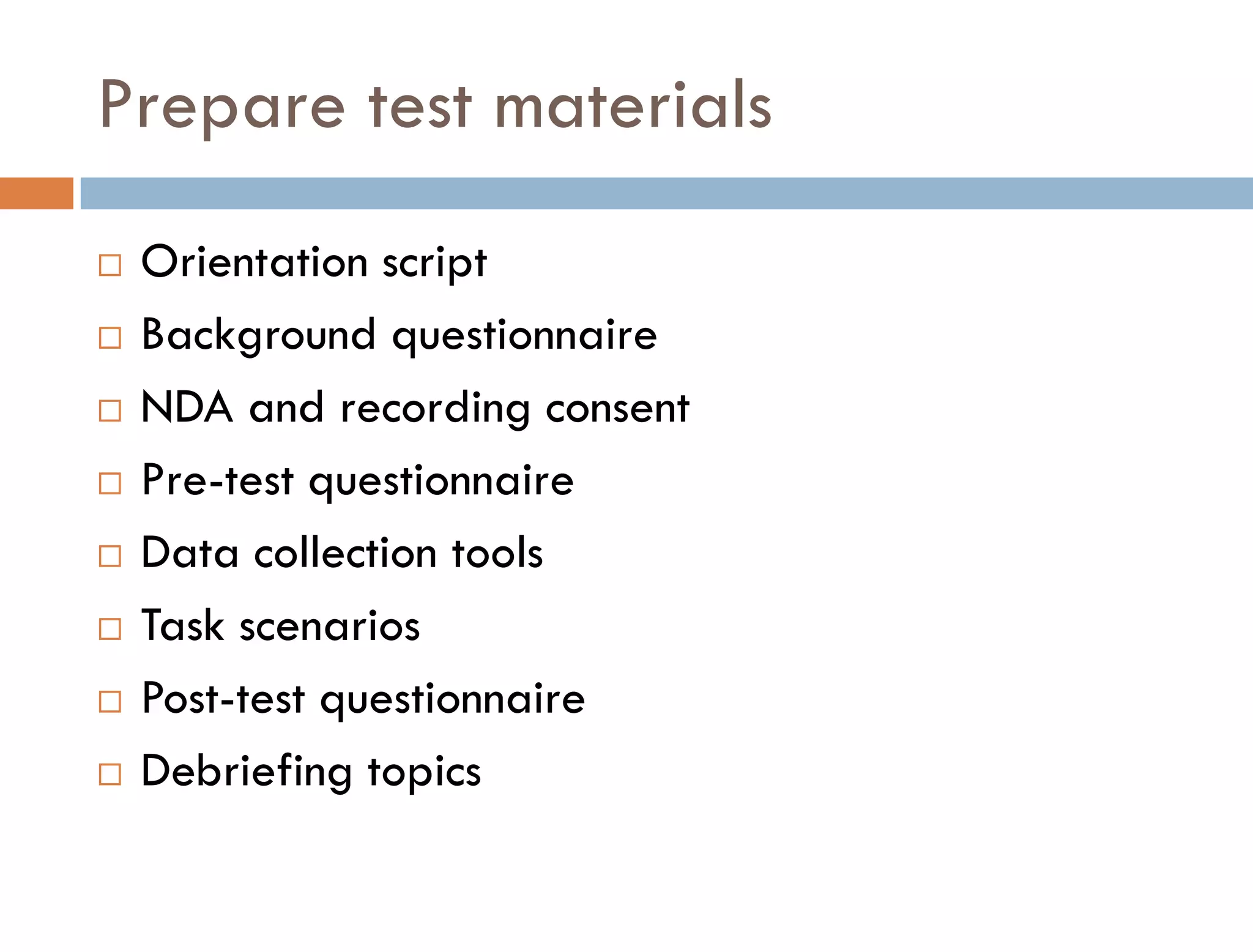
Prepare test materials
   Orientation script
   Background questionnaire
   NDA and recording consent
   Pre-test questionnaire
   Data collection tools
   Task scenarios
   Post-test questionnaire
   Debriefing topics
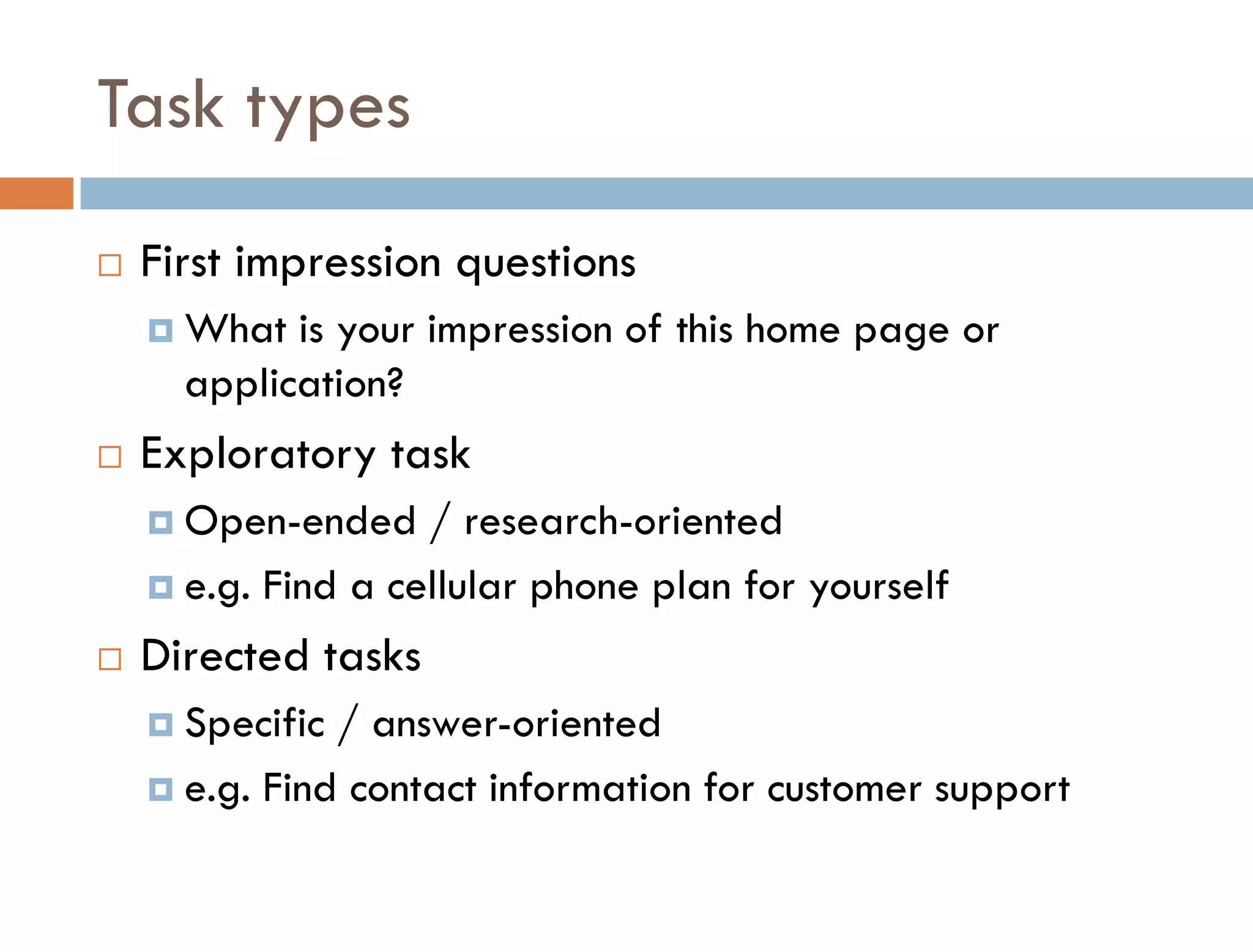
Task types
   First impression questions
     What  is your impression of this home page or
      application?
   Exploratory task
     Open-ended    / research-oriented
     e.g. Find a cellular phone plan for yourself

   Directed tasks
     Specific / answer-oriented
     e.g. Find contact information for customer support
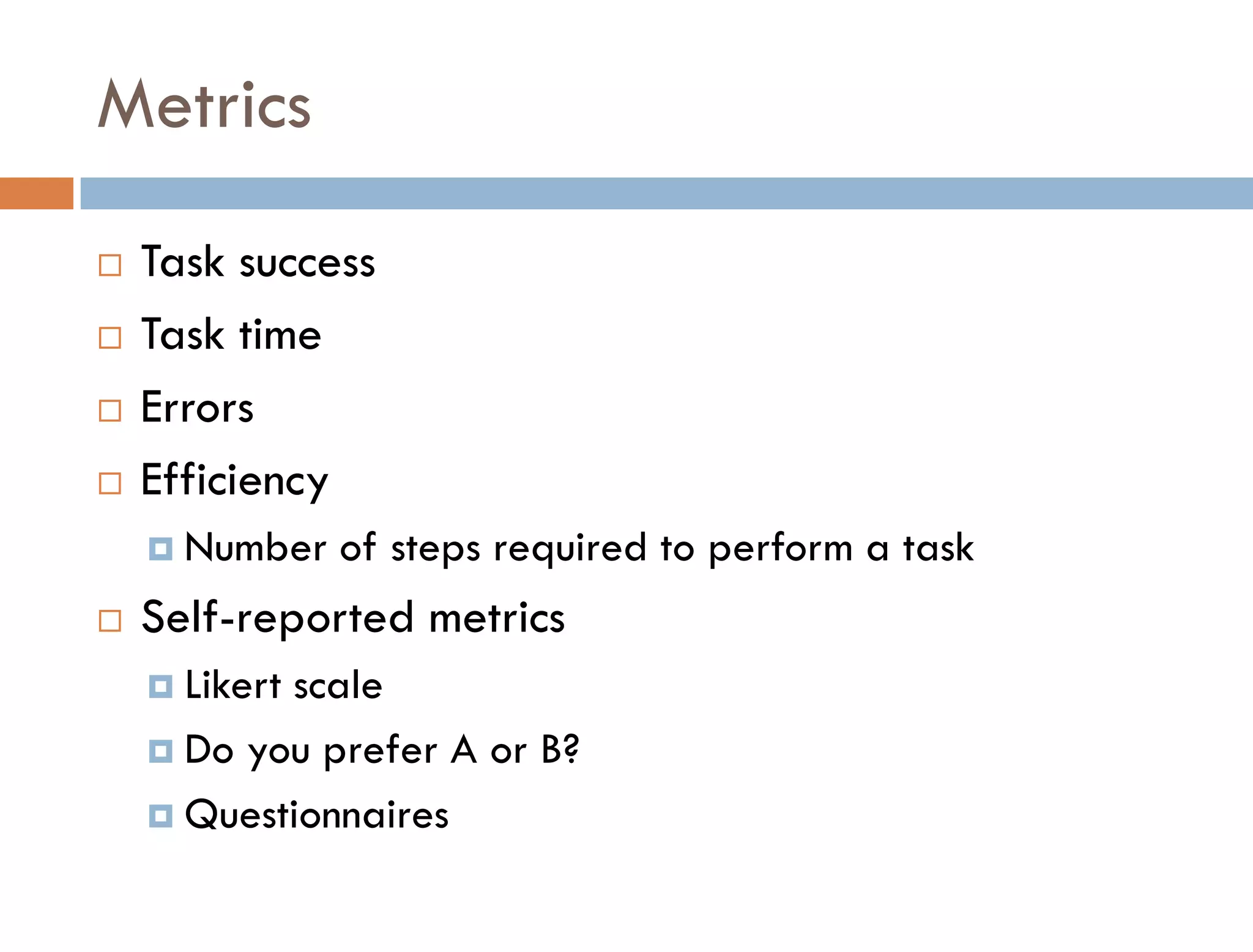
Metrics
   Task success
   Task time
   Errors
   Efficiency
     Number   of steps required to perform a task
   Self-reported metrics
     Likert
           scale
     Do you prefer A or B?

     Questionnaires
Prepare the prototype
   Freeze code one week prior to test
   Run through the scenarios
   Dry run prior to test week
Conducting a Test
Test moderator conduct
   Put the participants at ease
   Give participants time to work through hindrances
   Offer appropriate encouragement
   Ask non-leading questions
   Observe user behavior
   Listen to user feedback
   Facilitator stays quiet, observes, take notes
   Test one user at a time
   Mainly qualitative
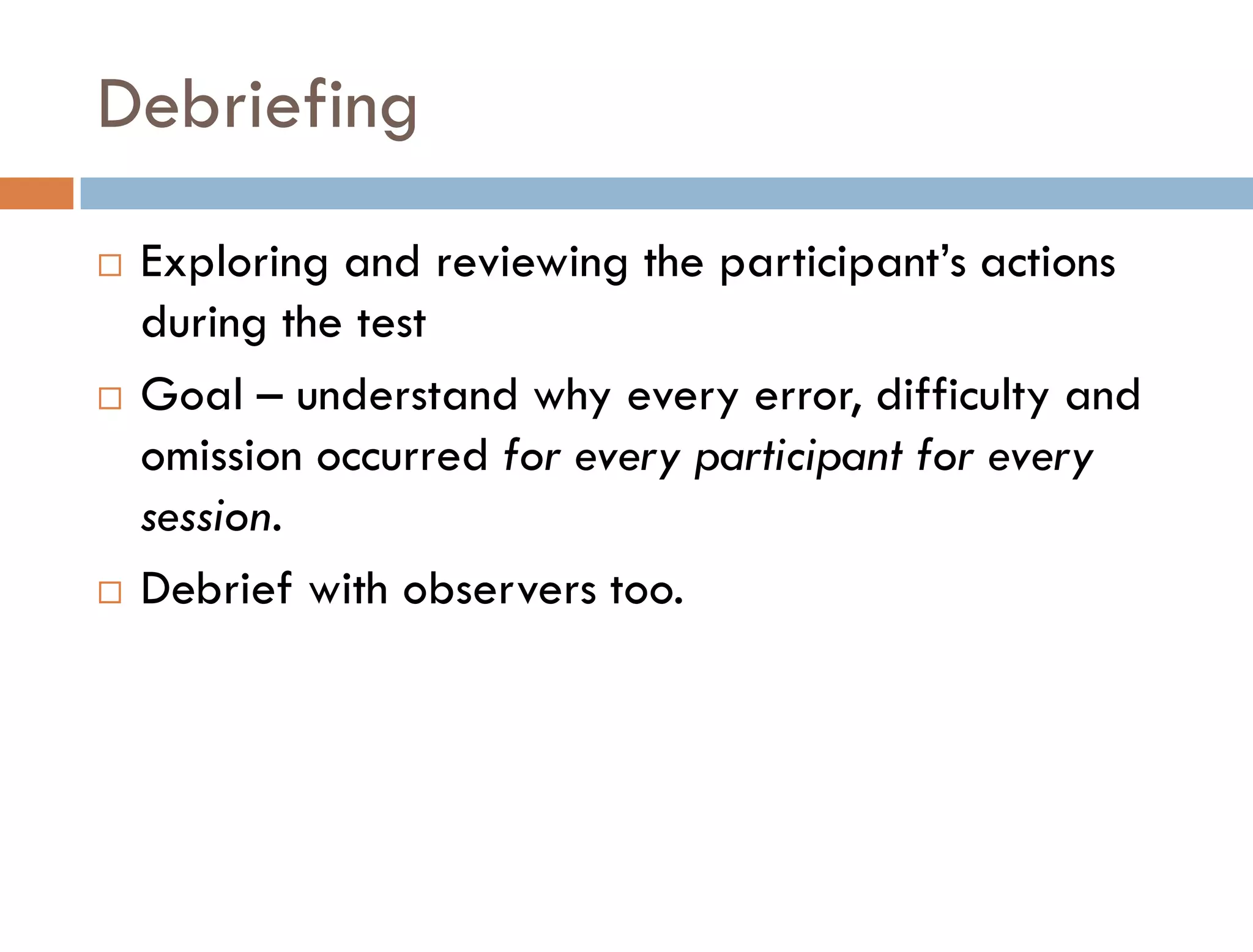
Debriefing
   Exploring and reviewing the participant’s actions
    during the test
   Goal – understand why every error, difficulty and
    omission occurred for every participant for every
    session.
   Debrief with observers too.
Analyze and present
Analyze results
Present
Contact information
If you have any questions regarding this presentation or usability
   testing, please feel free to contact me.


     linkedin.com/in/elizabethsnowdon
     @elizSnowdon
   Email: eliz.snowdon@gmail.com
   Web: elizabethsnowdon.ca
References
   Tullis, Albert (2009), Measuring the User Experience .
   Rubin, Chisnell (2008), Handbook of Usability Testing.
   Usability.gov http://www.usability.gov/
   Jakob Nielsen http://www.useit.com/
   Usability Professionals Association http://www.upassoc.org/
   Jeff Sauro – Quantitative Usability http://www.measuringusability.com/calc.php
   STC usability site http://www.stcsig.org/usability/
   Warfel, Todd Zaki (2009), Prototyping


   Nielsen, Jakob, and Landauer, Thomas K.: "A mathematical model of the finding of
    usability problems," Proceedings of ACM INTERCHI'93 Conference (Amsterdam, The
    Netherlands, 24-29 April 1993), pp. 206-213.
Q&A
   Thank you for listening.

Prototyping and Usability Testing your designs

  • 1.
    PROTOTYPING AND USABILITY TESTING ElizabethSnowdon Business / Web Analyst Consultant specializing in User Centred Design eliz.snowdon@gmail.com
  • 2.
    About me  Senior Business / Web Analyst Consultant  Specialization in User Centred Design  Over 12 years experience in high-technology companies leading software implementations, usability testing and web site design projects  Conducting usability tests since 2003  Clients/projects include:  Sage  PMC-Sierra  Vancity  Royal Bank of Canada
  • 3.
    Key takeaways  Benefits of usability testing  When in the software development lifecycle to apply usability testing  Prototyping to test design concepts  Learn the fundamentals of usability testing
  • 4.
    What is usability?  ISO 9241-11  “the extent to which a product can be used by specified users to achieve specified goals with effectiveness, efficiency, and satisfaction in a specified context of use.”  Usability Professionals Association  Isan approach that incorporates direct user feedback throughout the development cycle in order to reduce costs and create products and tools that meet user needs
  • 5.
    What is usability?  Steve Krug, author of Don’t Make Me Think  “..makingsure that something works well: that a person of average (or even below average) ability and experience can use the thing --- for it’s intended purpose without getting hopelessly frustrated”
  • 6.
    Commonality of usabilitydefinitions  A user is involved  That user is doing something  That user is doing something with a product, system, or other thing.  Tullis and Albert
  • 7.
    User Centered Design  Focus on users’ needs, tasks, and goals  Invest in initial research and requirements  Identify your target audience and observe them  Let users define product requirements  Iterative design process  Observe real target users using the system
  • 8.
  • 9.
    What is usabilitytesting?  is a technique used to evaluate a product by testing it on representative users.  test users will try to complete typical tasks while observers watch, listen and takes notes.
  • 10.
    Can usability bemeasured?  Using usability metrics  Most common metrics:  Effectiveness – being able to complete a task  Efficiency – amount of effort required to complete a task  Satisfaction – degree to which the user is happy with his/her experience
  • 11.
    5 E’s ofusability  Effective: How completely and accurately the work or experience is completed or goals reached  Efficient: How quickly this work can be completed  Engaging: How pleasant and satisfying it is to use  Error Tolerant: How well the product prevents errors and can help the user recover from mistakes  Easy to Learn: How well the product supports both the initial and continued learning
  • 12.
    When to usabilitytest Usability testing throughout the product lifecycle - Rubin and Chisnell
  • 13.
    Agile / UsabilityTesting process Source: The Ladders
  • 14.
  • 15.
  • 16.
    Informing design  Identify and rectify usability deficiencies prior to product release  Intent to create products that:  Are useful to and valued by target audience  Are easy to learn  Help people to be efficient and effective  Are satisfying (delightful) to use
  • 17.
    Eliminating design problemsand frustration  Expectation that products are high quality and easy to use  Demonstrate that goals and priorities of customer are important  Release a product that customers find useful, effective, efficient and satisfying
  • 18.
    Improving profitability  Creating a historical record of usability benchmarks for future releases  Minimizing the cost of service and support calls  Increasing sales and the probability of repeat sales  Acquiring a competitive edge  Minimizing the risk
  • 19.
  • 20.
    Follow the principles DavidTravis,  “Many usability tests are worthless. Mar 7, 2011 Researchers recruit the wrong kind of participants, test the wrong kind of tasks, put too much weight on people's opinions, and expect participants to generate design solutions.”
  • 21.
    Test participants  Participant’s background and abilities should be representative of your product’s intended user  user profile – person with the relevant behaviour, skills, and knowledge who will use your product.
  • 22.
    Visualize the testparticipant  We want to find out where in the process of creating an expense report employees meet obstacles to completing and submitting their reports [the test objective]. The user of our employee expense reporting system travels about four times a year, attends one conference per year and creates about ten different reports a year. He or she is comfortable using computers and likes the ability to submit reports remotely.
  • 23.
    How many usersto test? Source: Jakob Nielsen  6-8 users per test or 5 users spread over multiple tests  little ROI in testing more than 9 users
  • 24.
    Quantitative tests –test 20 users Experts recommend that you test at least 20 users for quantitative studies. Source: Jakob Nielsen
  • 25.
  • 26.
    Testing locations  Lab  Office  bar, café  remote testing
  • 27.
  • 28.
    Testing in aconference room
  • 29.
  • 30.
    Remote testing requirements  Moderator / Note-taker  Screen sharing: WebEx or web conferencing tool  Recording: Morae, Camtasia  Speakerphone  Participant  High speed internet access  Speakerphone or headset telephone  for more info, go to Remote Testing Presentation http://bit.ly/7RYwSO
  • 31.
  • 32.
    Benefits of prototyping  Prototyping is generative.  Communicates using show and tell  Reduces misinterpretation  saves time, effort and money  creates a feedback loop, which ultimately reduces risk
  • 33.
  • 34.
    Appropriate Fidelity  “There is no such thing as high or low fidelity, only appropriate fidelity.” Bill Buxton  Depends on  where you are in the product development cycle  your goals and your audience
  • 35.
    Sketch / Mock-up/ Final Prototype
  • 36.
    Low Visual andLow Functional Fidelity  can be made swiftly, changed without repercussion, and still help visualize a concept.  answering large structural questions:  Does the system have all the features required to support the user’s goals?  Does the workflow make sense at a high level?  Which UX concept works best?  Coming to consensus on a UX concept with stakeholders
  • 37.
  • 38.
    Low Visual andHigh Functional Fidelity  interactive, HTML interactive wireframes  Evaluating the usability of proposed designs for new systems  Exploring isolated interactions as a proof-of-concept  Validating UX design direction with stakeholders  Validating the implementation of requirements with stakeholders  Supplementing printed documentation for development teams  Performing remote testing
  • 39.
    High Visual /High Functional Fidelity  Not usually worth the time and effort  Useful for:  Evaluating the usability of proposed UX designs for an existing system  Performing usability tests with non-savvy user groups  Supplementing printed documentation for offshore development teams
  • 40.
    Prototyping tools  Paper  Visio  PowerPoint  Dreamweaver  Axure  Omnigraffle  Ilustrator  Balsamiq
  • 41.
    Usability testing How totest? Test planning
  • 42.
    Usability test process Test environment Test conduct Analyze Report & Planning Recruiting & results Presentation debriefing Test materials
  • 43.
    Planning your test  Decide what to test  What are your objectives  What data will you collect  Who is your target audience?  Write a screener  Decide on test location  Remote, lab, conference room, coffee shop  Write tasks that meet your objectives
  • 44.
    Deciding what totest  Understand requirements  What do users want to accomplish?  What does the company want to accomplish?  Determine the goals  What tasks does the web site or application support?  Decide on the area of focus  Tasksthat have the most impact on your site  Typical tasks  Most critical tasks
  • 45.
    Test plan  Purpose, goals, and objectives  Participant characteristics  Method (test design)  Task list  Test environment, equipment and logistics  Test moderator role  Evaluation measures (data to be collected)  Report contents and presentation Source: Rubin and Chisnell
  • 46.
    Recruiting users  Recruit internally or outsource to agency?  Sources of test candidates  Your own company’s list of existing customers  Referrals from sales and marketing  Advertising on Craigslist  Company’s web site or blog  Societies and Associations
  • 47.
    Prepare test materials  Orientation script  Background questionnaire  NDA and recording consent  Pre-test questionnaire  Data collection tools  Task scenarios  Post-test questionnaire  Debriefing topics
  • 48.
    Task types  First impression questions  What is your impression of this home page or application?  Exploratory task  Open-ended / research-oriented  e.g. Find a cellular phone plan for yourself  Directed tasks  Specific / answer-oriented  e.g. Find contact information for customer support
  • 49.
    Metrics  Task success  Task time  Errors  Efficiency  Number of steps required to perform a task  Self-reported metrics  Likert scale  Do you prefer A or B?  Questionnaires
  • 50.
    Prepare the prototype  Freeze code one week prior to test  Run through the scenarios  Dry run prior to test week
  • 51.
  • 52.
    Test moderator conduct  Put the participants at ease  Give participants time to work through hindrances  Offer appropriate encouragement  Ask non-leading questions
  • 53.
    Observe user behavior  Listen to user feedback  Facilitator stays quiet, observes, take notes  Test one user at a time  Mainly qualitative
  • 54.
    Debriefing  Exploring and reviewing the participant’s actions during the test  Goal – understand why every error, difficulty and omission occurred for every participant for every session.  Debrief with observers too.
  • 55.
  • 56.
    Contact information If youhave any questions regarding this presentation or usability testing, please feel free to contact me.  linkedin.com/in/elizabethsnowdon  @elizSnowdon  Email: eliz.snowdon@gmail.com  Web: elizabethsnowdon.ca
  • 57.
    References  Tullis, Albert (2009), Measuring the User Experience .  Rubin, Chisnell (2008), Handbook of Usability Testing.  Usability.gov http://www.usability.gov/  Jakob Nielsen http://www.useit.com/  Usability Professionals Association http://www.upassoc.org/  Jeff Sauro – Quantitative Usability http://www.measuringusability.com/calc.php  STC usability site http://www.stcsig.org/usability/  Warfel, Todd Zaki (2009), Prototyping  Nielsen, Jakob, and Landauer, Thomas K.: "A mathematical model of the finding of usability problems," Proceedings of ACM INTERCHI'93 Conference (Amsterdam, The Netherlands, 24-29 April 1993), pp. 206-213.
  • 58.
    Q&A  Thank you for listening.