What Every Organization  Should  Log and Monitor: A Checklist? Anton Chuvakin, Ph.D., GCIA, GCIH Security Strategist November 15, 2004
WARNING! This presentation is from 2004. Now in 2008, I might not share all the view expressed in the presentation. It is posted the way it was originally presented in the hopes of being useful for somebody.
Highlights Monitoring and logging overview Log consolidation strategy: which log sources to include first Monitoring and event response strategy Log correlation to automate the monitoring Using logs for forensics and incident response Management and compliance reporting
Definitions Logging Auditing Monitoring Event reporting Log analysis Alerting
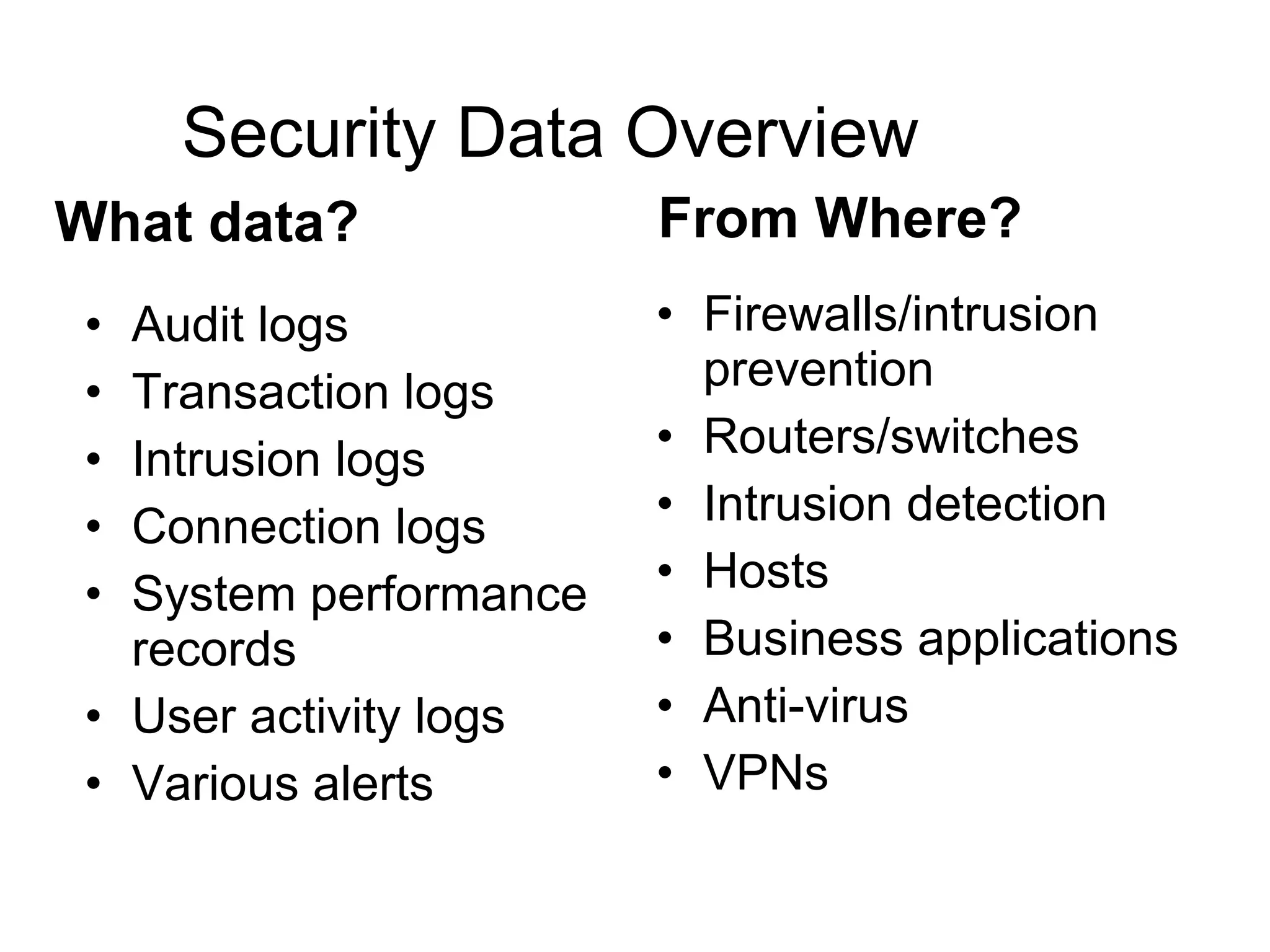
Security Data Overview Audit logs Transaction logs Intrusion logs Connection logs System performance records User activity logs Various alerts Firewalls/intrusion prevention Routers/switches Intrusion detection Hosts Business applications Anti-virus VPNs What data? From Where?
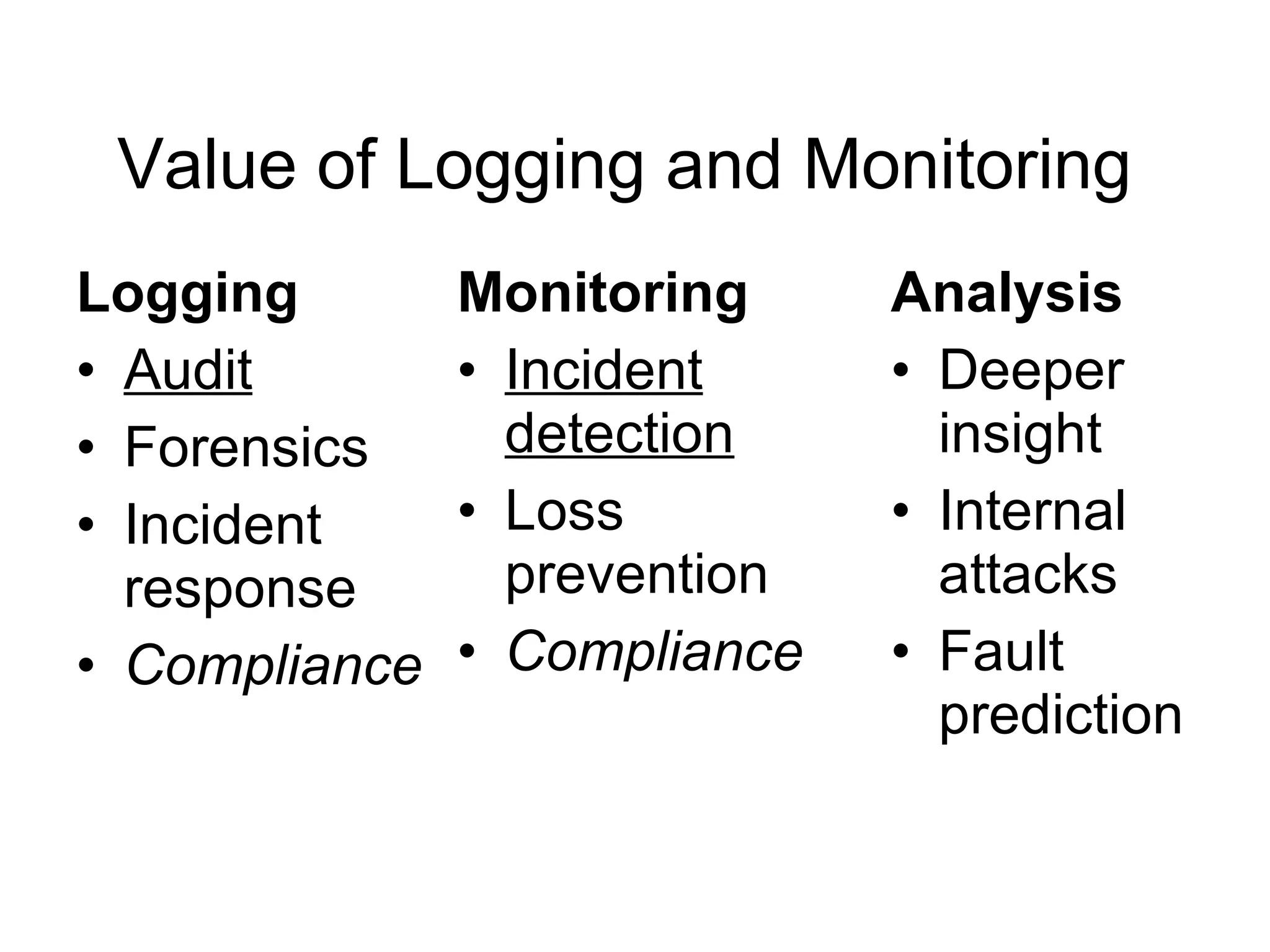
Value of Logging and Monitoring Monitoring   Incident detection Loss prevention Compliance Logging Audit Forensics Incident response Compliance Analysis   Deeper insight  Internal attacks Fault prediction
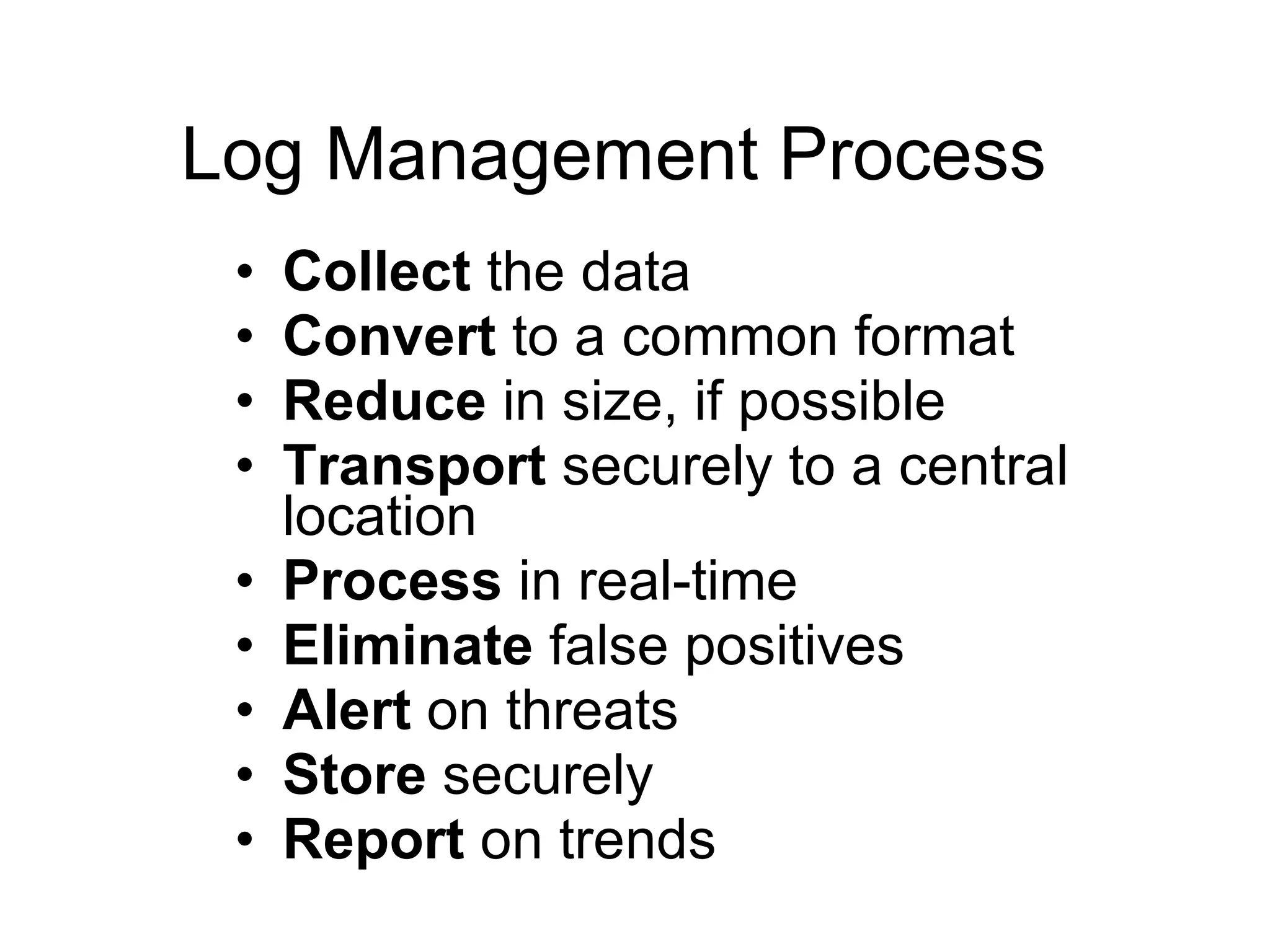
Log Management Process Collect  the data Convert  to a common format Reduce  in size, if possible Transport  securely to a central location Process  in real-time Eliminate  false positives Alert  on threats Store  securely Report  on trends
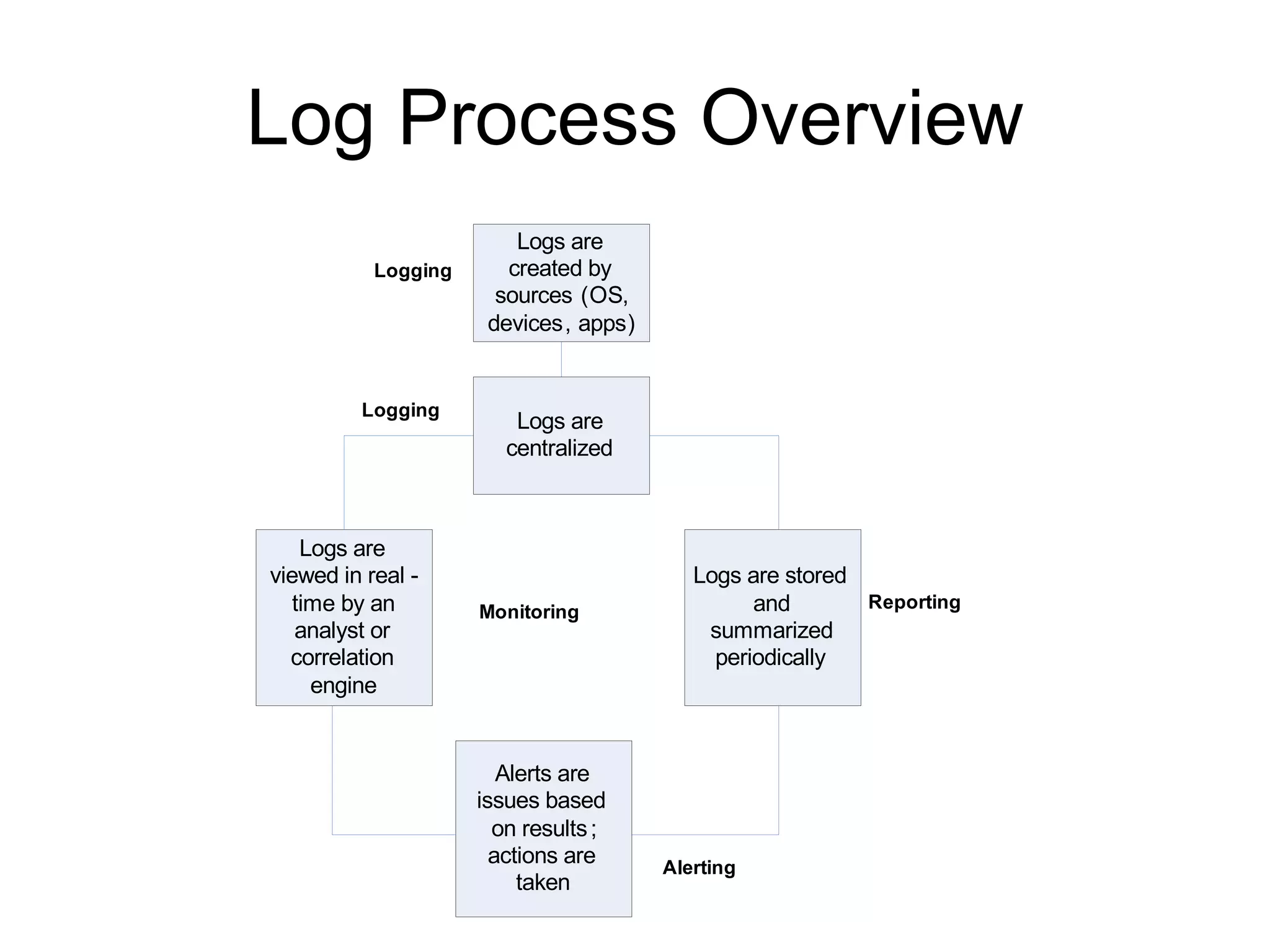
Log Process Overview
Centralize the Logs! Accessibility All audit records in one place Cross-device  searchability  and  analysis Categorization Correlation De-duplication / volume  reduction Reduced  response   time Increase  in the efficiency of existing security point solutions
Retention Time Question I have the answer!     No, not really. Regulations? Unambiguous: PCI – keep’em for  1 year Tiered retention strategy Online Nearline Offline/tape
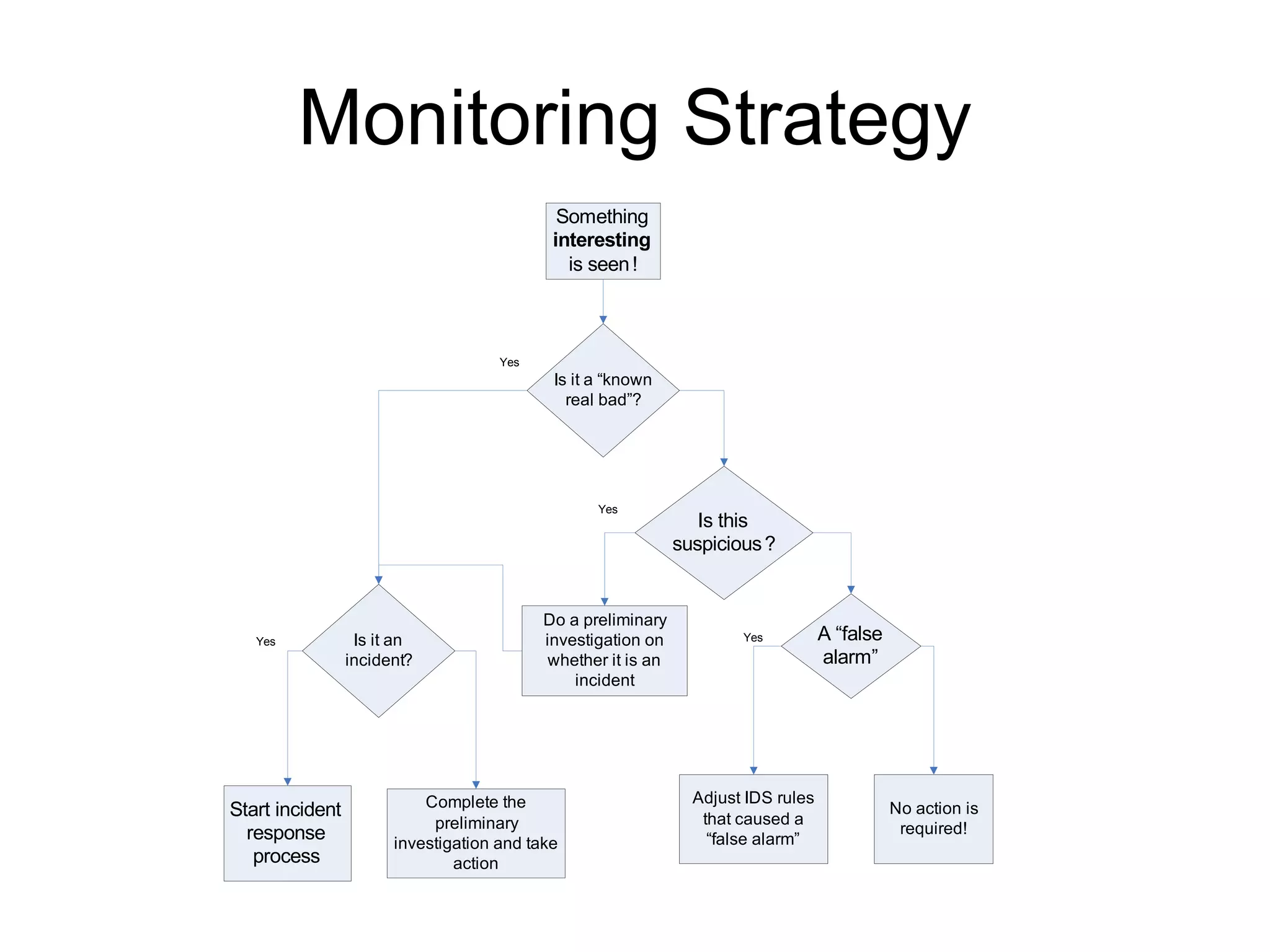
Monitoring or Ignoring Logs? How to plan a response strategy to activate when monitoring? Where to start? How to tune it?
Monitoring Strategy
Setting Up Log Monitoring Program Phased approach Security gear to connect   E.g.: DMZ, then core, then other internal systems Log types to integrate E.g.: IDS (with vulnerability data), then firewalls, then hosts, then others Log management components to deploy E.g.: collection, reporting, correlation, incident management, others Growth of user community E.g.: security team, then IT or auditors
Challenges to Deployment Organization  political  boundaries Inherent in any project involving “integration” Data crossing  network and state boundaries Potentially subject to data privacy law Access to  remote  locations where the data sources are Remote management, but not remote installation Custom  applications Unsupported and undocumented log formats Defined and current  escalation trees  for incidents Who would act on the alert?   How is change management handled?
Timing is everything! Timing requirements for analysis Real-time  fallacy: “we have to have it  when?”   Log  review vs  alert  monitoring: different challenges and different timing
“Real-Time” Tasks Malware  outbreaks Convincing and reliable  intrusion  evidence Serious  internal  network abuse Loss  of  service  on critical assets
Daily Tasks Unauthorized configuration changes Disruption in other services Intrusion evidence Suspicious login failures Minor malware activity Activity summary
Weekly Tasks Review inside and perimeter log trends and activities Account creation/removal Other host and network device changes Less critical attack and probe summary
Monthly Tasks Review long-term network and perimeter trends Minor policy violation summary Incident team performance measurements Security technology performance measurements
“On Incident” Tasks Use SANS six-step  incident workflow Review all relevant logs on a central logging system Collect additional logs, if needed
Reporting Operations Reports for Level 1 personnel Analytic Deep analysis reports Management “ Boss pleasers”  
Logs in Support of Compliance Application  and asset risk  measurement Data collection and storage  to satisfy auditing of controls requirements Support for  security metrics Documented  incident resolution procedures Industry  best-practices  for incident management and reporting Proof of security  due diligence Example regulation include:  HI PAA , SOX, GLBA,…
Logs for Forensics What? You think  this  is evidence?  Bua-ha-ha-ha   “ Computer Records and the Federal Rules of Evidence “ “ First , parties may  challenge the authenticity  of both computer-generated and computer-stored records by questioning whether the records were altered, manipulated, or damaged after they were created.  Second , parties may question the authenticity of computer-generated records by  challenging the reliability  of the computer program that generated the records.  Third , parties may challenge the authenticity of computer-stored records by  questioning the identity  of their author.”
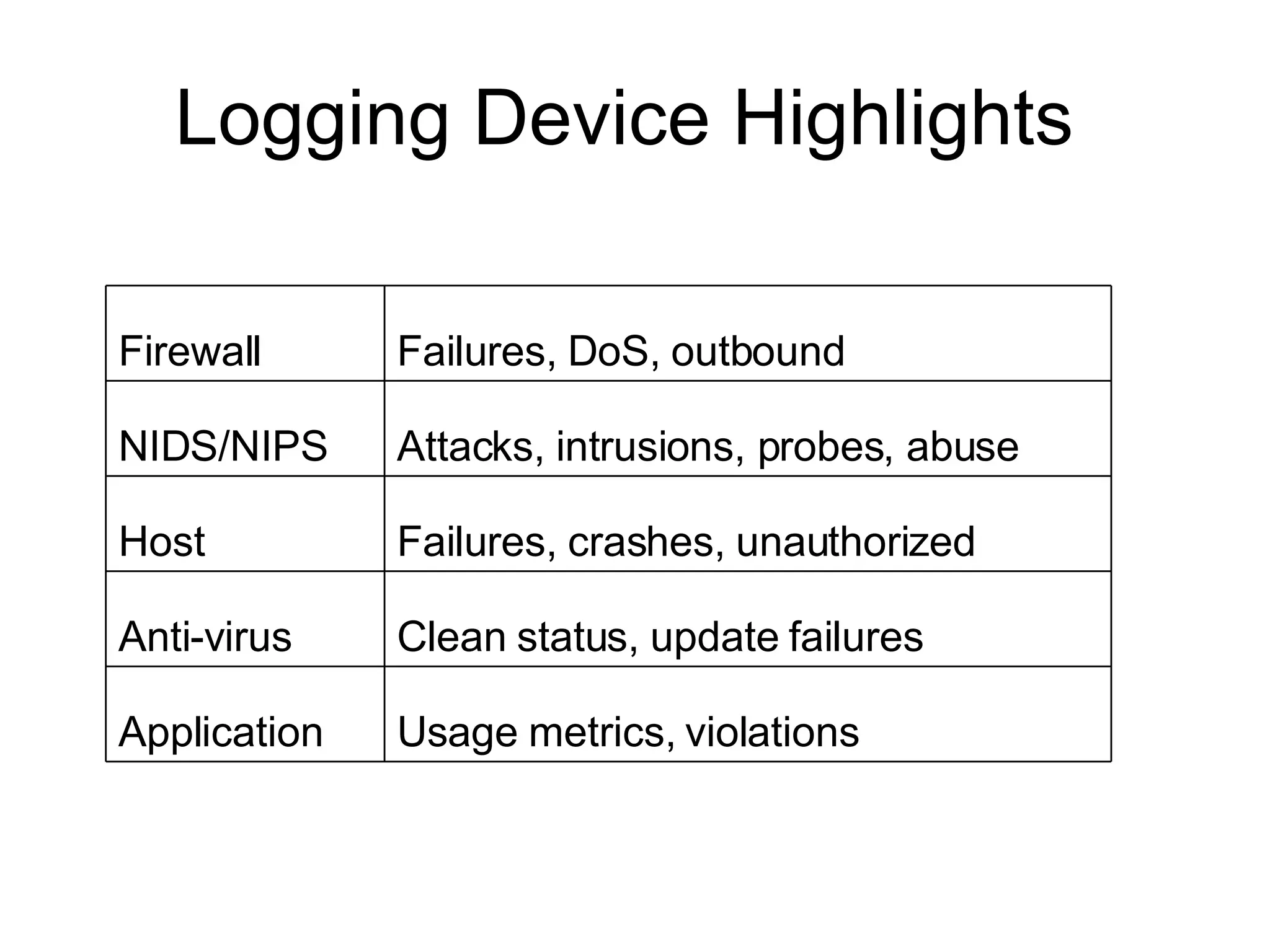
Logging Device Highlights  Usage metrics, violations Application Clean status, update failures Anti-virus Failures, crashes, unauthorized Host Attacks, intrusions, probes, abuse NIDS/NIPS Failures, DoS, outbound Firewall
Example: OS Account/group changes Account logins Changes in permissions for critical files/directories Shutdowns Patches/hotfixes Elevated privileges
Example: NIDS and NIPS Intrusion attempts Probes Admin privilege abuse Miscellaneous network anomalies AUP violations
Exception vs Audit? Should I log “normal stuff”? Firewall deny vs allow Resource access Alert vs log  question
Summary Extensive logging is a  must !  You now have some hints on what you should log and how to plan Monitoring helps extract  more  value from logs And its huge! Logging helps with  compliance  and  forensics It might even be mandated and …
Q&A? More information? Anton Chuvakin, Ph.D., GCIA, GCIH, GCFA anton@chuvakin.org  Security Strategist Author of “Security Warrior” (O’Reilly 2004) –  www.securitywarrior.org   My book on logs is coming soon! See  www.info-secure.org  for my papers, books, reviews and other security resources related to logs

What Every Organization Should Log And Monitor

  • 1.
    What Every Organization Should Log and Monitor: A Checklist? Anton Chuvakin, Ph.D., GCIA, GCIH Security Strategist November 15, 2004
  • 2.
    WARNING! This presentationis from 2004. Now in 2008, I might not share all the view expressed in the presentation. It is posted the way it was originally presented in the hopes of being useful for somebody.
  • 3.
    Highlights Monitoring andlogging overview Log consolidation strategy: which log sources to include first Monitoring and event response strategy Log correlation to automate the monitoring Using logs for forensics and incident response Management and compliance reporting
  • 4.
    Definitions Logging AuditingMonitoring Event reporting Log analysis Alerting
  • 5.
    Security Data OverviewAudit logs Transaction logs Intrusion logs Connection logs System performance records User activity logs Various alerts Firewalls/intrusion prevention Routers/switches Intrusion detection Hosts Business applications Anti-virus VPNs What data? From Where?
  • 6.
    Value of Loggingand Monitoring Monitoring Incident detection Loss prevention Compliance Logging Audit Forensics Incident response Compliance Analysis Deeper insight Internal attacks Fault prediction
  • 7.
    Log Management ProcessCollect the data Convert to a common format Reduce in size, if possible Transport securely to a central location Process in real-time Eliminate false positives Alert on threats Store securely Report on trends
  • 8.
  • 9.
    Centralize the Logs!Accessibility All audit records in one place Cross-device searchability and analysis Categorization Correlation De-duplication / volume reduction Reduced response time Increase in the efficiency of existing security point solutions
  • 10.
    Retention Time QuestionI have the answer!  No, not really. Regulations? Unambiguous: PCI – keep’em for 1 year Tiered retention strategy Online Nearline Offline/tape
  • 11.
    Monitoring or IgnoringLogs? How to plan a response strategy to activate when monitoring? Where to start? How to tune it?
  • 12.
  • 13.
    Setting Up LogMonitoring Program Phased approach Security gear to connect E.g.: DMZ, then core, then other internal systems Log types to integrate E.g.: IDS (with vulnerability data), then firewalls, then hosts, then others Log management components to deploy E.g.: collection, reporting, correlation, incident management, others Growth of user community E.g.: security team, then IT or auditors
  • 14.
    Challenges to DeploymentOrganization political boundaries Inherent in any project involving “integration” Data crossing network and state boundaries Potentially subject to data privacy law Access to remote locations where the data sources are Remote management, but not remote installation Custom applications Unsupported and undocumented log formats Defined and current escalation trees for incidents Who would act on the alert? How is change management handled?
  • 15.
    Timing is everything!Timing requirements for analysis Real-time fallacy: “we have to have it when?”  Log review vs alert monitoring: different challenges and different timing
  • 16.
    “Real-Time” Tasks Malware outbreaks Convincing and reliable intrusion evidence Serious internal network abuse Loss of service on critical assets
  • 17.
    Daily Tasks Unauthorizedconfiguration changes Disruption in other services Intrusion evidence Suspicious login failures Minor malware activity Activity summary
  • 18.
    Weekly Tasks Reviewinside and perimeter log trends and activities Account creation/removal Other host and network device changes Less critical attack and probe summary
  • 19.
    Monthly Tasks Reviewlong-term network and perimeter trends Minor policy violation summary Incident team performance measurements Security technology performance measurements
  • 20.
    “On Incident” TasksUse SANS six-step incident workflow Review all relevant logs on a central logging system Collect additional logs, if needed
  • 21.
    Reporting Operations Reportsfor Level 1 personnel Analytic Deep analysis reports Management “ Boss pleasers” 
  • 22.
    Logs in Supportof Compliance Application and asset risk measurement Data collection and storage to satisfy auditing of controls requirements Support for security metrics Documented incident resolution procedures Industry best-practices for incident management and reporting Proof of security due diligence Example regulation include: HI PAA , SOX, GLBA,…
  • 23.
    Logs for ForensicsWhat? You think this is evidence? Bua-ha-ha-ha  “ Computer Records and the Federal Rules of Evidence “ “ First , parties may challenge the authenticity of both computer-generated and computer-stored records by questioning whether the records were altered, manipulated, or damaged after they were created. Second , parties may question the authenticity of computer-generated records by challenging the reliability of the computer program that generated the records. Third , parties may challenge the authenticity of computer-stored records by questioning the identity of their author.”
  • 24.
    Logging Device Highlights Usage metrics, violations Application Clean status, update failures Anti-virus Failures, crashes, unauthorized Host Attacks, intrusions, probes, abuse NIDS/NIPS Failures, DoS, outbound Firewall
  • 25.
    Example: OS Account/groupchanges Account logins Changes in permissions for critical files/directories Shutdowns Patches/hotfixes Elevated privileges
  • 26.
    Example: NIDS andNIPS Intrusion attempts Probes Admin privilege abuse Miscellaneous network anomalies AUP violations
  • 27.
    Exception vs Audit?Should I log “normal stuff”? Firewall deny vs allow Resource access Alert vs log question
  • 28.
    Summary Extensive loggingis a must ! You now have some hints on what you should log and how to plan Monitoring helps extract more value from logs And its huge! Logging helps with compliance and forensics It might even be mandated and …
  • 29.
    Q&A? More information?Anton Chuvakin, Ph.D., GCIA, GCIH, GCFA anton@chuvakin.org Security Strategist Author of “Security Warrior” (O’Reilly 2004) – www.securitywarrior.org My book on logs is coming soon! See www.info-secure.org for my papers, books, reviews and other security resources related to logs

Editor's Notes

  • #2 Note the switch; you log first and monitor second! I am not an auditor – value the security prospective.