Logs for Information Assurance and Forensic Analysis Dr Anton Chuvakin Lecture @ USMA United States Military Academy West Point, NY April 2006
Outline Logs: What and Where From? What People Do with Logs Yes, ignore them too   Log Analysis: Why and How Analysis Methods Log mining, correlation, pattern discovery Forensics Brief  Logs, disk images, “network forensics” Log Forensics Challenges Too much data, too little data Log Case Studies FTP hack Honeynet examples
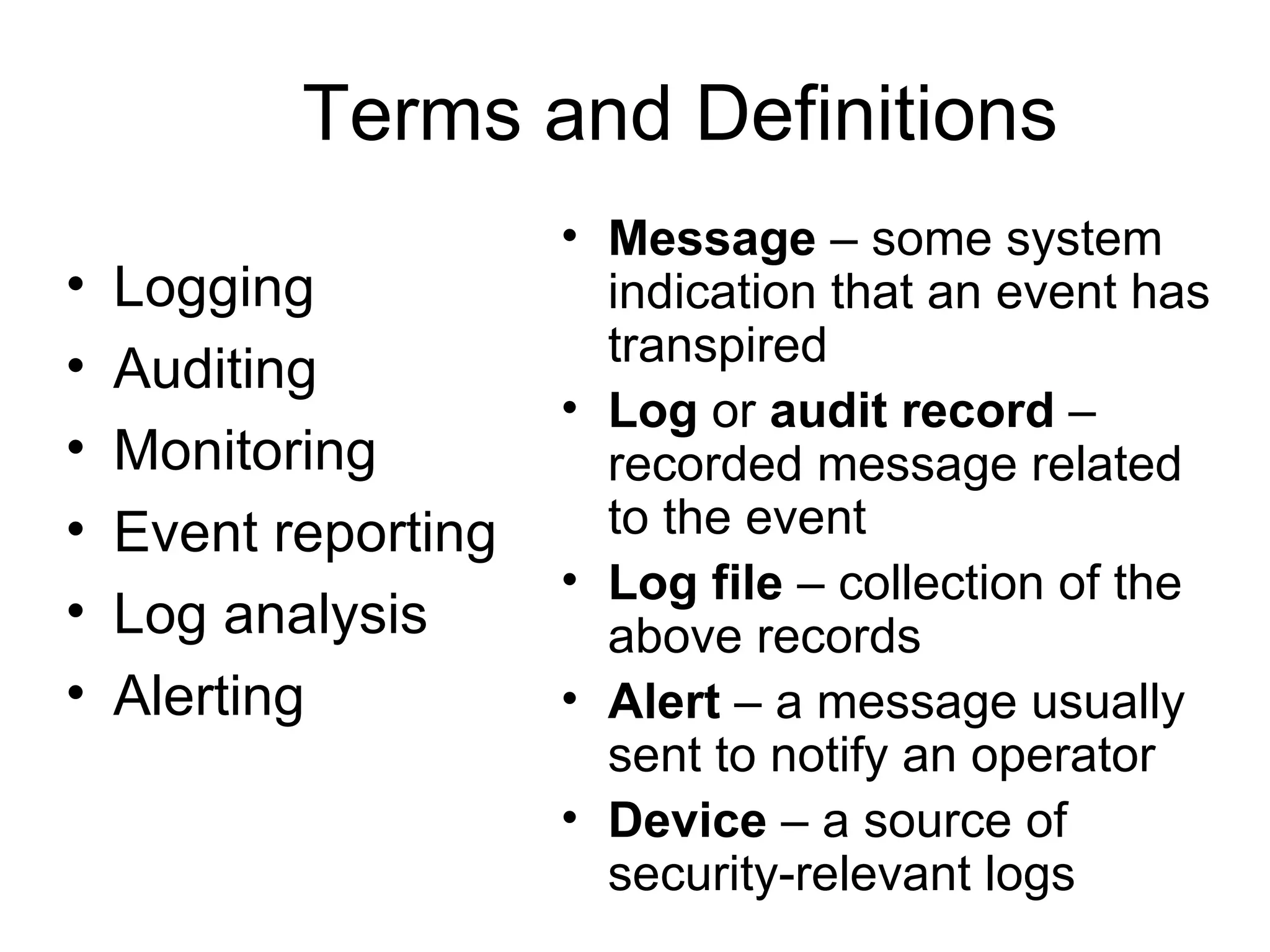
Terms and Definitions Message  – some system indication that an event has transpired Log  or  audit record  – recorded message related to the event Log file  – collection of the above records Alert  – a message usually sent to notify an operator Device  – a source of security-relevant logs Logging Auditing Monitoring Event reporting Log analysis Alerting
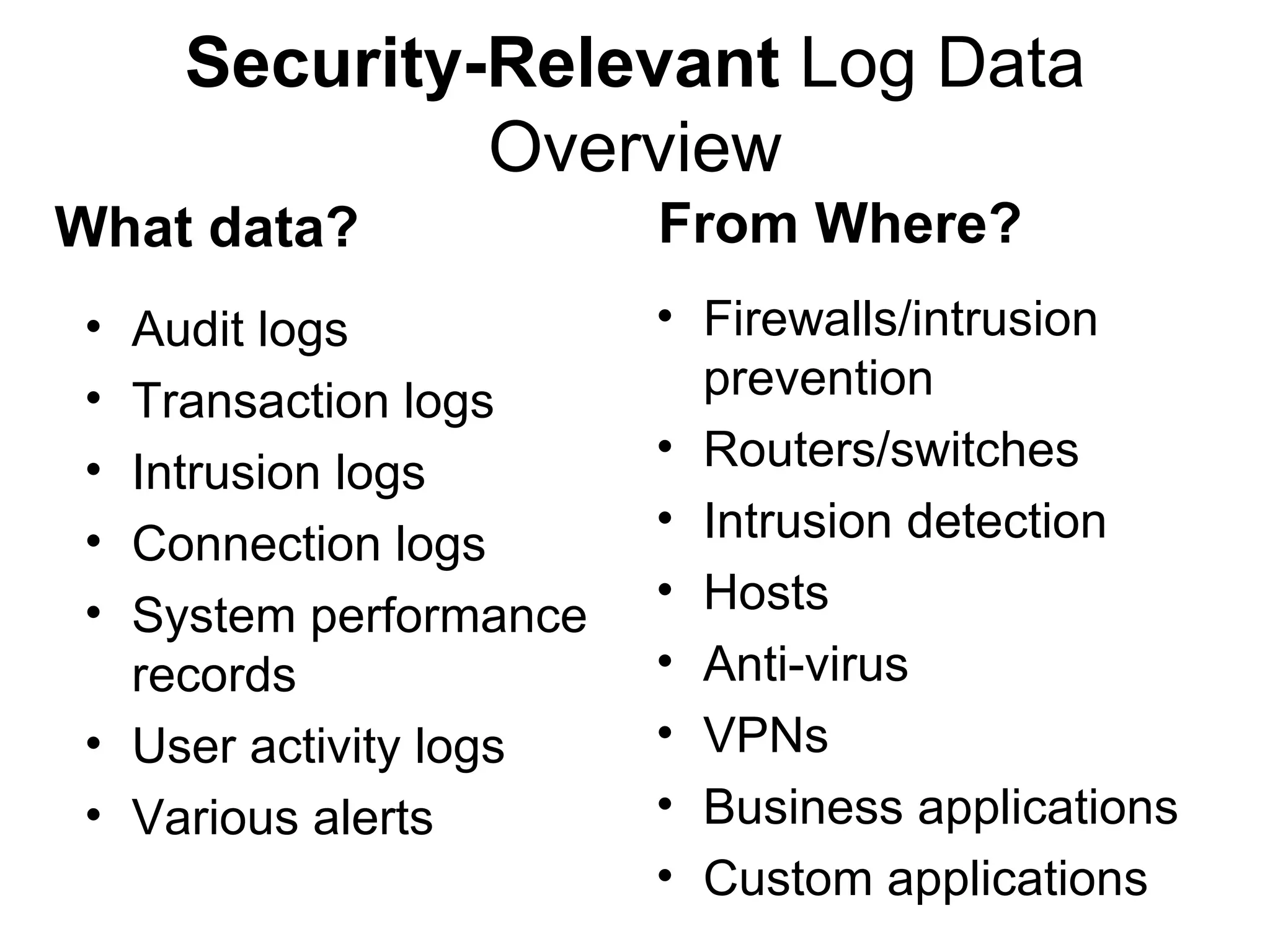
Security-Relevant  Log Data Overview Audit logs Transaction logs Intrusion logs Connection logs System performance records User activity logs Various alerts Firewalls/intrusion prevention Routers/switches Intrusion detection Hosts Anti-virus VPNs Business applications Custom applications What data? From Where?
What Commonly “Gets Logged”? System or software  startup, shutdown, restart, and abnormal termination  (crash) Various  thresholds being exceeded  or reaching dangerous levels such as disk space full, memory exhausted, or processor load too high Hardware health  messages that the system can troubleshoot or at least detect and log User access  to the system such as remote (telnet, ssh, etc.) and local login, network access (FTP) initiated to and from the system, failed and successful User access  privilege changes  such as the su command—both failed and successful User credentials and  access right changes , such as account updates, creation, and deletion—both failed and successful System  configuration changes  and software updates—both failed and successful Access to system logs  for modification, deletion, and maybe even reading
“ Standard” Log Messages 10/09/200617:42:57,10.10.94.13,48352,10.10.97.14,909,,,accept,tcp,,,,909,10.10.10.29,,0,,4,3,,' 9Oct2003 17:42:57,accept,truepngfp3,inbound,eth2c0,0,VPN-1 & FireWall-1,product=VPN-1 & FireWall-1[db_tag={0DE0E532-EEA0-11D7-BDFC-927F5D1DECEC};mgmt= truepngfp3;date=1064415722;policy_name= Standard],hfgton,48352,10.10.97.14,909, tcp,10.10.93.145,',eth2c0,inbound Oct 9 16:29:49 [10.10.94.4] Oct 09 2003 16:44:50: %PIX-6-302013: Built outbound TCP connection 2245701 for outside:10.10.98.67/1487 (10.10.98.67/1487) to inside:10.10.94.13/42562 (10.10.93.145/42562) 2006-10-20|15:25:52|dragon-nids|TCP-SCAN|10.10.94.10|10.10.94.13|0|0|X|------S-|0|total=484,min=1,max=1024,up=246,down=237,flags=------S-,Oct20-15:25:34,Oct20-15:25:52| Oct 20 15:35:08 oinker snort: [1:1421:2] SNMP AgentX/tcp request [Classification: Attempted Information Leak] [Priority: 2]: {TCP} 10.10.94.10:43355 -> 10.10.94.13:705 SENSORDATAID="135" SENSORNAME="10.10.94.23:network_sensor_1" ALERTID="QPQVIOAJKBNC6OONK6FTNLLESZ" LOCALTIMEZONEOFFSET="14400" ALERTNAME="pcAnywhere_Probe“ ALERTDATETIME="2003-10-20 19:35:21.0" SRCADDRESSNAME="10.10.94.10" SOURCEPORT="42444" INTRUDERPORT="42444" DESTADDRESSNAME="10.10.94.13" VICTIMPORT="5631" ALERTCOUNT="1" ALERTPRIORITY="3" PRODUCTID="3" PROTOCOLID="6" REASON="RSTsent"
What’s Going On? Can you Answer ‘What  is Going on?’ from just the above? NO!
Why Analyze? “ Too much stuff out there – why even bother?”   Situational  awareness What is going on? New threat  discovery Unique perspective from combined logs Getting more value out of the network and security  infrastructures Get more that you paid for! Extracting what is really  actionable   automatically Measuring  security and IT performance (metrics, trends, etc) Compliance  and regulations Incident investigation and  forensics
Log Analysis Basics: How Approaches to the problem: Manual ‘ Tail’, ‘more’, etc Filtering Positive and negative (“Artificial ignorance”) Summarization  and reports Simple  visualization “… worth a thousand words?” Simple  automation Filters Correlation Rule-based and other Log data  mining
Log Analysis Basics:  When Timing requirements for analysis Real-time  fallacy: “we have to have it  when?”   “ A day later vs never” question Daily in-depth analysis Log management  vs  alert   management : different challenges When filtering and event correlation is not enough “ Boring” or sparse  data and what to do with it: Netflow connectivity data Transaction logs Routine server logs External firewall logs
Example 1 FTP Hack Case Server stops Found ‘rm-ed’ by the attacker What logs do we have? Forensics on an image to undelete logs Client FTP logs reveals… Firewall confirms!
Log Management Process Collect  the log data Convert  to a common format Reduce  in size, if possible Transport  securely to a central location Process  in real-time Alert  on when needed Store  securely Report  on trends
Log Management Challenges Not enough data Too much data Diverse records Time out of sync False records Duplicate data Hard to get data Chain of custody issues
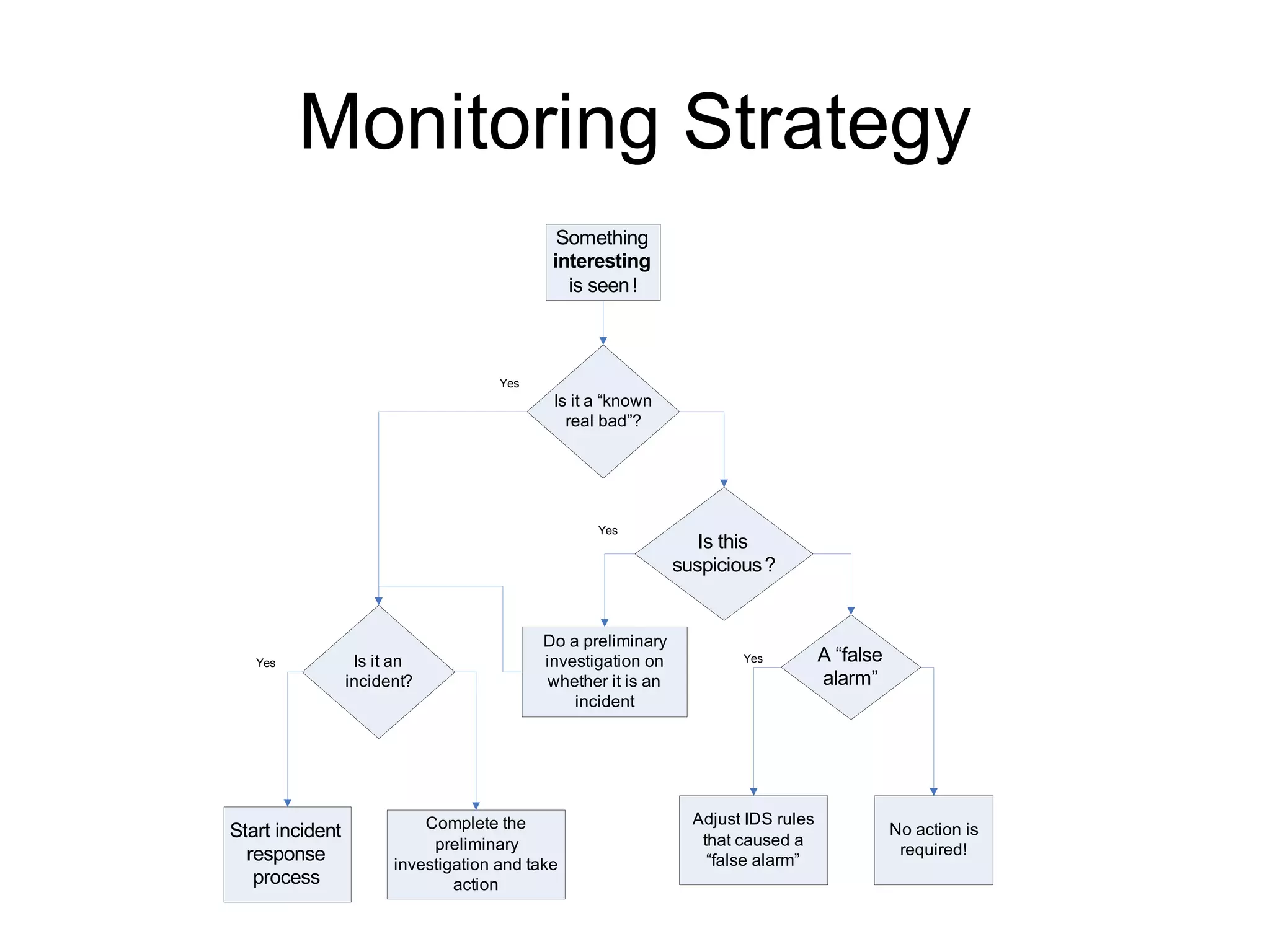
Monitoring or Ignoring Logs? How to plan a  response strategy  to activate when monitoring logs? Where to start? How to tune it?
Monitoring Strategy
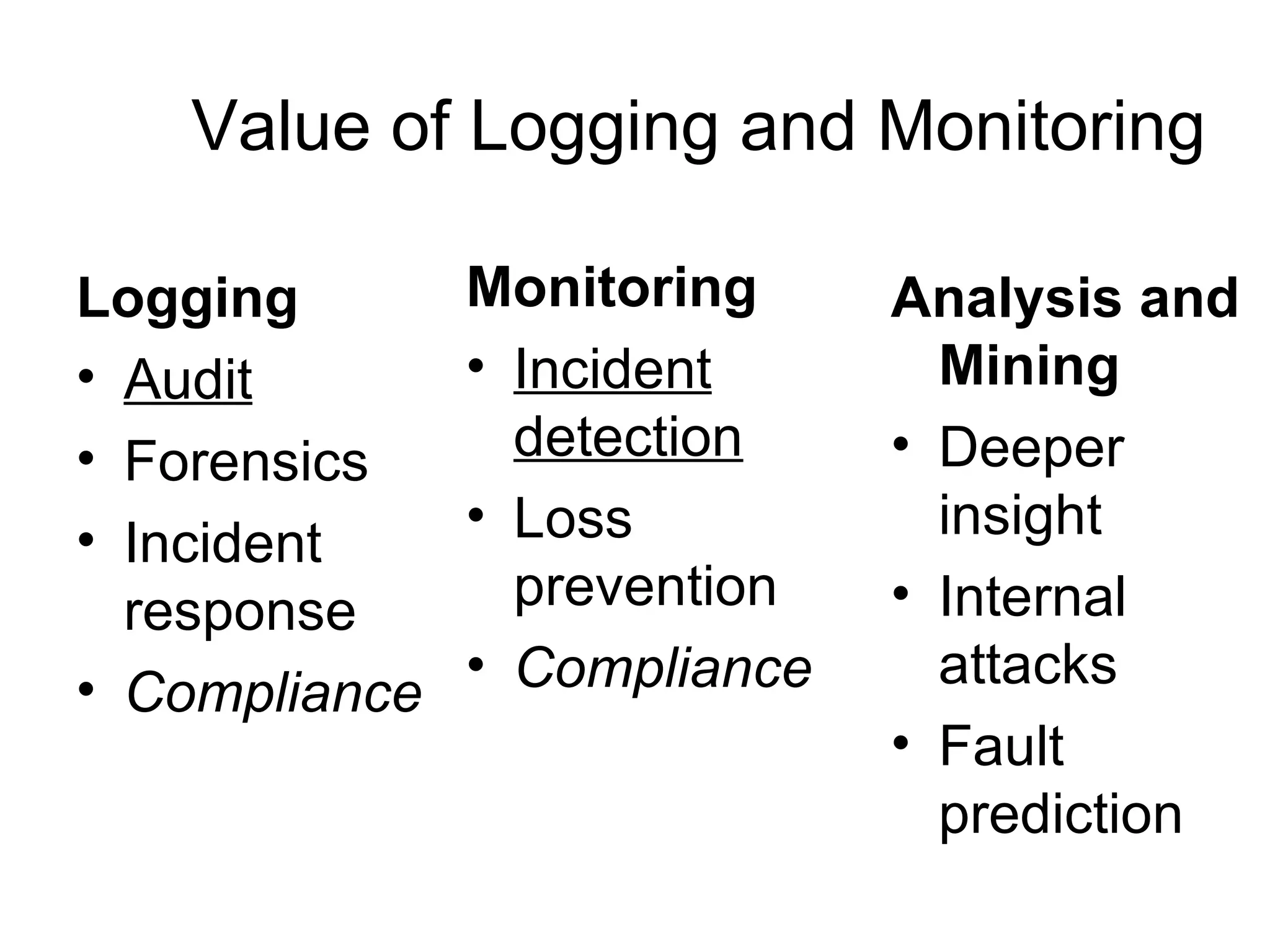
Value of Logging and Monitoring Monitoring   Incident detection Loss prevention Compliance Logging Audit Forensics Incident response Compliance Analysis and Mining Deeper insight  Internal attacks Fault prediction
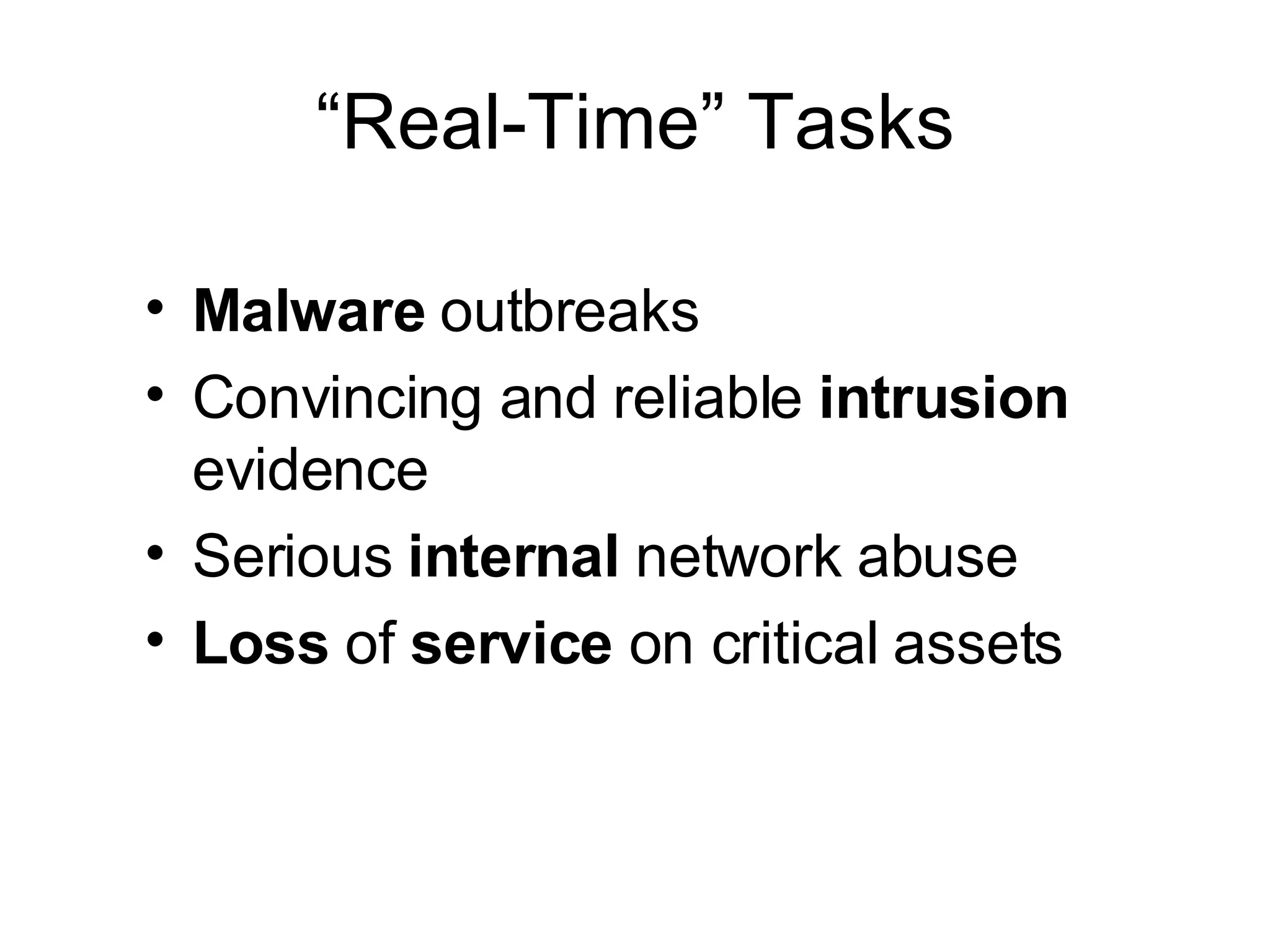
“Real-Time” Tasks Malware  outbreaks Convincing and reliable  intrusion  evidence Serious  internal  network abuse Loss  of  service  on critical assets
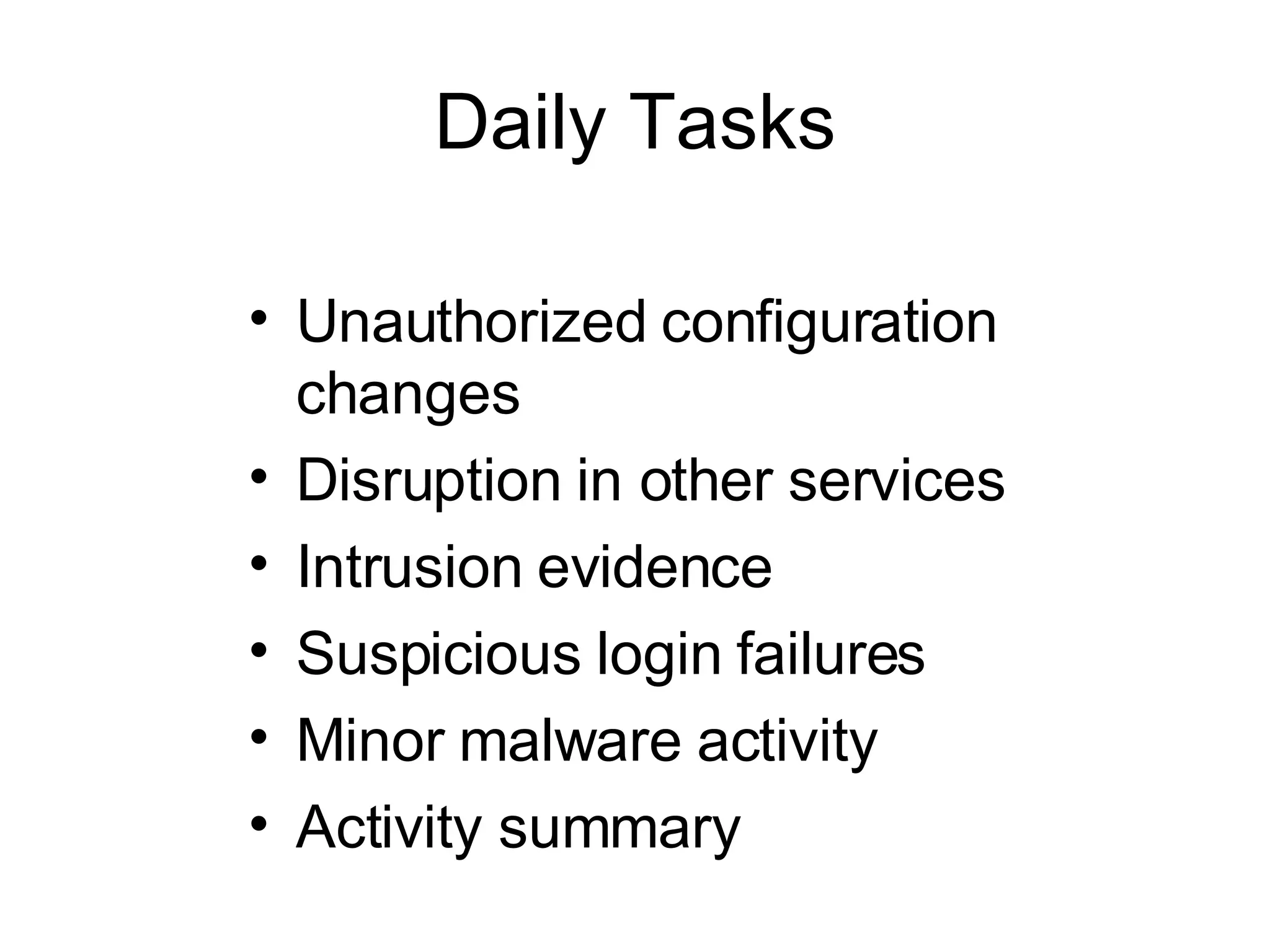
Daily Tasks Unauthorized configuration changes Disruption in other services Intrusion evidence Suspicious login failures Minor malware activity Activity summary
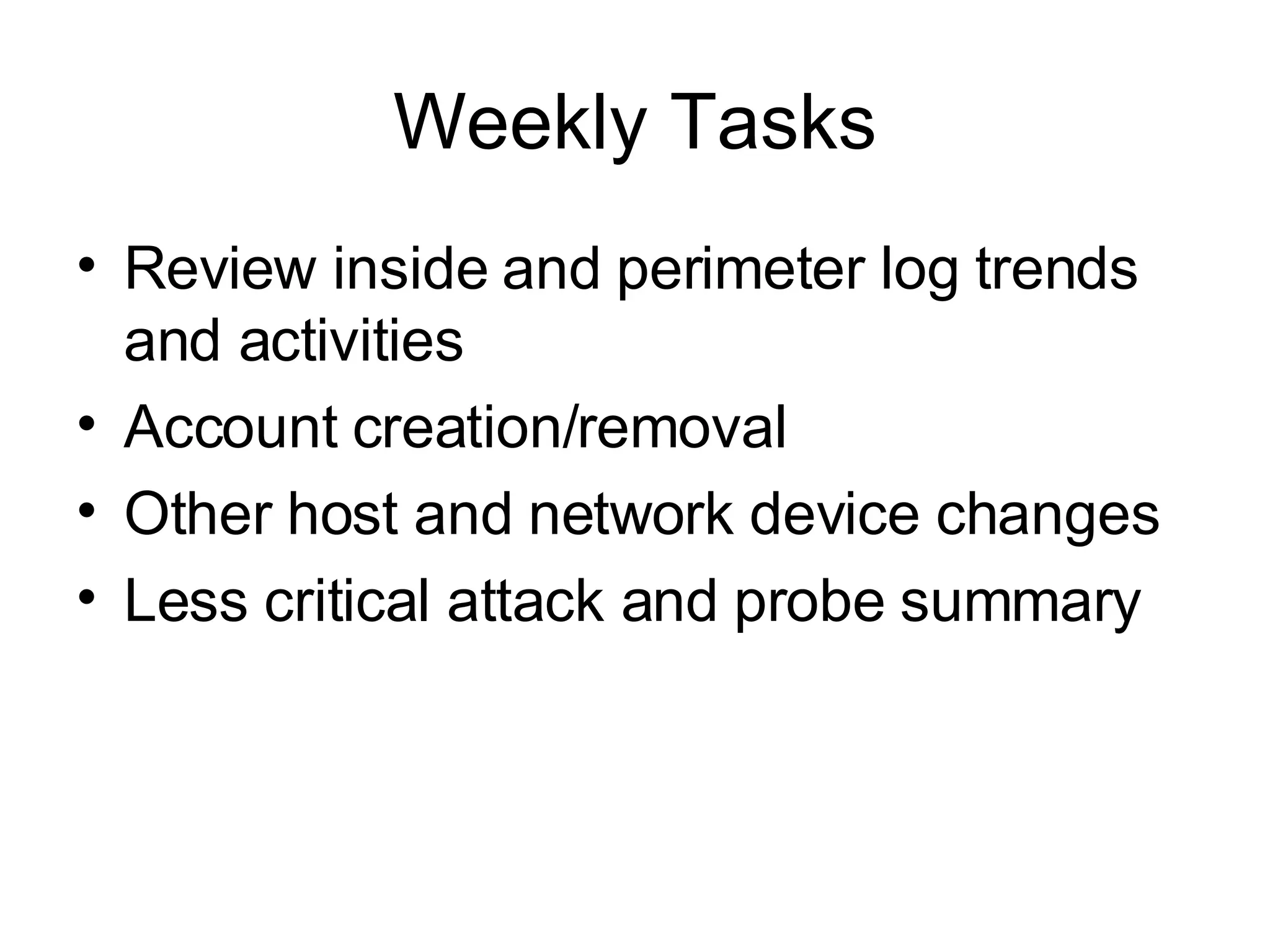
Weekly Tasks Review inside and perimeter log trends and activities Account creation/removal Other host and network device changes Less critical attack and probe summary
Monthly Tasks Review long-term network and perimeter trends Minor policy violation summary Incident team performance measurements Security technology performance measurements
“On Incident” Tasks Use SANS six-step  incident workflow Review all  relevant  logs on a central logging system or elsewhere Collect additional logs, if needed
Example 2 Scan of the Month Challenge #34 Honeypot hacked All logs available In fact, too many   Analysis process
Logs in Support of Compliance Application  and asset risk  measurement Data collection and storage  to satisfy auditing of controls requirements Support for  security metrics Industry  best-practices  for incident management and reporting Proof of security  due diligence Example regulation include:  HI PAA  (please!) , SOX, PCI, GLBA, FISMA …
Forensics Brief “ Computer forensics  is application of the scientific method to  digital  media in order to  establish factual information  for  judicial  review. This process often involves investigating computer systems to determine whether they are or have been used for illegal or unauthorized activities (Wikipedia)”
So, What is “Log Forensics” Log analysis  is trying to make sense of system and network logs “ Computer forensics  is application of the  scientific method  to digital media in order to establish factual information for judicial review.” So…. Log Forensics  =  trying to make sense of system and network logs +  in order to establish factual information for judicial review
How Logs Help… Sometimes If logs are  there , we can  try  to … figure out  who ,  where ,  what ,  when ,  how, etc but Who  as a person or a system? Is  where  spoofed? When ? In what time zone? How ? More like ‘how’d you think’… What  happened or what got recorded?
Logs Forensics Challenges What? You think this is evidence?  Bua-ha-ha-ha    “ Computer Records and the Federal Rules of Evidence “ “ First , parties may  challenge the authenticity  of both computer-generated and computer-stored records by questioning whether the records were altered, manipulated, or damaged after they were created.  Second , parties may question the authenticity of computer-generated records by  challenging the reliability  of the computer program that generated the records.  Third , parties may challenge the authenticity of computer-stored records by  questioning the identity  of their author.”
Some Future Bits   “AI” and data mining for log analysis Common log standards and event taxonomies Some logging mandated by laws and regulations Log sharing – community log analysis Forensically-sound logging emerges
Example 3 Spyware Alert A compromised system is discovered scanning (firewall log analysis) The system has broken anti-virus software Where would you investigate?
Summary Logs for Information Assurance How else would you  assure  that something happened? Beware the challenges with logs and avoid mistakes Logs for Forensics Logs can tell you things, but are they “good evidence”? Logs become evidence only if precautions are taken
Thank you! Q&A? Dr Anton Chuvakin  Chief Logging Evangelist LogLogic, Inc Co-author of “Security Warrior” (O’Reilly 2004)  and “PCI Compliance” (Syngress, 2007) See  www.info-secure.org  for my papers, books, reviews and other security resources related to logs Also see my blog  www.securitywarrior.org

Logs for Information Assurance and Forensics @ USMA

  • 1.
    Logs for InformationAssurance and Forensic Analysis Dr Anton Chuvakin Lecture @ USMA United States Military Academy West Point, NY April 2006
  • 2.
    Outline Logs: Whatand Where From? What People Do with Logs Yes, ignore them too  Log Analysis: Why and How Analysis Methods Log mining, correlation, pattern discovery Forensics Brief Logs, disk images, “network forensics” Log Forensics Challenges Too much data, too little data Log Case Studies FTP hack Honeynet examples
  • 3.
    Terms and DefinitionsMessage – some system indication that an event has transpired Log or audit record – recorded message related to the event Log file – collection of the above records Alert – a message usually sent to notify an operator Device – a source of security-relevant logs Logging Auditing Monitoring Event reporting Log analysis Alerting
  • 4.
    Security-Relevant LogData Overview Audit logs Transaction logs Intrusion logs Connection logs System performance records User activity logs Various alerts Firewalls/intrusion prevention Routers/switches Intrusion detection Hosts Anti-virus VPNs Business applications Custom applications What data? From Where?
  • 5.
    What Commonly “GetsLogged”? System or software startup, shutdown, restart, and abnormal termination (crash) Various thresholds being exceeded or reaching dangerous levels such as disk space full, memory exhausted, or processor load too high Hardware health messages that the system can troubleshoot or at least detect and log User access to the system such as remote (telnet, ssh, etc.) and local login, network access (FTP) initiated to and from the system, failed and successful User access privilege changes such as the su command—both failed and successful User credentials and access right changes , such as account updates, creation, and deletion—both failed and successful System configuration changes and software updates—both failed and successful Access to system logs for modification, deletion, and maybe even reading
  • 6.
    “ Standard” LogMessages 10/09/200617:42:57,10.10.94.13,48352,10.10.97.14,909,,,accept,tcp,,,,909,10.10.10.29,,0,,4,3,,' 9Oct2003 17:42:57,accept,truepngfp3,inbound,eth2c0,0,VPN-1 & FireWall-1,product=VPN-1 & FireWall-1[db_tag={0DE0E532-EEA0-11D7-BDFC-927F5D1DECEC};mgmt= truepngfp3;date=1064415722;policy_name= Standard],hfgton,48352,10.10.97.14,909, tcp,10.10.93.145,',eth2c0,inbound Oct 9 16:29:49 [10.10.94.4] Oct 09 2003 16:44:50: %PIX-6-302013: Built outbound TCP connection 2245701 for outside:10.10.98.67/1487 (10.10.98.67/1487) to inside:10.10.94.13/42562 (10.10.93.145/42562) 2006-10-20|15:25:52|dragon-nids|TCP-SCAN|10.10.94.10|10.10.94.13|0|0|X|------S-|0|total=484,min=1,max=1024,up=246,down=237,flags=------S-,Oct20-15:25:34,Oct20-15:25:52| Oct 20 15:35:08 oinker snort: [1:1421:2] SNMP AgentX/tcp request [Classification: Attempted Information Leak] [Priority: 2]: {TCP} 10.10.94.10:43355 -> 10.10.94.13:705 SENSORDATAID="135" SENSORNAME="10.10.94.23:network_sensor_1" ALERTID="QPQVIOAJKBNC6OONK6FTNLLESZ" LOCALTIMEZONEOFFSET="14400" ALERTNAME="pcAnywhere_Probe“ ALERTDATETIME="2003-10-20 19:35:21.0" SRCADDRESSNAME="10.10.94.10" SOURCEPORT="42444" INTRUDERPORT="42444" DESTADDRESSNAME="10.10.94.13" VICTIMPORT="5631" ALERTCOUNT="1" ALERTPRIORITY="3" PRODUCTID="3" PROTOCOLID="6" REASON="RSTsent"
  • 7.
    What’s Going On?Can you Answer ‘What is Going on?’ from just the above? NO!
  • 8.
    Why Analyze? “Too much stuff out there – why even bother?”  Situational awareness What is going on? New threat discovery Unique perspective from combined logs Getting more value out of the network and security infrastructures Get more that you paid for! Extracting what is really actionable automatically Measuring security and IT performance (metrics, trends, etc) Compliance and regulations Incident investigation and forensics
  • 9.
    Log Analysis Basics:How Approaches to the problem: Manual ‘ Tail’, ‘more’, etc Filtering Positive and negative (“Artificial ignorance”) Summarization and reports Simple visualization “… worth a thousand words?” Simple automation Filters Correlation Rule-based and other Log data mining
  • 10.
    Log Analysis Basics: When Timing requirements for analysis Real-time fallacy: “we have to have it when?”  “ A day later vs never” question Daily in-depth analysis Log management vs alert management : different challenges When filtering and event correlation is not enough “ Boring” or sparse data and what to do with it: Netflow connectivity data Transaction logs Routine server logs External firewall logs
  • 11.
    Example 1 FTPHack Case Server stops Found ‘rm-ed’ by the attacker What logs do we have? Forensics on an image to undelete logs Client FTP logs reveals… Firewall confirms!
  • 12.
    Log Management ProcessCollect the log data Convert to a common format Reduce in size, if possible Transport securely to a central location Process in real-time Alert on when needed Store securely Report on trends
  • 13.
    Log Management ChallengesNot enough data Too much data Diverse records Time out of sync False records Duplicate data Hard to get data Chain of custody issues
  • 14.
    Monitoring or IgnoringLogs? How to plan a response strategy to activate when monitoring logs? Where to start? How to tune it?
  • 15.
  • 16.
    Value of Loggingand Monitoring Monitoring Incident detection Loss prevention Compliance Logging Audit Forensics Incident response Compliance Analysis and Mining Deeper insight Internal attacks Fault prediction
  • 17.
    “Real-Time” Tasks Malware outbreaks Convincing and reliable intrusion evidence Serious internal network abuse Loss of service on critical assets
  • 18.
    Daily Tasks Unauthorizedconfiguration changes Disruption in other services Intrusion evidence Suspicious login failures Minor malware activity Activity summary
  • 19.
    Weekly Tasks Reviewinside and perimeter log trends and activities Account creation/removal Other host and network device changes Less critical attack and probe summary
  • 20.
    Monthly Tasks Reviewlong-term network and perimeter trends Minor policy violation summary Incident team performance measurements Security technology performance measurements
  • 21.
    “On Incident” TasksUse SANS six-step incident workflow Review all relevant logs on a central logging system or elsewhere Collect additional logs, if needed
  • 22.
    Example 2 Scanof the Month Challenge #34 Honeypot hacked All logs available In fact, too many  Analysis process
  • 23.
    Logs in Supportof Compliance Application and asset risk measurement Data collection and storage to satisfy auditing of controls requirements Support for security metrics Industry best-practices for incident management and reporting Proof of security due diligence Example regulation include: HI PAA (please!) , SOX, PCI, GLBA, FISMA …
  • 24.
    Forensics Brief “Computer forensics is application of the scientific method to digital media in order to establish factual information for judicial review. This process often involves investigating computer systems to determine whether they are or have been used for illegal or unauthorized activities (Wikipedia)”
  • 25.
    So, What is“Log Forensics” Log analysis is trying to make sense of system and network logs “ Computer forensics is application of the scientific method to digital media in order to establish factual information for judicial review.” So…. Log Forensics = trying to make sense of system and network logs + in order to establish factual information for judicial review
  • 26.
    How Logs Help…Sometimes If logs are there , we can try to … figure out who , where , what , when , how, etc but Who as a person or a system? Is where spoofed? When ? In what time zone? How ? More like ‘how’d you think’… What happened or what got recorded?
  • 27.
    Logs Forensics ChallengesWhat? You think this is evidence? Bua-ha-ha-ha  “ Computer Records and the Federal Rules of Evidence “ “ First , parties may challenge the authenticity of both computer-generated and computer-stored records by questioning whether the records were altered, manipulated, or damaged after they were created. Second , parties may question the authenticity of computer-generated records by challenging the reliability of the computer program that generated the records. Third , parties may challenge the authenticity of computer-stored records by questioning the identity of their author.”
  • 28.
    Some Future Bits  “AI” and data mining for log analysis Common log standards and event taxonomies Some logging mandated by laws and regulations Log sharing – community log analysis Forensically-sound logging emerges
  • 29.
    Example 3 SpywareAlert A compromised system is discovered scanning (firewall log analysis) The system has broken anti-virus software Where would you investigate?
  • 30.
    Summary Logs forInformation Assurance How else would you assure that something happened? Beware the challenges with logs and avoid mistakes Logs for Forensics Logs can tell you things, but are they “good evidence”? Logs become evidence only if precautions are taken
  • 31.
    Thank you! Q&A?Dr Anton Chuvakin Chief Logging Evangelist LogLogic, Inc Co-author of “Security Warrior” (O’Reilly 2004) and “PCI Compliance” (Syngress, 2007) See www.info-secure.org for my papers, books, reviews and other security resources related to logs Also see my blog www.securitywarrior.org

Editor's Notes

  • #2 Abstract The presentation will cover the use of various systems and network logs and audit trails in the incident response and forensics processes. It will describe both a methodology for log collection and analysis as well as practical case studies and tools. Logs often will provide most of the answers needed for the investigators without diving deeply into expensive disk image forensics. Being able to rely on logs by making sure that they are collected and available for analysis is invaluable during the investigation. – It will also touch upon preserving log evidence integrity and possible challenges to such integrity.