Data Structures I (CPCS-204) 
Week # 1: Overview & Review
Course objectives 
 Be familiar with problem solving 
 Be able to develop (and implement) algorithms 
 Be able to trace algorithms 
 Be able to select appropriate data structures and 
algorithms for given problems
Course Outline 
 Fundamentals of data structures and algorithms 
 Static and dynamic data structures 
 Basic searching and sorting algorithms 
 Recursion 
 Abstract data types 
 Stacks and queues 
 Trees
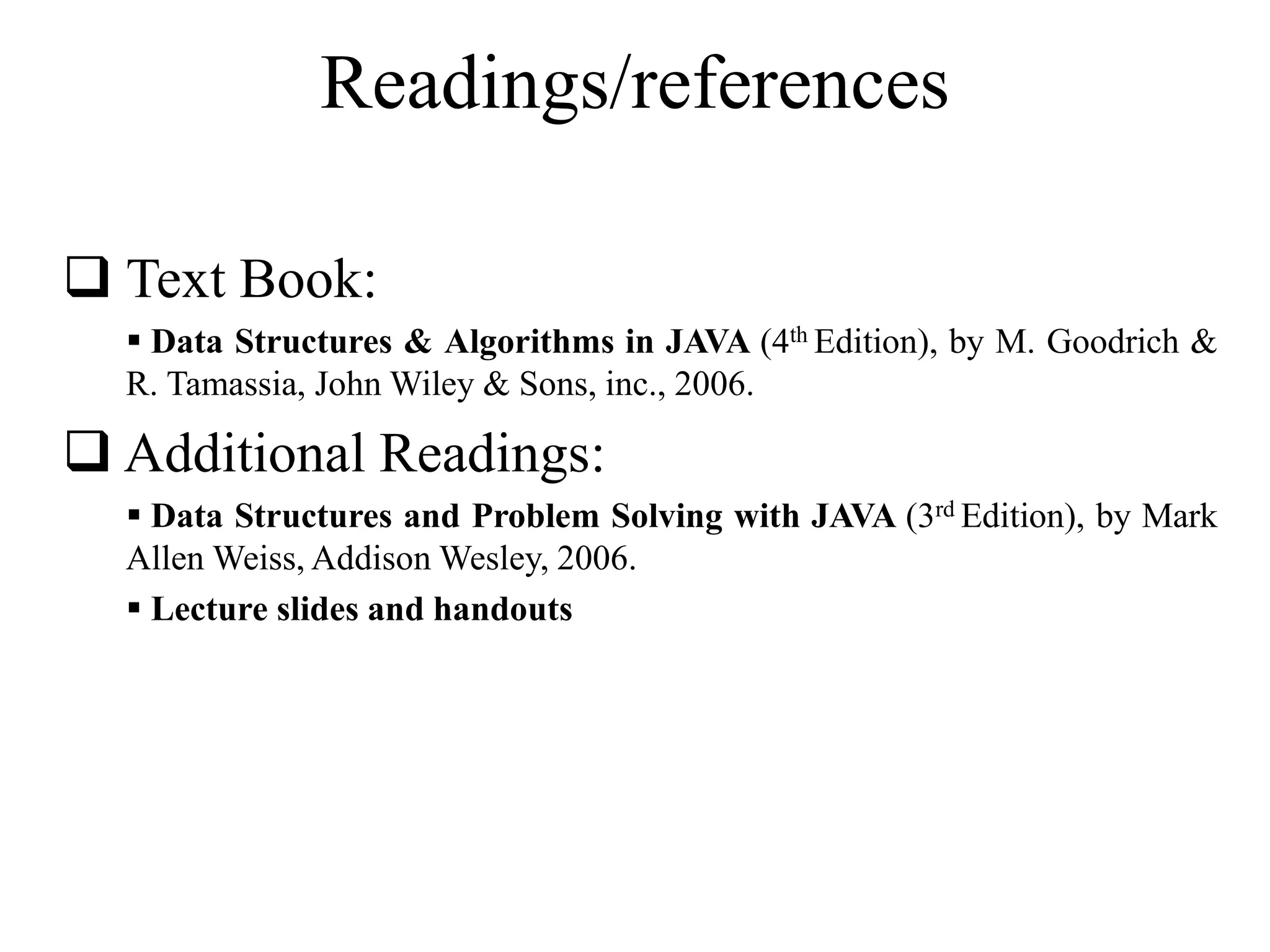
Readings/references 
 Text Book: 
 Data Structures & Algorithms in JAVA (4th Edition), by M. Goodrich & 
R. Tamassia, JohnWiley & Sons, inc., 2006. 
 Additional Readings: 
 Data Structures and Problem Solving with JAVA (3rd Edition), by Mark 
AllenWeiss, AddisonWesley, 2006. 
 Lecture slides and handouts
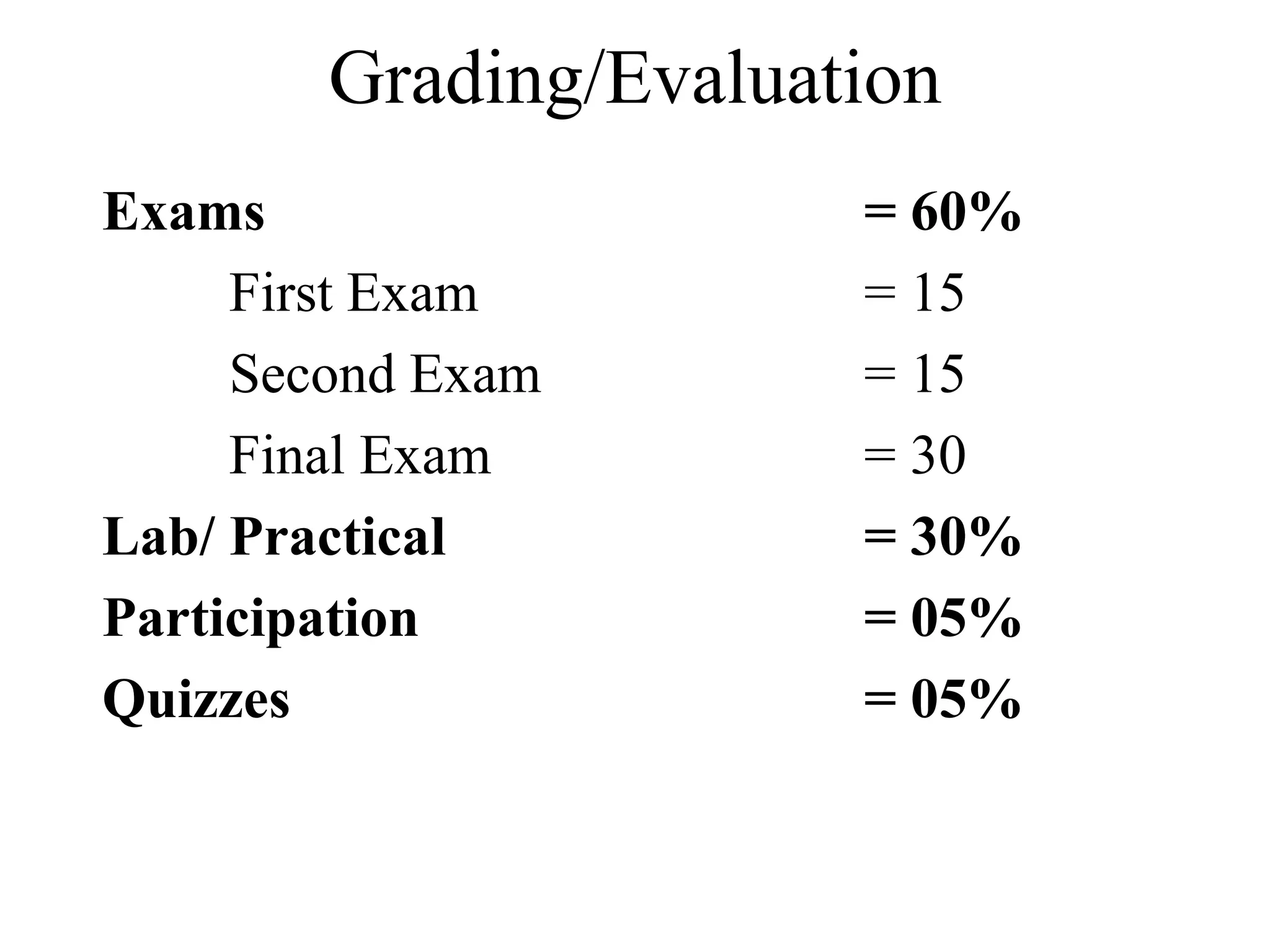
Grading/Evaluation 
Exams = 60% 
First Exam = 15 
Second Exam = 15 
Final Exam = 30 
Lab/ Practical = 30% 
Participation = 05% 
Quizzes = 05%
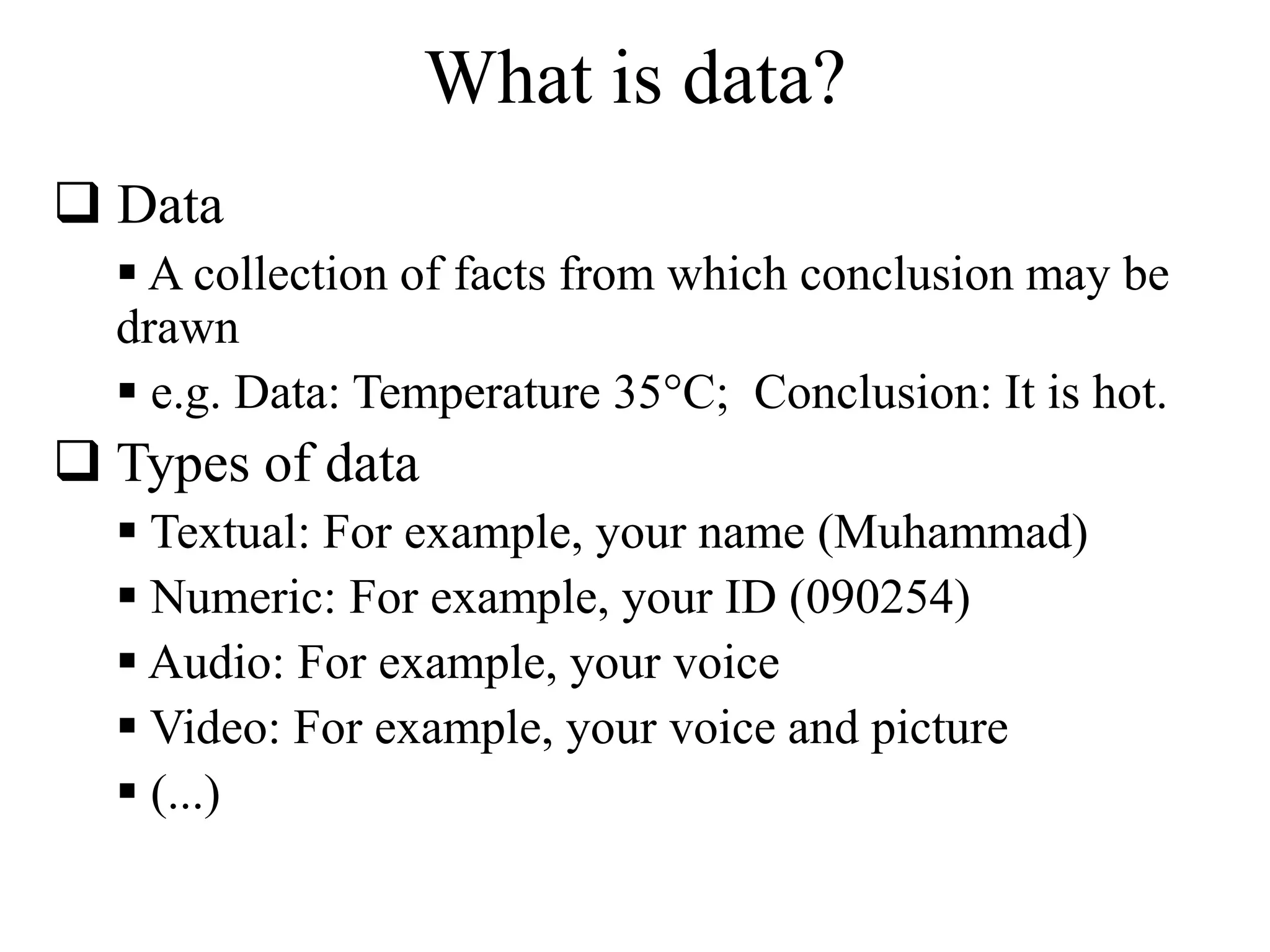
What is data? 
 Data 
 A collection of facts from which conclusion may be 
drawn 
 e.g. Data: Temperature 35°C; Conclusion: It is hot. 
 Types of data 
 Textual: For example, your name (Muhammad) 
 Numeric: For example, your ID (090254) 
 Audio: For example, your voice 
 Video: For example, your voice and picture 
 (...)
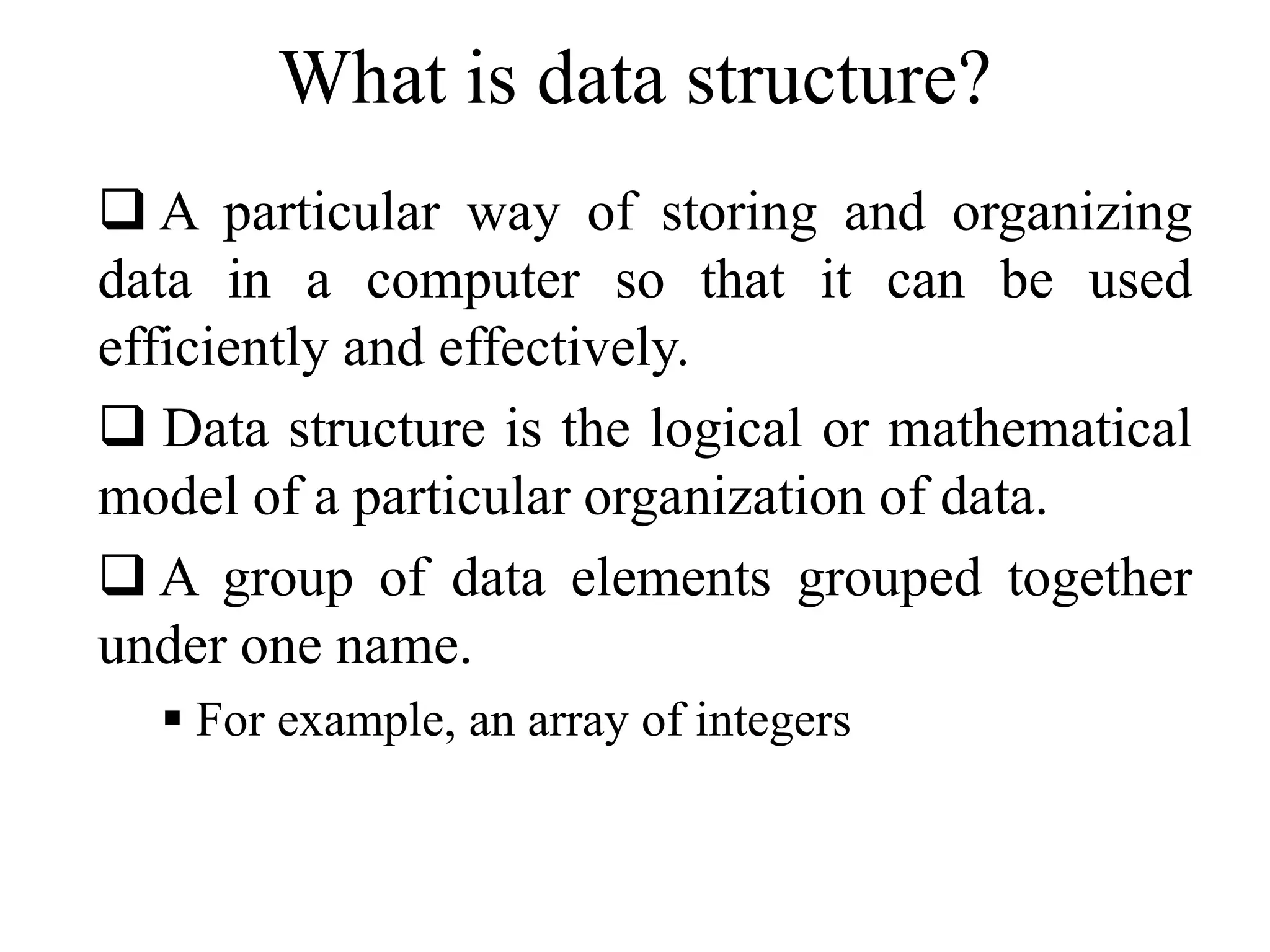
What is data structure? 
 A particular way of storing and organizing 
data in a computer so that it can be used 
efficiently and effectively. 
 Data structure is the logical or mathematical 
model of a particular organization of data. 
 A group of data elements grouped together 
under one name. 
 For example, an array of integers
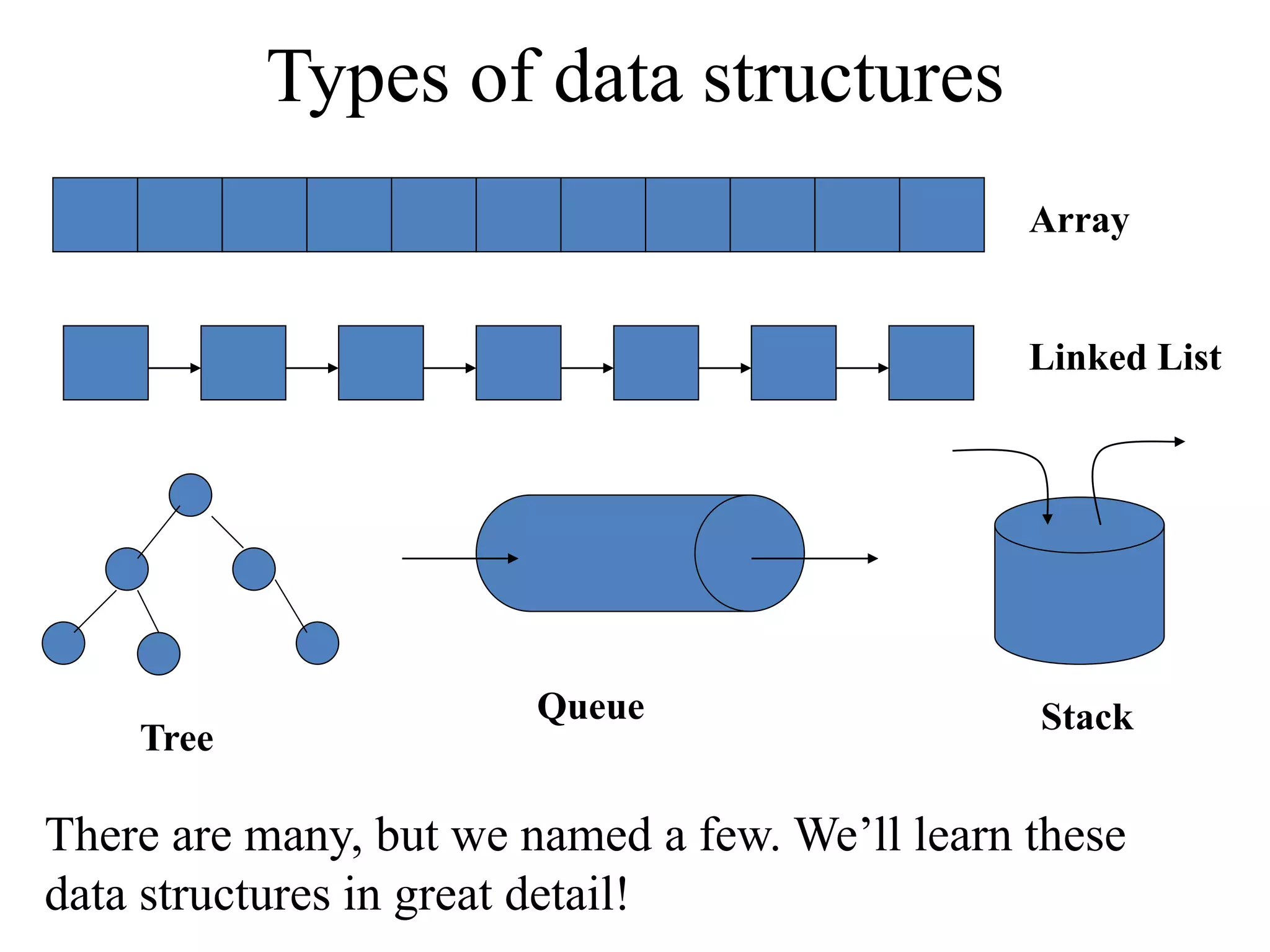
Array 
Linked List 
Tree 
Types of data structures 
Queue Stack 
There are many, but we named a few. We’ll learn these 
data structures in great detail!
The Need for Data Structures 
 Goal: to organize data 
 Criteria: to facilitate efficient 
 storage of data 
 retrieval of data 
 manipulation of data 
 Design Issue: 
 select and design appropriate data types 
(This is the main motivation to learn and understand data 
structures)
Data Structure Operations 
(Demonstrate using class room example!) 
 Traversing 
 Accessing each data element exactly once so that 
certain items in the data may be processed 
 Searching 
 Finding the location of the data element (key) in the 
structure 
 Insertion 
 Adding a new data element to the structure
Data Structure Operations (cont.) 
 Deletion 
 Removing a data element from the structure 
 Sorting 
 Arrange the data elements in a logical order 
(ascending/descending) 
 Merging 
 Combining data elements from two or more data 
structures into one
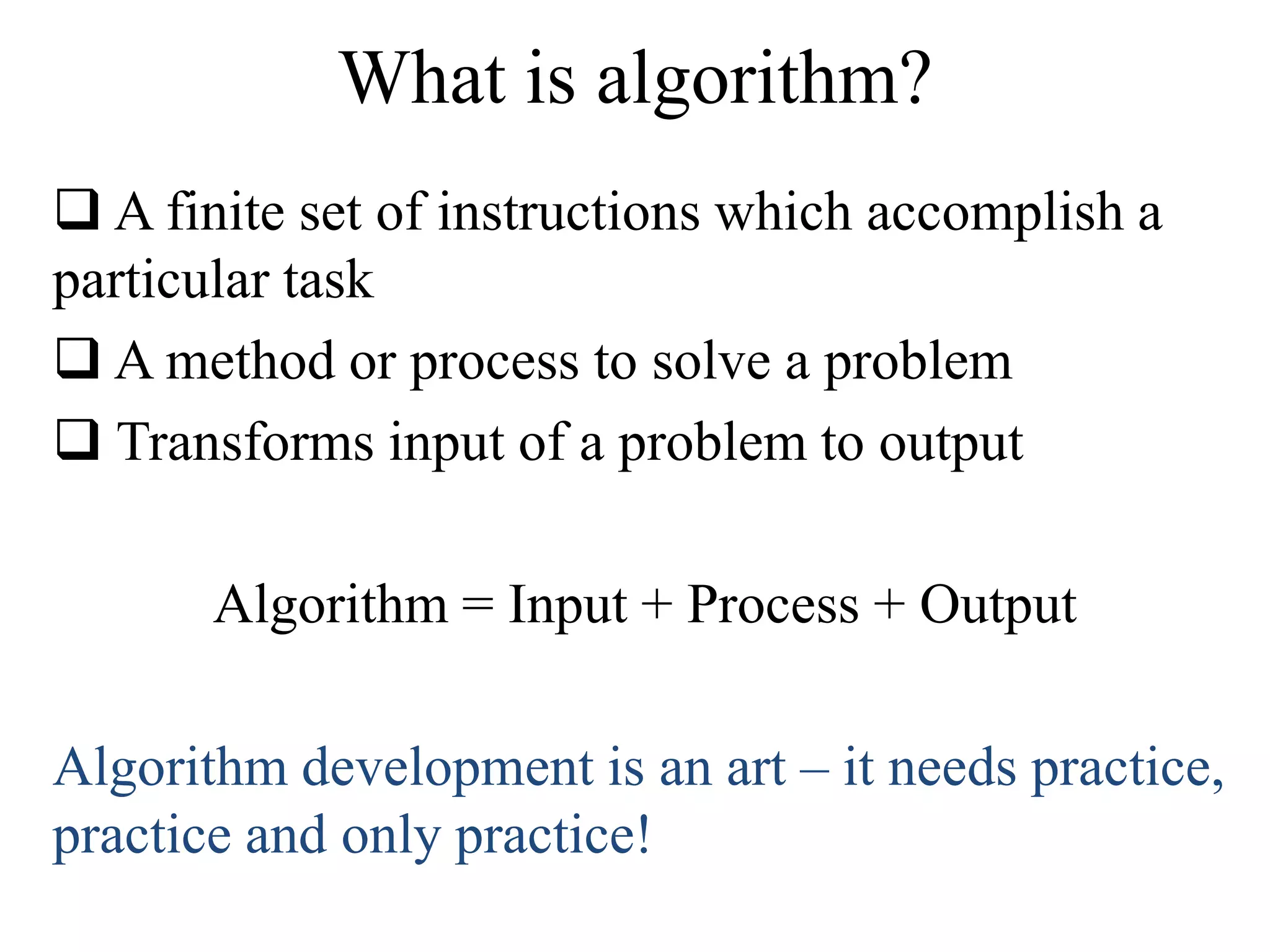
What is algorithm? 
 A finite set of instructions which accomplish a 
particular task 
 A method or process to solve a problem 
 Transforms input of a problem to output 
Algorithm = Input + Process + Output 
Algorithm development is an art – it needs practice, 
practice and only practice!
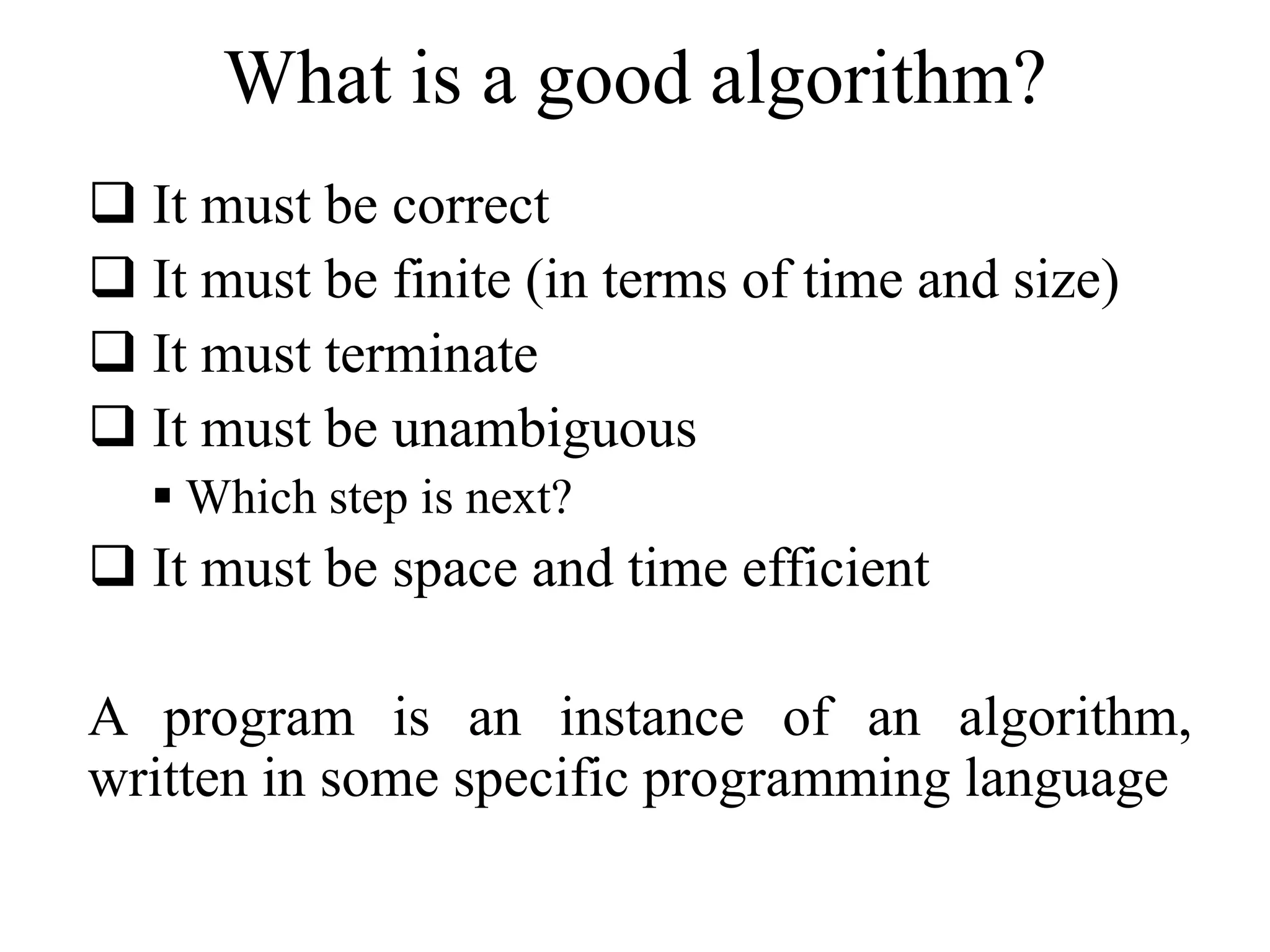
What is a good algorithm? 
 It must be correct 
 It must be finite (in terms of time and size) 
 It must terminate 
 It must be unambiguous 
 Which step is next? 
 It must be space and time efficient 
A program is an instance of an algorithm, 
written in some specific programming language
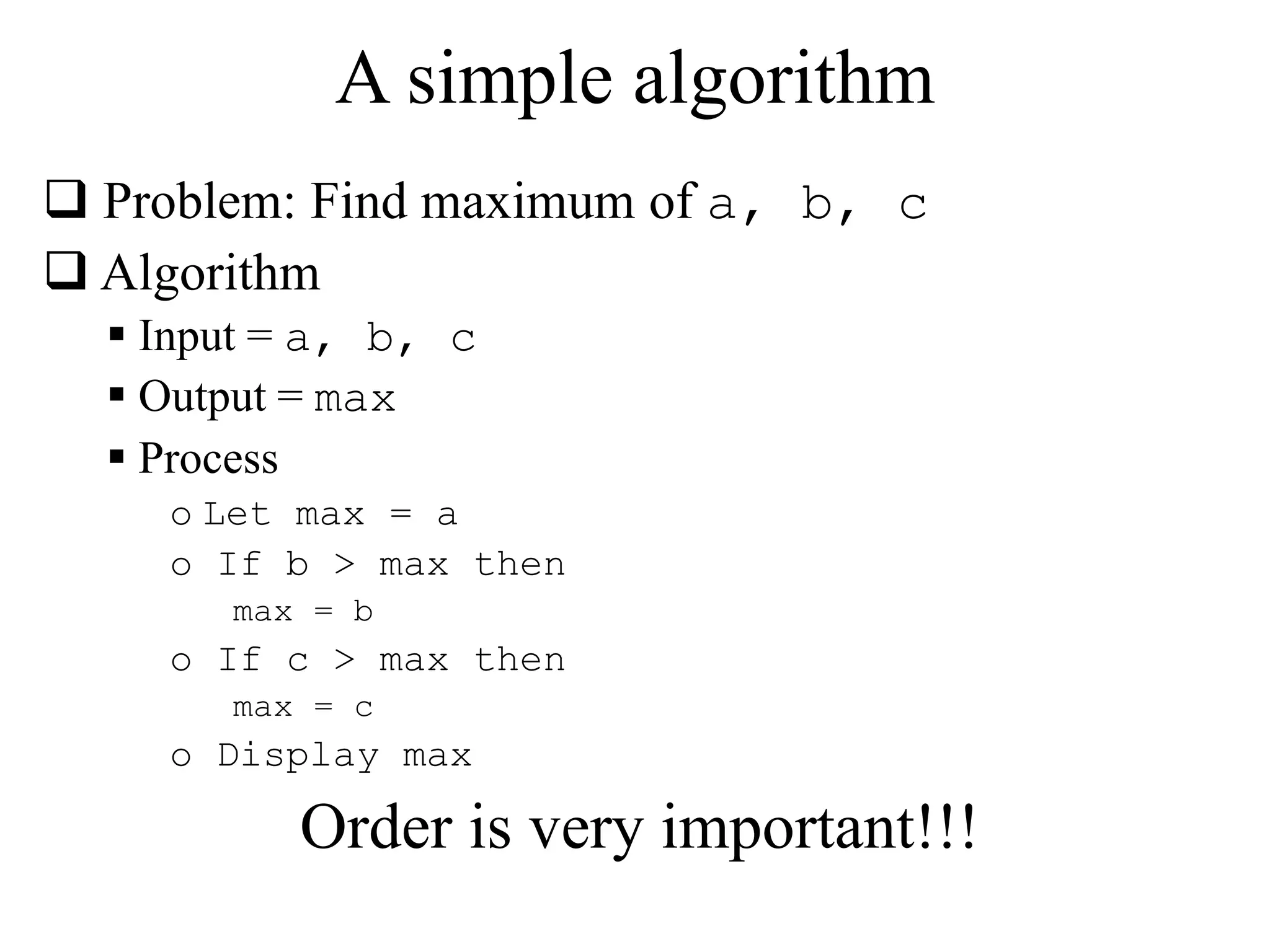
A simple algorithm 
 Problem: Find maximum of a, b, c 
 Algorithm 
 Input = a, b, c 
 Output = max 
 Process 
o Let max = a 
o If b > max then 
max = b 
o If c > max then 
max = c 
o Display max 
Order is very important!!!
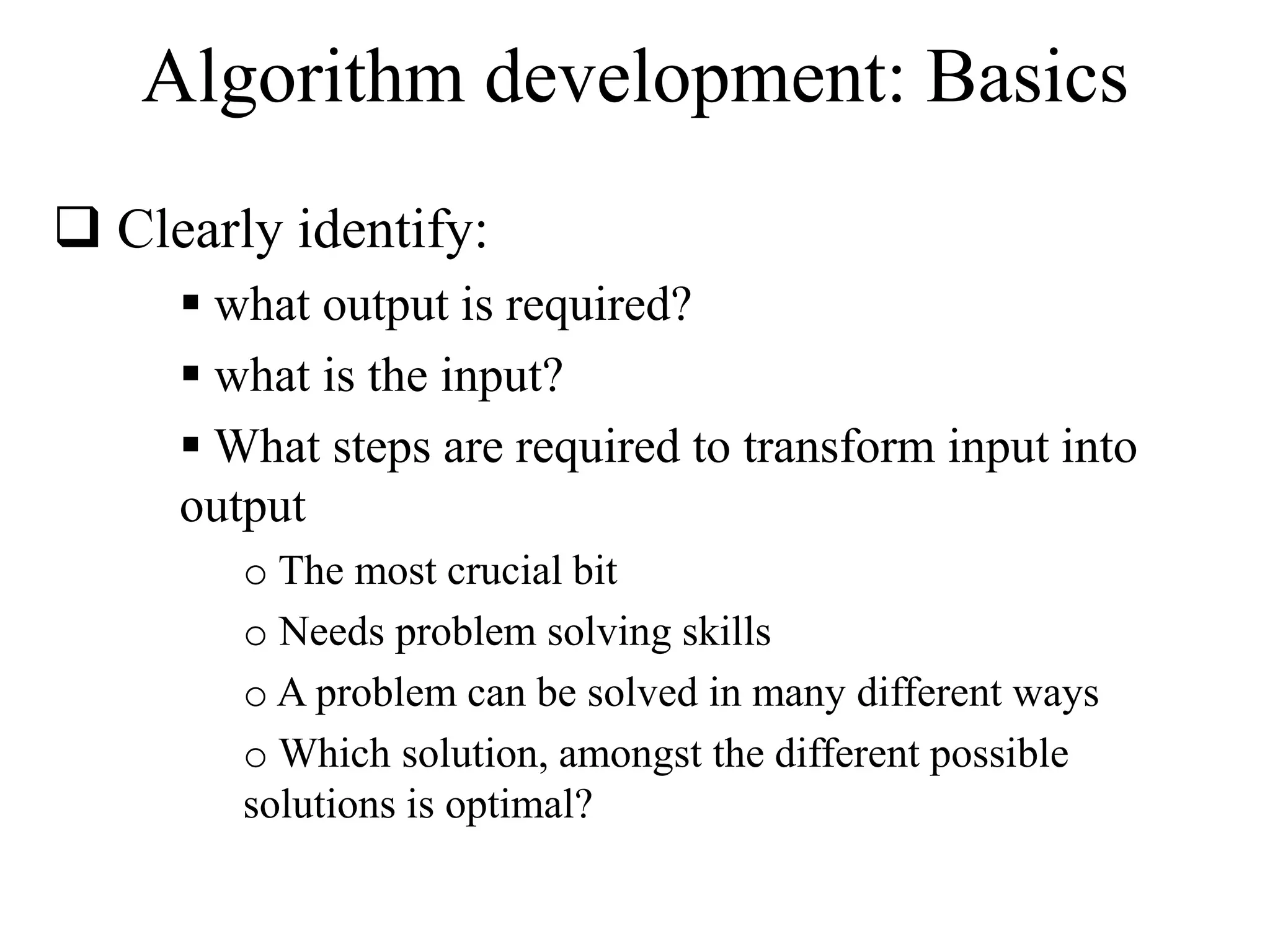
Algorithm development: Basics 
 Clearly identify: 
 what output is required? 
 what is the input? 
 What steps are required to transform input into 
output 
o The most crucial bit 
o Needs problem solving skills 
o A problem can be solved in many different ways 
oWhich solution, amongst the different possible 
solutions is optimal?
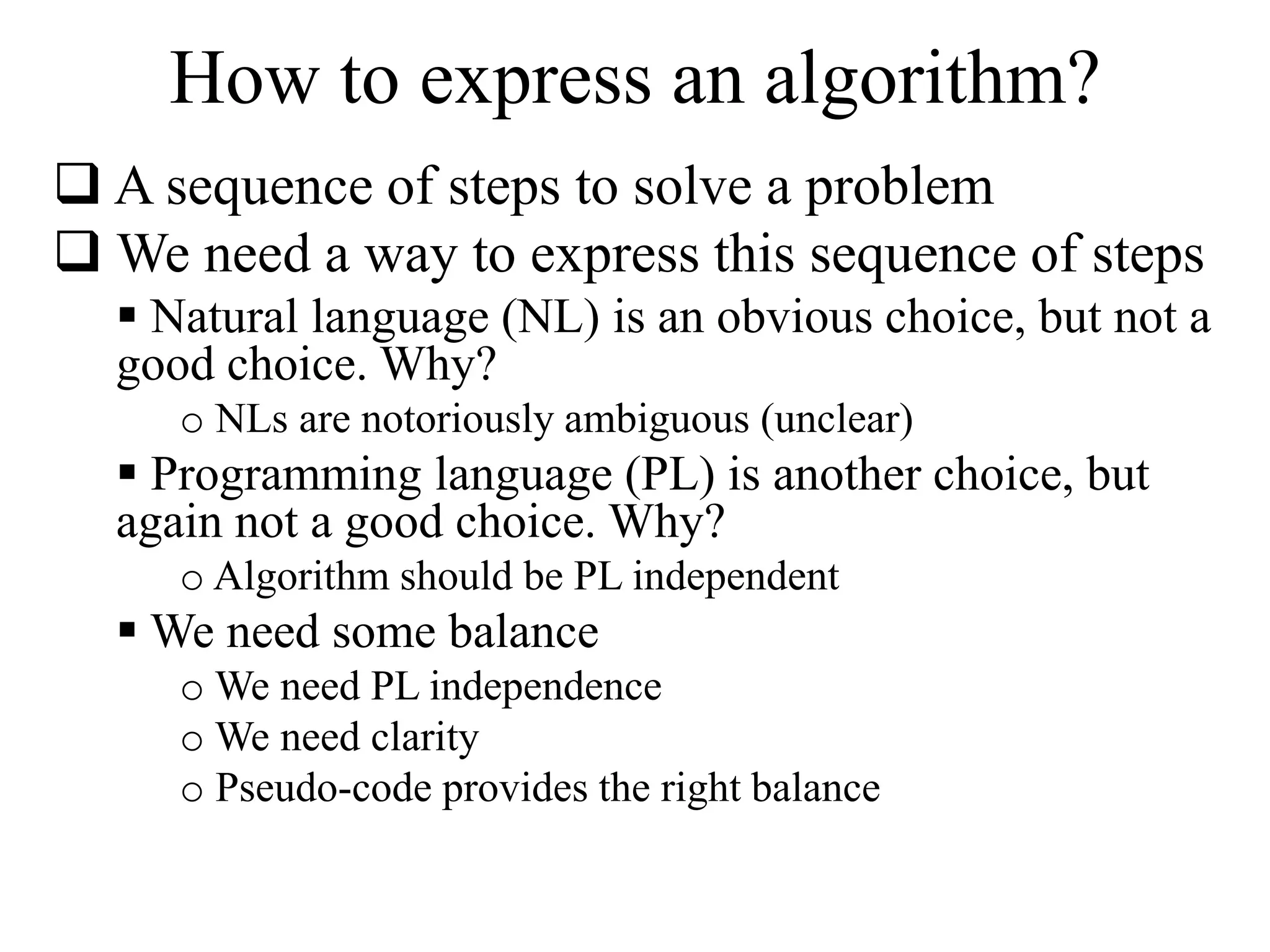
How to express an algorithm? 
 A sequence of steps to solve a problem 
We need a way to express this sequence of steps 
 Natural language (NL) is an obvious choice, but not a 
good choice. Why? 
o NLs are notoriously ambiguous (unclear) 
 Programming language (PL) is another choice, but 
again not a good choice. Why? 
o Algorithm should be PL independent 
We need some balance 
oWe need PL independence 
oWe need clarity 
o Pseudo-code provides the right balance
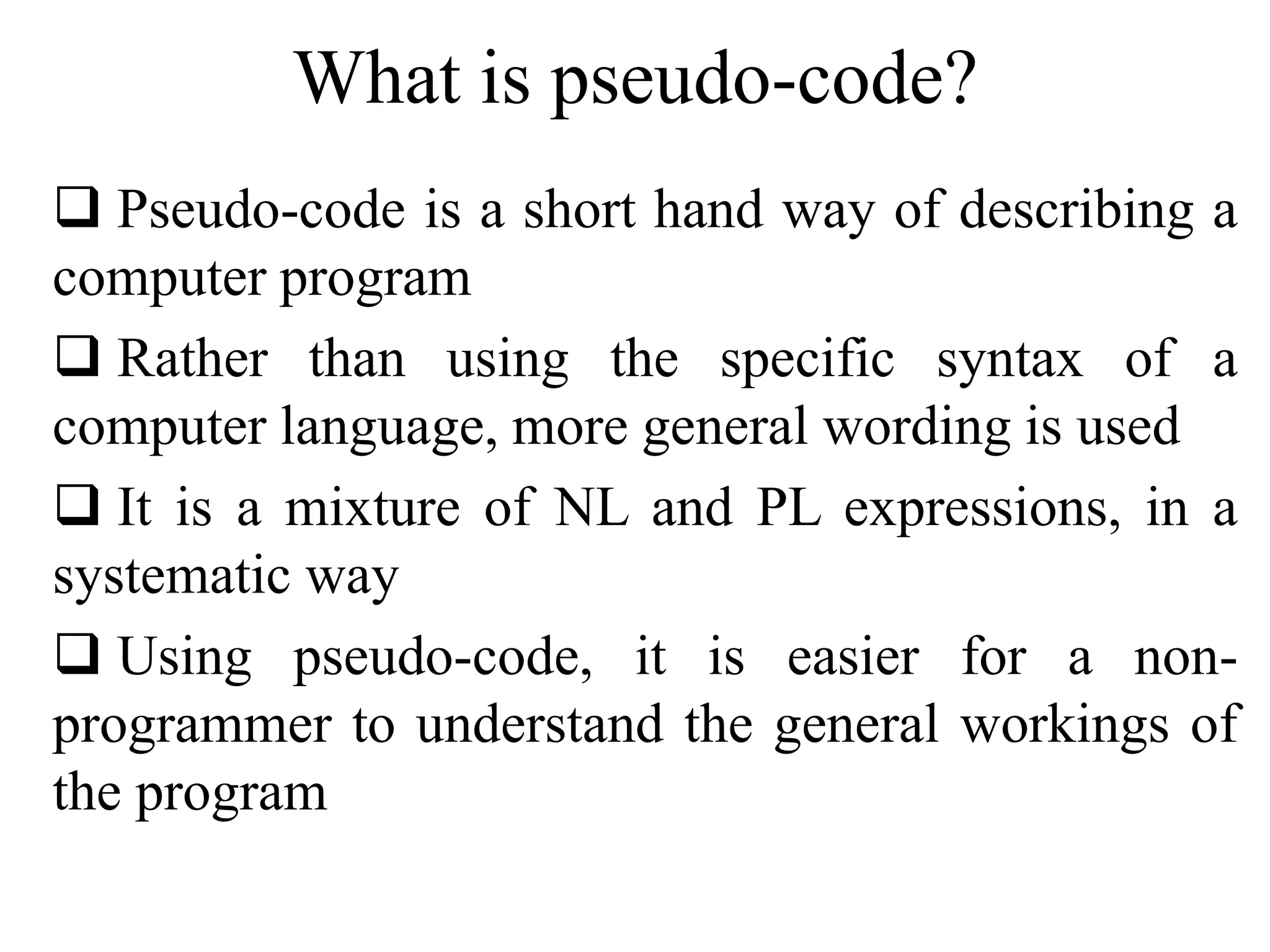
What is pseudo-code? 
 Pseudo-code is a short hand way of describing a 
computer program 
 Rather than using the specific syntax of a 
computer language, more general wording is used 
 It is a mixture of NL and PL expressions, in a 
systematic way 
 Using pseudo-code, it is easier for a non-programmer 
to understand the general workings of 
the program
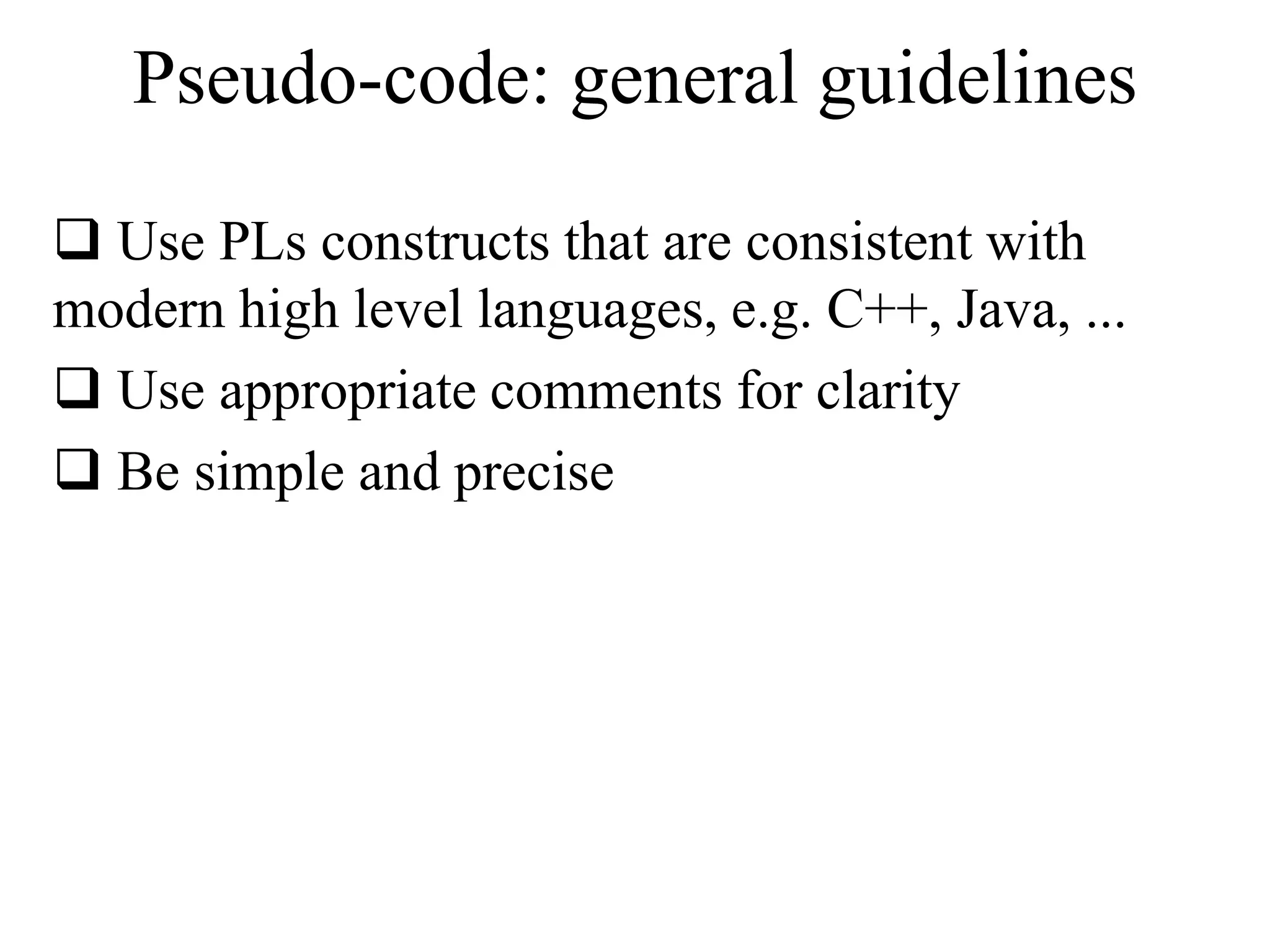
Pseudo-code: general guidelines 
 Use PLs constructs that are consistent with 
modern high level languages, e.g. C++, Java, ... 
 Use appropriate comments for clarity 
 Be simple and precise
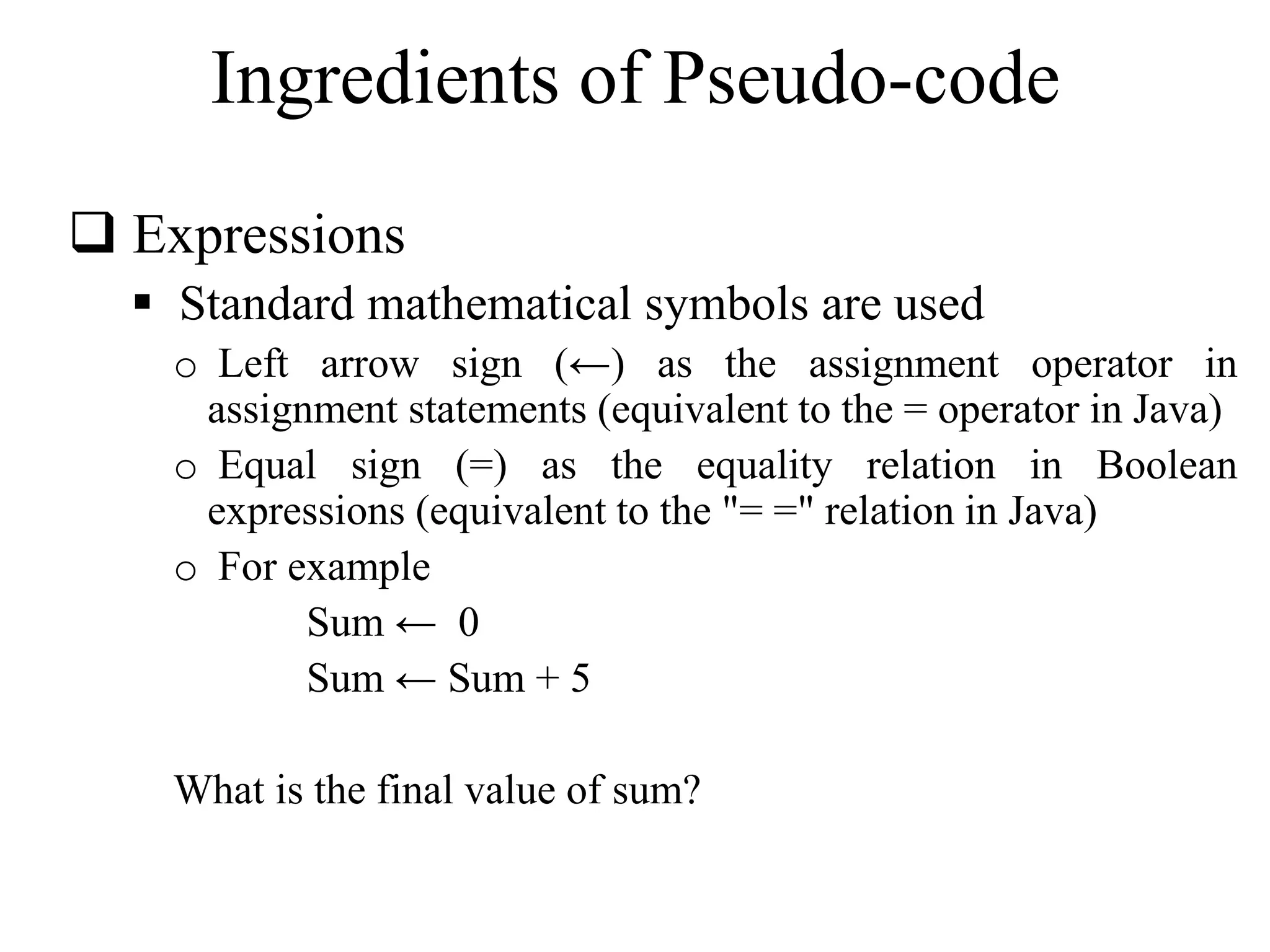
Ingredients of Pseudo-code 
 Expressions 
 Standard mathematical symbols are used 
o Left arrow sign (←) as the assignment operator in 
assignment statements (equivalent to the = operator in Java) 
o Equal sign (=) as the equality relation in Boolean 
expressions (equivalent to the "= =" relation in Java) 
o For example 
Sum ← 0 
Sum ← Sum + 5 
What is the final value of sum?
Ingredients of Pseudo-code (cont.) 
 Decision structures (if-then-else logic) 
 if condition then true-actions [else false-actions] 
 We use indentation to indicate what actions should be 
included in the true-actions and false-actions 
 For example 
if marks > 50 then 
print “Congratulation, you are passed!” 
else 
print “Sorry, you are failed!” 
end if 
What will be the output if marks are equal to 75?
Ingredients of Pseudo-code (cont.) 
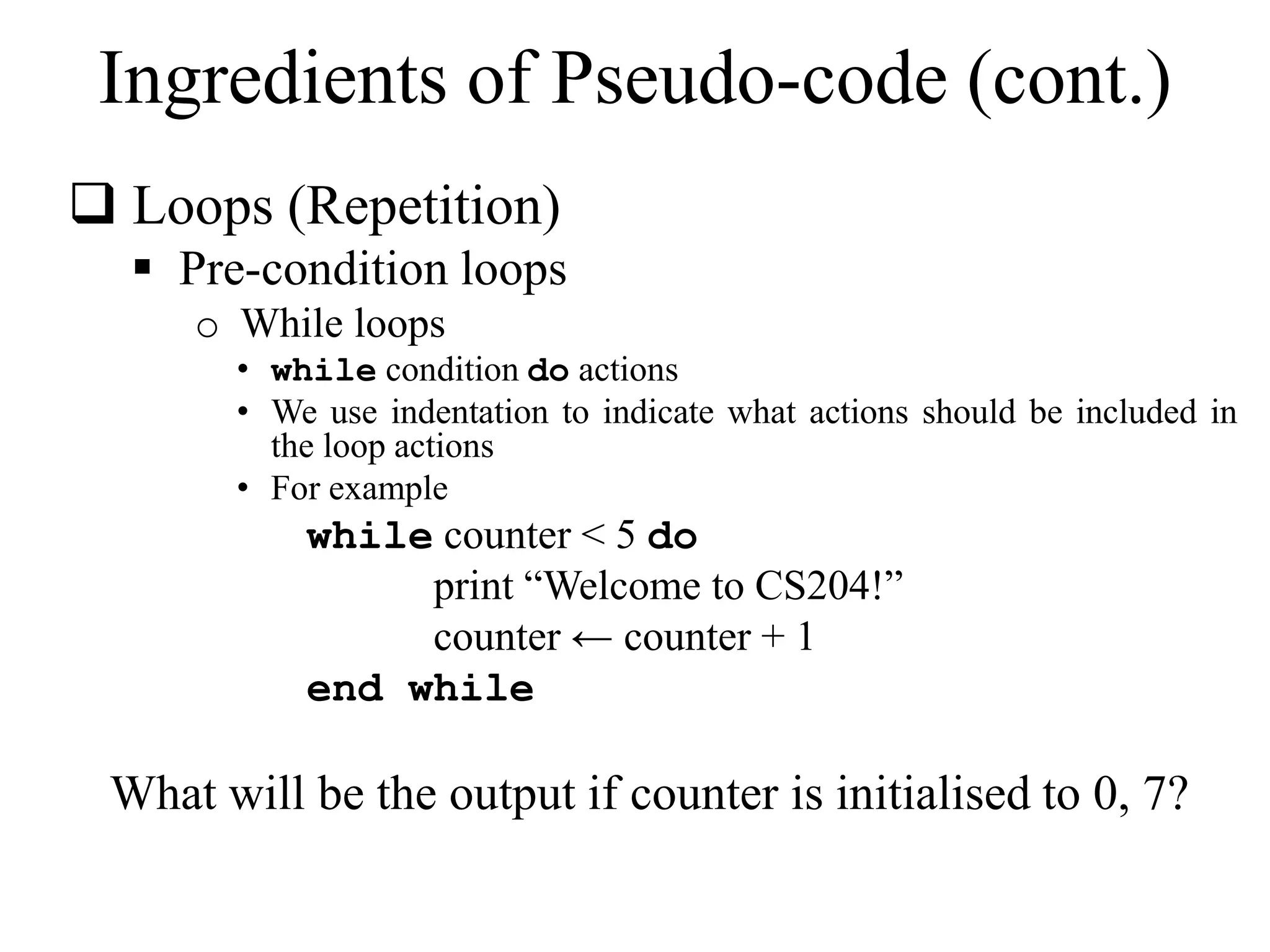
 Loops (Repetition) 
 Pre-condition loops 
o While loops 
• while condition do actions 
• We use indentation to indicate what actions should be included in 
the loop actions 
• For example 
while counter < 5 do 
print “Welcome to CS204!” 
counter ← counter + 1 
end while 
What will be the output if counter is initialised to 0, 7?
Ingredients of Pseudo-code (cont.) 
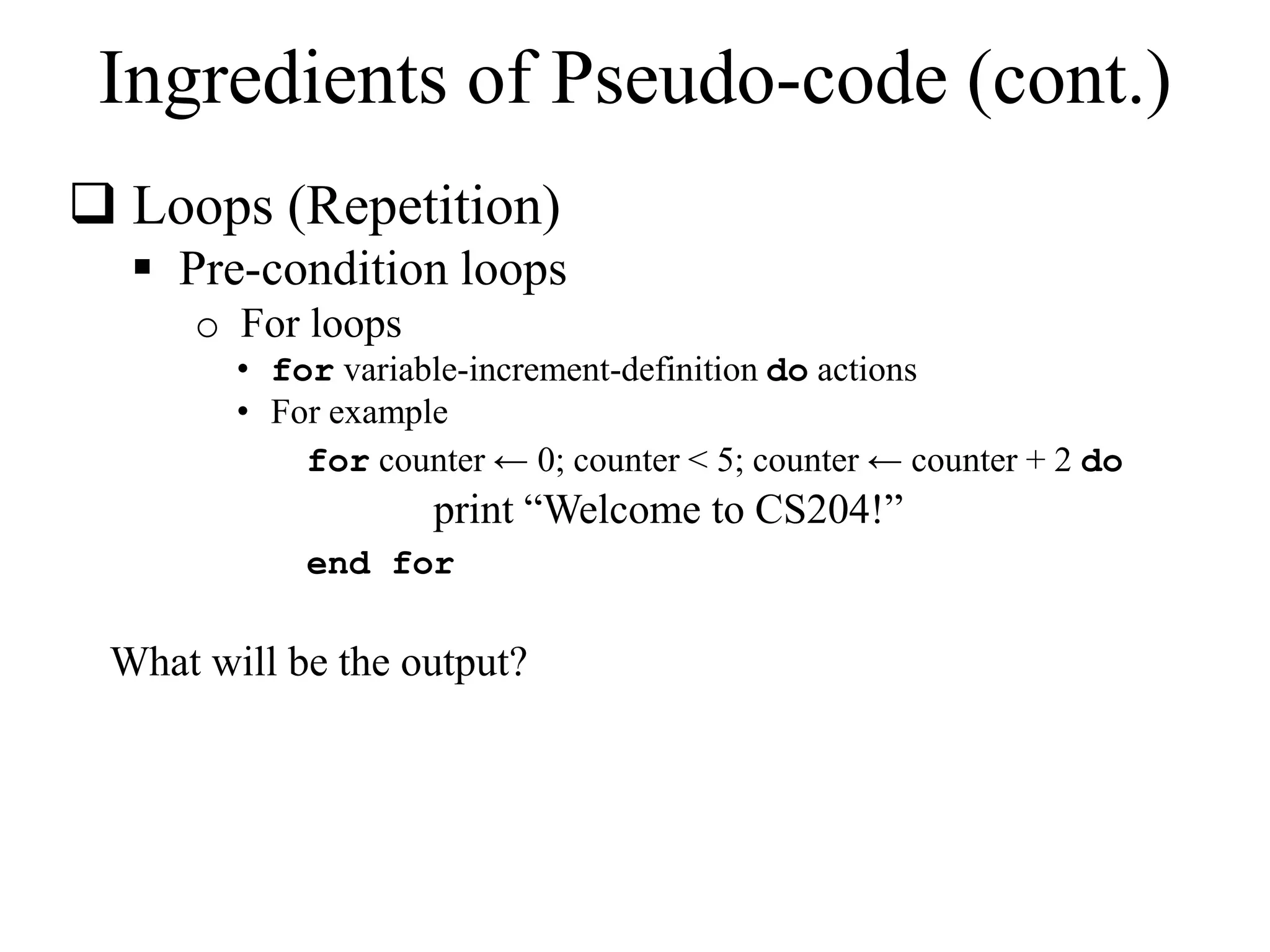
 Loops (Repetition) 
 Pre-condition loops 
o For loops 
• for variable-increment-definition do actions 
• For example 
for counter ← 0; counter < 5; counter ← counter + 2 do 
print “Welcome to CS204!” 
end for 
What will be the output?
Ingredients of Pseudo-code (cont.) 
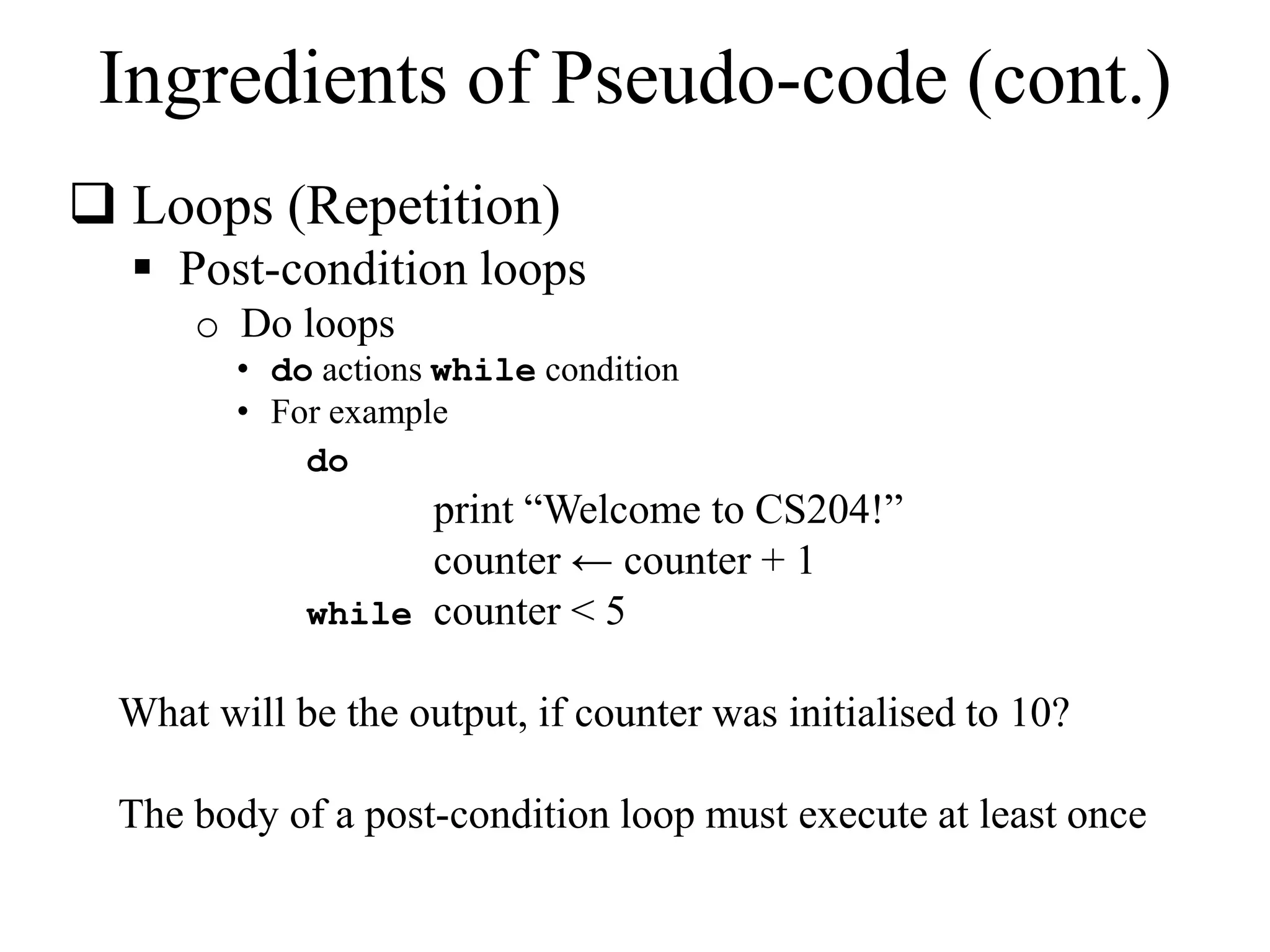
 Loops (Repetition) 
 Post-condition loops 
o Do loops 
• do actions while condition 
• For example 
do 
print “Welcome to CS204!” 
counter ← counter + 1 
while counter < 5 
What will be the output, if counter was initialised to 10? 
The body of a post-condition loop must execute at least once
Ingredients of Pseudo-code (cont.) 
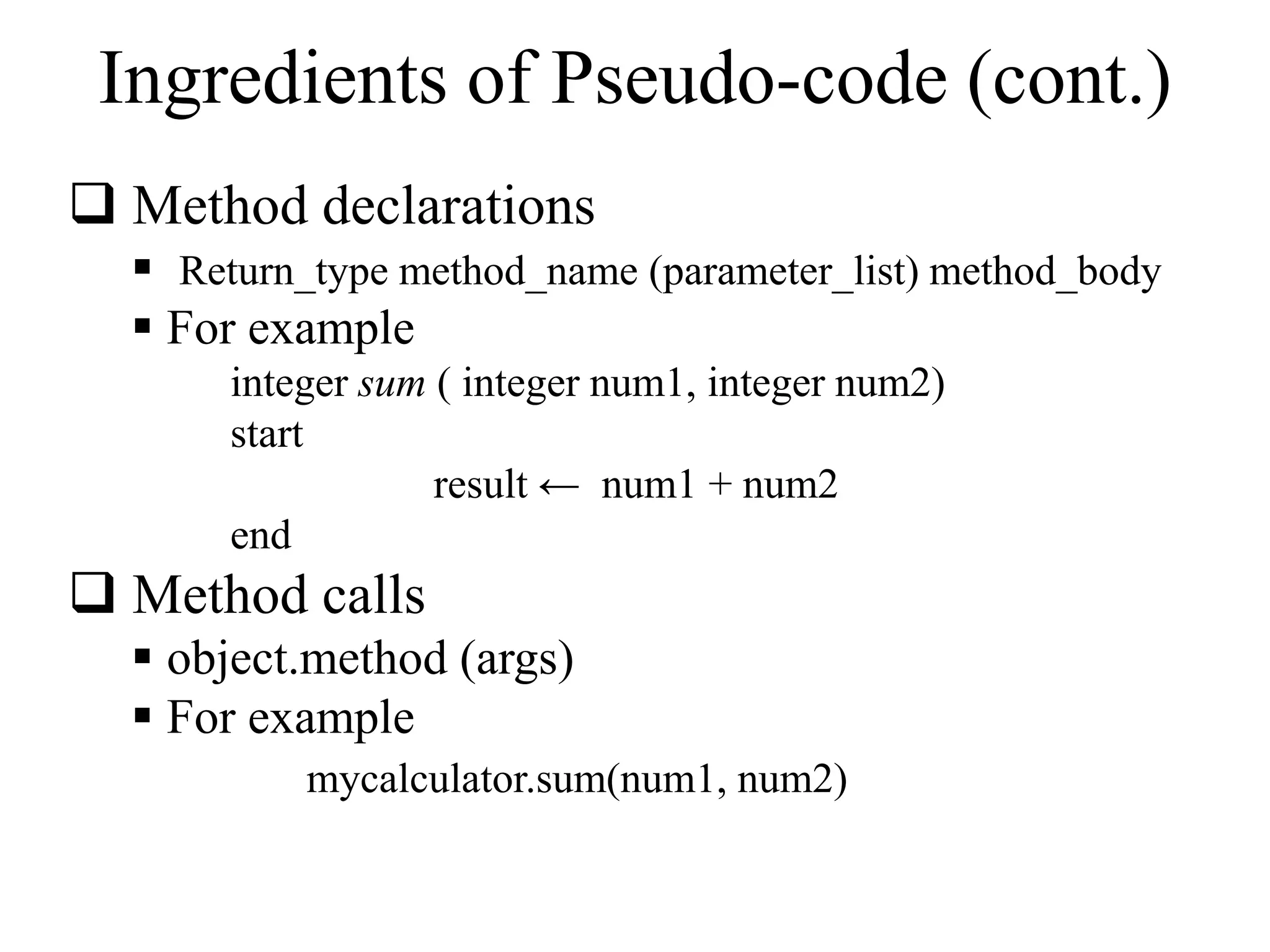
 Method declarations 
 Return_type method_name (parameter_list) method_body 
 For example 
integer sum ( integer num1, integer num2) 
start 
result ← num1 + num2 
end 
 Method calls 
 object.method (args) 
 For example 
mycalculator.sum(num1, num2)
Ingredients of Pseudo-code (cont.) 
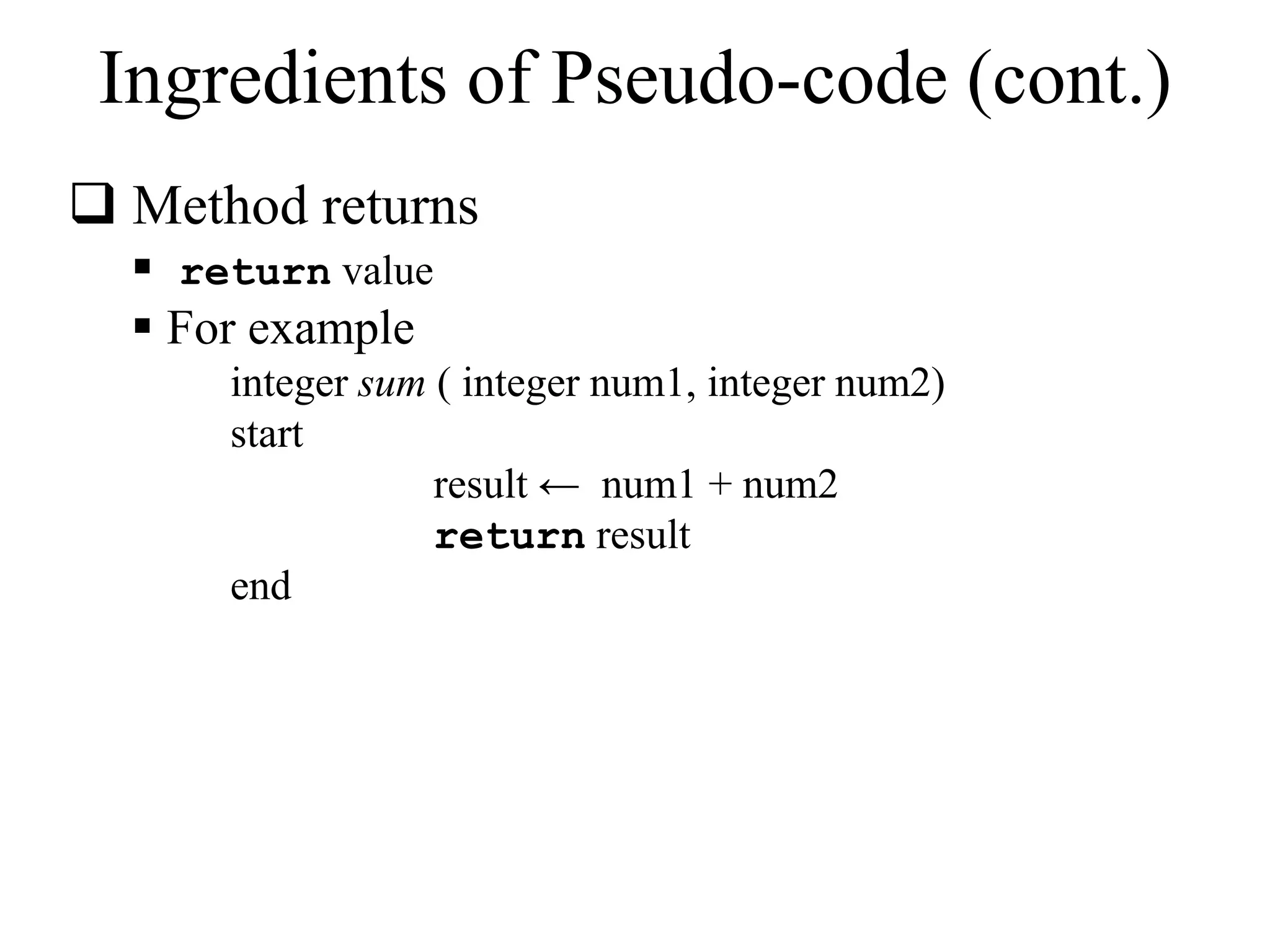
 Method returns 
 return value 
 For example 
integer sum ( integer num1, integer num2) 
start 
result ← num1 + num2 
return result 
end
Ingredients of Pseudo-code (cont.) 
 Comments 
 /* Multiple line comments go here. */ 
 // Single line comments go here 
 Some people prefer braces {}, for comments 
 Arrays 
 A[i] represents the ith cell in the array A. 
 The cells of an n-celled array A are indexed from A[0] 
to A[n − 1] (consistent with Java).
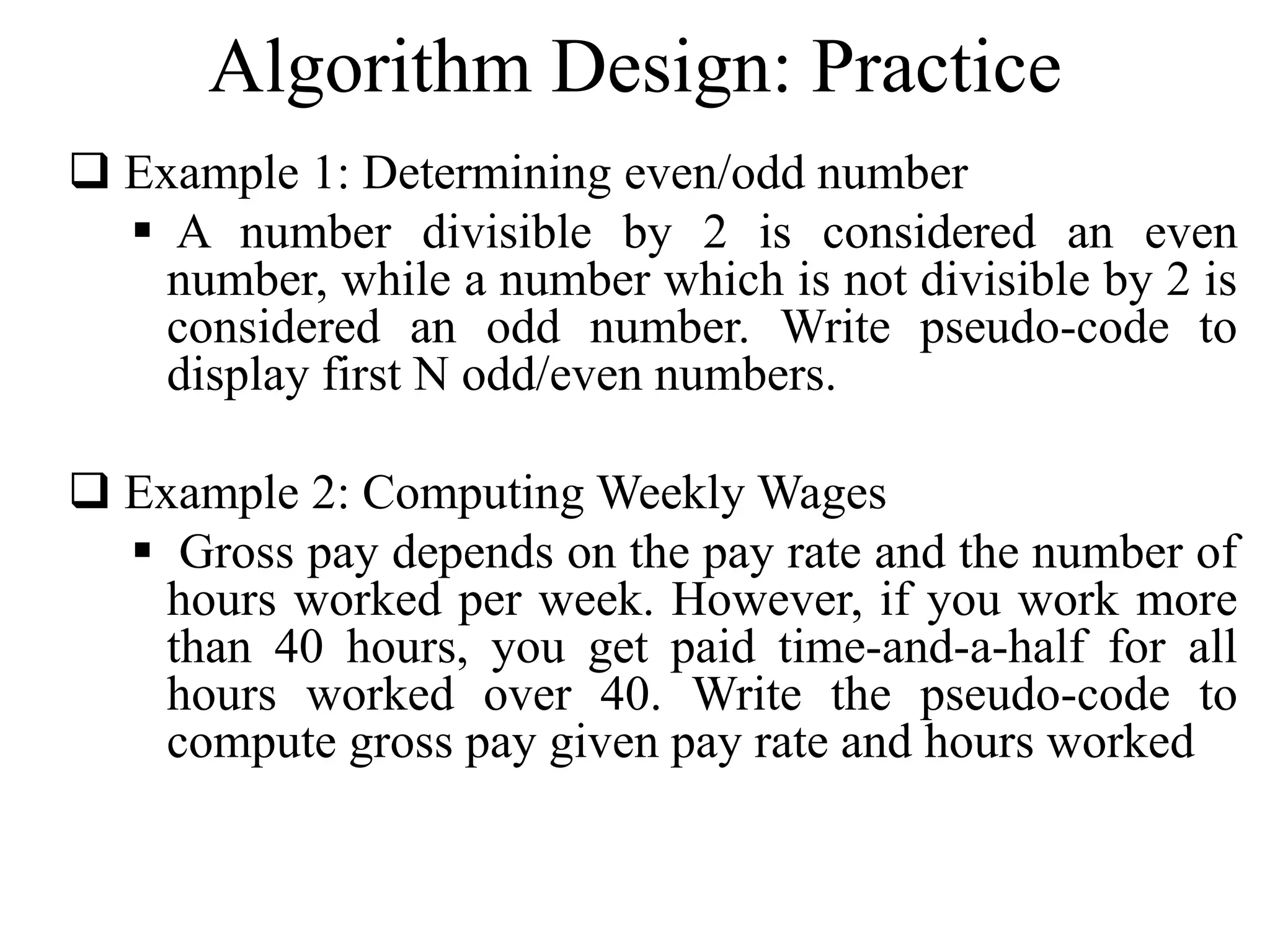
Algorithm Design: Practice 
 Example 1: Determining even/odd number 
 A number divisible by 2 is considered an even 
number, while a number which is not divisible by 2 is 
considered an odd number. Write pseudo-code to 
display first N odd/even numbers. 
 Example 2: ComputingWeeklyWages 
 Gross pay depends on the pay rate and the number of 
hours worked per week. However, if you work more 
than 40 hours, you get paid time-and-a-half for all 
hours worked over 40. Write the pseudo-code to 
compute gross pay given pay rate and hours worked
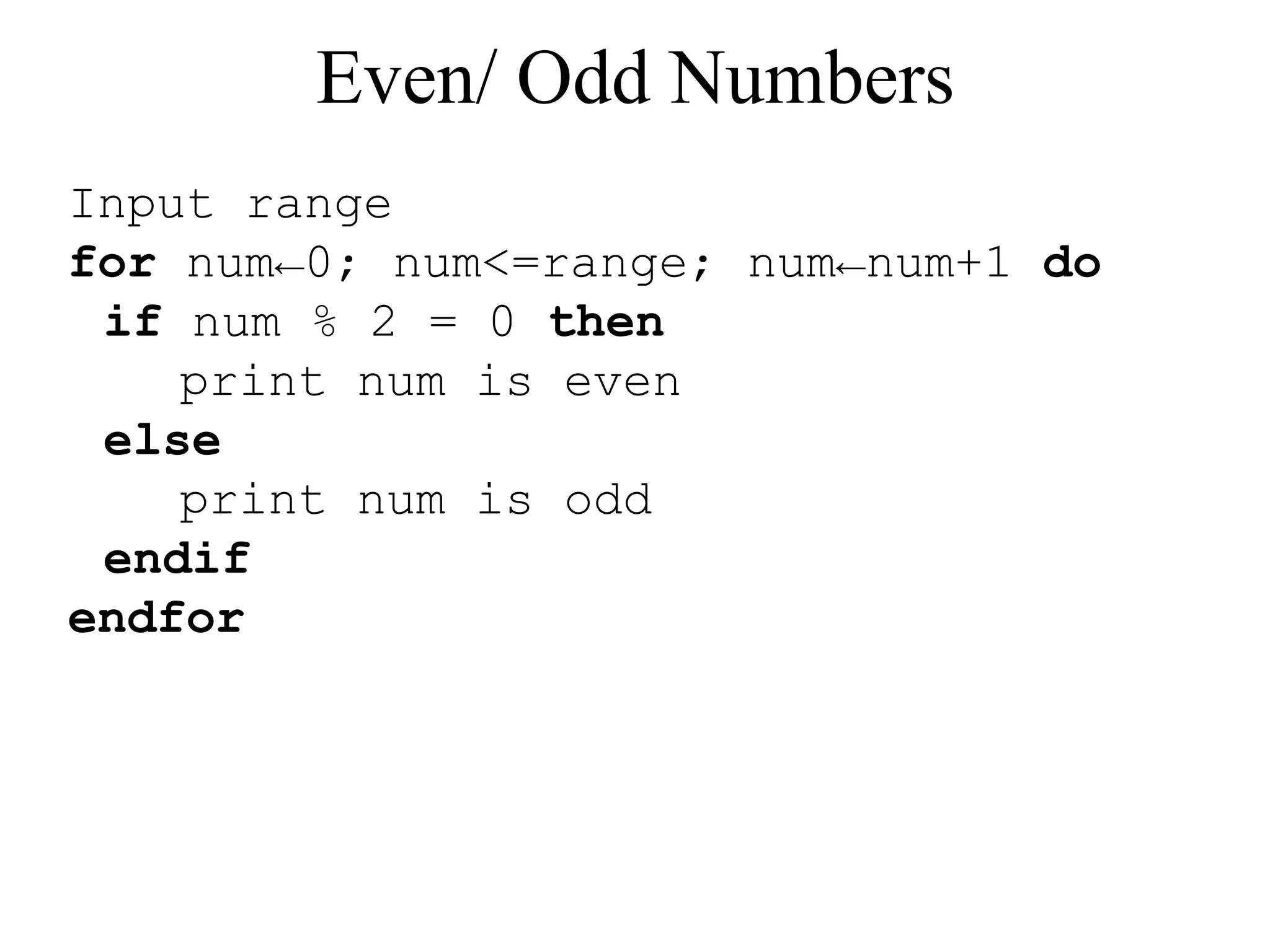
Even/ Odd Numbers 
Input range 
for num←0; num<=range; num←num+1 do 
if num % 2 = 0 then 
print num is even 
else 
print num is odd 
endif 
endfor
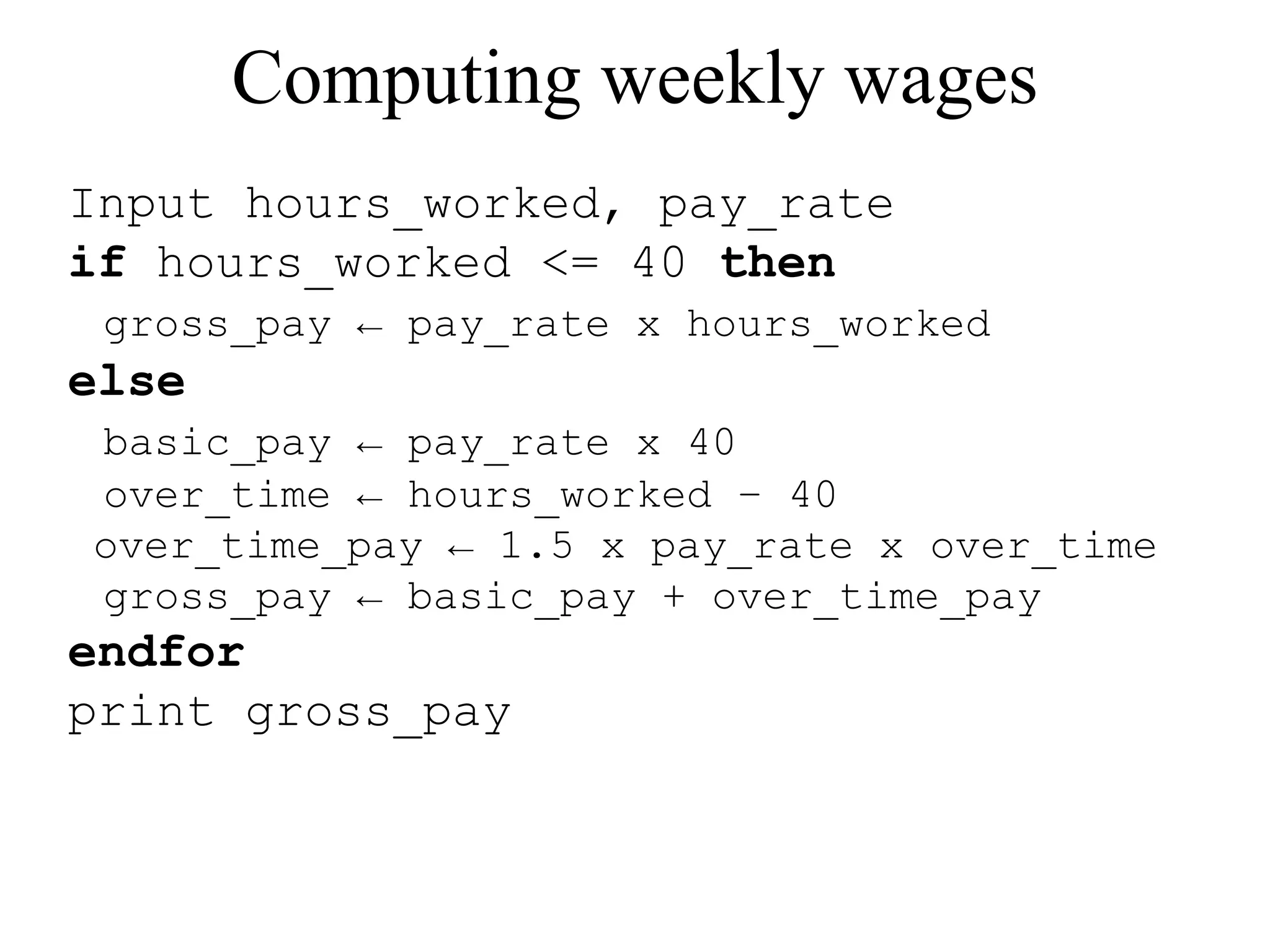
Computing weekly wages 
Input hours_worked, pay_rate 
if hours_worked <= 40 then 
gross_pay ← pay_rate x hours_worked 
else 
basic_pay ← pay_rate x 40 
over_time ← hours_worked – 40 
over_time_pay ← 1.5 x pay_rate x over_time 
gross_pay ← basic_pay + over_time_pay 
endfor 
print gross_pay
Outlook 
Next week, we’ll discuss algorithm analysis

Data Structures- Part1 overview and review

  • 1.
    Data Structures I(CPCS-204) Week # 1: Overview & Review
  • 2.
    Course objectives Be familiar with problem solving  Be able to develop (and implement) algorithms  Be able to trace algorithms  Be able to select appropriate data structures and algorithms for given problems
  • 3.
    Course Outline Fundamentals of data structures and algorithms  Static and dynamic data structures  Basic searching and sorting algorithms  Recursion  Abstract data types  Stacks and queues  Trees
  • 4.
    Readings/references  TextBook:  Data Structures & Algorithms in JAVA (4th Edition), by M. Goodrich & R. Tamassia, JohnWiley & Sons, inc., 2006.  Additional Readings:  Data Structures and Problem Solving with JAVA (3rd Edition), by Mark AllenWeiss, AddisonWesley, 2006.  Lecture slides and handouts
  • 5.
    Grading/Evaluation Exams =60% First Exam = 15 Second Exam = 15 Final Exam = 30 Lab/ Practical = 30% Participation = 05% Quizzes = 05%
  • 6.
    What is data?  Data  A collection of facts from which conclusion may be drawn  e.g. Data: Temperature 35°C; Conclusion: It is hot.  Types of data  Textual: For example, your name (Muhammad)  Numeric: For example, your ID (090254)  Audio: For example, your voice  Video: For example, your voice and picture  (...)
  • 7.
    What is datastructure?  A particular way of storing and organizing data in a computer so that it can be used efficiently and effectively.  Data structure is the logical or mathematical model of a particular organization of data.  A group of data elements grouped together under one name.  For example, an array of integers
  • 8.
    Array Linked List Tree Types of data structures Queue Stack There are many, but we named a few. We’ll learn these data structures in great detail!
  • 9.
    The Need forData Structures  Goal: to organize data  Criteria: to facilitate efficient  storage of data  retrieval of data  manipulation of data  Design Issue:  select and design appropriate data types (This is the main motivation to learn and understand data structures)
  • 10.
    Data Structure Operations (Demonstrate using class room example!)  Traversing  Accessing each data element exactly once so that certain items in the data may be processed  Searching  Finding the location of the data element (key) in the structure  Insertion  Adding a new data element to the structure
  • 11.
    Data Structure Operations(cont.)  Deletion  Removing a data element from the structure  Sorting  Arrange the data elements in a logical order (ascending/descending)  Merging  Combining data elements from two or more data structures into one
  • 12.
    What is algorithm?  A finite set of instructions which accomplish a particular task  A method or process to solve a problem  Transforms input of a problem to output Algorithm = Input + Process + Output Algorithm development is an art – it needs practice, practice and only practice!
  • 13.
    What is agood algorithm?  It must be correct  It must be finite (in terms of time and size)  It must terminate  It must be unambiguous  Which step is next?  It must be space and time efficient A program is an instance of an algorithm, written in some specific programming language
  • 14.
    A simple algorithm  Problem: Find maximum of a, b, c  Algorithm  Input = a, b, c  Output = max  Process o Let max = a o If b > max then max = b o If c > max then max = c o Display max Order is very important!!!
  • 15.
    Algorithm development: Basics  Clearly identify:  what output is required?  what is the input?  What steps are required to transform input into output o The most crucial bit o Needs problem solving skills o A problem can be solved in many different ways oWhich solution, amongst the different possible solutions is optimal?
  • 16.
    How to expressan algorithm?  A sequence of steps to solve a problem We need a way to express this sequence of steps  Natural language (NL) is an obvious choice, but not a good choice. Why? o NLs are notoriously ambiguous (unclear)  Programming language (PL) is another choice, but again not a good choice. Why? o Algorithm should be PL independent We need some balance oWe need PL independence oWe need clarity o Pseudo-code provides the right balance
  • 17.
    What is pseudo-code?  Pseudo-code is a short hand way of describing a computer program  Rather than using the specific syntax of a computer language, more general wording is used  It is a mixture of NL and PL expressions, in a systematic way  Using pseudo-code, it is easier for a non-programmer to understand the general workings of the program
  • 18.
    Pseudo-code: general guidelines  Use PLs constructs that are consistent with modern high level languages, e.g. C++, Java, ...  Use appropriate comments for clarity  Be simple and precise
  • 19.
    Ingredients of Pseudo-code  Expressions  Standard mathematical symbols are used o Left arrow sign (←) as the assignment operator in assignment statements (equivalent to the = operator in Java) o Equal sign (=) as the equality relation in Boolean expressions (equivalent to the "= =" relation in Java) o For example Sum ← 0 Sum ← Sum + 5 What is the final value of sum?
  • 20.
    Ingredients of Pseudo-code(cont.)  Decision structures (if-then-else logic)  if condition then true-actions [else false-actions]  We use indentation to indicate what actions should be included in the true-actions and false-actions  For example if marks > 50 then print “Congratulation, you are passed!” else print “Sorry, you are failed!” end if What will be the output if marks are equal to 75?
  • 21.
    Ingredients of Pseudo-code(cont.)  Loops (Repetition)  Pre-condition loops o While loops • while condition do actions • We use indentation to indicate what actions should be included in the loop actions • For example while counter < 5 do print “Welcome to CS204!” counter ← counter + 1 end while What will be the output if counter is initialised to 0, 7?
  • 22.
    Ingredients of Pseudo-code(cont.)  Loops (Repetition)  Pre-condition loops o For loops • for variable-increment-definition do actions • For example for counter ← 0; counter < 5; counter ← counter + 2 do print “Welcome to CS204!” end for What will be the output?
  • 23.
    Ingredients of Pseudo-code(cont.)  Loops (Repetition)  Post-condition loops o Do loops • do actions while condition • For example do print “Welcome to CS204!” counter ← counter + 1 while counter < 5 What will be the output, if counter was initialised to 10? The body of a post-condition loop must execute at least once
  • 24.
    Ingredients of Pseudo-code(cont.)  Method declarations  Return_type method_name (parameter_list) method_body  For example integer sum ( integer num1, integer num2) start result ← num1 + num2 end  Method calls  object.method (args)  For example mycalculator.sum(num1, num2)
  • 25.
    Ingredients of Pseudo-code(cont.)  Method returns  return value  For example integer sum ( integer num1, integer num2) start result ← num1 + num2 return result end
  • 26.
    Ingredients of Pseudo-code(cont.)  Comments  /* Multiple line comments go here. */  // Single line comments go here  Some people prefer braces {}, for comments  Arrays  A[i] represents the ith cell in the array A.  The cells of an n-celled array A are indexed from A[0] to A[n − 1] (consistent with Java).
  • 27.
    Algorithm Design: Practice  Example 1: Determining even/odd number  A number divisible by 2 is considered an even number, while a number which is not divisible by 2 is considered an odd number. Write pseudo-code to display first N odd/even numbers.  Example 2: ComputingWeeklyWages  Gross pay depends on the pay rate and the number of hours worked per week. However, if you work more than 40 hours, you get paid time-and-a-half for all hours worked over 40. Write the pseudo-code to compute gross pay given pay rate and hours worked
  • 28.
    Even/ Odd Numbers Input range for num←0; num<=range; num←num+1 do if num % 2 = 0 then print num is even else print num is odd endif endfor
  • 29.
    Computing weekly wages Input hours_worked, pay_rate if hours_worked <= 40 then gross_pay ← pay_rate x hours_worked else basic_pay ← pay_rate x 40 over_time ← hours_worked – 40 over_time_pay ← 1.5 x pay_rate x over_time gross_pay ← basic_pay + over_time_pay endfor print gross_pay
  • 30.
    Outlook Next week,we’ll discuss algorithm analysis