A Web App Hacker’s Bag O’ Tricks Unusual Web Bugs Alex “kuza55” K. [email_address] http://kuza55.blogspot.com/
I'm Alex Starting Uni next year Working for SIFT  http://www.sift.com.au/
This talk is Not an introduction to web app security Not a talk about URIs or DNS Rebinding A talk about some new ideas and cool/obscure things in web app security More like „Unusual XSS Bugs“ after editing A bit reliant on Flash...and they fixed most of these things
Outline Exploiting Logged Out XSS Vulnerabilities CSRF Protected XSS XSS via HTTP Headers File Uploads Range/Request-Range Issues PHP Oddities Encoding Fun CSRF Other Toys
Exploiting Logged Out XSS Vulnerabilities Known Methods Browser Password Manager Abuse Session Fixation Persisting XSS
Browser Password Manager Abuse Browser automatically fills in passwords Can opt-out on Firefox signon.prefillForms Still possible if you know the username Fill in the username Focus on the username field Focus on the password field Extract the password (use setTimeout)‏ Firefox only does a domain check IE does a page check and doesn’t prefill Load the page in an iframe, then as above
Session Fixation If cookies are not regenerated We can set the user’s cookie We don’t need to steal it as we already know it Usually we attack sites which accept cookies in the URL Most 'fixes' simply stop apps from accepting session Ids via the URL Here we can just use Javascript to set the cookie
Persisting XSS $_REQUEST Variable Fixation DOM Based XSS via Persistent Data Stores
$_REQUEST Variable Fixation Based on variables_order directive Defaults to EGPCS $_ENV $_GET $_POST $_COOKIE $_SESSION XSS persists until its fixed
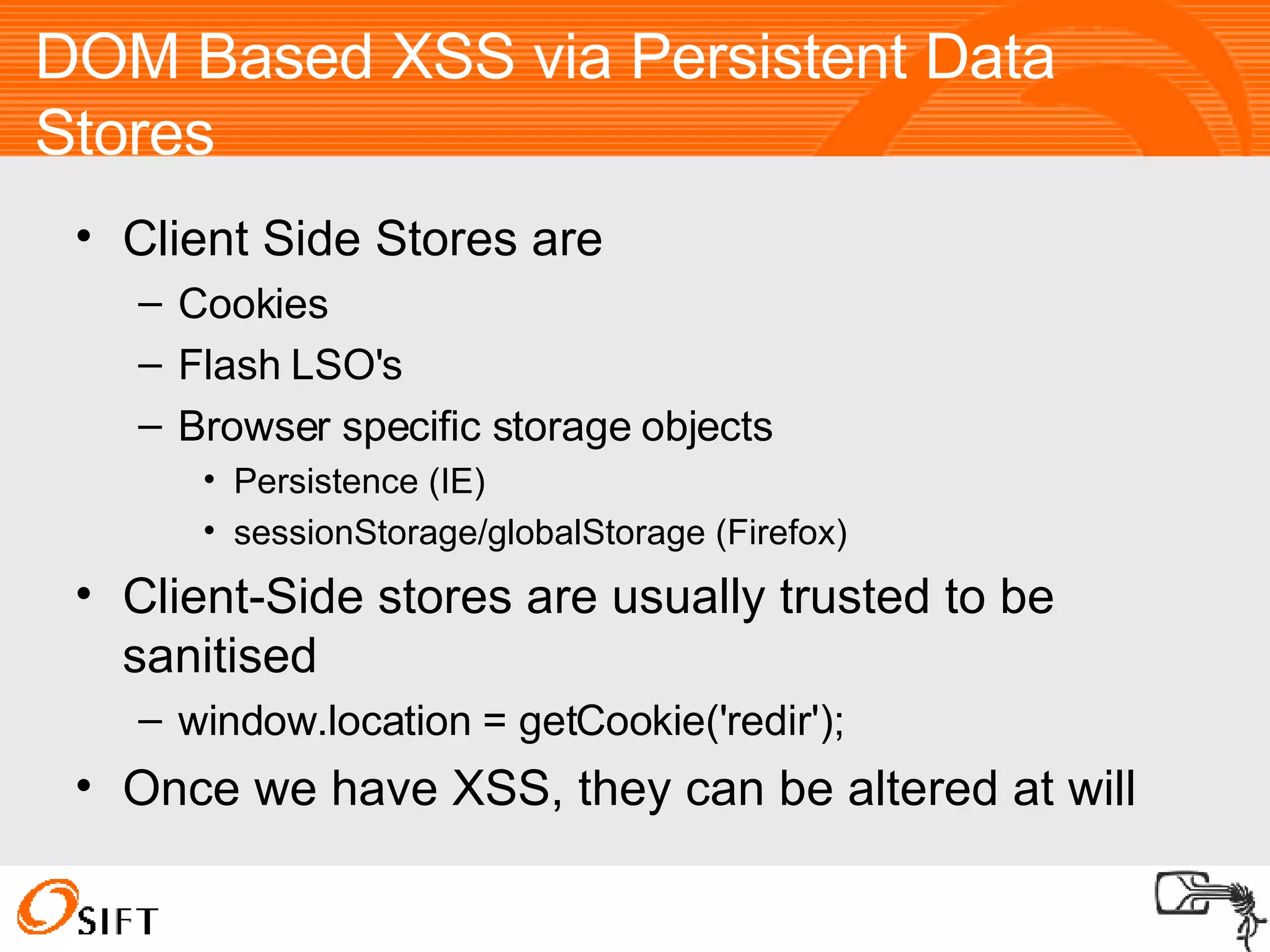
DOM Based XSS via Persistent Data Stores Client Side Stores are Cookies Flash LSO's Browser specific storage objects Persistence (IE)‏ sessionStorage/globalStorage (Firefox)  Client-Side stores are usually trusted to be sanitised window.location = getCookie('redir'); Once we have XSS, they can be altered at will
Exploiting Logged Out XSS Vulnerabilities New Ideas Reading The Browser Cache via XSS Semi-Logging the user out
Reading the Browser Cache Via XSS Most browsers don't serve you cached data unless a Cache-Control or Expires header is sent by the server IE does though Simply use XMLHttpRequest object No tricks required
Semi-Logging the user out What does it mean to be ‘logged in’? No, its not like the meaning of life. That was a Monty Python movie To be logged in is to send a cookie tied to a valid session So when are you logged out? When your cookie is invalid or you don’t send a cookie How do we log the user out for a single request?
Semi-Logging the user out Stop a valid cookie being sent Flash to mangle the cookie Not in IE Some session handlers like PHP throw a warning, but still create a new session. RequestRodeo Firefox Extension which strips all auth data from off-site requests Nice extension, but introduces new issues
CSRF Protected XSS What do CSRF protections really do? They force you to send an additional token tied to the valid session tied to your cookie Nowhere there does it say that it has to be the user’s cookie/token combination So we force the user to send our own
General Case Log the user In as someone else Log the user out first CSRF or Wait (not long usually)‏ Or Stop the cookies being sent RequestRodeo ;p Log the user in as yourself Flash (Not IE)‏ Session Fixation URL Tokens
Persistent Self-Only CSRF Protected XSS Almost the same as the general case CSRF To Log the user in Session Fixation not required Works on all browsers
CAPTCHA Protected XSS CSRF the CAPTCHA Only if no nonce exists E.g. image.php Not image.php?nonce=12345678 Get the user to fill it in
XSS via HTTP Headers Half the problem is getting the user to send the necessary payload in the right place So we use Flash Which doesn't let you send all headers
General Case Flash doesn’t do a good job of filtering headers addRequestHeader (“Referer:http://whatever/”, “ “); No whitespace in the first argument Second argument is non-empty Cookie is allowed by Flash However IE filters the cookie header
CGI 1.1 Abuse We can use the General method until its fixed Some languages (PHP/ASP/Perl/ColdFusion) implement the CGI 1.1 spec and access to headers looks like this: $_SERVER[‘HTTP_USER_AGENT’] So we can send a User_Agent header: addRequestHeader (“User_Agent”, “our User-Agent“); Not on ASP though  
File Uploads Are very hard to do right Two categories of issues File names File content
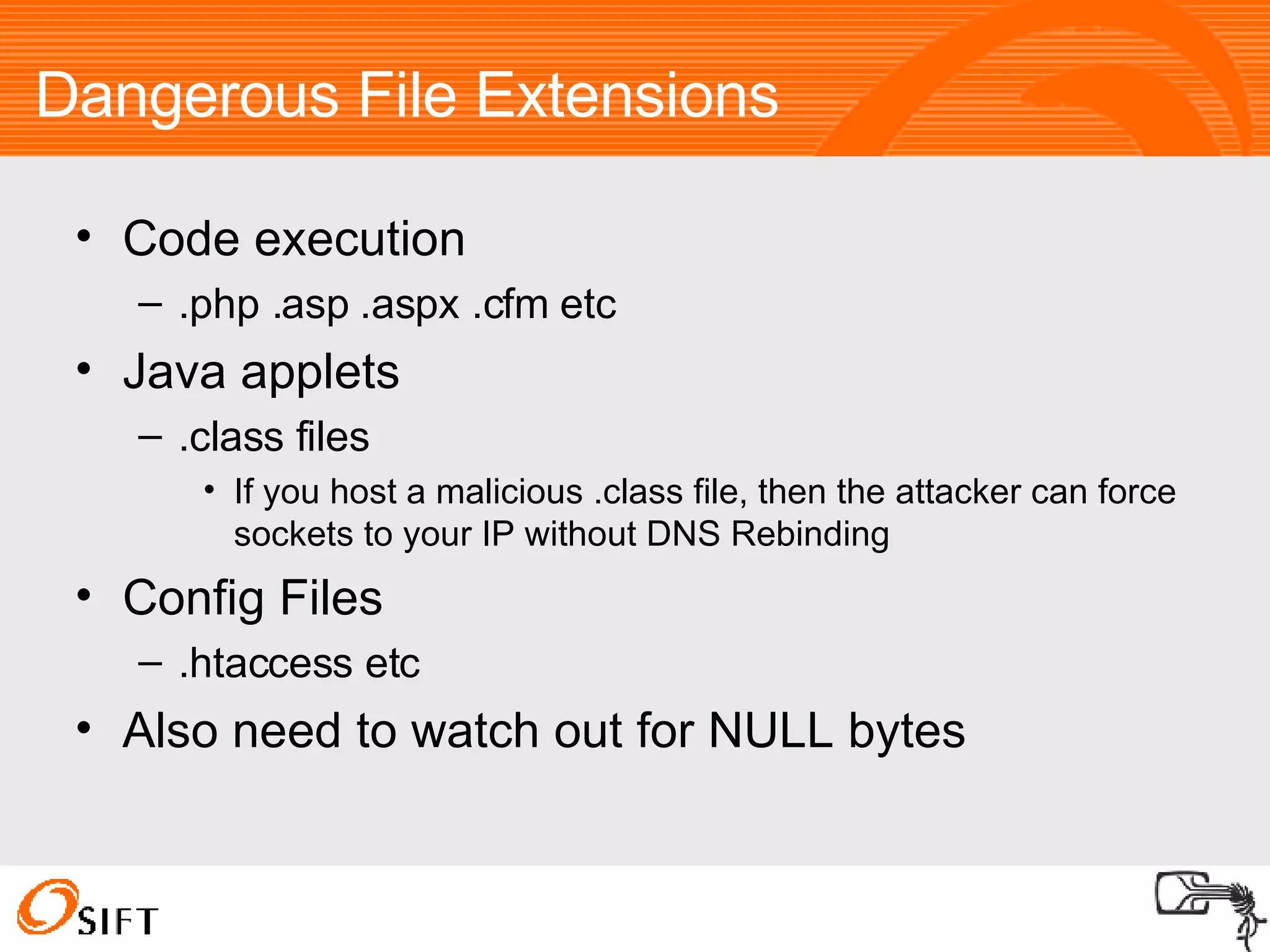
Dangerous File Extensions Code execution .php .asp .aspx .cfm etc Java applets .class files If you host a malicious .class file, then the attacker can force sockets to your IP without DNS Rebinding Config Files .htaccess etc Also need to watch out for NULL bytes
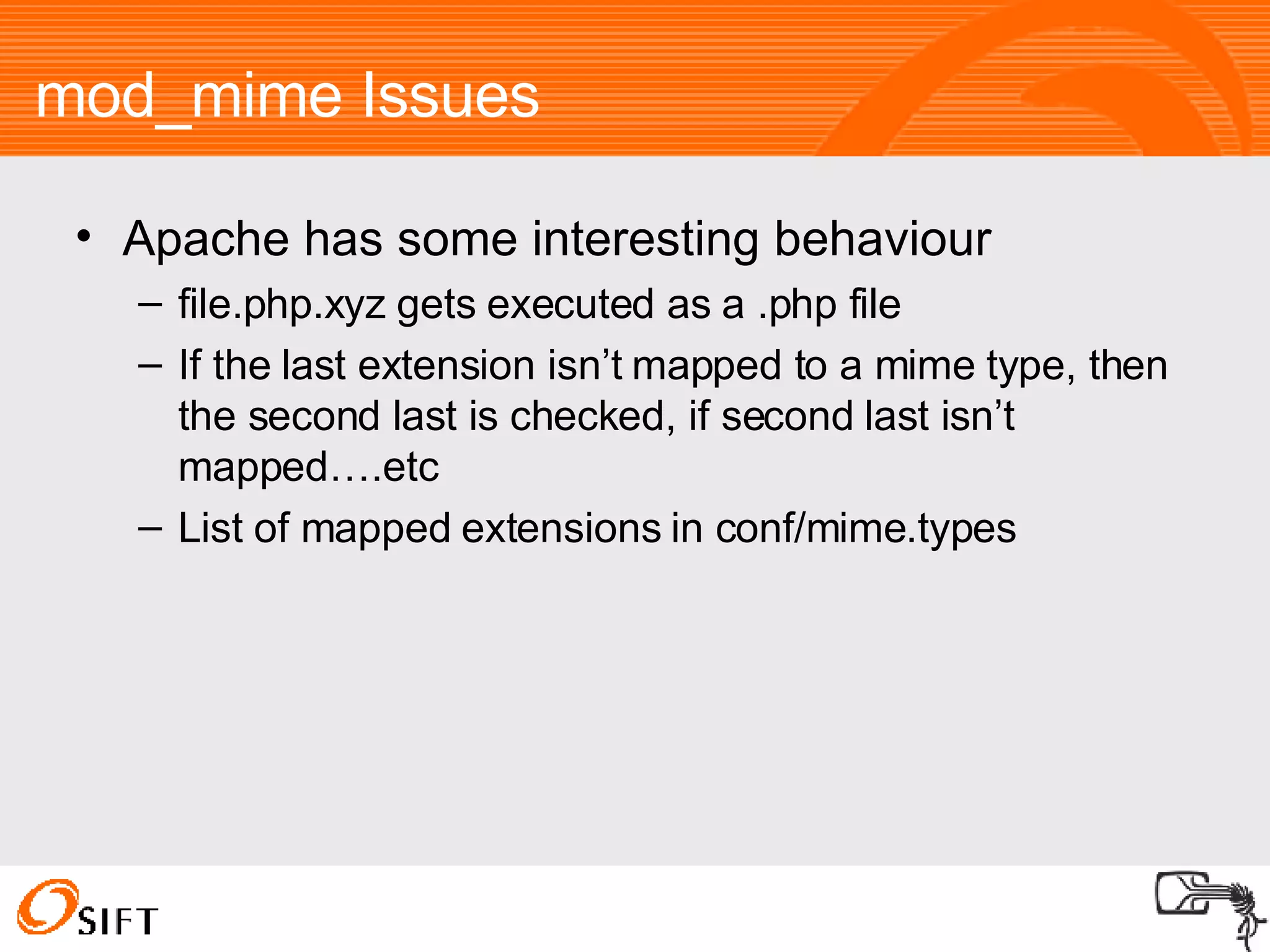
mod_mime Issues Apache has some interesting behaviour file.php.xyz gets executed as a .php file If the last extension isn’t mapped to a mime type, then the second last is checked, if second last isn’t mapped….etc List of mapped extensions in conf/mime.types
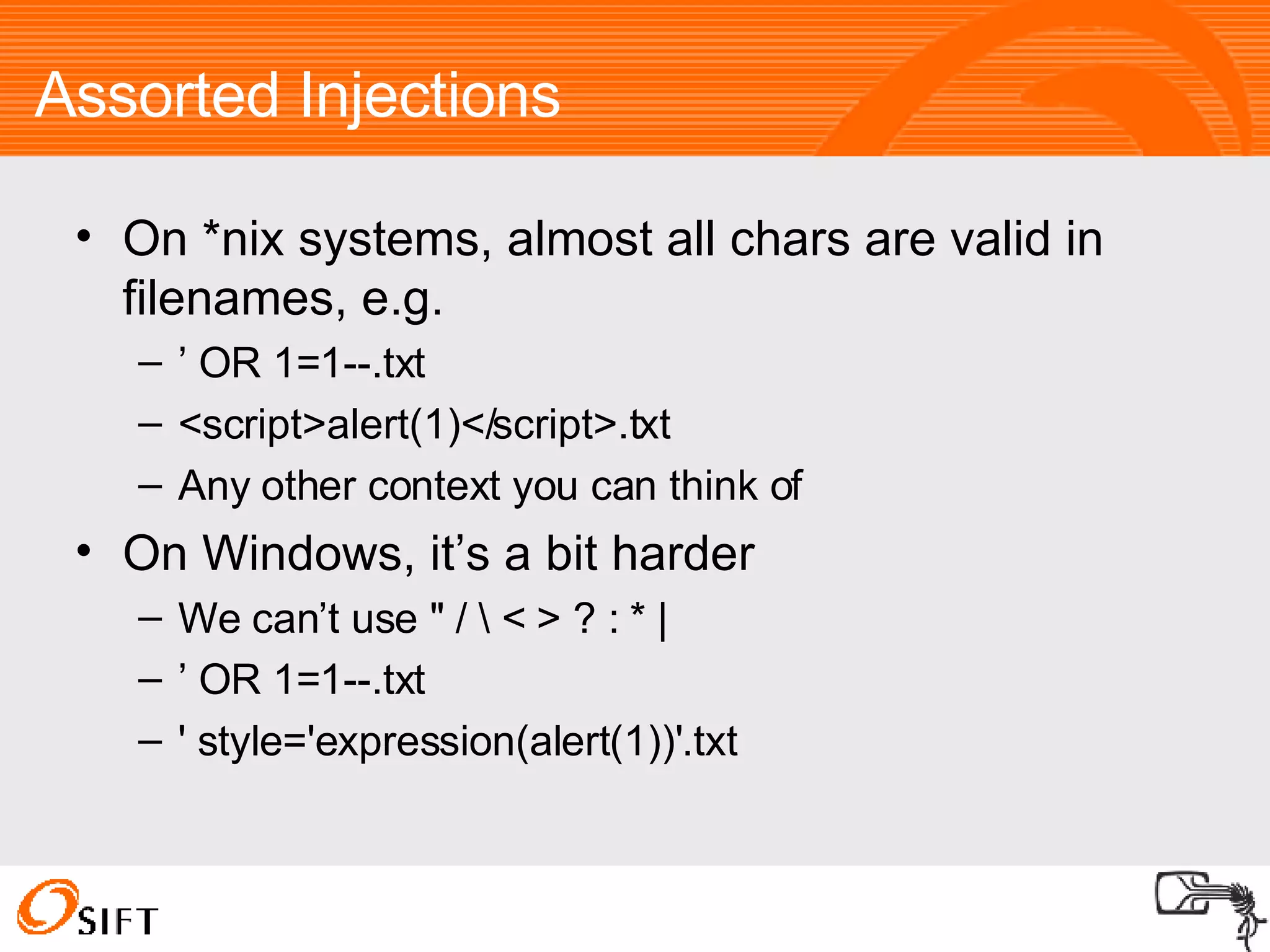
Assorted Injections On *nix systems, almost all chars are valid in filenames, e.g. ’  OR 1=1--.txt <script>alert(1)</script>.txt Any other context you can think of On Windows, it’s a bit harder We can’t use &quot; / \ < > ? : * | ’  OR 1=1--.txt ' style='expression(alert(1))'.txt
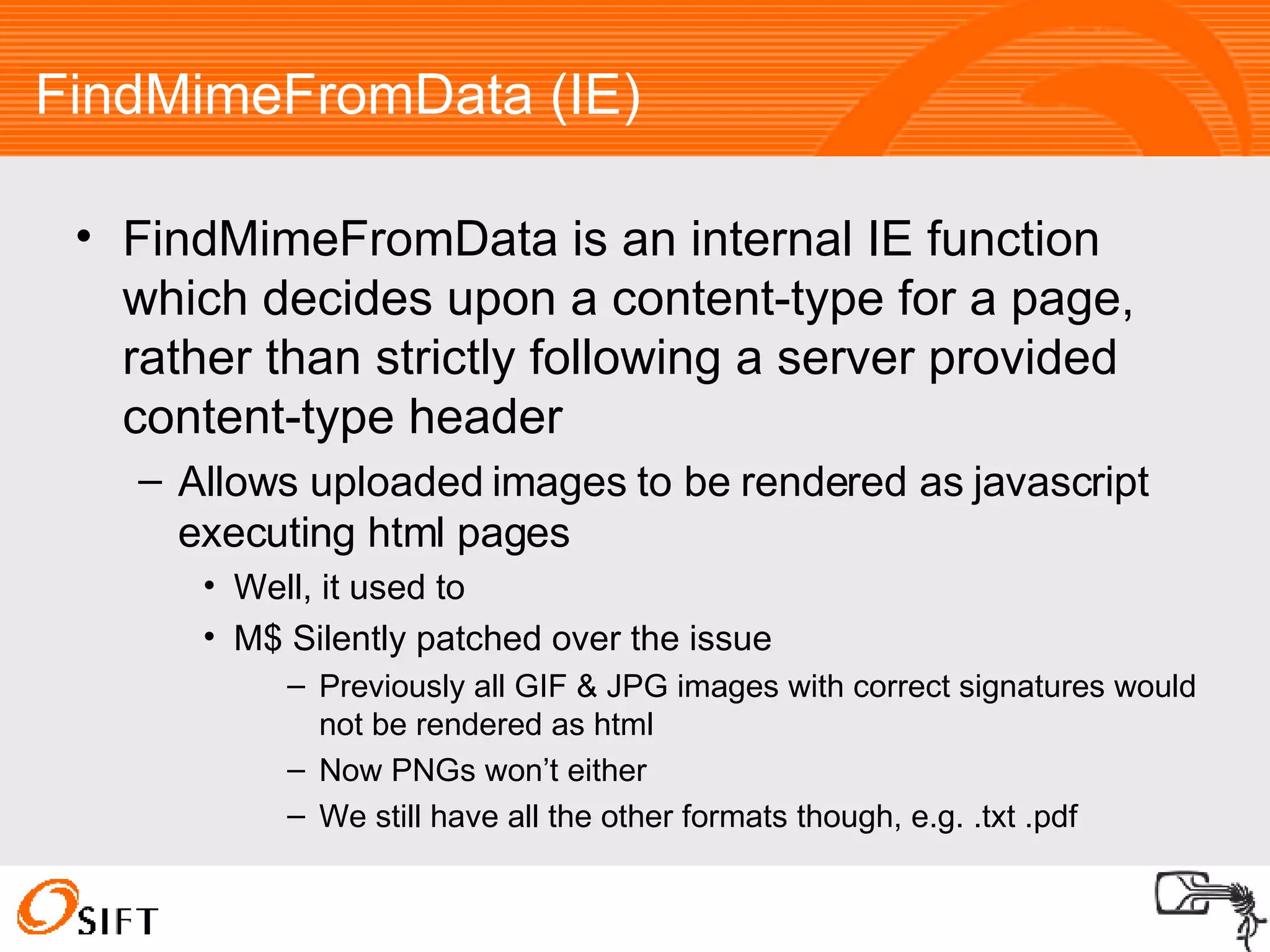
FindMimeFromData (IE)‏ FindMimeFromData is an internal IE function which decides upon a content-type for a page, rather than strictly following a server provided content-type header Allows uploaded images to be rendered as javascript executing html pages Well, it used to M$ Silently patched over the issue Previously all GIF & JPG images with correct signatures would not be rendered as html Now PNGs won’t either We still have all the other formats though, e.g. .txt .pdf
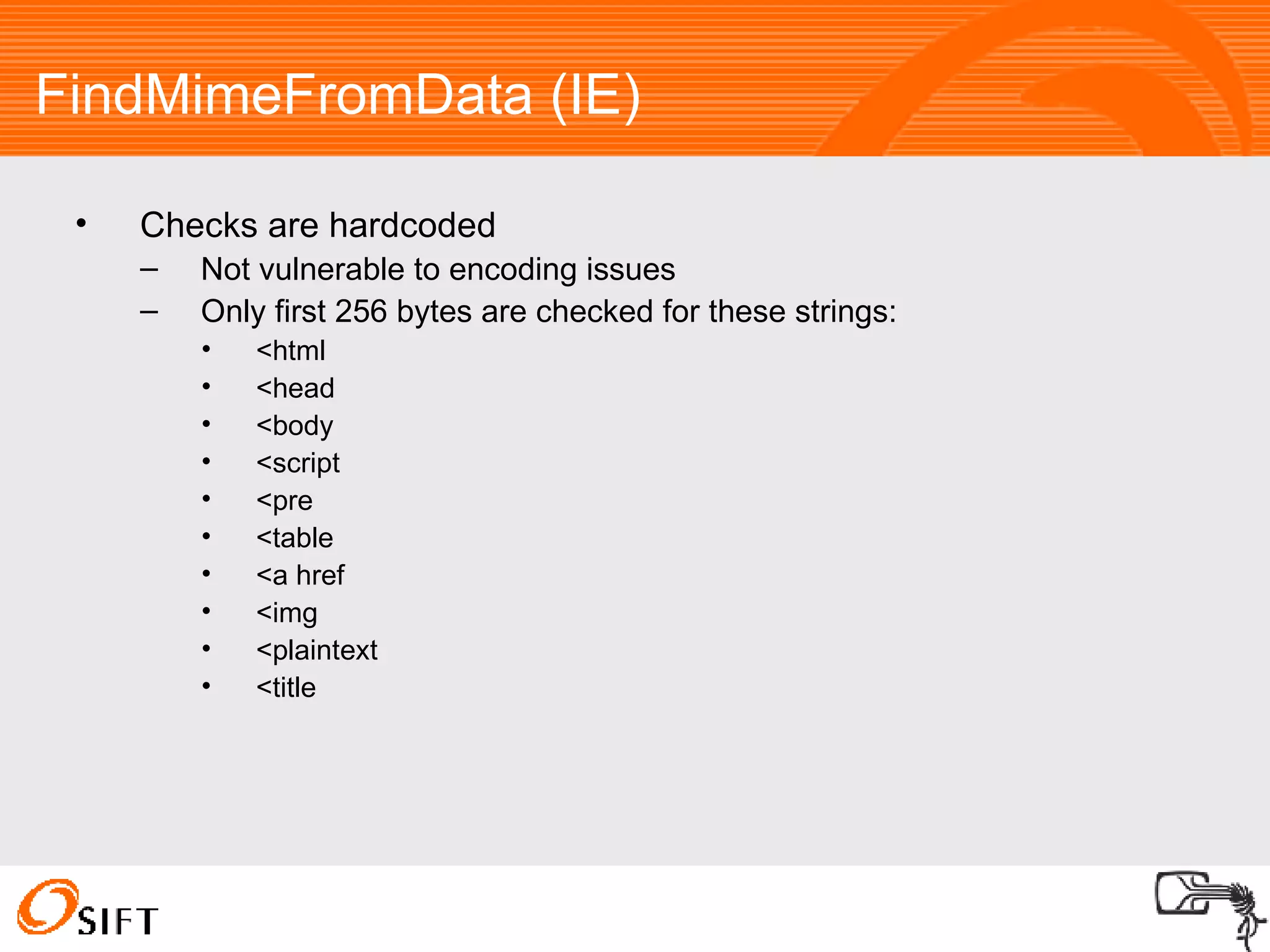
FindMimeFromData (IE)‏ Checks are hardcoded Not vulnerable to encoding issues Only first 256 bytes are checked for these strings: <html <head <body <script <pre <table <a href <img <plaintext <title
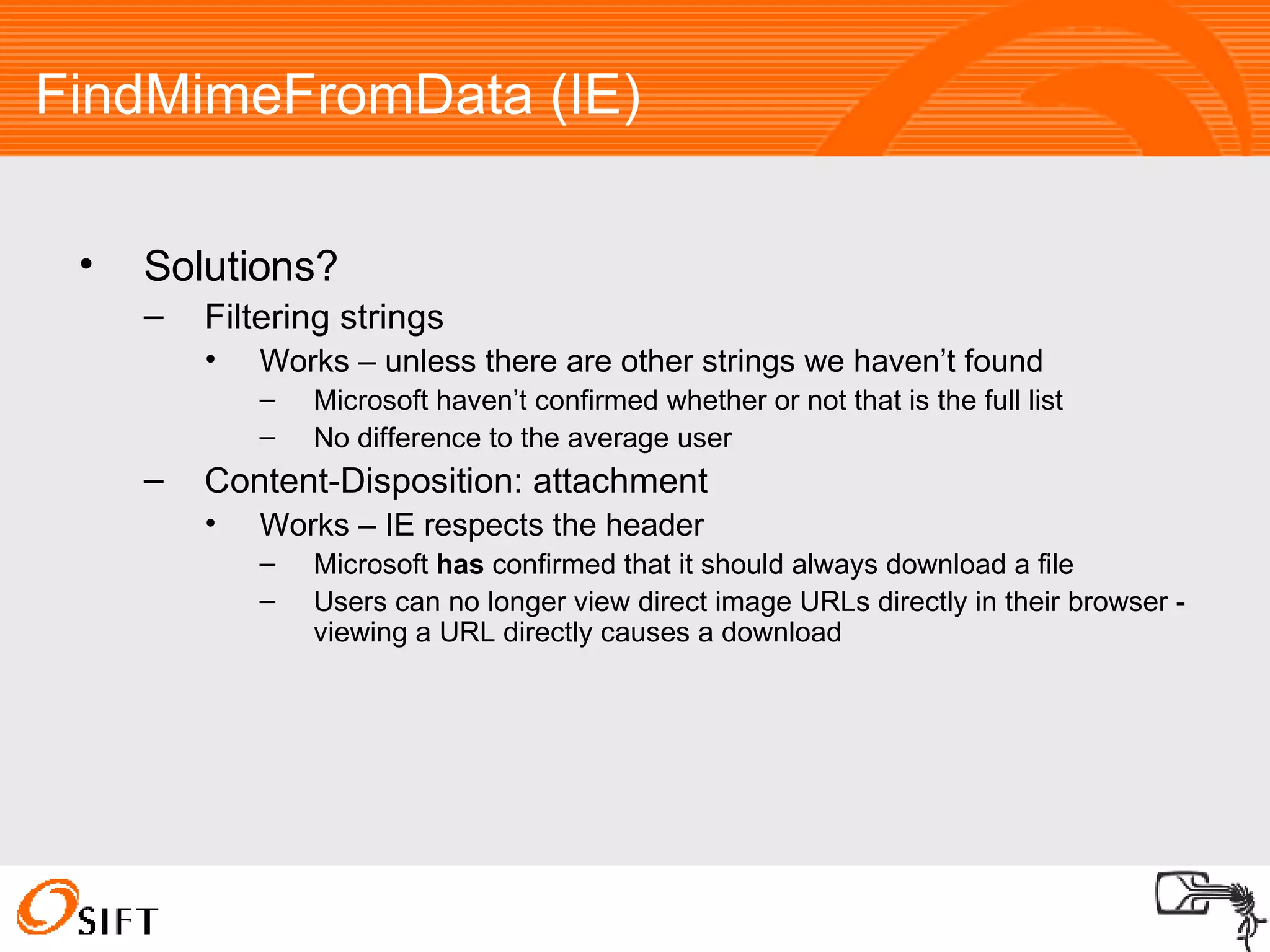
FindMimeFromData (IE)‏ Solutions? Filtering strings Works – unless there are other strings we haven’t found Microsoft haven’t confirmed whether or not that is the full list No difference to the average user Content-Disposition: attachment Works – IE respects the header Microsoft  has  confirmed that it should always download a file Users can no longer view direct image URLs directly in their browser - viewing a URL directly causes a download
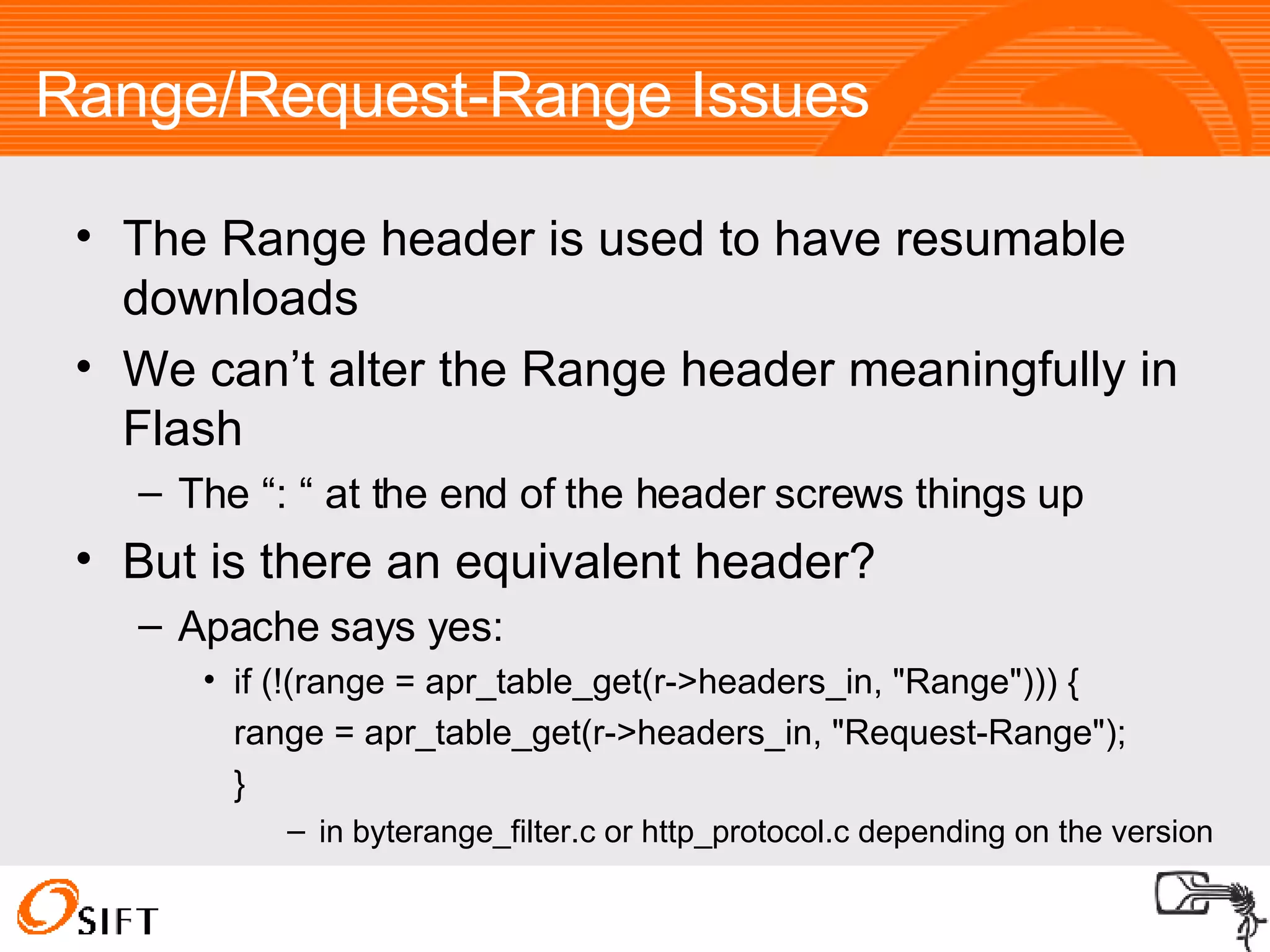
Range/Request-Range Issues The Range header is used to have resumable downloads We can’t alter the Range header meaningfully in Flash The “: “ at the end of the header screws things up But is there an equivalent header? Apache says yes: if (!(range = apr_table_get(r->headers_in, &quot;Range&quot;))) { range = apr_table_get(r->headers_in, &quot;Request-Range&quot;);  }  in byterange_filter.c or http_protocol.c depending on the version
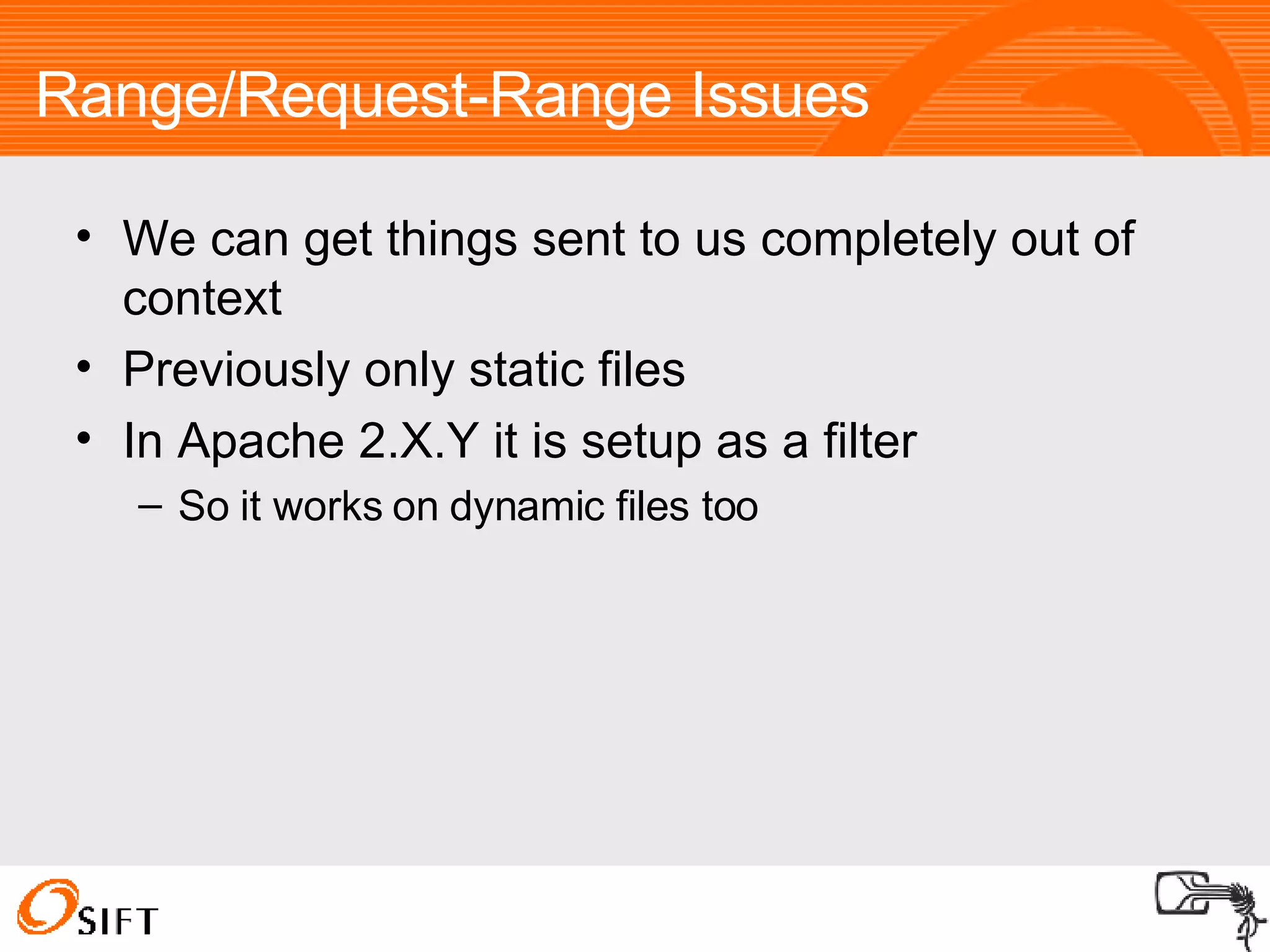
Range/Request-Range Issues We can get things sent to us completely out of context Previously only static files In Apache 2.X.Y it is setup as a filter So it works on dynamic files too
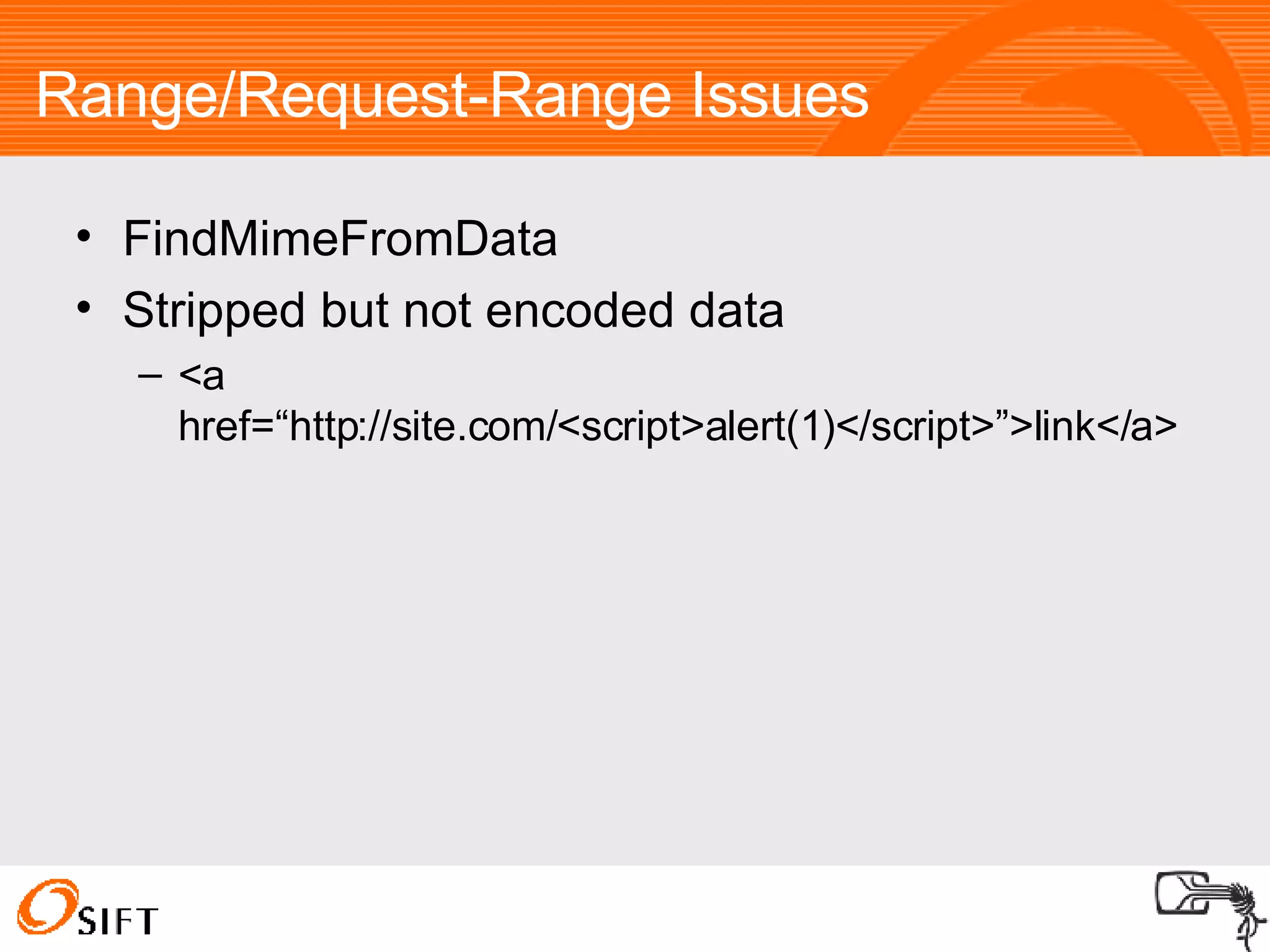
Range/Request-Range Issues FindMimeFromData Stripped but not encoded data <a href=“http://site.com/<script>alert(1)</script>”>link</a>
Implicit Typeasting in PHP When comparing a string and an integer, the string is converted to an integer If ($_GET[‘id’] == 4) { print $_GET[‘id’]; } /page.php?id=4<script>alert(1)</script>
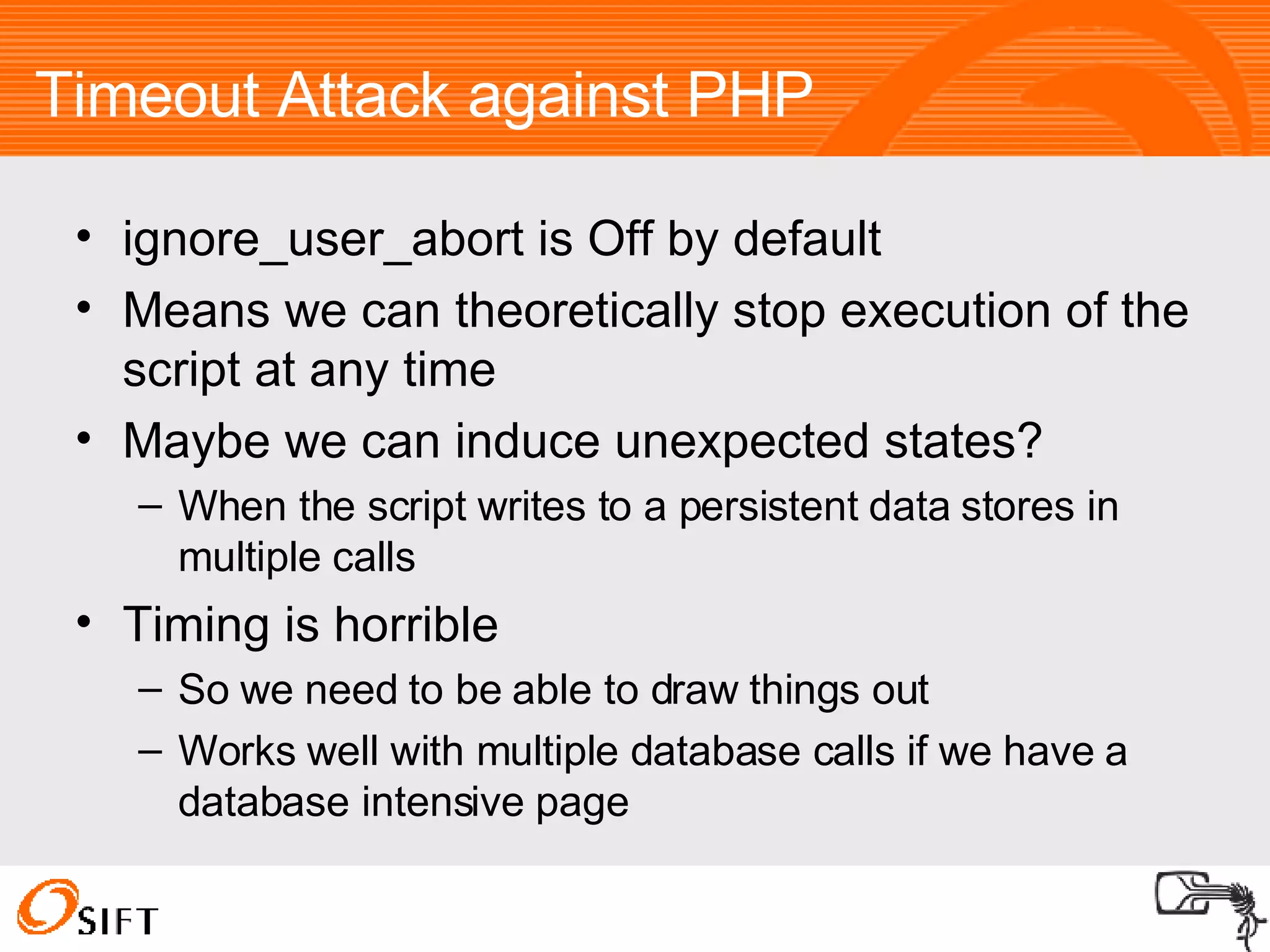
Timeout Attack against PHP ignore_user_abort is Off by default Means we can theoretically stop execution of the script at any time Maybe we can induce unexpected states? When the script writes to a persistent data stores in multiple calls Timing is horrible So we need to be able to draw things out Works well with multiple database calls if we have a database intensive page
Encoding Fun [My]SQL Injection Encoding Attacks HTML Attribute Encoding Variable Width Character Encoding HTML Entity Encoding
[My]SQL Injection Encoding Attacks Some escaping functions are multibyte encoding aware, e.g. mysql_real_escape_string() for PHP Can’t tell when the character set has been changed through a query SET CHARACTER SET ‘charset’ MySQL Only Need to be configured correctly Some aren’t, e.g. add_slashes()  magic_quotes_* and other similar solutions
[My]SQL Injection Encoding Attacks Method 1 SELECT field1, field2 from items where name=“ <input >” SELECT field1, field2 from items where name=“ [MB Char]” UNION SELECT username, password FROM users-- ” [MB Char] is a multibyte character where  \  is the first byte – the slash comes from the quote being escaped
[My]SQL Injection Encoding Attacks Method 2 SELECT * from users where username=“ <input> ” and password=“ <input> ” SELECT * from users where username=“ <input>[MBChar]   and password=“  OR 1=1-- ” [MBChar] is a Multibyte character, where “ or ‘ (if ‘ is used as the quote symbol) is the last byte
[My]SQL Injection Encoding Attacks Fuzzer Results Method 1 Vulnerable Character sets Big5, <A1-F9> SJIS, <81-9F>, <E0-FC> GBK, <81-FE> CP932, <81-9F>, <E0-FC> Method 2 No Vulnerable Character sets
[My]SQL Injection Encoding Attacks  Who actually does this? phpMyAdmin Less well know software Can be found using Google Code Search lang:php &quot;SET CHARACTER SET&quot; -utf8 -utf8 to reduce non-vulnerable results So not awfully much really, but this could be different for more international apps.
Variable Width Character Encoding Like the second SQL Encoding attack method <a href=“ <input> ”> <input> </a> <a href=“ [MBChar] >  ” style=a:expression(alert(1));>text </a> [MBChar] is a Multibyte character, where “ or ‘  or ´ (depending on what is used as the quote symbol) is the last byte List of vulnerable charsets: http://ha.ckers.org/charsets.html
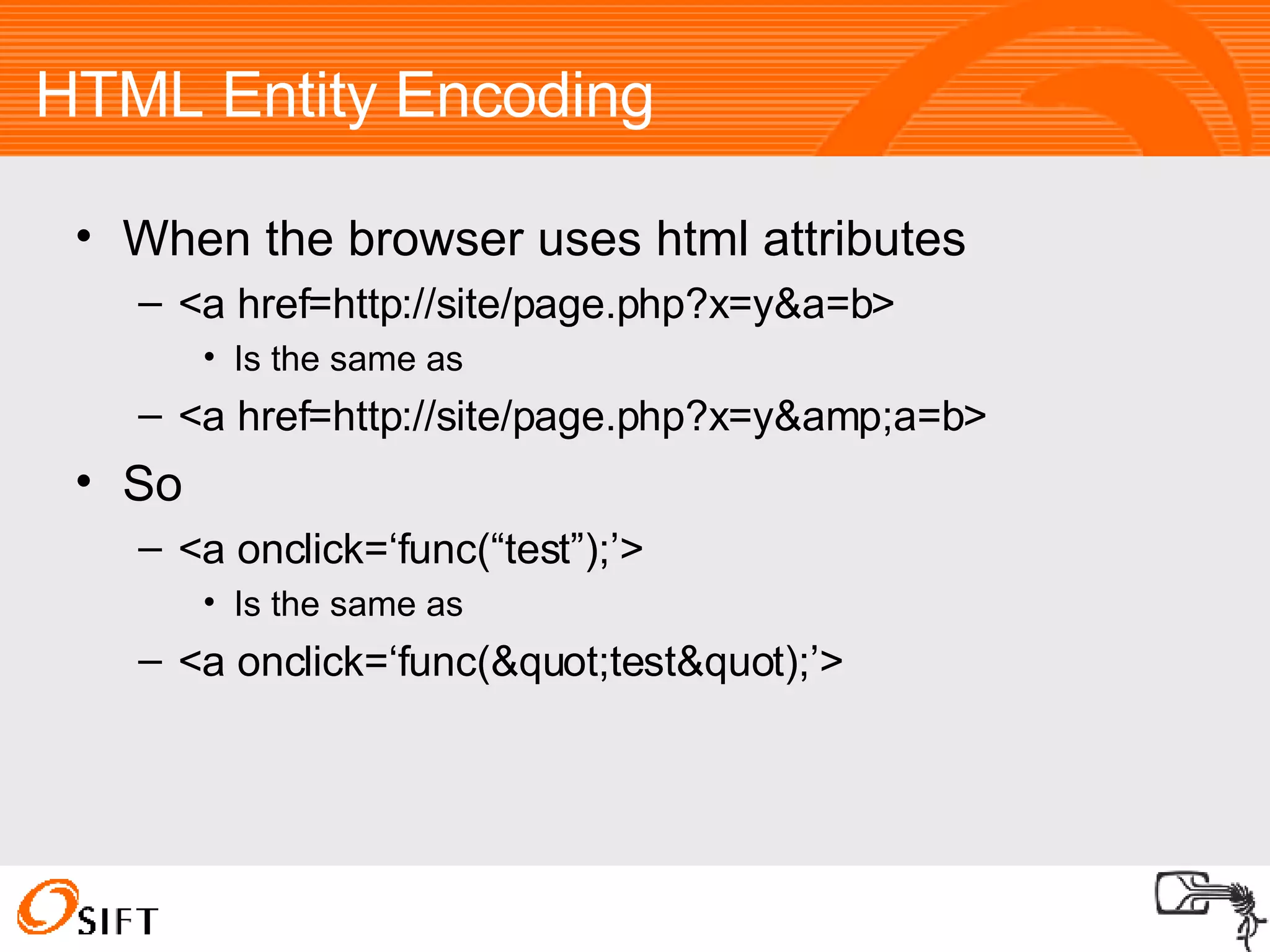
HTML Entity Encoding When the browser uses html attributes <a href=http://site/page.php?x=y&a=b> Is the same as <a href=http://site/page.php?x=y&amp;a=b> So <a onclick=‘func(“test”);’> Is the same as <a onclick=‘func(&quot;test&quot);’>
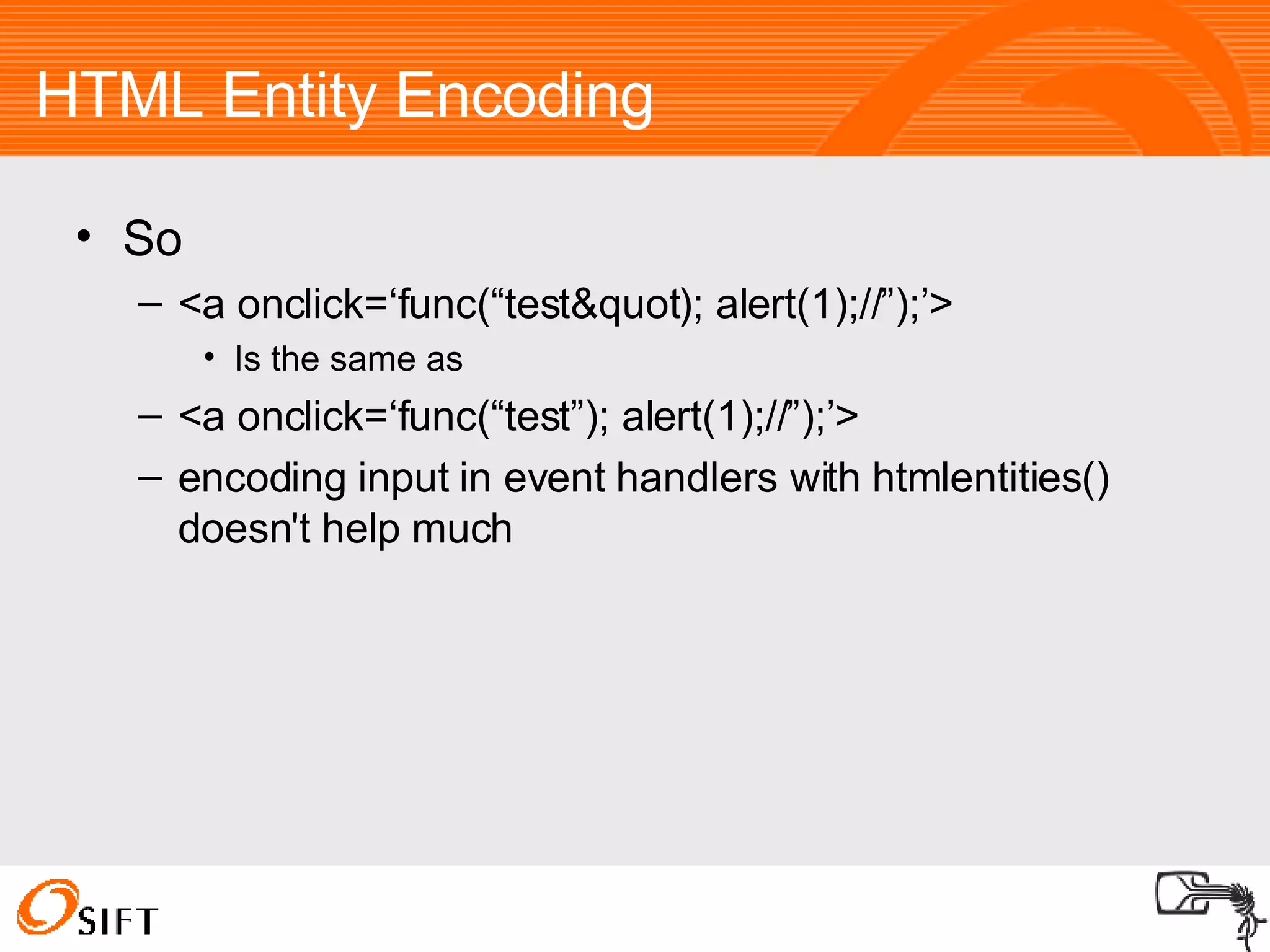
HTML Entity Encoding So <a onclick=‘func(“test&quot); alert(1);//”);’> Is the same as <a onclick=‘func(“test”); alert(1);//”);’> encoding input in event handlers with htmlentities() doesn't help much
Admin Only SQL Injection Usually considered a minor issue or just ignored Often not CSRF-protected So if we can get them to click on a link
Completely Blind Well, almost completely blind Timing Attacks Not all db data is sanitised by developers XSS gives us vision Ferruh Mavituna released a tools which is an actual HTTP proxy via XSS http://www.portcullis-security.com/tools/free/xssshell-xsstunnell.zip Admin Only SQL Injection + CSRF
A real ‘one-click’ attack M$ calls CSRF a ‘one-click attack’ With the aid of CSS overlays we can hijack clicks from a user and execute a real ‘one-click’ attack iframes with position: absolute; opacity: 0; When is this useful? When we don’t need the user to fill in a form, e.g. Advertising http:// www.sirdarckcat.net/asdfg.html Digg XSS via Javascript: URIs, onclick attributes, etc
Understanding the Cookie Policy The Cookie Policy is weaker than the Same-Origin Policy Cookies are shared over ports Opening non-vhost aware ports is dangerous Cookies may be set to be shared by domains sub1.sub2.foo.com can set a cookie for: .sub1.sub2.foo.com sub1.sub2.foo.com .sub2.foo.com .foo.com Note: the preceding dot means that it can be read by all subdomains of that domain
XSS via non-web servers Since cookies are shared between ports, it doesn’t matter what port we can XSS Using enctype=&quot;multipart/form-data&quot; for a form New lines are not encoded Many plaintext protocols are forgiving about dodgy lines such as HTTP / HTTP/1.1 They also tend to echo user input back unencoded Doesn't work in Firefox
Untraceable XSS Referers can be stripped (or faked)‏ Some channels only the client can see URL fragments http://site.com/page.php#fragment window.name <iframe src=“http://site.com“ name=“our payload“>
Questions?
Thanks!

Unusual Web Bugs

  • 1.
    A Web AppHacker’s Bag O’ Tricks Unusual Web Bugs Alex “kuza55” K. [email_address] http://kuza55.blogspot.com/
  • 2.
    I'm Alex StartingUni next year Working for SIFT http://www.sift.com.au/
  • 3.
    This talk isNot an introduction to web app security Not a talk about URIs or DNS Rebinding A talk about some new ideas and cool/obscure things in web app security More like „Unusual XSS Bugs“ after editing A bit reliant on Flash...and they fixed most of these things
  • 4.
    Outline Exploiting LoggedOut XSS Vulnerabilities CSRF Protected XSS XSS via HTTP Headers File Uploads Range/Request-Range Issues PHP Oddities Encoding Fun CSRF Other Toys
  • 5.
    Exploiting Logged OutXSS Vulnerabilities Known Methods Browser Password Manager Abuse Session Fixation Persisting XSS
  • 6.
    Browser Password ManagerAbuse Browser automatically fills in passwords Can opt-out on Firefox signon.prefillForms Still possible if you know the username Fill in the username Focus on the username field Focus on the password field Extract the password (use setTimeout)‏ Firefox only does a domain check IE does a page check and doesn’t prefill Load the page in an iframe, then as above
  • 7.
    Session Fixation Ifcookies are not regenerated We can set the user’s cookie We don’t need to steal it as we already know it Usually we attack sites which accept cookies in the URL Most 'fixes' simply stop apps from accepting session Ids via the URL Here we can just use Javascript to set the cookie
  • 8.
    Persisting XSS $_REQUESTVariable Fixation DOM Based XSS via Persistent Data Stores
  • 9.
    $_REQUEST Variable FixationBased on variables_order directive Defaults to EGPCS $_ENV $_GET $_POST $_COOKIE $_SESSION XSS persists until its fixed
  • 10.
    DOM Based XSSvia Persistent Data Stores Client Side Stores are Cookies Flash LSO's Browser specific storage objects Persistence (IE)‏ sessionStorage/globalStorage (Firefox) Client-Side stores are usually trusted to be sanitised window.location = getCookie('redir'); Once we have XSS, they can be altered at will
  • 11.
    Exploiting Logged OutXSS Vulnerabilities New Ideas Reading The Browser Cache via XSS Semi-Logging the user out
  • 12.
    Reading the BrowserCache Via XSS Most browsers don't serve you cached data unless a Cache-Control or Expires header is sent by the server IE does though Simply use XMLHttpRequest object No tricks required
  • 13.
    Semi-Logging the userout What does it mean to be ‘logged in’? No, its not like the meaning of life. That was a Monty Python movie To be logged in is to send a cookie tied to a valid session So when are you logged out? When your cookie is invalid or you don’t send a cookie How do we log the user out for a single request?
  • 14.
    Semi-Logging the userout Stop a valid cookie being sent Flash to mangle the cookie Not in IE Some session handlers like PHP throw a warning, but still create a new session. RequestRodeo Firefox Extension which strips all auth data from off-site requests Nice extension, but introduces new issues
  • 15.
    CSRF Protected XSSWhat do CSRF protections really do? They force you to send an additional token tied to the valid session tied to your cookie Nowhere there does it say that it has to be the user’s cookie/token combination So we force the user to send our own
  • 16.
    General Case Logthe user In as someone else Log the user out first CSRF or Wait (not long usually)‏ Or Stop the cookies being sent RequestRodeo ;p Log the user in as yourself Flash (Not IE)‏ Session Fixation URL Tokens
  • 17.
    Persistent Self-Only CSRFProtected XSS Almost the same as the general case CSRF To Log the user in Session Fixation not required Works on all browsers
  • 18.
    CAPTCHA Protected XSSCSRF the CAPTCHA Only if no nonce exists E.g. image.php Not image.php?nonce=12345678 Get the user to fill it in
  • 19.
    XSS via HTTPHeaders Half the problem is getting the user to send the necessary payload in the right place So we use Flash Which doesn't let you send all headers
  • 20.
    General Case Flashdoesn’t do a good job of filtering headers addRequestHeader (“Referer:http://whatever/”, “ “); No whitespace in the first argument Second argument is non-empty Cookie is allowed by Flash However IE filters the cookie header
  • 21.
    CGI 1.1 AbuseWe can use the General method until its fixed Some languages (PHP/ASP/Perl/ColdFusion) implement the CGI 1.1 spec and access to headers looks like this: $_SERVER[‘HTTP_USER_AGENT’] So we can send a User_Agent header: addRequestHeader (“User_Agent”, “our User-Agent“); Not on ASP though 
  • 22.
    File Uploads Arevery hard to do right Two categories of issues File names File content
  • 23.
    Dangerous File ExtensionsCode execution .php .asp .aspx .cfm etc Java applets .class files If you host a malicious .class file, then the attacker can force sockets to your IP without DNS Rebinding Config Files .htaccess etc Also need to watch out for NULL bytes
  • 24.
    mod_mime Issues Apachehas some interesting behaviour file.php.xyz gets executed as a .php file If the last extension isn’t mapped to a mime type, then the second last is checked, if second last isn’t mapped….etc List of mapped extensions in conf/mime.types
  • 25.
    Assorted Injections On*nix systems, almost all chars are valid in filenames, e.g. ’ OR 1=1--.txt <script>alert(1)</script>.txt Any other context you can think of On Windows, it’s a bit harder We can’t use &quot; / \ < > ? : * | ’ OR 1=1--.txt ' style='expression(alert(1))'.txt
  • 26.
    FindMimeFromData (IE)‏ FindMimeFromDatais an internal IE function which decides upon a content-type for a page, rather than strictly following a server provided content-type header Allows uploaded images to be rendered as javascript executing html pages Well, it used to M$ Silently patched over the issue Previously all GIF & JPG images with correct signatures would not be rendered as html Now PNGs won’t either We still have all the other formats though, e.g. .txt .pdf
  • 27.
    FindMimeFromData (IE)‏ Checksare hardcoded Not vulnerable to encoding issues Only first 256 bytes are checked for these strings: <html <head <body <script <pre <table <a href <img <plaintext <title
  • 28.
    FindMimeFromData (IE)‏ Solutions?Filtering strings Works – unless there are other strings we haven’t found Microsoft haven’t confirmed whether or not that is the full list No difference to the average user Content-Disposition: attachment Works – IE respects the header Microsoft has confirmed that it should always download a file Users can no longer view direct image URLs directly in their browser - viewing a URL directly causes a download
  • 29.
    Range/Request-Range Issues TheRange header is used to have resumable downloads We can’t alter the Range header meaningfully in Flash The “: “ at the end of the header screws things up But is there an equivalent header? Apache says yes: if (!(range = apr_table_get(r->headers_in, &quot;Range&quot;))) { range = apr_table_get(r->headers_in, &quot;Request-Range&quot;); } in byterange_filter.c or http_protocol.c depending on the version
  • 30.
    Range/Request-Range Issues Wecan get things sent to us completely out of context Previously only static files In Apache 2.X.Y it is setup as a filter So it works on dynamic files too
  • 31.
    Range/Request-Range Issues FindMimeFromDataStripped but not encoded data <a href=“http://site.com/<script>alert(1)</script>”>link</a>
  • 32.
    Implicit Typeasting inPHP When comparing a string and an integer, the string is converted to an integer If ($_GET[‘id’] == 4) { print $_GET[‘id’]; } /page.php?id=4<script>alert(1)</script>
  • 33.
    Timeout Attack againstPHP ignore_user_abort is Off by default Means we can theoretically stop execution of the script at any time Maybe we can induce unexpected states? When the script writes to a persistent data stores in multiple calls Timing is horrible So we need to be able to draw things out Works well with multiple database calls if we have a database intensive page
  • 34.
    Encoding Fun [My]SQLInjection Encoding Attacks HTML Attribute Encoding Variable Width Character Encoding HTML Entity Encoding
  • 35.
    [My]SQL Injection EncodingAttacks Some escaping functions are multibyte encoding aware, e.g. mysql_real_escape_string() for PHP Can’t tell when the character set has been changed through a query SET CHARACTER SET ‘charset’ MySQL Only Need to be configured correctly Some aren’t, e.g. add_slashes() magic_quotes_* and other similar solutions
  • 36.
    [My]SQL Injection EncodingAttacks Method 1 SELECT field1, field2 from items where name=“ <input >” SELECT field1, field2 from items where name=“ [MB Char]” UNION SELECT username, password FROM users-- ” [MB Char] is a multibyte character where \ is the first byte – the slash comes from the quote being escaped
  • 37.
    [My]SQL Injection EncodingAttacks Method 2 SELECT * from users where username=“ <input> ” and password=“ <input> ” SELECT * from users where username=“ <input>[MBChar] and password=“ OR 1=1-- ” [MBChar] is a Multibyte character, where “ or ‘ (if ‘ is used as the quote symbol) is the last byte
  • 38.
    [My]SQL Injection EncodingAttacks Fuzzer Results Method 1 Vulnerable Character sets Big5, <A1-F9> SJIS, <81-9F>, <E0-FC> GBK, <81-FE> CP932, <81-9F>, <E0-FC> Method 2 No Vulnerable Character sets
  • 39.
    [My]SQL Injection EncodingAttacks Who actually does this? phpMyAdmin Less well know software Can be found using Google Code Search lang:php &quot;SET CHARACTER SET&quot; -utf8 -utf8 to reduce non-vulnerable results So not awfully much really, but this could be different for more international apps.
  • 40.
    Variable Width CharacterEncoding Like the second SQL Encoding attack method <a href=“ <input> ”> <input> </a> <a href=“ [MBChar] > ” style=a:expression(alert(1));>text </a> [MBChar] is a Multibyte character, where “ or ‘ or ´ (depending on what is used as the quote symbol) is the last byte List of vulnerable charsets: http://ha.ckers.org/charsets.html
  • 41.
    HTML Entity EncodingWhen the browser uses html attributes <a href=http://site/page.php?x=y&a=b> Is the same as <a href=http://site/page.php?x=y&amp;a=b> So <a onclick=‘func(“test”);’> Is the same as <a onclick=‘func(&quot;test&quot);’>
  • 42.
    HTML Entity EncodingSo <a onclick=‘func(“test&quot); alert(1);//”);’> Is the same as <a onclick=‘func(“test”); alert(1);//”);’> encoding input in event handlers with htmlentities() doesn't help much
  • 43.
    Admin Only SQLInjection Usually considered a minor issue or just ignored Often not CSRF-protected So if we can get them to click on a link
  • 44.
    Completely Blind Well,almost completely blind Timing Attacks Not all db data is sanitised by developers XSS gives us vision Ferruh Mavituna released a tools which is an actual HTTP proxy via XSS http://www.portcullis-security.com/tools/free/xssshell-xsstunnell.zip Admin Only SQL Injection + CSRF
  • 45.
    A real ‘one-click’attack M$ calls CSRF a ‘one-click attack’ With the aid of CSS overlays we can hijack clicks from a user and execute a real ‘one-click’ attack iframes with position: absolute; opacity: 0; When is this useful? When we don’t need the user to fill in a form, e.g. Advertising http:// www.sirdarckcat.net/asdfg.html Digg XSS via Javascript: URIs, onclick attributes, etc
  • 46.
    Understanding the CookiePolicy The Cookie Policy is weaker than the Same-Origin Policy Cookies are shared over ports Opening non-vhost aware ports is dangerous Cookies may be set to be shared by domains sub1.sub2.foo.com can set a cookie for: .sub1.sub2.foo.com sub1.sub2.foo.com .sub2.foo.com .foo.com Note: the preceding dot means that it can be read by all subdomains of that domain
  • 47.
    XSS via non-webservers Since cookies are shared between ports, it doesn’t matter what port we can XSS Using enctype=&quot;multipart/form-data&quot; for a form New lines are not encoded Many plaintext protocols are forgiving about dodgy lines such as HTTP / HTTP/1.1 They also tend to echo user input back unencoded Doesn't work in Firefox
  • 48.
    Untraceable XSS Refererscan be stripped (or faked)‏ Some channels only the client can see URL fragments http://site.com/page.php#fragment window.name <iframe src=“http://site.com“ name=“our payload“>
  • 49.
  • 50.