Taking control of chaos
(with Docker and puppet)
- Tomas Doran

@bobtfish
18/11/2013
Docker - why should you care?
• Isolation
– Run each daemon in it’s own container

• Security
– Containers are fully independent
– Build a new container for a new application version!

• Ease of development
– Same containers in Vagrant on laptop as in production!
– Build pipeline for whole application environment

• Ease of deployment
– Deploy from your own private registry
– Roll back by just deploying the last version
Taking control of chaos
• My personal server
• Lots of responsibilities
–
–
–
–
–
–

Postfix
Dovecot
DNS
Irc + tmux
tor
A zillion web apps (ruby, perl, php, python,
nodejs!)

• 0 time spent on it
My personal server
Several years later….

Label for your image (if needed)

$864
Reality

Label for your image (if needed)

$864
This year’s model

Label for your image (if needed)

$864
Half the answer

$864
Convergence and immutability
• Exactly one run
– Should be building machines clean every time
– Doing exactly one puppet run

• Always rebuild
– Unless you rebuild regularly
– You don’t know you can rebuild

• Immutable instances
– Never change config on a server, replace instance!

• Hard if you only have 1 server!
The other half

$864
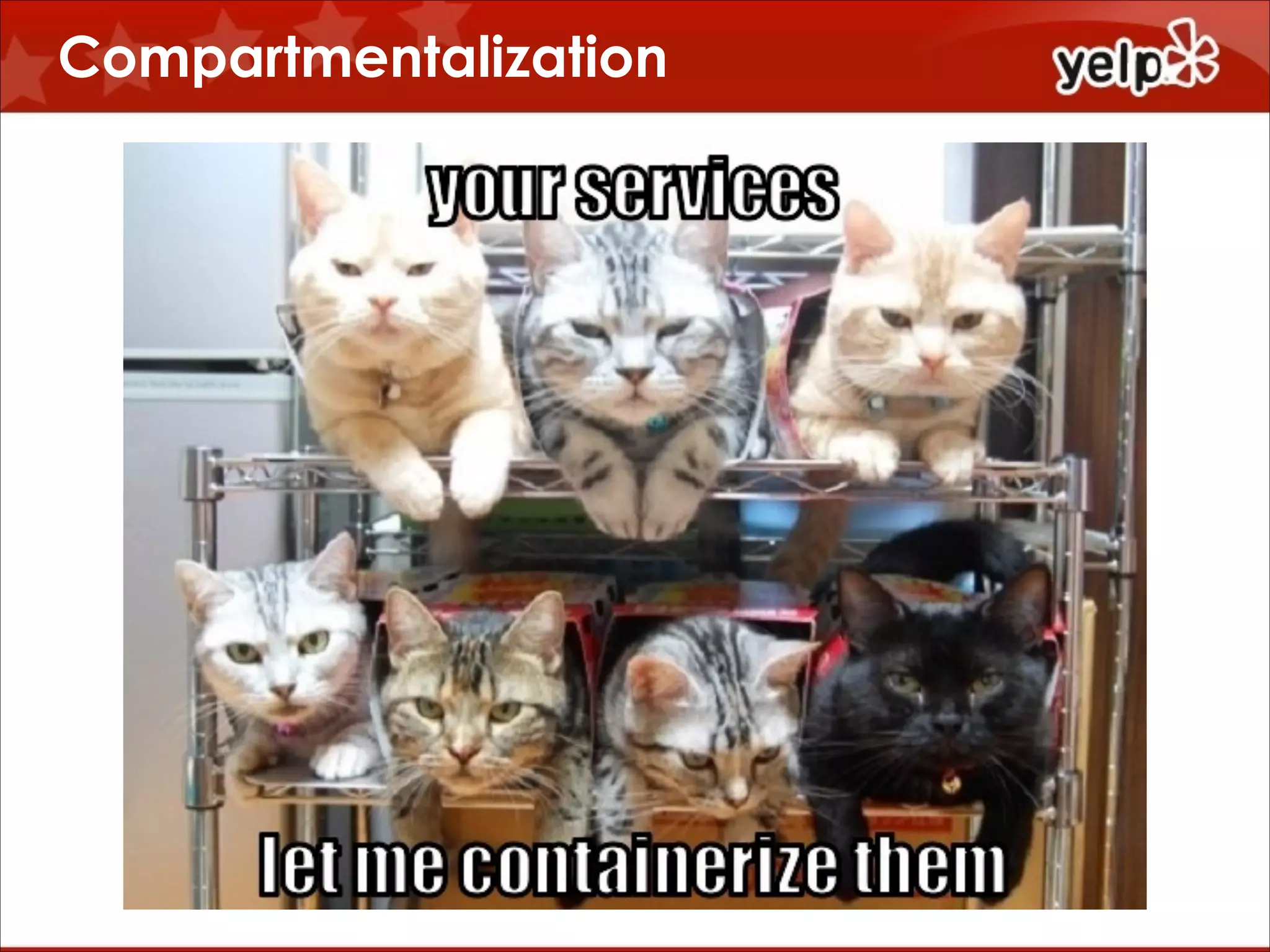
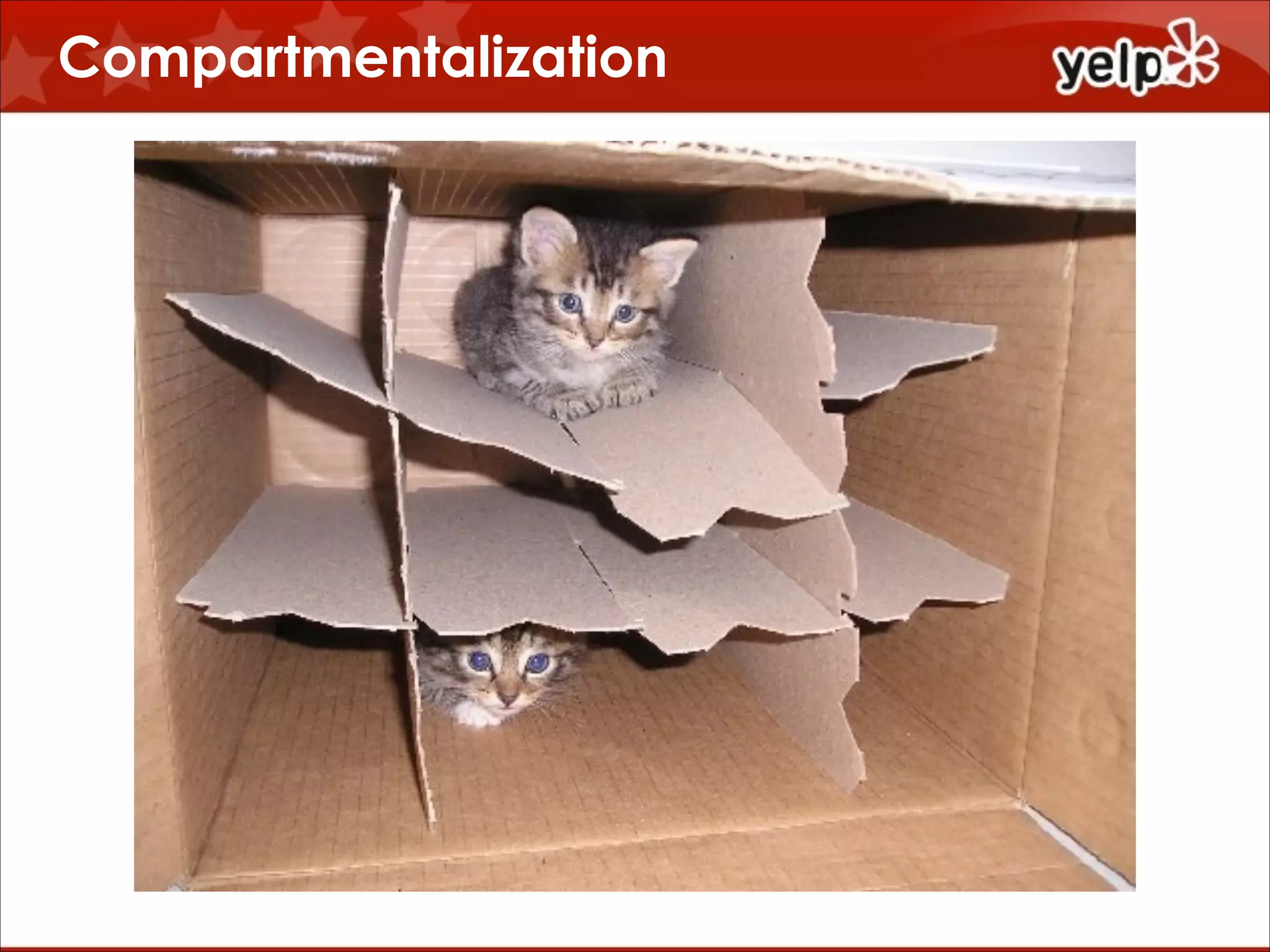
Compartmentalization

$864
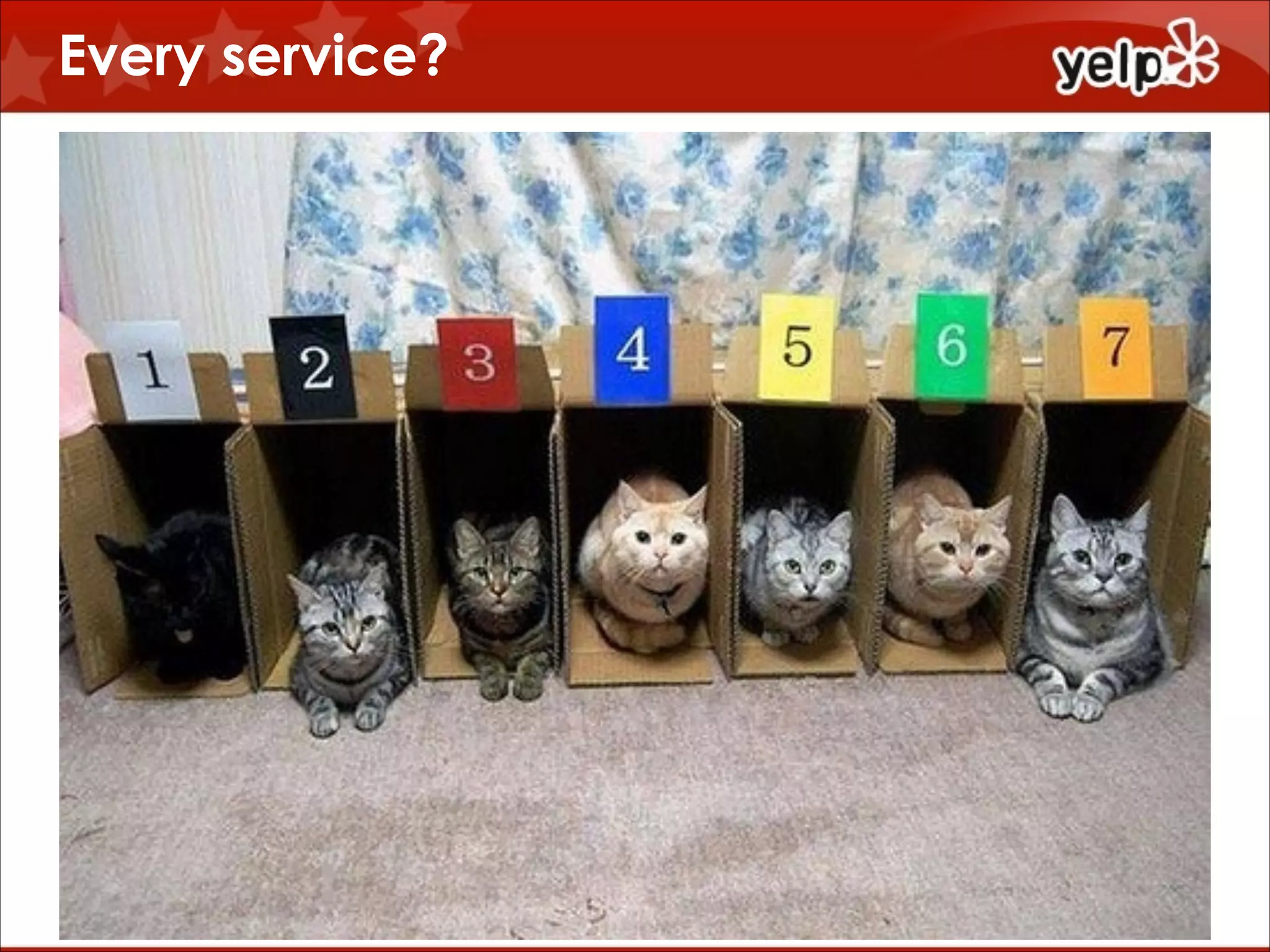
Every service?

$864
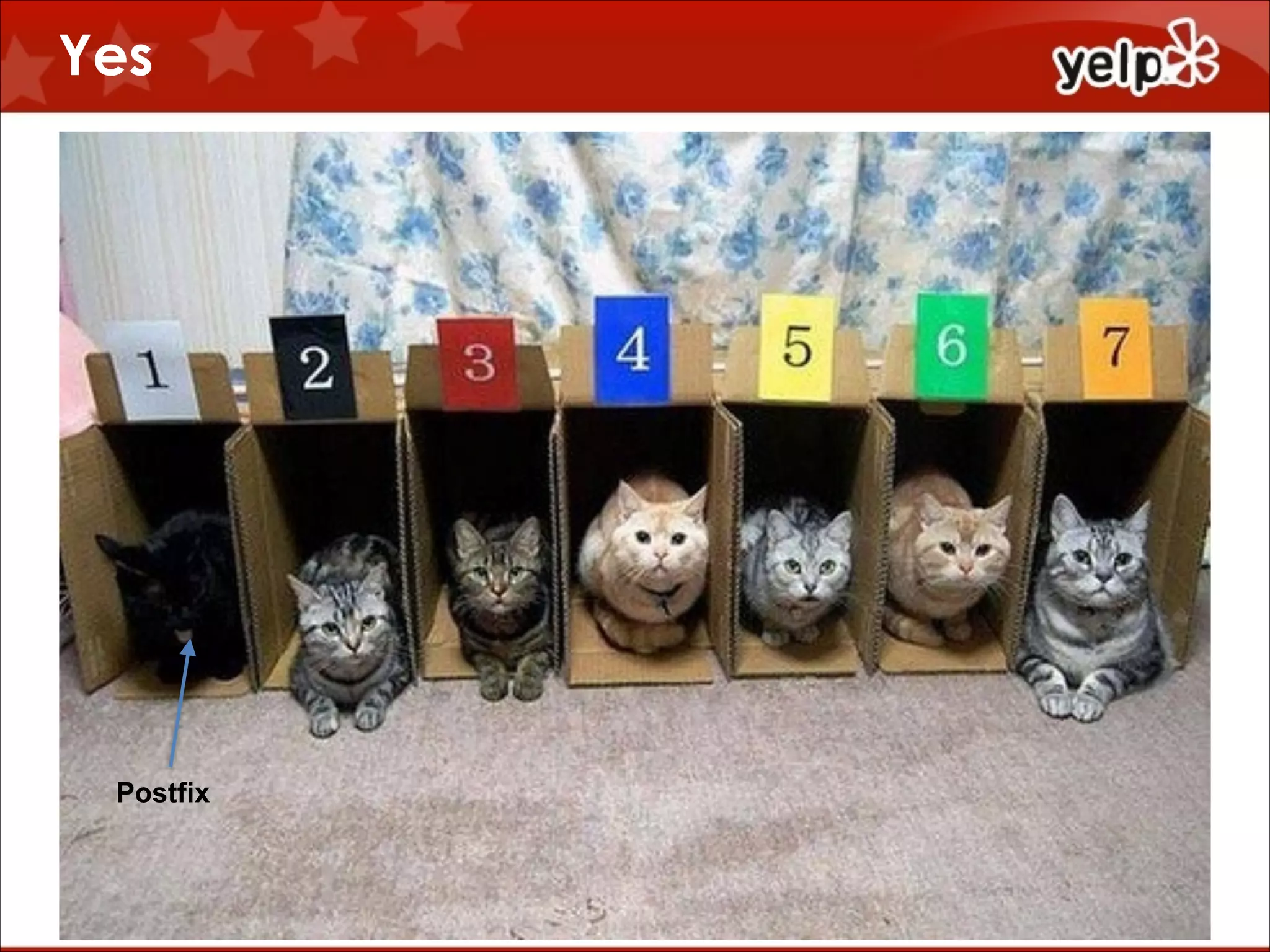
Yes

$864

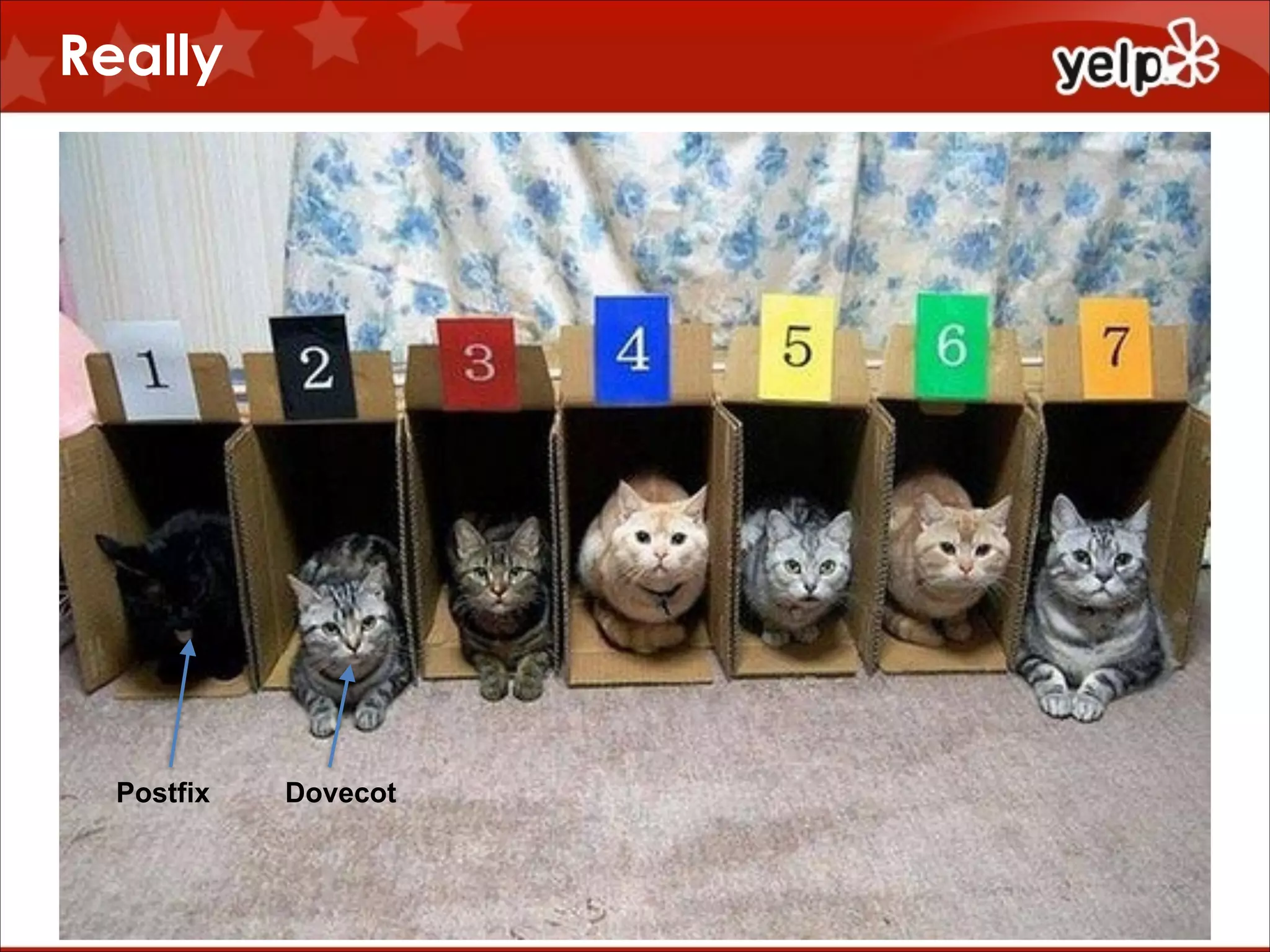
Postfix
Really

$864

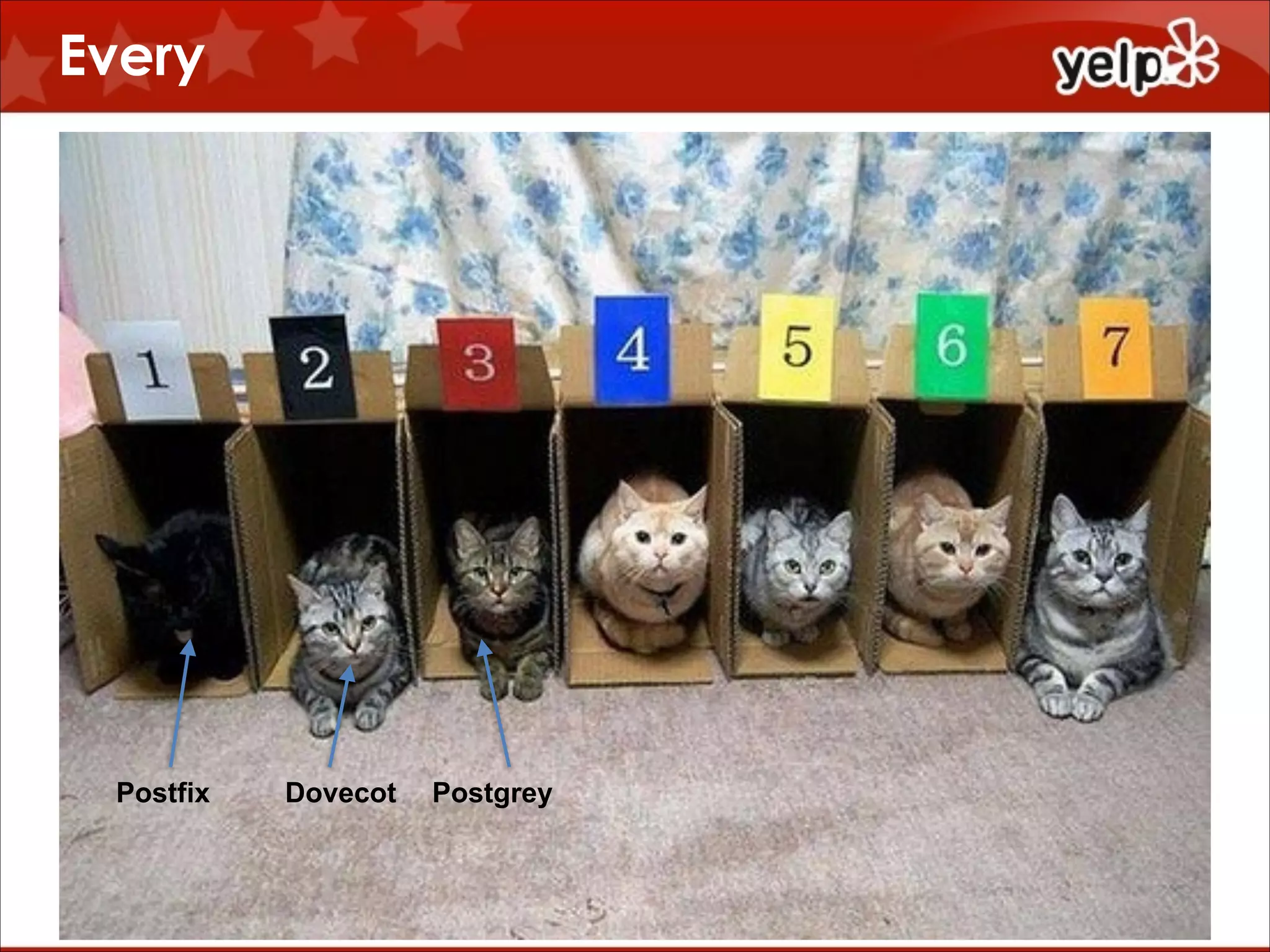
Postfix

Dovecot
Every

$864

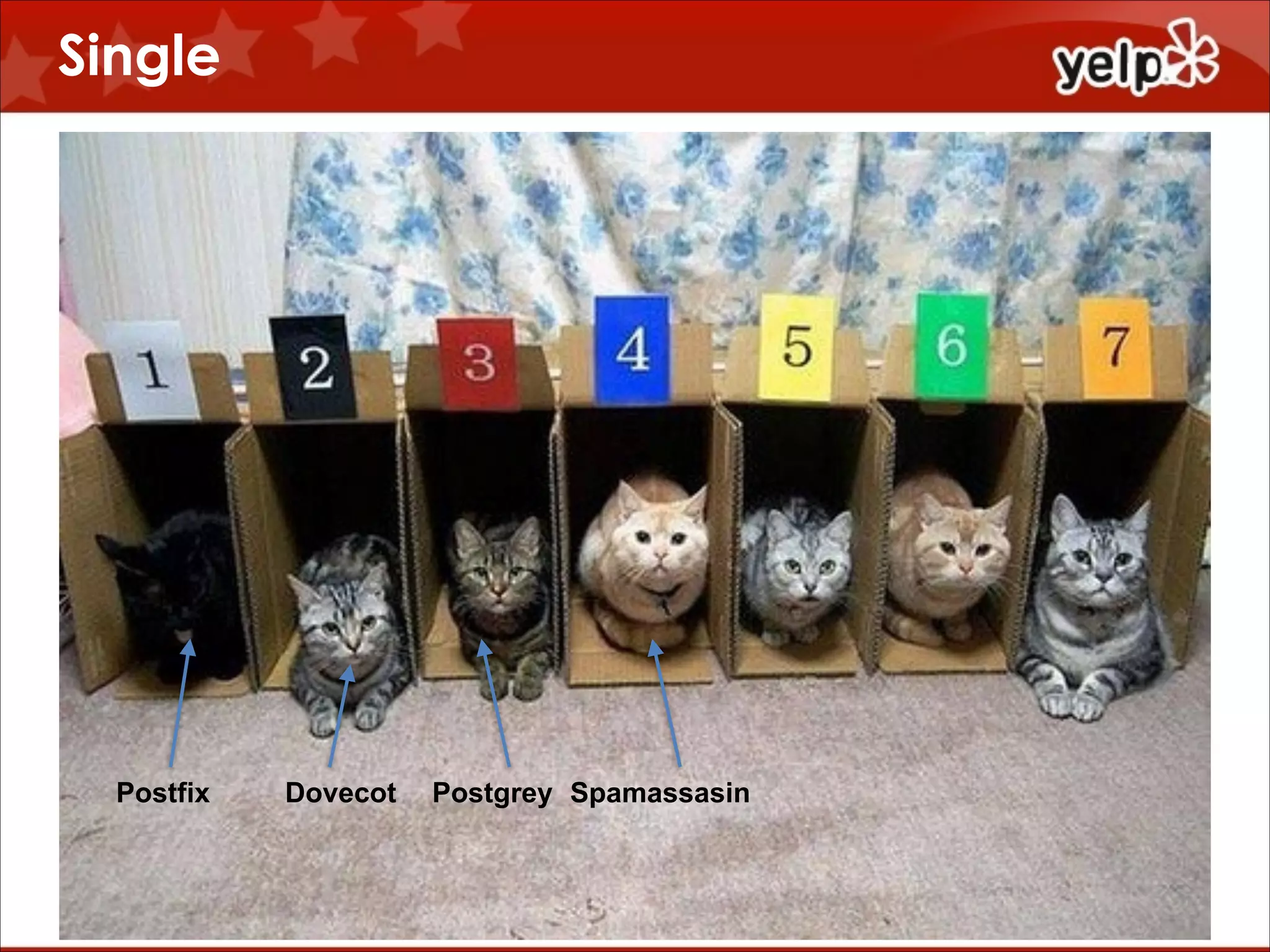
Postfix

Dovecot

Postgrey
Single

$864

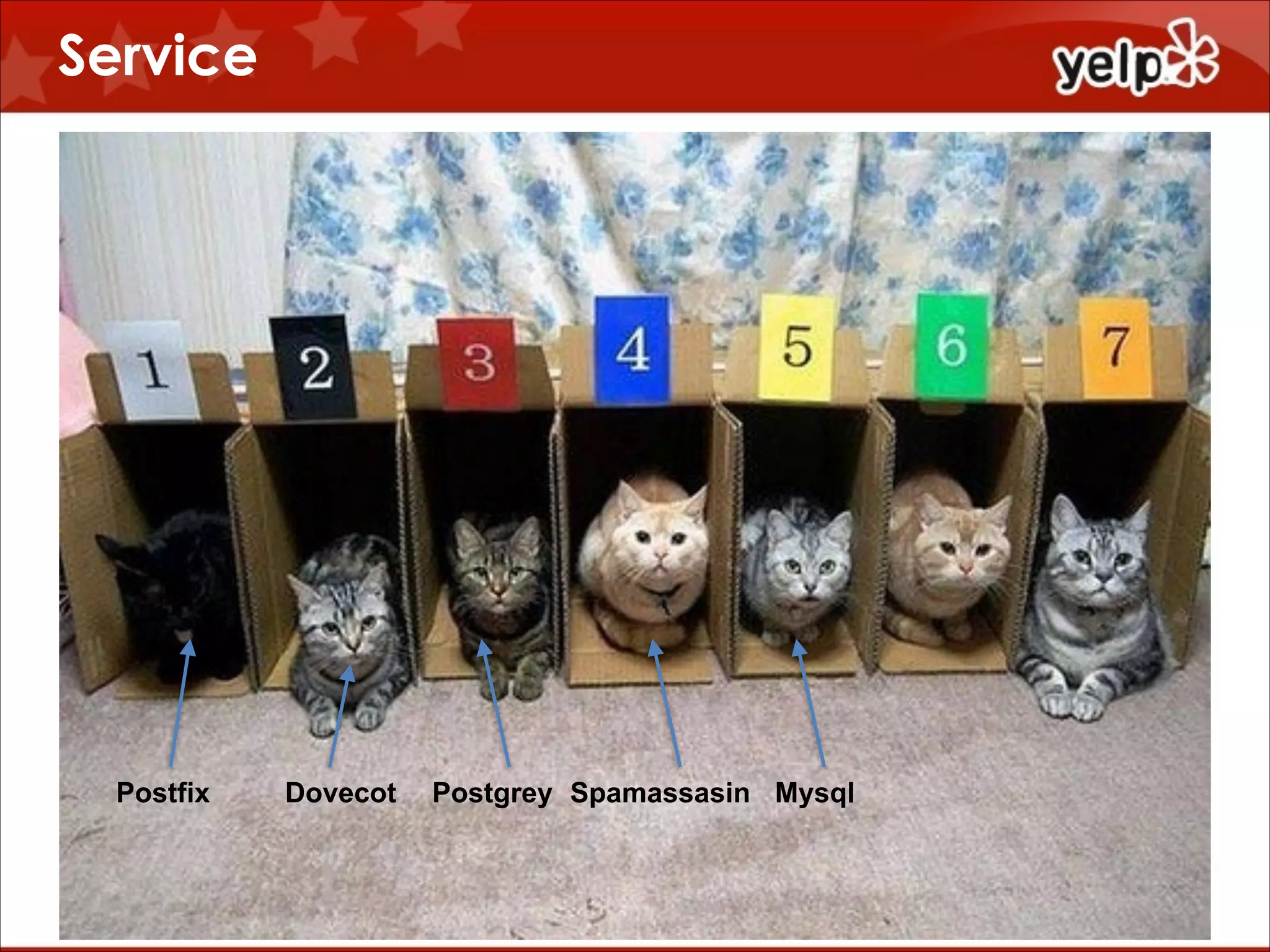
Postfix

Dovecot

Postgrey Spamassasin
Service

$864

Postfix

Dovecot

Postgrey Spamassasin Mysql
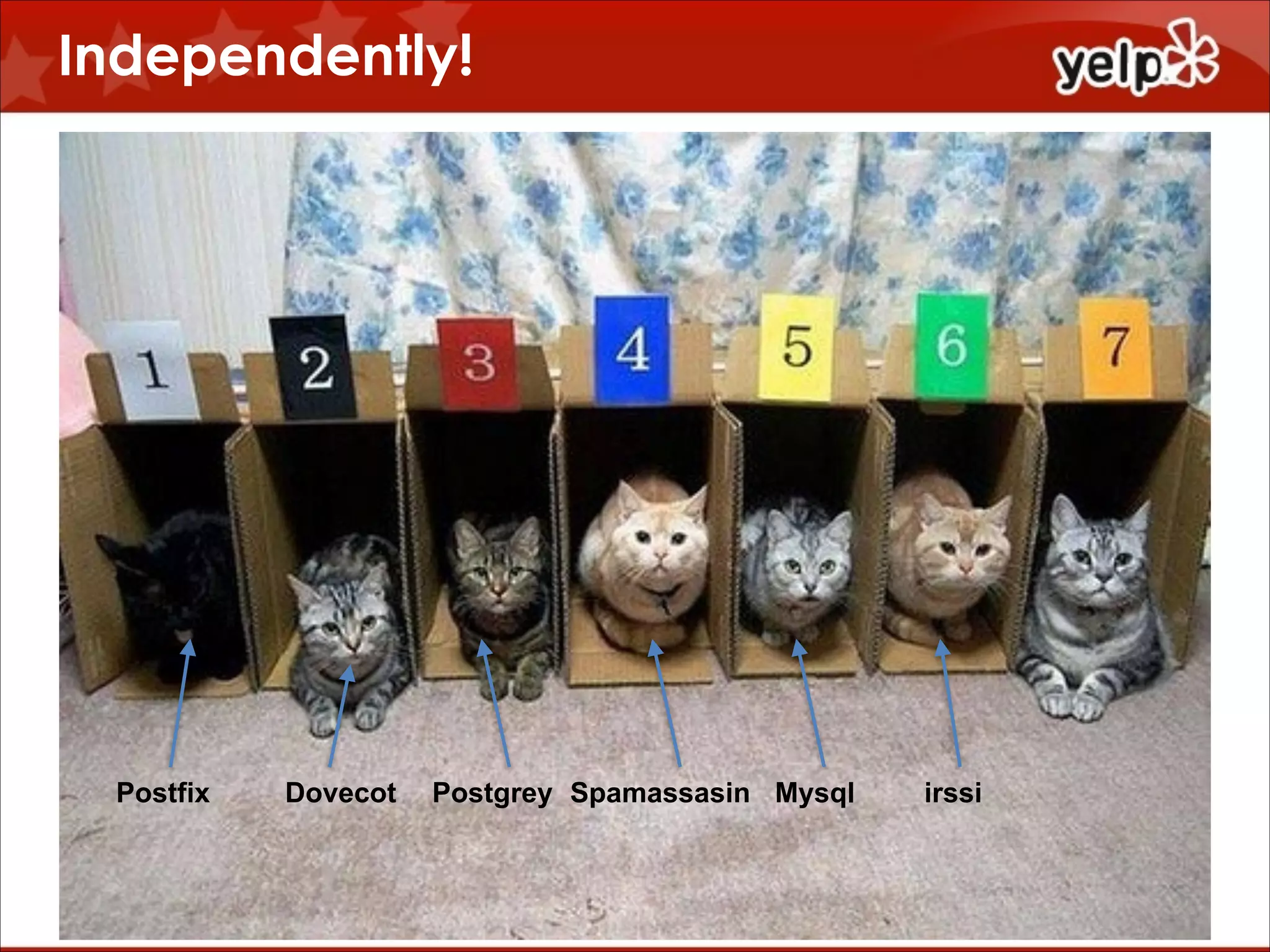
Independently!

$864

Postfix

Dovecot

Postgrey Spamassasin Mysql

irssi
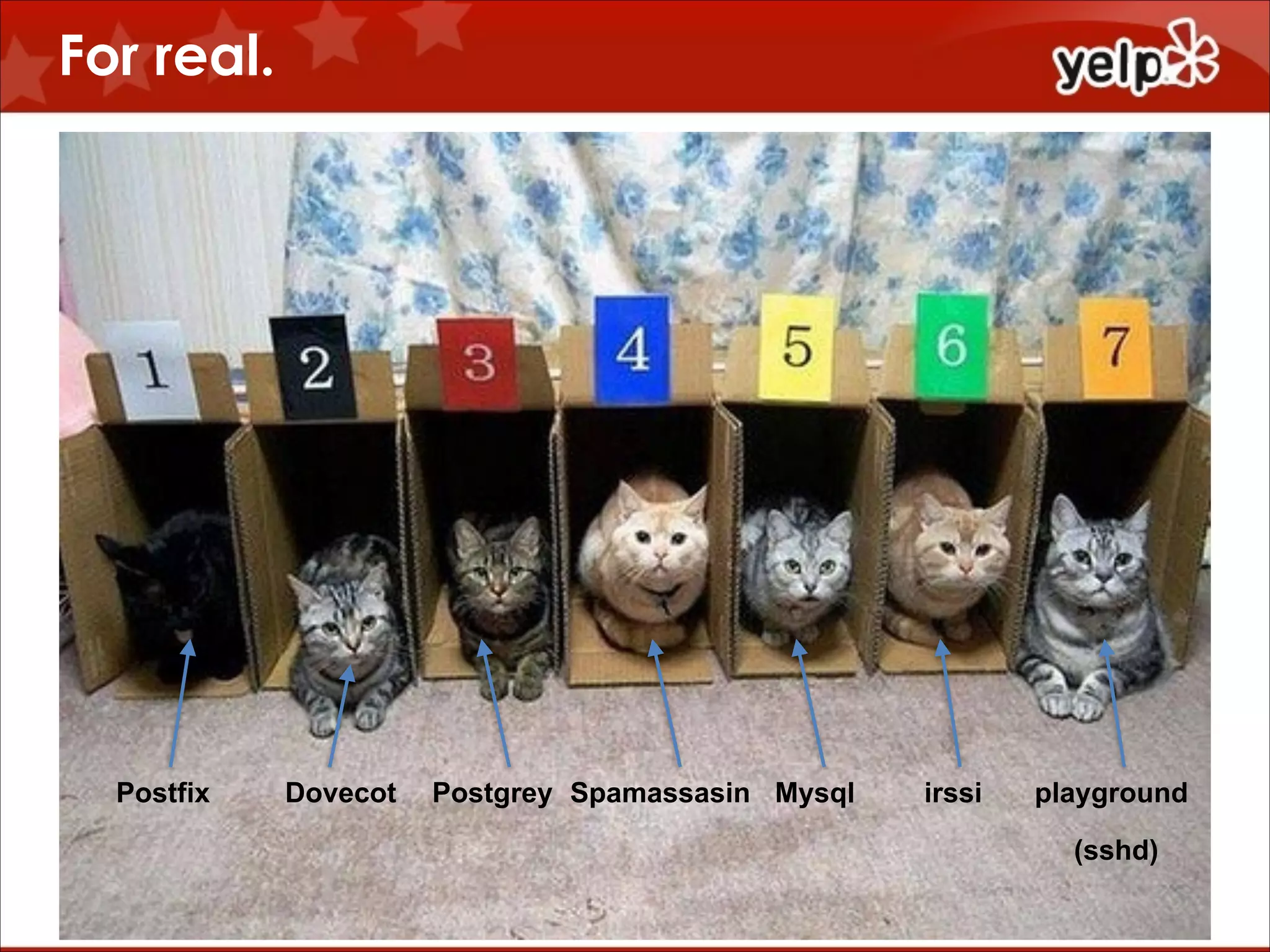
For real.

$864

Postfix

Dovecot

Postgrey Spamassasin Mysql

irssi

playground
(sshd)
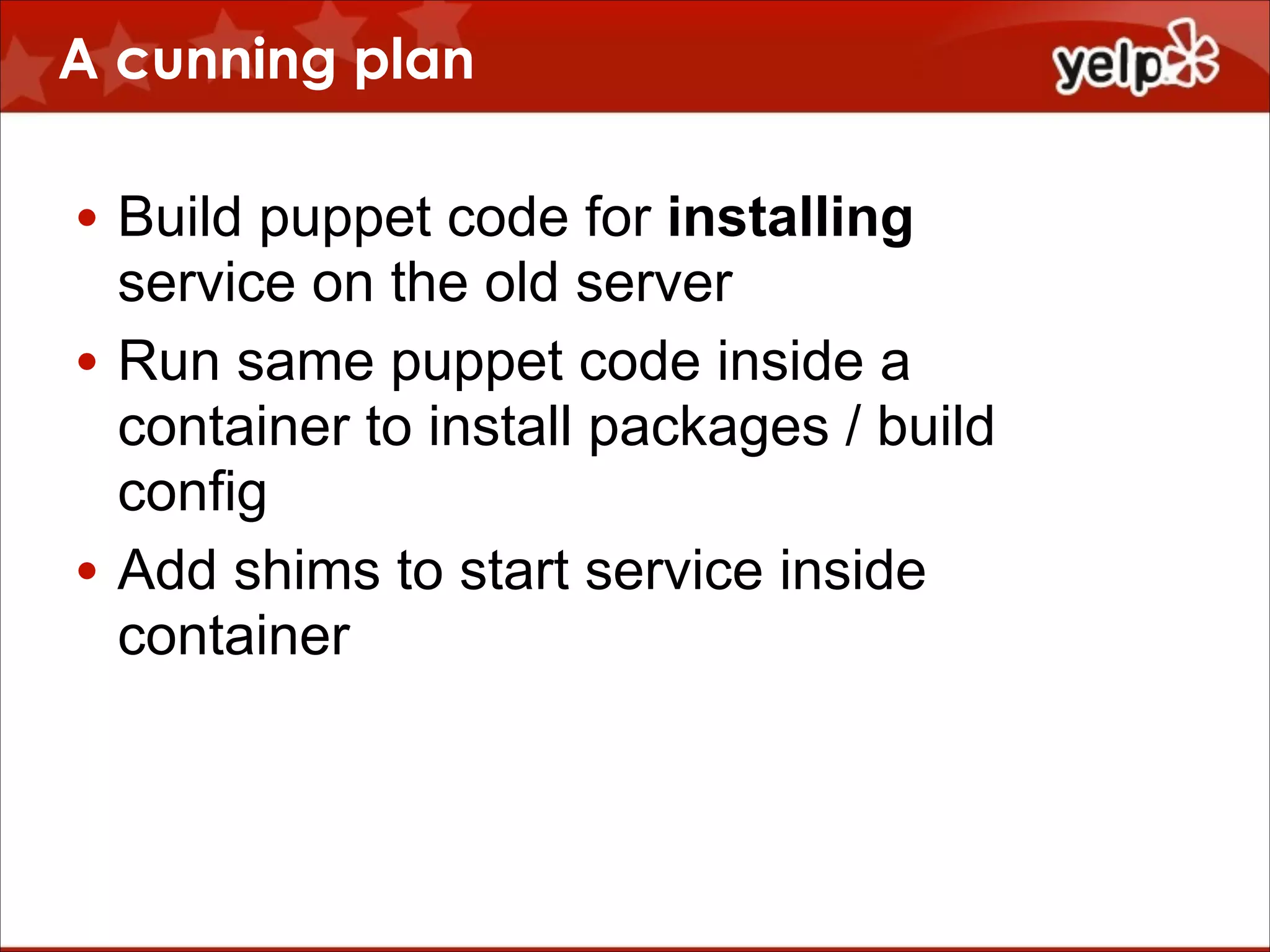
A cunning plan
• Build puppet code for installing
service on the old server
• Run same puppet code inside a
container to install packages / build
config
• Add shims to start service inside
container
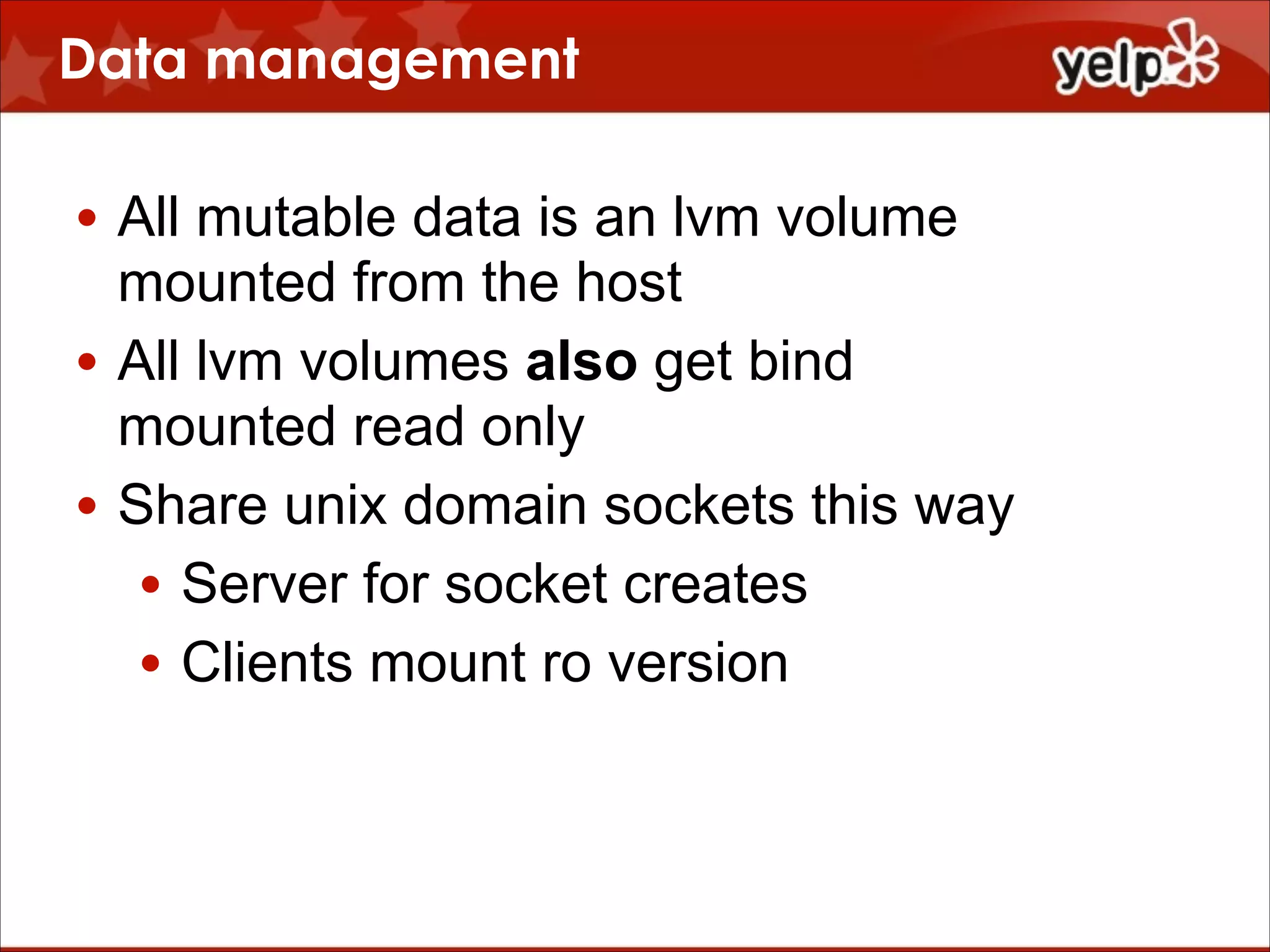
Data management
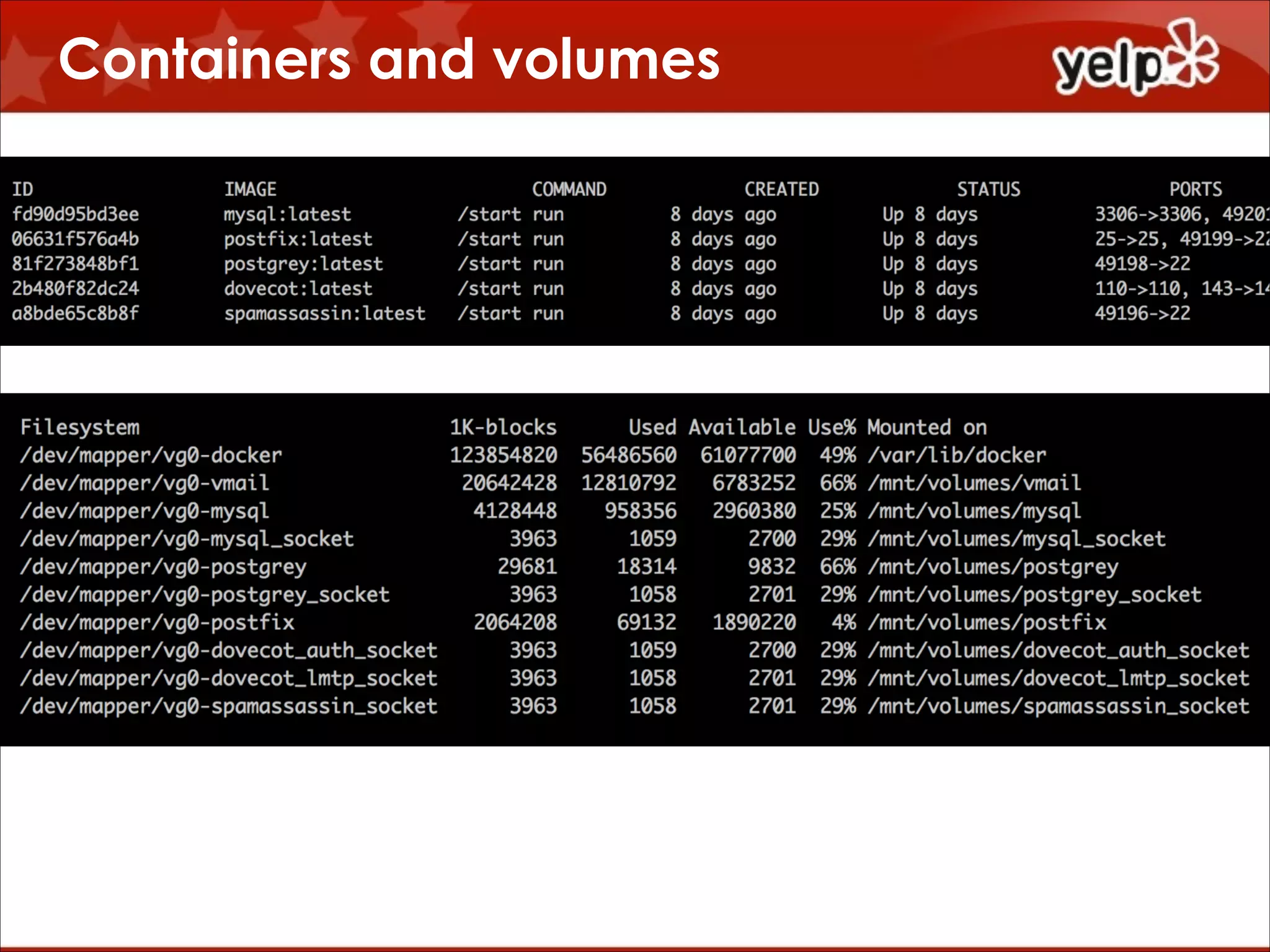
• All mutable data is an lvm volume
mounted from the host
• All lvm volumes also get bind
mounted read only
• Share unix domain sockets this way
• Server for socket creates
• Clients mount ro version
Compartmentalization

$864
Containers and volumes
What’s inside a container?

supervisord:
• The ‘real’ process
• mcollective
• sshd
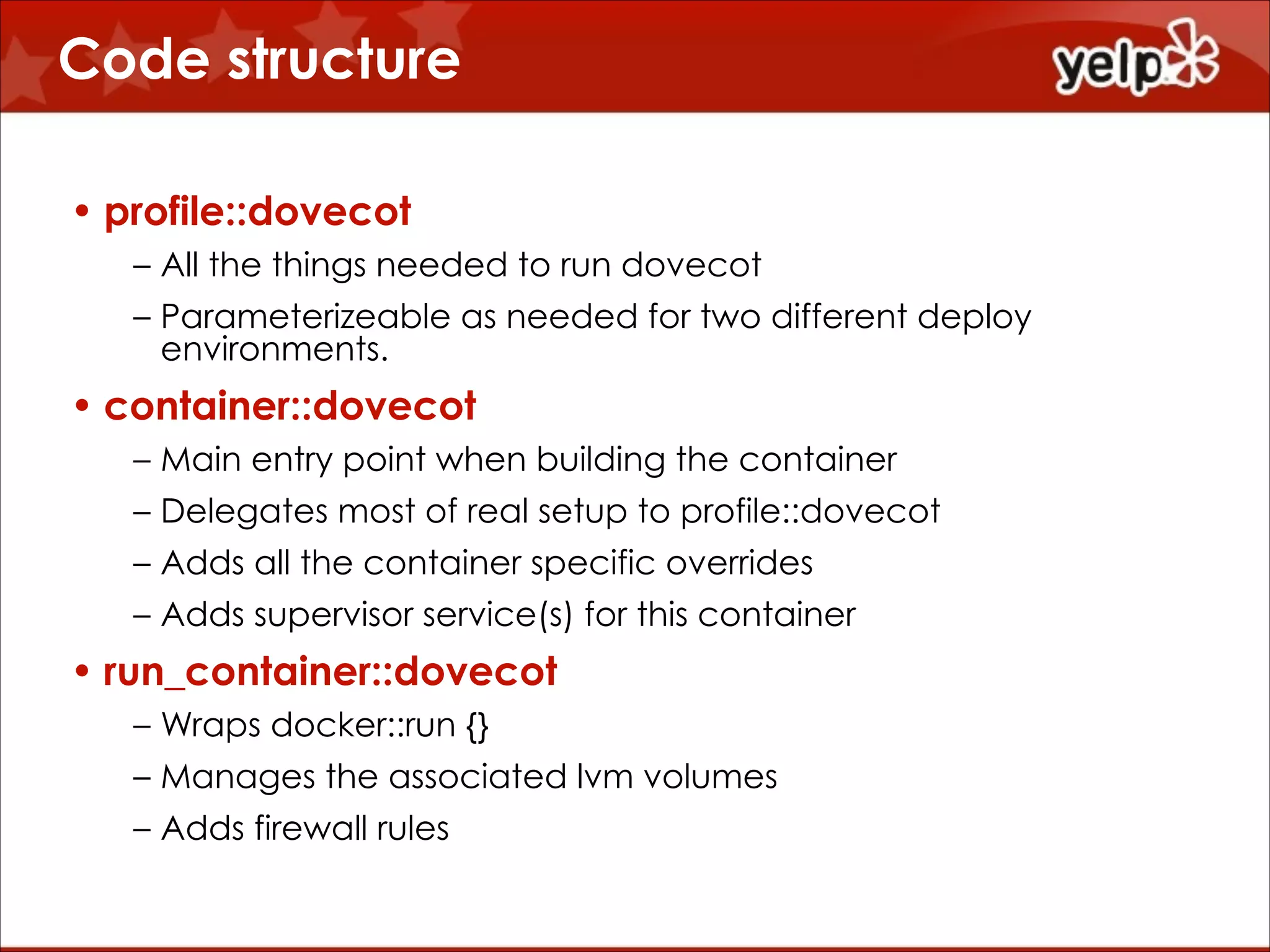
Code structure
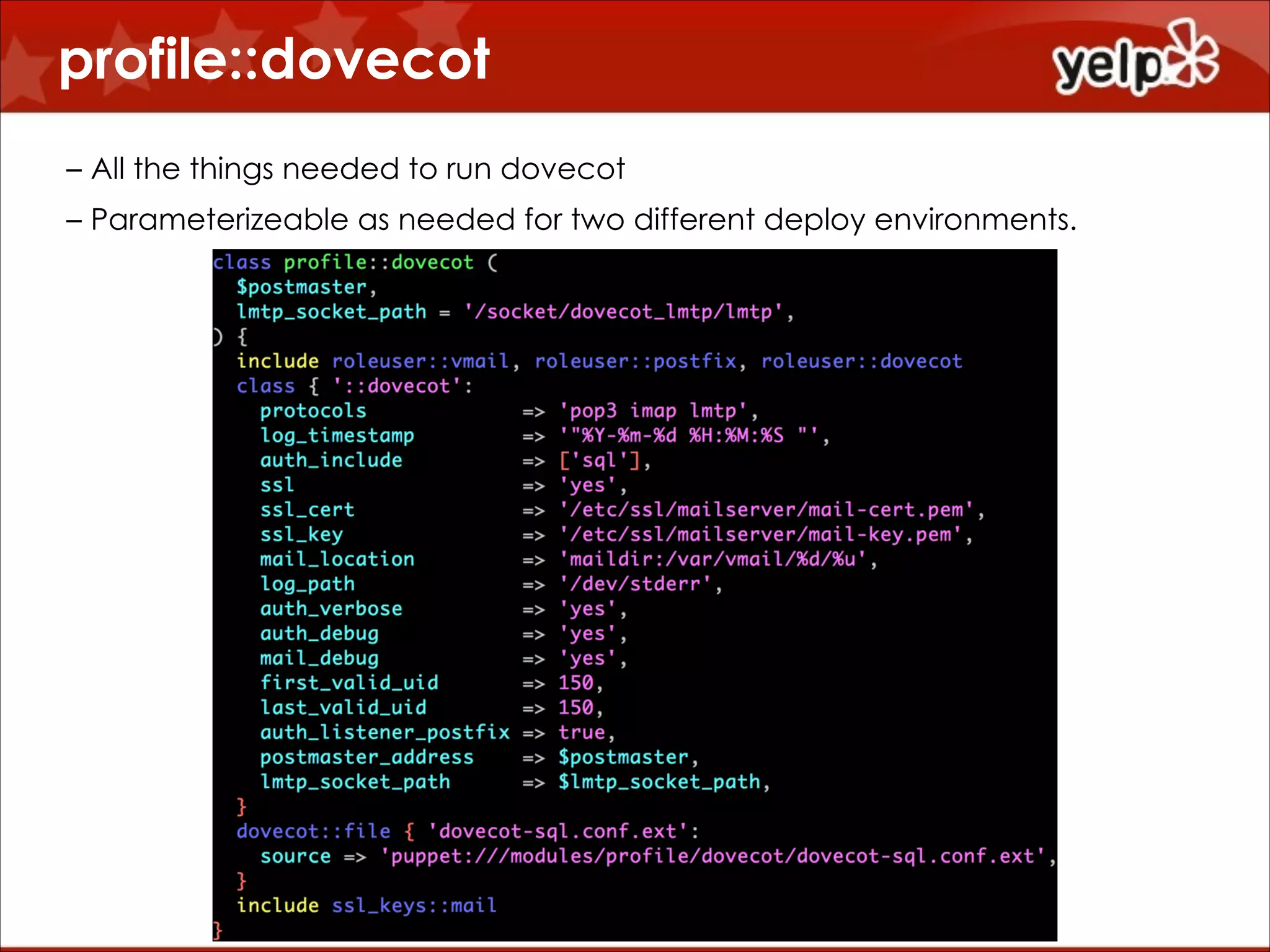
• profile::dovecot
– All the things needed to run dovecot
– Parameterizeable as needed for two different deploy
environments.

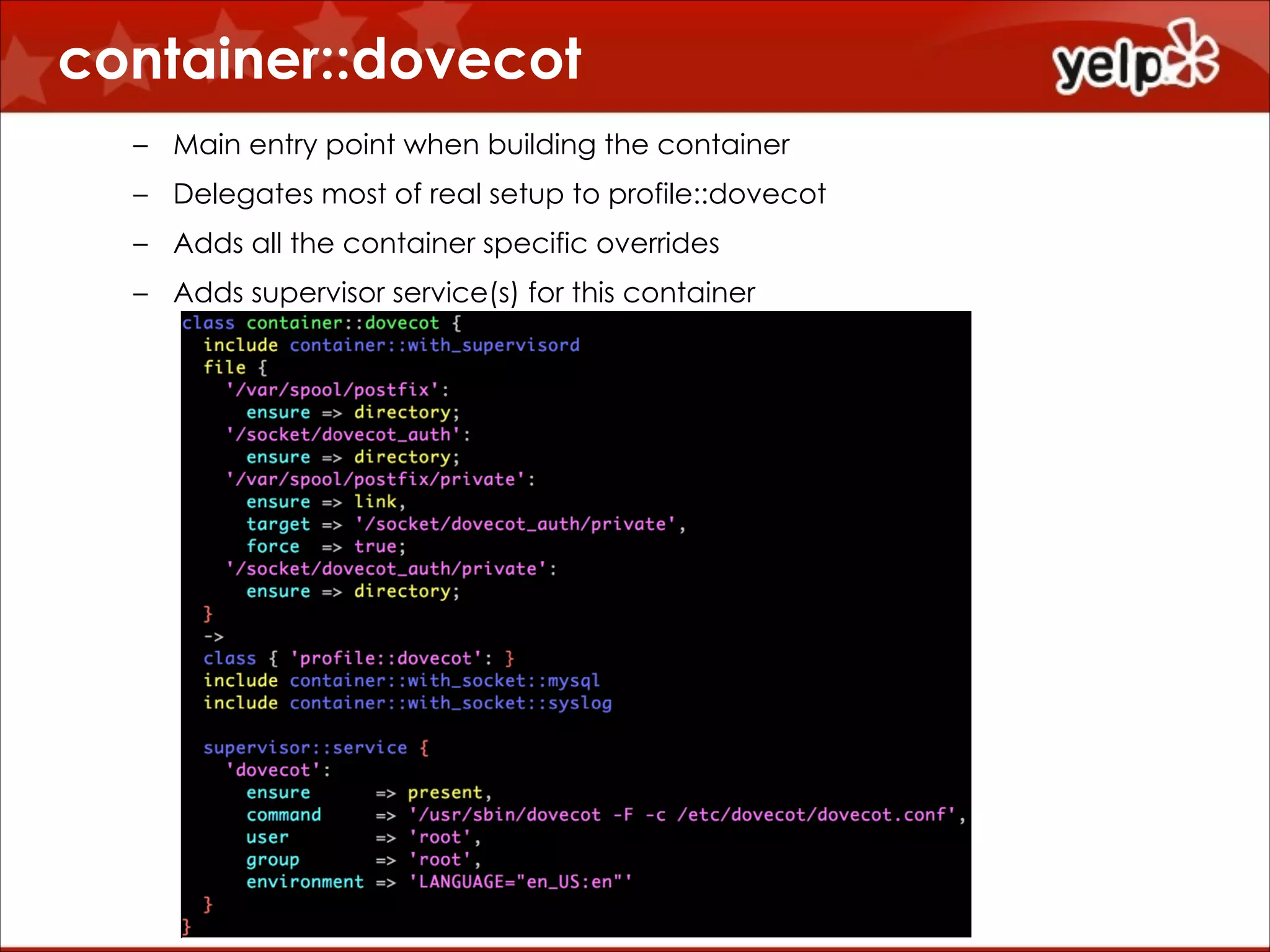
• container::dovecot
– Main entry point when building the container
– Delegates most of real setup to profile::dovecot
– Adds all the container specific overrides
– Adds supervisor service(s) for this container

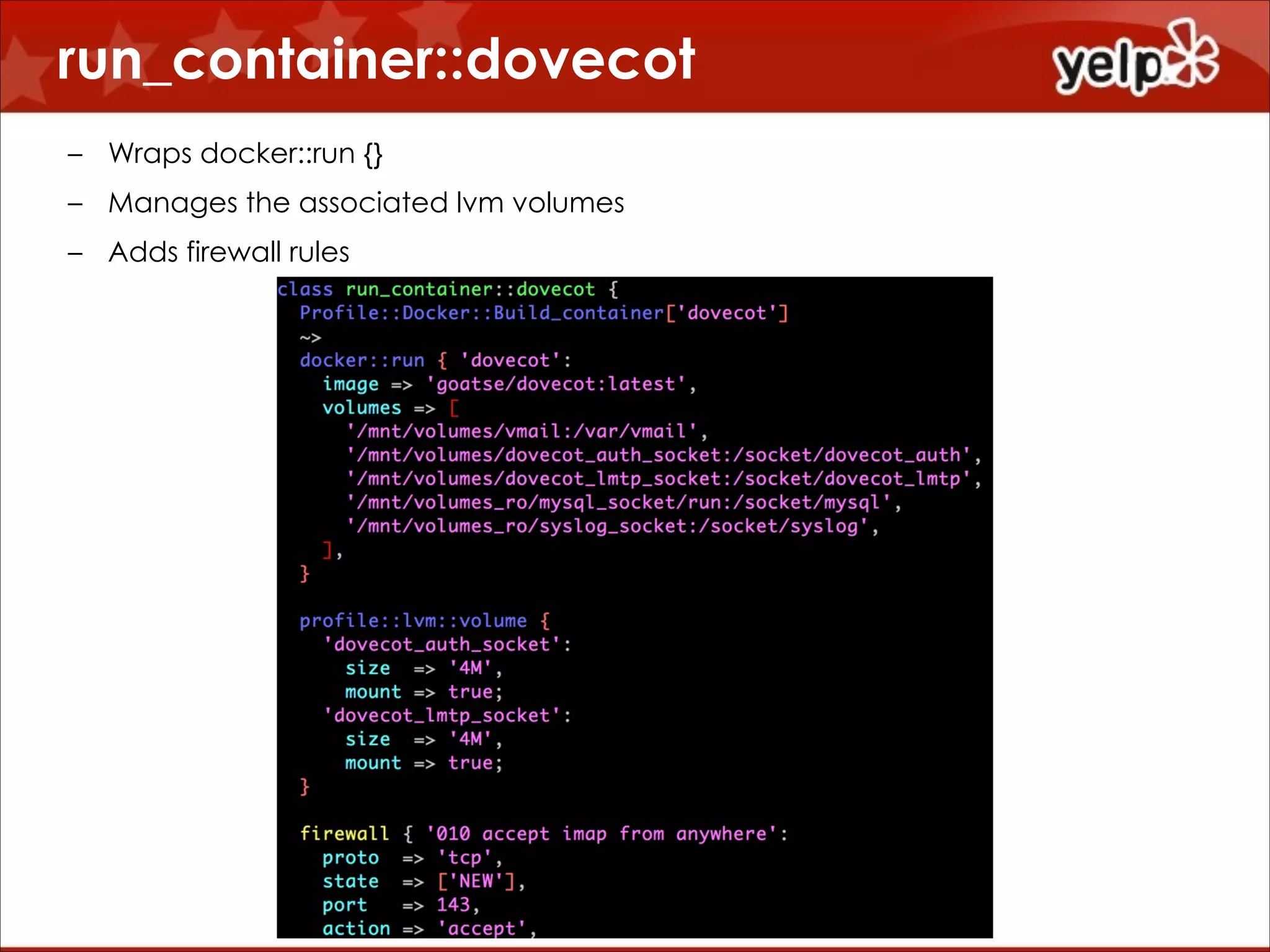
• run_container::dovecot
– Wraps docker::run {}
– Manages the associated lvm volumes
– Adds firewall rules
profile::dovecot
!
– All the things needed to run dovecot
– Parameterizeable as needed for two different deploy environments.
container::dovecot
!
– Main entry point when building the container
– Delegates most of real setup to profile::dovecot
– Adds all the container specific overrides
– Adds supervisor service(s) for this container
run_container::dovecot
!

– Wraps docker::run {}
– Manages the associated lvm volumes
– Adds firewall rules
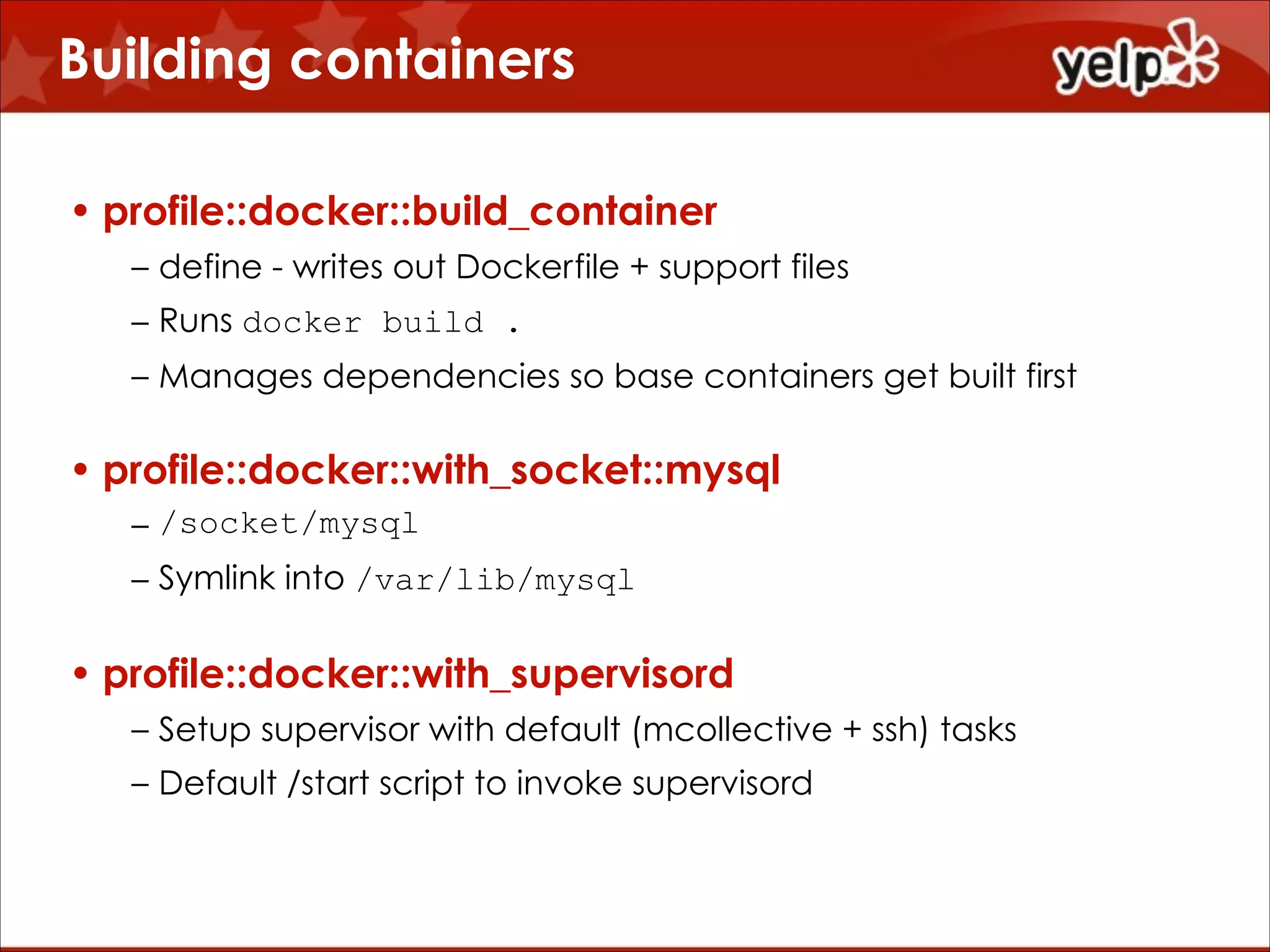
Building containers
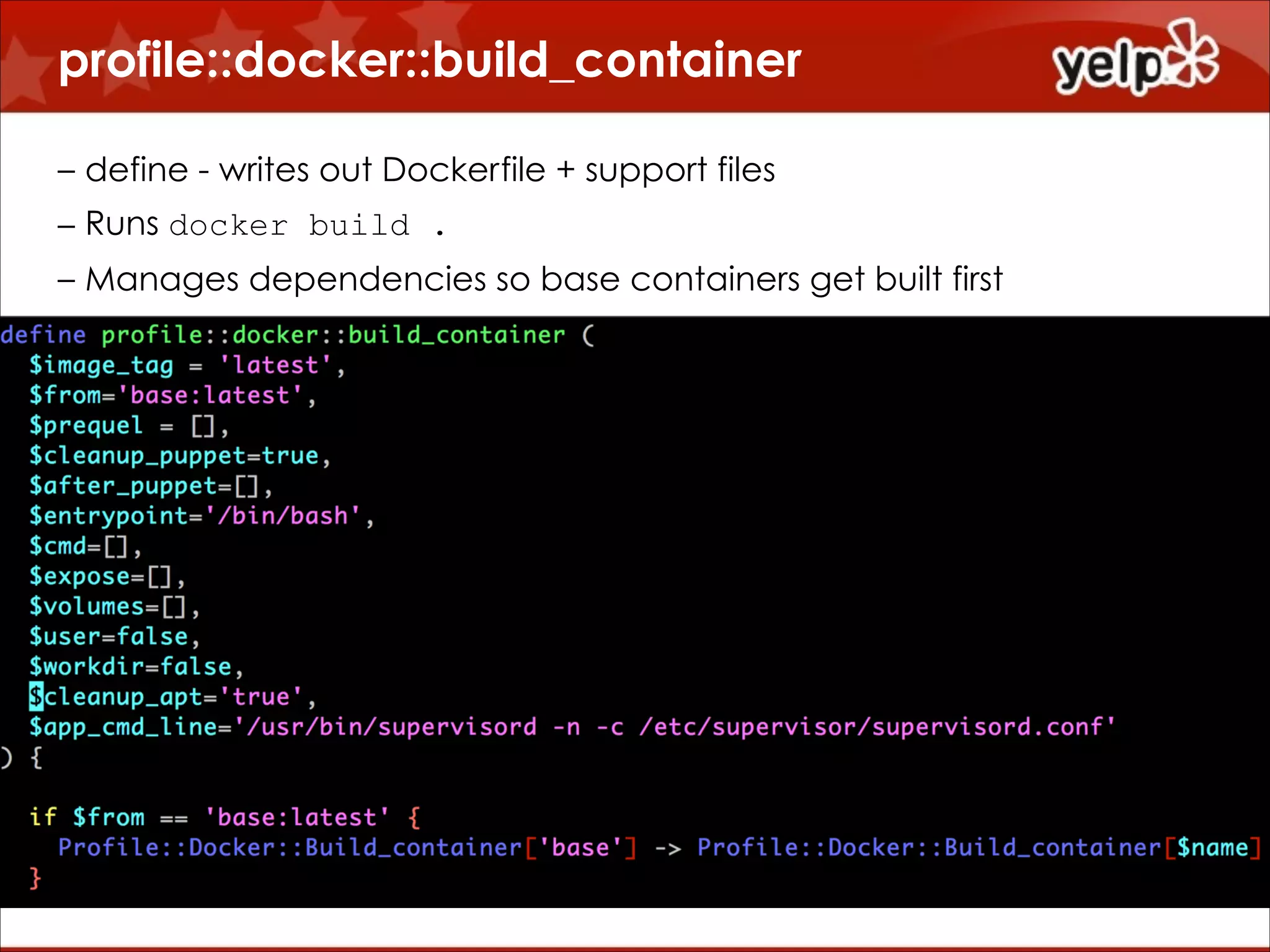
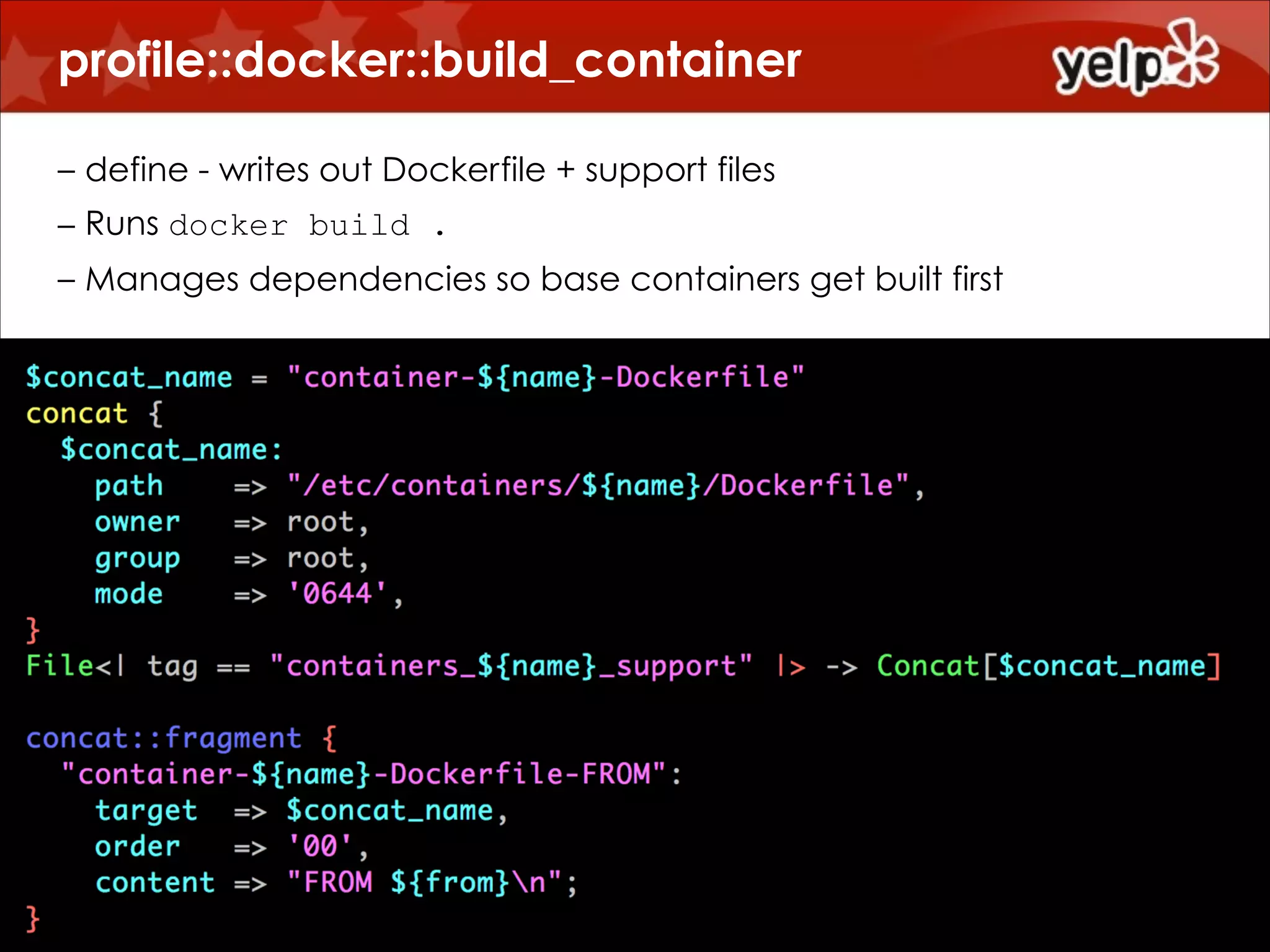
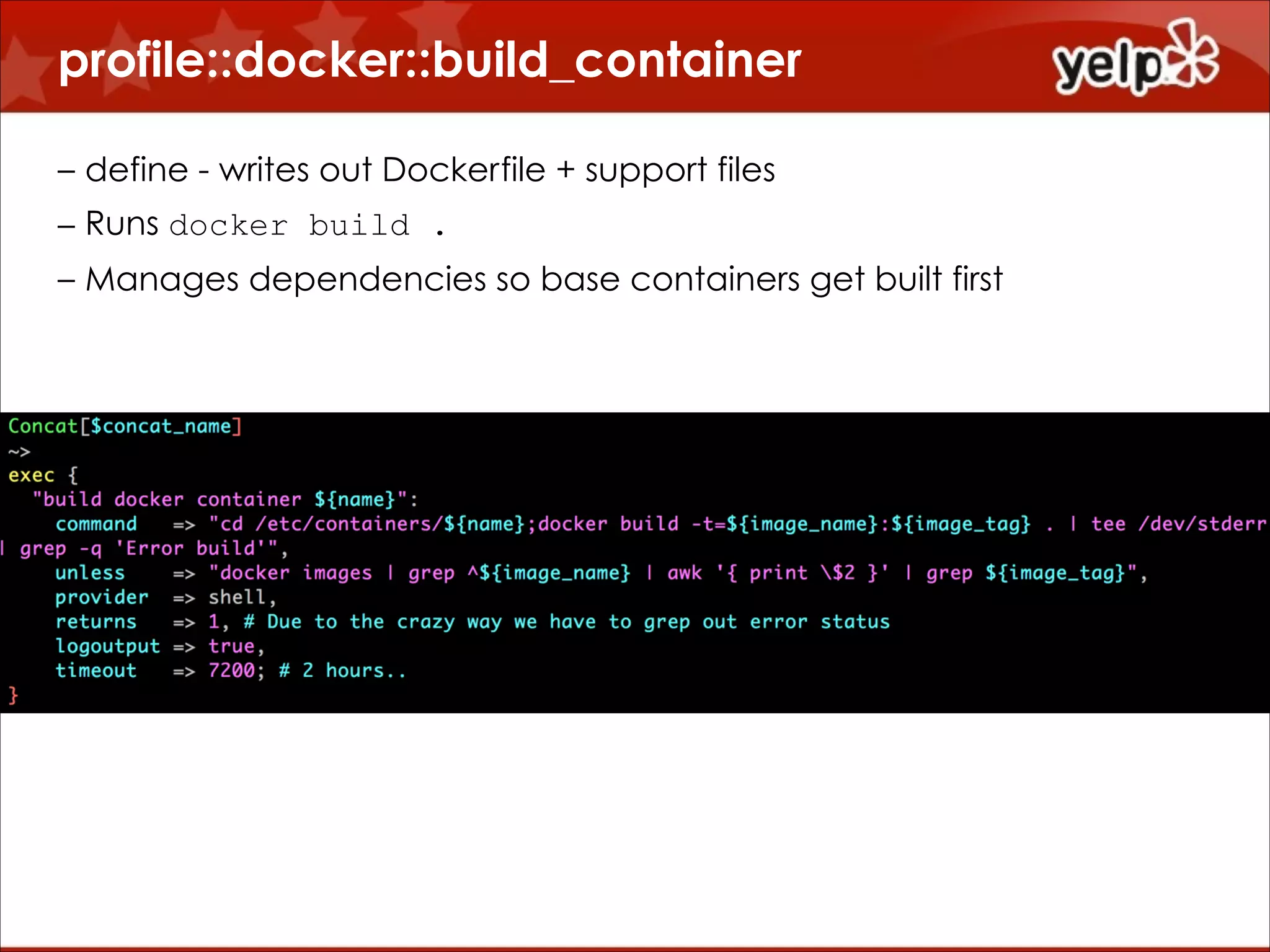
• profile::docker::build_container
– define - writes out Dockerfile + support files
– Runs docker build .
– Manages dependencies so base containers get built first

• profile::docker::with_socket::mysql
– /socket/mysql
– Symlink into /var/lib/mysql

• profile::docker::with_supervisord
– Setup supervisor with default (mcollective + ssh) tasks
– Default /start script to invoke supervisord
profile::docker::build_container
!
– define - writes out Dockerfile + support files
– Runs docker build .
– Manages dependencies so base containers get built first
profile::docker::build_container
!
– define - writes out Dockerfile + support files
– Runs docker build .
– Manages dependencies so base containers get built first
profile::docker::build_container
!
– define - writes out Dockerfile + support files
– Runs docker build .
– Manages dependencies so base containers get built first
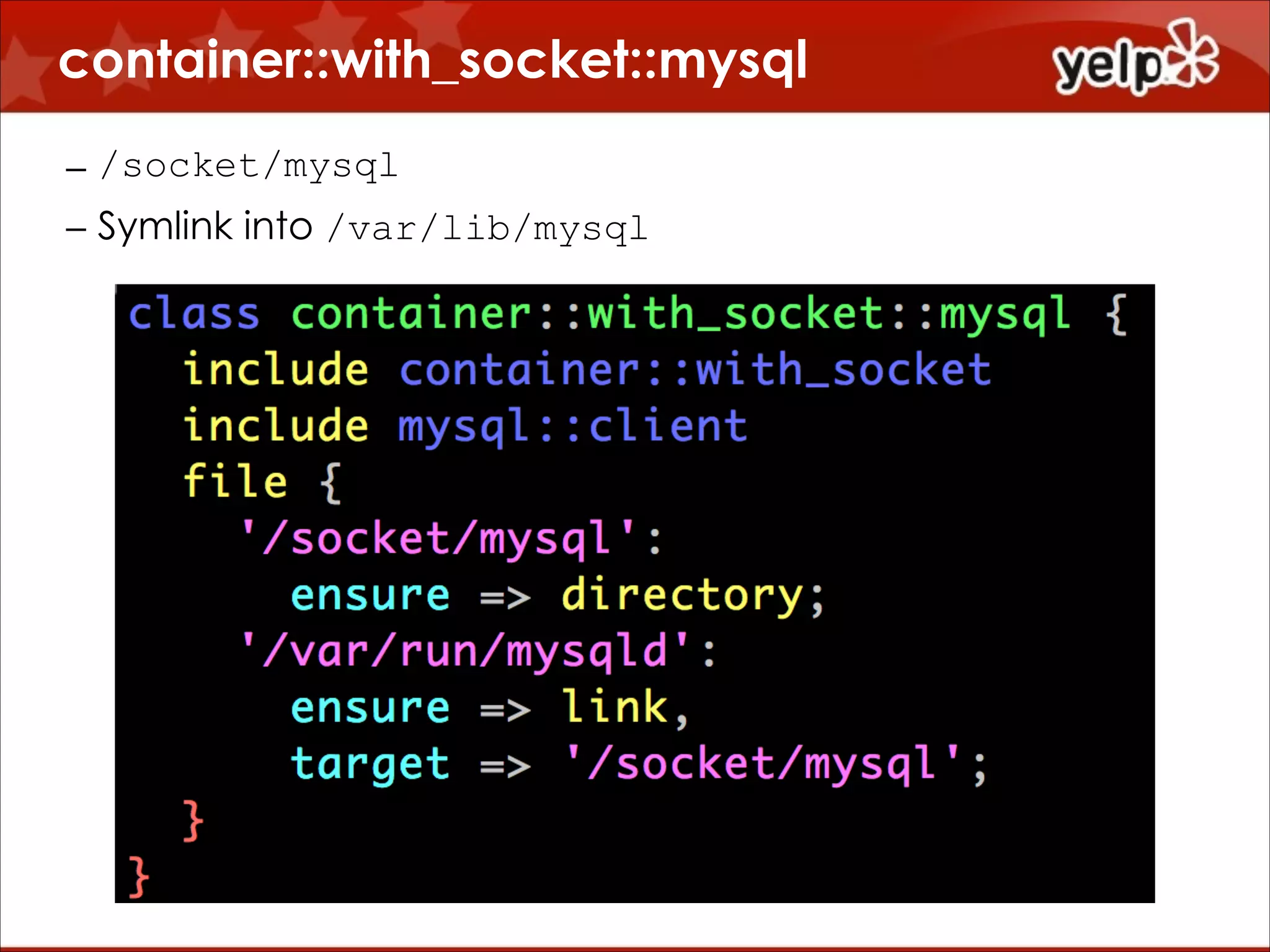
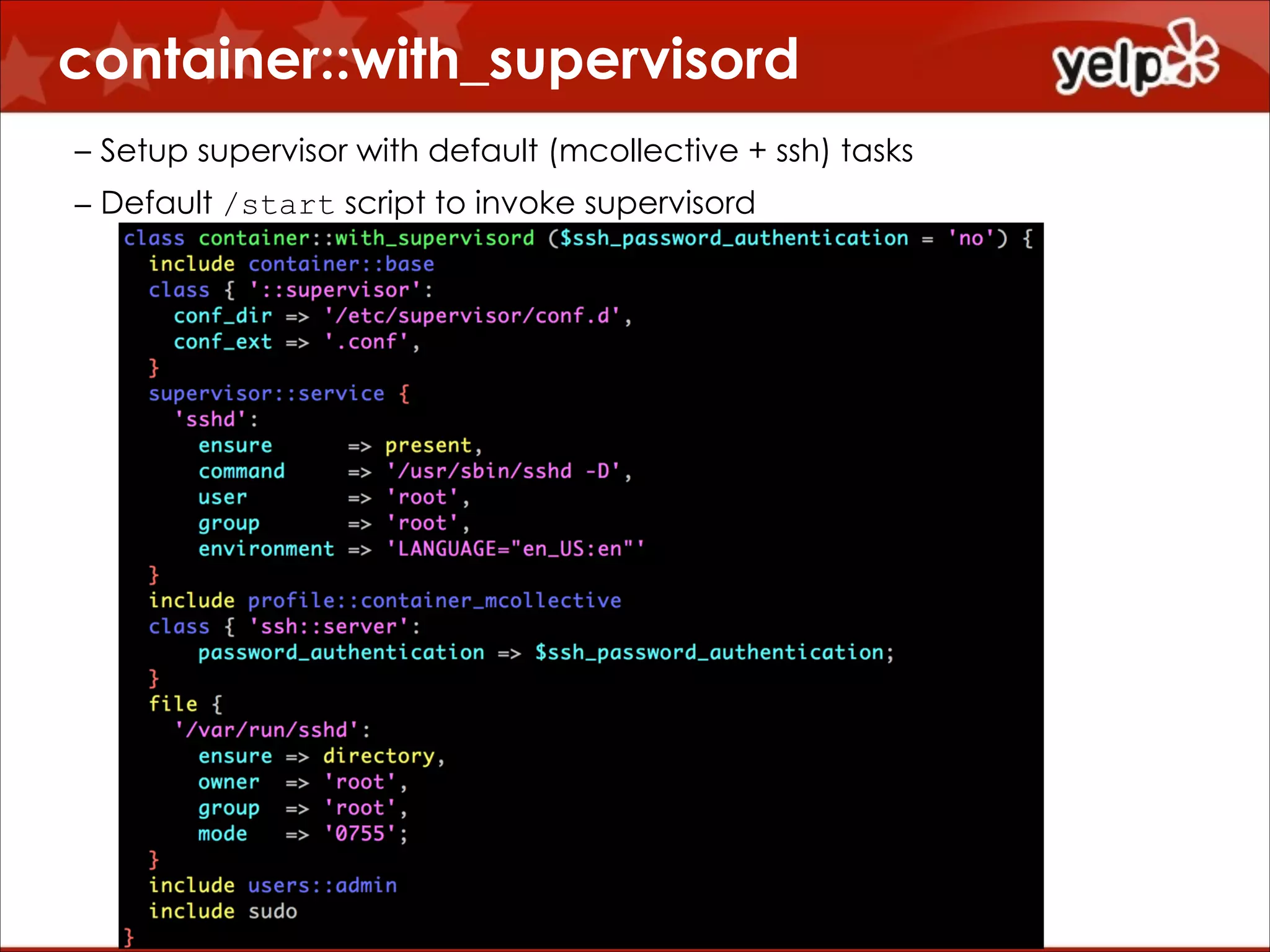
container::with_socket::mysql
– /socket/mysql
– Symlink into /var/lib/mysql
container::with_supervisord
!

– Setup supervisor with default (mcollective + ssh) tasks
– Default /start script to invoke supervisord
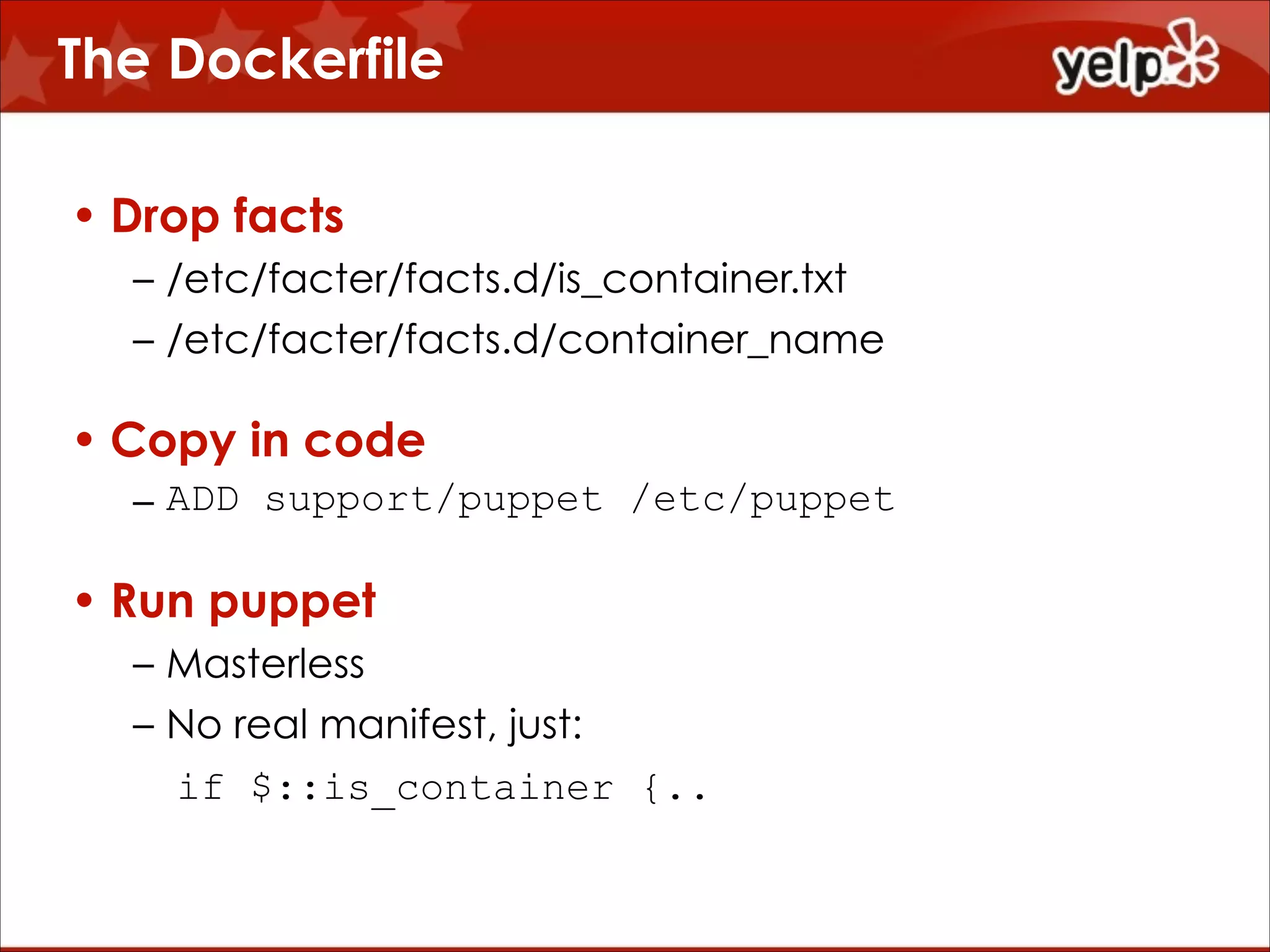
The Dockerfile
• Drop facts
– /etc/facter/facts.d/is_container.txt
– /etc/facter/facts.d/container_name

• Copy in code
– ADD support/puppet /etc/puppet

• Run puppet
– Masterless
– No real manifest, just:
if $::is_container {..
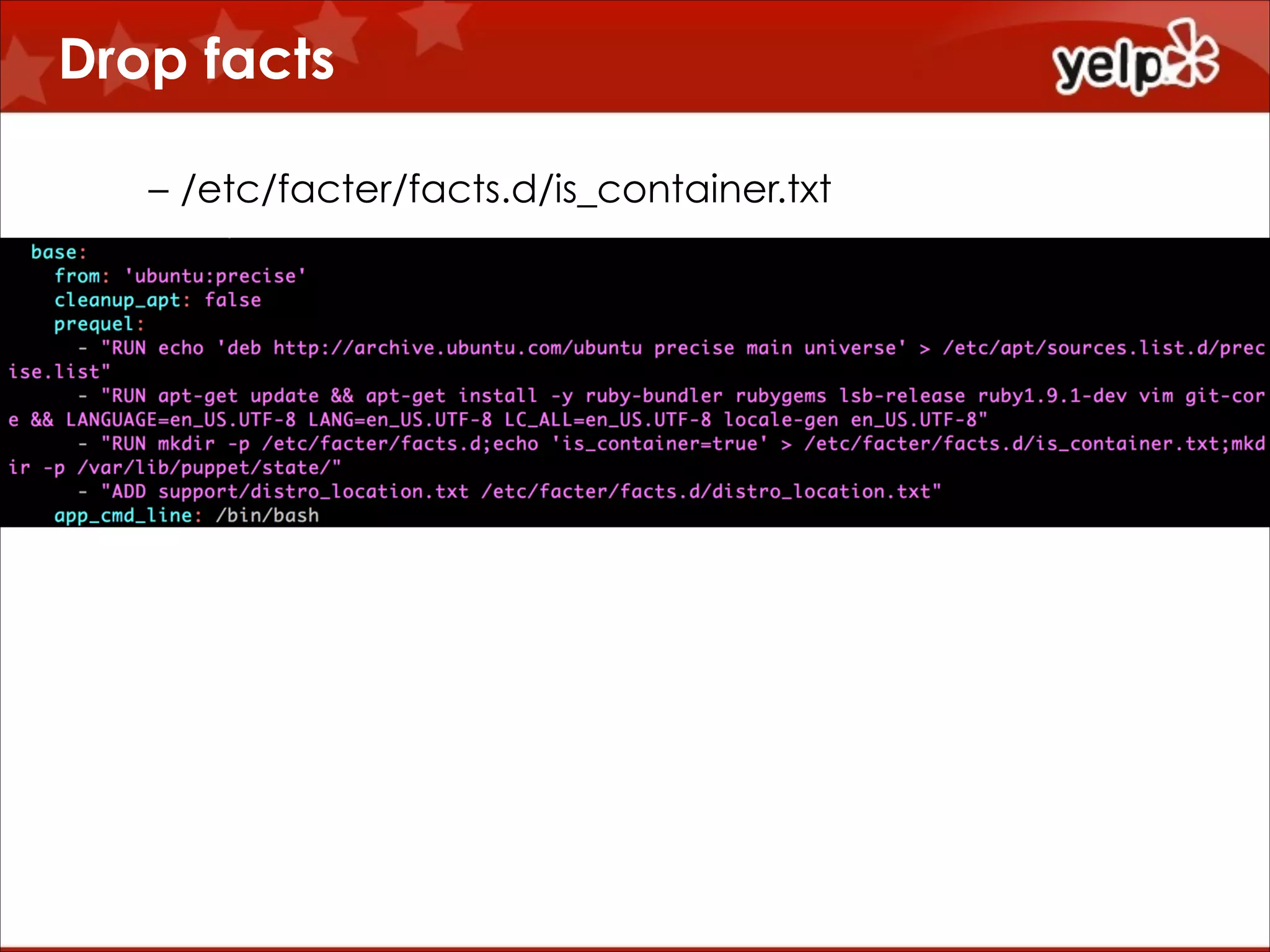
Drop facts
– /etc/facter/facts.d/is_container.txt

!
!
!
!
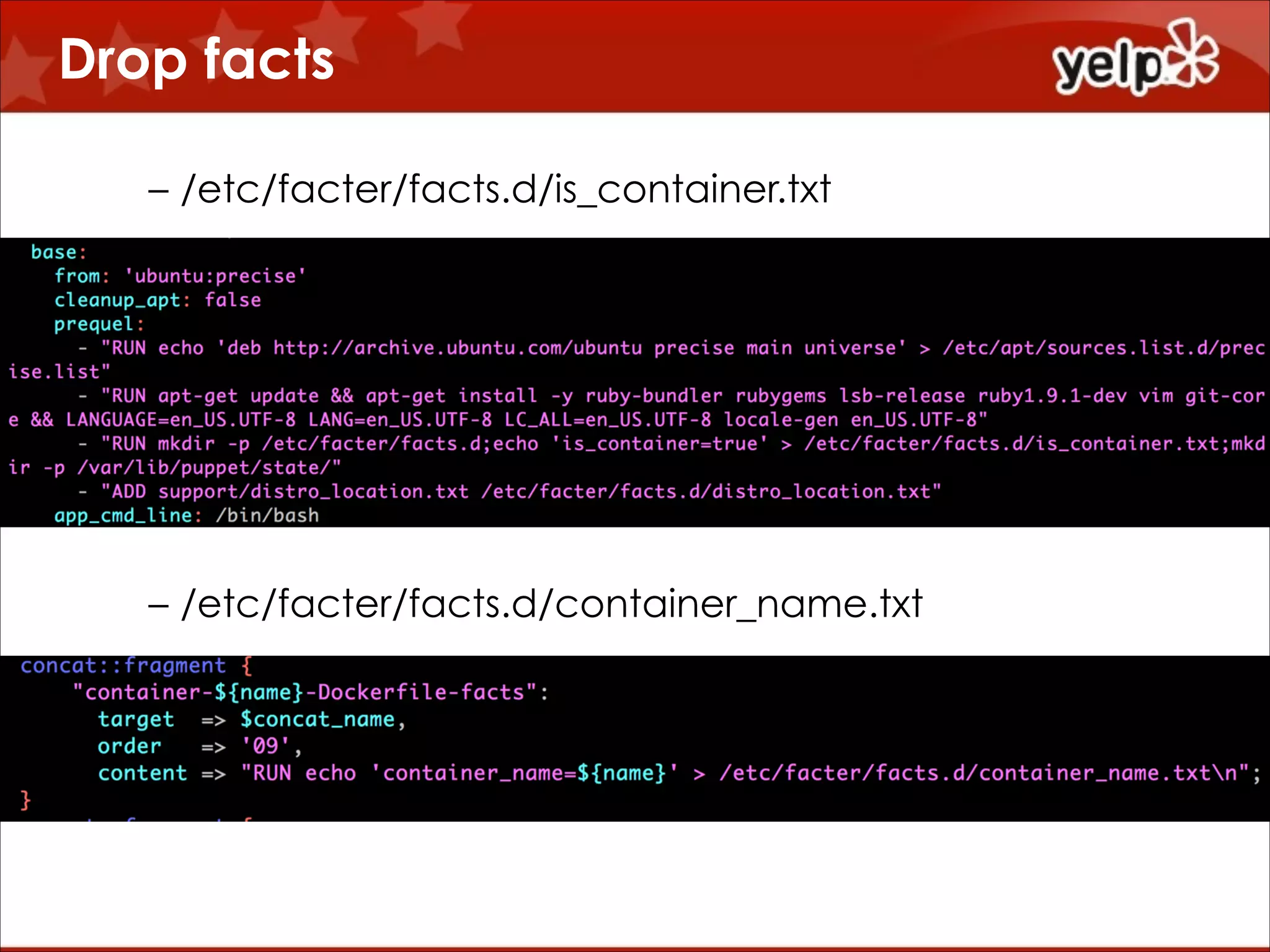
Drop facts
– /etc/facter/facts.d/is_container.txt

!
!
!
!
!
!
– /etc/facter/facts.d/container_name.txt
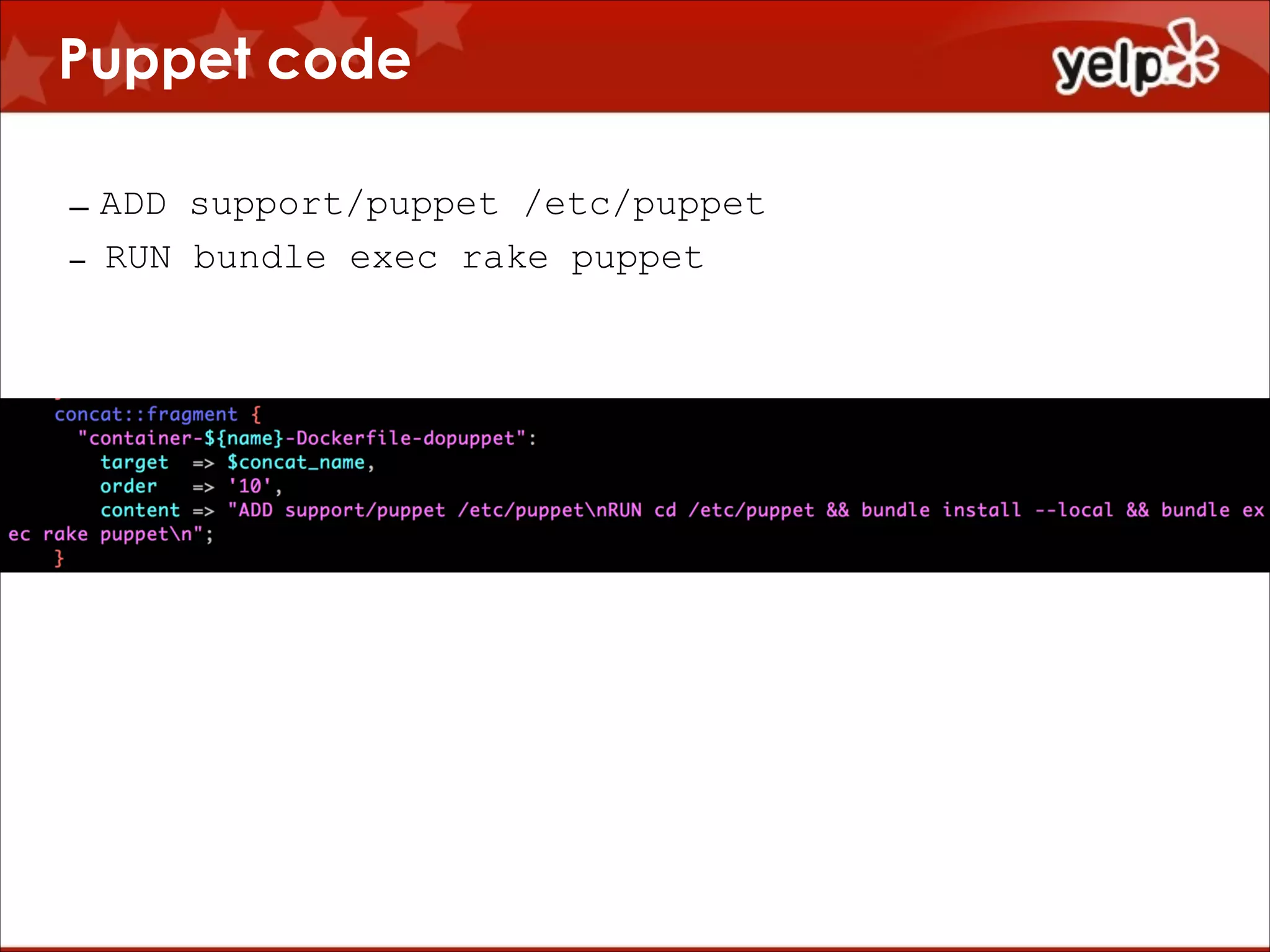
Puppet code
– ADD support/puppet /etc/puppet
– RUN bundle exec rake puppet
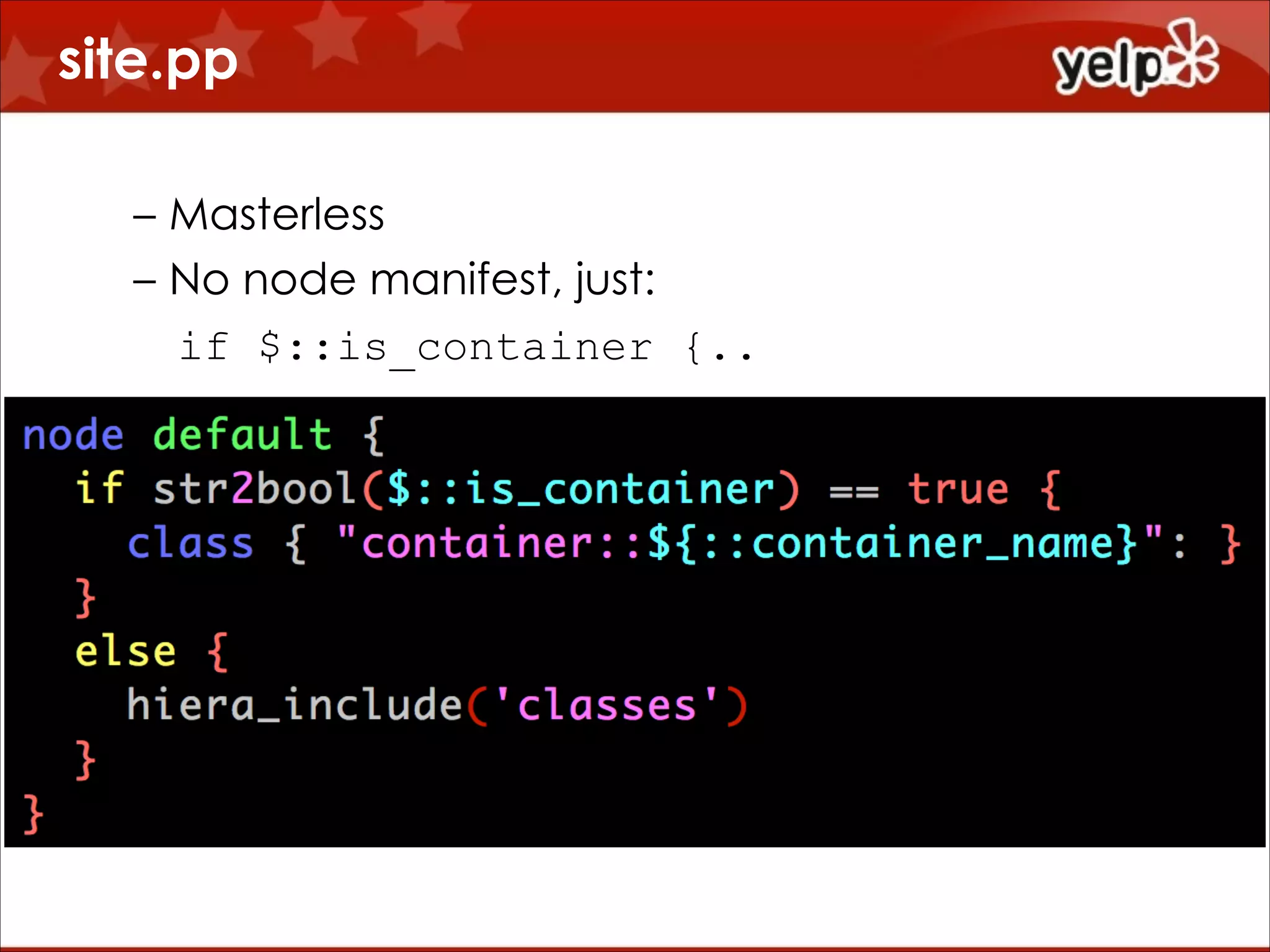
site.pp
– Masterless
– No node manifest, just:
if $::is_container {..
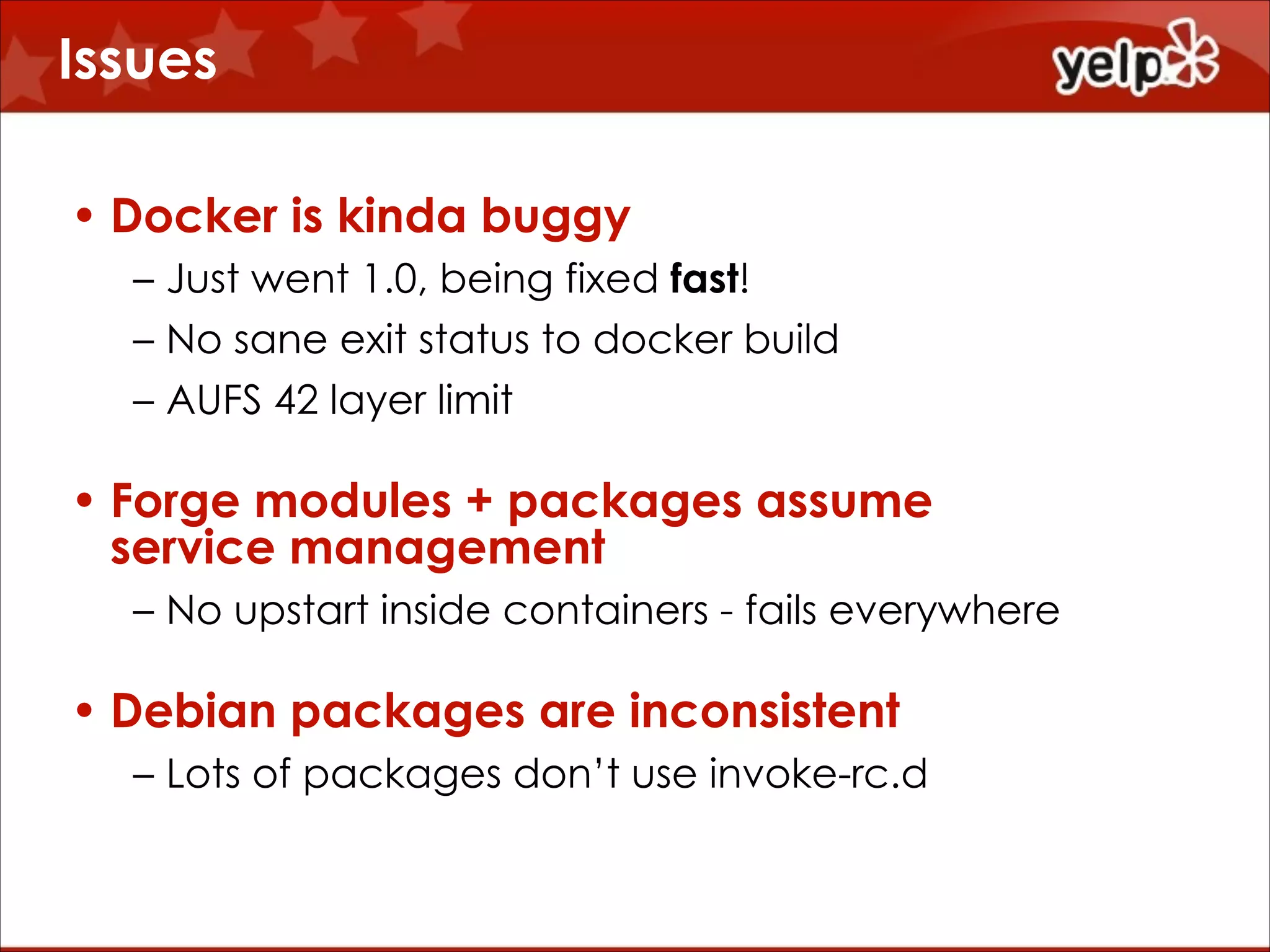
Issues
• Docker is kinda buggy
– Just went 1.0, being fixed fast!
– No sane exit status to docker build
– AUFS 42 layer limit

• Forge modules + packages assume
service management
– No upstart inside containers - fails everywhere

• Debian packages are inconsistent
– Lots of packages don’t use invoke-rc.d
It’s still awesome

$864
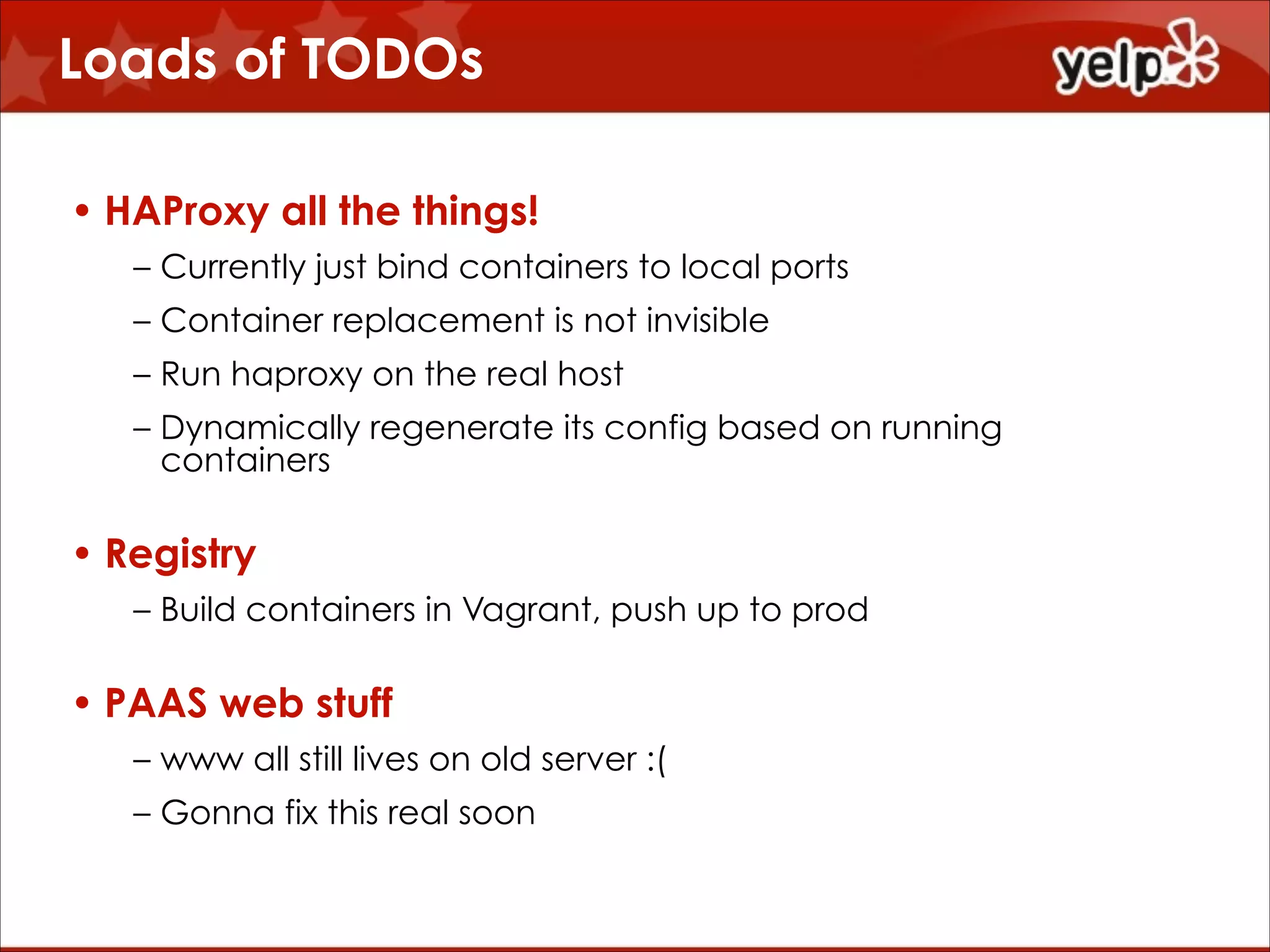
Loads of TODOs
• HAProxy all the things!
– Currently just bind containers to local ports
– Container replacement is not invisible
– Run haproxy on the real host
– Dynamically regenerate its config based on running
containers

• Registry
– Build containers in Vagrant, push up to prod

• PAAS web stuff
– www all still lives on old server :(
– Gonna fix this real soon
Open sores!
• Open source all the things!
– garethr++
– (I owe you patches)
– Forked and changed a million modules
– Will cleanup and upstream some changes

• My profile::docker code
– Don’t know how to make this really generically
reusable
– We need sub-modules?
– Happy to share chunks
Sorry!
Questions?
http://www.yelp.com/careers?jvi=ogVTXfwL

$864

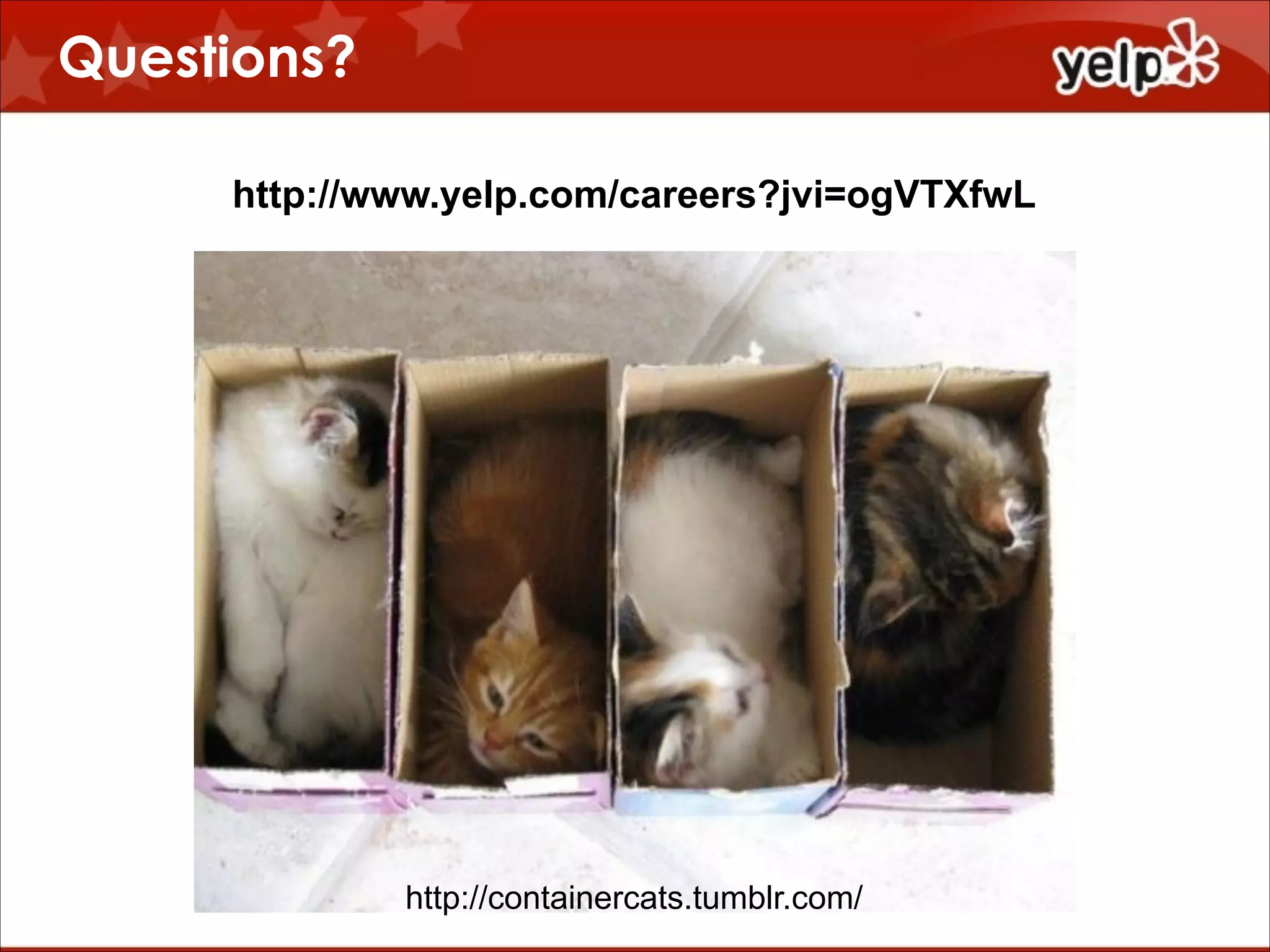
http://containercats.tumblr.com/

Taking Control of Chaos with Docker and Puppet