1.3 SOFTWARE
OPERATING SYSTEM & UTILITIES
IGCSE IT
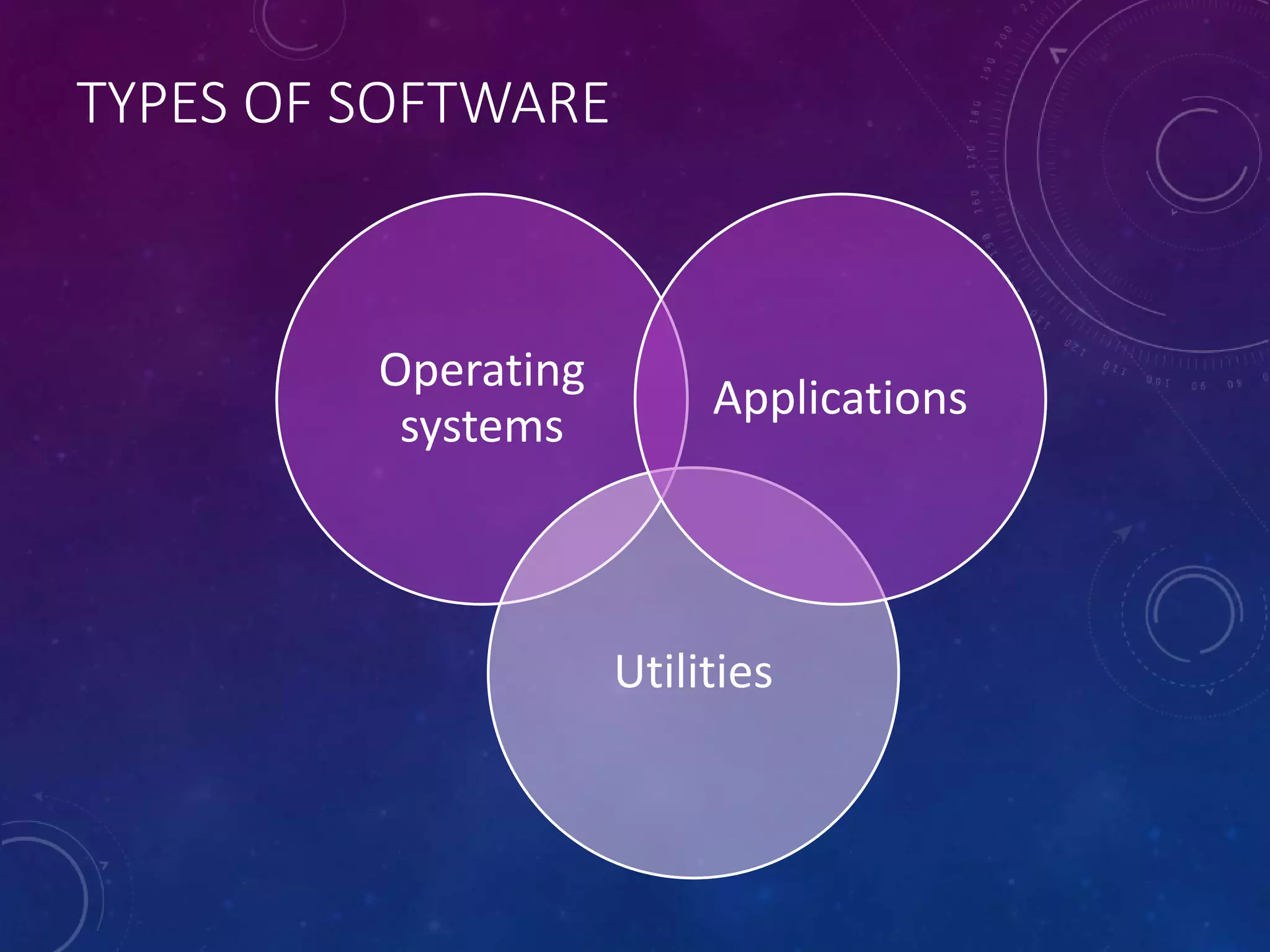
TYPES OF SOFTWARE
Operating
systems
Utilities
Applications
OPERATING SYSTEMS (OS)
• Command line interface
• GUI (Graphical user interface)
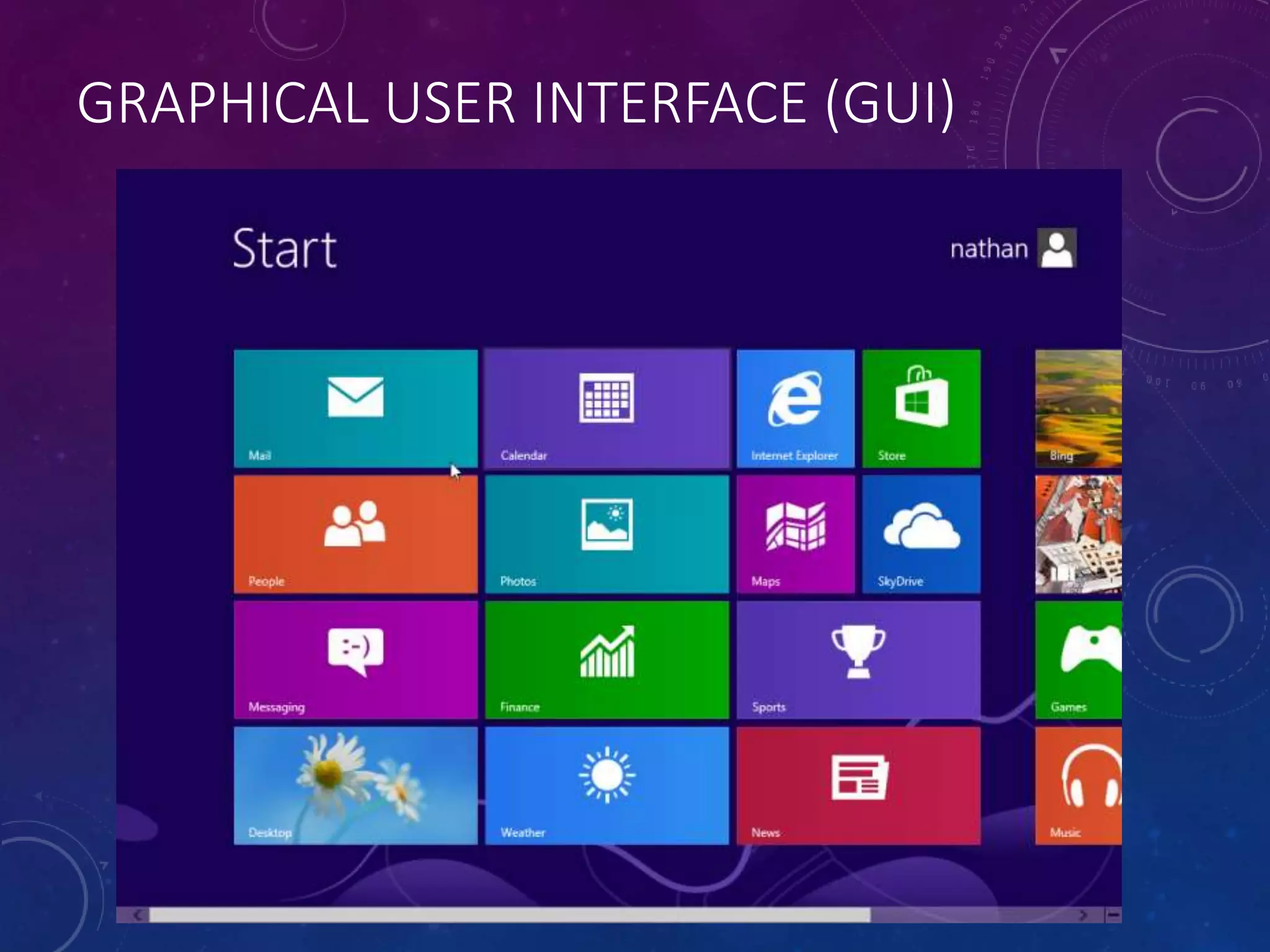
GRAPHICAL USER INTERFACE (GUI)
GUI
• Currently the most widely used type of
interface
• The main advantage of graphical user
interfaces is that they are very easy to use,
especially for a beginner.
• The main disadvantage is the amount of
computer memory they need to run
• A graphical user interface needs a lot of RAM
to run properly and takes up a large amount of
hard disk space. – not really an issue these
days
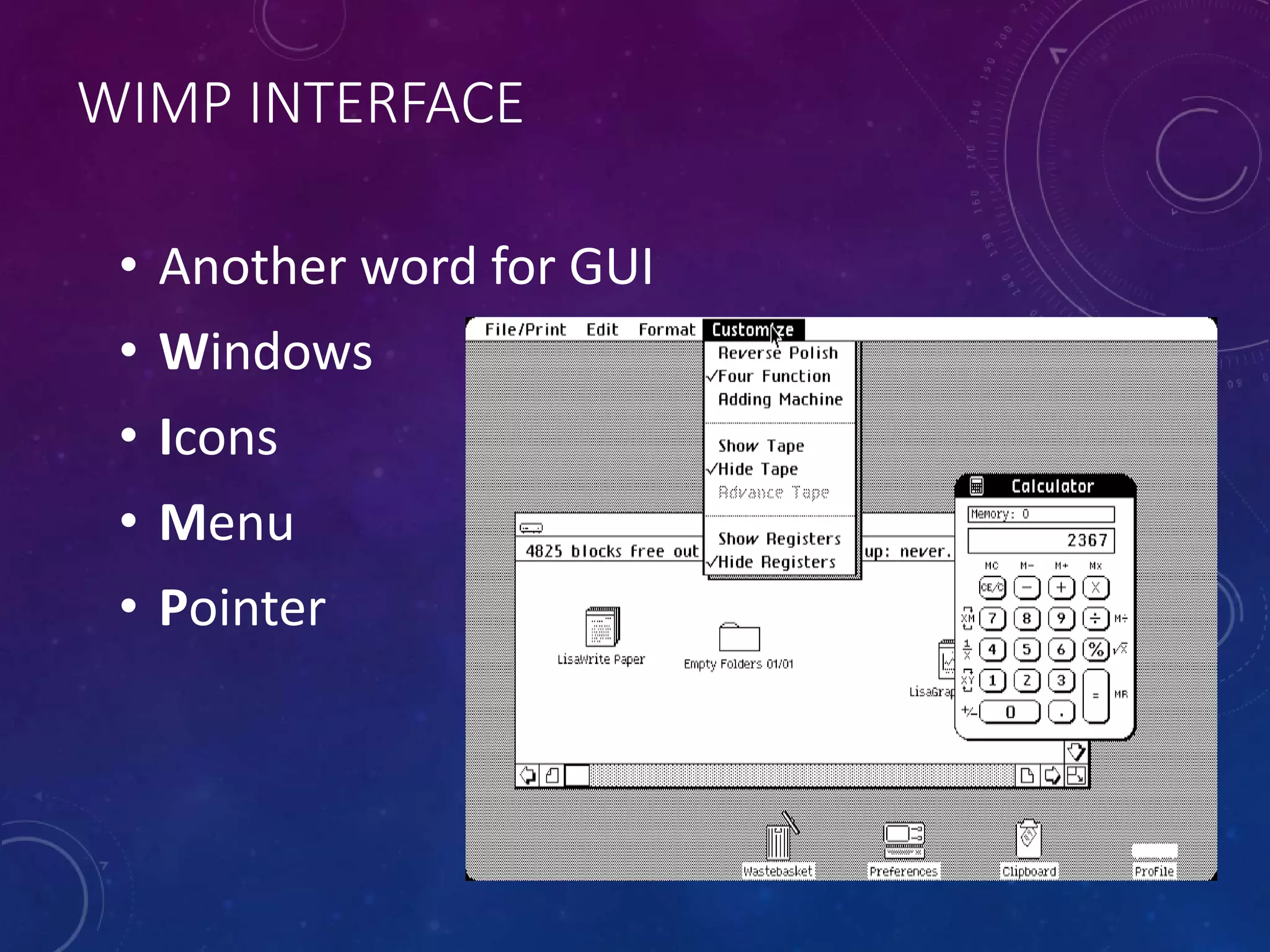
WIMP INTERFACE
• Another word for GUI
• Windows
• Icons
• Menu
• Pointer
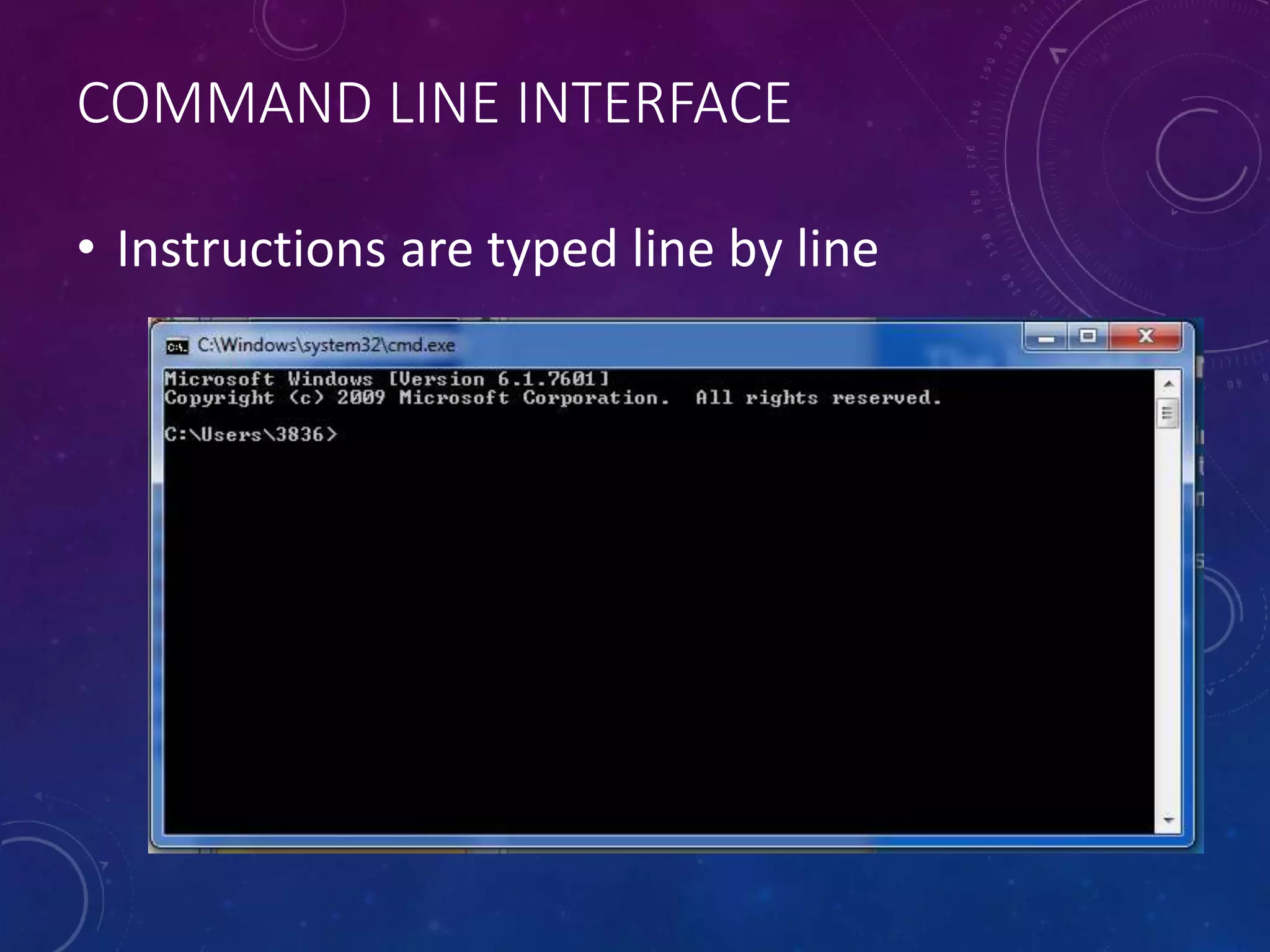
COMMAND LINE INTERFACE
• Instructions are typed line by line
COMMAND LINE INTERFACE
• To use a command line system to communicate
with the computer, the user has to type in
special command words.
• DOS, which stands for Disk Operating System,
is a very commonly used command-driven user
interface.
• Command-driven systems can be very
unfriendly and confusing for non-computer
experts to use.
• The only advantage these days is that the
operate on very little memory
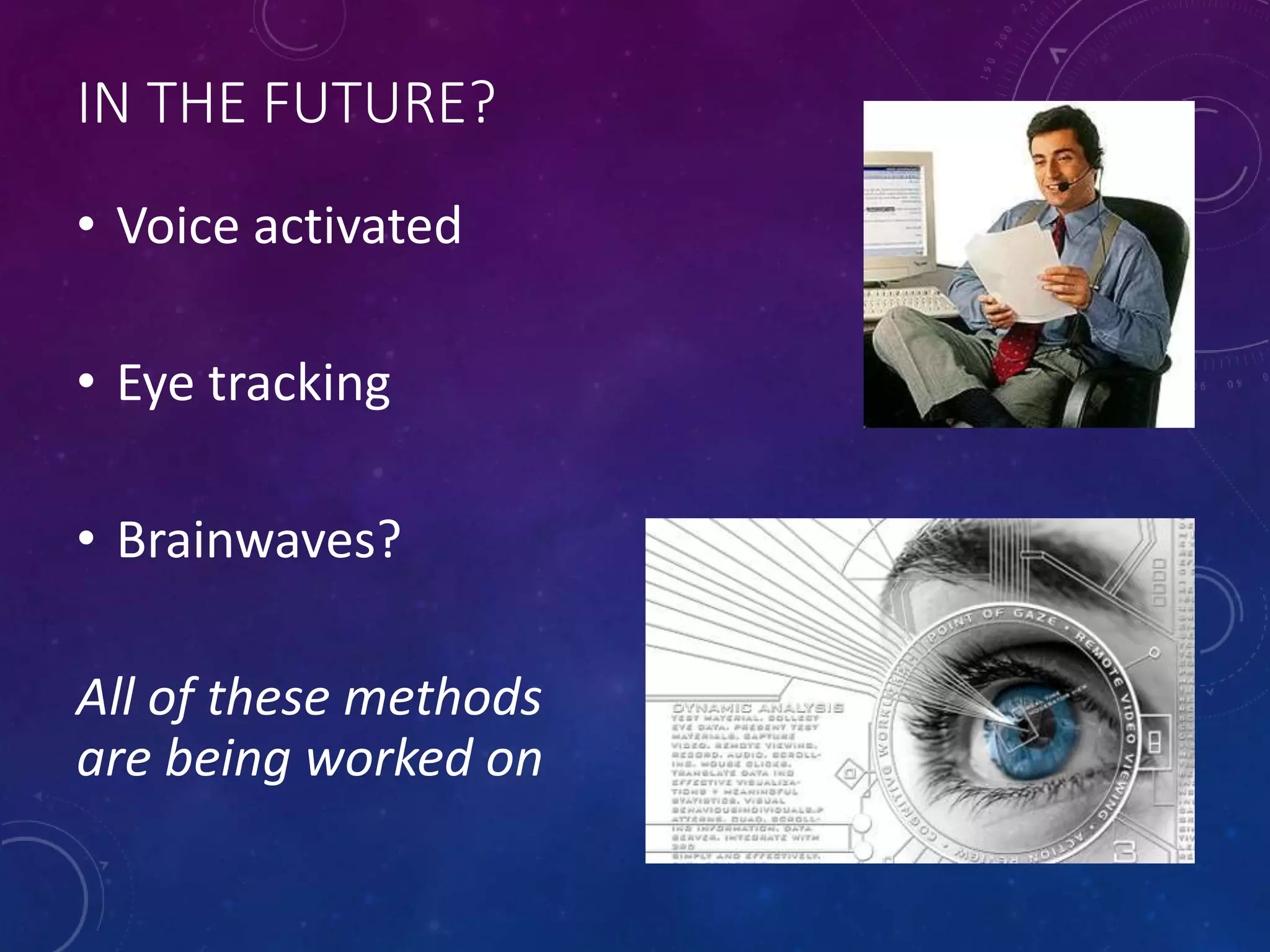
IN THE FUTURE?
• Voice activated
• Eye tracking
• Brainwaves?
All of these methods
are being worked on
WHAT IS AN OPERATING SYSTEM
• An operating system is a set of programs
that controls how the hardware of a
computer works.
• An operating system provides a means of
communication and control between the
user and the computer
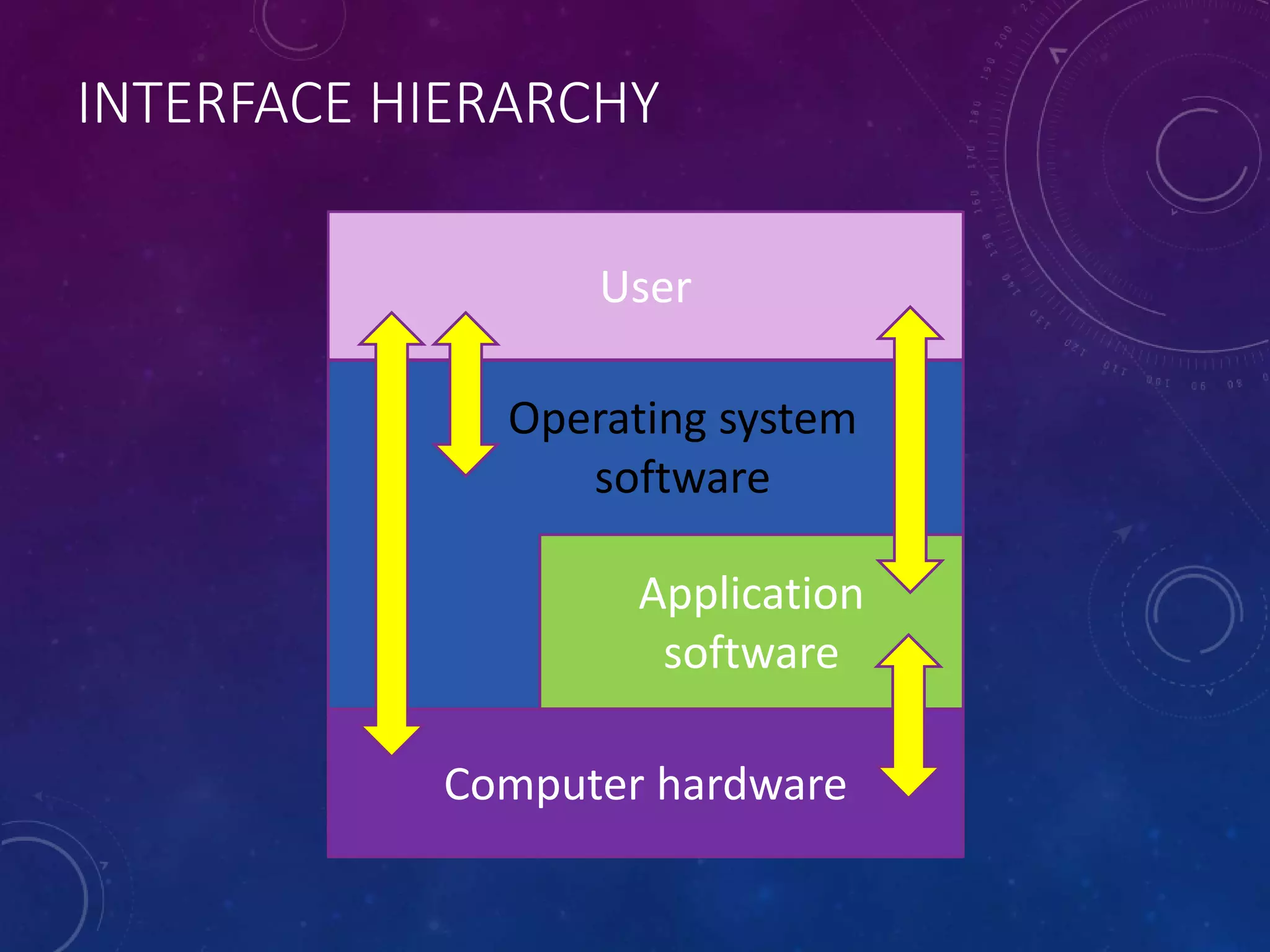
INTERFACE HIERARCHY
User
Computer hardware
Application
software
Operating system
software
FUNCTIONS OF AN OS
• It deals with input and output
• It manages the transfer of data between the
computer’s memory and backing storage
devices.
• It manages system resources:
• Memory allocation
• Loading application software
• Runtime errors
• System security
UTILITY SOFTWARE
• These programs are often bundled with
the OS software
• Utility programs carry out routine tasks:
• Compressing files to save space on backing
storage
• Recovering data from damaged file
• Checking a disk for faults and repairing them
• Checking the files on a disk for computer viruses
OTHER UTILITY SOFTWARE
• Other types of utility software can be
installed to do various tasks
• Burn CDs
• Share files
• Edit images
• Hence the overlap with application software
APPLICATION SOFTWARE
• Productivity software
• Wordprocessing
• Spreadsheet
• Databases
• Graphics
• Presentation
• Personal productivity/Collaboration
• Calendars
• Communications – email etc
• Social Networking

1.3 operating systems

  • 1.
    1.3 SOFTWARE OPERATING SYSTEM& UTILITIES IGCSE IT
  • 2.
  • 3.
    OPERATING SYSTEMS (OS) •Command line interface • GUI (Graphical user interface)
  • 4.
  • 5.
    GUI • Currently themost widely used type of interface • The main advantage of graphical user interfaces is that they are very easy to use, especially for a beginner. • The main disadvantage is the amount of computer memory they need to run • A graphical user interface needs a lot of RAM to run properly and takes up a large amount of hard disk space. – not really an issue these days
  • 6.
    WIMP INTERFACE • Anotherword for GUI • Windows • Icons • Menu • Pointer
  • 7.
    COMMAND LINE INTERFACE •Instructions are typed line by line
  • 8.
    COMMAND LINE INTERFACE •To use a command line system to communicate with the computer, the user has to type in special command words. • DOS, which stands for Disk Operating System, is a very commonly used command-driven user interface. • Command-driven systems can be very unfriendly and confusing for non-computer experts to use. • The only advantage these days is that the operate on very little memory
  • 9.
    IN THE FUTURE? •Voice activated • Eye tracking • Brainwaves? All of these methods are being worked on
  • 10.
    WHAT IS ANOPERATING SYSTEM • An operating system is a set of programs that controls how the hardware of a computer works. • An operating system provides a means of communication and control between the user and the computer
  • 11.
  • 12.
    FUNCTIONS OF ANOS • It deals with input and output • It manages the transfer of data between the computer’s memory and backing storage devices. • It manages system resources: • Memory allocation • Loading application software • Runtime errors • System security
  • 13.
    UTILITY SOFTWARE • Theseprograms are often bundled with the OS software • Utility programs carry out routine tasks: • Compressing files to save space on backing storage • Recovering data from damaged file • Checking a disk for faults and repairing them • Checking the files on a disk for computer viruses
  • 14.
    OTHER UTILITY SOFTWARE •Other types of utility software can be installed to do various tasks • Burn CDs • Share files • Edit images • Hence the overlap with application software
  • 15.
    APPLICATION SOFTWARE • Productivitysoftware • Wordprocessing • Spreadsheet • Databases • Graphics • Presentation • Personal productivity/Collaboration • Calendars • Communications – email etc • Social Networking

Editor's Notes

  • #6 Study – amount of RAM to run operating systems…