Johan Andersson, Rendering Architect, DICE
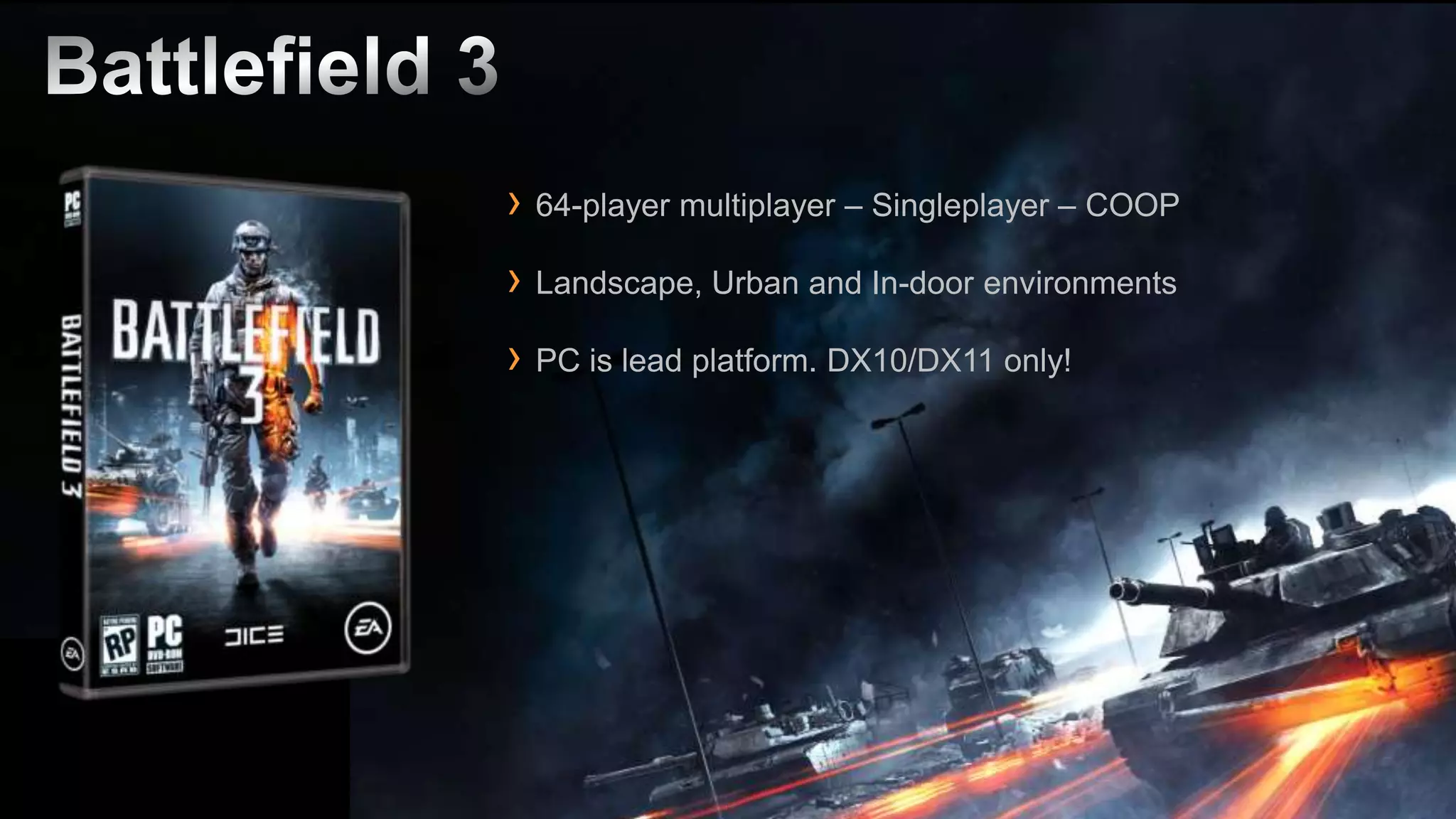
› 64-player multiplayer – Singleplayer – COOP
› Landscape, Urban and In-door environments
› PC is lead platform. DX10/DX11 only!
› Developed for Battlefield 3 and future DICE + EA games
› Major advancements in animation, rendering, lighting,
 destruction, landscapes and streaming

› Big focus on creating simple to use & powerful workflows
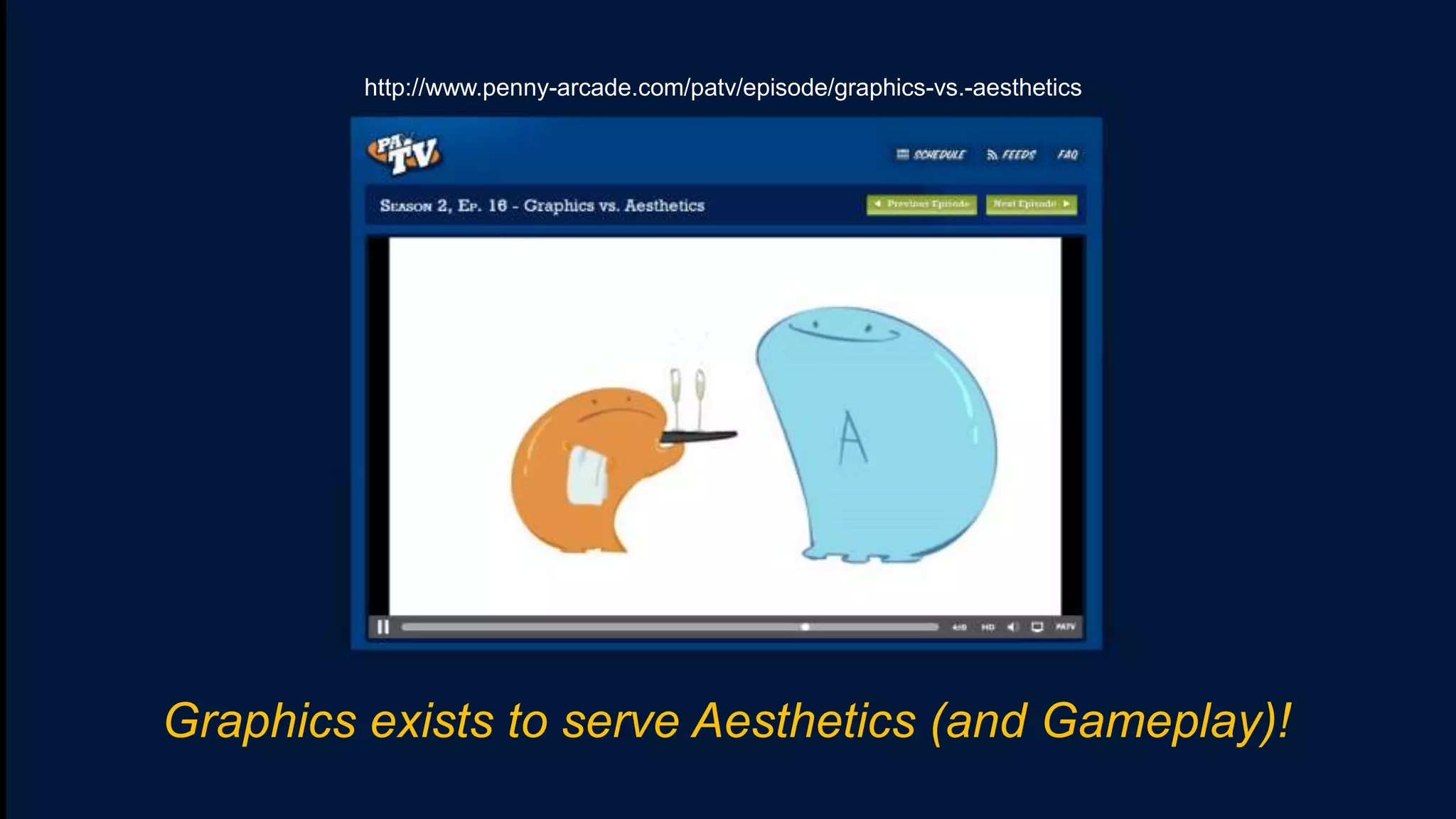
http://www.penny-arcade.com/patv/episode/graphics-vs.-aesthetics


Graphics exists to serve Aesthetics (and Gameplay)!
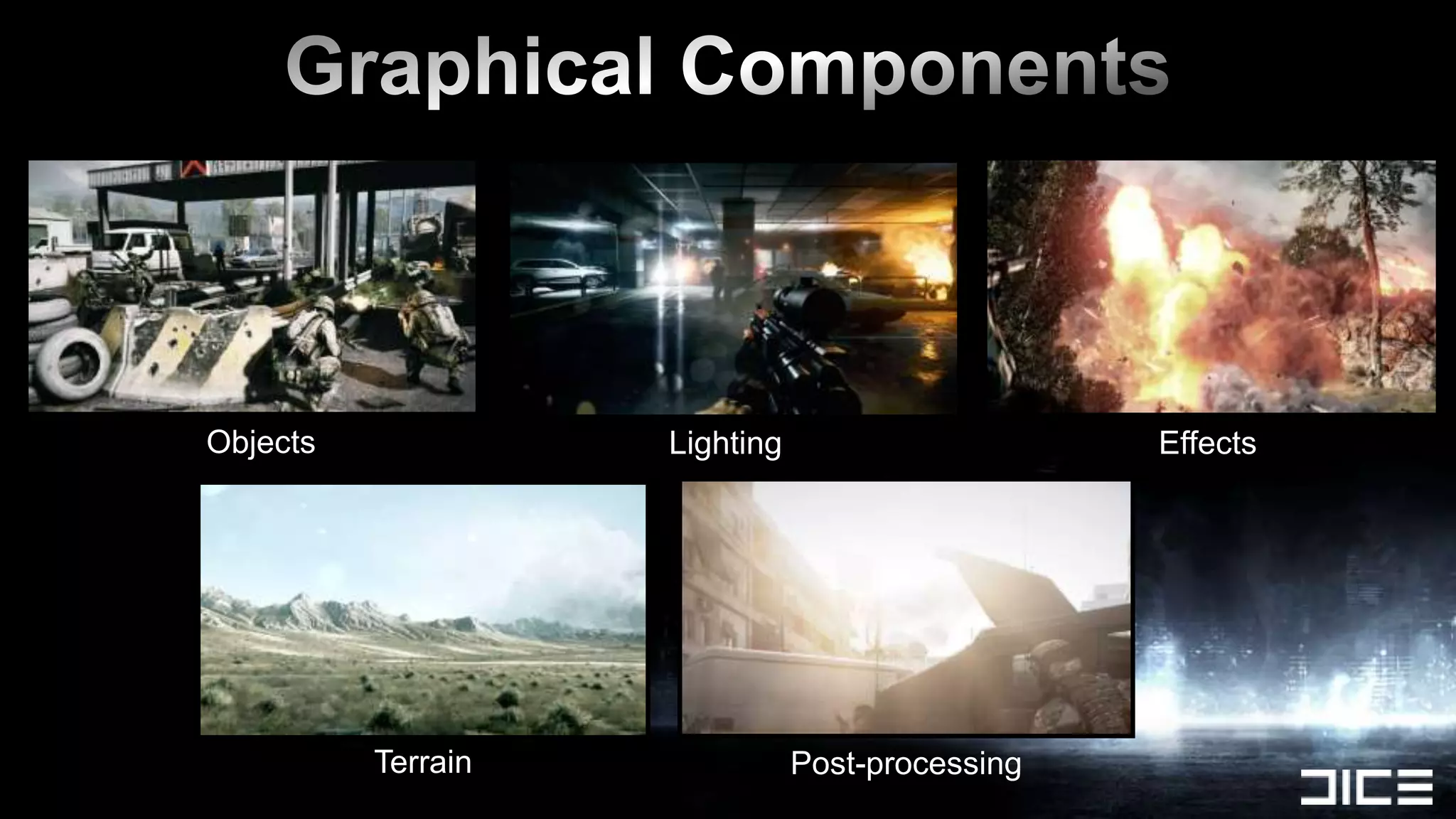
Effects
Objects             Lighting                     Effects


          Terrain              Post-processing
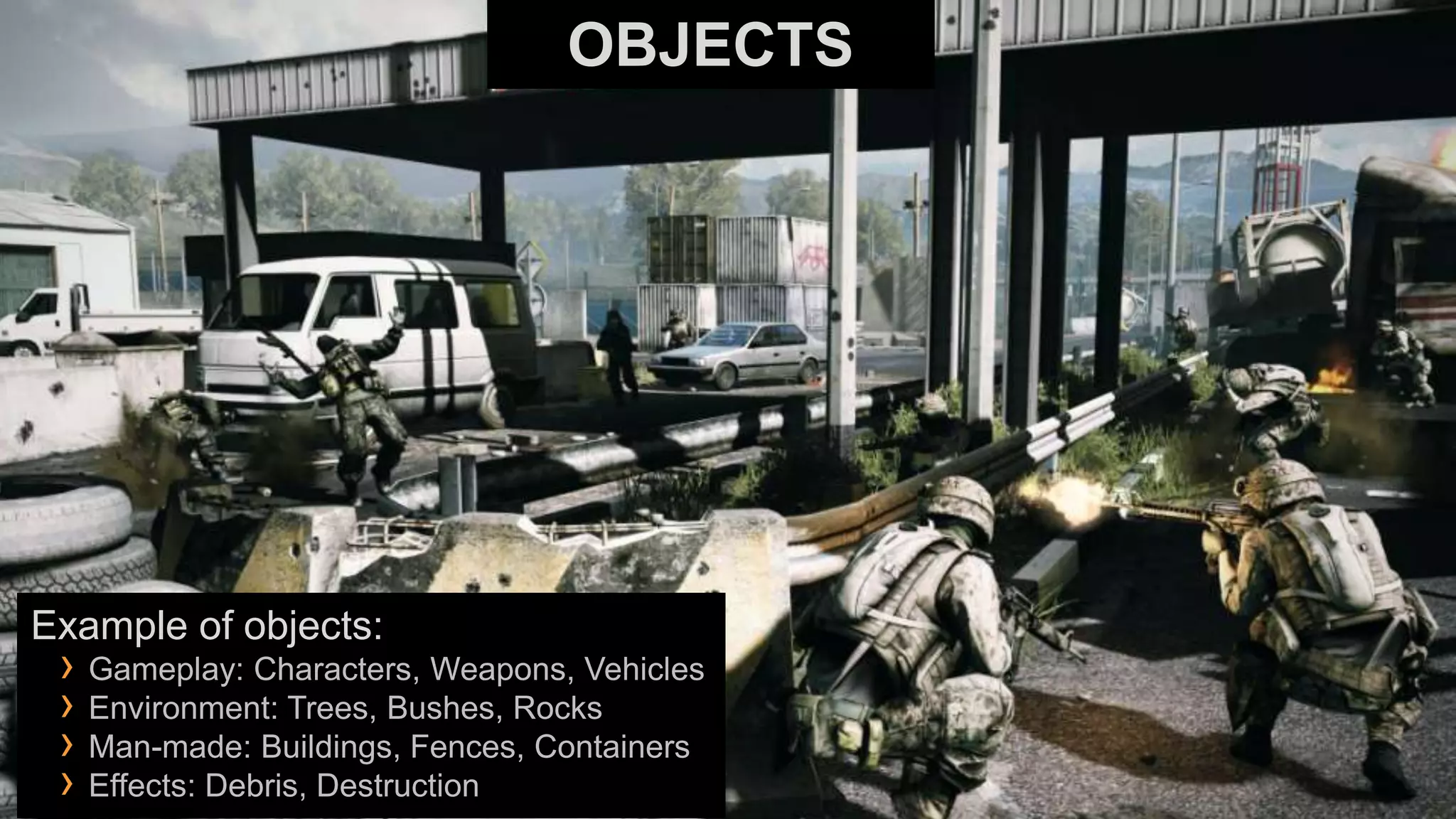
OBJECTS


Example of objects:
 › Gameplay: Characters, Weapons, Vehicles
 › Environment: Trees, Bushes, Rocks
 › Man-made: Buildings, Fences, Containers
 › Effects: Debris, Destruction
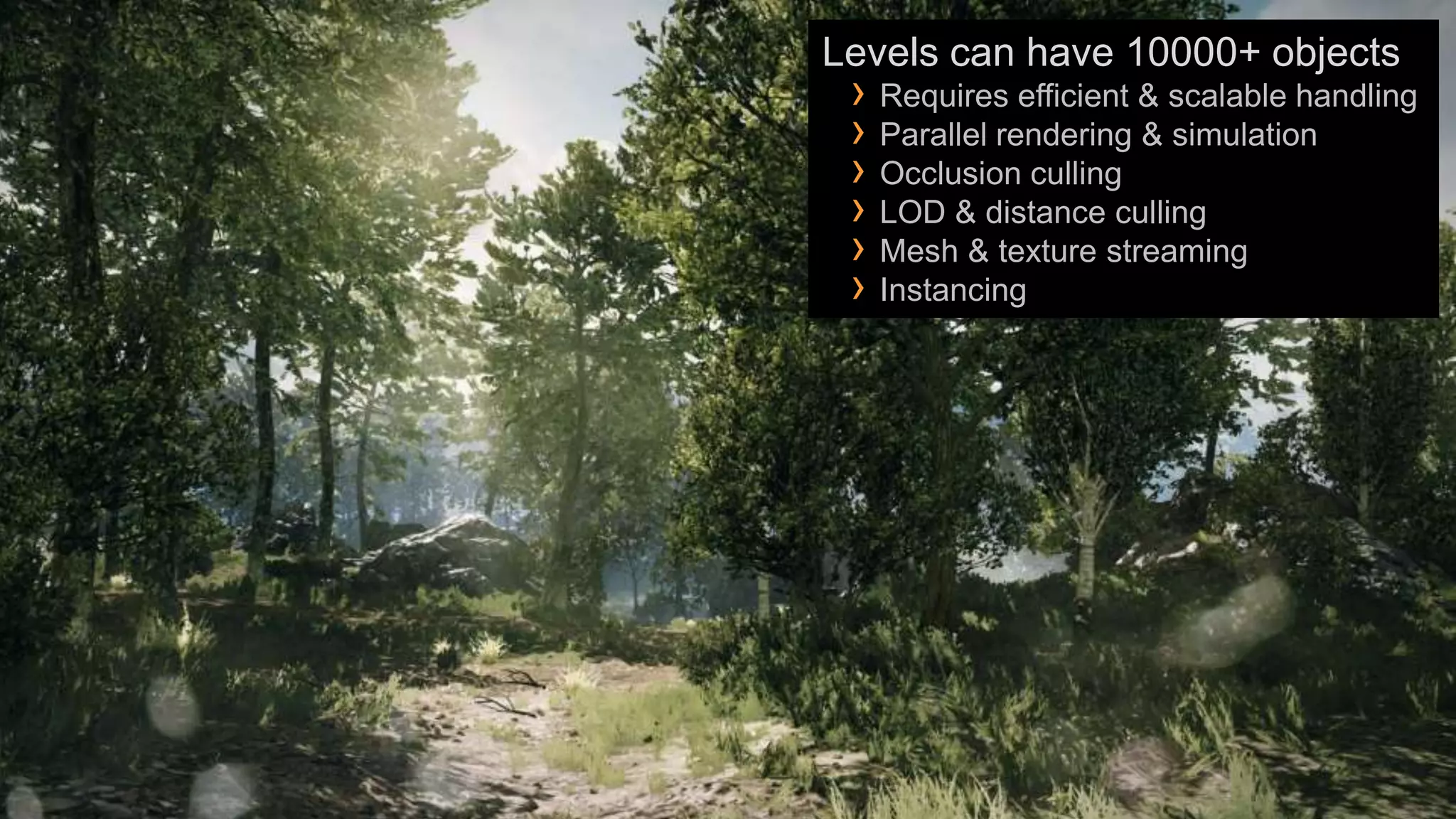
Levels can have 10000+ objects
 › Requires efficient & scalable handling
 › Parallel rendering & simulation
 › Occlusion culling
 › LOD & distance culling
 › Mesh & texture streaming
 › Instancing
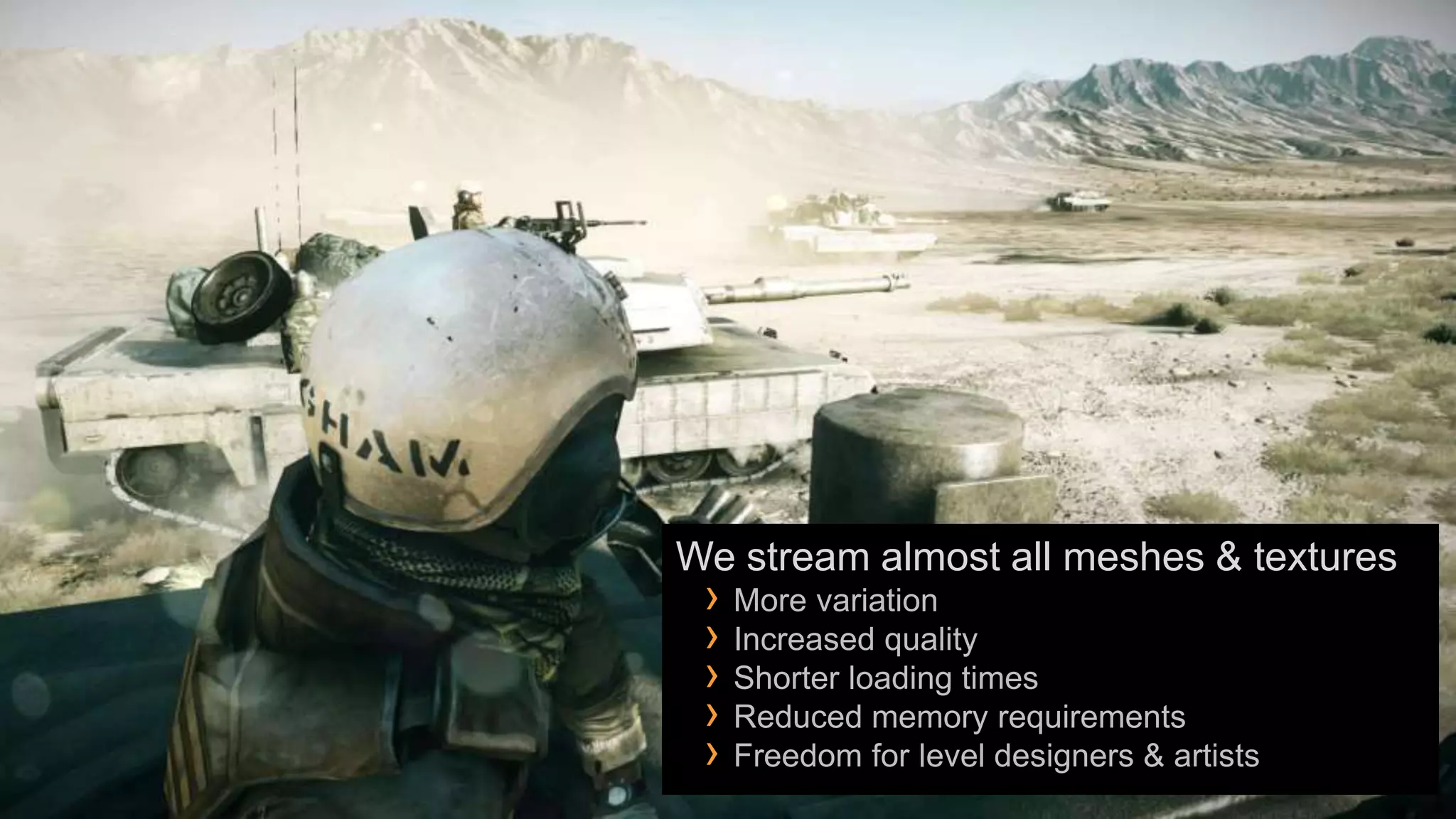
We stream almost all meshes & textures
 › More variation
 › Increased quality
 › Shorter loading times
 › Reduced memory requirements
 › Freedom for level designers & artists
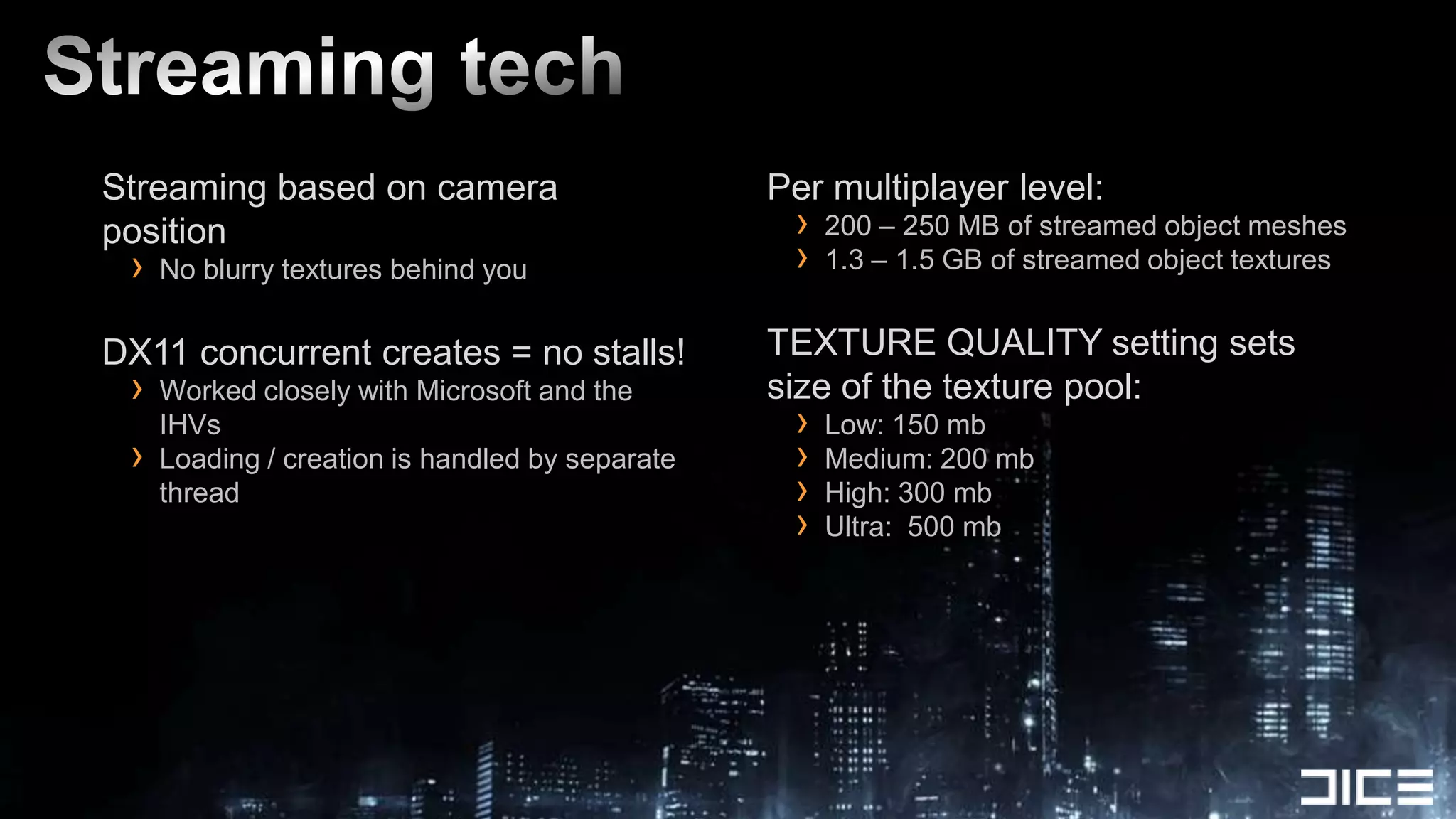
Streaming based on camera                        Per multiplayer level:
position                                          ›   200 – 250 MB of streamed object meshes
 ›   No blurry textures behind you                ›   1.3 – 1.5 GB of streamed object textures


DX11 concurrent creates = no stalls!             TEXTURE QUALITY setting sets
 ›   Worked closely with Microsoft and the       size of the texture pool:
     IHVs                                         ›   Low: 150 mb
 ›   Loading / creation is handled by separate    ›   Medium: 200 mb
     thread                                       ›   High: 300 mb
                                                  ›   Ultra: 500 mb
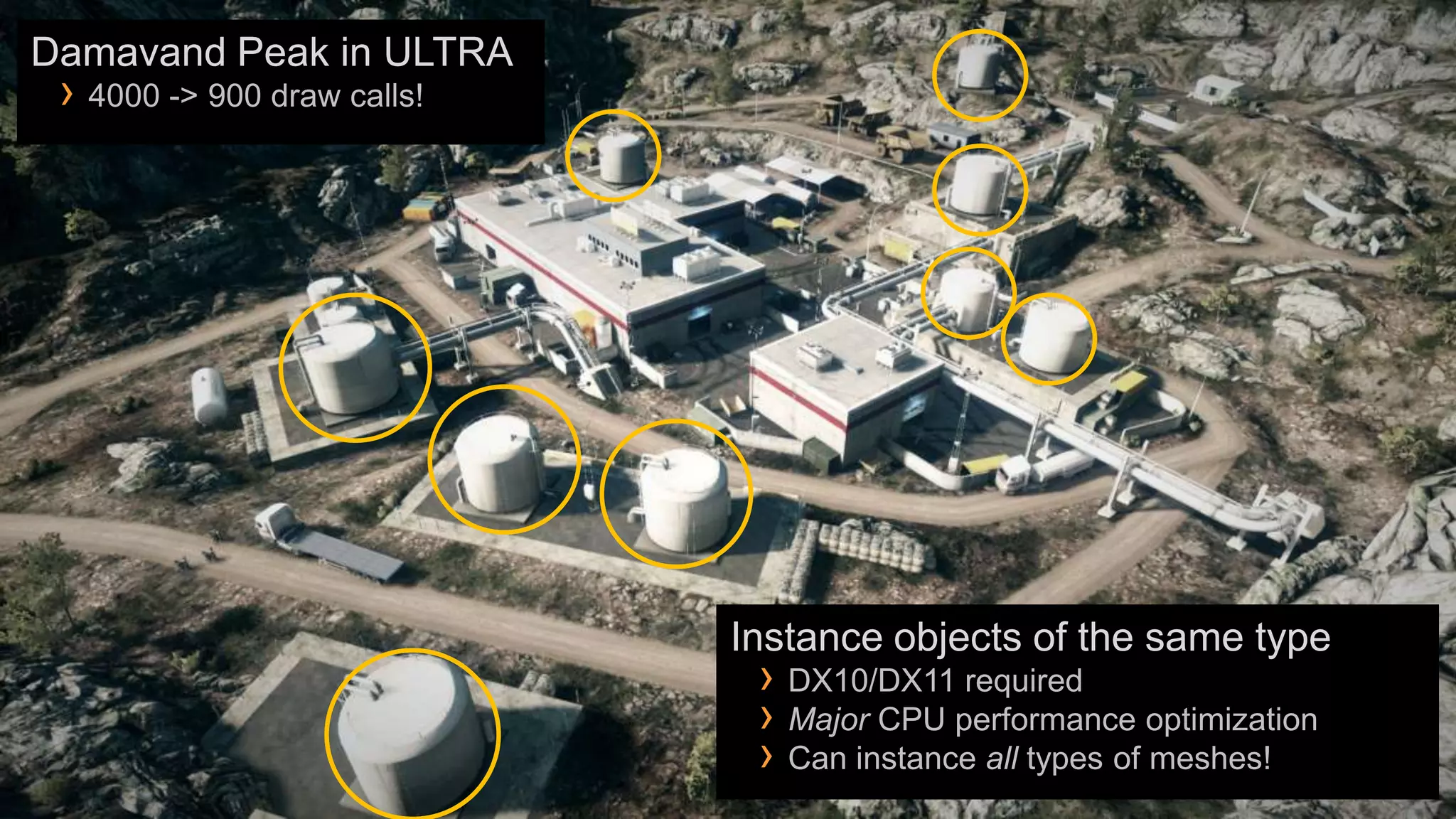
Damavand Peak in ULTRA
 › 4000 -> 900 draw calls!


                             Instance objects of the same type
                              › DX10/DX11 required
                              › Major CPU performance optimization
                              › Can instance all types of meshes!
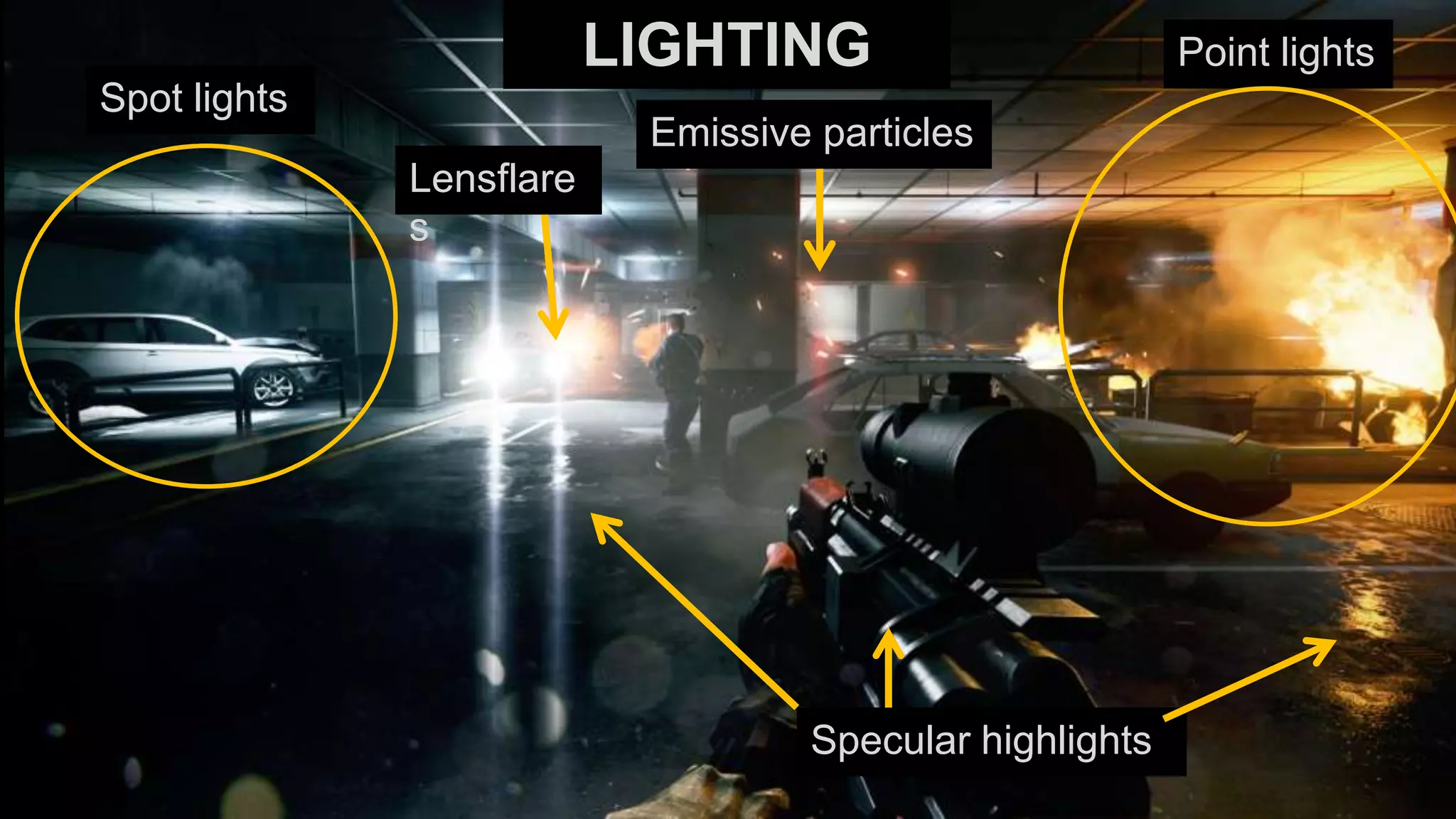
LIGHTING                       Point lights
Spot lights
                           Emissive particles
              Lensflare
              s


                                   Specular highlights
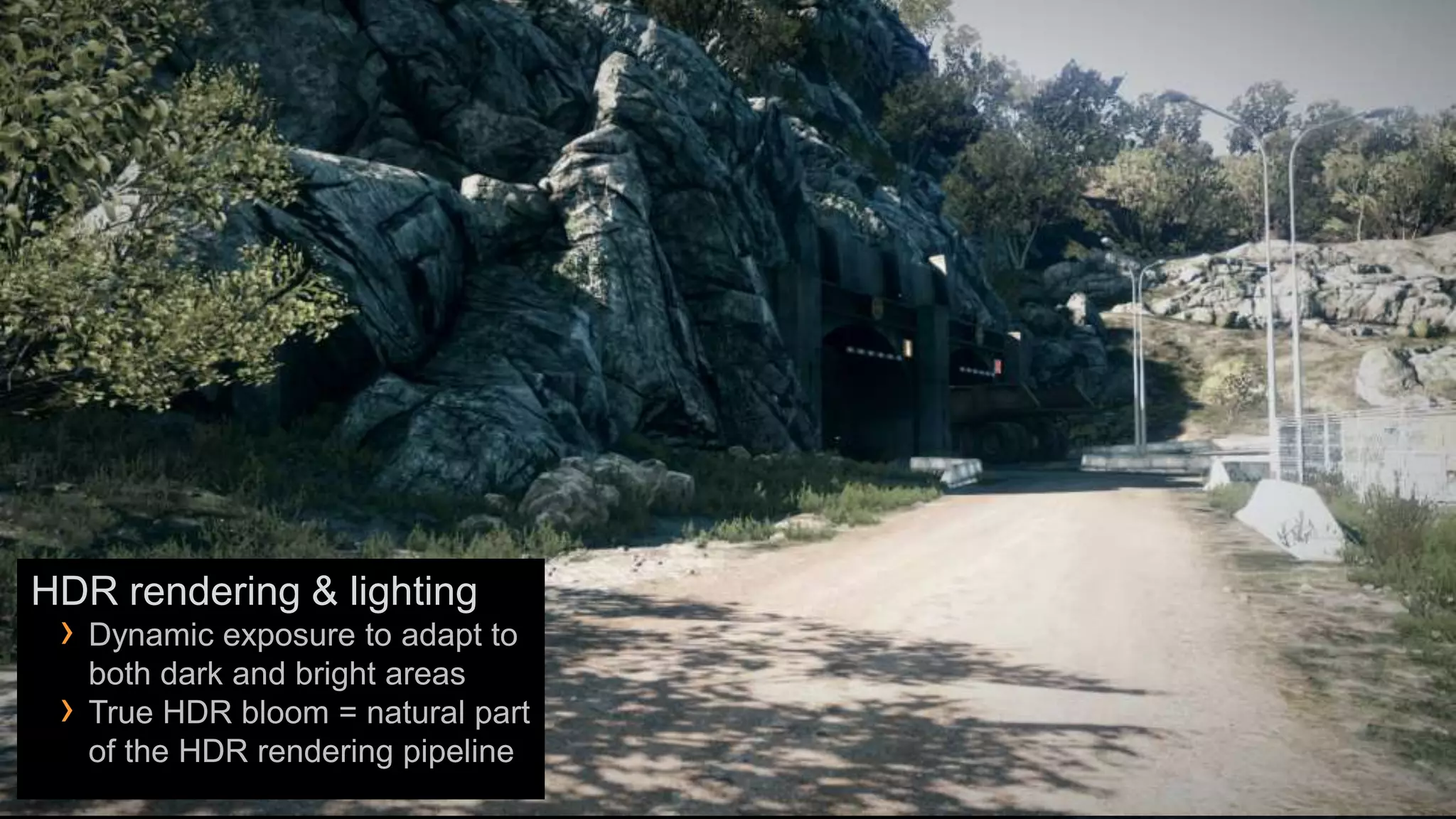
HDR rendering & lighting
 › Dynamic exposure to adapt to
     both dark and bright areas
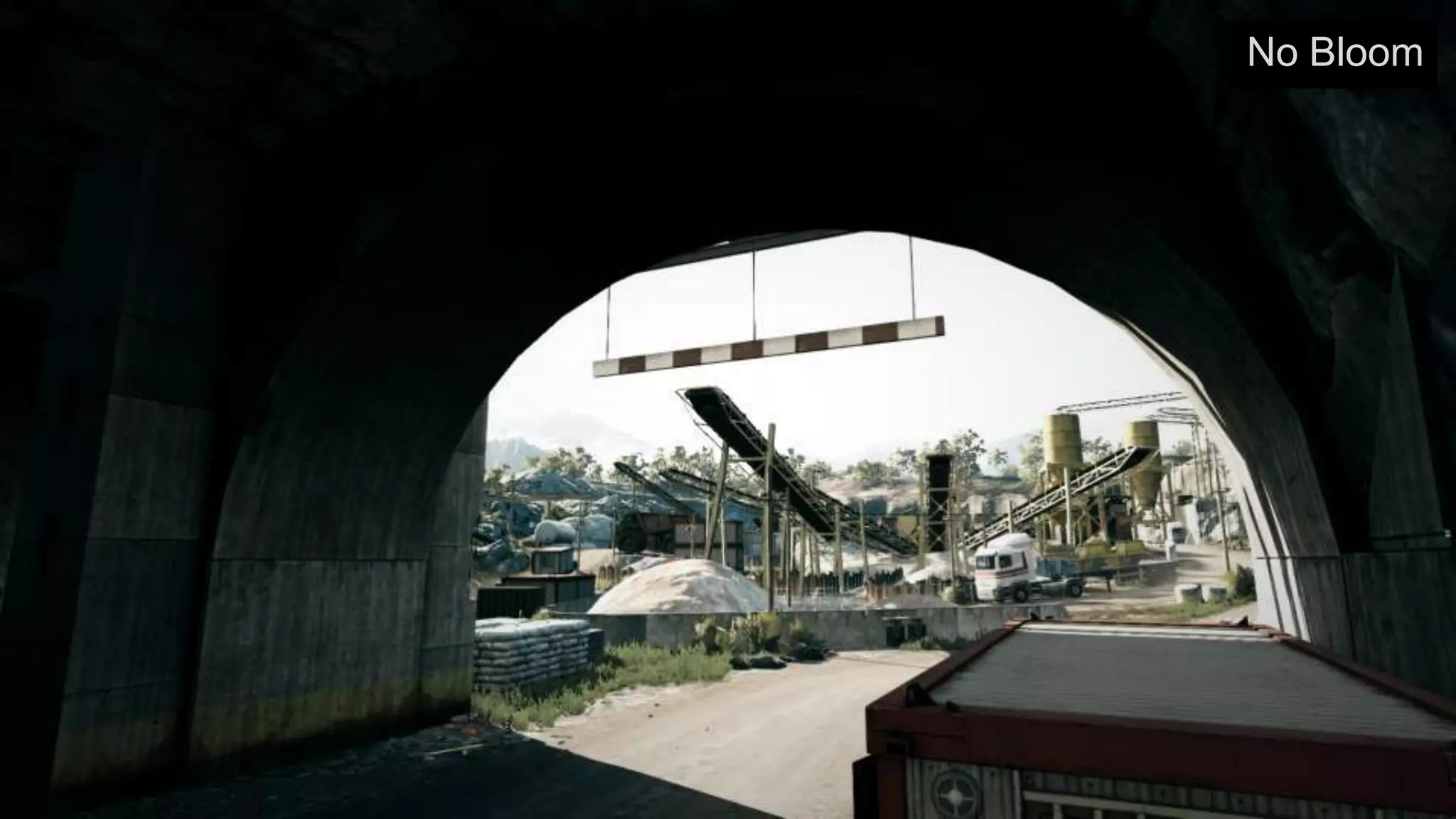
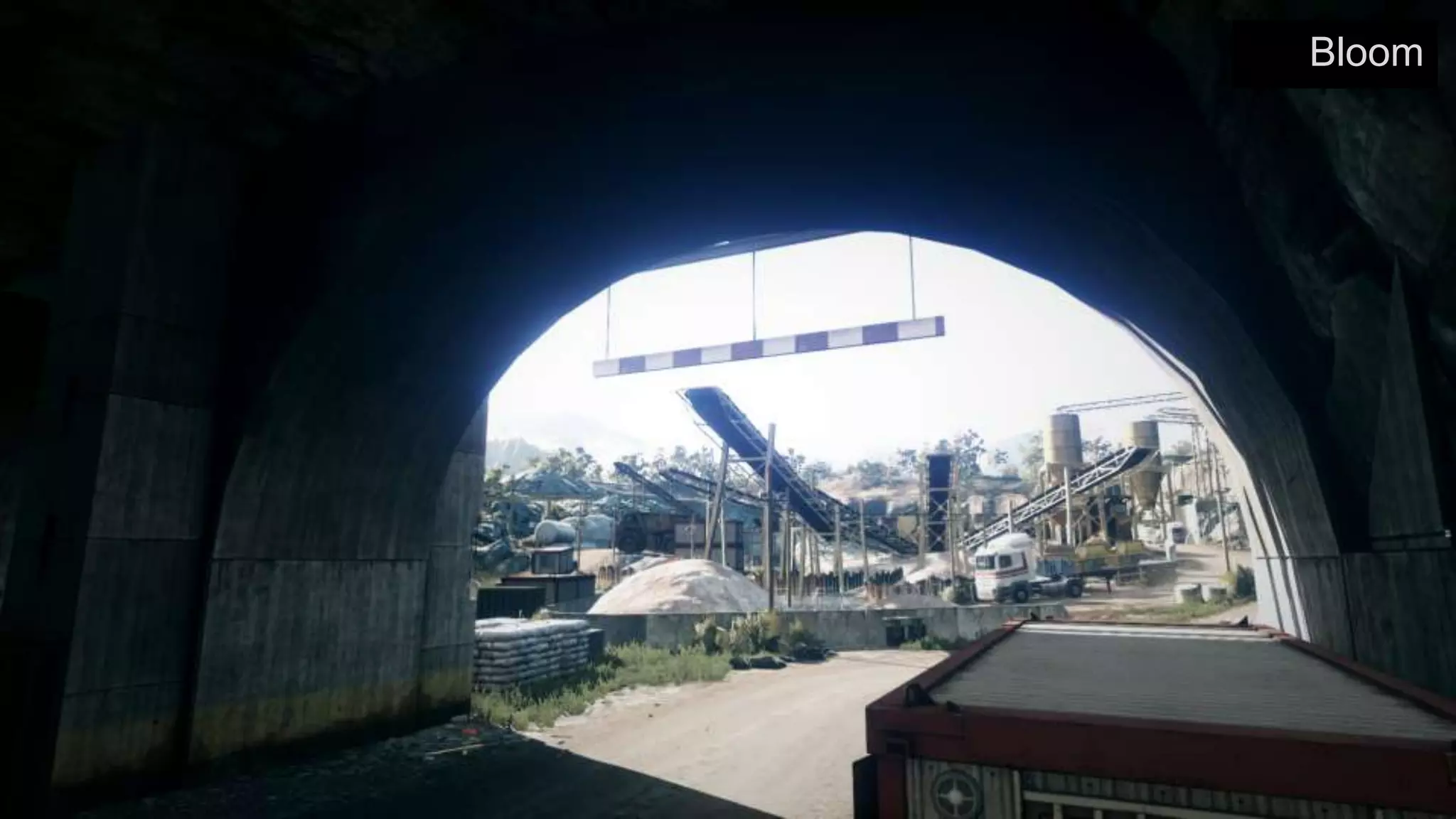
 ›   True HDR bloom = natural part
     of the HDR rendering pipeline
No Bloom
Bloom
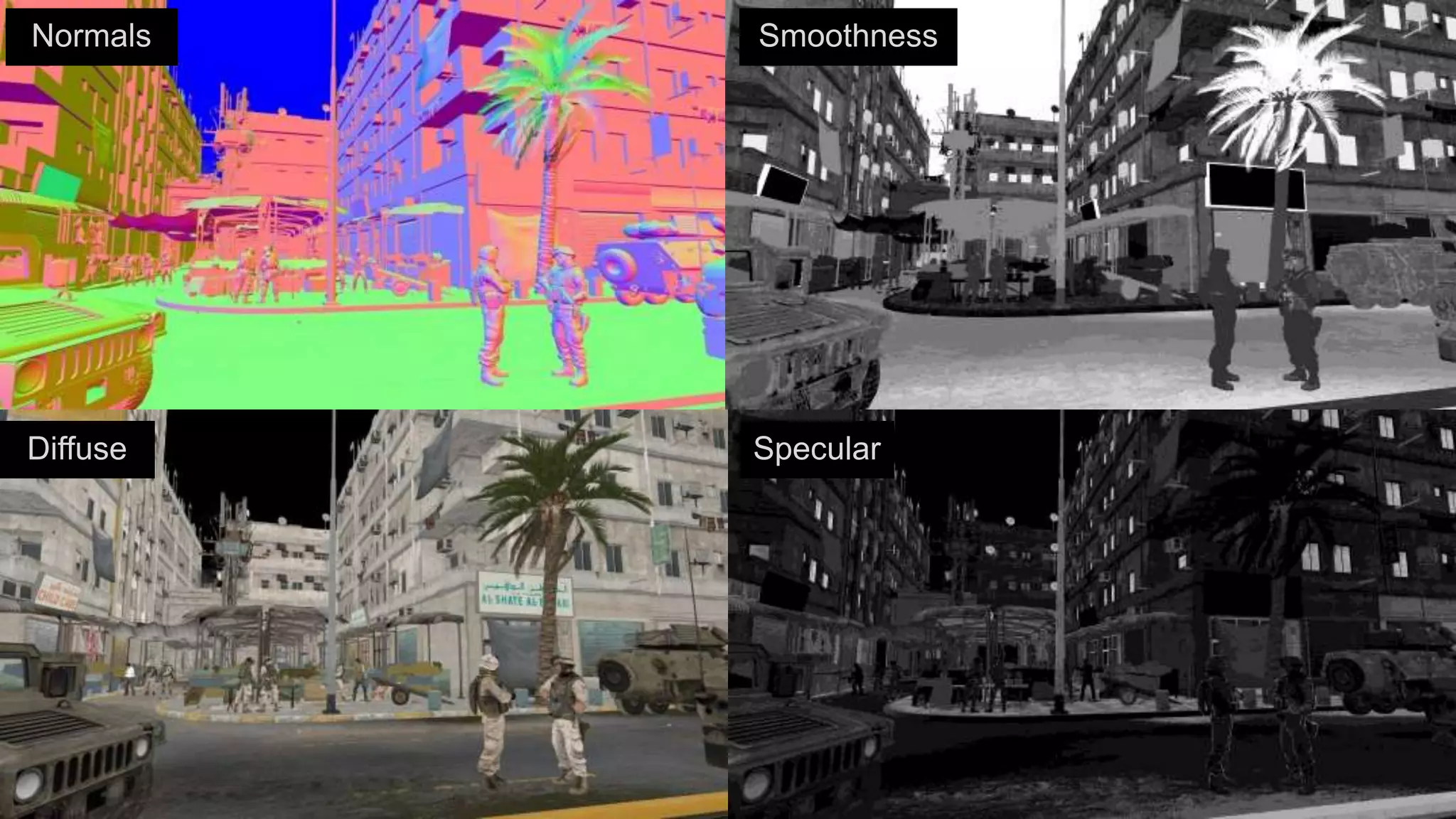
Scene is rendered to a gbuffer, then lit

Enables massive lighting environments
 › 100s of large dynamic light sources on screen
 › Destructible & animated lights
 › Lighting cost relative to how many pixels are lit not objects
 › Highly flexible lighting
Requires lots of GPU memory & bandwidth
 › 1080p with 4x MSAA = 158 mb gbuffer
Normals   Smoothness


Diffuse   Specular
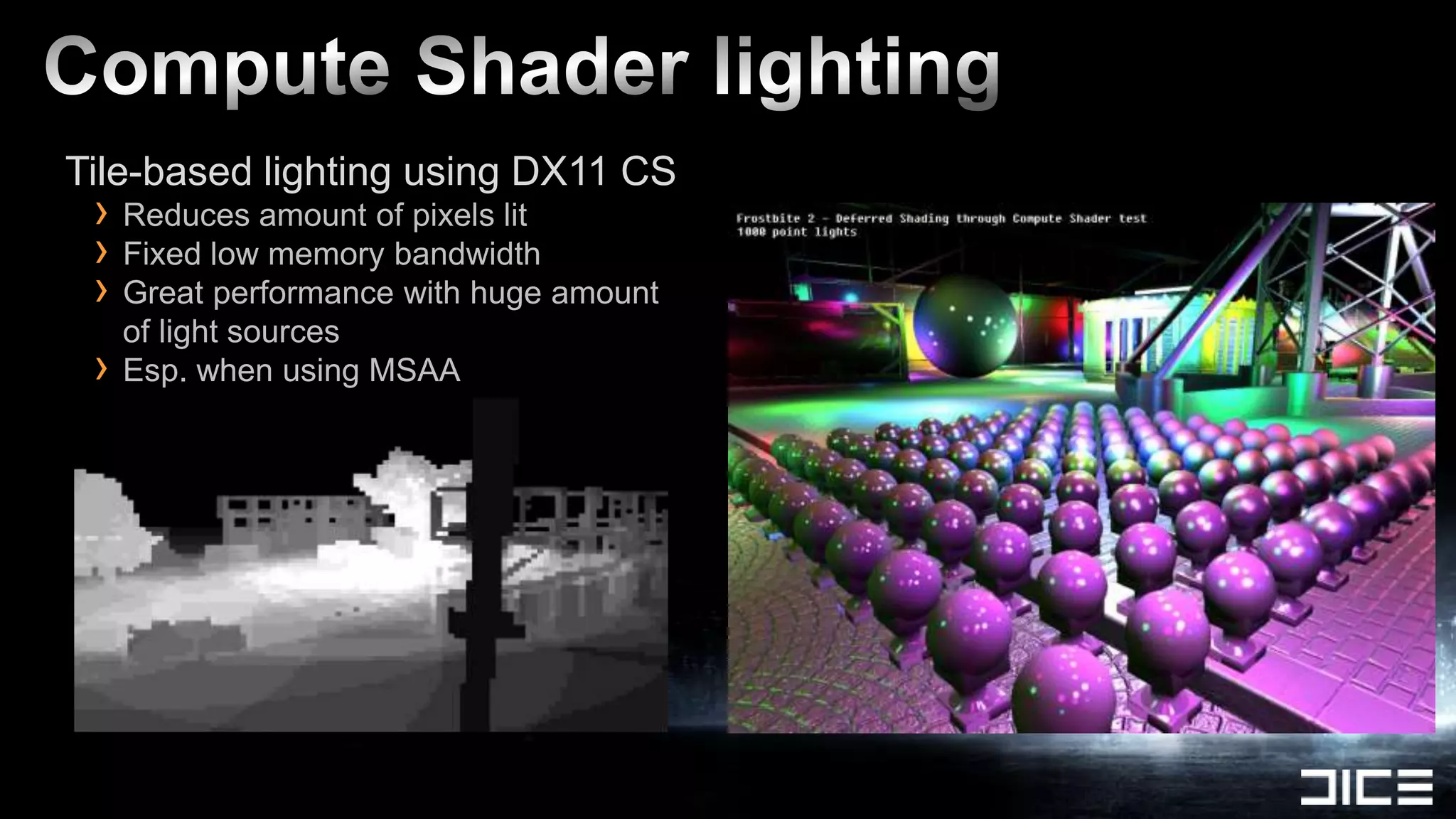
Tile-based lighting using DX11 CS
 › Reduces amount of pixels lit
 › Fixed low memory bandwidth
 › Great performance with huge amount
     of light sources
 ›   Esp. when using MSAA
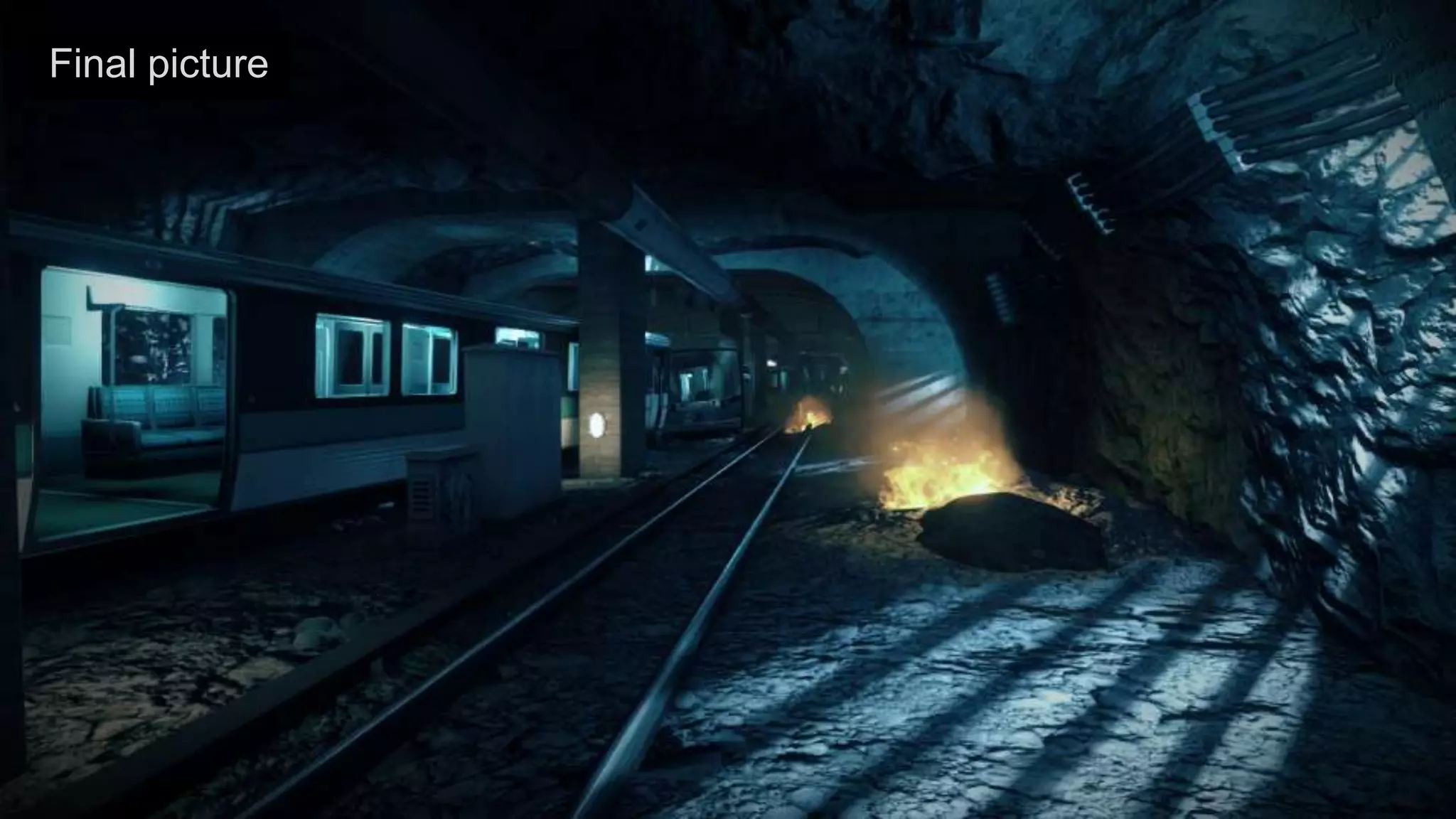
Final picture
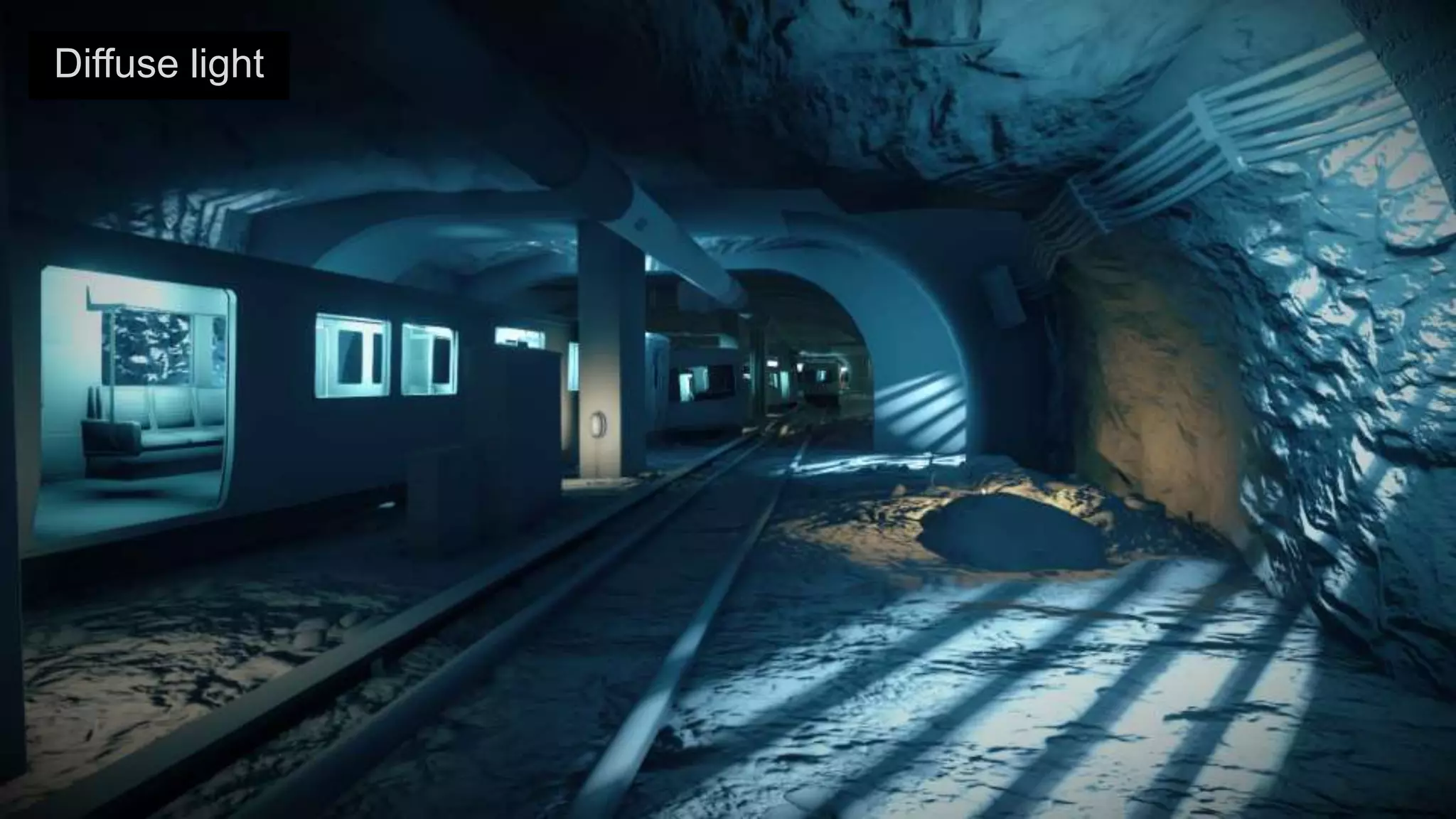
Diffuse light
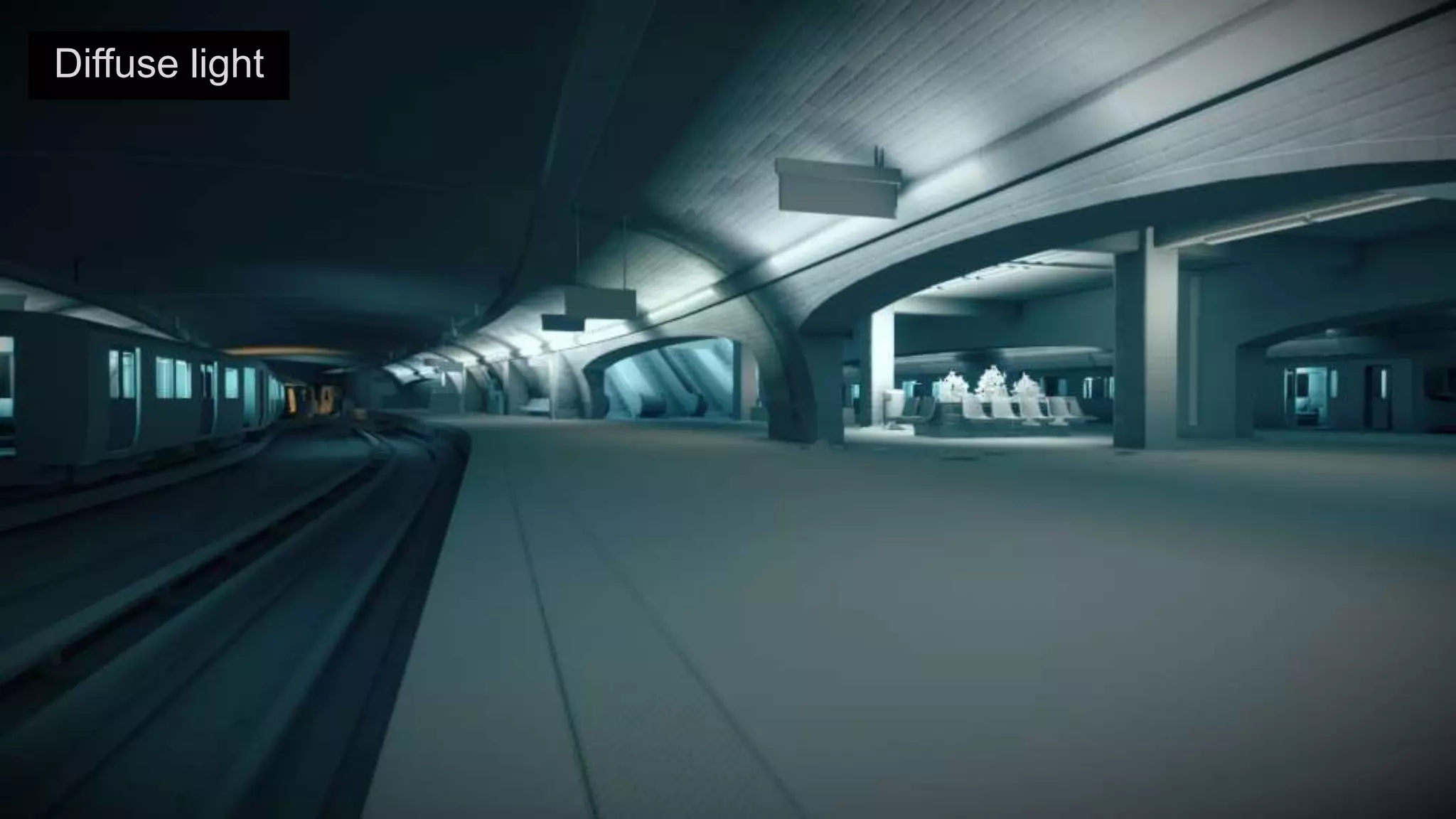
Diffuse light
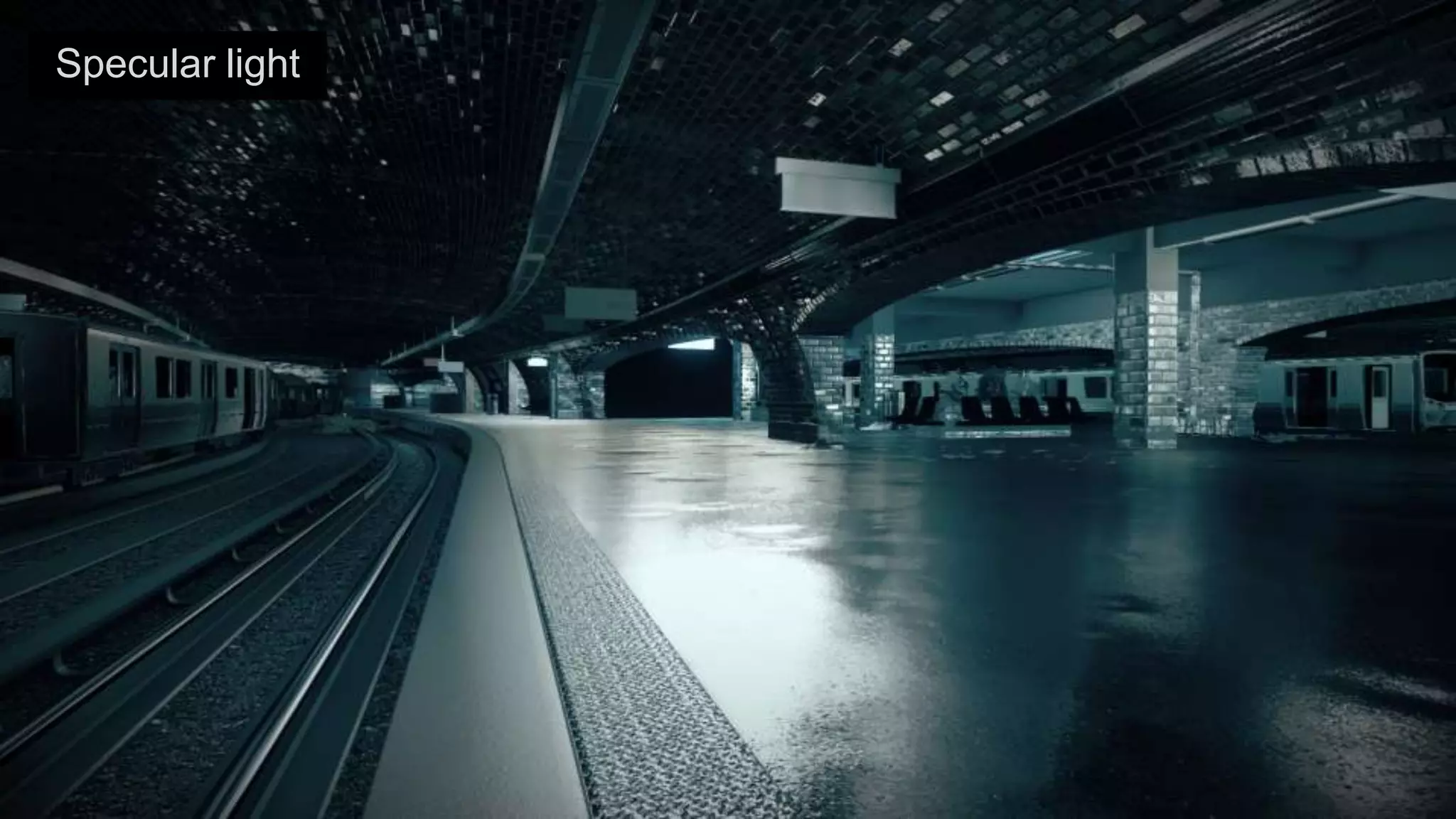
Specular light
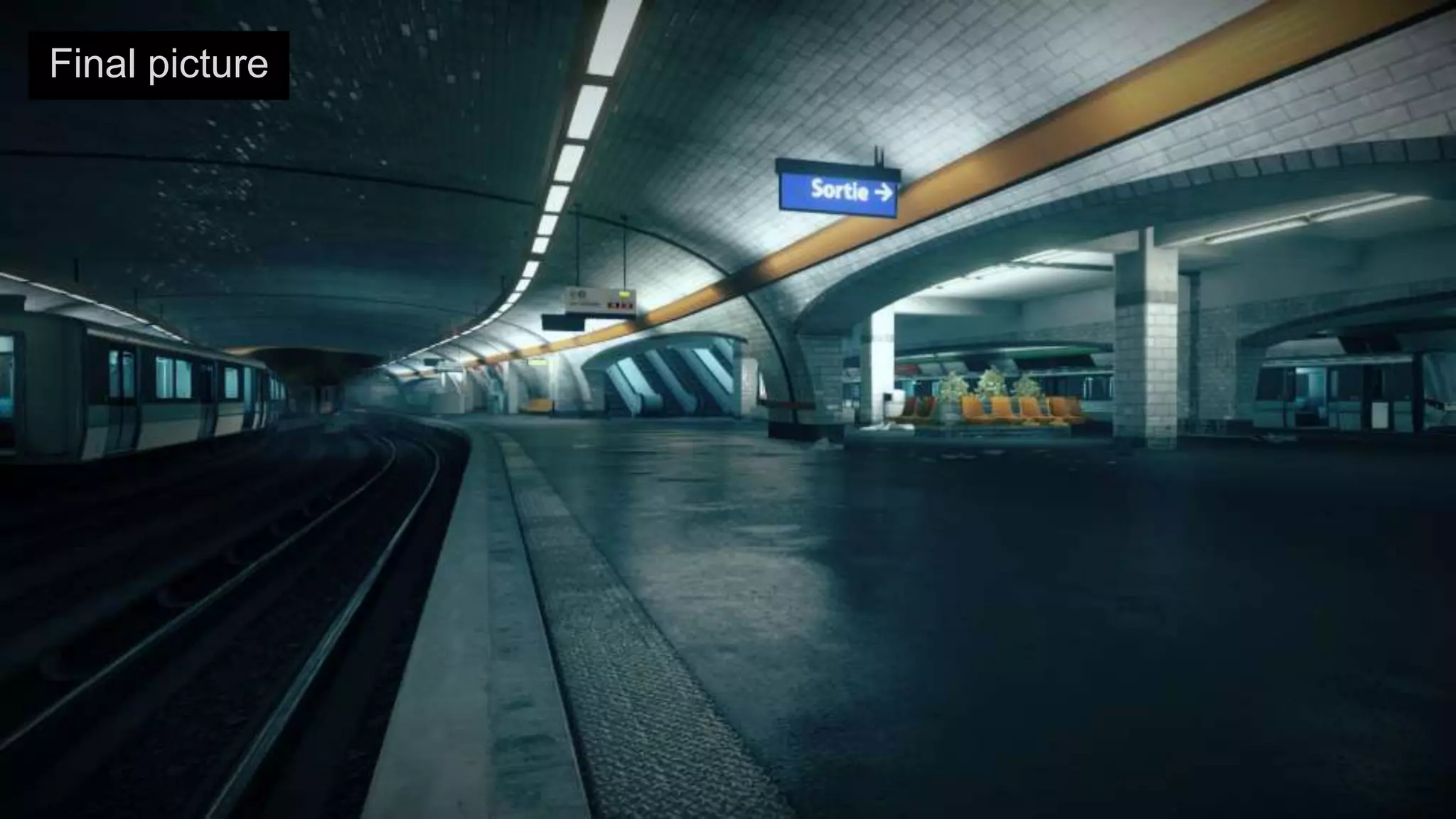
Final picture
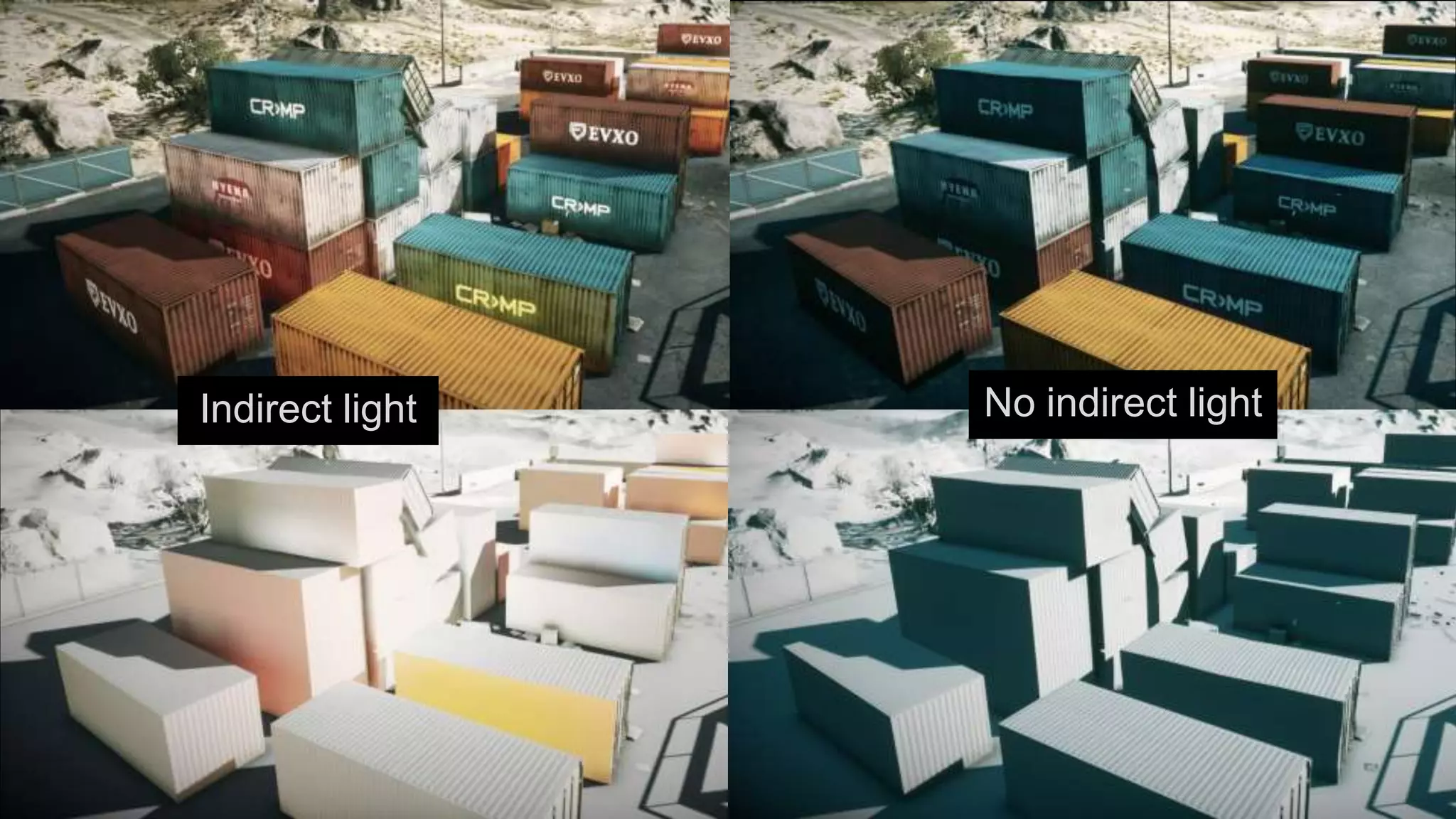
Indirect/bounced light    No indirect/bounced
                                  light


         Indirect light            No indirect light
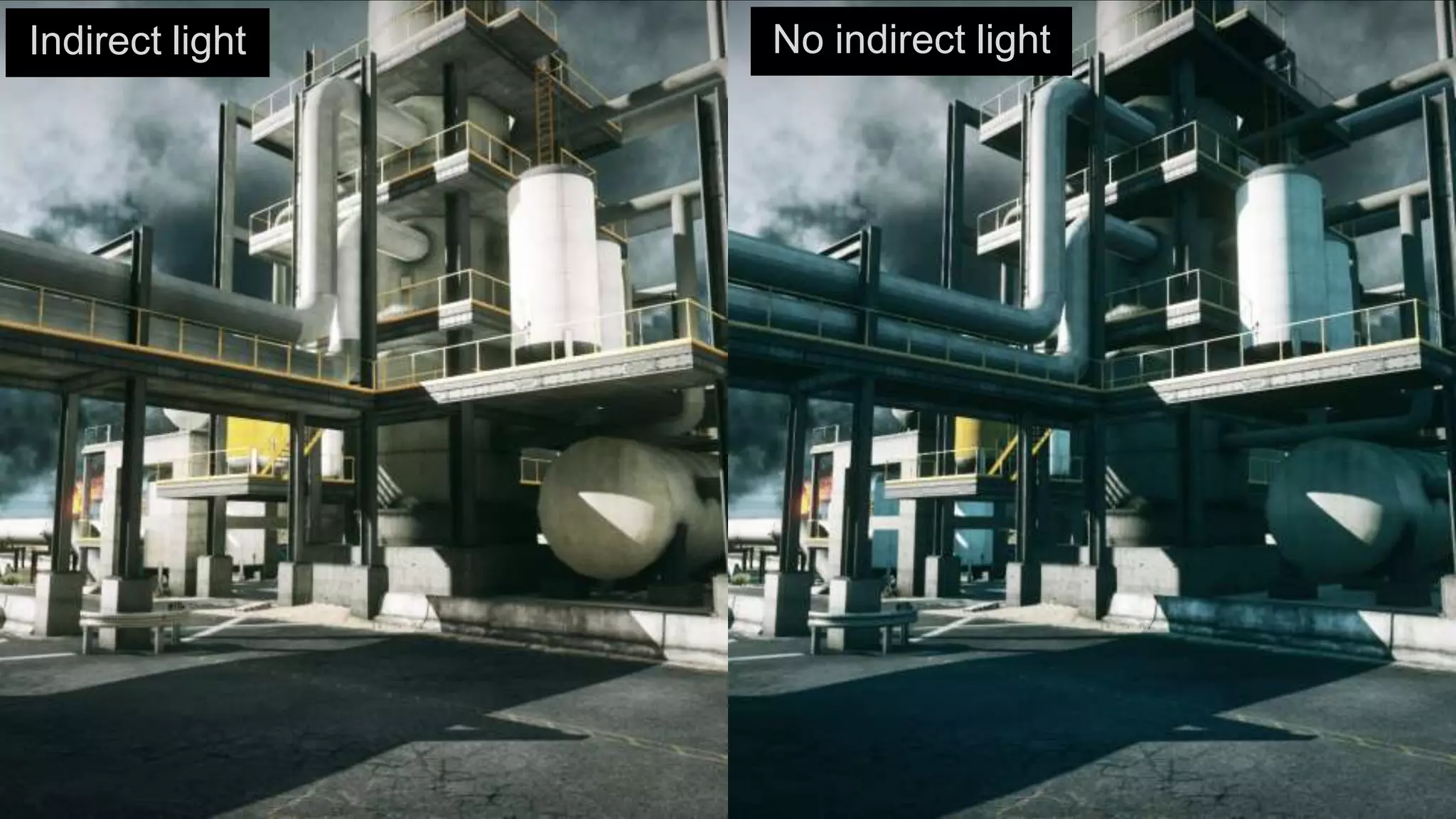
Indirect light   No indirect light
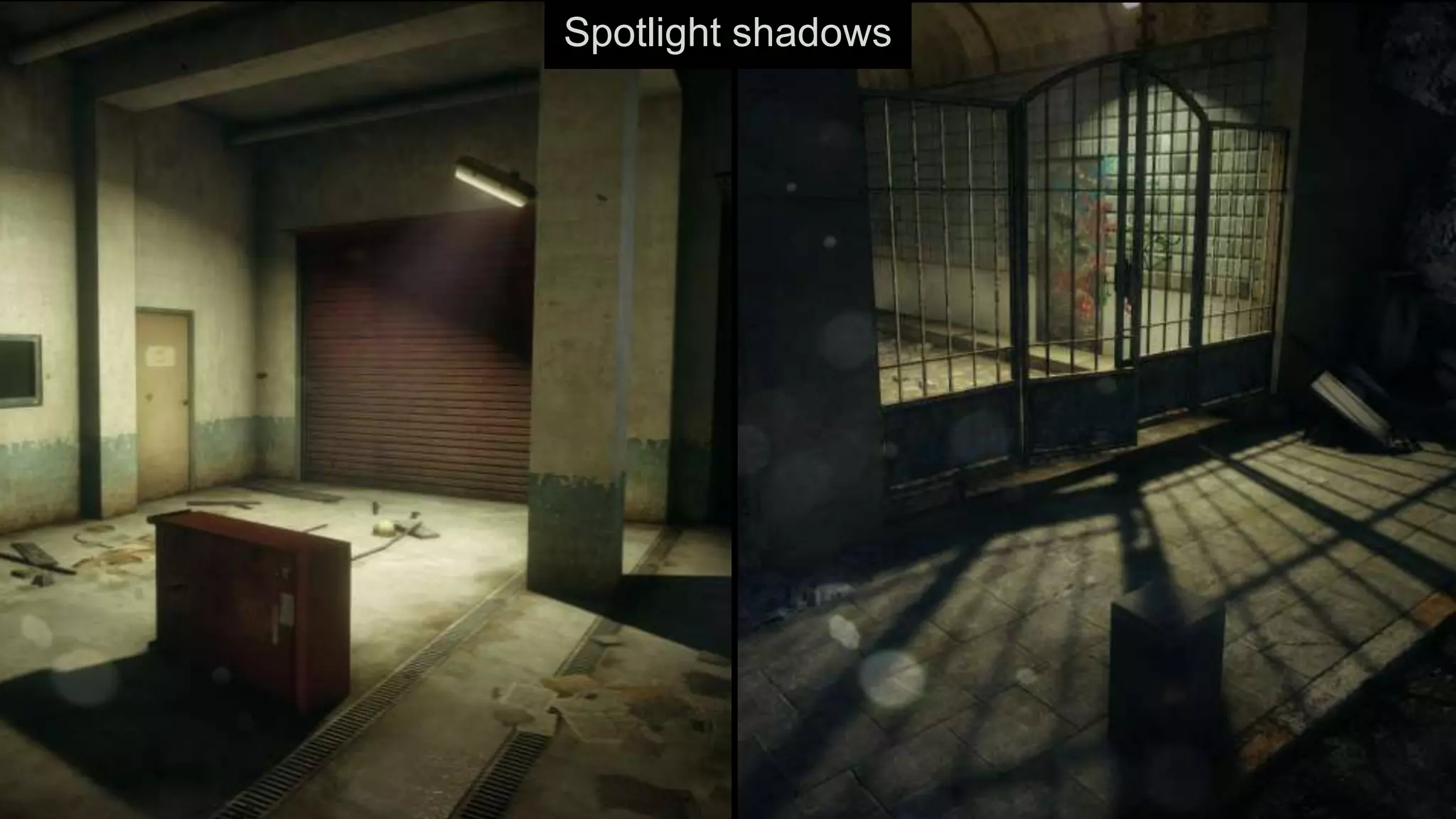
Spotlight shadows
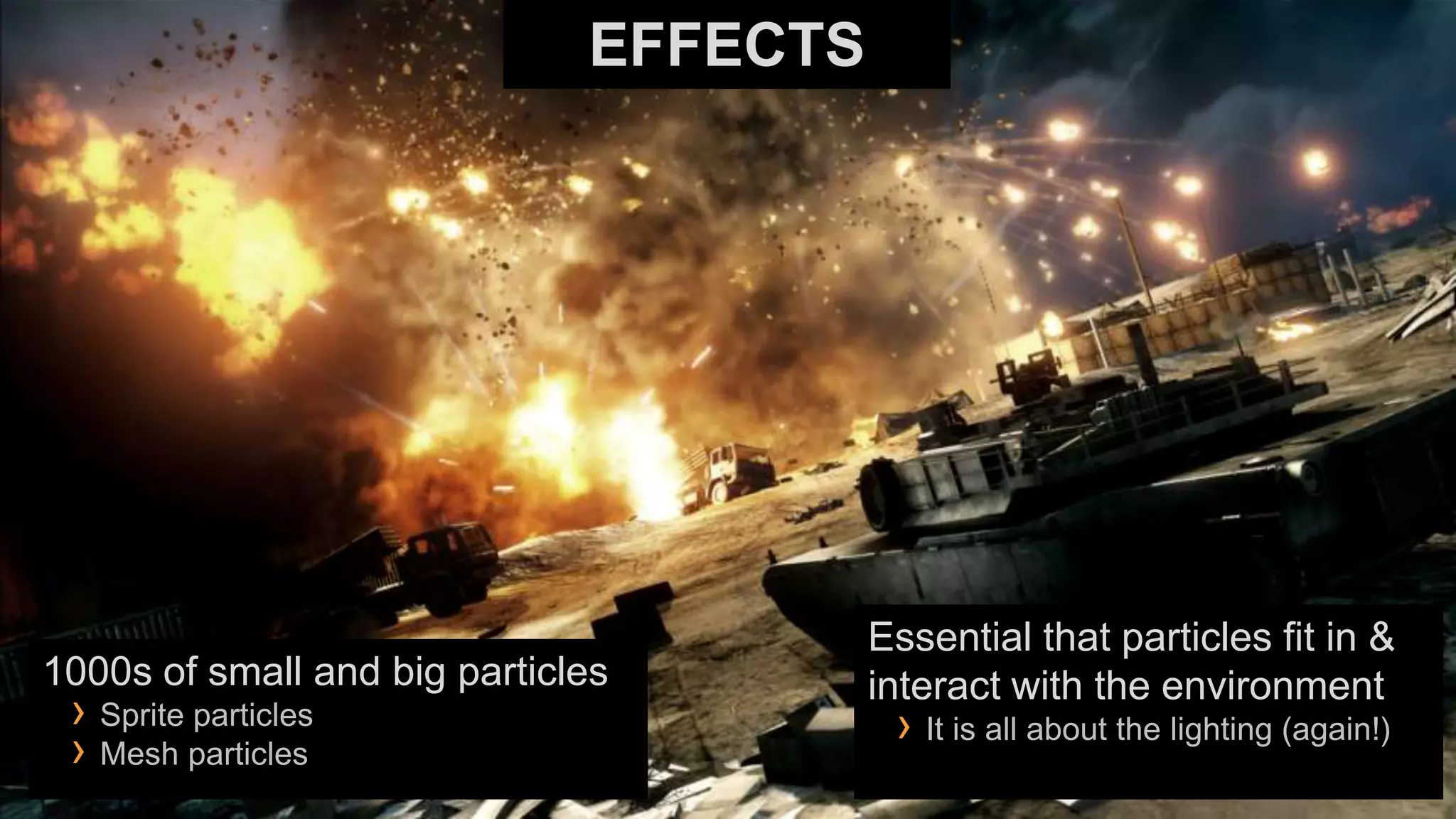
EFFECTS


                                        Essential that particles fit in &
1000s of small and big particles        interact with the environment
 › Sprite particles                      › It is all about the lighting (again!)
 › Mesh particles
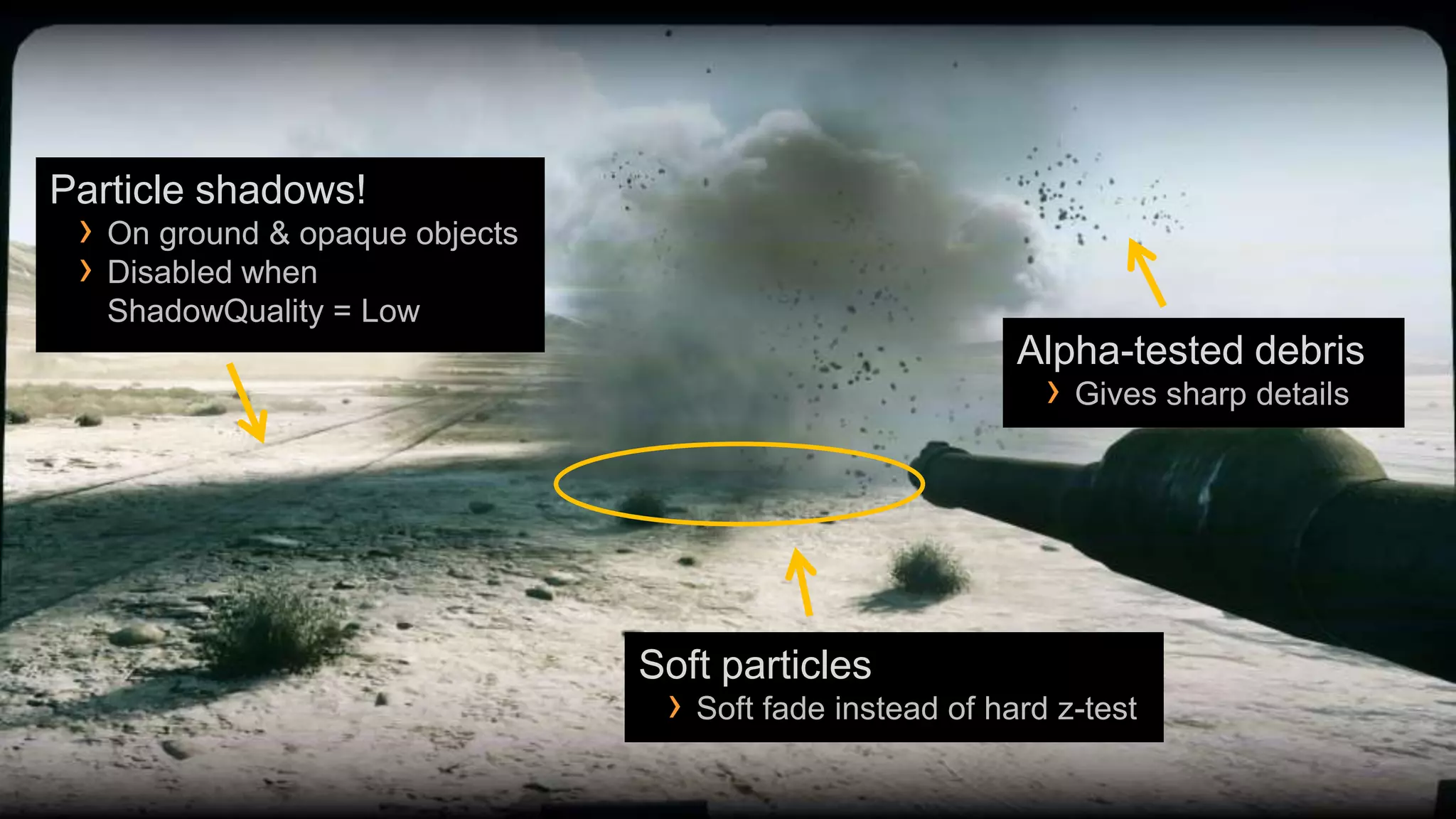
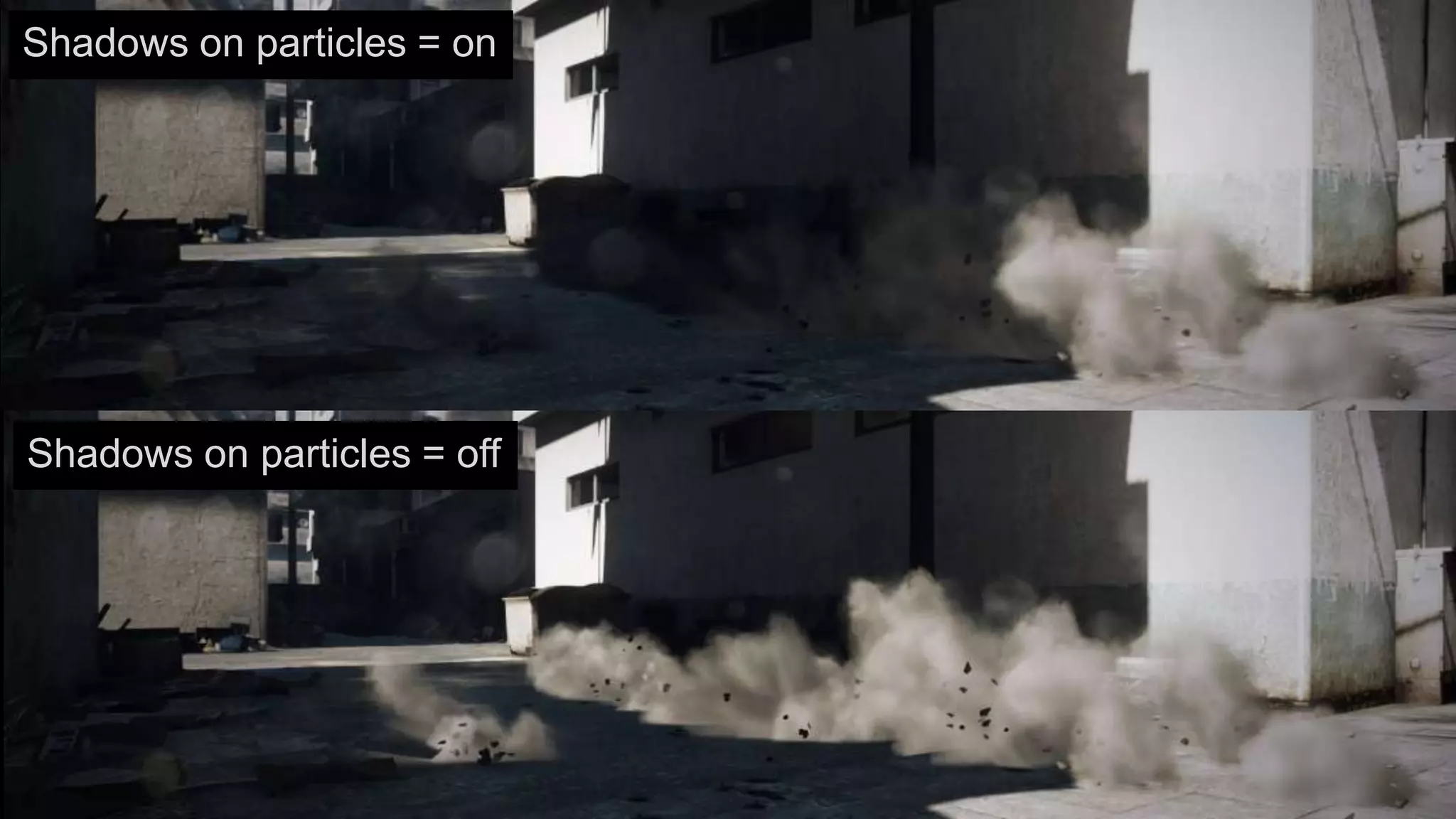
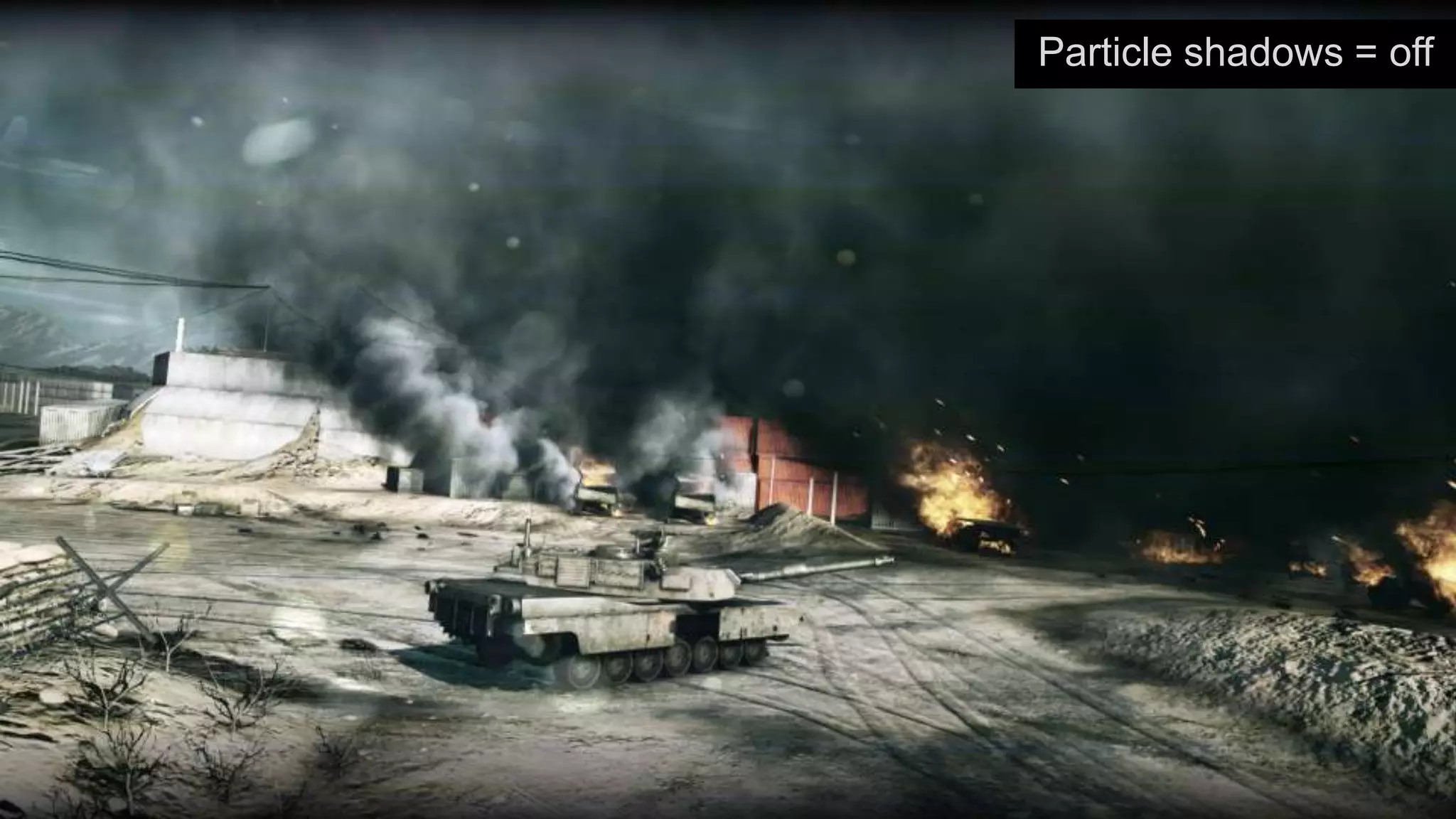
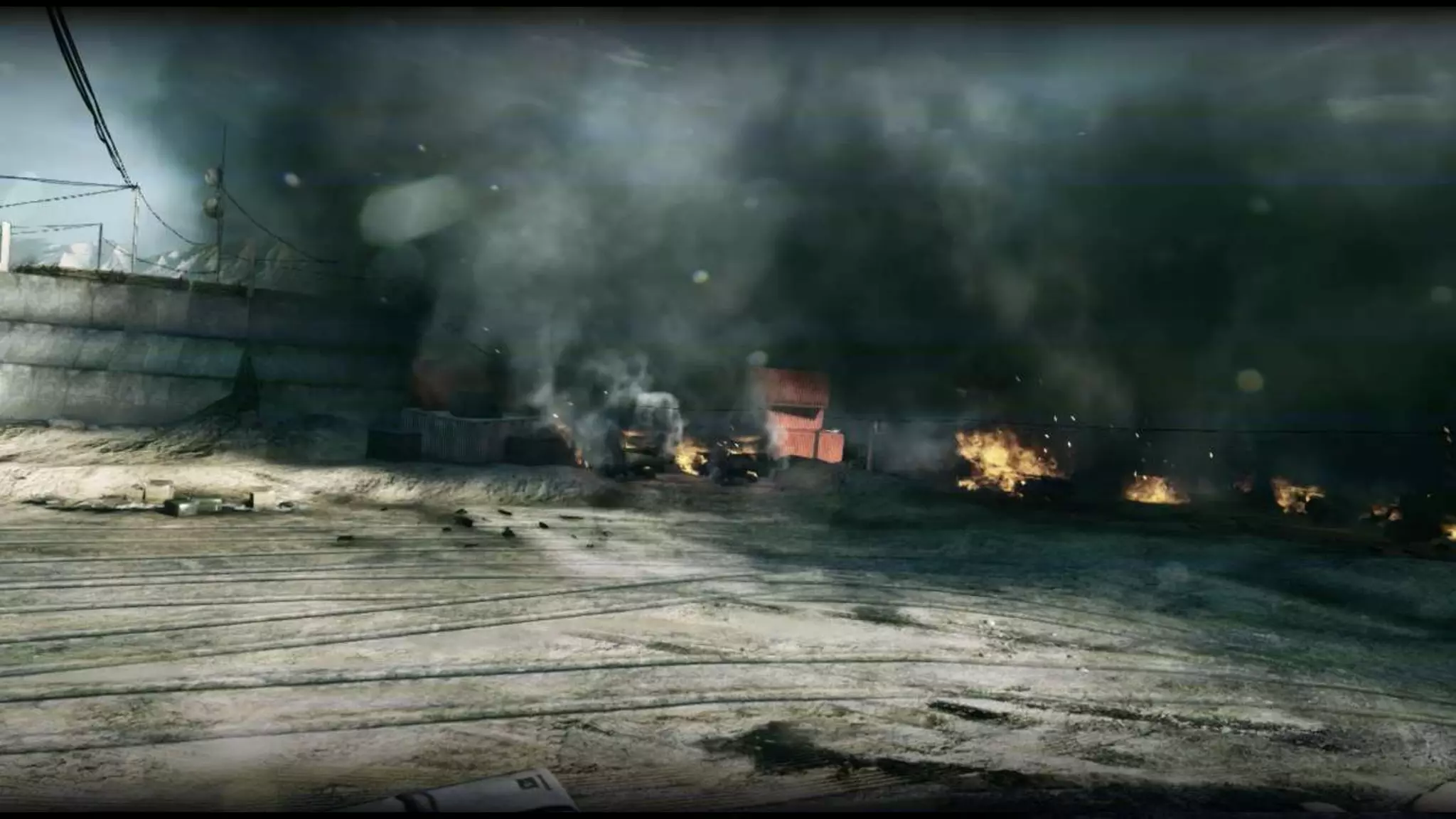
Particle shadows!
 › On ground & opaque objects
 › Disabled when
   ShadowQuality = Low
                                                          Alpha-tested debris
                                                            › Gives sharp details


                                Soft particles
                                 › Soft fade instead of hard z-test
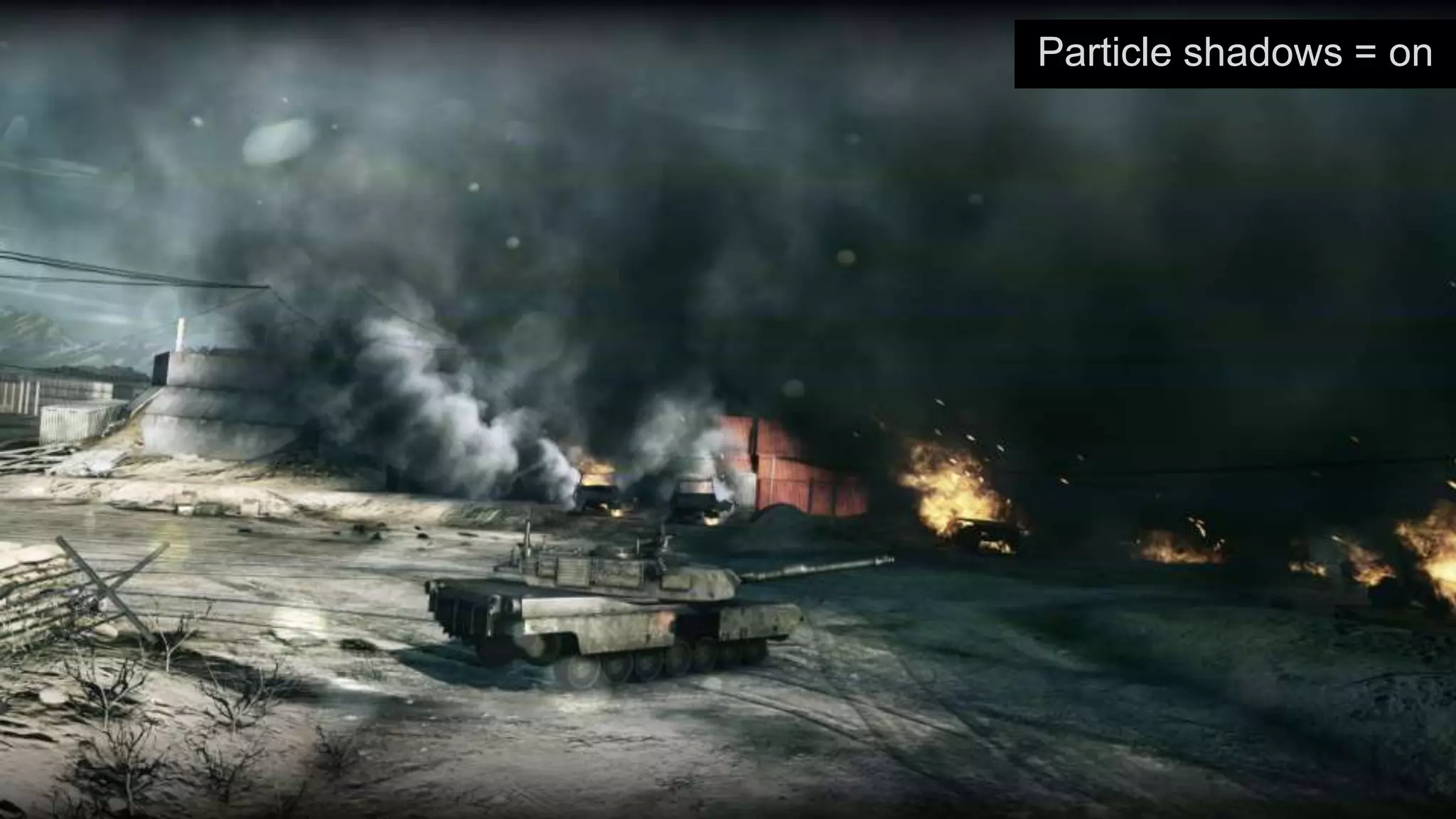
Particle shadows = on
Particle shadows = off
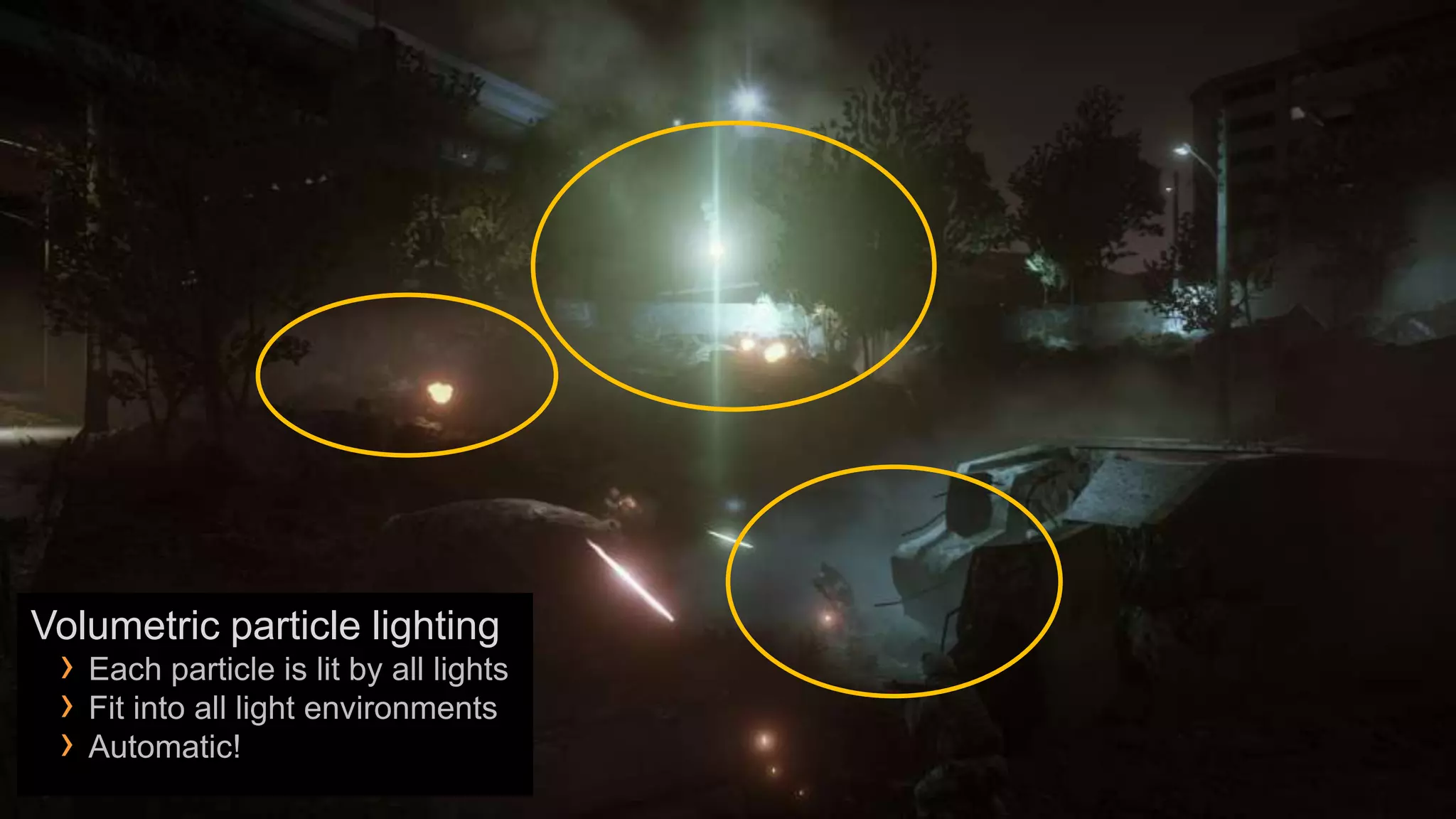
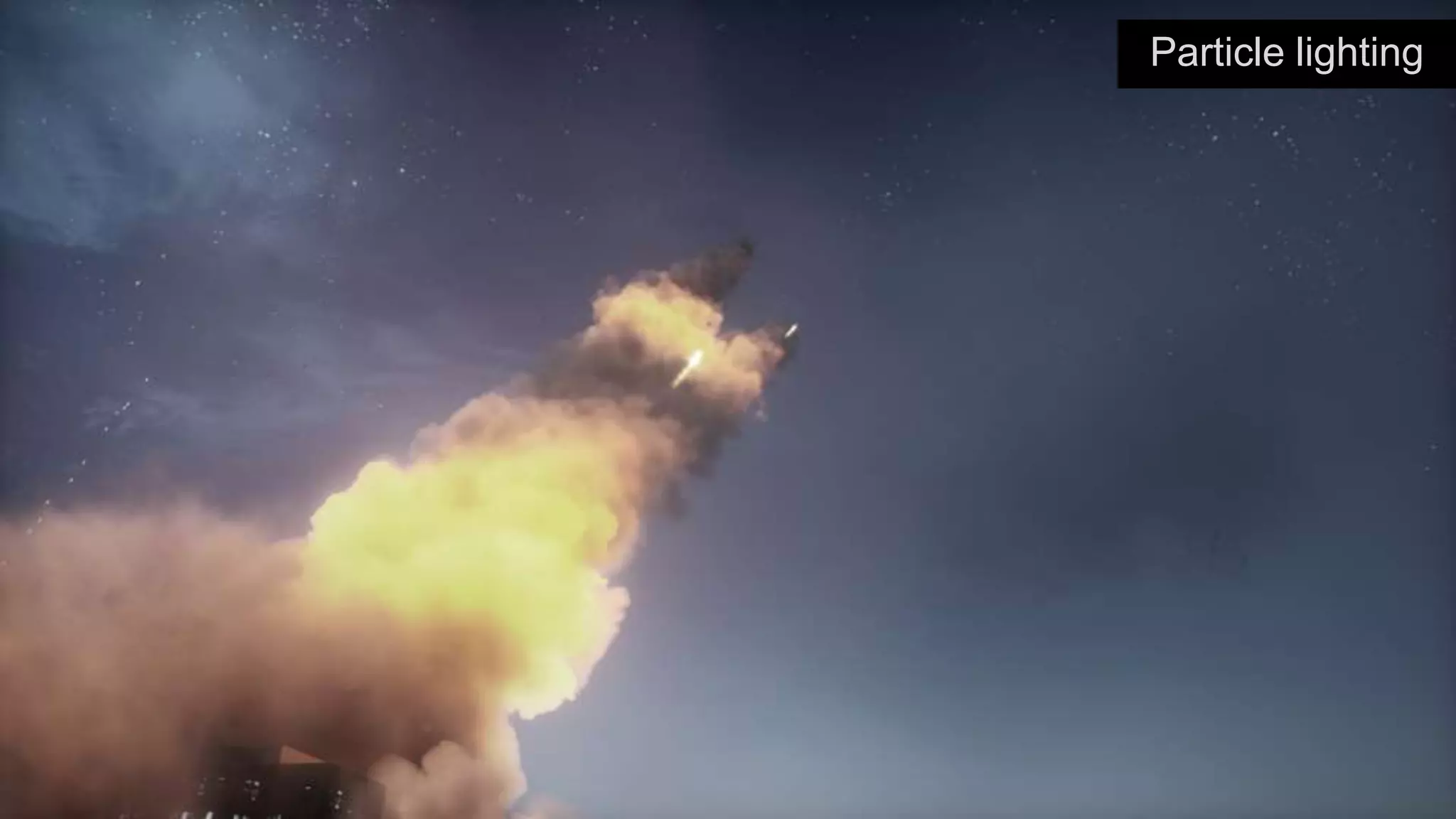
Volumetric particle lighting
 › Each particle is lit by all lights
 › Fit into all light environments
 › Automatic!
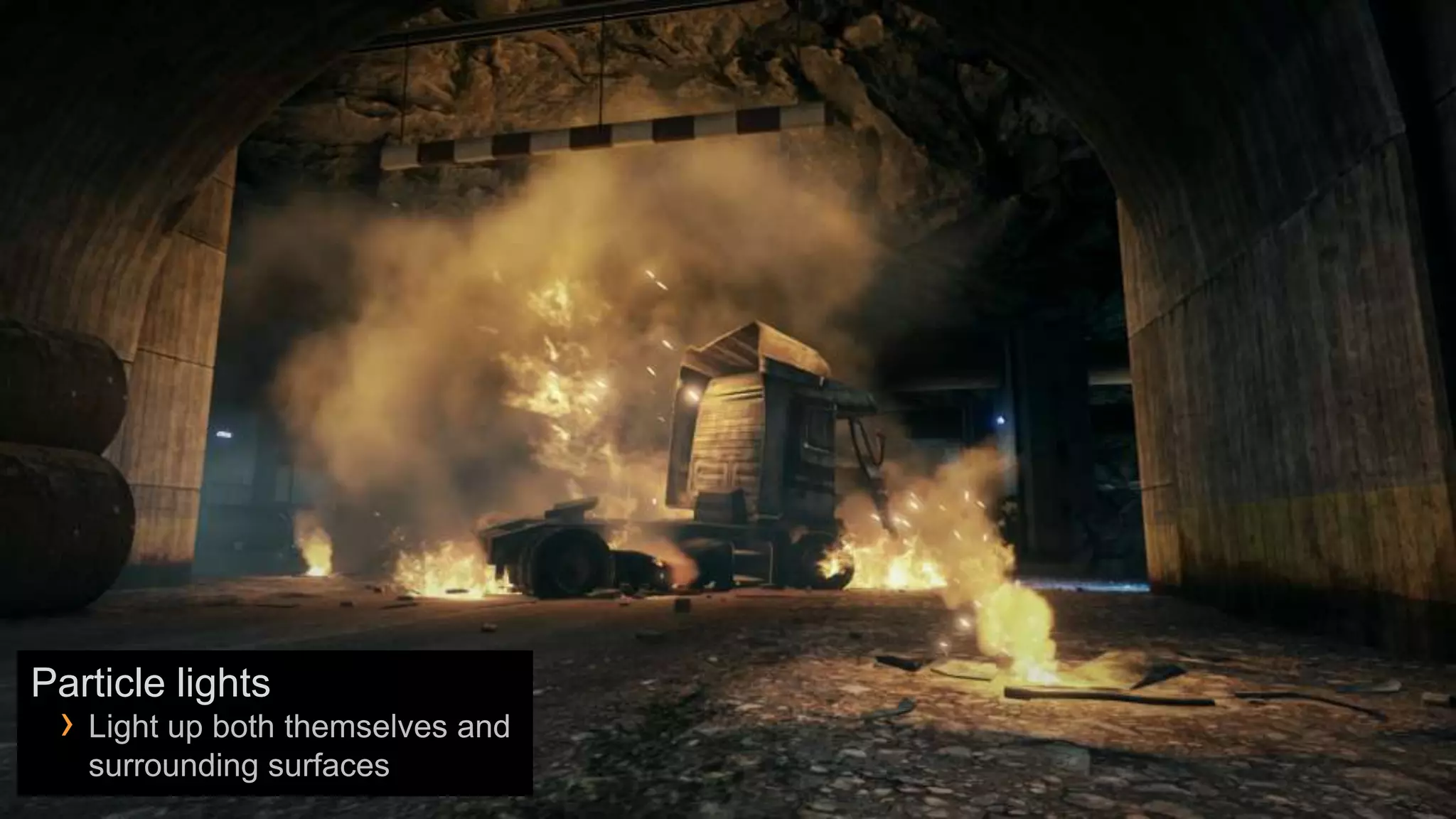
Particle lights
 › Light up both themselves and
   surrounding surfaces
Particle lighting
Shadows on particles = on


Shadows on particles = off
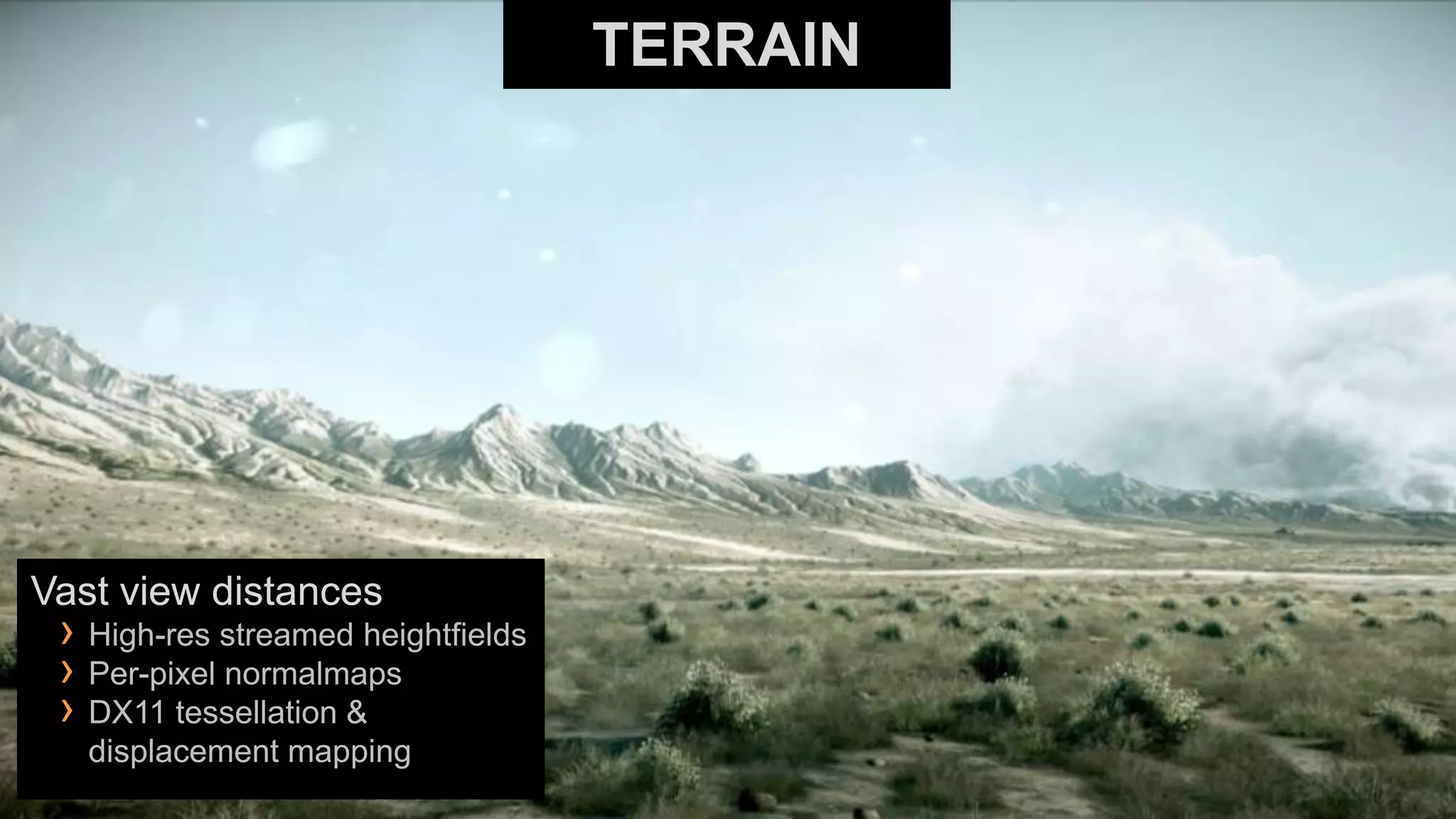
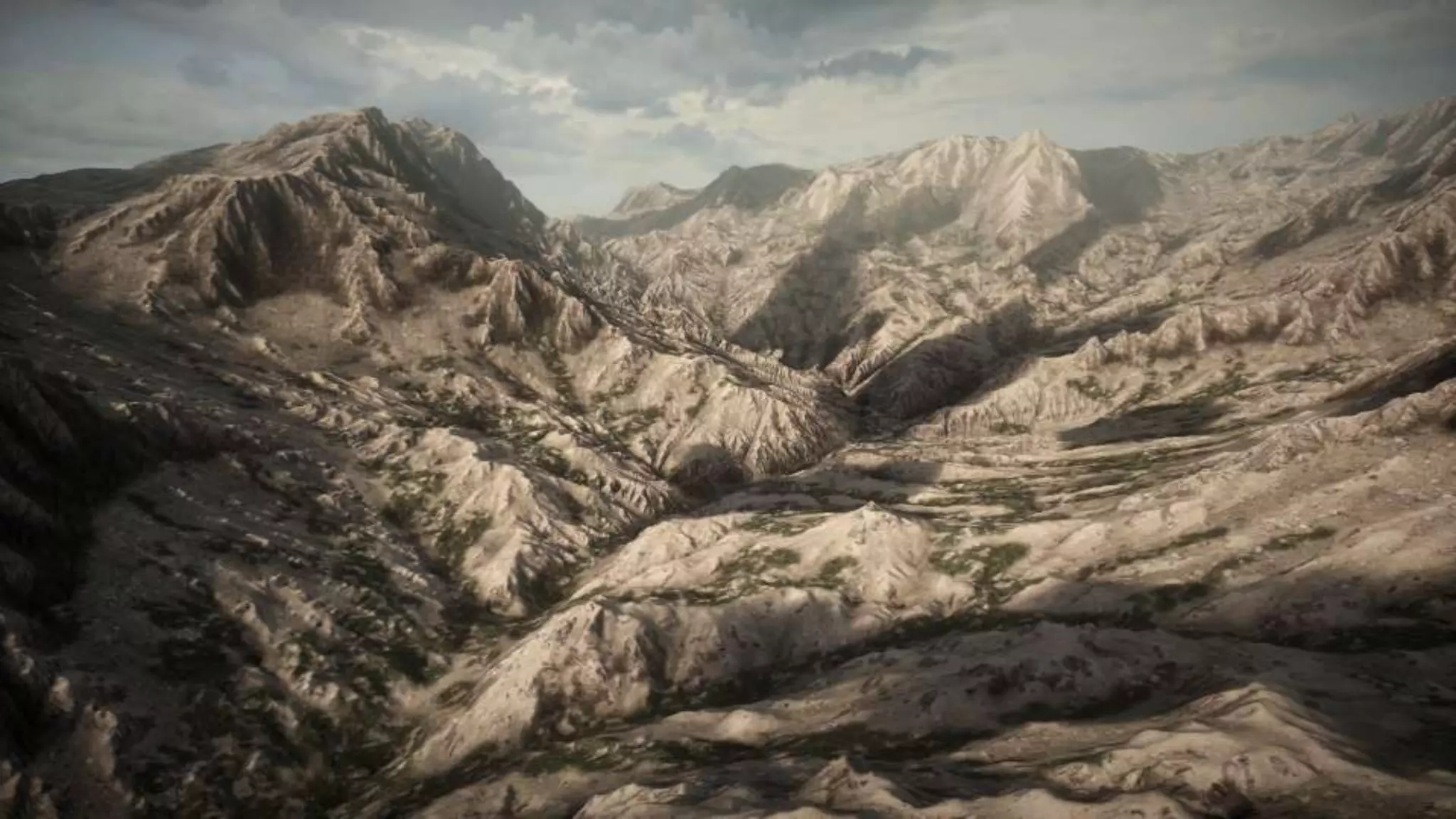
TERRAIN


Vast view distances
 › High-res streamed heightfields
 › Per-pixel normalmaps
 › DX11 tessellation &
   displacement mapping
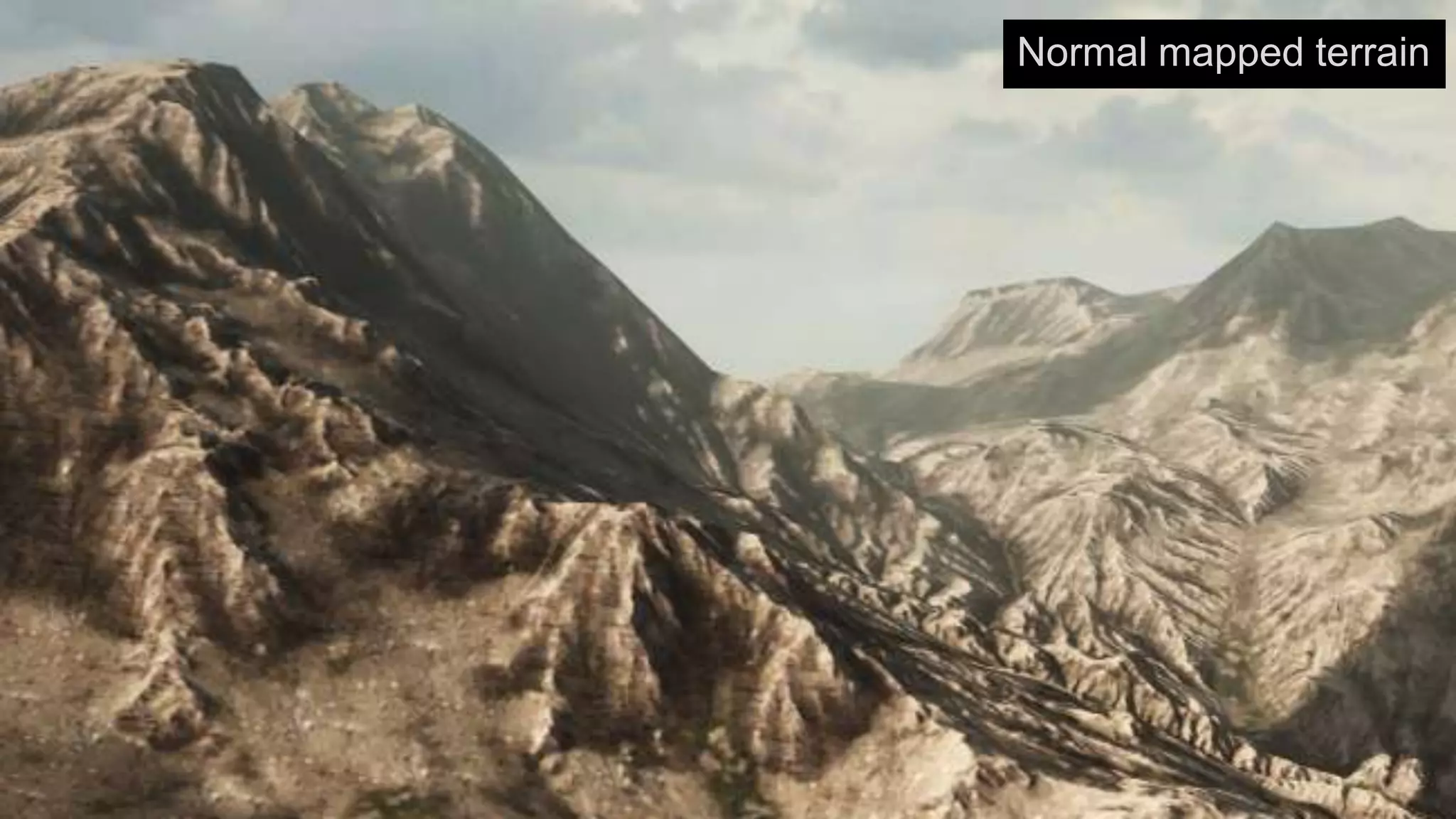
Normal mapped terrain
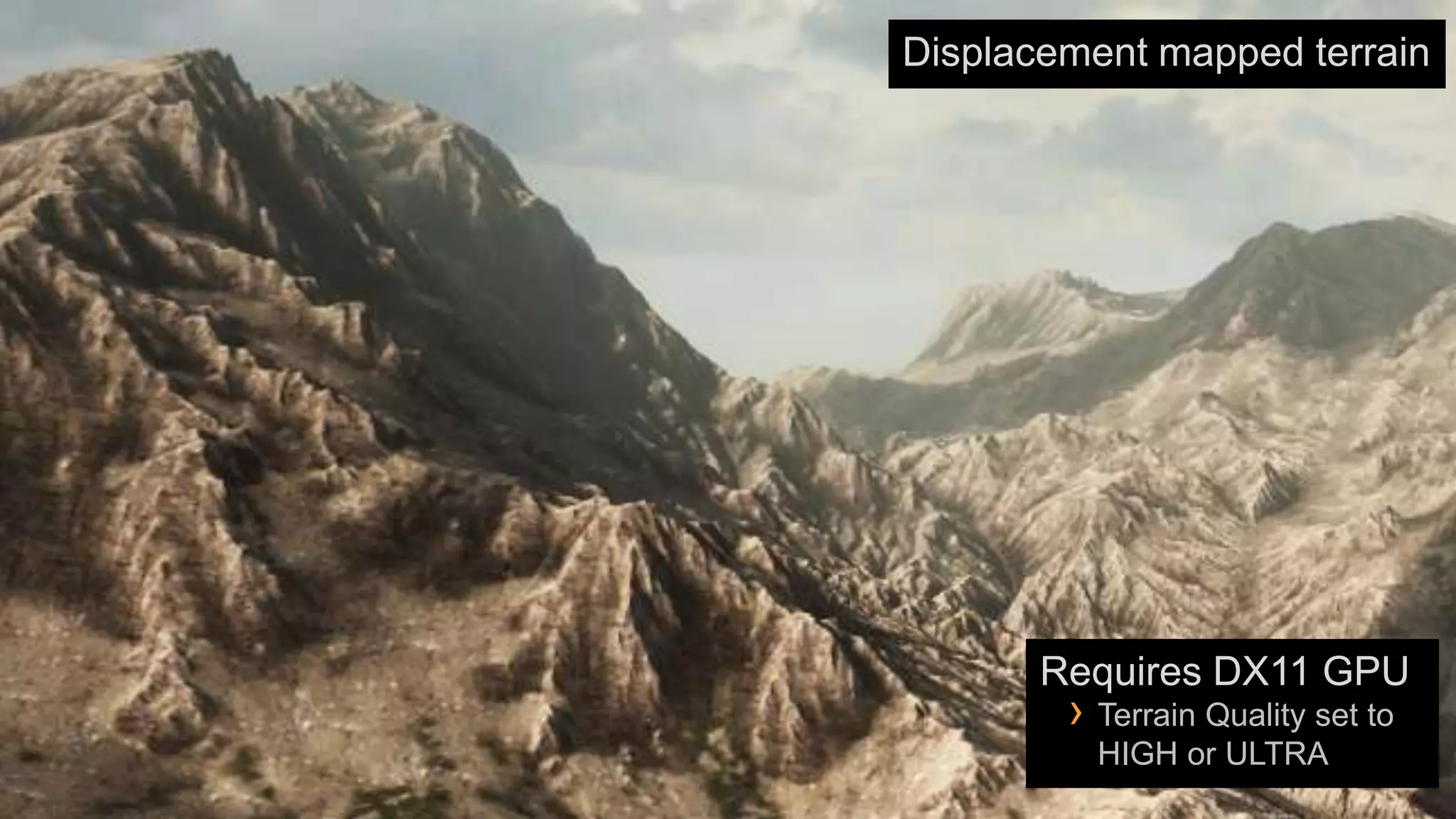
Displacement mapped terrain


       Requires DX11 GPU
        › Terrain Quality set to
          HIGH or ULTRA
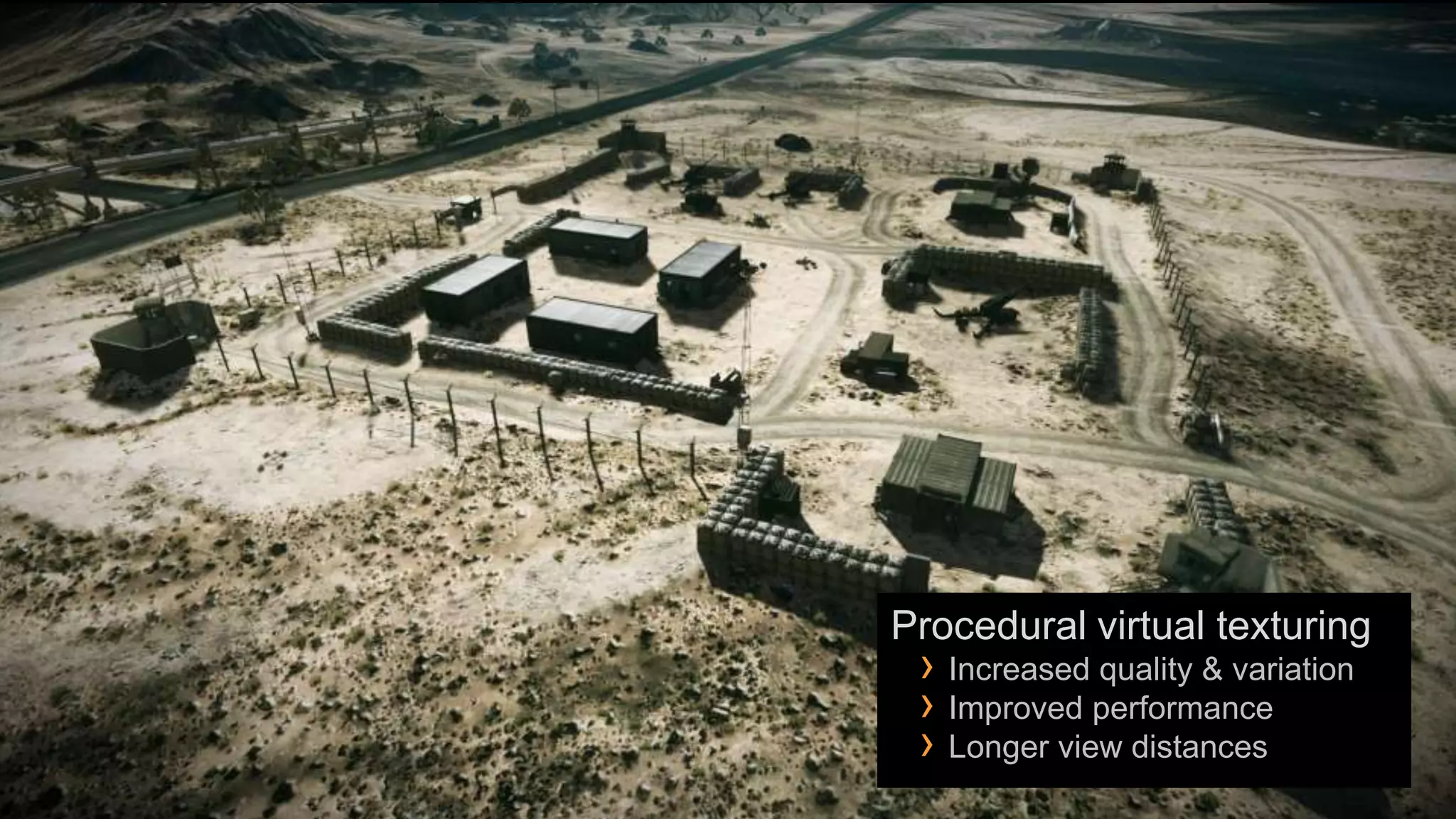
Procedural virtual texturing
 › Increased quality & variation
 › Improved performance
 › Longer view distances
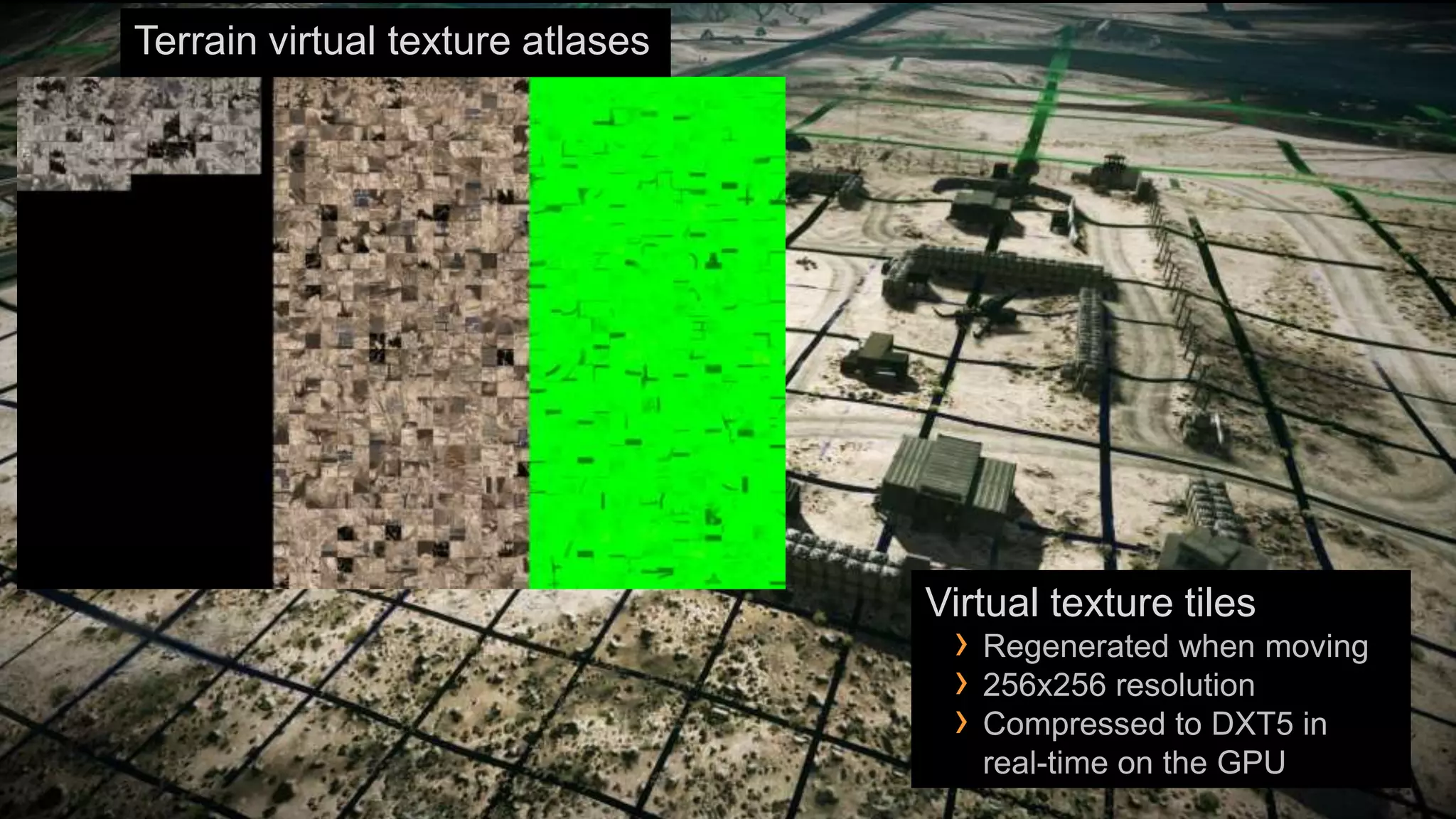
Terrain virtual texture atlases


                                  Virtual texture tiles
                                   › Regenerated when moving
                                   › 256x256 resolution
                                   › Compressed to DXT5 in
                                     real-time on the GPU
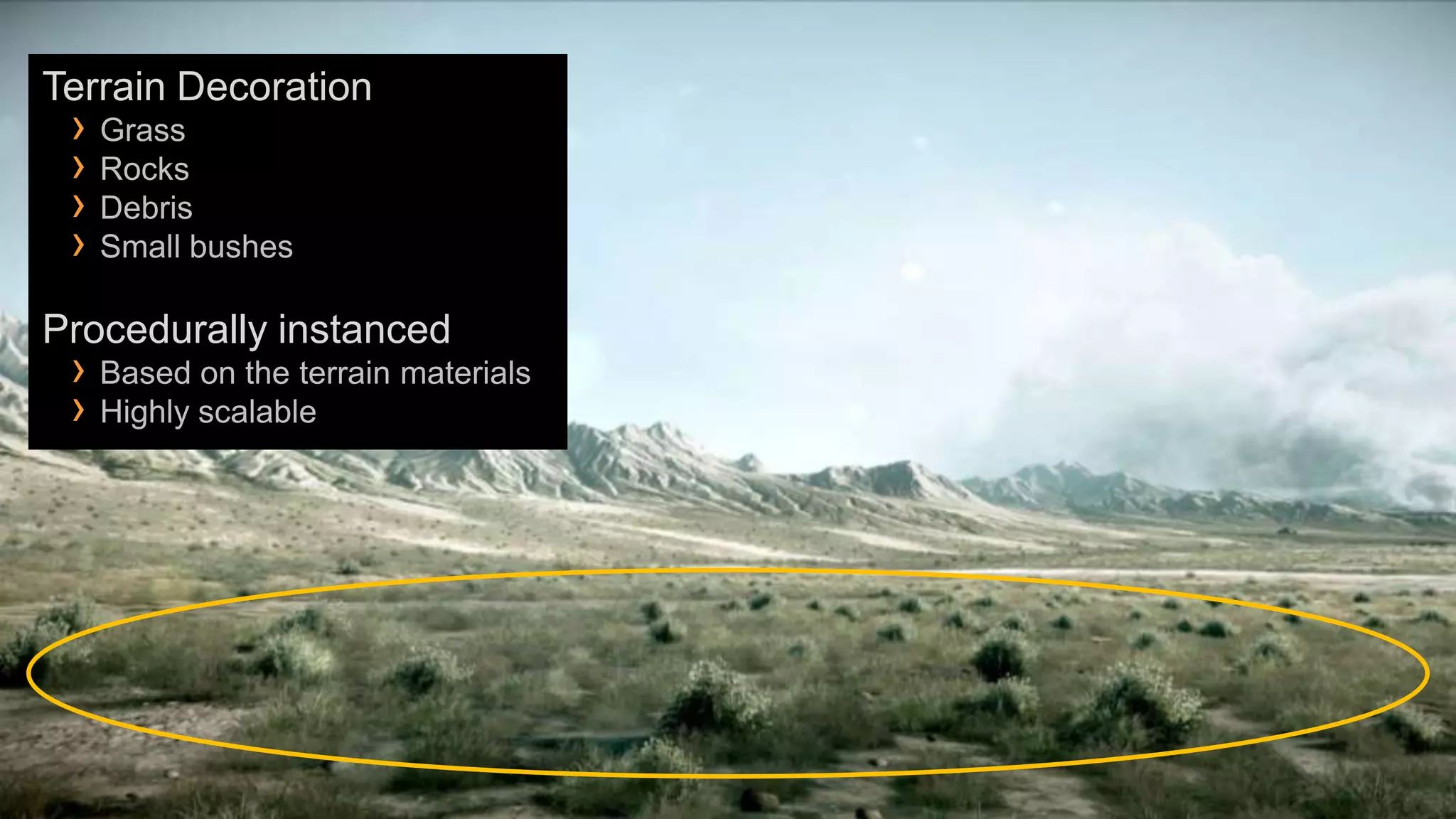
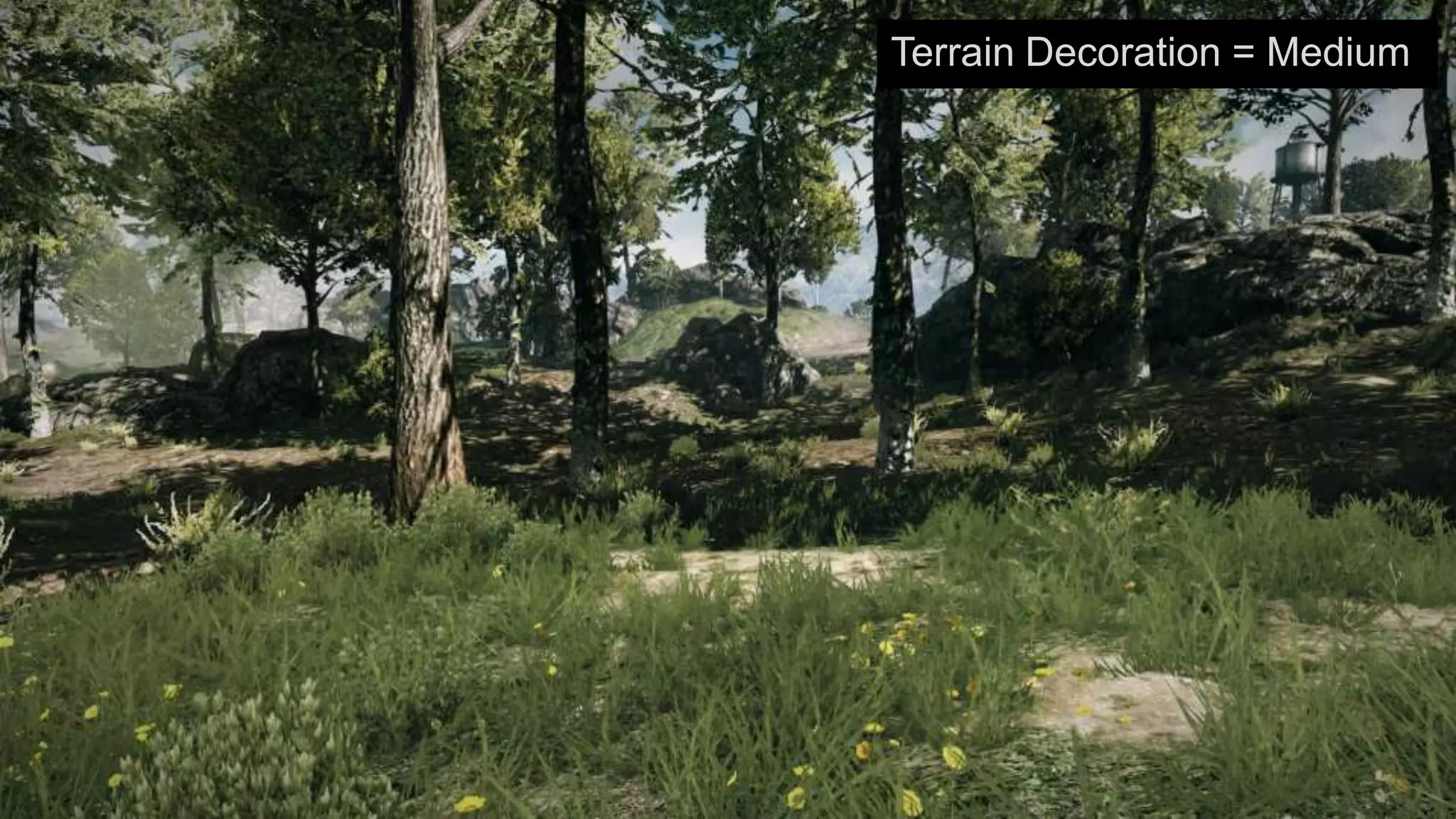
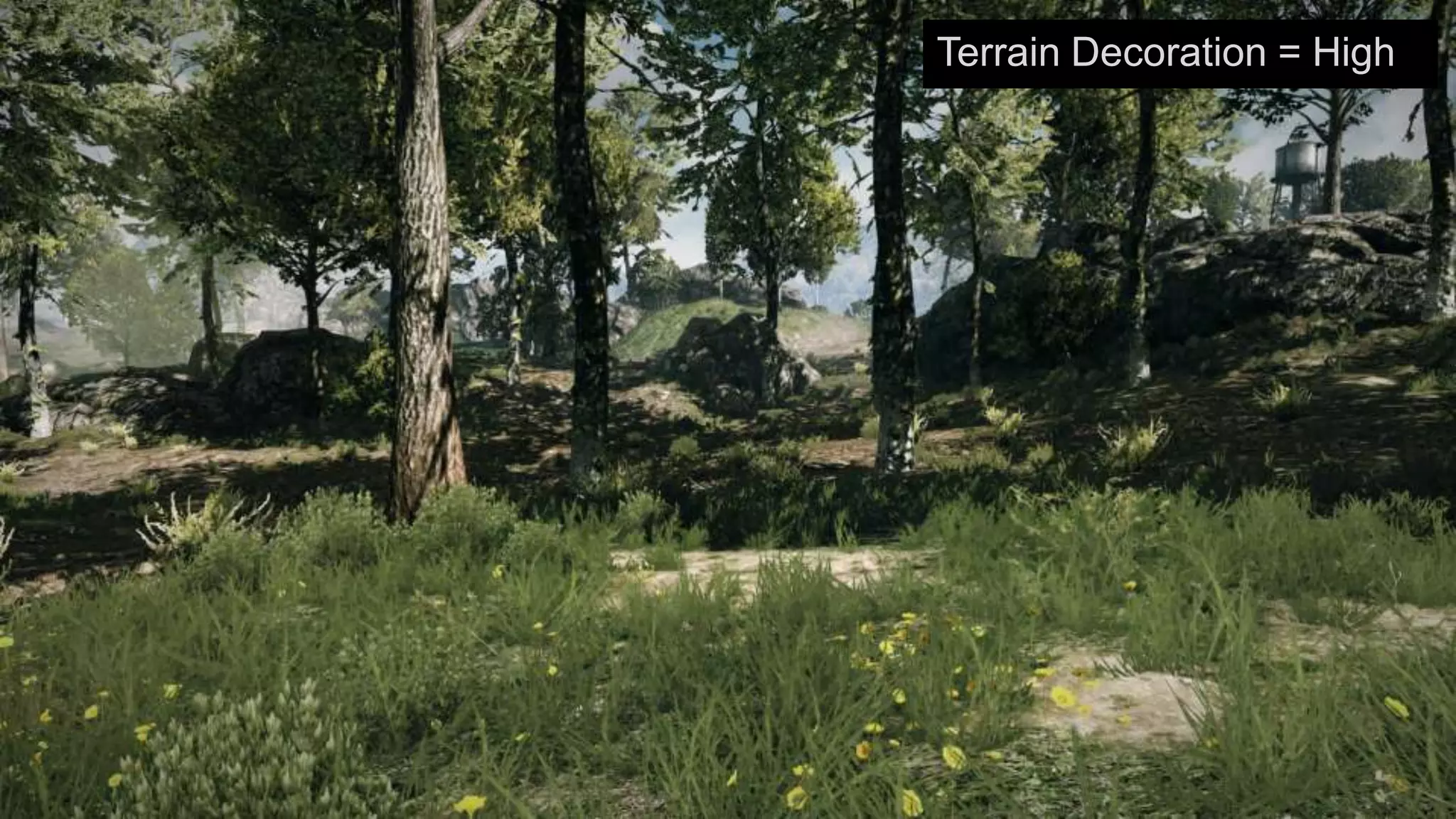
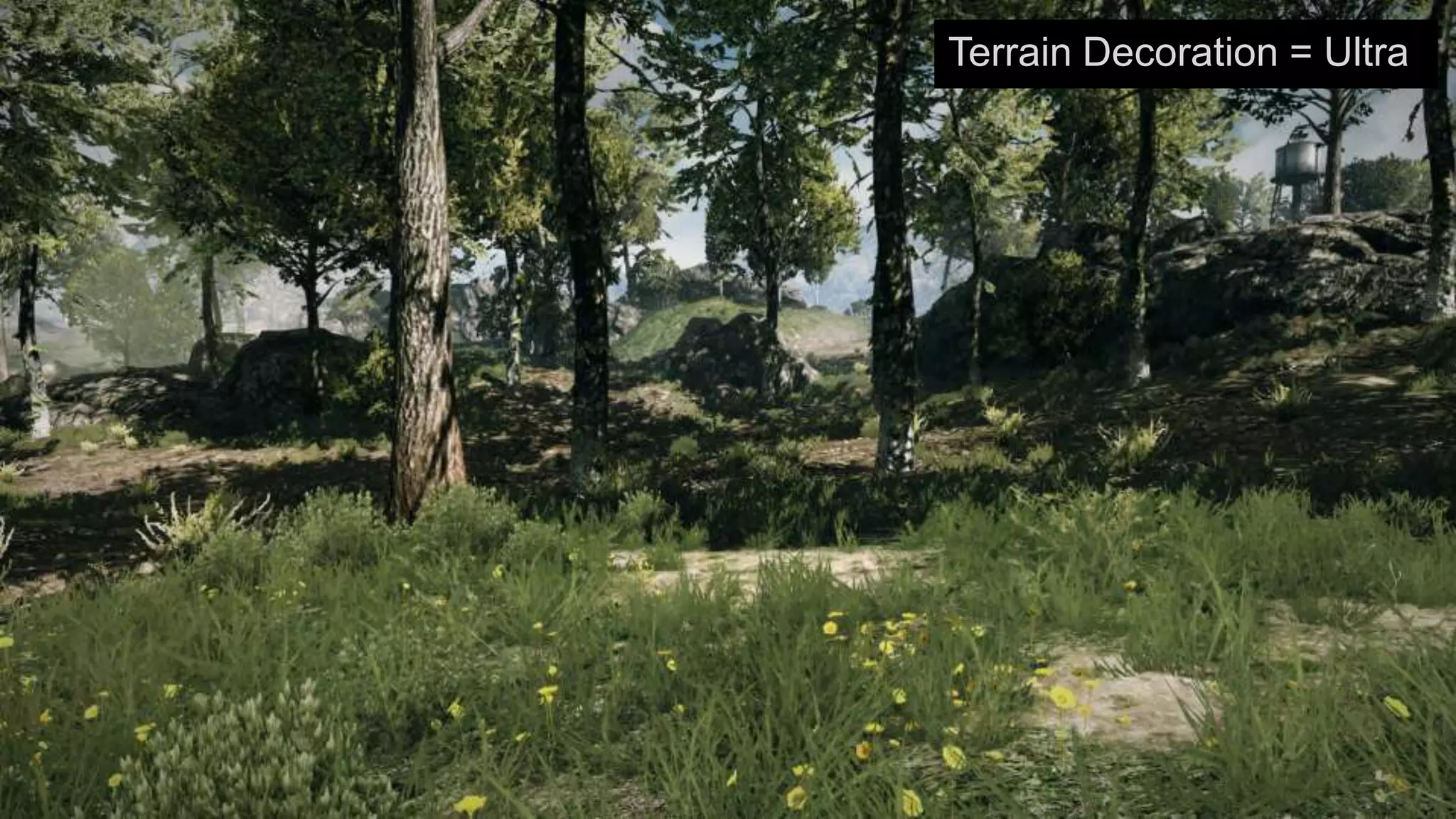
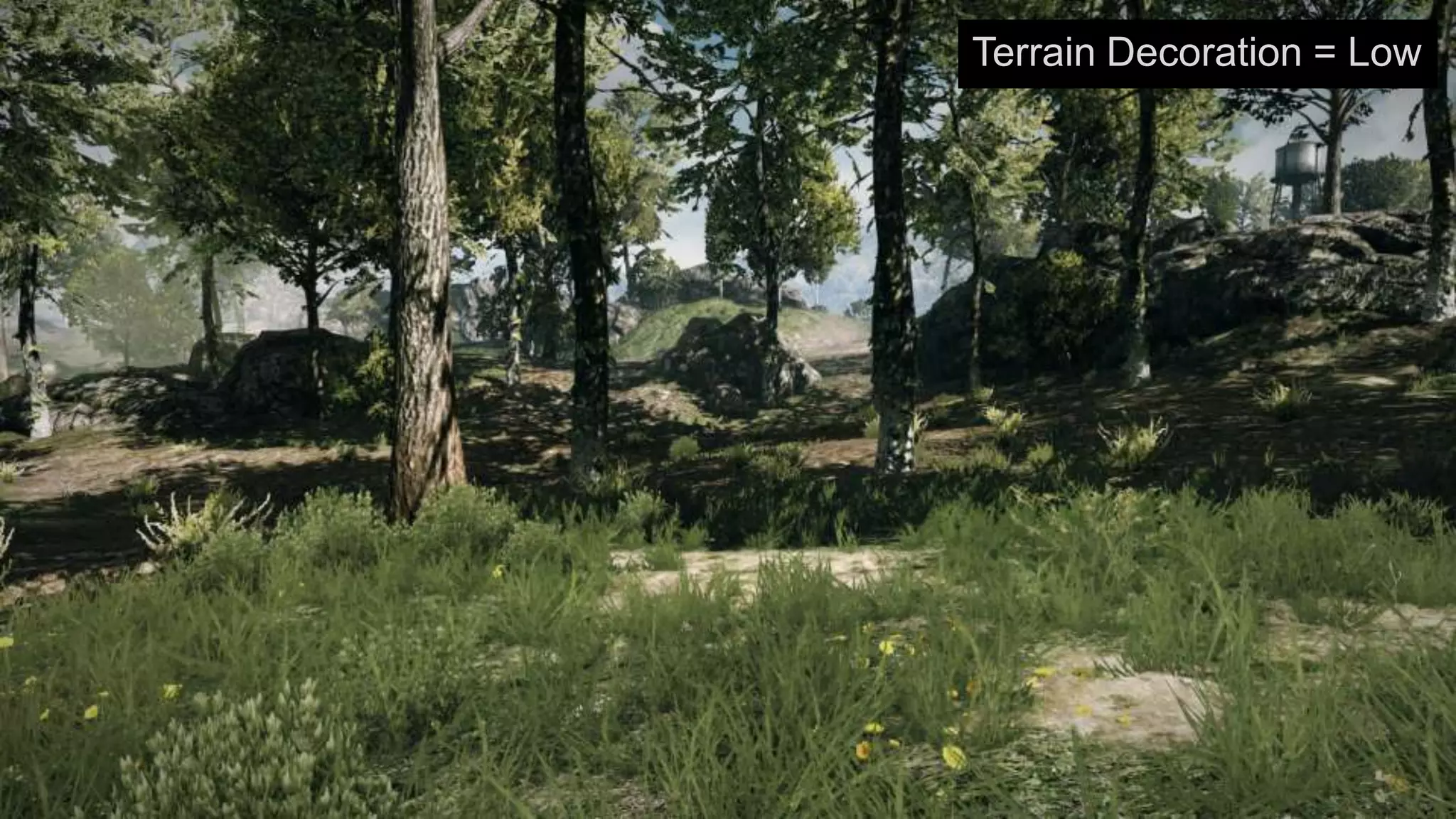
Terrain Decoration
 › Grass
 › Rocks
 › Debris
 › Small bushes
Procedurally instanced
 › Based on the terrain materials
 › Highly scalable
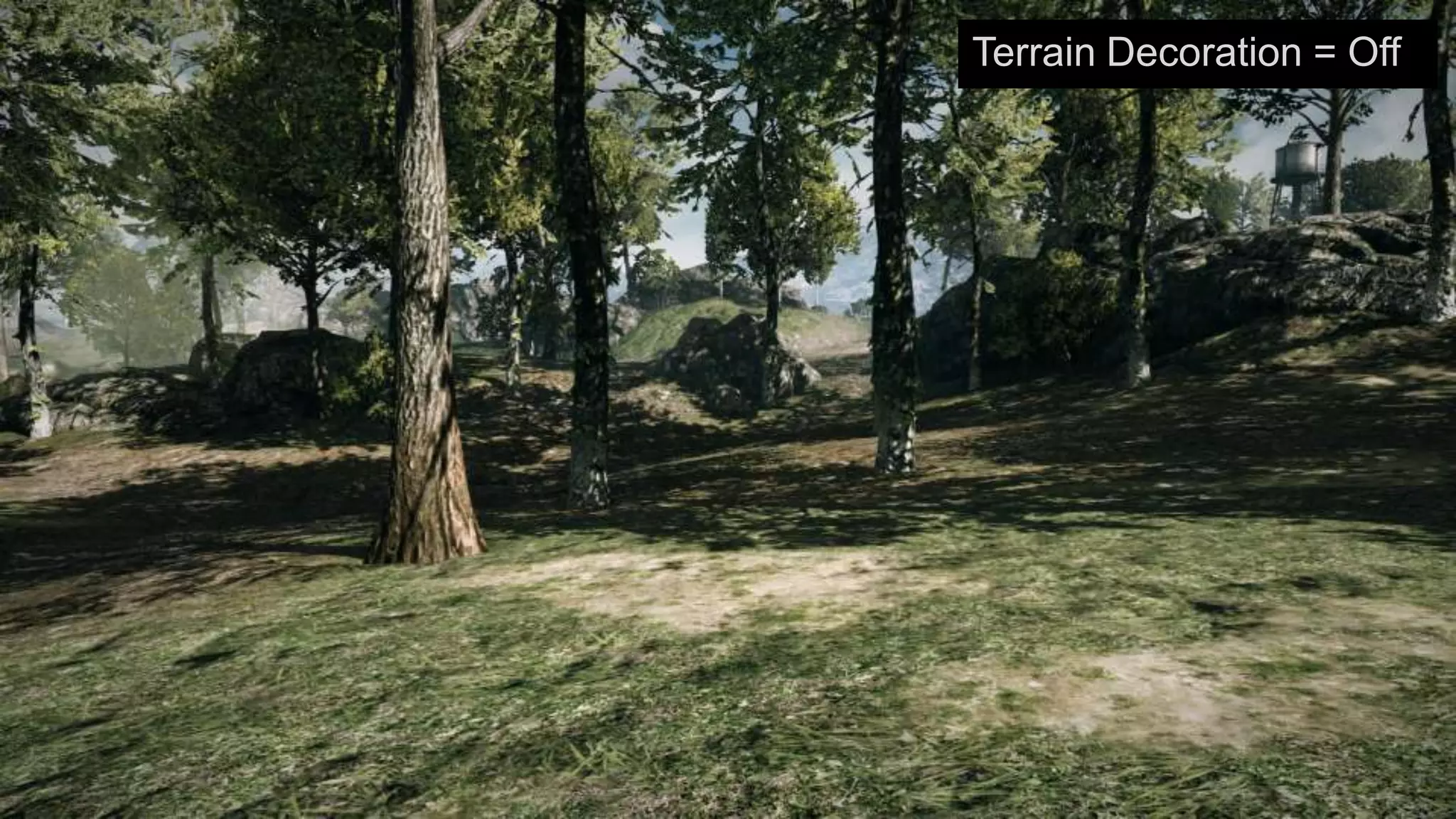
Terrain Decoration = Off
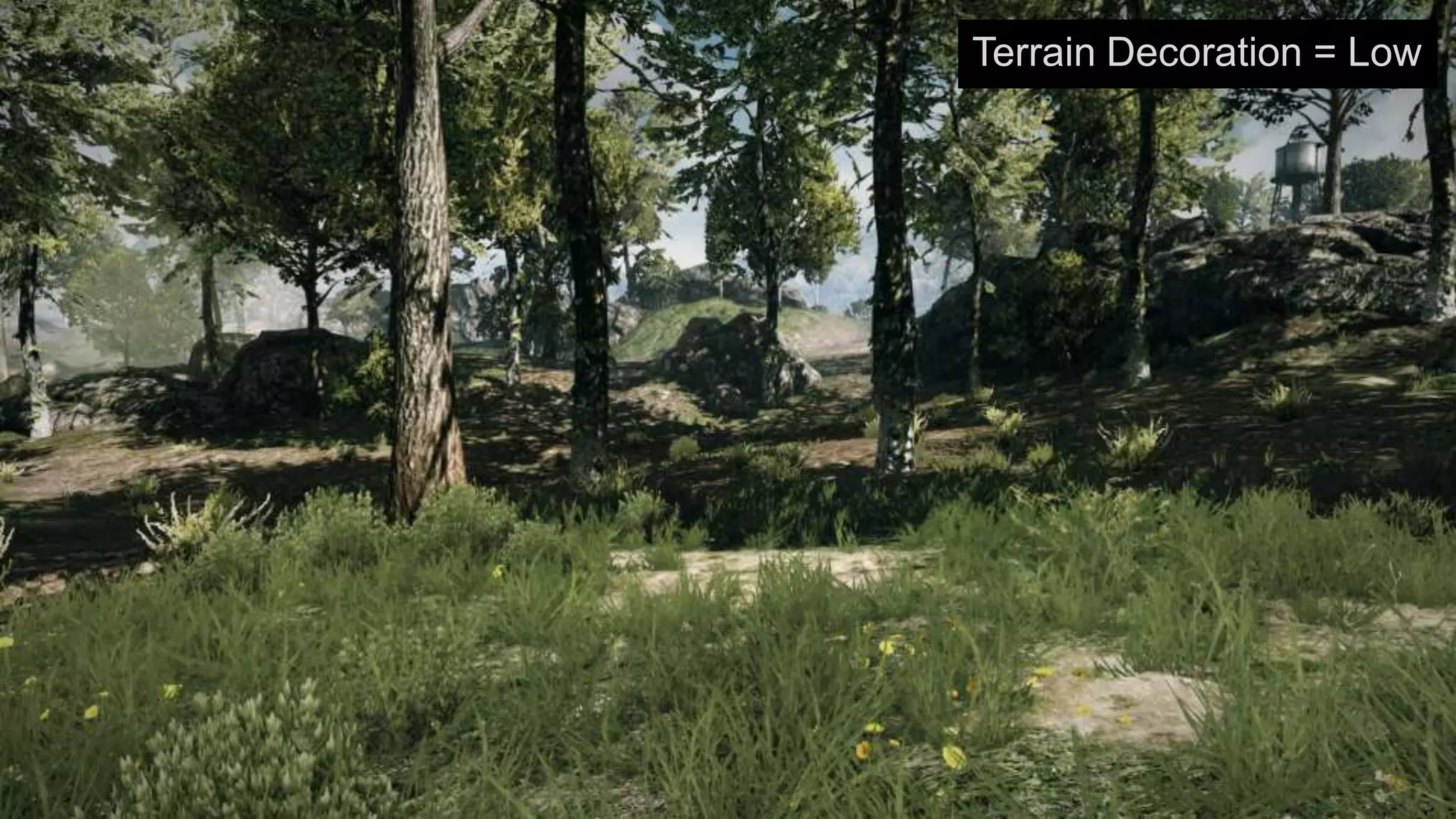
Terrain Decoration = Low
Terrain Decoration = Medium
Terrain Decoration = High
Terrain Decoration = Ultra
Terrain Decoration = Low
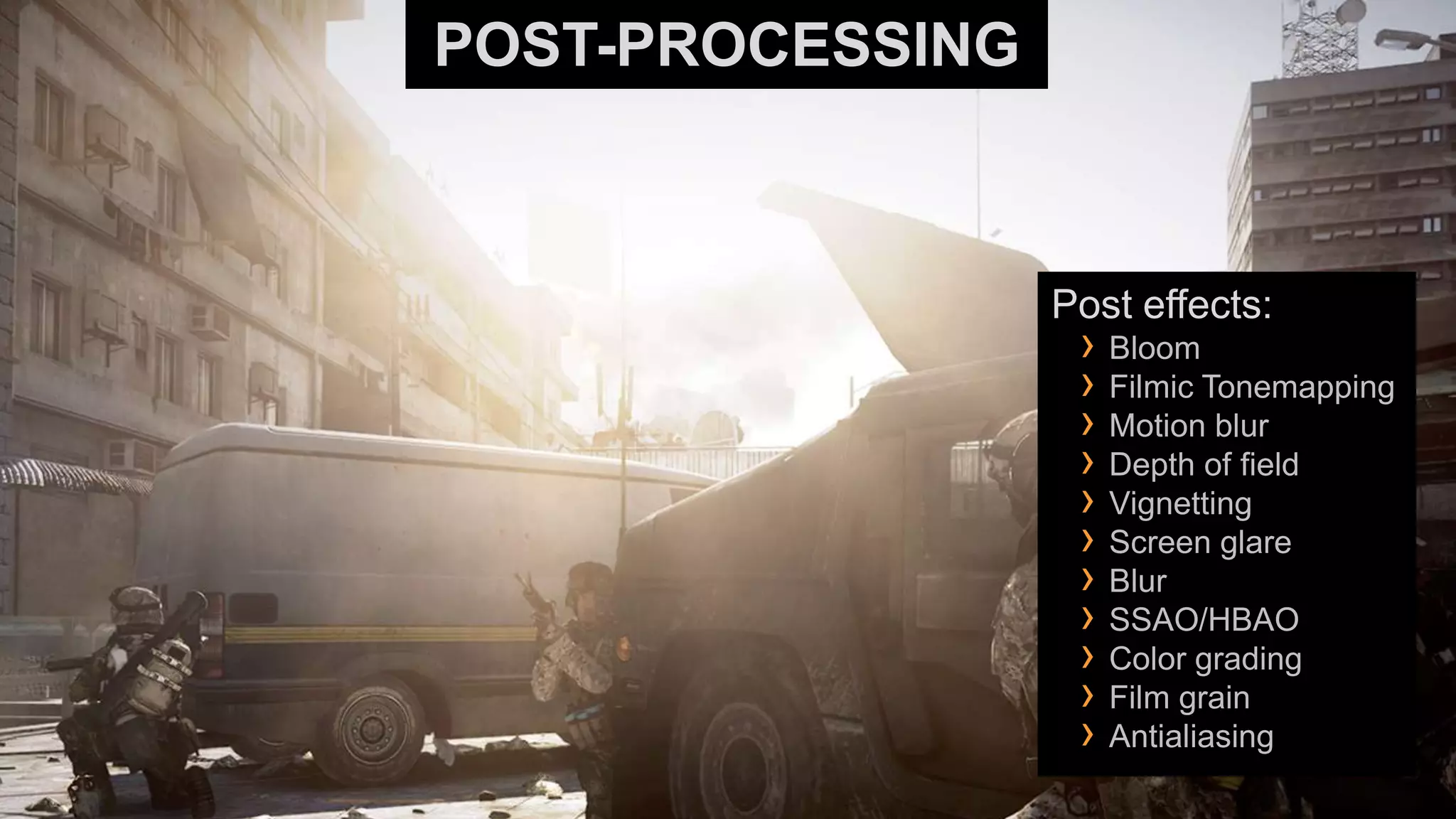
POST-PROCESSING


                  Post effects:
                   › Bloom
                   › Filmic Tonemapping
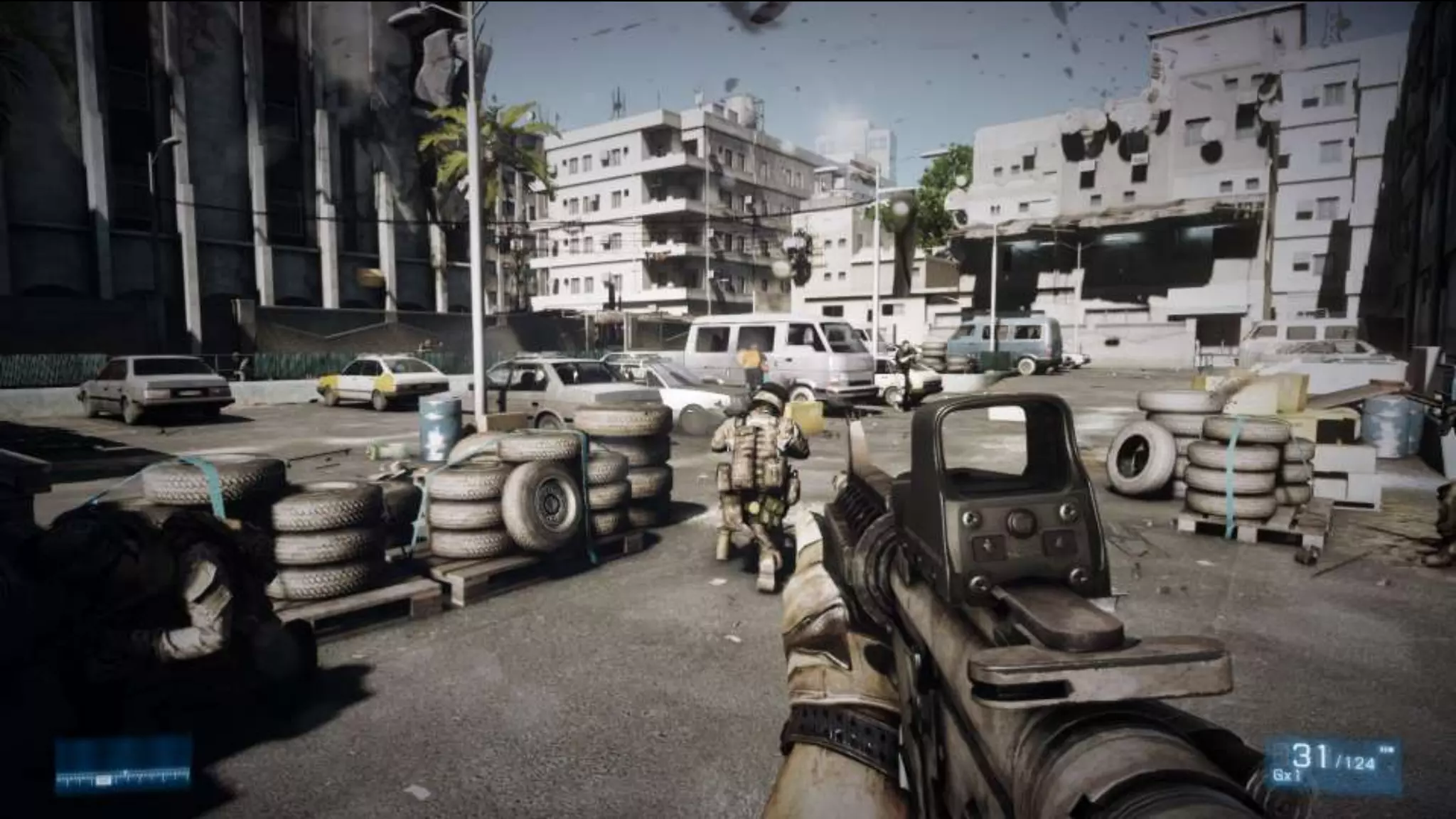
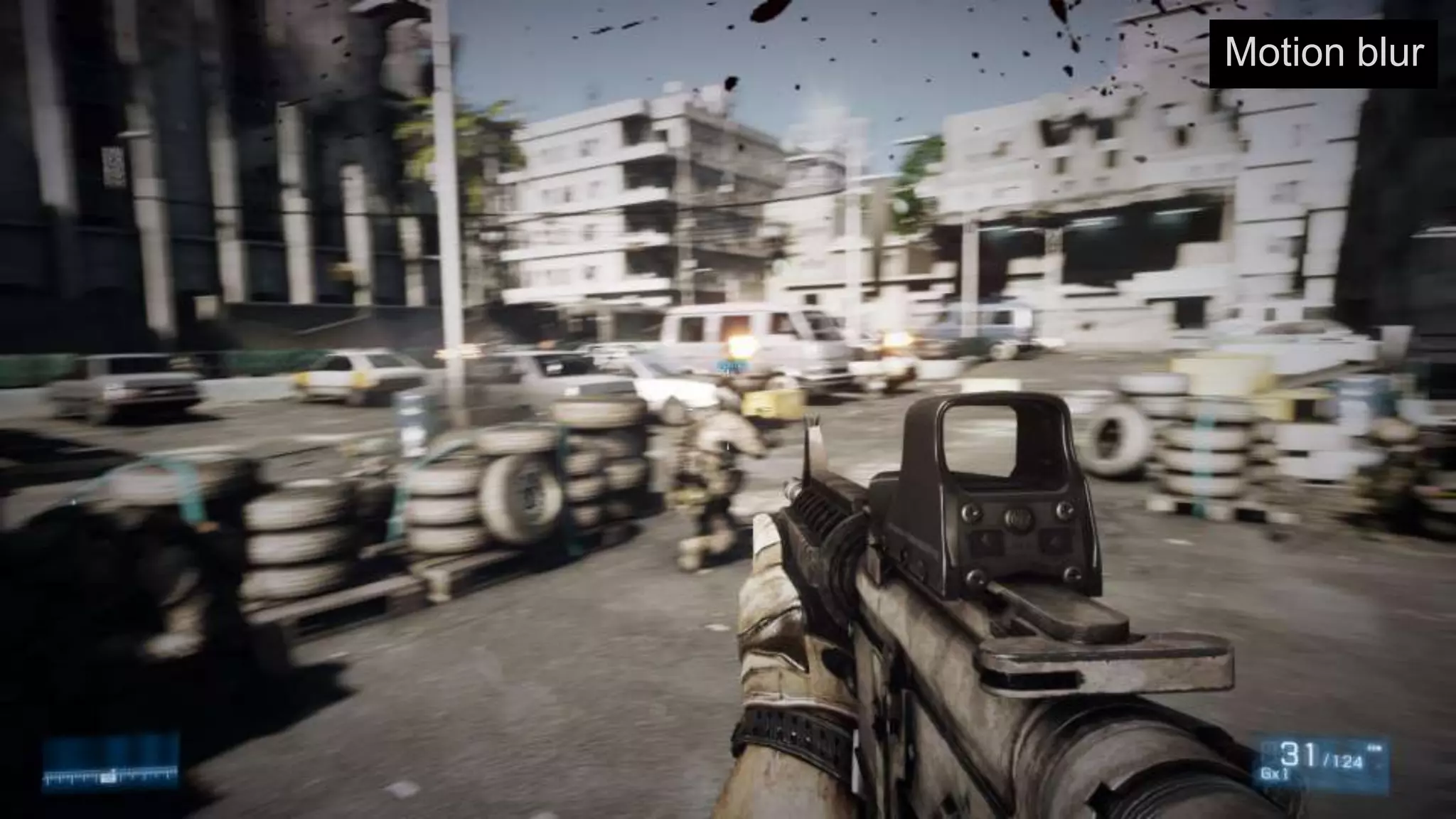
                   › Motion blur
                   › Depth of field
                   › Vignetting
                   › Screen glare
                   › Blur
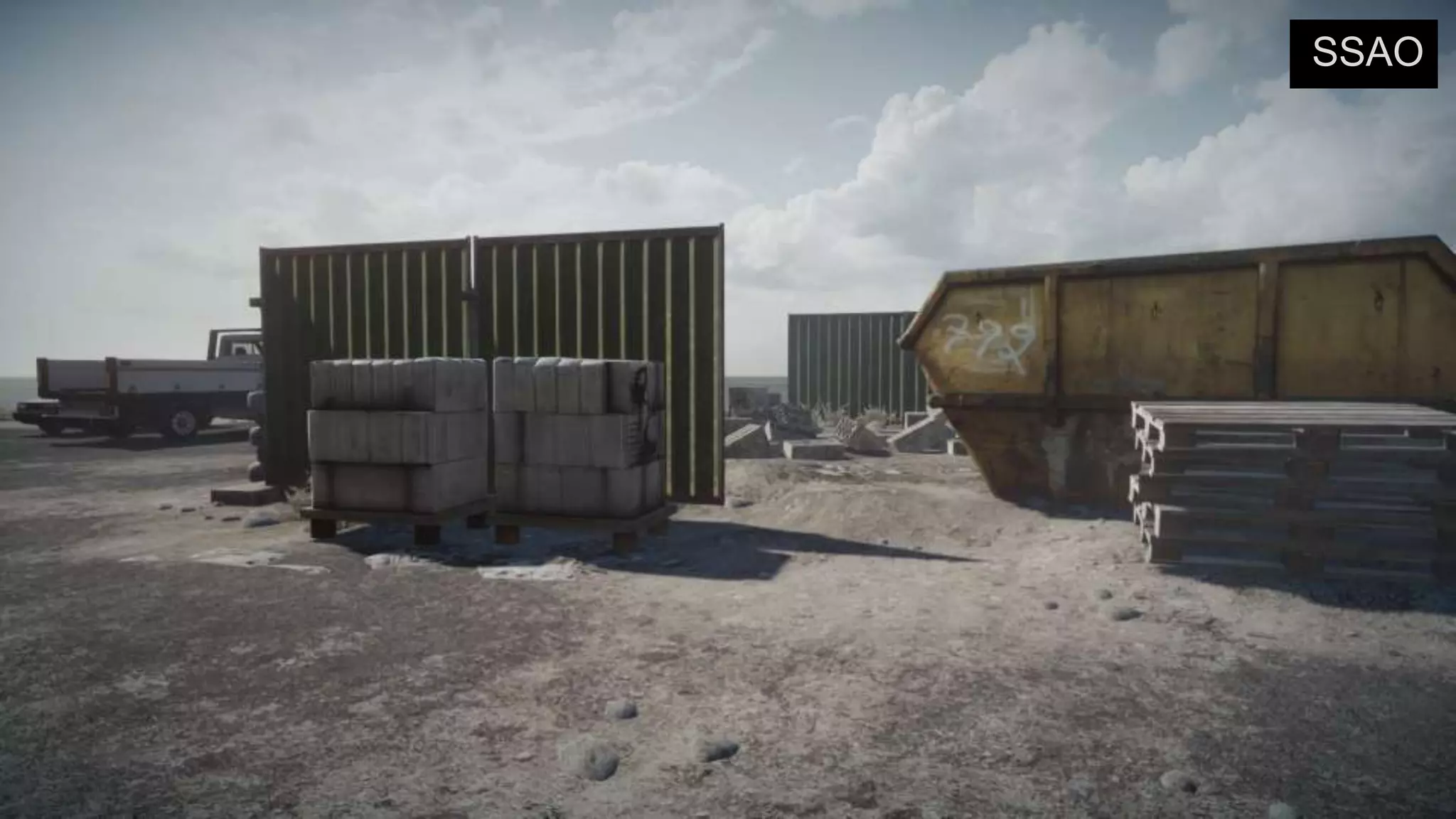
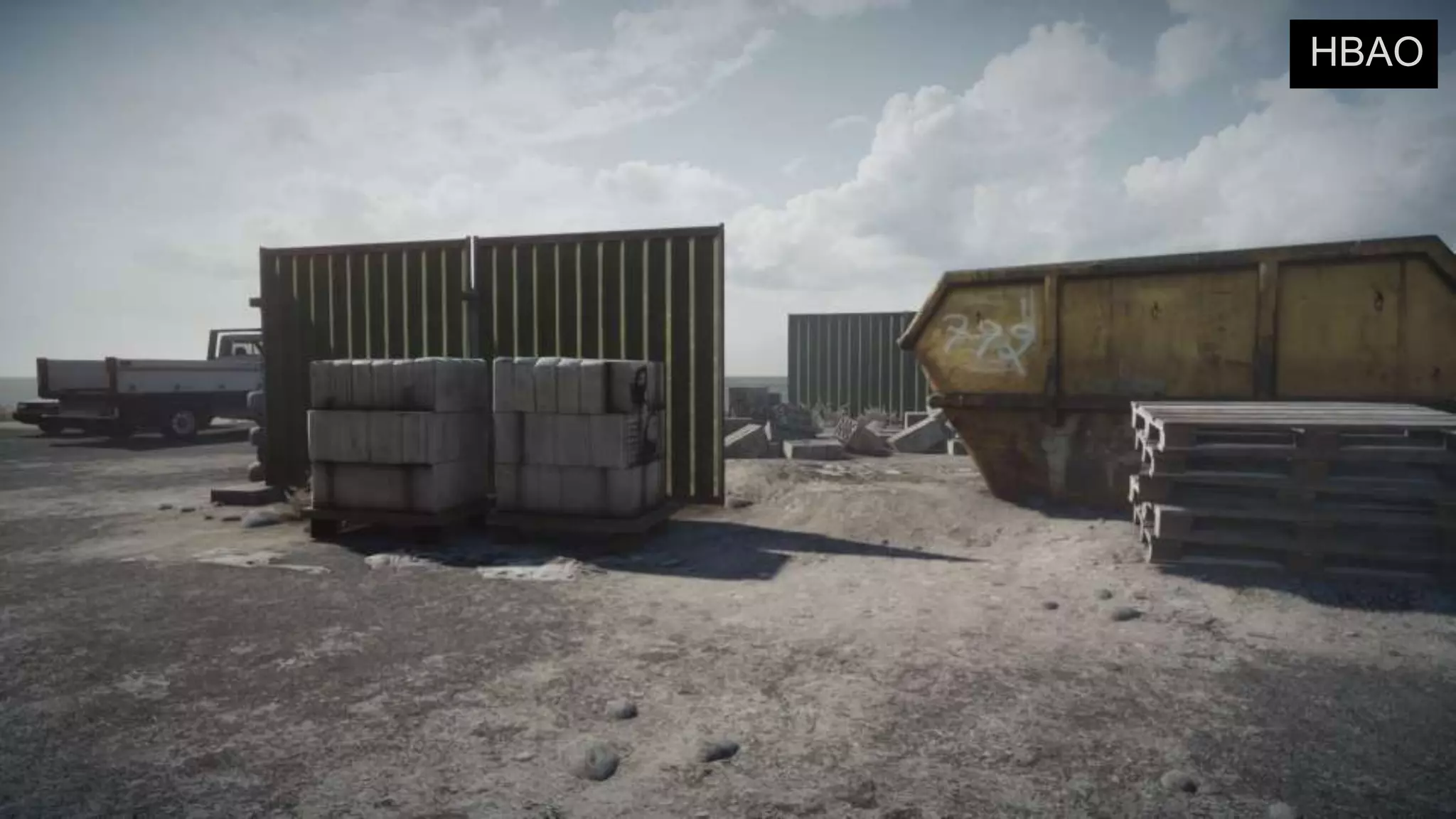
                   › SSAO/HBAO
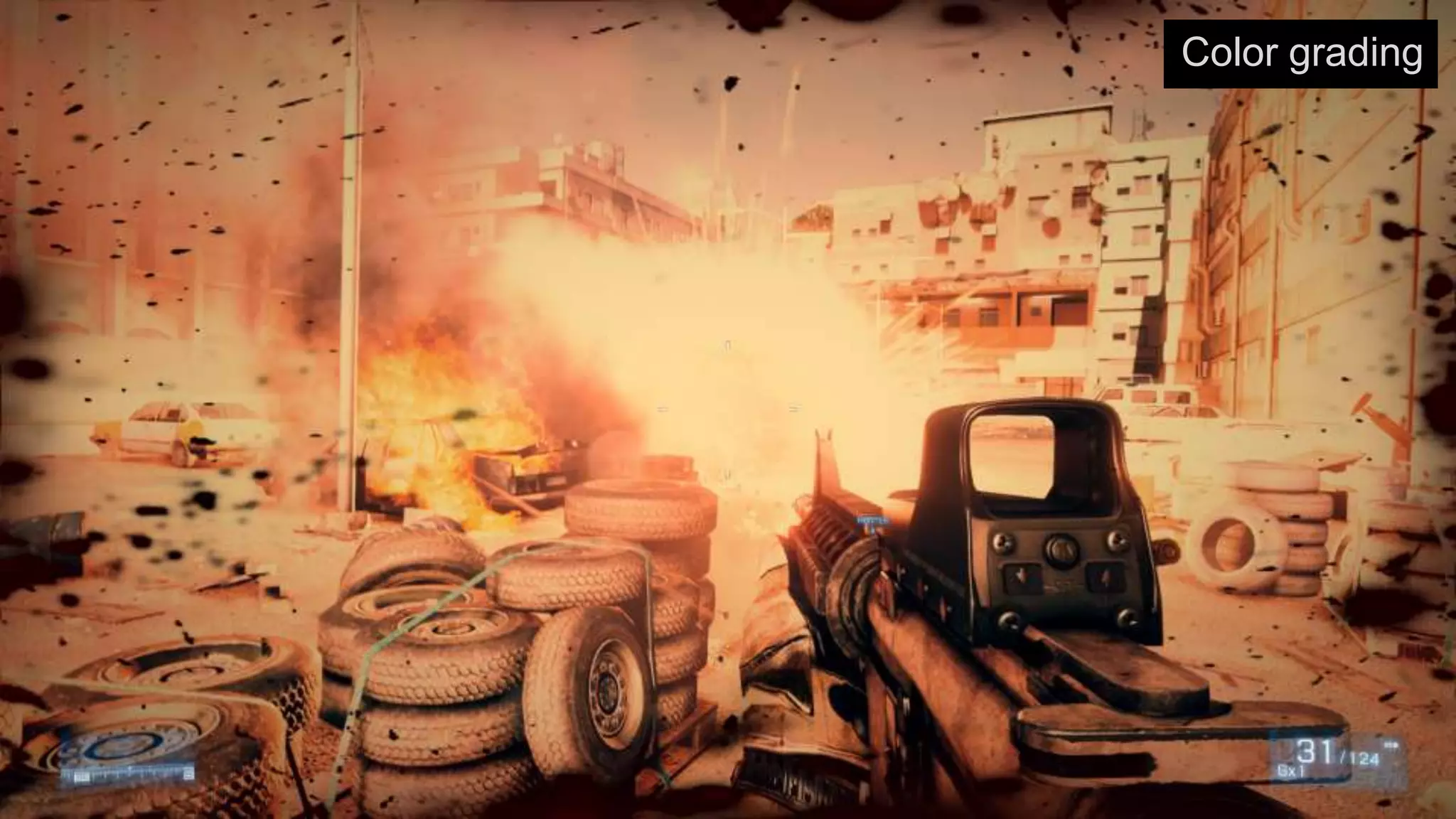
                   › Color grading
                   › Film grain
                   › Antialiasing
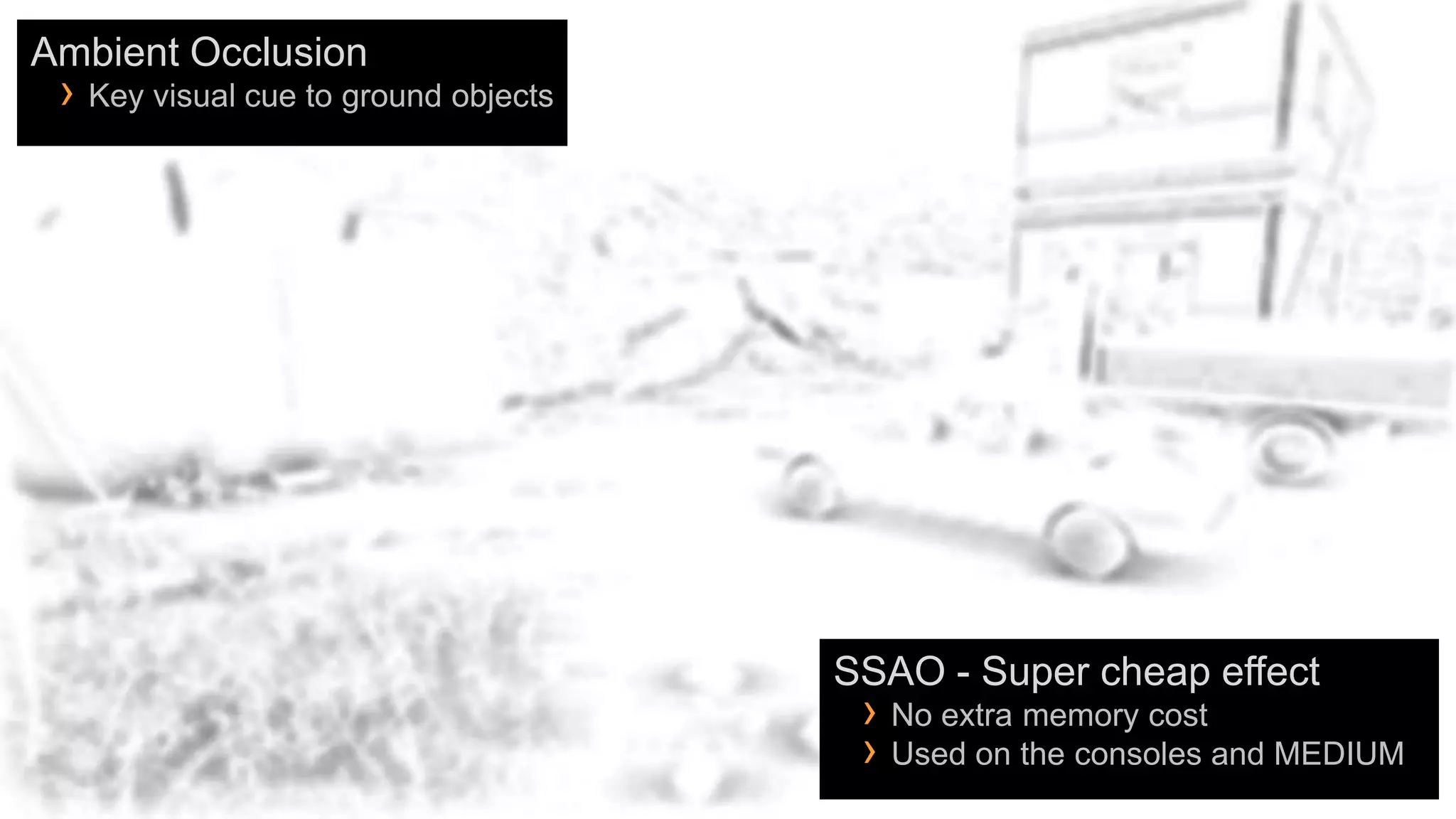
Ambient Occlusion
 › Key visual cue to ground objects


                                      SSAO - Super cheap effect
                                       › No extra memory cost
                                       › Used on the consoles and MEDIUM
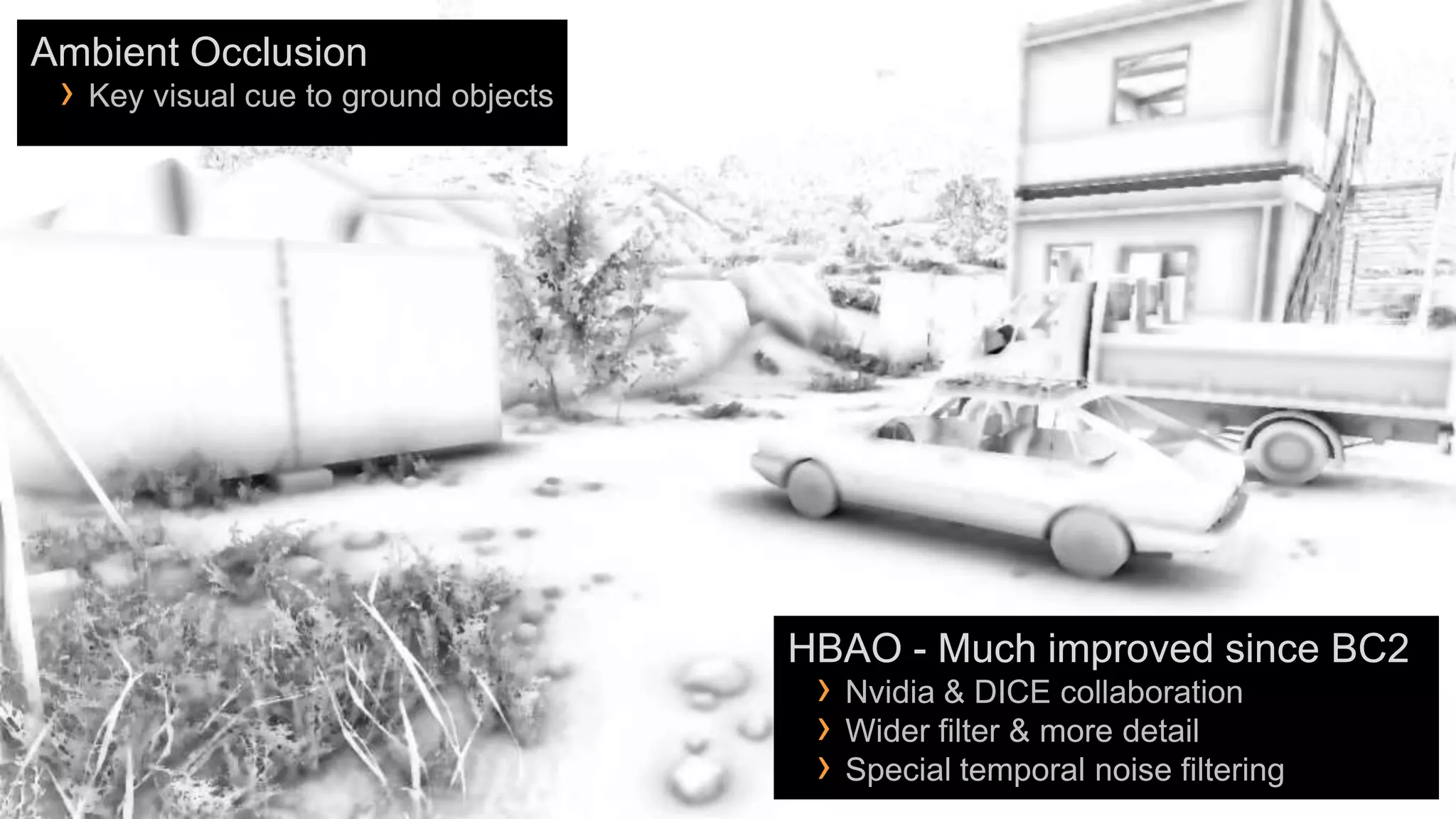
Ambient Occlusion
 › Key visual cue to ground objects


                                      HBAO - Much improved since BC2
                                       › Nvidia & DICE collaboration
                                       › Wider filter & more detail
                                       › Special temporal noise filtering
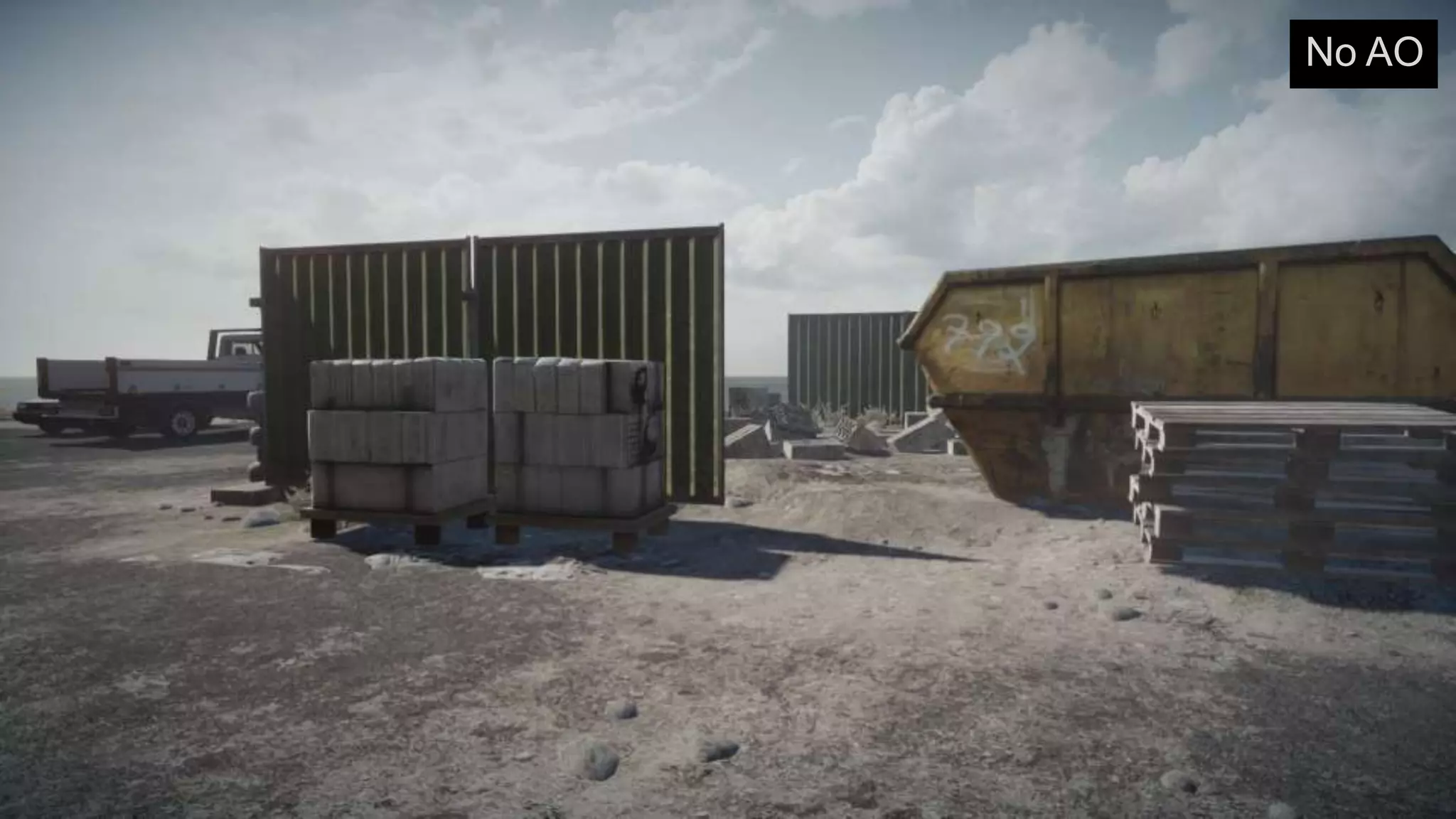
No AO
SSAO
HBAO
Motion blur
Color grading
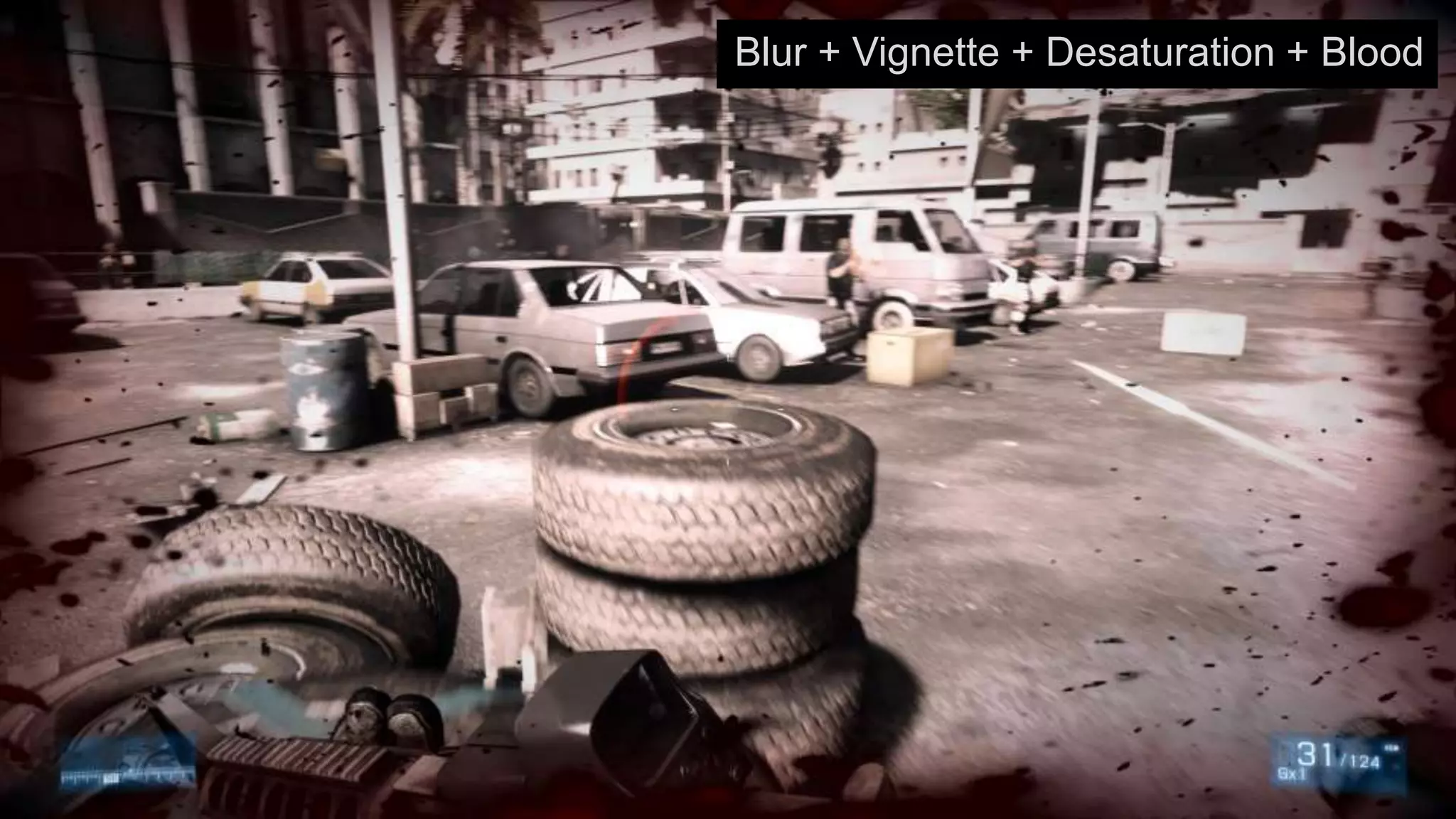
Blur + Vignette + Desaturation + Blood
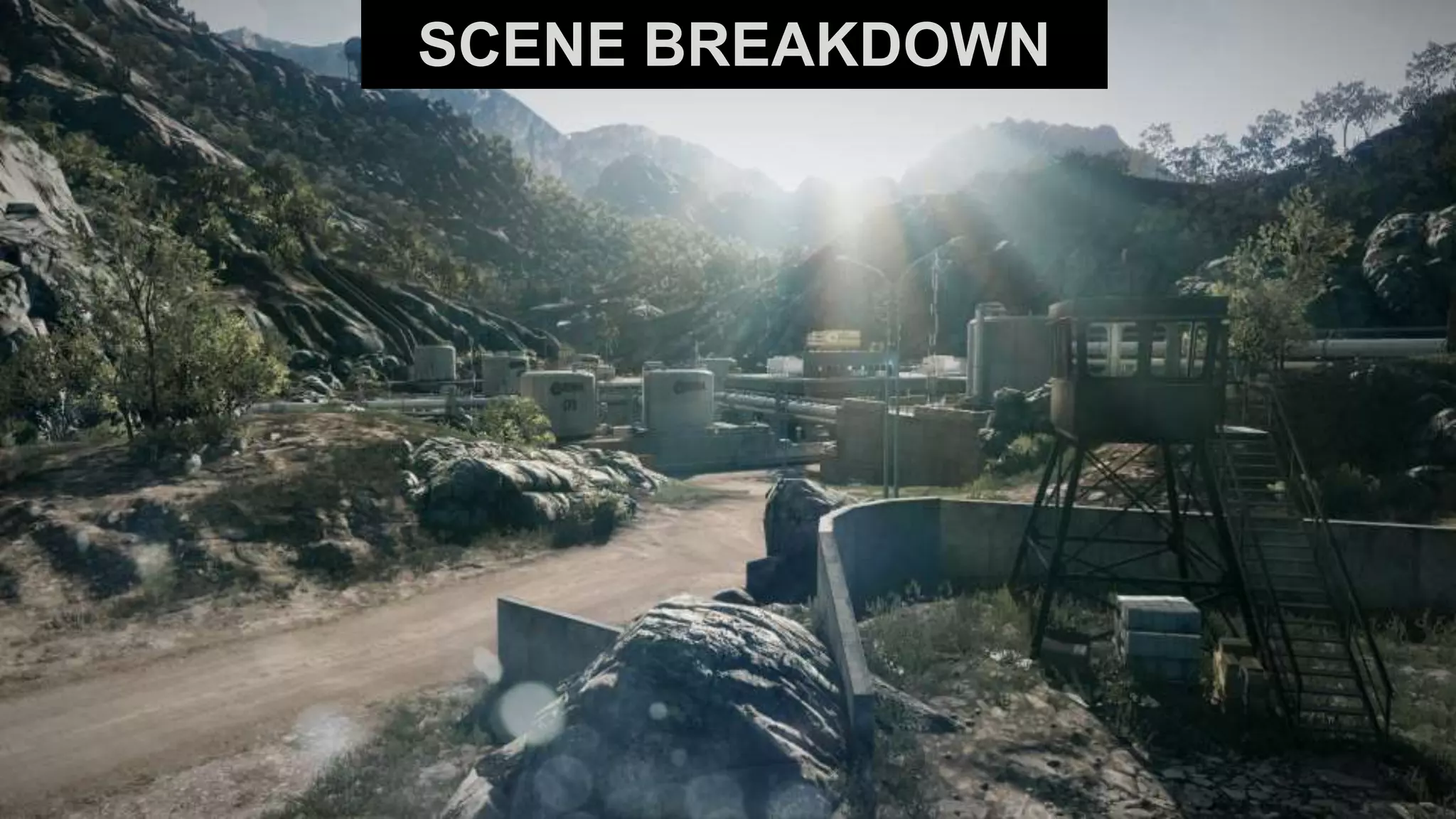
SCENE BREAKDOWN
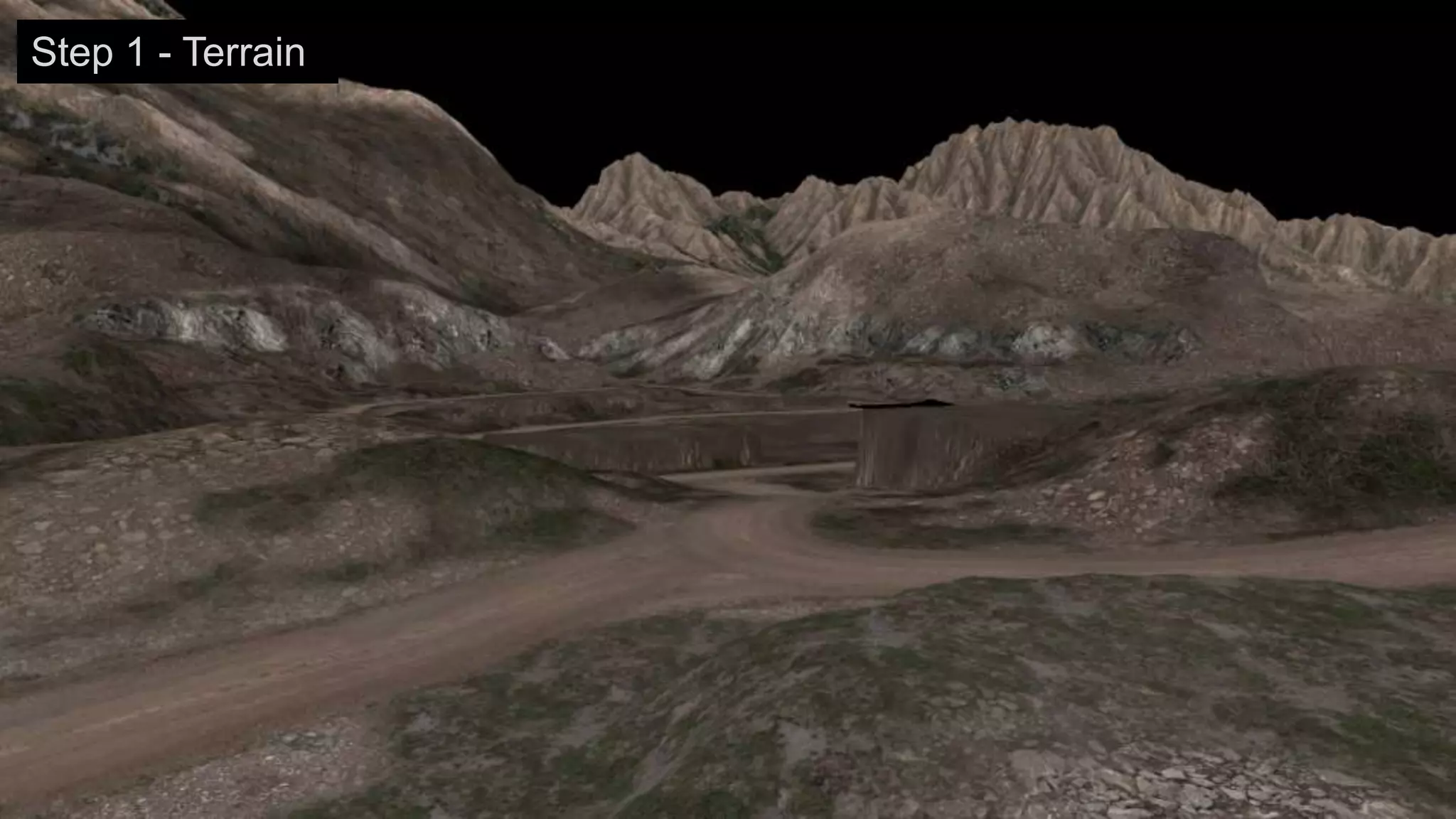
Step 1 - Terrain
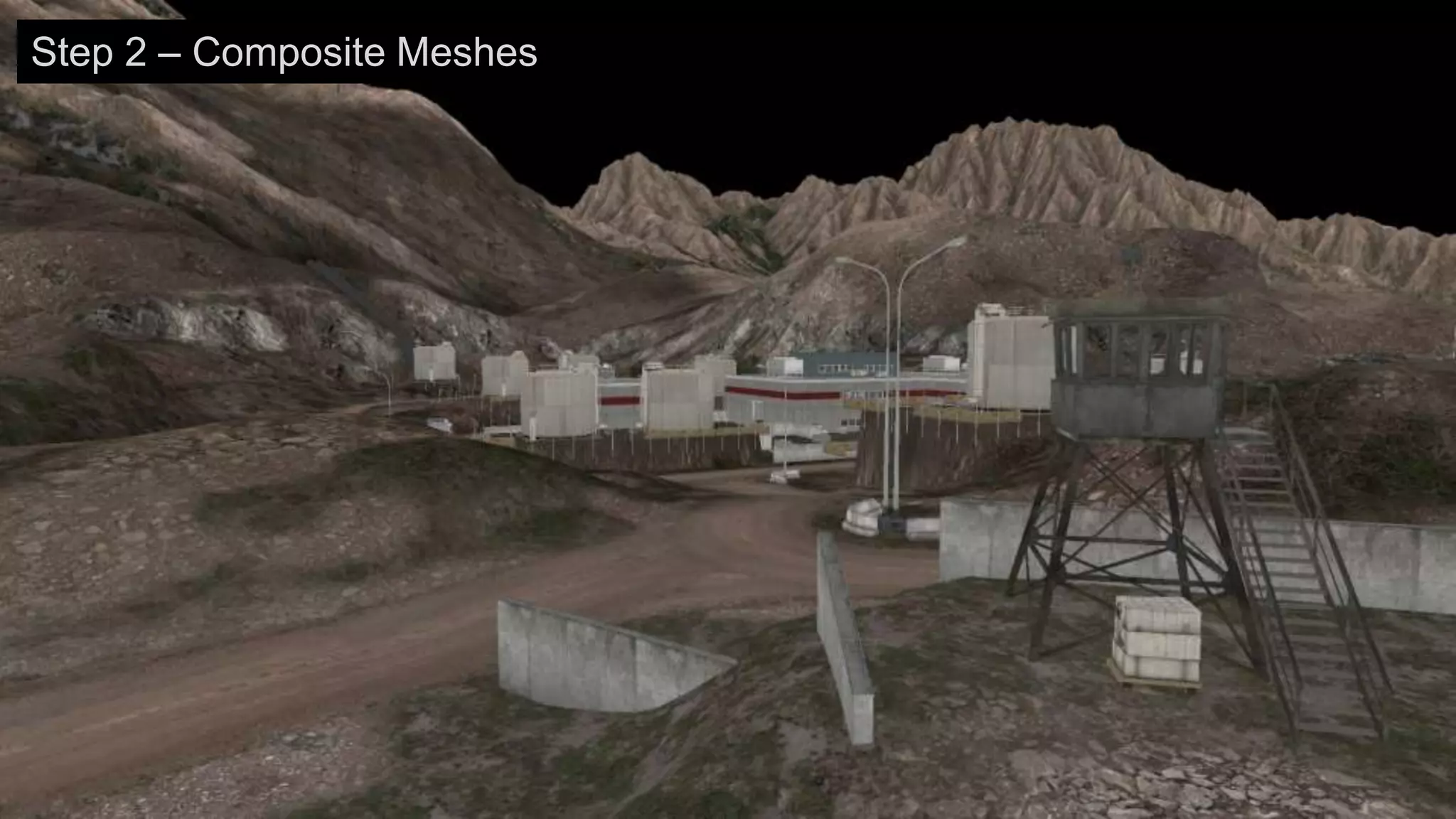
Step 2 – Composite Meshes
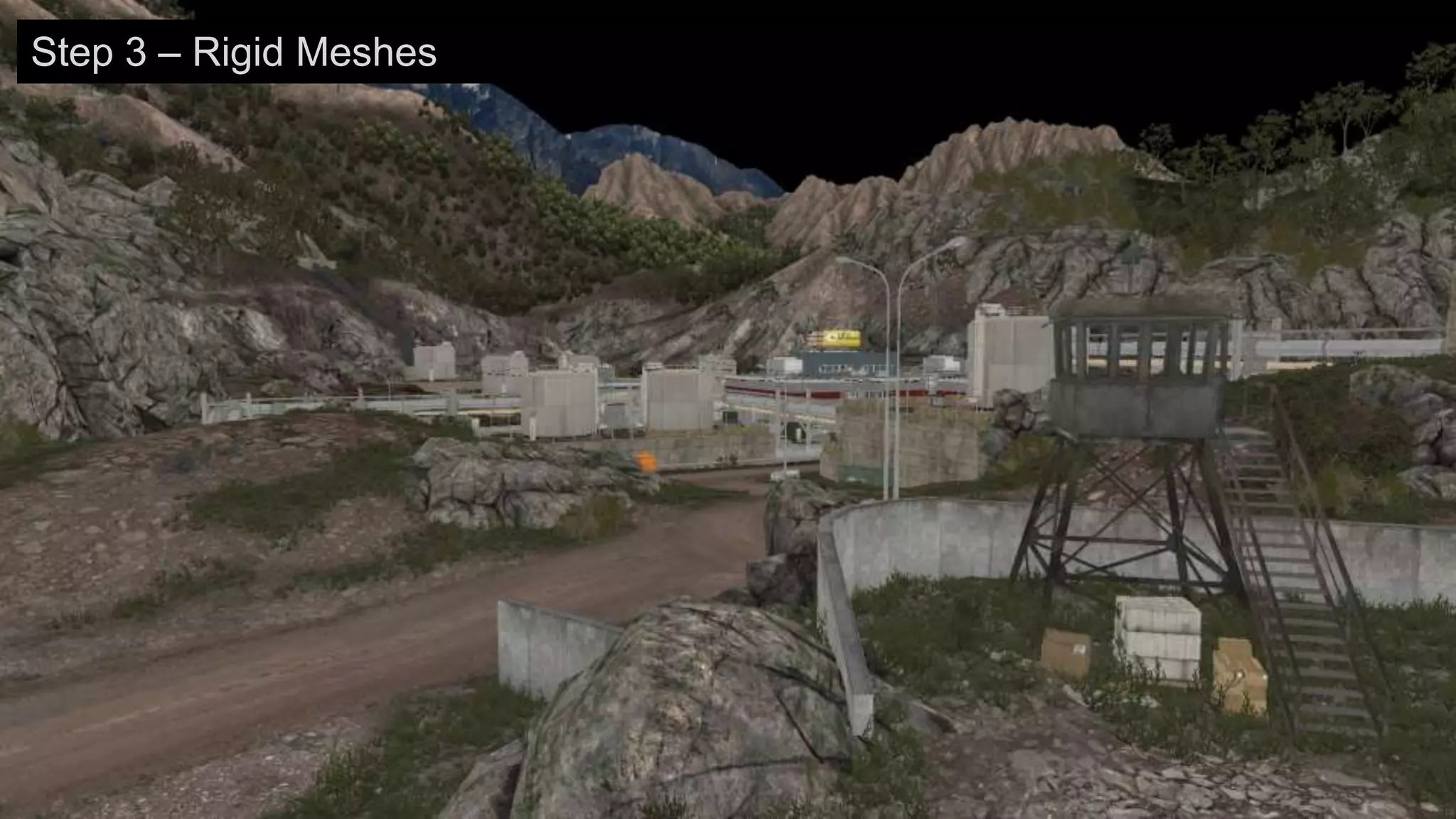
Step 3 – Rigid Meshes
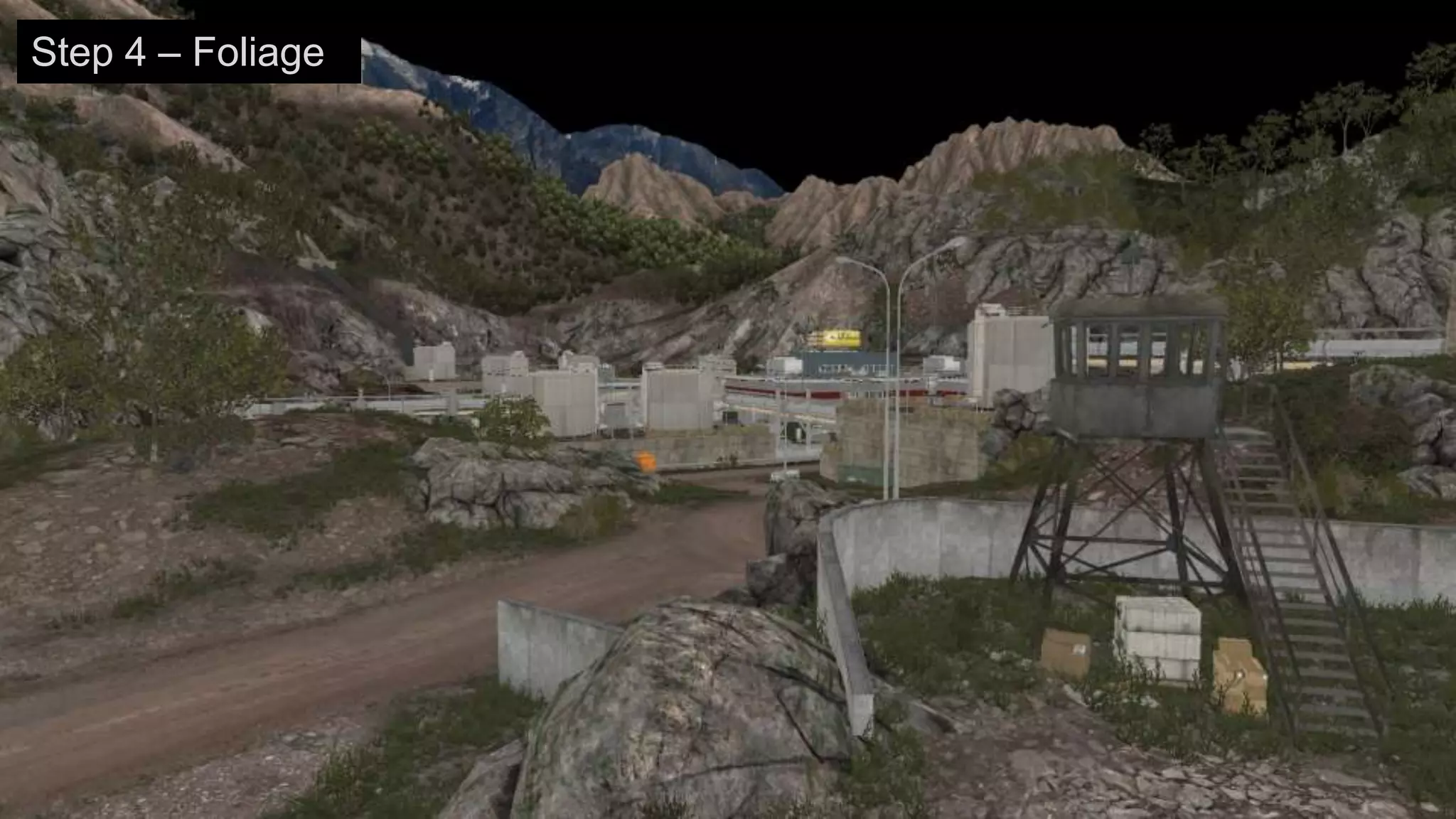
Step 4 – Foliage
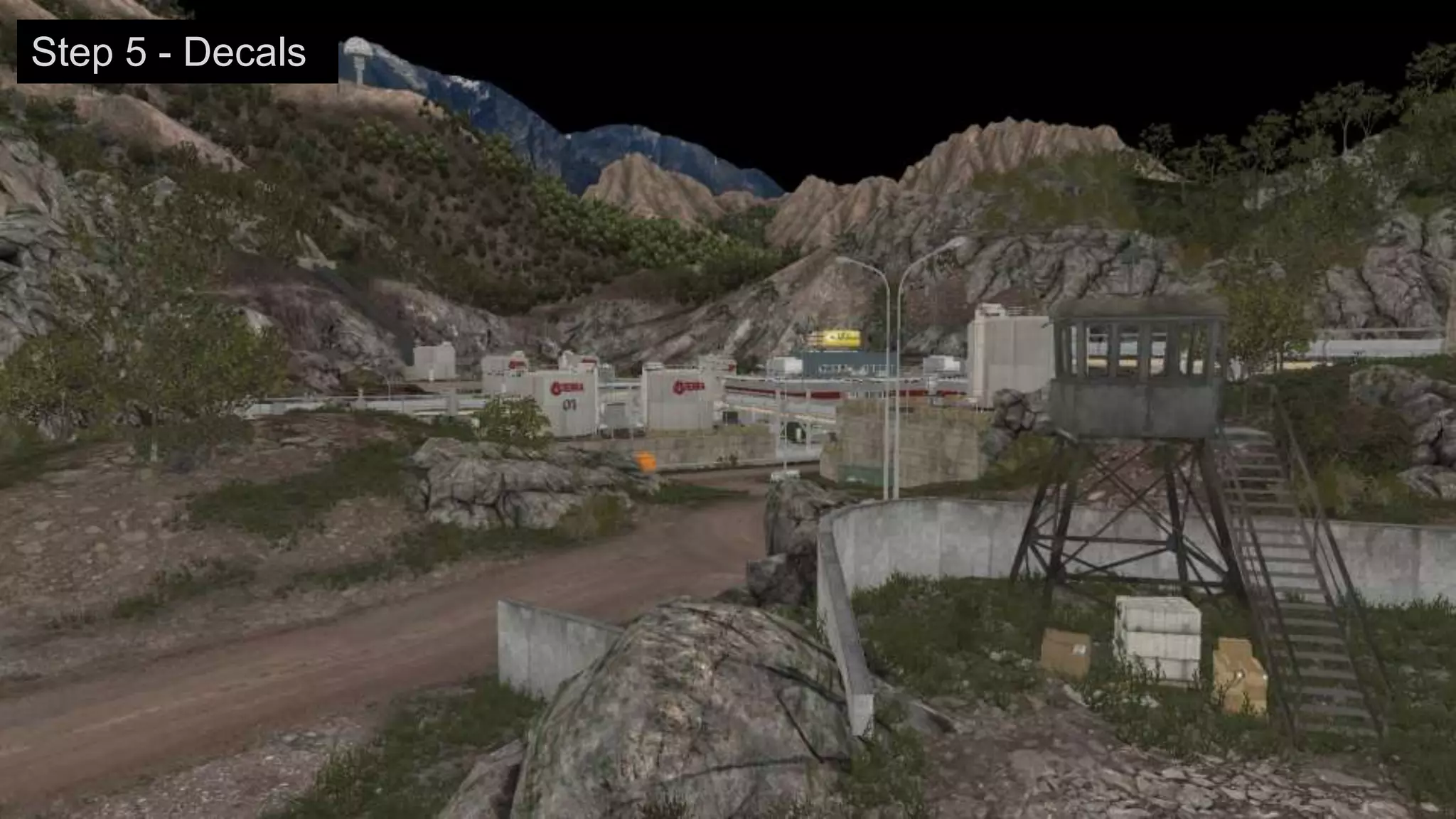
Step 5 - Decals
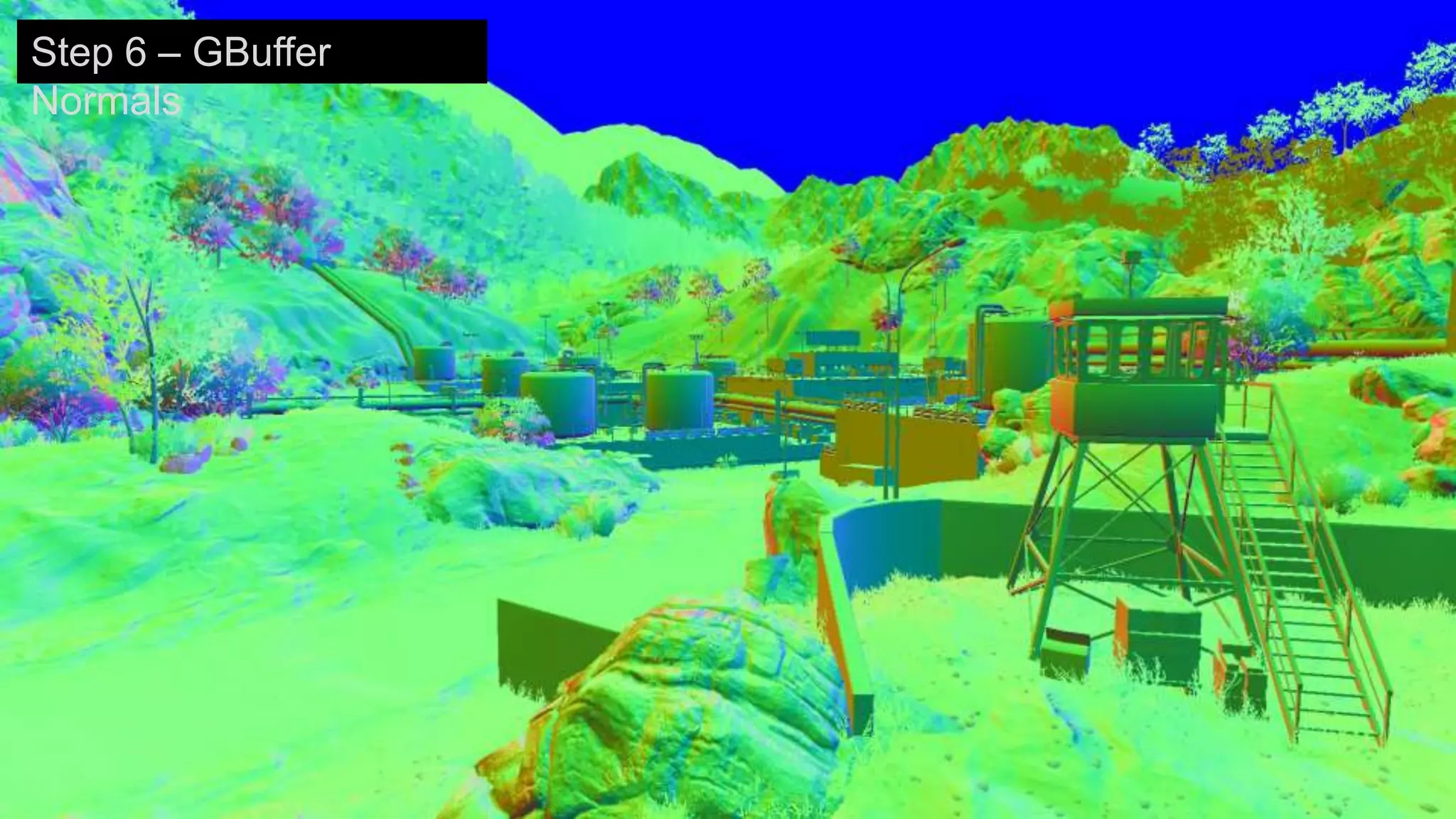
Step 6 – GBuffer
Normals
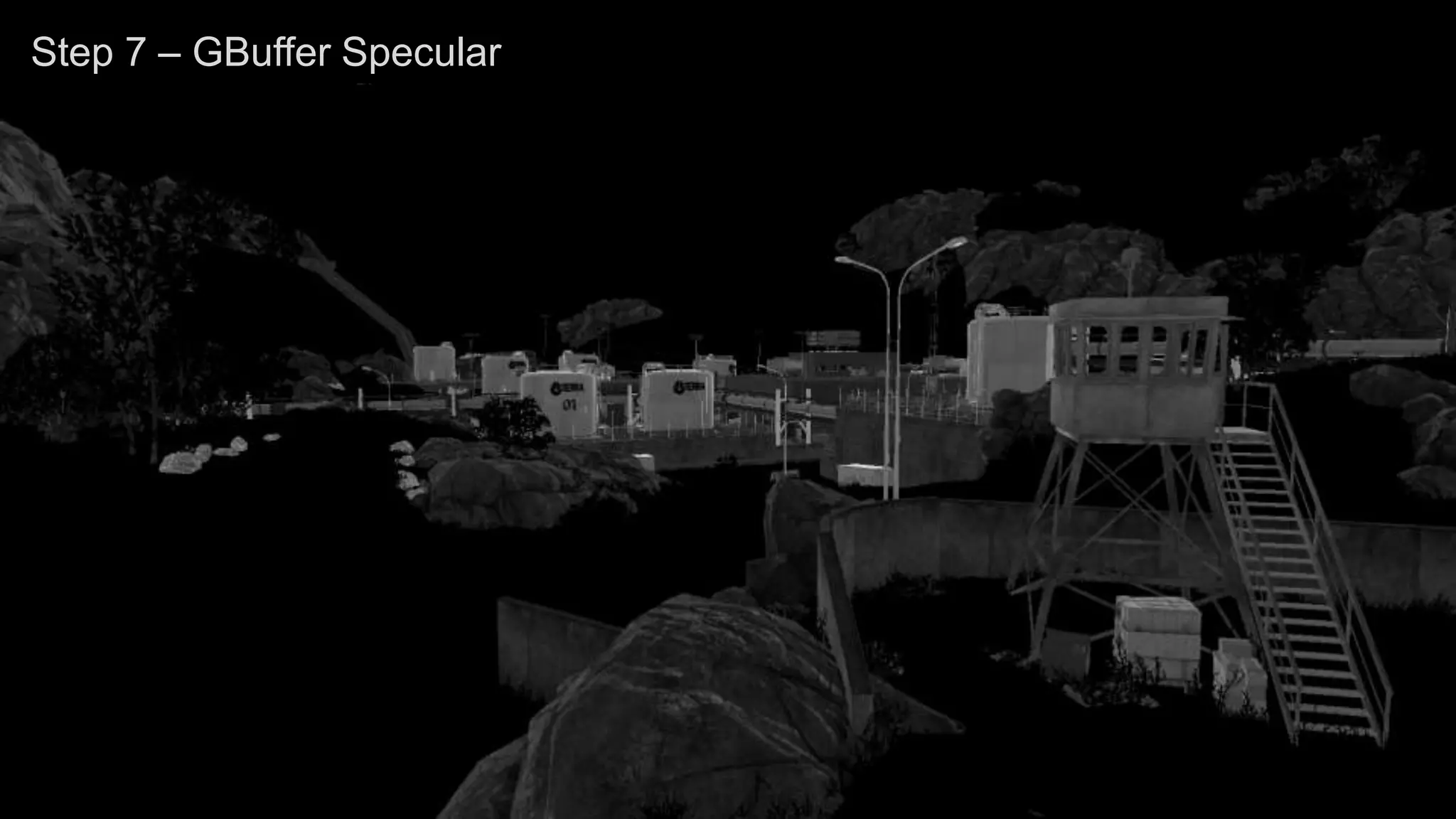
Step 7 – GBuffer Specular
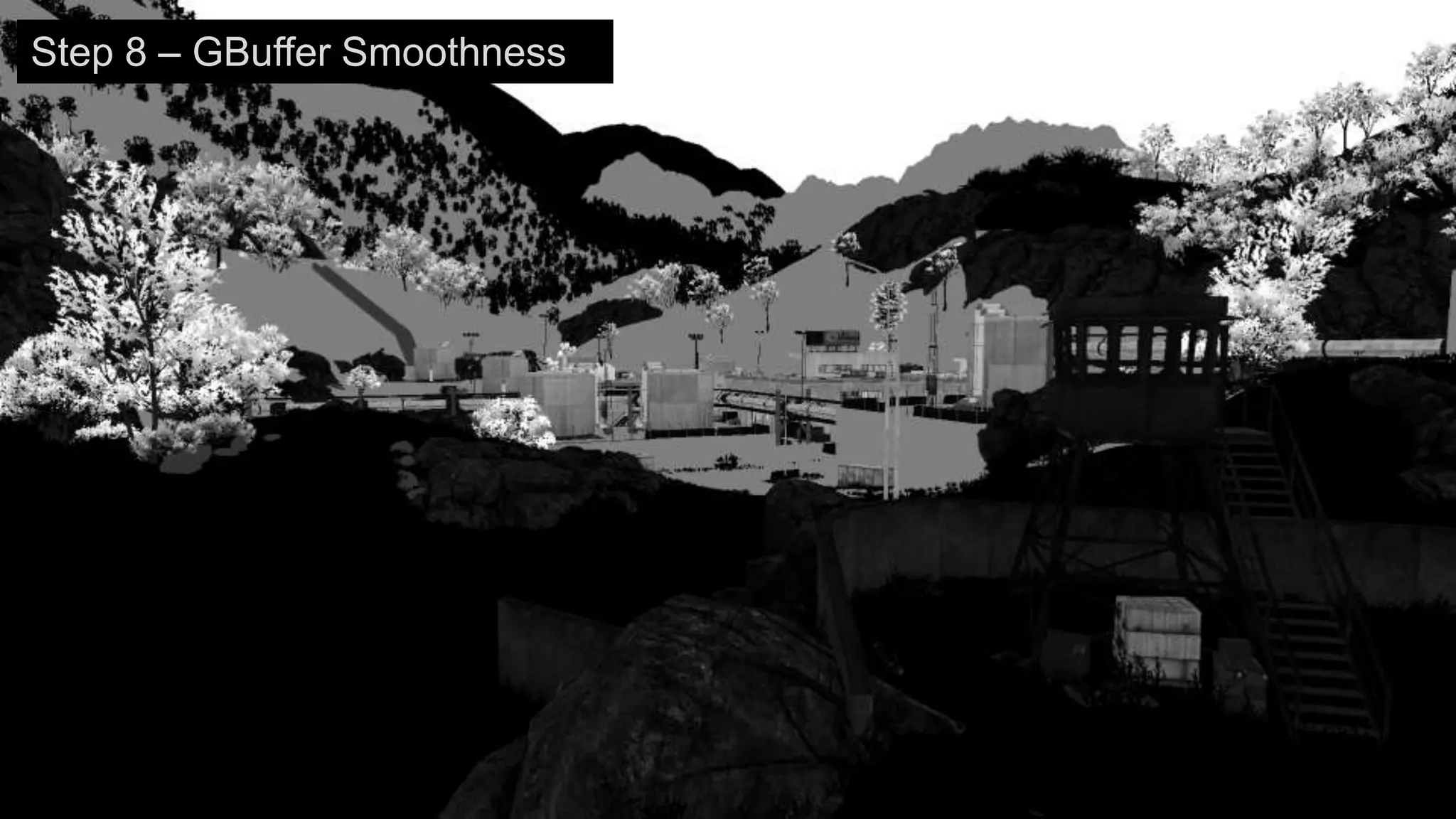
Step 8 – GBuffer Smoothness
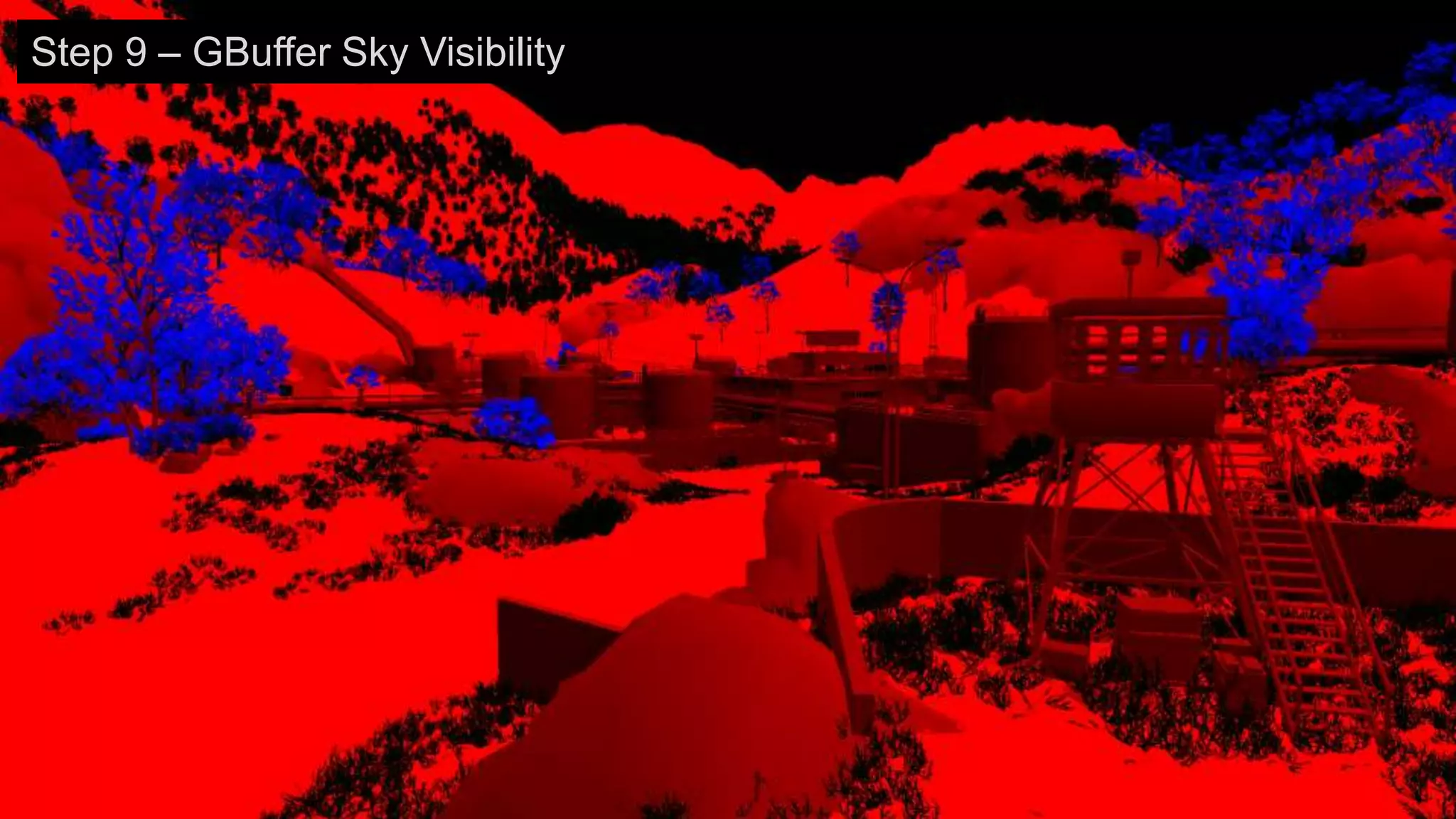
Step 9 – GBuffer Sky Visibility
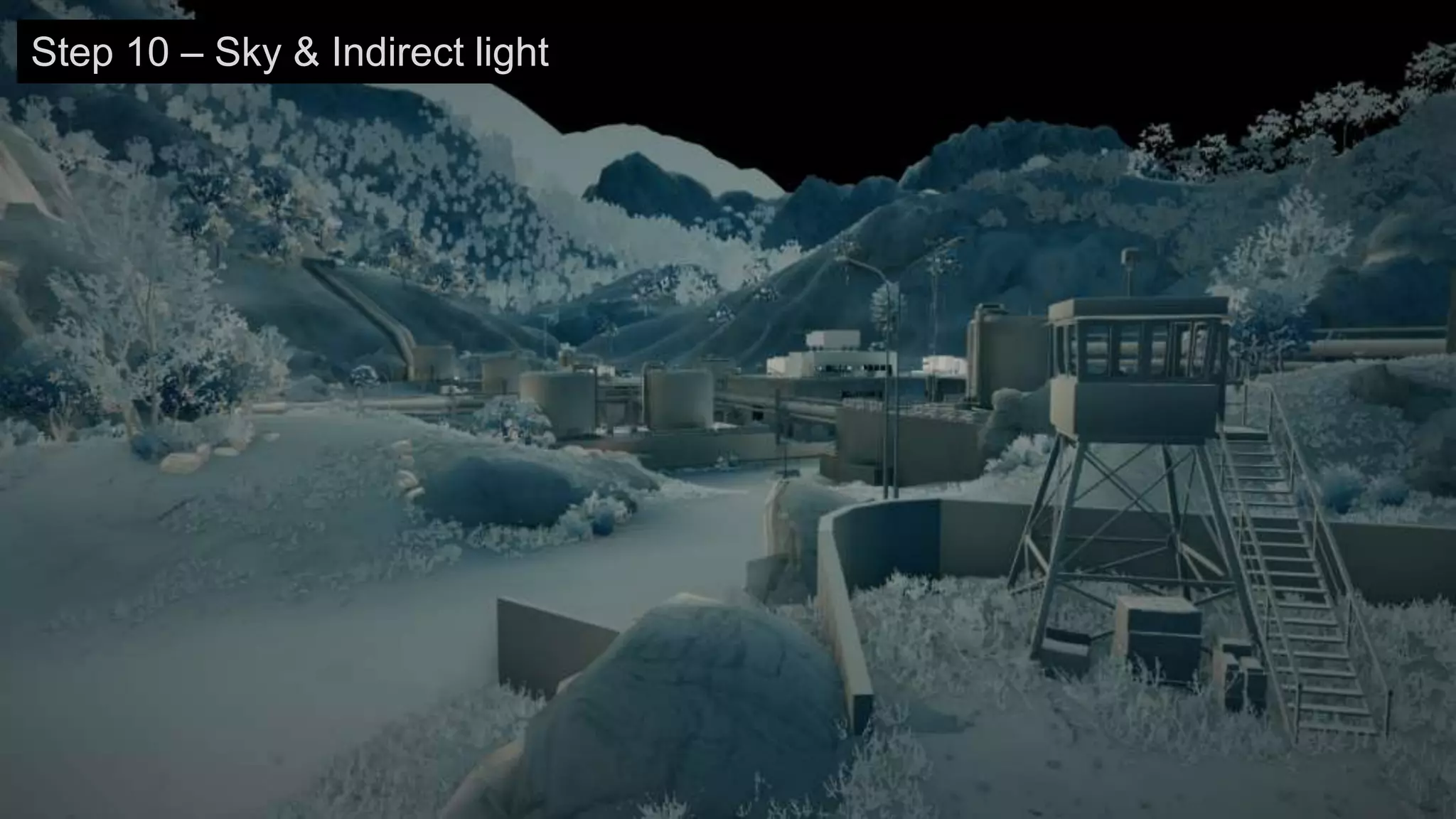
Step 10 – Sky & Indirect light
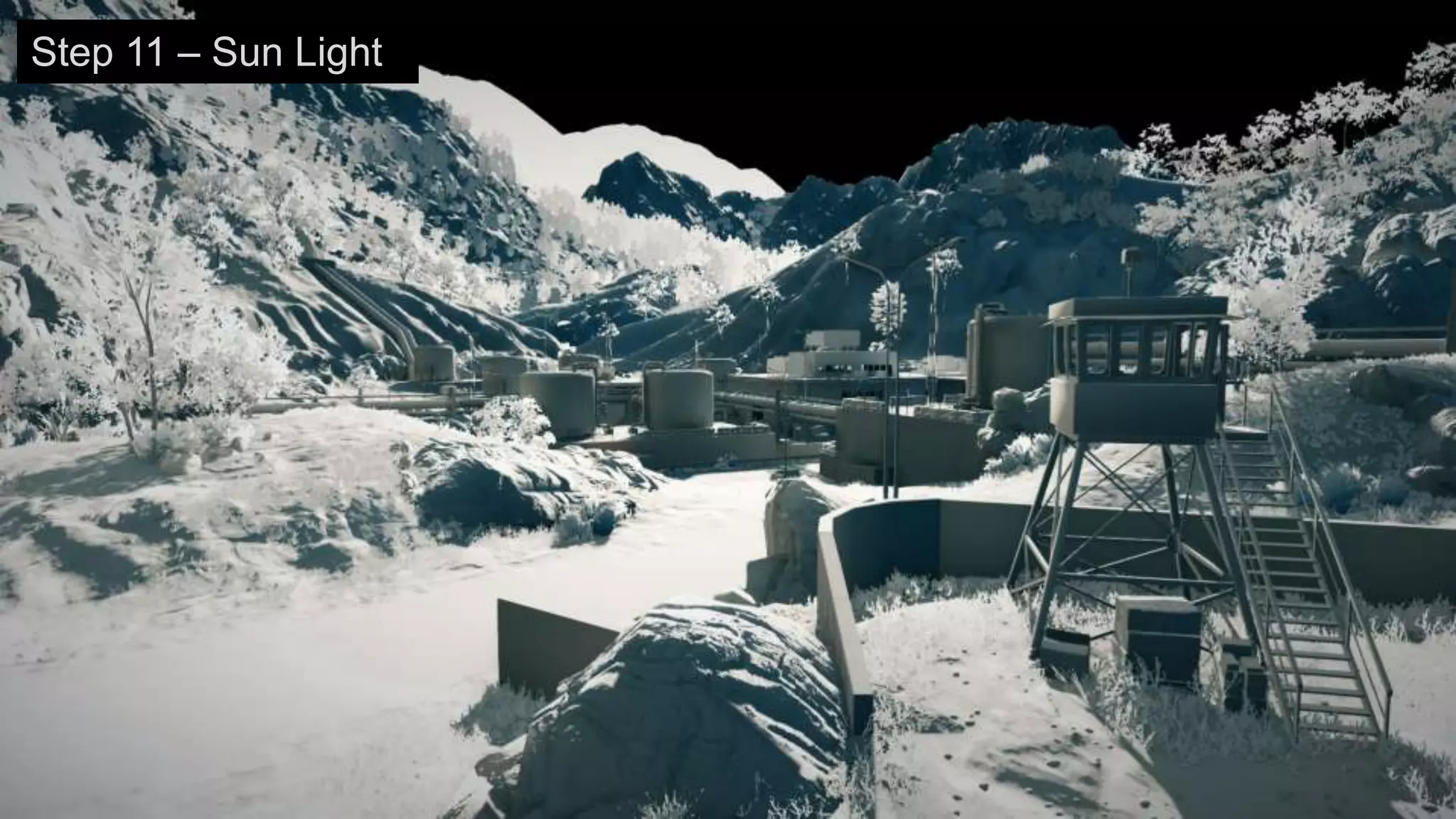
Step 11 – Sun Light
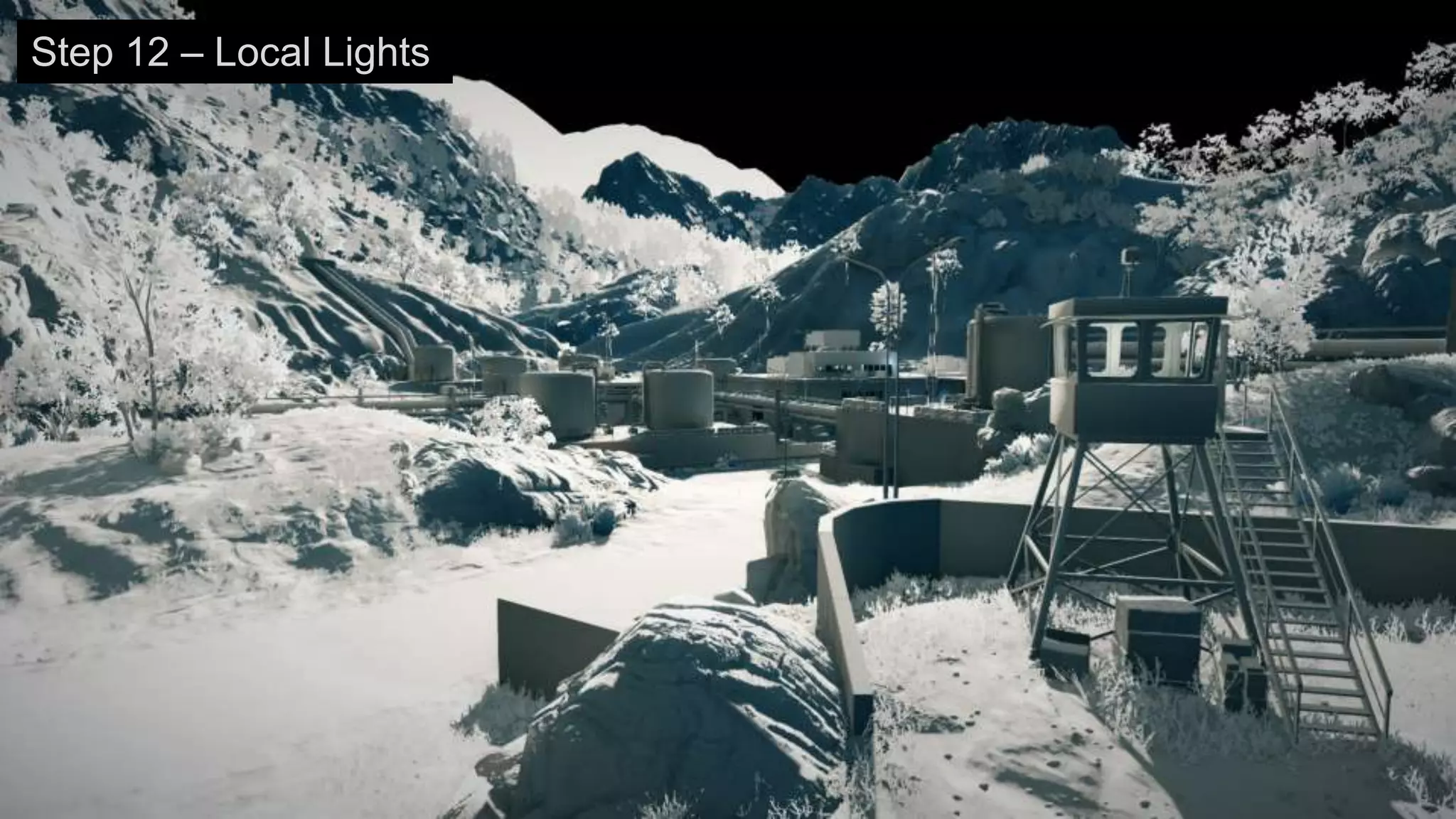
Step 12 – Local Lights
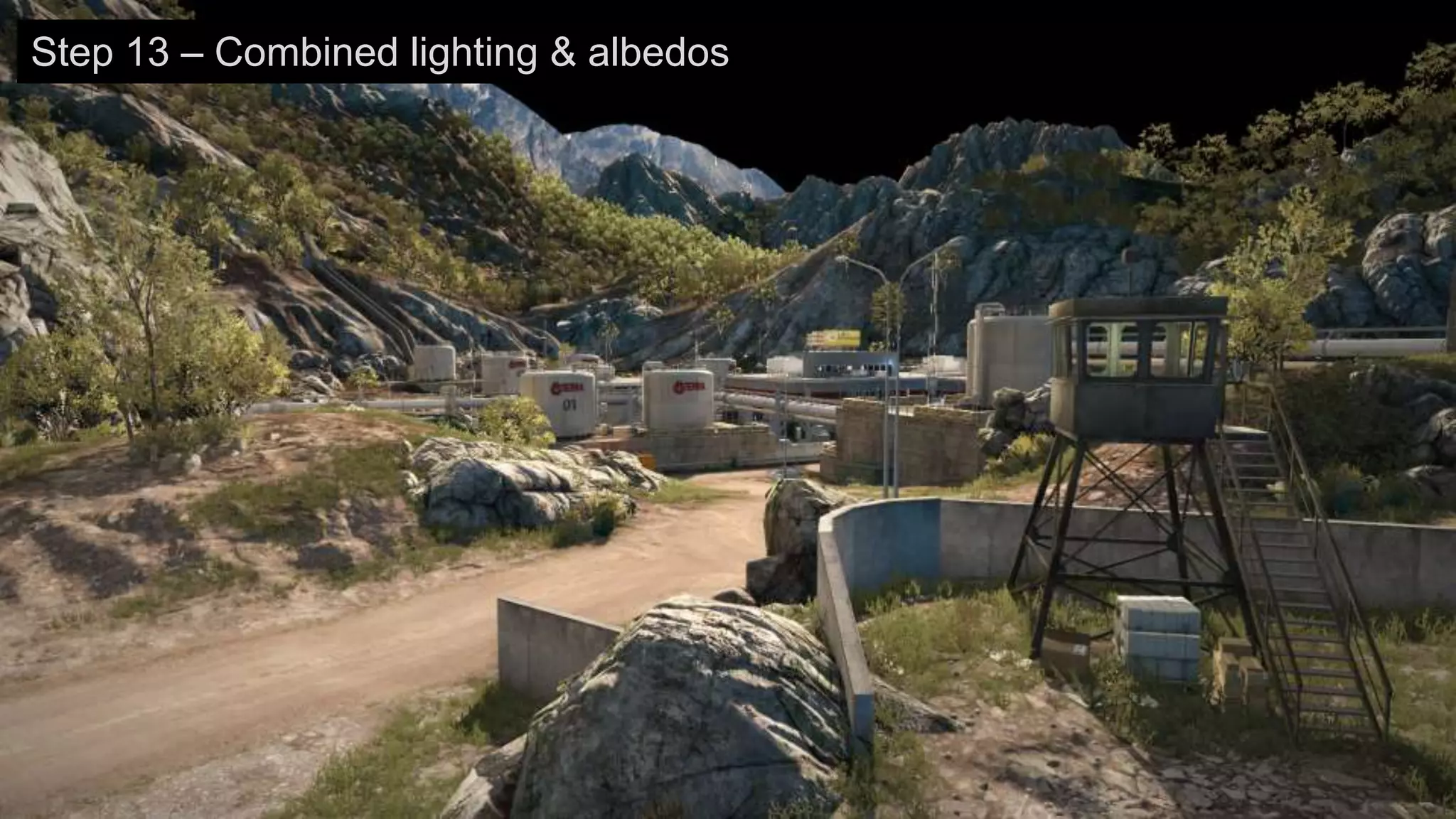
Step 13 – Combined lighting & albedos
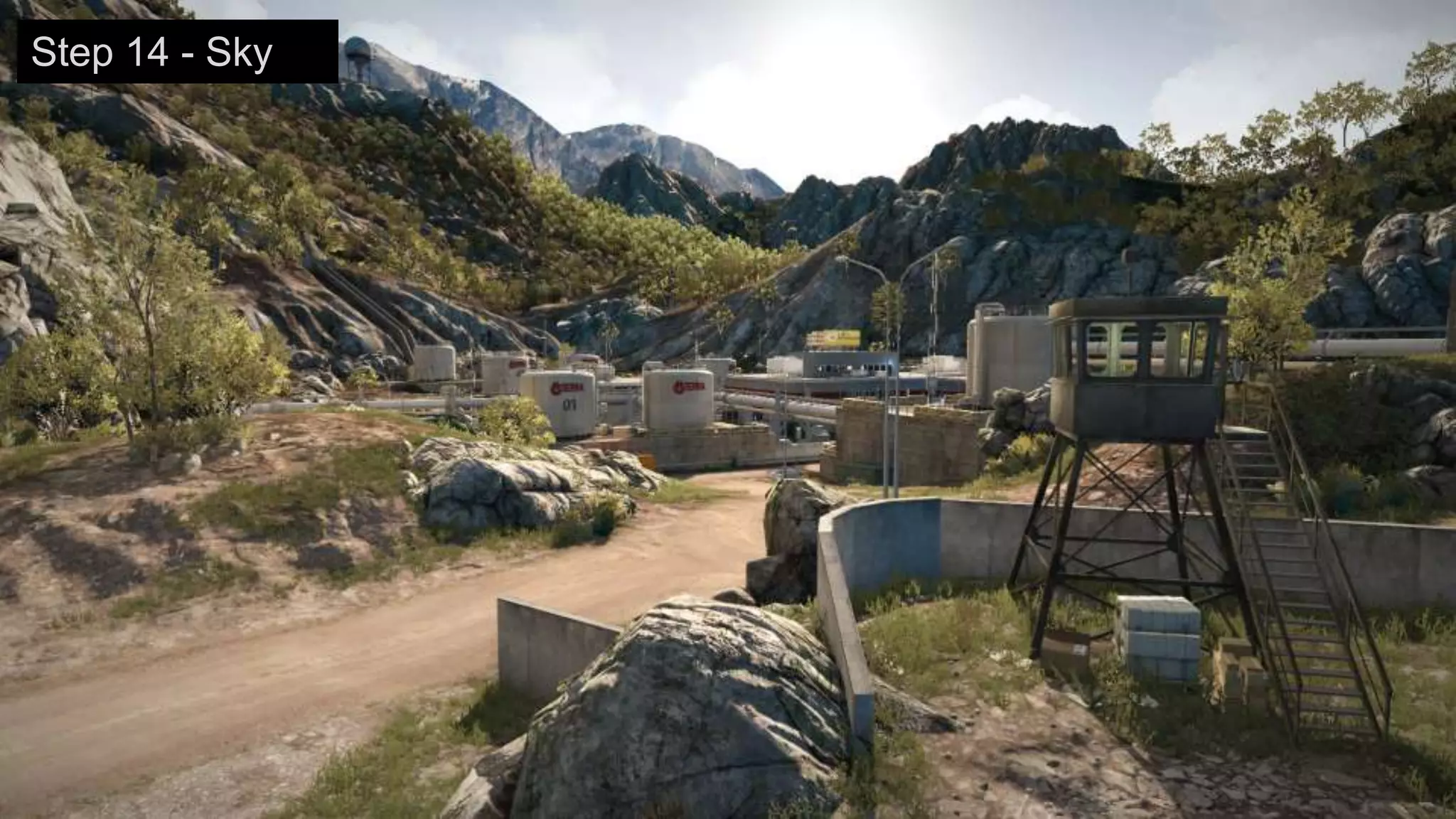
Step 14 - Sky
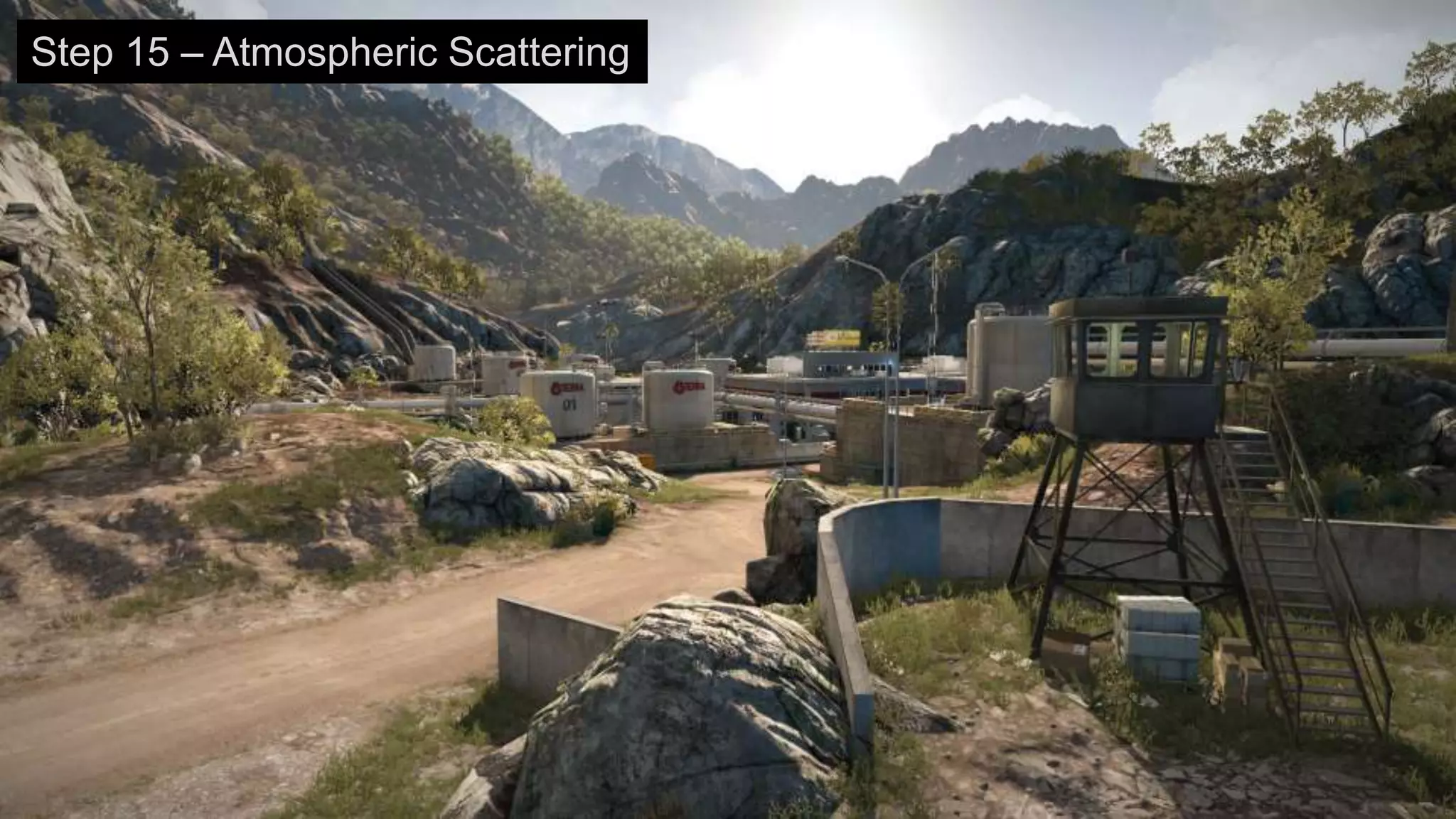
Step 15 – Atmospheric Scattering
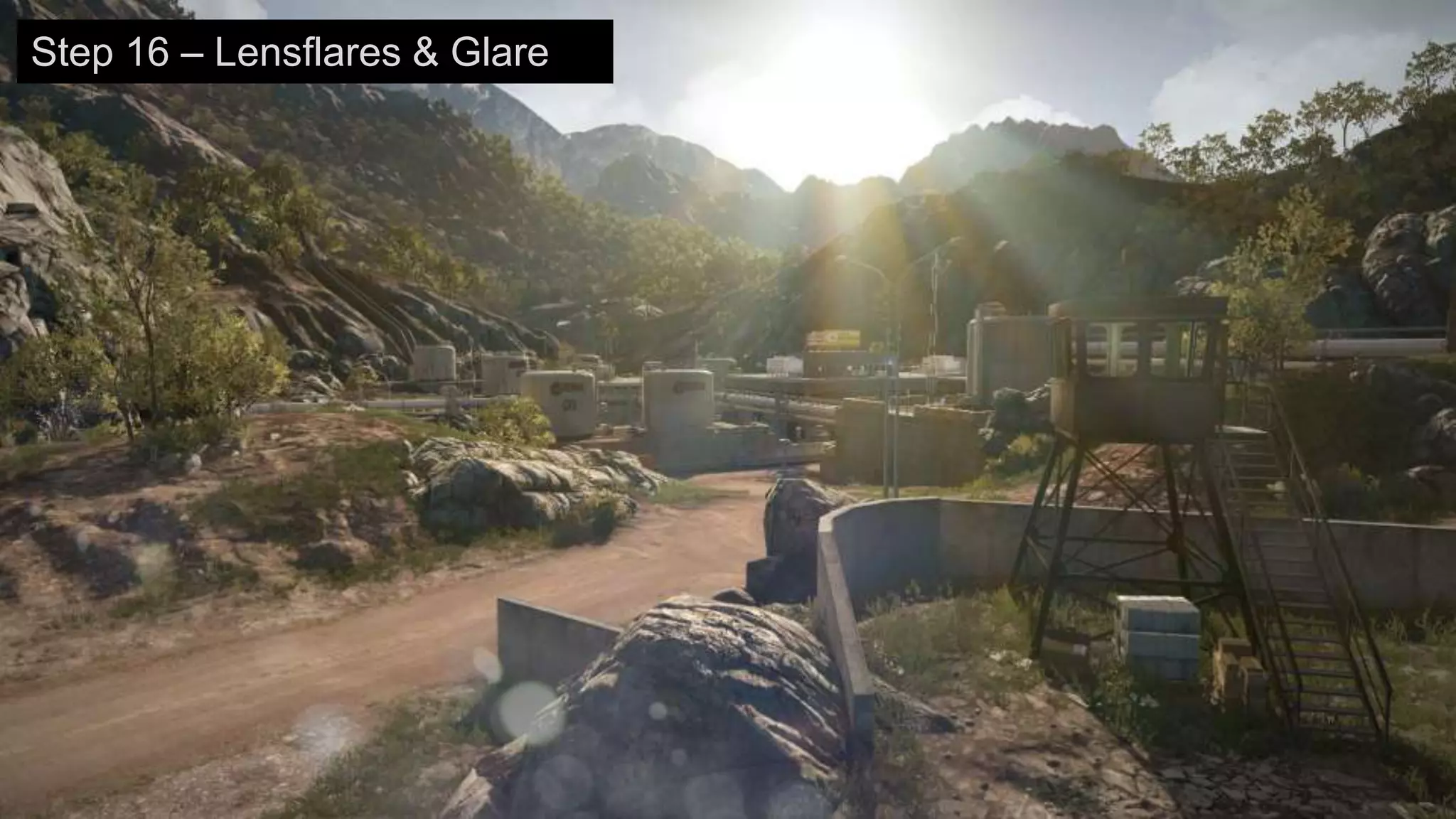
Step 16 – Lensflares & Glare
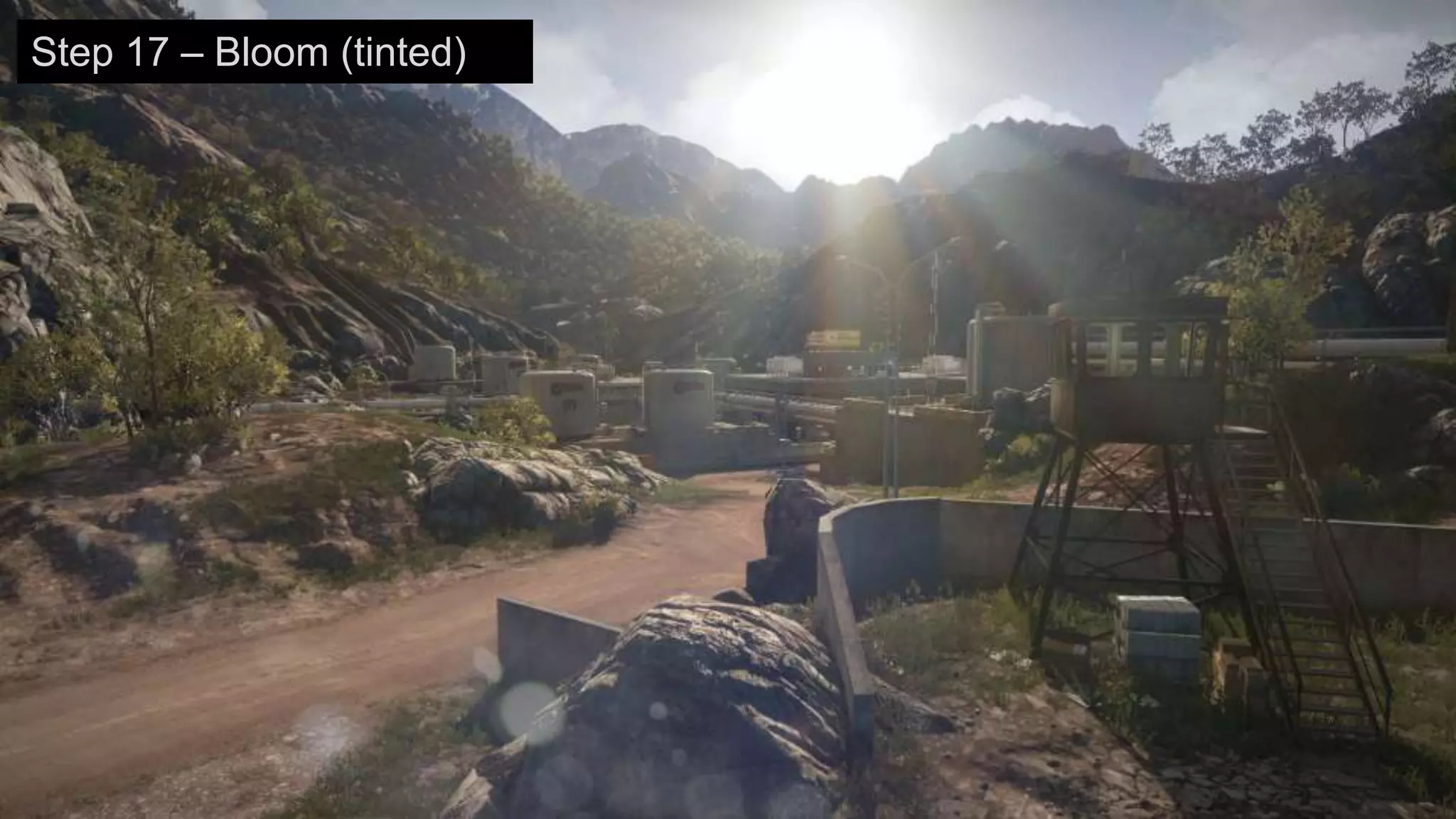
Step 17 – Bloom (tinted)
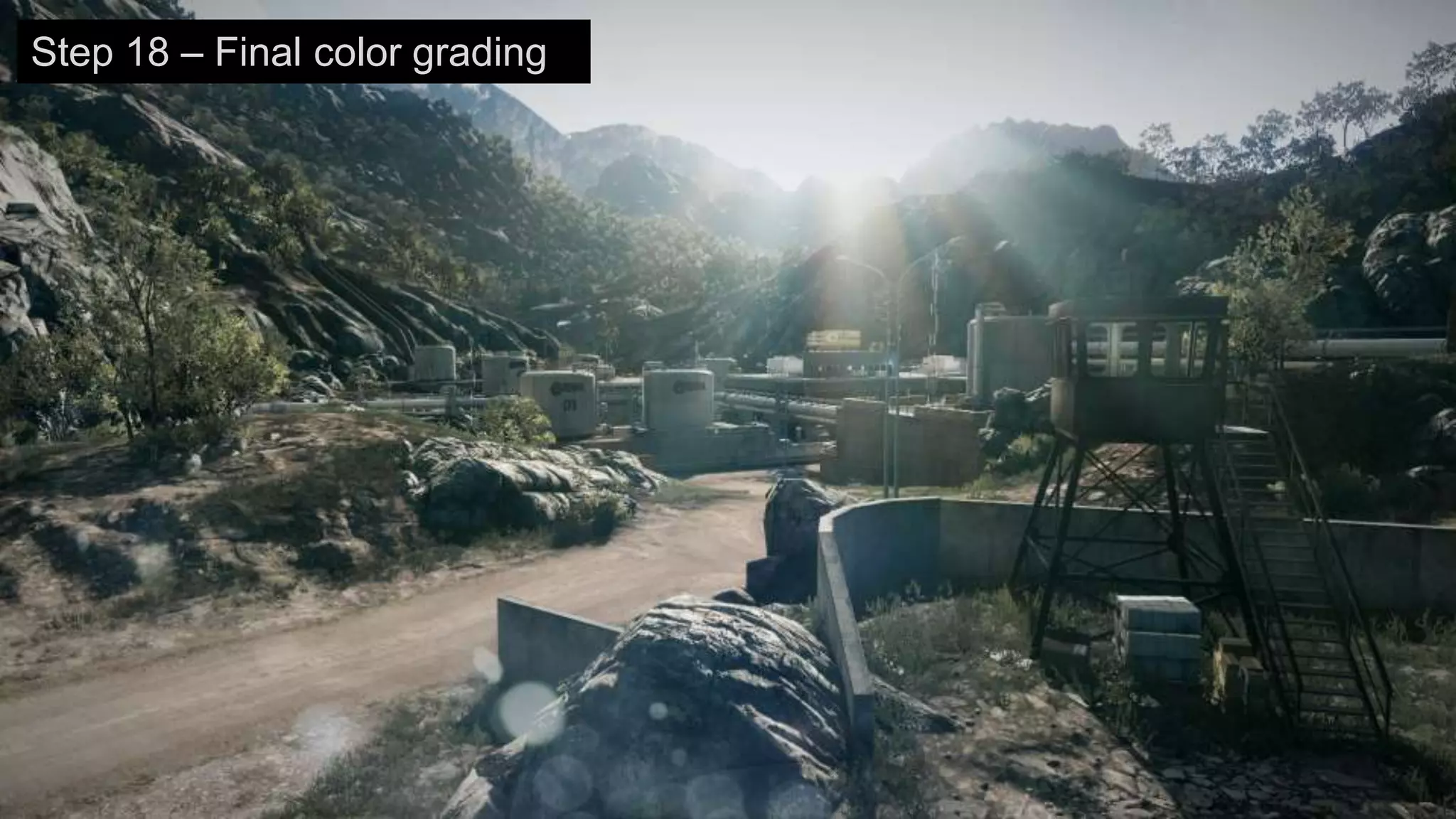
Step 18 – Final color grading
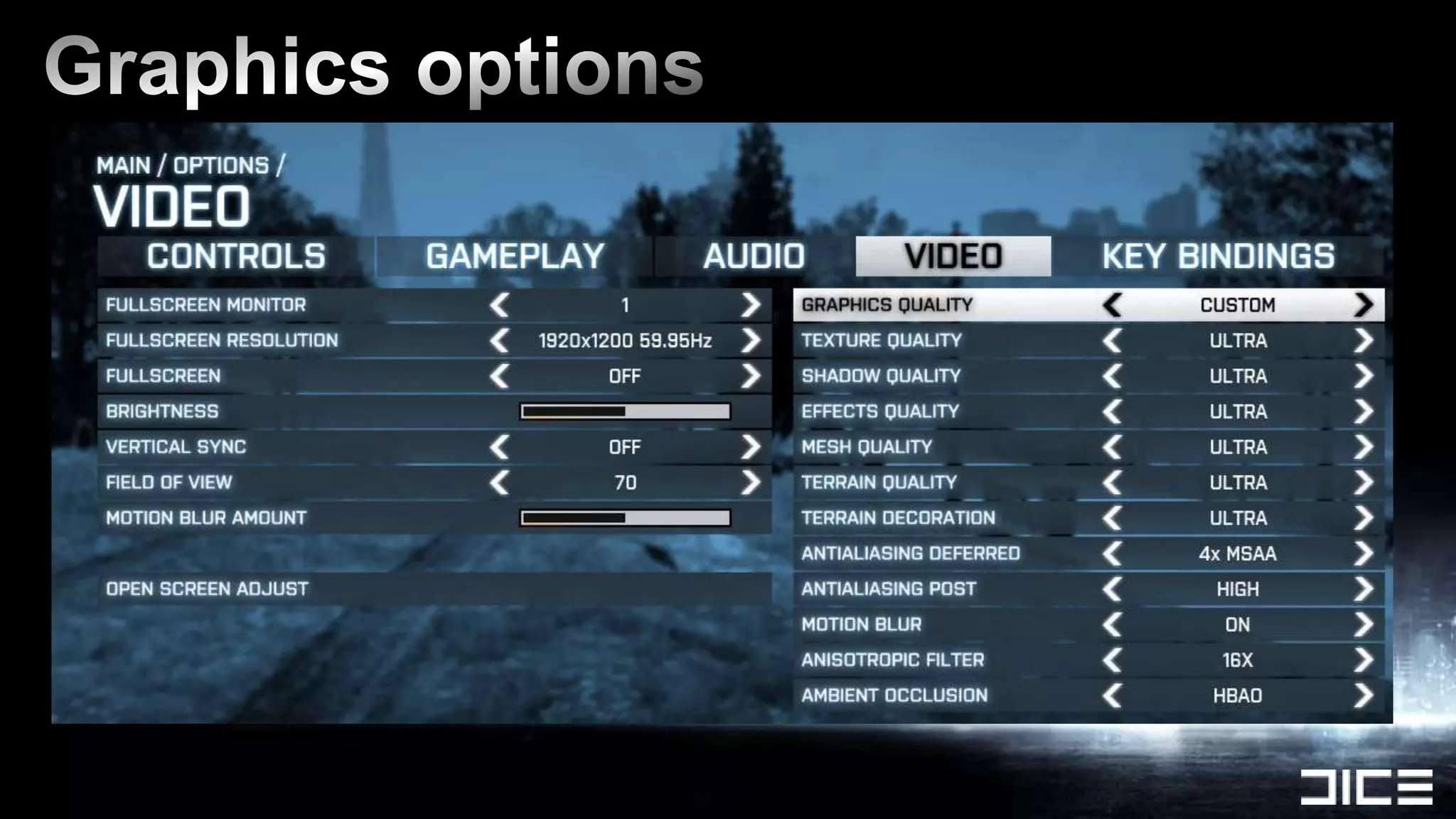
LOW = lowest possible
 › Similar visuals to consoles, some components disabled
 › Still contains the essential visuals to not be unfair in MP
 › Minimum: Geforce 8800 GT 512 MB RAM
MEDIUM = good perf
 › Most important visual features enabled
HIGH = what the game is designed for
 › All major features on except for MSAA (if you have DX11 card)
 › Recommended: Geforce 560 TI or better
ULTRA = highest possible
 › Intended primarily for multi-GPU machines for 60+ fps
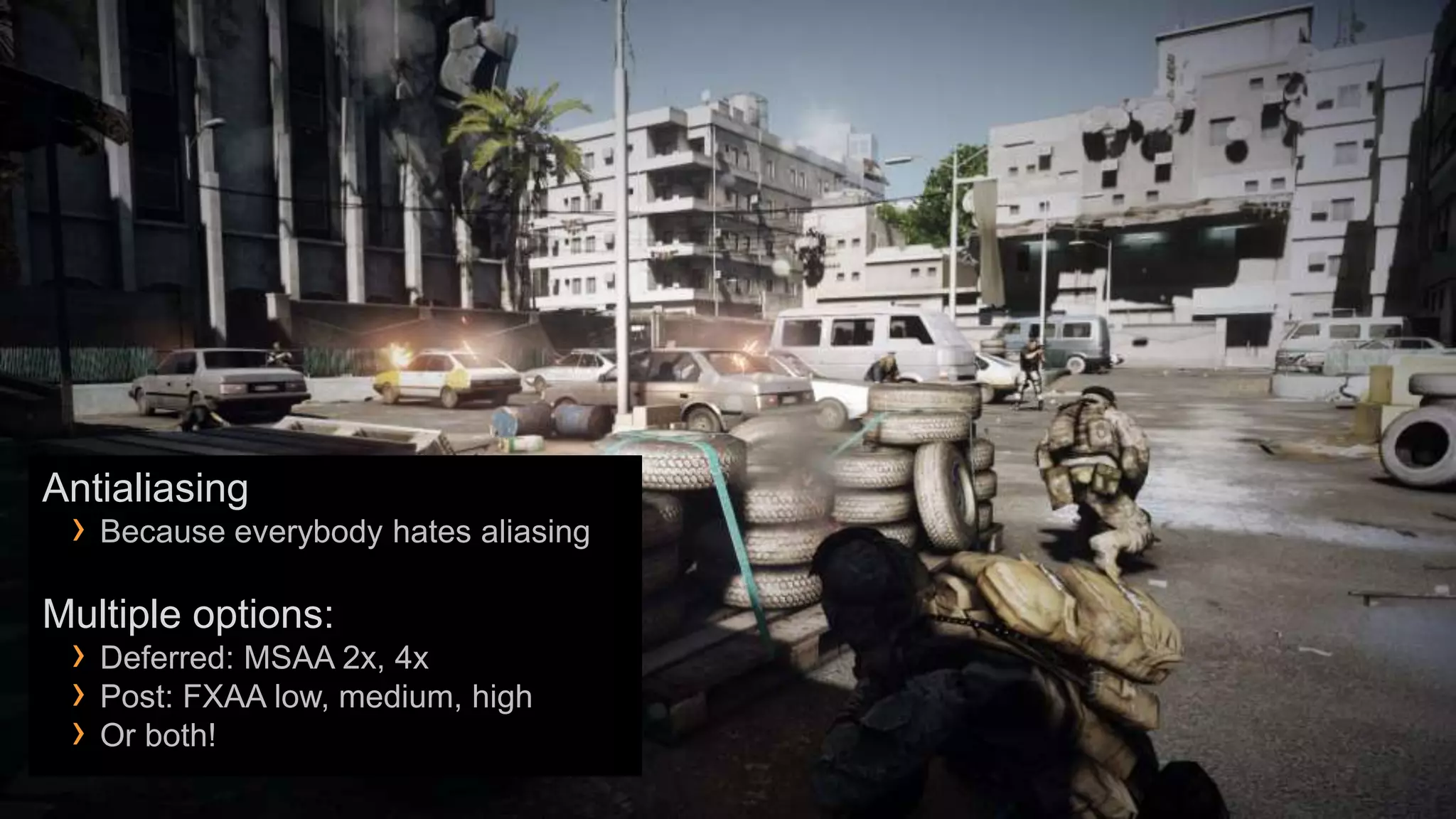
Antialiasing
 › Because everybody hates aliasing
Multiple options:
 › Deferred: MSAA 2x, 4x
 › Post: FXAA low, medium, high
 › Or both!
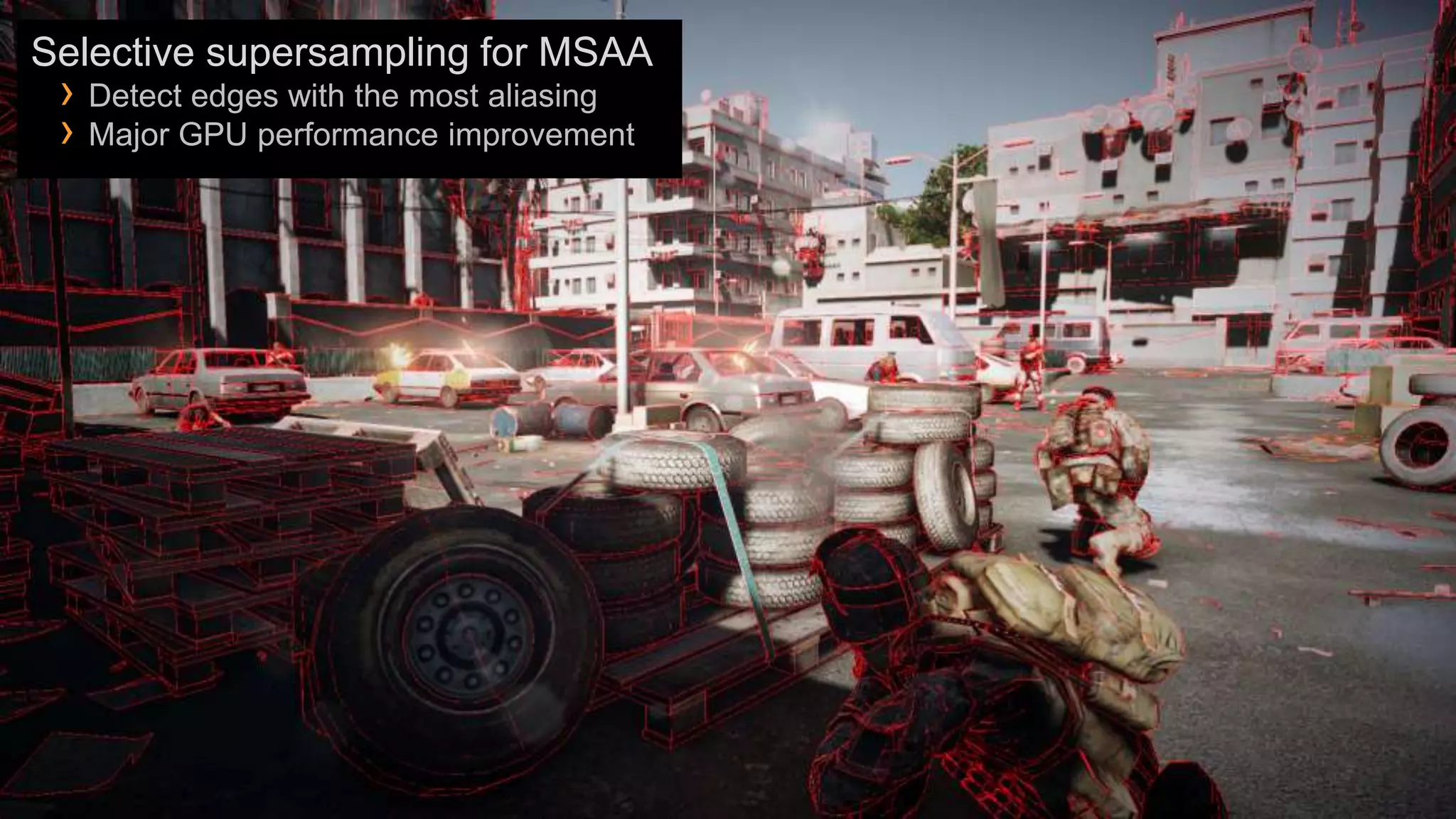
Selective supersampling for MSAA
 › Detect edges with the most aliasing
 › Major GPU performance improvement
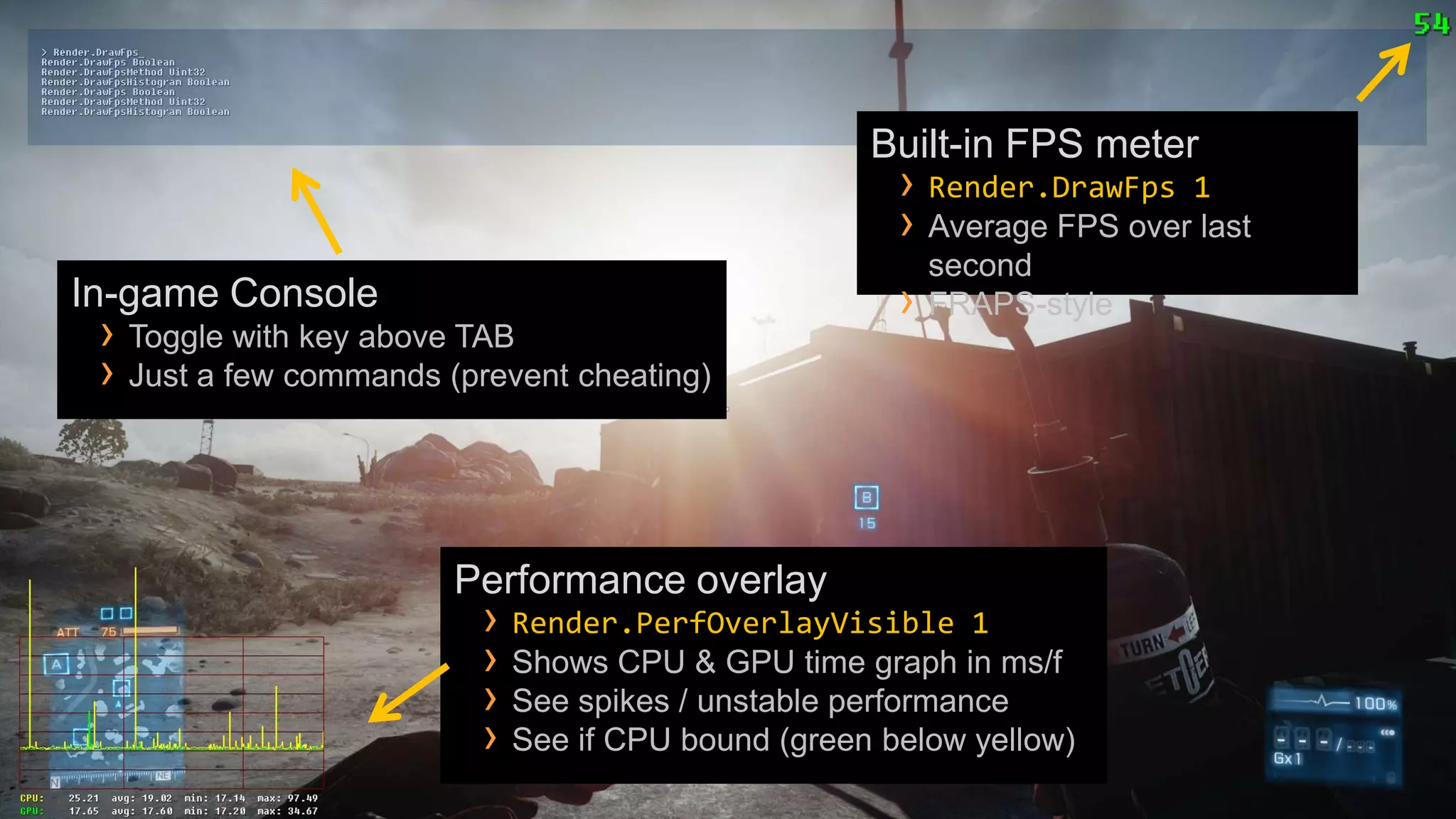
Built-in FPS meter
                                                     › Render.DrawFps 1
                                                     › Average FPS over last
                                                         second
In-game Console                                      ›   FRAPS-style
 › Toggle with key above TAB
 › Just a few commands (prevent cheating)


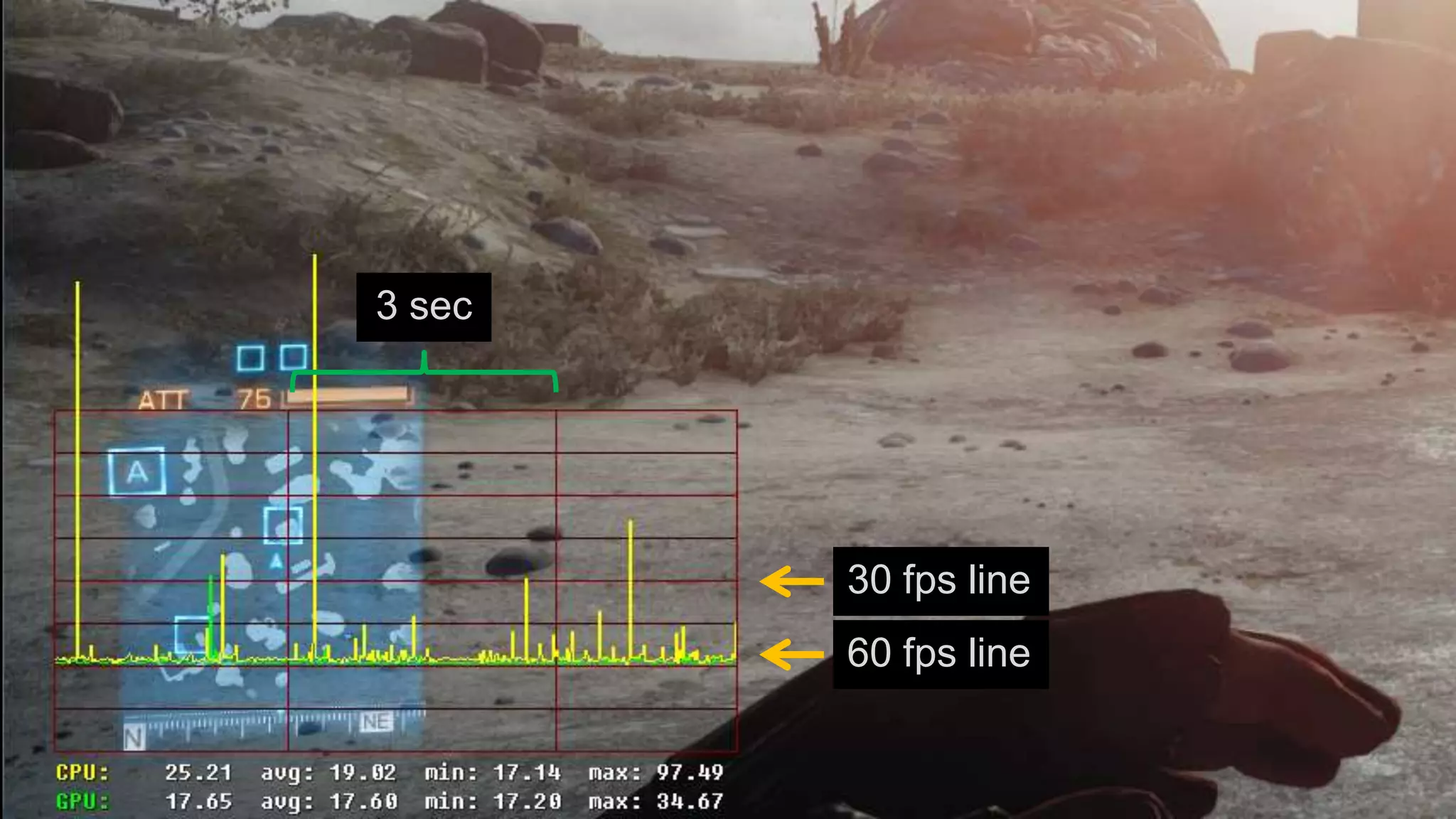
                        Performance overlay
                          › Render.PerfOverlayVisible 1
                          › Shows CPU & GPU time graph in ms/f
                          › See spikes / unstable performance
                          › See if CPU bound (green below yellow)
3 sec


        30 fps line
        60 fps line
Real 3D stereo rendering in BF3
 › Built-in full support in Frostbite 2
 › Render complete frame for each eye (in parallel!)
 › Works correctly with transparent surfaces and effects
 › Looks great! Requires a good PC
Been working closely with Nvidia to add the support


Play it here at GeforceLAN!
 › Available in game soon after Retail release
BF3 looks sweet! 
 › Marriage of massive Battlefield gameplay with great visuals & style
 › Made for your PC
The future for PC games is bright!
 › We have many more Frostbite 2 games in development 
 › You’ll start seeing more devs do proper PC games again
And you for listening!
Email:     repi@dice.se
   Blog:      http://repi.se
   Twitter: @repi
   Battlelog: repii


For more DICE talks: http://publications.dice.se
Shiny PC Graphics in Battlefield 3

Shiny PC Graphics in Battlefield 3

  • 1.
  • 5.
    › 64-player multiplayer– Singleplayer – COOP › Landscape, Urban and In-door environments › PC is lead platform. DX10/DX11 only!
  • 6.
    › Developed forBattlefield 3 and future DICE + EA games › Major advancements in animation, rendering, lighting, destruction, landscapes and streaming › Big focus on creating simple to use & powerful workflows
  • 9.
  • 10.
    Effects Objects Lighting Effects Terrain Post-processing
  • 11.
    OBJECTS Example of objects: › Gameplay: Characters, Weapons, Vehicles › Environment: Trees, Bushes, Rocks › Man-made: Buildings, Fences, Containers › Effects: Debris, Destruction
  • 12.
    Levels can have10000+ objects › Requires efficient & scalable handling › Parallel rendering & simulation › Occlusion culling › LOD & distance culling › Mesh & texture streaming › Instancing
  • 13.
    We stream almostall meshes & textures › More variation › Increased quality › Shorter loading times › Reduced memory requirements › Freedom for level designers & artists
  • 14.
    Streaming based oncamera Per multiplayer level: position › 200 – 250 MB of streamed object meshes › No blurry textures behind you › 1.3 – 1.5 GB of streamed object textures DX11 concurrent creates = no stalls! TEXTURE QUALITY setting sets › Worked closely with Microsoft and the size of the texture pool: IHVs › Low: 150 mb › Loading / creation is handled by separate › Medium: 200 mb thread › High: 300 mb › Ultra: 500 mb
  • 15.
    Damavand Peak inULTRA › 4000 -> 900 draw calls! Instance objects of the same type › DX10/DX11 required › Major CPU performance optimization › Can instance all types of meshes!
  • 16.
    LIGHTING Point lights Spot lights Emissive particles Lensflare s Specular highlights
  • 17.
    HDR rendering &lighting › Dynamic exposure to adapt to both dark and bright areas › True HDR bloom = natural part of the HDR rendering pipeline
  • 18.
  • 19.
  • 20.
    Scene is renderedto a gbuffer, then lit Enables massive lighting environments › 100s of large dynamic light sources on screen › Destructible & animated lights › Lighting cost relative to how many pixels are lit not objects › Highly flexible lighting Requires lots of GPU memory & bandwidth › 1080p with 4x MSAA = 158 mb gbuffer
  • 21.
    Normals Smoothness Diffuse Specular
  • 22.
    Tile-based lighting usingDX11 CS › Reduces amount of pixels lit › Fixed low memory bandwidth › Great performance with huge amount of light sources › Esp. when using MSAA
  • 23.
  • 24.
  • 25.
  • 26.
  • 27.
  • 28.
    Indirect/bounced light No indirect/bounced light Indirect light No indirect light
  • 29.
    Indirect light No indirect light
  • 30.
  • 31.
    EFFECTS Essential that particles fit in & 1000s of small and big particles interact with the environment › Sprite particles › It is all about the lighting (again!) › Mesh particles
  • 32.
    Particle shadows! ›On ground & opaque objects › Disabled when ShadowQuality = Low Alpha-tested debris › Gives sharp details Soft particles › Soft fade instead of hard z-test
  • 33.
  • 34.
  • 36.
    Volumetric particle lighting › Each particle is lit by all lights › Fit into all light environments › Automatic!
  • 37.
    Particle lights ›Light up both themselves and surrounding surfaces
  • 38.
  • 40.
    Shadows on particles= on Shadows on particles = off
  • 42.
    TERRAIN Vast view distances › High-res streamed heightfields › Per-pixel normalmaps › DX11 tessellation & displacement mapping
  • 44.
  • 45.
    Displacement mapped terrain Requires DX11 GPU › Terrain Quality set to HIGH or ULTRA
  • 46.
    Procedural virtual texturing › Increased quality & variation › Improved performance › Longer view distances
  • 47.
    Terrain virtual textureatlases Virtual texture tiles › Regenerated when moving › 256x256 resolution › Compressed to DXT5 in real-time on the GPU
  • 48.
    Terrain Decoration ›Grass › Rocks › Debris › Small bushes Procedurally instanced › Based on the terrain materials › Highly scalable
  • 49.
  • 50.
  • 51.
  • 52.
  • 53.
  • 54.
  • 55.
    POST-PROCESSING Post effects: › Bloom › Filmic Tonemapping › Motion blur › Depth of field › Vignetting › Screen glare › Blur › SSAO/HBAO › Color grading › Film grain › Antialiasing
  • 56.
    Ambient Occlusion ›Key visual cue to ground objects SSAO - Super cheap effect › No extra memory cost › Used on the consoles and MEDIUM
  • 57.
    Ambient Occlusion ›Key visual cue to ground objects HBAO - Much improved since BC2 › Nvidia & DICE collaboration › Wider filter & more detail › Special temporal noise filtering
  • 58.
  • 59.
  • 60.
  • 62.
  • 63.
  • 64.
    Blur + Vignette+ Desaturation + Blood
  • 65.
  • 66.
    Step 1 -Terrain
  • 67.
    Step 2 –Composite Meshes
  • 68.
    Step 3 –Rigid Meshes
  • 69.
    Step 4 –Foliage
  • 70.
    Step 5 -Decals
  • 71.
    Step 6 –GBuffer Normals
  • 72.
    Step 7 –GBuffer Specular
  • 73.
    Step 8 –GBuffer Smoothness
  • 74.
    Step 9 –GBuffer Sky Visibility
  • 75.
    Step 10 –Sky & Indirect light
  • 76.
    Step 11 –Sun Light
  • 77.
    Step 12 –Local Lights
  • 78.
    Step 13 –Combined lighting & albedos
  • 79.
  • 80.
    Step 15 –Atmospheric Scattering
  • 81.
    Step 16 –Lensflares & Glare
  • 82.
    Step 17 –Bloom (tinted)
  • 83.
    Step 18 –Final color grading
  • 85.
    LOW = lowestpossible › Similar visuals to consoles, some components disabled › Still contains the essential visuals to not be unfair in MP › Minimum: Geforce 8800 GT 512 MB RAM MEDIUM = good perf › Most important visual features enabled HIGH = what the game is designed for › All major features on except for MSAA (if you have DX11 card) › Recommended: Geforce 560 TI or better ULTRA = highest possible › Intended primarily for multi-GPU machines for 60+ fps
  • 86.
    Antialiasing › Becauseeverybody hates aliasing Multiple options: › Deferred: MSAA 2x, 4x › Post: FXAA low, medium, high › Or both!
  • 87.
    Selective supersampling forMSAA › Detect edges with the most aliasing › Major GPU performance improvement
  • 89.
    Built-in FPS meter › Render.DrawFps 1 › Average FPS over last second In-game Console › FRAPS-style › Toggle with key above TAB › Just a few commands (prevent cheating) Performance overlay › Render.PerfOverlayVisible 1 › Shows CPU & GPU time graph in ms/f › See spikes / unstable performance › See if CPU bound (green below yellow)
  • 90.
    3 sec 30 fps line 60 fps line
  • 91.
    Real 3D stereorendering in BF3 › Built-in full support in Frostbite 2 › Render complete frame for each eye (in parallel!) › Works correctly with transparent surfaces and effects › Looks great! Requires a good PC Been working closely with Nvidia to add the support Play it here at GeforceLAN! › Available in game soon after Retail release
  • 92.
    BF3 looks sweet! › Marriage of massive Battlefield gameplay with great visuals & style › Made for your PC The future for PC games is bright! › We have many more Frostbite 2 games in development  › You’ll start seeing more devs do proper PC games again
  • 93.
    And you forlistening!
  • 94.
    Email: repi@dice.se Blog: http://repi.se Twitter: @repi Battlelog: repii For more DICE talks: http://publications.dice.se

Editor's Notes

  • #6 Windows Vista & Windows 7 only
  • #7 Such as Need for Speed: The Run
  • #9 Look at this picture for a second. It does look pretty good right? But what is it that makes it look good? Is it the lighting, is it the textures? There are many individual graphics components here that look great but is the sum of all of those parts together with a very specific art direction of the scene that makes this look great instead of of ”just good”, it is the asthethics of the entire picture that looks great
  • #10 - Poor graphics but great Aesthetics is fine- Poor aesthetics but great graphics techniques suck- Graphics help to deliver & empower our aesthetics- Graphics is a key enabler of gameplay
  • #16 Only possible in DX10/DX11
  • #29 BC2 didn’t have any indirect lighting / bouncing
  • #30 BC2 didn’t have any indirect lighting / bouncing
  • #33 Particle shadows are not enabled on all emitters