USER BEHAVIOR TRACKING
with Google Analytics, Garb, and
                                      a
RailsConf 2010 | Baltimore, MD
Tony Pitale | @tpitale | Viget Labs
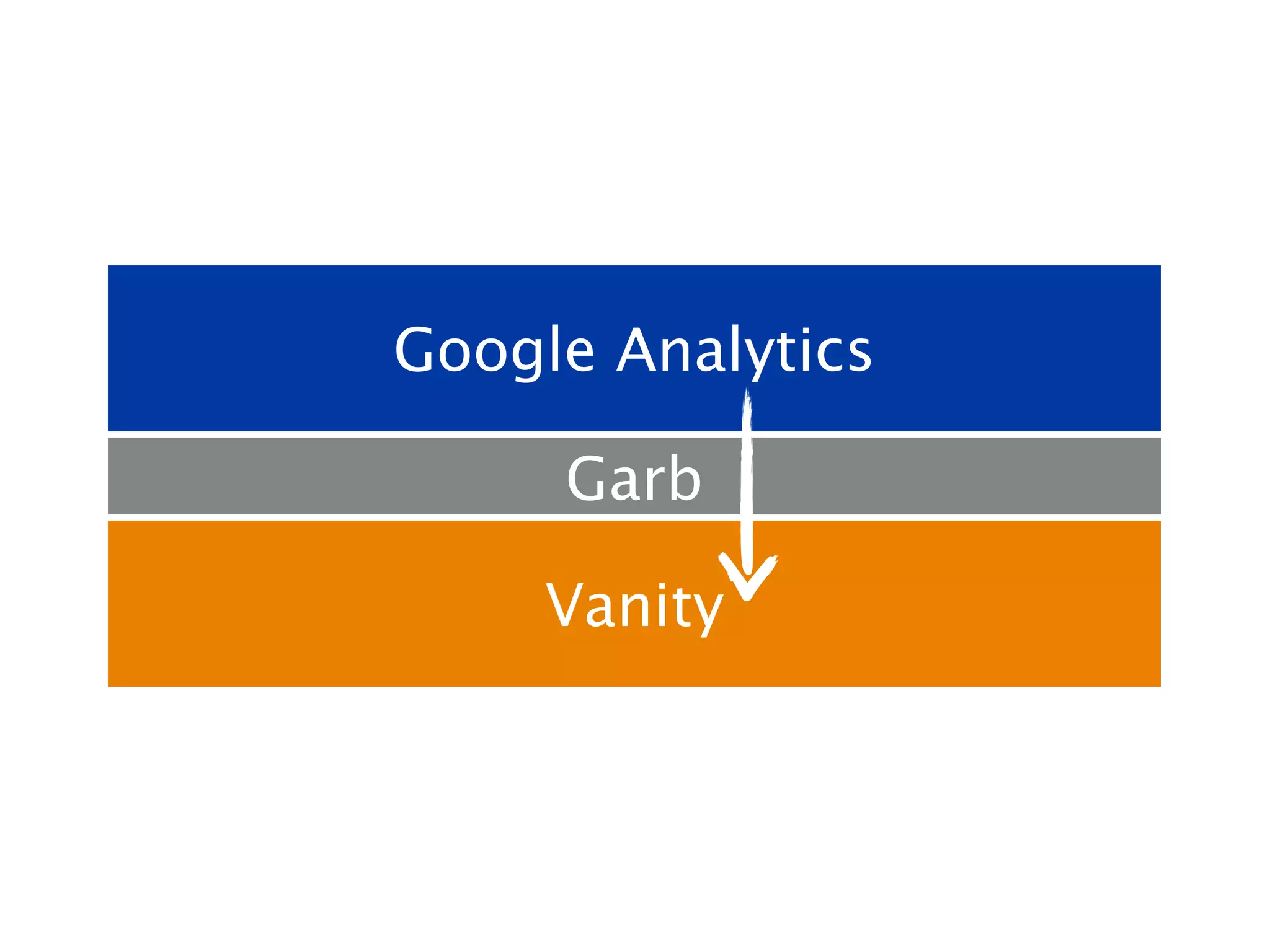
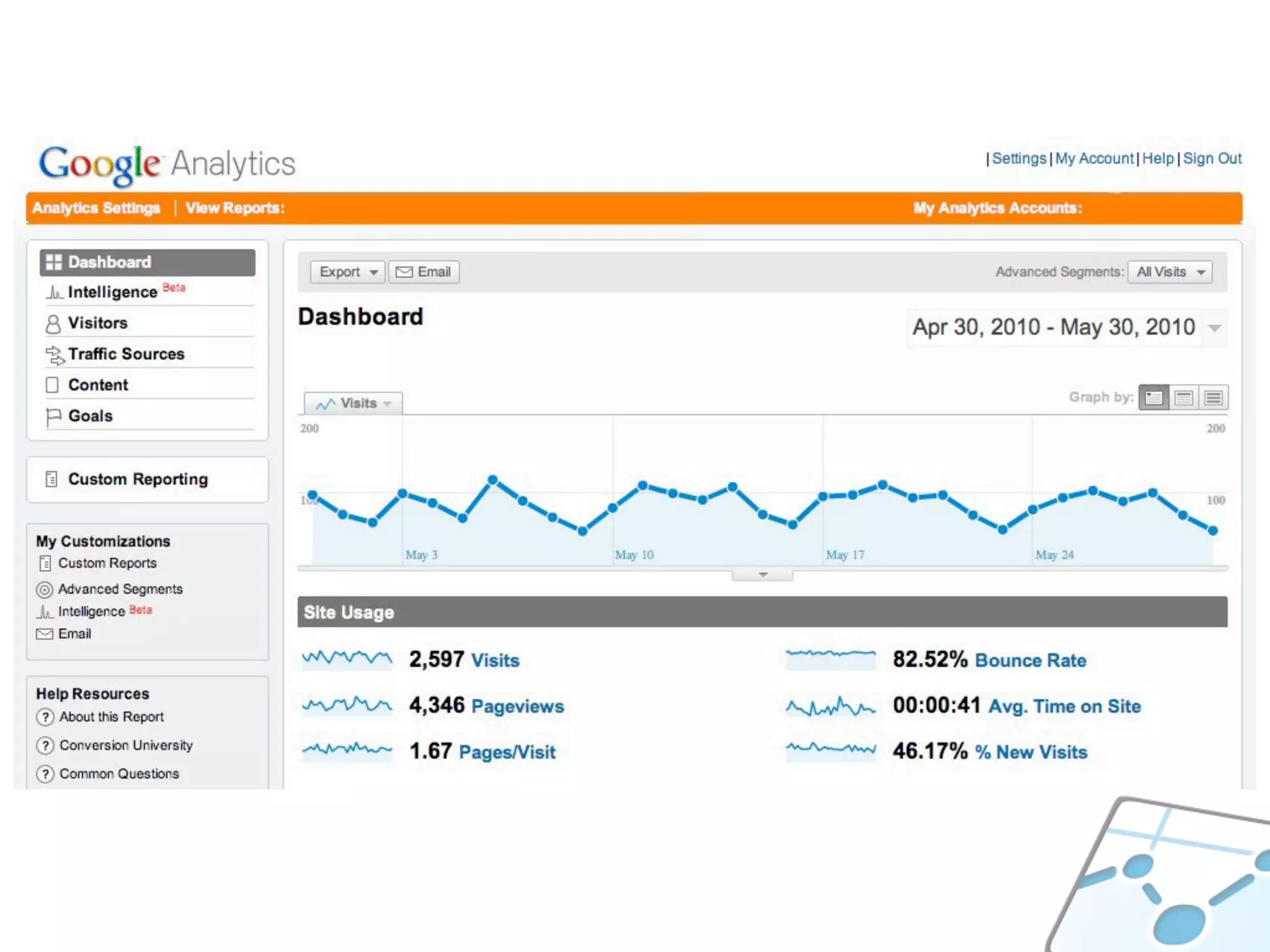
Google Analytics

     Garb

     Vanity
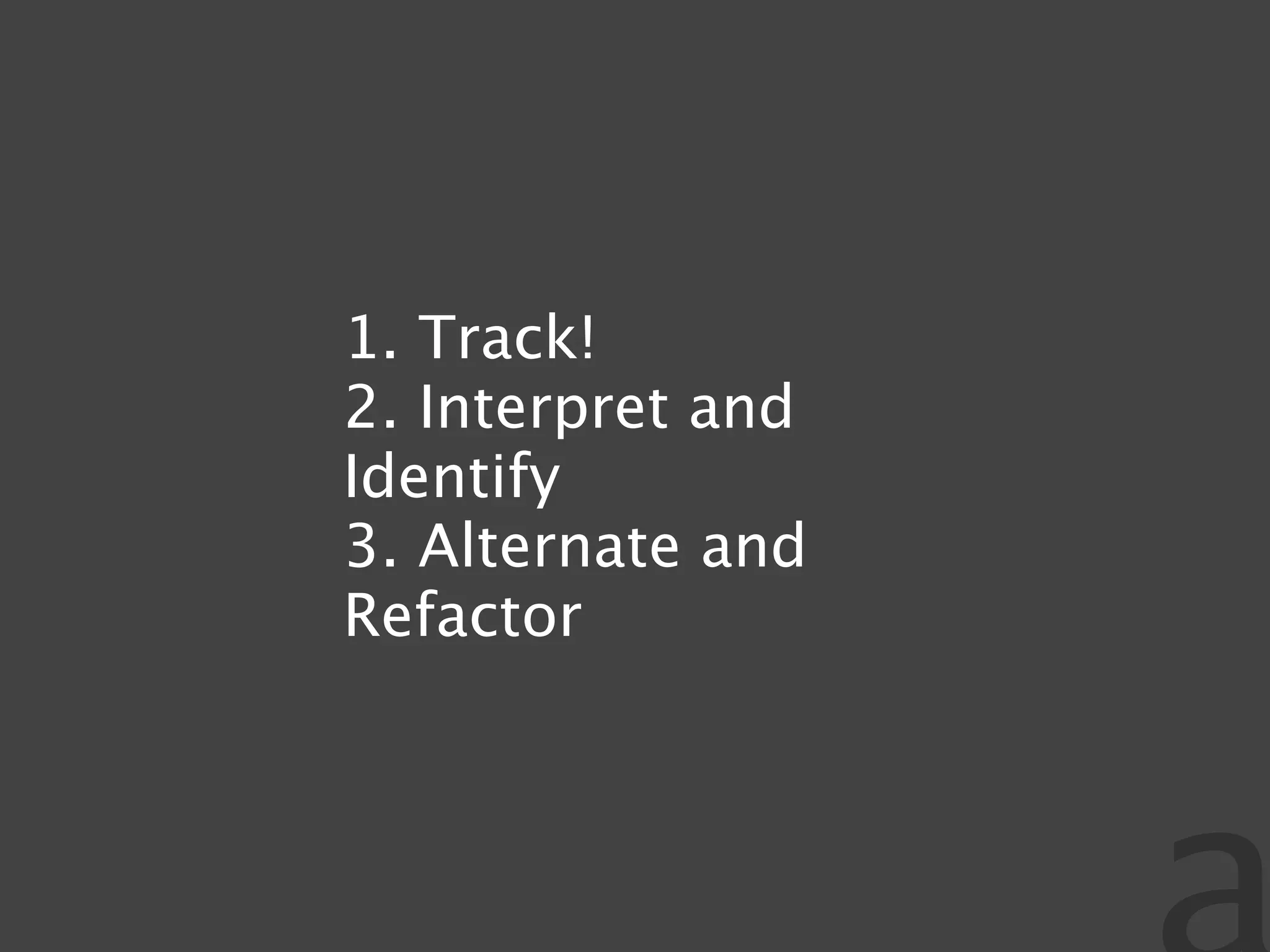
1. Track!
2. Interpret and
Identify
3. Alternate and
Refactor
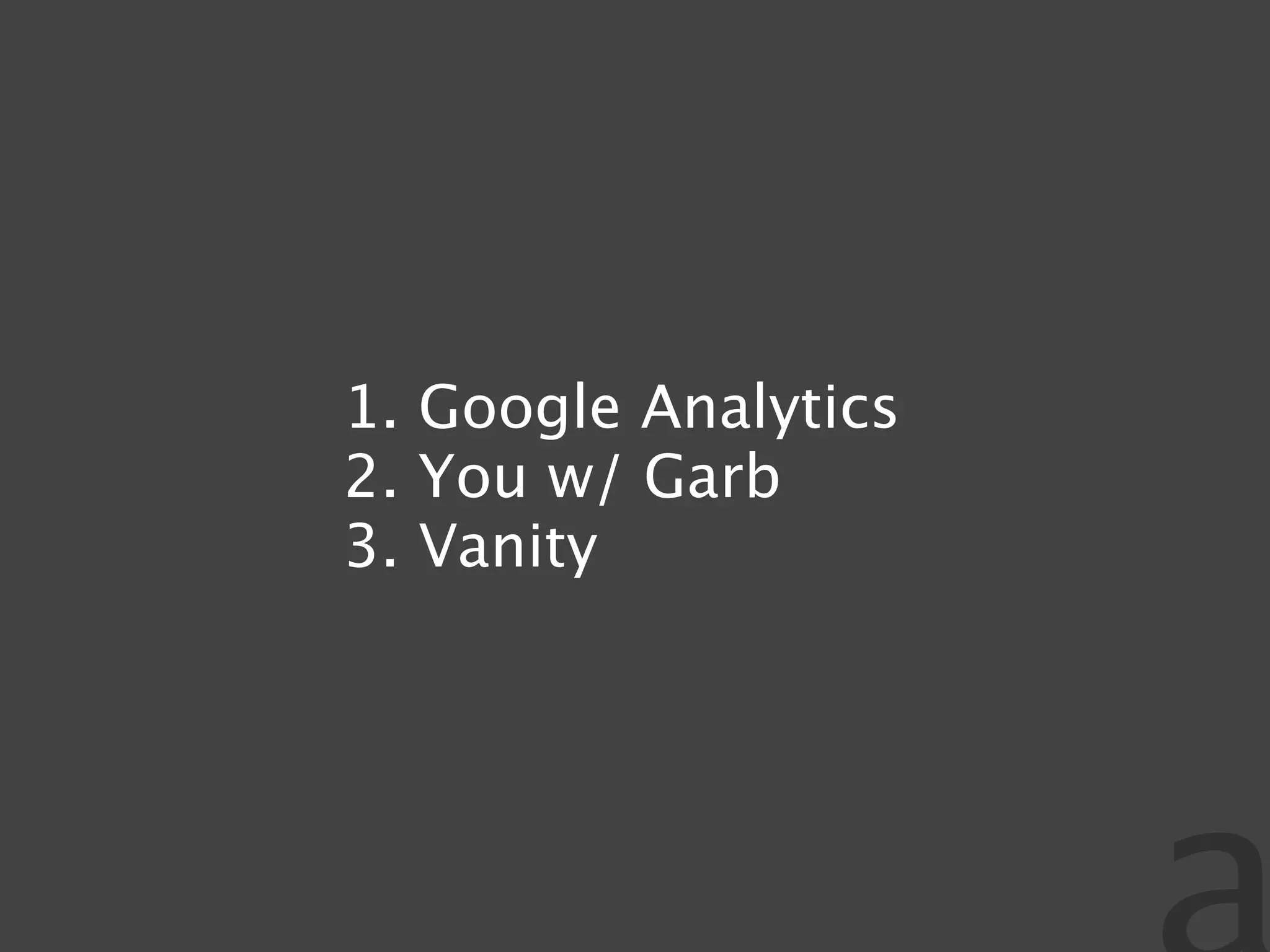
1. Google Analytics
2. You w/ Garb
3. Vanity
QUESTIONS TO ANSWER:
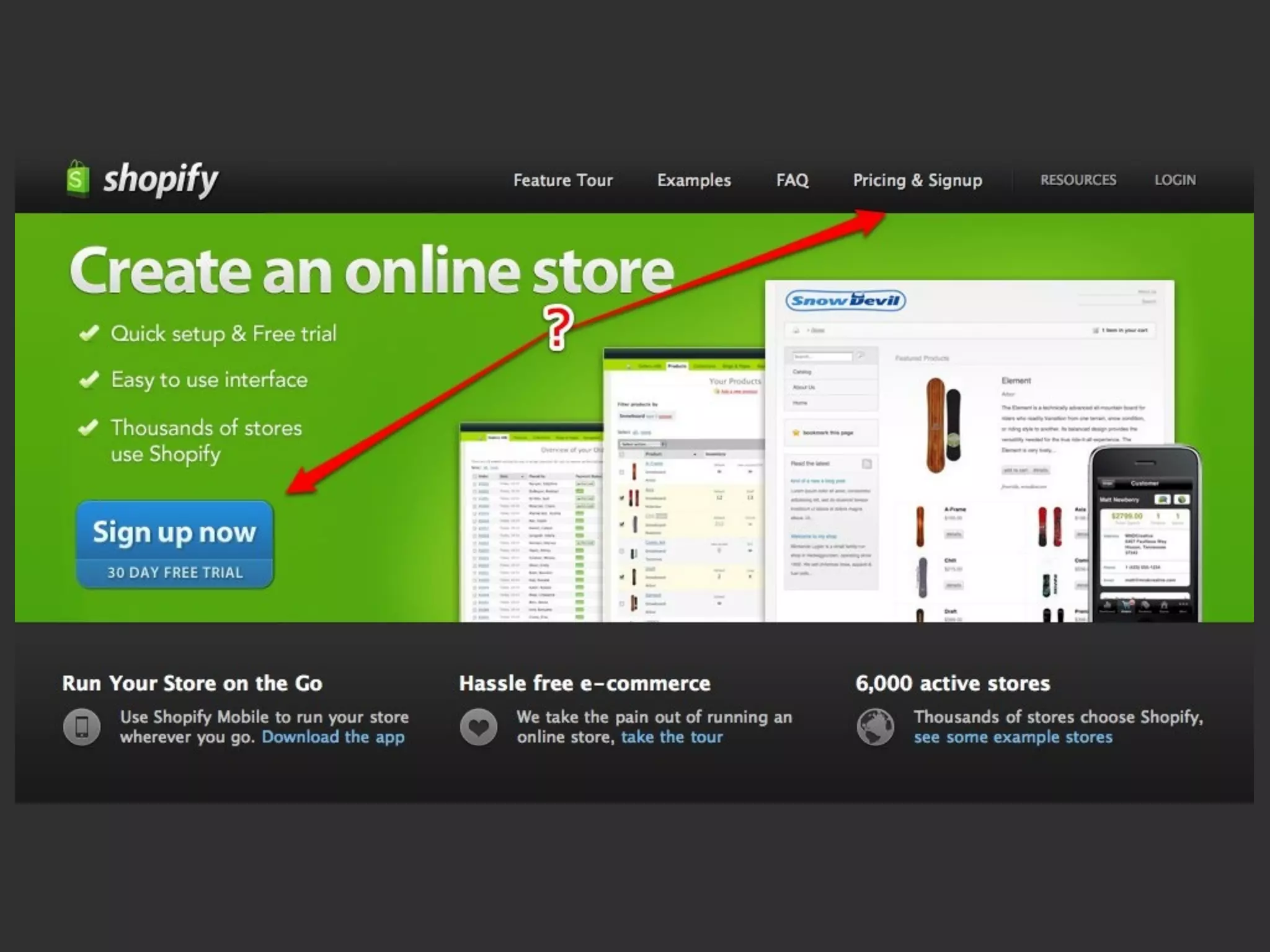
WHICH LINKS ARE BEING
WHERE ARE USERS LANDING?
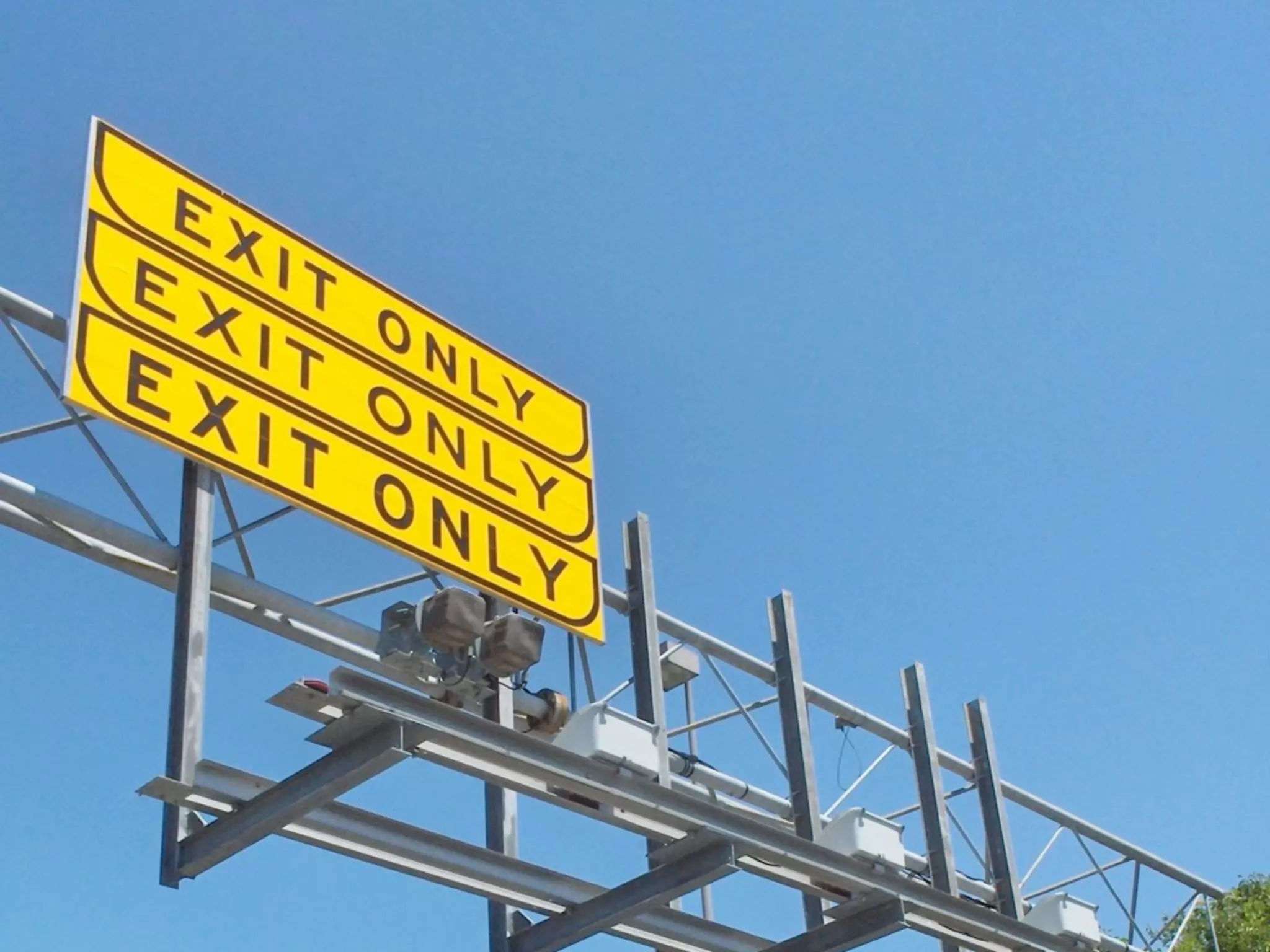
WHERE ARE USERS EXITING?
WHERE DO USERS SPEND TIME?
WHAT ARE LOGGED-IN USERS
         DOING?
QUESTIONS TO ANSWER:
WHICH LINKS ARE BEING CLICKED?
GOOGLE ANALYTICS
ASYNC TRACKING
_gaq.push
var _gaq = _gaq || [];
_gaq.push(['_setAccount', 'UA-65432-1']);
_gaq.push(['_trackPageview']);
(function() {
  var ga = document.createElement('script');
  var src = ('https:' == document.location.protocol ? 'https://ssl' : 'http://www');
  src += '.google-analytics.com/ga.js';

  ga.type = 'text/javascript';
  ga.async = true;
  ga.src = src;

  var s = document.getElementsByTagName('script')[0];
  s.parentNode.insertBefore(ga, s);
})();
WHAT SHOULD WE TRACK?
TRACK EVERYTHING!
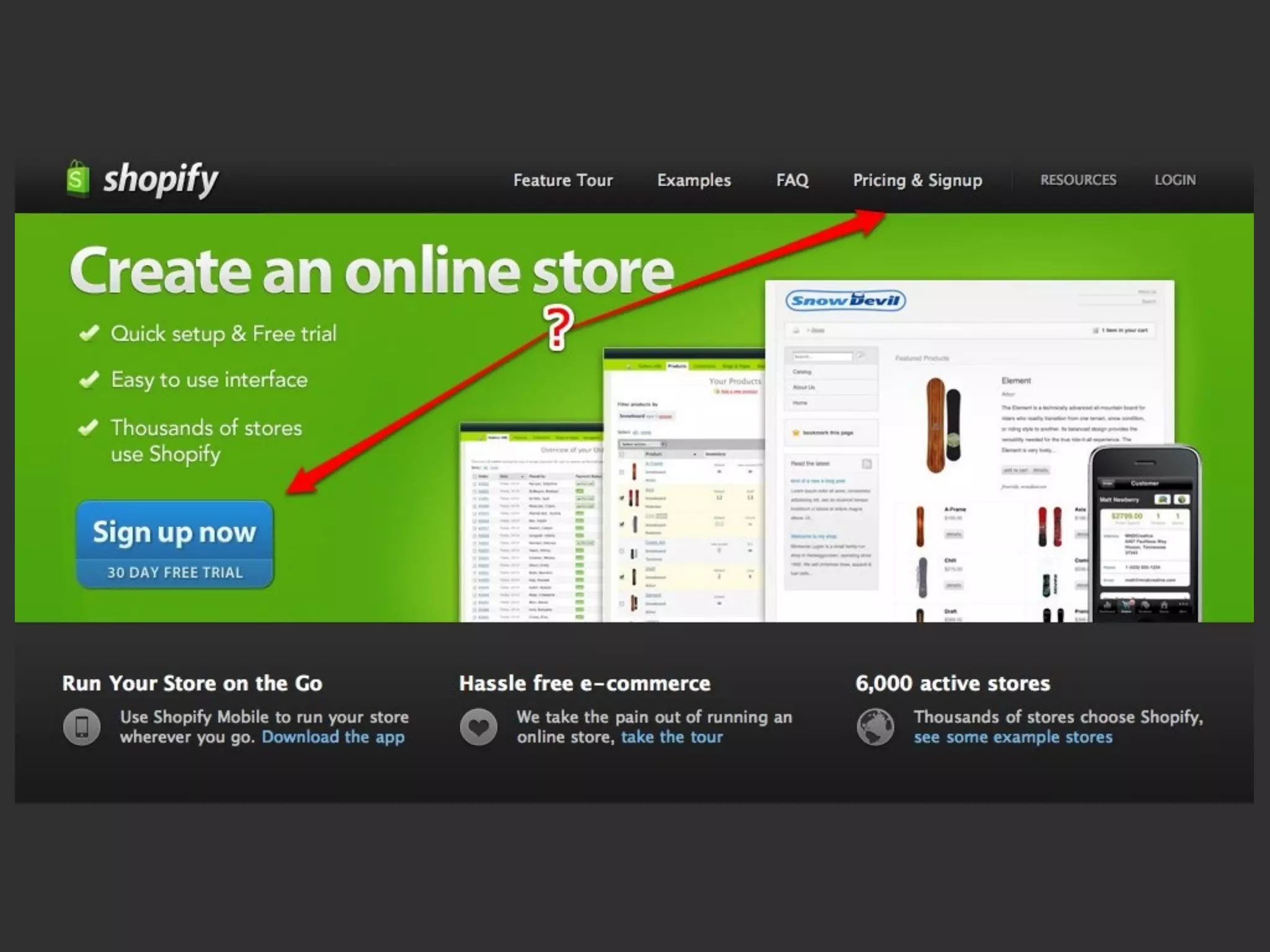
TRACK CLICKS AS VIRTUAL
      PAGEVIEWS
_gaq.push(['_trackPageview', '/signup/header']);
_gaq.push(['_trackPageview', '/signup/call-to-action']);
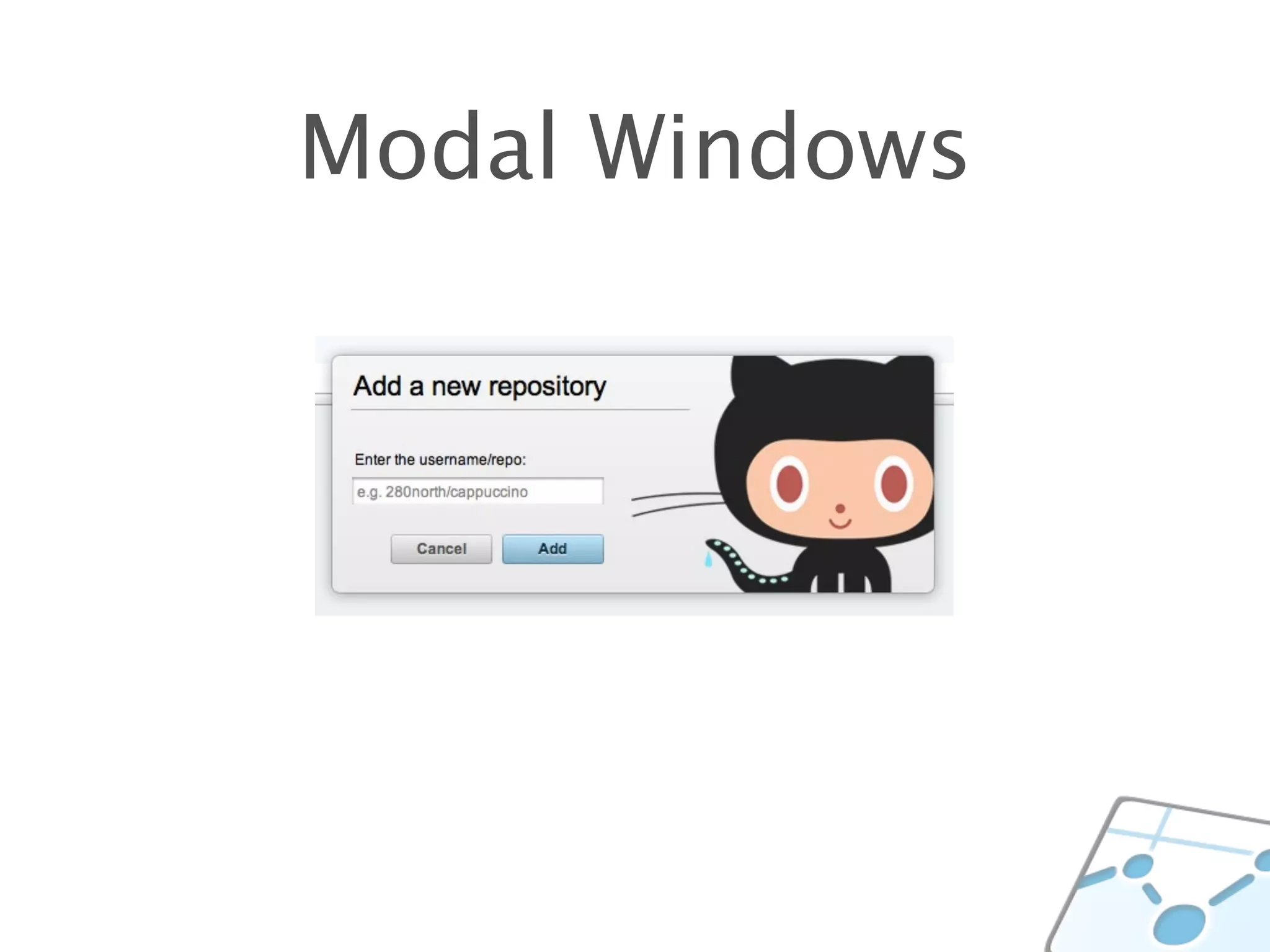
Modal Windows
_gaq.push(['_trackPageview', '/new-repo/add']);
_gaq.push(['_trackPageview', '/new-repo/cancel']);
TRACK EVENTS
_gaq.push(['_trackEvent', 'signup-button', 'clicked']);
LIMITATIONS TO GA
A BETTER IDEA
def create
  @thing = Thing.new(params[:thing])
  if @thing.save
    track_pageview("/things/create")

    flash[:notice] = "Thanks for saving that thing."
    redirect_to thing_path(@thing)
  else
    render :action => :new
  end
end
def create
  @thing = Thing.new(params[:thing])
  if @thing.save
    track_pageview("/things/create")

    flash[:notice] = "Thanks for saving that thing."
    redirect_to thing_path(@thing)
  else
    render :action => :new
  end
end
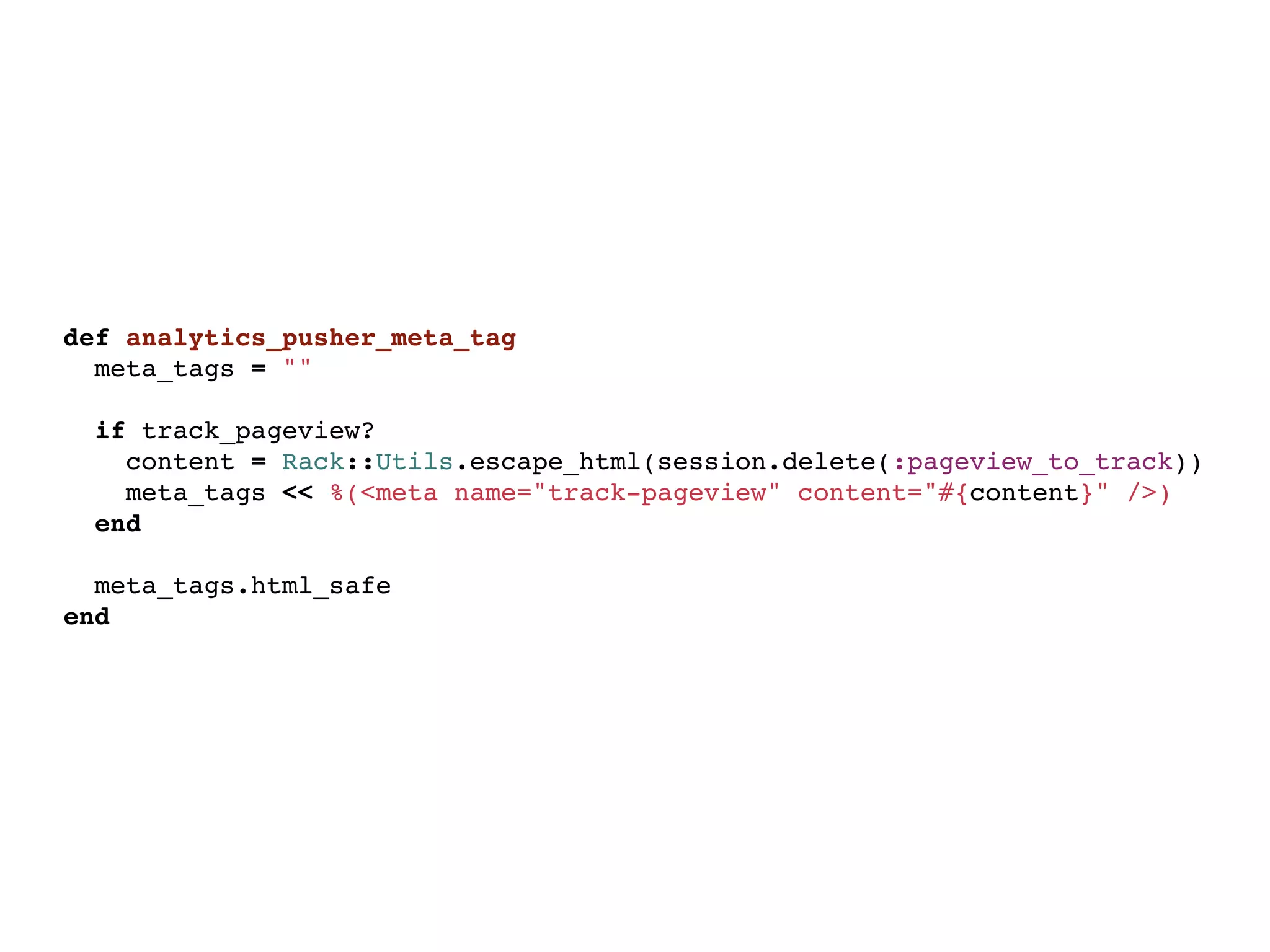
def analytics_pusher_meta_tag
  meta_tags = ""
  
  if track_pageview?
    content = Rack::Utils.escape_html(session.delete(:pageview_to_track))
    meta_tags << %(<meta name="track-pageview" content="#{content}" />)
  end

  meta_tags.html_safe
end
var track_pageview = $('meta[name=track-pageview]').attr('content');

if(track_pageview !== undefined) {
  _gaq.push('_trackPageview', track_pageview);
}
WHICH LINKS ARE BEING CLICKED?
WHERE ARE USERS LANDING?
LET’S EXPORT SOME DATA
GARB
LOGGING IN & SESSION
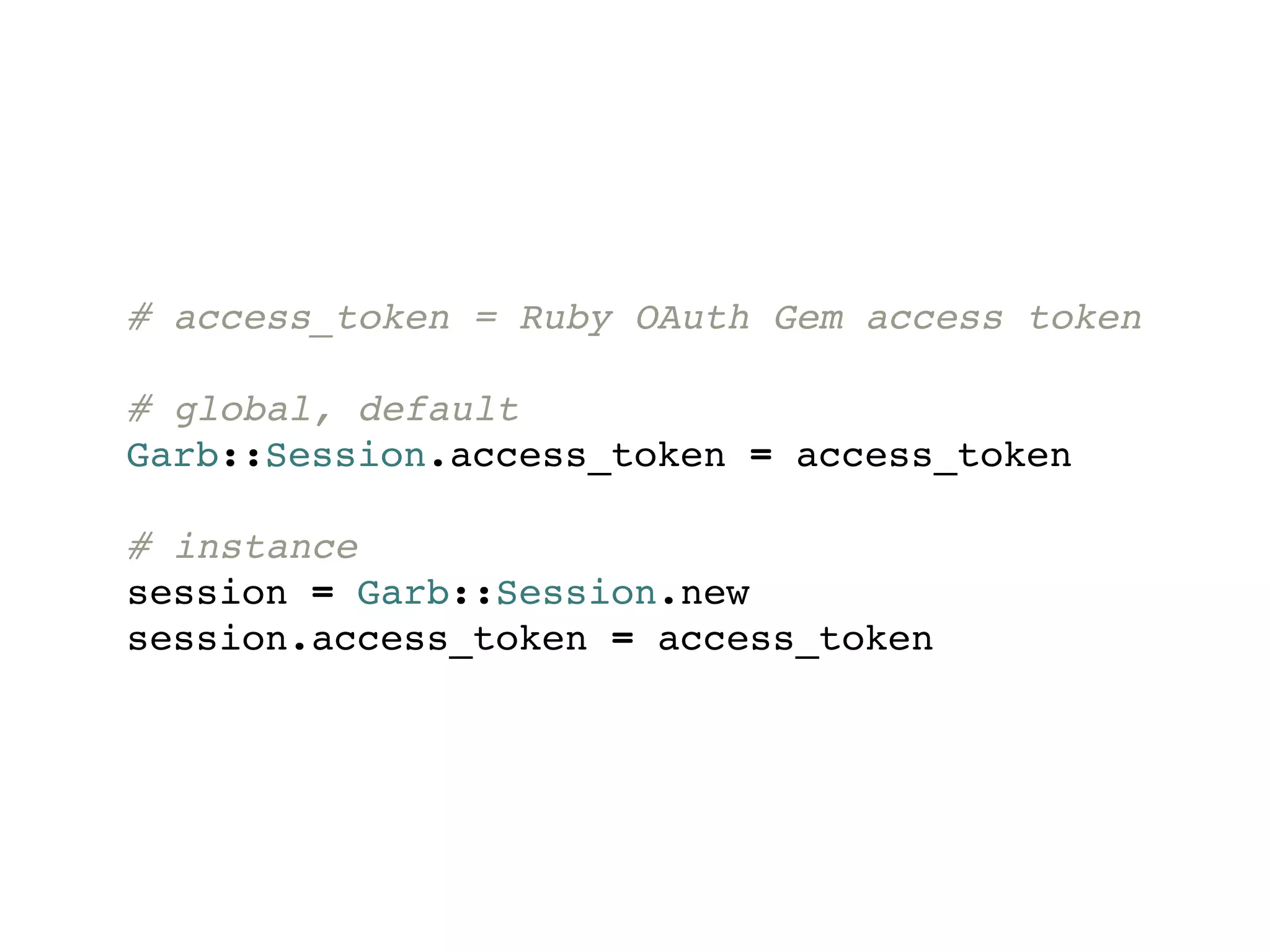
# access_token = Ruby OAuth Gem access token

# global, default
Garb::Session.access_token = access_token

# instance
session = Garb::Session.new
session.access_token = access_token
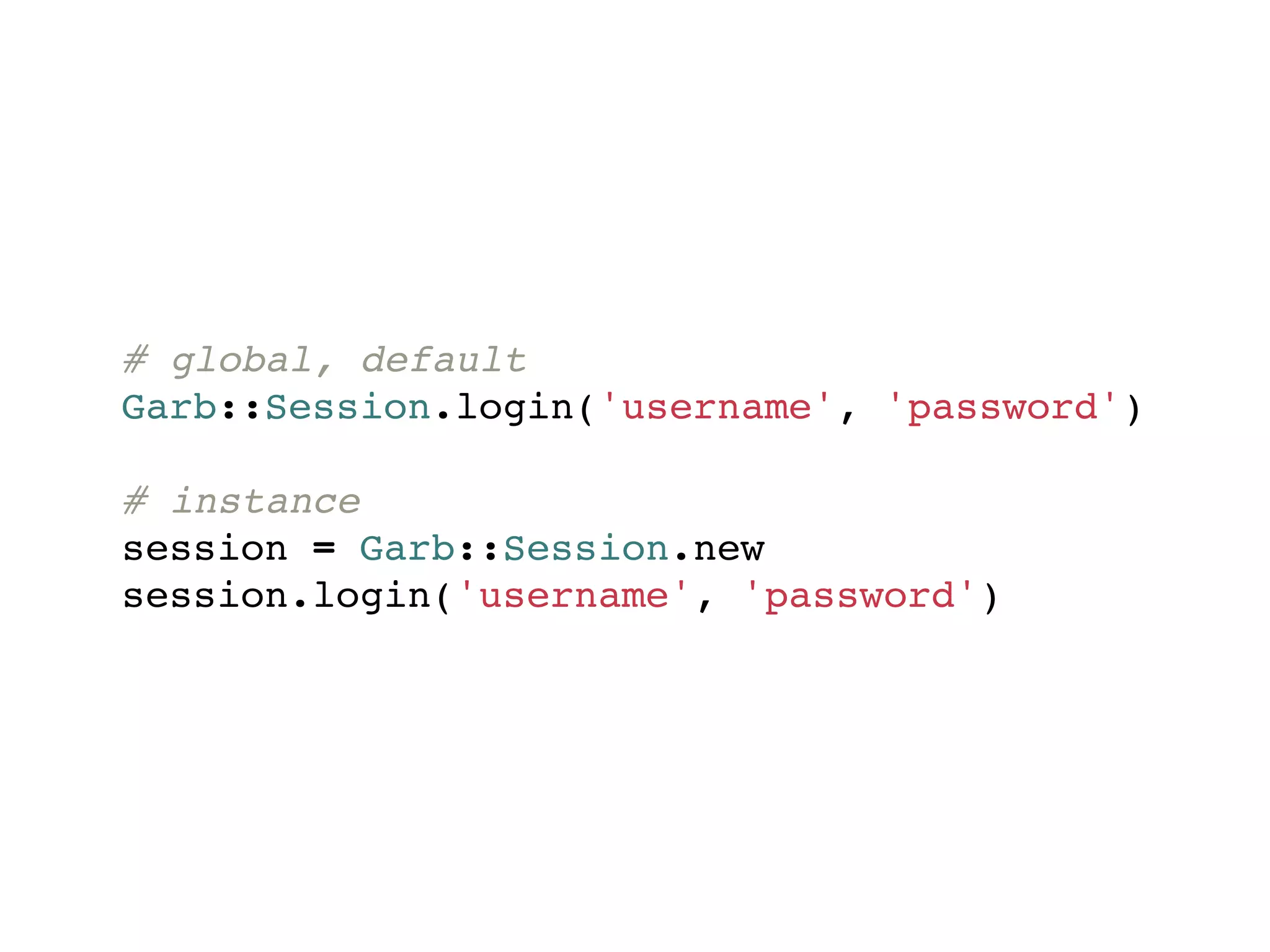
# global, default
Garb::Session.login('username', 'password')

# instance
session = Garb::Session.new
session.login('username', 'password')
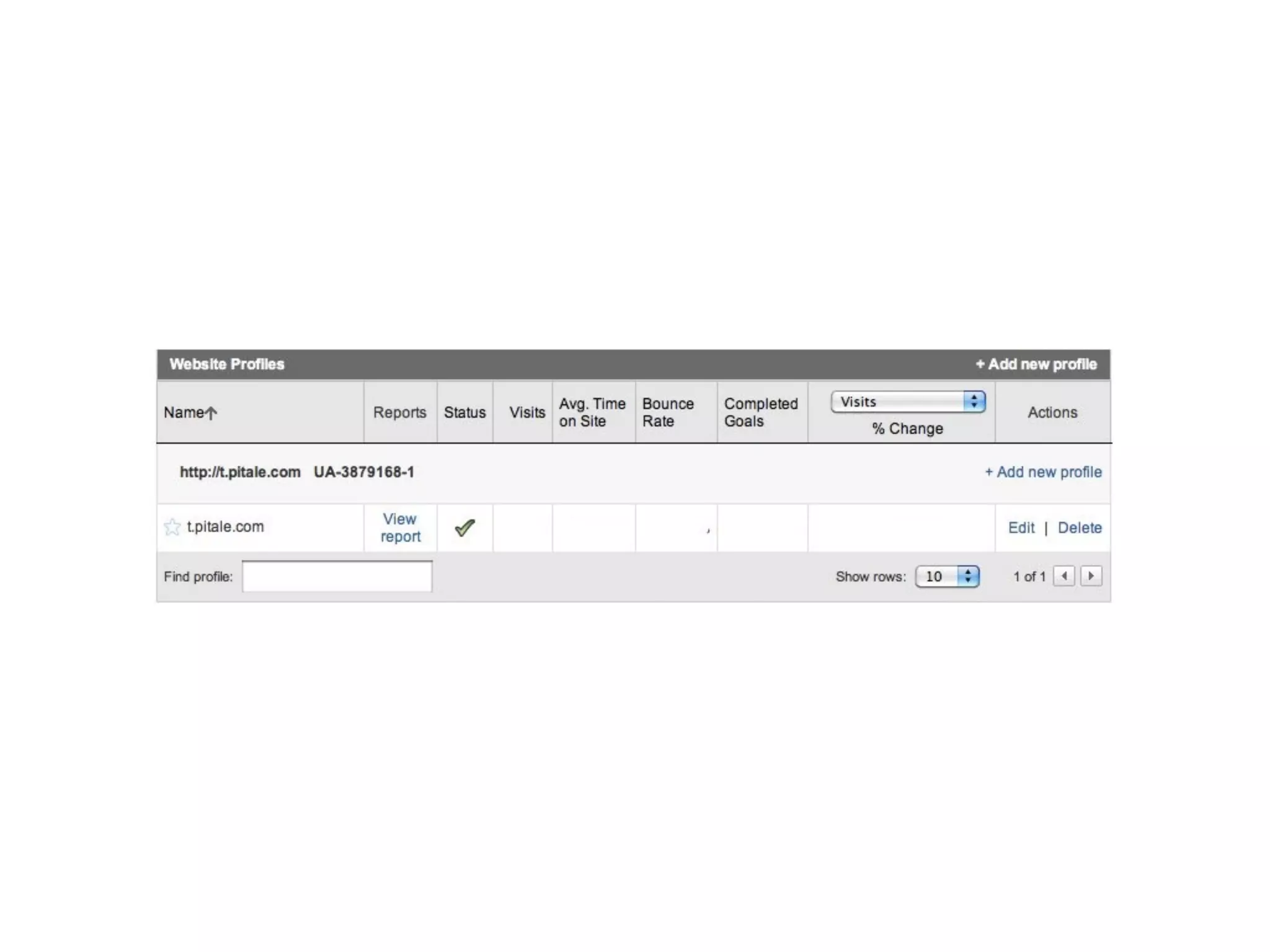
ACCOUNTS & PROFILES
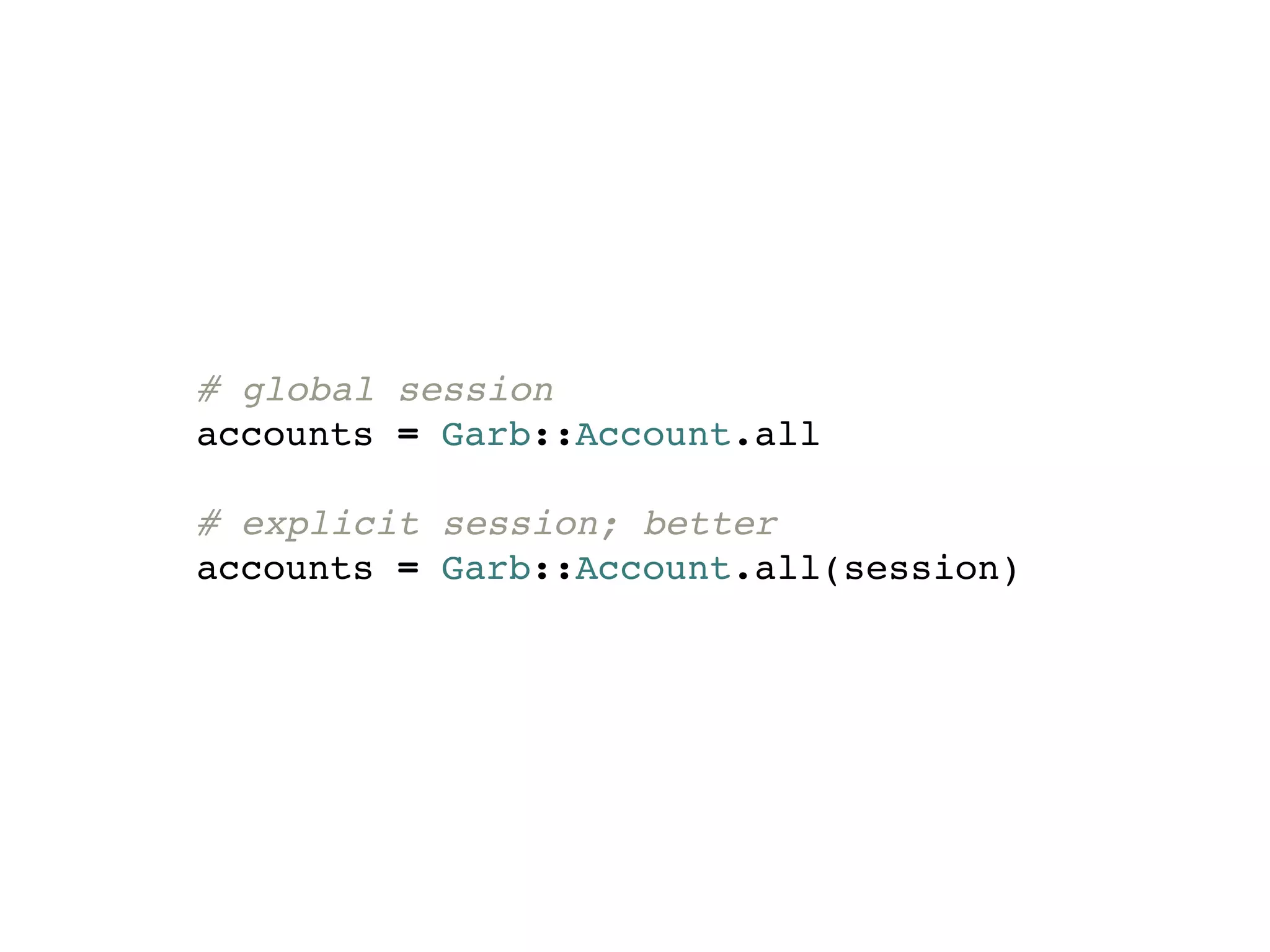
# global session
accounts = Garb::Account.all

# explicit session; better
accounts = Garb::Account.all(session)
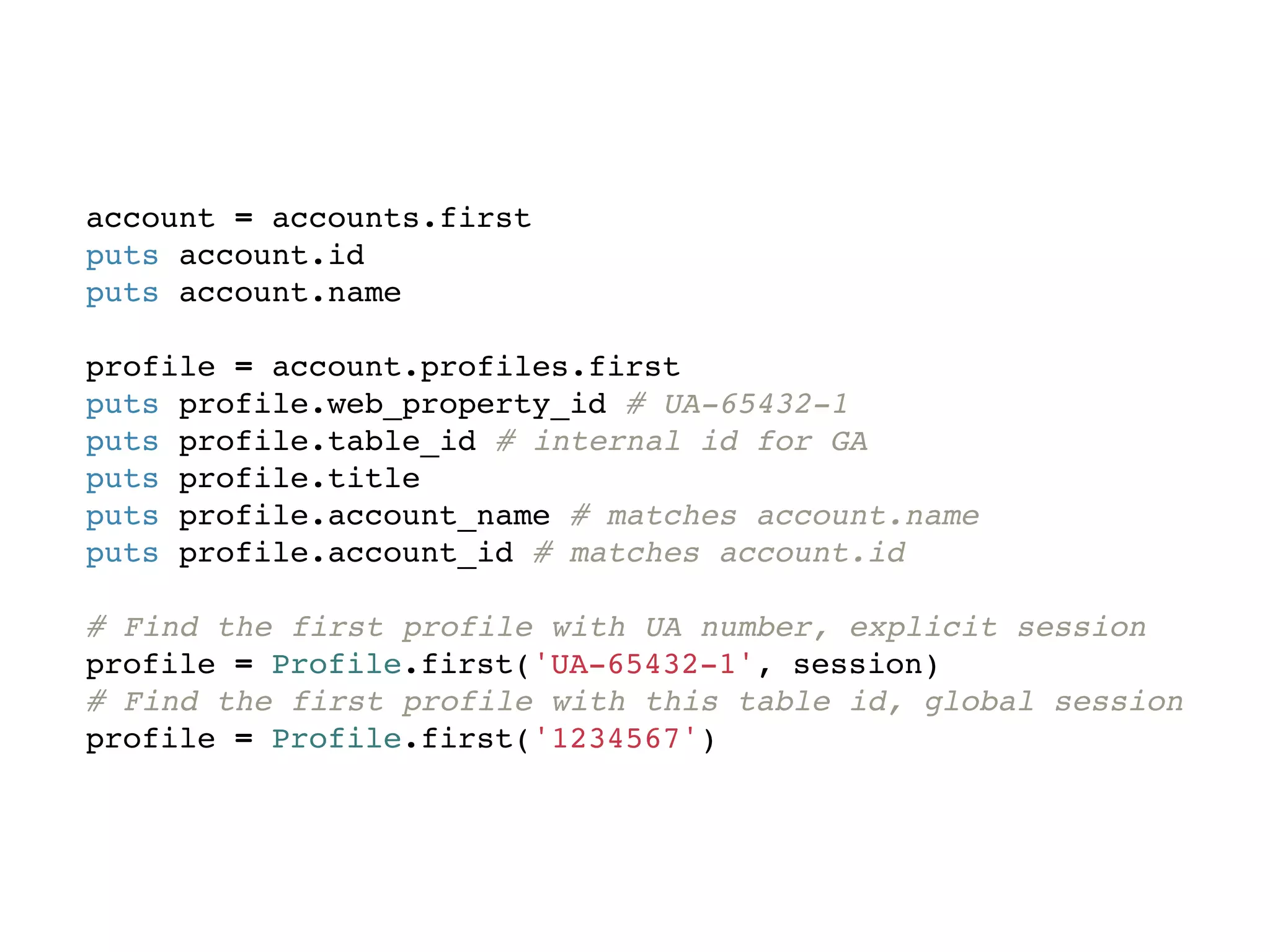
account = accounts.first
puts account.id
puts account.name

profile = account.profiles.first
puts profile.web_property_id # UA-65432-1
puts profile.table_id # internal id for GA
puts profile.title
puts profile.account_name # matches account.name
puts profile.account_id # matches account.id

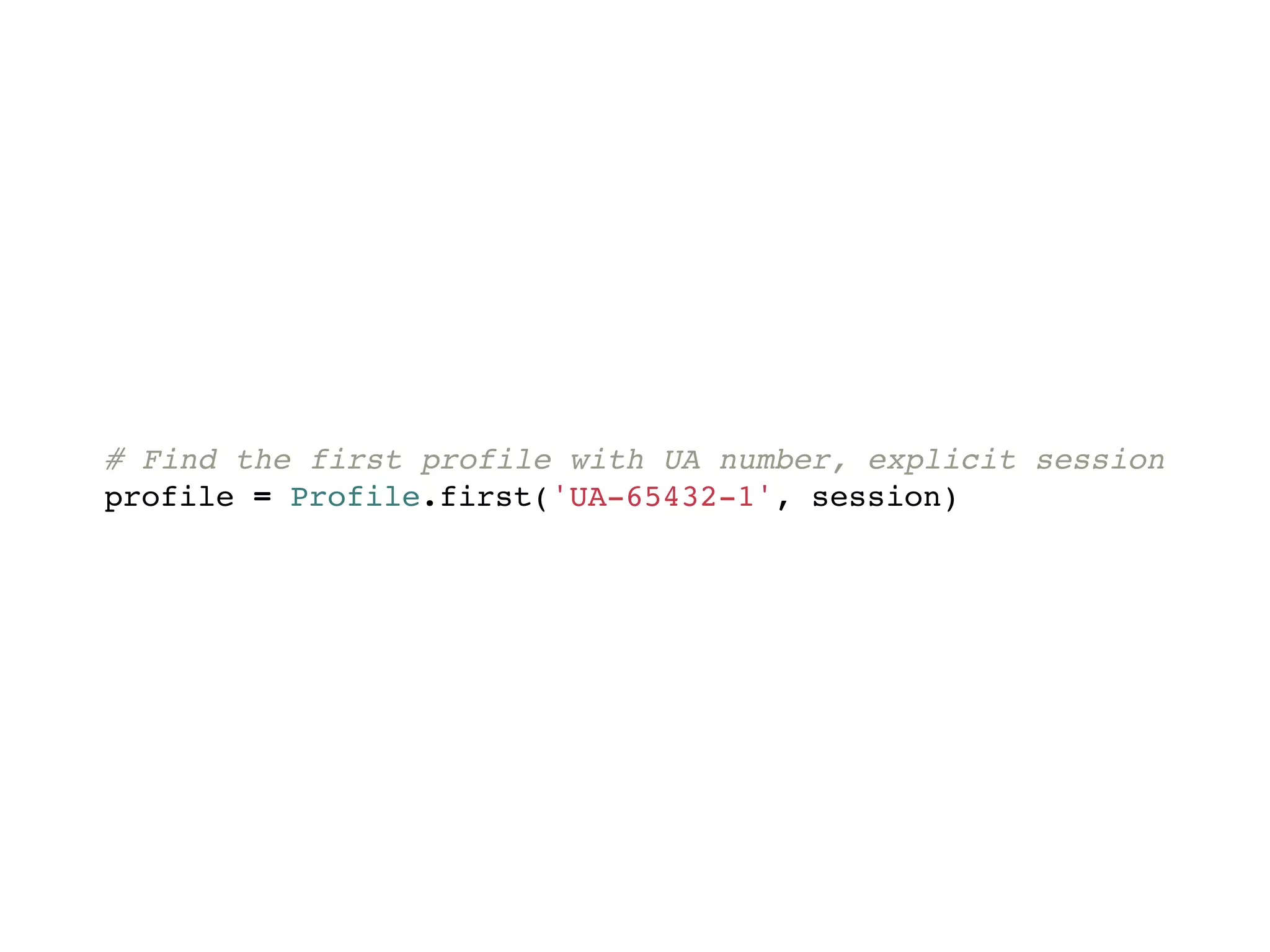
# Find the first profile with UA number, explicit session
profile = Profile.first('UA-65432-1', session)
# Find the first profile with this table id, global session
profile = Profile.first('1234567')
# Find the first profile with UA number, explicit session
profile = Profile.first('UA-65432-1', session)
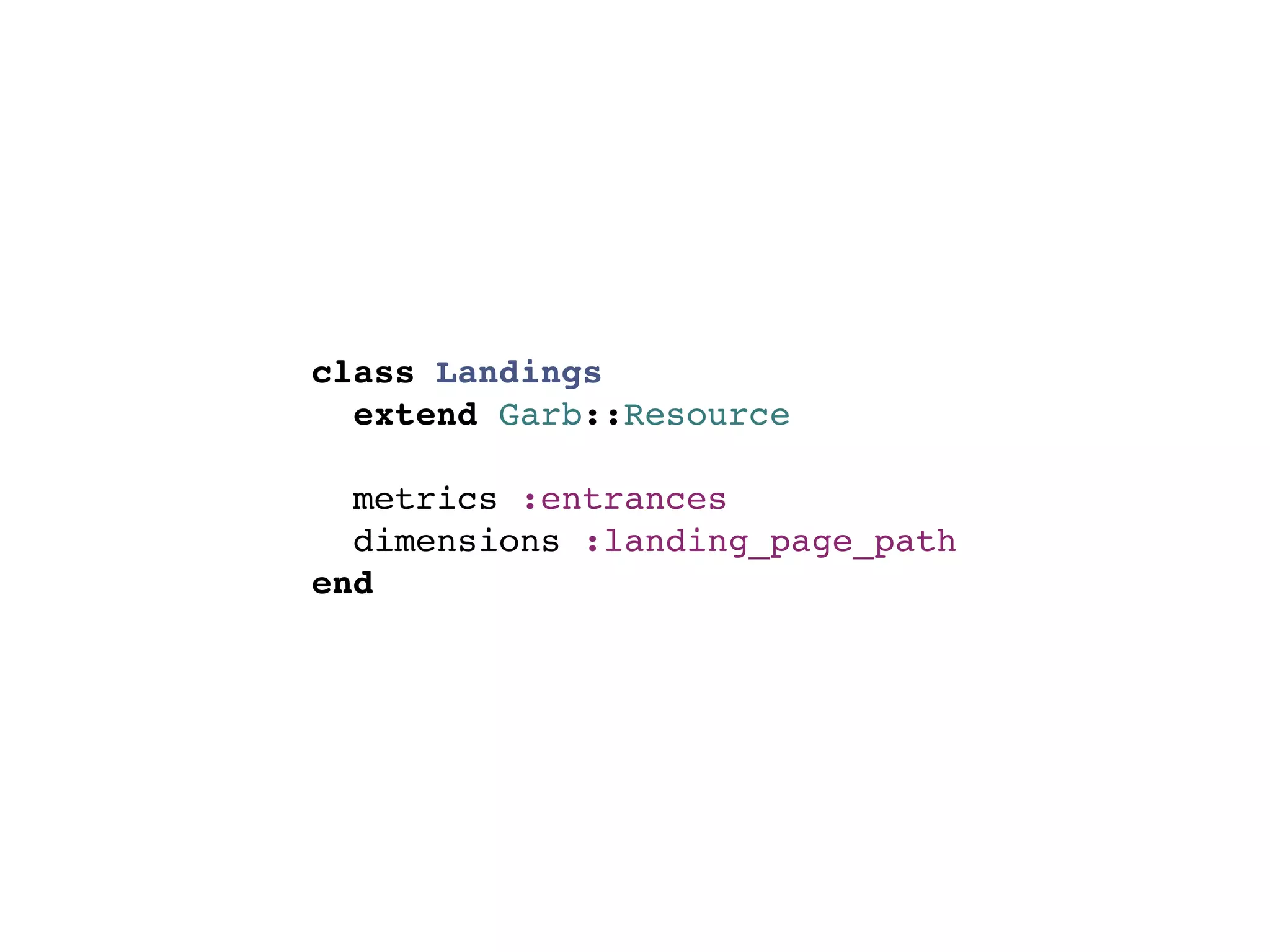
REPORTS
class Landings
  extend Garb::Resource

  metrics :entrances
  dimensions :landing_page_path
end
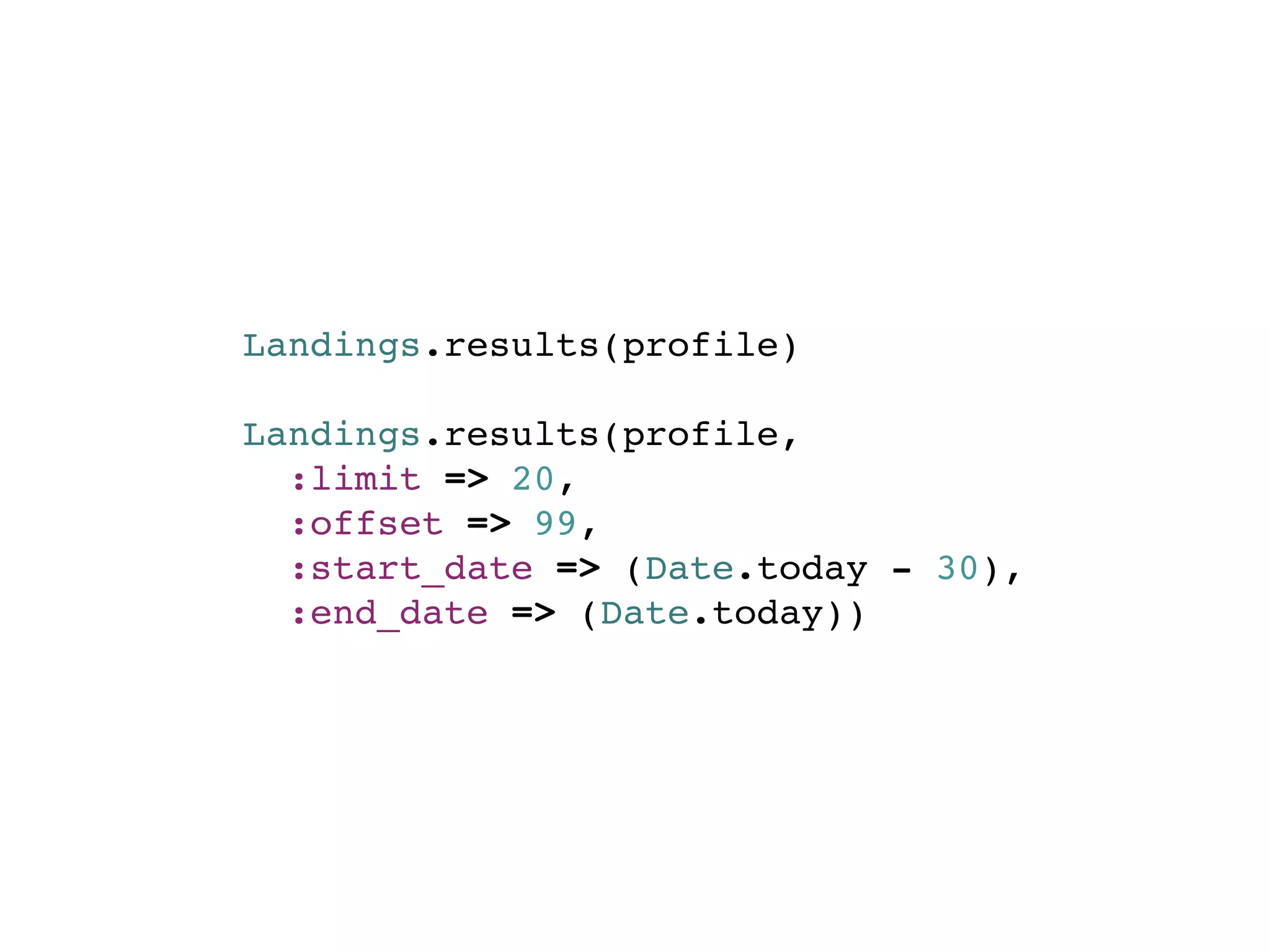
RESULTS
Landings.results(profile)

Landings.results(profile,
  :limit => 20,
  :offset => 99,
  :start_date => (Date.today - 30),
  :end_date => (Date.today))
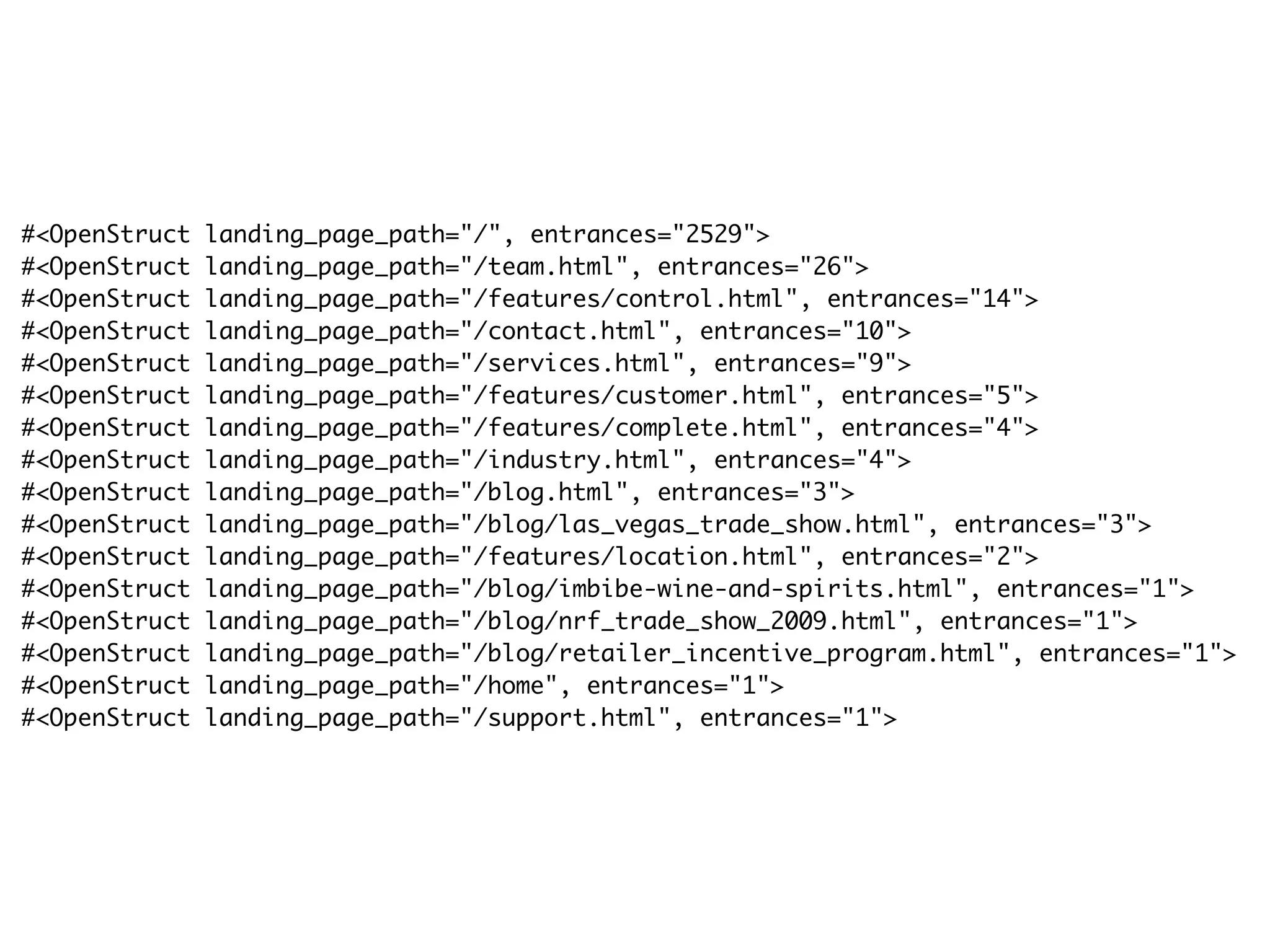
#<OpenStruct   landing_page_path="/", entrances="2529">
#<OpenStruct   landing_page_path="/team.html", entrances="26">
#<OpenStruct   landing_page_path="/features/control.html", entrances="14">
#<OpenStruct   landing_page_path="/contact.html", entrances="10">
#<OpenStruct   landing_page_path="/services.html", entrances="9">
#<OpenStruct   landing_page_path="/features/customer.html", entrances="5">
#<OpenStruct   landing_page_path="/features/complete.html", entrances="4">
#<OpenStruct   landing_page_path="/industry.html", entrances="4">
#<OpenStruct   landing_page_path="/blog.html", entrances="3">
#<OpenStruct   landing_page_path="/blog/las_vegas_trade_show.html", entrances="3">
#<OpenStruct   landing_page_path="/features/location.html", entrances="2">
#<OpenStruct   landing_page_path="/blog/imbibe-wine-and-spirits.html", entrances="1">
#<OpenStruct   landing_page_path="/blog/nrf_trade_show_2009.html", entrances="1">
#<OpenStruct   landing_page_path="/blog/retailer_incentive_program.html", entrances="1">
#<OpenStruct   landing_page_path="/home", entrances="1">
#<OpenStruct   landing_page_path="/support.html", entrances="1">
ADDING FILTERS & SORTING
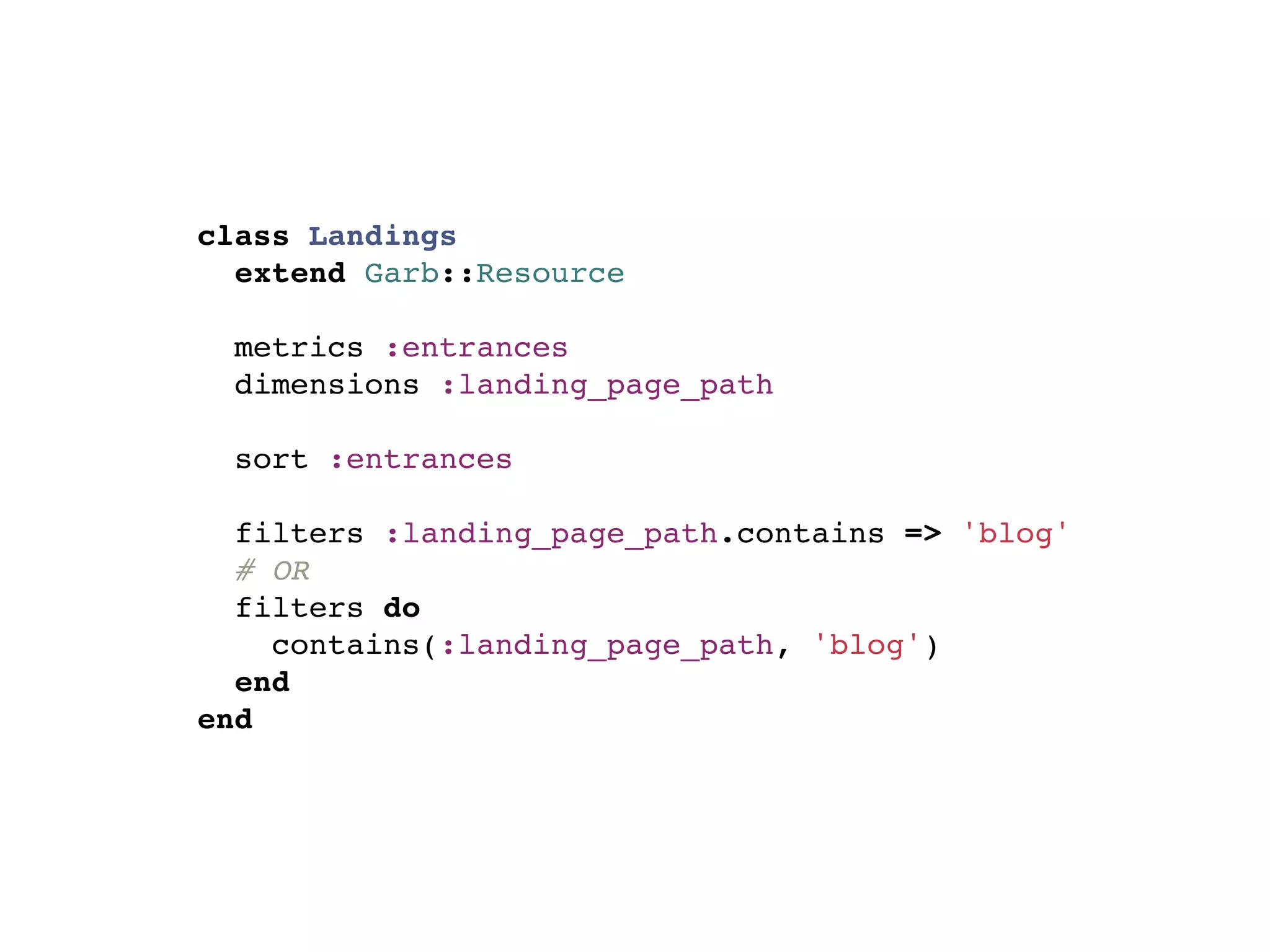
class Landings
  extend Garb::Resource

  metrics :entrances
  dimensions :landing_page_path

  sort :entrances

  filters :landing_page_path.contains => 'blog'
  # OR
  filters do
    contains(:landing_page_path, 'blog')
  end
end
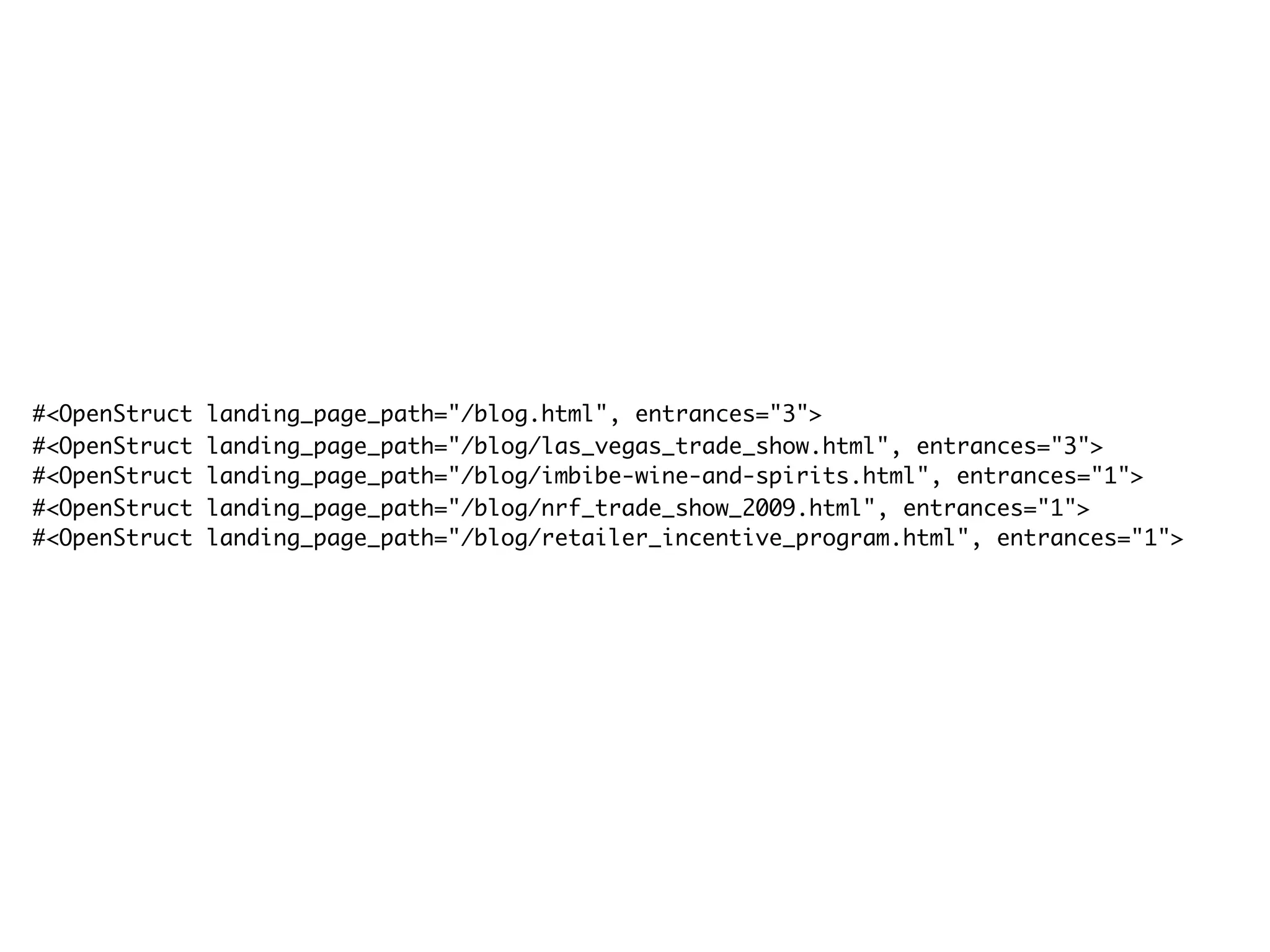
#<OpenStruct   landing_page_path="/blog.html", entrances="3">
#<OpenStruct   landing_page_path="/blog/las_vegas_trade_show.html", entrances="3">
#<OpenStruct   landing_page_path="/blog/imbibe-wine-and-spirits.html", entrances="1">
#<OpenStruct   landing_page_path="/blog/nrf_trade_show_2009.html", entrances="1">
#<OpenStruct   landing_page_path="/blog/retailer_incentive_program.html", entrances="1">
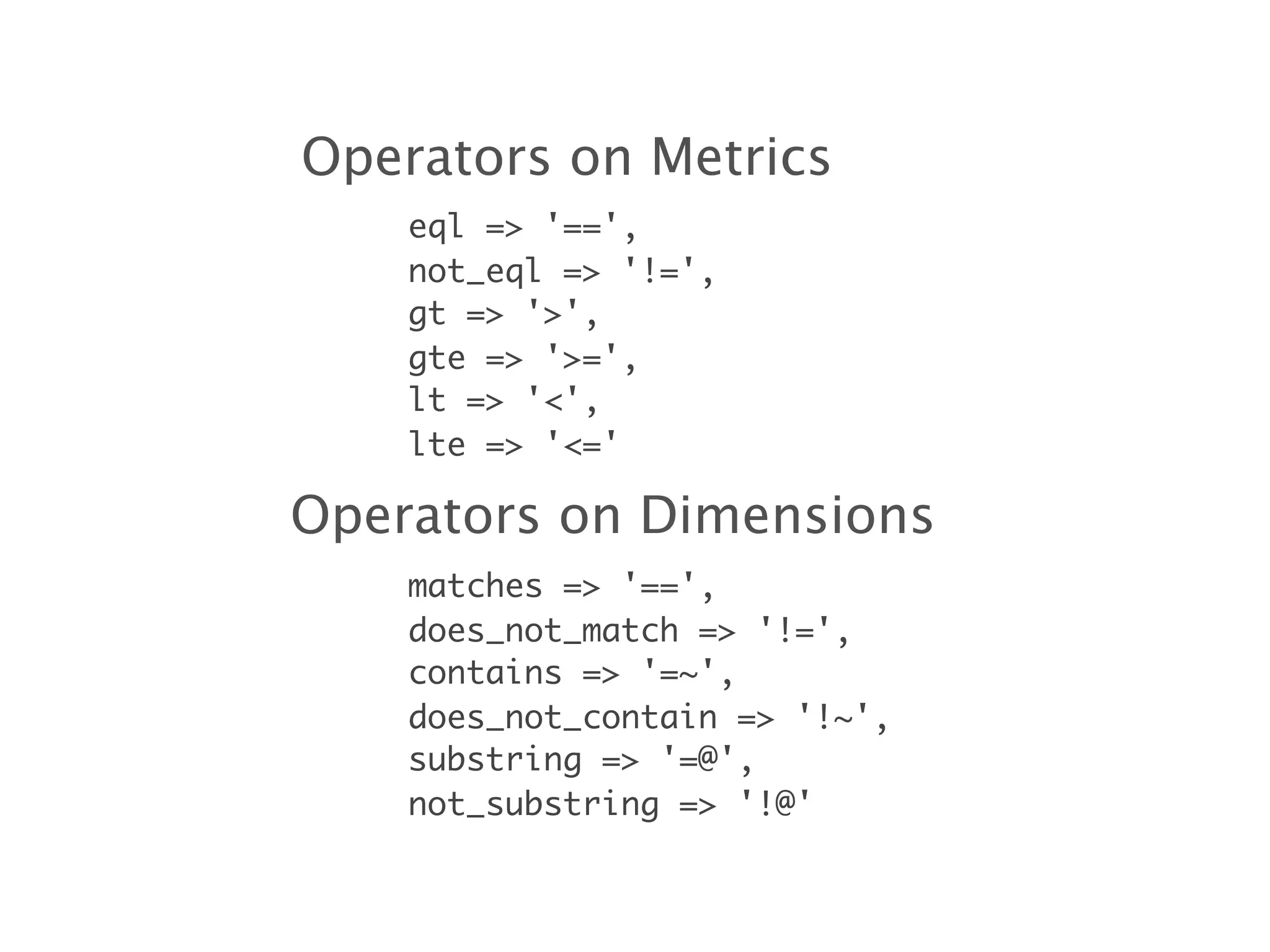
Operators on Metrics
    eql => '==',
    not_eql => '!=',
    gt => '>',
    gte => '>=',
    lt => '<',
    lte => '<='

Operators on Dimensions
    matches => '==',
    does_not_match => '!=',
    contains => '=~',
    does_not_contain => '!~',
    substring => '=@',
    not_substring => '!@'
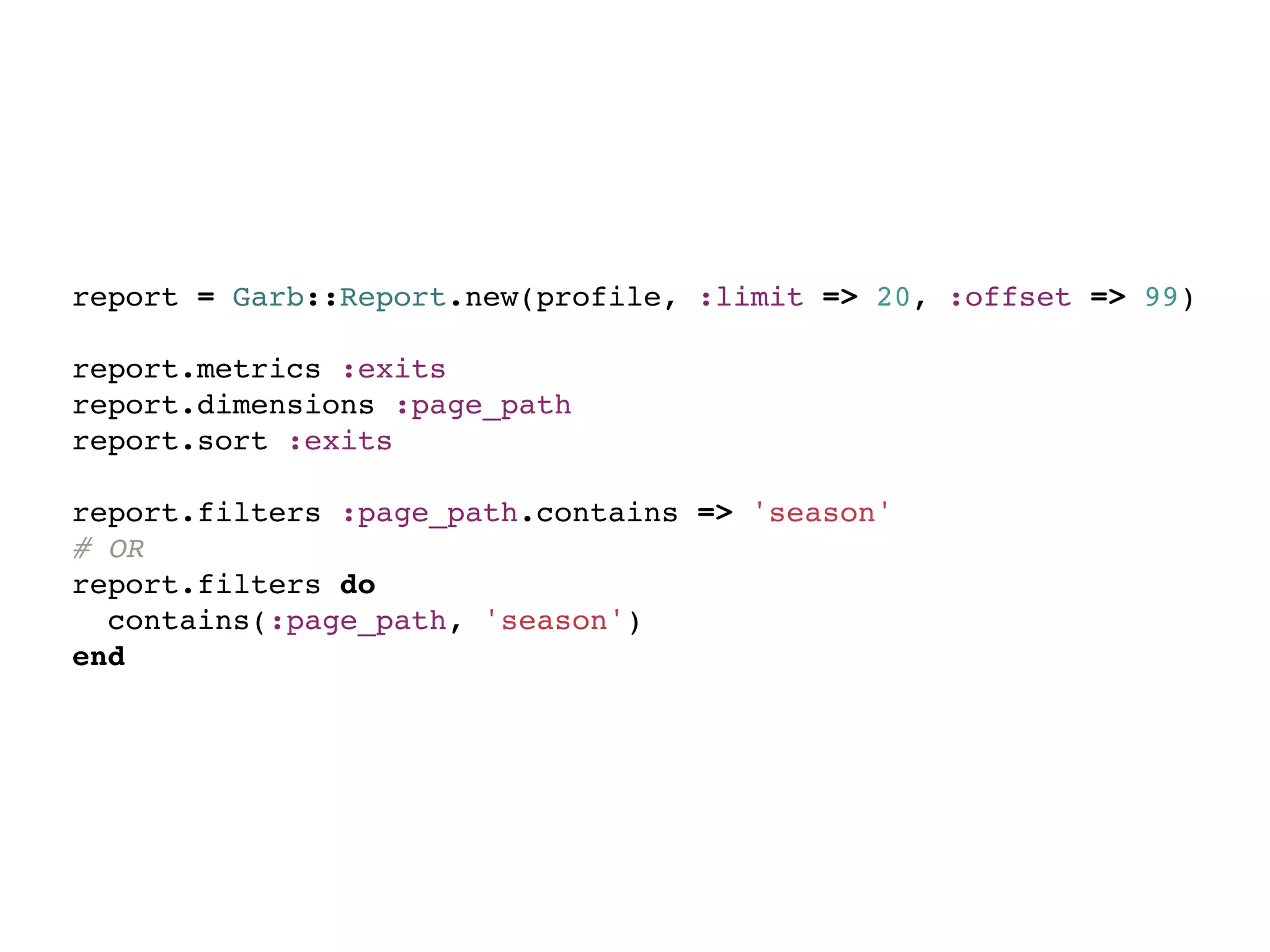
REPORT ON-THE-FLY
report = Garb::Report.new(profile, :limit => 20, :offset => 99)

report.metrics :exits
report.dimensions :page_path
report.sort :exits

report.filters :page_path.contains => 'season'
# OR
report.filters do
  contains(:page_path, 'season')
end
WHERE ARE USERS LANDING?
WHERE ARE USERS EXITING?
COMMON CALCULATIONS
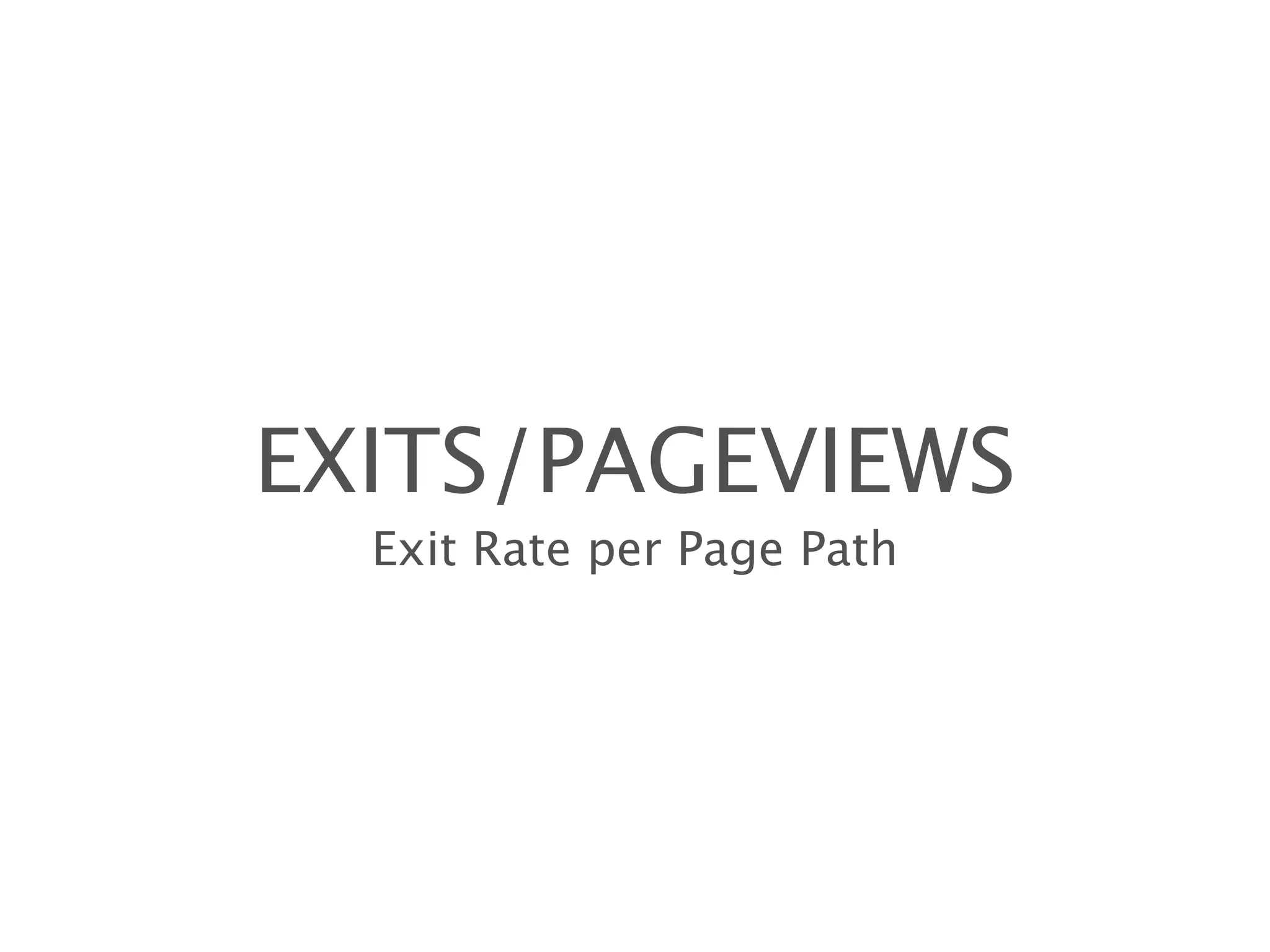
class Exits
  extend Garb::Resource

  metrics :exits, :pageviews
  dimensions :page_path
end
EXITS/PAGEVIEWS
  Exit Rate per Page Path
ABANDONMENT
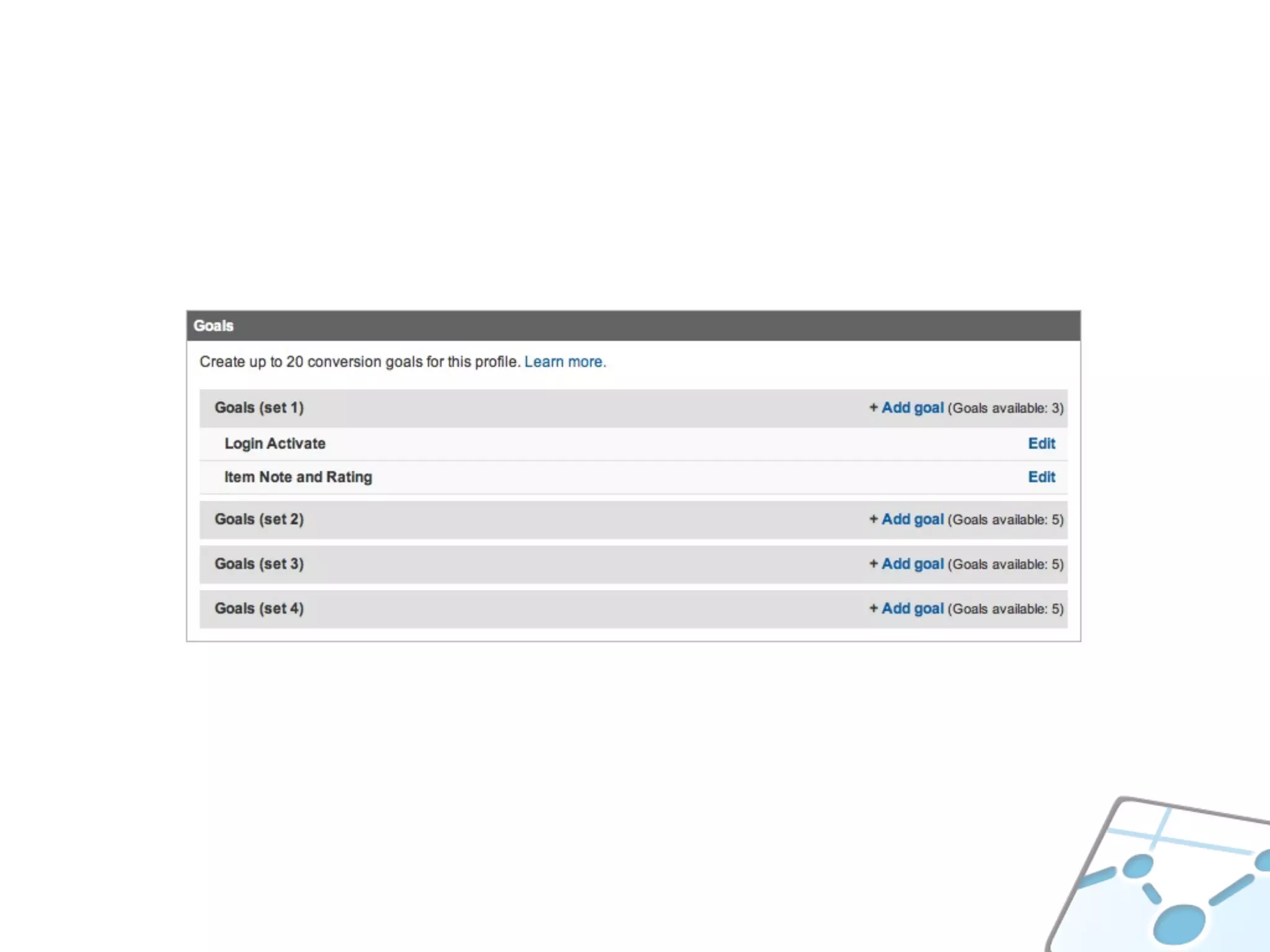
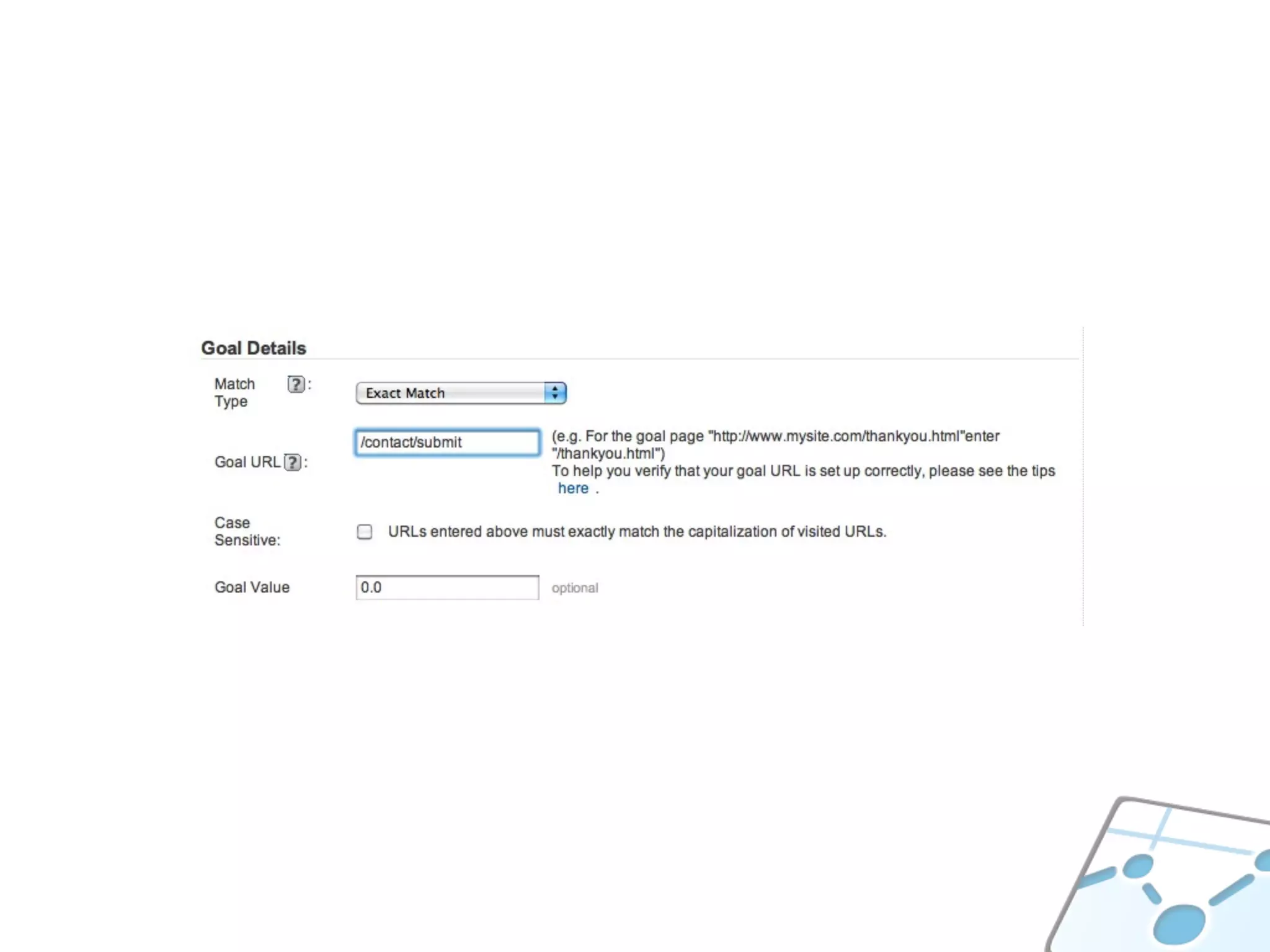
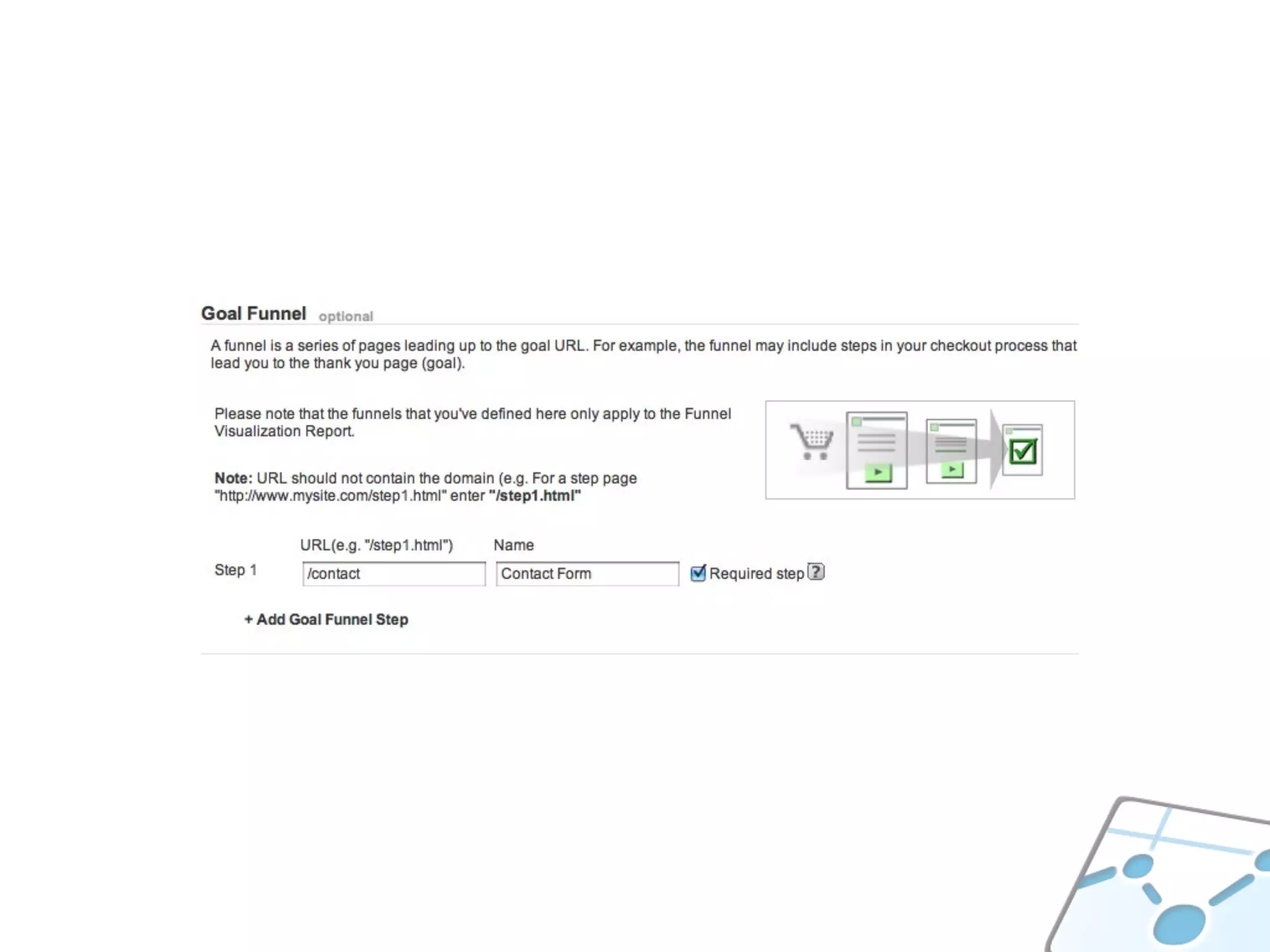
TRACK GOALS
_gaq.push(['_trackPageview', '/contact/submit']);
WHERE ARE USERS EXITING?
WHERE DO USERS SPEND TIME?
COMMON CALCULATIONS
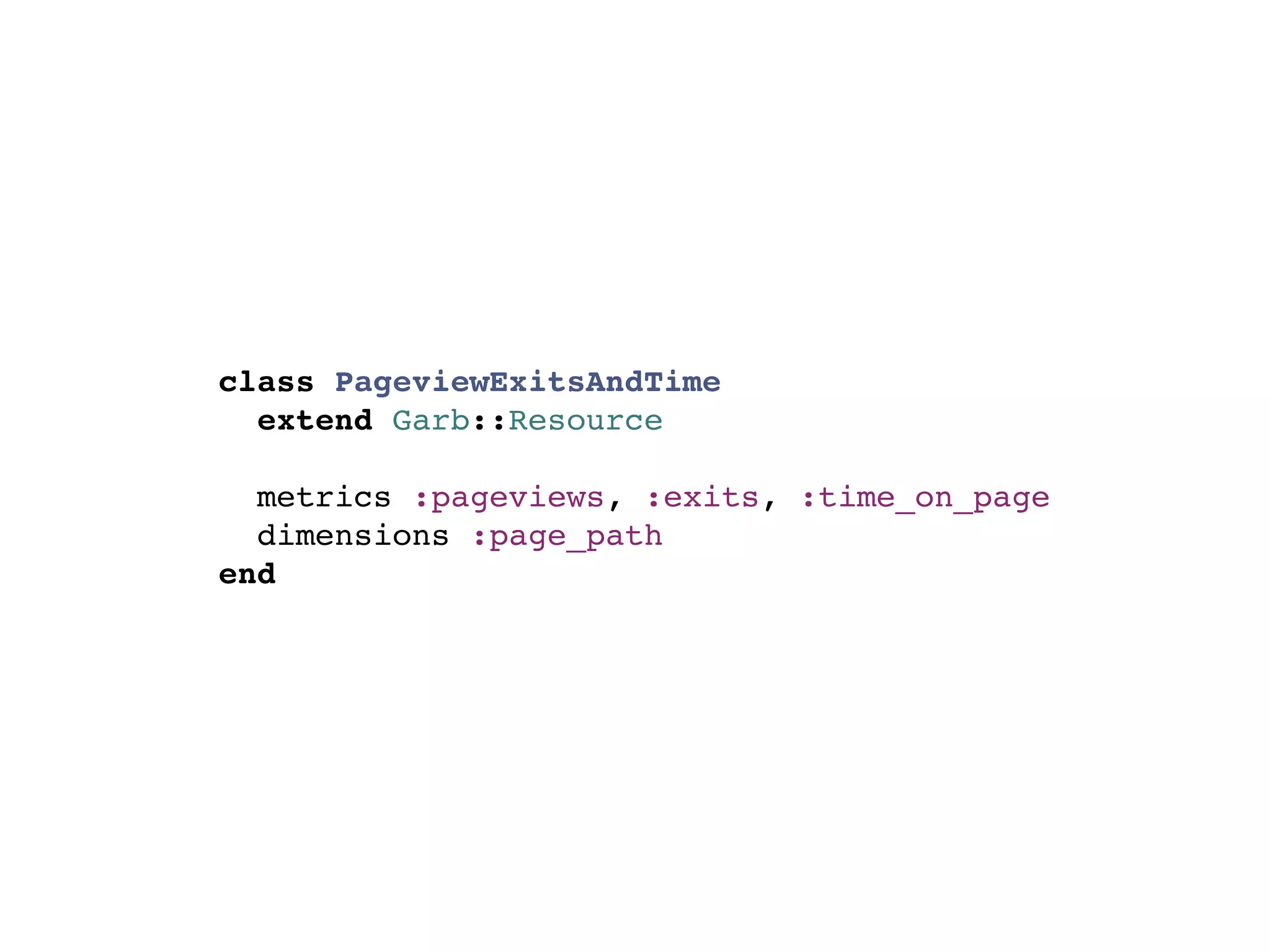
class PageviewExitsAndTime
  extend Garb::Resource

  metrics :pageviews, :exits, :time_on_page
  dimensions :page_path
end
TIME/(PAGEVIEWS-EXITS)
   Average Time on Page, Per Page
WHERE DO USERS SPEND TIME?
WHAT ARE LOGGED-IN USERS
         DOING?
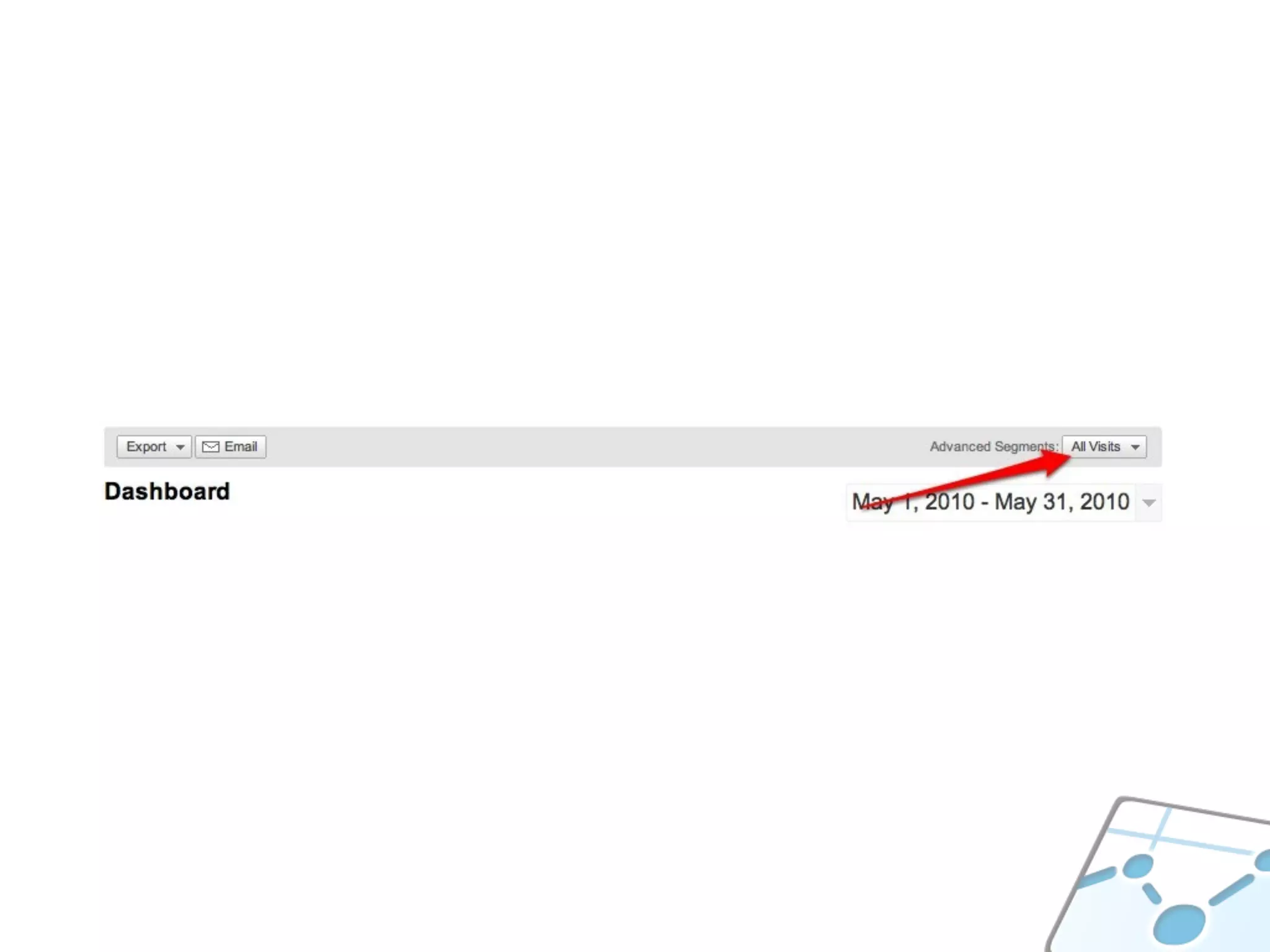
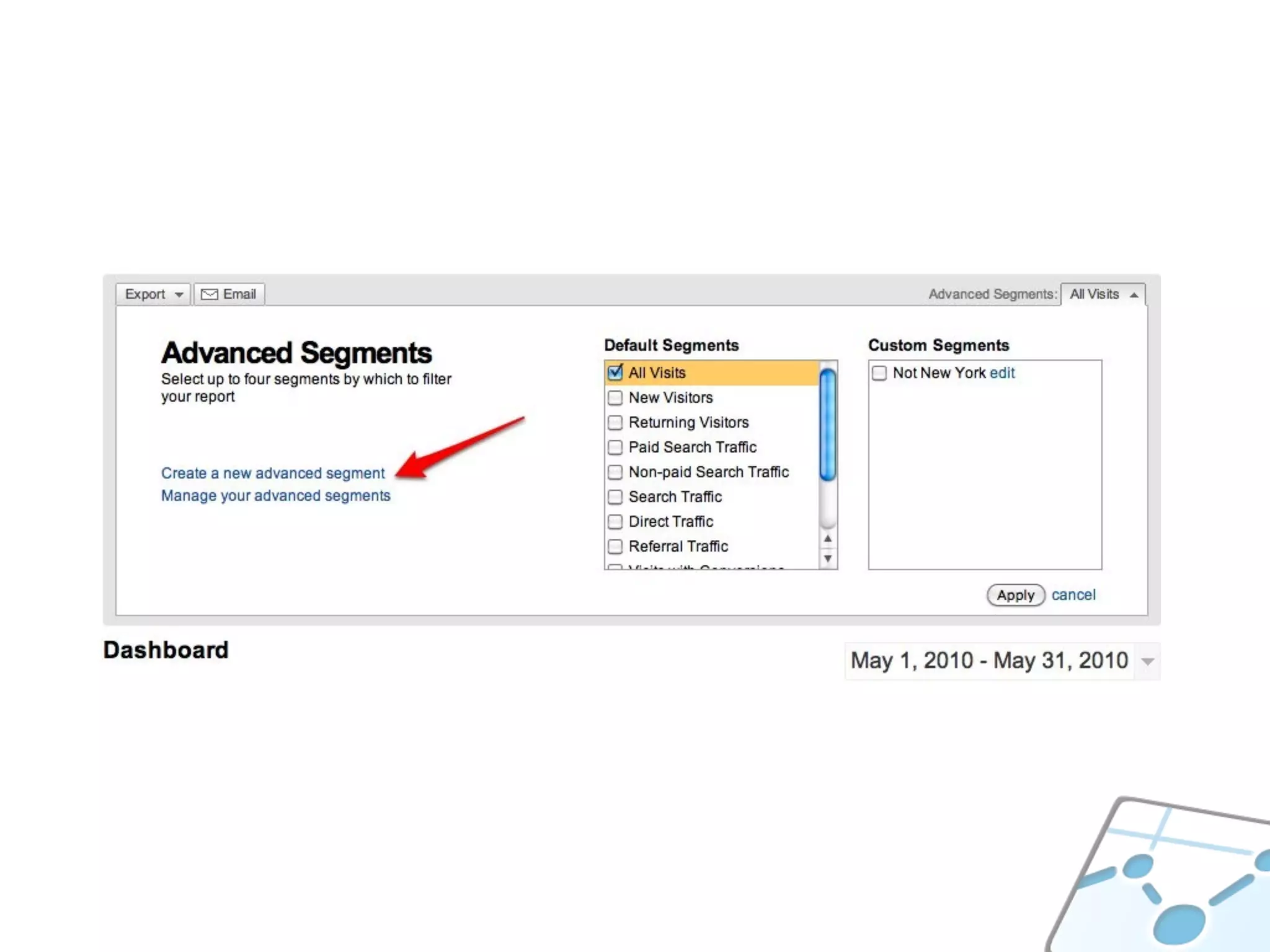
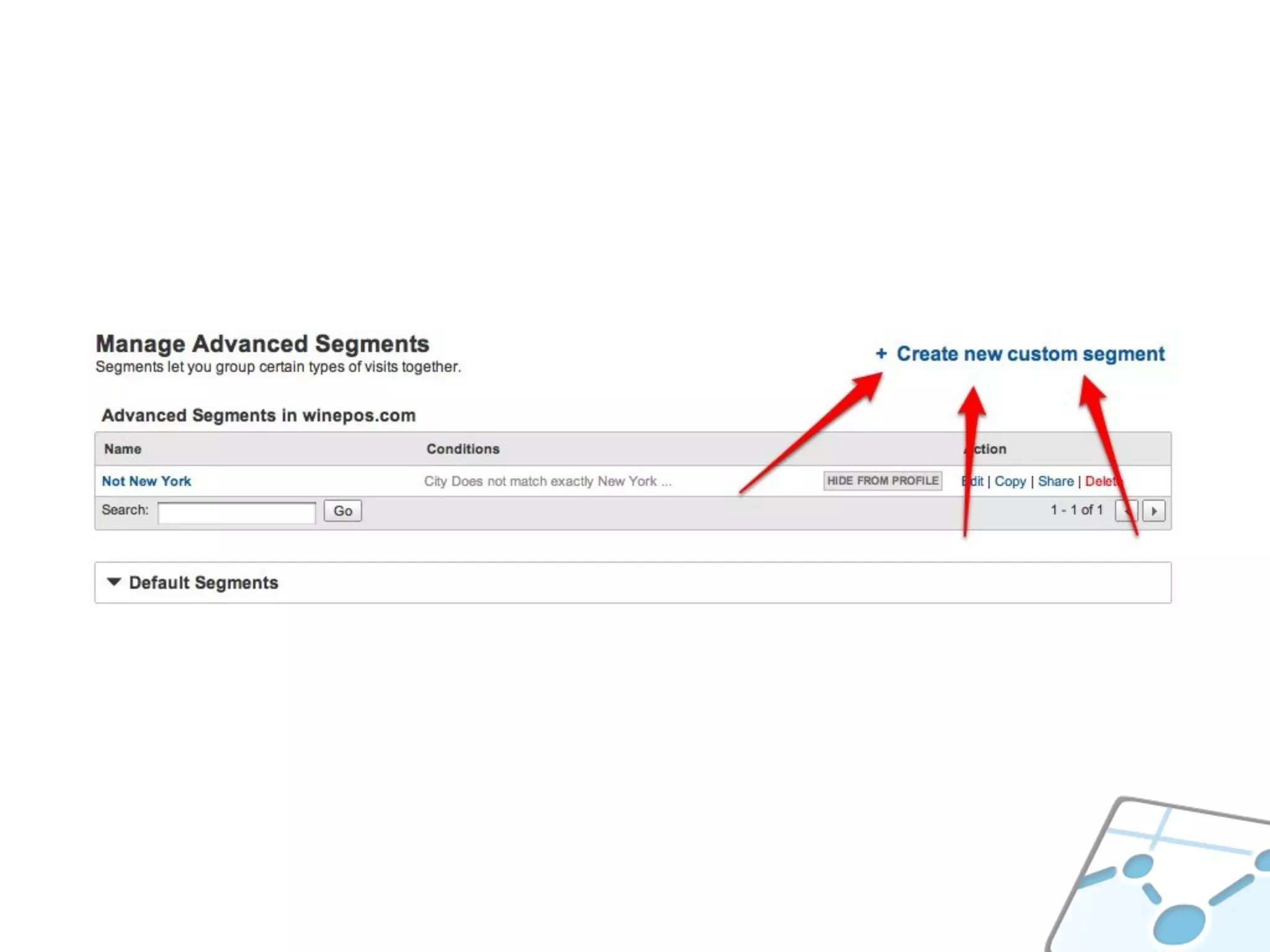
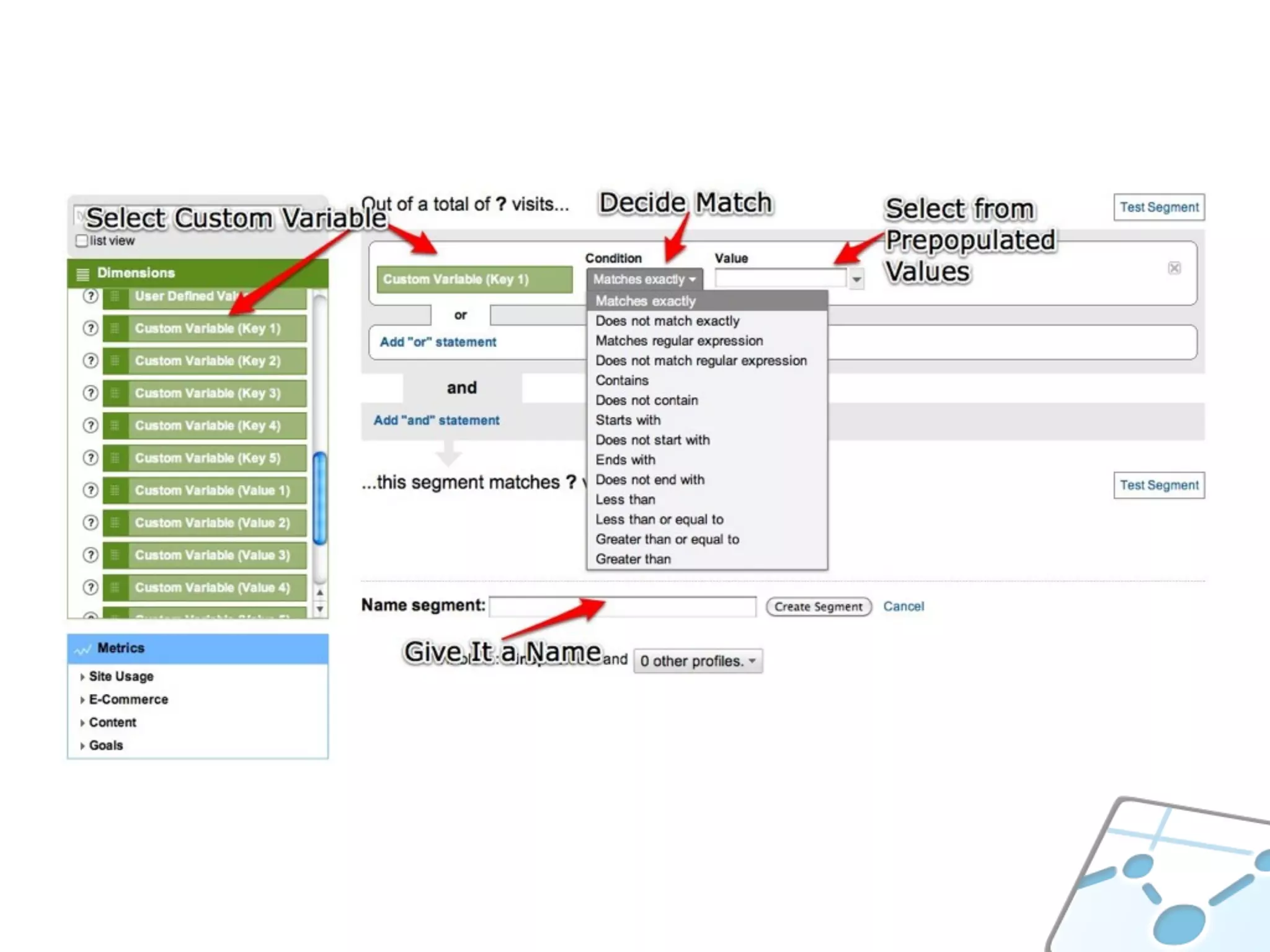
SETTING CUSTOM VARIABLES
_gaq.push(['_setCustomVar', 1, 'logged-in', 'member', 1]);
// or as an admin, to partition their data
_gaq.push(['_setCustomVar', 1, 'logged-in', 'admin', 1]);
_gaq.push(['_trackPageview']);
// track just this pageview to a custom variable
_gaq.push(['_setCustomVar', 1, 'purchase', 'level-2', 3]);
_gaq.push(['_trackPageview']);

// what do users do the rest of this session
_gaq.push(['_setCustomVar', 1, 'purchase', 'level-2', 2]);
_gaq.push(['_setCustomVar', 2, 'upgrade', '1', 2]); // use slot 2
_gaq.push(['_trackPageview']);
GREAT FOR SEGMENTS
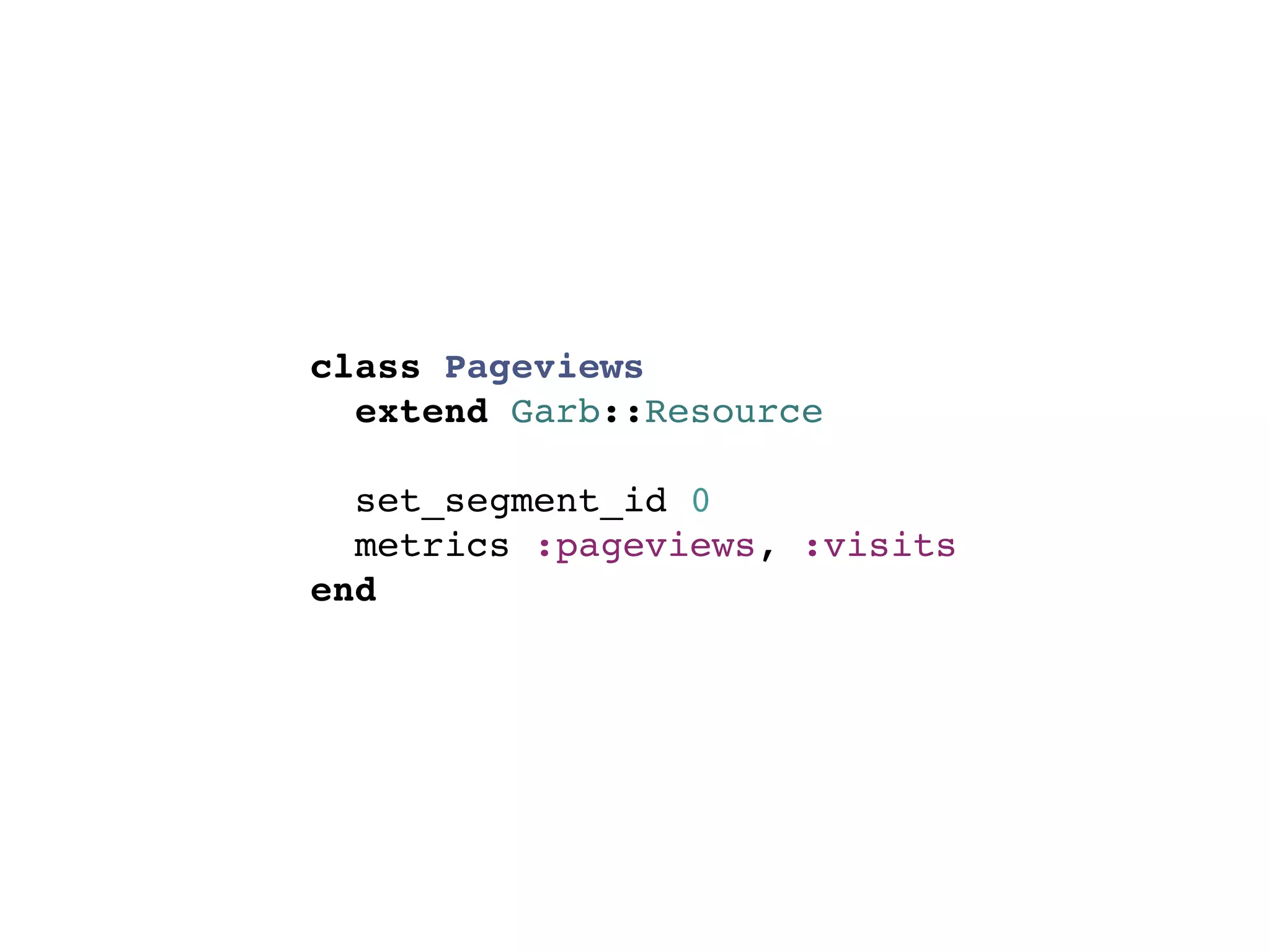
SEGMENT ID IN REPORTS
class Pageviews
  extend Garb::Resource

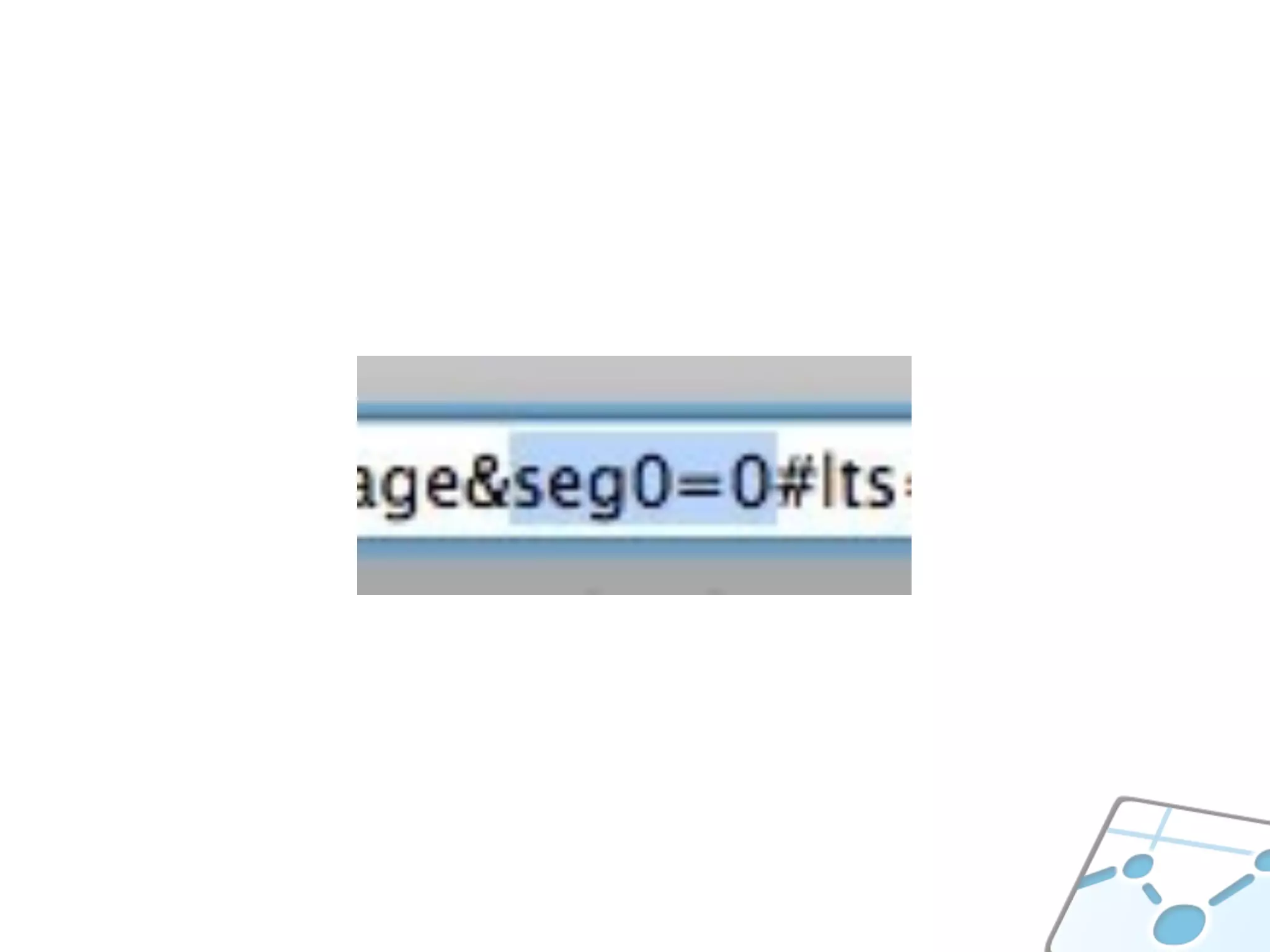
  set_segment_id 0
  metrics :pageviews, :visits
end
WHAT ARE LOGGED-IN USERS
         DOING?
HOW DO WE IMPROVE?
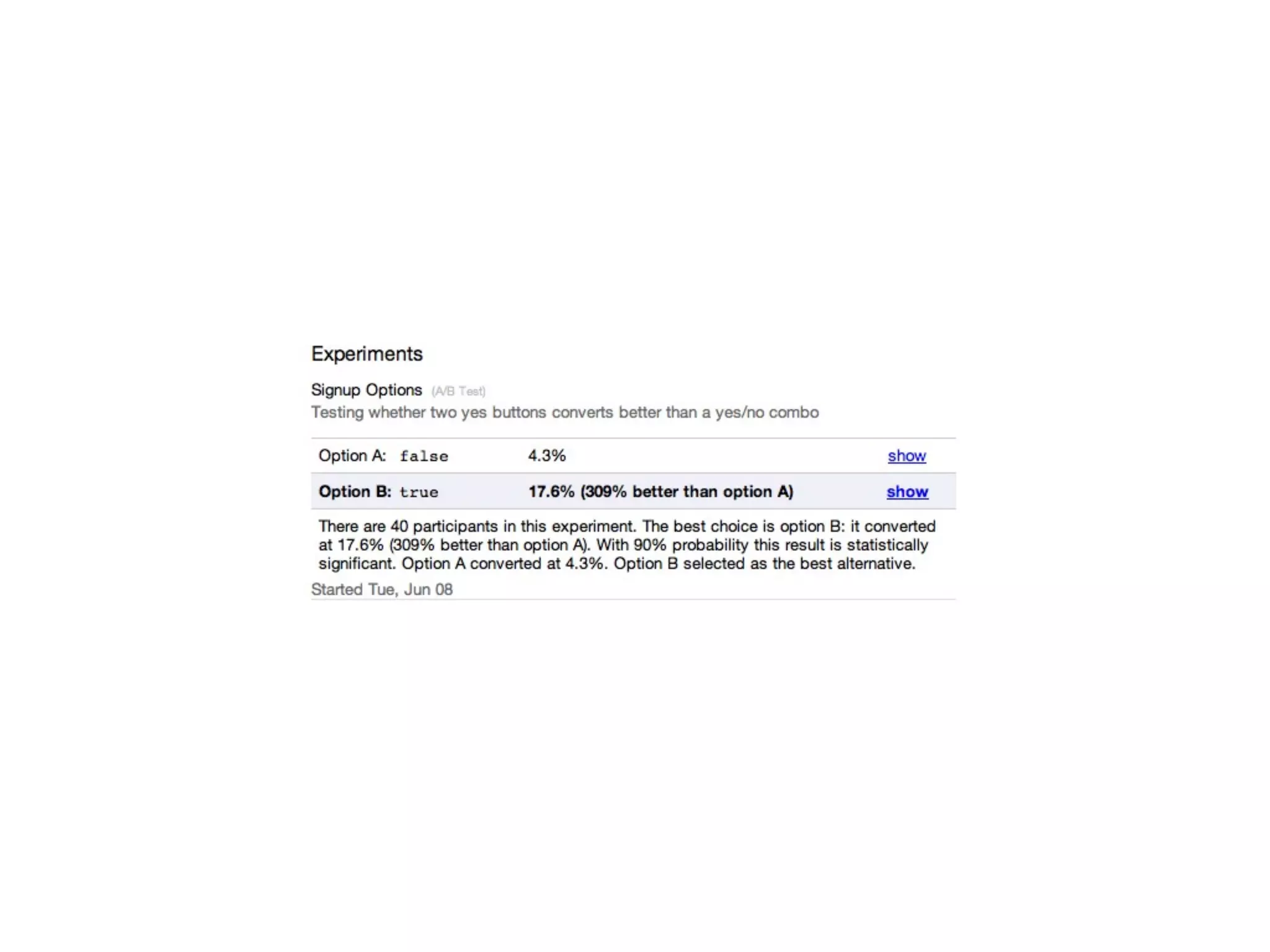
A/B TESTING
VANITY
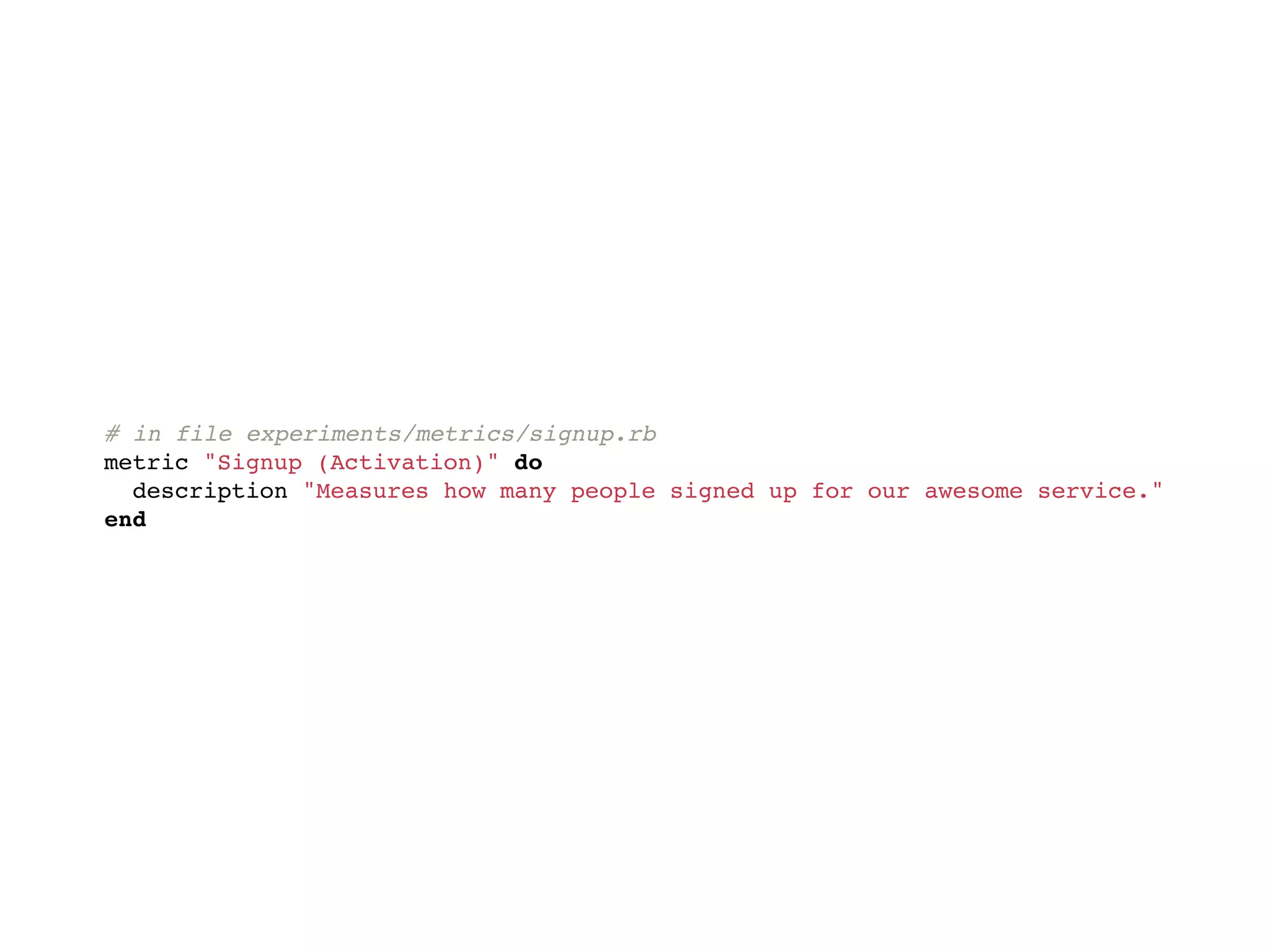
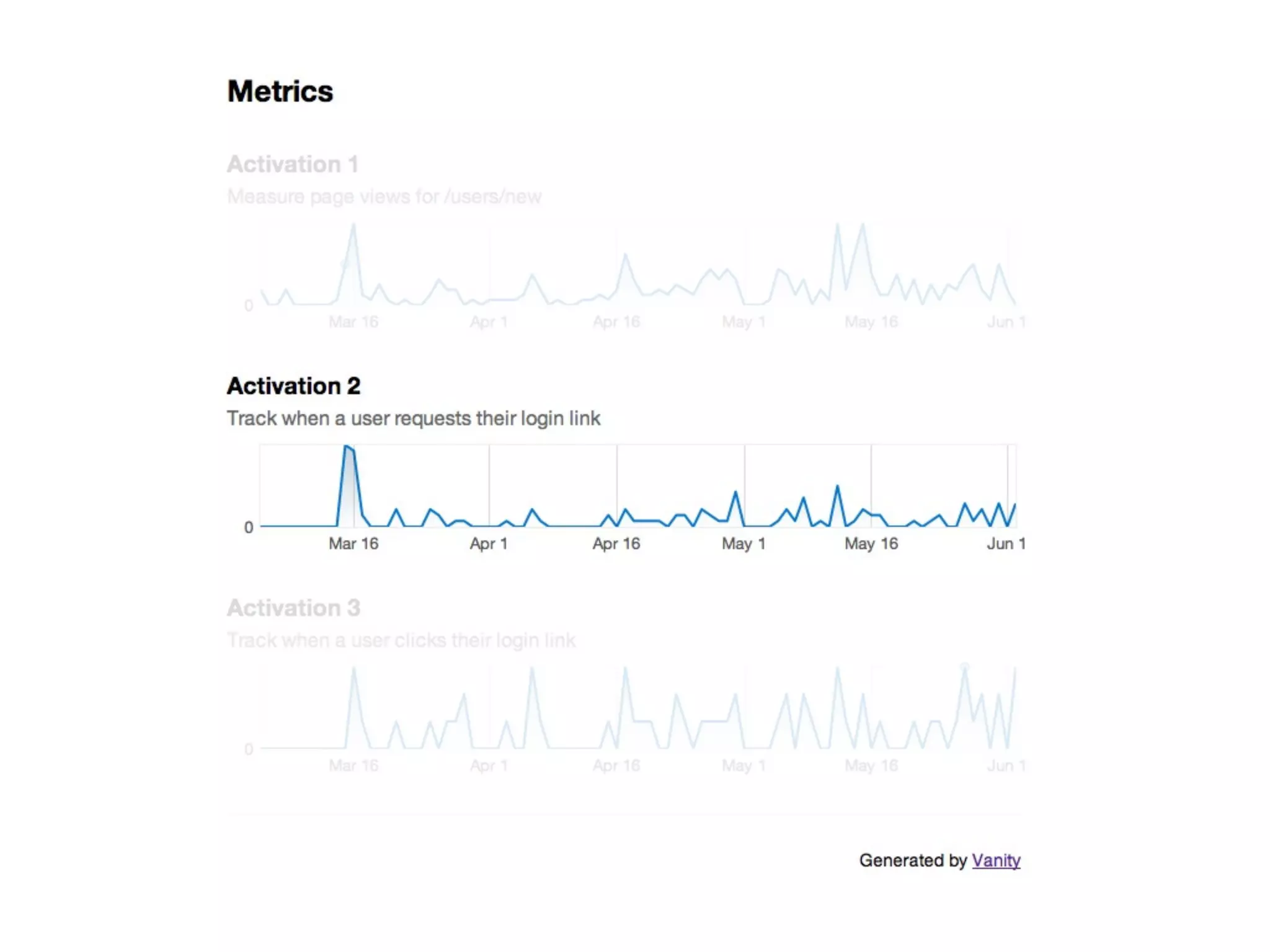
METRICS
# in file experiments/metrics/signup.rb
metric "Signup (Activation)" do
  description "Measures how many people signed up for our awesome service."
end
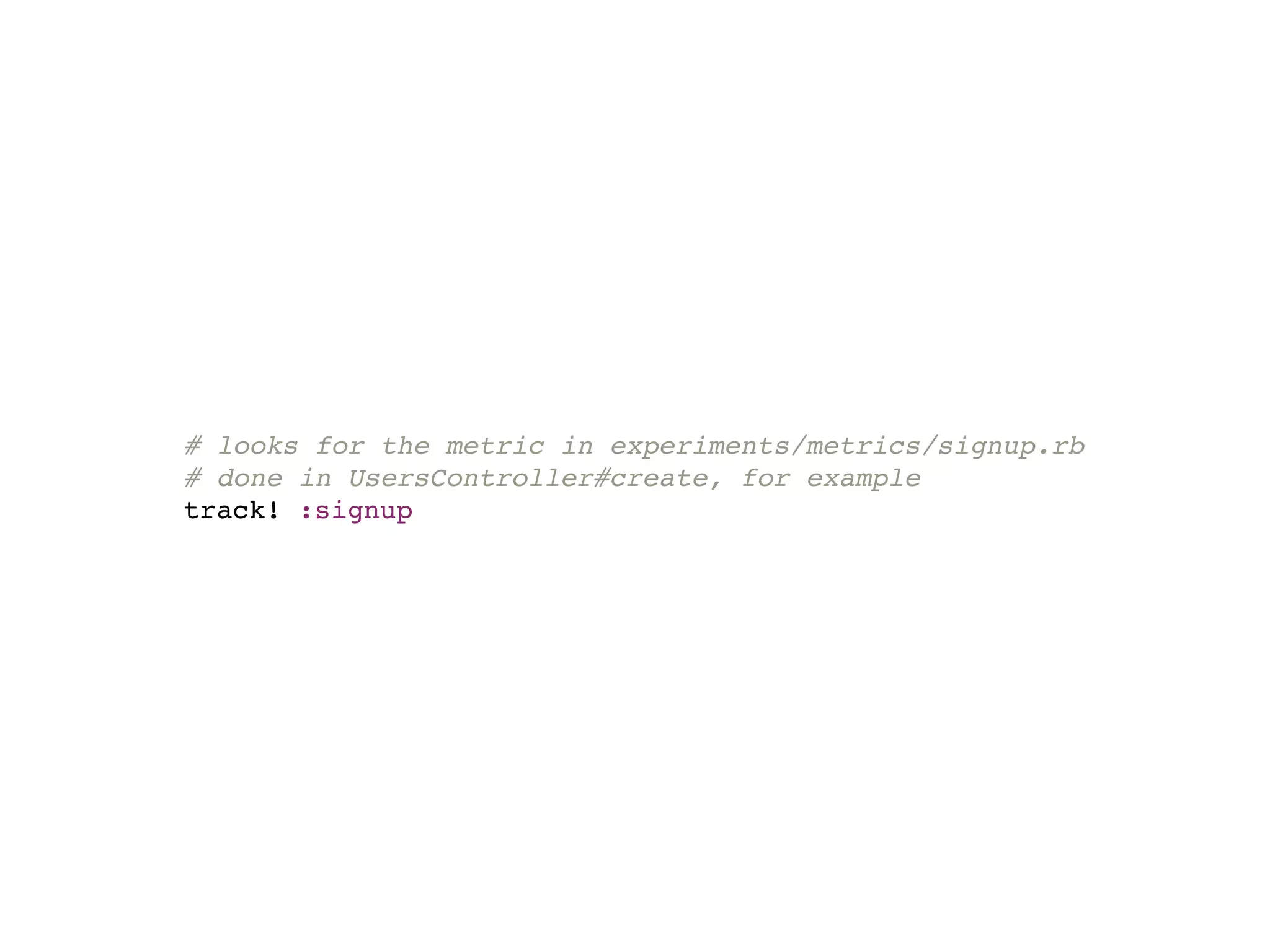
# looks for the metric in experiments/metrics/signup.rb
# done in UsersController#create, for example
track! :signup
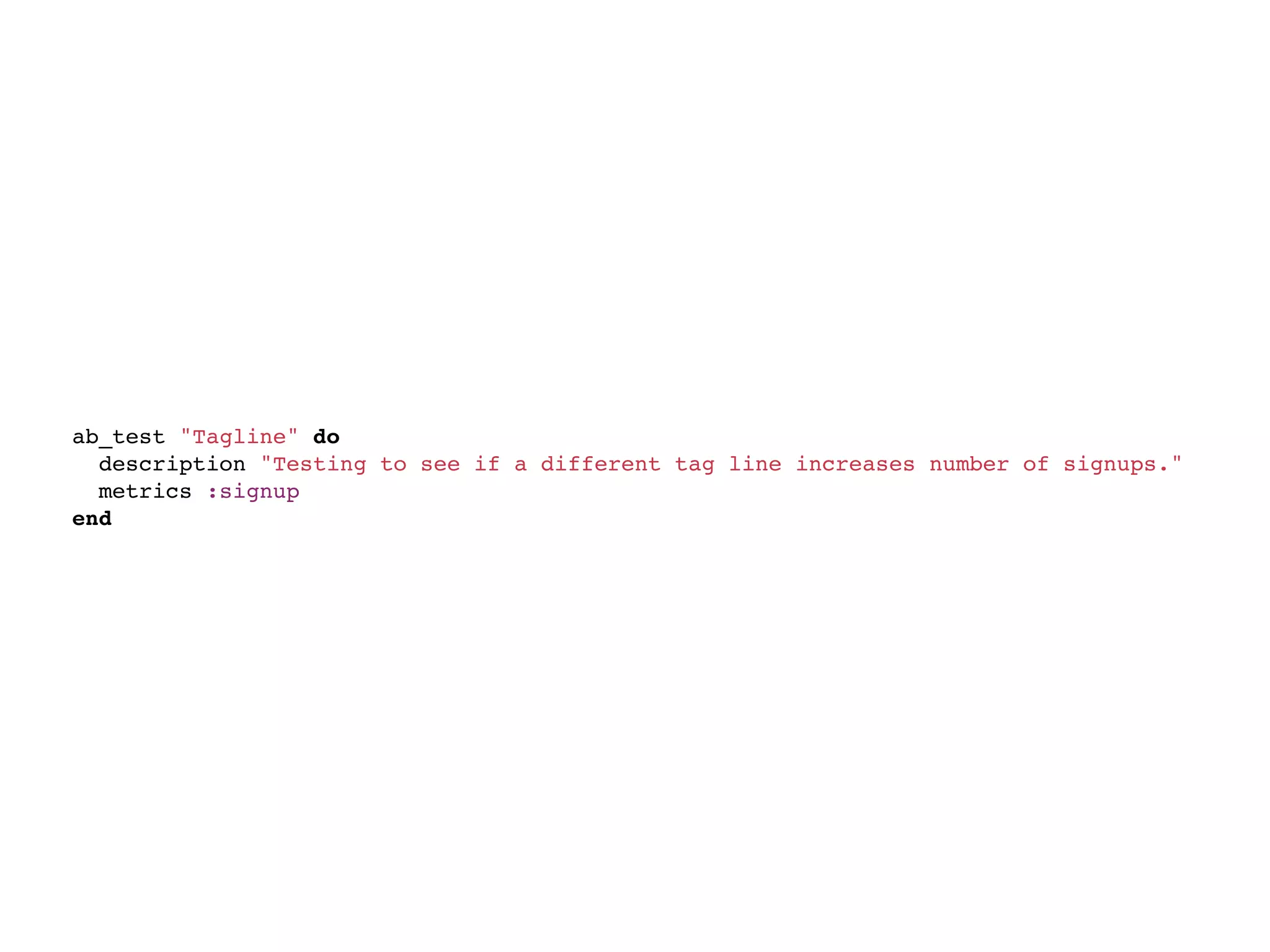
A/B TEST
ab_test "Tagline" do
  description "Testing to see if a different tag line increases number of signups."
  metrics :signup
end
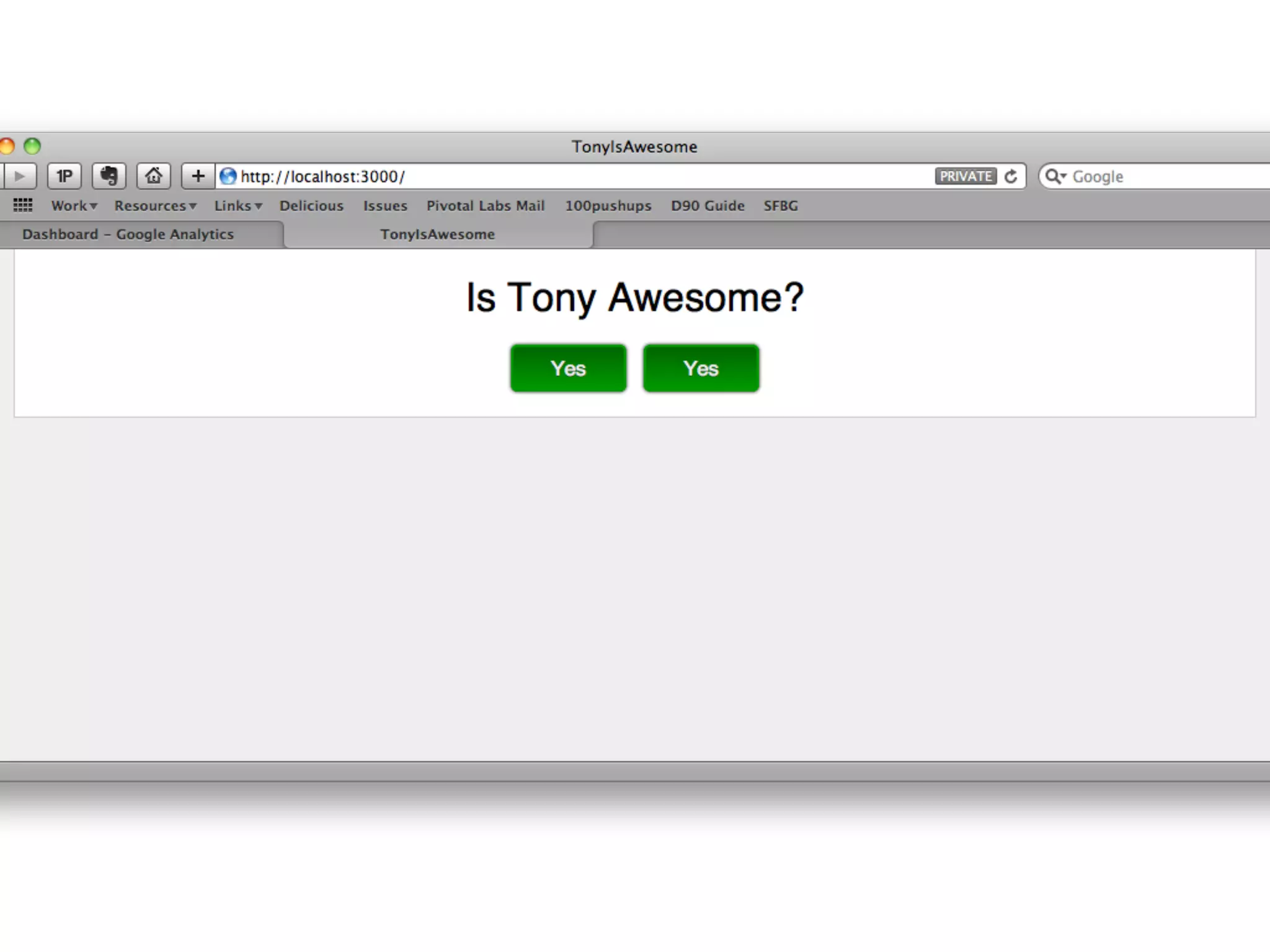
<% tagline = (ab_test(:tagline) ? "Buy Now!" : "Signup for Free!") %>
<h1><%= tagline %></h1>
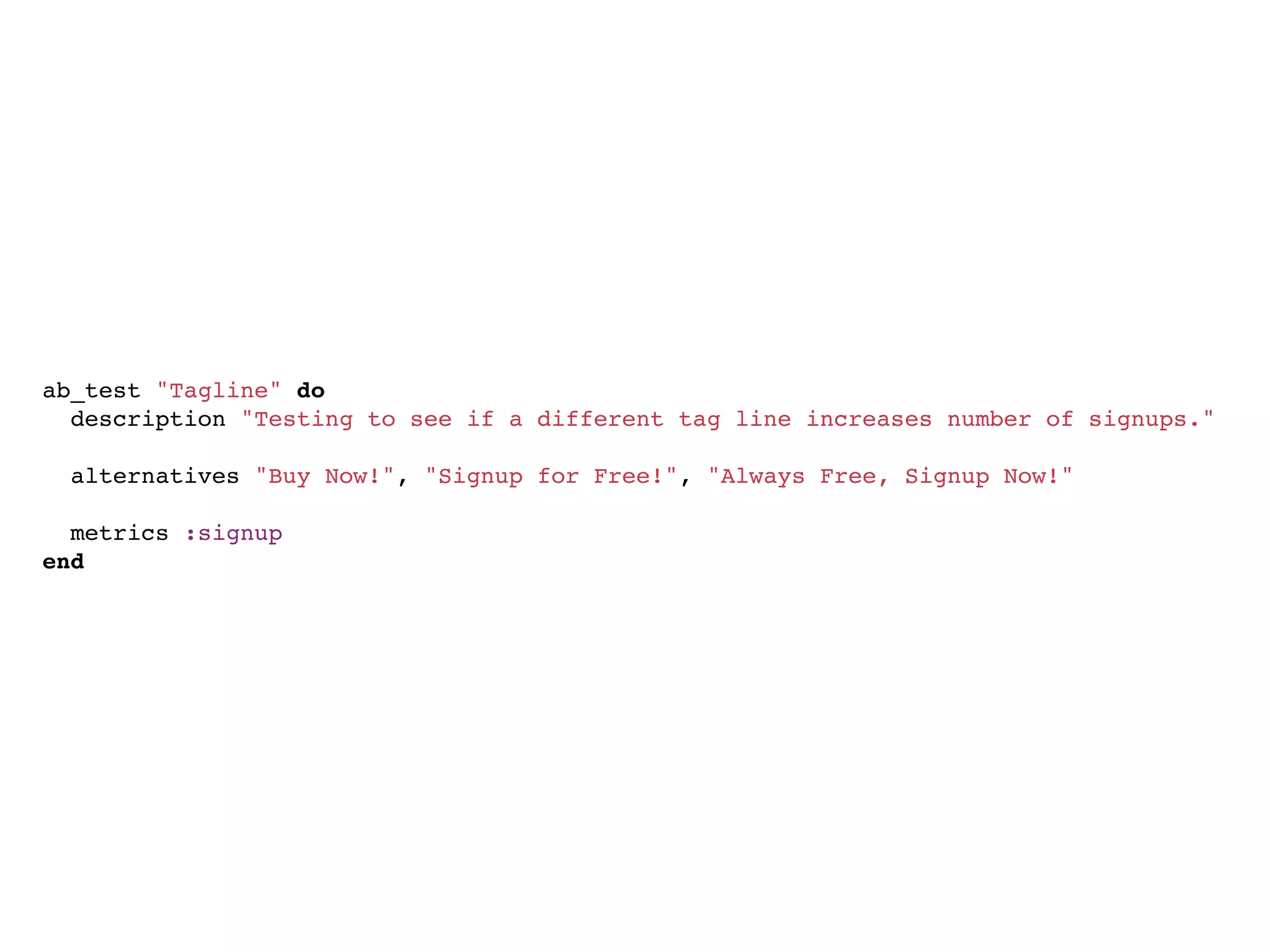
ab_test "Tagline" do
  description "Testing to see if a different tag line increases number of signups."
  
  alternatives "Buy Now!", "Signup for Free!", "Always Free, Signup Now!"
  
  metrics :signup
end
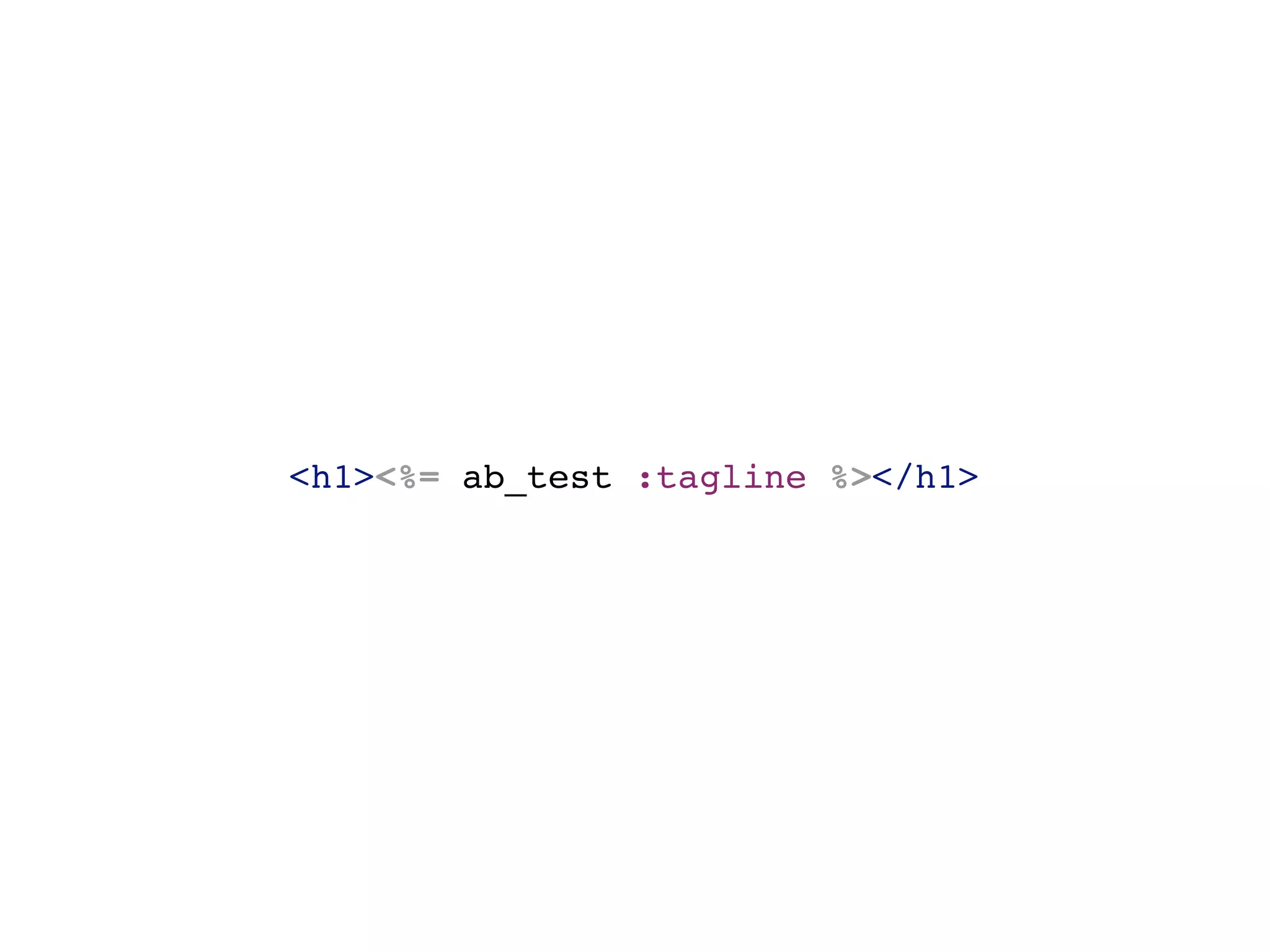
<h1><%= ab_test :tagline %></h1>
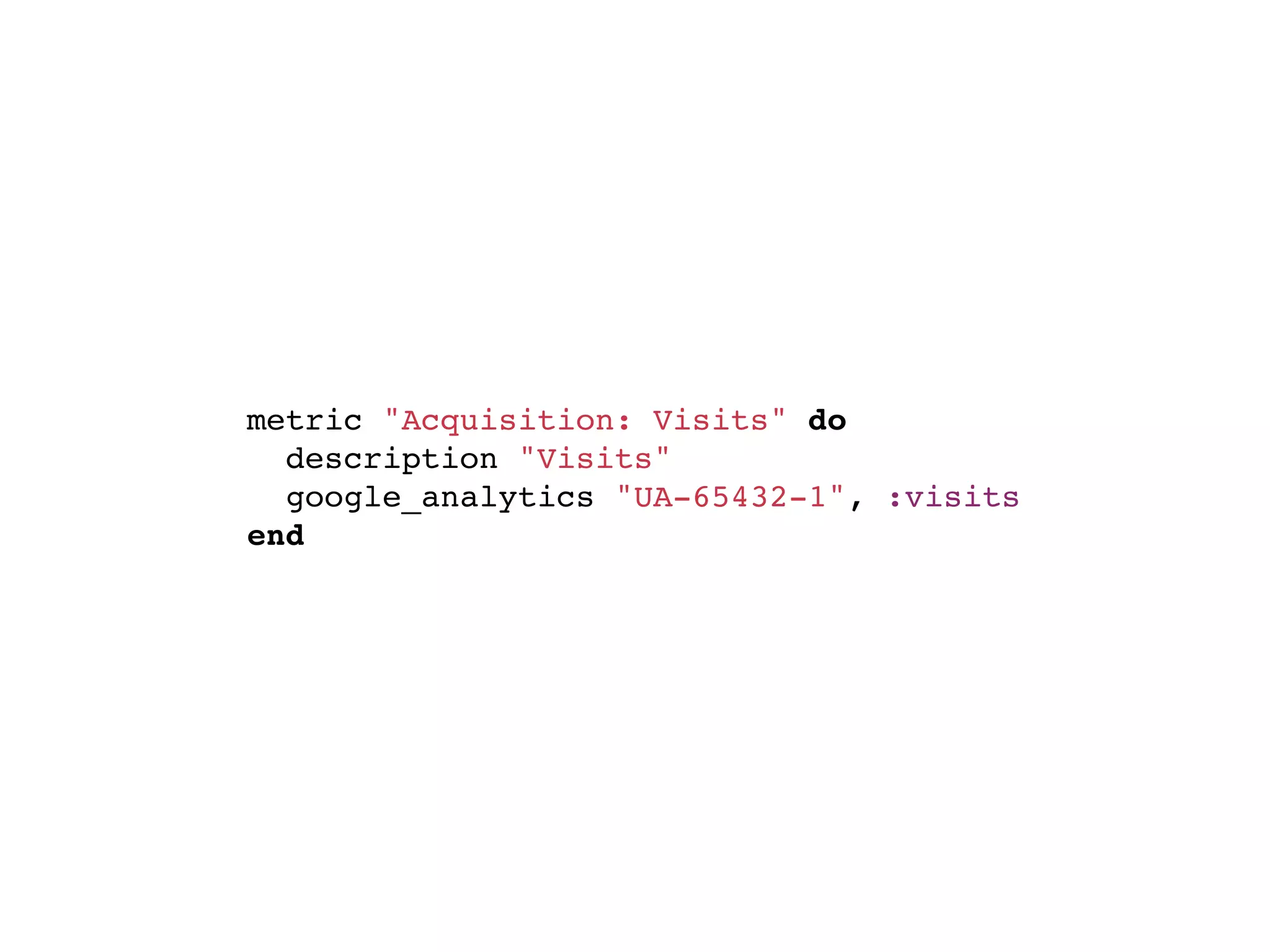
INTEGRATE VANITY W/GARB
metric "Acquisition: Visits" do
  description "Visits"
  google_analytics "UA-65432-1", :visits
end
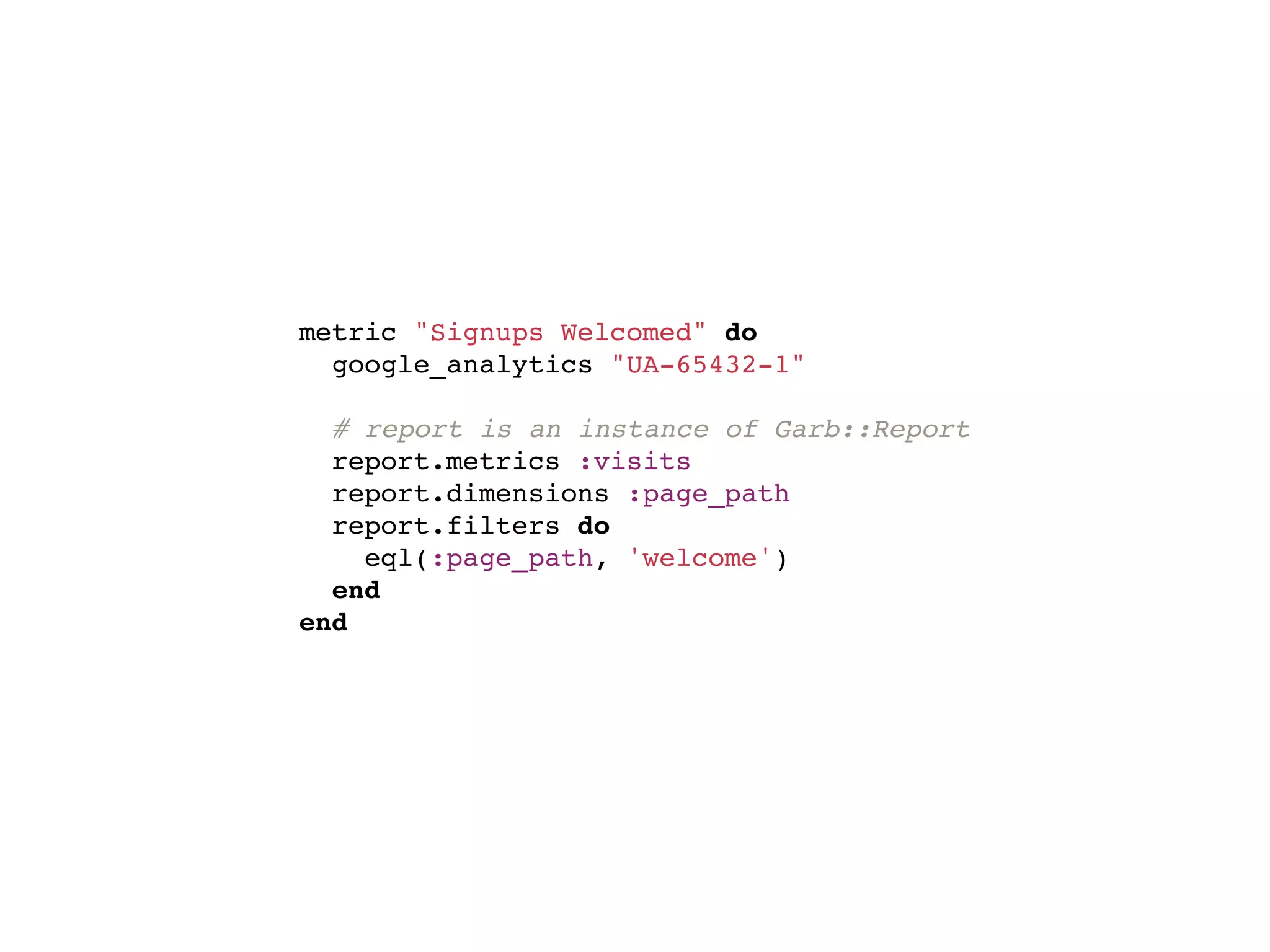
CUSTOM VANITY/GARB
metric "Signups Welcomed" do
  google_analytics "UA-65432-1"

  # report is an instance of Garb::Report
  report.metrics :visits
  report.dimensions :page_path
  report.filters do
    eql(:page_path, 'welcome')
  end
end
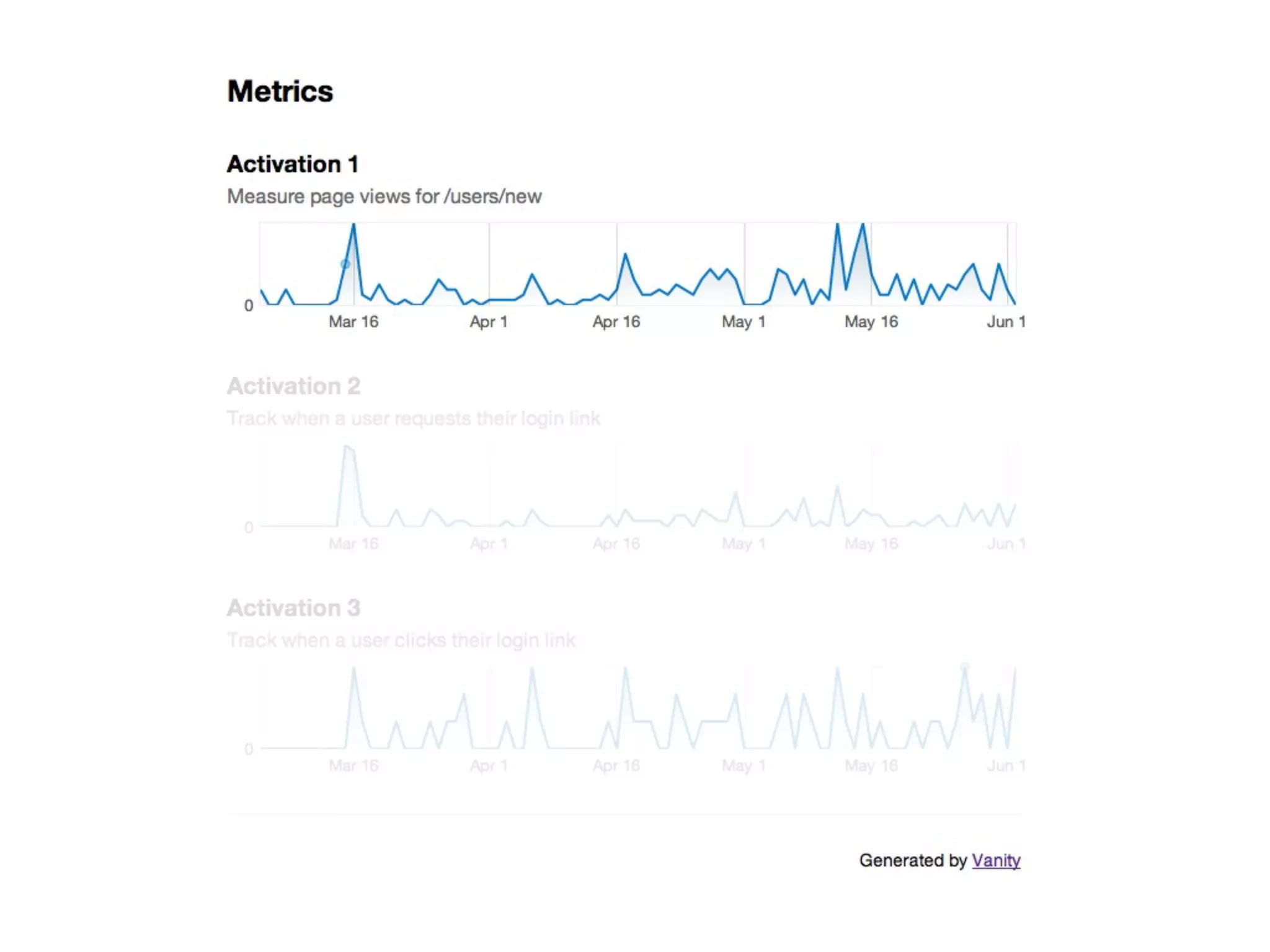
REALLY CUSTOM REPORTS
metric "Activation" do
  description "Measure page views for /"

  def values(from, to)
    report = Garb::Report.new(ACTIVE_PROFILE, {:start_date => from, :end_date => to})
    report.metrics :pageviews
    report.dimensions :page_path, :date
    report.sort :date
    report.filters do
      eql :page_path, '/'
    end

    # hack because data isn't returned if it's 0
    data = report.results.inject({}) do |hash, result|
      hash.merge(result.date => result.pageviews.to_i)
    end

    (from..to).map do |day|
      key = day.strftime('%Y%m%d')
      data[key] || 0
    end
  end
end
HOW DO WE IMPROVE?
COMMON USES
ENCOURAGE USERS
EASY ADMIN
FOR THE ROAD
FOLLOW THE MONEY
NOBODY IS PAID BY THE PAGEVIEW
USER TESTING STILL WINS
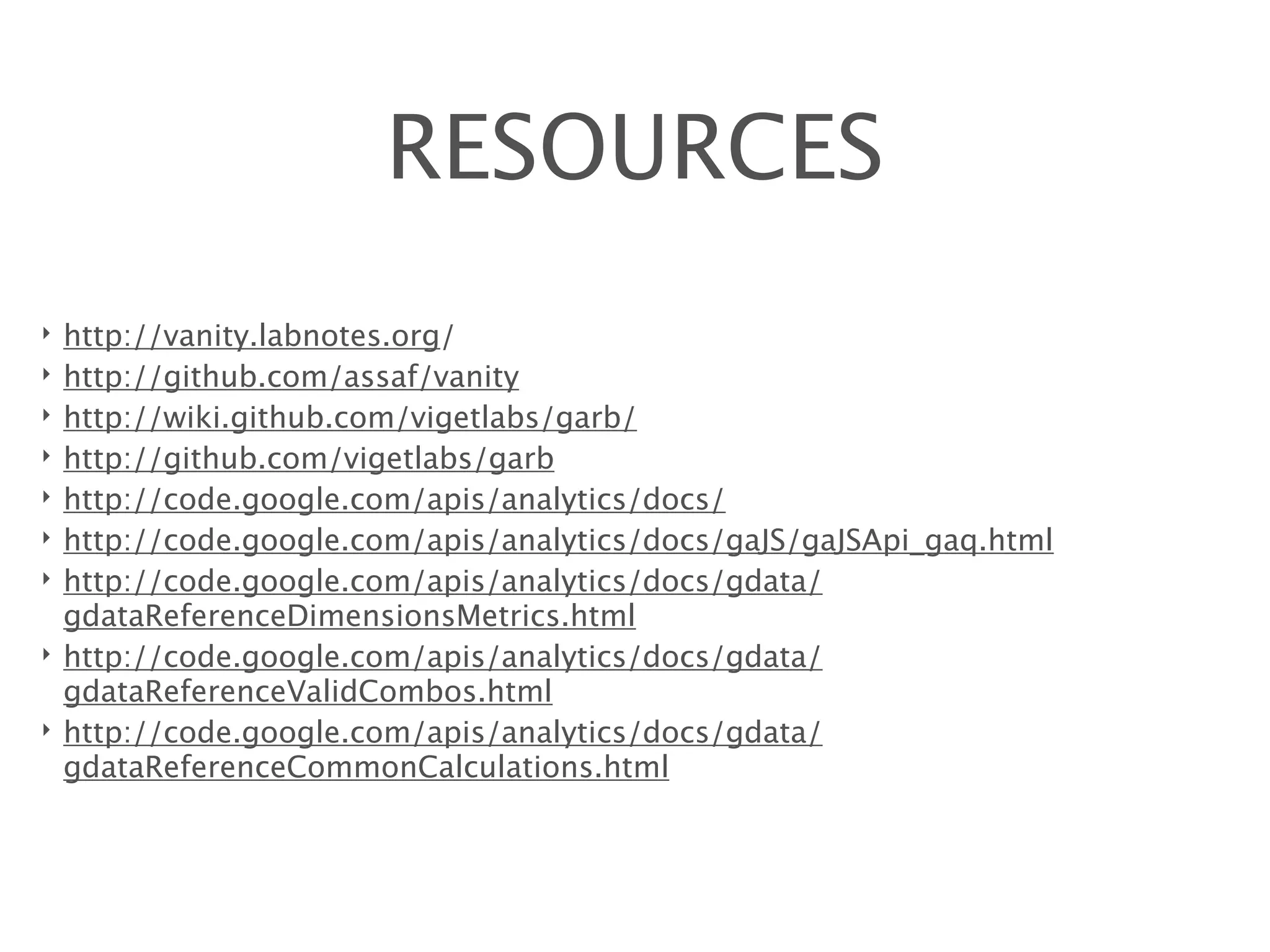
RESOURCES
‣   http://vanity.labnotes.org/
‣   http://github.com/assaf/vanity
‣   http://wiki.github.com/vigetlabs/garb/
‣   http://github.com/vigetlabs/garb
‣   http://code.google.com/apis/analytics/docs/
‣   http://code.google.com/apis/analytics/docs/gaJS/gaJSApi_gaq.html
‣   http://code.google.com/apis/analytics/docs/gdata/
    gdataReferenceDimensionsMetrics.html
‣   http://code.google.com/apis/analytics/docs/gdata/
    gdataReferenceValidCombos.html
‣   http://code.google.com/apis/analytics/docs/gdata/
    gdataReferenceCommonCalculations.html
THANKS!
            http://speakerrate.com/talks/3455


                                                Photo Credits
                                                  ‣   Fi
                                                  ‣   jstbtrflyz2
                                                  ‣   RobertClavarro
                                                  ‣   krm_gib
                                                  ‣   talllguy
                                                  ‣   fragglerawker
RailsConf 2010 | Baltimore, MD                    ‣   erica_marshall
Tony Pitale | @tpitale | Viget Labs
Q&A BONUS ROUND

User Behavior Tracking with Google Analytics, Garb, and Vanity

Editor's Notes

  • #2 Title: &amp;#x201C;Build it and they will come&amp;#x201D; &amp;#x2026; Sucks. Summary: User behavior tracking can be difficult. If done properly, it can be invaluable in helping to shape the evolution of your product. Done poorly, and it can lead to expensive mistakes. Learn the tools and techniques that will help you make the right choices. Abstract: The most successful applications start off with a good idea. From this idea, features and services are created to fulfill the needs of users. Determining how users act when given features has proven to be the best method for guiding feature design. Unfortunately, making this determination is often an expensive challenge, especially if done improperly. This talk will provide you with new tools and techniques to aid gathering information to make these decisions. With the bulk of the talk I will cover all you will need to know to get information back out of Google Analytics (GA), using Garb to access the API provided by Google. In addition, I will discuss, in-depth techniques and examples for gathering the best data using GA. I will touch briefly on the benefits of A/B testing in order to introduce Vanity. Lastly, I will present techniques for combining data gathered with GA and metrics from Vanity to create a vivid picture of user behavior and how this data might be presented to encourage users. All in all, Google Analytics provides the gateway to a more complete analysis of user behavior, and an invaluable tool for planning the features and growth of your application. Let me show you how to leverage them.