2018
What is Node.js?
Tim Davis
The Turtle Partnership Ltd
About me
• Co-founder of The Turtle Partnership
• Working with Notes and Domino for over 20 years
• Working with JavaScript technologies and frameworks almost as
long
• Node, Angular, React, Material Design, Electron, Mongo, Couch,
Pouch, Google Cloud Platform
2
So, what is Node.js?
• It is a fully programmable server engine, programmed using Javascript
• Most of the time it is used as a web server
• It can
• serve web pages
• run APIs
• be a networked application
• do IoT stuff
• be containerised
3
Why are we interested?
• Will be integrated into Domino 10
• Allows access to Domino data from Node easily
• Parallel development path
• Extend existing Domino apps
• Mobile
• New websites
• Microservices
• Other platforms
4
Why use Node to do this?
• It is a hugely popular web platform
• Part of the MEAN/MERN development stacks
• Easy to add modules to do different things
• Lots of resources and support out there
• JavaScript, so works well with
• UI frameworks (Angular, React, etc)
• NoSQL datastores (MongoDB, CouchDB, etc)
• Domino 10 will be a JavaScript NoSQL datastore
5
Full Stack
• What is Full Stack development?
• It is using the same basic technology from the backend data up to the UI
• Here we are talking about using JavaScript.
• Typically this means a JavaScript UI framework, such as Angular or
React, with a JSON datastore on the backend
• JavaScript all the way down
• MEAN/MERN and now DEAN/NERD
6
Can I do JavaScript?
• If you have used JavaScript in Domino web forms
• maybe client-side validation scripts
• or some JQuery
• or in XPages server-side JavaScript
• …then you will be fine with JavaScript in Node
• If you’ve used LotusScript, similar but different syntax
• e.g. variables, arrays, loops, functions
• …but has new stuff which is really great :-)
7
What about Domino 10?
• IBM/HCL will provide a domino connector module, 'domino-db'
• Add this to your Node app
• Can read and update your Domino databases
• Will use a new gRPC interface into Domino server
• fast, separate from the HTTP task
• Can use the upcoming Domino Query Language, DQL
• There will be an authentication solution, too: IAM, OAuth
8
But hey, enough of my yakkin’
• Where can I get it?
• How do I run it?
9
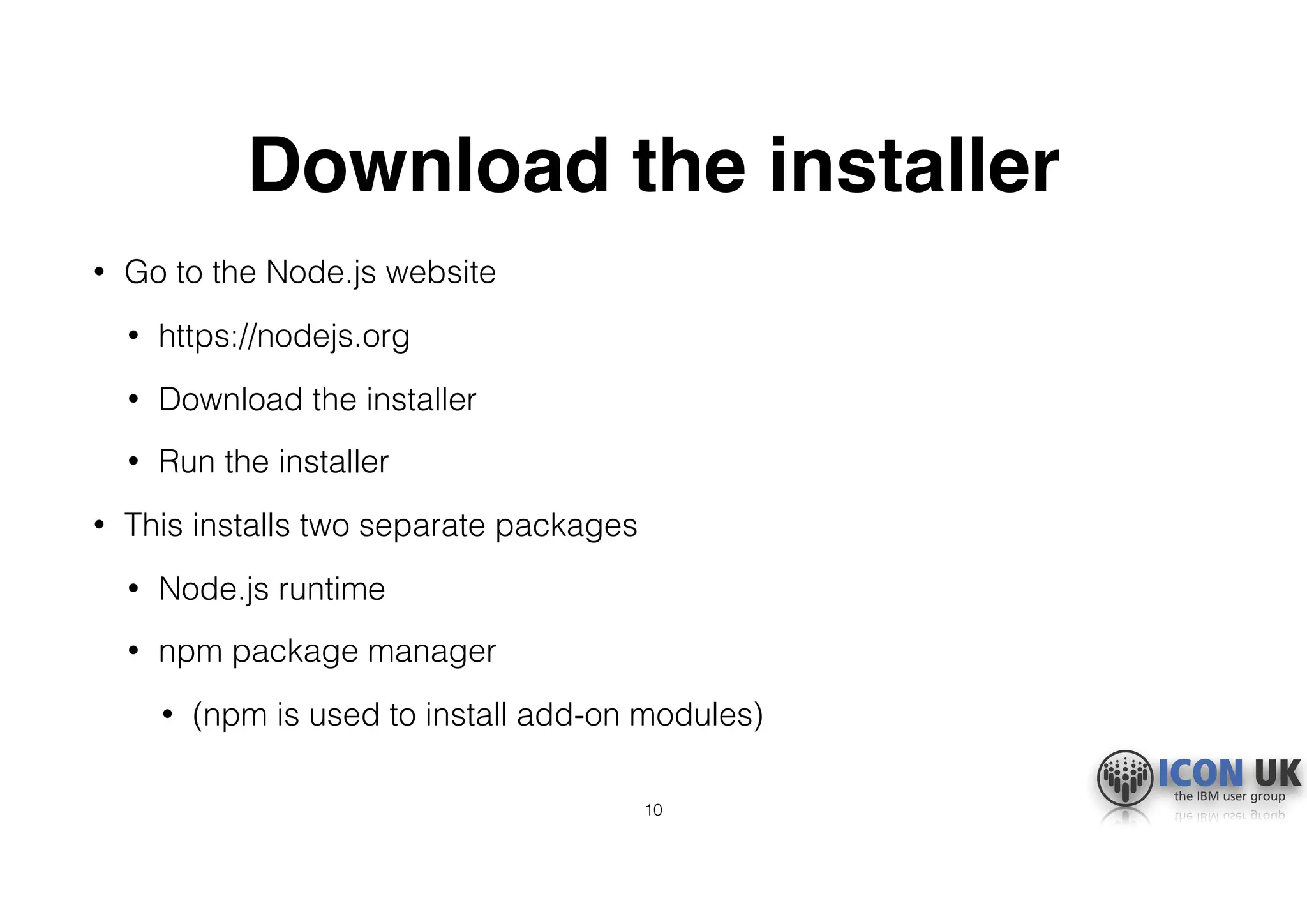
Download the installer
• Go to the Node.js website
• https://nodejs.org
• Download the installer
• Run the installer
• This installs two separate packages
• Node.js runtime
• npm package manager
• (npm is used to install add-on modules)
10
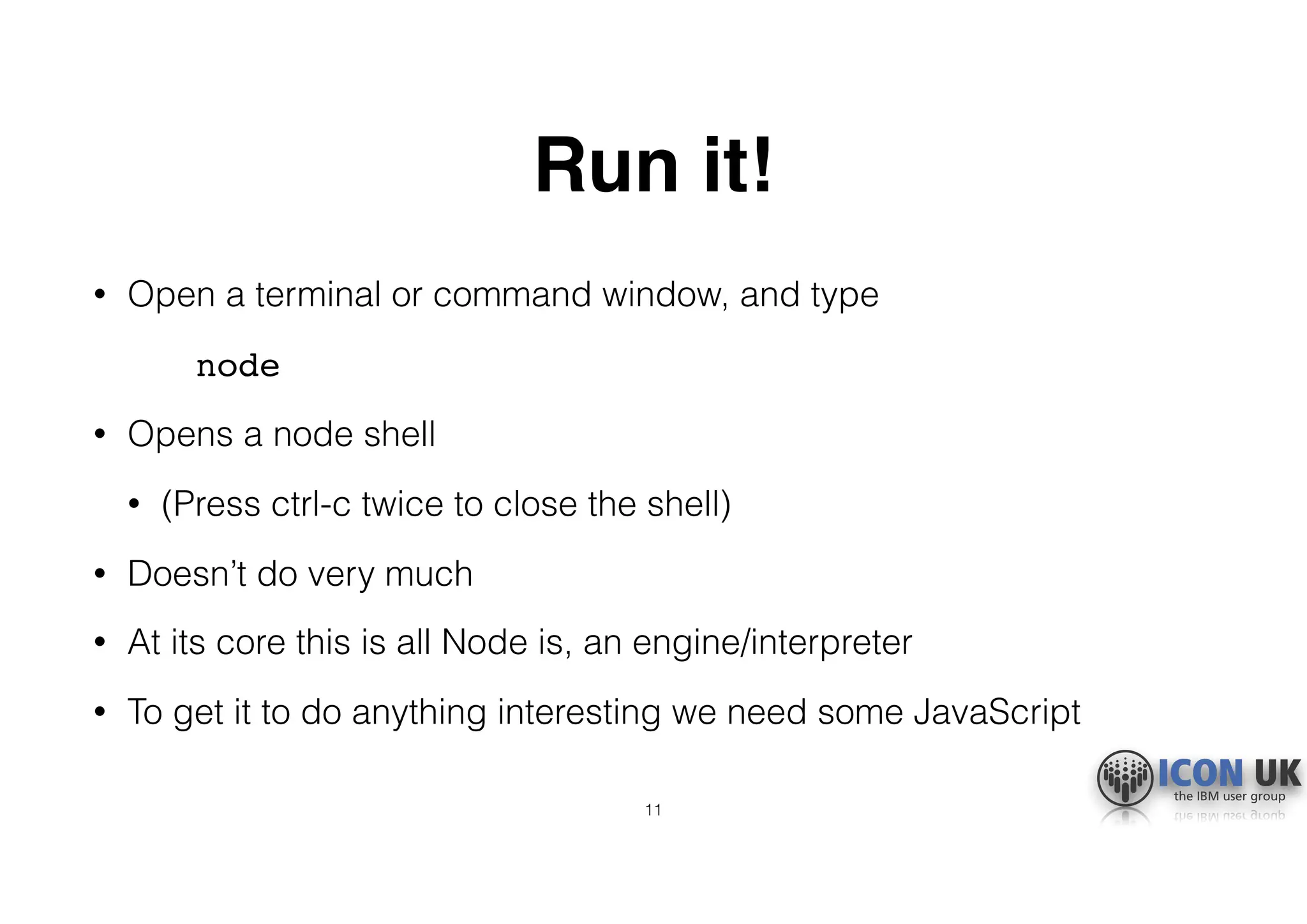
Run it!
• Open a terminal or command window, and type
node
• Opens a node shell
• (Press ctrl-c twice to close the shell)
• Doesn’t do very much
• At its core this is all Node is, an engine/interpreter
• To get it to do anything interesting we need some JavaScript
11
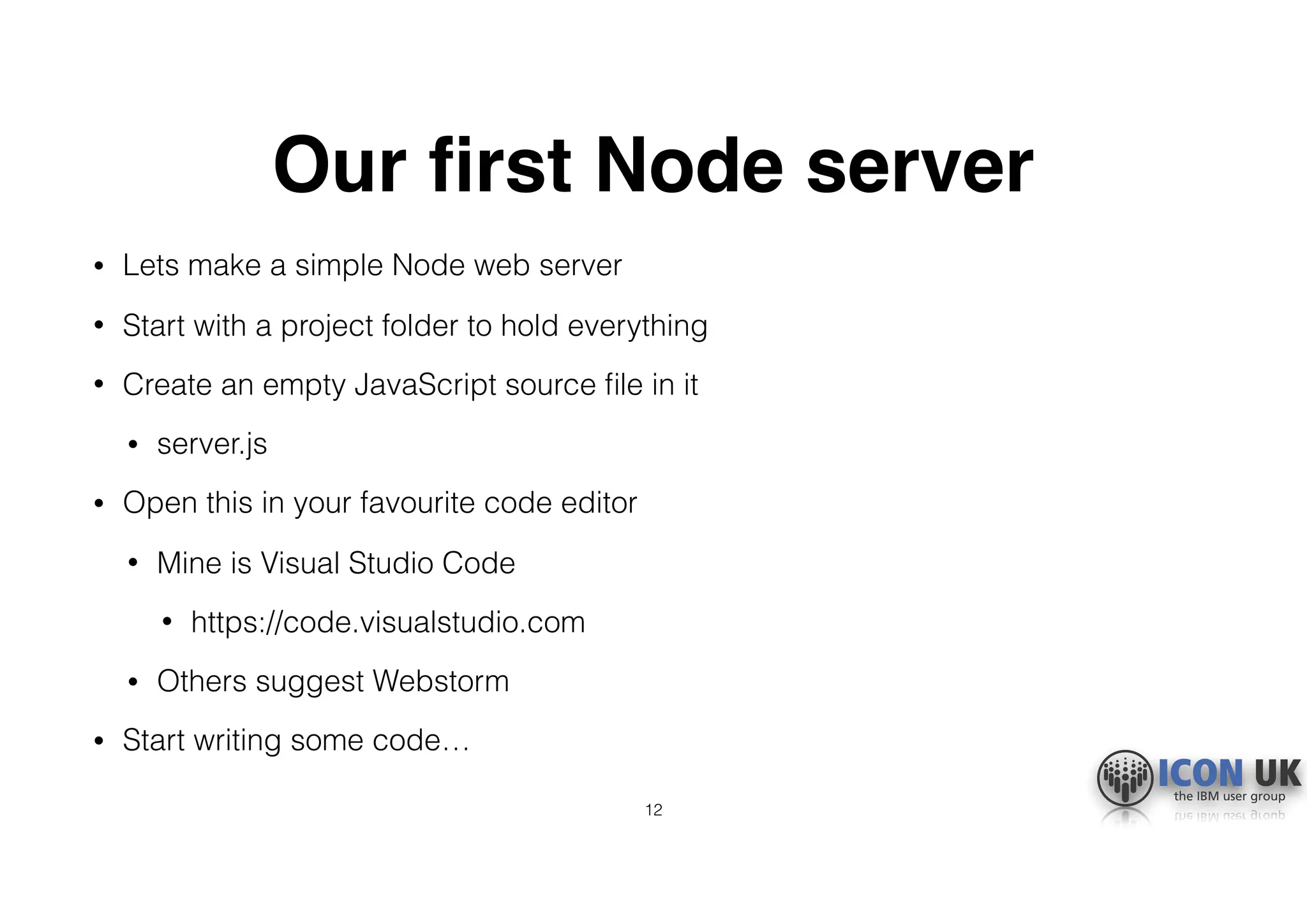
Our first Node server
• Lets make a simple Node web server
• Start with a project folder to hold everything
• Create an empty JavaScript source file in it
• server.js
• Open this in your favourite code editor
• Mine is Visual Studio Code
• https://code.visualstudio.com
• Others suggest Webstorm
• Start writing some code…
12
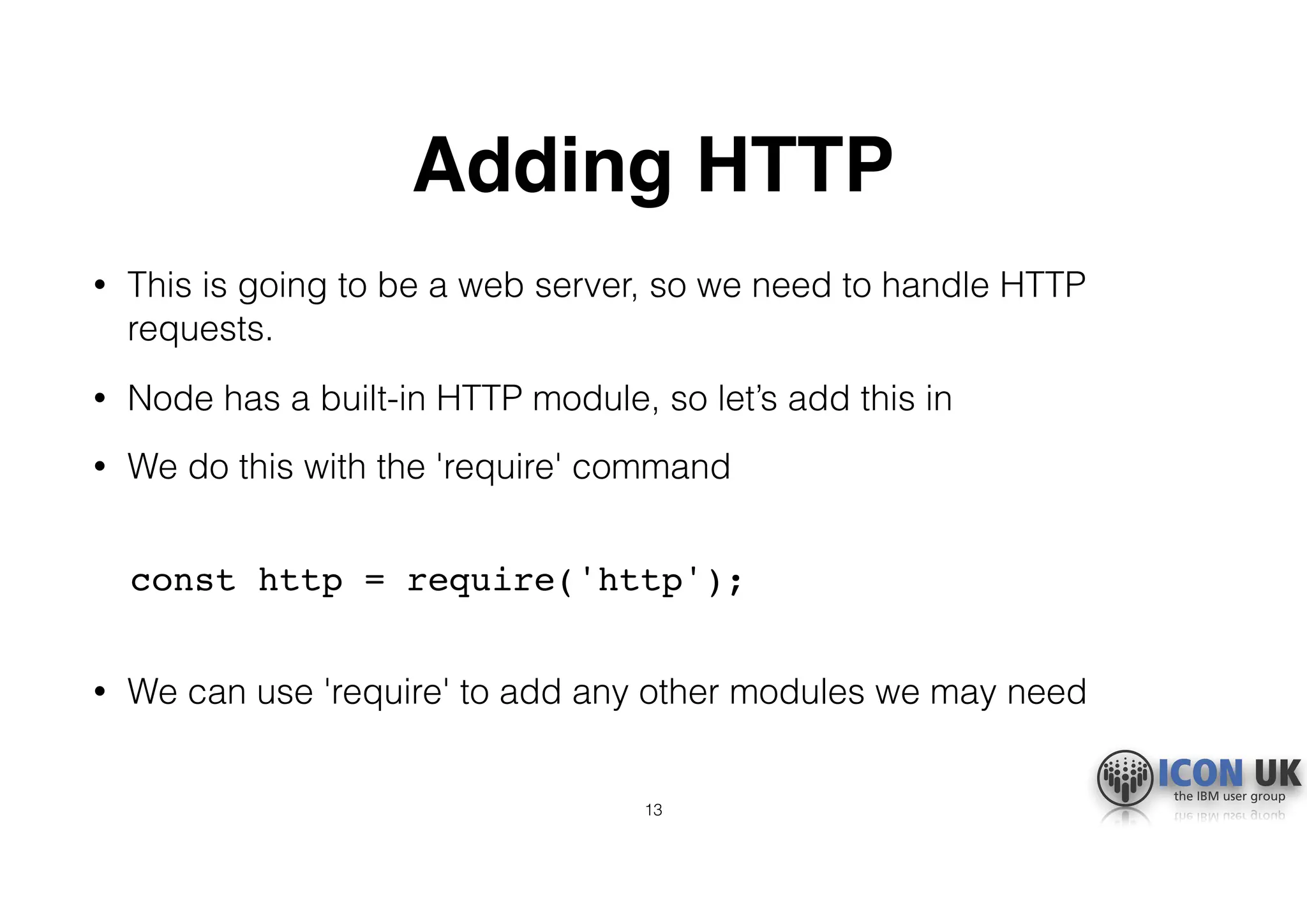
Adding HTTP
• This is going to be a web server, so we need to handle HTTP
requests.
• Node has a built-in HTTP module, so let’s add this in
• We do this with the 'require' command

const http = require('http');

• We can use 'require' to add any other modules we may need
13
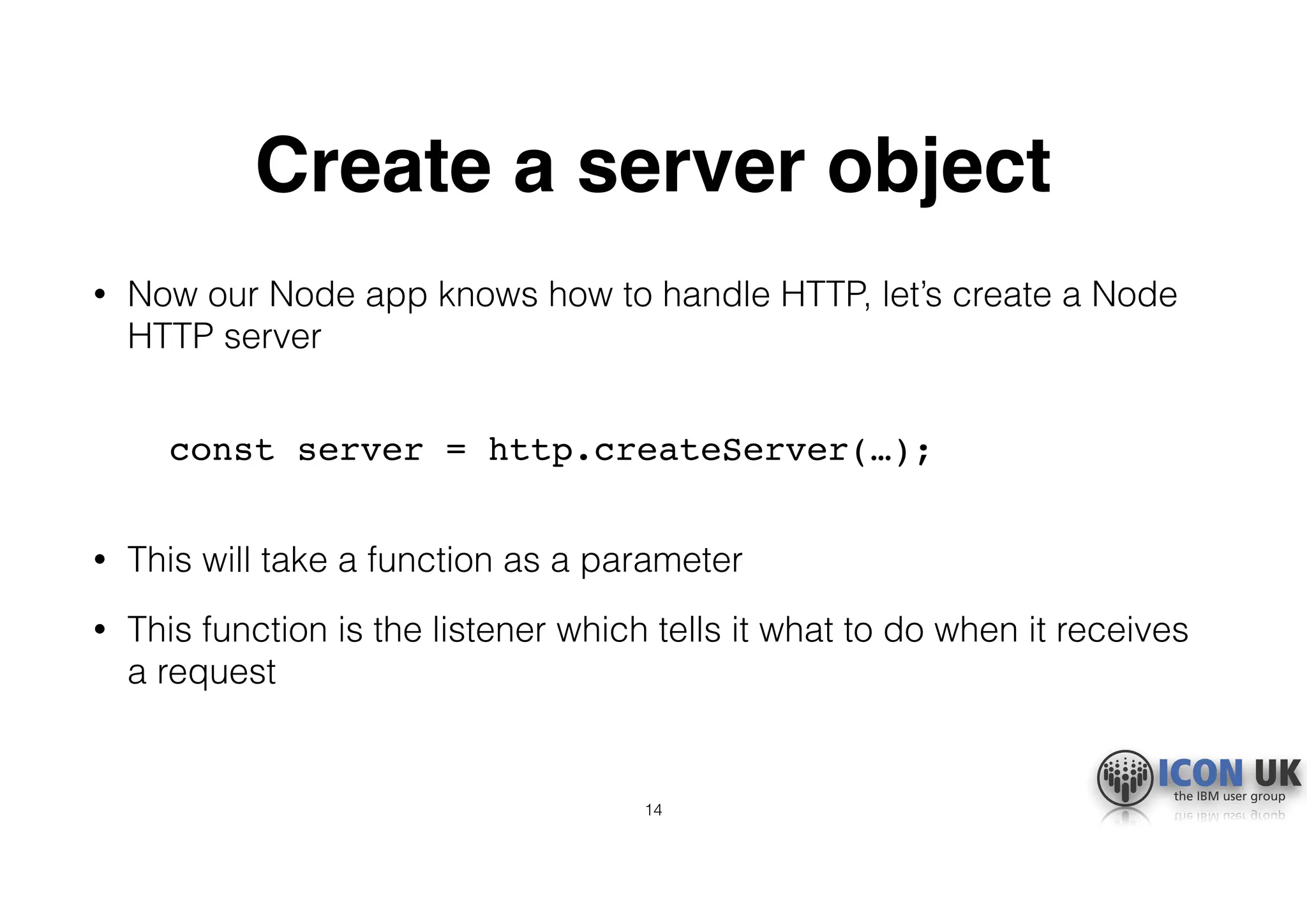
Create a server object
• Now our Node app knows how to handle HTTP, let’s create a Node
HTTP server

const server = http.createServer(…);

• This will take a function as a parameter
• This function is the listener which tells it what to do when it receives
a request
14
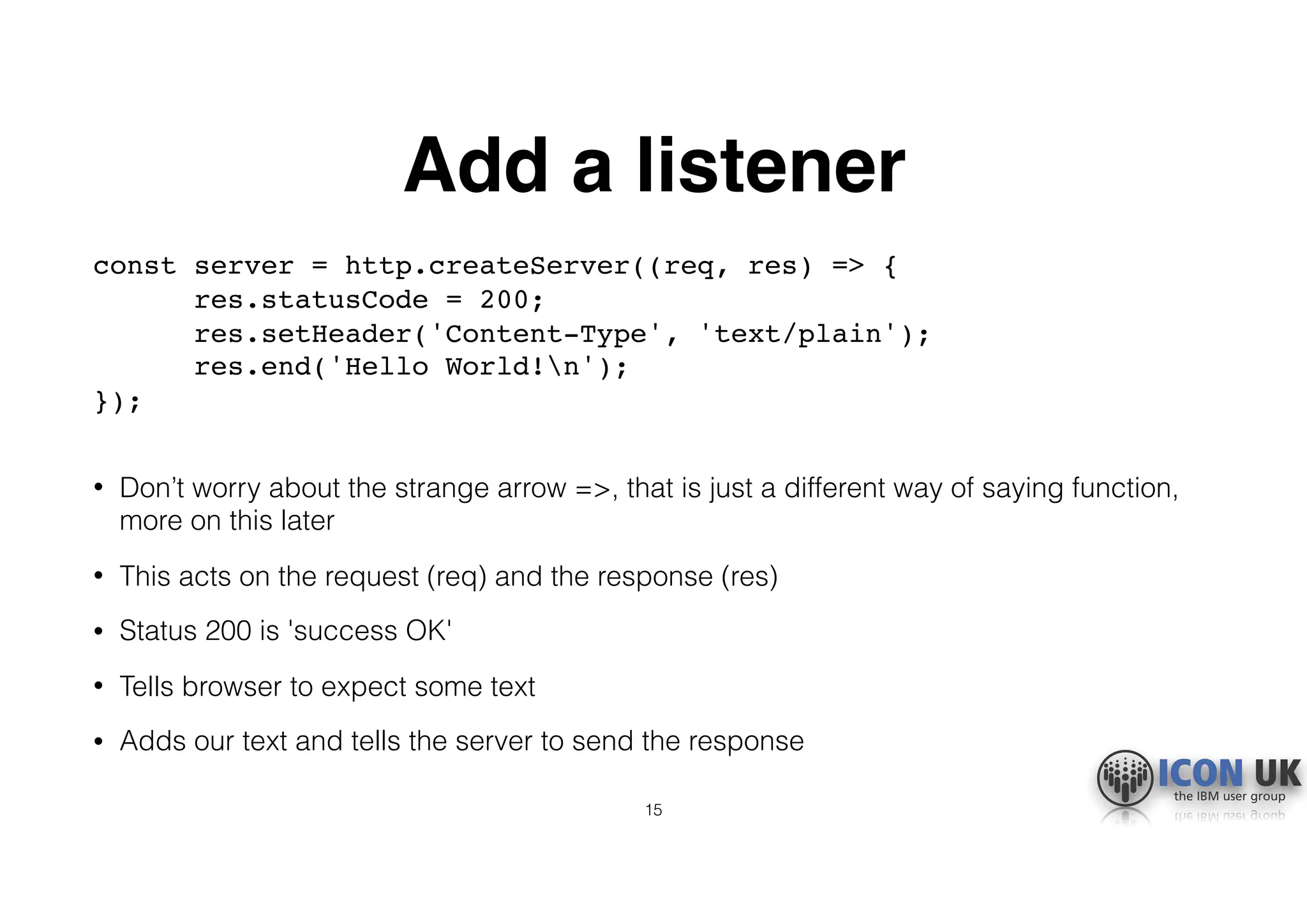
Add a listener
const server = http.createServer((req, res) => { 

res.statusCode = 200; 

res.setHeader('Content-Type', 'text/plain'); 

res.end('Hello World!n'); 

});

• Don’t worry about the strange arrow =>, that is just a different way of saying function,
more on this later
• This acts on the request (req) and the response (res)
• Status 200 is 'success OK'
• Tells browser to expect some text
• Adds our text and tells the server to send the response
15
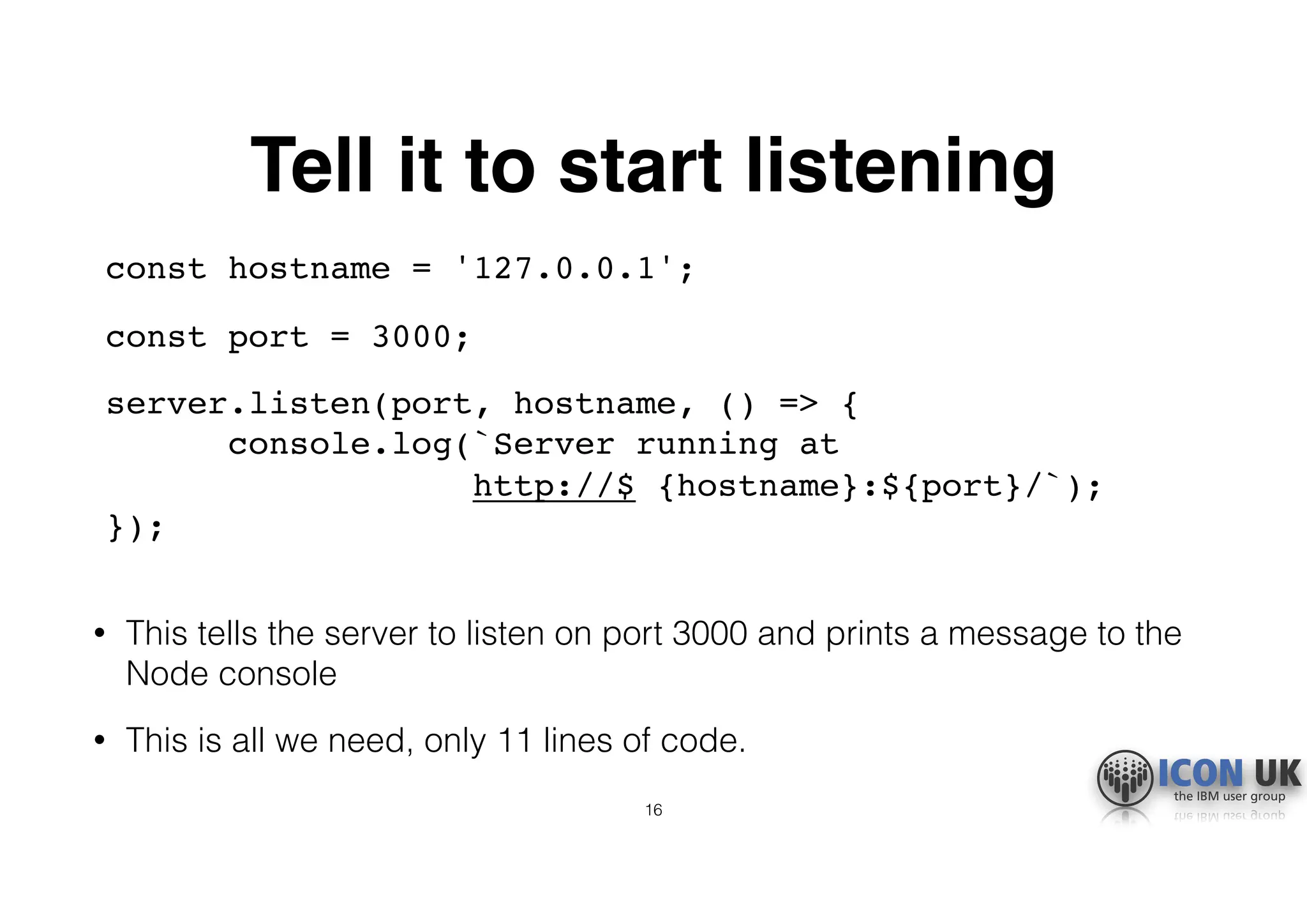
Tell it to start listening
const hostname = '127.0.0.1';
const port = 3000;
server.listen(port, hostname, () => { 

console.log(`Server running at 

http://$ {hostname}:${port}/`); 

});

• This tells the server to listen on port 3000 and prints a message to the
Node console
• This is all we need, only 11 lines of code.
16
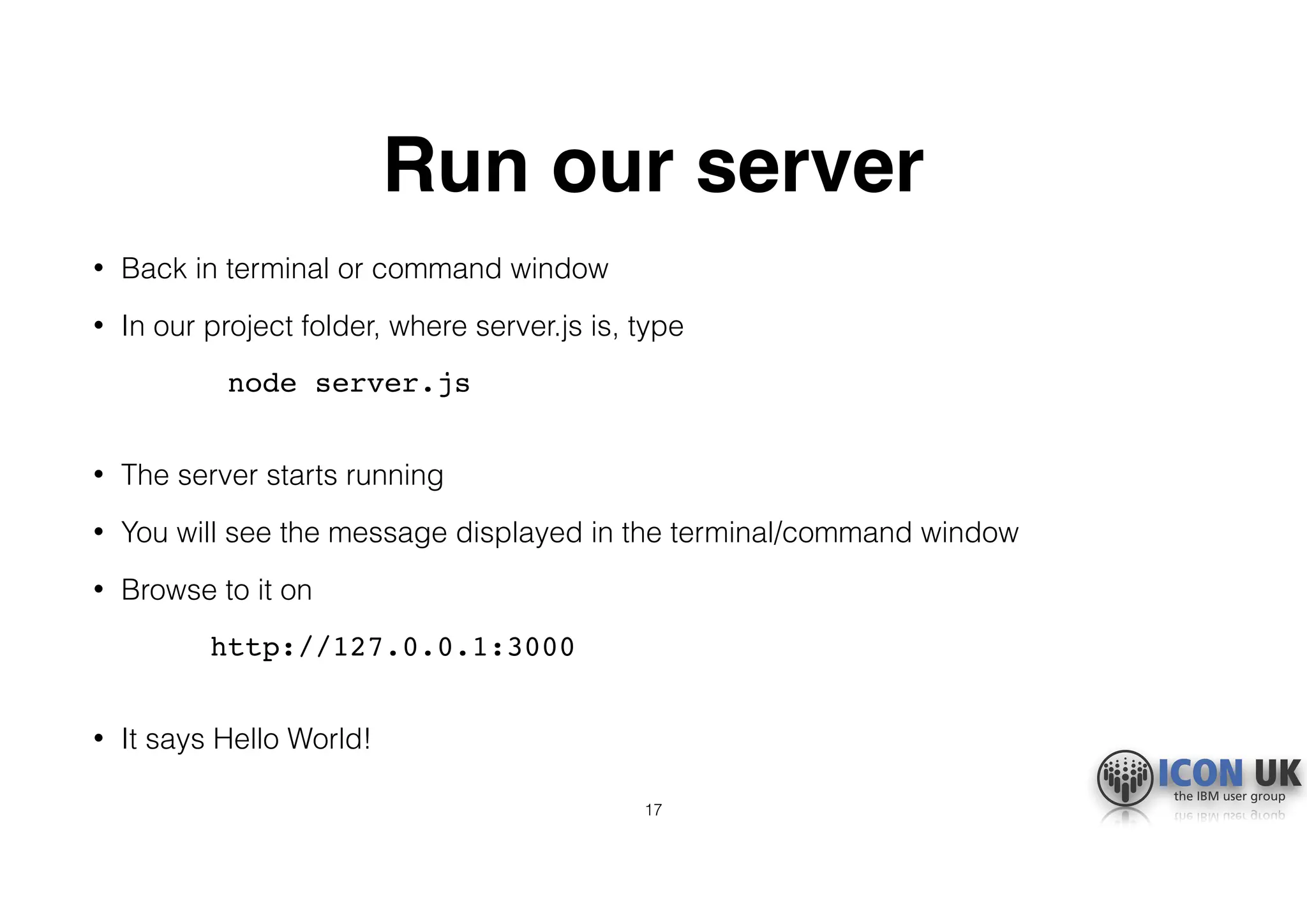
Run our server
• Back in terminal or command window
• In our project folder, where server.js is, type
node server.js

• The server starts running
• You will see the message displayed in the terminal/command window
• Browse to it on
http://127.0.0.1:3000

• It says Hello World!
17
Let’s build a basic app
• We will modify our simple web server into the basis of a web app
• It will still respond with the Hello World message, but from this base
it can become anything
• Do this by adding in the Express module
• We will use npm to structure our app
• We will make our app standalone, so it can be portable and we can
control versions
• Even fewer lines of code!
18
What is Express?
• Add-on module
https://expressjs.com
• More sophisticated web functions
• Also hugely popular (it is the E in MEAN/MERN)
• Many other modules are built to integrate with it
• Including the Domino 10 connector module
19
Turning our server into an app
• We use the npm package manager
• It does almost all the work for us
• Start by initialising our app
npm init

• This prompts for app name, etc, can just accept defaults for now
• Creates a package.json file
• Lists our server.js
• Start script is 'node server.js'
20
Install Node into our project
• We will install Node locally so everything is contained in one folder
• (We installed it globally from our download earlier)
• Install by typing
npm install node
• Creates new folder node_modules
21
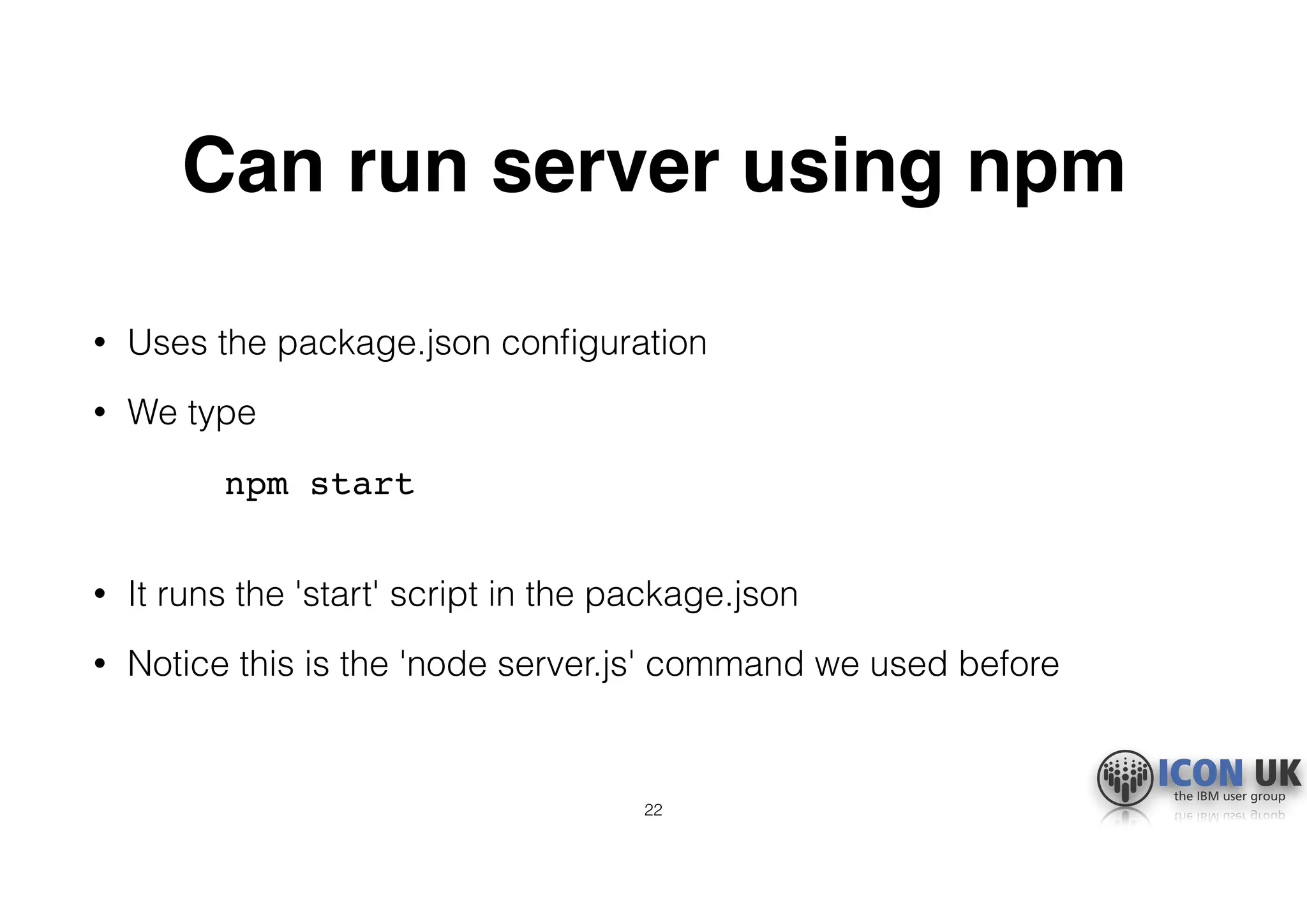
Can run server using npm
• Uses the package.json configuration
• We type
npm start

• It runs the 'start' script in the package.json
• Notice this is the 'node server.js' command we used before
22
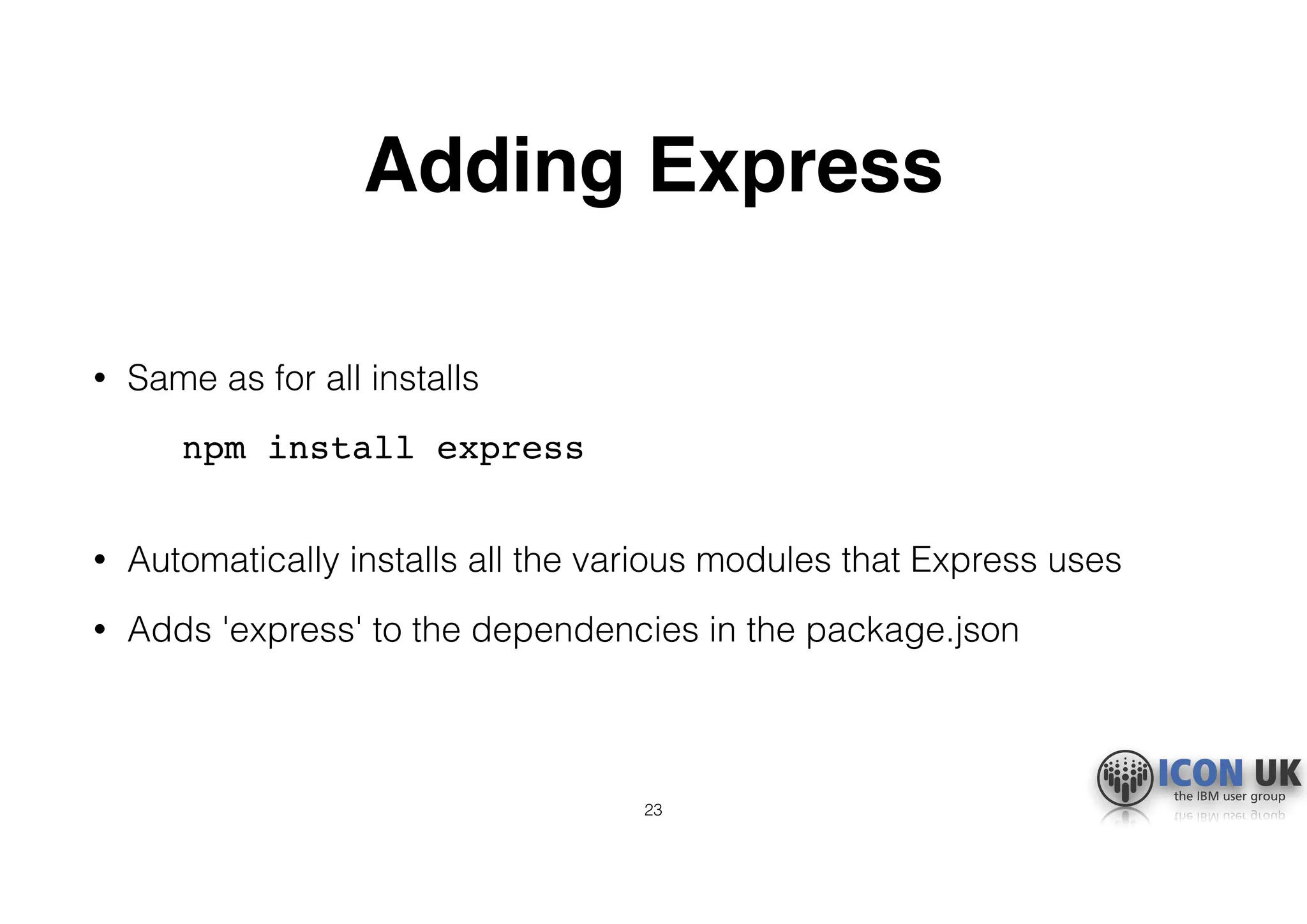
Adding Express
• Same as for all installs
npm install express

• Automatically installs all the various modules that Express uses
• Adds 'express' to the dependencies in the package.json
23
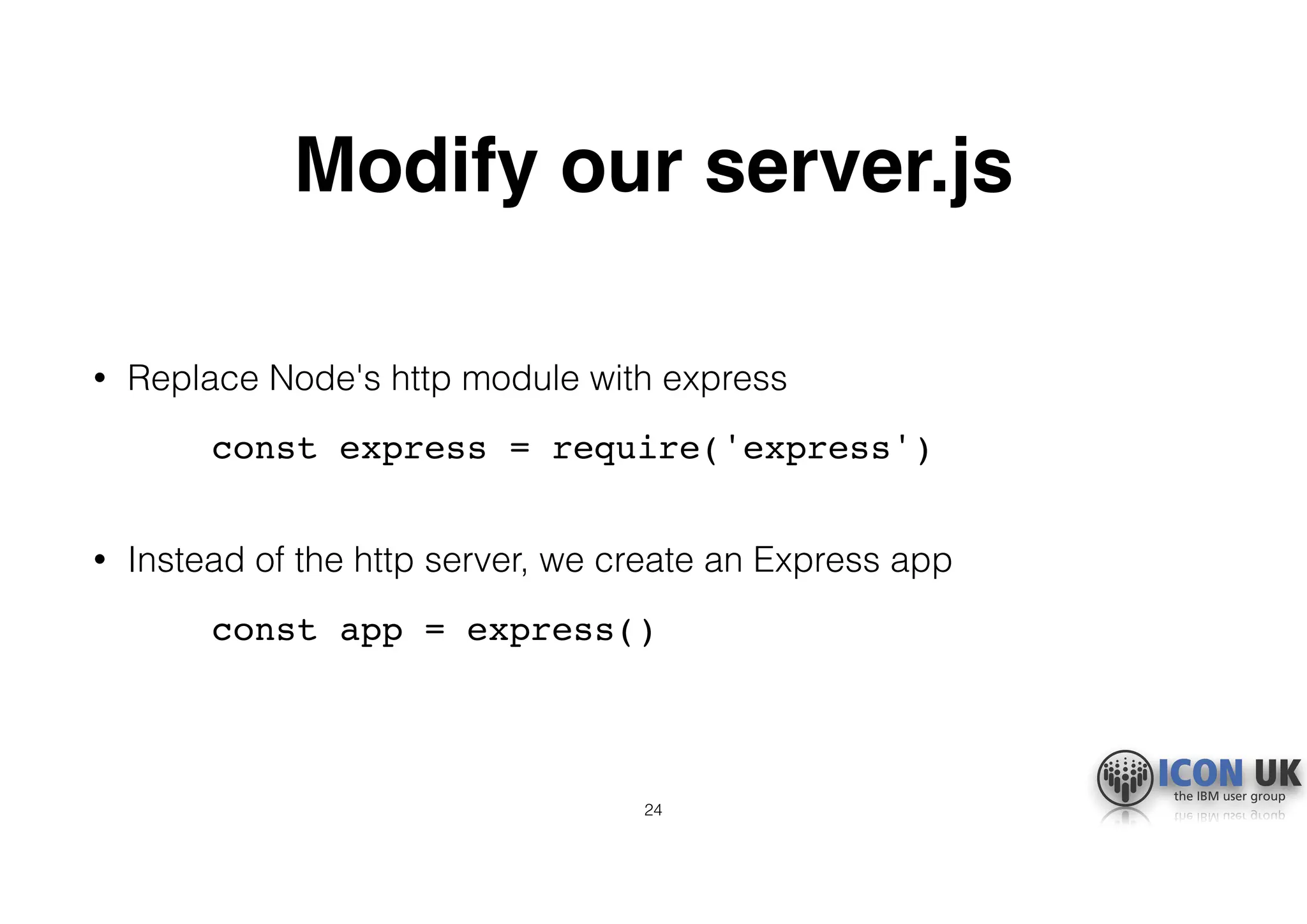
Modify our server.js
• Replace Node's http module with express
const express = require('express')

• Instead of the http server, we create an Express app
const app = express()
24
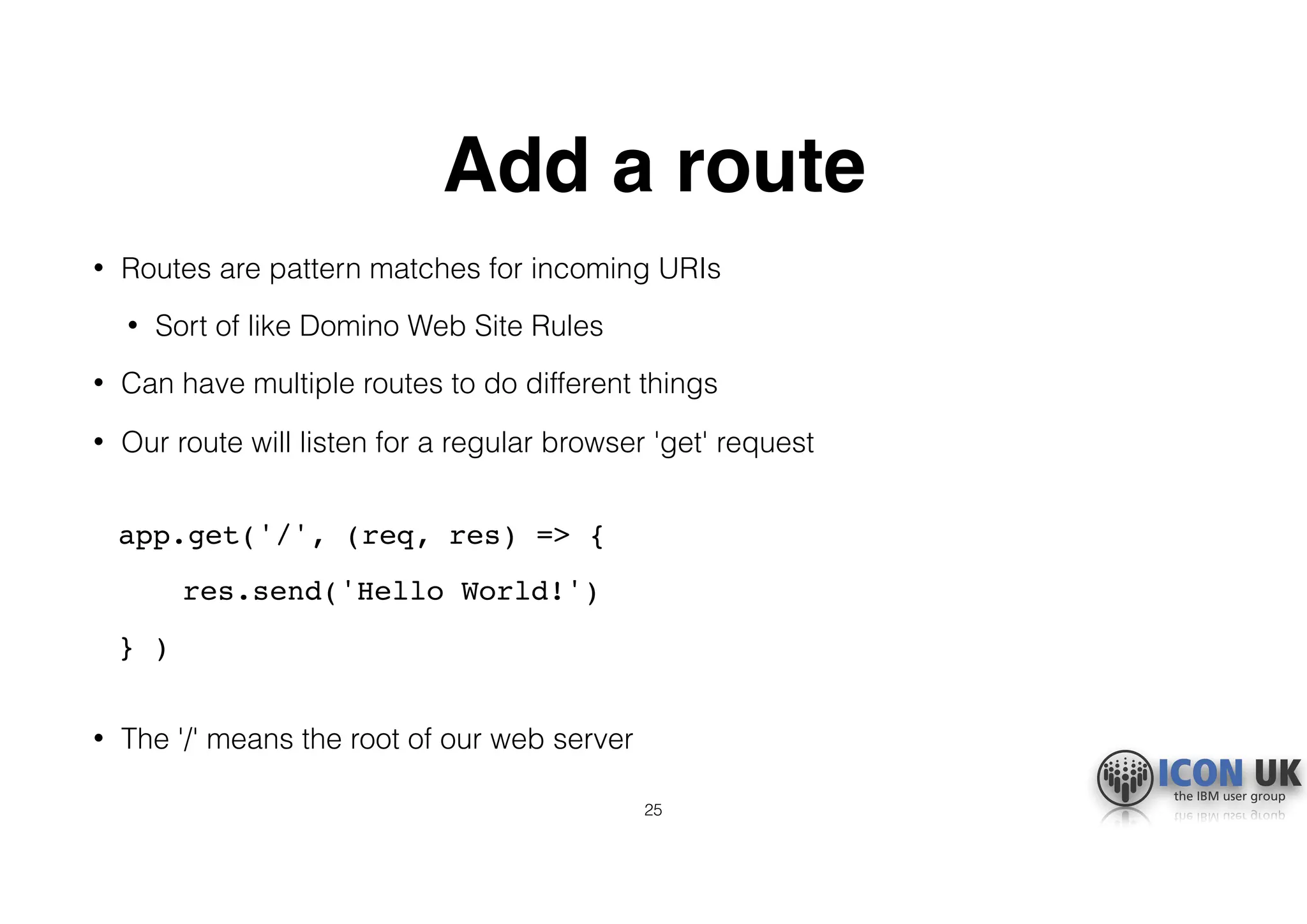
Add a route
• Routes are pattern matches for incoming URIs
• Sort of like Domino Web Site Rules
• Can have multiple routes to do different things
• Our route will listen for a regular browser 'get' request

app.get('/', (req, res) => {
res.send('Hello World!')
} )

• The '/' means the root of our web server
25
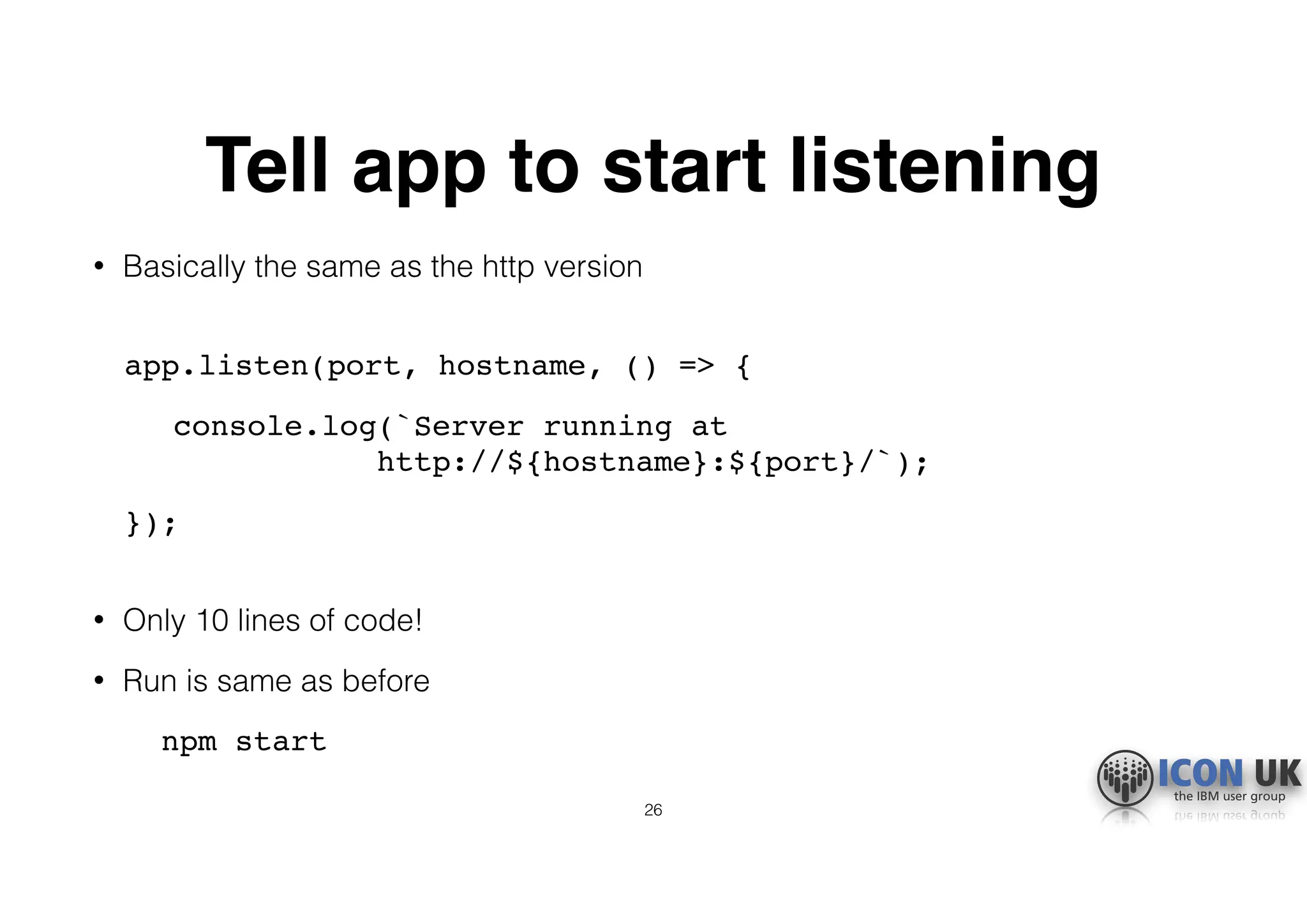
Tell app to start listening
• Basically the same as the http version

app.listen(port, hostname, () => {
console.log(`Server running at 

http://${hostname}:${port}/`);
});

• Only 10 lines of code!
• Run is same as before
npm start
26
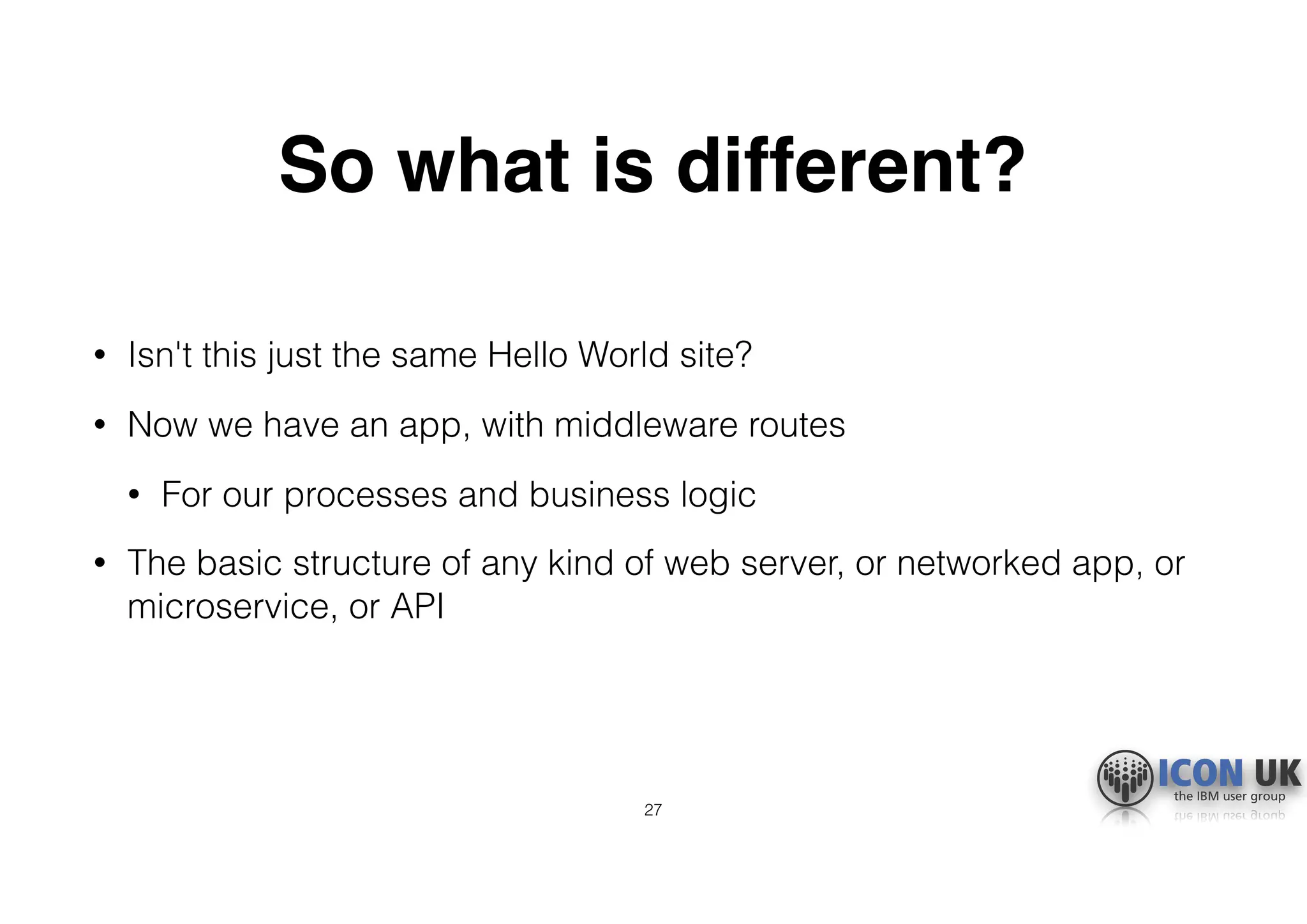
So what is different?
• Isn't this just the same Hello World site?
• Now we have an app, with middleware routes
• For our processes and business logic
• The basic structure of any kind of web server, or networked app, or
microservice, or API
27
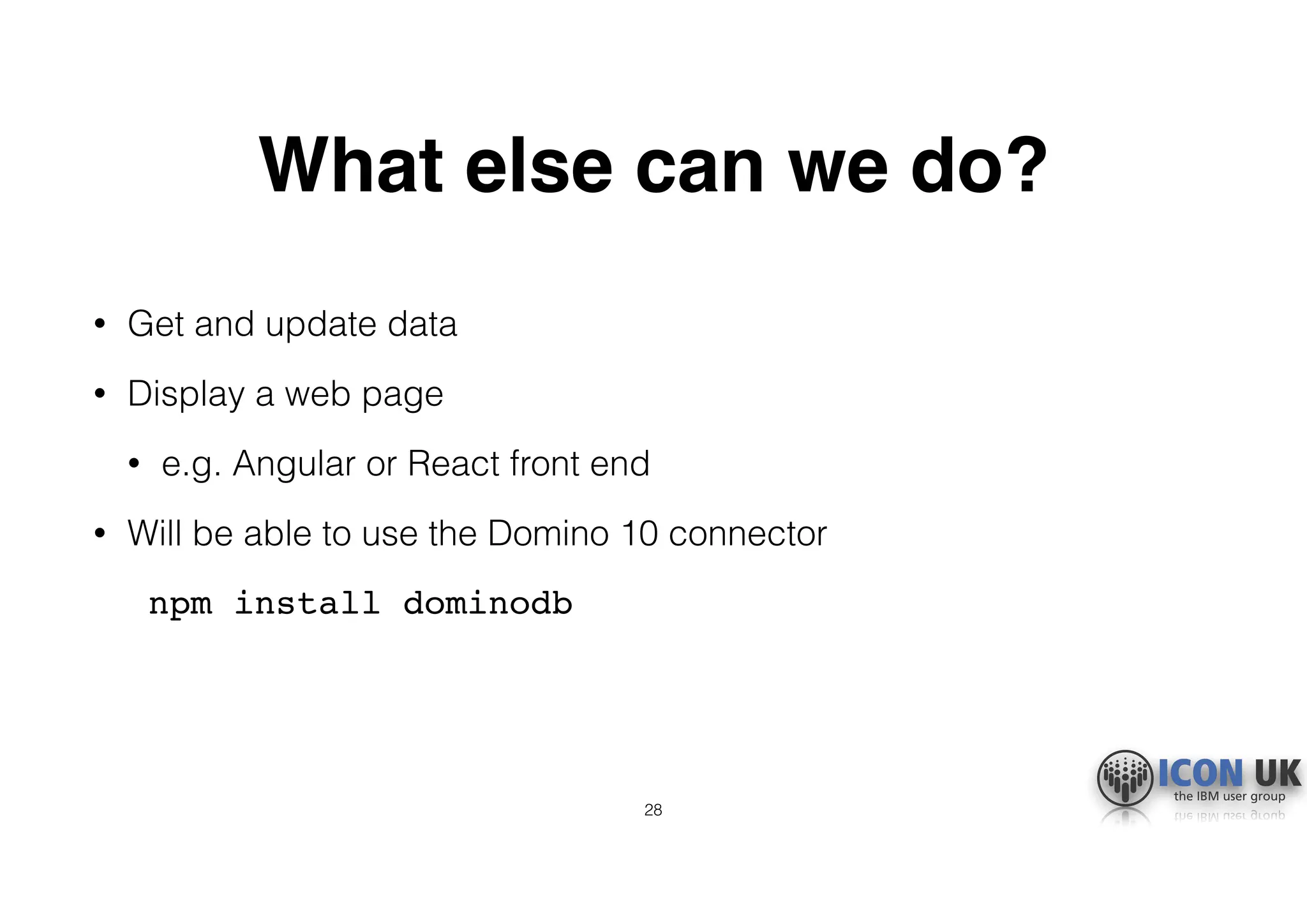
What else can we do?
• Get and update data
• Display a web page
• e.g. Angular or React front end
• Will be able to use the Domino 10 connector
npm install dominodb
28
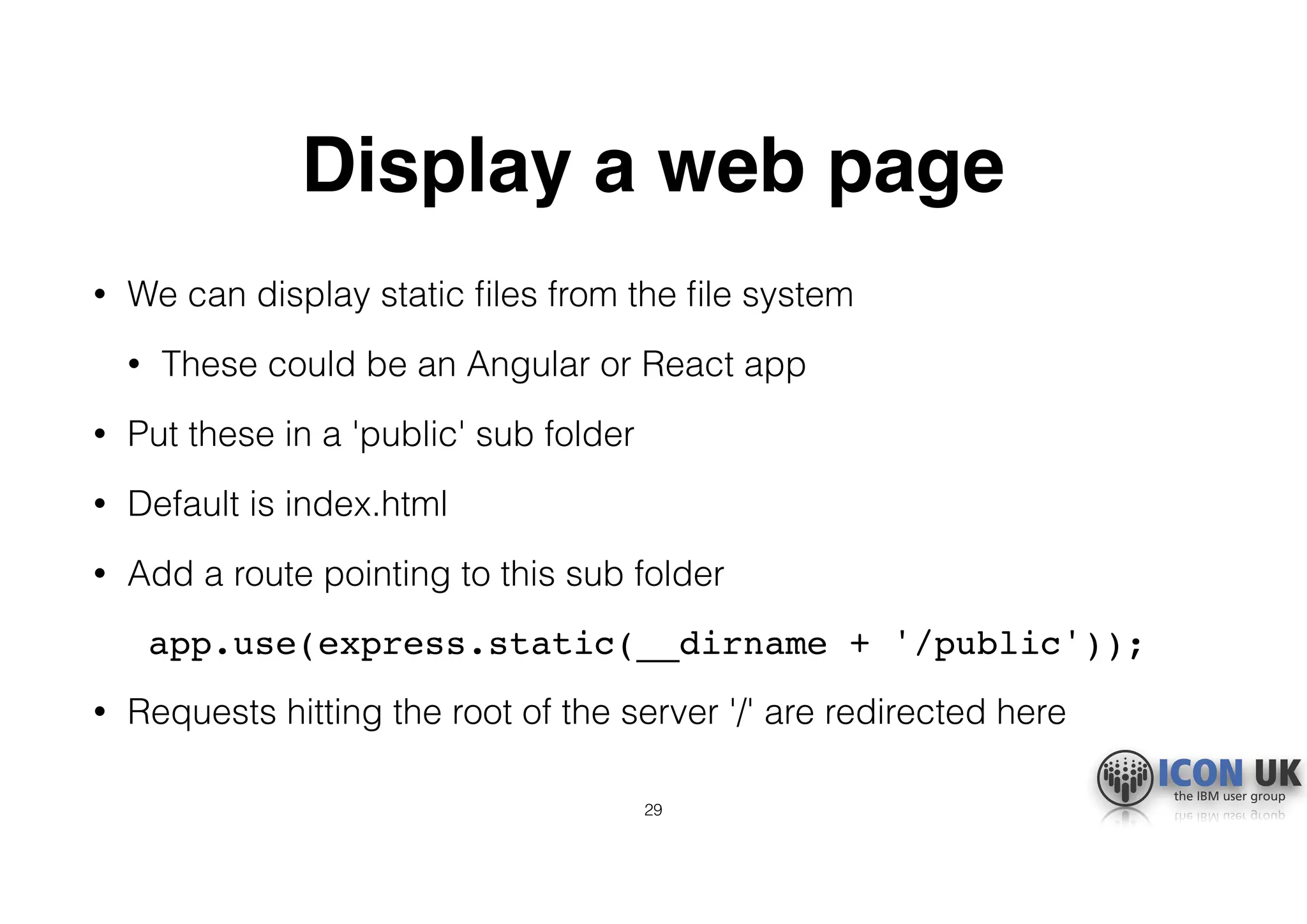
Display a web page
• We can display static files from the file system
• These could be an Angular or React app
• Put these in a 'public' sub folder
• Default is index.html
• Add a route pointing to this sub folder
app.use(express.static(__dirname + '/public'));
• Requests hitting the root of the server '/' are redirected here
29
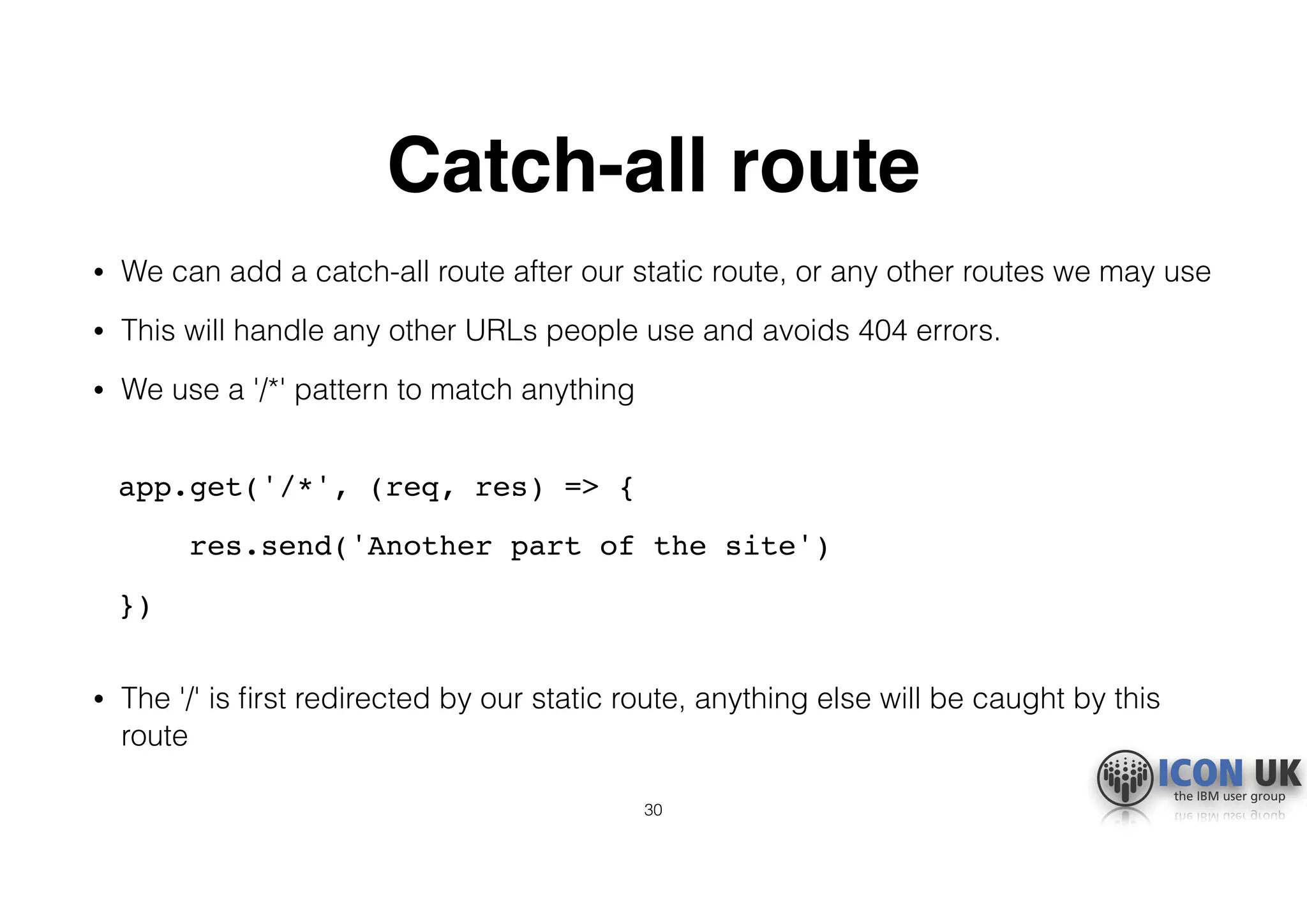
Catch-all route
• We can add a catch-all route after our static route, or any other routes we may use
• This will handle any other URLs people use and avoids 404 errors.
• We use a '/*' pattern to match anything

app.get('/*', (req, res) => {
res.send('Another part of the site')
})

• The '/' is first redirected by our static route, anything else will be caught by this
route
30
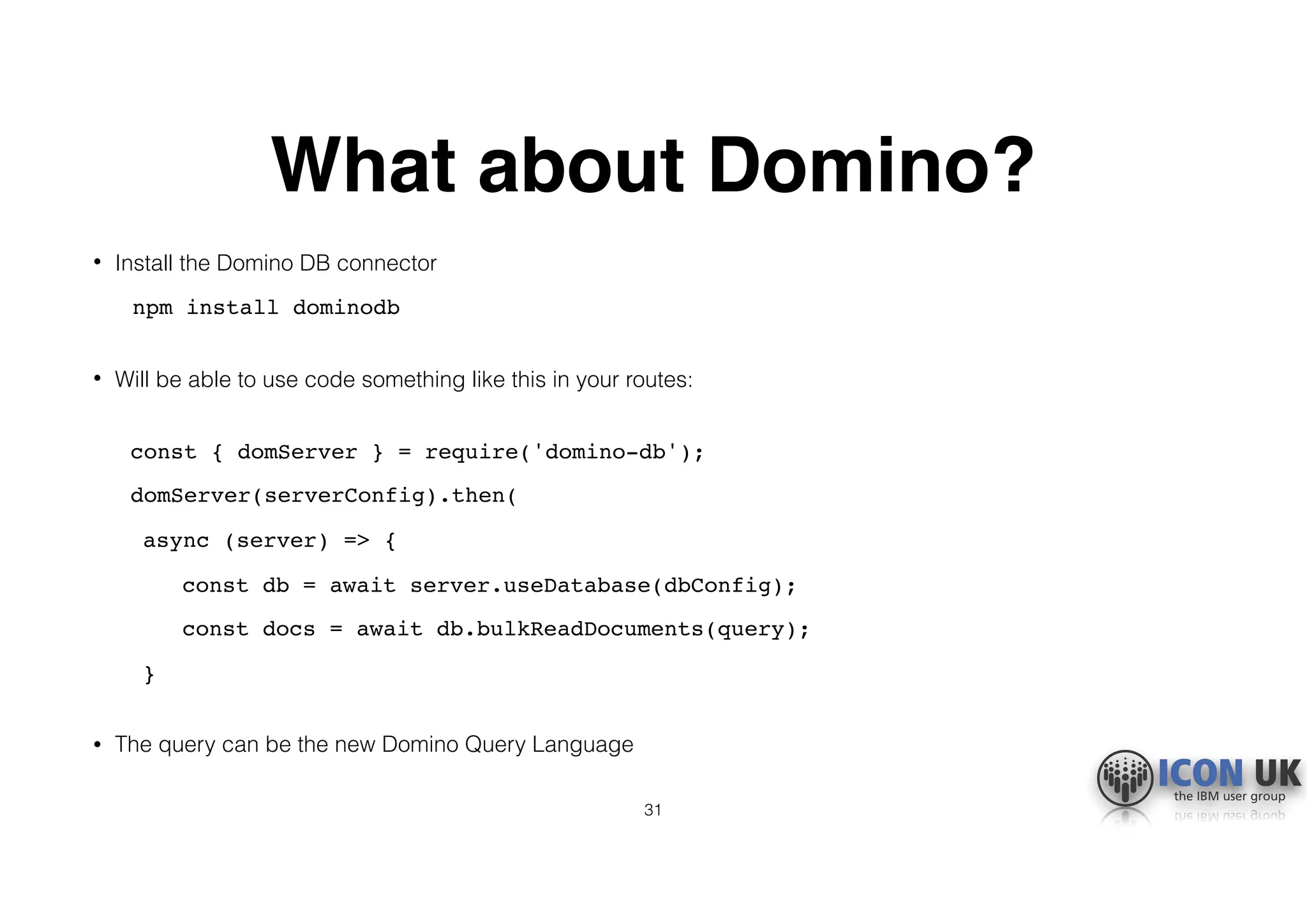
What about Domino?
• Install the Domino DB connector
npm install dominodb

• Will be able to use code something like this in your routes:

const { domServer } = require('domino-db');
domServer(serverConfig).then(
async (server) => {
const db = await server.useDatabase(dbConfig);
const docs = await db.bulkReadDocuments(query);
}

• The query can be the new Domino Query Language
31
What else do we need to know?
• That is a basic Node app built
• Now I want to talk about some general JavaScript terms and
concepts
• JavaScript is improving all the time with new features that are used
in Node
• You will see them in examples and articles
• Knowing about these will make your life easier when starting out
32
JSON
• All the data in Node is JSON
• JavaScript Object Notation
• Hierarchical/nested like XML but much more readable
• Easily converted to and from strings
• Name/value pairs, "name":"value"
• Separated by commas
• Objects in curly brackets { }
• Arrays in square brackets [ ]
33
Sample JSON
let myJson = {
"name":"Tim",
"myArray":
[
{ "itemid":"0001" },
{ "itemid":"0002" },
{ "itemid":"0003" }
],
"quantity":5
}
34
Using JSON
• Can be passed around, used as parameters
• Can reference it by name and use dot notation to access or update
properties

let myJson = {};
myJson.name = "Bob";
doSomethingWith( myJson.myArray[2].itemid );
const myString = JSON.stringify(myJson);

35
NoSQL
• NoSQL is used to describe databases that do not use table-based
SQL data.
• Data is stored in documents and accessed in collections using
queries.
• Just like Domino!
• Usually uses JSON format.
• With v10, Domino becomes a proper NoSQL datastore able to fit in a
full JS stack.
36
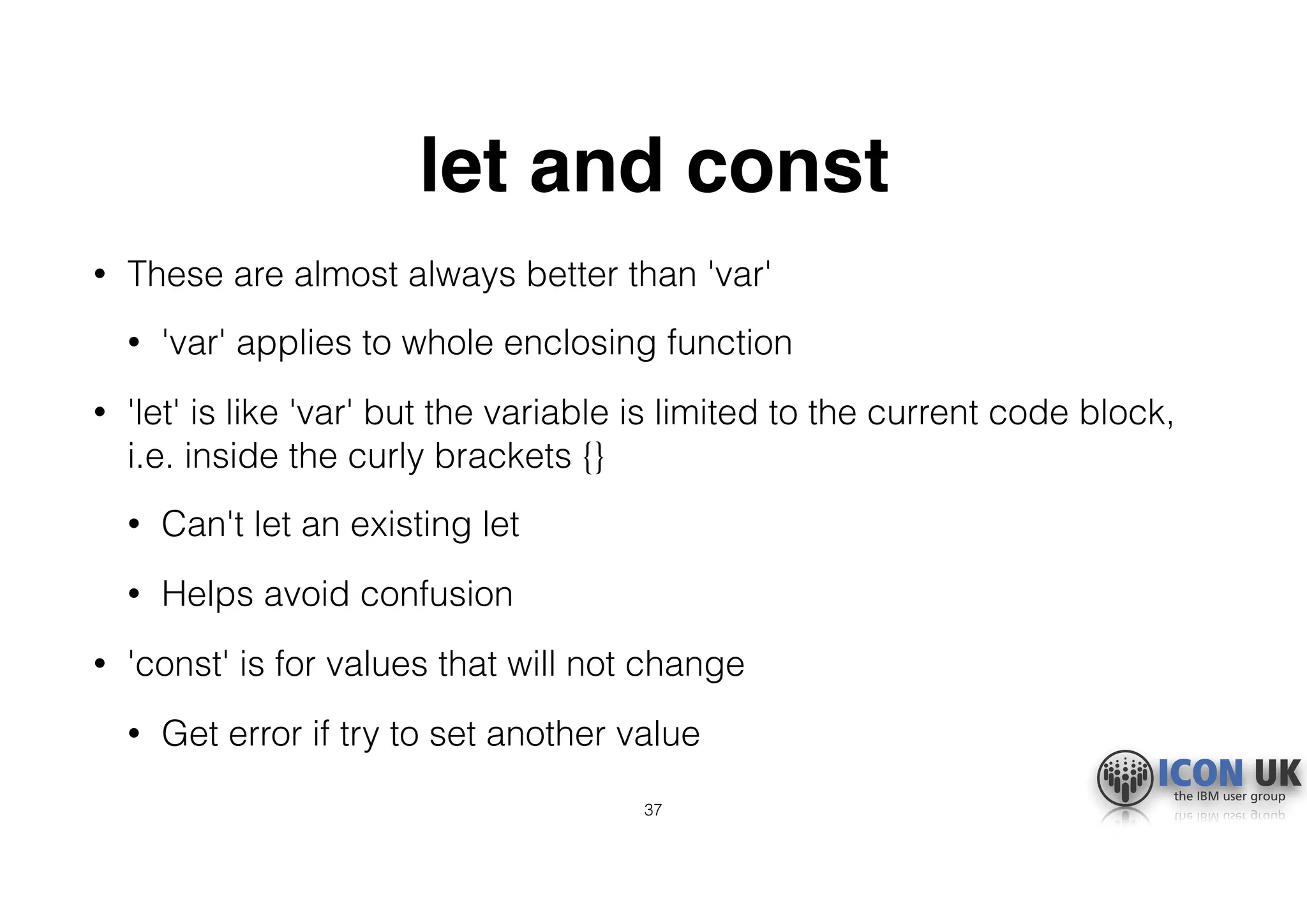
let and const
• These are almost always better than 'var'
• 'var' applies to whole enclosing function
• 'let' is like 'var' but the variable is limited to the current code block,
i.e. inside the curly brackets {}
• Can't let an existing let
• Helps avoid confusion
• 'const' is for values that will not change
• Get error if try to set another value
37
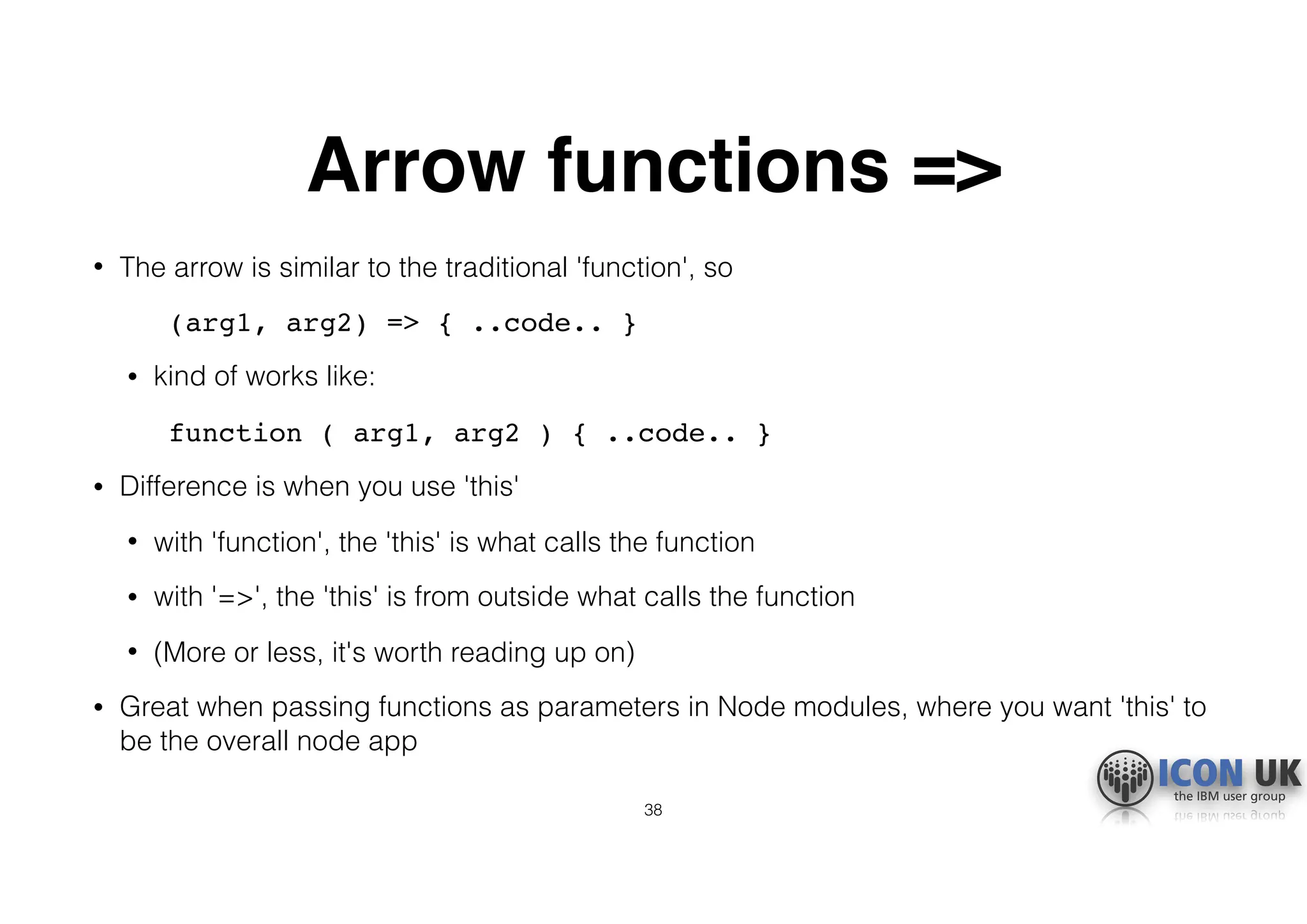
Arrow functions =>
• The arrow is similar to the traditional 'function', so
(arg1, arg2) => { ..code.. }
• kind of works like:
function ( arg1, arg2 ) { ..code.. }
• Difference is when you use 'this'
• with 'function', the 'this' is what calls the function
• with '=>', the 'this' is from outside what calls the function
• (More or less, it's worth reading up on)
• Great when passing functions as parameters in Node modules, where you want 'this' to
be the overall node app
38
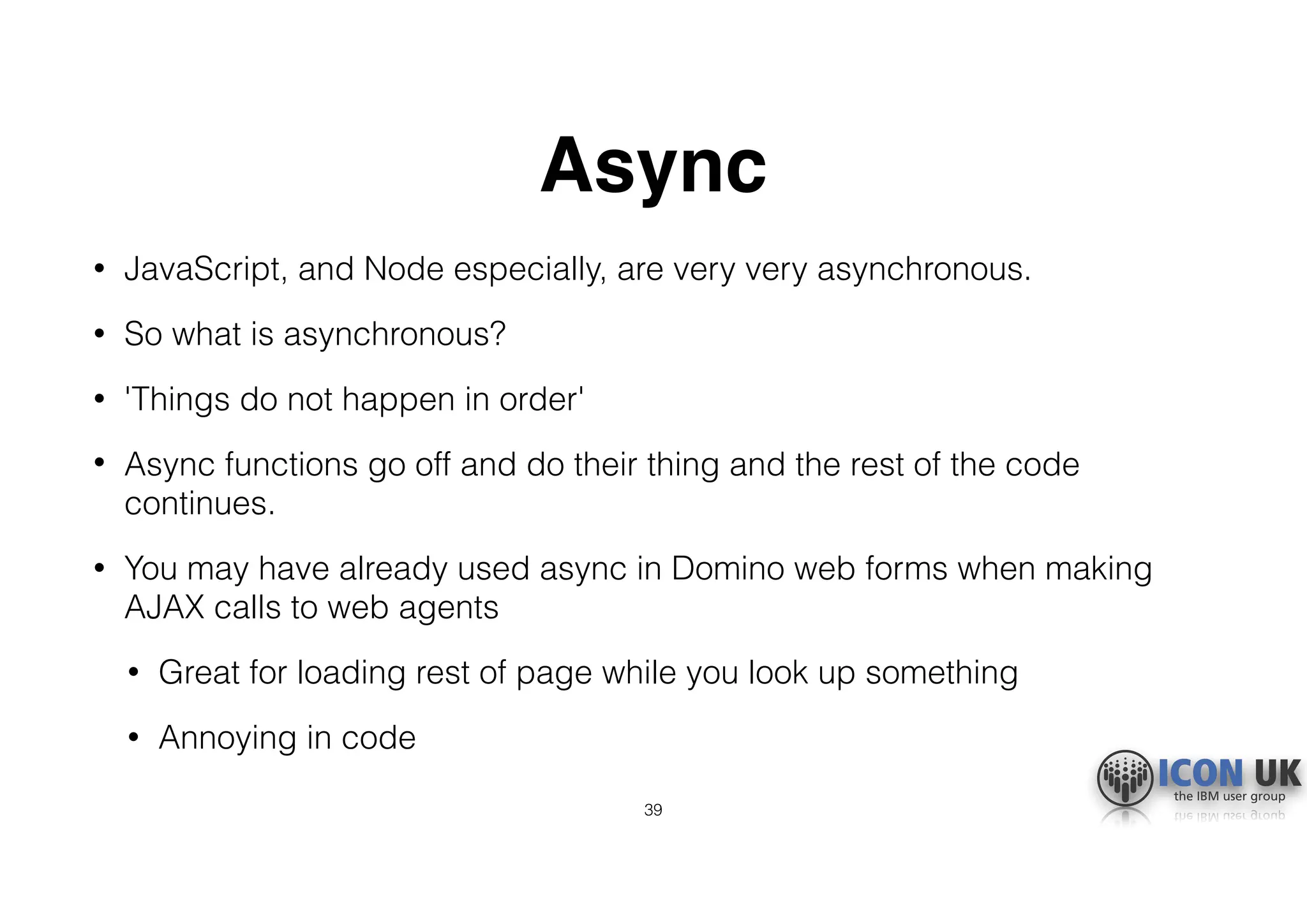
Async
• JavaScript, and Node especially, are very very asynchronous.
• So what is asynchronous?
• 'Things do not happen in order'
• Async functions go off and do their thing and the rest of the code
continues.
• You may have already used async in Domino web forms when making
AJAX calls to web agents
• Great for loading rest of page while you look up something
• Annoying in code
39
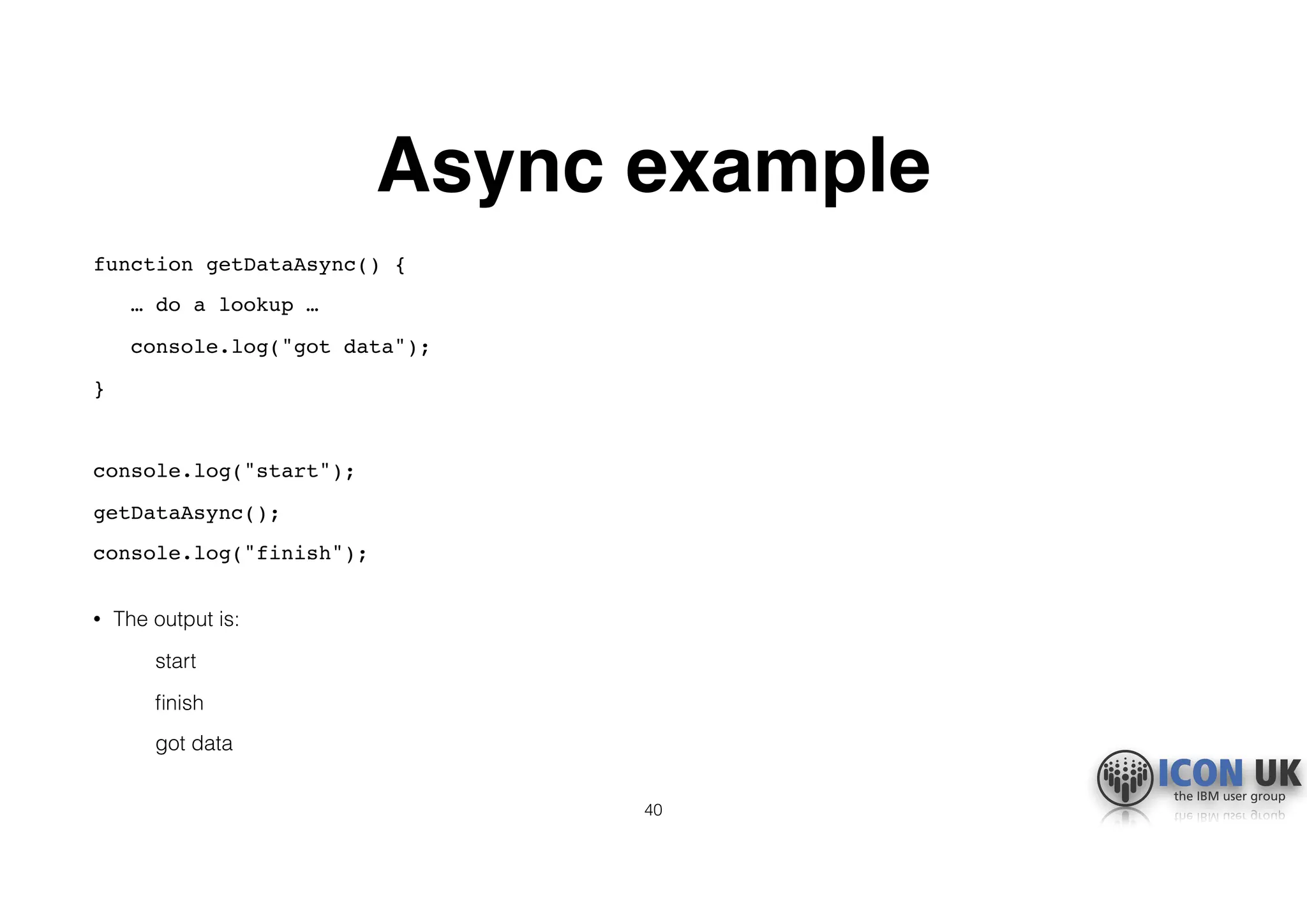
Async example
function getDataAsync() {
… do a lookup …
console.log("got data");
}
console.log("start");
getDataAsync();
console.log("finish");

• The output is:
start
finish
got data
40
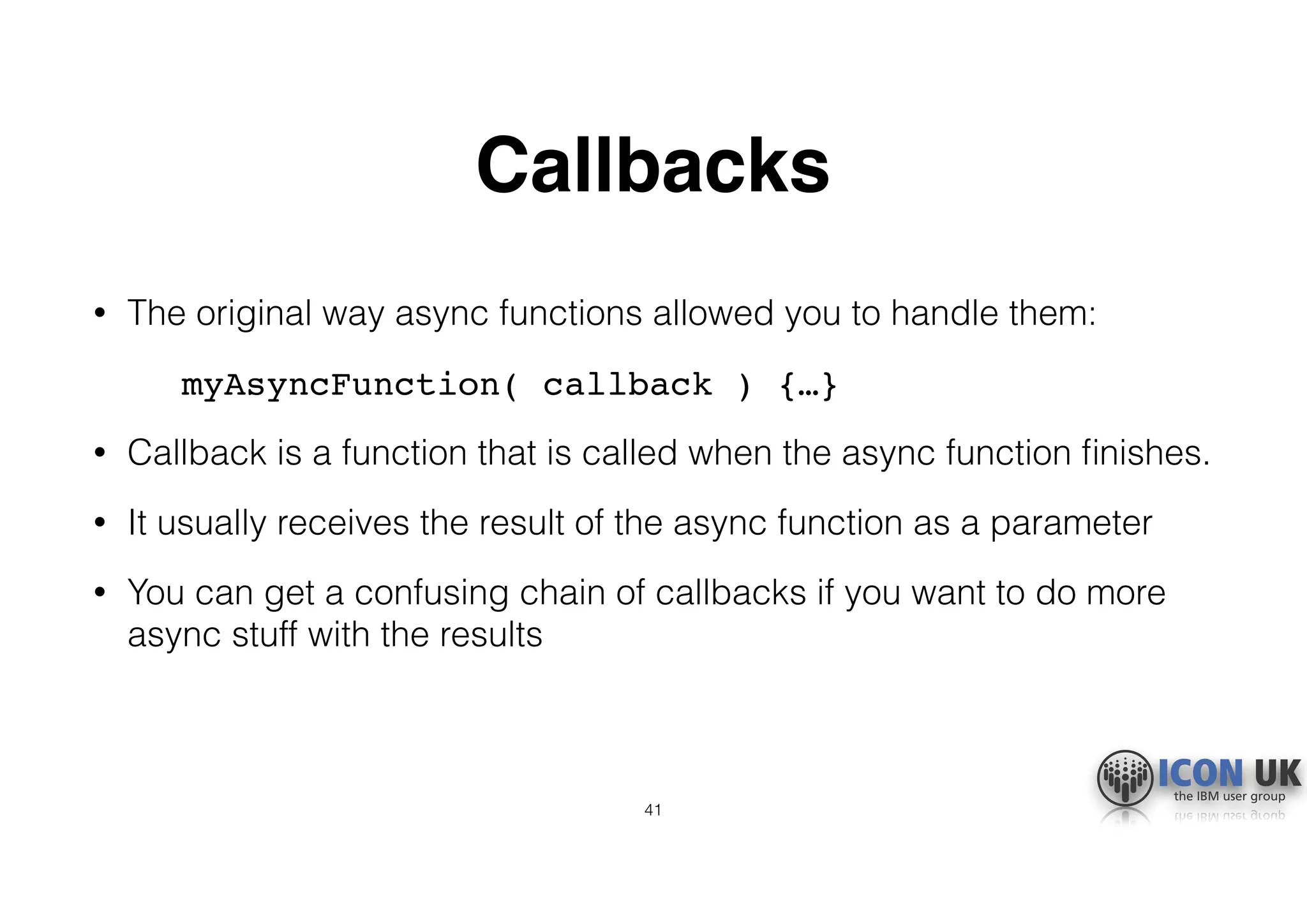
Callbacks
• The original way async functions allowed you to handle them:
myAsyncFunction( callback ) {…}
• Callback is a function that is called when the async function finishes.
• It usually receives the result of the async function as a parameter
• You can get a confusing chain of callbacks if you want to do more
async stuff with the results
41
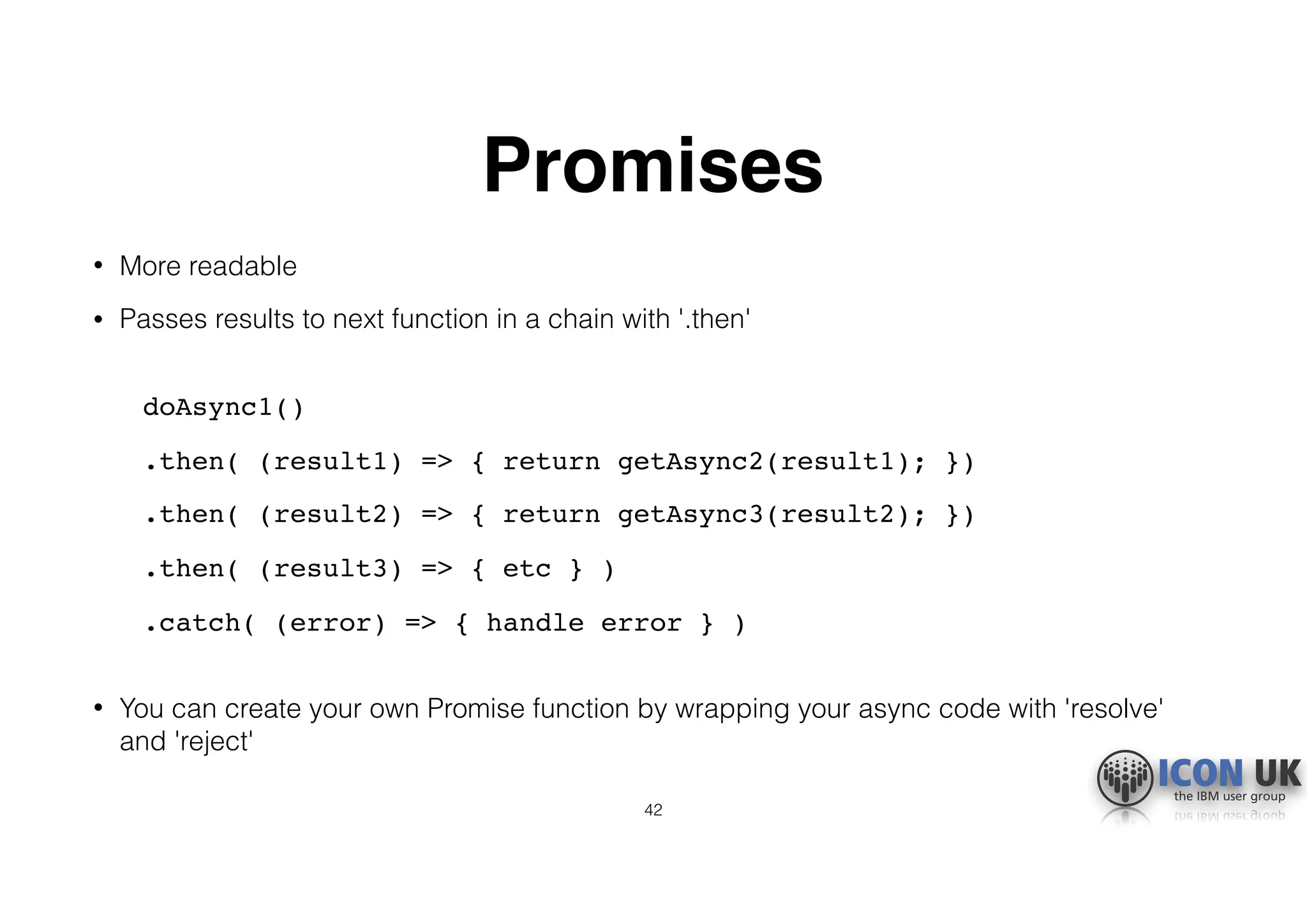
Promises
• More readable
• Passes results to next function in a chain with '.then'

doAsync1()
.then( (result1) => { return getAsync2(result1); })
.then( (result2) => { return getAsync3(result2); })
.then( (result3) => { etc } )
.catch( (error) => { handle error } )

• You can create your own Promise function by wrapping your async code with 'resolve'
and 'reject'
42
Promise.all
• How to handle multiple async processes in order?
• E.g. collection of documents, each of which needs handling in an async way
• Create an array of promises, then Promise.all to run them in order

var promises = [];
for (var i = 0; i < collection.length; i++) {
promises.push( doAsyncStuff(collection[i]) );
}
Promise.all(promises).then(
function (results) {
//'results' is array of results in order
}
43
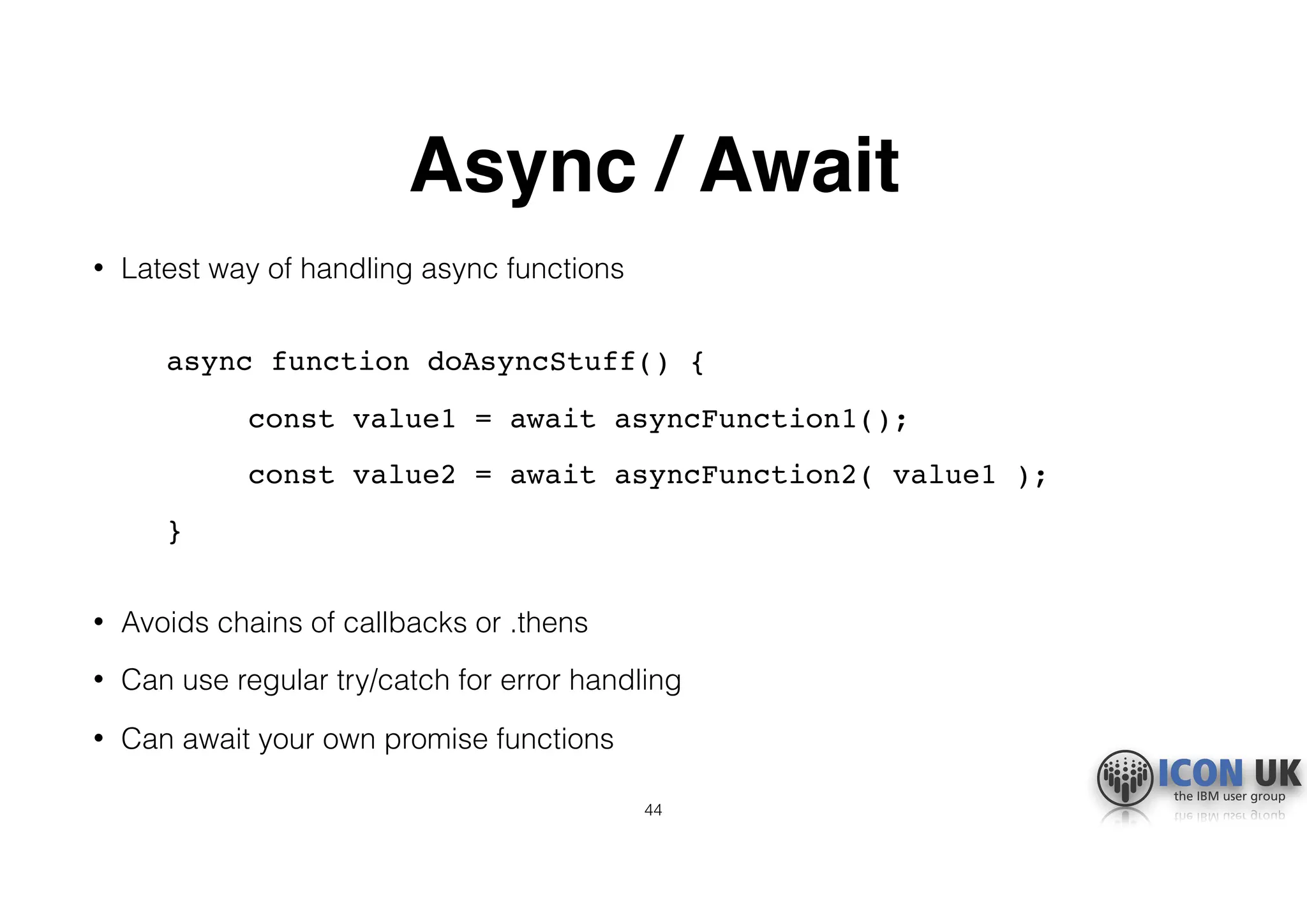
Async / Await
• Latest way of handling async functions

async function doAsyncStuff() {
const value1 = await asyncFunction1();
const value2 = await asyncFunction2( value1 );
}

• Avoids chains of callbacks or .thens
• Can use regular try/catch for error handling
• Can await your own promise functions
44
Summary
• What Node is
• How to build a simple Node app
• Why it is important for Domino 10
• Key JavaScript concepts
45
Questions
• Email: tim@turtlepartnership.com

• Blog: https://turtleblog.info
46

What is Node.js? (ICON UK)

  • 1.
    2018 What is Node.js? TimDavis The Turtle Partnership Ltd
  • 2.
    About me • Co-founderof The Turtle Partnership • Working with Notes and Domino for over 20 years • Working with JavaScript technologies and frameworks almost as long • Node, Angular, React, Material Design, Electron, Mongo, Couch, Pouch, Google Cloud Platform 2
  • 3.
    So, what isNode.js? • It is a fully programmable server engine, programmed using Javascript • Most of the time it is used as a web server • It can • serve web pages • run APIs • be a networked application • do IoT stuff • be containerised 3
  • 4.
    Why are weinterested? • Will be integrated into Domino 10 • Allows access to Domino data from Node easily • Parallel development path • Extend existing Domino apps • Mobile • New websites • Microservices • Other platforms 4
  • 5.
    Why use Nodeto do this? • It is a hugely popular web platform • Part of the MEAN/MERN development stacks • Easy to add modules to do different things • Lots of resources and support out there • JavaScript, so works well with • UI frameworks (Angular, React, etc) • NoSQL datastores (MongoDB, CouchDB, etc) • Domino 10 will be a JavaScript NoSQL datastore 5
  • 6.
    Full Stack • Whatis Full Stack development? • It is using the same basic technology from the backend data up to the UI • Here we are talking about using JavaScript. • Typically this means a JavaScript UI framework, such as Angular or React, with a JSON datastore on the backend • JavaScript all the way down • MEAN/MERN and now DEAN/NERD 6
  • 7.
    Can I doJavaScript? • If you have used JavaScript in Domino web forms • maybe client-side validation scripts • or some JQuery • or in XPages server-side JavaScript • …then you will be fine with JavaScript in Node • If you’ve used LotusScript, similar but different syntax • e.g. variables, arrays, loops, functions • …but has new stuff which is really great :-) 7
  • 8.
    What about Domino10? • IBM/HCL will provide a domino connector module, 'domino-db' • Add this to your Node app • Can read and update your Domino databases • Will use a new gRPC interface into Domino server • fast, separate from the HTTP task • Can use the upcoming Domino Query Language, DQL • There will be an authentication solution, too: IAM, OAuth 8
  • 9.
    But hey, enoughof my yakkin’ • Where can I get it? • How do I run it? 9
  • 10.
    Download the installer •Go to the Node.js website • https://nodejs.org • Download the installer • Run the installer • This installs two separate packages • Node.js runtime • npm package manager • (npm is used to install add-on modules) 10
  • 11.
    Run it! • Opena terminal or command window, and type node • Opens a node shell • (Press ctrl-c twice to close the shell) • Doesn’t do very much • At its core this is all Node is, an engine/interpreter • To get it to do anything interesting we need some JavaScript 11
  • 12.
    Our first Nodeserver • Lets make a simple Node web server • Start with a project folder to hold everything • Create an empty JavaScript source file in it • server.js • Open this in your favourite code editor • Mine is Visual Studio Code • https://code.visualstudio.com • Others suggest Webstorm • Start writing some code… 12
  • 13.
    Adding HTTP • Thisis going to be a web server, so we need to handle HTTP requests. • Node has a built-in HTTP module, so let’s add this in • We do this with the 'require' command
 const http = require('http');
 • We can use 'require' to add any other modules we may need 13
  • 14.
    Create a serverobject • Now our Node app knows how to handle HTTP, let’s create a Node HTTP server
 const server = http.createServer(…);
 • This will take a function as a parameter • This function is the listener which tells it what to do when it receives a request 14
  • 15.
    Add a listener constserver = http.createServer((req, res) => { 
 res.statusCode = 200; 
 res.setHeader('Content-Type', 'text/plain'); 
 res.end('Hello World!n'); 
 });
 • Don’t worry about the strange arrow =>, that is just a different way of saying function, more on this later • This acts on the request (req) and the response (res) • Status 200 is 'success OK' • Tells browser to expect some text • Adds our text and tells the server to send the response 15
  • 16.
    Tell it tostart listening const hostname = '127.0.0.1'; const port = 3000; server.listen(port, hostname, () => { 
 console.log(`Server running at 
 http://$ {hostname}:${port}/`); 
 });
 • This tells the server to listen on port 3000 and prints a message to the Node console • This is all we need, only 11 lines of code. 16
  • 17.
    Run our server •Back in terminal or command window • In our project folder, where server.js is, type node server.js
 • The server starts running • You will see the message displayed in the terminal/command window • Browse to it on http://127.0.0.1:3000
 • It says Hello World! 17
  • 18.
    Let’s build abasic app • We will modify our simple web server into the basis of a web app • It will still respond with the Hello World message, but from this base it can become anything • Do this by adding in the Express module • We will use npm to structure our app • We will make our app standalone, so it can be portable and we can control versions • Even fewer lines of code! 18
  • 19.
    What is Express? •Add-on module https://expressjs.com • More sophisticated web functions • Also hugely popular (it is the E in MEAN/MERN) • Many other modules are built to integrate with it • Including the Domino 10 connector module 19
  • 20.
    Turning our serverinto an app • We use the npm package manager • It does almost all the work for us • Start by initialising our app npm init
 • This prompts for app name, etc, can just accept defaults for now • Creates a package.json file • Lists our server.js • Start script is 'node server.js' 20
  • 21.
    Install Node intoour project • We will install Node locally so everything is contained in one folder • (We installed it globally from our download earlier) • Install by typing npm install node • Creates new folder node_modules 21
  • 22.
    Can run serverusing npm • Uses the package.json configuration • We type npm start
 • It runs the 'start' script in the package.json • Notice this is the 'node server.js' command we used before 22
  • 23.
    Adding Express • Sameas for all installs npm install express
 • Automatically installs all the various modules that Express uses • Adds 'express' to the dependencies in the package.json 23
  • 24.
    Modify our server.js •Replace Node's http module with express const express = require('express')
 • Instead of the http server, we create an Express app const app = express() 24
  • 25.
    Add a route •Routes are pattern matches for incoming URIs • Sort of like Domino Web Site Rules • Can have multiple routes to do different things • Our route will listen for a regular browser 'get' request
 app.get('/', (req, res) => { res.send('Hello World!') } )
 • The '/' means the root of our web server 25
  • 26.
    Tell app tostart listening • Basically the same as the http version
 app.listen(port, hostname, () => { console.log(`Server running at 
 http://${hostname}:${port}/`); });
 • Only 10 lines of code! • Run is same as before npm start 26
  • 27.
    So what isdifferent? • Isn't this just the same Hello World site? • Now we have an app, with middleware routes • For our processes and business logic • The basic structure of any kind of web server, or networked app, or microservice, or API 27
  • 28.
    What else canwe do? • Get and update data • Display a web page • e.g. Angular or React front end • Will be able to use the Domino 10 connector npm install dominodb 28
  • 29.
    Display a webpage • We can display static files from the file system • These could be an Angular or React app • Put these in a 'public' sub folder • Default is index.html • Add a route pointing to this sub folder app.use(express.static(__dirname + '/public')); • Requests hitting the root of the server '/' are redirected here 29
  • 30.
    Catch-all route • Wecan add a catch-all route after our static route, or any other routes we may use • This will handle any other URLs people use and avoids 404 errors. • We use a '/*' pattern to match anything
 app.get('/*', (req, res) => { res.send('Another part of the site') })
 • The '/' is first redirected by our static route, anything else will be caught by this route 30
  • 31.
    What about Domino? •Install the Domino DB connector npm install dominodb
 • Will be able to use code something like this in your routes:
 const { domServer } = require('domino-db'); domServer(serverConfig).then( async (server) => { const db = await server.useDatabase(dbConfig); const docs = await db.bulkReadDocuments(query); }
 • The query can be the new Domino Query Language 31
  • 32.
    What else dowe need to know? • That is a basic Node app built • Now I want to talk about some general JavaScript terms and concepts • JavaScript is improving all the time with new features that are used in Node • You will see them in examples and articles • Knowing about these will make your life easier when starting out 32
  • 33.
    JSON • All thedata in Node is JSON • JavaScript Object Notation • Hierarchical/nested like XML but much more readable • Easily converted to and from strings • Name/value pairs, "name":"value" • Separated by commas • Objects in curly brackets { } • Arrays in square brackets [ ] 33
  • 34.
    Sample JSON let myJson= { "name":"Tim", "myArray": [ { "itemid":"0001" }, { "itemid":"0002" }, { "itemid":"0003" } ], "quantity":5 } 34
  • 35.
    Using JSON • Canbe passed around, used as parameters • Can reference it by name and use dot notation to access or update properties
 let myJson = {}; myJson.name = "Bob"; doSomethingWith( myJson.myArray[2].itemid ); const myString = JSON.stringify(myJson);
 35
  • 36.
    NoSQL • NoSQL isused to describe databases that do not use table-based SQL data. • Data is stored in documents and accessed in collections using queries. • Just like Domino! • Usually uses JSON format. • With v10, Domino becomes a proper NoSQL datastore able to fit in a full JS stack. 36
  • 37.
    let and const •These are almost always better than 'var' • 'var' applies to whole enclosing function • 'let' is like 'var' but the variable is limited to the current code block, i.e. inside the curly brackets {} • Can't let an existing let • Helps avoid confusion • 'const' is for values that will not change • Get error if try to set another value 37
  • 38.
    Arrow functions => •The arrow is similar to the traditional 'function', so (arg1, arg2) => { ..code.. } • kind of works like: function ( arg1, arg2 ) { ..code.. } • Difference is when you use 'this' • with 'function', the 'this' is what calls the function • with '=>', the 'this' is from outside what calls the function • (More or less, it's worth reading up on) • Great when passing functions as parameters in Node modules, where you want 'this' to be the overall node app 38
  • 39.
    Async • JavaScript, andNode especially, are very very asynchronous. • So what is asynchronous? • 'Things do not happen in order' • Async functions go off and do their thing and the rest of the code continues. • You may have already used async in Domino web forms when making AJAX calls to web agents • Great for loading rest of page while you look up something • Annoying in code 39
  • 40.
    Async example function getDataAsync(){ … do a lookup … console.log("got data"); } console.log("start"); getDataAsync(); console.log("finish");
 • The output is: start finish got data 40
  • 41.
    Callbacks • The originalway async functions allowed you to handle them: myAsyncFunction( callback ) {…} • Callback is a function that is called when the async function finishes. • It usually receives the result of the async function as a parameter • You can get a confusing chain of callbacks if you want to do more async stuff with the results 41
  • 42.
    Promises • More readable •Passes results to next function in a chain with '.then'
 doAsync1() .then( (result1) => { return getAsync2(result1); }) .then( (result2) => { return getAsync3(result2); }) .then( (result3) => { etc } ) .catch( (error) => { handle error } )
 • You can create your own Promise function by wrapping your async code with 'resolve' and 'reject' 42
  • 43.
    Promise.all • How tohandle multiple async processes in order? • E.g. collection of documents, each of which needs handling in an async way • Create an array of promises, then Promise.all to run them in order
 var promises = []; for (var i = 0; i < collection.length; i++) { promises.push( doAsyncStuff(collection[i]) ); } Promise.all(promises).then( function (results) { //'results' is array of results in order } 43
  • 44.
    Async / Await •Latest way of handling async functions
 async function doAsyncStuff() { const value1 = await asyncFunction1(); const value2 = await asyncFunction2( value1 ); }
 • Avoids chains of callbacks or .thens • Can use regular try/catch for error handling • Can await your own promise functions 44
  • 45.
    Summary • What Nodeis • How to build a simple Node app • Why it is important for Domino 10 • Key JavaScript concepts 45
  • 46.