#engageug
De13. How to use the new
Domino Query Language
Tim Davis, The Turtle Partnership Ltd
1
#engageug
Domino Query Language
• New with Domino 10
• Sophisticated search facility that can make use of design
elements (e.g. views)
• Uses pre-harvested design data, and breaks down query
terms to run queries efficiently.
• Returns a collection of documents
• Can use it in LotusScript, Java, Node.js
2
#engageug
Requirements
• Domino 10+ (current latest version is 10.0.1)
• To run DQL queries you need a design catalog on the
server
• GQFdsgn.cat
• Contains the special indexing
• Eventually this indexing will be stored inside the actual
databases
3
#engageug
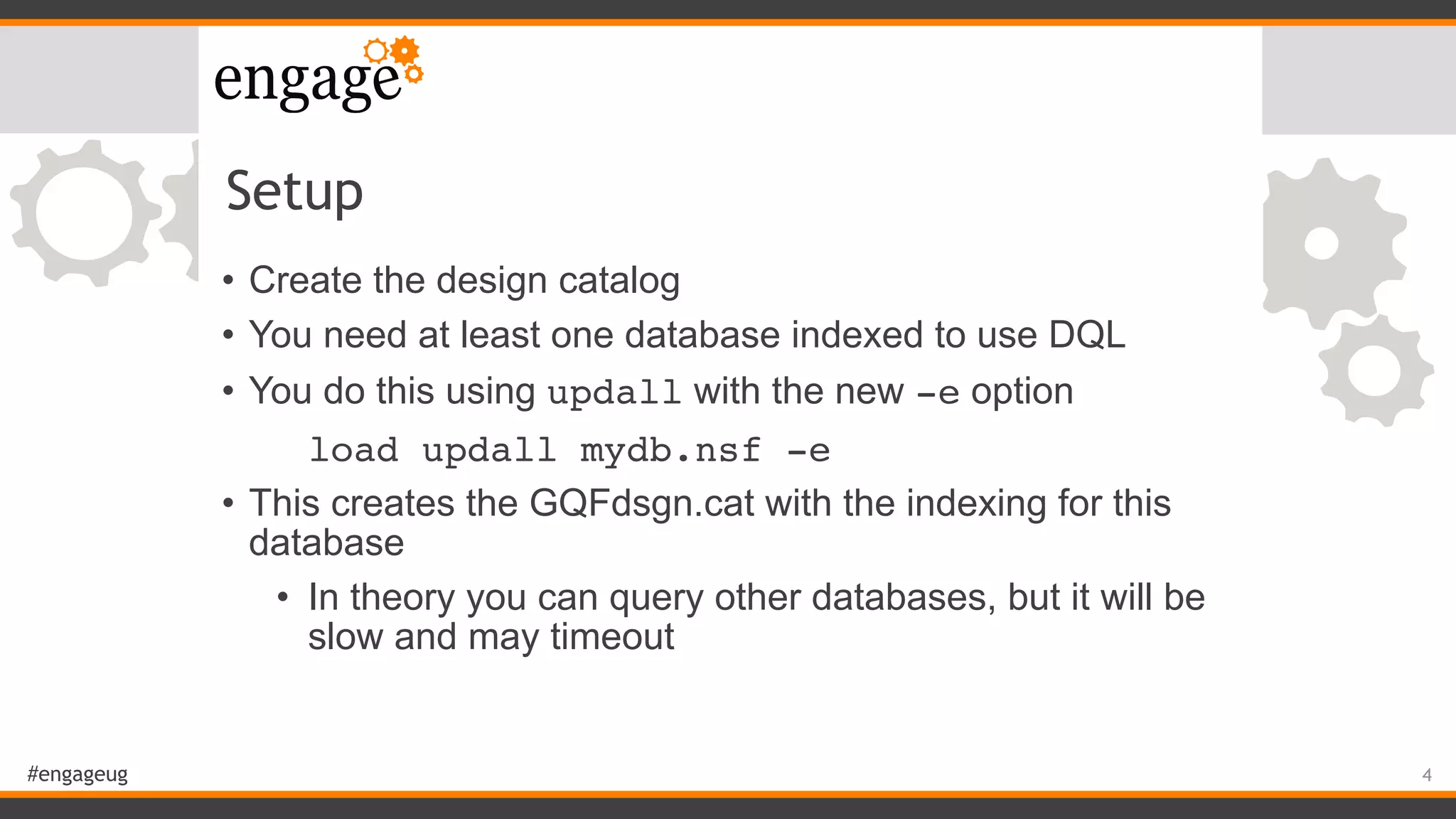
Setup
• Create the design catalog
• You need at least one database indexed to use DQL
• You do this using updall with the new -e option
load updall mydb.nsf -e
• This creates the GQFdsgn.cat with the indexing for this
database
• In theory you can query other databases, but it will be
slow and may timeout
4
#engageug
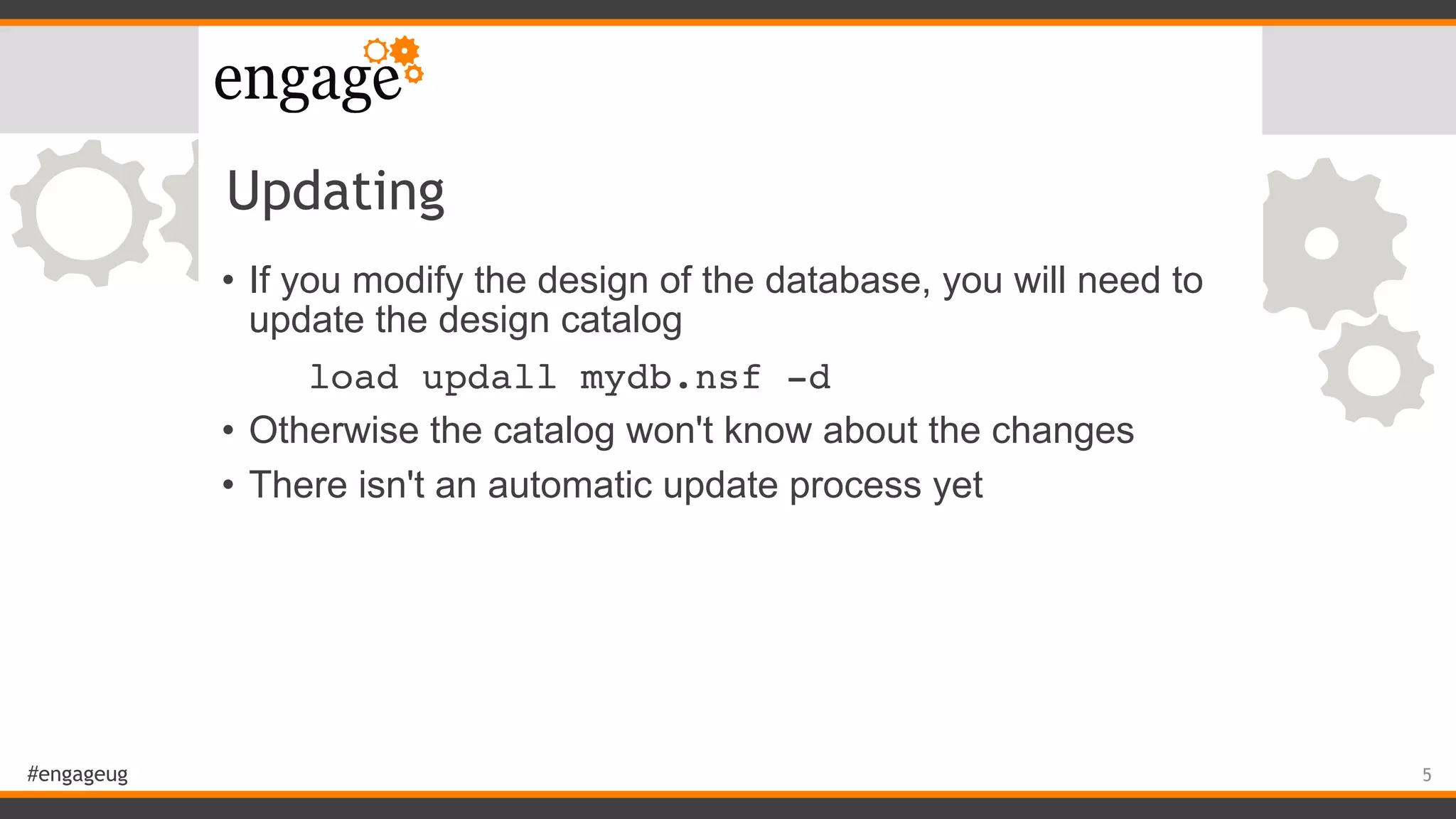
Updating
• If you modify the design of the database, you will need to
update the design catalog
load updall mydb.nsf -d
• Otherwise the catalog won't know about the changes
• There isn't an automatic update process yet
5
#engageug
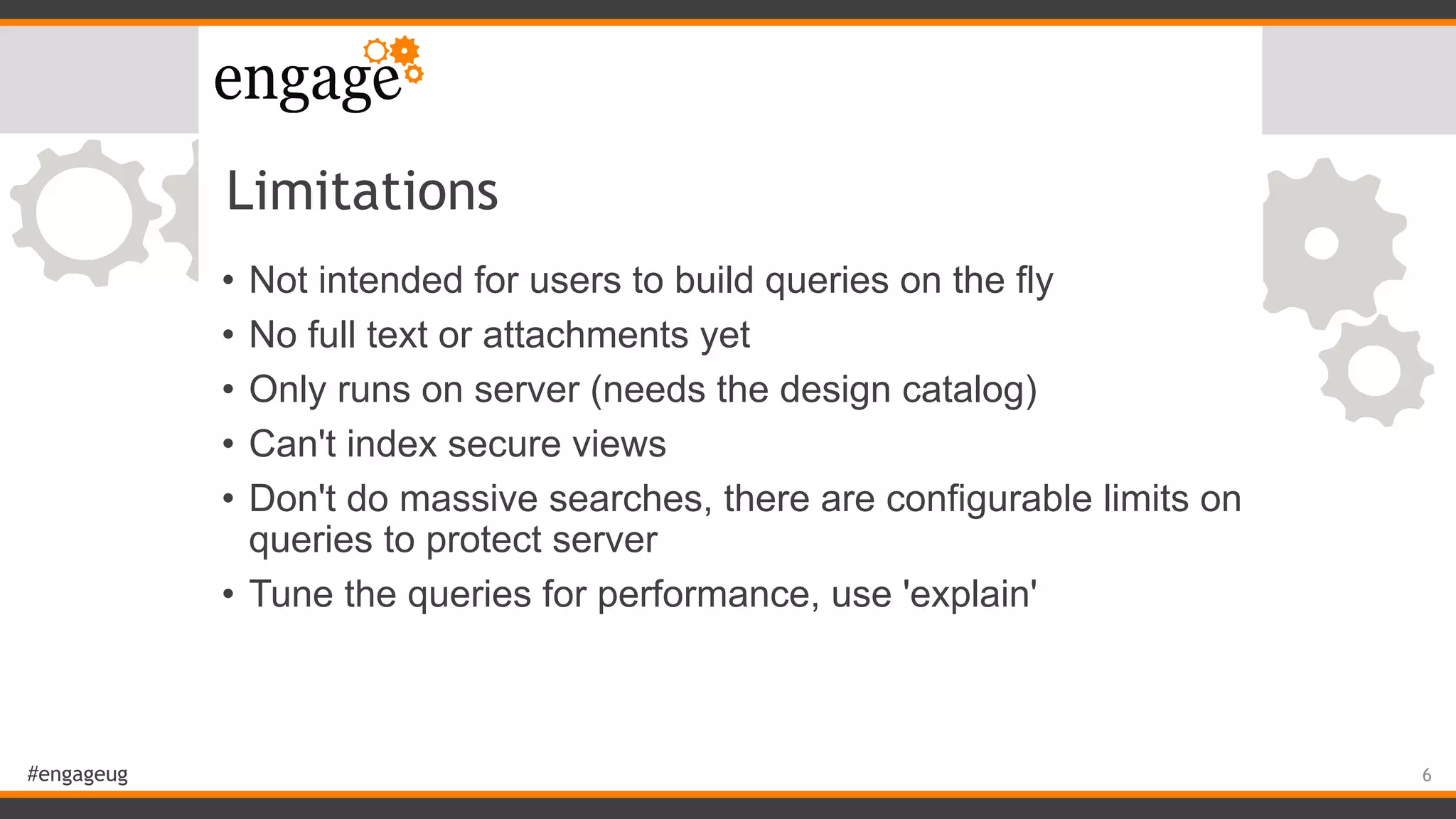
Limitations
• Not intended for users to build queries on the fly
• No full text or attachments yet
• Only runs on server (needs the design catalog)
• Can't index secure views
• Don't do massive searches, there are configurable limits on
queries to protect server
• Tune the queries for performance, use 'explain'
6
#engageug
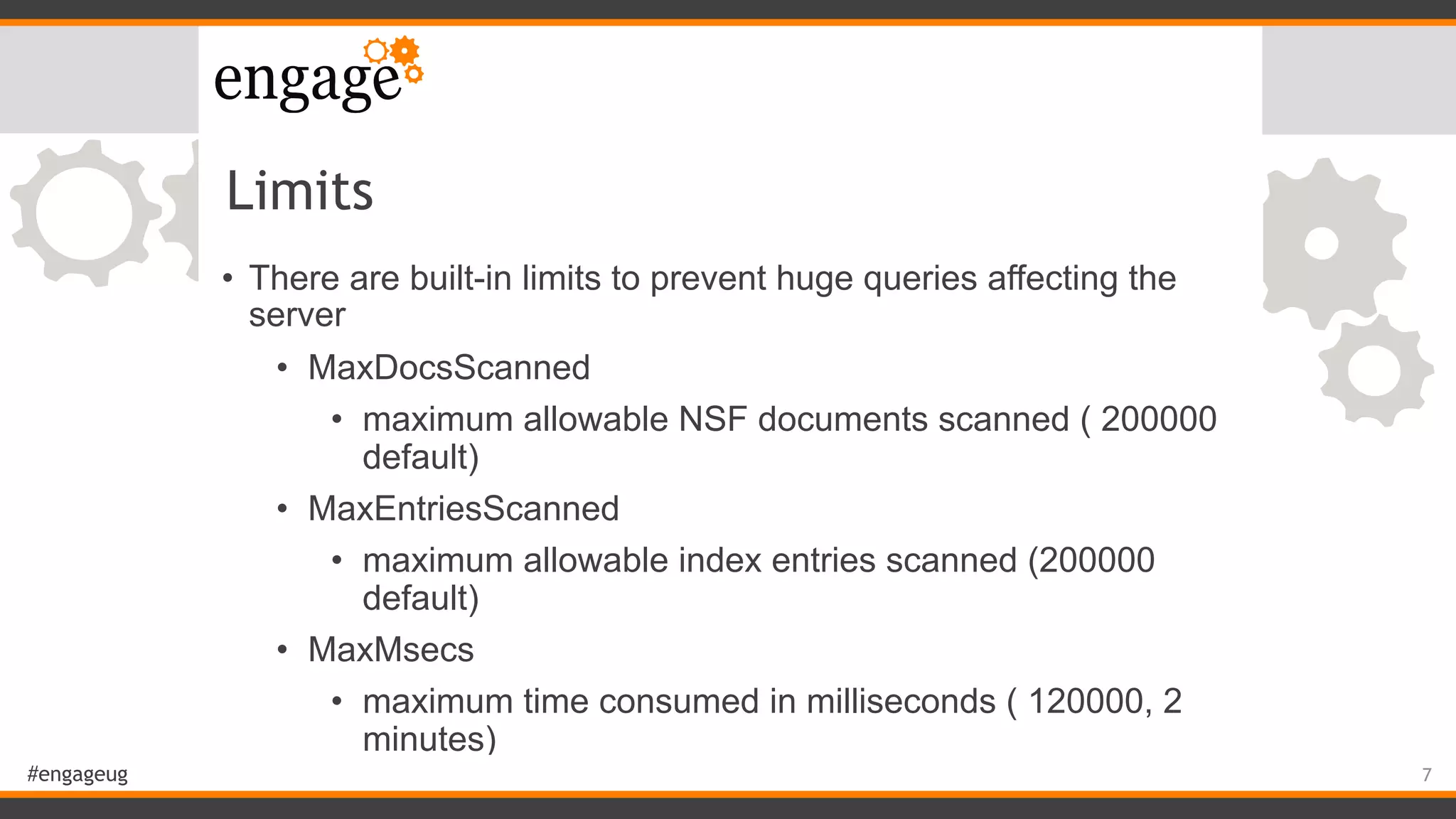
Limits
• There are built-in limits to prevent huge queries affecting the
server
• MaxDocsScanned
• maximum allowable NSF documents scanned ( 200000
default)
• MaxEntriesScanned
• maximum allowable index entries scanned (200000
default)
• MaxMsecs
• maximum time consumed in milliseconds ( 120000, 2
minutes)
7
#engageug
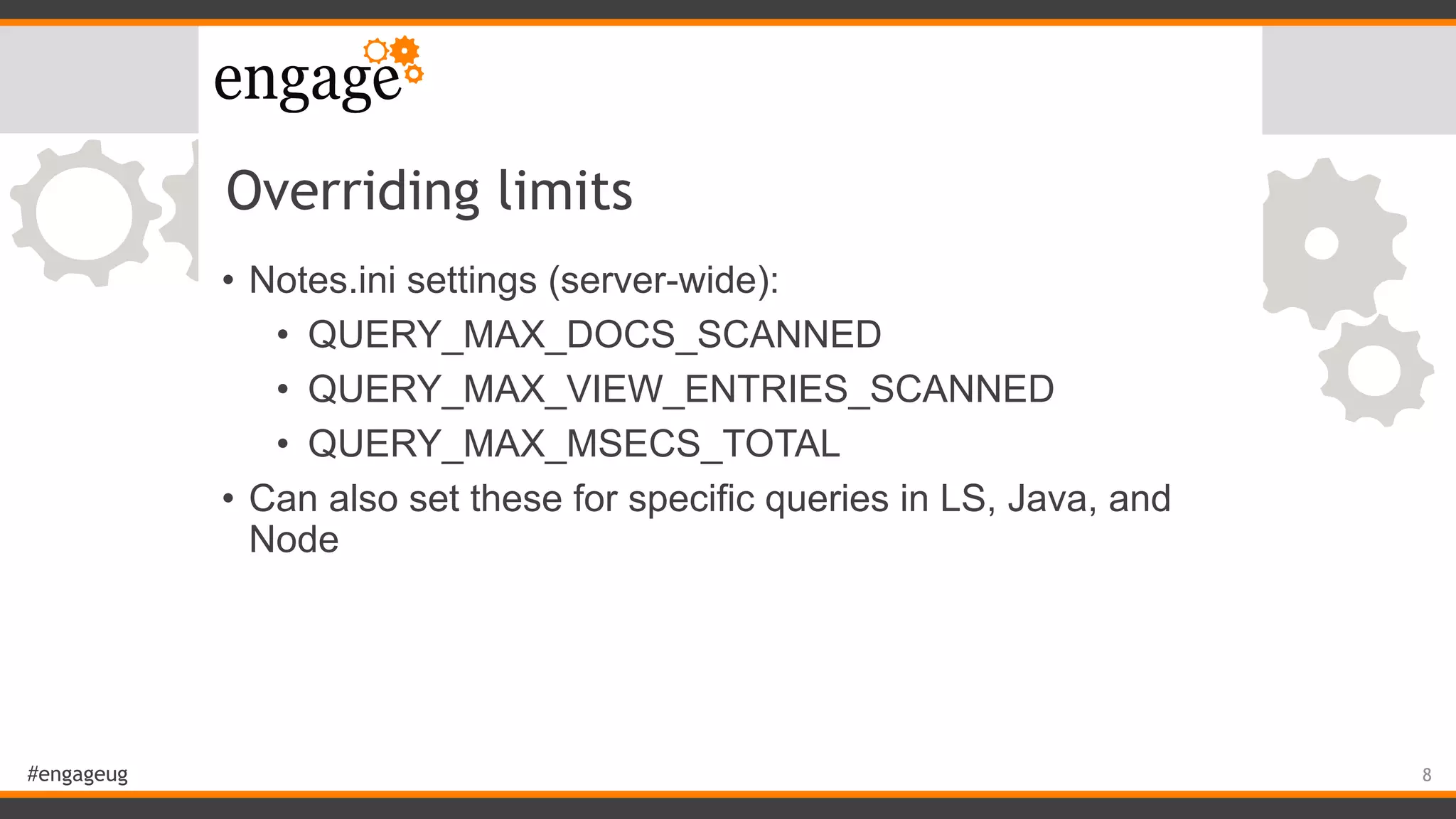
Overriding limits
• Notes.ini settings (server-wide):
• QUERY_MAX_DOCS_SCANNED
• QUERY_MAX_VIEW_ENTRIES_SCANNED
• QUERY_MAX_MSECS_TOTAL
• Can also set these for specific queries in LS, Java, and
Node
8
#engageug
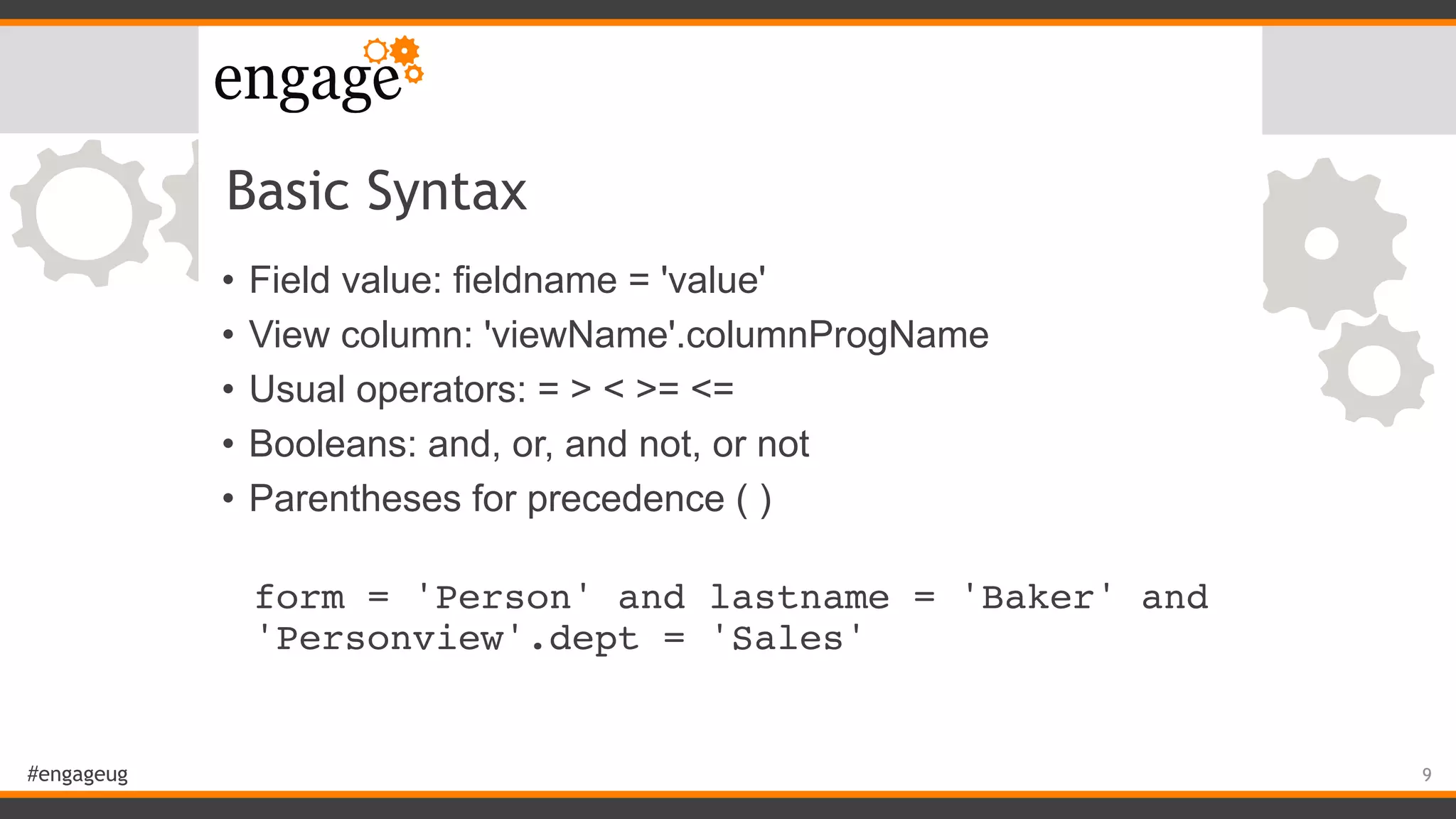
Basic Syntax
• Field value: fieldname = 'value'
• View column: 'viewName'.columnProgName
• Usual operators: = > < >= <=
• Booleans: and, or, and not, or not
• Parentheses for precedence ( )


form = 'Person' and lastname = 'Baker' and
'Personview'.dept = 'Sales'
9
#engageug
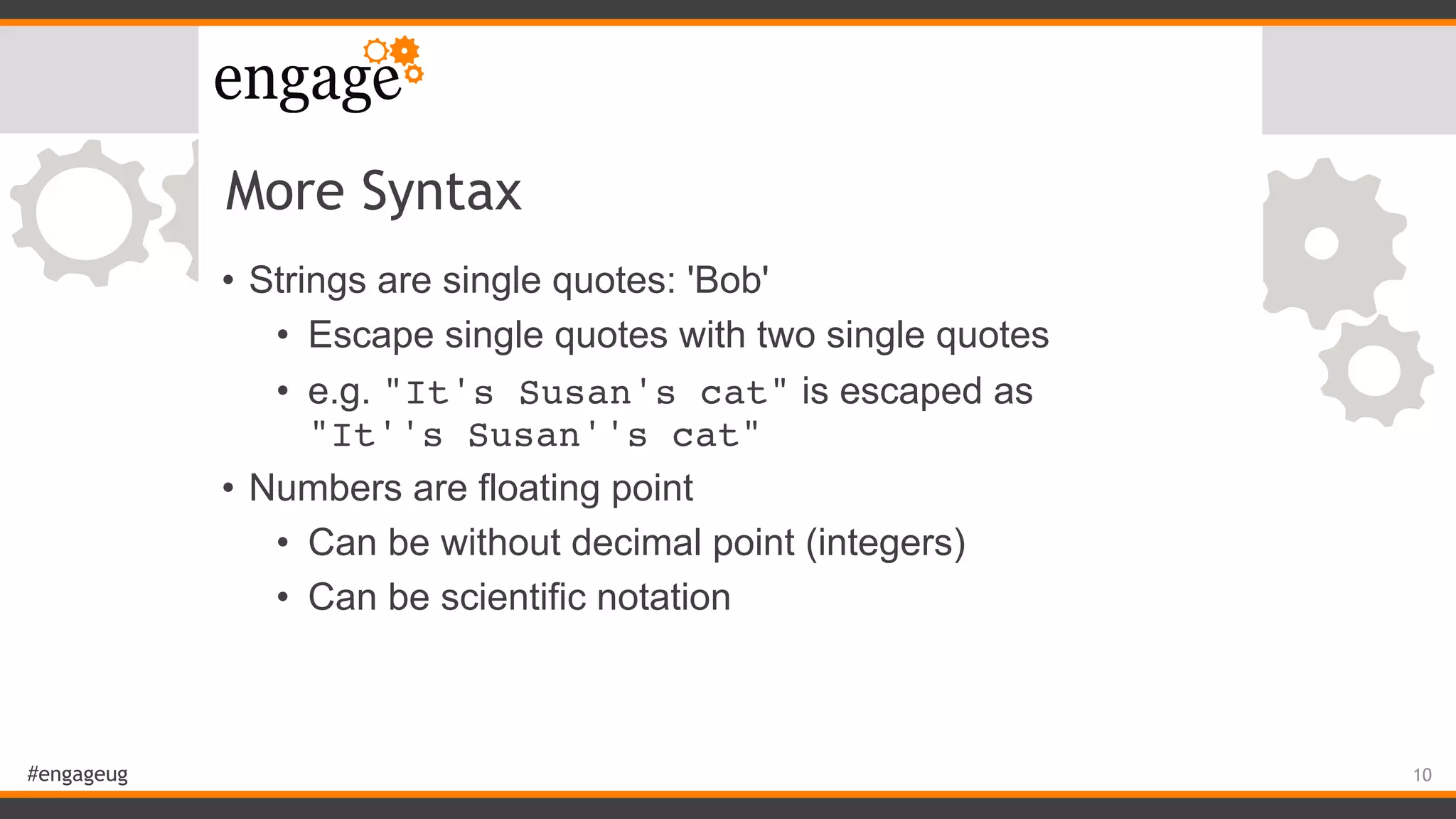
More Syntax
• Strings are single quotes: 'Bob'
• Escape single quotes with two single quotes
• e.g. "It's Susan's cat" is escaped as 

"It''s Susan''s cat"
• Numbers are floating point
• Can be without decimal point (integers)
• Can be scientific notation
10
#engageug
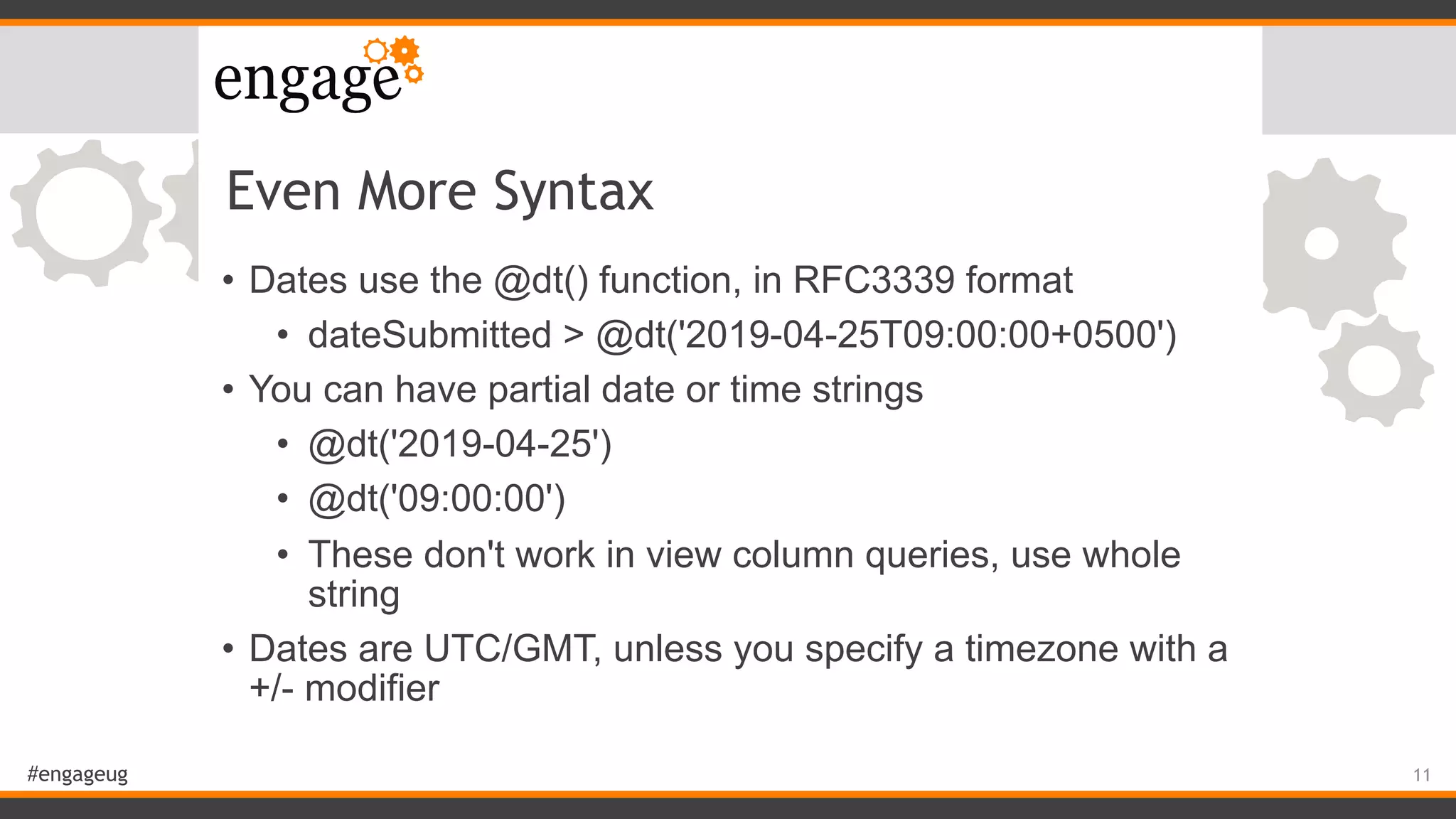
Even More Syntax
• Dates use the @dt() function, in RFC3339 format
• dateSubmitted > @dt('2019-04-25T09:00:00+0500')
• You can have partial date or time strings
• @dt('2019-04-25')
• @dt('09:00:00')
• These don't work in view column queries, use whole
string
• Dates are UTC/GMT, unless you specify a timezone with a
+/- modifier
11
#engageug
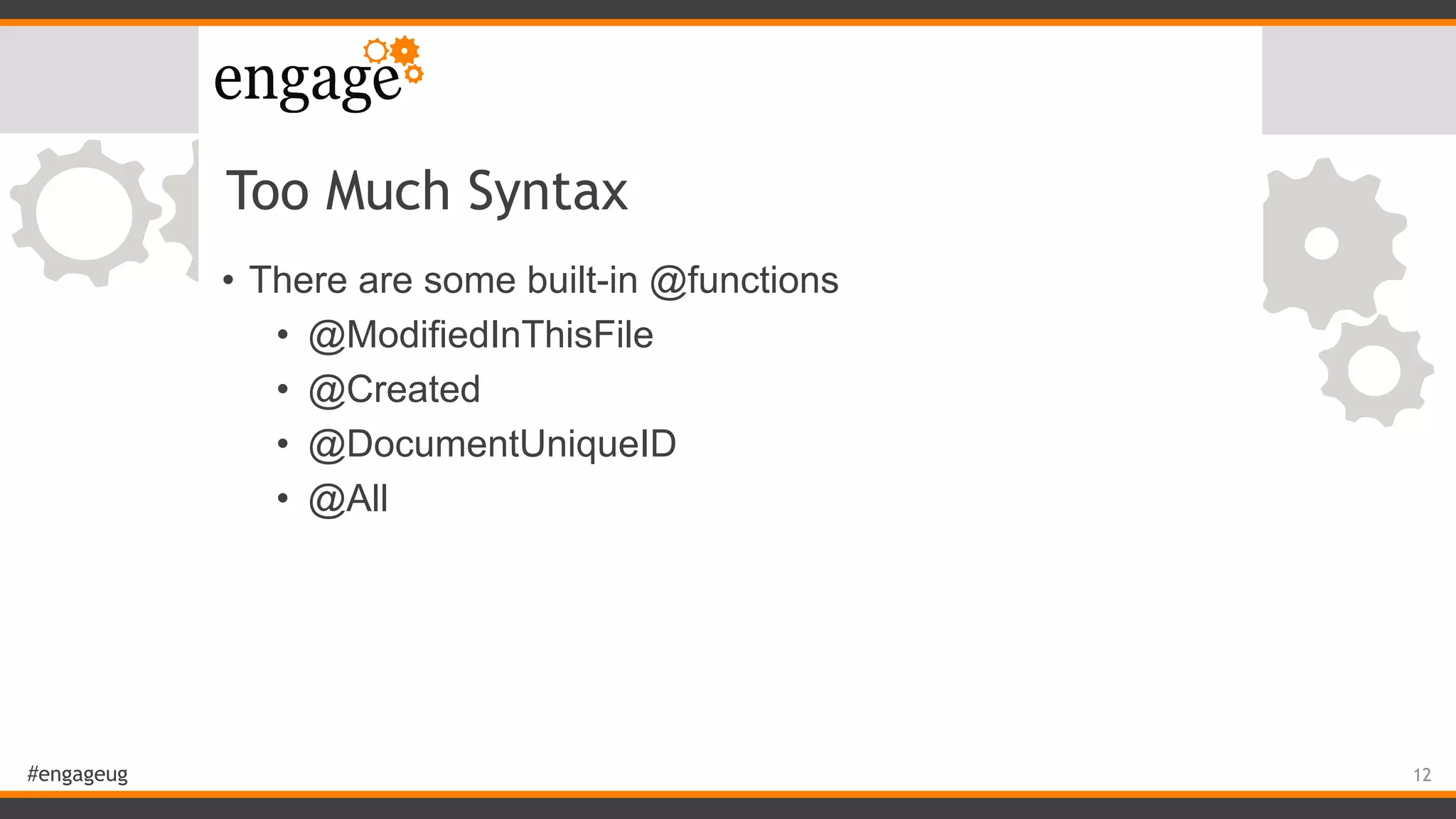
Too Much Syntax
• There are some built-in @functions
• @ModifiedInThisFile
• @Created
• @DocumentUniqueID
• @All
12
#engageug
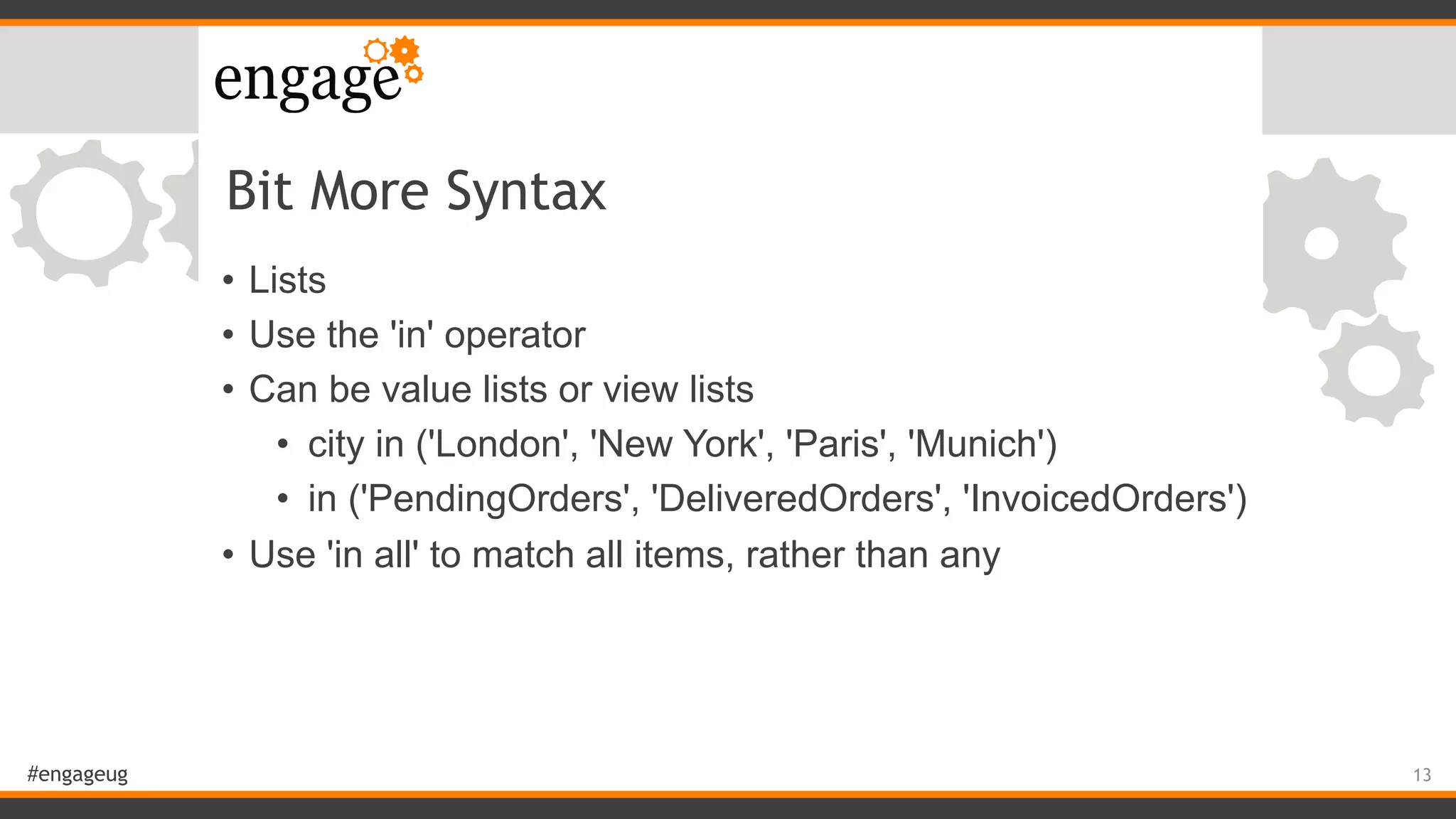
Bit More Syntax
• Lists
• Use the 'in' operator
• Can be value lists or view lists
• city in ('London', 'New York', 'Paris', 'Munich')
• in ('PendingOrders', 'DeliveredOrders', 'InvoicedOrders')
• Use 'in all' to match all items, rather than any
13
#engageug
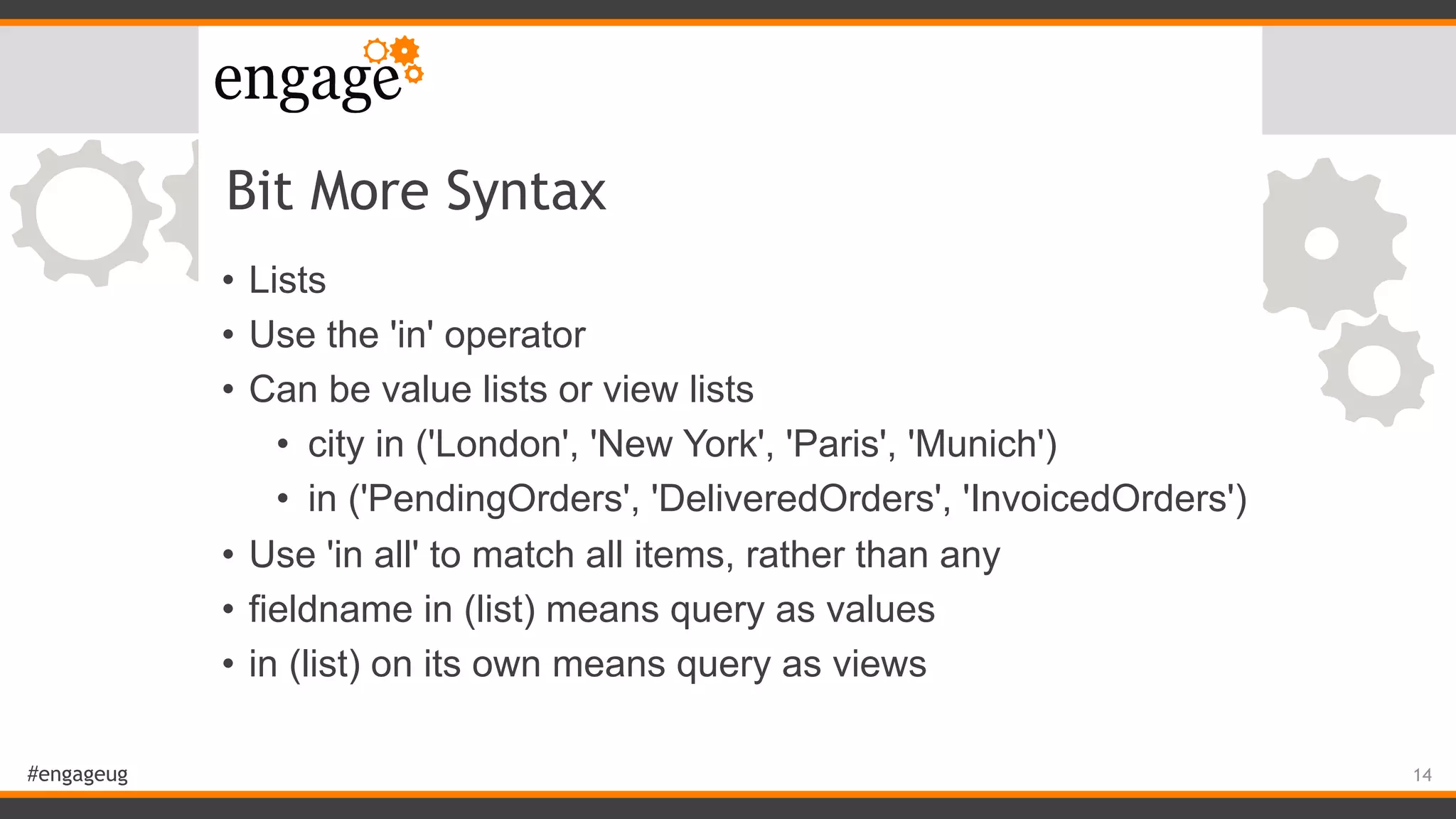
Bit More Syntax
• Lists
• Use the 'in' operator
• Can be value lists or view lists
• city in ('London', 'New York', 'Paris', 'Munich')
• in ('PendingOrders', 'DeliveredOrders', 'InvoicedOrders')
• Use 'in all' to match all items, rather than any
• fieldname in (list) means query as values
• in (list) on its own means query as views
14
#engageug
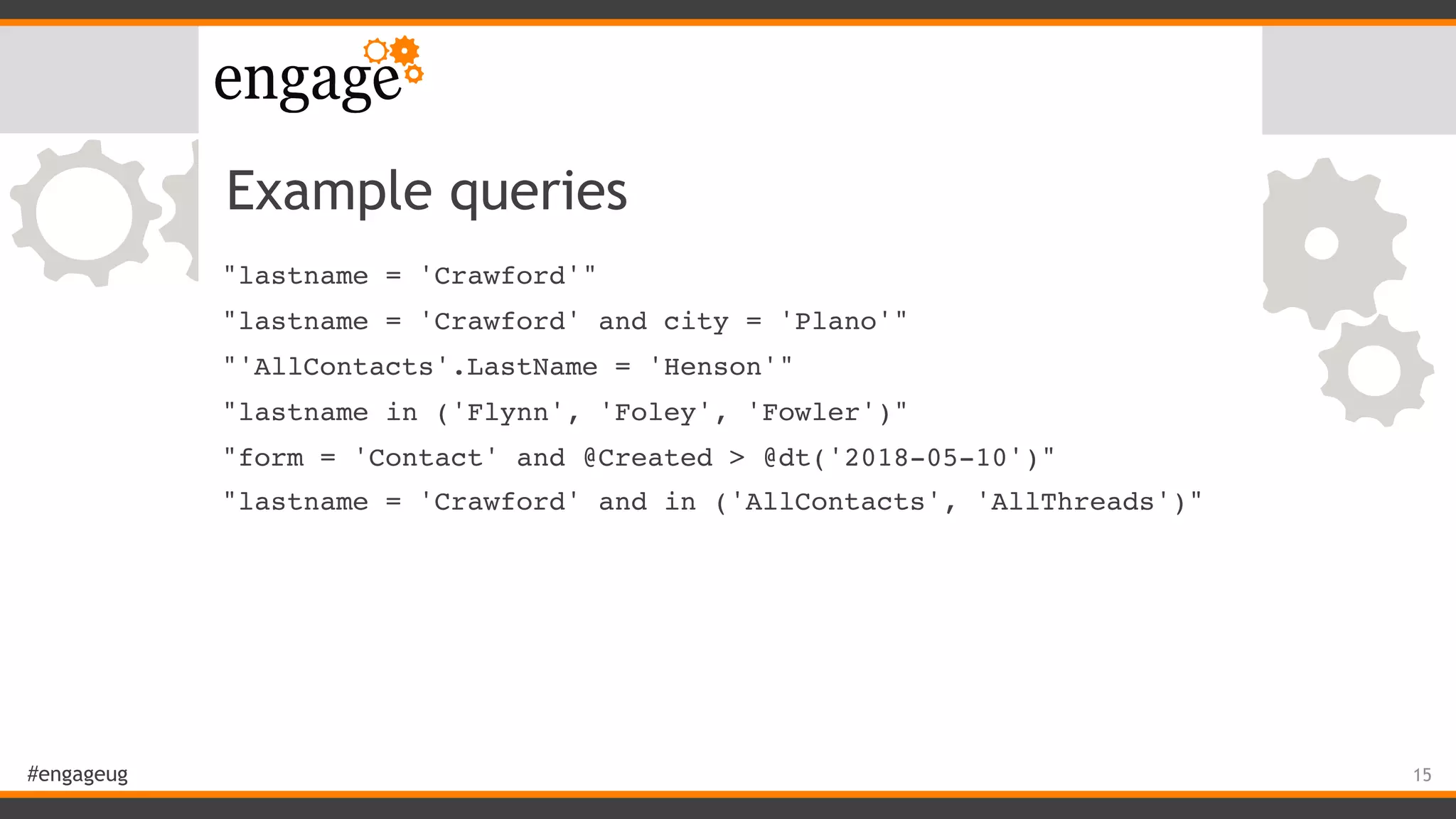
Example queries
"lastname = 'Crawford'"
"lastname = 'Crawford' and city = 'Plano'"
"'AllContacts'.LastName = 'Henson'"
"lastname in ('Flynn', 'Foley', 'Fowler')"
"form = 'Contact' and @Created > @dt('2018-05-10')"
"lastname = 'Crawford' and in ('AllContacts', 'AllThreads')"
15
#engageug
Performance
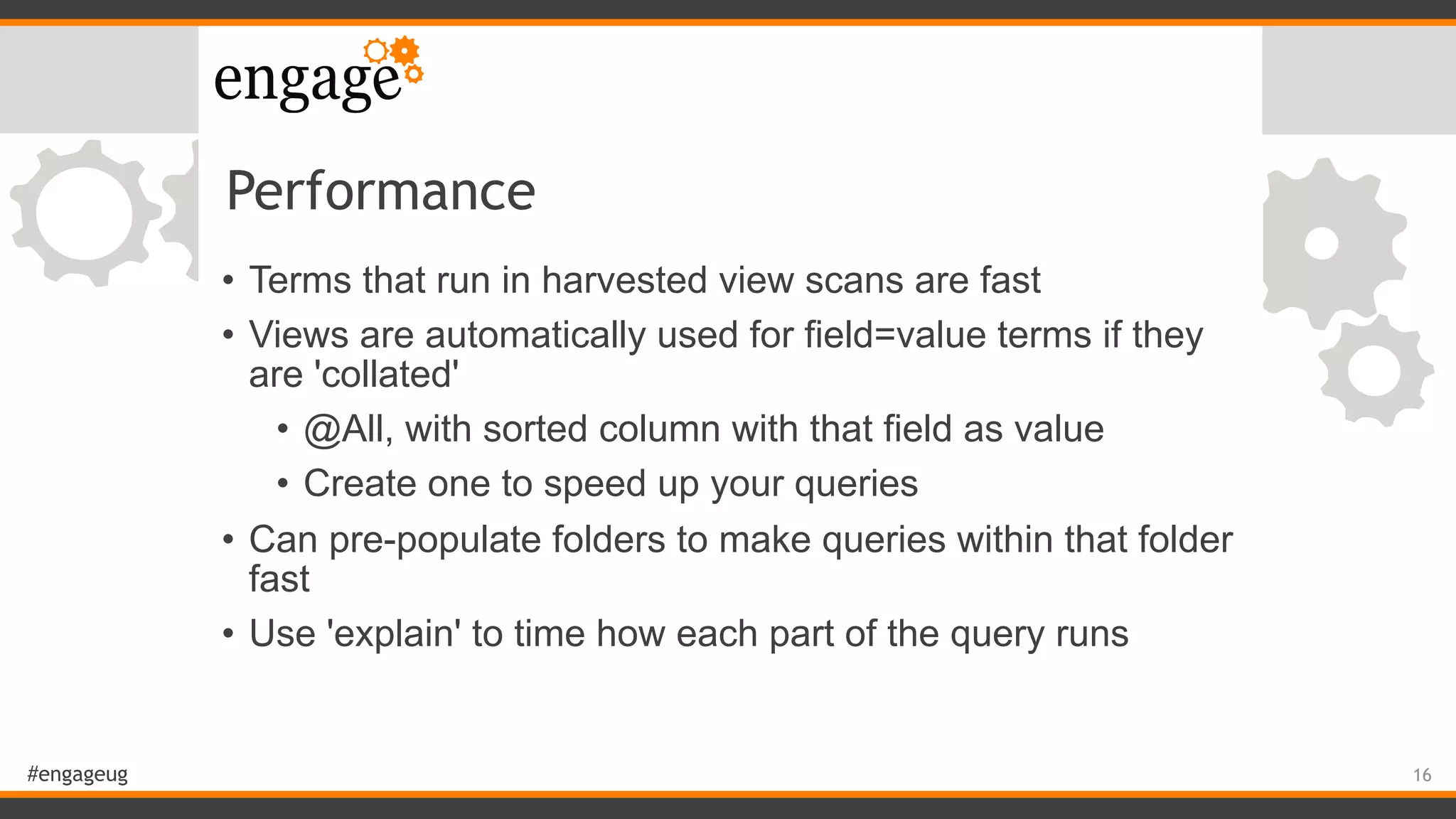
• Terms that run in harvested view scans are fast
• Views are automatically used for field=value terms if they
are 'collated'
• @All, with sorted column with that field as value
• Create one to speed up your queries
• Can pre-populate folders to make queries within that folder
fast
• Use 'explain' to time how each part of the query runs
16
#engageug
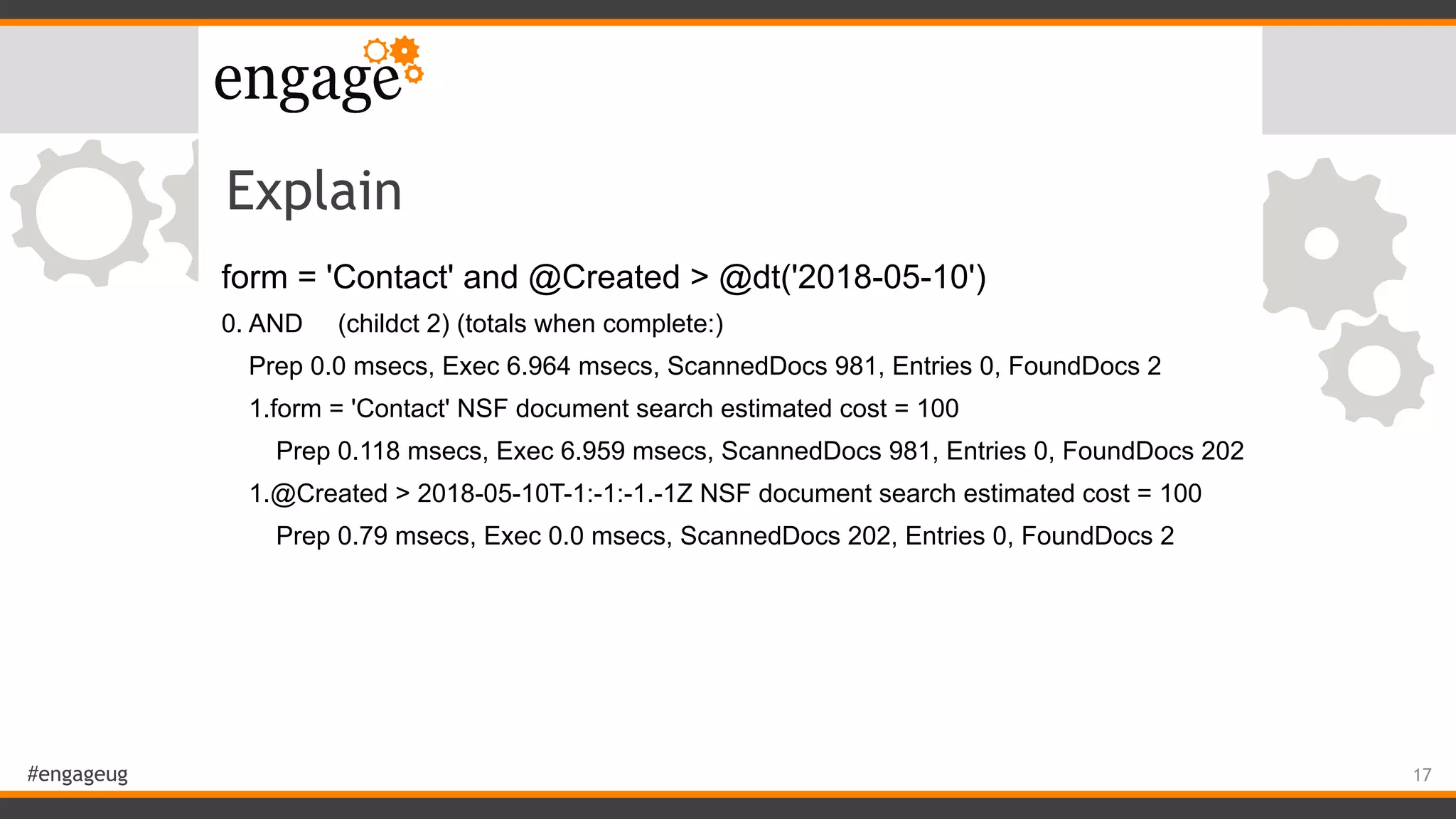
Explain
form = 'Contact' and @Created > @dt('2018-05-10')
0. AND (childct 2) (totals when complete:)
Prep 0.0 msecs, Exec 6.964 msecs, ScannedDocs 981, Entries 0, FoundDocs 2
1.form = 'Contact' NSF document search estimated cost = 100
Prep 0.118 msecs, Exec 6.959 msecs, ScannedDocs 981, Entries 0, FoundDocs 202
1.@Created > 2018-05-10T-1:-1:-1.-1Z NSF document search estimated cost = 100
Prep 0.79 msecs, Exec 0.0 msecs, ScannedDocs 202, Entries 0, FoundDocs 2
17
#engageug
Explain explained
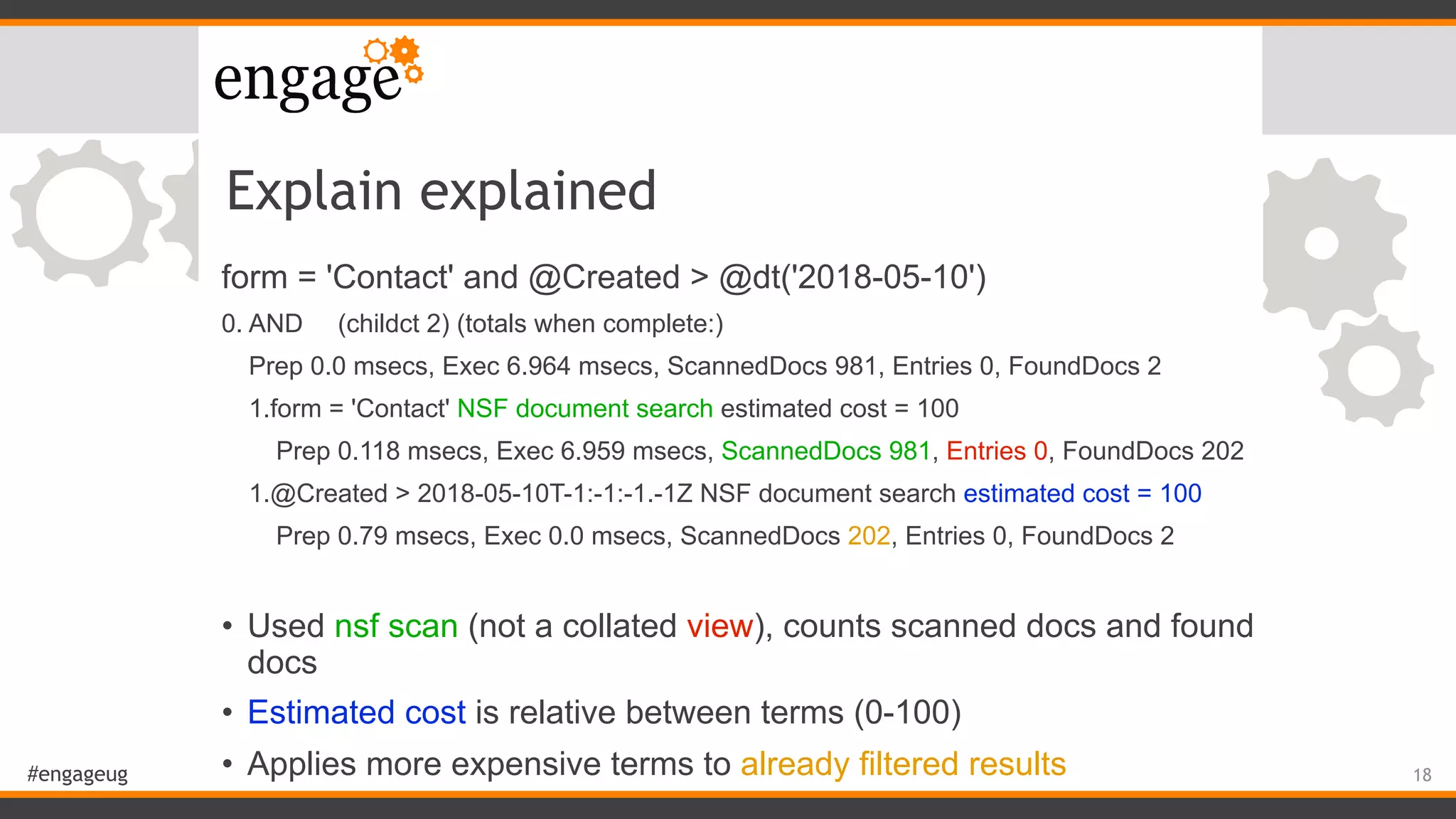
form = 'Contact' and @Created > @dt('2018-05-10')
0. AND (childct 2) (totals when complete:)
Prep 0.0 msecs, Exec 6.964 msecs, ScannedDocs 981, Entries 0, FoundDocs 2
1.form = 'Contact' NSF document search estimated cost = 100
Prep 0.118 msecs, Exec 6.959 msecs, ScannedDocs 981, Entries 0, FoundDocs 202
1.@Created > 2018-05-10T-1:-1:-1.-1Z NSF document search estimated cost = 100
Prep 0.79 msecs, Exec 0.0 msecs, ScannedDocs 202, Entries 0, FoundDocs 2
• Used nsf scan (not a collated view), counts scanned docs and found
docs
• Estimated cost is relative between terms (0-100)
• Applies more expensive terms to already filtered results 18
#engageug
Useful tools
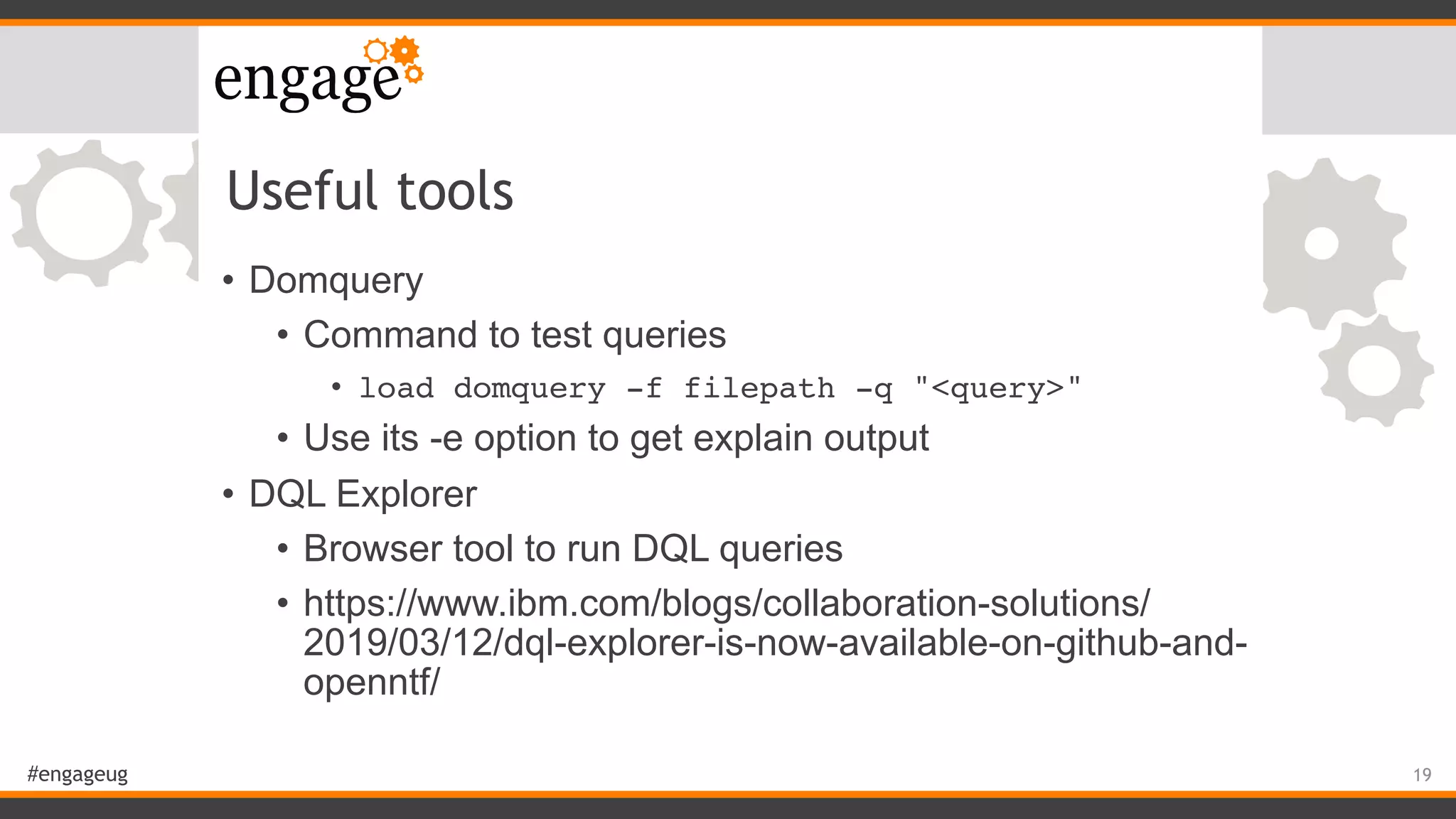
• Domquery
• Command to test queries
• load domquery -f filepath -q "<query>"
• Use its -e option to get explain output
• DQL Explorer
• Browser tool to run DQL queries
• https://www.ibm.com/blogs/collaboration-solutions/
2019/03/12/dql-explorer-is-now-available-on-github-and-
openntf/
19
#engageug
LotusScript
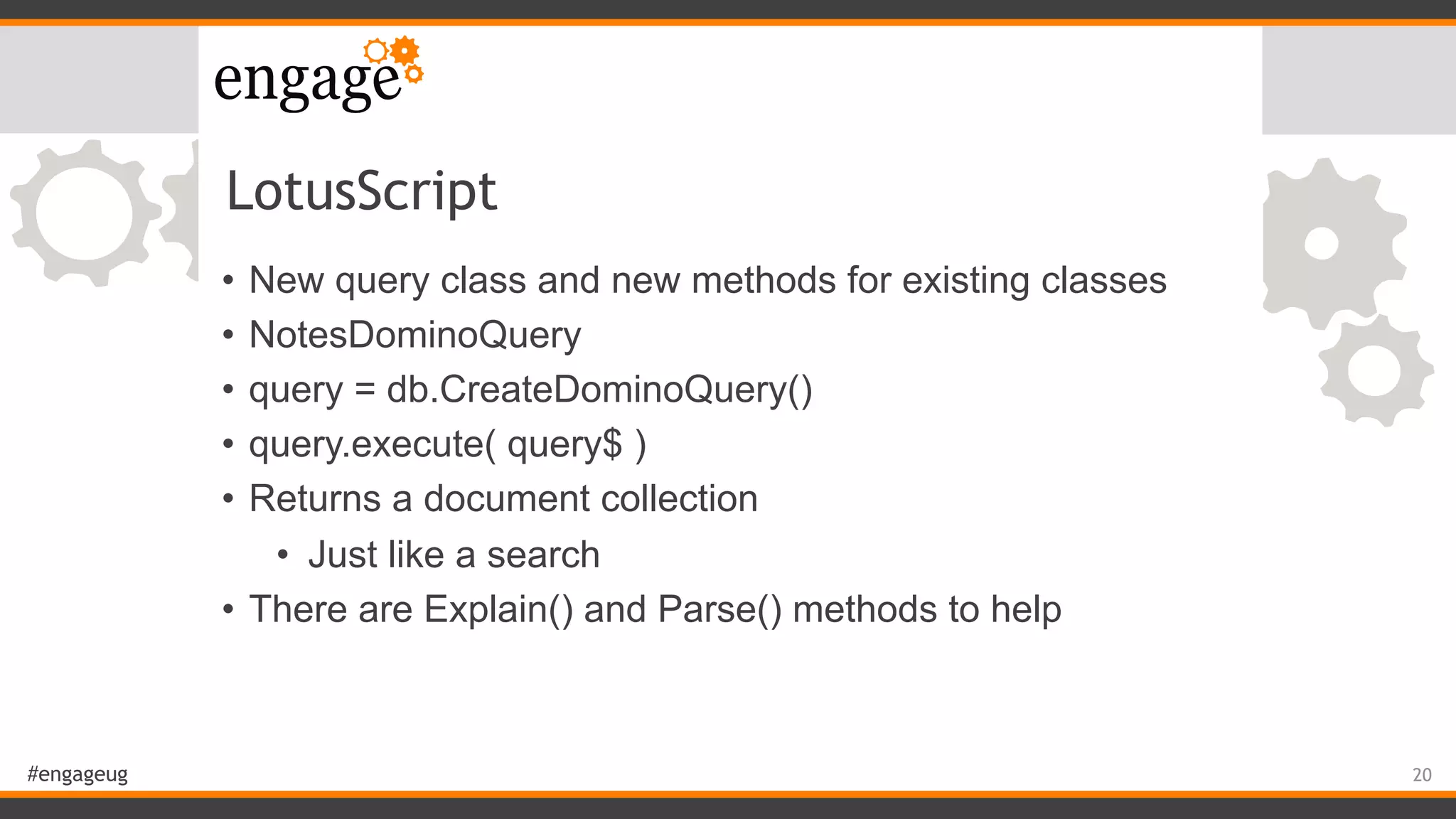
• New query class and new methods for existing classes
• NotesDominoQuery
• query = db.CreateDominoQuery()
• query.execute( query$ )
• Returns a document collection
• Just like a search
• There are Explain() and Parse() methods to help
20
#engageug
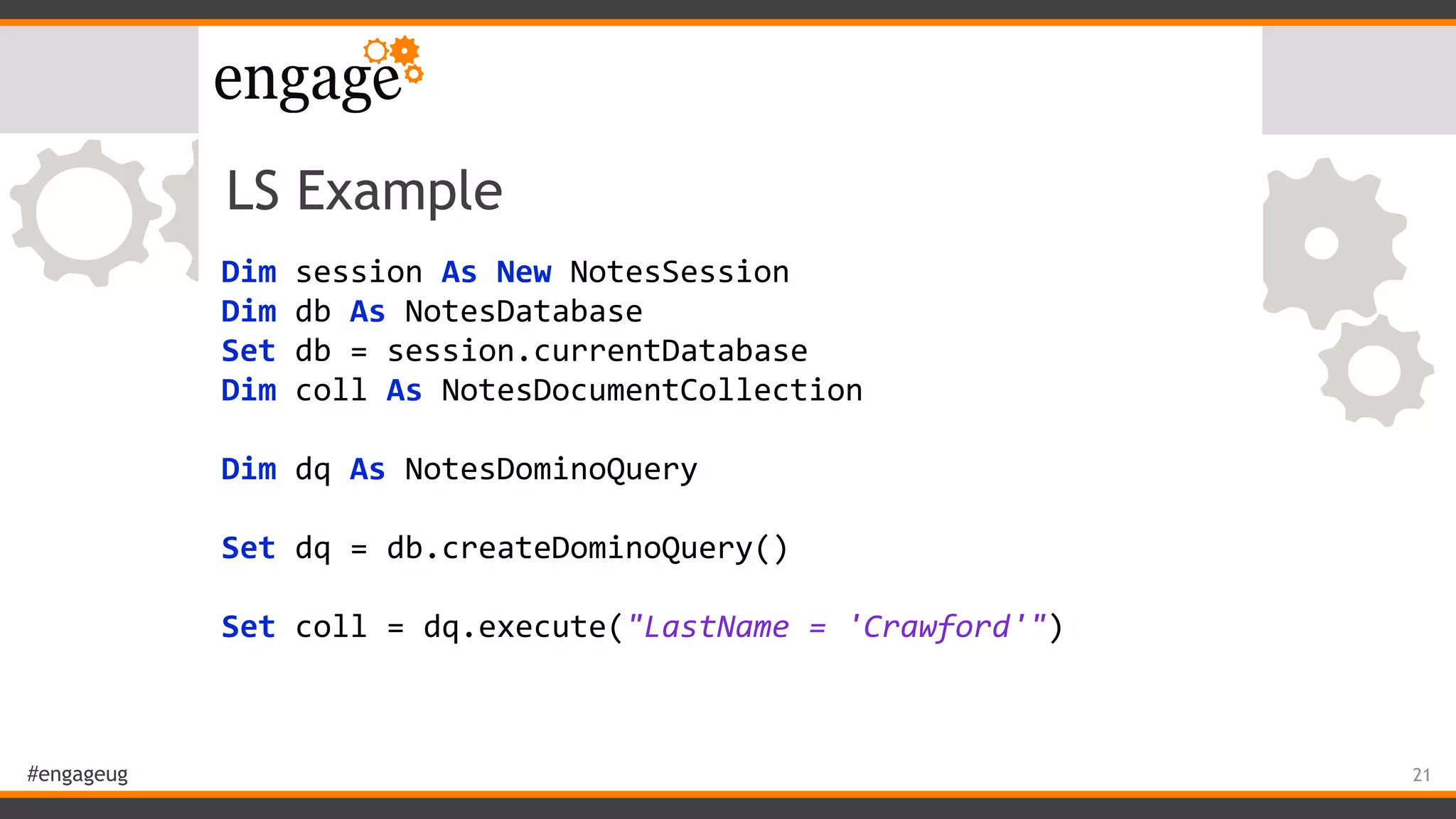
LS Example
Dim	session	As	New	NotesSession	
Dim	db	As	NotesDatabase	
Set	db	=	session.currentDatabase	
Dim	coll	As	NotesDocumentCollection	
	 	
Dim	dq	As	NotesDominoQuery	
	 	
Set	dq	=	db.createDominoQuery()	
	 	
Set	coll	=	dq.execute("LastName	=	'Crawford'")
21
#engageug
LotusScript Demo
22
#engageug
Explain output examples
23
#engageug
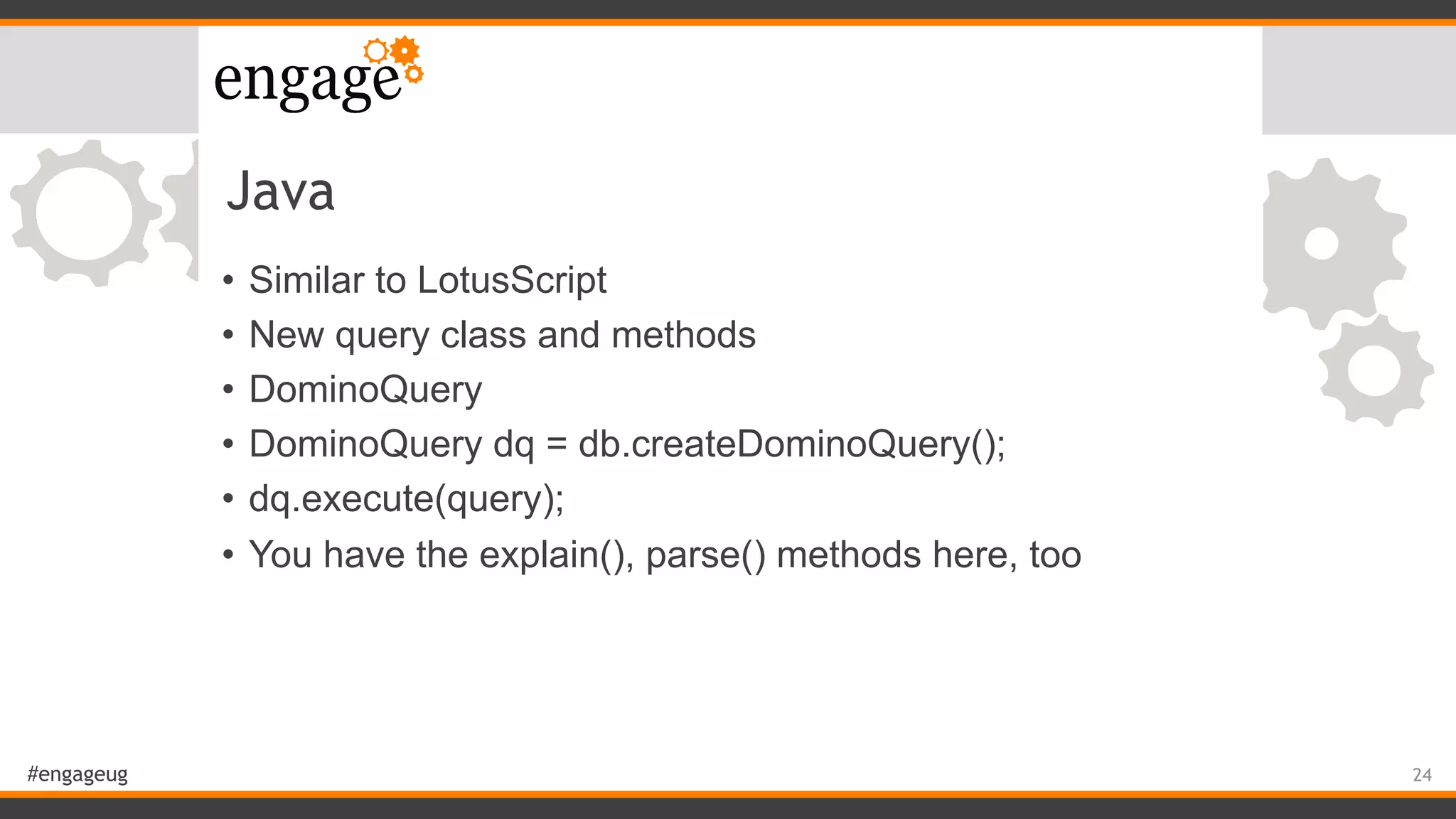
Java
• Similar to LotusScript
• New query class and methods
• DominoQuery
• DominoQuery dq = db.createDominoQuery();
• dq.execute(query);
• You have the explain(), parse() methods here, too
24
#engageug
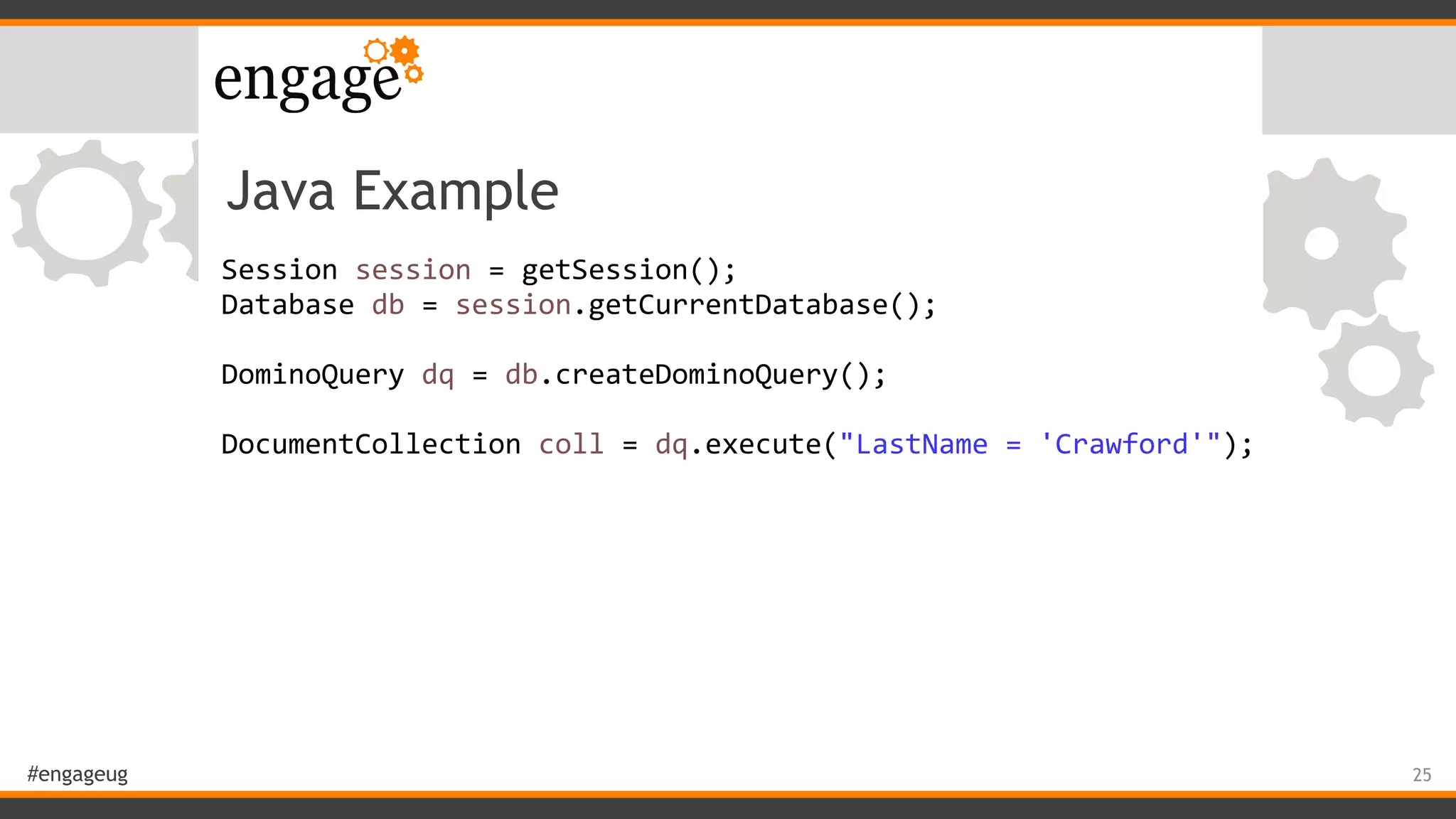
Java Example
Session	session	=	getSession();	
Database	db	=	session.getCurrentDatabase();	
DominoQuery	dq	=	db.createDominoQuery();	
	 	 	 	
DocumentCollection	coll	=	dq.execute("LastName	=	'Crawford'");
25
#engageug
Java Demo
26
#engageug
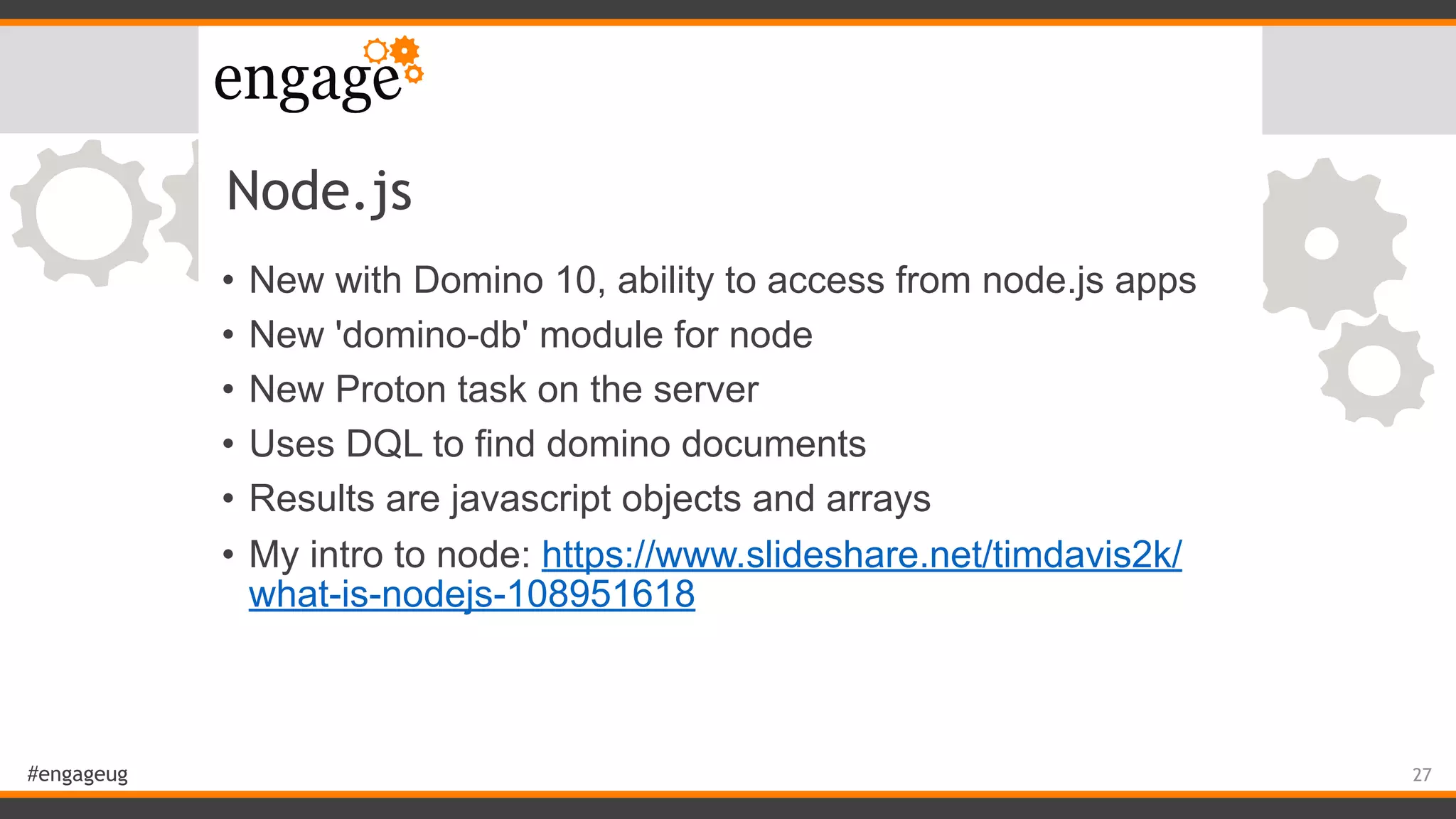
Node.js
• New with Domino 10, ability to access from node.js apps
• New 'domino-db' module for node
• New Proton task on the server
• Uses DQL to find domino documents
• Results are javascript objects and arrays
• My intro to node: https://www.slideshare.net/timdavis2k/
what-is-nodejs-108951618
27
#engageug
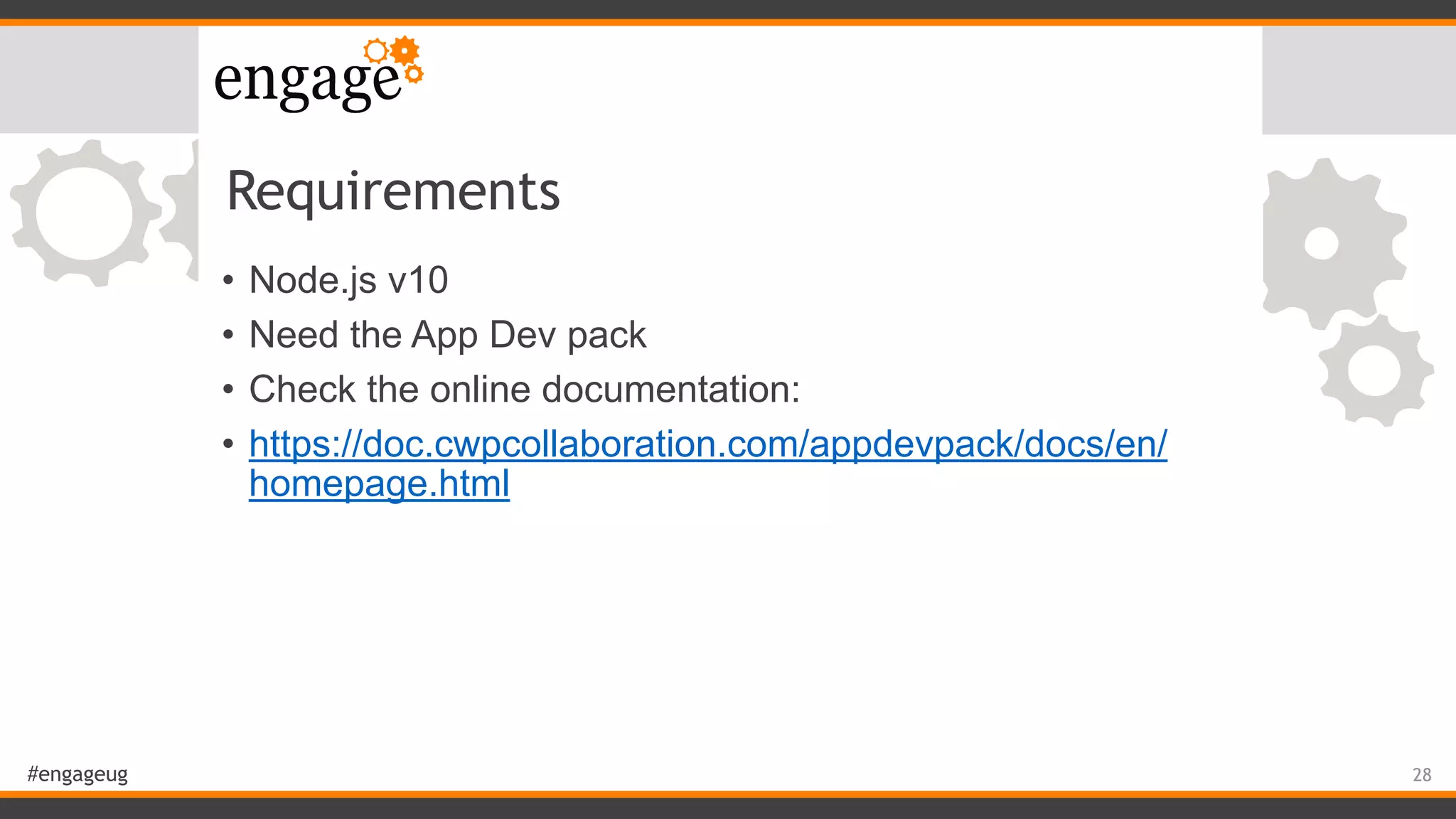
Requirements
• Node.js v10
• Need the App Dev pack
• Check the online documentation:
• https://doc.cwpcollaboration.com/appdevpack/docs/en/
homepage.html
28
#engageug
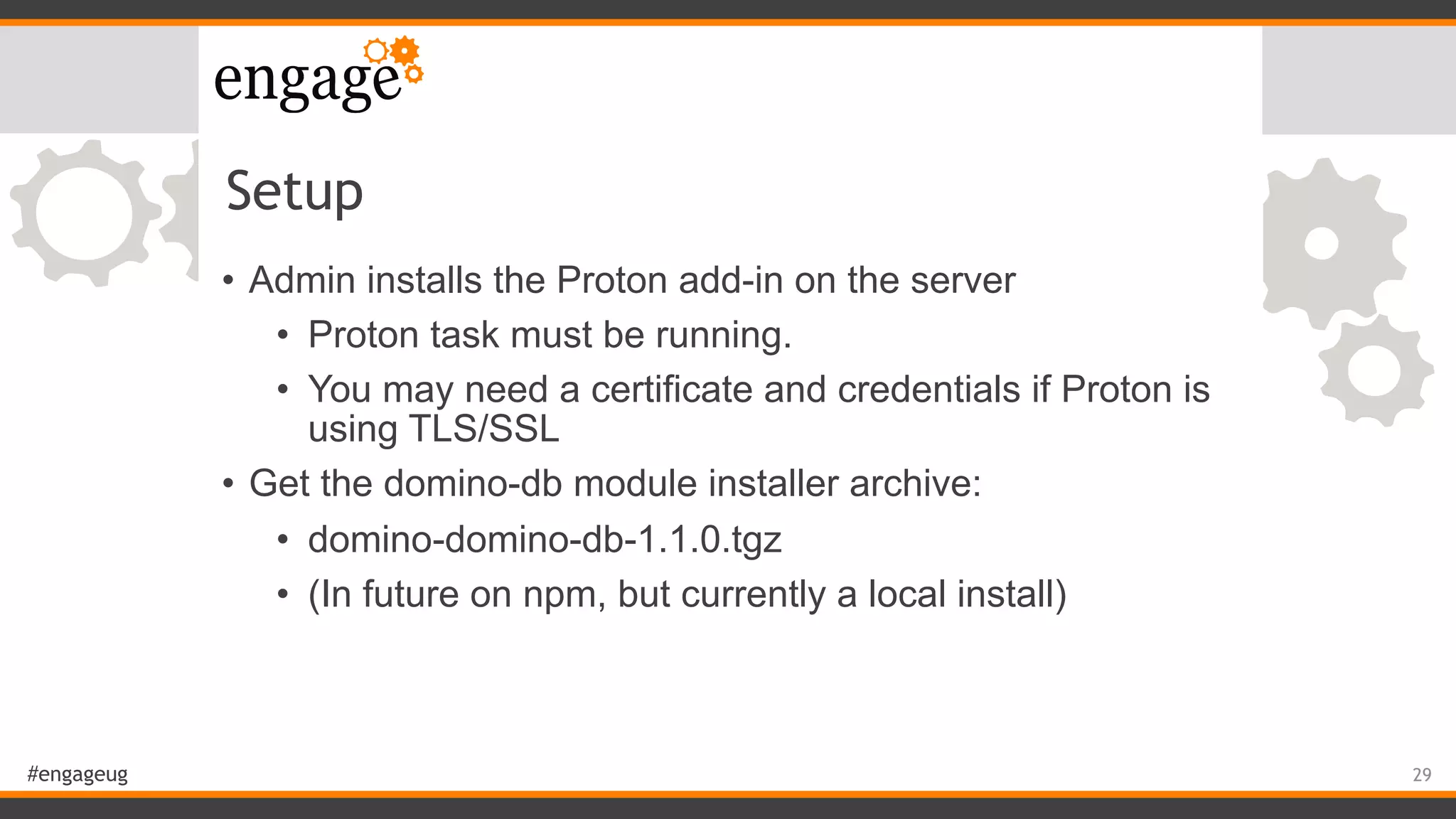
Setup
• Admin installs the Proton add-in on the server
• Proton task must be running.
• You may need a certificate and credentials if Proton is
using TLS/SSL
• Get the domino-db module installer archive:
• domino-domino-db-1.1.0.tgz
• (In future on npm, but currently a local install)
29
#engageug
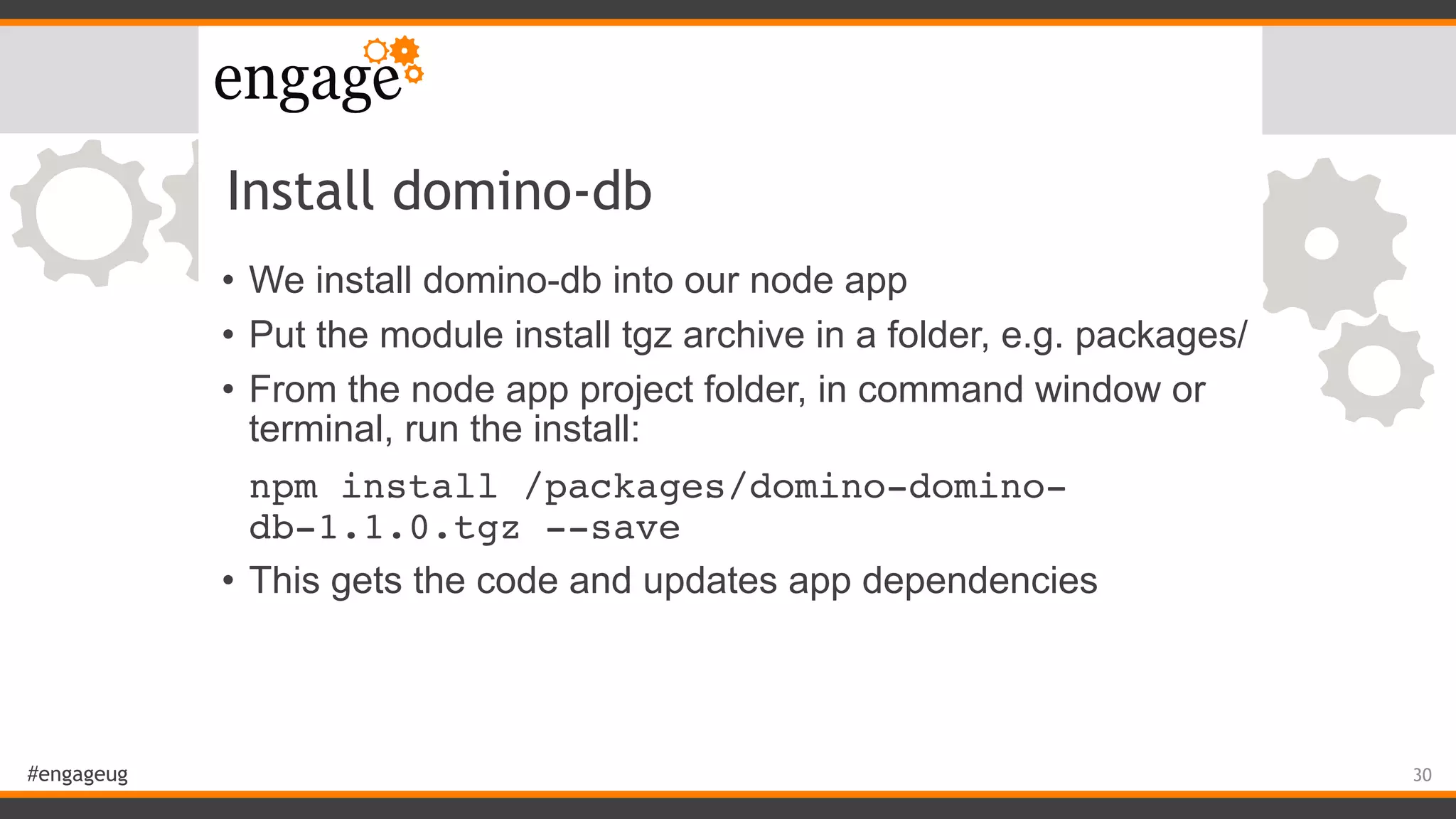
Install domino-db
• We install domino-db into our node app
• Put the module install tgz archive in a folder, e.g. packages/
• From the node app project folder, in command window or
terminal, run the install:
npm install /packages/domino-domino-
db-1.1.0.tgz --save
• This gets the code and updates app dependencies
30
#engageug
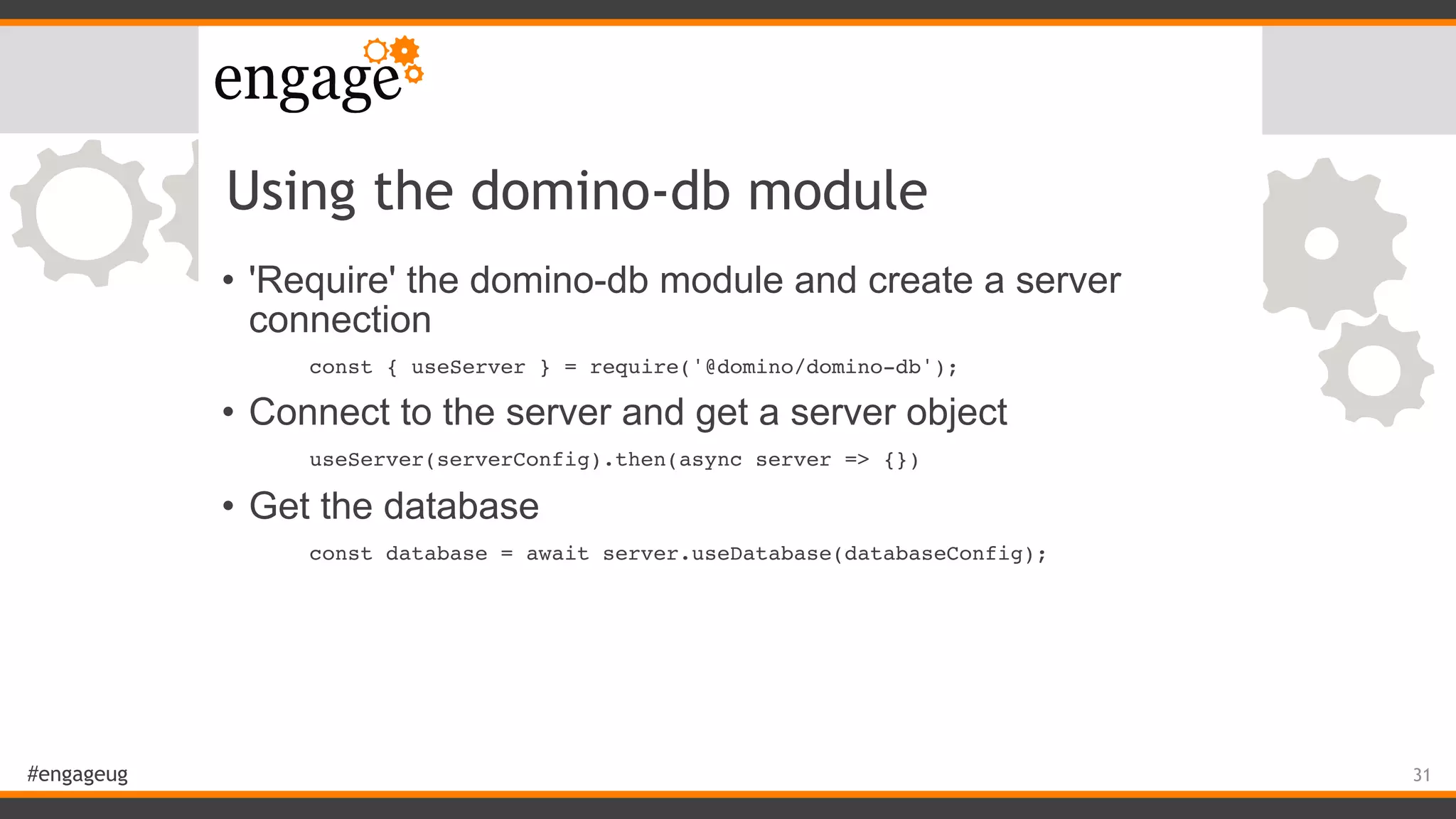
Using the domino-db module
• 'Require' the domino-db module and create a server
connection
const { useServer } = require('@domino/domino-db');
• Connect to the server and get a server object
useServer(serverConfig).then(async server => {})
• Get the database
const database = await server.useDatabase(databaseConfig);
31
#engageug
Using DQL in Node
• Get some documents with a 'bulk' read
const resp = await database.bulkReadDocuments({...});
• This does a DQL query
query: "LastName = 'Crawford'",
• Specify which fields you want returned
itemNames: ['FirstName', 'LastName']
• (By default only returns metadata, e.g. unid)
32
#engageug
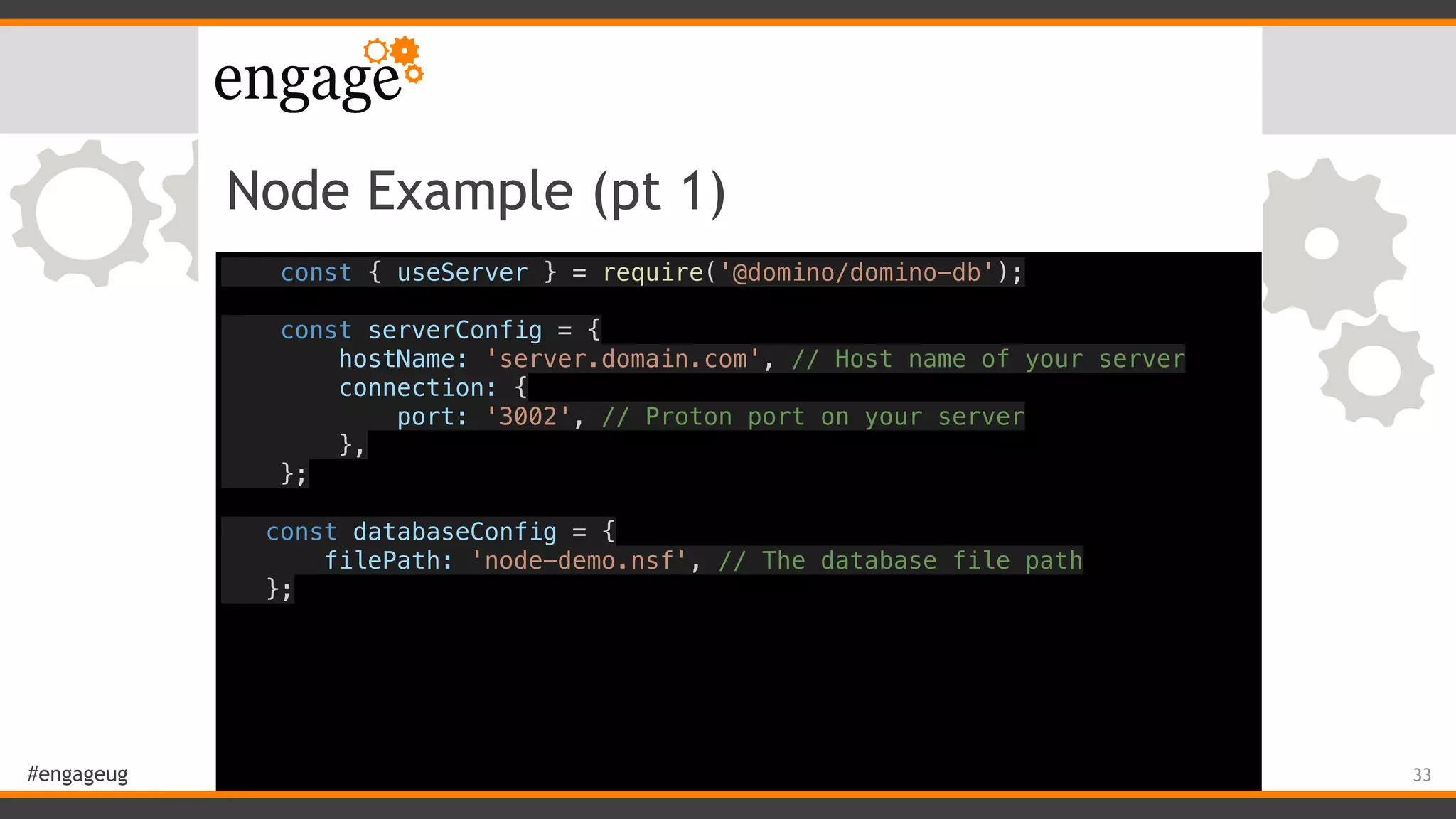
Node Example (pt 1)
const { useServer } = require('@domino/domino-db');
const serverConfig = {
hostName: 'server.domain.com', // Host name of your server
connection: {
port: '3002', // Proton port on your server
},
};
const databaseConfig = {
filePath: 'node-demo.nsf', // The database file path
};
33
#engageug
Node Example (pt 2)
useServer(serverConfig).then(async server => {
const database = await server.useDatabase(databaseConfig);
const query = "LastName = 'Crawford'";
const coll = await database.bulkReadDocuments({
query: query,
itemNames: ['FirstName', 'LastName']
});
}).catch(error => {
console.log(error);
});
34
#engageug
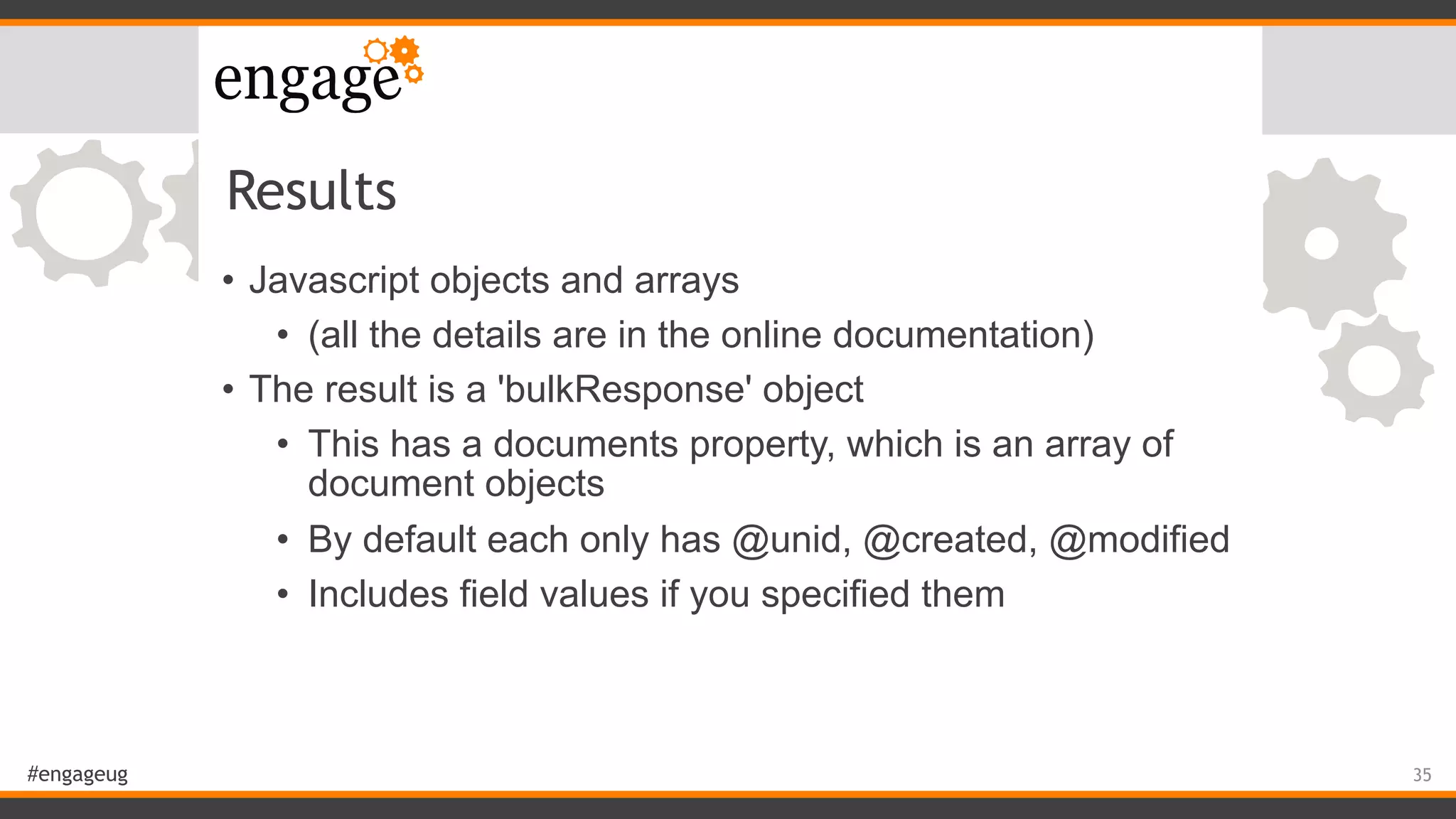
Results
• Javascript objects and arrays
• (all the details are in the online documentation)
• The result is a 'bulkResponse' object
• This has a documents property, which is an array of
document objects
• By default each only has @unid, @created, @modified
• Includes field values if you specified them
35
#engageug
Using results
• In our example, resp.documents is an array of documents
• Can step through it and get named values in each
document
resp.documents[i].LastName
resp.documents[i]['LastName']
• Item types include 'text', 'datetime', 'number', 'reference'
• Can also be arrays, or pairs, or arrays of pairs
36
#engageug
Node demo
37
#engageug
Substitution values
• When running any query (SQL, DQL, etc), need to careful
of code injection
• Values in the query are actually code which can do stuff
• Vulnerable if building queries as simple strings
• Avoid this with 'query arguments', where the server inserts
query values into the query in a controlled way
• Ensures the arguments are treated only as values so
they cannot be interpreted as code
38
#engageug
Query Arguments
• Use ? notation in the query to indicate named arguments
"orderNo = ?ordno and custNo = ?cno"
• LotusScript and Java define values like this:
dq.setNamedVariable("ordno", orderNo)
• Use resetNamedVariables() to clear these between
queries

• In node.js, use 'queryArgs' option in bulkReadDocuments
(alongside the query and itemValues options)
queryArgs: [{ name: 'ordno', value: orderNo }]
39
#engageug
Futures
• Rich text items (v11)
• 'Contains' operator (v11)
• Catalog inside database nsf, no catalog db (v11)
• Cataloguing secured/reader views (v11)
• Reporting of DQL status
• Multiple databases
• @formulas
40
#engageug
• My articles and presentations:
https://turtleblog.info/tag/node-js/
• DQL documentation:
https://doc.cwpcollaboration.com/appdevpack/docs/en/
domino-query-language.html

41

How to use the new Domino Query Language

  • 1.
    #engageug De13. How touse the new Domino Query Language Tim Davis, The Turtle Partnership Ltd 1
  • 2.
    #engageug Domino Query Language •New with Domino 10 • Sophisticated search facility that can make use of design elements (e.g. views) • Uses pre-harvested design data, and breaks down query terms to run queries efficiently. • Returns a collection of documents • Can use it in LotusScript, Java, Node.js 2
  • 3.
    #engageug Requirements • Domino 10+(current latest version is 10.0.1) • To run DQL queries you need a design catalog on the server • GQFdsgn.cat • Contains the special indexing • Eventually this indexing will be stored inside the actual databases 3
  • 4.
    #engageug Setup • Create thedesign catalog • You need at least one database indexed to use DQL • You do this using updall with the new -e option load updall mydb.nsf -e • This creates the GQFdsgn.cat with the indexing for this database • In theory you can query other databases, but it will be slow and may timeout 4
  • 5.
    #engageug Updating • If youmodify the design of the database, you will need to update the design catalog load updall mydb.nsf -d • Otherwise the catalog won't know about the changes • There isn't an automatic update process yet 5
  • 6.
    #engageug Limitations • Not intendedfor users to build queries on the fly • No full text or attachments yet • Only runs on server (needs the design catalog) • Can't index secure views • Don't do massive searches, there are configurable limits on queries to protect server • Tune the queries for performance, use 'explain' 6
  • 7.
    #engageug Limits • There arebuilt-in limits to prevent huge queries affecting the server • MaxDocsScanned • maximum allowable NSF documents scanned ( 200000 default) • MaxEntriesScanned • maximum allowable index entries scanned (200000 default) • MaxMsecs • maximum time consumed in milliseconds ( 120000, 2 minutes) 7
  • 8.
    #engageug Overriding limits • Notes.inisettings (server-wide): • QUERY_MAX_DOCS_SCANNED • QUERY_MAX_VIEW_ENTRIES_SCANNED • QUERY_MAX_MSECS_TOTAL • Can also set these for specific queries in LS, Java, and Node 8
  • 9.
    #engageug Basic Syntax • Fieldvalue: fieldname = 'value' • View column: 'viewName'.columnProgName • Usual operators: = > < >= <= • Booleans: and, or, and not, or not • Parentheses for precedence ( ) 
 form = 'Person' and lastname = 'Baker' and 'Personview'.dept = 'Sales' 9
  • 10.
    #engageug More Syntax • Stringsare single quotes: 'Bob' • Escape single quotes with two single quotes • e.g. "It's Susan's cat" is escaped as 
 "It''s Susan''s cat" • Numbers are floating point • Can be without decimal point (integers) • Can be scientific notation 10
  • 11.
    #engageug Even More Syntax •Dates use the @dt() function, in RFC3339 format • dateSubmitted > @dt('2019-04-25T09:00:00+0500') • You can have partial date or time strings • @dt('2019-04-25') • @dt('09:00:00') • These don't work in view column queries, use whole string • Dates are UTC/GMT, unless you specify a timezone with a +/- modifier 11
  • 12.
    #engageug Too Much Syntax •There are some built-in @functions • @ModifiedInThisFile • @Created • @DocumentUniqueID • @All 12
  • 13.
    #engageug Bit More Syntax •Lists • Use the 'in' operator • Can be value lists or view lists • city in ('London', 'New York', 'Paris', 'Munich') • in ('PendingOrders', 'DeliveredOrders', 'InvoicedOrders') • Use 'in all' to match all items, rather than any 13
  • 14.
    #engageug Bit More Syntax •Lists • Use the 'in' operator • Can be value lists or view lists • city in ('London', 'New York', 'Paris', 'Munich') • in ('PendingOrders', 'DeliveredOrders', 'InvoicedOrders') • Use 'in all' to match all items, rather than any • fieldname in (list) means query as values • in (list) on its own means query as views 14
  • 15.
    #engageug Example queries "lastname ='Crawford'" "lastname = 'Crawford' and city = 'Plano'" "'AllContacts'.LastName = 'Henson'" "lastname in ('Flynn', 'Foley', 'Fowler')" "form = 'Contact' and @Created > @dt('2018-05-10')" "lastname = 'Crawford' and in ('AllContacts', 'AllThreads')" 15
  • 16.
    #engageug Performance • Terms thatrun in harvested view scans are fast • Views are automatically used for field=value terms if they are 'collated' • @All, with sorted column with that field as value • Create one to speed up your queries • Can pre-populate folders to make queries within that folder fast • Use 'explain' to time how each part of the query runs 16
  • 17.
    #engageug Explain form = 'Contact'and @Created > @dt('2018-05-10') 0. AND (childct 2) (totals when complete:) Prep 0.0 msecs, Exec 6.964 msecs, ScannedDocs 981, Entries 0, FoundDocs 2 1.form = 'Contact' NSF document search estimated cost = 100 Prep 0.118 msecs, Exec 6.959 msecs, ScannedDocs 981, Entries 0, FoundDocs 202 1.@Created > 2018-05-10T-1:-1:-1.-1Z NSF document search estimated cost = 100 Prep 0.79 msecs, Exec 0.0 msecs, ScannedDocs 202, Entries 0, FoundDocs 2 17
  • 18.
    #engageug Explain explained form ='Contact' and @Created > @dt('2018-05-10') 0. AND (childct 2) (totals when complete:) Prep 0.0 msecs, Exec 6.964 msecs, ScannedDocs 981, Entries 0, FoundDocs 2 1.form = 'Contact' NSF document search estimated cost = 100 Prep 0.118 msecs, Exec 6.959 msecs, ScannedDocs 981, Entries 0, FoundDocs 202 1.@Created > 2018-05-10T-1:-1:-1.-1Z NSF document search estimated cost = 100 Prep 0.79 msecs, Exec 0.0 msecs, ScannedDocs 202, Entries 0, FoundDocs 2 • Used nsf scan (not a collated view), counts scanned docs and found docs • Estimated cost is relative between terms (0-100) • Applies more expensive terms to already filtered results 18
  • 19.
    #engageug Useful tools • Domquery •Command to test queries • load domquery -f filepath -q "<query>" • Use its -e option to get explain output • DQL Explorer • Browser tool to run DQL queries • https://www.ibm.com/blogs/collaboration-solutions/ 2019/03/12/dql-explorer-is-now-available-on-github-and- openntf/ 19
  • 20.
    #engageug LotusScript • New queryclass and new methods for existing classes • NotesDominoQuery • query = db.CreateDominoQuery() • query.execute( query$ ) • Returns a document collection • Just like a search • There are Explain() and Parse() methods to help 20
  • 21.
  • 22.
  • 23.
  • 24.
    #engageug Java • Similar toLotusScript • New query class and methods • DominoQuery • DominoQuery dq = db.createDominoQuery(); • dq.execute(query); • You have the explain(), parse() methods here, too 24
  • 25.
  • 26.
  • 27.
    #engageug Node.js • New withDomino 10, ability to access from node.js apps • New 'domino-db' module for node • New Proton task on the server • Uses DQL to find domino documents • Results are javascript objects and arrays • My intro to node: https://www.slideshare.net/timdavis2k/ what-is-nodejs-108951618 27
  • 28.
    #engageug Requirements • Node.js v10 •Need the App Dev pack • Check the online documentation: • https://doc.cwpcollaboration.com/appdevpack/docs/en/ homepage.html 28
  • 29.
    #engageug Setup • Admin installsthe Proton add-in on the server • Proton task must be running. • You may need a certificate and credentials if Proton is using TLS/SSL • Get the domino-db module installer archive: • domino-domino-db-1.1.0.tgz • (In future on npm, but currently a local install) 29
  • 30.
    #engageug Install domino-db • Weinstall domino-db into our node app • Put the module install tgz archive in a folder, e.g. packages/ • From the node app project folder, in command window or terminal, run the install: npm install /packages/domino-domino- db-1.1.0.tgz --save • This gets the code and updates app dependencies 30
  • 31.
    #engageug Using the domino-dbmodule • 'Require' the domino-db module and create a server connection const { useServer } = require('@domino/domino-db'); • Connect to the server and get a server object useServer(serverConfig).then(async server => {}) • Get the database const database = await server.useDatabase(databaseConfig); 31
  • 32.
    #engageug Using DQL inNode • Get some documents with a 'bulk' read const resp = await database.bulkReadDocuments({...}); • This does a DQL query query: "LastName = 'Crawford'", • Specify which fields you want returned itemNames: ['FirstName', 'LastName'] • (By default only returns metadata, e.g. unid) 32
  • 33.
    #engageug Node Example (pt1) const { useServer } = require('@domino/domino-db'); const serverConfig = { hostName: 'server.domain.com', // Host name of your server connection: { port: '3002', // Proton port on your server }, }; const databaseConfig = { filePath: 'node-demo.nsf', // The database file path }; 33
  • 34.
    #engageug Node Example (pt2) useServer(serverConfig).then(async server => { const database = await server.useDatabase(databaseConfig); const query = "LastName = 'Crawford'"; const coll = await database.bulkReadDocuments({ query: query, itemNames: ['FirstName', 'LastName'] }); }).catch(error => { console.log(error); }); 34
  • 35.
    #engageug Results • Javascript objectsand arrays • (all the details are in the online documentation) • The result is a 'bulkResponse' object • This has a documents property, which is an array of document objects • By default each only has @unid, @created, @modified • Includes field values if you specified them 35
  • 36.
    #engageug Using results • Inour example, resp.documents is an array of documents • Can step through it and get named values in each document resp.documents[i].LastName resp.documents[i]['LastName'] • Item types include 'text', 'datetime', 'number', 'reference' • Can also be arrays, or pairs, or arrays of pairs 36
  • 37.
  • 38.
    #engageug Substitution values • Whenrunning any query (SQL, DQL, etc), need to careful of code injection • Values in the query are actually code which can do stuff • Vulnerable if building queries as simple strings • Avoid this with 'query arguments', where the server inserts query values into the query in a controlled way • Ensures the arguments are treated only as values so they cannot be interpreted as code 38
  • 39.
    #engageug Query Arguments • Use? notation in the query to indicate named arguments "orderNo = ?ordno and custNo = ?cno" • LotusScript and Java define values like this: dq.setNamedVariable("ordno", orderNo) • Use resetNamedVariables() to clear these between queries
 • In node.js, use 'queryArgs' option in bulkReadDocuments (alongside the query and itemValues options) queryArgs: [{ name: 'ordno', value: orderNo }] 39
  • 40.
    #engageug Futures • Rich textitems (v11) • 'Contains' operator (v11) • Catalog inside database nsf, no catalog db (v11) • Cataloguing secured/reader views (v11) • Reporting of DQL status • Multiple databases • @formulas 40
  • 41.
    #engageug • My articlesand presentations: https://turtleblog.info/tag/node-js/ • DQL documentation: https://doc.cwpcollaboration.com/appdevpack/docs/en/ domino-query-language.html
 41