




Zoom Presence: 
Simple Video 
Conferencing Control
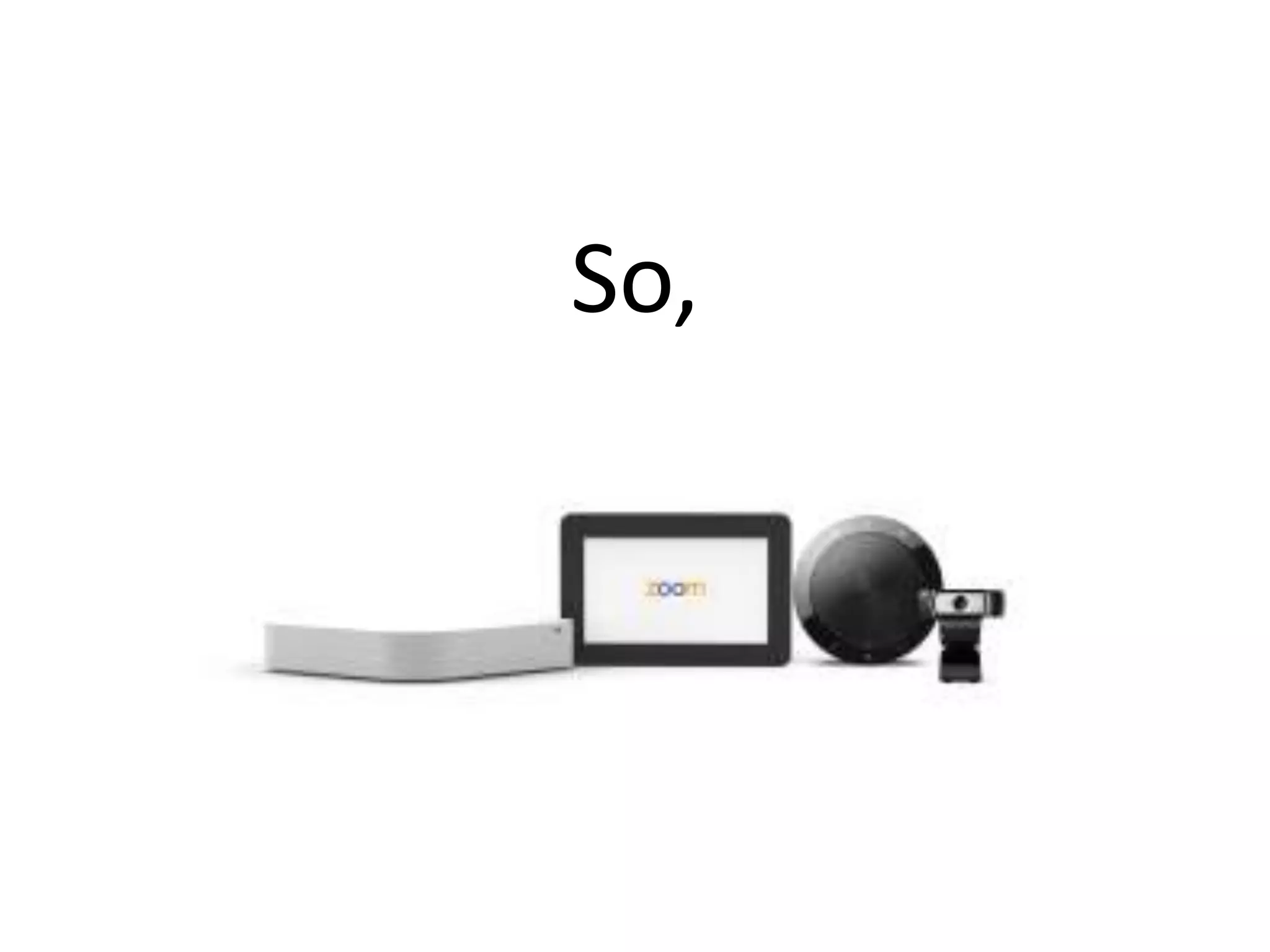
So,
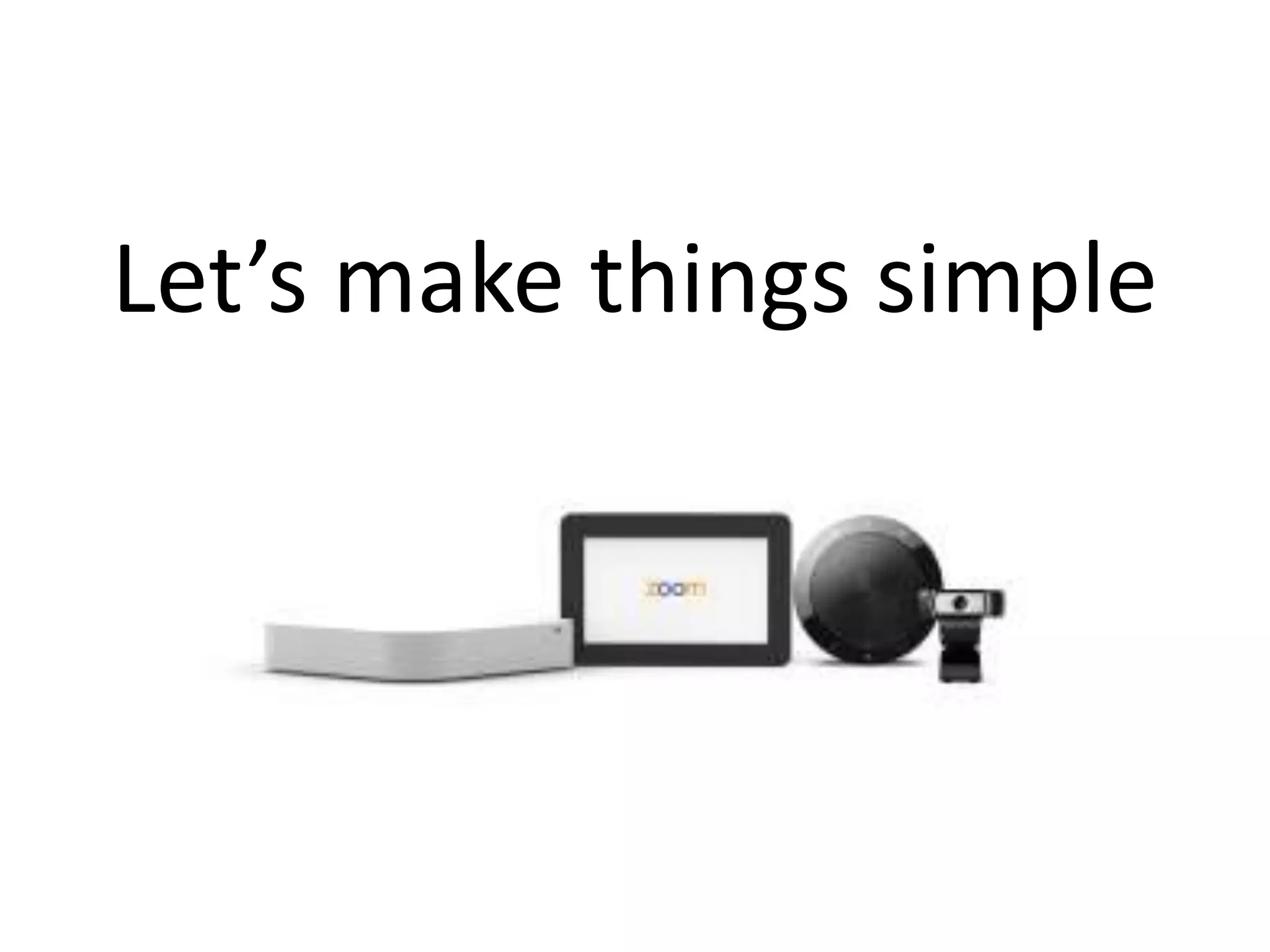
Let’s make things simple
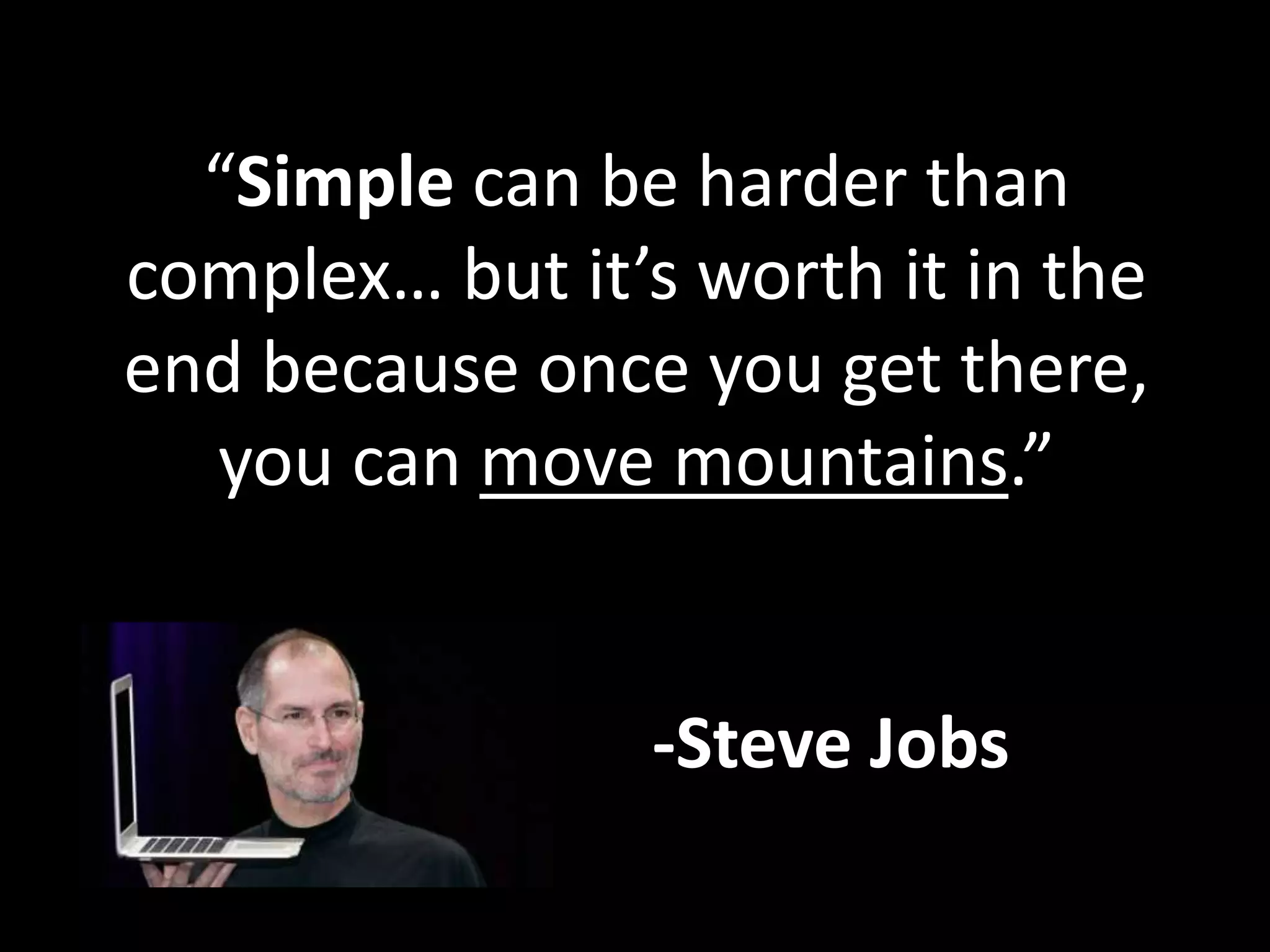
“Simple can be harder than 
complex… but it’s worth it in the 
end because once you get there, 
you can move mountains.” 
-Steve Jobs
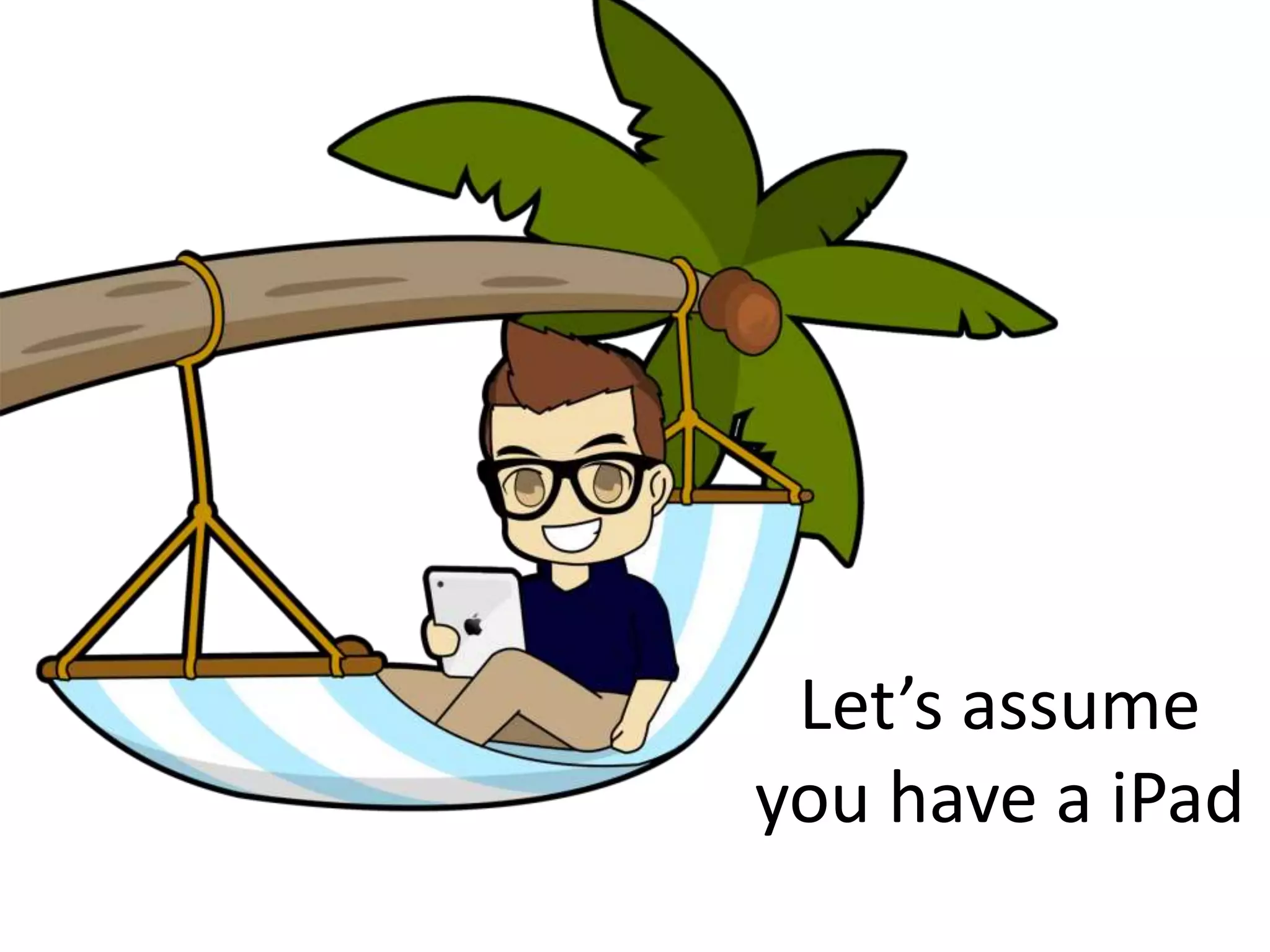
Let’s assume 
you have a iPad
And you want 
to launch a 
video meeting
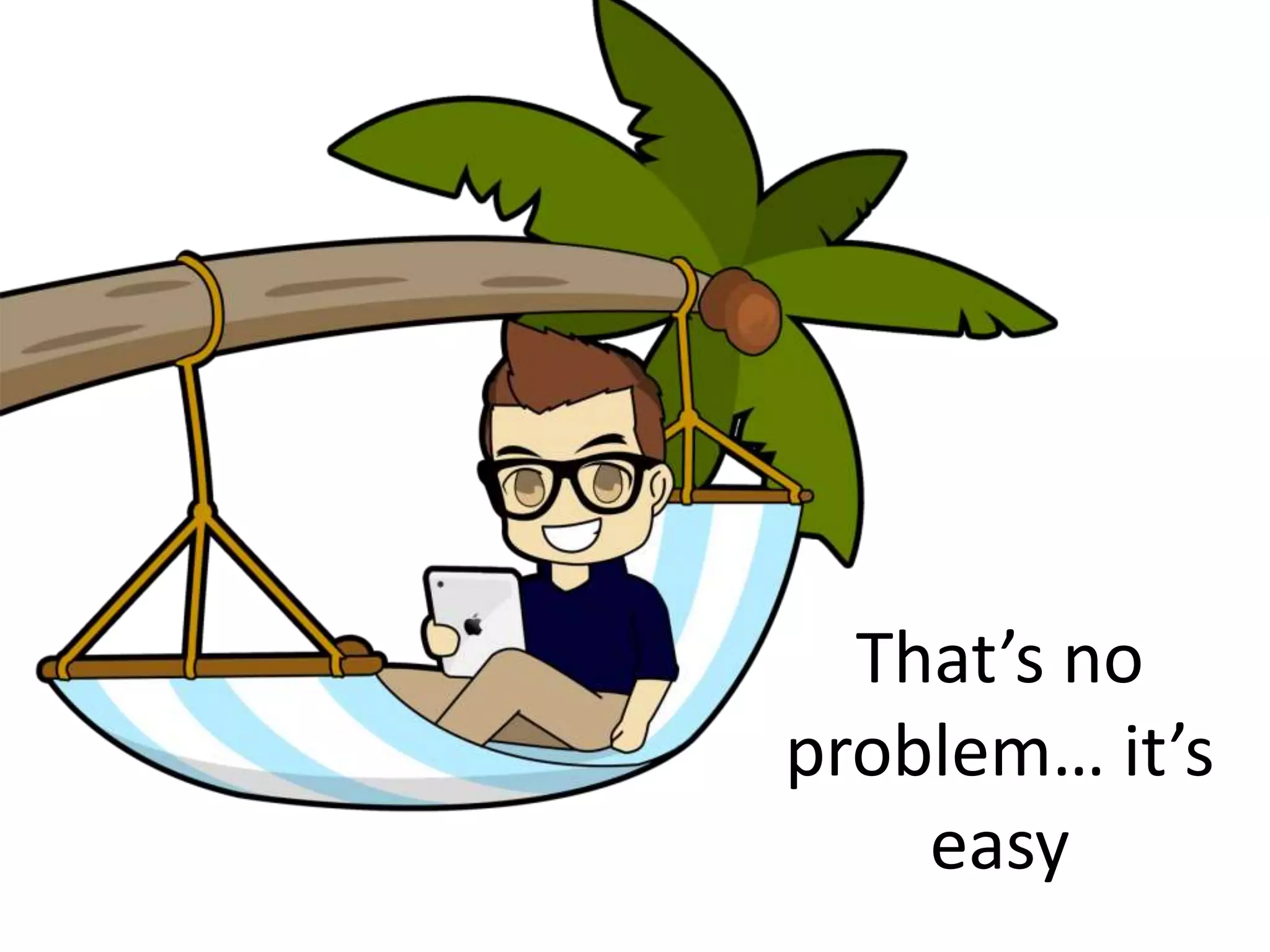
That’s no 
problem… it’s 
easy
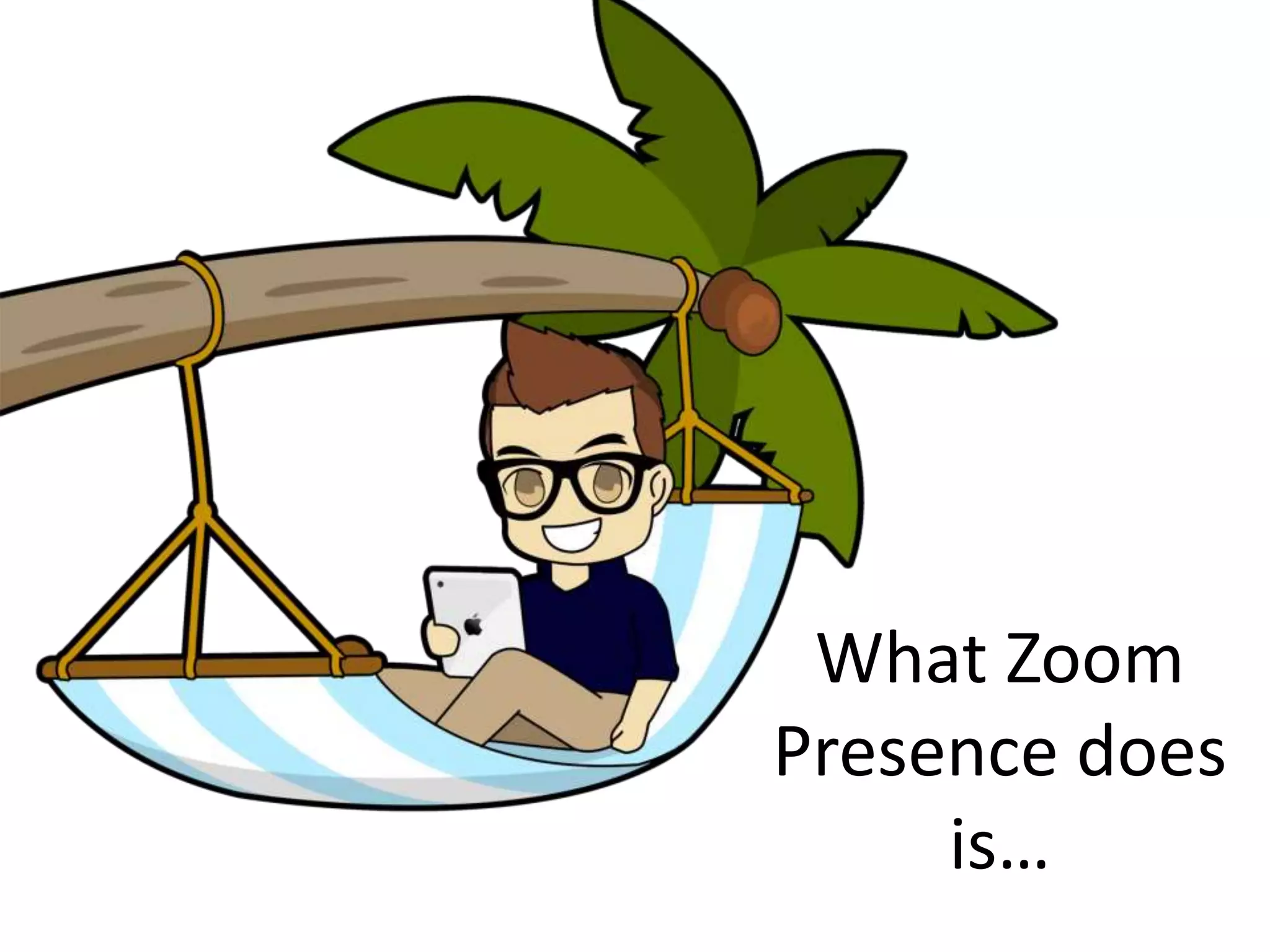
What Zoom 
Presence does 
is…
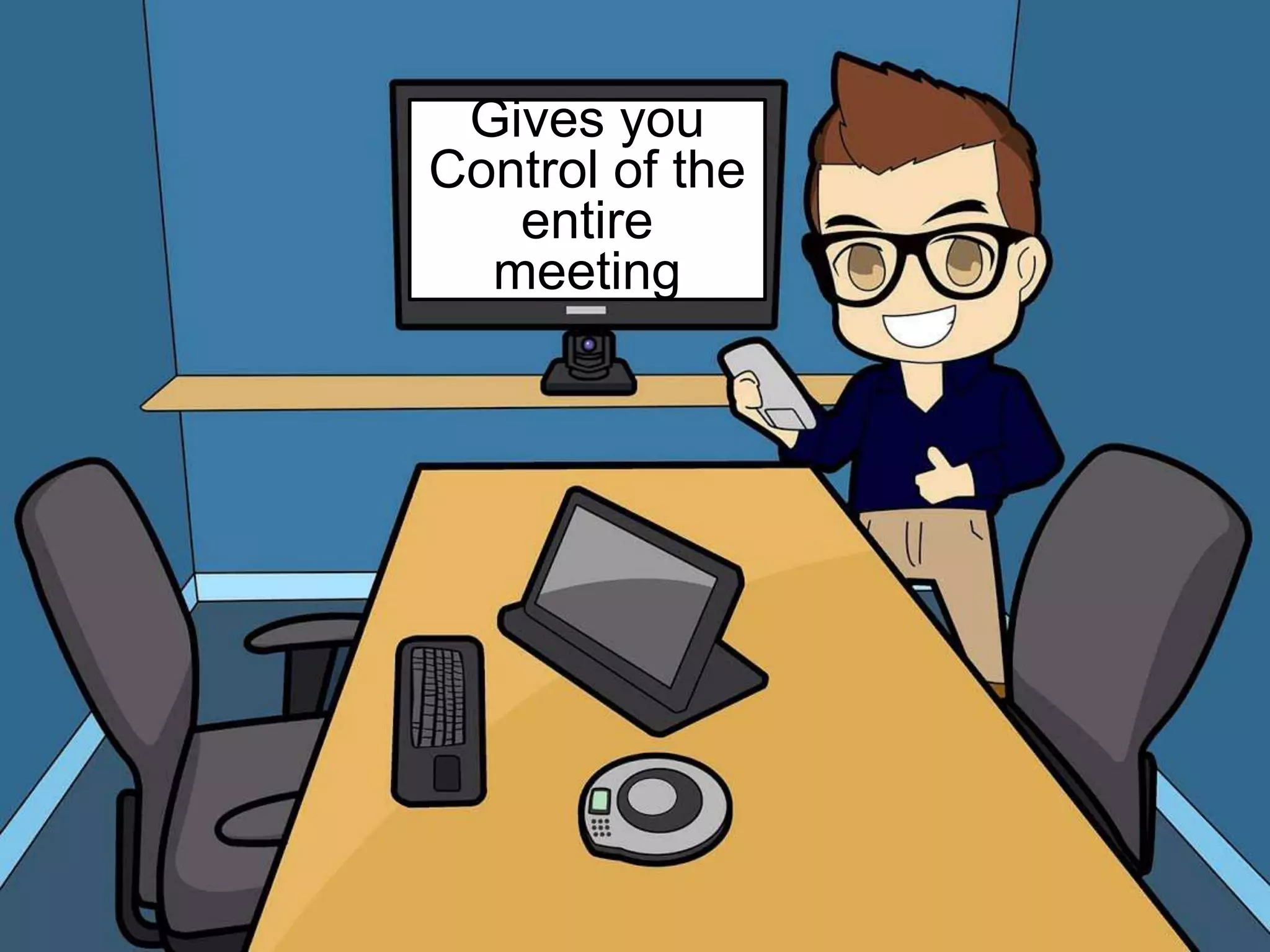
Gives you 
Control of the 
entire meeting
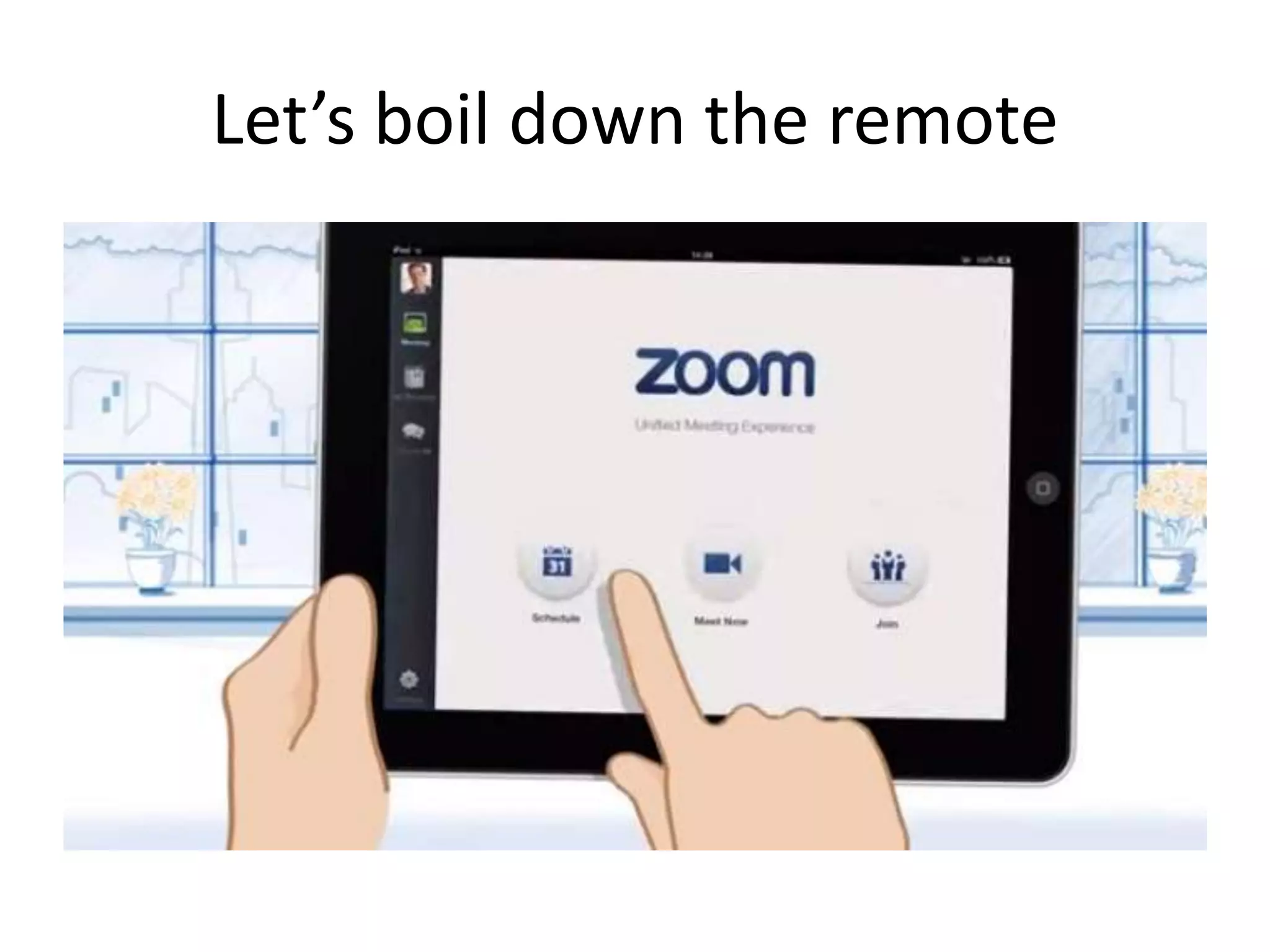
Let’s boil down the remote
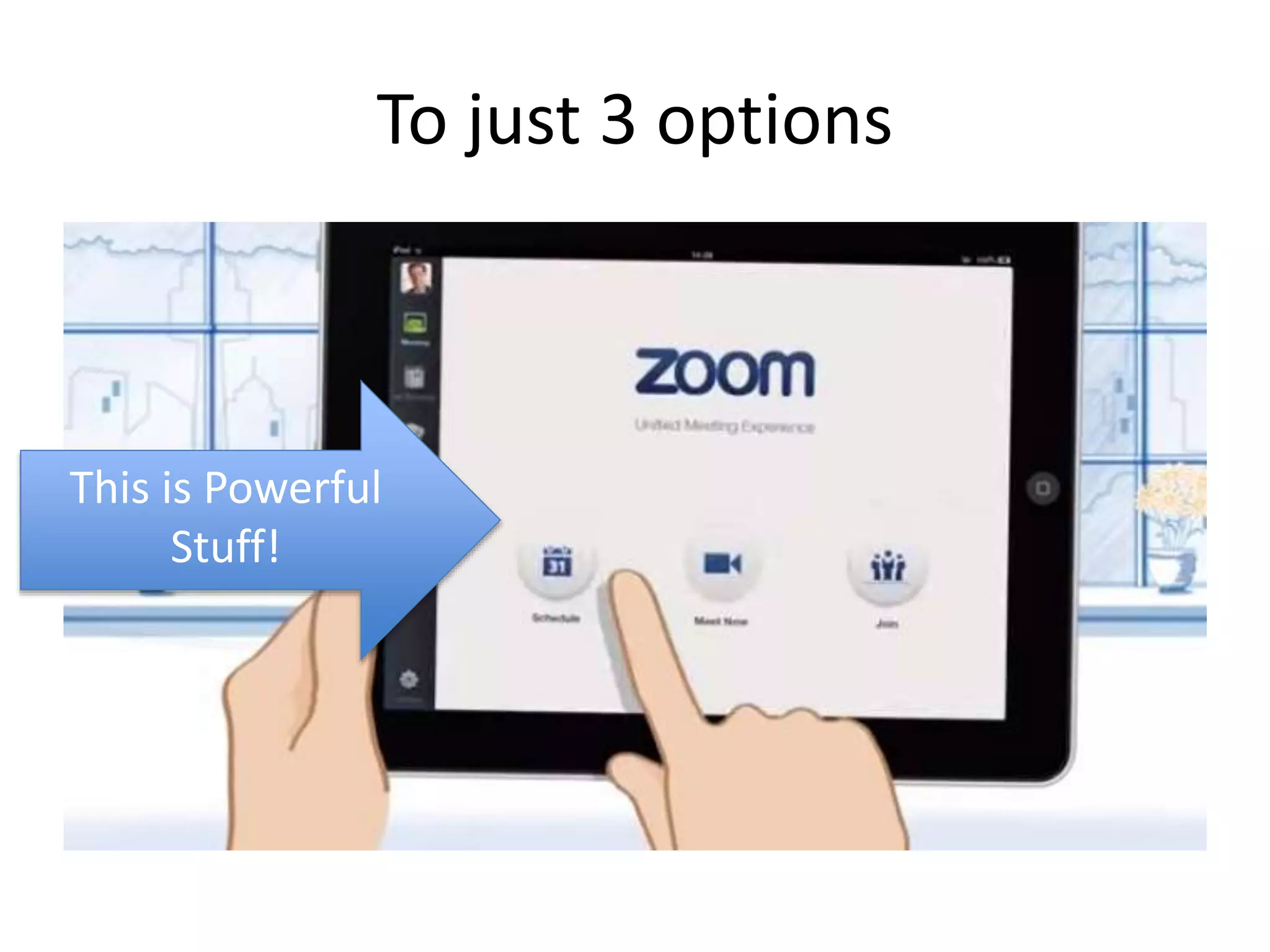
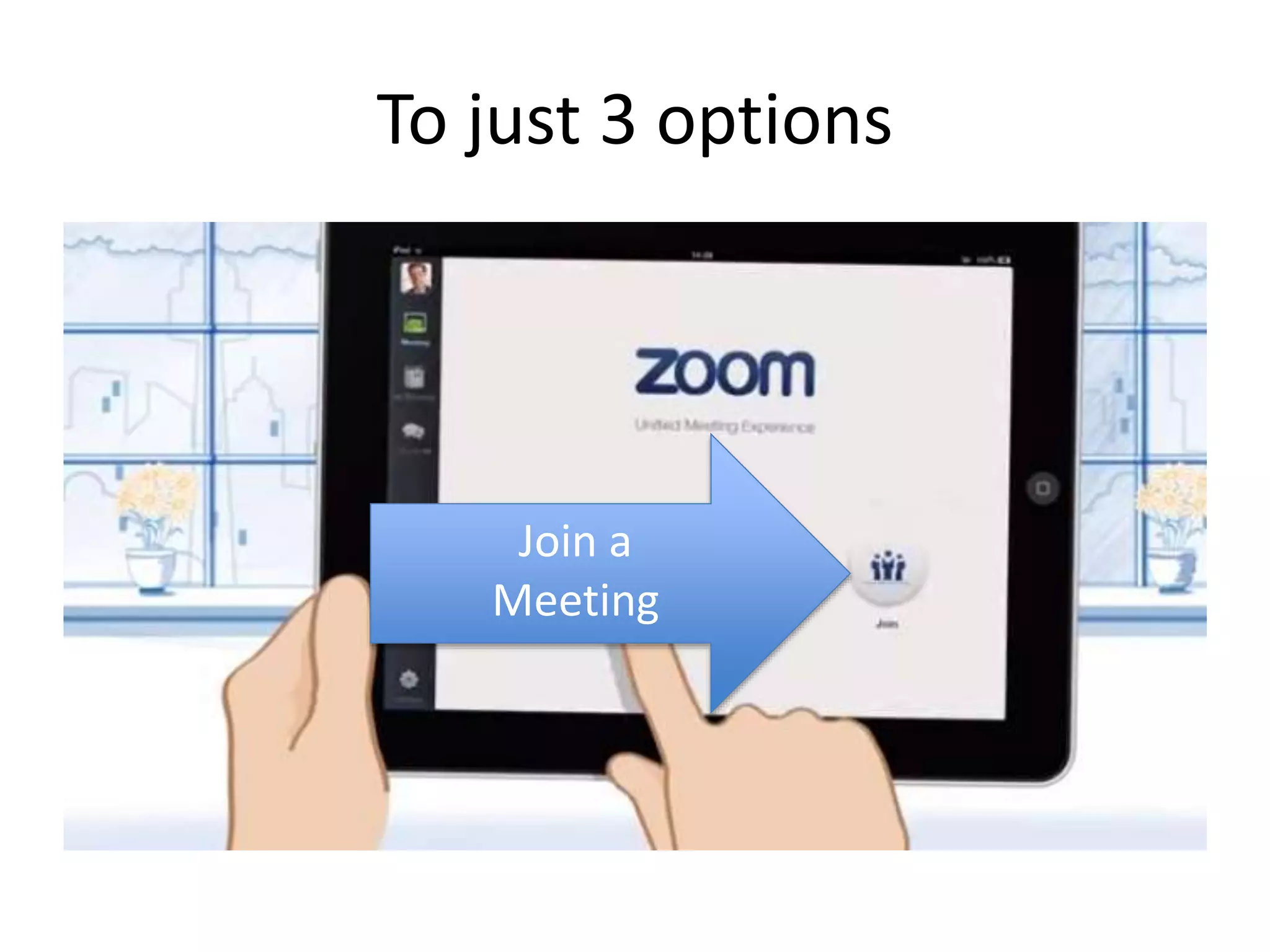
To just 3 options 
This is Powerful 
Stuff!
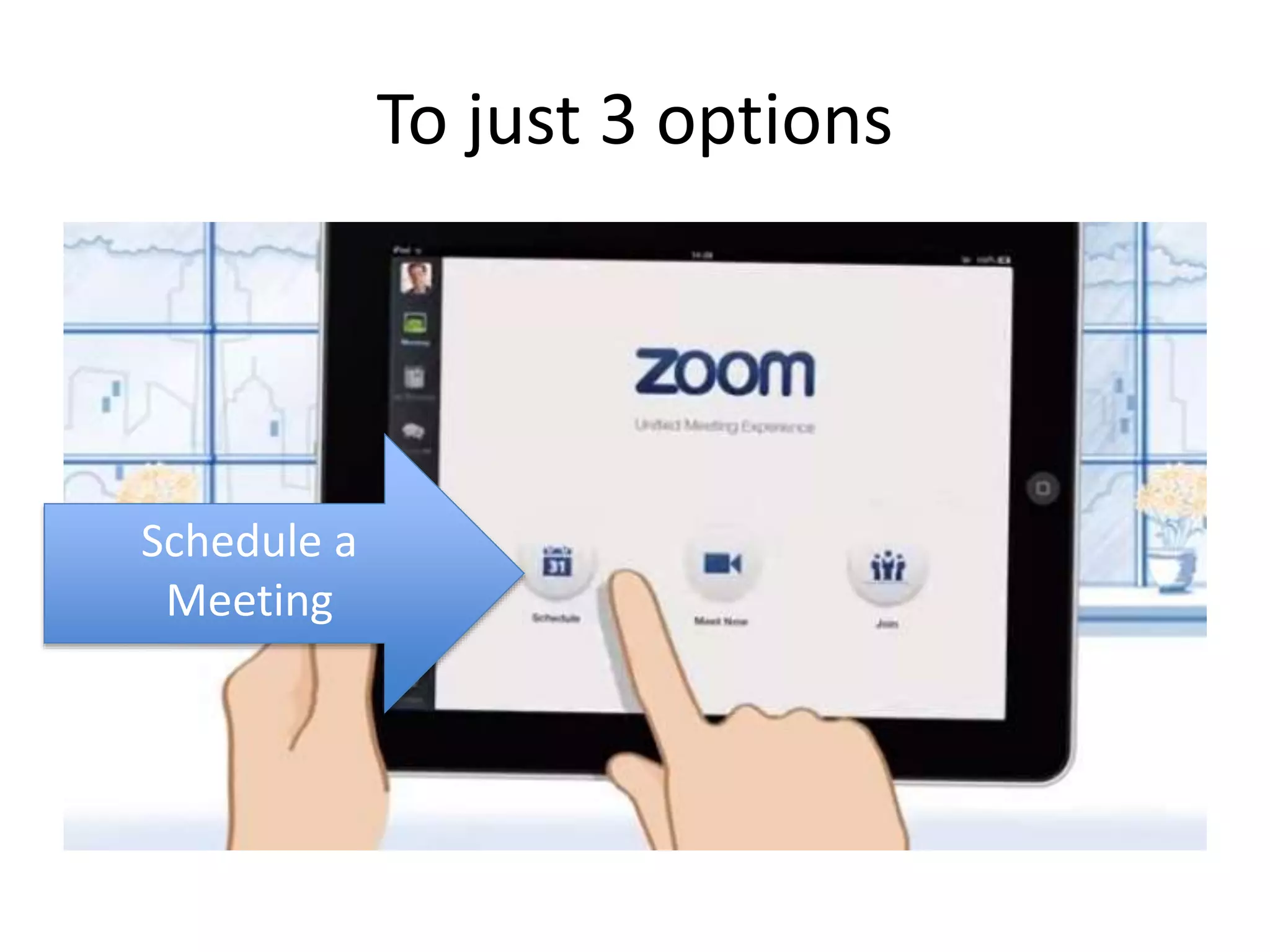
To just 3 options 
Schedule a 
Meeting
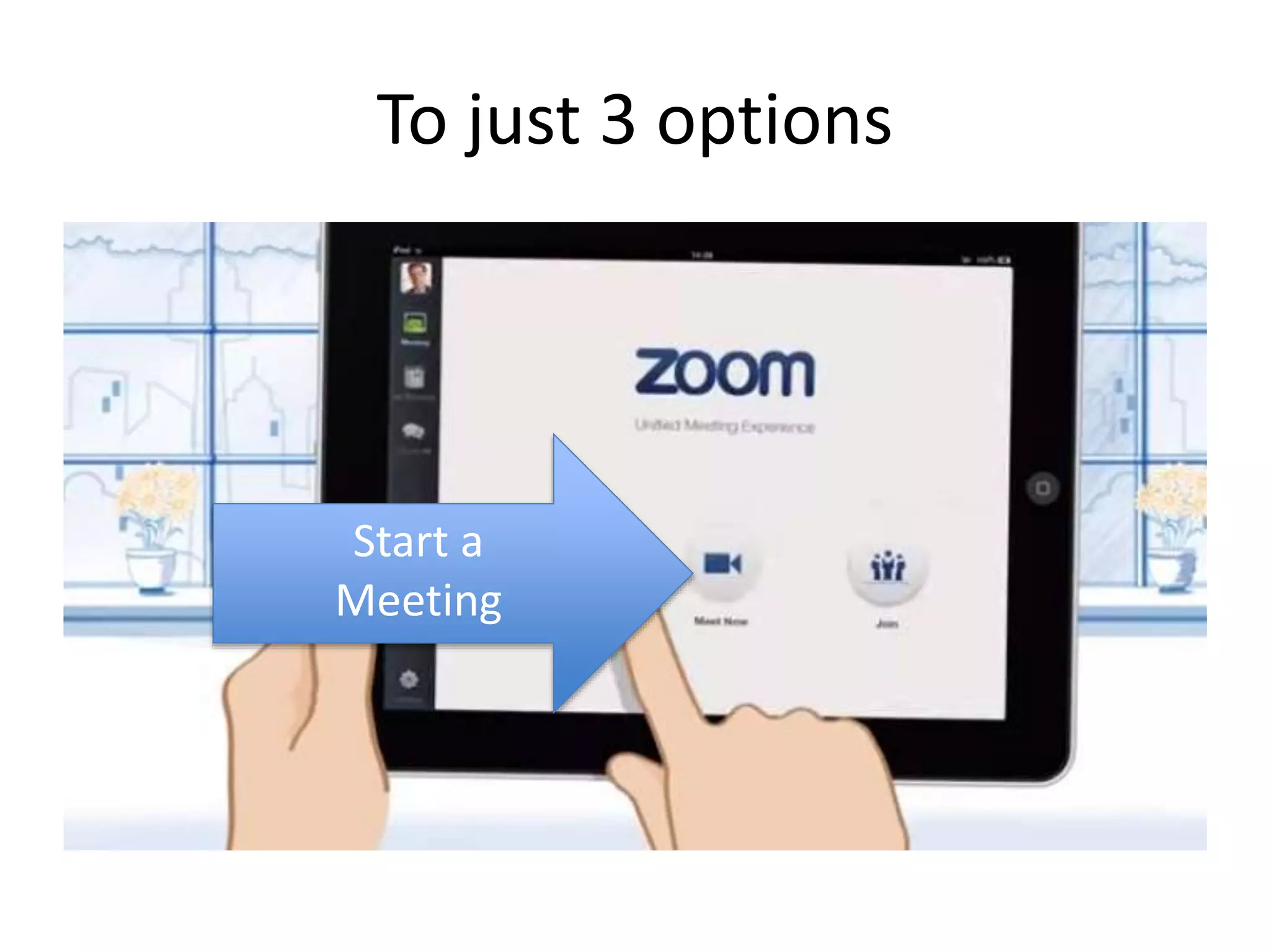
To just 3 options 
Start a 
Meeting
To just 3 options 
Join a 
Meeting
That’s it…
Let’s watch Zoom Presence 
in 60 seconds…
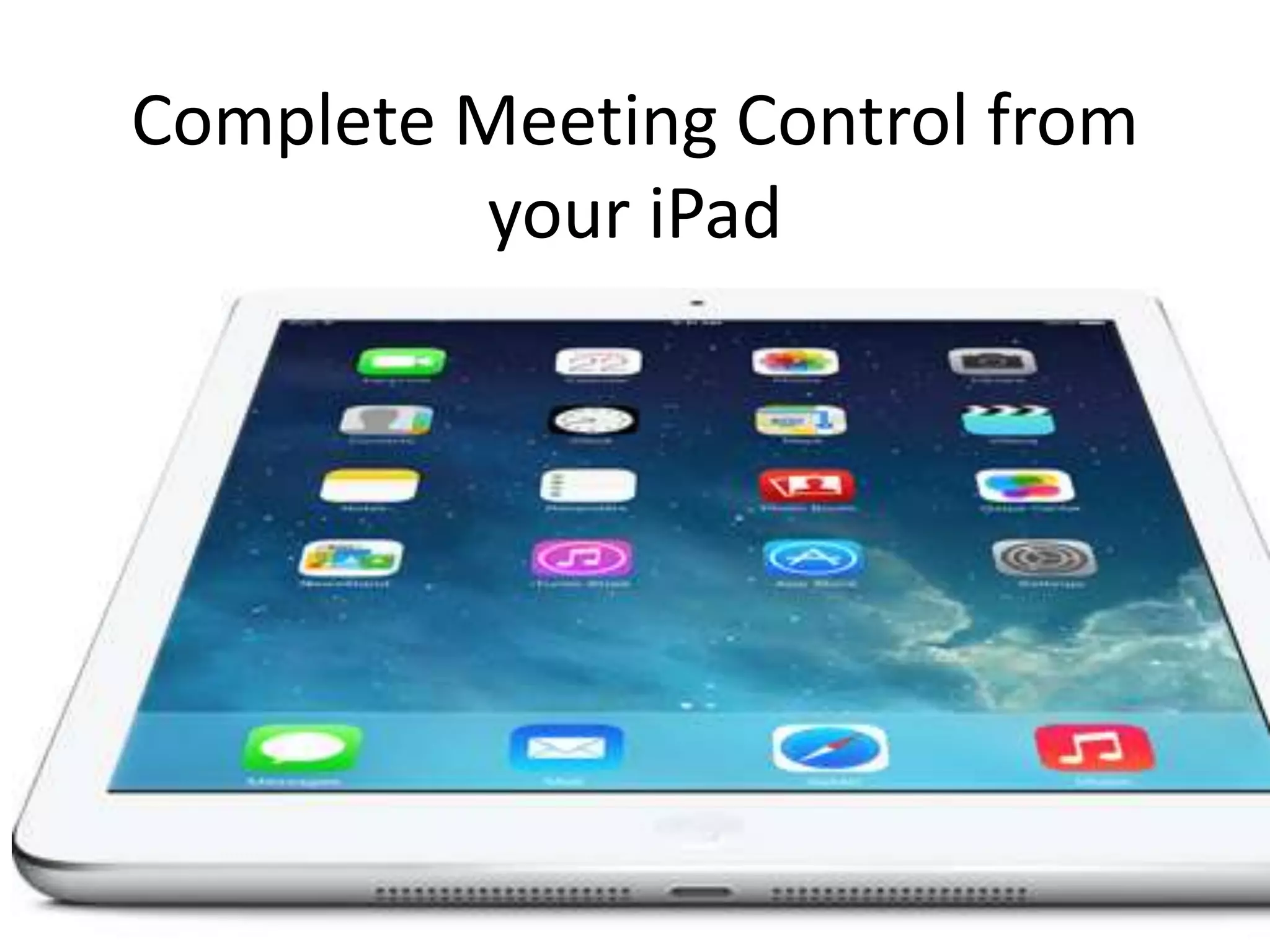
Complete Meeting Control from 
your iPad
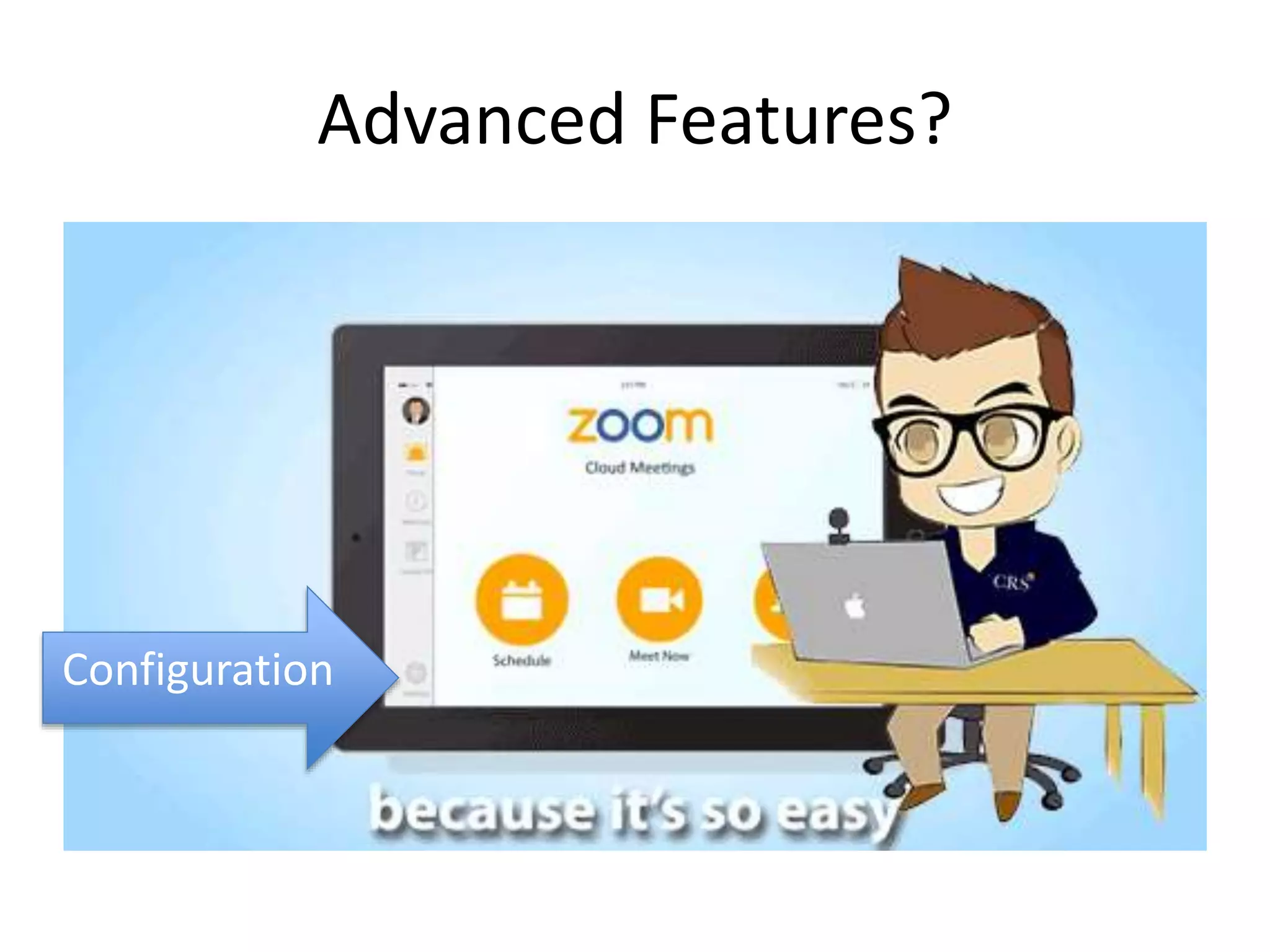
Advanced Features?
Plug and Play (BYOD) Room 
Required 
• HDTV Monitor 
• Logitech C930e 
o USB connection 
• Jabra Speak 410 
o USB connection 
• Cables: o 1 HDMI 
o 1 RJ45/Internet Cable 
• Extra cables, optional: 
o Thunderbolt to RJ45 Ethernet o 
VGA/DVI to HDMI converter o USB 
extension cables
Plug and Play (BYOD) Mac Mini 
• Required 
• • HDTVMonitor 
• • MacMini,Bluetooth 
• mouse and keyboard 
• • LogitechC930e 
• o USBconnection 
• • JabraSpeak410 
• o USB connection USB 
• • iPad
Medium Room
Large Room
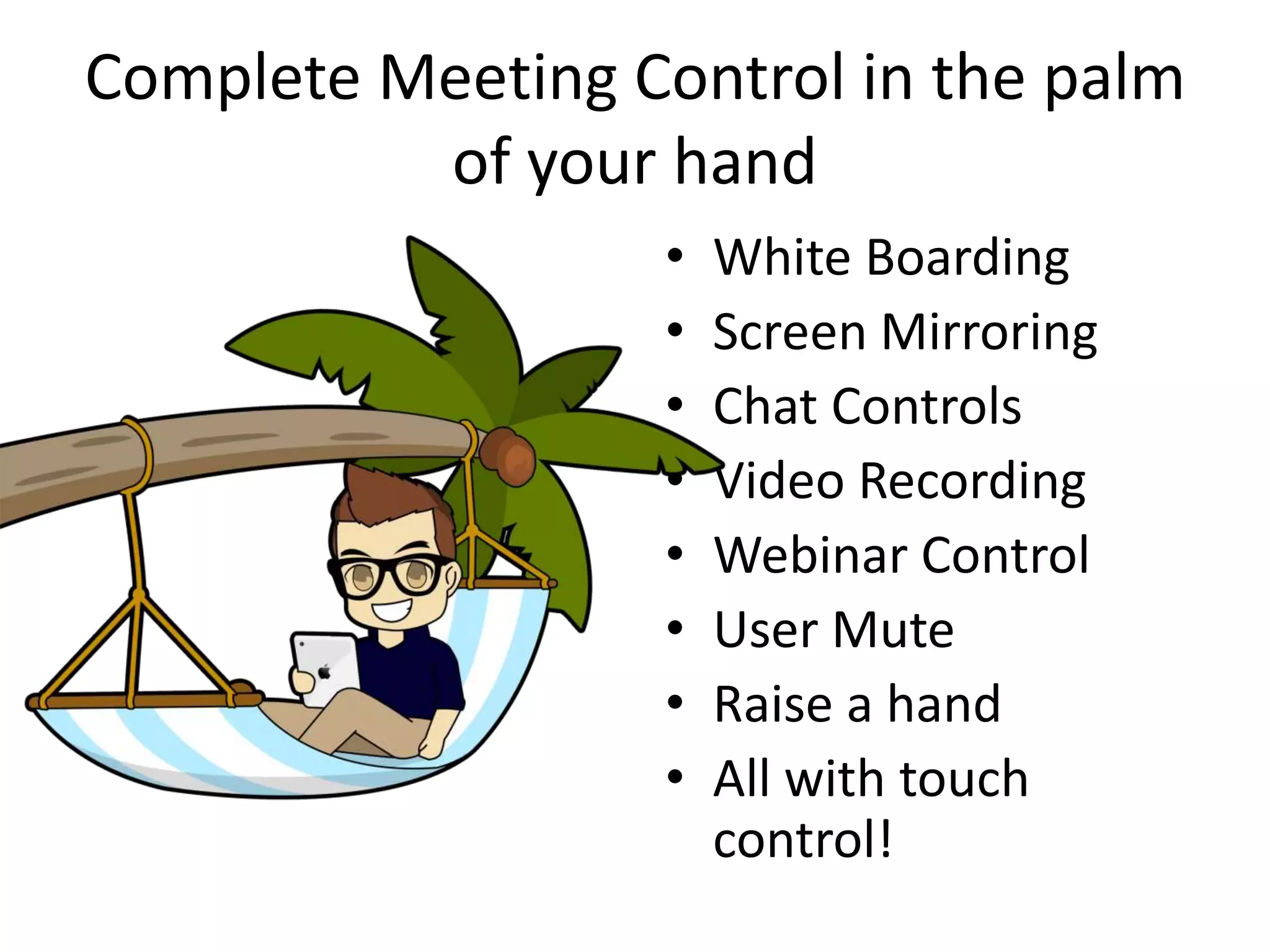
Complete Meeting Control in the palm 
of your hand 
• White Boarding 
• Screen Mirroring 
• Chat Controls 
• Video Recording 
• Webinar Control 
• User Mute 
• Raise a hand 
• All with touch 
control!
Advanced Features? 
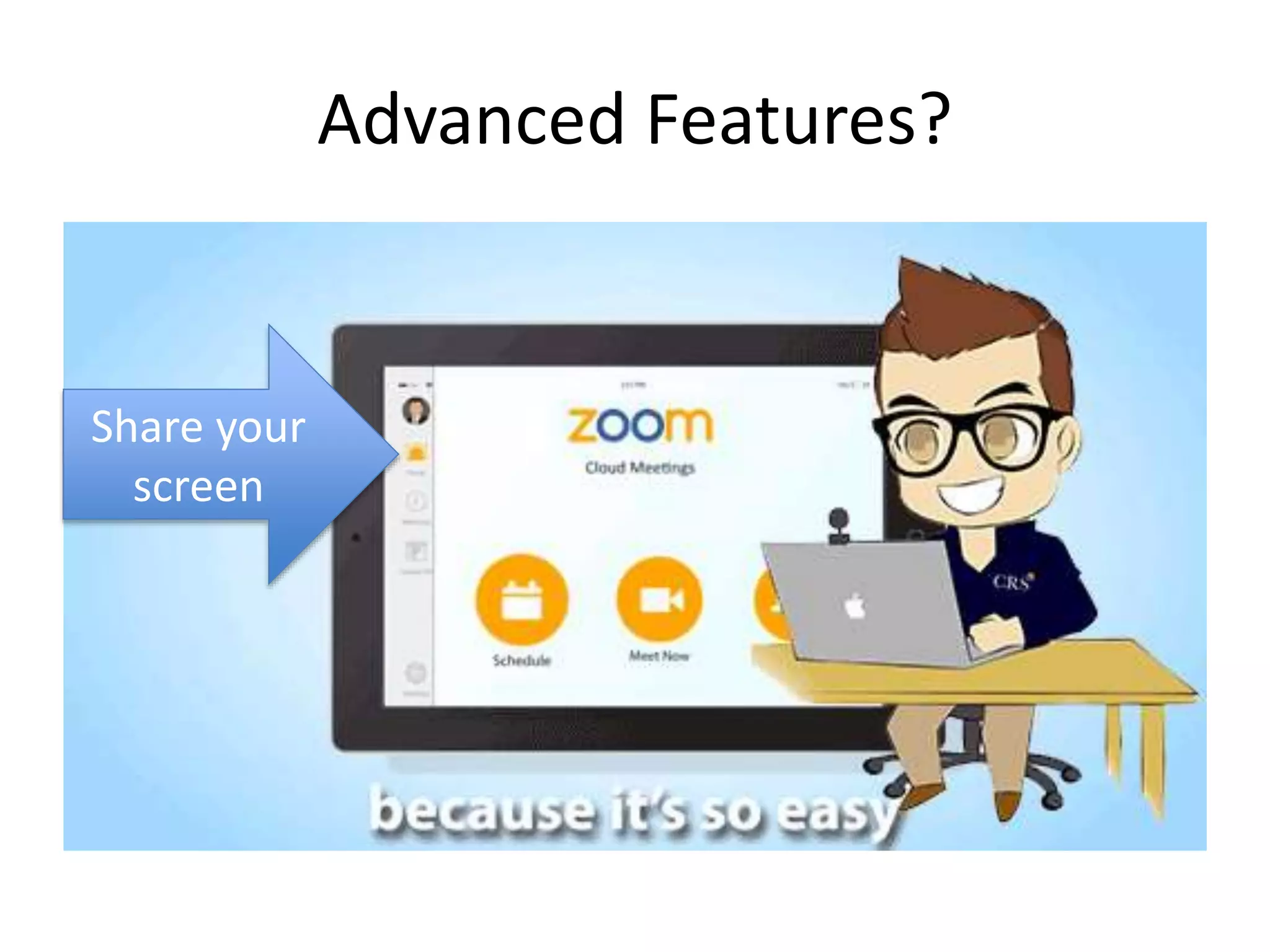
Share your 
screen
Advanced Features? 
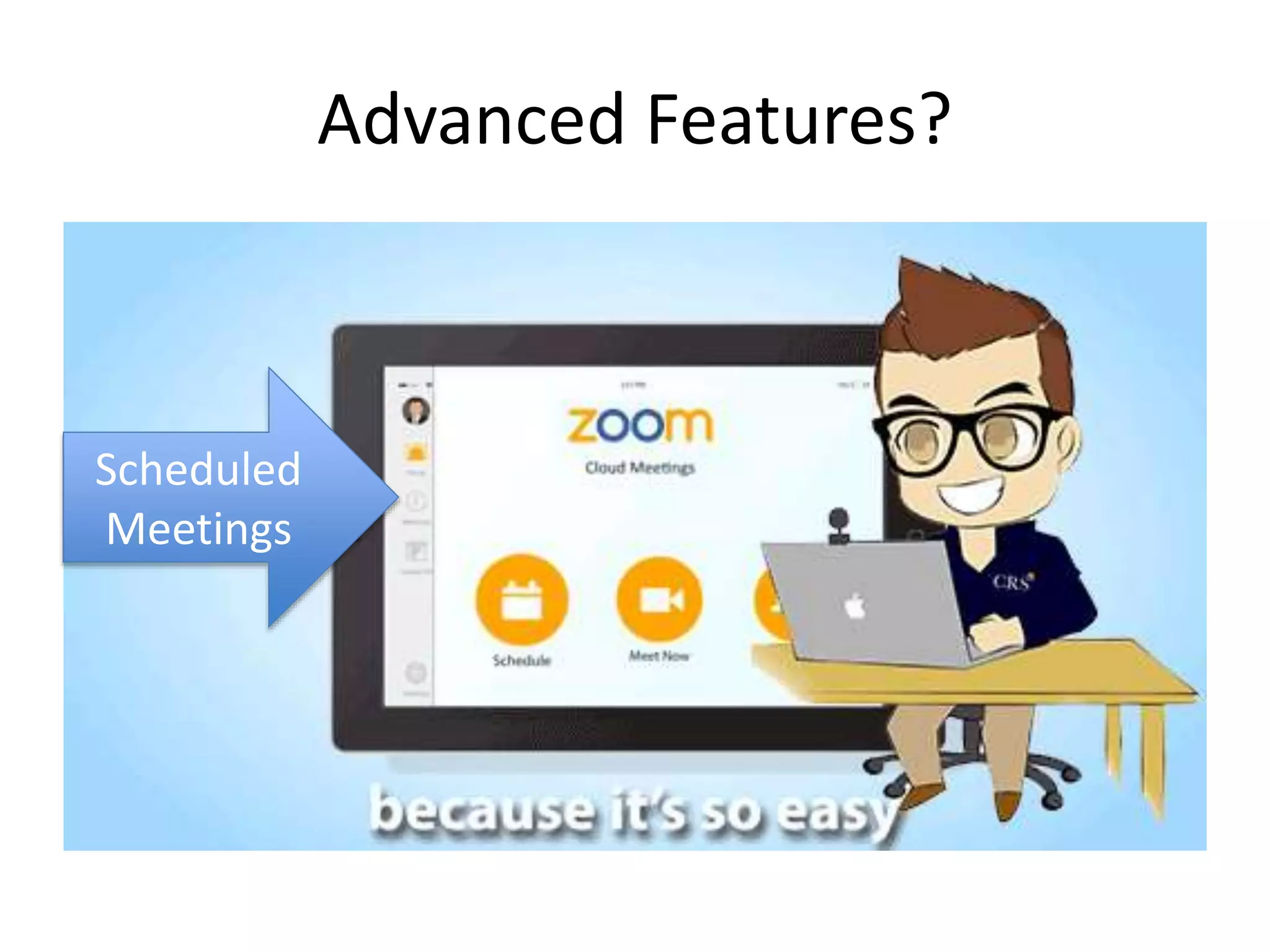
Scheduled 
Meetings
Advanced Features? 
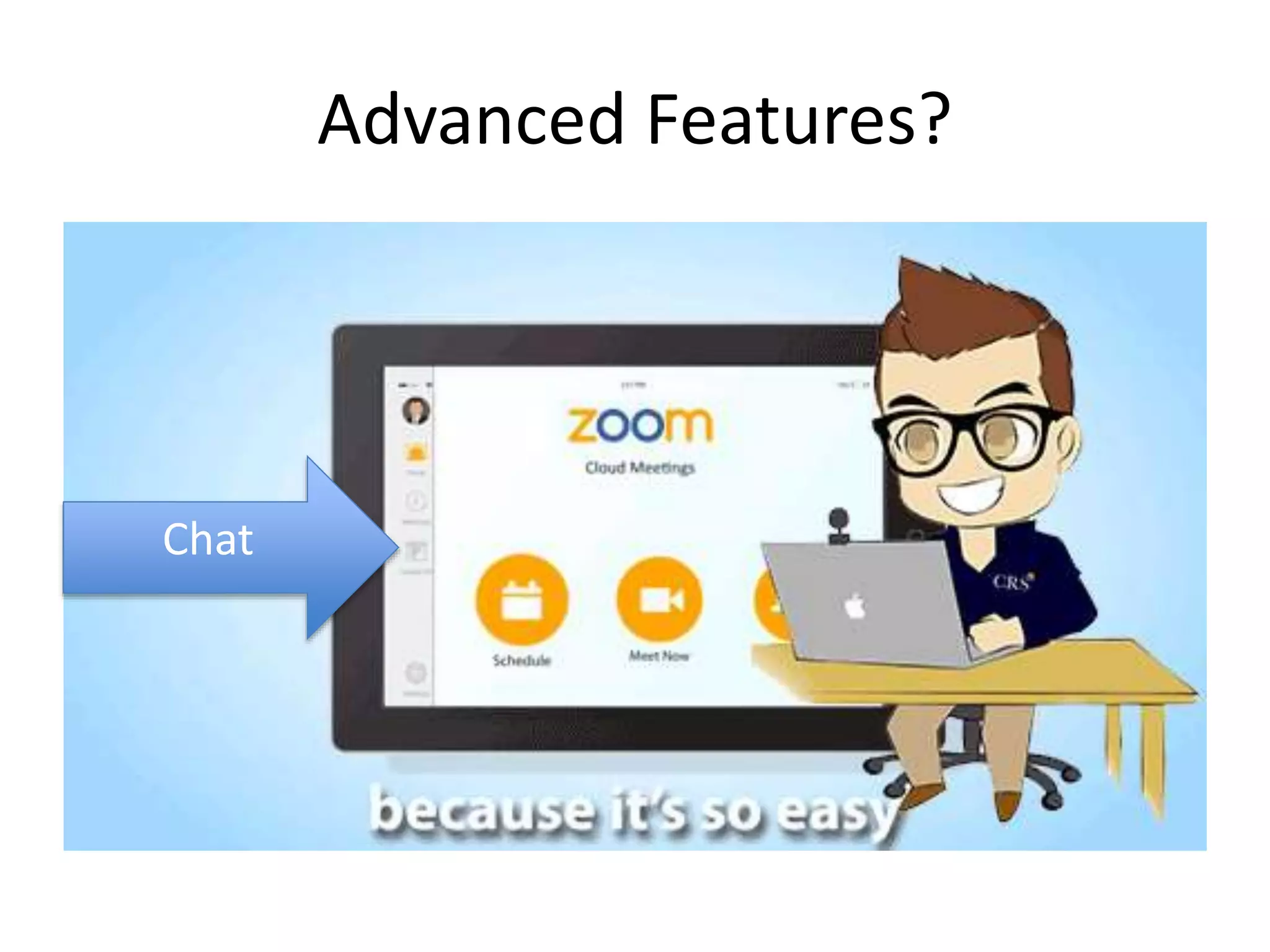
Chat
Advanced Features? 
Meeting 
Control
Bringing you up 
to speed on the 
latest USB 
Technology 
Let’s Make Online Meetings Easy!
What’s your video conferencing 
strategy?
Set up the meeting today here
Until next time…
You can Build you very own Zoom.US Quote 
Click here to build your quote now
Friday Webinars 
9AM to 3PM EST 
Join our 
Friday 
Webinars 
Here
Call Us for more info 
Call toll free: (800) 486-5276
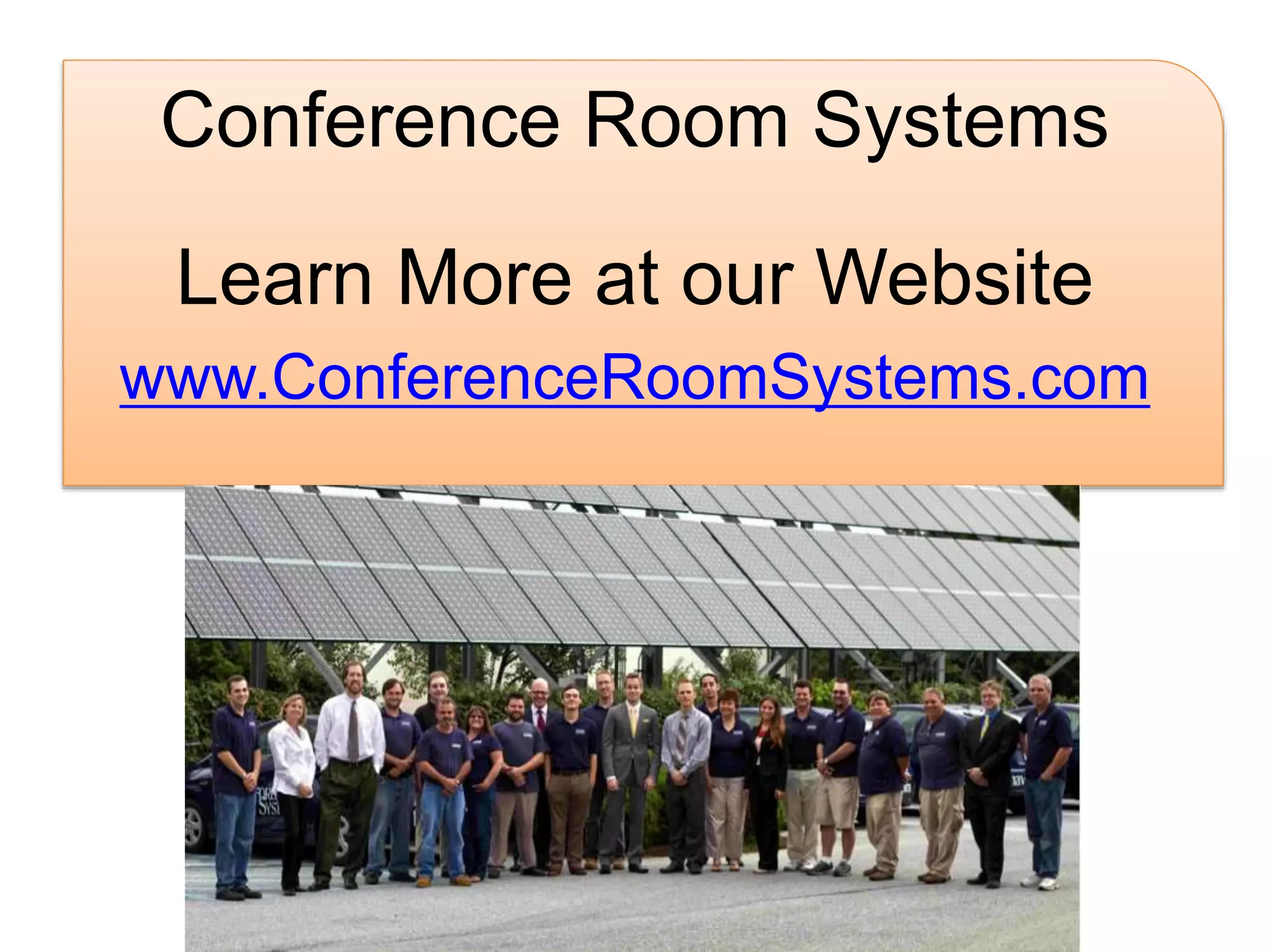
Conference Room Systems 
Learn More at our Website 
www.ConferenceRoomSystems.com

Zoom Presence - Simple Meeting Control