School Administration 2.0 GPAEA Superintendent’s Retreat April 1, 2009
Web 2.0 Literacy 2.0 School 2.0 School Administration 2.0
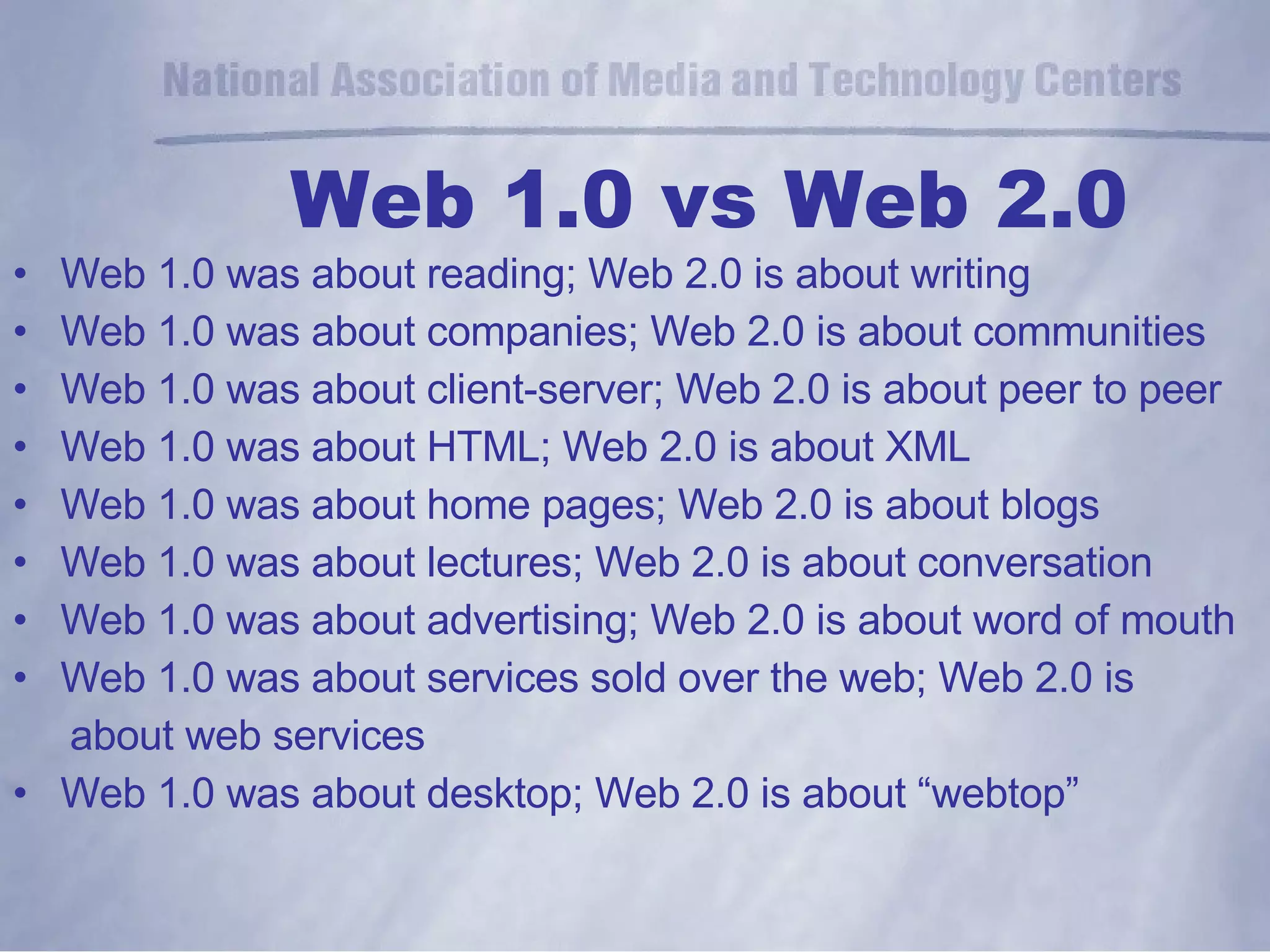
Web 1.0 vs Web 2.0 Web 1.0 was about reading; Web 2.0 is about writing Web 1.0 was about companies; Web 2.0 is about communities Web 1.0 was about client-server; Web 2.0 is about peer to peer Web 1.0 was about HTML; Web 2.0 is about XML Web 1.0 was about home pages; Web 2.0 is about blogs Web 1.0 was about lectures; Web 2.0 is about conversation Web 1.0 was about advertising; Web 2.0 is about word of mouth Web 1.0 was about services sold over the web; Web 2.0 is  about web services Web 1.0 was about desktop; Web 2.0 is about “webtop”
What does “2.0” mean? Participation Collaboration Distribution
Proposed solutions for which the party making the “offer” will accept no other solution. Definition:  Non-negotiable
Bandwidth Laptop for every teacher Wireless campus Policies Student use of handheld technology Professional Development ICC/UDL  Technology Non-Negotiables
The “non-negotiables” for 2.0 School Administrators (and their staff, and their students.....) Laptop computer Internet Access Sufficient Bandwidth- Broadband- 768 kbs Peripherals- Hardware and Software Policies
VPN “ Webtop” Remote Desktop Instant Messenger Voice Conferencing Webconferencing Videoconferencing Web 2.0 tools
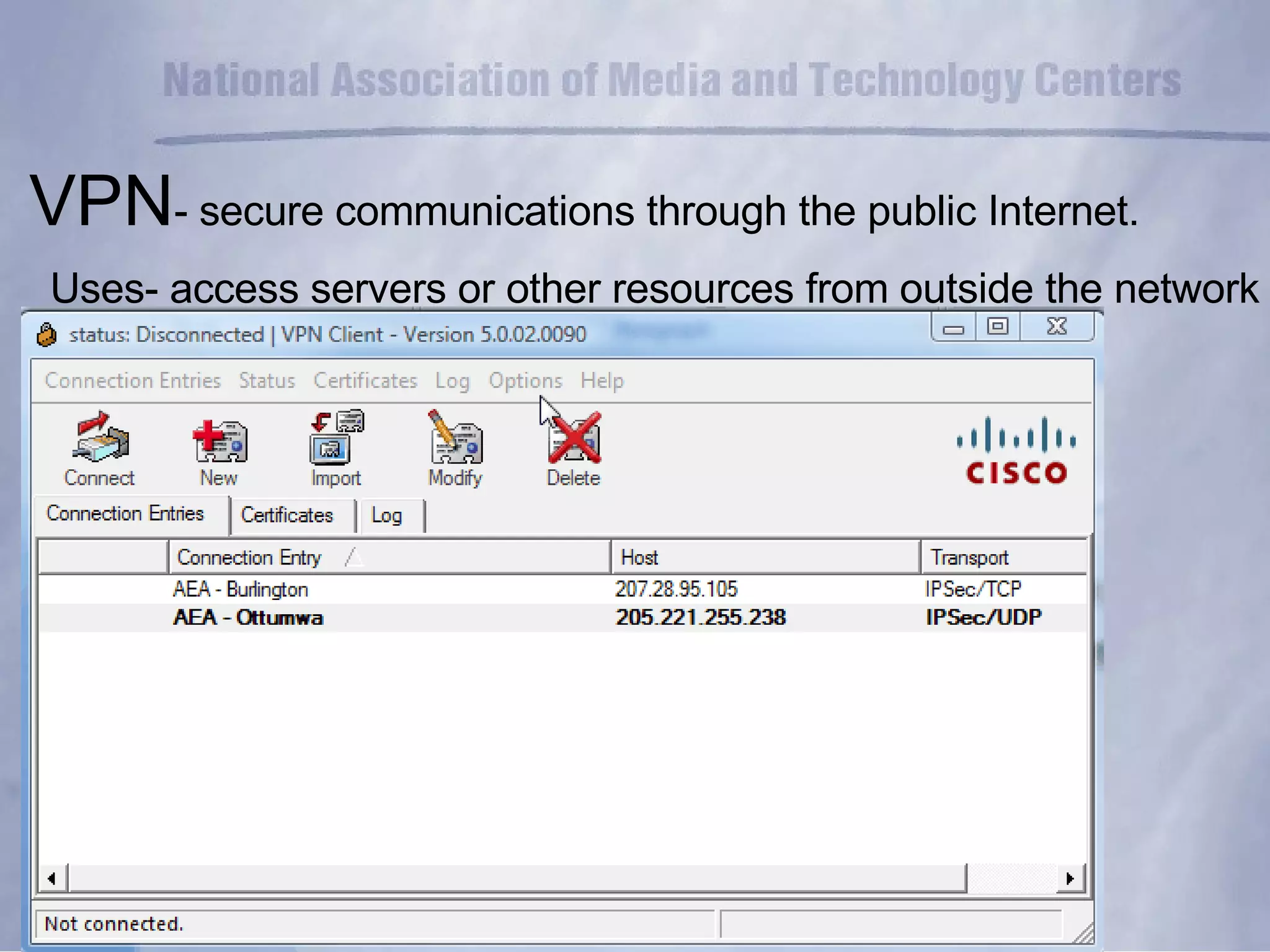
VPN - secure communications through the public Internet. Uses- access servers or other resources from outside the network
Demonstration- VPN
The “webtop” Accessible anywhere Customizable iGoogle
Remote Desktop-  access your desktop computer from  any internet-connected computer Uses  1)  leave your computer at work, work from where you are! 2)  desktop support Remote desktop applications Bob’s pick-  GoToMyPC
Demonstration- Remote Desktop
Remote Technical Assistance- GoToAssist One technician, from his desk, 4 sessions, 4 different users,  4 different offices
Instant Messenger real-time text-based communication between two or more participants over the internet or some form of internal network/intranet. AOL Instant Messenger MSN Messenger ICQ Google Talk Apple iChat Spark Trillian Pidgin
Demonstration- Instant Messenger
Voice conferencing-   (Conference calls) Reservationless! FreeConference.com Bob’s pick: Iowa Communications Network-  Reservationless Conferencing Voice applications- Free VoIP telephone service-   SKYPE
Demonstration- Voice Conferencing
Web conferencing Communicate Share documents Make presentations Demonstrate products and services Collaborate VoIP Video “ Web meeting” or “Web instruction”
Webconferencing PowWowNow  (free) Webex Adobe Connect Pro GoToMeeting
Demonstration- Web conferencing
Videoconferencing a live conversation is needed; visual information is an important component of the conversation; the parties of the conversation can't physically come to the same location;  the expense or time of travel is a consideration.
 
Videoconferencing Complexity of systems  Most users are not technical and want a simple interface  Perceived lack of interoperability Bandwidth and quality of service Expense of commercial systems
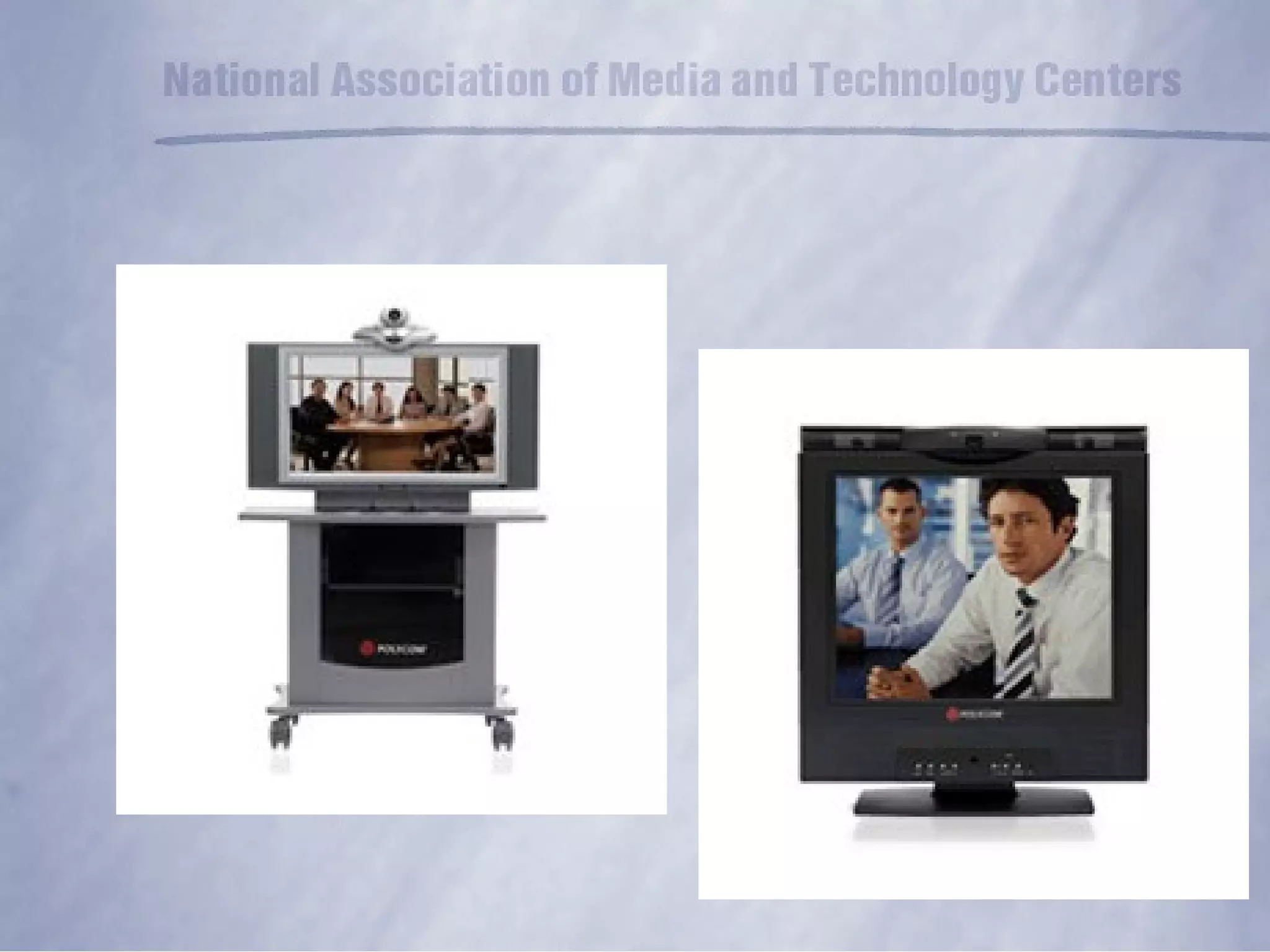
Videoconferencing Multipoint Control Unit (MCU) Room units Desktop units Recording and Streaming
 
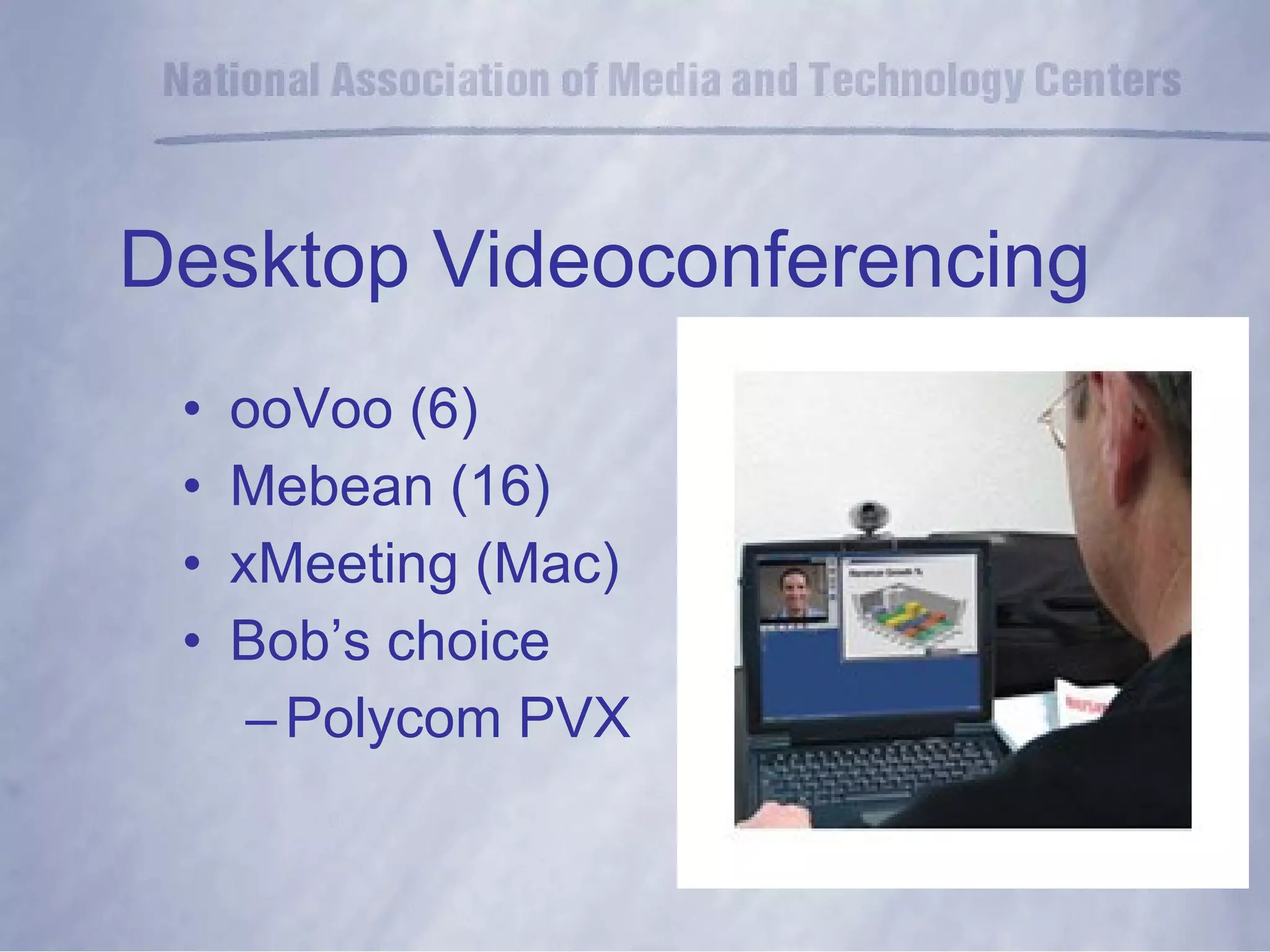
Desktop Videoconferencing ooVoo (6) Mebean (16) xMeeting (Mac) Bob’s choice  Polycom PVX
Demonstration- Desktop Videoconferencing
Web 2.0 tools Remote documents Go2web20 Google docs Google docs in Plain English Dropbox Store, sync, and share files online
Demonstration- Remote Documents
Computer of the Future?
Thank You! Contact  information: Bob Steingreaber Coordinator, Instructional Resources Great Prairie Area Education Agency 2814 N Court Ottumwa, Iowa 52501 [email_address]

Supts33109

  • 1.
    School Administration 2.0GPAEA Superintendent’s Retreat April 1, 2009
  • 2.
    Web 2.0 Literacy2.0 School 2.0 School Administration 2.0
  • 3.
    Web 1.0 vsWeb 2.0 Web 1.0 was about reading; Web 2.0 is about writing Web 1.0 was about companies; Web 2.0 is about communities Web 1.0 was about client-server; Web 2.0 is about peer to peer Web 1.0 was about HTML; Web 2.0 is about XML Web 1.0 was about home pages; Web 2.0 is about blogs Web 1.0 was about lectures; Web 2.0 is about conversation Web 1.0 was about advertising; Web 2.0 is about word of mouth Web 1.0 was about services sold over the web; Web 2.0 is about web services Web 1.0 was about desktop; Web 2.0 is about “webtop”
  • 4.
    What does “2.0”mean? Participation Collaboration Distribution
  • 5.
    Proposed solutions forwhich the party making the “offer” will accept no other solution. Definition: Non-negotiable
  • 6.
    Bandwidth Laptop forevery teacher Wireless campus Policies Student use of handheld technology Professional Development ICC/UDL Technology Non-Negotiables
  • 7.
    The “non-negotiables” for2.0 School Administrators (and their staff, and their students.....) Laptop computer Internet Access Sufficient Bandwidth- Broadband- 768 kbs Peripherals- Hardware and Software Policies
  • 8.
    VPN “ Webtop”Remote Desktop Instant Messenger Voice Conferencing Webconferencing Videoconferencing Web 2.0 tools
  • 9.
    VPN - securecommunications through the public Internet. Uses- access servers or other resources from outside the network
  • 10.
  • 11.
    The “webtop” Accessibleanywhere Customizable iGoogle
  • 12.
    Remote Desktop- access your desktop computer from any internet-connected computer Uses 1) leave your computer at work, work from where you are! 2) desktop support Remote desktop applications Bob’s pick- GoToMyPC
  • 13.
  • 14.
    Remote Technical Assistance-GoToAssist One technician, from his desk, 4 sessions, 4 different users, 4 different offices
  • 15.
    Instant Messenger real-timetext-based communication between two or more participants over the internet or some form of internal network/intranet. AOL Instant Messenger MSN Messenger ICQ Google Talk Apple iChat Spark Trillian Pidgin
  • 16.
  • 17.
    Voice conferencing- (Conference calls) Reservationless! FreeConference.com Bob’s pick: Iowa Communications Network- Reservationless Conferencing Voice applications- Free VoIP telephone service- SKYPE
  • 18.
  • 19.
    Web conferencing CommunicateShare documents Make presentations Demonstrate products and services Collaborate VoIP Video “ Web meeting” or “Web instruction”
  • 20.
    Webconferencing PowWowNow (free) Webex Adobe Connect Pro GoToMeeting
  • 21.
  • 22.
    Videoconferencing a liveconversation is needed; visual information is an important component of the conversation; the parties of the conversation can't physically come to the same location; the expense or time of travel is a consideration.
  • 23.
  • 24.
    Videoconferencing Complexity ofsystems Most users are not technical and want a simple interface Perceived lack of interoperability Bandwidth and quality of service Expense of commercial systems
  • 25.
    Videoconferencing Multipoint ControlUnit (MCU) Room units Desktop units Recording and Streaming
  • 26.
  • 27.
    Desktop Videoconferencing ooVoo(6) Mebean (16) xMeeting (Mac) Bob’s choice Polycom PVX
  • 28.
  • 29.
    Web 2.0 toolsRemote documents Go2web20 Google docs Google docs in Plain English Dropbox Store, sync, and share files online
  • 30.
  • 31.
  • 32.
    Thank You! Contact information: Bob Steingreaber Coordinator, Instructional Resources Great Prairie Area Education Agency 2814 N Court Ottumwa, Iowa 52501 [email_address]