Your Lightning
Game Plan in 3 Steps
November 9, 2016
Today’s Speakers
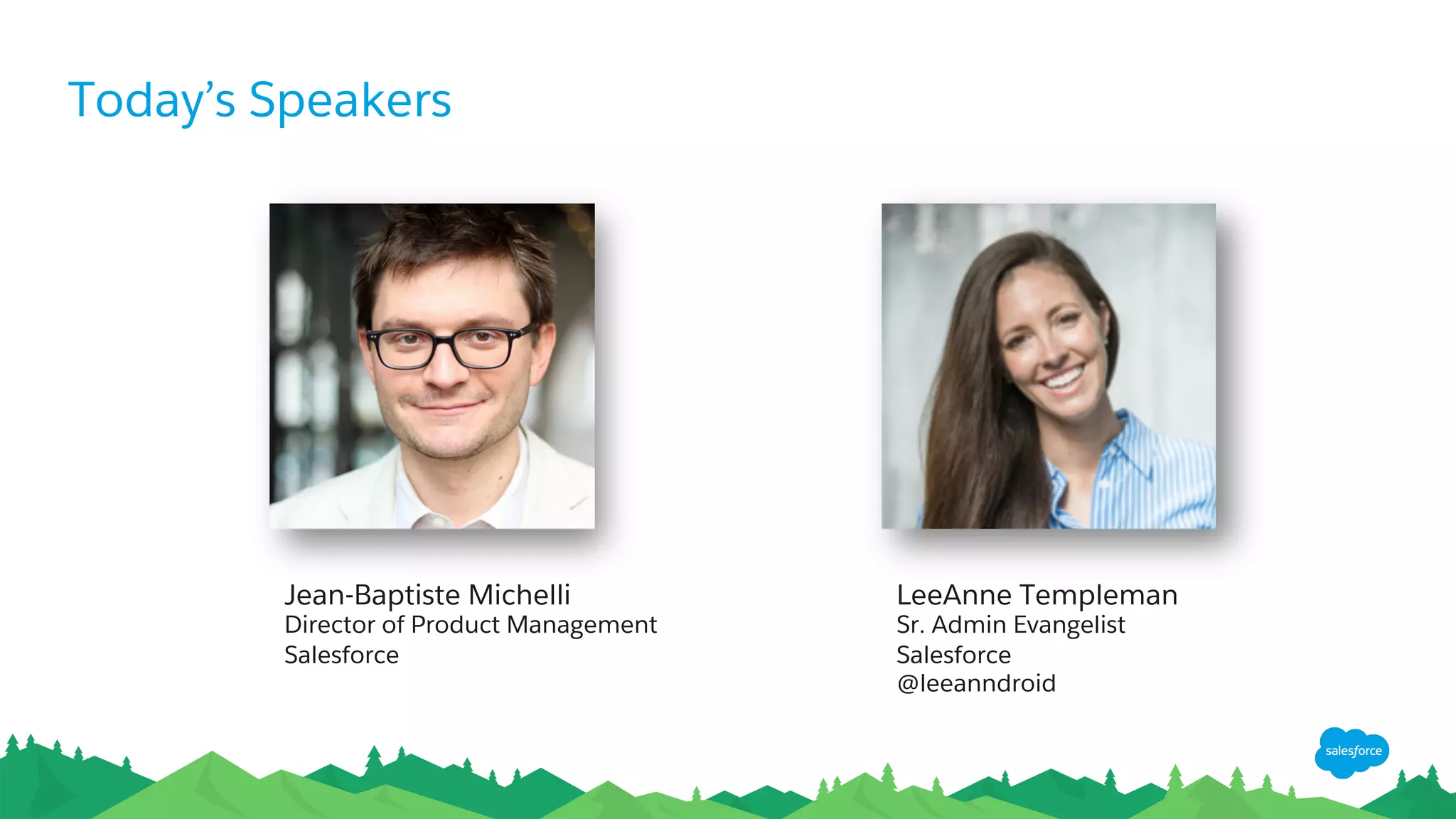
LeeAnne Templeman
Sr. Admin Evangelist
Salesforce
@leeanndroid
Jean-Baptiste Michelli
Director of Product Management
Salesforce
Forward-Looking Statements
​ Statement under the Private Securities Litigation Reform Act of 1995:
​ This presentation may contain forward-looking statements that involve risks, uncertainties, and assumptions. If any such uncertainties materialize or
if any of the assumptions proves incorrect, the results of salesforce.com, inc. could differ materially from the results expressed or implied by the
forward-looking statements we make. All statements other than statements of historical fact could be deemed forward-looking, including any
projections of product or service availability, subscriber growth, earnings, revenues, or other financial items and any statements regarding strategies
or plans of management for future operations, statements of belief, any statements concerning new, planned, or upgraded services or technology
developments and customer contracts or use of our services.
​ The risks and uncertainties referred to above include – but are not limited to – risks associated with developing and delivering new functionality for
our service, new products and services, our new business model, our past operating losses, possible fluctuations in our operating results and rate of
growth, interruptions or delays in our Web hosting, breach of our security measures, the outcome of any litigation, risks associated with completed
and any possible mergers and acquisitions, the immature market in which we operate, our relatively limited operating history, our ability to expand,
retain, and motivate our employees and manage our growth, new releases of our service and successful customer deployment, our limited history
reselling non-salesforce.com products, and utilization and selling to larger enterprise customers. Further information on potential factors that could
affect the financial results of salesforce.com, inc. is included in our annual report on Form 10-K for the most recent fiscal year and in our quarterly
report on Form 10-Q for the most recent fiscal quarter. These documents and others containing important disclosures are available on the SEC
Filings section of the Investor Information section of our Web site.
​ Any unreleased services or features referenced in this or other presentations, press releases or public statements are not currently available and may
not be delivered on time or at all. Customers who purchase our services should make the purchase decisions based upon features that are currently
available. Salesforce.com, inc. assumes no obligation and does not intend to update these forward-looking statements.
Get Social with Us!
@salesforceadmns
#awesomeadmin
Salesforce Admins
Salesforce Admins
The video will be posted to YouTube
& the webinar recap page
(same URL as registration).
This webinar is being recorded!
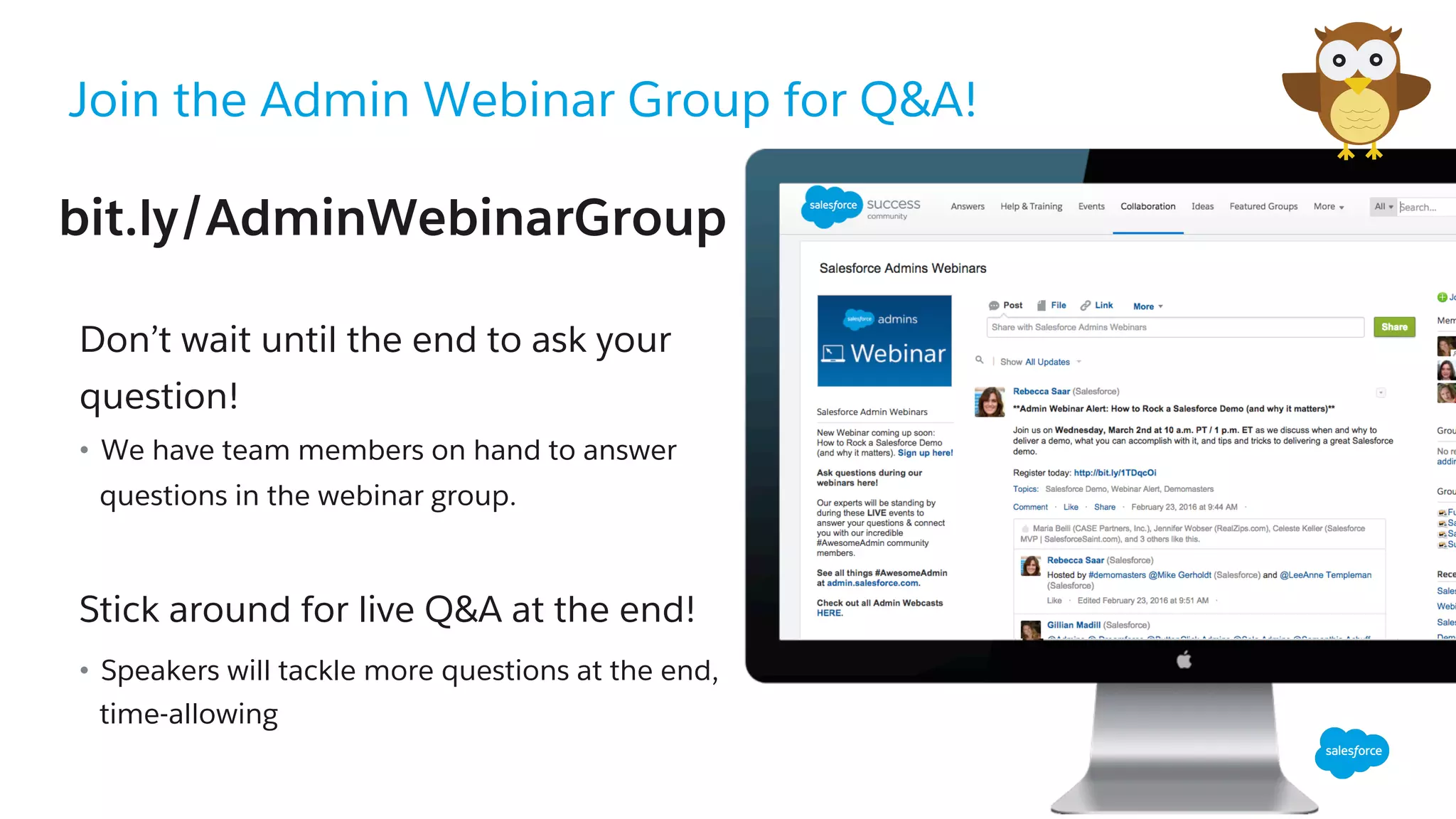
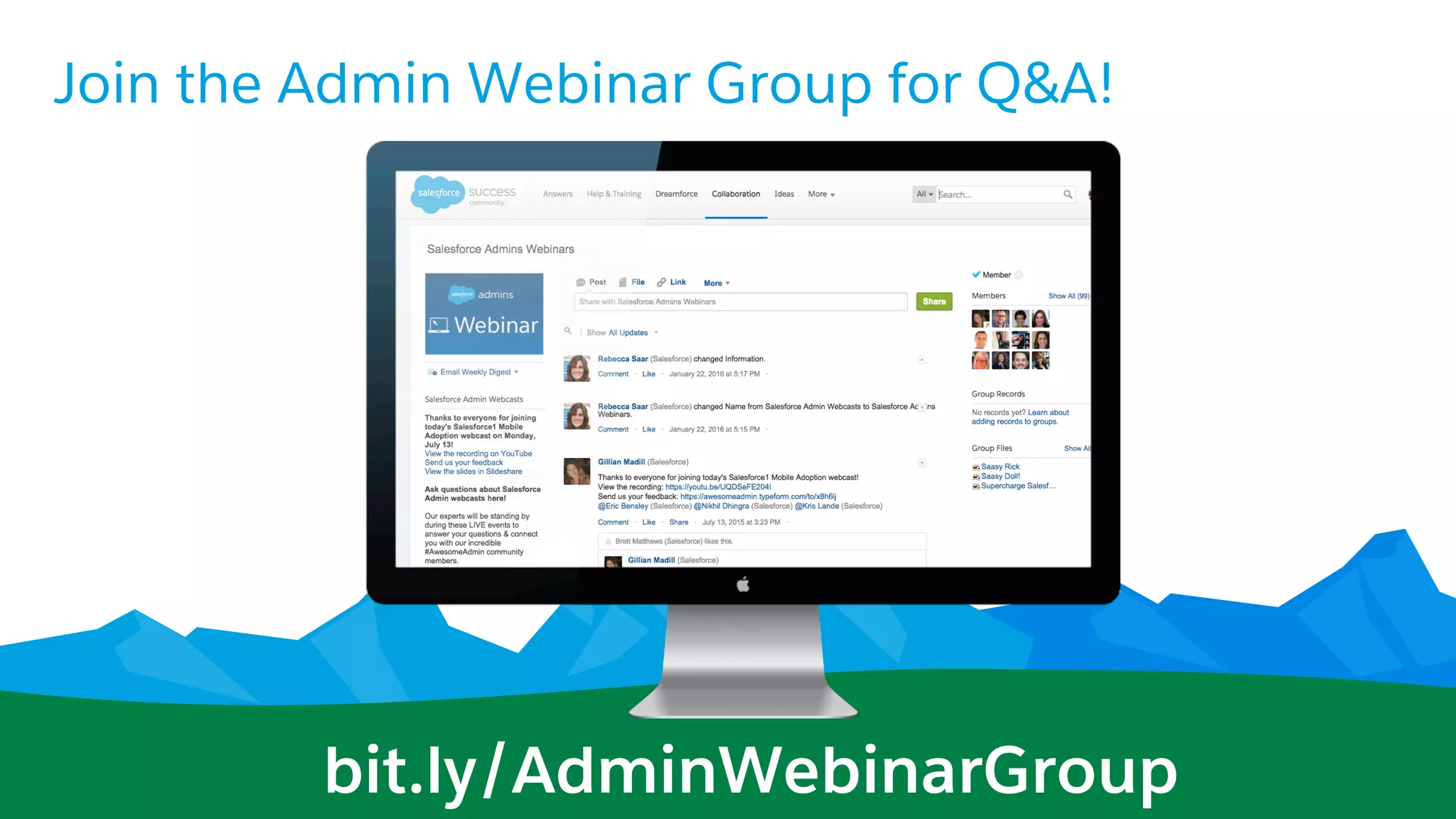
Join the Admin Webinar Group for Q&A!
​ Don’t wait until the end to ask your
question!
•  We have team members on hand to answer
questions in the webinar group.
Stick around for live Q&A at the end!
•  Speakers will tackle more questions at the end,
time-allowing
bit.ly/AdminWebinarGroup
Today’s Agenda
•  Step1 - Learn: Why Lightning?
•  Step 2 - Prepare: Migration & Readiness Assessment
•  Step 3 - Engage: Piloting, Feedback and Adoption
•  Resources
•  Q&A
Step 1:
Learn
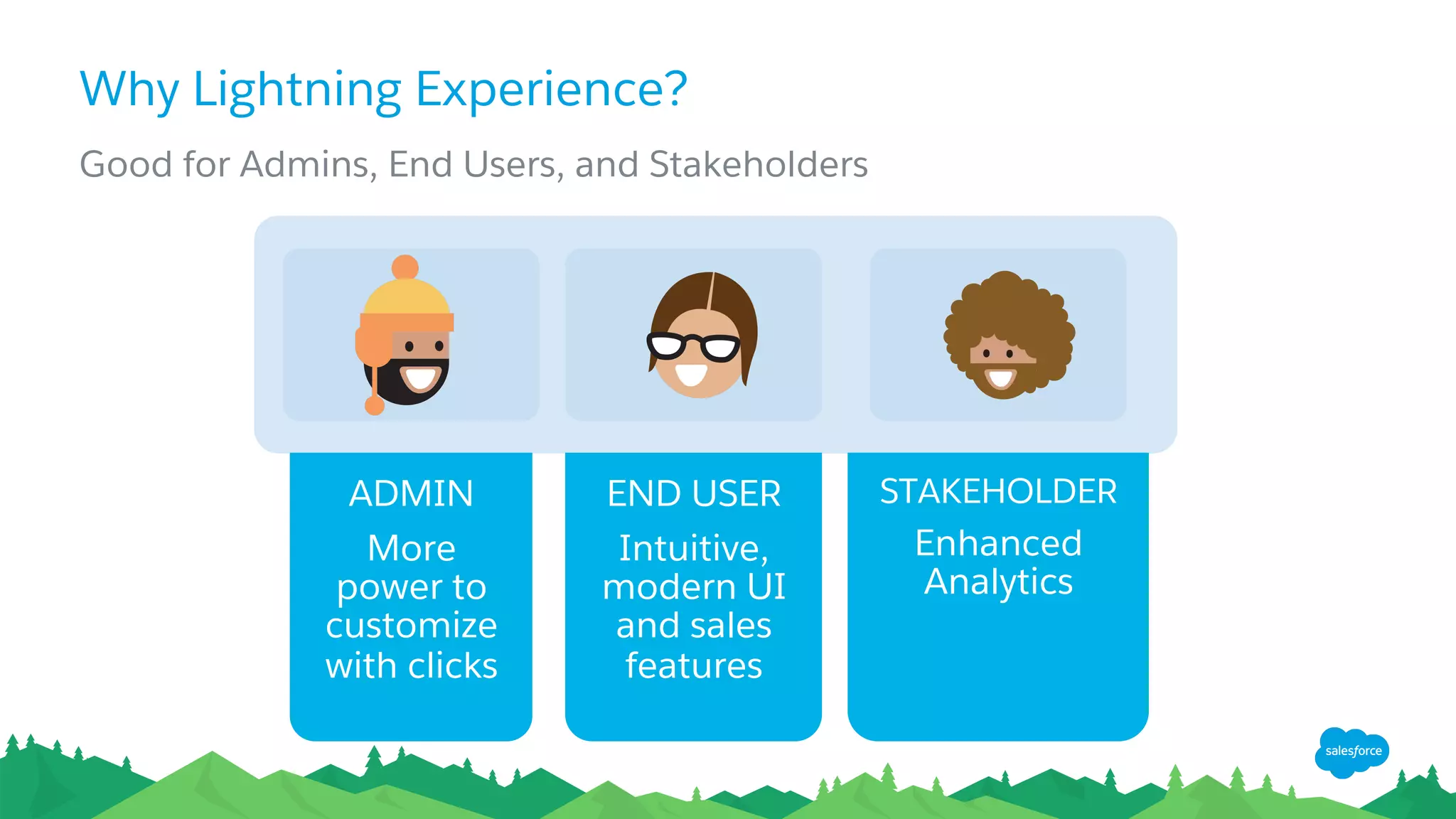
Why Lightning Experience?
Good for Admins, End Users, and Stakeholders
ADMIN
More
power to
customize
with clicks
END USER
Intuitive,
modern UI
and sales
features
STAKEHOLDER
Enhanced
Analytics
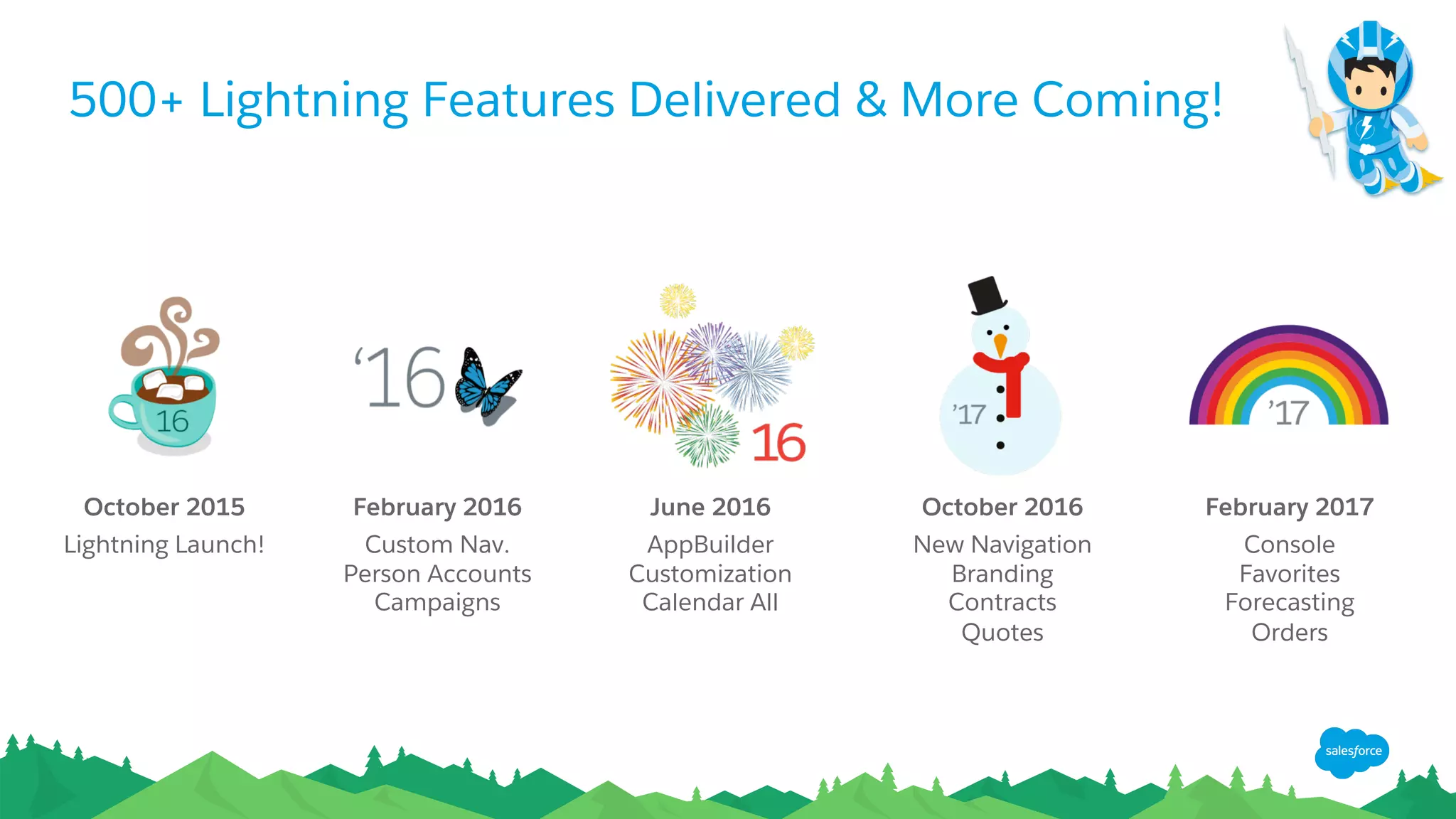
October 2015
Lightning Launch!
500+ Lightning Features Delivered & More Coming!
February 2016
Custom Nav.
Person Accounts
Campaigns
June 2016
AppBuilder
Customization
Calendar All
October 2016
New Navigation
Branding
Contracts
Quotes
February 2017
Console
Favorites
Forecasting
Orders
Step 2:
Prepare
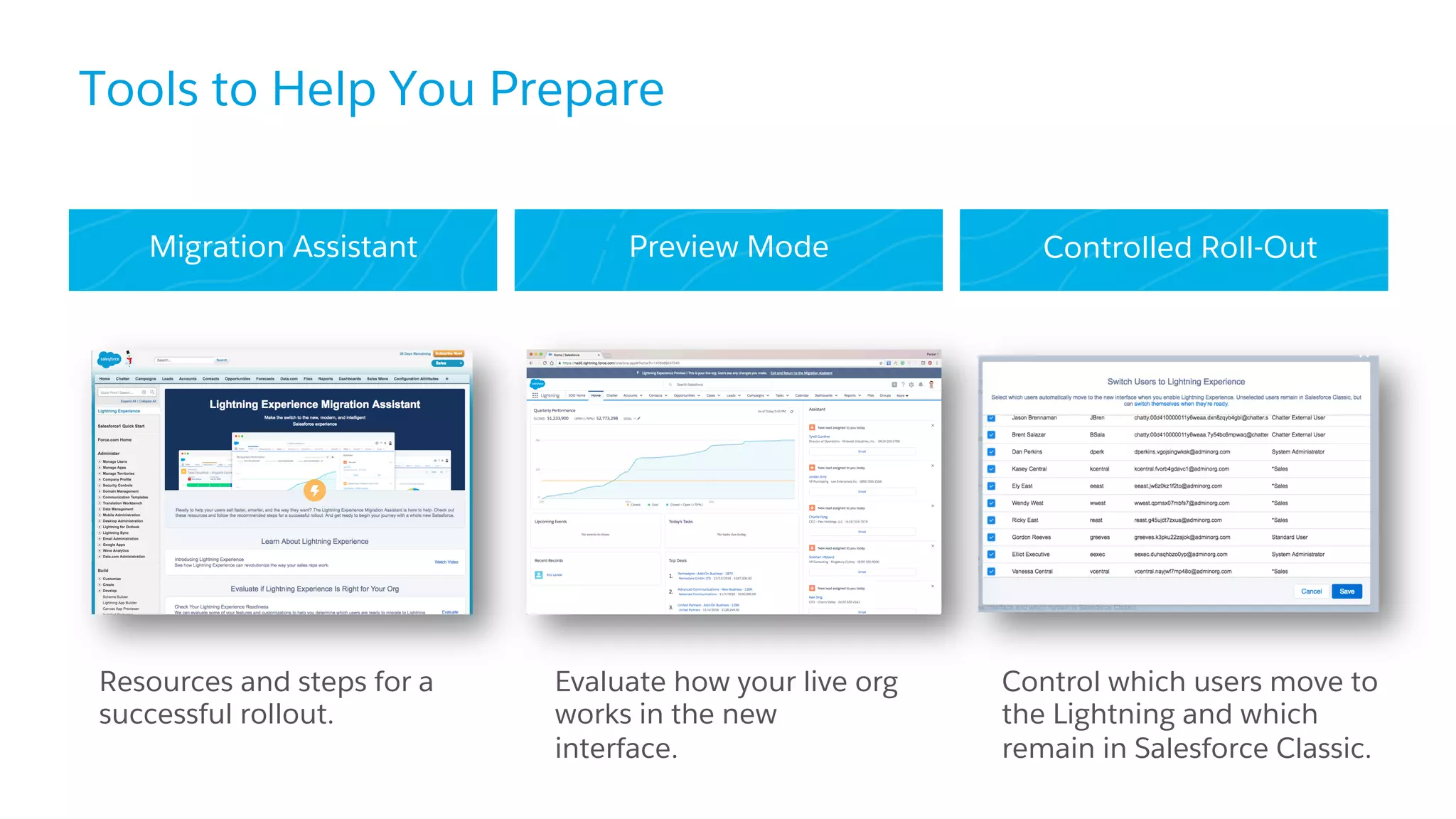
Migration Assistant Preview Mode Controlled Roll-Out
Tools to Help You Prepare
Resources and steps for a
successful rollout.
Evaluate how your live org
works in the new
interface.
Control which users move to
the Lightning and which
remain in Salesforce Classic.
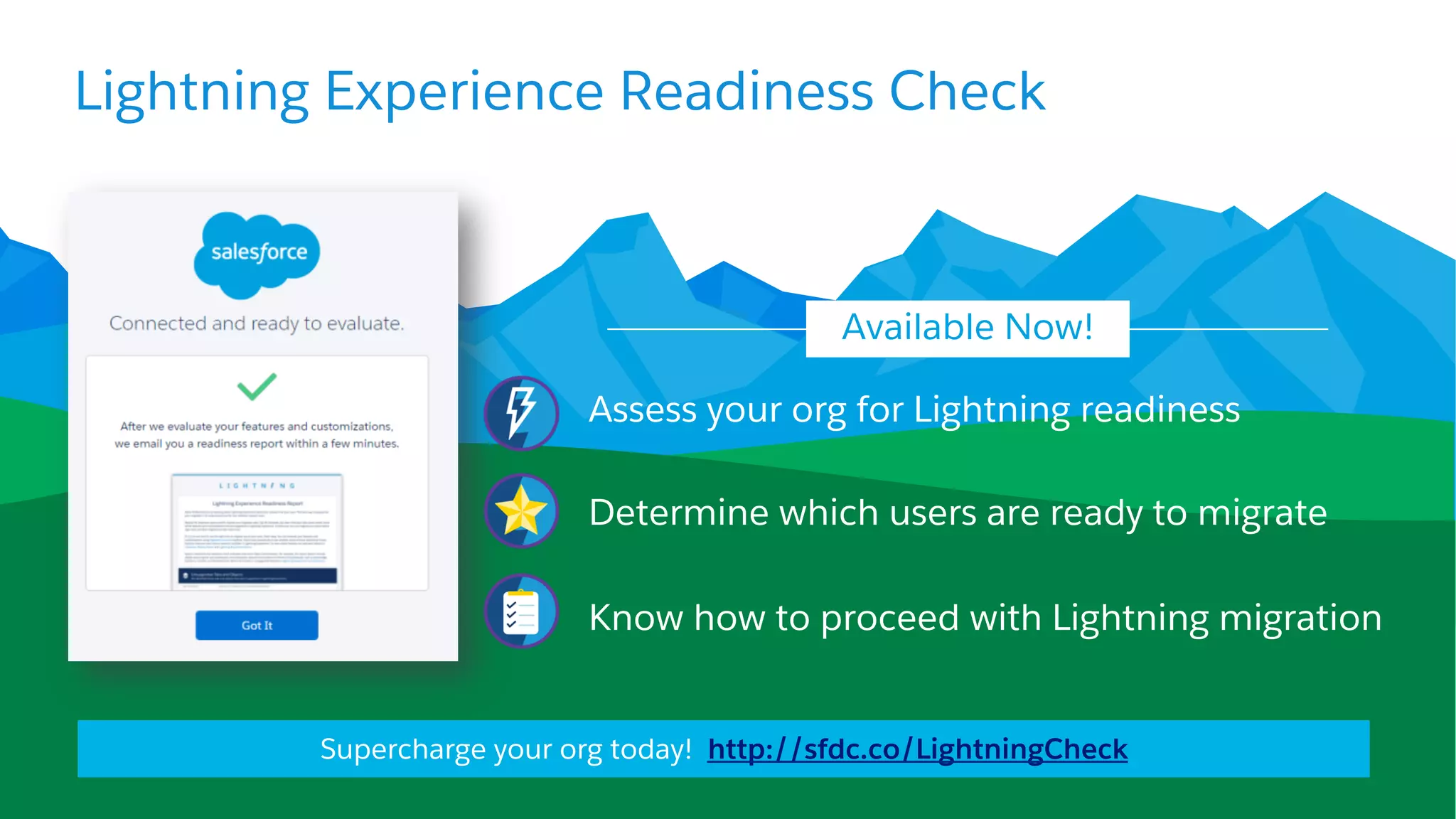
Assess your org for Lightning readiness
Determine which users are ready to migrate
Know how to proceed with Lightning migration
Available Now!
Lightning Experience Readiness Check
Supercharge your org today! http://sfdc.co/LightningCheck
DEMO:
Lightning Experience
Readiness Check
Step 3:
Engage
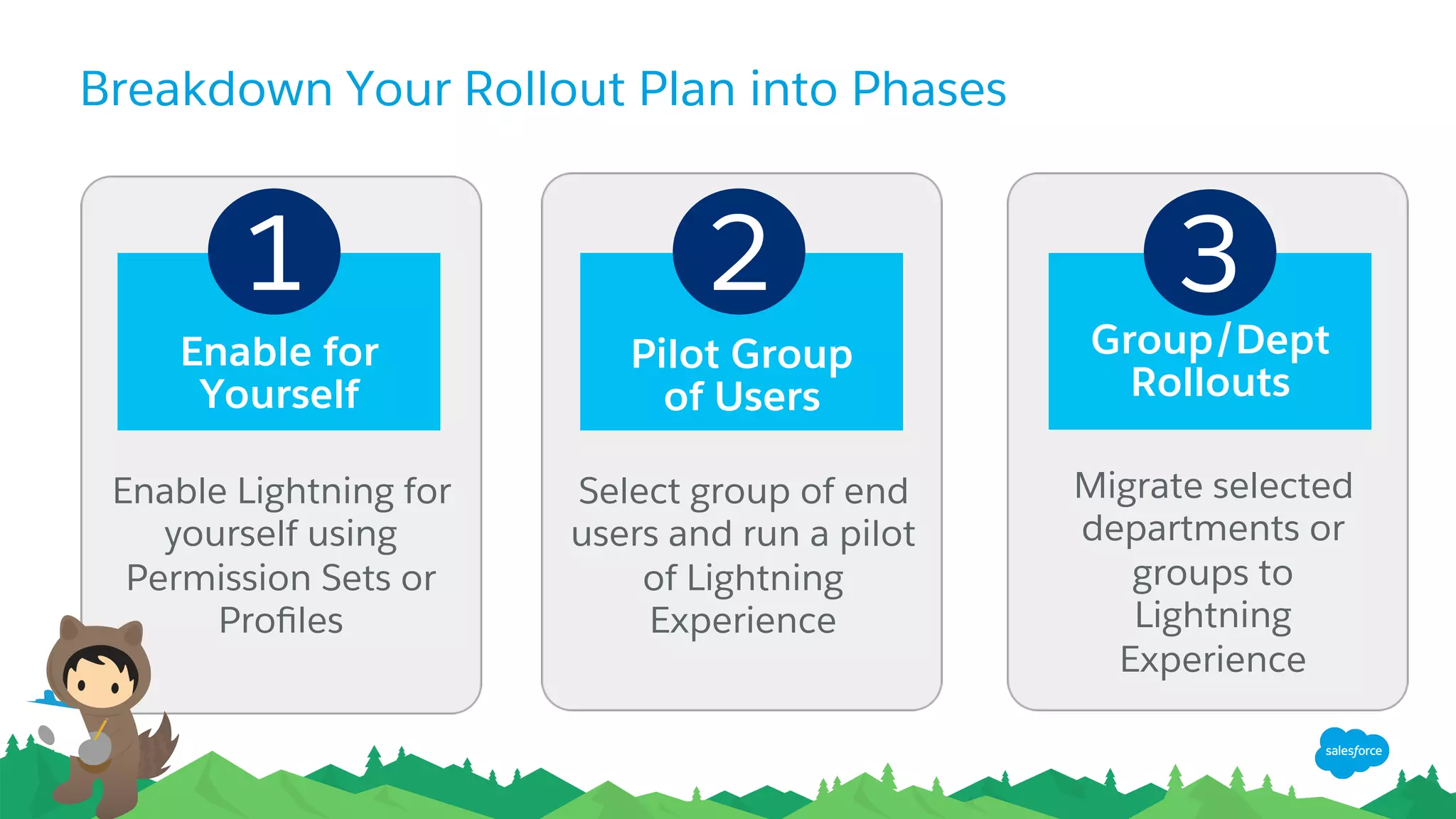
Breakdown Your Rollout Plan into Phases
1 2 3
Enable for
Yourself
Group/Dept
Rollouts
Pilot Group
of Users
Enable Lightning for
yourself using
Permission Sets or
Profiles
Select group of end
users and run a pilot
of Lightning
Experience
Migrate selected
departments or
groups to
Lightning
Experience
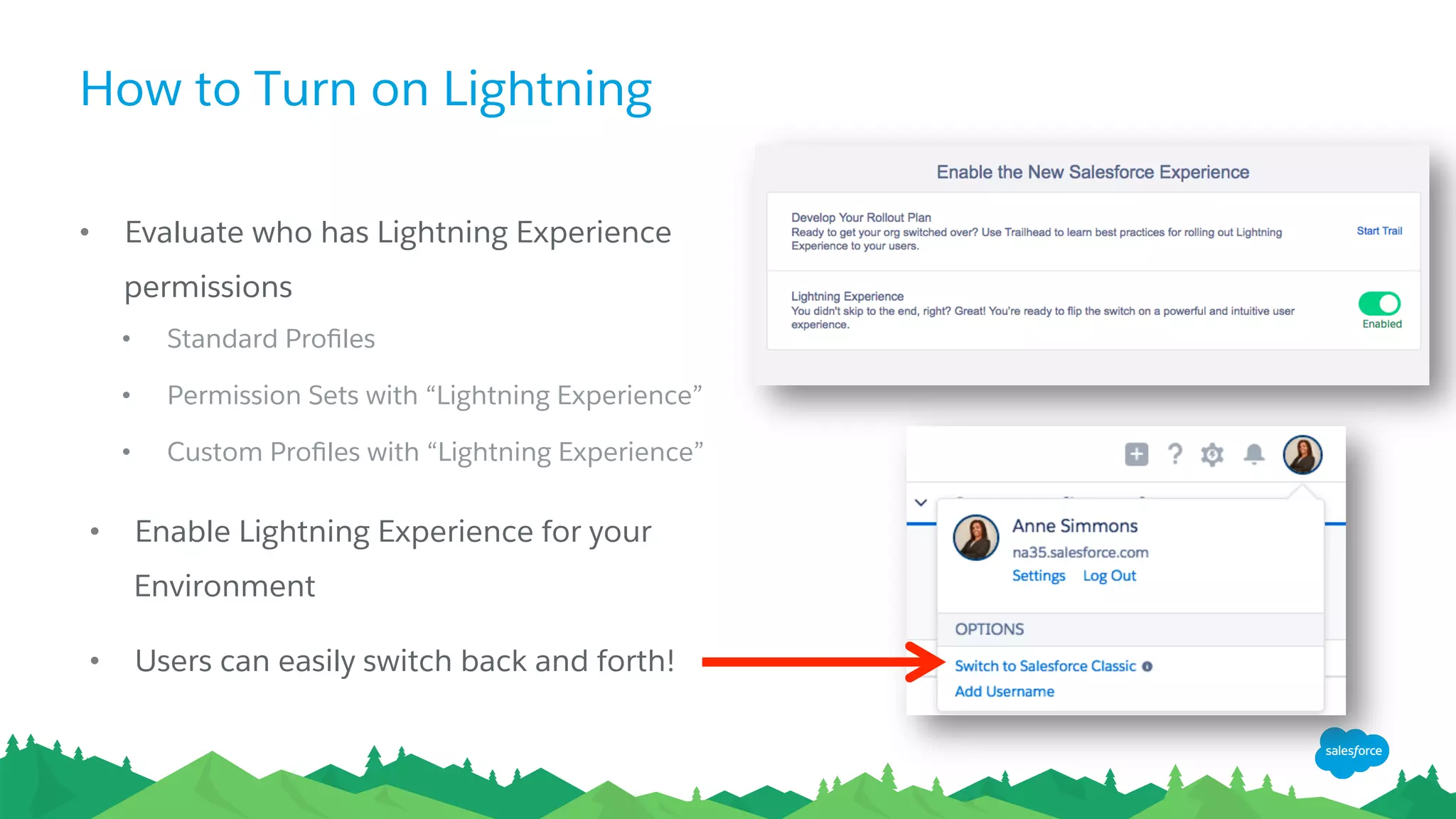
How to Turn on Lightning
•  Evaluate who has Lightning Experience
permissions
•  Standard Profiles
•  Permission Sets with “Lightning Experience”
•  Custom Profiles with “Lightning Experience”
•  Enable Lightning Experience for your
Environment
•  Users can easily switch back and forth!
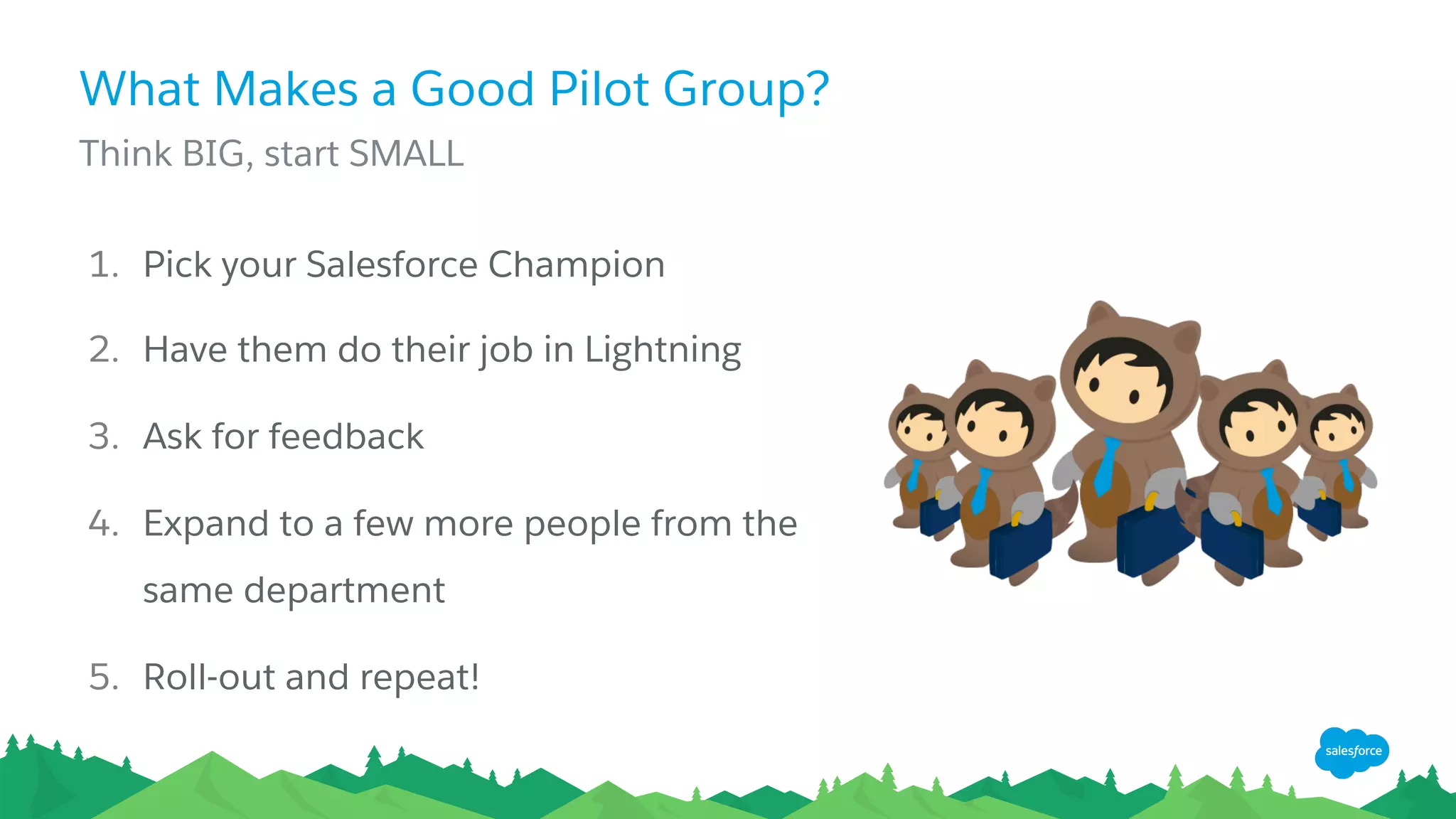
What Makes a Good Pilot Group?
​ Think BIG, start SMALL
1.  Pick your Salesforce Champion
2.  Have them do their job in Lightning
3.  Ask for feedback
4.  Expand to a few more people from the
same department
5.  Roll-out and repeat!
DEMO:
Enabling Lightning
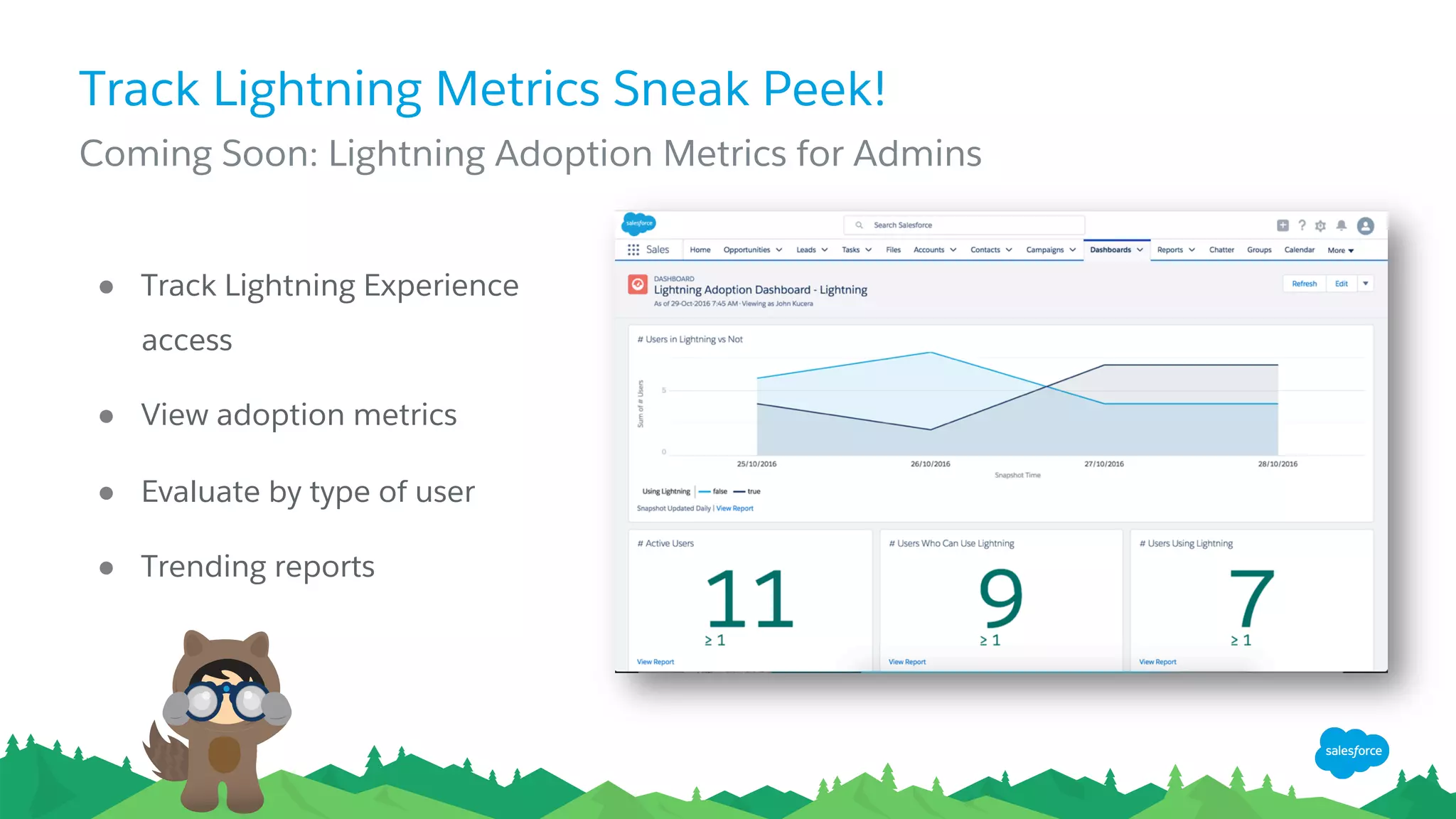
Track Lightning Metrics Sneak Peek!
​ Coming Soon: Lightning Adoption Metrics for Admins
●  Track Lightning Experience
access
●  View adoption metrics
●  Evaluate by type of user
●  Trending reports
Resources
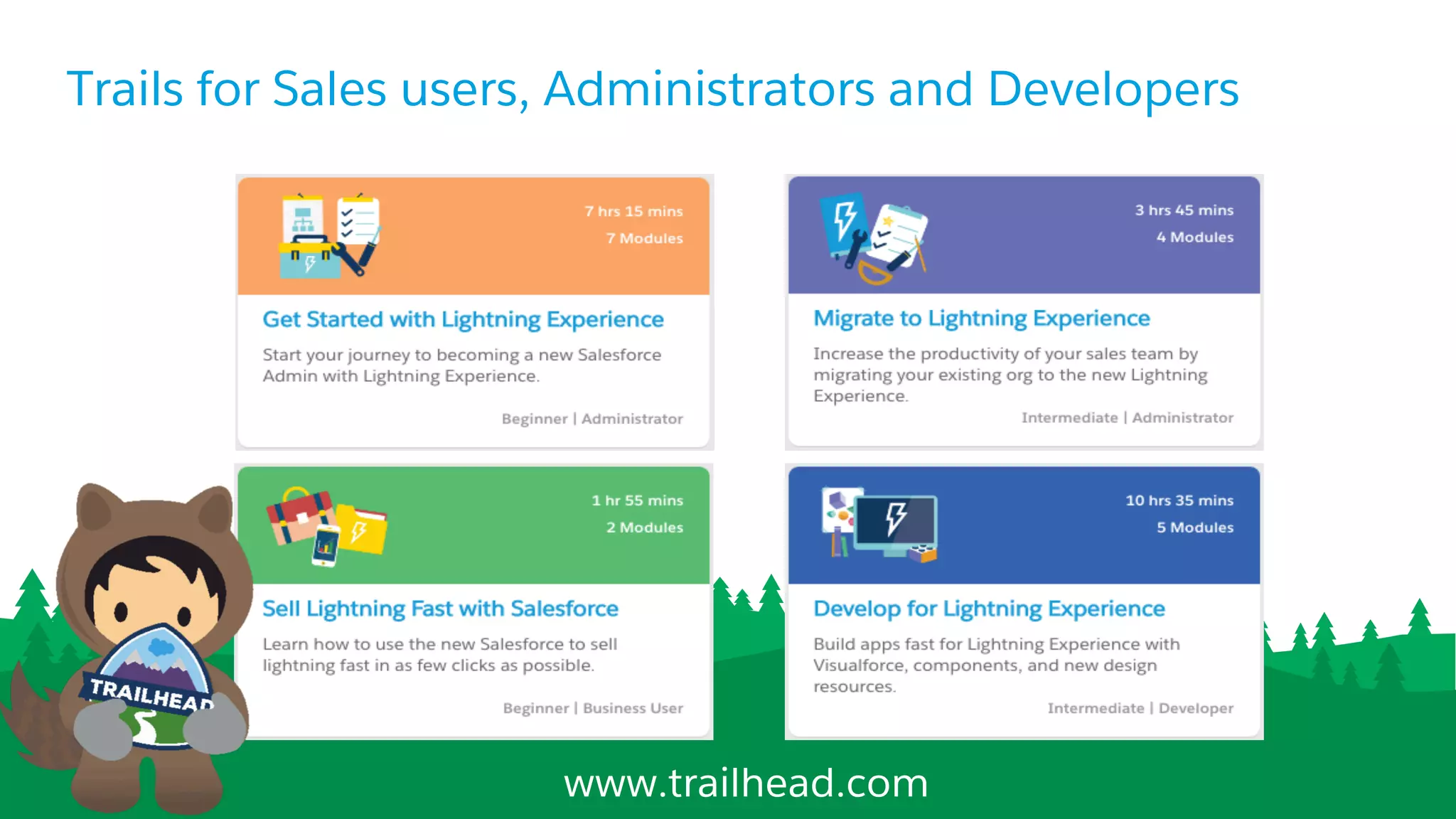
Trails for Sales users, Administrators and Developers
www.trailhead.com
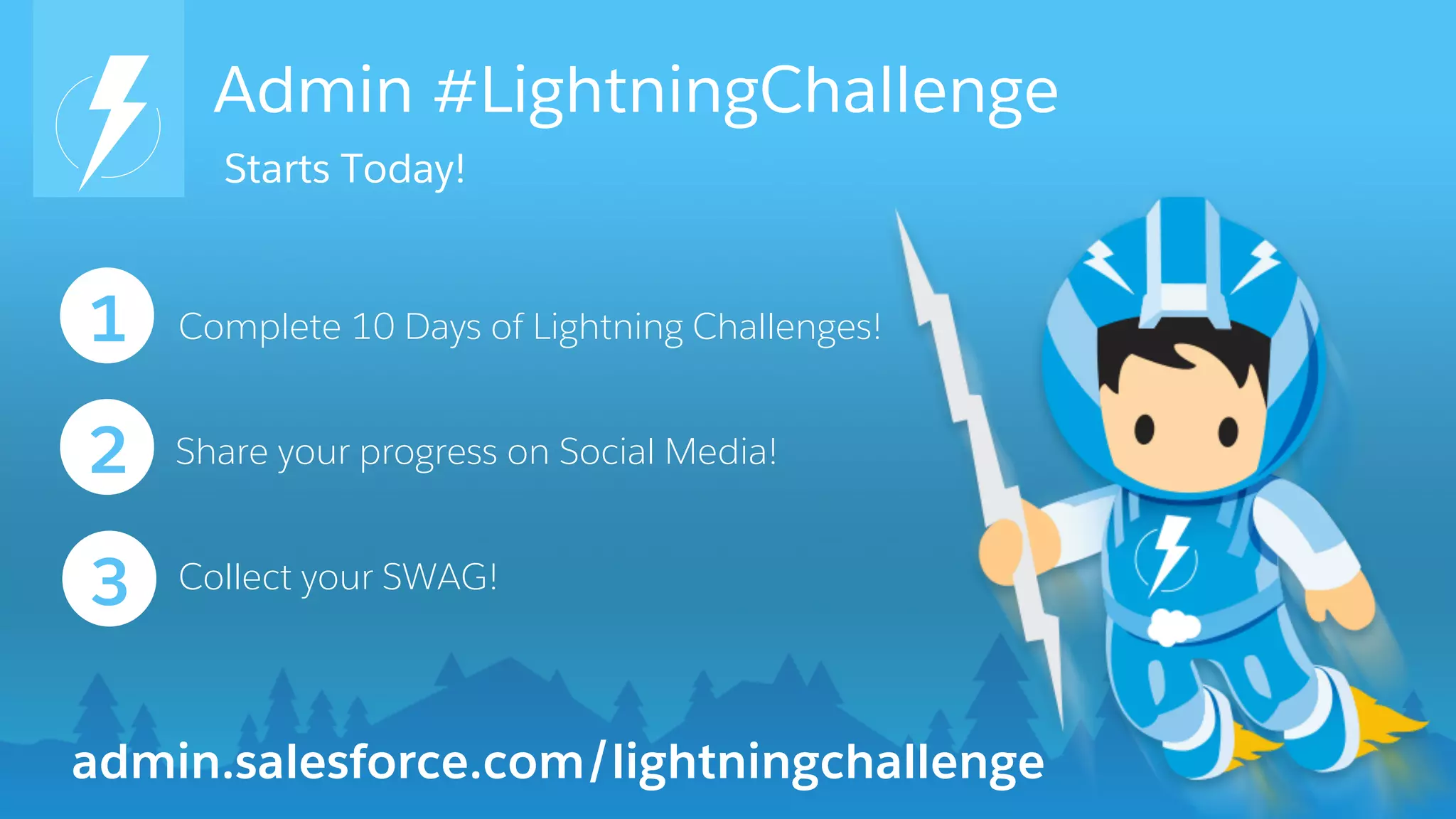
Admin #LightningChallenge
Complete 10 Days of Lightning Challenges!1
2
3
Share your progress on Social Media!
admin.salesforce.com/lightningchallenge
Collect your SWAG!
Starts Today!
Join the Admin Webinar Group for Q&A!
bit.ly/AdminWebinarGroup
Thank Y u

Your Lightning Game Plan in 3 Steps

  • 1.
    Your Lightning Game Planin 3 Steps November 9, 2016
  • 2.
    Today’s Speakers LeeAnne Templeman Sr.Admin Evangelist Salesforce @leeanndroid Jean-Baptiste Michelli Director of Product Management Salesforce
  • 3.
    Forward-Looking Statements ​ Statement underthe Private Securities Litigation Reform Act of 1995: ​ This presentation may contain forward-looking statements that involve risks, uncertainties, and assumptions. If any such uncertainties materialize or if any of the assumptions proves incorrect, the results of salesforce.com, inc. could differ materially from the results expressed or implied by the forward-looking statements we make. All statements other than statements of historical fact could be deemed forward-looking, including any projections of product or service availability, subscriber growth, earnings, revenues, or other financial items and any statements regarding strategies or plans of management for future operations, statements of belief, any statements concerning new, planned, or upgraded services or technology developments and customer contracts or use of our services. ​ The risks and uncertainties referred to above include – but are not limited to – risks associated with developing and delivering new functionality for our service, new products and services, our new business model, our past operating losses, possible fluctuations in our operating results and rate of growth, interruptions or delays in our Web hosting, breach of our security measures, the outcome of any litigation, risks associated with completed and any possible mergers and acquisitions, the immature market in which we operate, our relatively limited operating history, our ability to expand, retain, and motivate our employees and manage our growth, new releases of our service and successful customer deployment, our limited history reselling non-salesforce.com products, and utilization and selling to larger enterprise customers. Further information on potential factors that could affect the financial results of salesforce.com, inc. is included in our annual report on Form 10-K for the most recent fiscal year and in our quarterly report on Form 10-Q for the most recent fiscal quarter. These documents and others containing important disclosures are available on the SEC Filings section of the Investor Information section of our Web site. ​ Any unreleased services or features referenced in this or other presentations, press releases or public statements are not currently available and may not be delivered on time or at all. Customers who purchase our services should make the purchase decisions based upon features that are currently available. Salesforce.com, inc. assumes no obligation and does not intend to update these forward-looking statements.
  • 4.
    Get Social withUs! @salesforceadmns #awesomeadmin Salesforce Admins Salesforce Admins The video will be posted to YouTube & the webinar recap page (same URL as registration). This webinar is being recorded!
  • 5.
    Join the AdminWebinar Group for Q&A! ​ Don’t wait until the end to ask your question! •  We have team members on hand to answer questions in the webinar group. Stick around for live Q&A at the end! •  Speakers will tackle more questions at the end, time-allowing bit.ly/AdminWebinarGroup
  • 6.
    Today’s Agenda •  Step1- Learn: Why Lightning? •  Step 2 - Prepare: Migration & Readiness Assessment •  Step 3 - Engage: Piloting, Feedback and Adoption •  Resources •  Q&A
  • 7.
  • 8.
    Why Lightning Experience? Goodfor Admins, End Users, and Stakeholders ADMIN More power to customize with clicks END USER Intuitive, modern UI and sales features STAKEHOLDER Enhanced Analytics
  • 9.
    October 2015 Lightning Launch! 500+Lightning Features Delivered & More Coming! February 2016 Custom Nav. Person Accounts Campaigns June 2016 AppBuilder Customization Calendar All October 2016 New Navigation Branding Contracts Quotes February 2017 Console Favorites Forecasting Orders
  • 10.
  • 11.
    Migration Assistant PreviewMode Controlled Roll-Out Tools to Help You Prepare Resources and steps for a successful rollout. Evaluate how your live org works in the new interface. Control which users move to the Lightning and which remain in Salesforce Classic.
  • 12.
    Assess your orgfor Lightning readiness Determine which users are ready to migrate Know how to proceed with Lightning migration Available Now! Lightning Experience Readiness Check Supercharge your org today! http://sfdc.co/LightningCheck
  • 13.
  • 14.
  • 15.
    Breakdown Your RolloutPlan into Phases 1 2 3 Enable for Yourself Group/Dept Rollouts Pilot Group of Users Enable Lightning for yourself using Permission Sets or Profiles Select group of end users and run a pilot of Lightning Experience Migrate selected departments or groups to Lightning Experience
  • 16.
    How to Turnon Lightning •  Evaluate who has Lightning Experience permissions •  Standard Profiles •  Permission Sets with “Lightning Experience” •  Custom Profiles with “Lightning Experience” •  Enable Lightning Experience for your Environment •  Users can easily switch back and forth!
  • 17.
    What Makes aGood Pilot Group? ​ Think BIG, start SMALL 1.  Pick your Salesforce Champion 2.  Have them do their job in Lightning 3.  Ask for feedback 4.  Expand to a few more people from the same department 5.  Roll-out and repeat!
  • 18.
  • 19.
    Track Lightning MetricsSneak Peek! ​ Coming Soon: Lightning Adoption Metrics for Admins ●  Track Lightning Experience access ●  View adoption metrics ●  Evaluate by type of user ●  Trending reports
  • 20.
  • 21.
    Trails for Salesusers, Administrators and Developers www.trailhead.com
  • 22.
    Admin #LightningChallenge Complete 10Days of Lightning Challenges!1 2 3 Share your progress on Social Media! admin.salesforce.com/lightningchallenge Collect your SWAG! Starts Today!
  • 23.
    Join the AdminWebinar Group for Q&A! bit.ly/AdminWebinarGroup
  • 24.