

WTF Do I Put On 
My Site? 
Info Architecting 
& Site Strategy 
•Yes, slides will be online. In 
10 minutes. I promise. Yes, I’m 
serious. And mostly honest. 
Really. Slideshare.net/hzp 
•I really do try not to curse
How Websites are Born
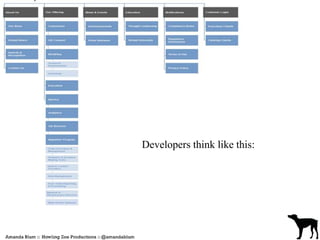
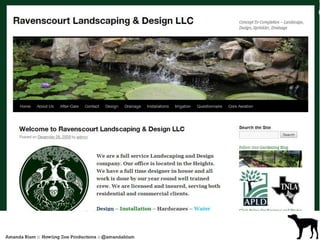
Developers think like this:
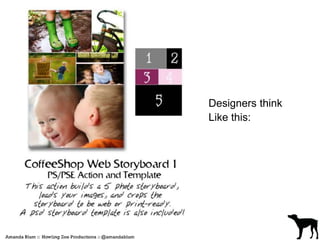
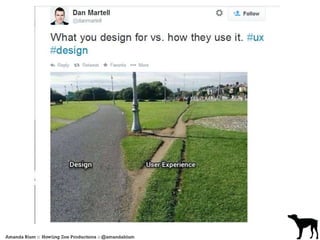
Designers think 
Like this:
Whats the Difference?
Conversion 
And usability and portability and 
rate of retention and likability and 
all the things that make up 
conversion
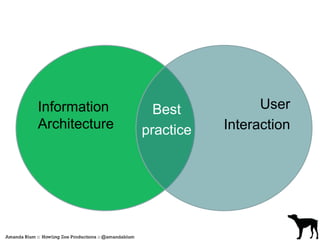
Information 
Architecture 
User 
Interaction 
Best 
practice
Everyone 
Is 
Selling 
Something
Step 1 
What do you do?
What do you do? 
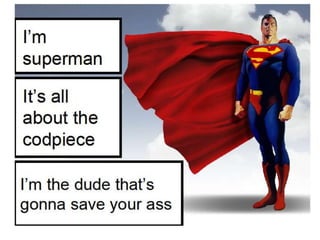
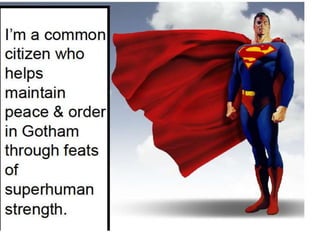
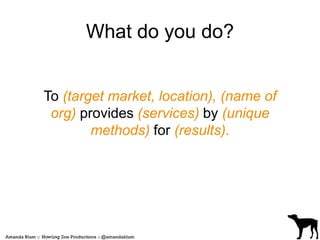
To (target market, location), (name of 
org) provides (services) by (unique 
methods) for (results).
What do you do? 
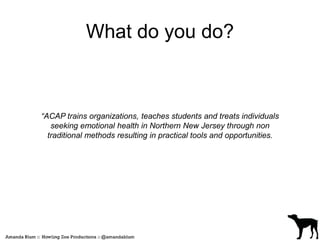
“ACAP trains organizations, teaches students and treats individuals 
seeking emotional health in Northern New Jersey through non 
traditional methods resulting in practical tools and opportunities.
Step 2 
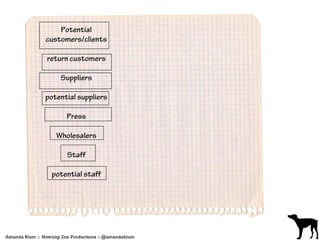
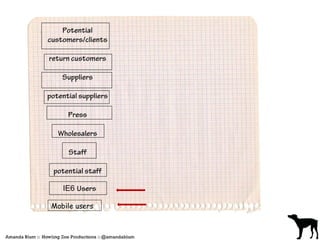
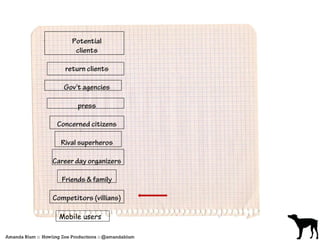
Define your visitors
Mobile users
Mobile users
Mobile First Design
Step 3 
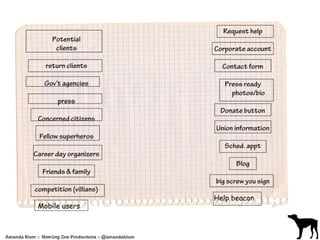
Define “success points” 
on your site
Mobile users 
Help beacon
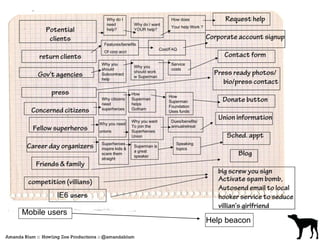
Step 4 
Create a “Path to Buy”
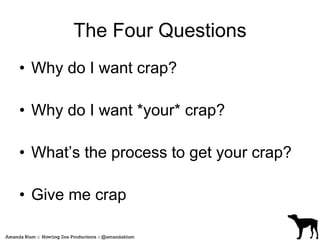
The Four Questions 
• Why do I want crap? 
• Why do I want *your* crap? 
• What’s the process to get your crap? 
• Give me crap
Mobile users 
Help beacon
Step 5 
Revel in Sitemap. Go get ice cream.
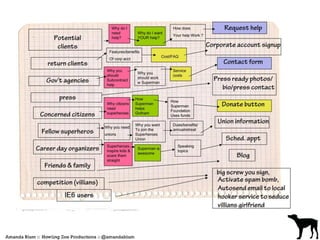
Actual Step 5 
Find the overlaps
Step 6 
Simplify the wireframe. 
• What’s important 
• What’s expected
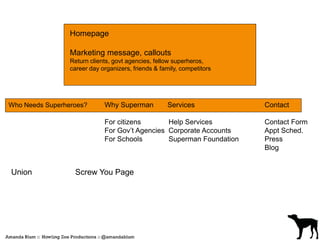
Homepage 
Marketing message, callouts 
Return clients, govt agencies, fellow superheros, 
career day organizers, friends & family, competitors 
Who Needs Superheroes? Why Superman Services Contact 
For citizens Help Services Contact Form 
For Gov’t Agencies Corporate Accounts Appt Sched. 
For Schools Superman Foundation Press 
Blog 
Union Screw You Page
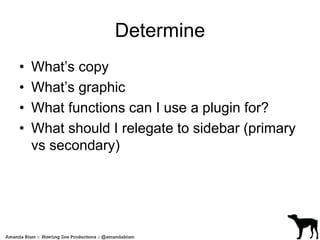
Determine 
• What’s copy 
• What’s graphic 
• What functions can I use a plugin for? 
• What should I relegate to sidebar (primary 
vs secondary)
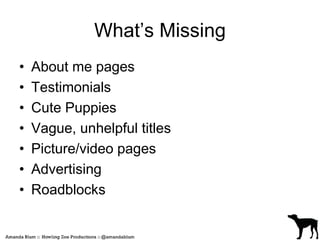
What’s Missing 
• About me pages 
• Testimonials 
• Cute Puppies 
• Vague, unhelpful titles 
• Picture/video pages 
• Advertising 
• Roadblocks
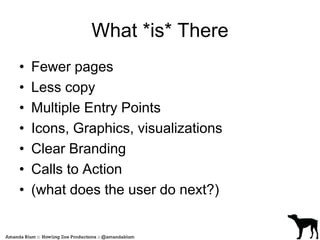
What *is* There 
• Fewer pages 
• Less copy 
• Multiple Entry Points 
• Icons, Graphics, visualizations 
• Clear Branding 
• Calls to Action 
• (what does the user do next?)
Use Your Tools 
• Sidebars 
• Footers 
• Title/Descriptions 
• Author Display 
• Dynamic Content Gallery 
• Gravity Forms 
• Quotations Plugin
Step 7 
NOW, enter the design process 
Marry design to mission statement
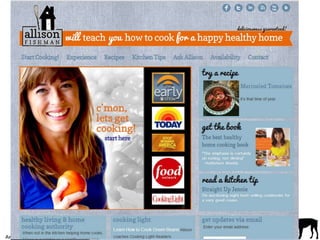
Consider 
• What is the brand imparting? 
(not what you like, even if you are 
the brand) 
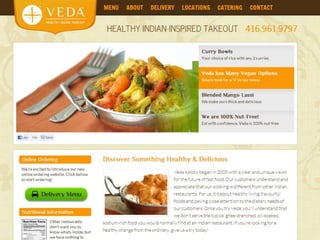
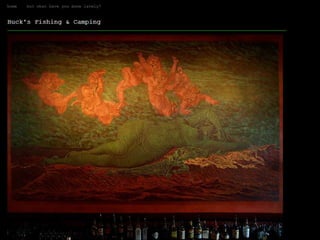
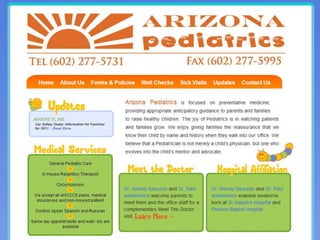
• Restaurants 
• Preschools 
• Clothing
Testing is Never Done 
testtesttesttesttesttesttesttesttesttesttesttestt 
esttesttesttesttesttesttesttesttest 
testtesttesttesttesttesttest 
& Don’t ask dumbass questions
Examples of Dumbass Questions 
• What do you think of this? 
• Do you like this? 
• Does this feel ______ to you? 
• Does this seem professional?
Un – Dumbass, Qualitative, 
Objective Questions 
• What does this person do? 
• What are some words that come to mind 
when you see this? 
• What should you do first? 
• What is the first thing you notice?
Measure, then test again 
Google Analytics is *AWESOME*
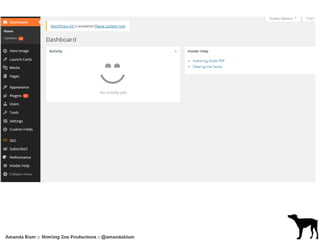
Designing the Dashboard
UNIVERSAL TRUTH: 
Teaching the client how to use WordPress 
Sucks.
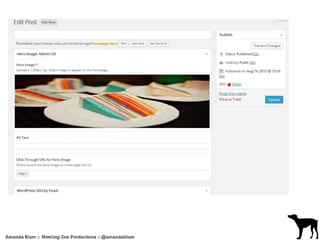
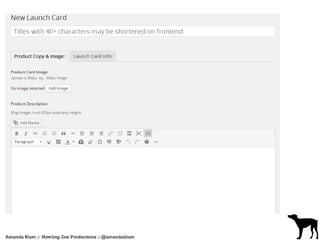
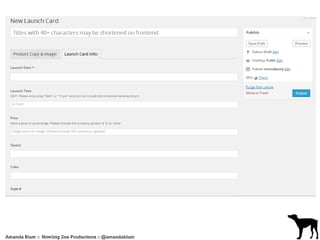
Using ACF and Custom Fields to 
unsuck WordPress workflows in 
practice
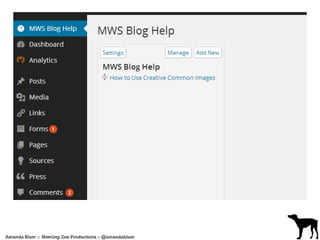
Using WP Help to unsuck 
WordPress workflows in practice
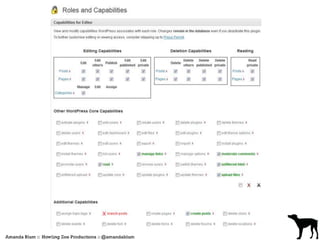
Using Roles & Role Manager 
Plugins to unsuck WordPress 
workflows in practice
Using Honesty and 
Process Exploration 
to unsuck WordPress workflows in 
practice
On behalf of myself and 
#clementinethedoberman, we thank you 
and remind you to be a good canine 
citizen 
@amandablum amanda@howlingzoe.com slideshare.net/hzp

WP Meetup PDX Slides on Site Strategy

  • 1.
    WTF Do IPut On My Site? Info Architecting & Site Strategy •Yes, slides will be online. In 10 minutes. I promise. Yes, I’m serious. And mostly honest. Really. Slideshare.net/hzp •I really do try not to curse
  • 2.
  • 3.
  • 4.
  • 5.
  • 6.
    Conversion And usabilityand portability and rate of retention and likability and all the things that make up conversion
  • 7.
    Information Architecture User Interaction Best practice
  • 9.
  • 10.
    Step 1 Whatdo you do?
  • 13.
    What do youdo? To (target market, location), (name of org) provides (services) by (unique methods) for (results).
  • 14.
    What do youdo? “ACAP trains organizations, teaches students and treats individuals seeking emotional health in Northern New Jersey through non traditional methods resulting in practical tools and opportunities.
  • 15.
    Step 2 Defineyour visitors
  • 17.
  • 18.
  • 19.
  • 20.
    Step 3 Define“success points” on your site
  • 21.
  • 22.
    Step 4 Createa “Path to Buy”
  • 23.
    The Four Questions • Why do I want crap? • Why do I want *your* crap? • What’s the process to get your crap? • Give me crap
  • 24.
  • 25.
    Step 5 Revelin Sitemap. Go get ice cream.
  • 26.
    Actual Step 5 Find the overlaps
  • 28.
    Step 6 Simplifythe wireframe. • What’s important • What’s expected
  • 29.
    Homepage Marketing message,callouts Return clients, govt agencies, fellow superheros, career day organizers, friends & family, competitors Who Needs Superheroes? Why Superman Services Contact For citizens Help Services Contact Form For Gov’t Agencies Corporate Accounts Appt Sched. For Schools Superman Foundation Press Blog Union Screw You Page
  • 30.
    Determine • What’scopy • What’s graphic • What functions can I use a plugin for? • What should I relegate to sidebar (primary vs secondary)
  • 31.
    What’s Missing •About me pages • Testimonials • Cute Puppies • Vague, unhelpful titles • Picture/video pages • Advertising • Roadblocks
  • 32.
    What *is* There • Fewer pages • Less copy • Multiple Entry Points • Icons, Graphics, visualizations • Clear Branding • Calls to Action • (what does the user do next?)
  • 33.
    Use Your Tools • Sidebars • Footers • Title/Descriptions • Author Display • Dynamic Content Gallery • Gravity Forms • Quotations Plugin
  • 34.
    Step 7 NOW,enter the design process Marry design to mission statement
  • 36.
    Consider • Whatis the brand imparting? (not what you like, even if you are the brand) • Restaurants • Preschools • Clothing
  • 41.
    Testing is NeverDone testtesttesttesttesttesttesttesttesttesttesttestt esttesttesttesttesttesttesttesttest testtesttesttesttesttesttest & Don’t ask dumbass questions
  • 42.
    Examples of DumbassQuestions • What do you think of this? • Do you like this? • Does this feel ______ to you? • Does this seem professional?
  • 43.
    Un – Dumbass,Qualitative, Objective Questions • What does this person do? • What are some words that come to mind when you see this? • What should you do first? • What is the first thing you notice?
  • 44.
    Measure, then testagain Google Analytics is *AWESOME*
  • 45.
  • 46.
    UNIVERSAL TRUTH: Teachingthe client how to use WordPress Sucks.
  • 47.
    Using ACF andCustom Fields to unsuck WordPress workflows in practice
  • 52.
    Using WP Helpto unsuck WordPress workflows in practice
  • 54.
    Using Roles &Role Manager Plugins to unsuck WordPress workflows in practice
  • 56.
    Using Honesty and Process Exploration to unsuck WordPress workflows in practice
  • 57.
    On behalf ofmyself and #clementinethedoberman, we thank you and remind you to be a good canine citizen @amandablum amanda@howlingzoe.com slideshare.net/hzp