
WORKSHOP: CREATE A STELLAR LINKEDIN PROFILE
!
SAN FRANCISCO, CA
3/9/15
presented by Robin Frank
Yours Truly
Social Media
!
I work with
companies large and
small to help them
build and tune-up
an engaging online
presence.
!
I’m known as a
dynamic speaker
and speak regularly
at national
conferences,
companies, and
events.
Personal Branding
!
I help individuals in
many fields create
powerful personal
brands.
!
My personal branding
strategy is featured in
the recent book
“Digital Marketing”
written by Larry Weber
and endorsed by Reid
Hoffman (Chairman,
Founder/LinkedIn) and
John Donahoe (CEO/
eBay).
Reboot Camp
!
Innovative program to
help Moms confidently
re-enter the workforce
after a break.
!
Six inspiring and
pragmatic sessions
cover topics from
networking and
interview skills to social
media and personal
branding, plus two
hours of one-on-one
coaching.
Mom
!
Twin 8 Yr old boys
!
Live in Mill Valley
Today’s
Workshop
• LinkedIn - compelling
numbers
• Profile Creating/Updating
• Best practices -
organizating, SEO, & more
• Networking using LinkedIn
Let’s Dive In!
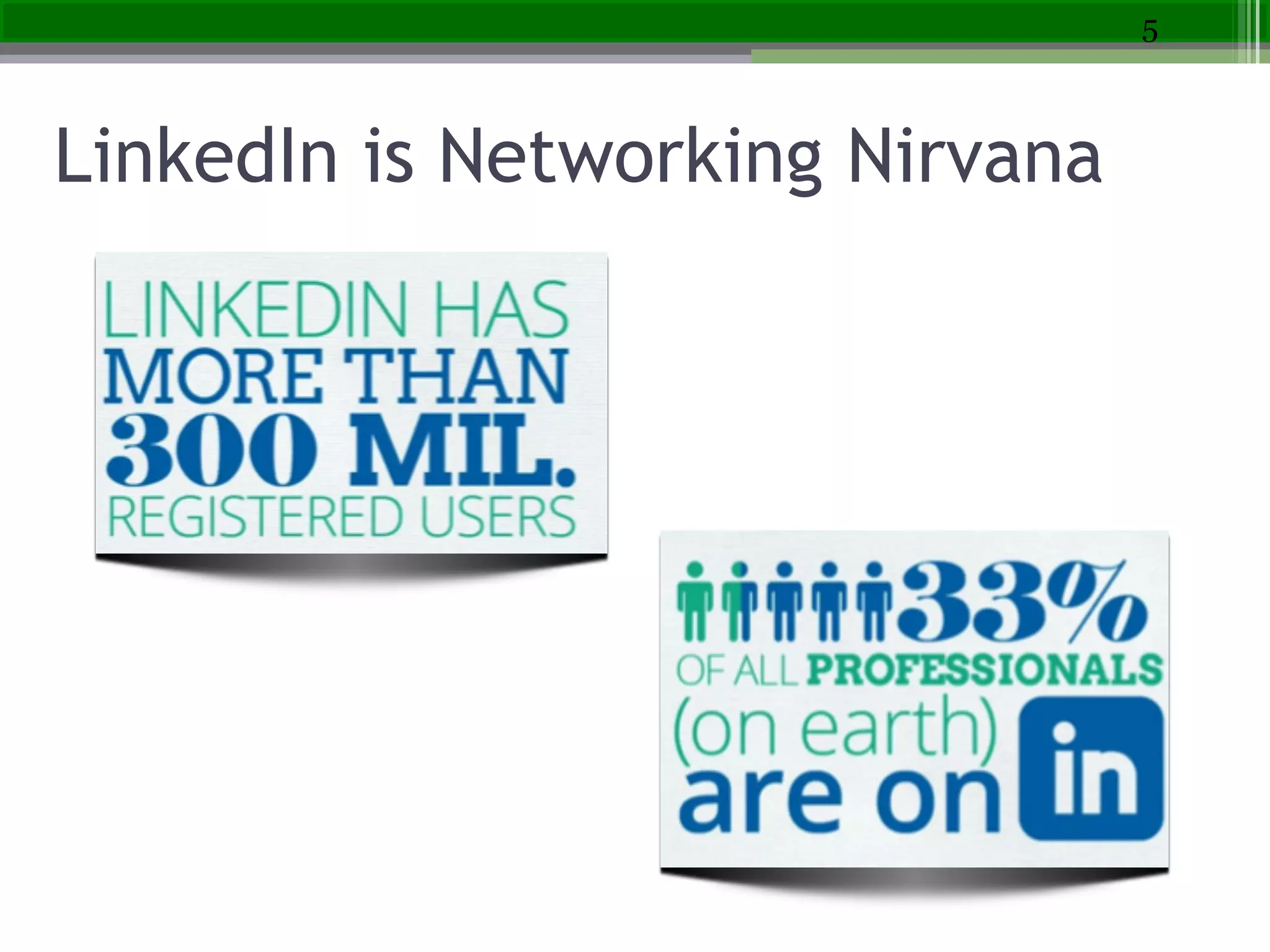
LinkedIn is Networking Nirvana
5
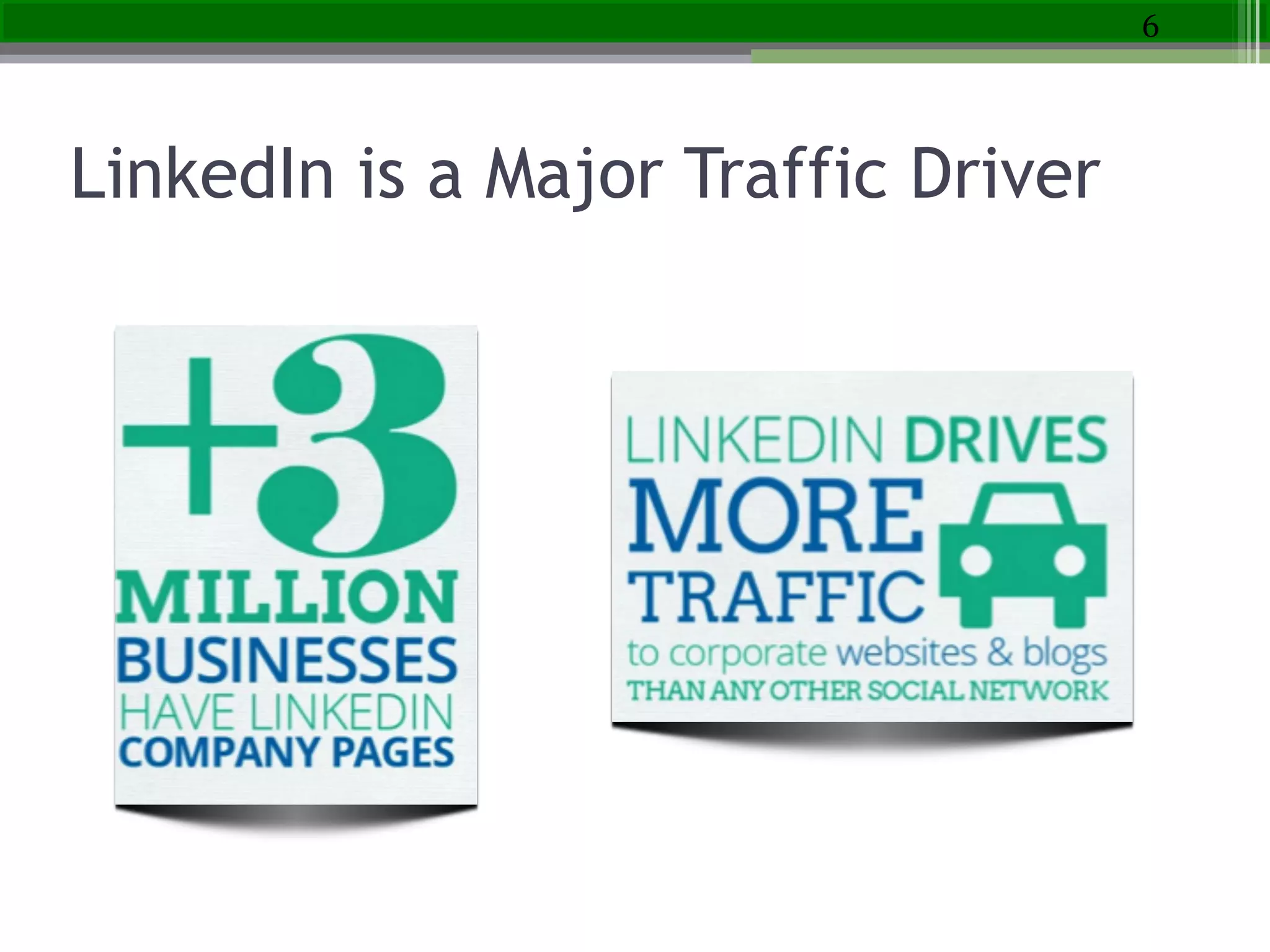
LinkedIn is a Major Traffic Driver
6
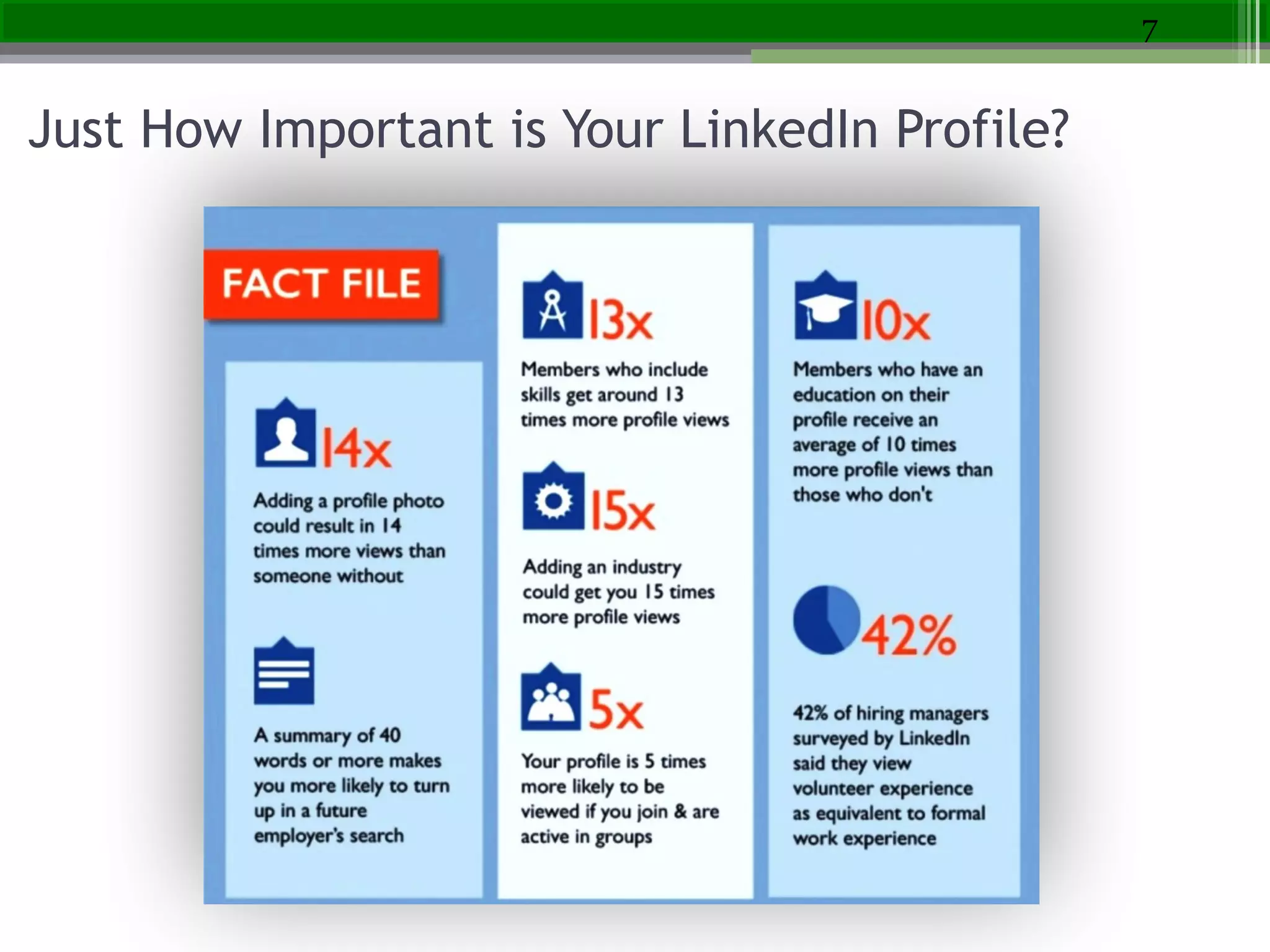
Just How Important is Your LinkedIn Profile?
7
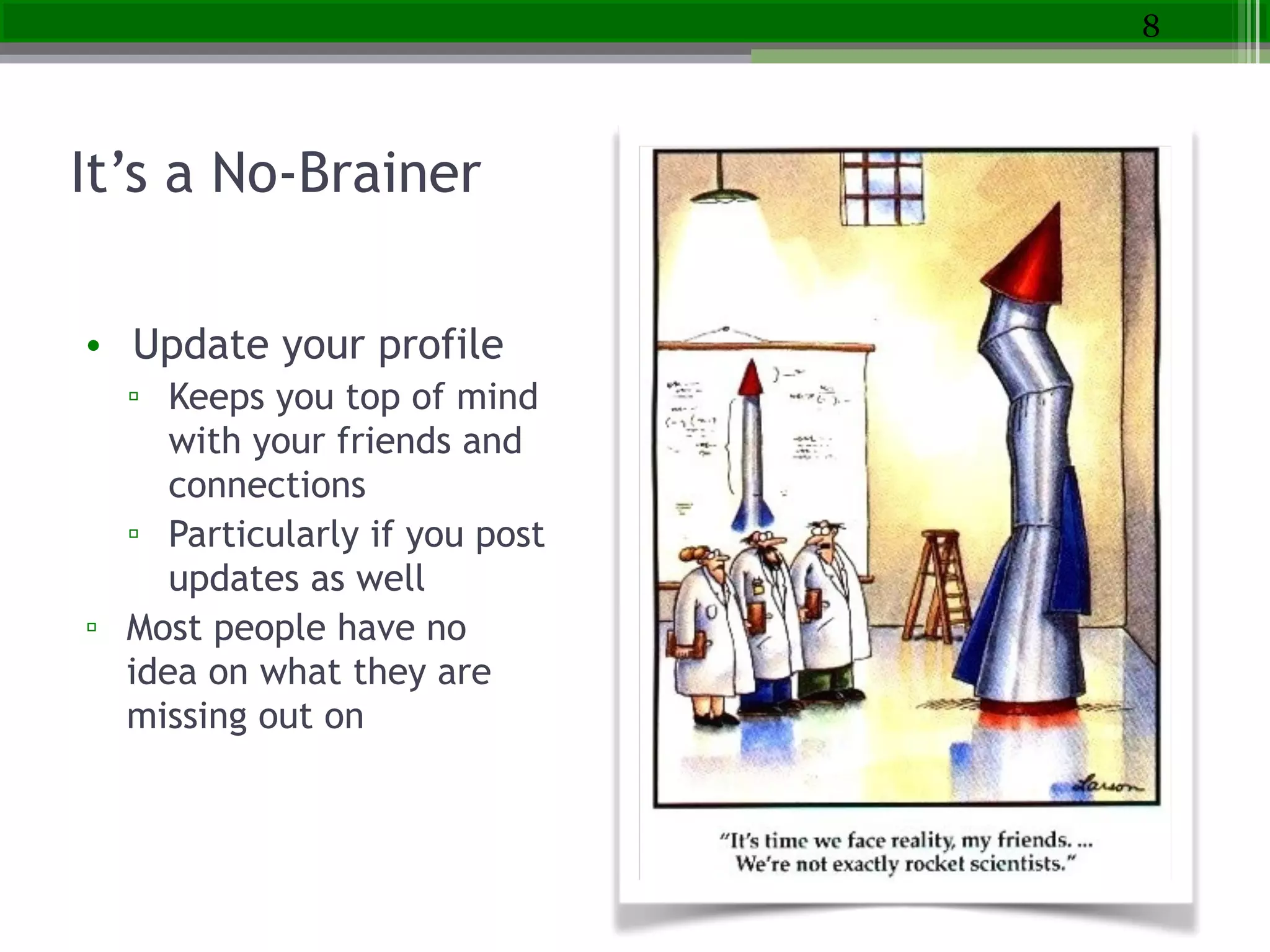
It’s a No-Brainer
• Update your profile
▫ Keeps you top of mind
with your friends and
connections
▫ Particularly if you post
updates as well
▫ Most people have no
idea on what they are
missing out on
8
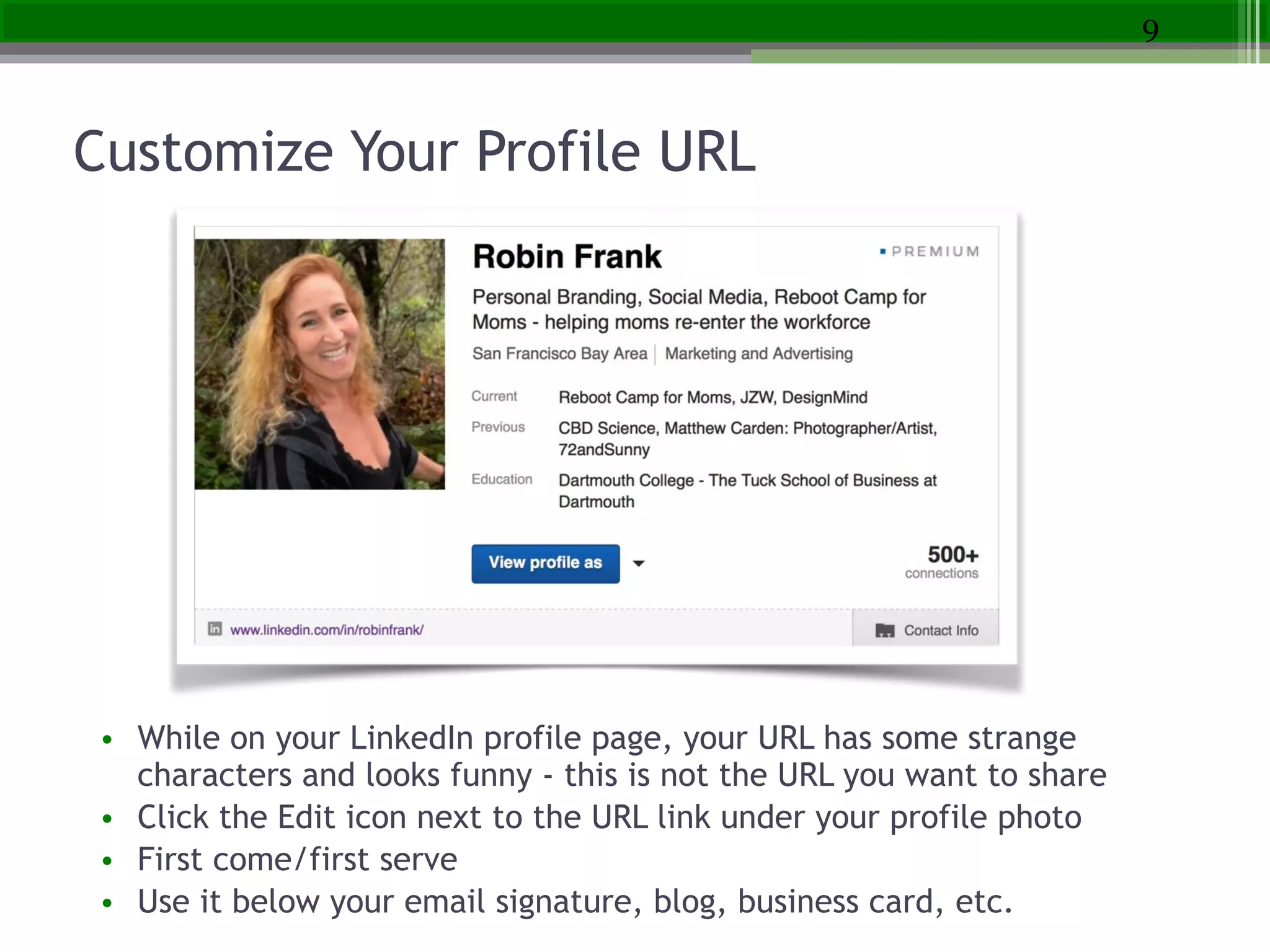
Customize Your Profile URL
• While on your LinkedIn profile page, your URL has some strange
characters and looks funny - this is not the URL you want to share
• Click the Edit icon next to the URL link under your profile photo
• First come/first serve
• Use it below your email signature, blog, business card, etc.
9
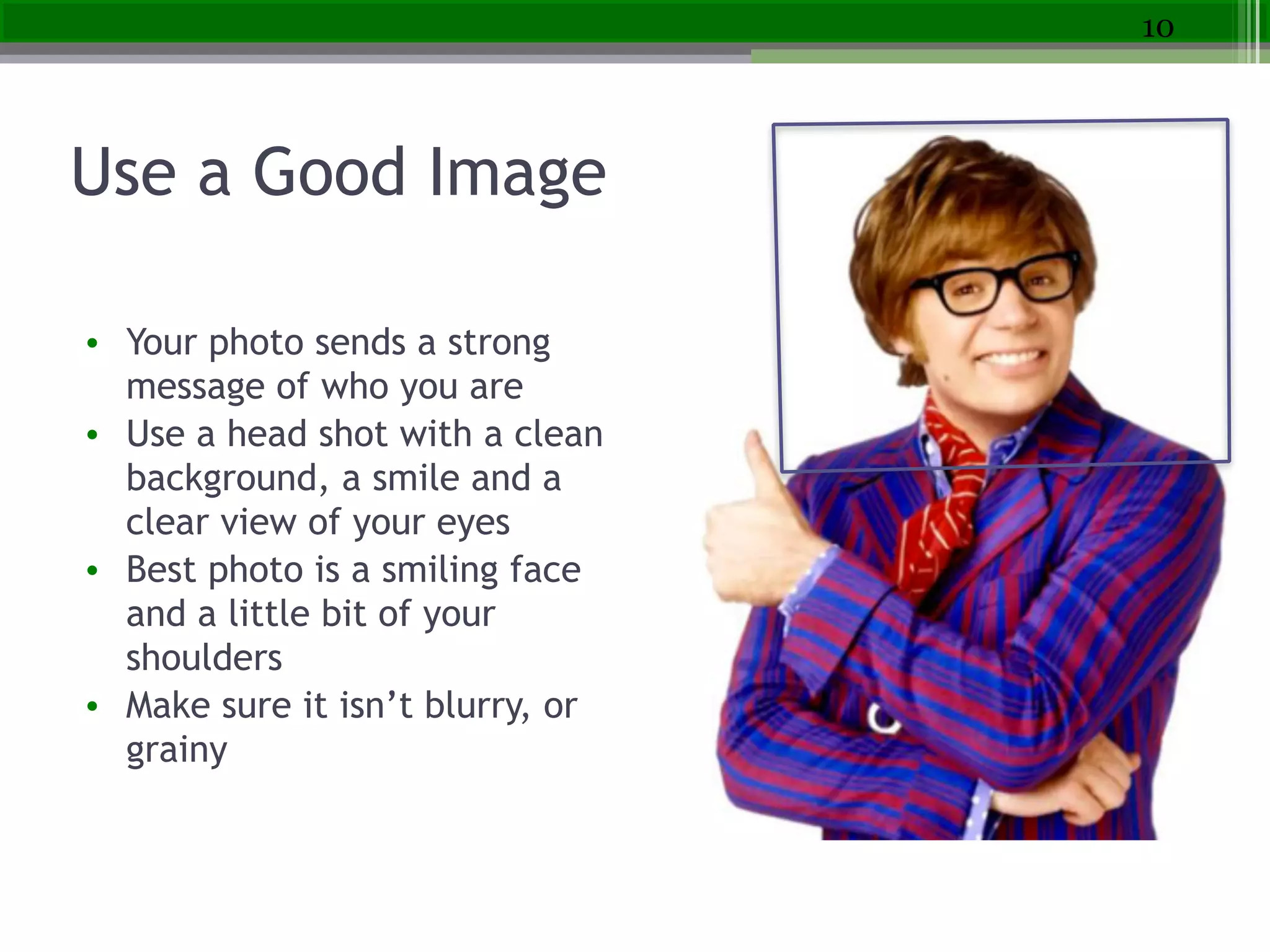
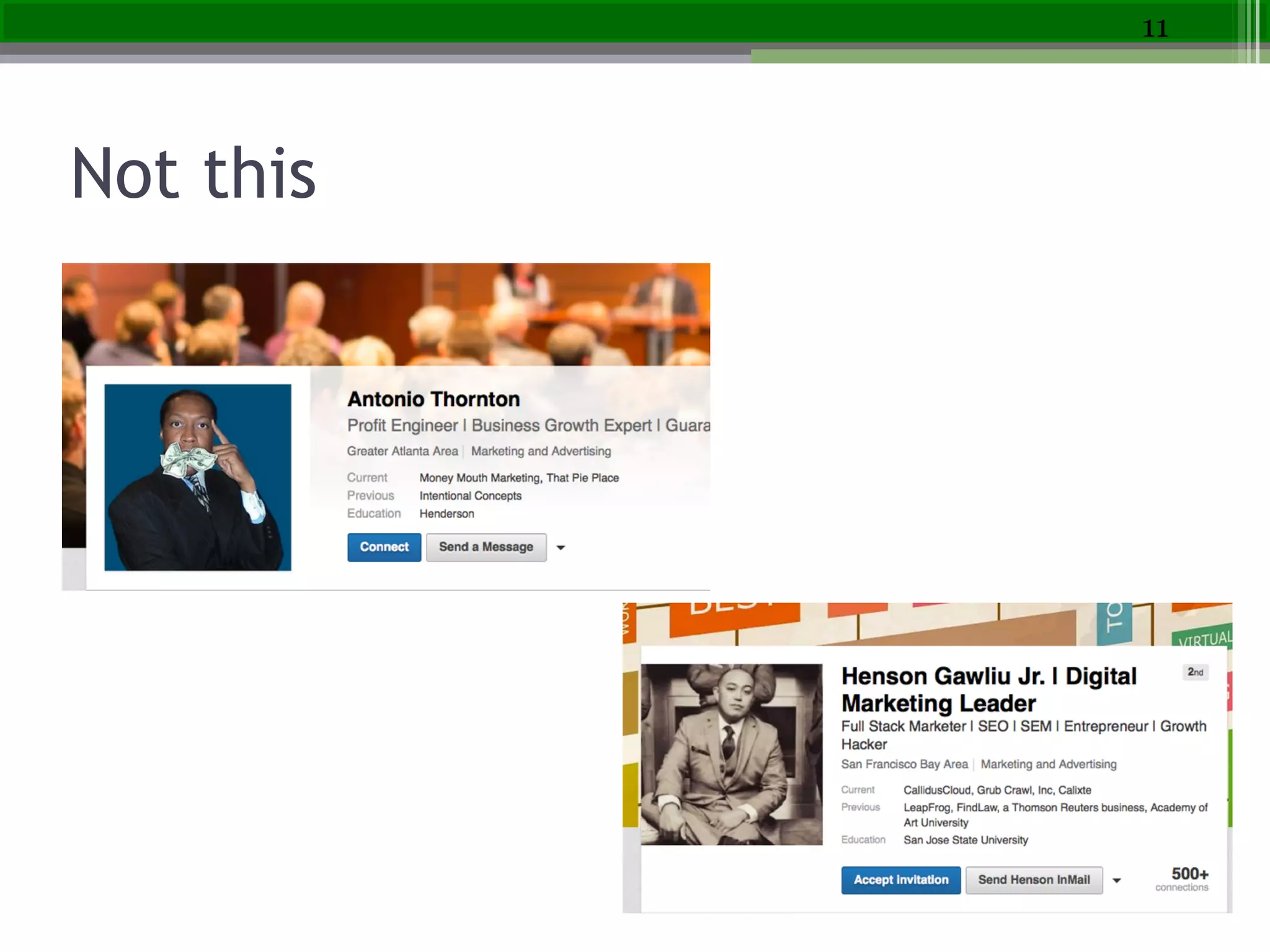
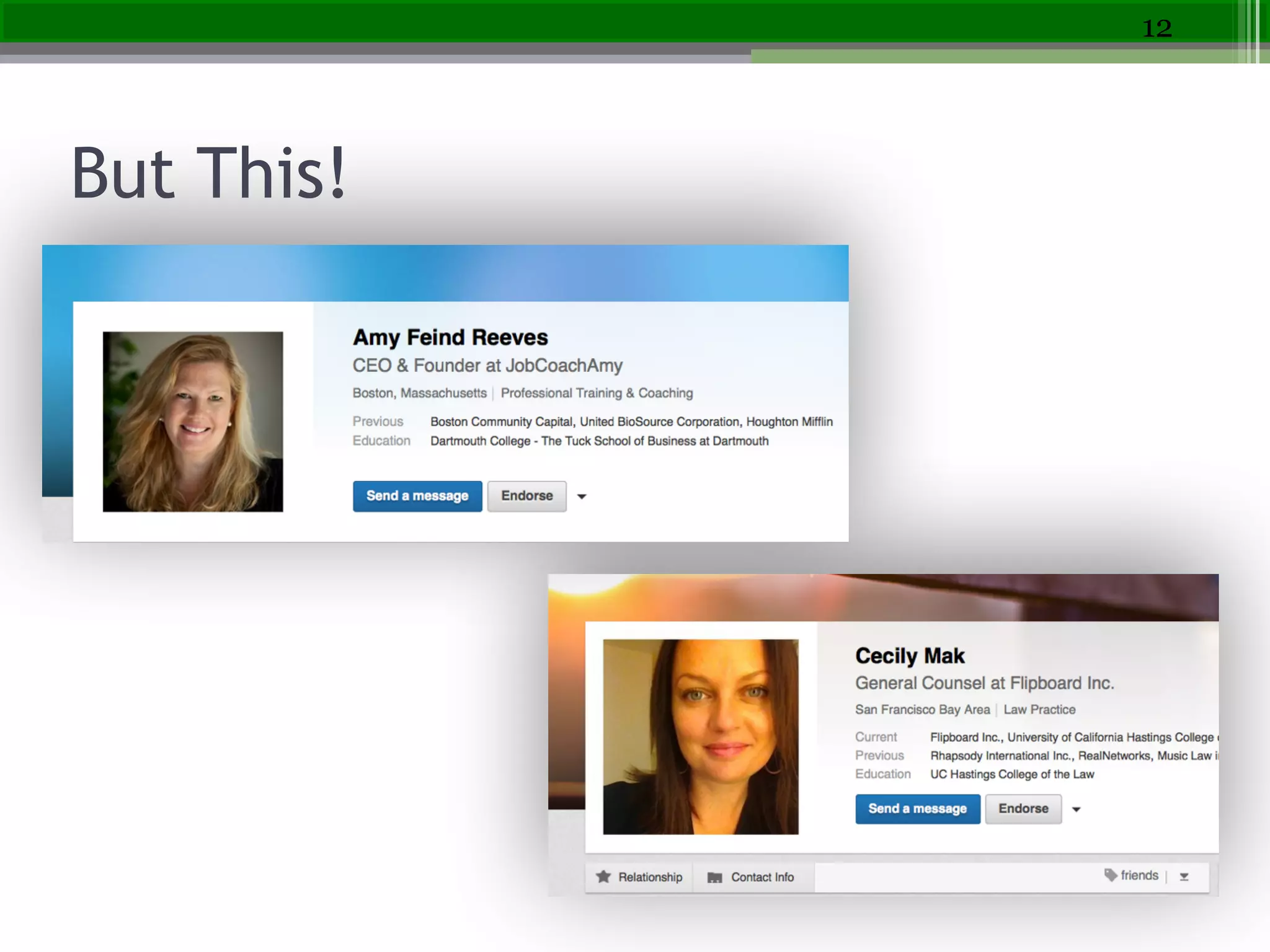
Use a Good Image
• Your photo sends a strong
message of who you are
• Use a head shot with a clean
background, a smile and a
clear view of your eyes
• Best photo is a smiling face
and a little bit of your
shoulders
• Make sure it isn’t blurry, or
grainy
10
Not this
11
But This!
12
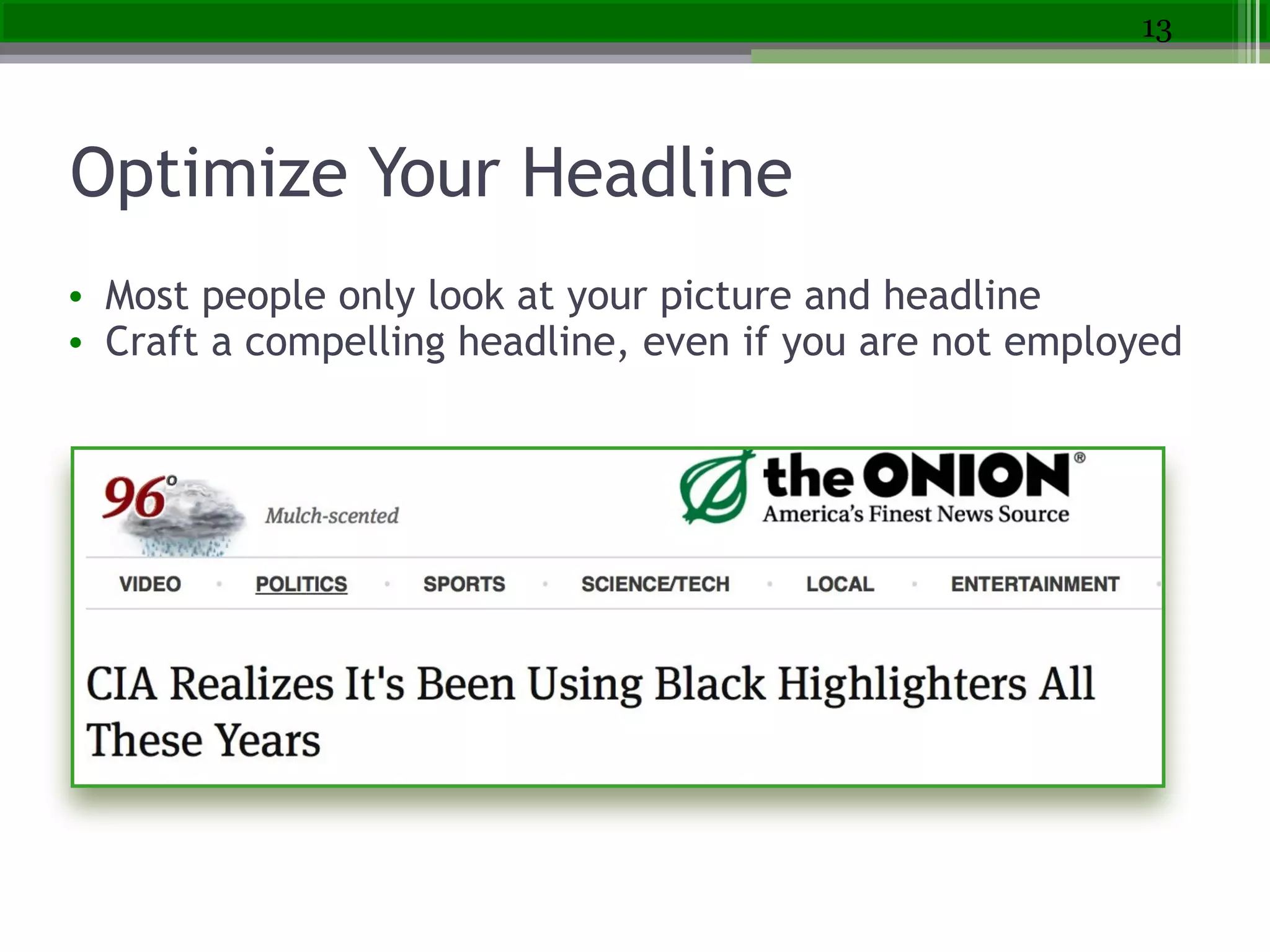
Optimize Your Headline
• Most people only look at your picture and headline
• Craft a compelling headline, even if you are not employed
13
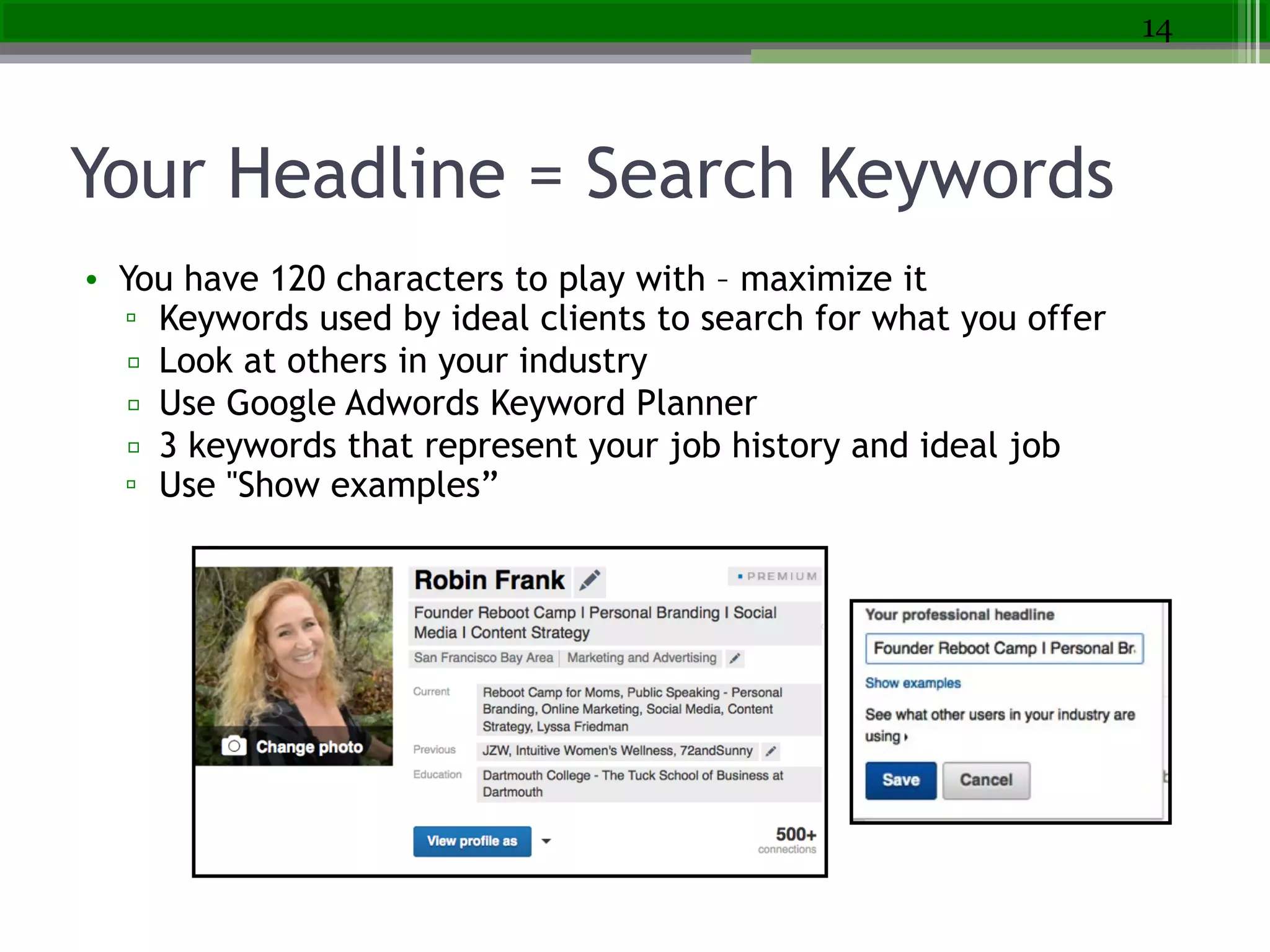
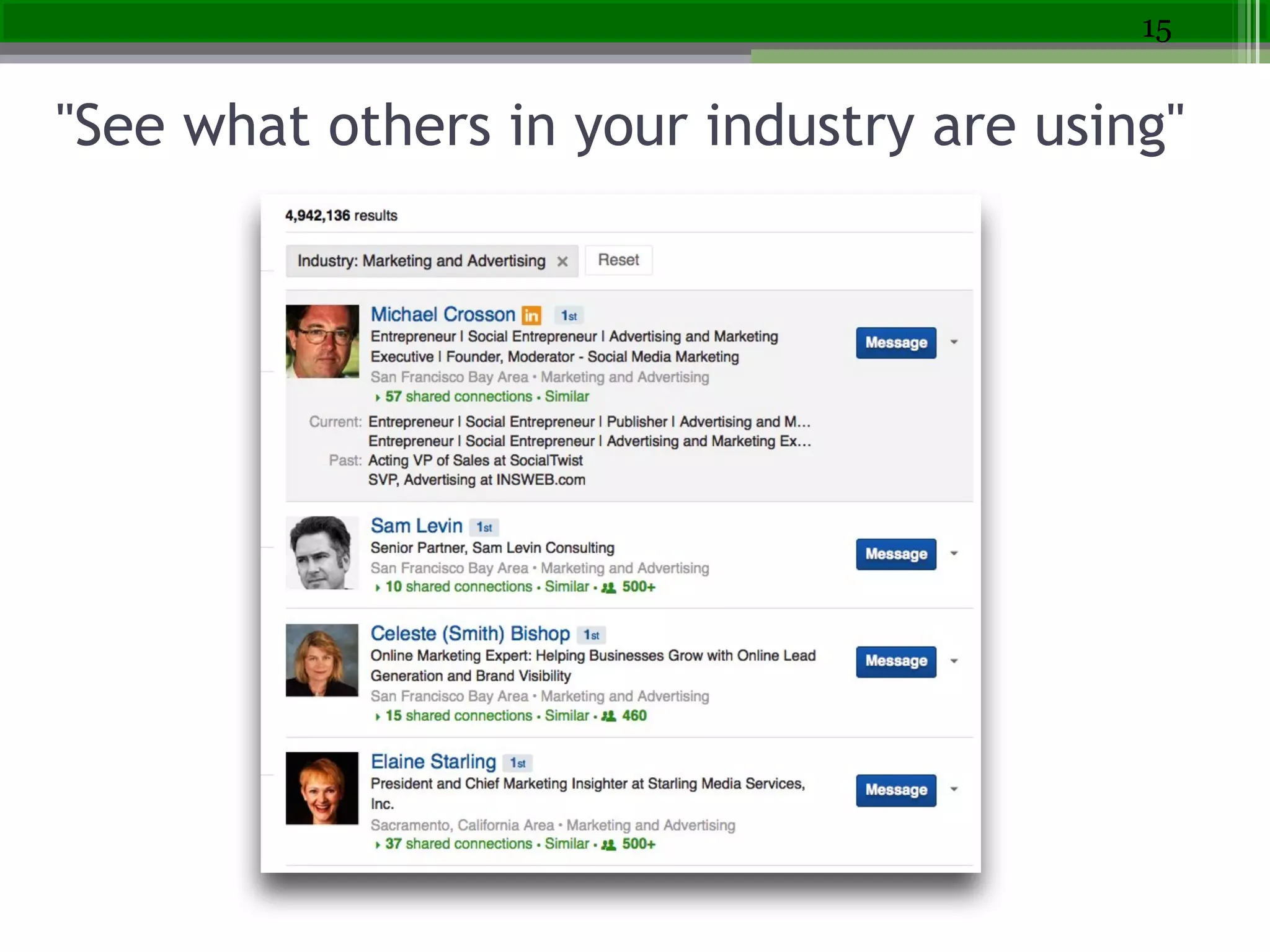
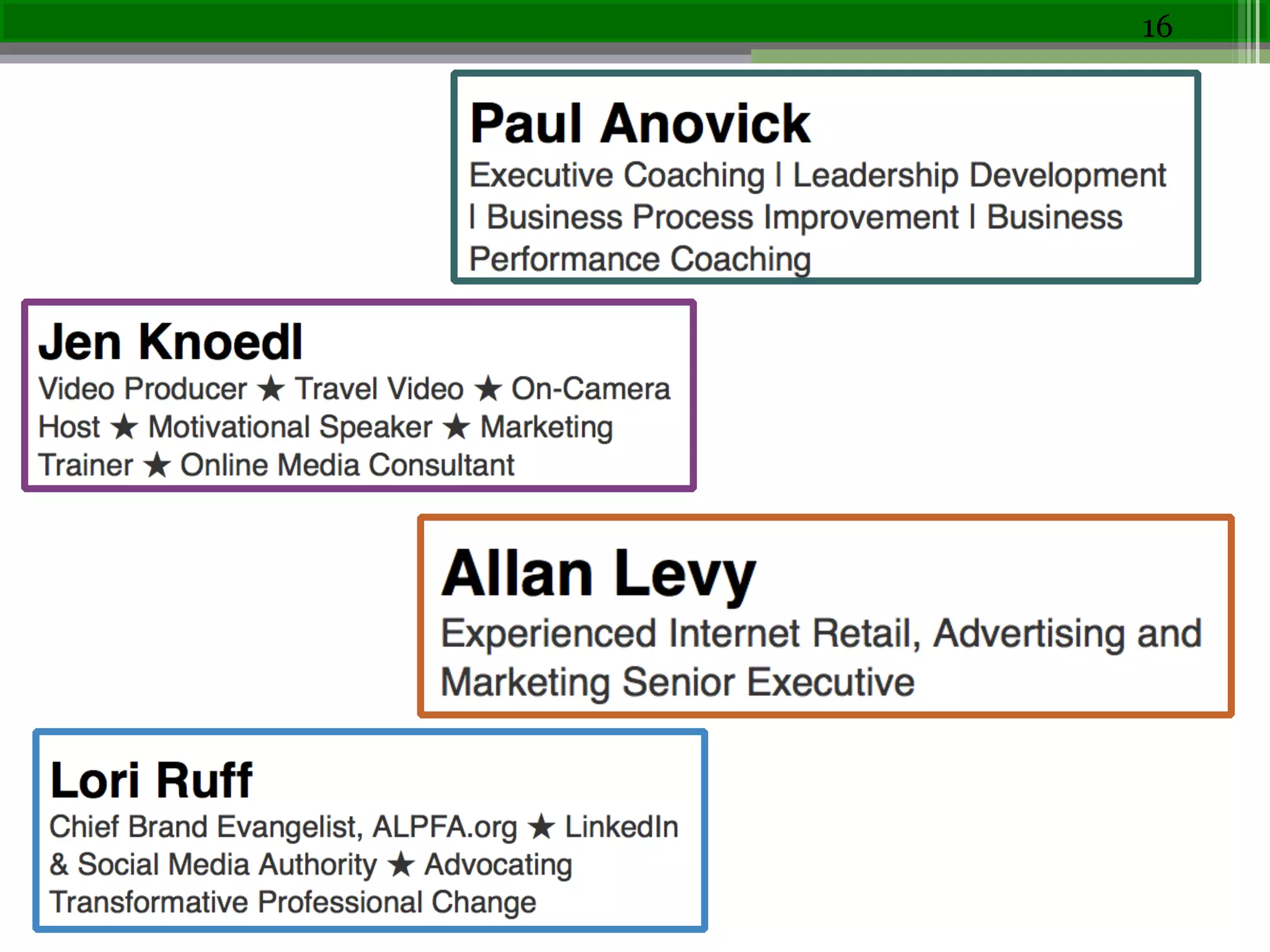
Your Headline = Search Keywords
• You have 120 characters to play with – maximize it
▫ Keywords used by ideal clients to search for what you offer
▫ Look at others in your industry
▫ Use Google Adwords Keyword Planner
▫ 3 keywords that represent your job history and ideal job
▫ Use "Show examples”
14
"See what others in your industry are using"
15
16
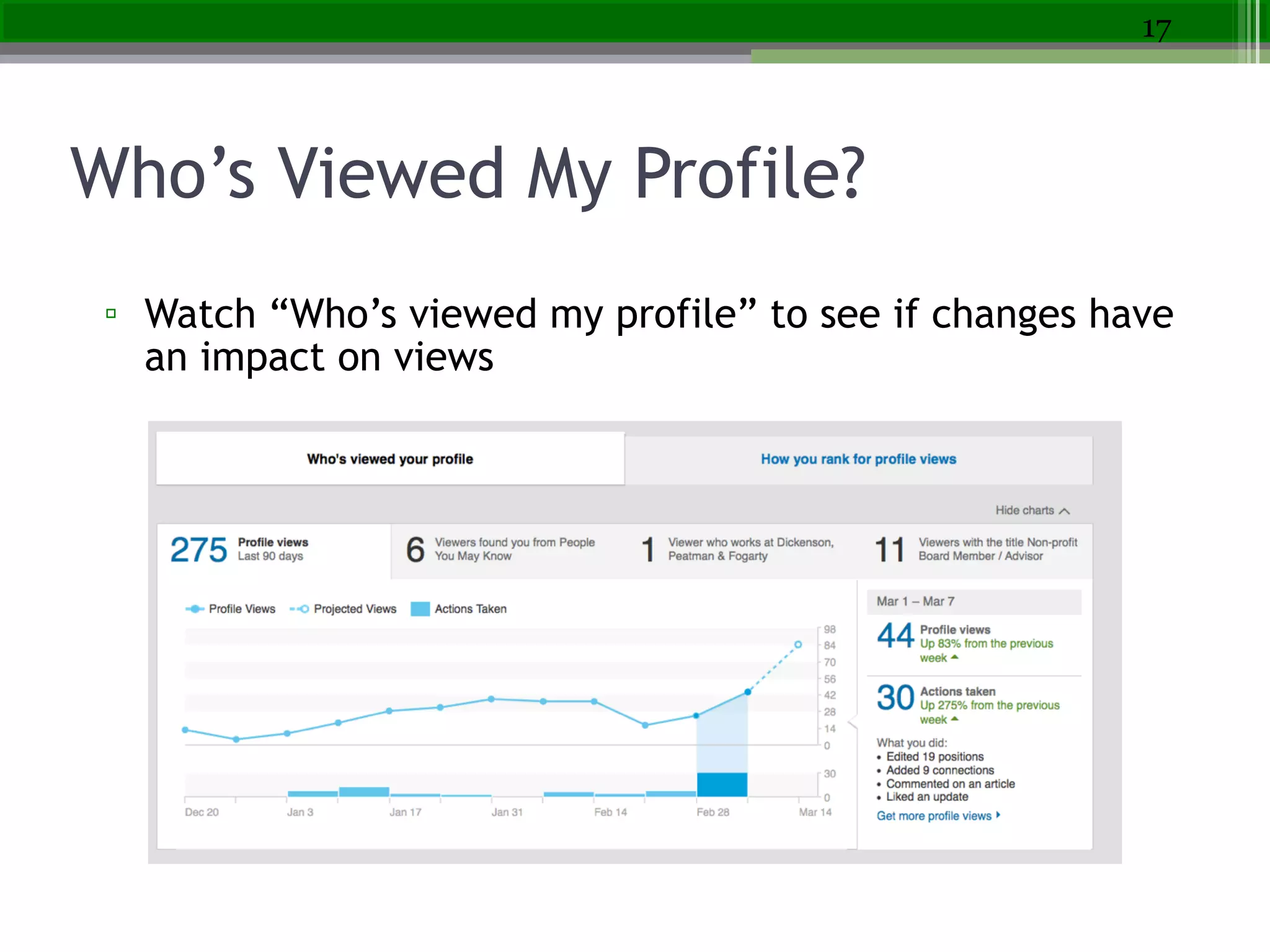
Who’s Viewed My Profile?
▫ Watch “Who’s viewed my profile” to see if changes have
an impact on views
17
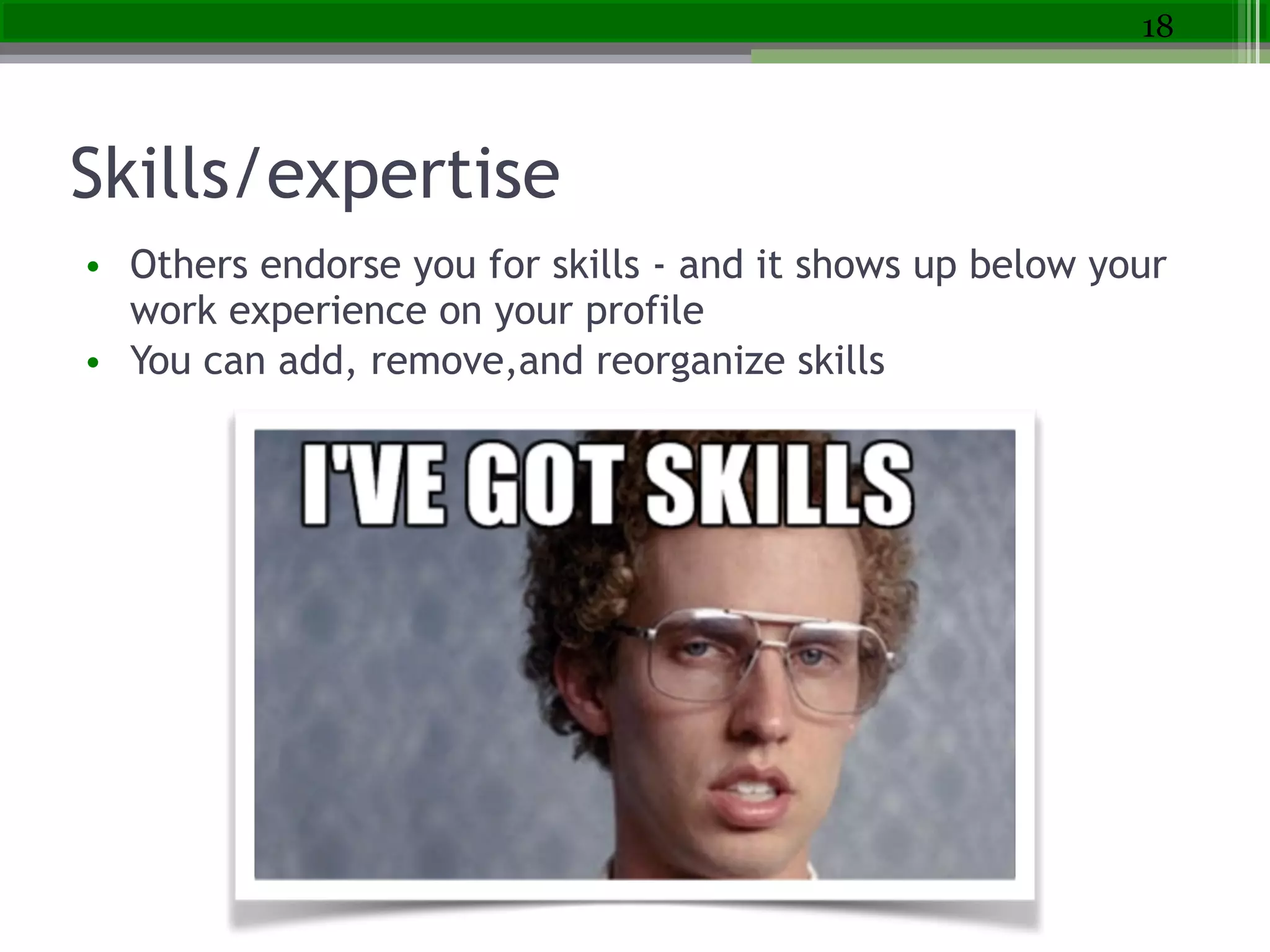
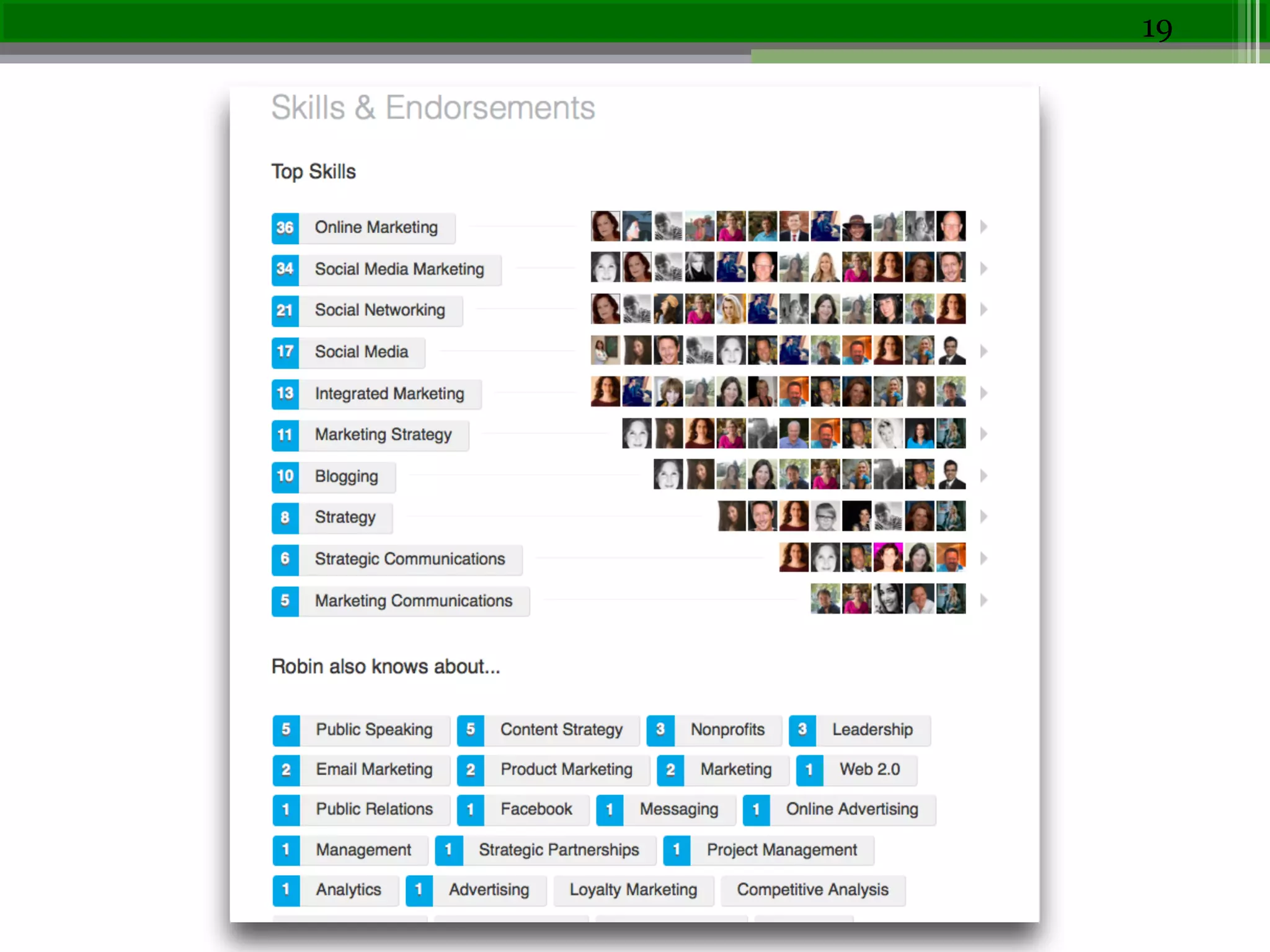
Skills/expertise
• Others endorse you for skills - and it shows up below your
work experience on your profile  
• You can add, remove,and reorganize skills
18
19
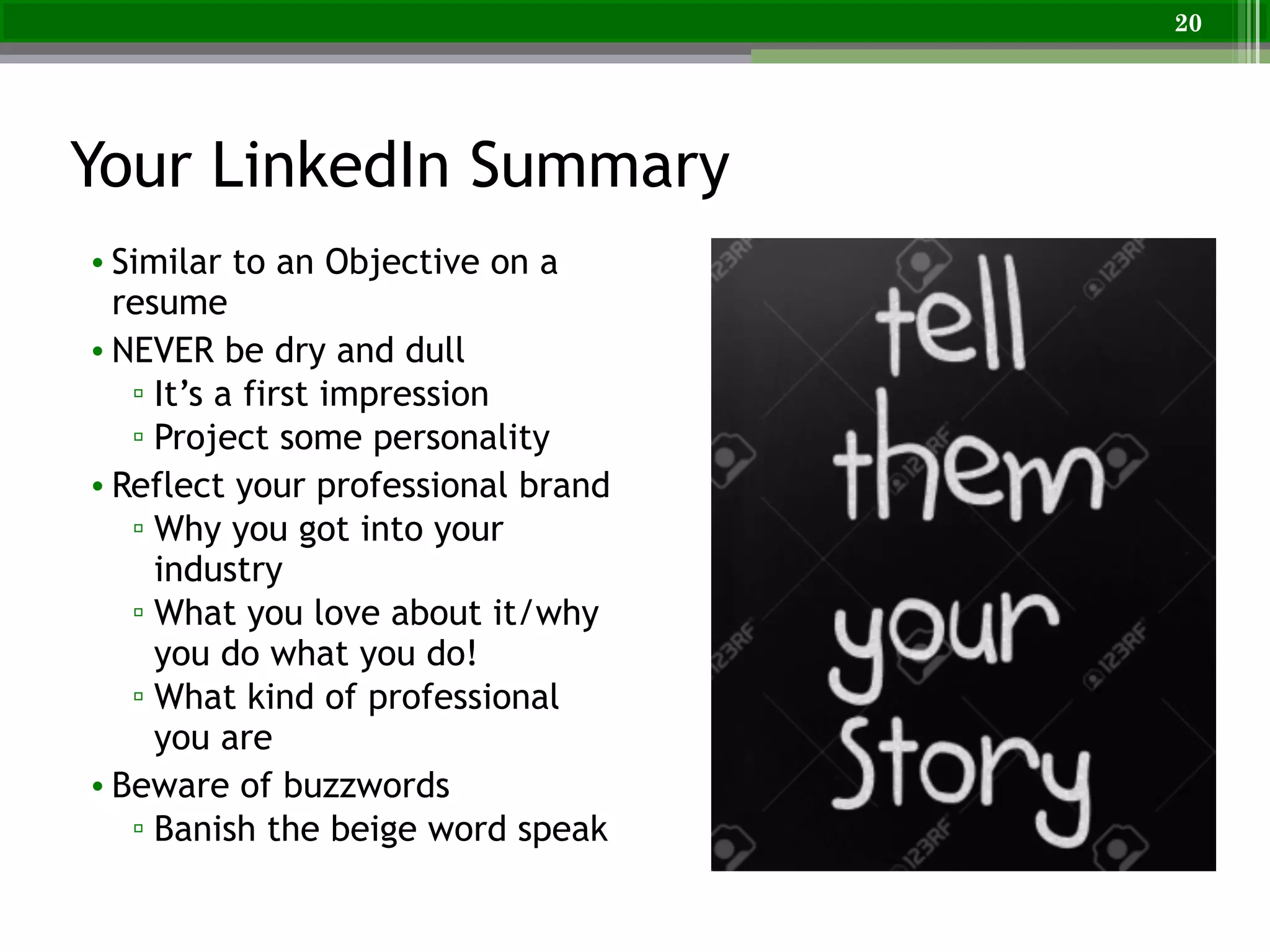
Your LinkedIn Summary
• Similar to an Objective on a
resume
• NEVER be dry and dull
▫ It’s a first impression
▫ Project some personality
• Reflect your professional brand
▫ Why you got into your
industry
▫ What you love about it/why
you do what you do!
▫ What kind of professional
you are
• Beware of buzzwords
▫ Banish the beige word speak
20
Beef Up Your Summary Section
• Contact info first (or easy
to find)
• Use first tense - I was….
• 3-5 paragraphs - bullets in
the middle
• Walk through your work
passions, key skills,
unique qualifications, and
industries
21
Have a Clear Call to Action
• Tell your reader what to
do once they’ve
finished reading your
summary
!
• Tell them how to reach
you!
22
To learn more about my dog grooming services,!
• Visit http//www.robeensdoggrooming.com!
• Email me at robeen@robeensdoggrooming.com!
• Call me at 1-800-345-DOGS
Be Found to Be Hired
23
• Keywords for job search
▫ Used on LinkedIn (by recruiters/
employers
▫ Used to describe job or job
skills
• Develop your keywords – look at
specific words in descriptions of
jobs you want!
• Top categories
• Job titles, skills, tools/software,
certifications, education,
employer categories,
professional/technical acronyms
or industry insider terms, etc.
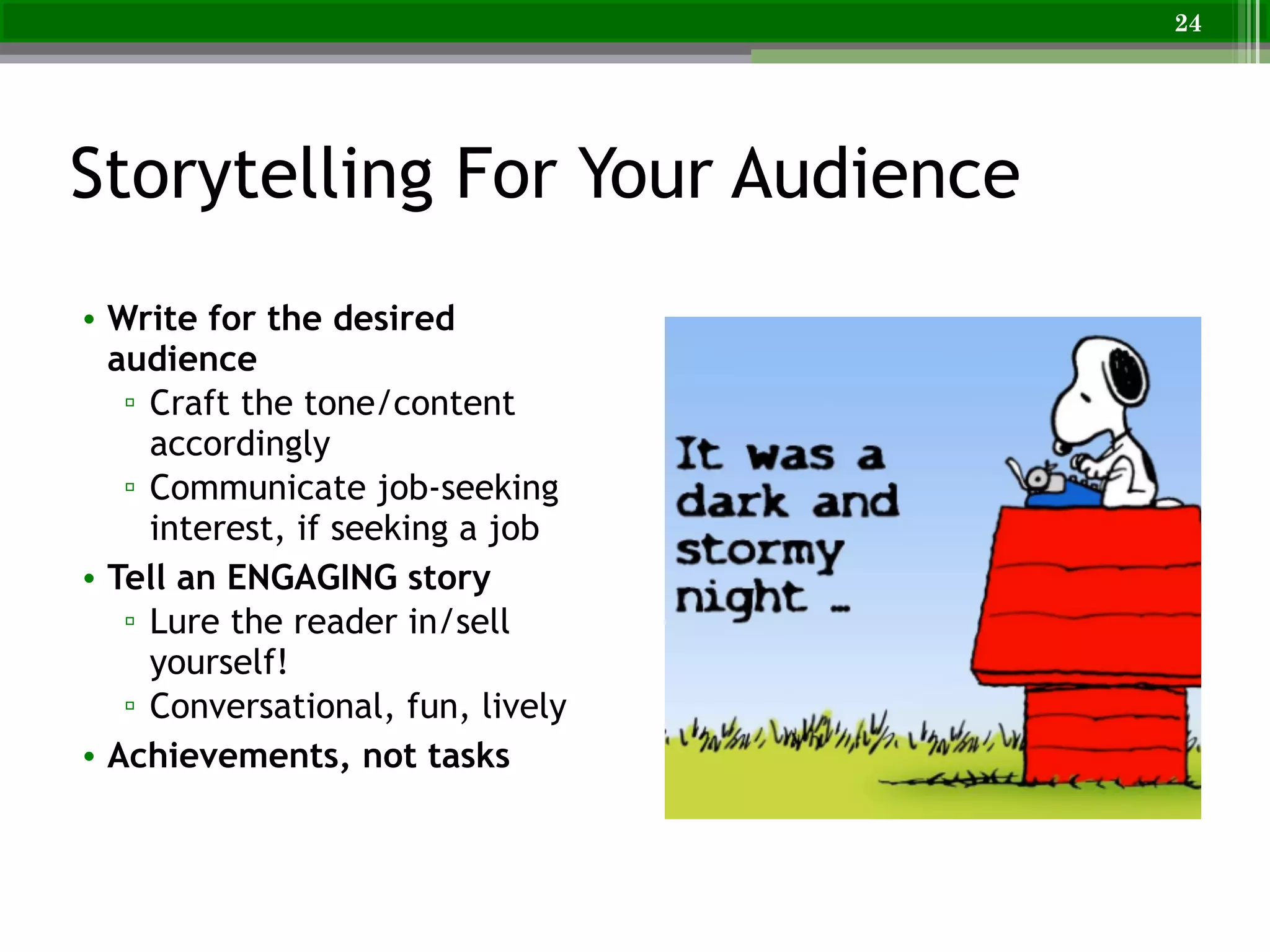
Storytelling For Your Audience
• Write for the desired
audience
▫ Craft the tone/content
accordingly
▫ Communicate job-seeking
interest, if seeking a job
• Tell an ENGAGING story
▫ Lure the reader in/sell
yourself!
▫ Conversational, fun, lively
• Achievements, not tasks
24
25
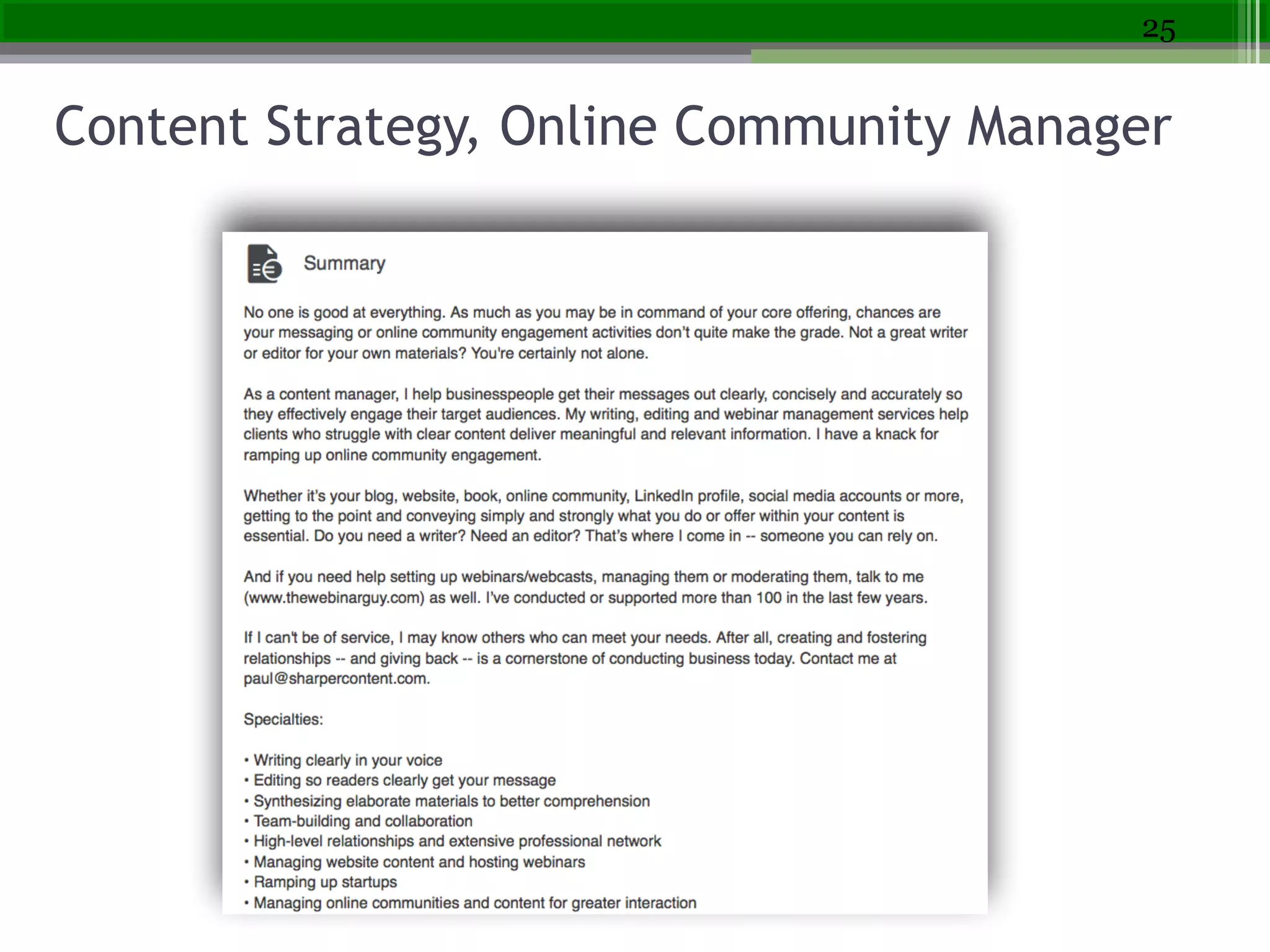
Content Strategy, Online Community Manager
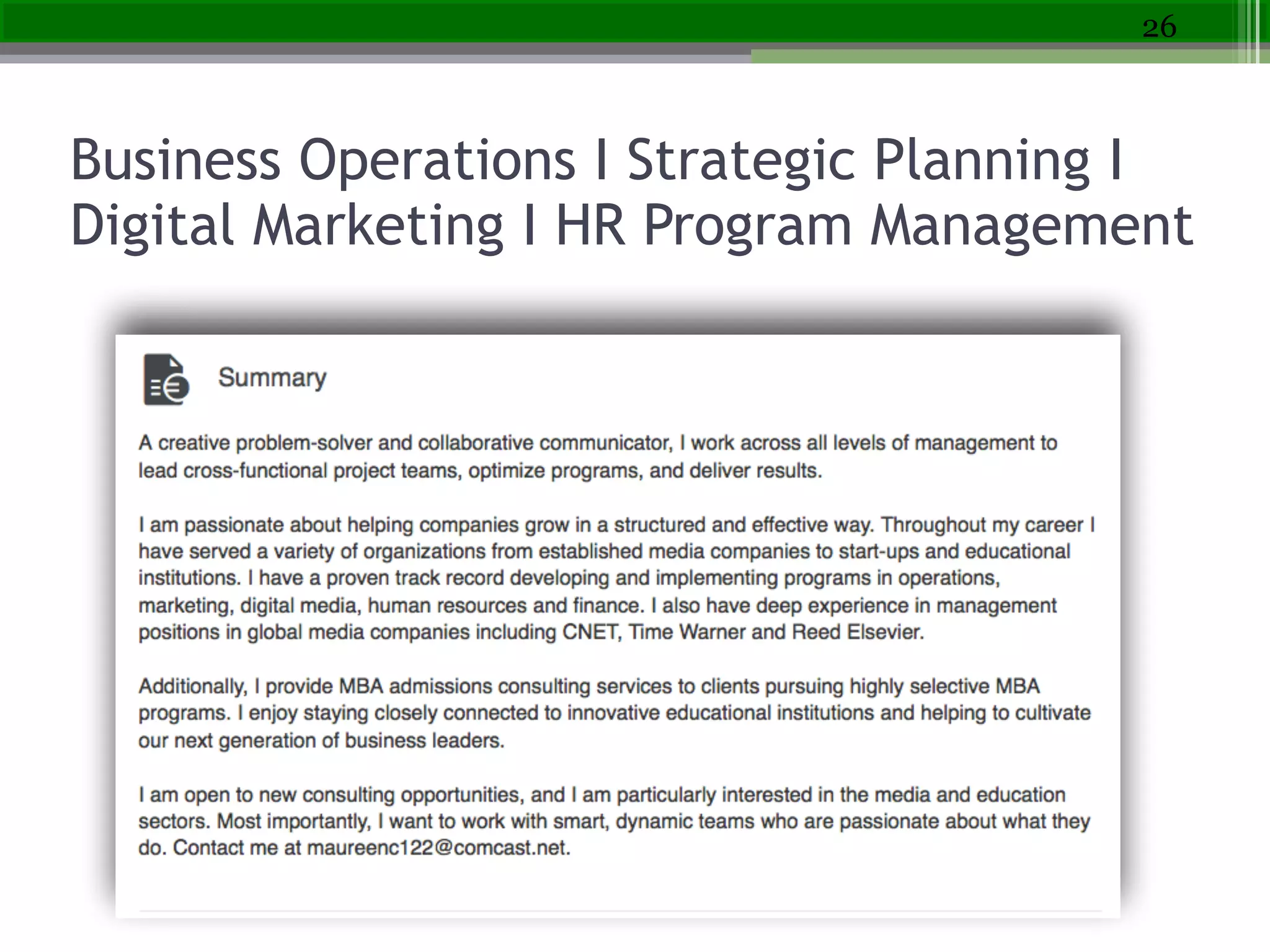
Business Operations I Strategic Planning I
Digital Marketing I HR Program Management
26
27
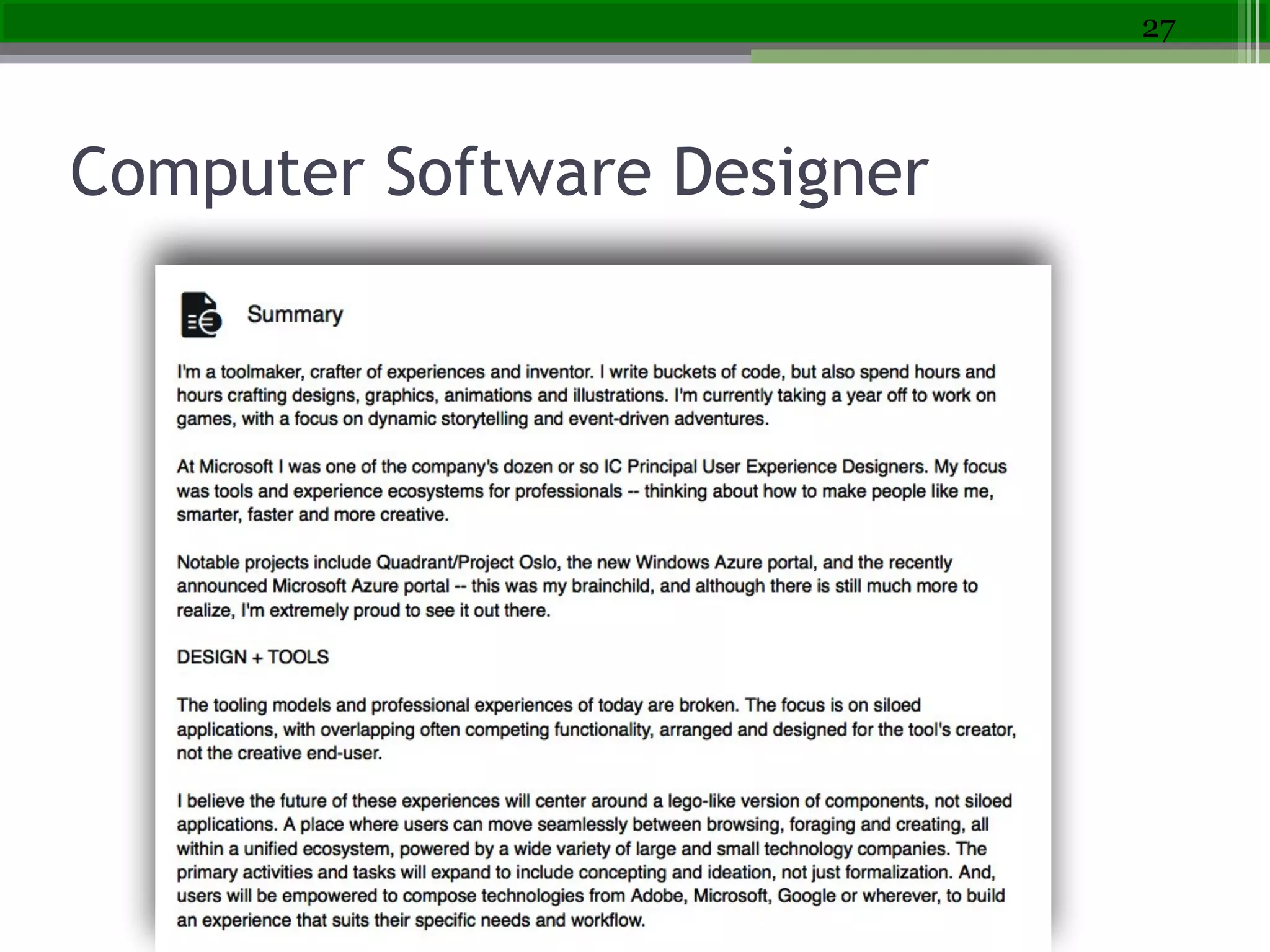
Computer Software Designer
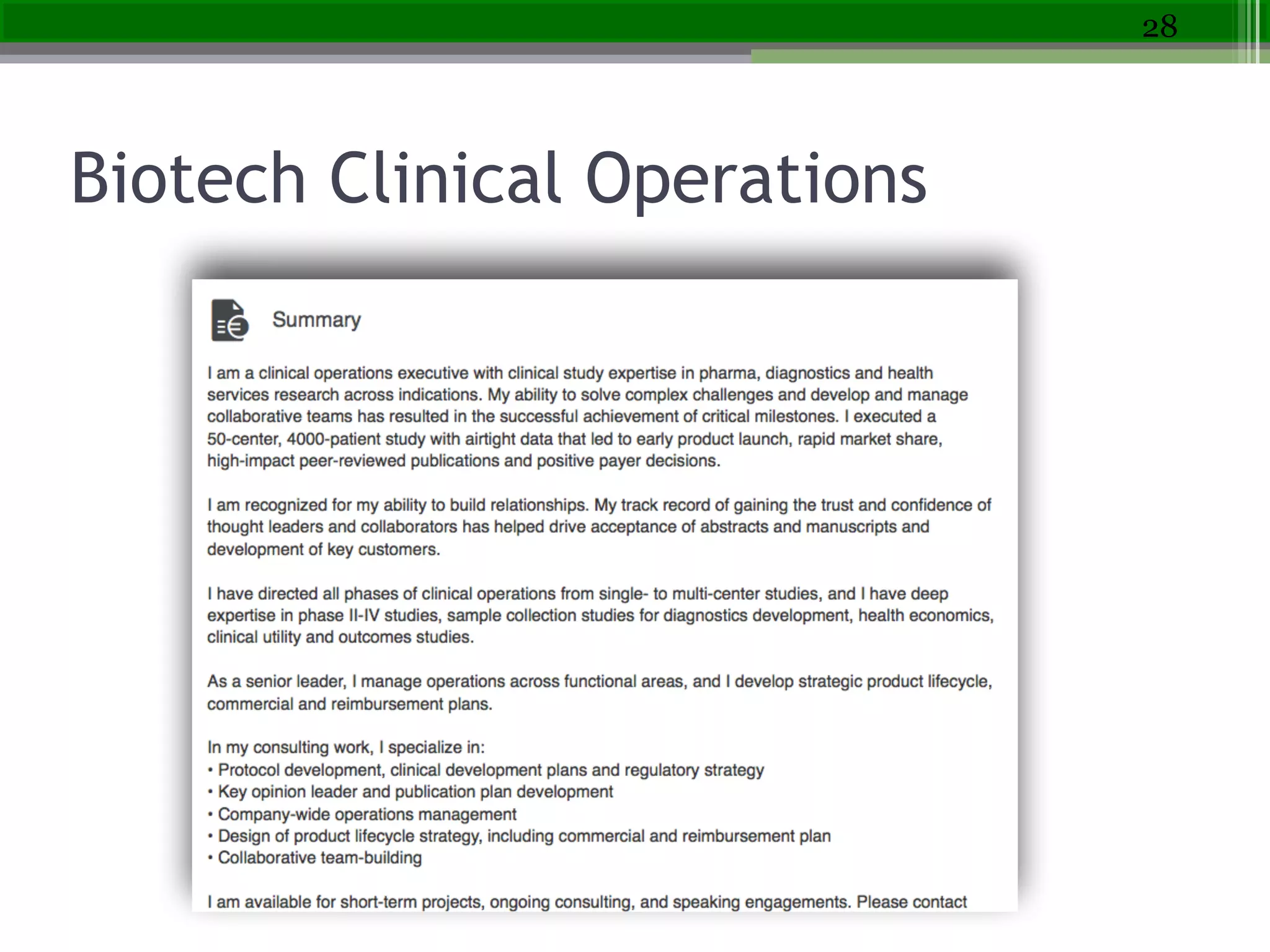
Biotech Clinical Operations
28
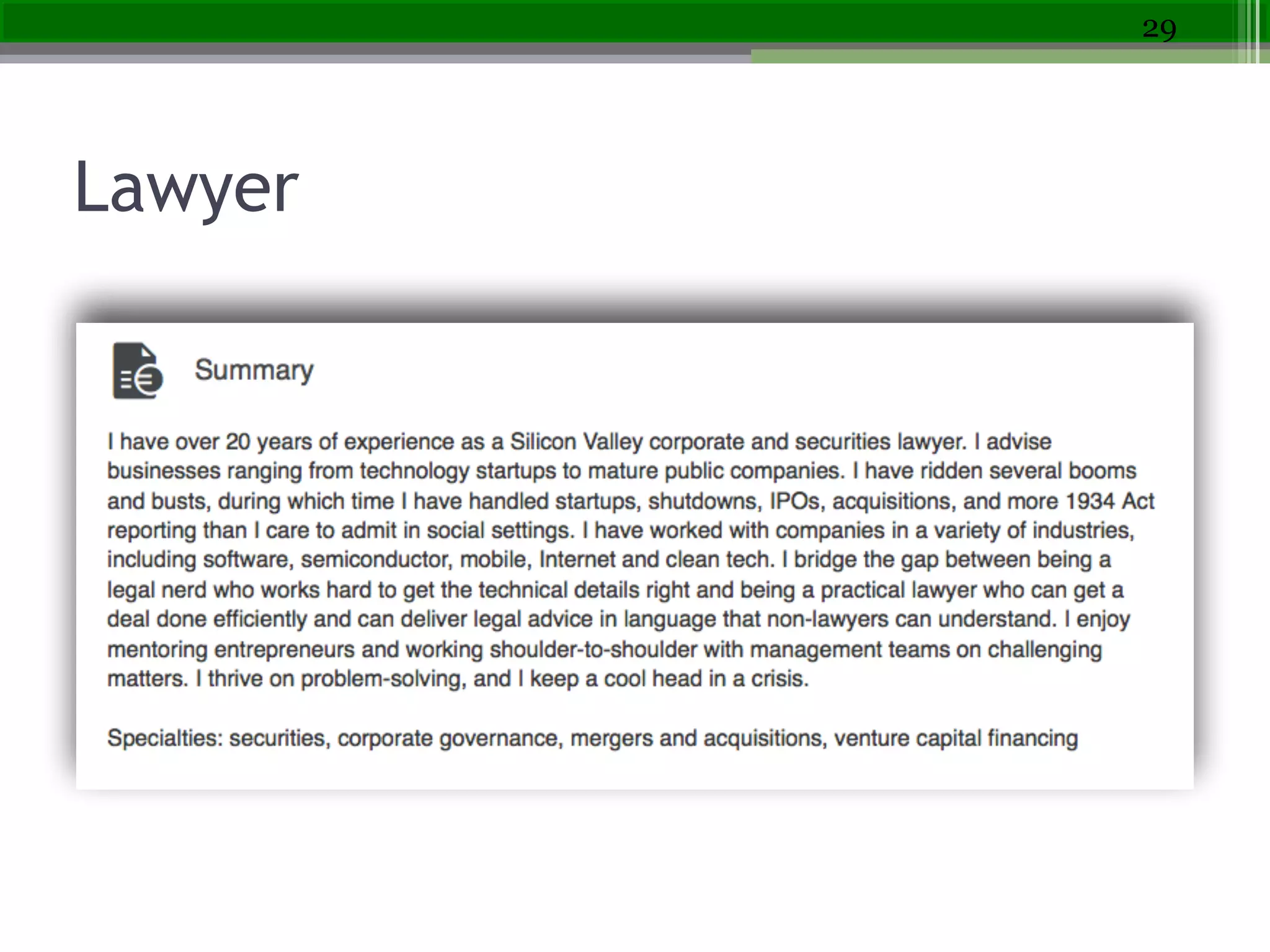
Lawyer
29
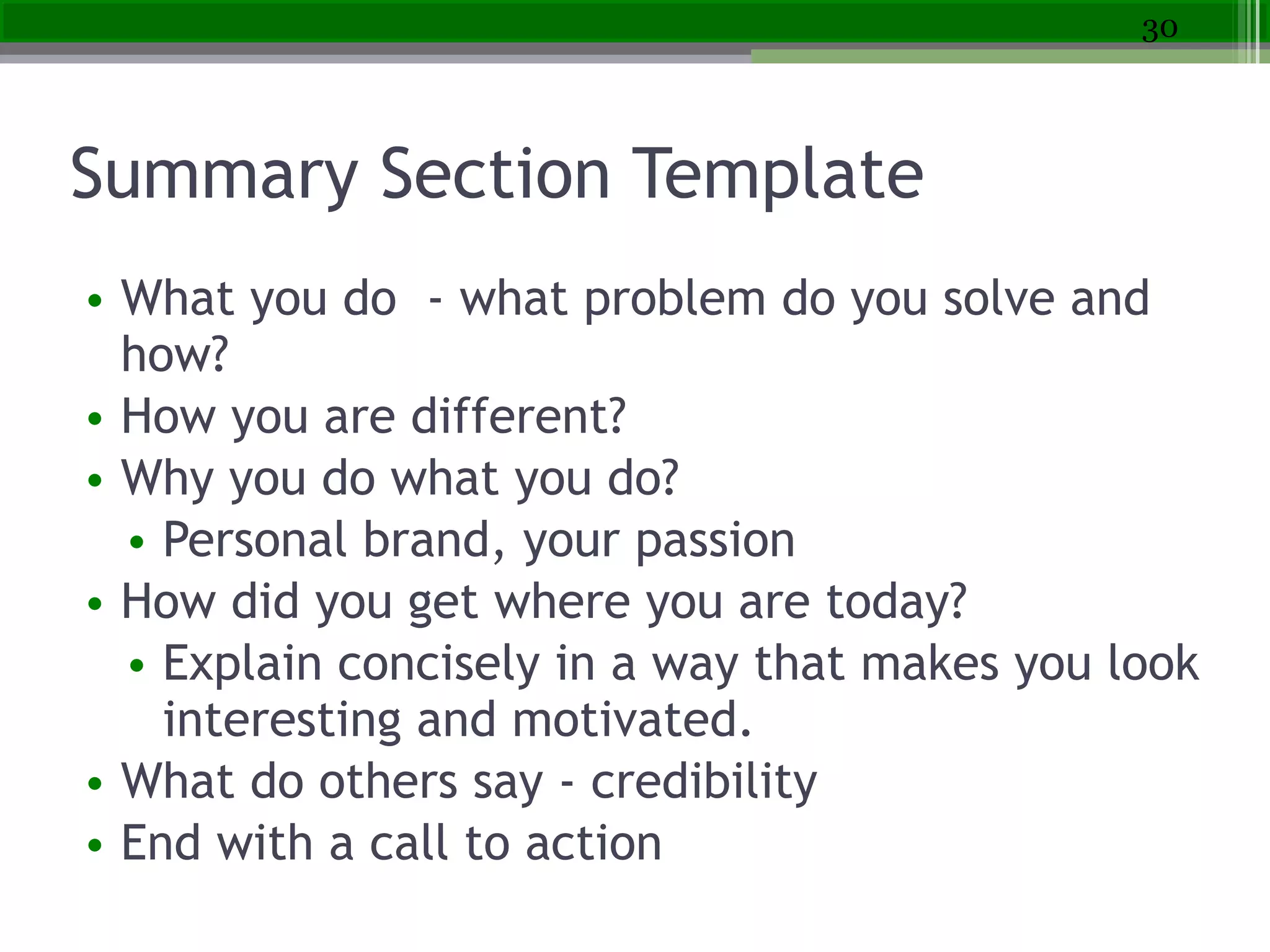
Summary Section Template
• What you do - what problem do you solve and
how?
• How you are different?
• Why you do what you do?
• Personal brand, your passion
• How did you get where you are today?
• Explain concisely in a way that makes you look
interesting and motivated.
• What do others say - credibility  
• End with a call to action
30
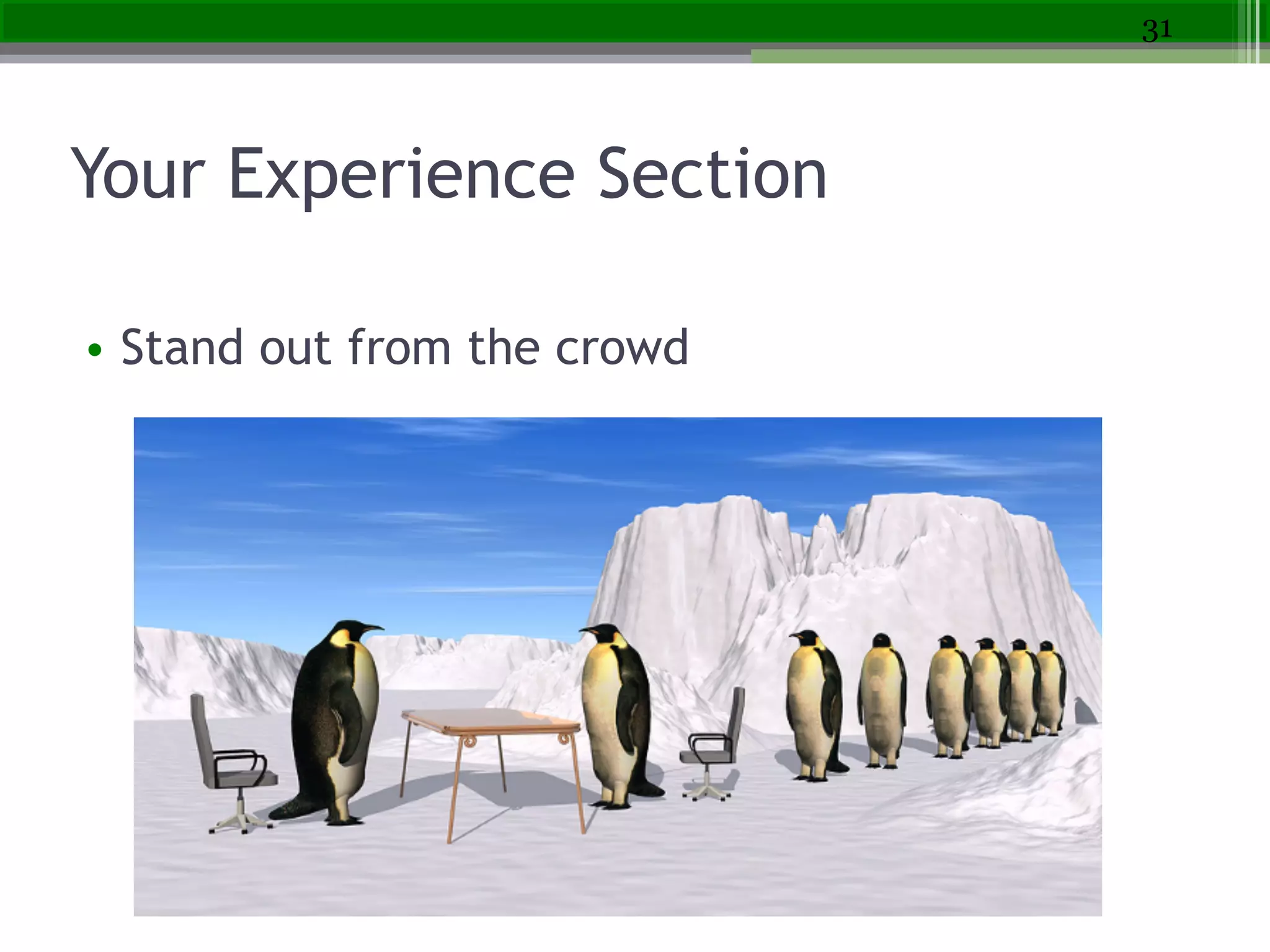
Your Experience Section
• Stand out from the crowd
31
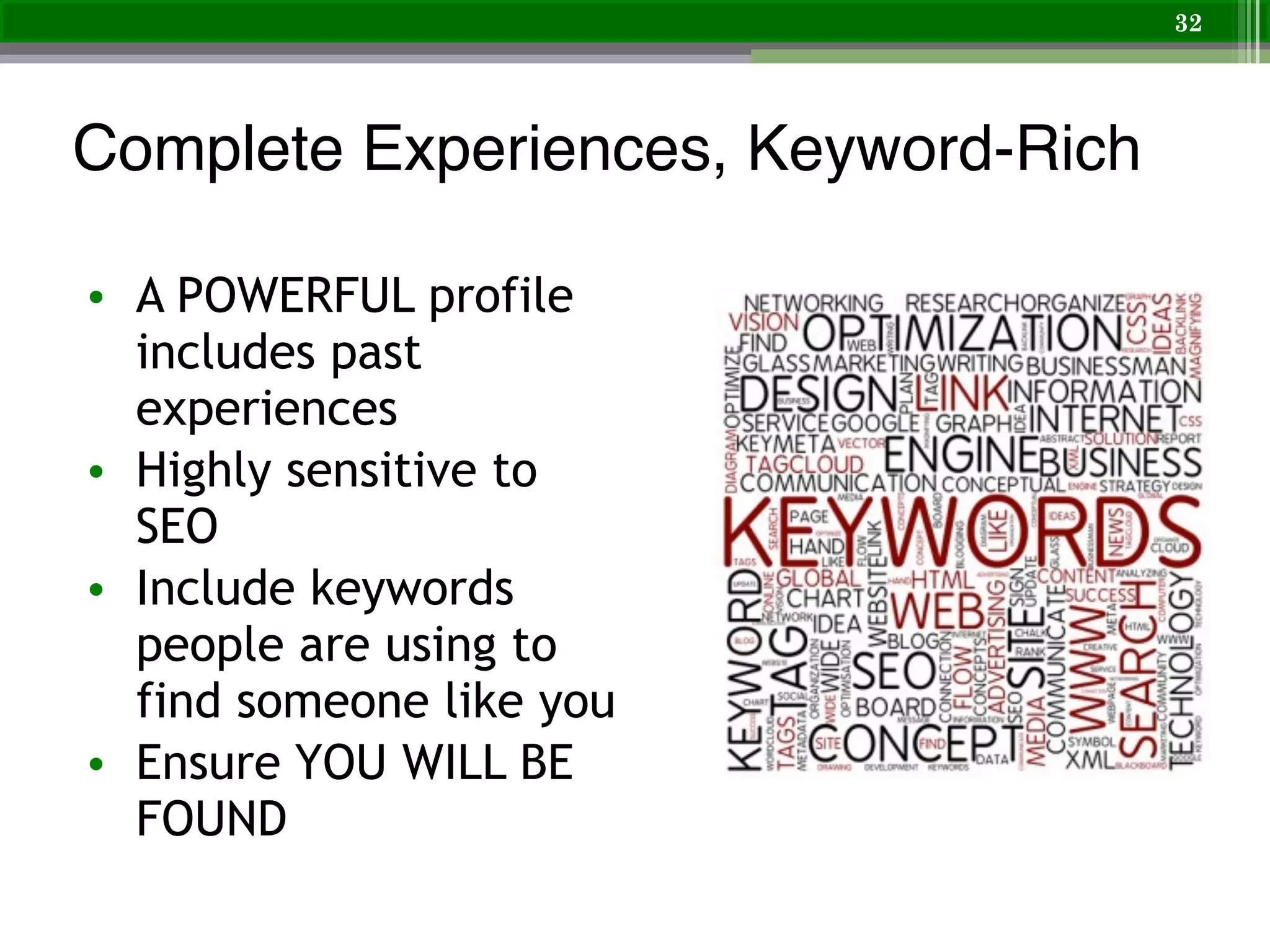
Complete Experiences, Keyword-Rich
• A POWERFUL profile
includes past
experiences
• Highly sensitive to
SEO
• Include keywords
people are using to
find someone like you
• Ensure YOU WILL BE
FOUND
32
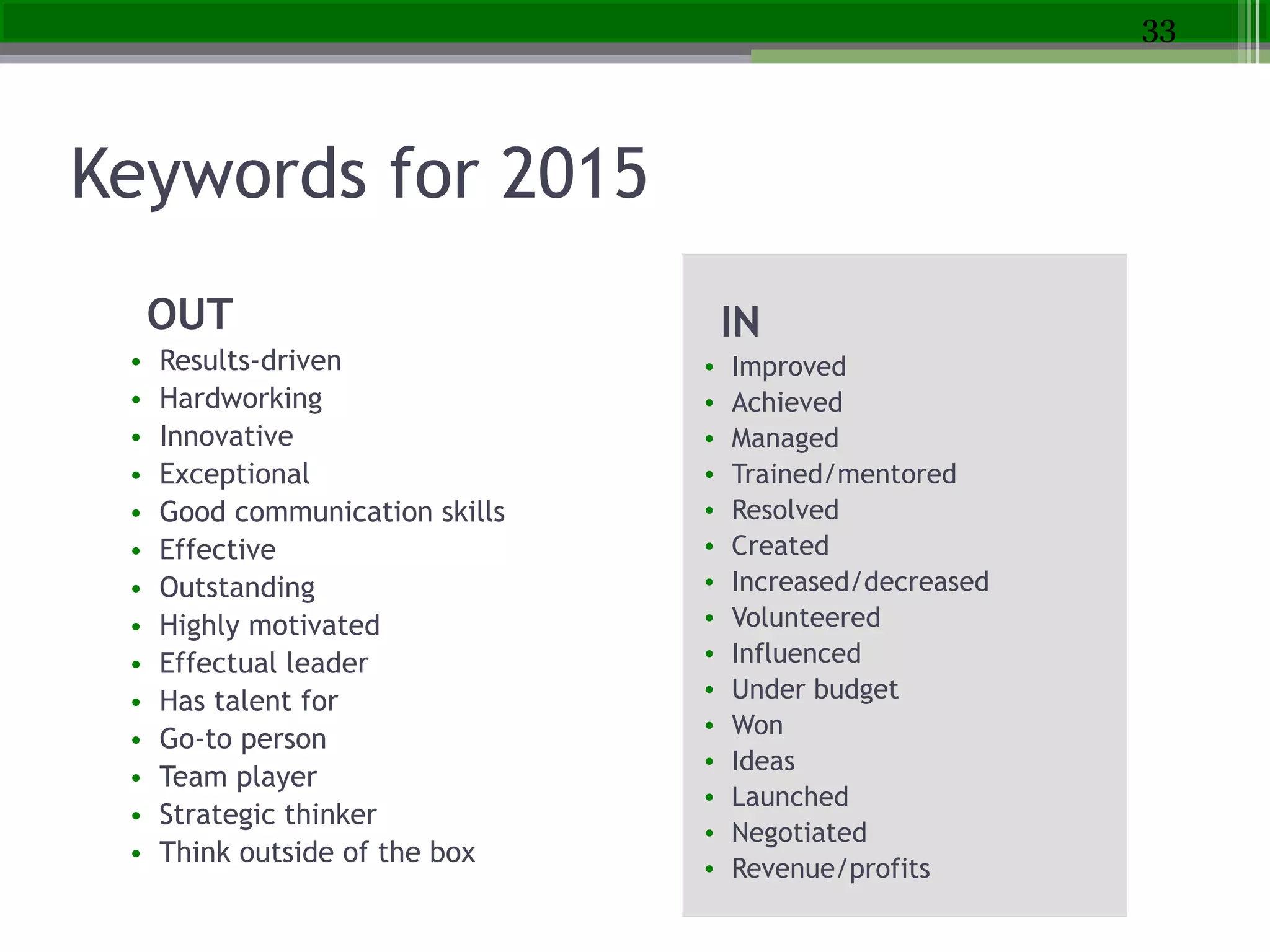
Keywords for 2015
OUT
• Results-driven
• Hardworking
• Innovative
• Exceptional
• Good communication skills
• Effective
• Outstanding
• Highly motivated
• Effectual leader
• Has talent for
• Go-to person
• Team player
• Strategic thinker
• Think outside of the box
33
!
IN
• Improved
• Achieved
• Managed
• Trained/mentored
• Resolved
• Created
• Increased/decreased
• Volunteered
• Influenced
• Under budget
• Won
• Ideas
• Launched
• Negotiated
• Revenue/profits
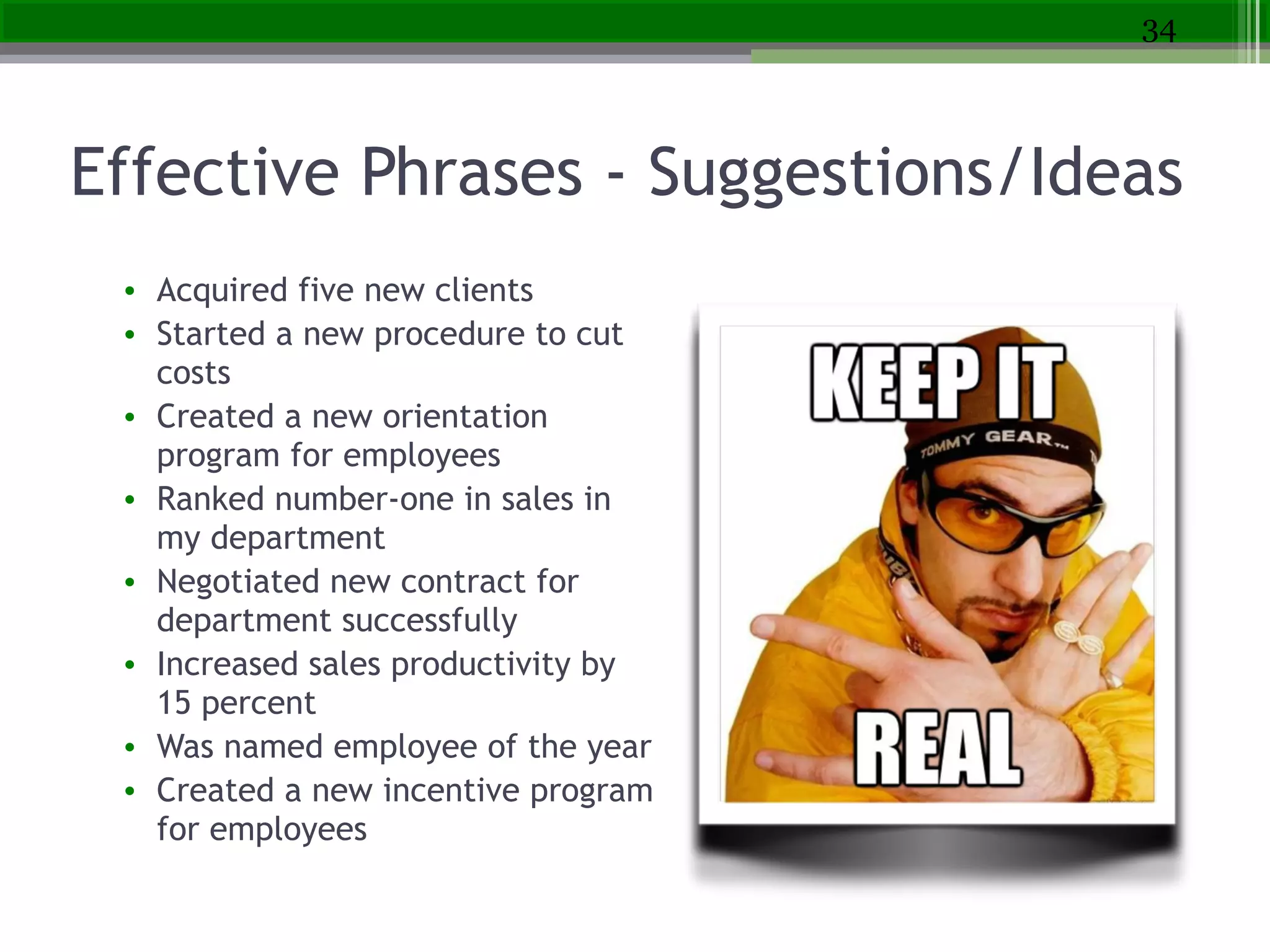
Effective Phrases - Suggestions/Ideas
• Acquired five new clients
• Started a new procedure to cut
costs
• Created a new orientation
program for employees
• Ranked number-one in sales in
my department
• Negotiated new contract for
department successfully
• Increased sales productivity by
15 percent
• Was named employee of the year
• Created a new incentive program
for employees
34
Don’t Just Say It, Display It
!
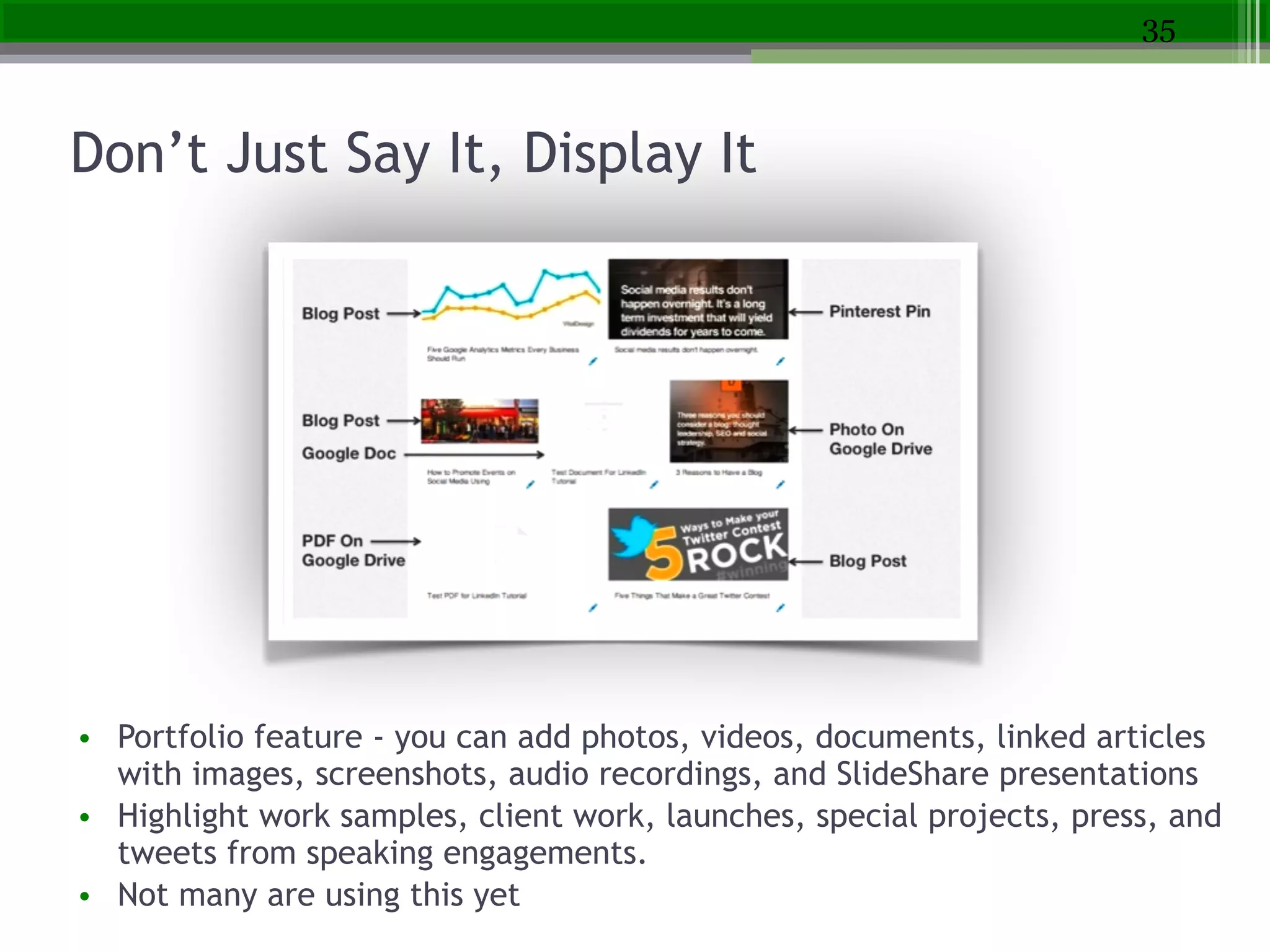
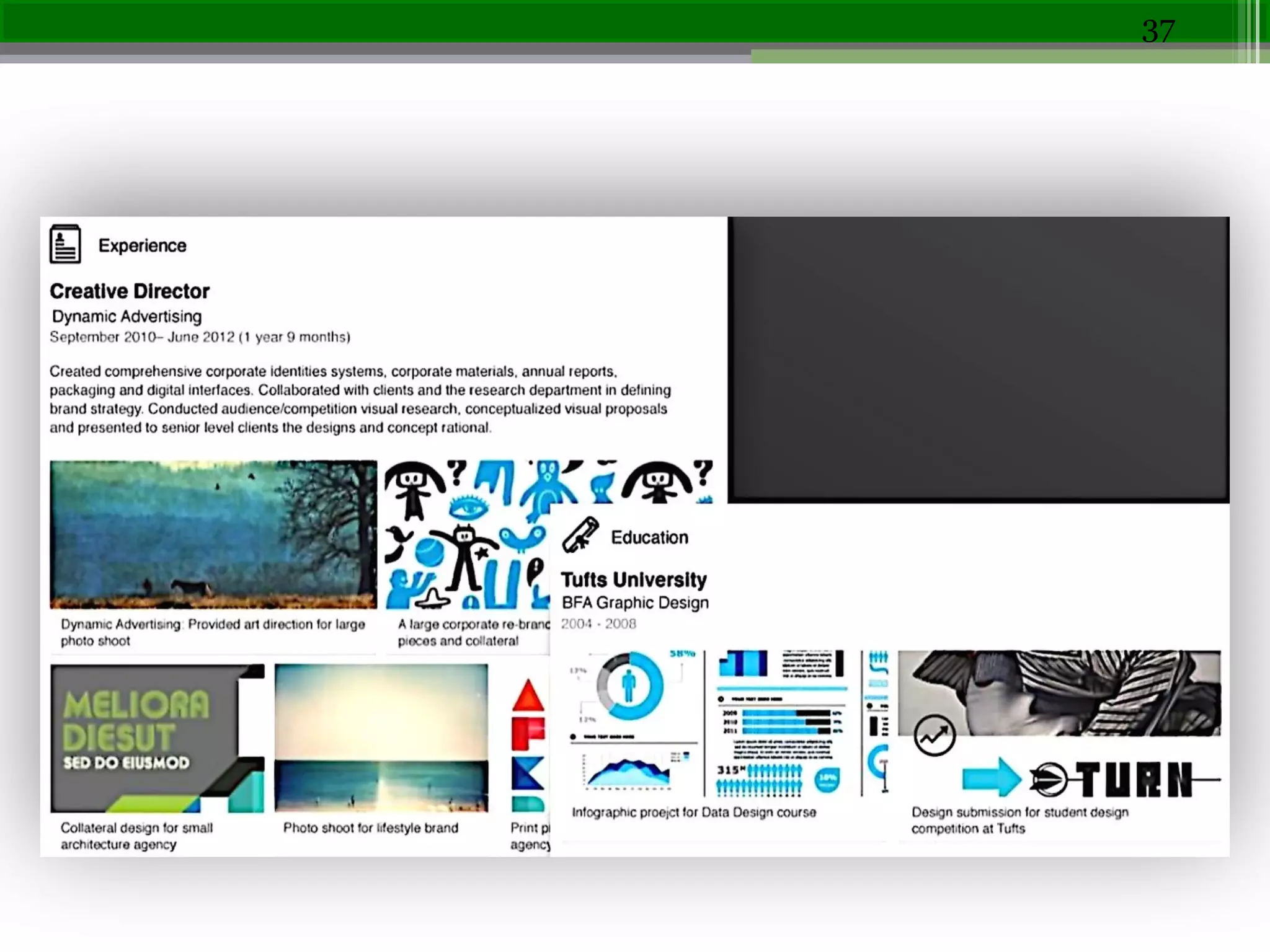
• Portfolio feature - you can add photos, videos, documents, linked articles
with images, screenshots, audio recordings, and SlideShare presentations
• Highlight work samples, client work, launches, special projects, press, and
tweets from speaking engagements.
• Not many are using this yet
35
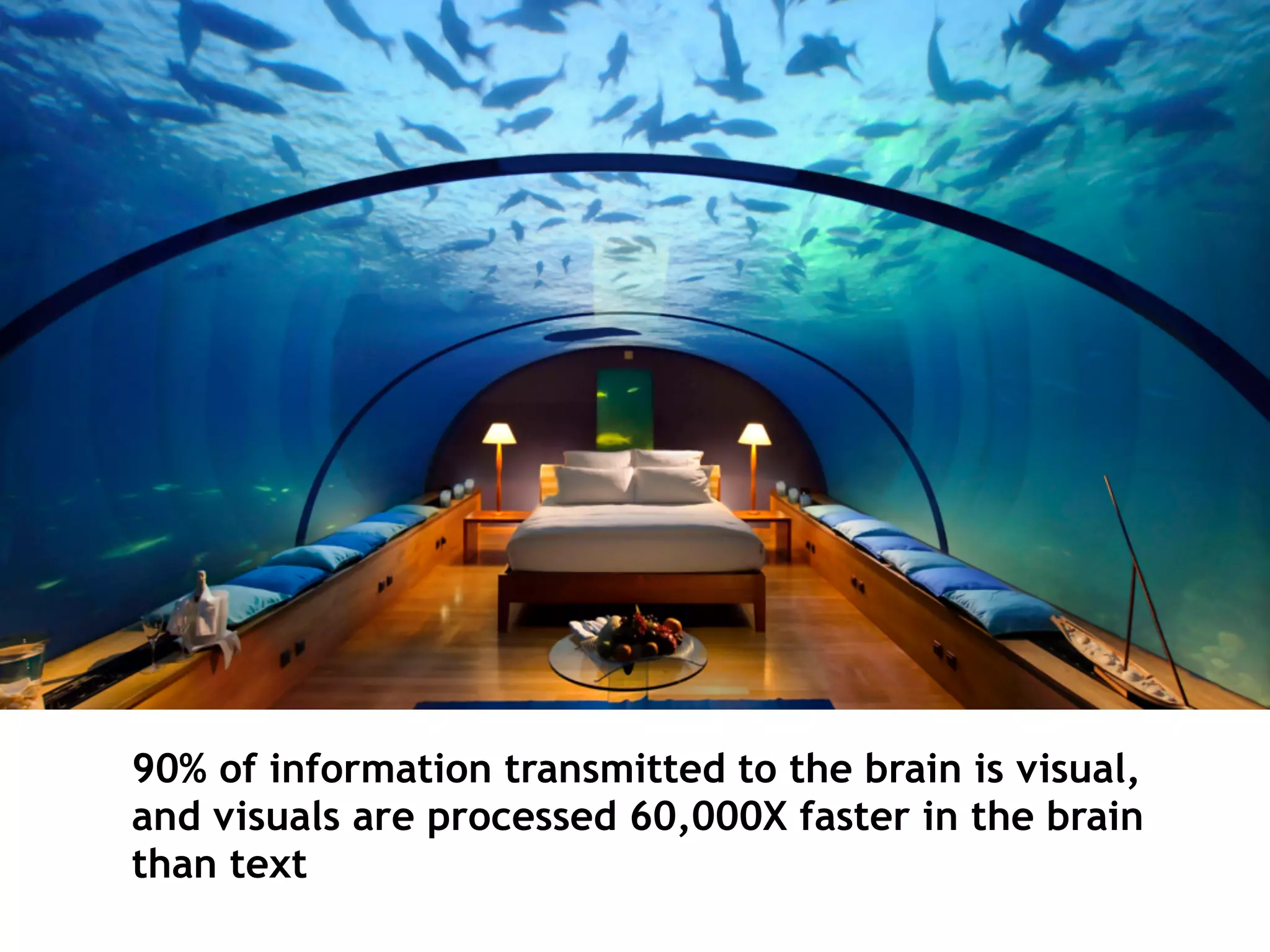
90% of information transmitted to the brain is visual,
and visuals are processed 60,000X faster in the brain
than text
37
Volunteering Can Be Just as Powerful as
Work Experience
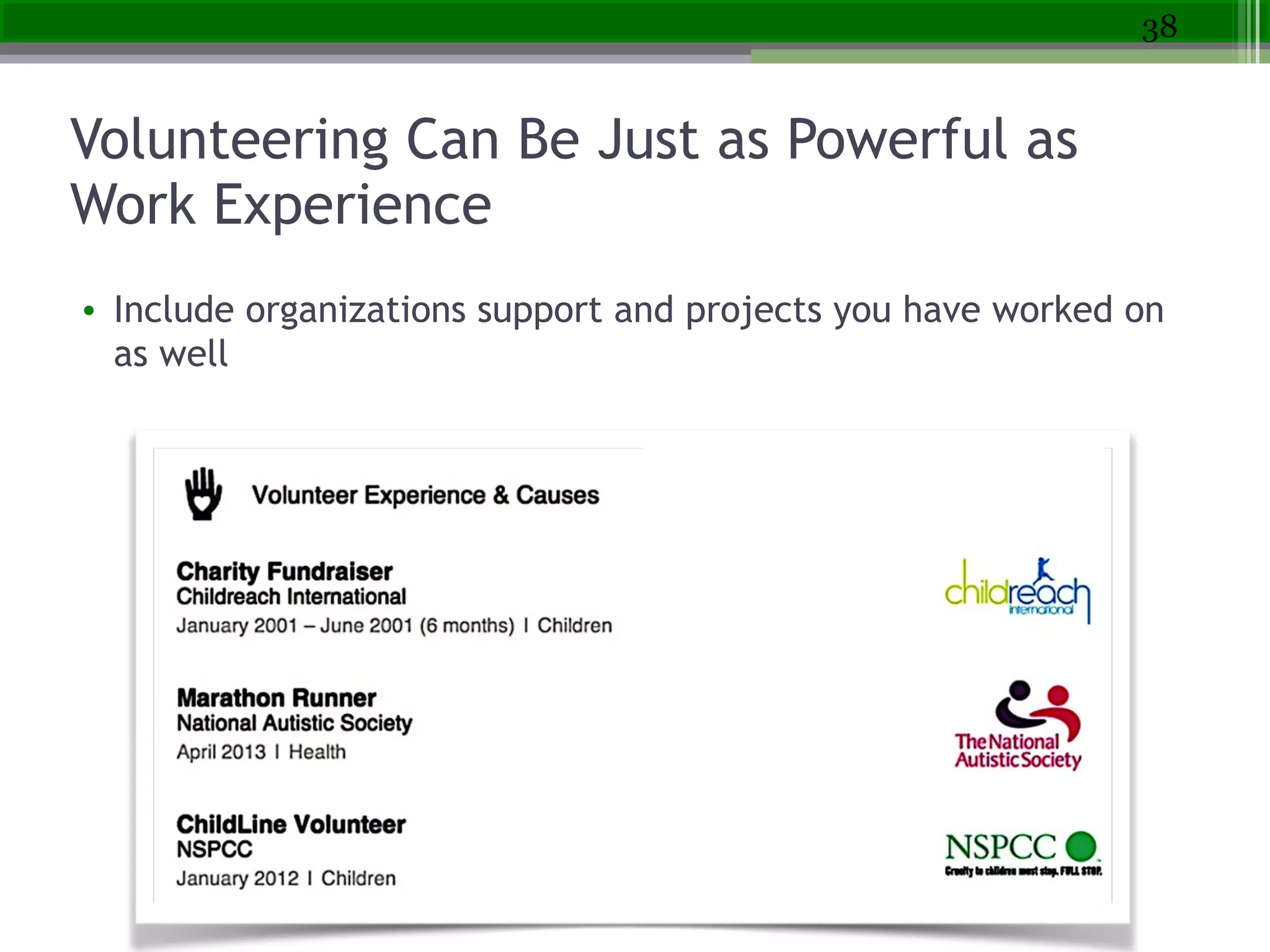
• Include organizations support and projects you have worked on
as well
38
Organizing & Moving Sections
• DEMO
• Can move larger sections like Experience, Volunteer, Skills,
etc.
• When in edit mode, simply hover your mouse over the
double-sided arrow next to the Edit link for each section.
• Your mouse will turn into a four-arrowed icon, at which
point you can click, then drag and drop to another
position on your profile.
• Within a section - can rearrange current positions - that is
all
39
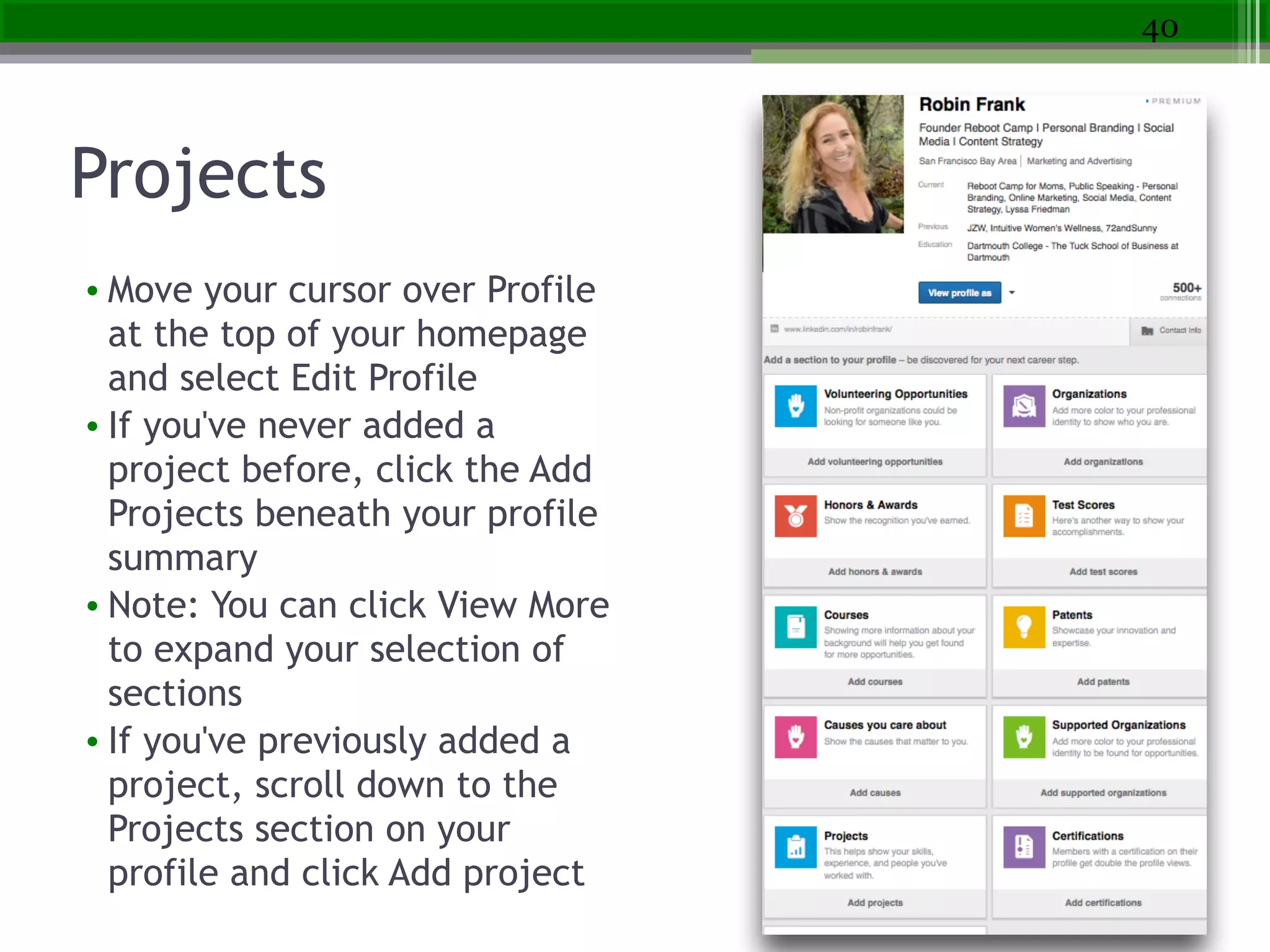
Projects
• Move your cursor over Profile
at the top of your homepage
and select Edit Profile
• If you've never added a
project before, click the Add
Projects beneath your profile
summary
• Note: You can click View More
to expand your selection of
sections
• If you've previously added a
project, scroll down to the
Projects section on your
profile and click Add project
40
Character Limits
• Professional Headline
• 120 characters
• Company Name
• 100 characters
• Summary
• 2000 characters
• Public Profile URL
• 30 maximum characters
• Position Title
• 100 characters
• Position Description
• 2000 maximum characters
• Skills
• Up to 25 skills using 60 characters per skill
• LinkedIn Status Update
• You can use up to 700 characters
41
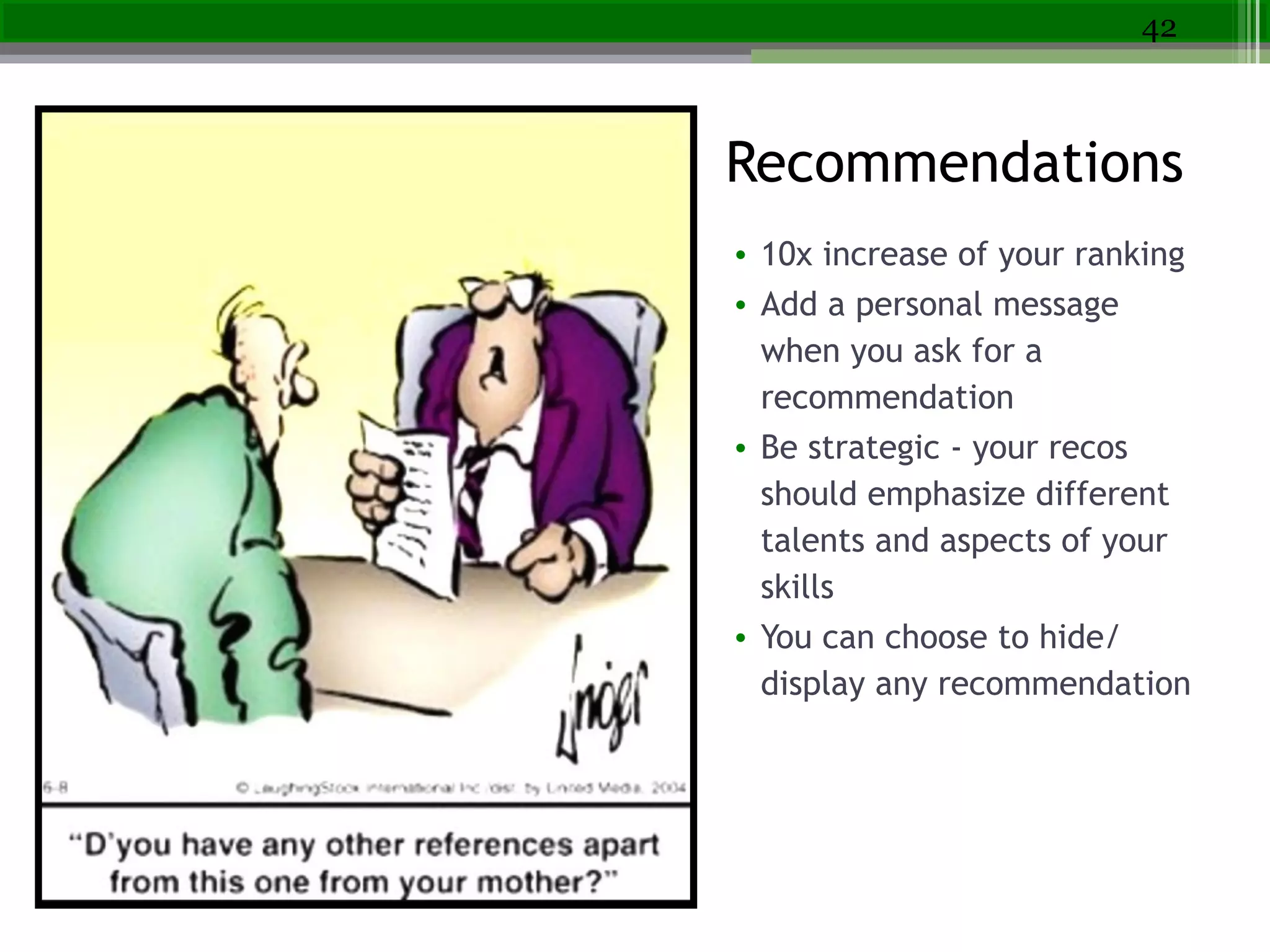
recommendations
• 10x increase of your ranking
• Add a personal message
when you ask for a
recommendation
• Be strategic - your recos
should emphasize different
talents and aspects of your
skills
• You can choose to hide/
display any recommendation
42
Recommendations
Be Strategic About Recommendations
• Look at jobs you want - map your skills to those required by the job and strategize
• Which of your managers can speak to each skill?
• Ask each person to discuss three skills - and provide those
• Ask them to include: How long they’ve worked with you, background on how they
know you, description of the three skills you asked them to discuss, and at least
one specific success example
• Offer to write it for their review
• Find people similar to you and look for recommendations you find compelling
43
Get Noticed By Your Network
• Update your status
• Like, comment and share
your connections’ status
updates
• Make a change in your
profile (add a new skill)
• Write a recommendation
• Get recommended (ask)
• Endorse someone’s skills
• Join a group
• Follow new company
• Follow new thought
leader
• Make a new connection
44
SEO Checklist for LinkedIn
• 100% profile completeness
• Target Keywords in Profile
Heading
• Professional and natural in
Summary (with keywords)
• Job descriptions with bullet
points for easy scanning/SEO
• Optimize Skills for keywords
• Vanity URL – also helps
outside LinkedIn
• Connections and Groups also
drive search rankings
45
Your Connections Strategy - Go Big!
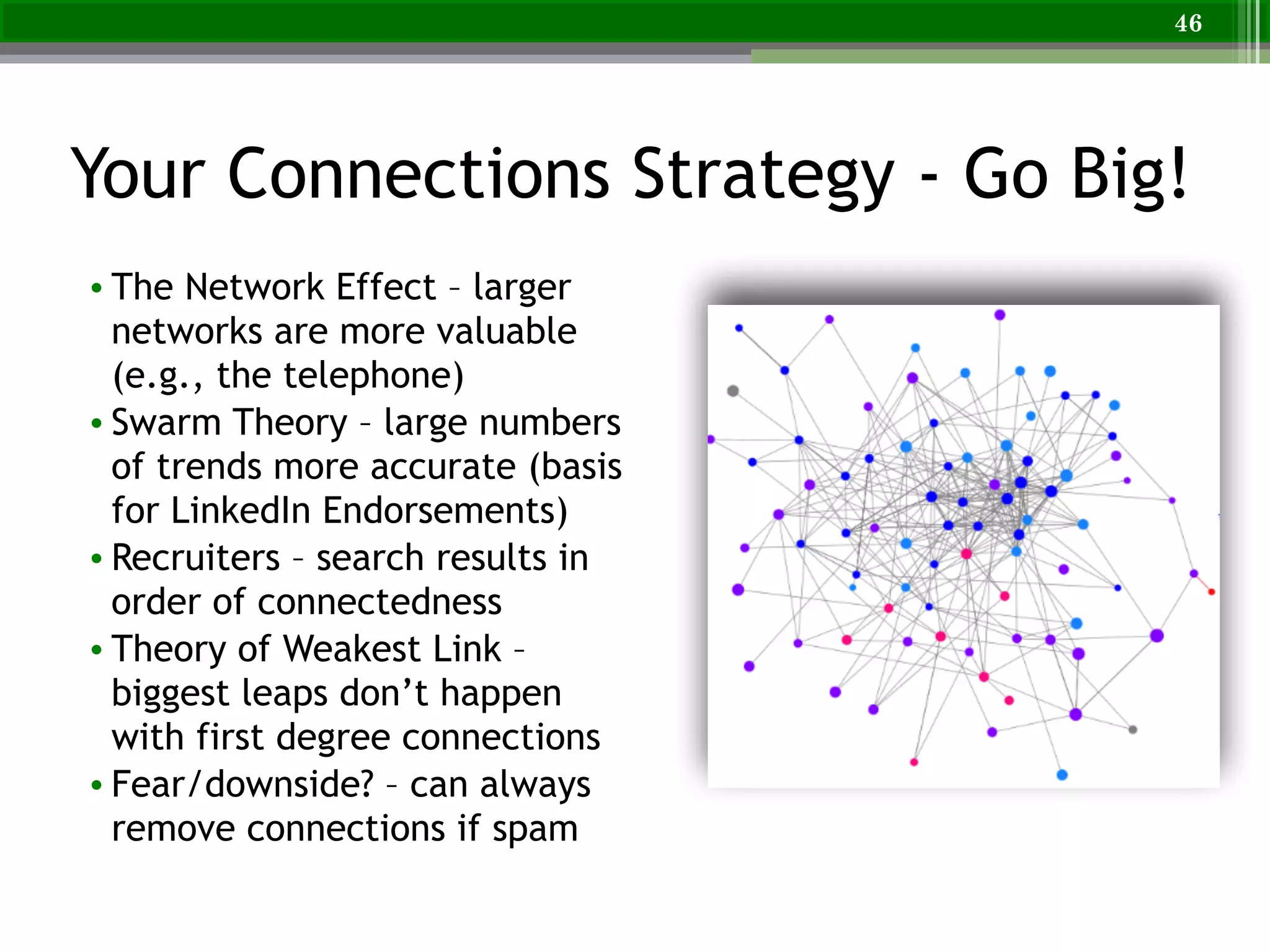
• The Network Effect – larger
networks are more valuable
(e.g., the telephone)
• Swarm Theory – large numbers
of trends more accurate (basis
for LinkedIn Endorsements)
• Recruiters – search results in
order of connectedness
• Theory of Weakest Link –
biggest leaps don’t happen
with first degree connections
• Fear/downside? – can always
remove connections if spam
46
Getting a Job is 60% Networking
• 20% - Applying directly to a job
• 20% - Great resume, online brand, LinkedIn, social
• 60% - Networking
How to Get a Meeting with Someone You
Don’t Know
• Networking - forwards and backwards
• Maximizing your use of LinkedIn
Networking: Quality not Quantity
• Deepen your connection
▫ People you have just met or may have known your whole life
▫ People in our networks serve a variety of purposes – they can
stimulate our thinking, expand our options, help us make better
decisions, provide insight into our careers
• Be a people hub
▫ One of the most valuable things you can do for someone is
connect them with the right person
▫ Facilitate a mutually beneficial connection
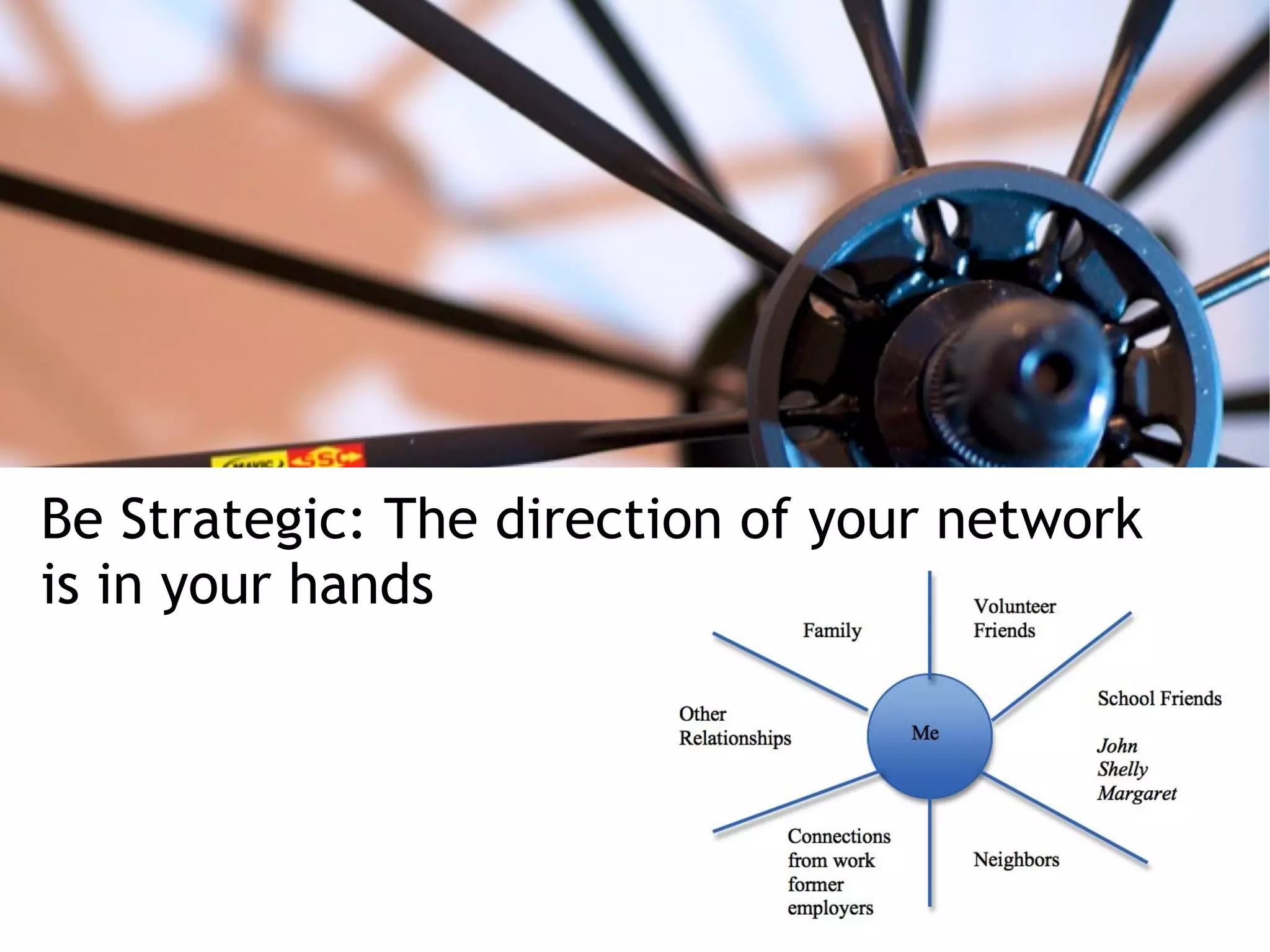
Be Strategic: The direction of your network
is in your hands
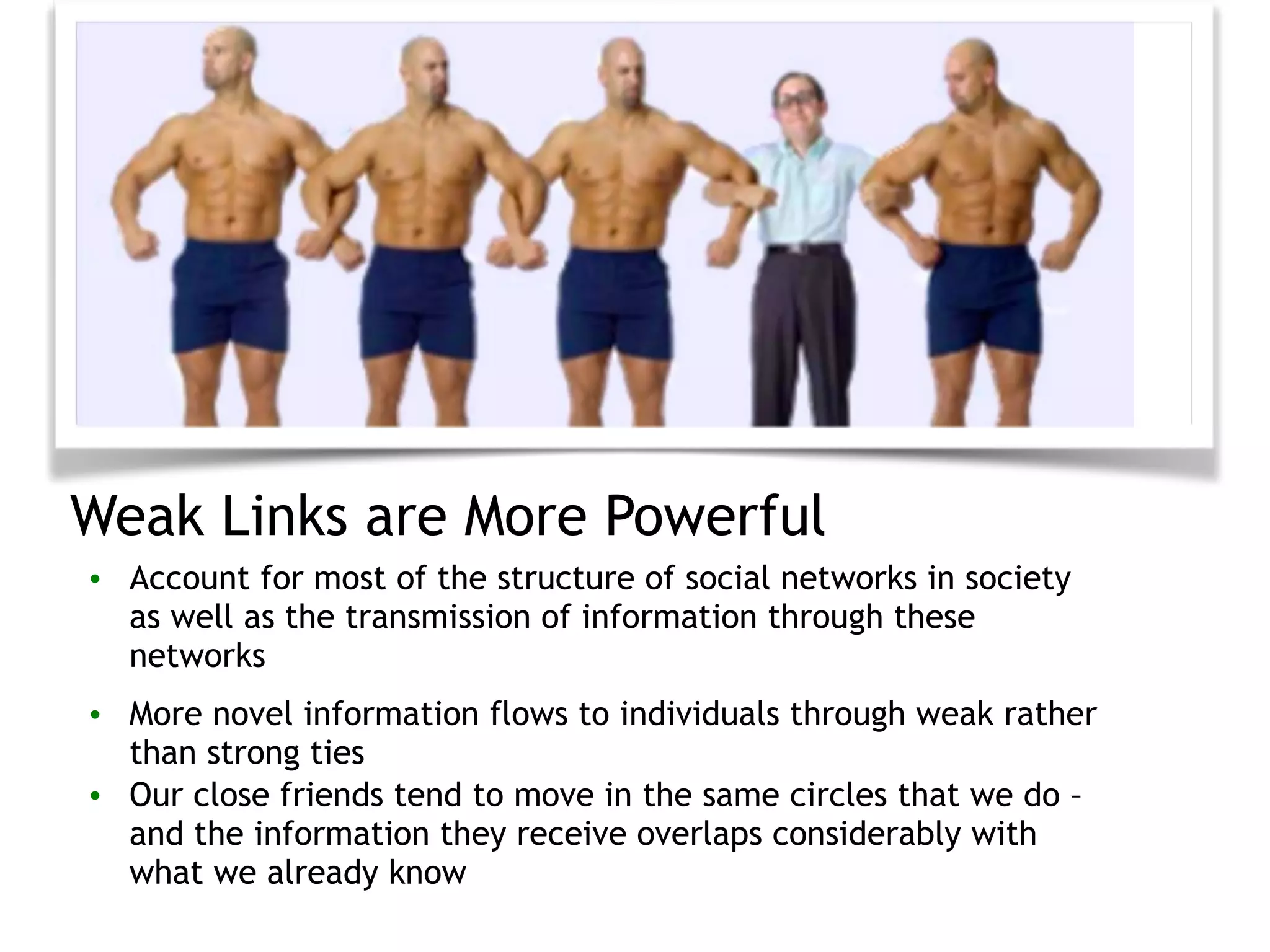
Weak Links are More Powerful
• Account for most of the structure of social networks in society
as well as the transmission of information through these
networks
• More novel information flows to individuals through weak rather
than strong ties
• Our close friends tend to move in the same circles that we do –
and the information they receive overlaps considerably with
what we already know
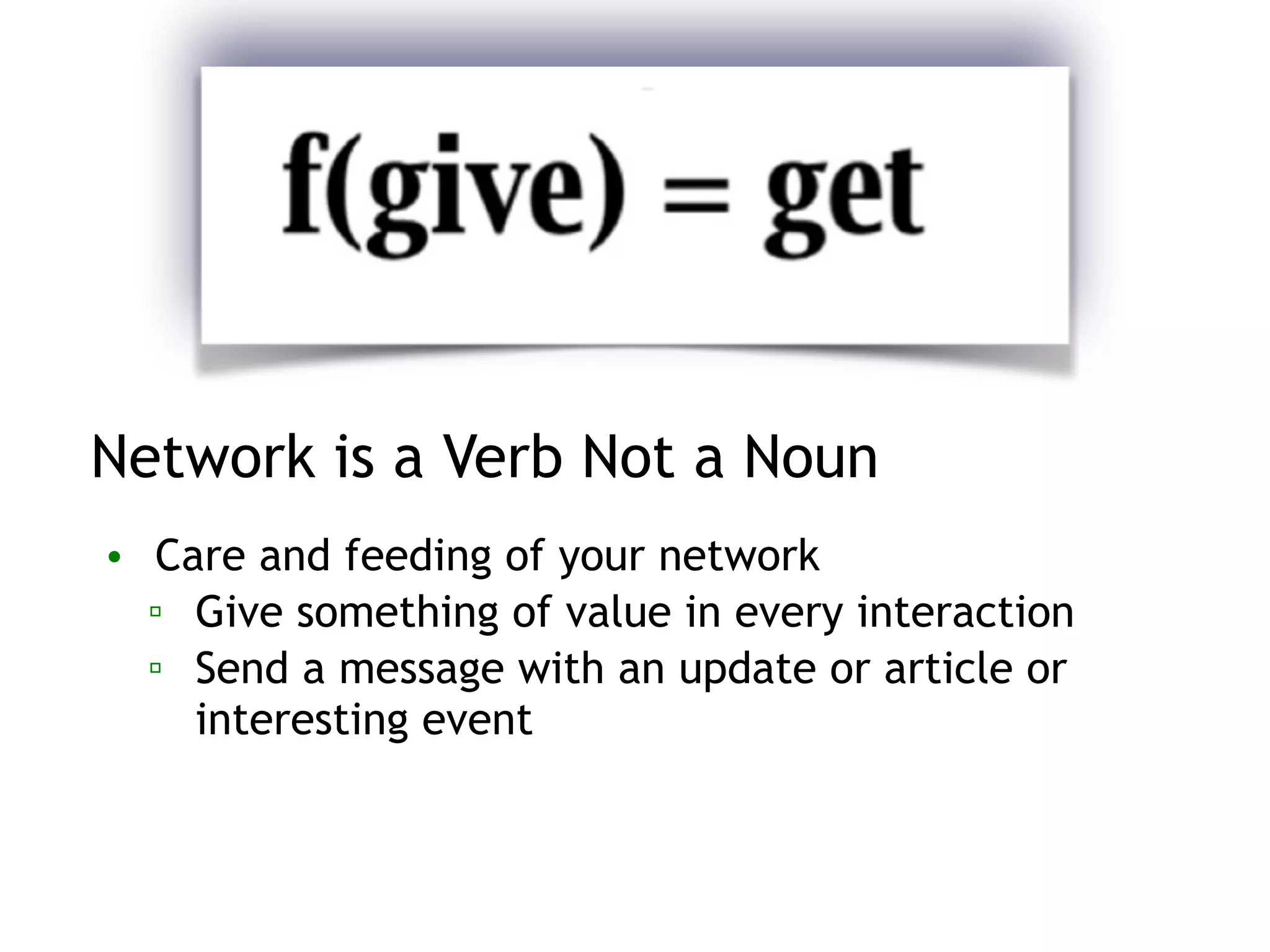
Network is a Verb Not a Noun
• Care and feeding of your network
▫ Give something of value in every interaction
▫ Send a message with an update or article or
interesting event
Why Don’t We Follow Up?
• You’re one connection away from getting the job of your dreams
• Sometimes you MEET that one connection. You know it’s right for
you. And you know it’s right for them. But for some reason, you
NEVER follow up. Why?
▫ We forget
▫ Negative thoughts prevent you from taking action
▫ Networking can feel forced, unnatural, and sleazy
The Key to the Successful Follow-Up
• Calendar reminder 5-10 days away - email
• How to make sure they read it?
▫ Say: I’ll email you in a week or two
▫ Email content: offer a potential solution, data, research you
think they would be interested in and/or ask a question that
demonstrates some knowledge - Are you going to XYZ event
or do you think competitor ABC's new launch/positioning will
be impactful?
Getting Referrals and Introductions
• Increase your chances of being interviewed and getting a
better job by 5-10X over applying directly
• Some connections you make along the way will surprise
you, and put you on a path you never even considered
Networking Forwards with LinkedIn
• Target 10 people who can vouch for your past performance and
future potential (goal is 4)
▫ Professors, advisors, or social connections
• Reach out - ask if they would be comfortable recommending you to
connections in companies or industries of interest to you
▫ Get the names of 4 people and an intro
▫ Look at their LinkedIn - have specific people in mind
▫ Track everything in a spreadsheet
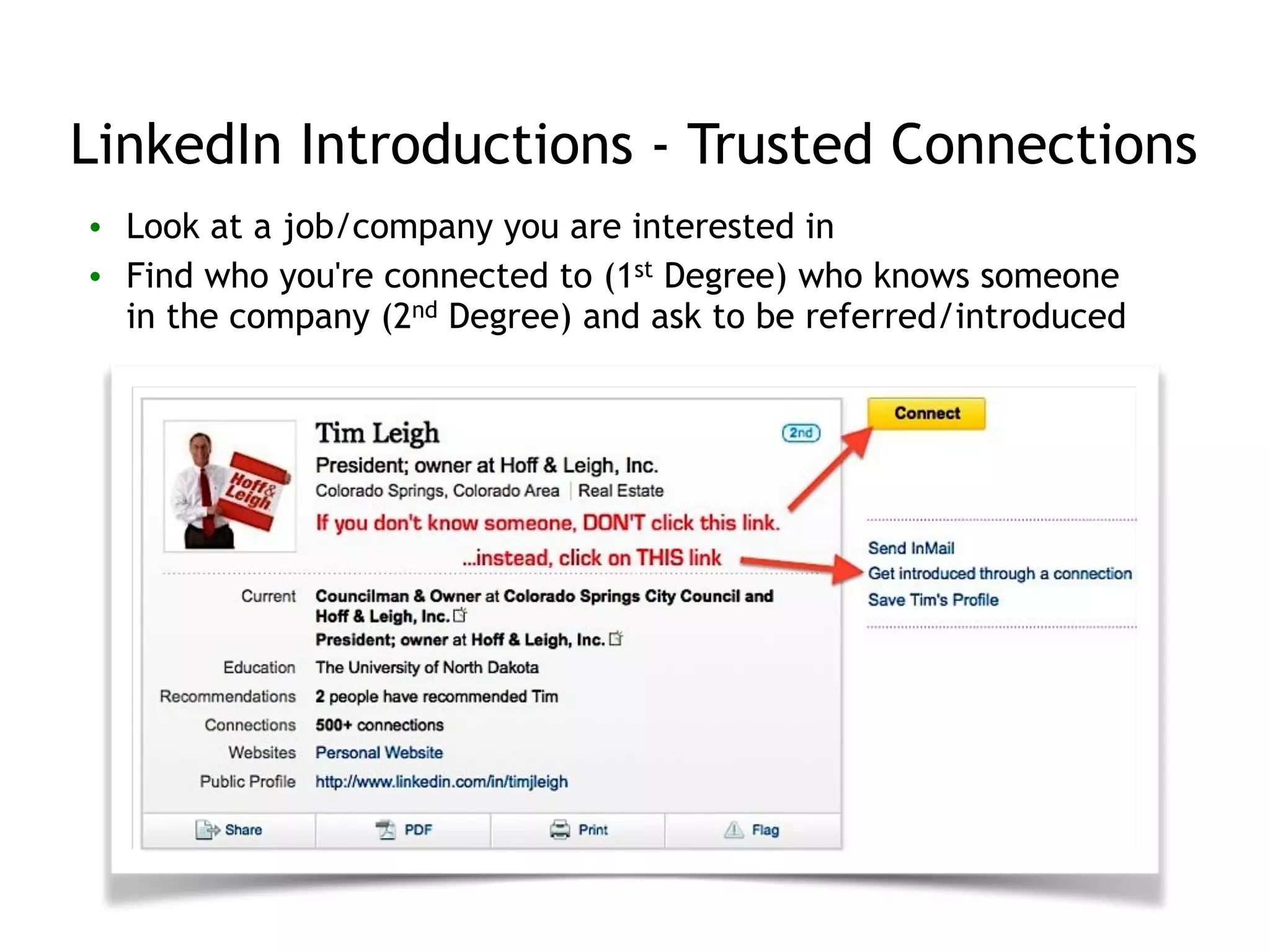
LinkedIn Introductions - Trusted Connections
• Look at a job/company you are interested in
• Find who you're connected to (1st Degree) who knows someone
in the company (2nd Degree) and ask to be referred/introduced
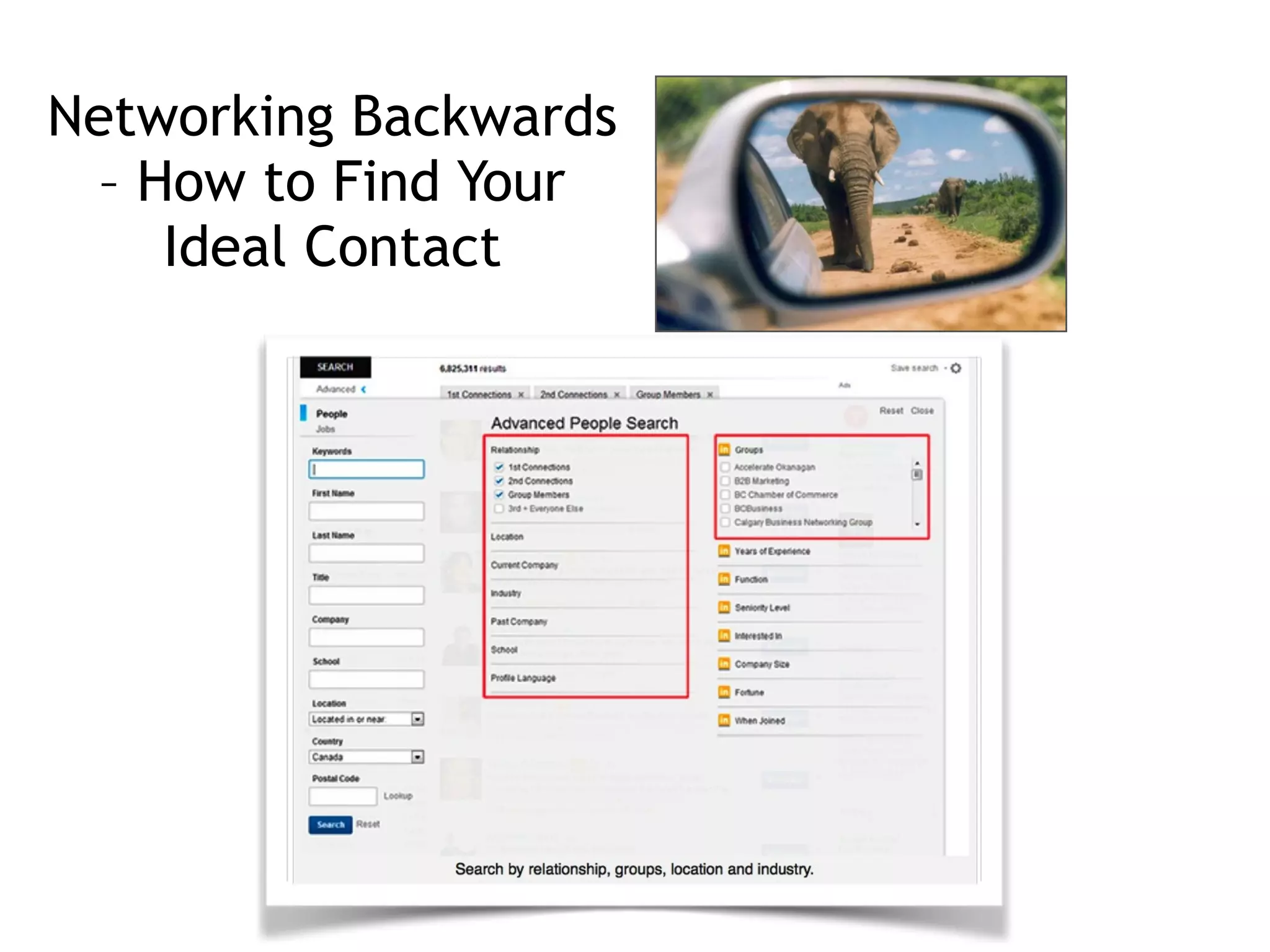
Networking Backwards
– How to Find Your
Ideal Contact
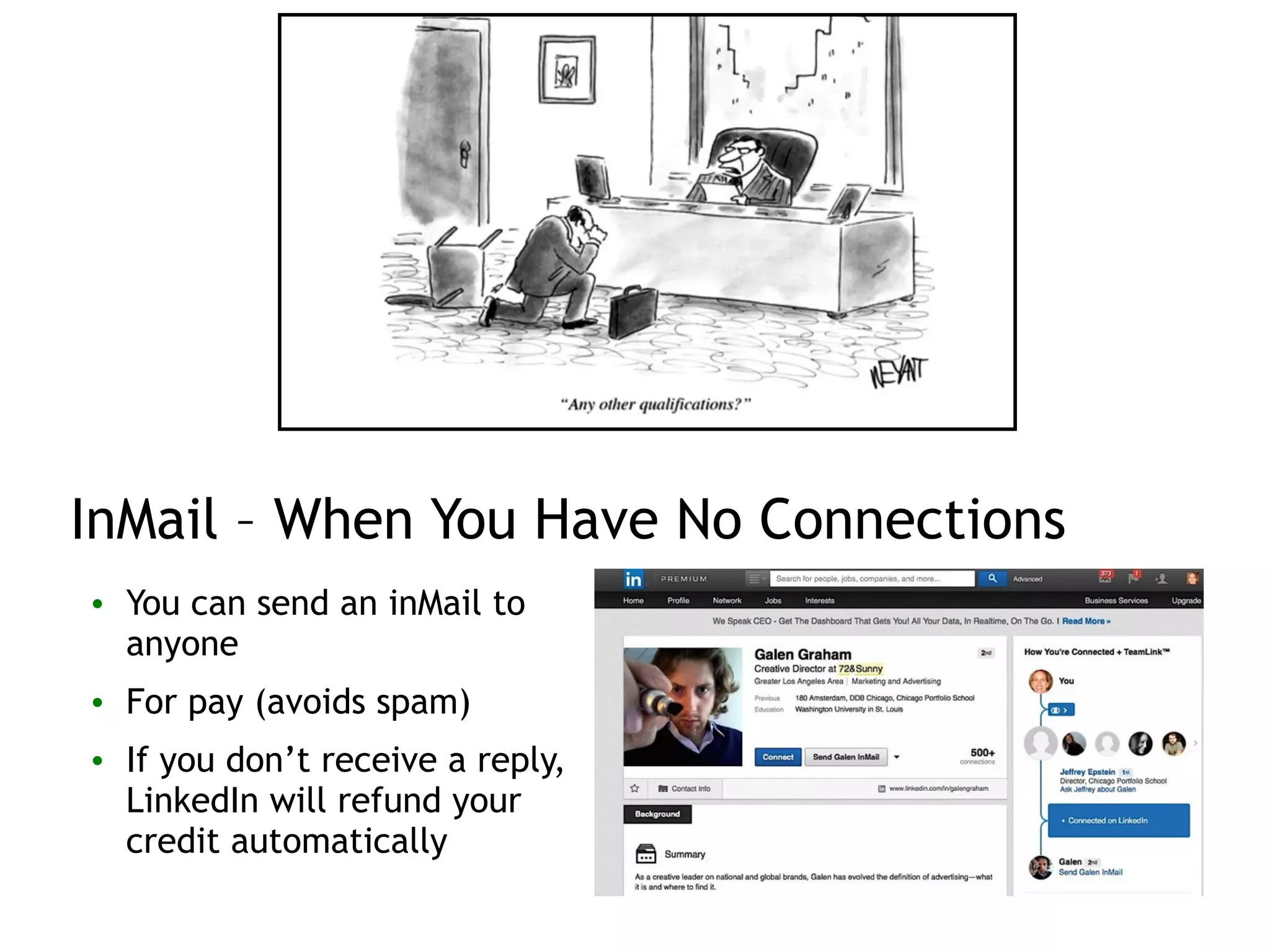
InMail – When You Have No Connections
• You can send an inMail to
anyone
• For pay (avoids spam)
• If you don’t receive a reply,
LinkedIn will refund your
credit automatically
Talking to Strangers
• Lead with something in common
▫ Contextualize the conversation - mention how you found them
• Get to your point fast
• Reassure the person that you’re not asking for a favor
▫ Be firm that you are just looking for a meeting
• Talk about what makes you qualified - your brand pitch here!
• End with a strong call to action with a time limit
▫ Mention that you need only 15 minutes of their time.
• Be respectful = Show appreciation for their time
The (Almost)Perfect Meeting Request
Dear [name],
I found your profile through the [name the common LinkedIn Group or
network] on LinkedIn. I have been working as a [name last position] at
[name last company], and I am in the process of making a career transition.
It would be helpful for me to find out about your experiences as a [name
role] for [target company]. I promise not to take more than 15 minutes of
your time.
!
I am not expecting to discuss a particular job opening, but I would
appreciate being able to talk with you on an informational basis.
!
What is the best way to reach you this week? Do you have any availability
this coming Thursday or Friday? I thank you in advance.
Regards,
[your name]
Change the Game
• Offer value before you ask for anything
▫ How can I help this person?
▫ Do not discount yourself just because you’re young. Offer what
you have based on what people need
▫ Add value - Offer to create a website, a video, or?
• Do your research
▫ Know the basics - take time to check Google, Twitter, LinkedIn,
Facebook, etc. so you understand what the person is all about
▫ Find the details - look for common hobbies or a hook - one of my
mentors is someone I connected with because I reached out and
mentioned we both like to dive
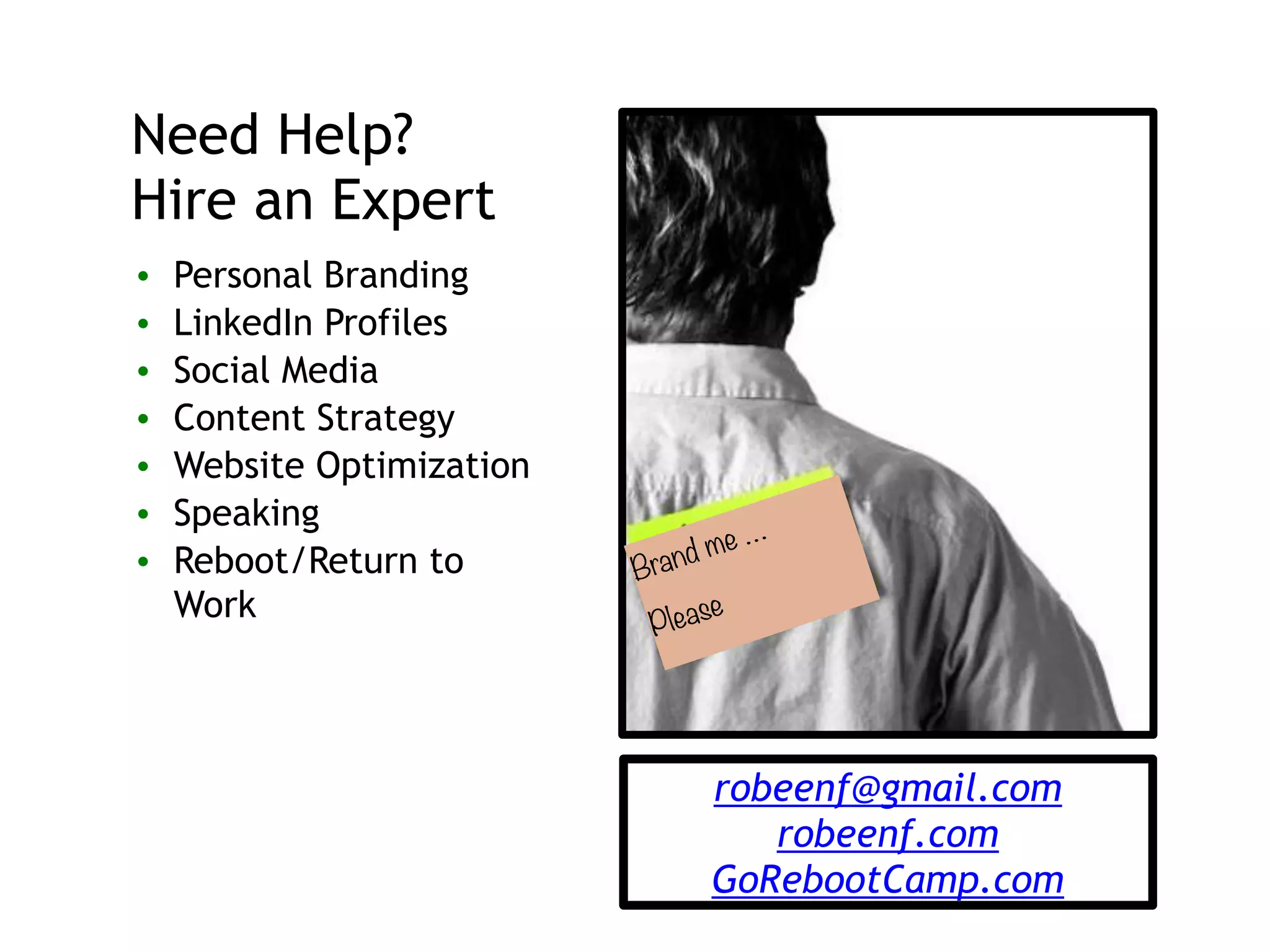
Brand me …
Please
Need Help?
Hire an Expert
• Personal Branding
• LinkedIn Profiles
• Social Media
• Content Strategy
• Website Optimization
• Speaking
• Reboot/Return to
Work
robeenf@gmail.com
robeenf.com
GoRebootCamp.com

Workshop - Create a Stellar LinkedIn Profile

  • 1.
    WORKSHOP: CREATE ASTELLAR LINKEDIN PROFILE ! SAN FRANCISCO, CA 3/9/15 presented by Robin Frank
  • 2.
    Yours Truly Social Media ! Iwork with companies large and small to help them build and tune-up an engaging online presence. ! I’m known as a dynamic speaker and speak regularly at national conferences, companies, and events. Personal Branding ! I help individuals in many fields create powerful personal brands. ! My personal branding strategy is featured in the recent book “Digital Marketing” written by Larry Weber and endorsed by Reid Hoffman (Chairman, Founder/LinkedIn) and John Donahoe (CEO/ eBay). Reboot Camp ! Innovative program to help Moms confidently re-enter the workforce after a break. ! Six inspiring and pragmatic sessions cover topics from networking and interview skills to social media and personal branding, plus two hours of one-on-one coaching. Mom ! Twin 8 Yr old boys ! Live in Mill Valley
  • 3.
    Today’s Workshop • LinkedIn -compelling numbers • Profile Creating/Updating • Best practices - organizating, SEO, & more • Networking using LinkedIn
  • 4.
  • 5.
  • 6.
    LinkedIn is aMajor Traffic Driver 6
  • 7.
    Just How Importantis Your LinkedIn Profile? 7
  • 8.
    It’s a No-Brainer •Update your profile ▫ Keeps you top of mind with your friends and connections ▫ Particularly if you post updates as well ▫ Most people have no idea on what they are missing out on 8
  • 9.
    Customize Your ProfileURL • While on your LinkedIn profile page, your URL has some strange characters and looks funny - this is not the URL you want to share • Click the Edit icon next to the URL link under your profile photo • First come/first serve • Use it below your email signature, blog, business card, etc. 9
  • 10.
    Use a GoodImage • Your photo sends a strong message of who you are • Use a head shot with a clean background, a smile and a clear view of your eyes • Best photo is a smiling face and a little bit of your shoulders • Make sure it isn’t blurry, or grainy 10
  • 11.
  • 12.
  • 13.
    Optimize Your Headline •Most people only look at your picture and headline • Craft a compelling headline, even if you are not employed 13
  • 14.
    Your Headline =Search Keywords • You have 120 characters to play with – maximize it ▫ Keywords used by ideal clients to search for what you offer ▫ Look at others in your industry ▫ Use Google Adwords Keyword Planner ▫ 3 keywords that represent your job history and ideal job ▫ Use "Show examples” 14
  • 15.
    "See what othersin your industry are using" 15
  • 16.
  • 17.
    Who’s Viewed MyProfile? ▫ Watch “Who’s viewed my profile” to see if changes have an impact on views 17
  • 18.
    Skills/expertise • Others endorseyou for skills - and it shows up below your work experience on your profile   • You can add, remove,and reorganize skills 18
  • 19.
  • 20.
    Your LinkedIn Summary •Similar to an Objective on a resume • NEVER be dry and dull ▫ It’s a first impression ▫ Project some personality • Reflect your professional brand ▫ Why you got into your industry ▫ What you love about it/why you do what you do! ▫ What kind of professional you are • Beware of buzzwords ▫ Banish the beige word speak 20
  • 21.
    Beef Up YourSummary Section • Contact info first (or easy to find) • Use first tense - I was…. • 3-5 paragraphs - bullets in the middle • Walk through your work passions, key skills, unique qualifications, and industries 21
  • 22.
    Have a ClearCall to Action • Tell your reader what to do once they’ve finished reading your summary ! • Tell them how to reach you! 22 To learn more about my dog grooming services,! • Visit http//www.robeensdoggrooming.com! • Email me at robeen@robeensdoggrooming.com! • Call me at 1-800-345-DOGS
  • 23.
    Be Found toBe Hired 23 • Keywords for job search ▫ Used on LinkedIn (by recruiters/ employers ▫ Used to describe job or job skills • Develop your keywords – look at specific words in descriptions of jobs you want! • Top categories • Job titles, skills, tools/software, certifications, education, employer categories, professional/technical acronyms or industry insider terms, etc.
  • 24.
    Storytelling For YourAudience • Write for the desired audience ▫ Craft the tone/content accordingly ▫ Communicate job-seeking interest, if seeking a job • Tell an ENGAGING story ▫ Lure the reader in/sell yourself! ▫ Conversational, fun, lively • Achievements, not tasks 24
  • 25.
    25 Content Strategy, OnlineCommunity Manager
  • 26.
    Business Operations IStrategic Planning I Digital Marketing I HR Program Management 26
  • 27.
  • 28.
  • 29.
  • 30.
    Summary Section Template •What you do - what problem do you solve and how? • How you are different? • Why you do what you do? • Personal brand, your passion • How did you get where you are today? • Explain concisely in a way that makes you look interesting and motivated. • What do others say - credibility   • End with a call to action 30
  • 31.
    Your Experience Section •Stand out from the crowd 31
  • 32.
    Complete Experiences, Keyword-Rich •A POWERFUL profile includes past experiences • Highly sensitive to SEO • Include keywords people are using to find someone like you • Ensure YOU WILL BE FOUND 32
  • 33.
    Keywords for 2015 OUT •Results-driven • Hardworking • Innovative • Exceptional • Good communication skills • Effective • Outstanding • Highly motivated • Effectual leader • Has talent for • Go-to person • Team player • Strategic thinker • Think outside of the box 33 ! IN • Improved • Achieved • Managed • Trained/mentored • Resolved • Created • Increased/decreased • Volunteered • Influenced • Under budget • Won • Ideas • Launched • Negotiated • Revenue/profits
  • 34.
    Effective Phrases -Suggestions/Ideas • Acquired five new clients • Started a new procedure to cut costs • Created a new orientation program for employees • Ranked number-one in sales in my department • Negotiated new contract for department successfully • Increased sales productivity by 15 percent • Was named employee of the year • Created a new incentive program for employees 34
  • 35.
    Don’t Just SayIt, Display It ! • Portfolio feature - you can add photos, videos, documents, linked articles with images, screenshots, audio recordings, and SlideShare presentations • Highlight work samples, client work, launches, special projects, press, and tweets from speaking engagements. • Not many are using this yet 35
  • 36.
    90% of informationtransmitted to the brain is visual, and visuals are processed 60,000X faster in the brain than text
  • 37.
  • 38.
    Volunteering Can BeJust as Powerful as Work Experience • Include organizations support and projects you have worked on as well 38
  • 39.
    Organizing & MovingSections • DEMO • Can move larger sections like Experience, Volunteer, Skills, etc. • When in edit mode, simply hover your mouse over the double-sided arrow next to the Edit link for each section. • Your mouse will turn into a four-arrowed icon, at which point you can click, then drag and drop to another position on your profile. • Within a section - can rearrange current positions - that is all 39
  • 40.
    Projects • Move yourcursor over Profile at the top of your homepage and select Edit Profile • If you've never added a project before, click the Add Projects beneath your profile summary • Note: You can click View More to expand your selection of sections • If you've previously added a project, scroll down to the Projects section on your profile and click Add project 40
  • 41.
    Character Limits • ProfessionalHeadline • 120 characters • Company Name • 100 characters • Summary • 2000 characters • Public Profile URL • 30 maximum characters • Position Title • 100 characters • Position Description • 2000 maximum characters • Skills • Up to 25 skills using 60 characters per skill • LinkedIn Status Update • You can use up to 700 characters 41
  • 42.
    recommendations • 10x increaseof your ranking • Add a personal message when you ask for a recommendation • Be strategic - your recos should emphasize different talents and aspects of your skills • You can choose to hide/ display any recommendation 42 Recommendations
  • 43.
    Be Strategic AboutRecommendations • Look at jobs you want - map your skills to those required by the job and strategize • Which of your managers can speak to each skill? • Ask each person to discuss three skills - and provide those • Ask them to include: How long they’ve worked with you, background on how they know you, description of the three skills you asked them to discuss, and at least one specific success example • Offer to write it for their review • Find people similar to you and look for recommendations you find compelling 43
  • 44.
    Get Noticed ByYour Network • Update your status • Like, comment and share your connections’ status updates • Make a change in your profile (add a new skill) • Write a recommendation • Get recommended (ask) • Endorse someone’s skills • Join a group • Follow new company • Follow new thought leader • Make a new connection 44
  • 45.
    SEO Checklist forLinkedIn • 100% profile completeness • Target Keywords in Profile Heading • Professional and natural in Summary (with keywords) • Job descriptions with bullet points for easy scanning/SEO • Optimize Skills for keywords • Vanity URL – also helps outside LinkedIn • Connections and Groups also drive search rankings 45
  • 46.
    Your Connections Strategy- Go Big! • The Network Effect – larger networks are more valuable (e.g., the telephone) • Swarm Theory – large numbers of trends more accurate (basis for LinkedIn Endorsements) • Recruiters – search results in order of connectedness • Theory of Weakest Link – biggest leaps don’t happen with first degree connections • Fear/downside? – can always remove connections if spam 46
  • 47.
    Getting a Jobis 60% Networking • 20% - Applying directly to a job • 20% - Great resume, online brand, LinkedIn, social • 60% - Networking
  • 48.
    How to Geta Meeting with Someone You Don’t Know • Networking - forwards and backwards • Maximizing your use of LinkedIn
  • 49.
    Networking: Quality notQuantity • Deepen your connection ▫ People you have just met or may have known your whole life ▫ People in our networks serve a variety of purposes – they can stimulate our thinking, expand our options, help us make better decisions, provide insight into our careers • Be a people hub ▫ One of the most valuable things you can do for someone is connect them with the right person ▫ Facilitate a mutually beneficial connection
  • 50.
    Be Strategic: Thedirection of your network is in your hands
  • 51.
    Weak Links areMore Powerful • Account for most of the structure of social networks in society as well as the transmission of information through these networks • More novel information flows to individuals through weak rather than strong ties • Our close friends tend to move in the same circles that we do – and the information they receive overlaps considerably with what we already know
  • 52.
    Network is aVerb Not a Noun • Care and feeding of your network ▫ Give something of value in every interaction ▫ Send a message with an update or article or interesting event
  • 53.
    Why Don’t WeFollow Up? • You’re one connection away from getting the job of your dreams • Sometimes you MEET that one connection. You know it’s right for you. And you know it’s right for them. But for some reason, you NEVER follow up. Why? ▫ We forget ▫ Negative thoughts prevent you from taking action ▫ Networking can feel forced, unnatural, and sleazy
  • 54.
    The Key tothe Successful Follow-Up • Calendar reminder 5-10 days away - email • How to make sure they read it? ▫ Say: I’ll email you in a week or two ▫ Email content: offer a potential solution, data, research you think they would be interested in and/or ask a question that demonstrates some knowledge - Are you going to XYZ event or do you think competitor ABC's new launch/positioning will be impactful?
  • 55.
    Getting Referrals andIntroductions • Increase your chances of being interviewed and getting a better job by 5-10X over applying directly • Some connections you make along the way will surprise you, and put you on a path you never even considered
  • 56.
    Networking Forwards withLinkedIn • Target 10 people who can vouch for your past performance and future potential (goal is 4) ▫ Professors, advisors, or social connections • Reach out - ask if they would be comfortable recommending you to connections in companies or industries of interest to you ▫ Get the names of 4 people and an intro ▫ Look at their LinkedIn - have specific people in mind ▫ Track everything in a spreadsheet
  • 57.
    LinkedIn Introductions -Trusted Connections • Look at a job/company you are interested in • Find who you're connected to (1st Degree) who knows someone in the company (2nd Degree) and ask to be referred/introduced
  • 58.
    Networking Backwards – Howto Find Your Ideal Contact
  • 59.
    InMail – WhenYou Have No Connections • You can send an inMail to anyone • For pay (avoids spam) • If you don’t receive a reply, LinkedIn will refund your credit automatically
  • 60.
    Talking to Strangers •Lead with something in common ▫ Contextualize the conversation - mention how you found them • Get to your point fast • Reassure the person that you’re not asking for a favor ▫ Be firm that you are just looking for a meeting • Talk about what makes you qualified - your brand pitch here! • End with a strong call to action with a time limit ▫ Mention that you need only 15 minutes of their time. • Be respectful = Show appreciation for their time
  • 61.
    The (Almost)Perfect MeetingRequest Dear [name], I found your profile through the [name the common LinkedIn Group or network] on LinkedIn. I have been working as a [name last position] at [name last company], and I am in the process of making a career transition. It would be helpful for me to find out about your experiences as a [name role] for [target company]. I promise not to take more than 15 minutes of your time. ! I am not expecting to discuss a particular job opening, but I would appreciate being able to talk with you on an informational basis. ! What is the best way to reach you this week? Do you have any availability this coming Thursday or Friday? I thank you in advance. Regards, [your name]
  • 62.
    Change the Game •Offer value before you ask for anything ▫ How can I help this person? ▫ Do not discount yourself just because you’re young. Offer what you have based on what people need ▫ Add value - Offer to create a website, a video, or? • Do your research ▫ Know the basics - take time to check Google, Twitter, LinkedIn, Facebook, etc. so you understand what the person is all about ▫ Find the details - look for common hobbies or a hook - one of my mentors is someone I connected with because I reached out and mentioned we both like to dive
  • 64.
    Brand me … Please NeedHelp? Hire an Expert • Personal Branding • LinkedIn Profiles • Social Media • Content Strategy • Website Optimization • Speaking • Reboot/Return to Work robeenf@gmail.com robeenf.com GoRebootCamp.com