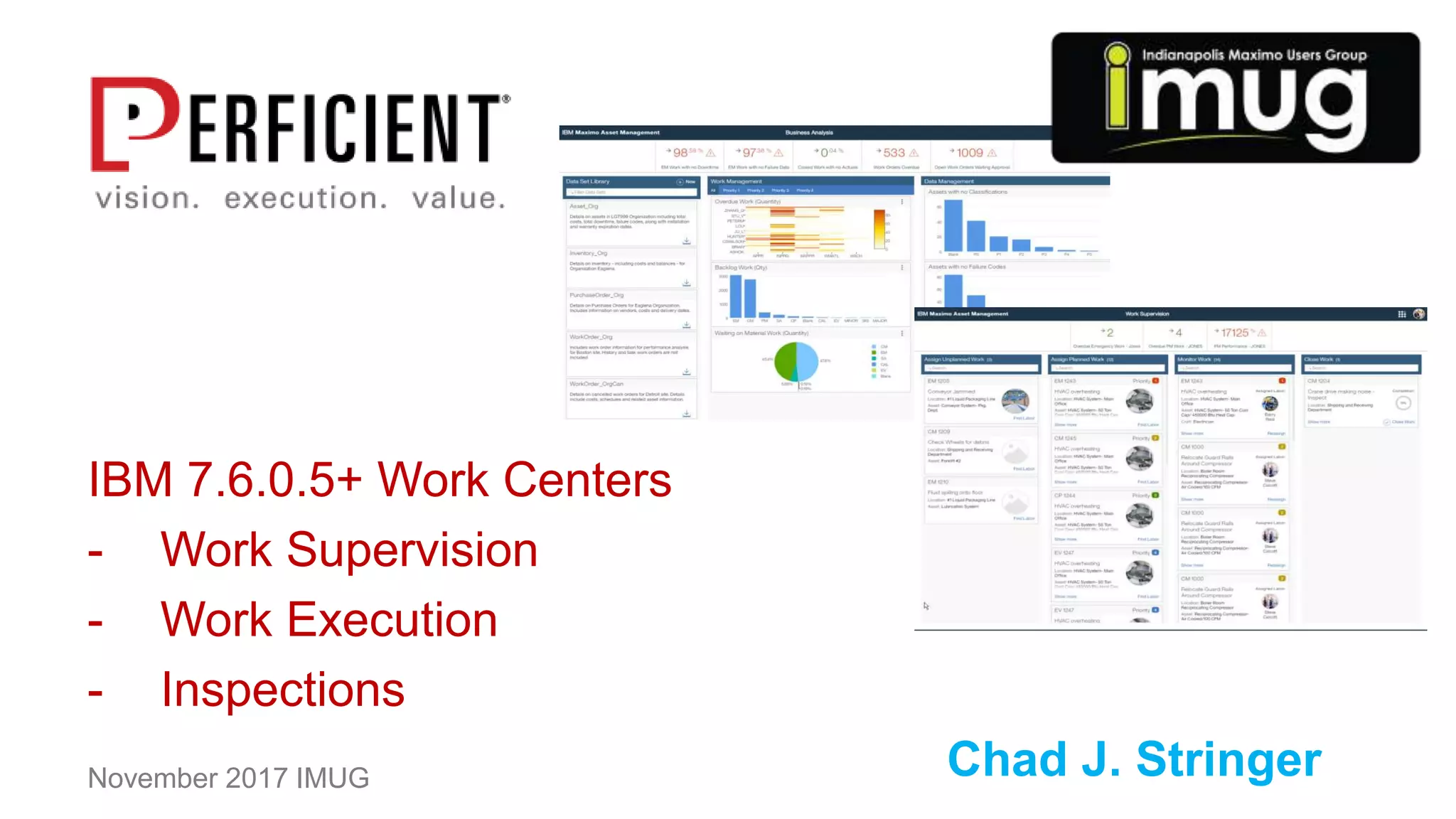
IBM 7.6.0.5+ Work Centers
- Work Supervision
- Work Execution
- Inspections
Chad J. StringerNovember 2017 IMUG
2
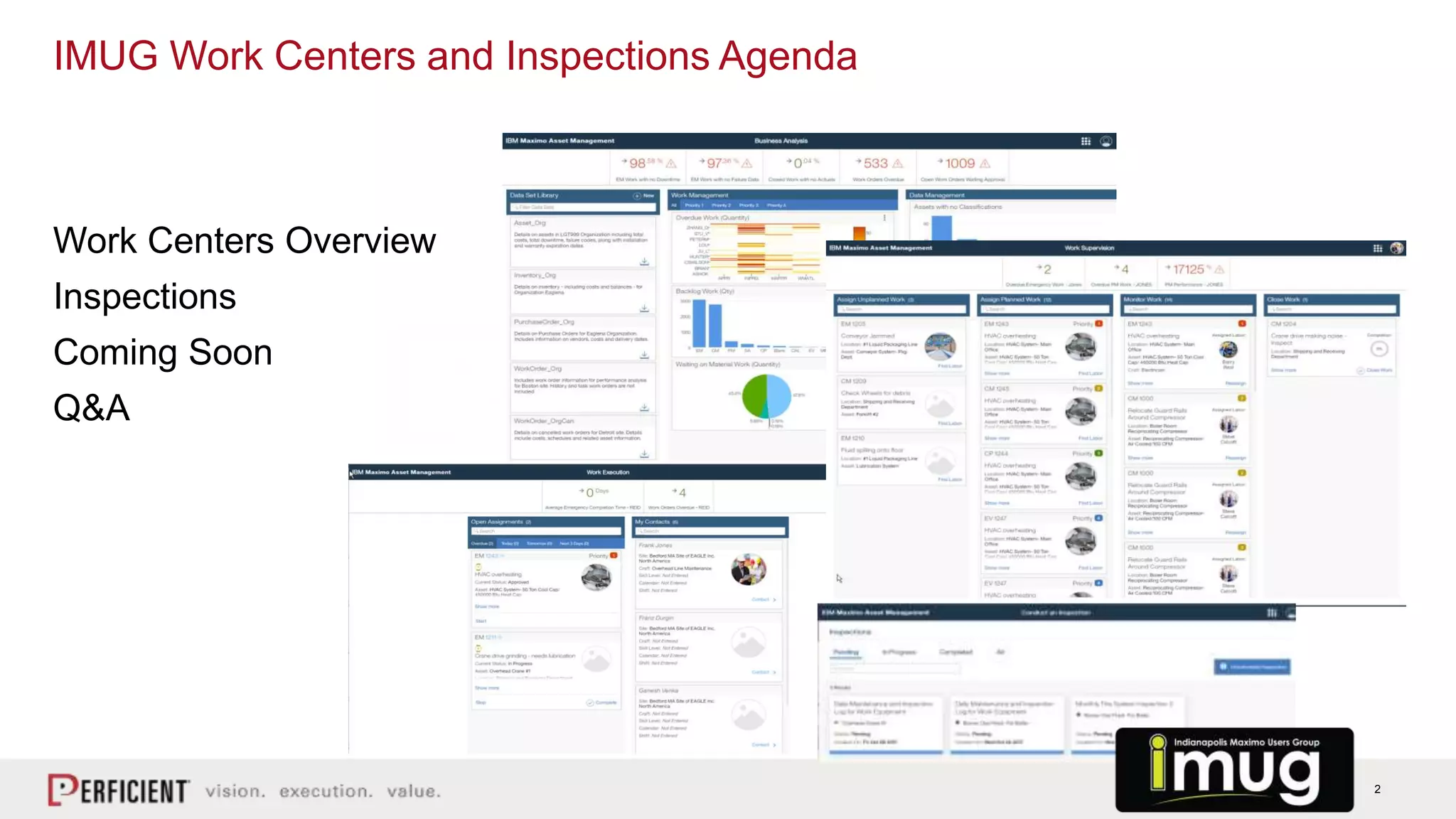
Work Centers Overview
Inspections
Coming Soon
Q&A
IMUG Work Centers and Inspections Agenda
3
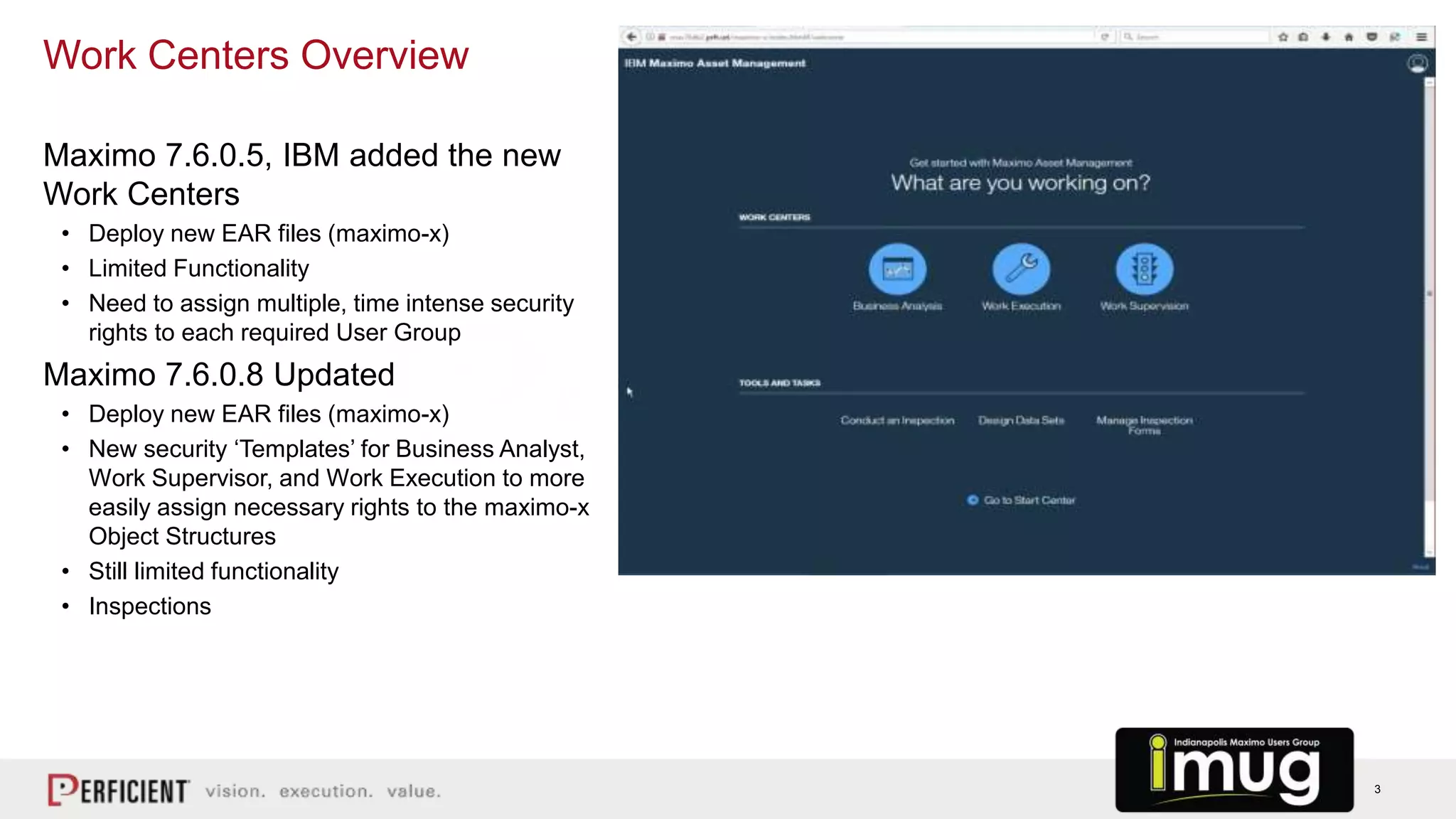
Maximo 7.6.0.5, IBM added the new
Work Centers
• Deploy new EAR files (maximo-x)
• Limited Functionality
• Need to assign multiple, time intense security
rights to each required User Group
Maximo 7.6.0.8 Updated
• Deploy new EAR files (maximo-x)
• New security ‘Templates’ for Business Analyst,
Work Supervisor, and Work Execution to more
easily assign necessary rights to the maximo-x
Object Structures
• Still limited functionality
• Inspections
Work Centers Overview
4
Business Analyst Work Center
5
Analyze Trends
Manage Work
• Efficiency
• Schedule compliance
• Supply rates
• Inventory balances
KPIs to Monitor Data (fixed set)
Create your own Data Sets and connect to Watson, or download as CSV.
• Receive Data Quality Scores that detail which attributes are incomplete or imbalanced
• Explore data using Watson Analytics Natural Language Processing
• Create visual, dynamic dashboards of Maximo data
• Identify key components that influence data to determine which attributes influence your processes
To date, the vast majority of IBMs YouTube videos and configuration ‘how-to’s’ cover only the Business Analyst role and its ties to
IBM Watson Analytics. As this is already well covered, links to IBMs video series is included in the references section. This is
not covered today.
Business Analyst Work Center
6
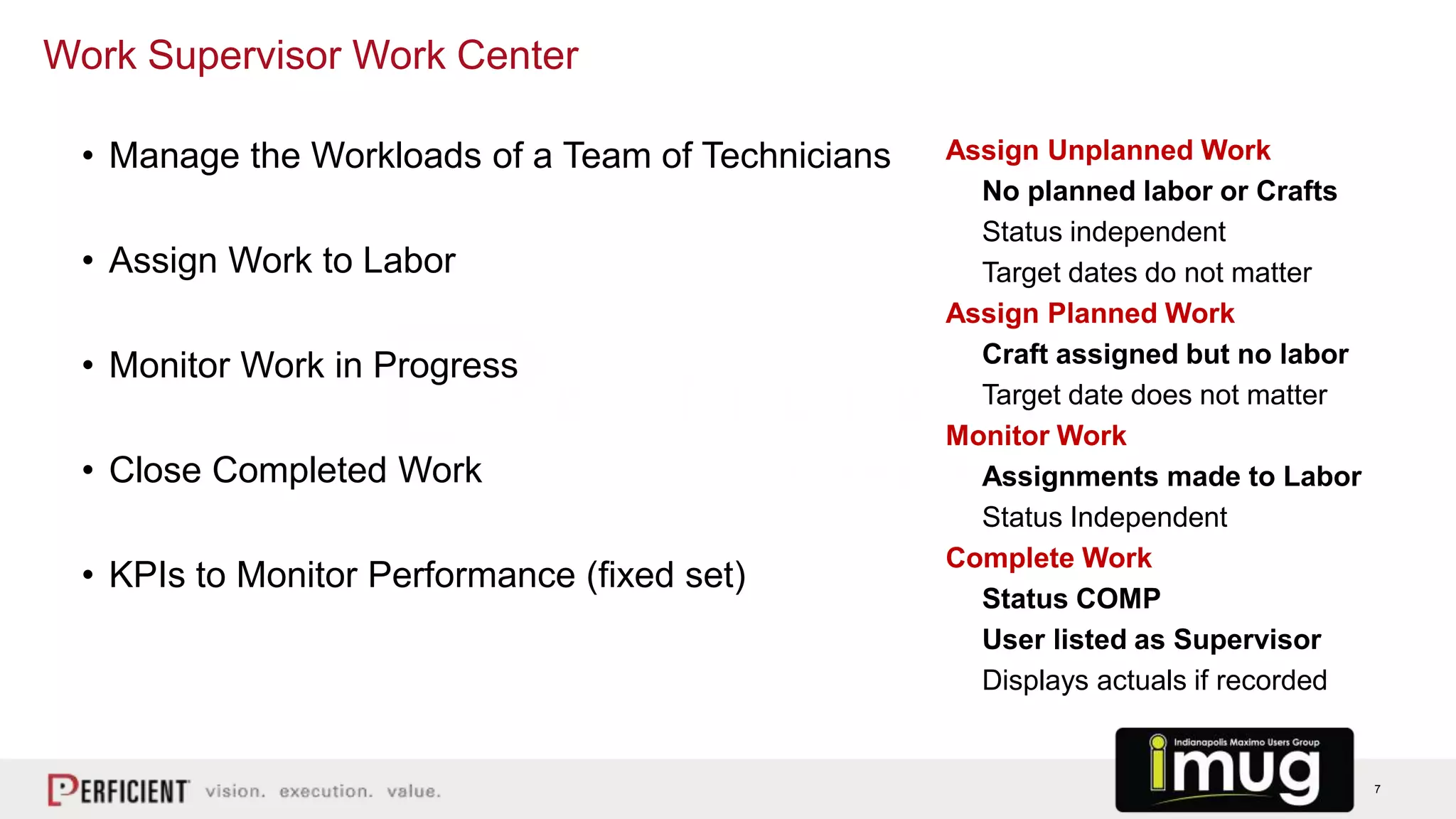
Work Supervisor Work Center
7
Assign Unplanned Work
No planned labor or Crafts
Status independent
Target dates do not matter
Assign Planned Work
Craft assigned but no labor
Target date does not matter
Monitor Work
Assignments made to Labor
Status Independent
Complete Work
Status COMP
User listed as Supervisor
Displays actuals if recorded
Work Supervisor Work Center
• Manage the Workloads of a Team of Technicians
• Assign Work to Labor
• Monitor Work in Progress
• Close Completed Work
• KPIs to Monitor Performance (fixed set)
8
Work Execution Work Center (Technicians)
9
Very Limited Functionality in Current Form
• Start Assigned Work
• Complete Assigned work
• KPIs to monitor performance (fixed set)
The current iteration does not allow for Failure Reporting or Work Logs to be recorded from
the Work Execution screen. This is a simplified ‘START’ and ‘COMPLETE’ only tool.
For Maximo 7.6.0.9+, Work Centers will be greatly improved
• Add for failure reporting
• Work Log entries
• Attachment of photos and videos, adding labor (actual time)
Work Execution Work Center (Technicians)
10
Inspections Work Center in 7.6.0.8
11
Plan (Create the Form)
• What information will be collected in the field?
• What are the expected results?
• How often is the information required?
• Work Order required?
Execution (Conduct Inspection)
• Record Results
• Enter Results
Analyze (Review Completed Inspections)
• Compare / Analyze Results
• Find Expected Results?
Act
• Corrective Work
• Further Inspection
• Refurbishment / Replacement
Inspection Process
12
Demo – Execute / Review an Unscheduled Inspection
13
7608 release:
• Execute an adhoc ✝ (unplanned) inspection without a work order
7609 release:
• Execute a scheduled* inspection as part of a work order
• Execute an adhoc ✝ (unplanned) inspection as part of a work order
Future release:
• Execute a scheduled* inspection without a work order
* a form is automatically generated as a single event or based on a repeating frequency
✝ the inspector can select and initiate an inspection at any time
Inspections Execution Use Cases
14
Inspections Work Centers – Coming Soon!
7.6.0.9+ (Future)
• Location awareness
• Integration to Watson Visual Recognition
• Extend Inspection processes to other Maximo
modules
– Inventory receiving
– Industry solutions
• List continues to grow with client and BP
interaction
7.6.0.9 – planned December 2017
• Meter Readings
• Images and Video as Attachments
• Maximo Classic Access to Assets and WOs
• View Work Details  Inspection Tab
• Create Inspections within Asset/Location App
• Inspection Forms can be added to Job
Plans/Routes/Cond Mon, etc.
• Ability to Report Multiple Results at Once
• More..
(May Not Happen in This Order and Could Change!)
15
Work Supervision
• Closed Work view by Date Range
• List of closed Work Orders similar to classic Maximo to review Closed Work
• More information/tiles on main screen
Work Execution
• KPIs removed – little value, excessive screen real estate
• Add details to Work Orders
• Add Comments to Work Logs
• Failure Reporting
• Attached Docs – Add Images and videos (for tablets in the field)
• ‘Stop’ or ‘Complete’ buttons
• Ability to pause work
• Add actual labor time, not just the stop/start buttons
Work Centers – Planned for December 7.6.0.9 Release
16
- Work Centers Home
https://www.ibm.com/support/knowledgecenter/SSLKT6_7.6.0.7/com.ibm.mbs.doc/workcntr/c_ctr_workcntrs.html
- Business Analysis Work Center
https://www.ibm.com/support/knowledgecenter/SSLKT6_7.6.0.7/com.ibm.mbs.doc/workcntr/c_bus_analyst_wrkscape.html
- Work Supervision Work Centers
https://www.ibm.com/support/knowledgecenter/SSLKT6_7.6.0.7/com.ibm.mbs.doc/workcntr/c_supervisor_work_center.html
- Work Execution Work Centers
https://www.ibm.com/support/knowledgecenter/SSLKT6_7.6.0.7/com.ibm.mbs.doc/workcntr/c_tech_work_center.html
- PRFT – IBM Blogs
http://blogs.perficient.com/ibm/2017/06/01/improve-your-performance-with-the-new-inspection-work-centers/
- Business Analyst Work Center series by Pam Denny (13 videos)
https://www.youtube.com/watch?v=u90paGIEZrs
Work Centers – Helpful Links
17
Q&A
Chad J. Stringer
chad.stringer@perficient.com
IMUG Work Centers and Inspections – Thank you!

Work Centers and Inspections

  • 1.
    IBM 7.6.0.5+ WorkCenters - Work Supervision - Work Execution - Inspections Chad J. StringerNovember 2017 IMUG
  • 2.
    2 Work Centers Overview Inspections ComingSoon Q&A IMUG Work Centers and Inspections Agenda
  • 3.
    3 Maximo 7.6.0.5, IBMadded the new Work Centers • Deploy new EAR files (maximo-x) • Limited Functionality • Need to assign multiple, time intense security rights to each required User Group Maximo 7.6.0.8 Updated • Deploy new EAR files (maximo-x) • New security ‘Templates’ for Business Analyst, Work Supervisor, and Work Execution to more easily assign necessary rights to the maximo-x Object Structures • Still limited functionality • Inspections Work Centers Overview
  • 4.
  • 5.
    5 Analyze Trends Manage Work •Efficiency • Schedule compliance • Supply rates • Inventory balances KPIs to Monitor Data (fixed set) Create your own Data Sets and connect to Watson, or download as CSV. • Receive Data Quality Scores that detail which attributes are incomplete or imbalanced • Explore data using Watson Analytics Natural Language Processing • Create visual, dynamic dashboards of Maximo data • Identify key components that influence data to determine which attributes influence your processes To date, the vast majority of IBMs YouTube videos and configuration ‘how-to’s’ cover only the Business Analyst role and its ties to IBM Watson Analytics. As this is already well covered, links to IBMs video series is included in the references section. This is not covered today. Business Analyst Work Center
  • 6.
  • 7.
    7 Assign Unplanned Work Noplanned labor or Crafts Status independent Target dates do not matter Assign Planned Work Craft assigned but no labor Target date does not matter Monitor Work Assignments made to Labor Status Independent Complete Work Status COMP User listed as Supervisor Displays actuals if recorded Work Supervisor Work Center • Manage the Workloads of a Team of Technicians • Assign Work to Labor • Monitor Work in Progress • Close Completed Work • KPIs to Monitor Performance (fixed set)
  • 8.
    8 Work Execution WorkCenter (Technicians)
  • 9.
    9 Very Limited Functionalityin Current Form • Start Assigned Work • Complete Assigned work • KPIs to monitor performance (fixed set) The current iteration does not allow for Failure Reporting or Work Logs to be recorded from the Work Execution screen. This is a simplified ‘START’ and ‘COMPLETE’ only tool. For Maximo 7.6.0.9+, Work Centers will be greatly improved • Add for failure reporting • Work Log entries • Attachment of photos and videos, adding labor (actual time) Work Execution Work Center (Technicians)
  • 10.
  • 11.
    11 Plan (Create theForm) • What information will be collected in the field? • What are the expected results? • How often is the information required? • Work Order required? Execution (Conduct Inspection) • Record Results • Enter Results Analyze (Review Completed Inspections) • Compare / Analyze Results • Find Expected Results? Act • Corrective Work • Further Inspection • Refurbishment / Replacement Inspection Process
  • 12.
    12 Demo – Execute/ Review an Unscheduled Inspection
  • 13.
    13 7608 release: • Executean adhoc ✝ (unplanned) inspection without a work order 7609 release: • Execute a scheduled* inspection as part of a work order • Execute an adhoc ✝ (unplanned) inspection as part of a work order Future release: • Execute a scheduled* inspection without a work order * a form is automatically generated as a single event or based on a repeating frequency ✝ the inspector can select and initiate an inspection at any time Inspections Execution Use Cases
  • 14.
    14 Inspections Work Centers– Coming Soon! 7.6.0.9+ (Future) • Location awareness • Integration to Watson Visual Recognition • Extend Inspection processes to other Maximo modules – Inventory receiving – Industry solutions • List continues to grow with client and BP interaction 7.6.0.9 – planned December 2017 • Meter Readings • Images and Video as Attachments • Maximo Classic Access to Assets and WOs • View Work Details  Inspection Tab • Create Inspections within Asset/Location App • Inspection Forms can be added to Job Plans/Routes/Cond Mon, etc. • Ability to Report Multiple Results at Once • More.. (May Not Happen in This Order and Could Change!)
  • 15.
    15 Work Supervision • ClosedWork view by Date Range • List of closed Work Orders similar to classic Maximo to review Closed Work • More information/tiles on main screen Work Execution • KPIs removed – little value, excessive screen real estate • Add details to Work Orders • Add Comments to Work Logs • Failure Reporting • Attached Docs – Add Images and videos (for tablets in the field) • ‘Stop’ or ‘Complete’ buttons • Ability to pause work • Add actual labor time, not just the stop/start buttons Work Centers – Planned for December 7.6.0.9 Release
  • 16.
    16 - Work CentersHome https://www.ibm.com/support/knowledgecenter/SSLKT6_7.6.0.7/com.ibm.mbs.doc/workcntr/c_ctr_workcntrs.html - Business Analysis Work Center https://www.ibm.com/support/knowledgecenter/SSLKT6_7.6.0.7/com.ibm.mbs.doc/workcntr/c_bus_analyst_wrkscape.html - Work Supervision Work Centers https://www.ibm.com/support/knowledgecenter/SSLKT6_7.6.0.7/com.ibm.mbs.doc/workcntr/c_supervisor_work_center.html - Work Execution Work Centers https://www.ibm.com/support/knowledgecenter/SSLKT6_7.6.0.7/com.ibm.mbs.doc/workcntr/c_tech_work_center.html - PRFT – IBM Blogs http://blogs.perficient.com/ibm/2017/06/01/improve-your-performance-with-the-new-inspection-work-centers/ - Business Analyst Work Center series by Pam Denny (13 videos) https://www.youtube.com/watch?v=u90paGIEZrs Work Centers – Helpful Links
  • 17.
    17 Q&A Chad J. Stringer chad.stringer@perficient.com IMUGWork Centers and Inspections – Thank you!

Editor's Notes

  • #2 How many on 7.6.0.5? How many on 7.6.0.8? Use Start Centers? Use Business Analyst? Use Work Centers? We’ll focus on Work Supervision, Work Execution and Inspections Please ask questions and join in with comments as we move along.
  • #4 Admin screenshot (as maxadmin)
  • #5 Big push for Watson Analytics
  • #7 Show system as jones: super Reid: Execution
  • #9 Very limited functionality currently Show system as reid
  • #10 Show system as jones: super Reid: Execution
  • #11 Ability to take paper forms and turn them into maximo based templates for repeatability Removes need for signatures / initial-date fields (tracked in data) Routes, checklists, inspection forms field readings, etc..
  • #13 Wilson – create forms, review completed inspections Alvin – execute inspection
  • #15 Multiple Results at Once (as tasks)