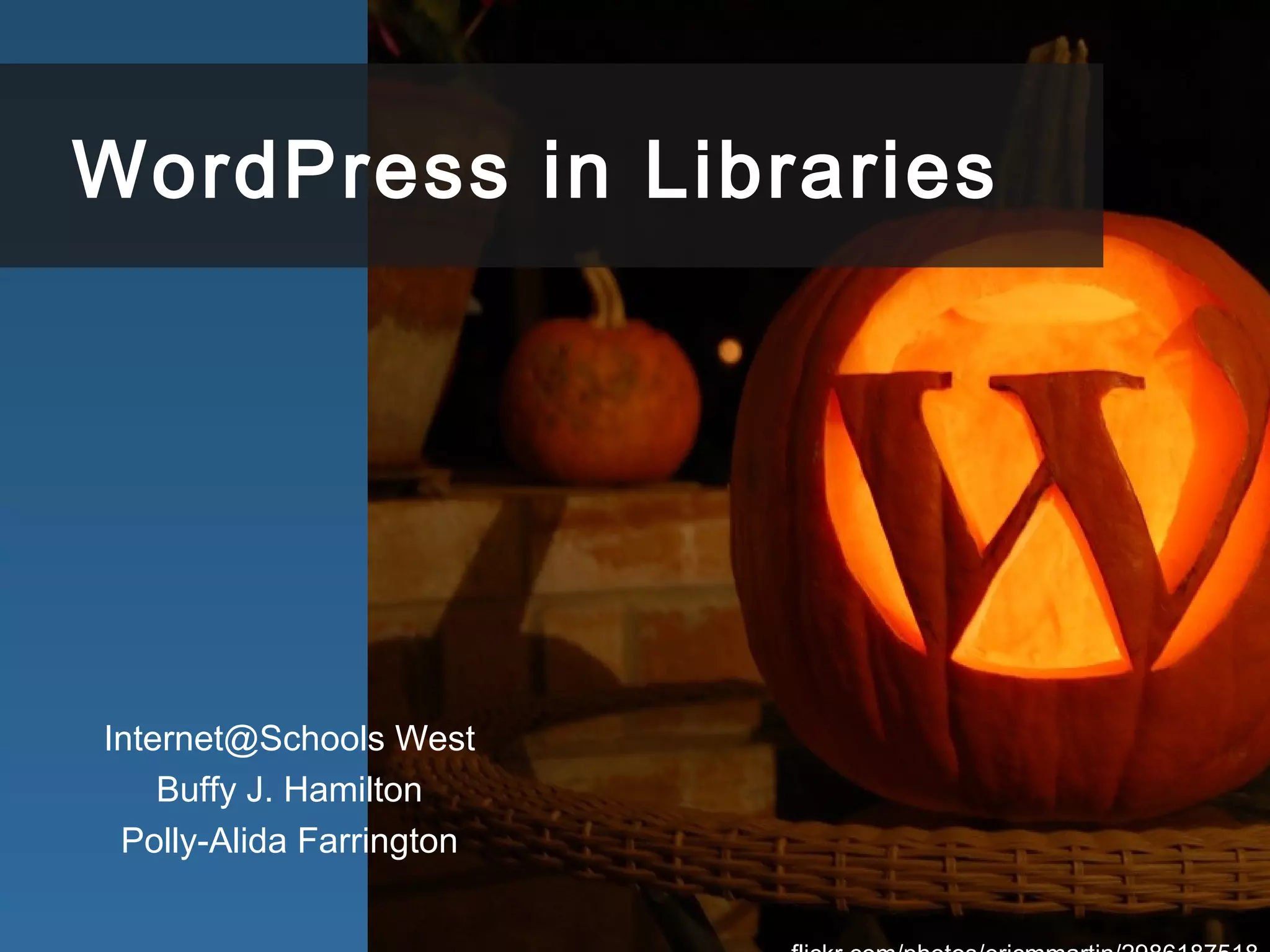
WordPress in Libraries
Internet@Schools West
Buffy J. Hamilton
Polly-Alida Farrington
“…having a web presence, no–
that having a really good and
really useful web presence–is
[no longer] optional.
Joyce Valenza, “Things I think teacher
librarians should unlearn (20 & counting)”,
August 24th, 2010
“The new blog format is much more
interactive”
Prianka Ghoshal, Westlake High student, Austin Texas
http://www.flickr.com/photos/tinavega/3353051874/
http://farm4.static.flickr.com/3036/2913018697_ccbb33e993_b.jpg
What is WordPress?
Content Management System
http://www.flickr.com/photos/atibens/4578260998/
Open Source is Unlocked
www.flickr.com/photos/subcircle/500995147/
Open Source is Community
www.flickr.com/photos/thomashawk/170691672
flickr.com/photos/cyberslayer/952121271/
Many Ways to Build a Web Site
Why WordPress??
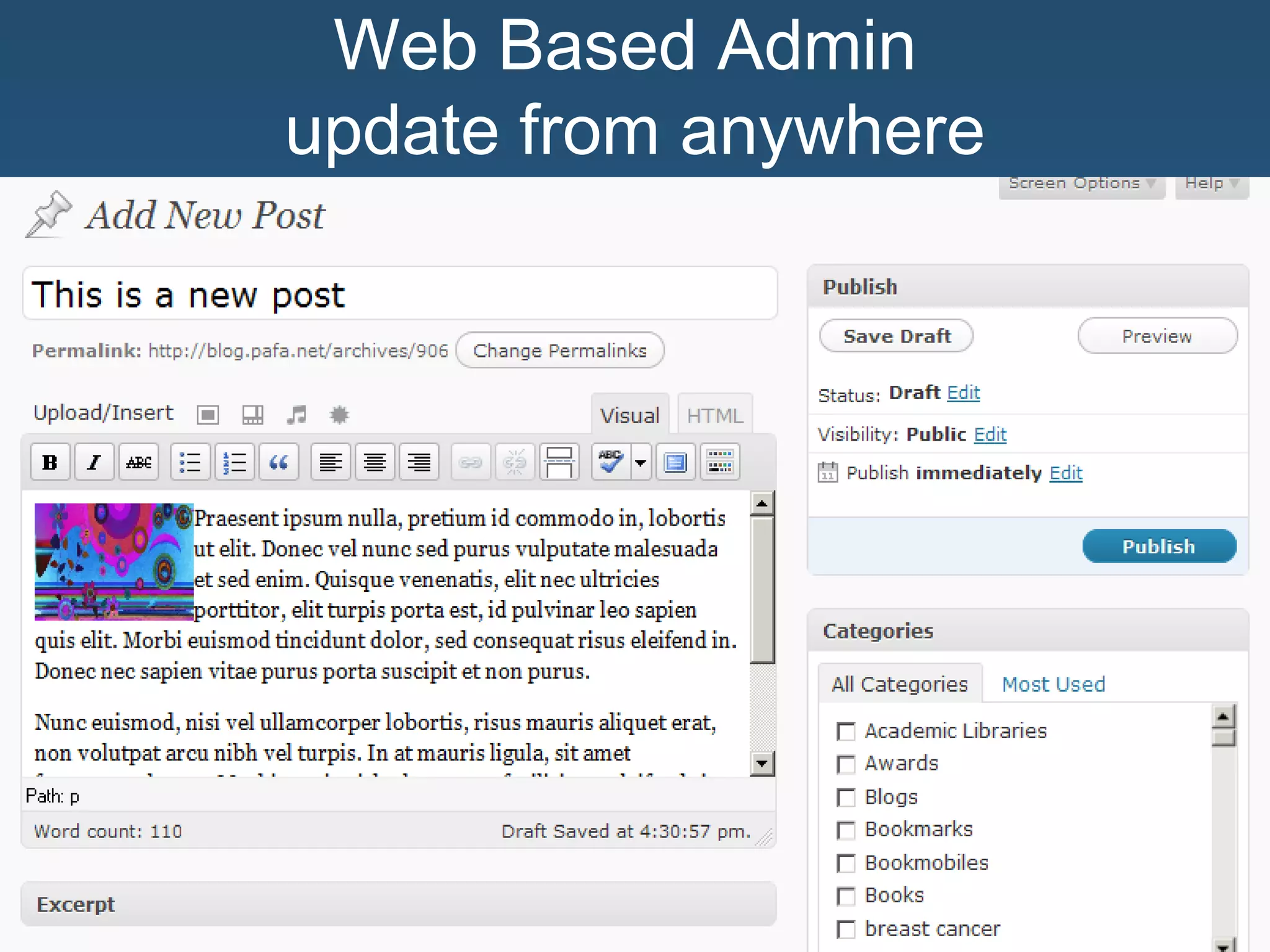
Web Based Admin
update from anywhere
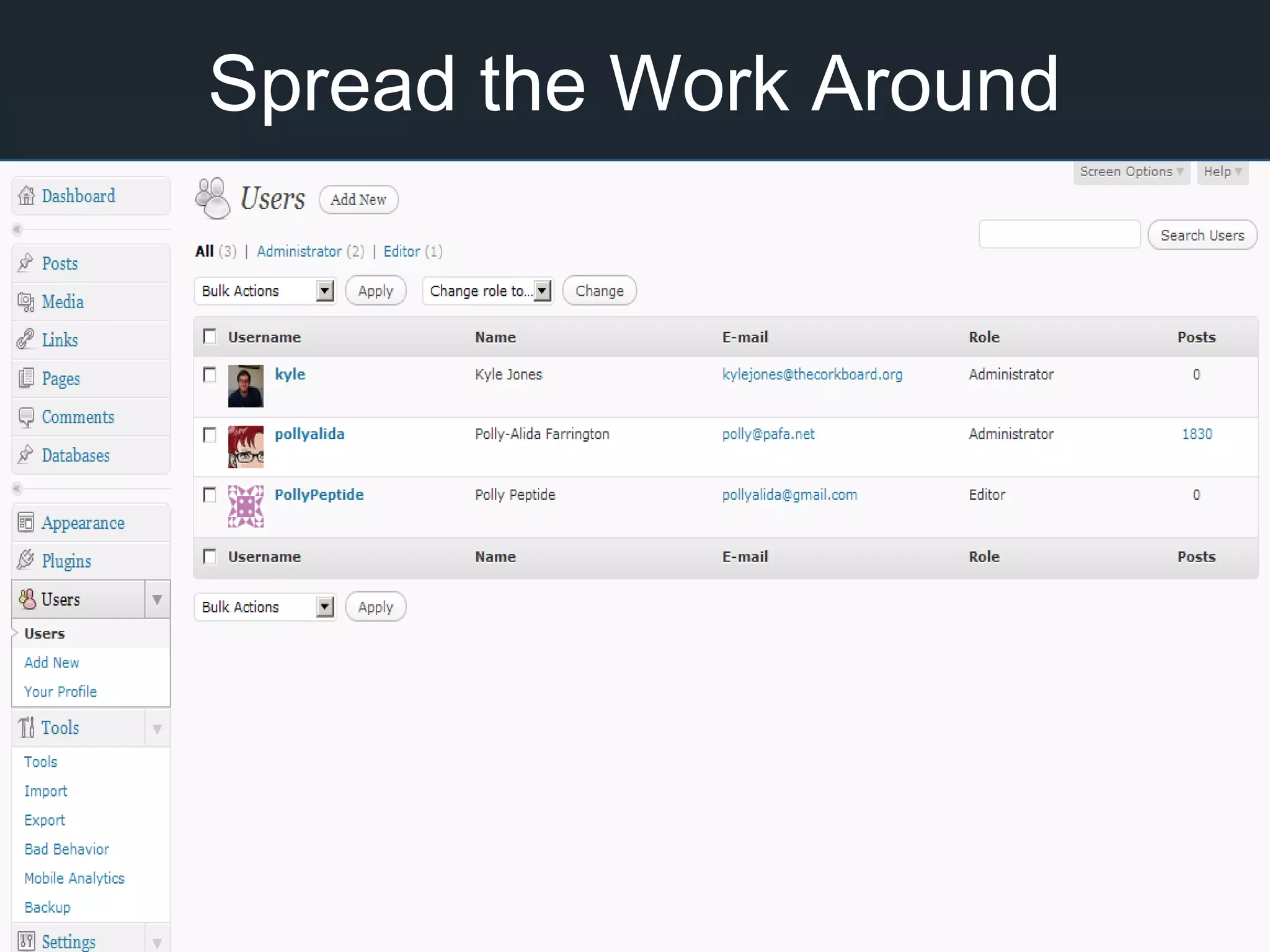
Spread the Work Around
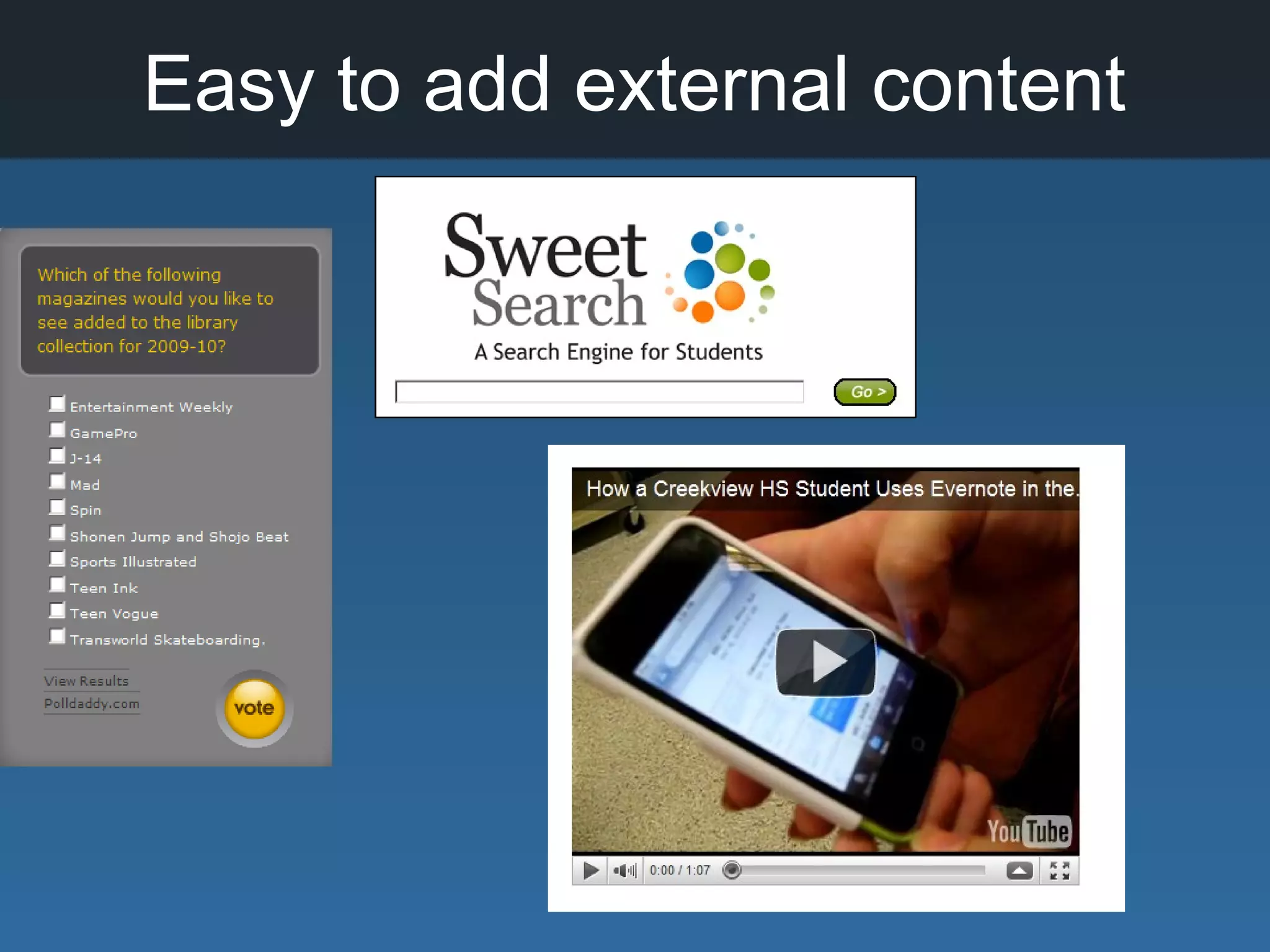
Easy to add external content
Creativity & Freedom
www.flickr.com/photos/nattu/895220635/
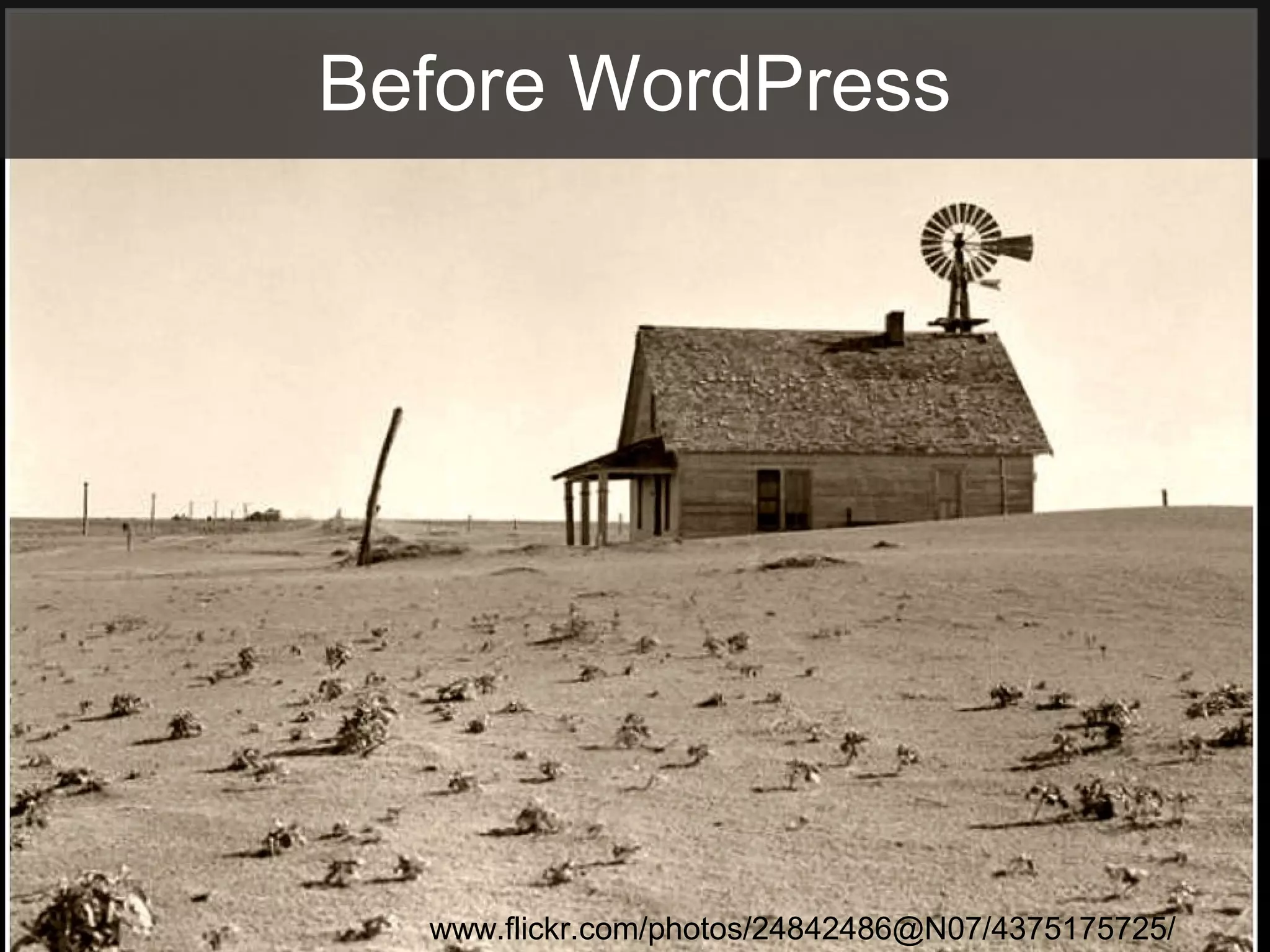
Before WordPress
www.flickr.com/photos/24842486@N07/4375175725/
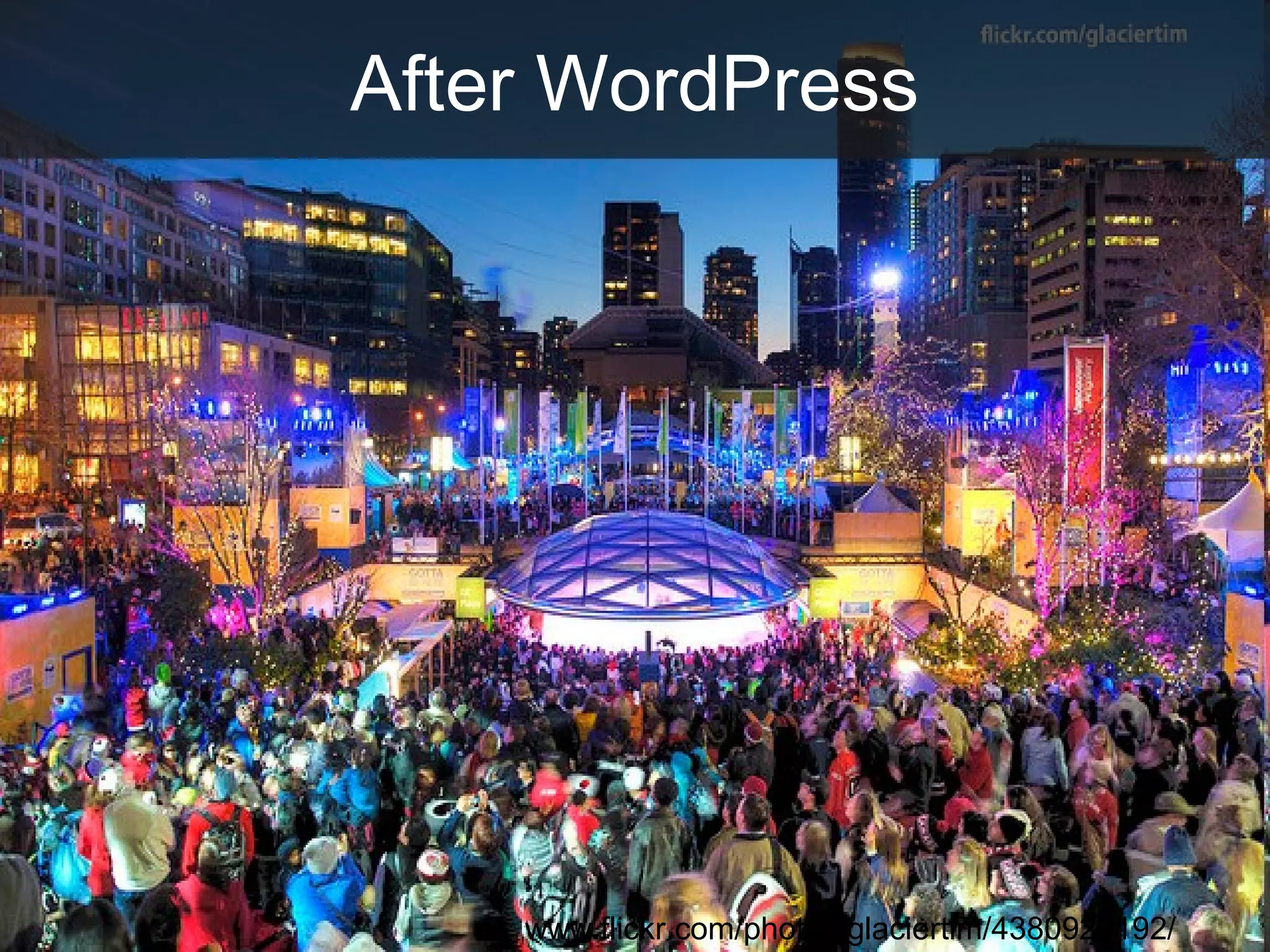
After WordPress
www.flickr.com/photos/glaciertim/4380929192/
WordPress in Libraries
Examples
http://www.flickr.com/photos/dawvon/3414373319/
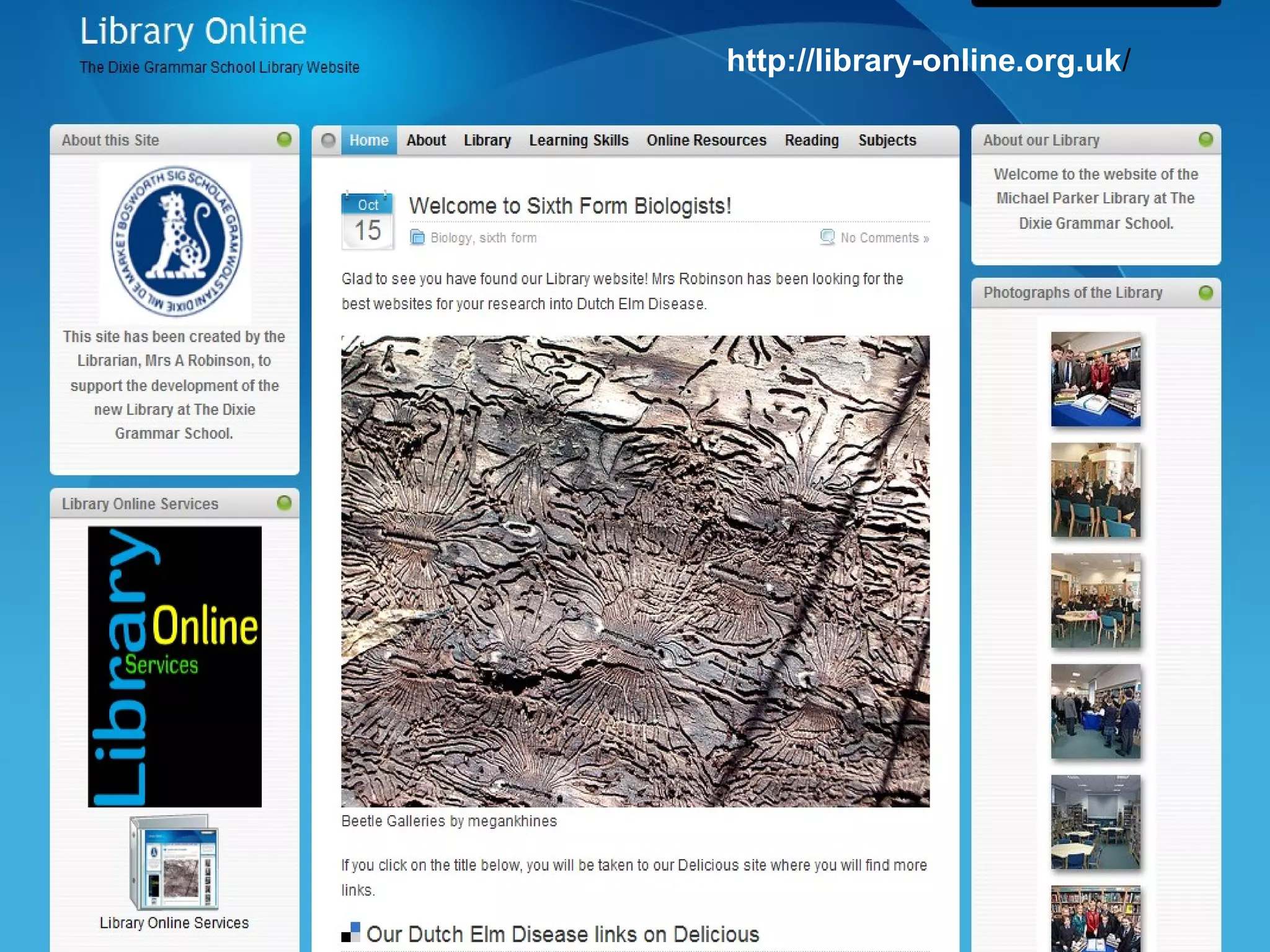
http://library-online.org.uk/
How do we get WordPress?
WordPress.com EduBlogs.org
• Free!
• Easy!
• But a bit limited
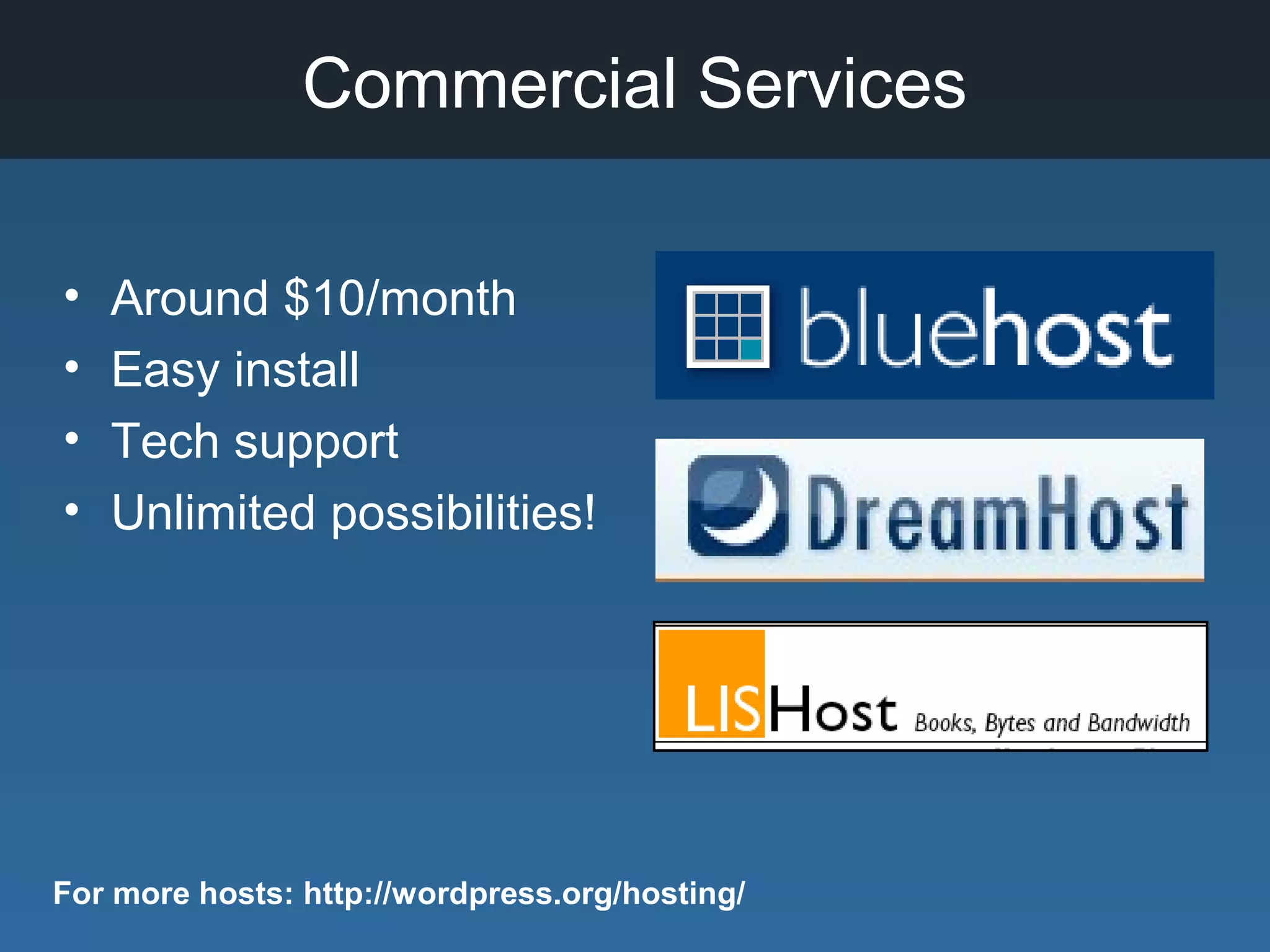
Commercial Services
• Around $10/month
• Easy install
• Tech support
• Unlimited possibilities!
For more hosts: http://wordpress.org/hosting/
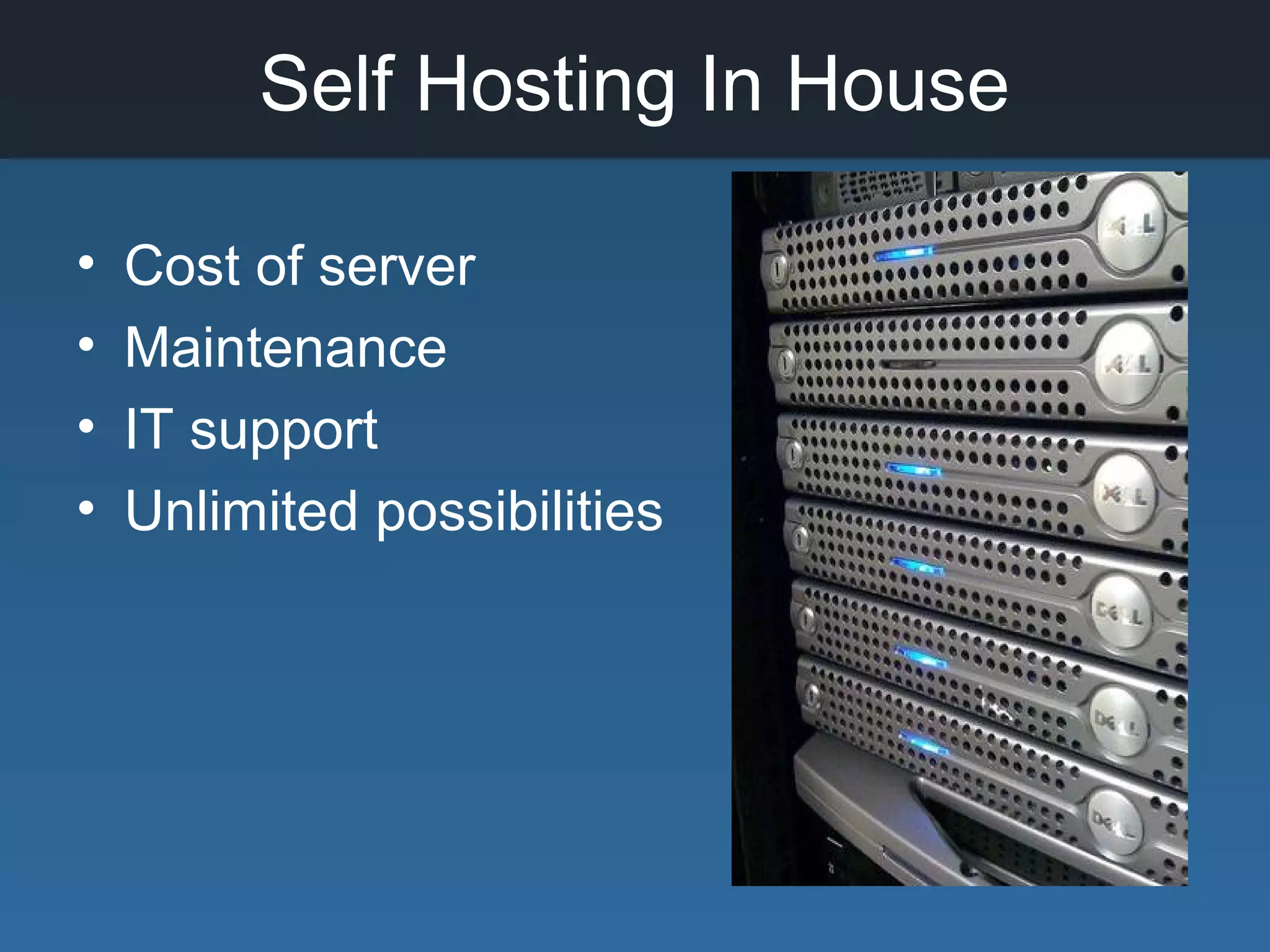
Self Hosting In House
• Cost of server
• Maintenance
• IT support
• Unlimited possibilities
Technical Requirements
• Current WordPress Version 3.0.1
• PHP version 4.3 or greater *
• MySQL version 4.1.2 or greater
• Linux & Apache
* Might find some plugins require more recent version of
PHP.
WordPress.com
Ways to Use a Wordpress
Blog for a School Library
• Announcements and celebrations
• Showcase collaborative projects with
teachers and students
• Positive publicity for library events and
learning experiences in the library
• Space for inviting participation
Ways to Use a Wordpress
Blog for a School Library
• Students and teachers can create blog
posts
• Showcase library created videos or other
educational videos from YouTube
• Integrate book widgets
• Integrate RSS feeds of interest to students
• Integrate your other library program social
media stream
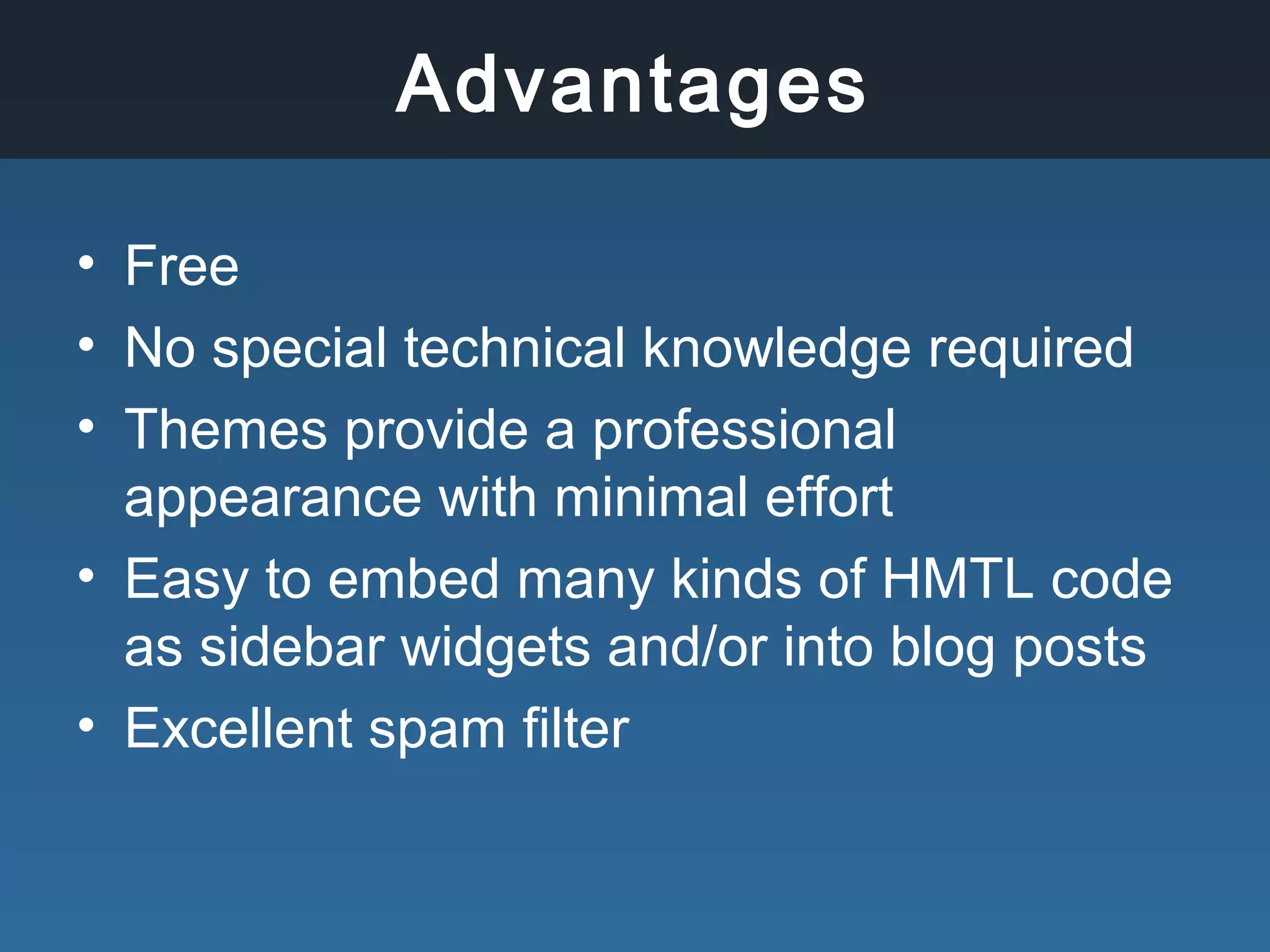
Advantages
• Free
• No special technical knowledge required
• Themes provide a professional
appearance with minimal effort
• Easy to embed many kinds of HMTL code
as sidebar widgets and/or into blog posts
• Excellent spam filter
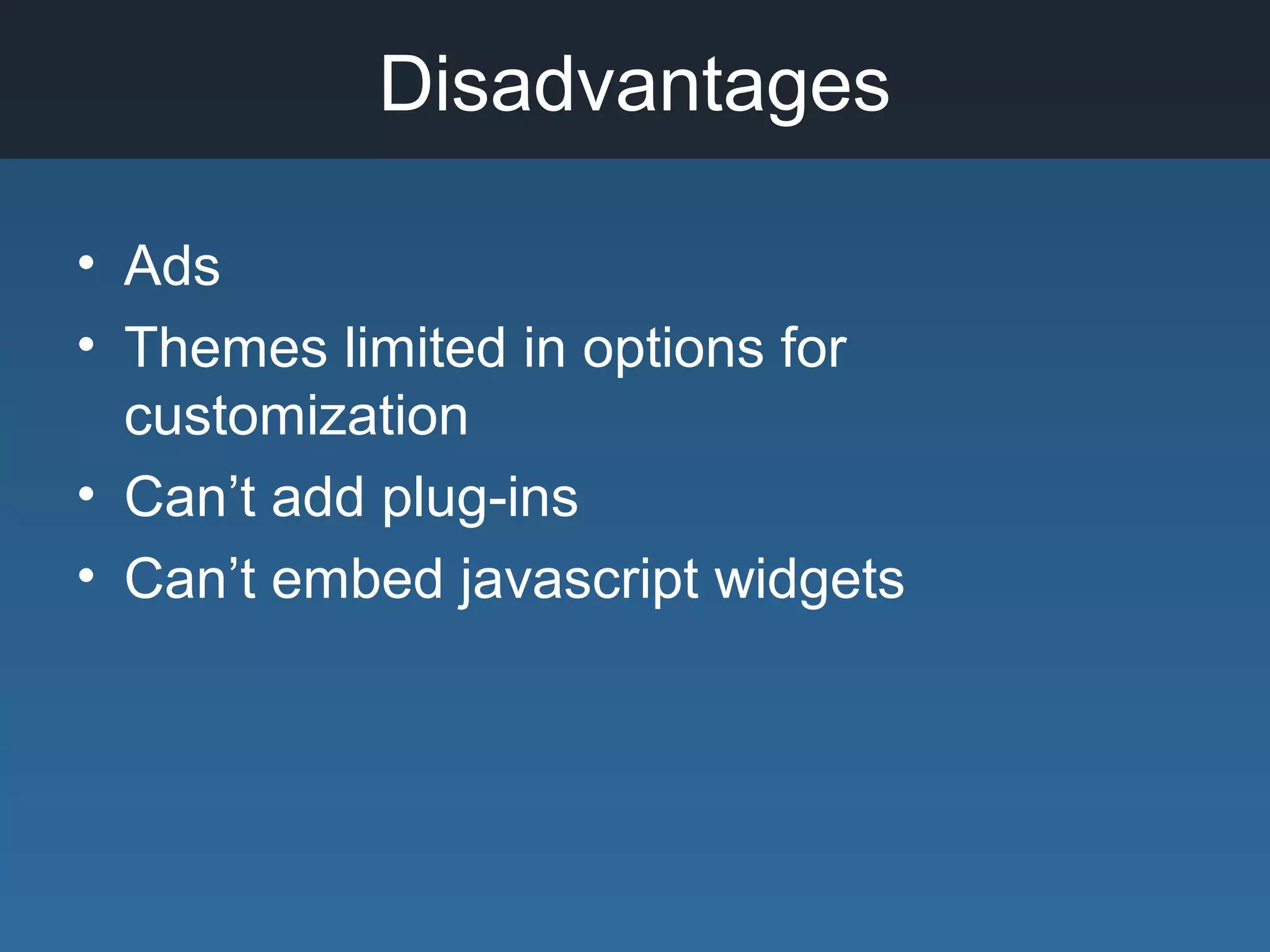
Disadvantages
• Ads
• Themes limited in options for
customization
• Can’t add plug-ins
• Can’t embed javascript widgets
Getting Started
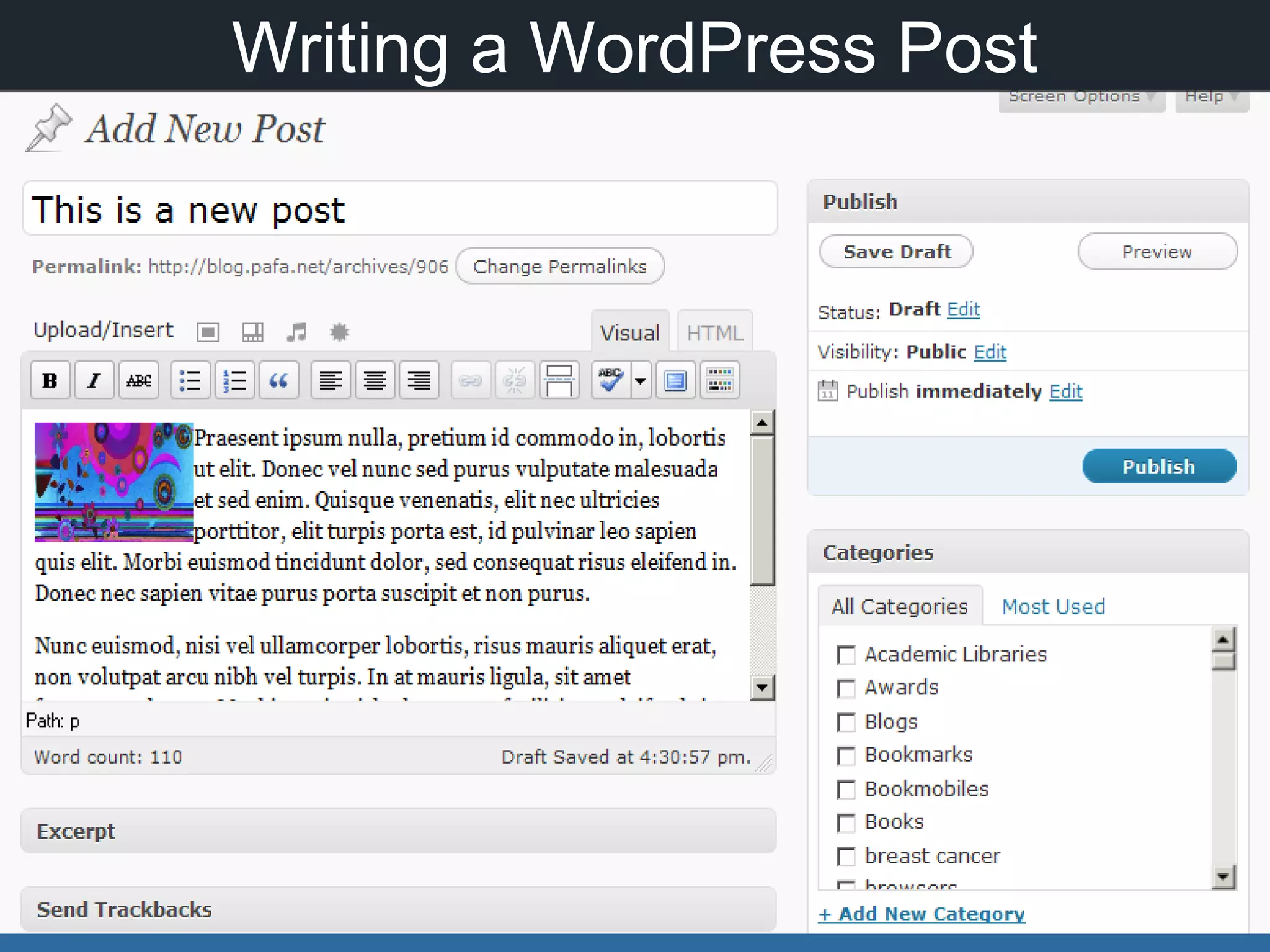
Writing a WordPress Post
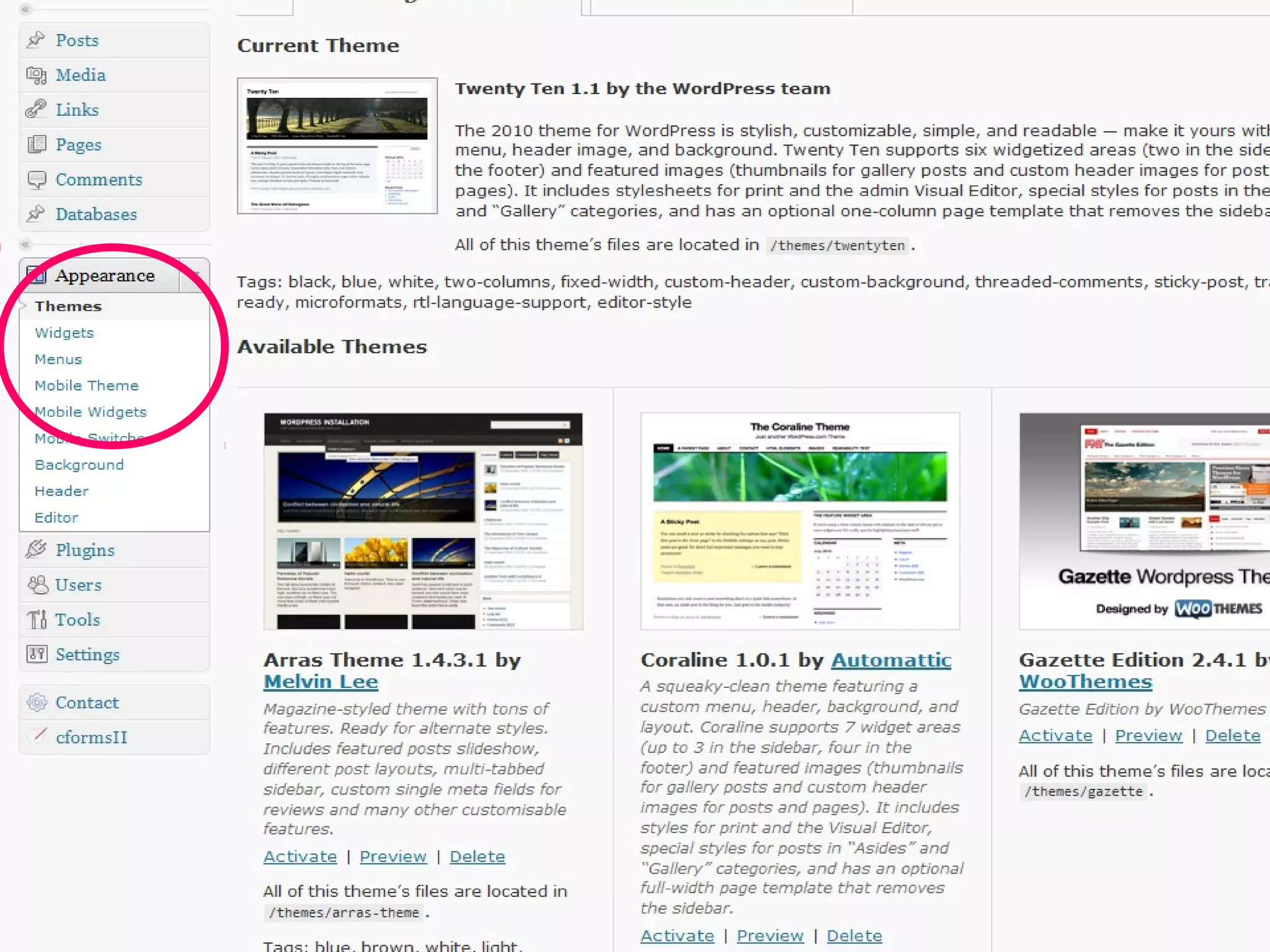
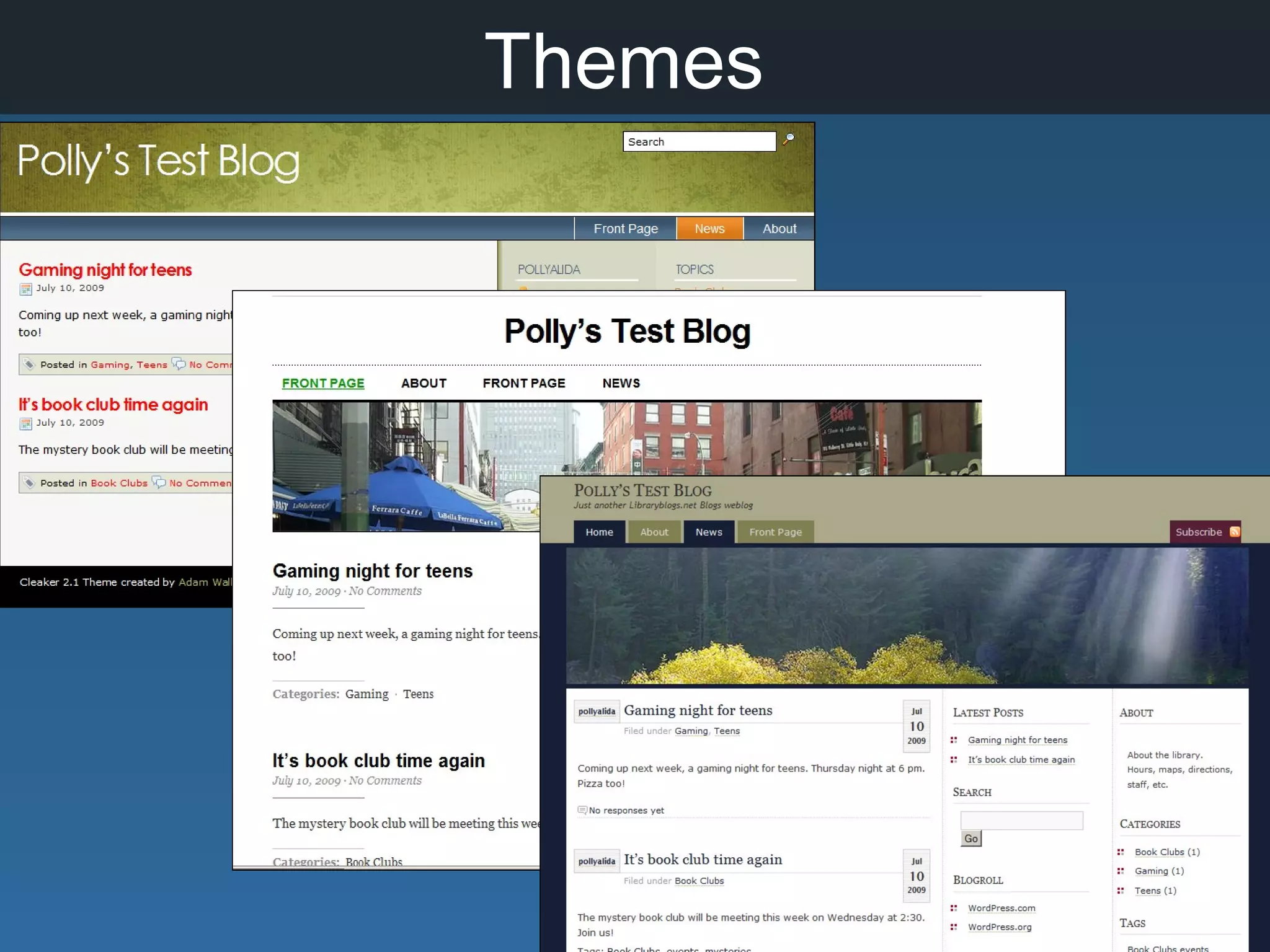
Themes
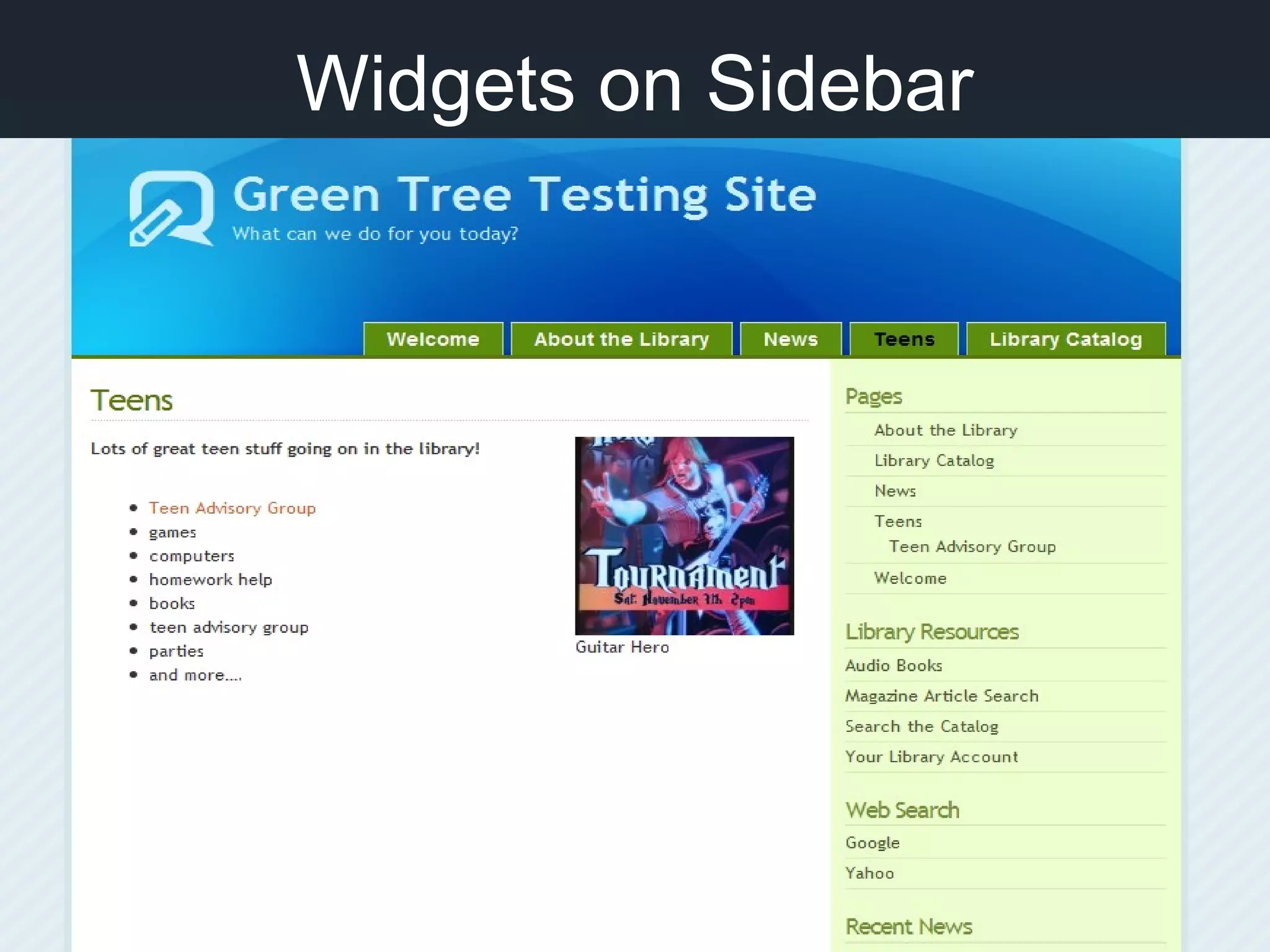
Sidebar Widgets
Widgets on Sidebar
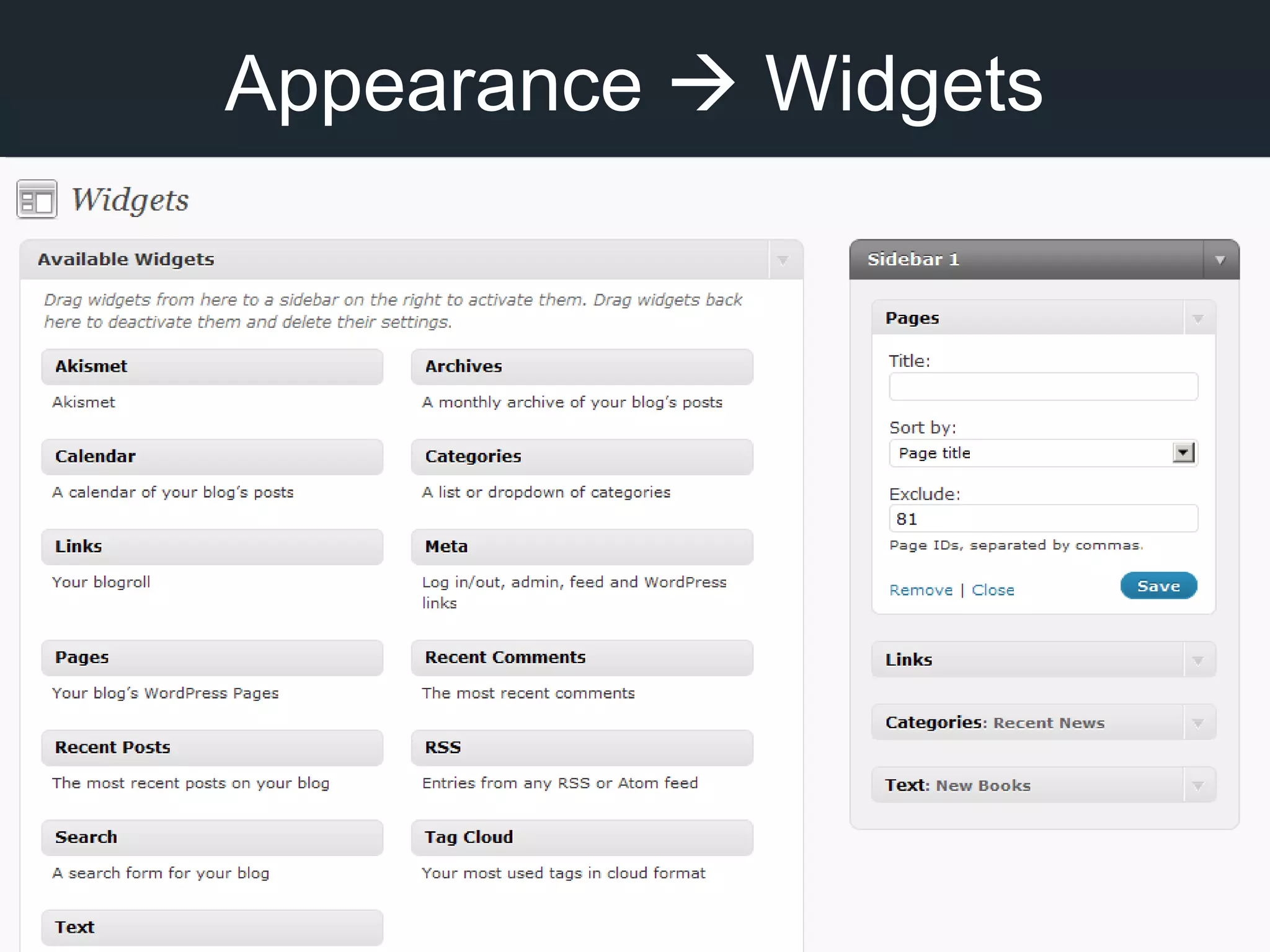
Appearance  Widgets
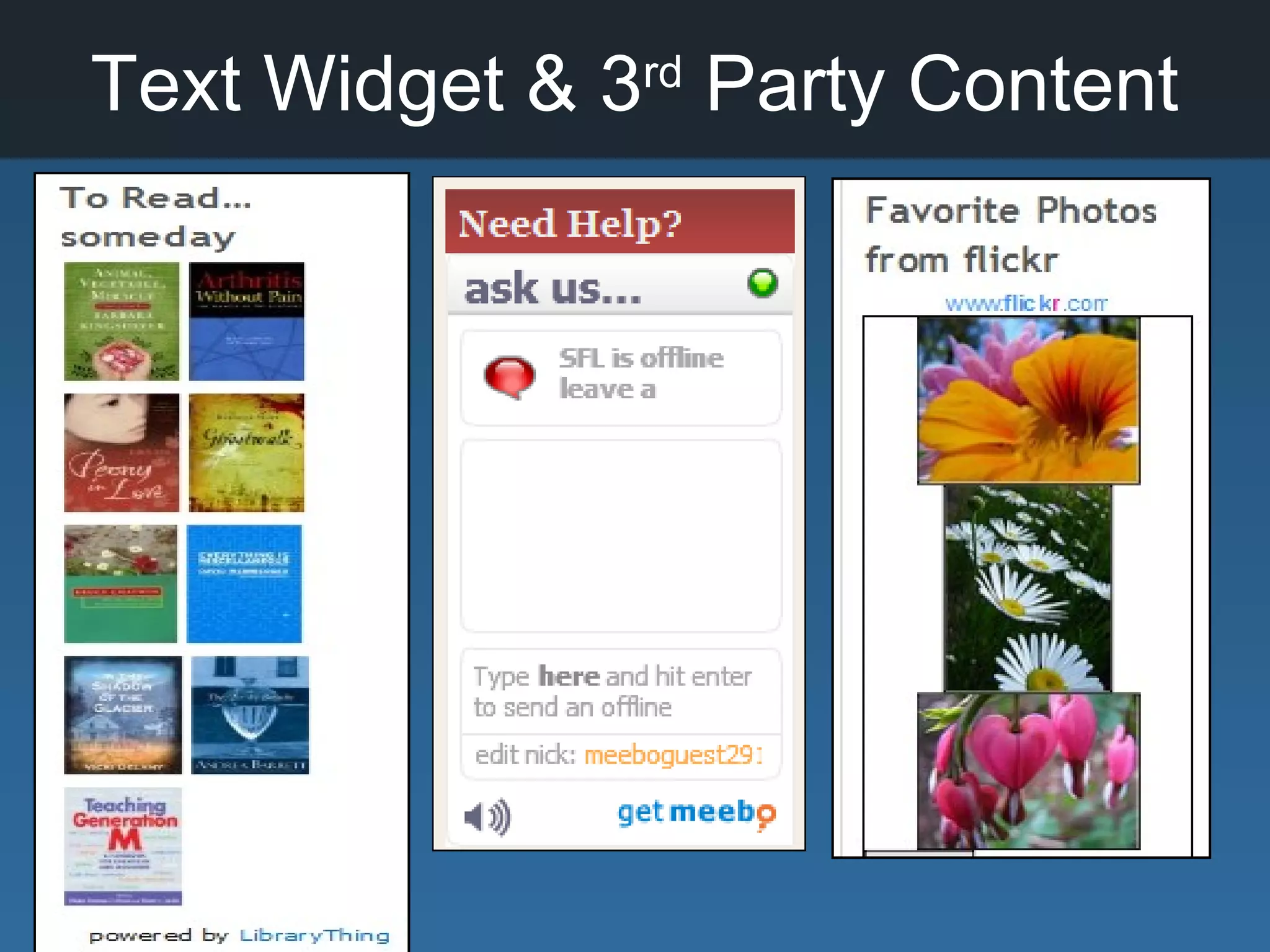
Text Widget & 3rd
Party Content
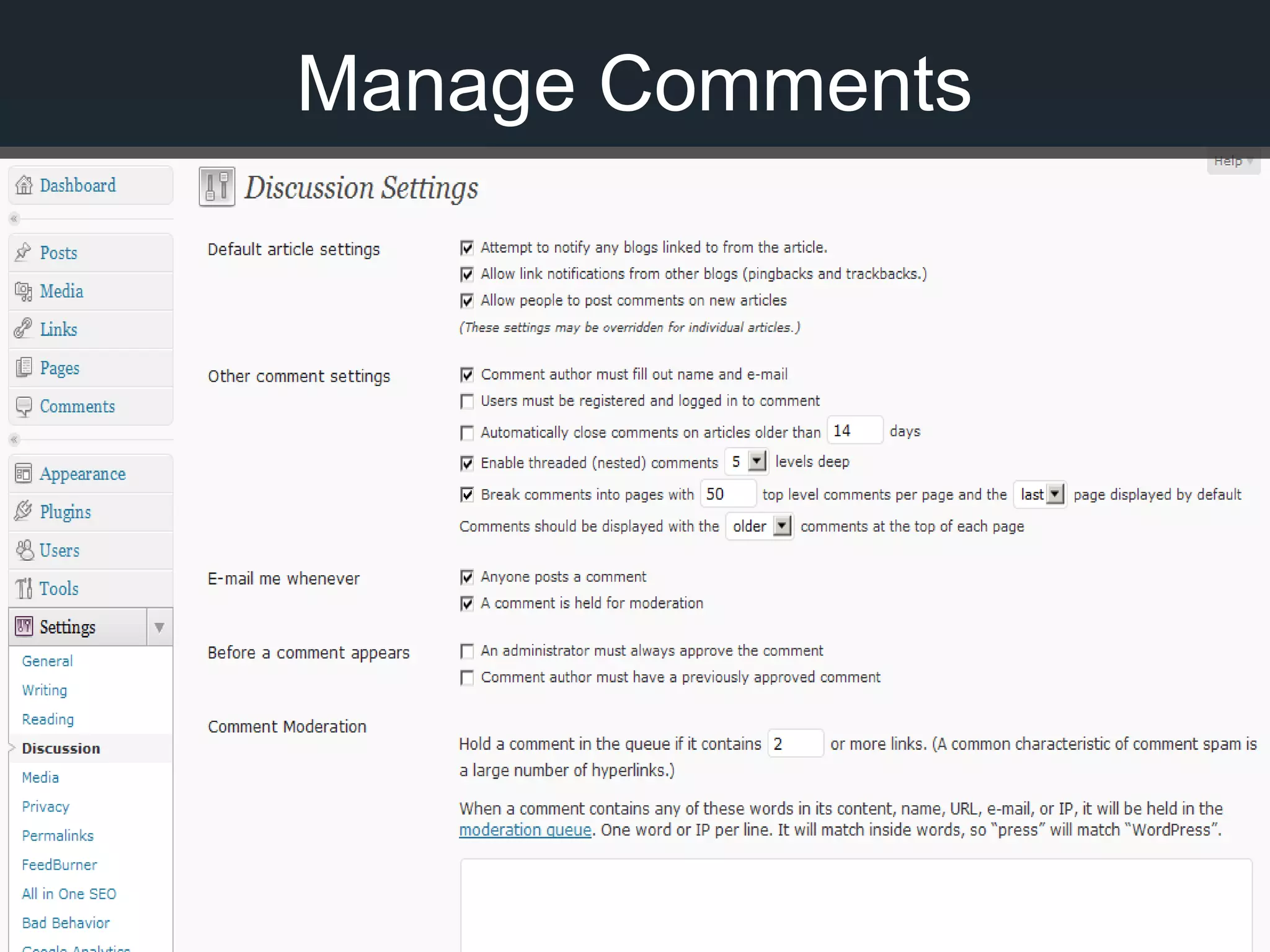
Manage Comments
Can WordPress do…???
There’s a PLUGIN for that!
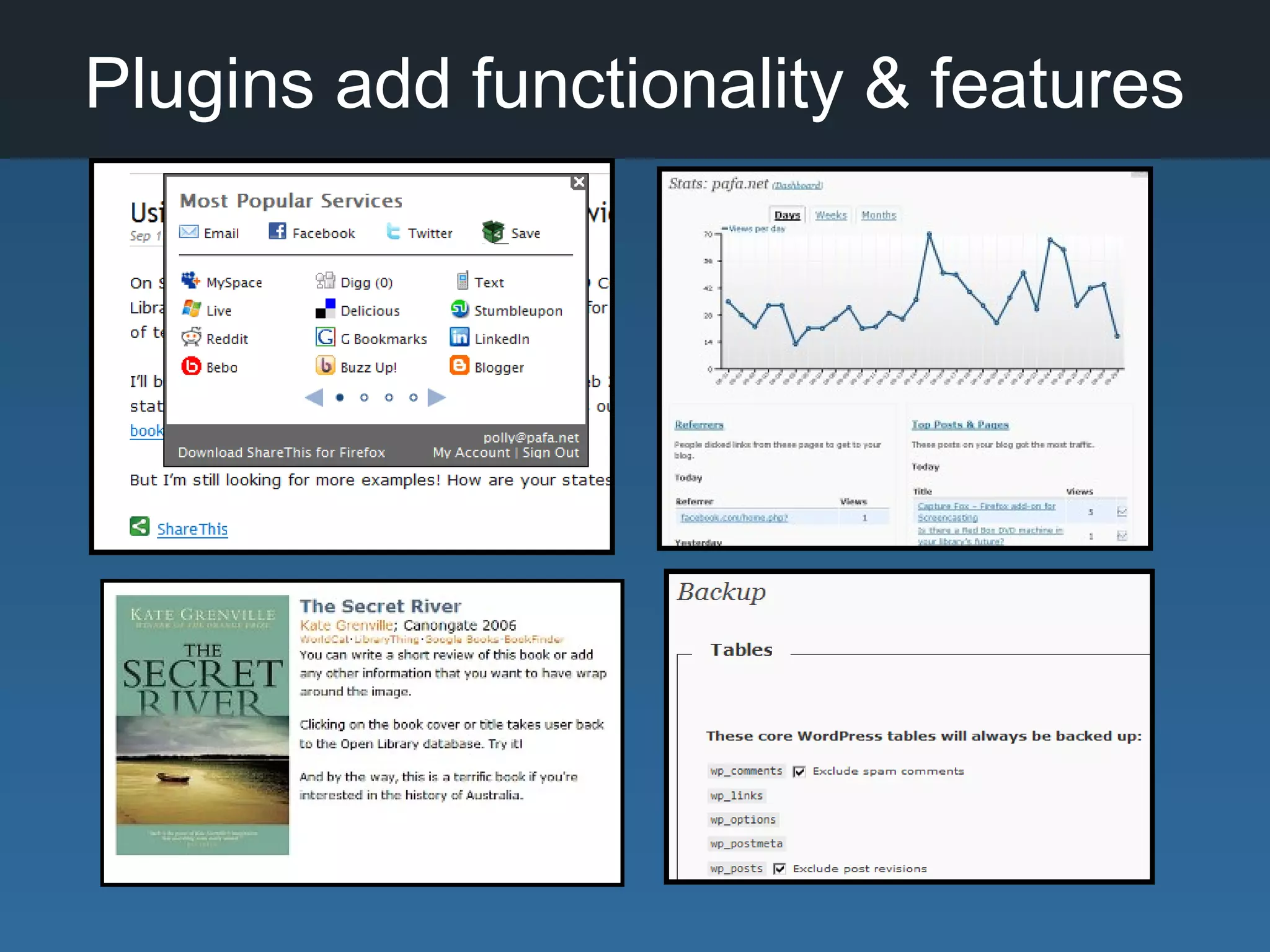
Plugins add functionality & features
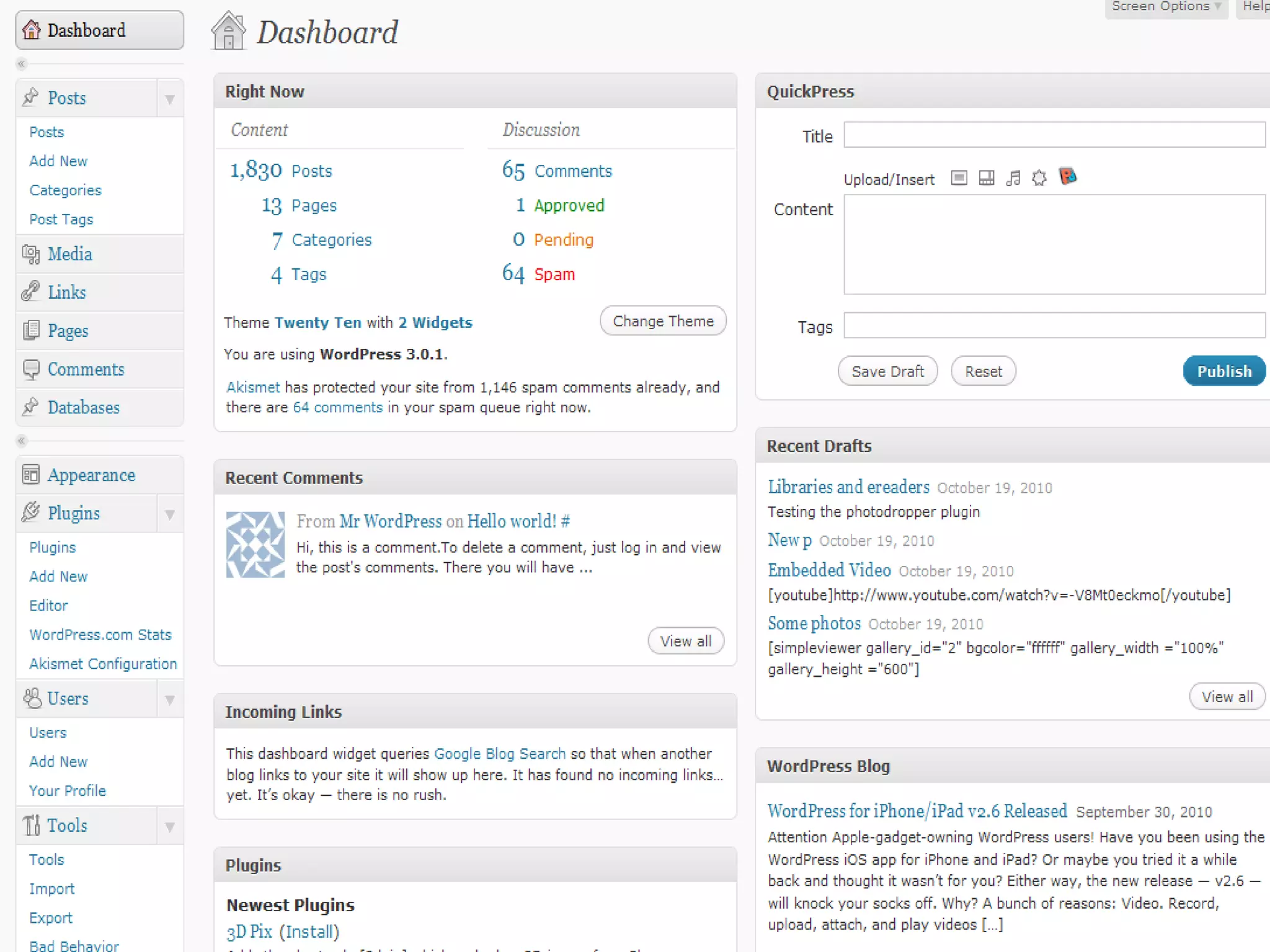
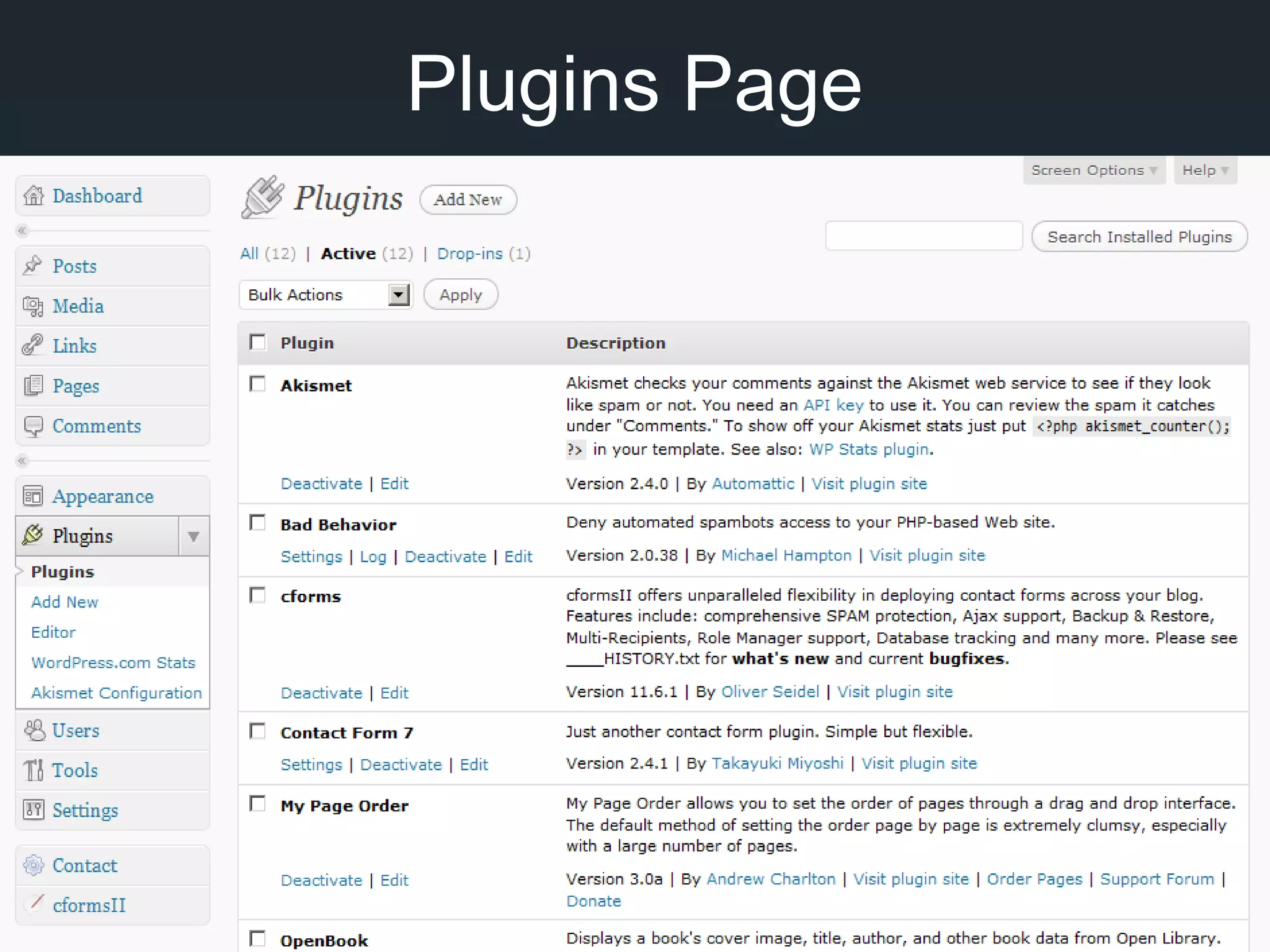
Plugins Page
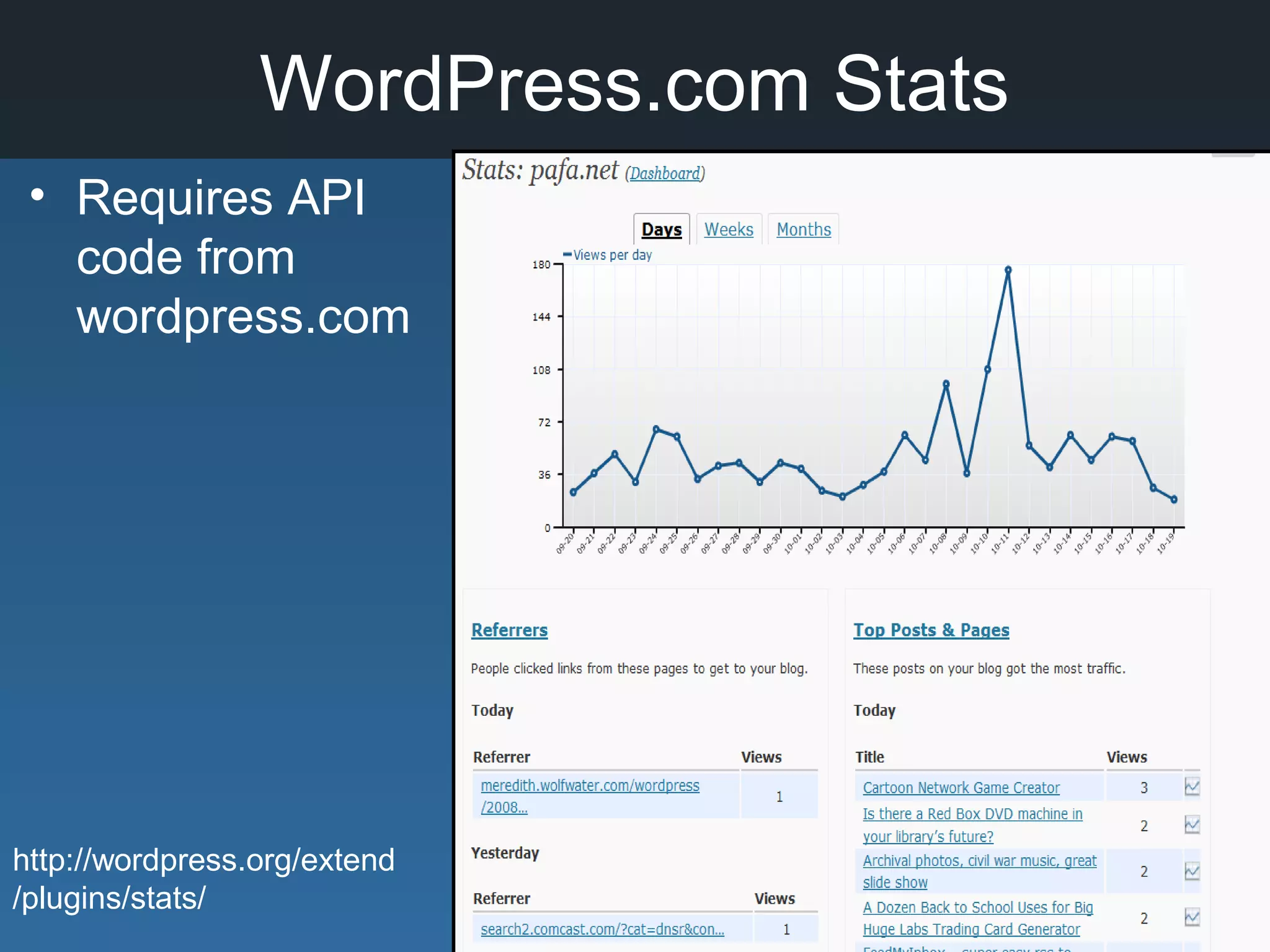
WordPress.com Stats
• Requires API
code from
wordpress.com
http://wordpress.org/extend
/plugins/stats/
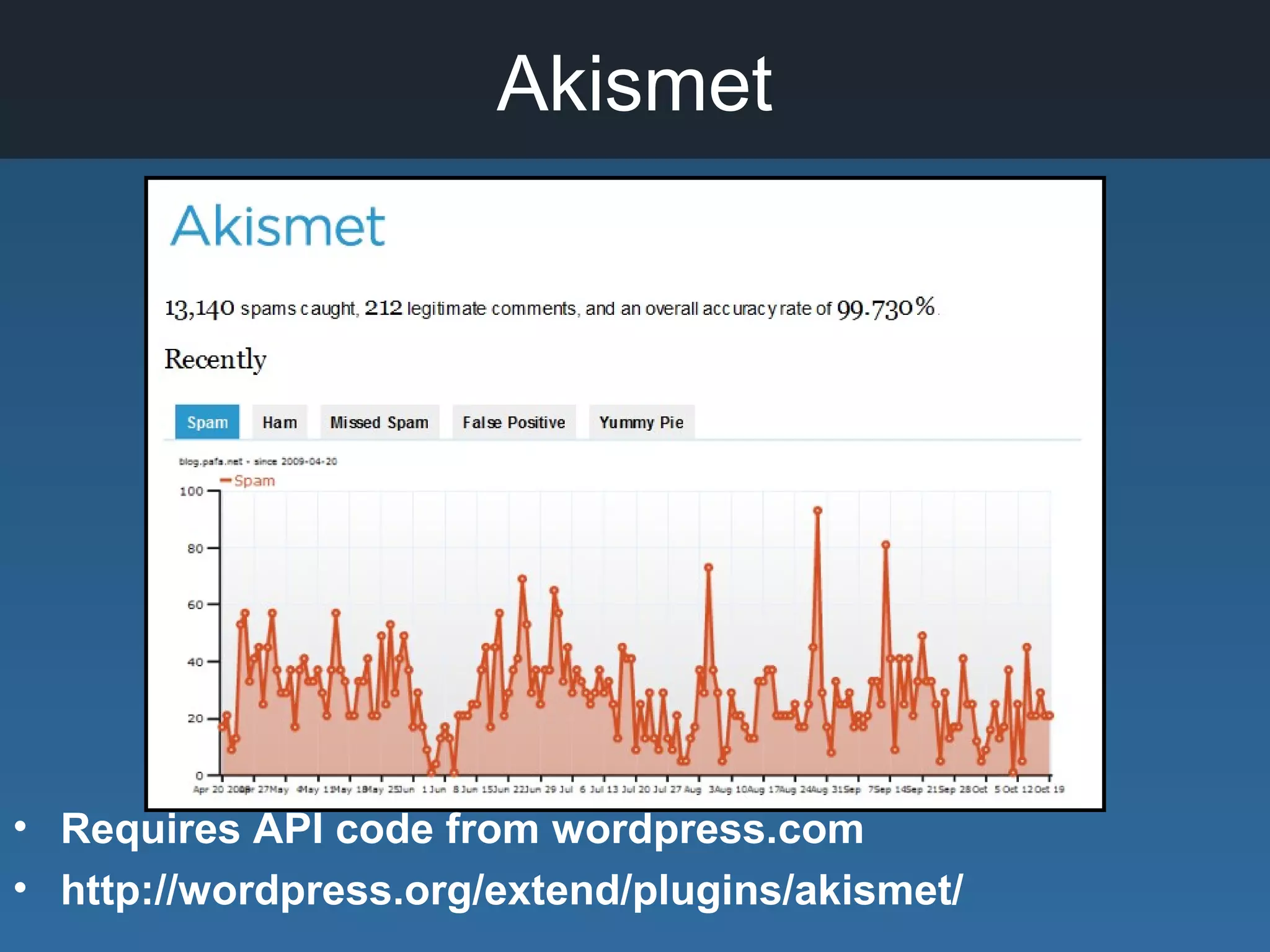
Akismet
• Requires API code from wordpress.com
• http://wordpress.org/extend/plugins/akismet/
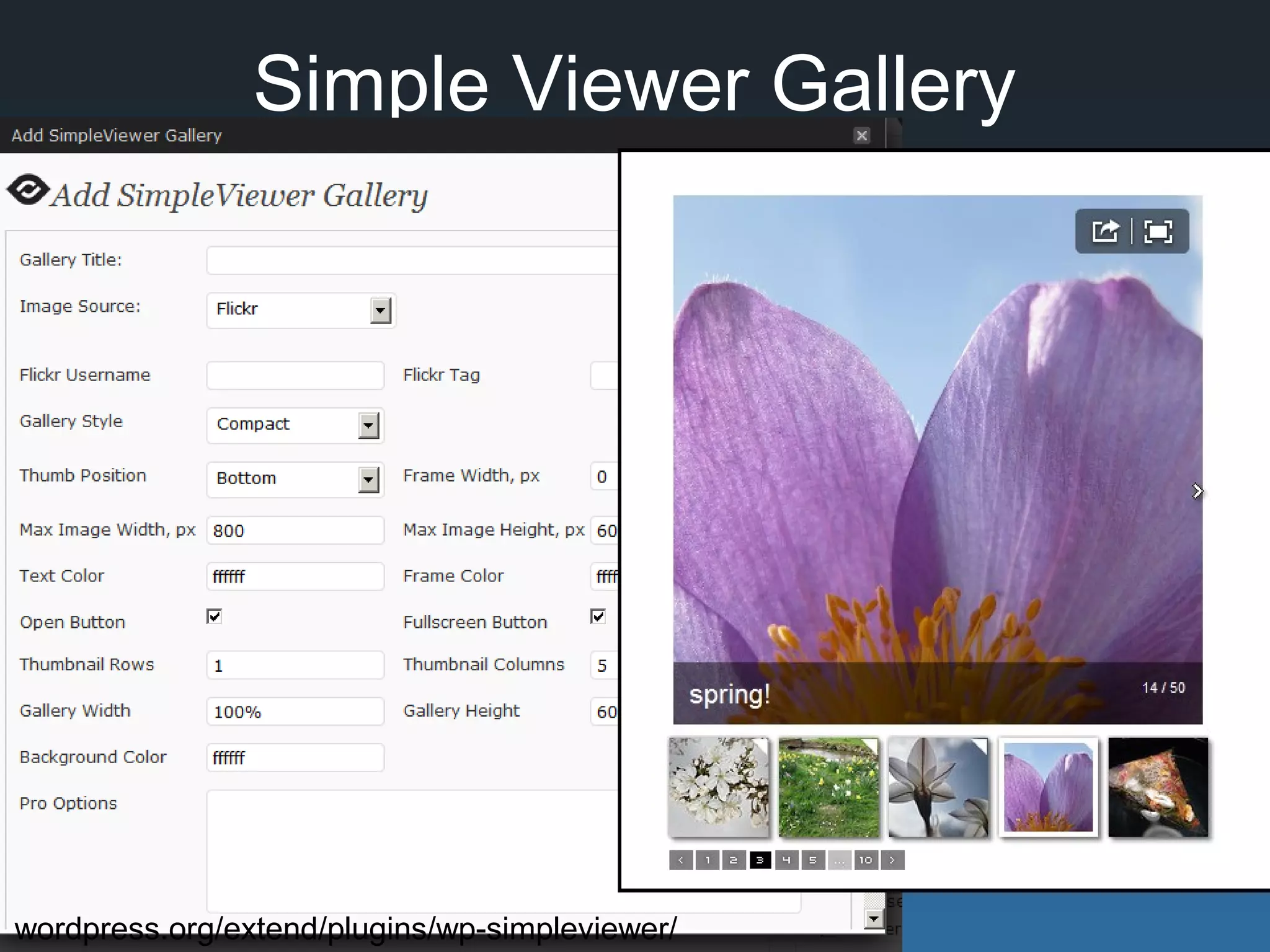
Simple Viewer Gallery
wordpress.org/extend/plugins/wp-simpleviewer/
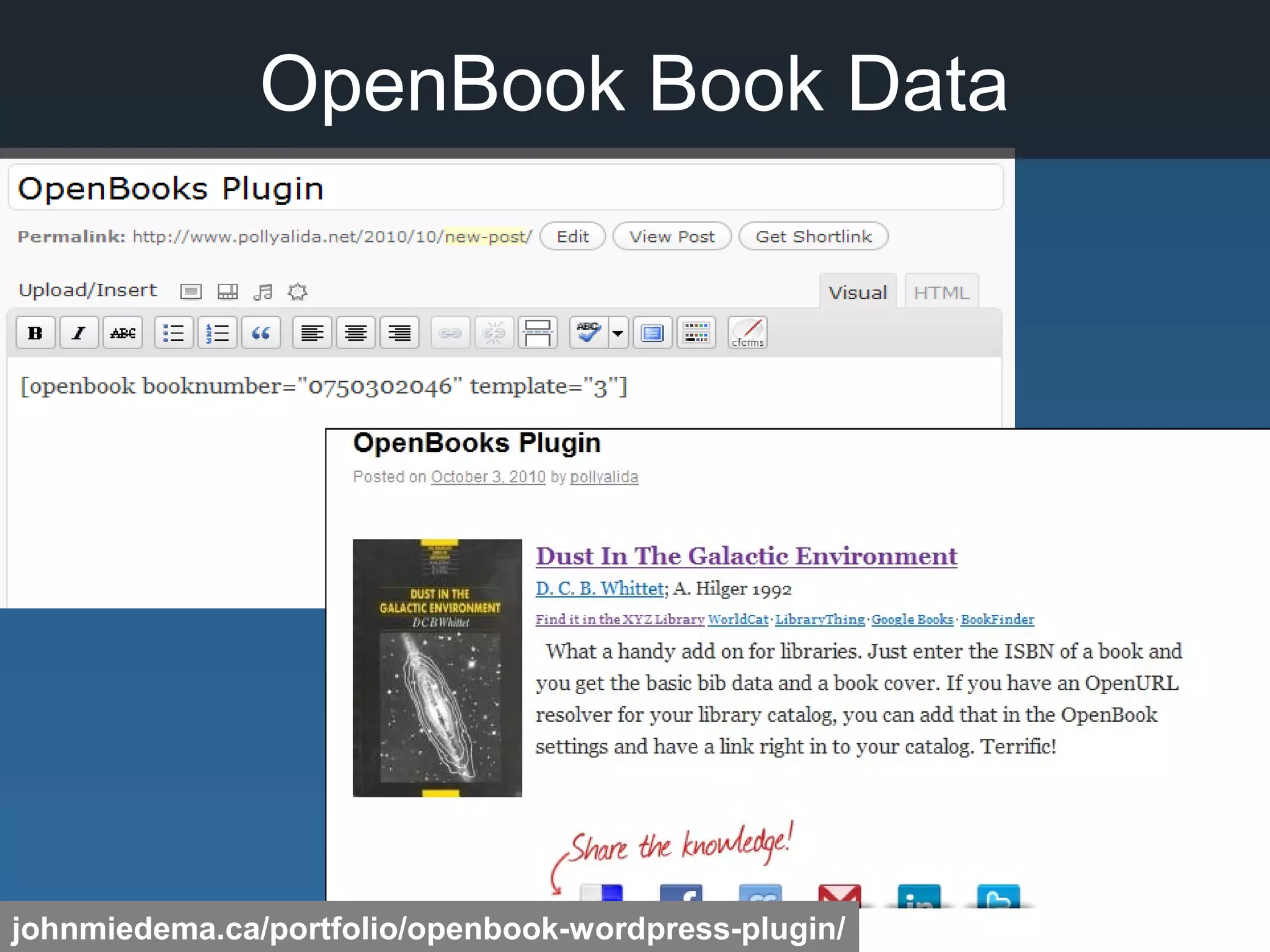
OpenBook Book Data
johnmiedema.ca/portfolio/openbook-wordpress-plugin/
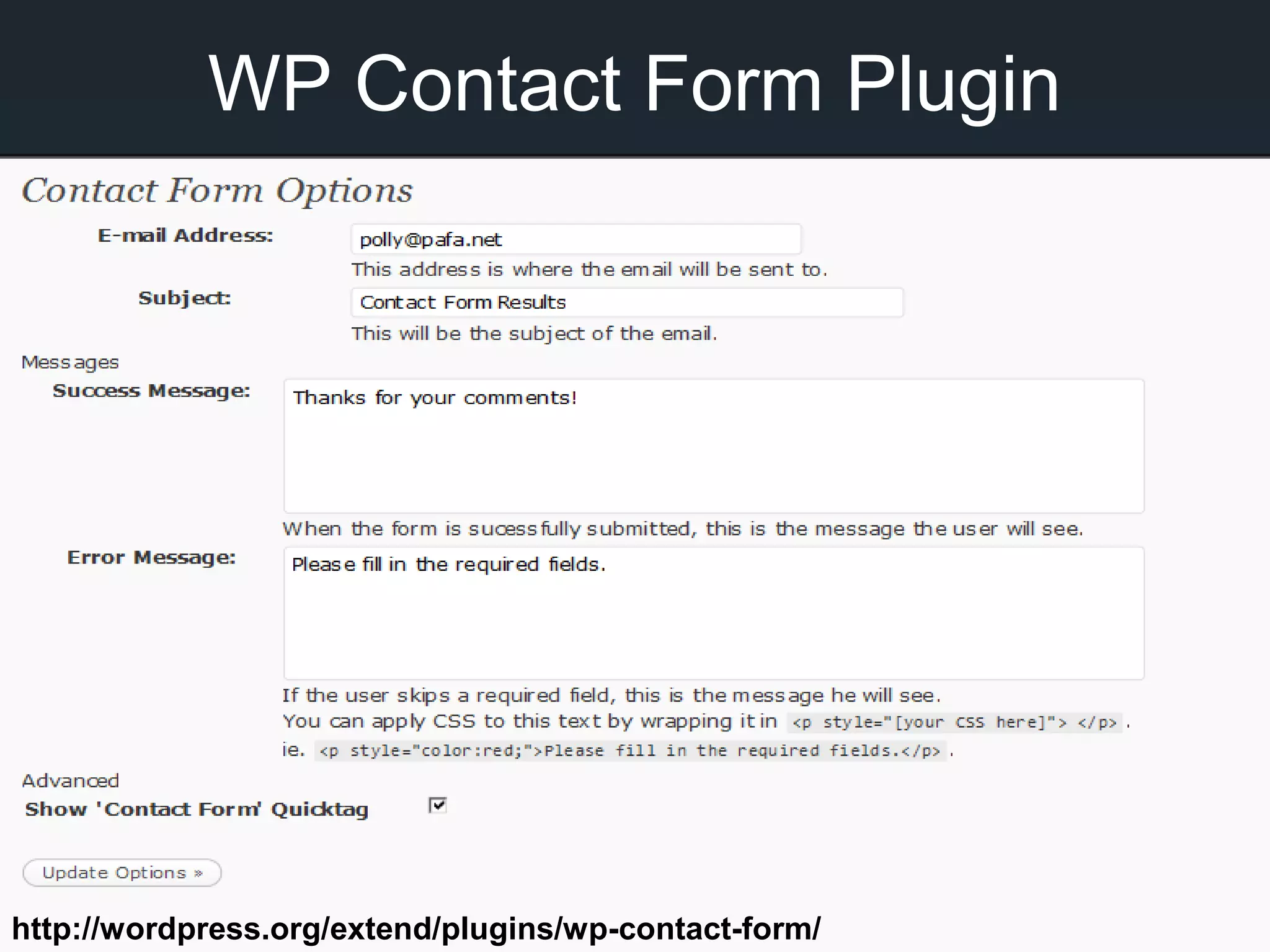
WP Contact Form Plugin
http://wordpress.org/extend/plugins/wp-contact-form/
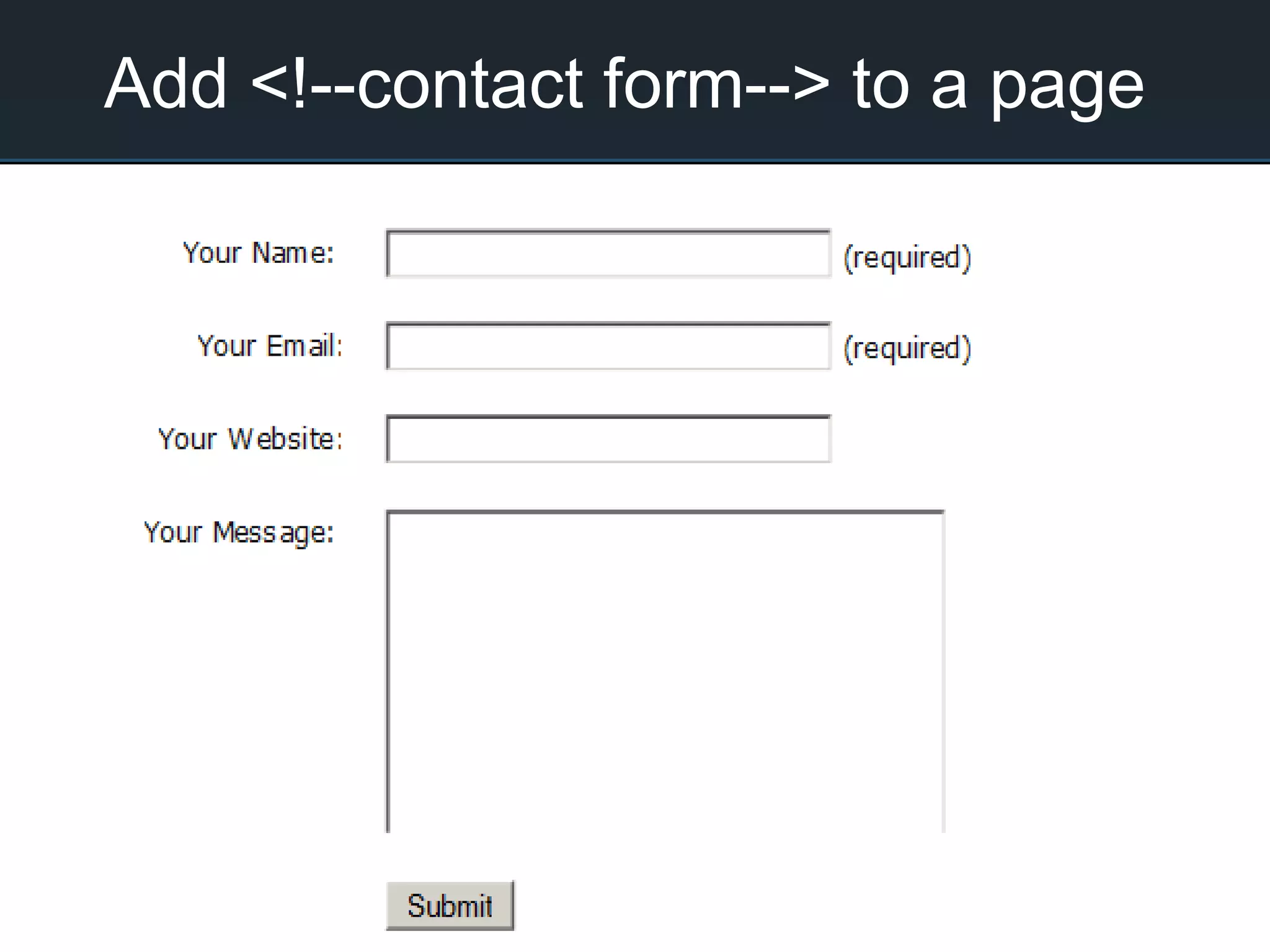
Add <!--contact form--> to a page
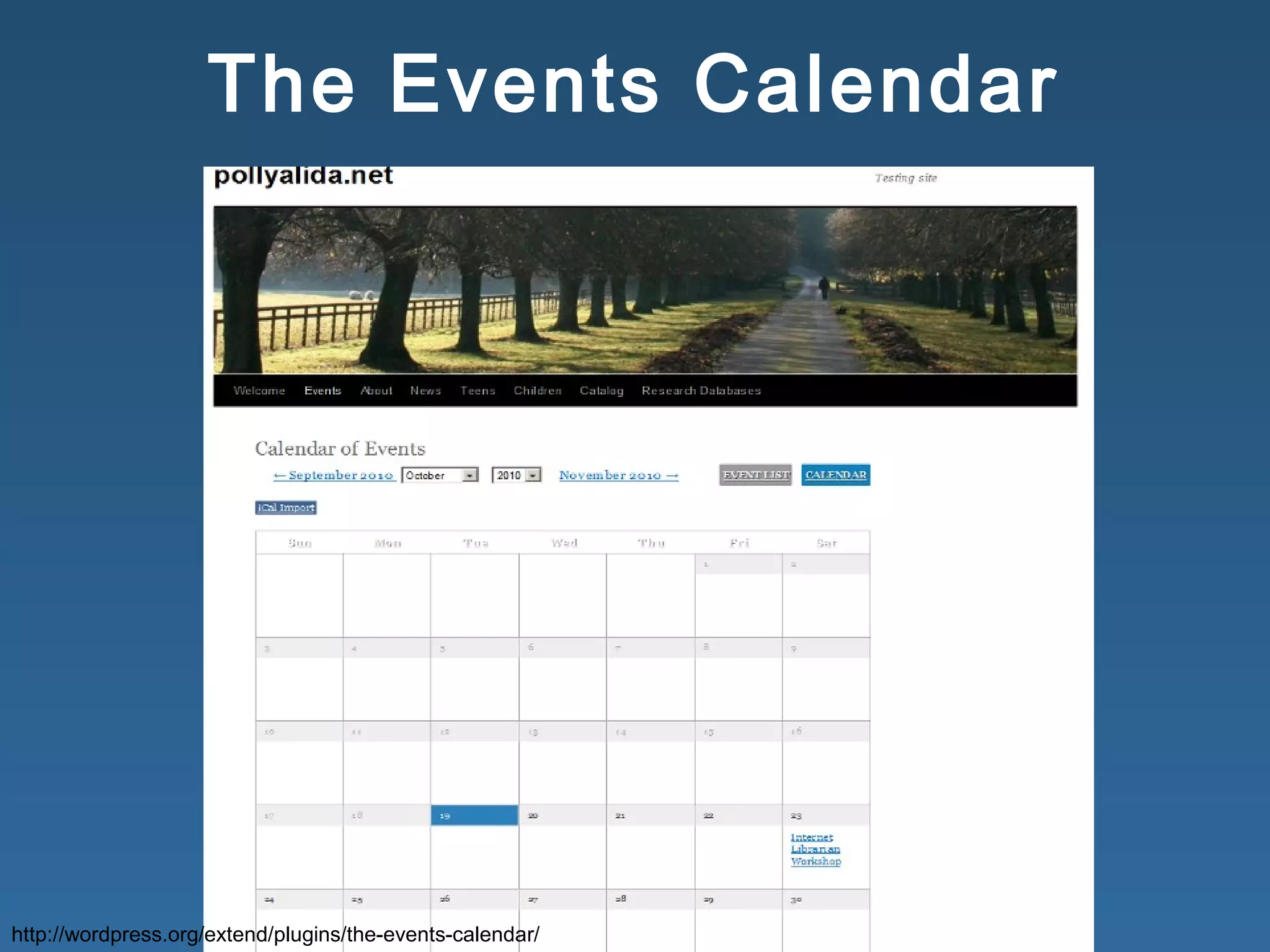
The Events Calendar
http://wordpress.org/extend/plugins/the-events-calendar/
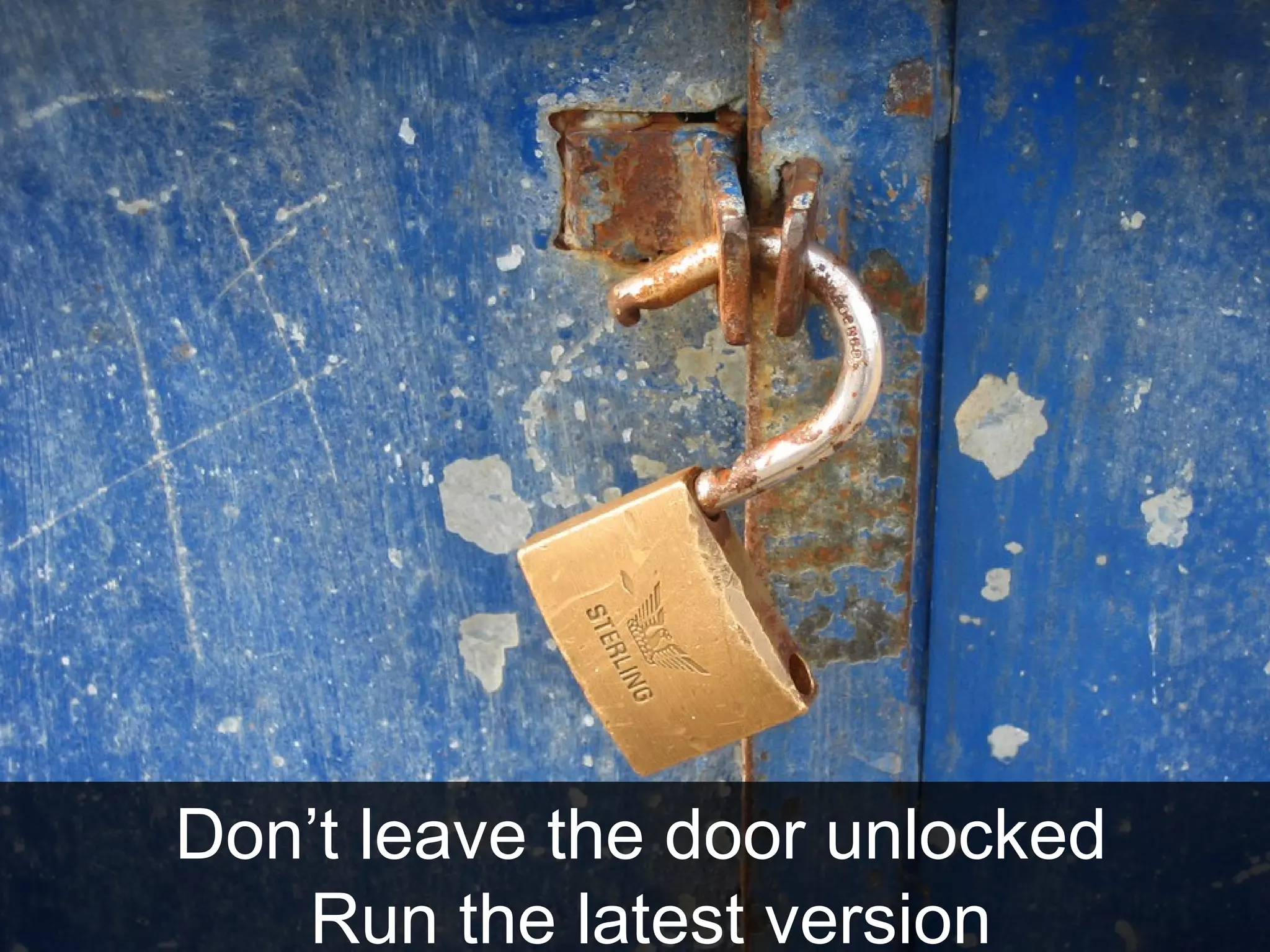
Keep it Safe
http://www.flickr.com/photos/maistora/3237164755
Don’t leave the door unlocked
Run the latest version
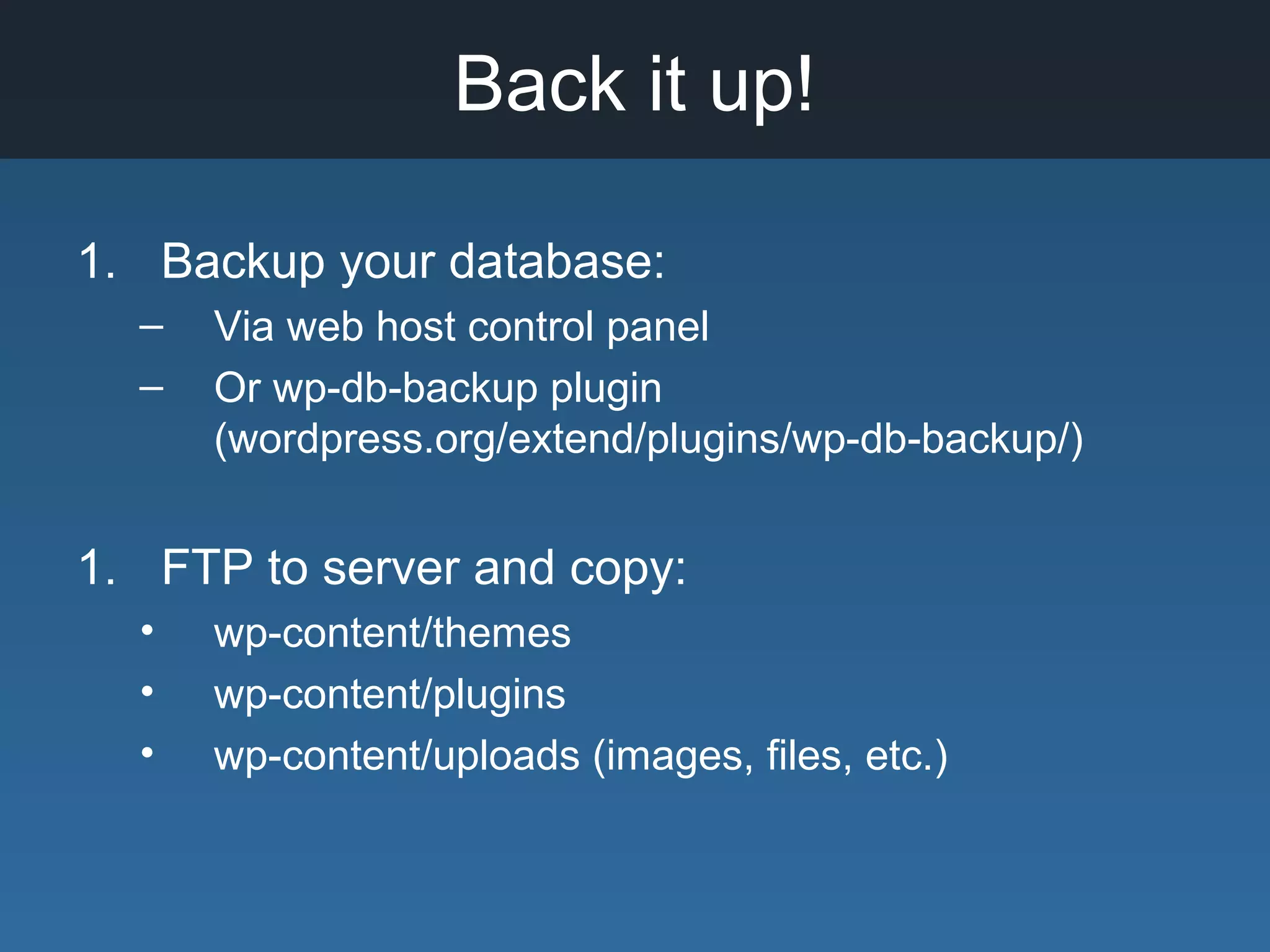
Back it up!
1. Backup your database:
– Via web host control panel
– Or wp-db-backup plugin
(wordpress.org/extend/plugins/wp-db-backup/)
1. FTP to server and copy:
• wp-content/themes
• wp-content/plugins
• wp-content/uploads (images, files, etc.)
WordPress on the go
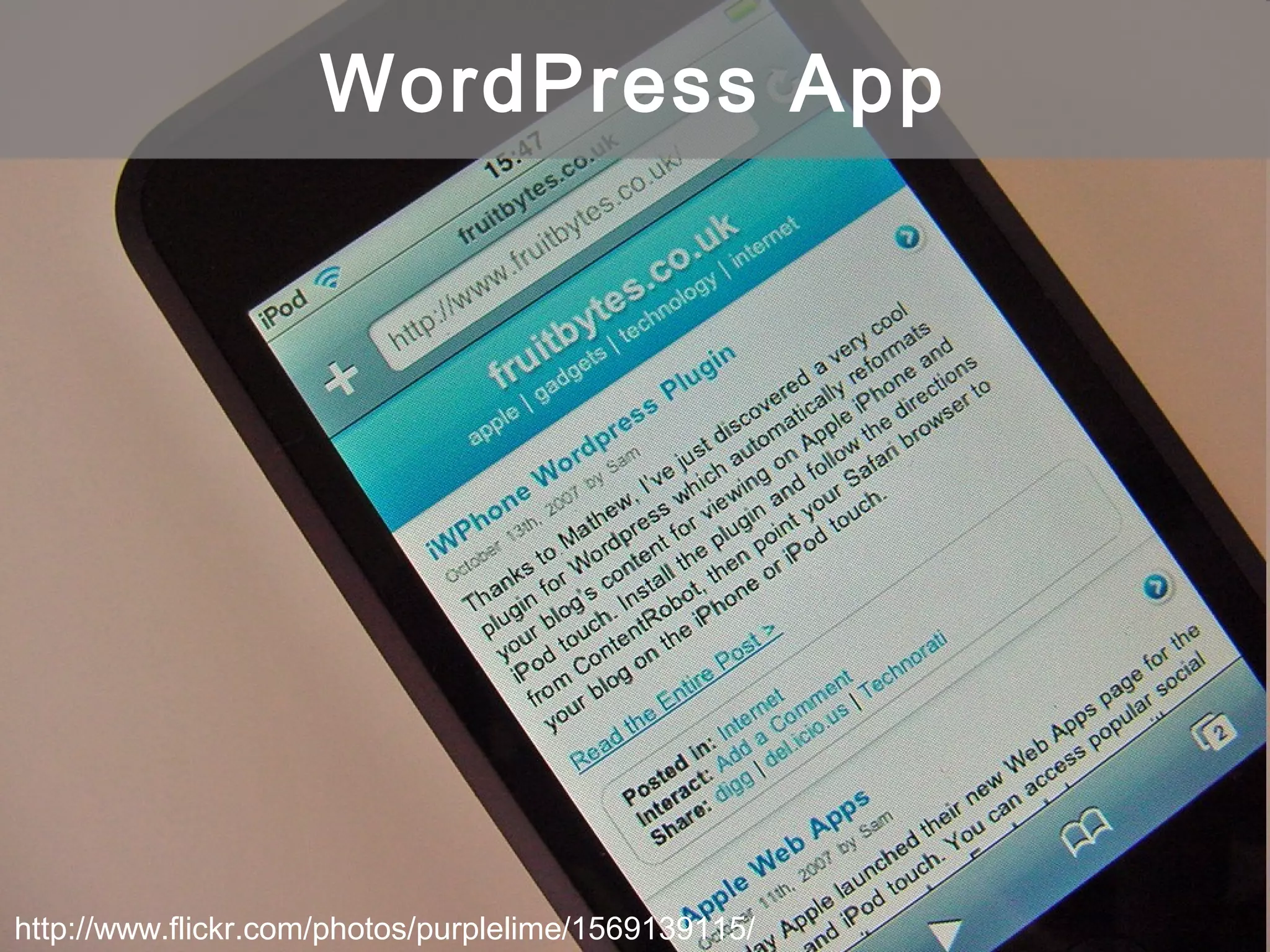
http://www.flickr.com/photos/purplelime/1569139115/
WordPress App
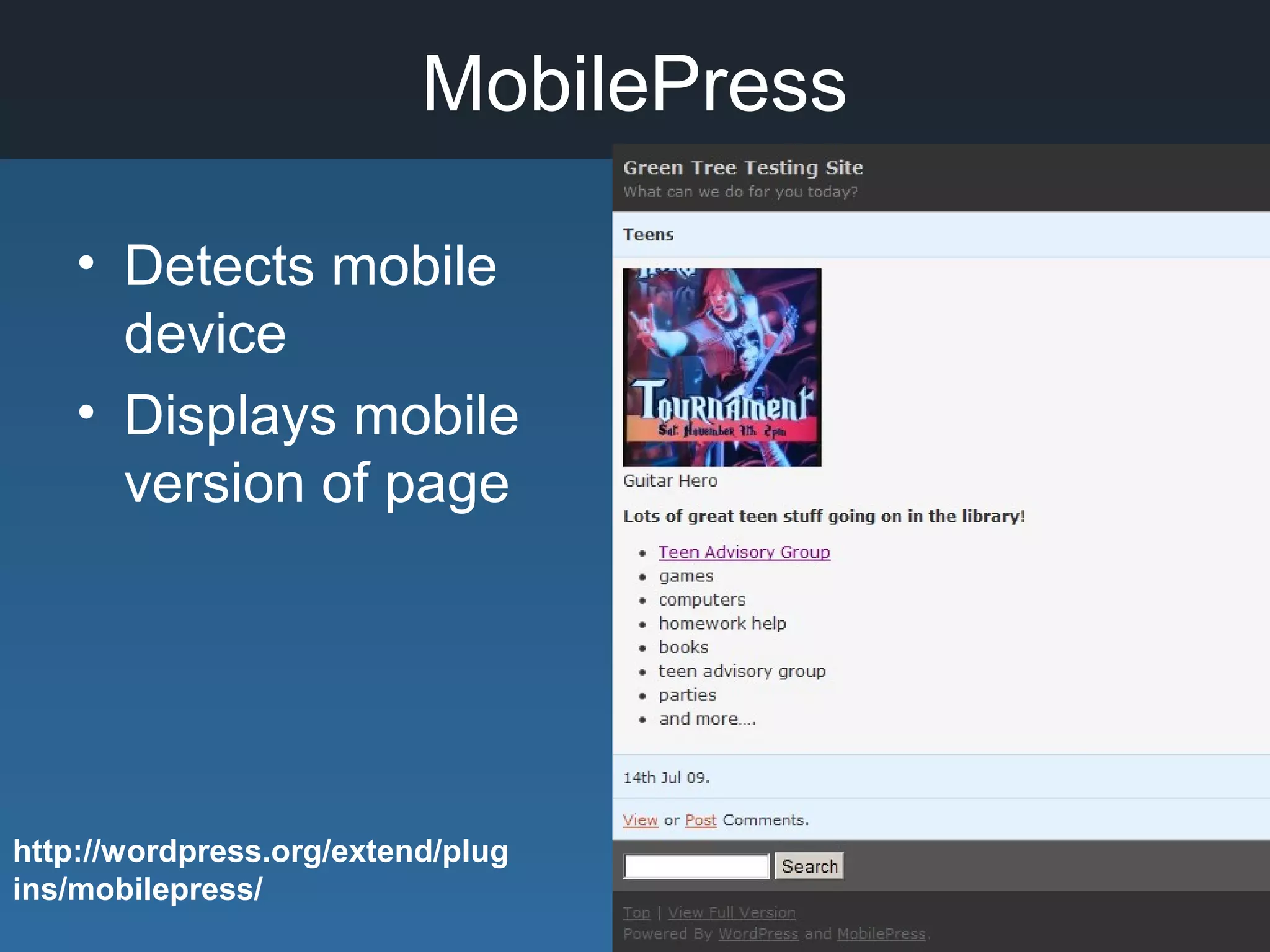
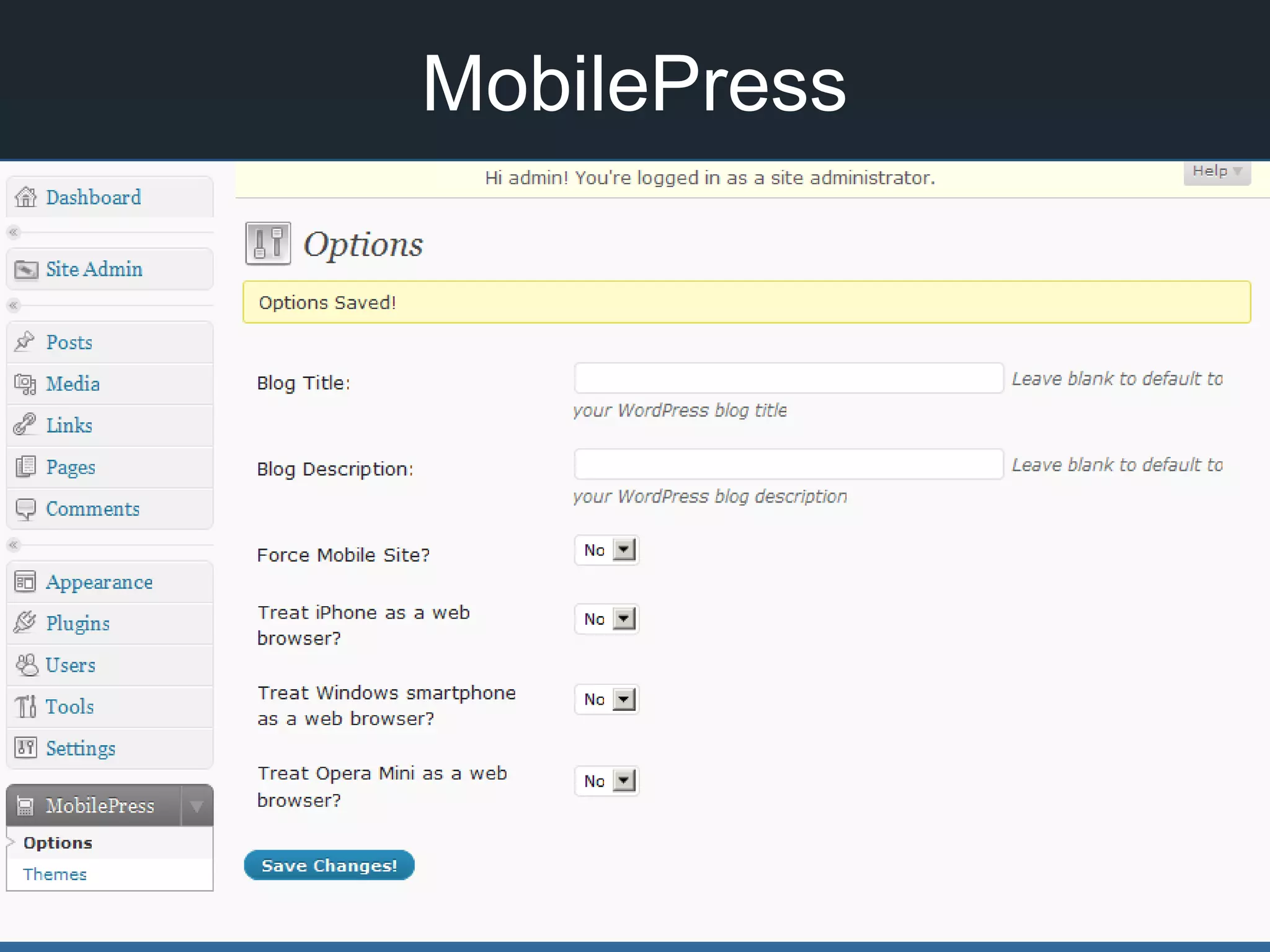
MobilePress
• Detects mobile
device
• Displays mobile
version of page
http://wordpress.org/extend/plug
ins/mobilepress/
MobilePress
What else can we do with
WP?
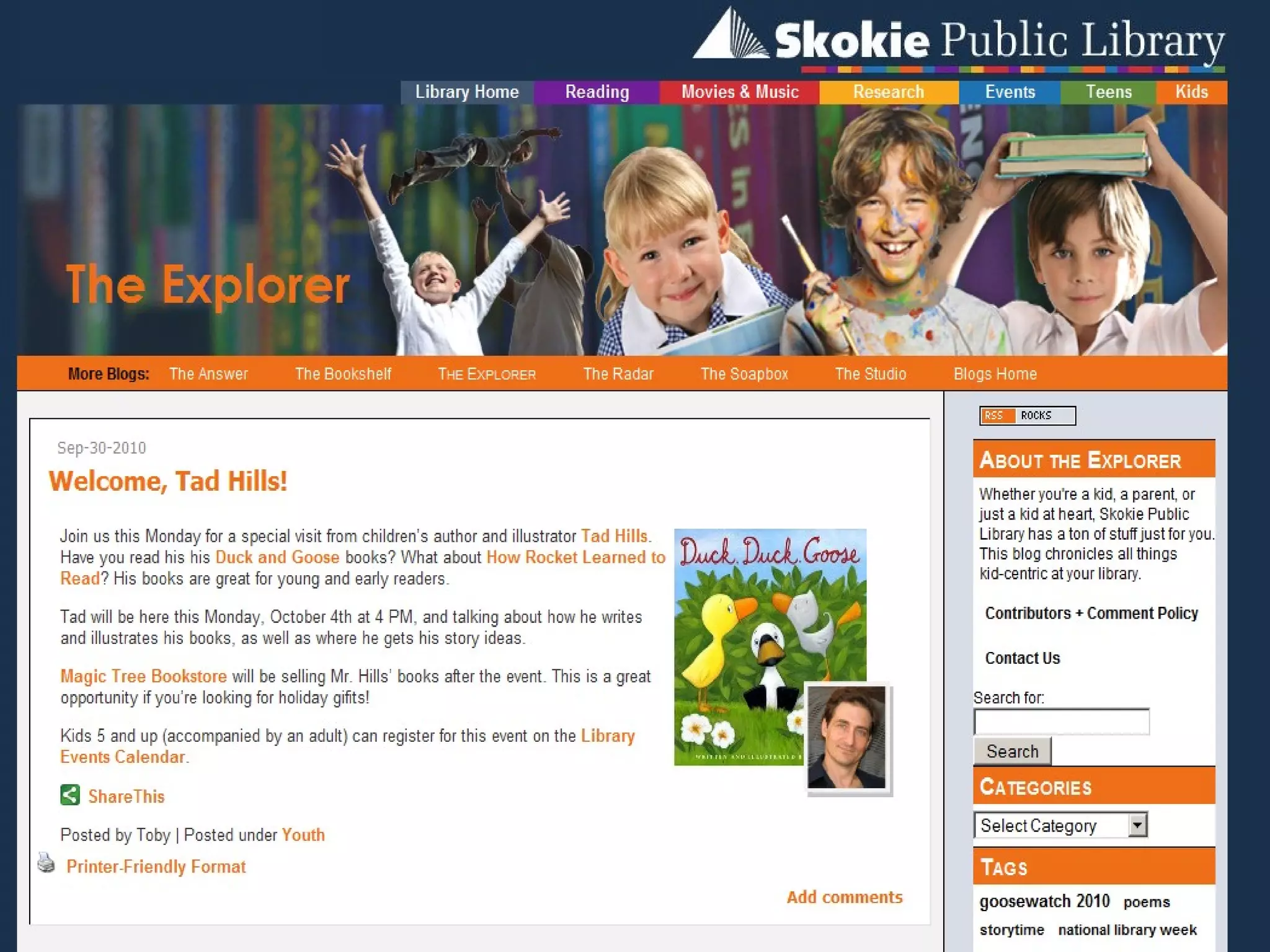
Set up a network of sites with
WordPress MultiSite
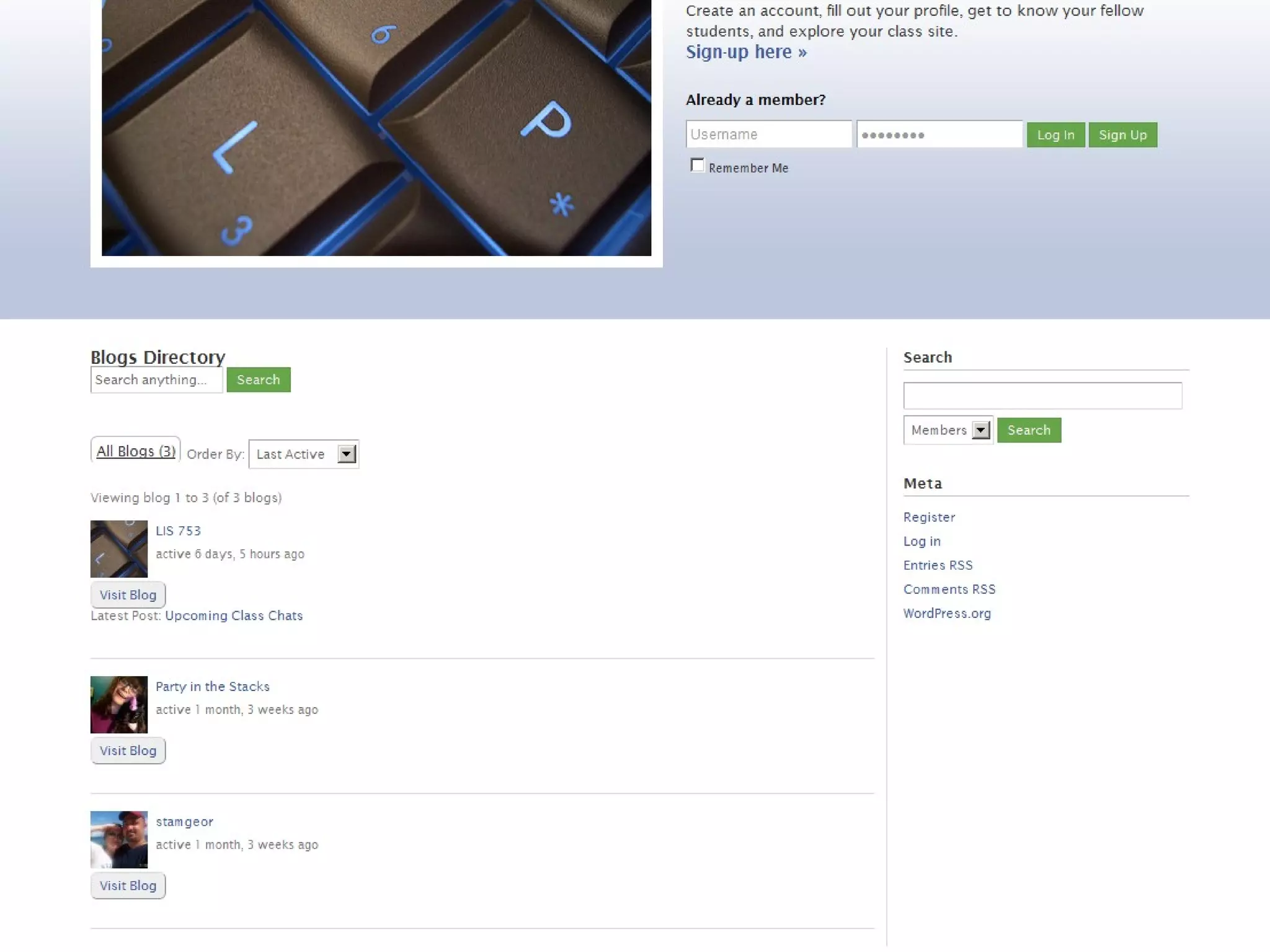
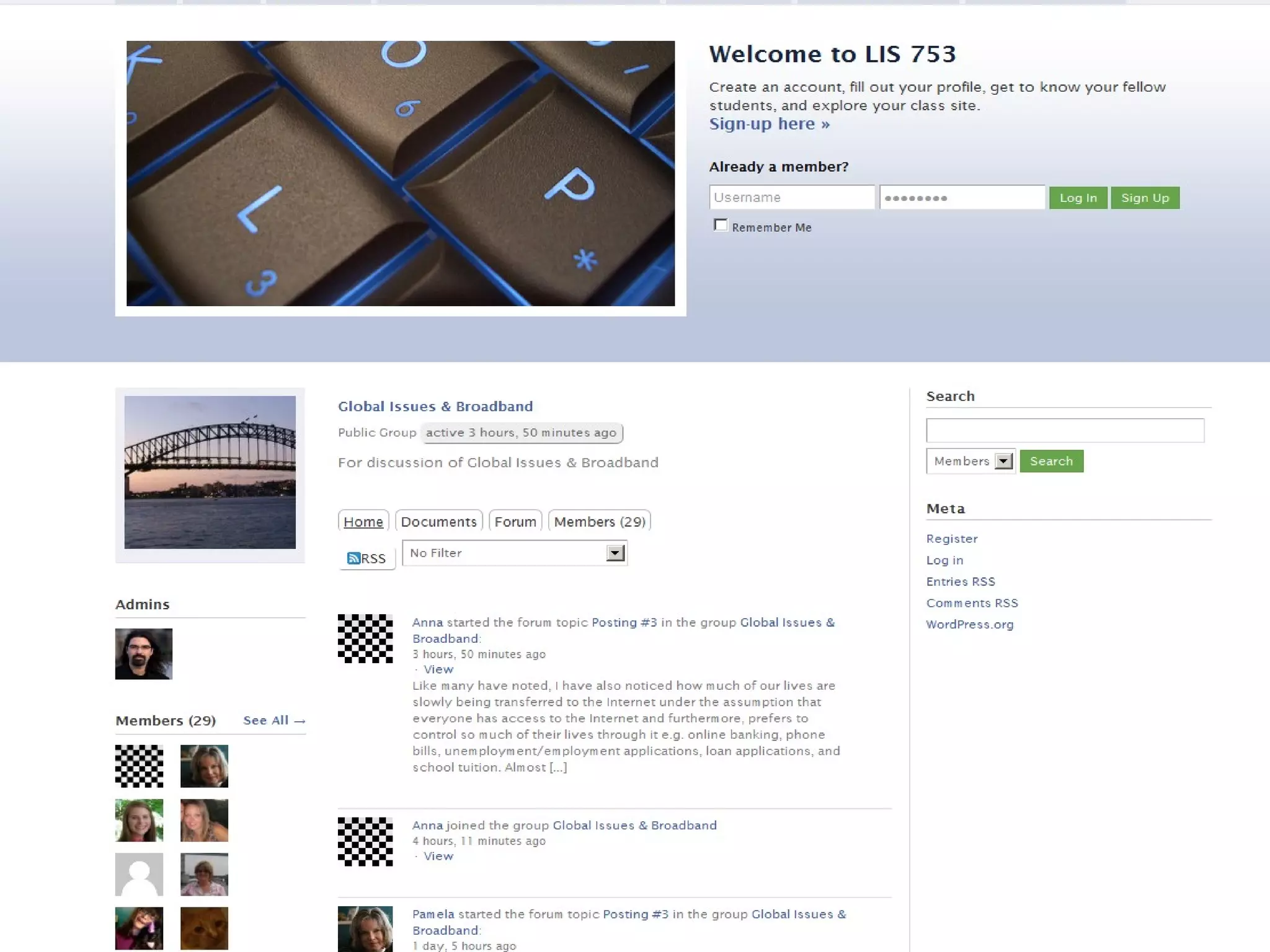
Learning Mgmt System
BuddyPress
buddypress.org
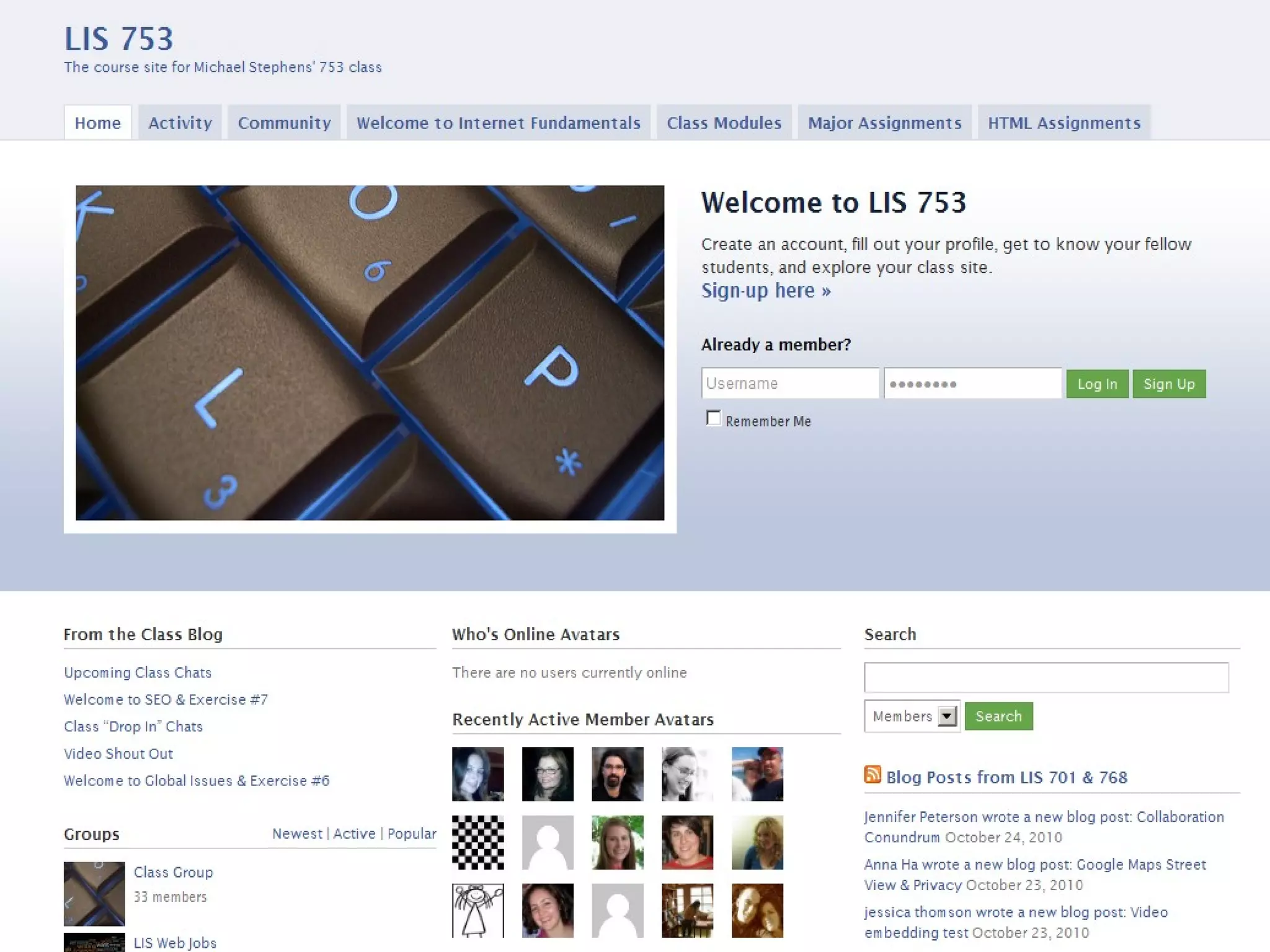
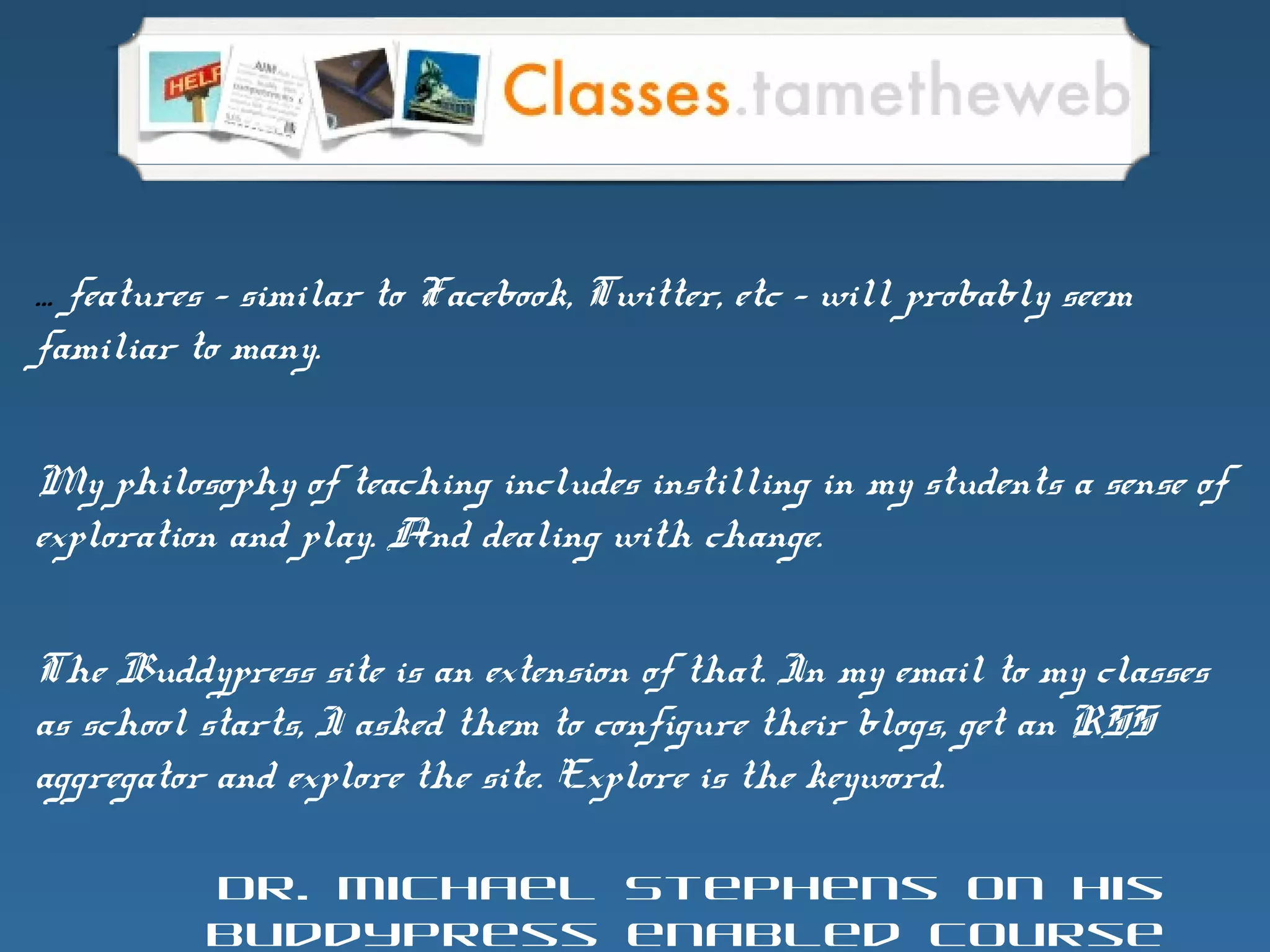
… features – similar to Facebook, Twitter, etc – will probably seem
familiar to many.
My philosophy of teaching includes instilling in my students a sense of
exploration and play. And dealing with change.
The Buddypress site is an extension of that. In my email to my classes
as school starts, I asked them to configure their blogs, get an RSS
aggregator and explore the site. Explore is the keyword.
Dr. Michael Stephens on his
BuddyPress enabled course
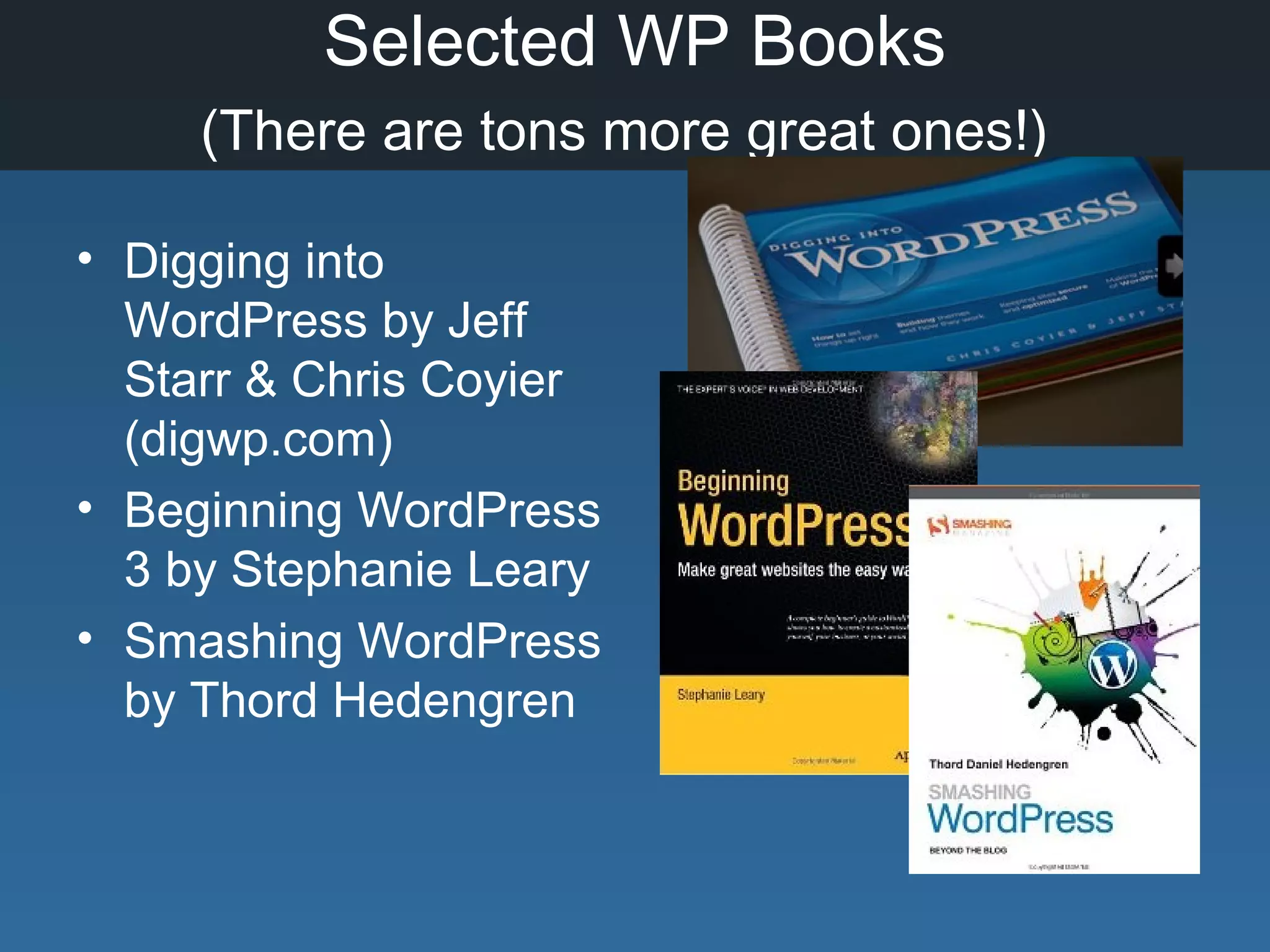
Selected WP Books
(There are tons more great ones!)
• Digging into
WordPress by Jeff
Starr & Chris Coyier
(digwp.com)
• Beginning WordPress
3 by Stephanie Leary
• Smashing WordPress
by Thord Hedengren
More Help!
• WordPress Codex -
http://codex.wordpress.org/
• WordPress Forums -
http://wordpress.org/support/
• WordPress FAQ’s -
http://codex.wordpress.org/FAQ
• New to WordPress? –tips
http://codex.wordpress.org/FAQ_New_To
_WordPress
Thank you!
http://lib20.pbworks.com

WordPress in Libraries

Editor's Notes

  • #5 Open Source, Content MGMT System, Free Makes it easy to maintain a website or blog
  • #6 Helps you organize all the information about your library and manage it easily Tool for creating &amp; managing a website Web-based interface Contributors can focus on CONTENT! Update “look &amp; feel” easily Flexible
  • #7 Source code is open and available to modify You make changes, you share them Modify it &amp; develop tools to enhance it! Other familiar open source software: Firefox Open Office
  • #8 Community working together to create better software and help each other out.
  • #9 Why WordPress? Lots of ways to create web sites – html, Dreamweaver, frontpage, express web, etc. WordPress is really just another option BUT with big advantages…
  • #10 Lots and lots of users! Huge community. About 14 million at .com And 14 million independent installs
  • #11 Very easy to do - Web based interface for writing and publishing your content. Not HTML experience needed – though it can’t hurt! Can do it from anywhere you have access to the web. No software to install on your computer.
  • #15 Because it’s easy to do, your site will be more up to date and have more interesting content More visitors to the site Hopefully your web site will go from static and deserted to ….
  • #16 Creates a friendly, attractive website that is easy for students, staff, parents to use.
  • #17 We’ll quickly cover some basic blogging terms and look at some examples of blogs And then look at examples of some libraries are using blogging tools to create a complete website.
  • #18 Anne Robinson – Dixie Grammar School – UK
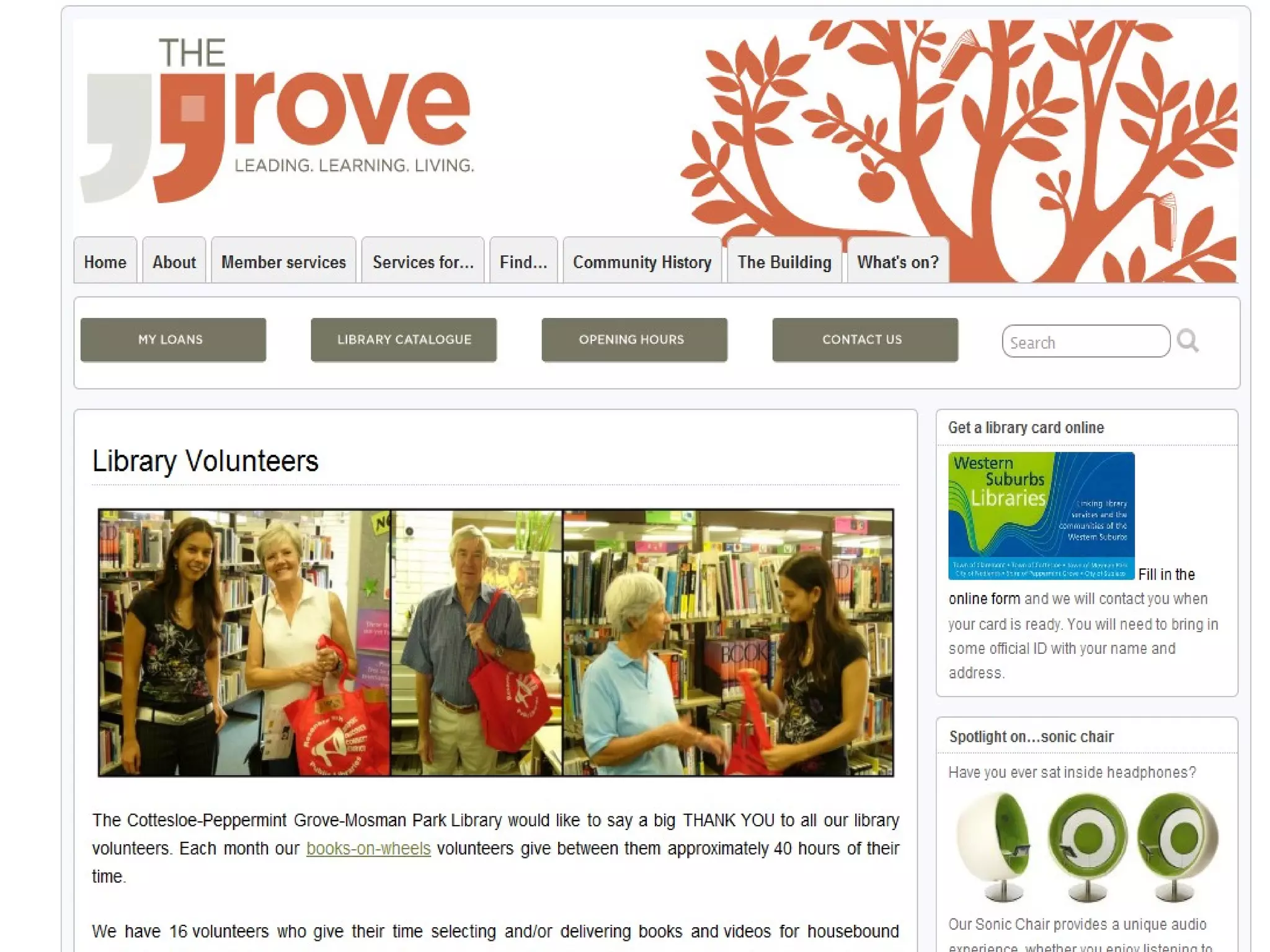
  • #25 Attractive custom graphics Double navigation bar http://thegrovelibrary.net/
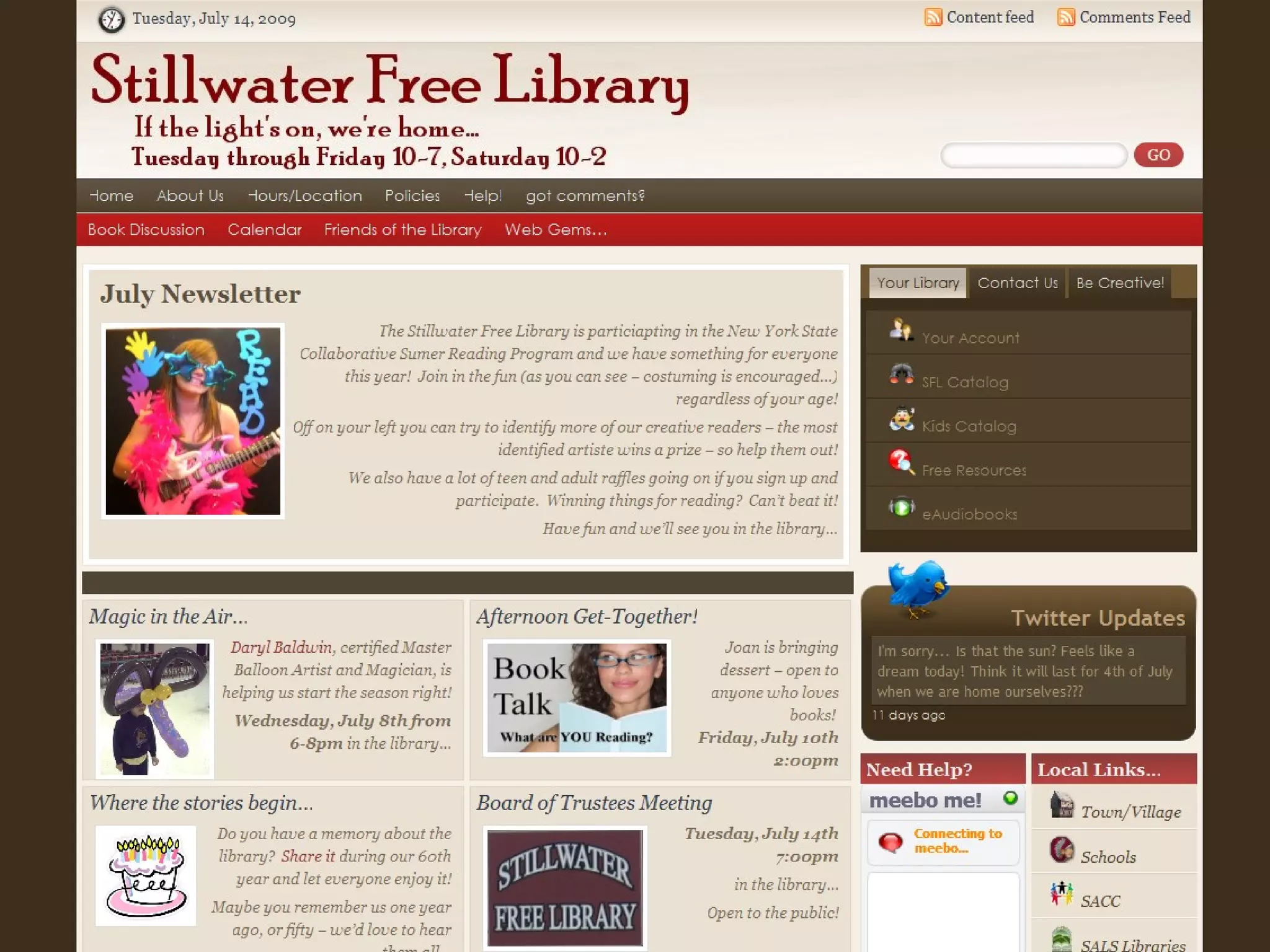
  • #26 http://stillwater.sals.edu/ This was done with wordpress too and looks more like a magazine than a blog.
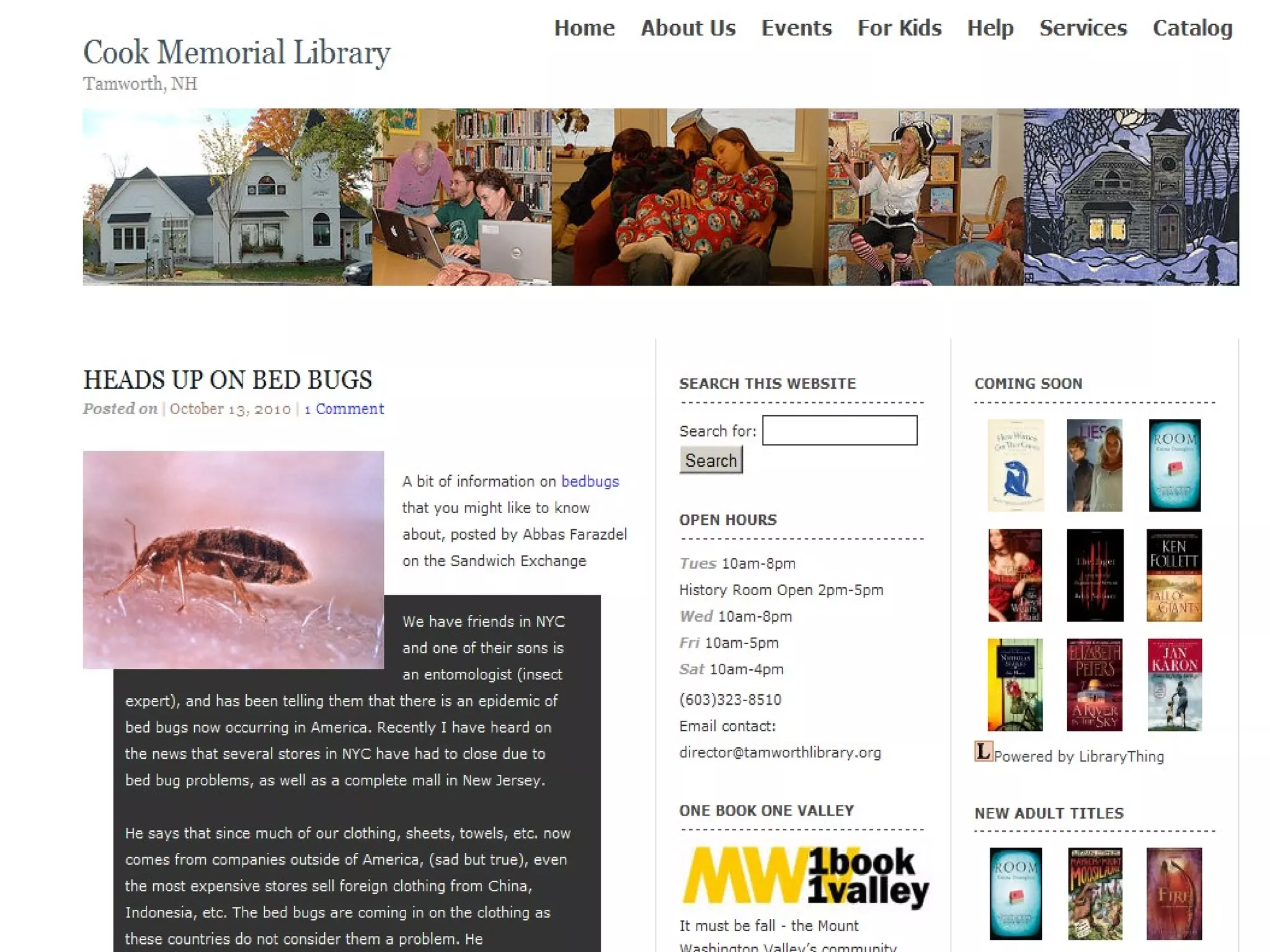
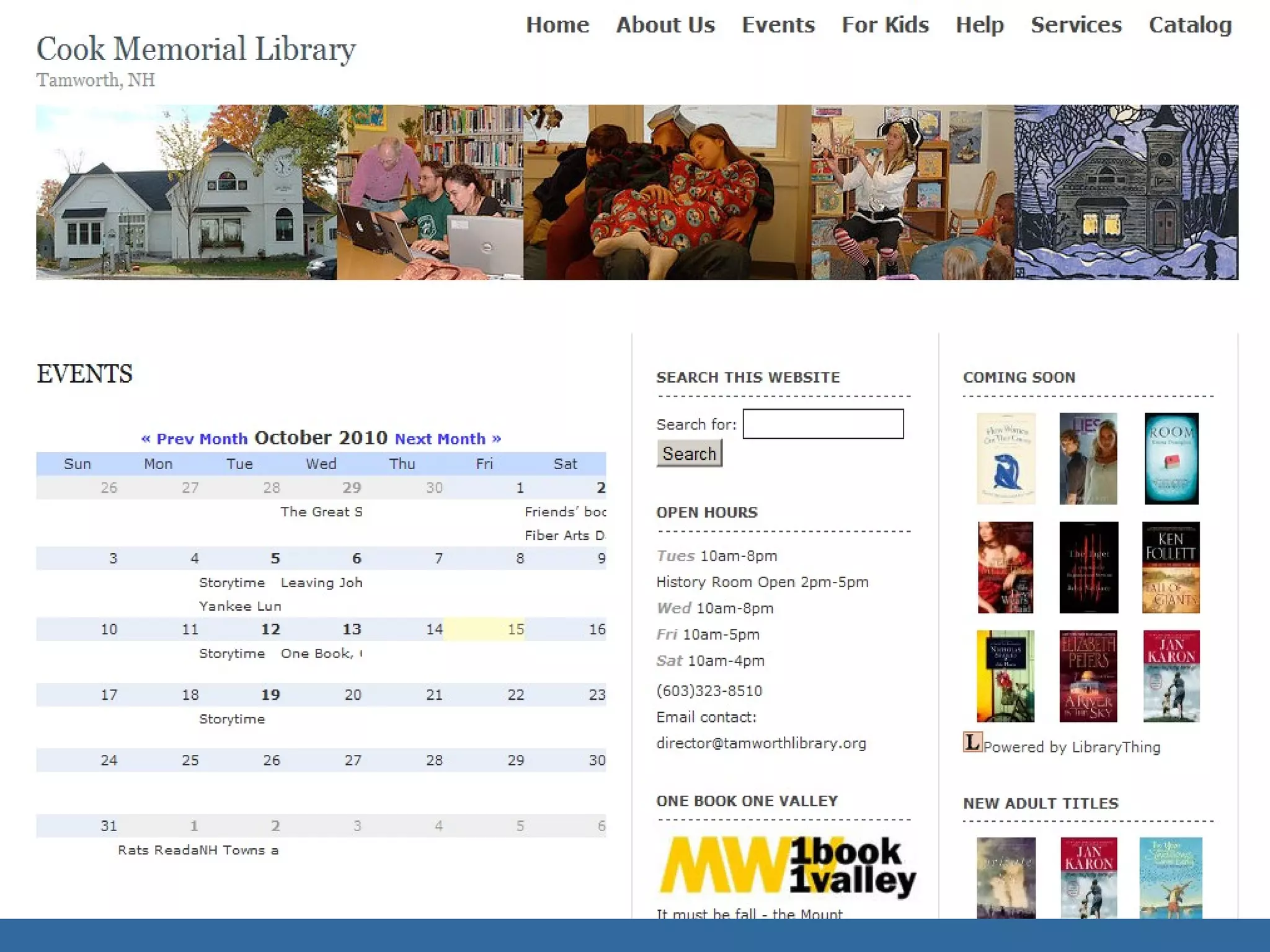
  • #27 http://tamworthlibrary.org/ Nice website – put together by Lichen Rancourt
  • #30 Free hosted versions at: -- Wordpress.com -- Edublogs.org Limited themes, plugins Charge $15/year for access to CSS $15 a year to redirect your URL to the blog. Still this could be a great way to get started and to work with the ideas. Just don’t let the limits put you off the whole WordPress idea. When you’re ready, you can move to a self-hosted version.
  • #31 Wordpress has a page of suggested hosting companies. http://wordpress.org/hosting/
  • #41 Very easy to do - Web based interface for writing and publishing your content. Can do it from anywhere you have access to the web. No software to install on your computer.
  • #42 With the click of a button, the look changes.
  • #43 From the APPEARANCE panel -- Themes Browse through them. Click on the image to popup a preview and the ACTIVATE button
  • #45 Boxes of content Lists of pages Lists of categories for news items Links to other resource And much more
  • #46 Lots of prebuilt widgets Just drag and drop to the sidebar Click to open and change settings Some plugins will include new widgets – like the newgen gallery manager
  • #47 Use the text widget to add content from other websites to the sidebar. Some familiar 3rd party content includes: Librarything book feed, meebo chat widget, flickr photobadge and much more.
  • #50 Plugins can add tools to help you administer your blog And add features to the public side of your blog Accessories!
  • #51 Lists the plugins that are available on your install of WP Click on Activate to use them. Install and activate one at a time to test for possible conflicts.
  • #52 http://wordpress.org/extend/plugins/stats/ Need to sign up for an account with wordpress.com to activate this and Akismet Both were created by the wordpress folks and make use of resources on the .com server. You don’t need to blog on wordpress.com, you just need the account Getting stats to load can be VERY slow sometimes. For stats – you might also want to try google analytics – more detail.
  • #53 Requires API code from wordpress.com http://wordpress.org/extend/plugins/akismet/ More on essential Plugins later!
  • #55 http://johnmiedema.ca/portfolio/openbook-wordpress-plugin/ Simply add code to your page/post with the ISBN of a book in it. [openbook booknumber=&amp;quot;184195828X&amp;quot;] Book cover will appear
  • #56 WP Contact Form http://wordpress.org/extend/plugins/wp-contact-form/ Just one of many form plugins CformsII – has tons of options, but is a bit more complicated to set up. http://www.deliciousdays.com/cforms-plugin
  • #60 That goes for plugins &amp; themes too
  • #64 http://wordpress.org/extend/plugins/mobilepress/
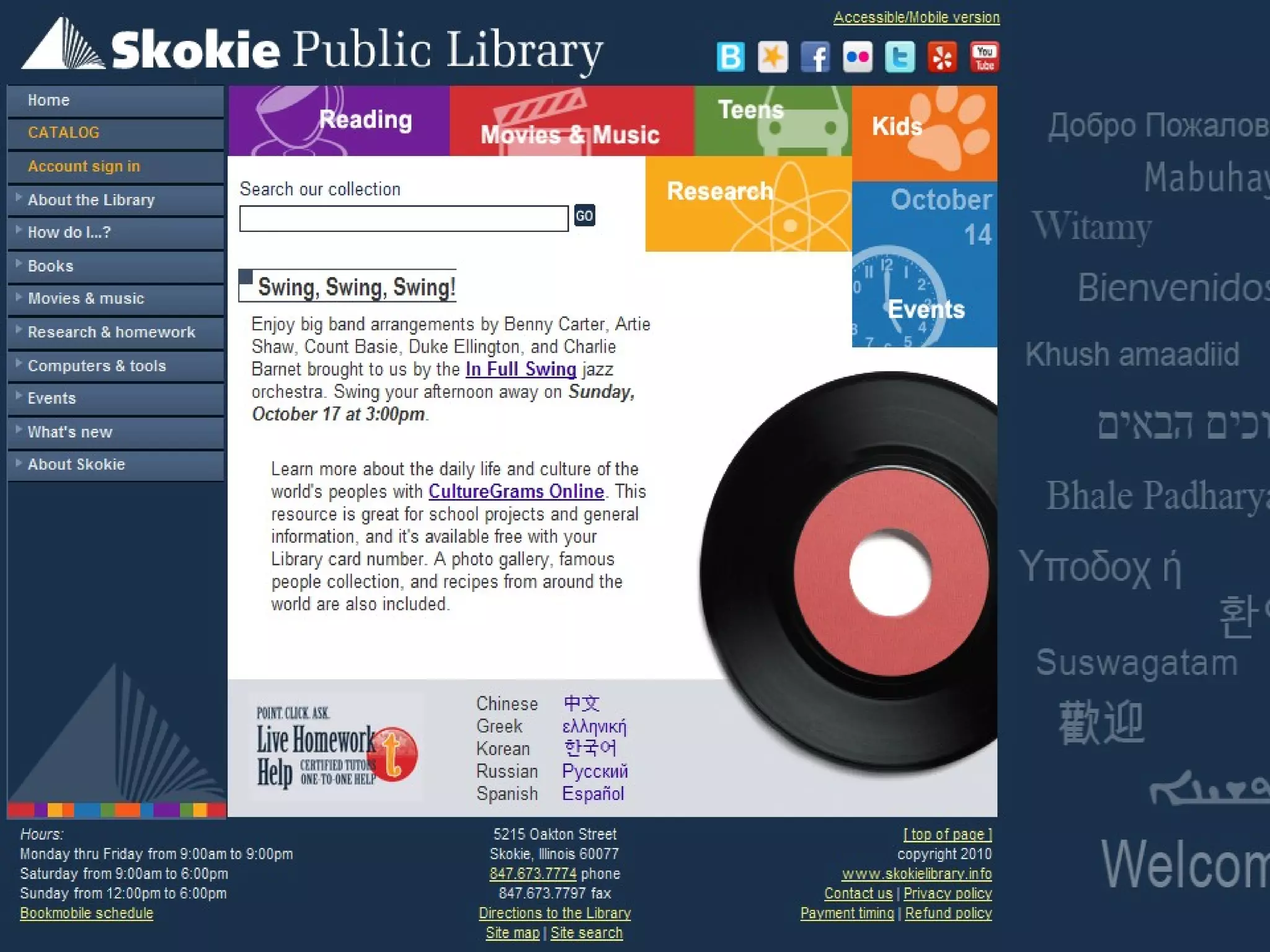
  • #68 Mick Jacobsen – Skokie IL PL Main site is NOT WP
  • #69 Mick Jacobsen of Skokie PL, Illinois is writing a section for the LTR Separate sites for each topic. Each blog has it’s own look and feel Contributors have access to their blogs Found it very easy to add content, images, videos. Top menu bar takes users back to the main library website There a sense of fragmentation at this point. With changes in wordpress, the whole site could now be brought together under WP, instead of having a main stie and a bunch of blogs. Suggests that the blog content in separate WP MU sites could be reintegrated into one site with CATEGORIES to distinguish the content.