Download as PDF, PPTX

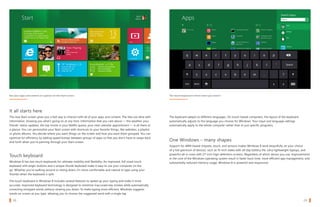
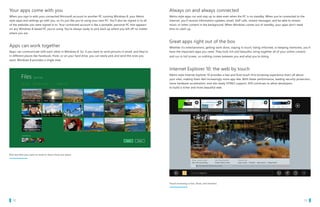
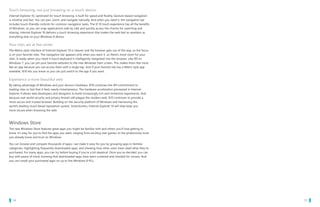
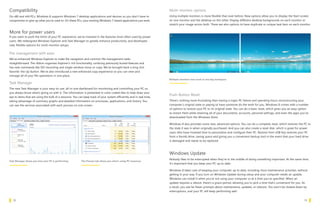
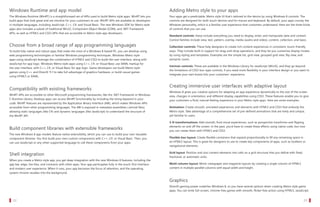
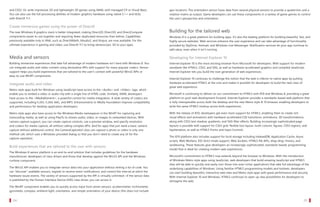
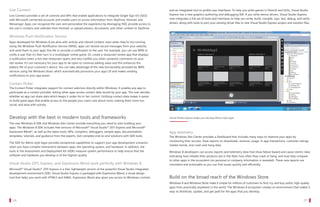
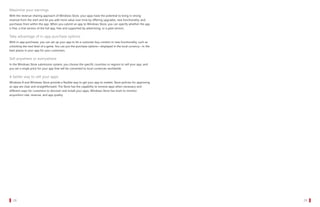
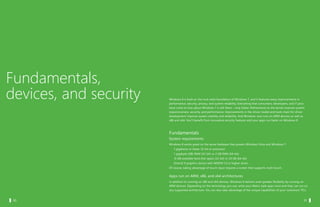


Windows 8 introduces a new Metro style interface optimized for touch devices. It includes a touch-optimized Start screen for launching apps full screen. Apps can run and update in the background when connected. The new Windows Store makes it easy to browse, download, buy and try apps that have been screened for quality and security. Windows 8 also retains the traditional desktop for running existing Windows applications and includes productivity enhancements like an improved file explorer and task manager. It supports multiple monitor configurations and includes options for resetting the PC to its original state.


