Operating   Know The
Intro    System
                     Owner             Windows 8

  System
Requirements        Features           Removed
                                       features
                                                  PROS


 Cons                                     Final
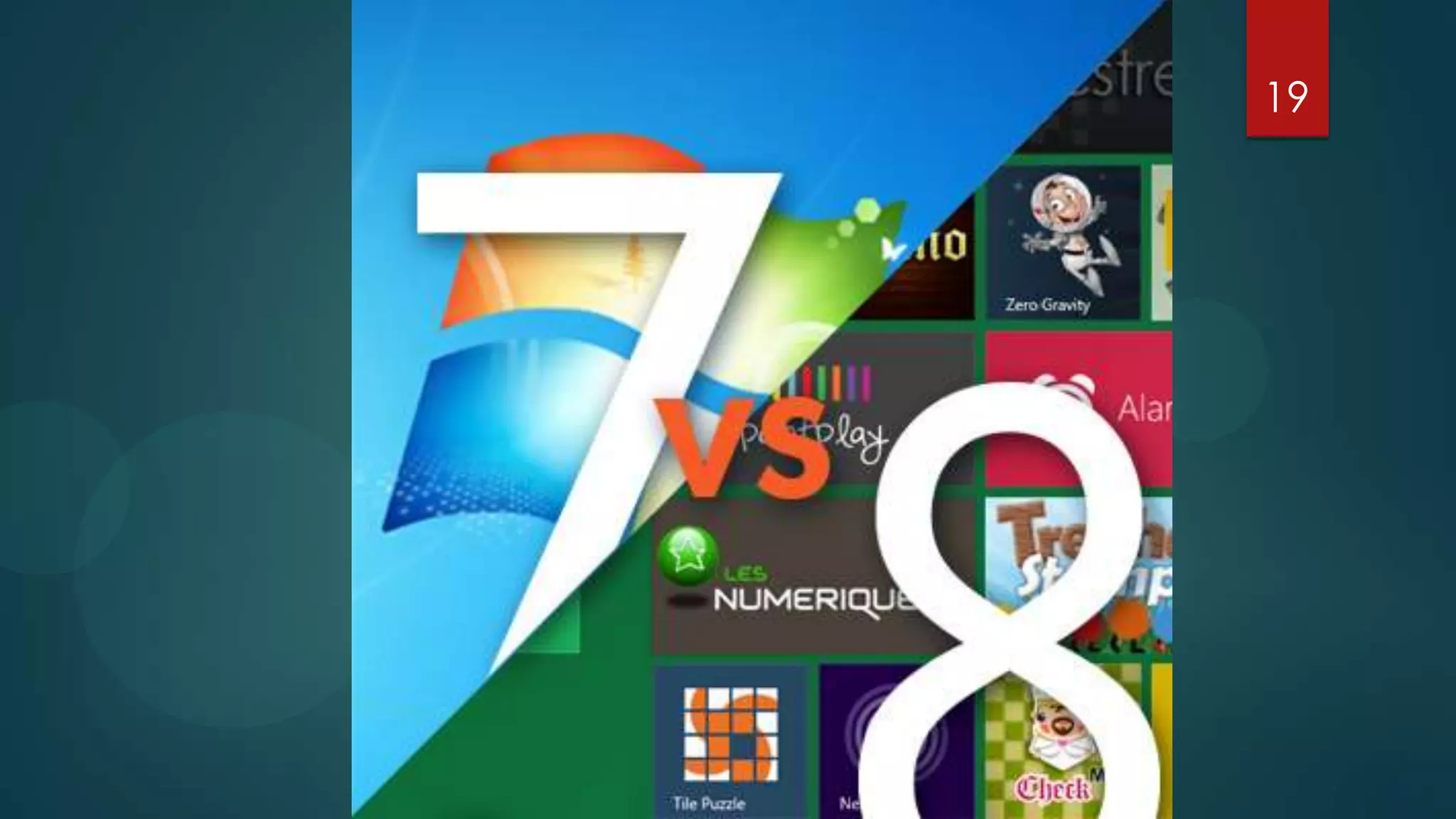
                           Windows 7

                    Poll      Vs.
                           Windows 8
                                         Verdict
2


   Windows 8 is an operating system produced by Microsoft for use on personal
computers, including home and business desktops, laptops, tablets, and home theatre
                                       PCs.
 Development of this operating system started before the release of its predecessor
in 2009. Its existence was first announced in January 2011 at Consumer Electronics
                                        Show.
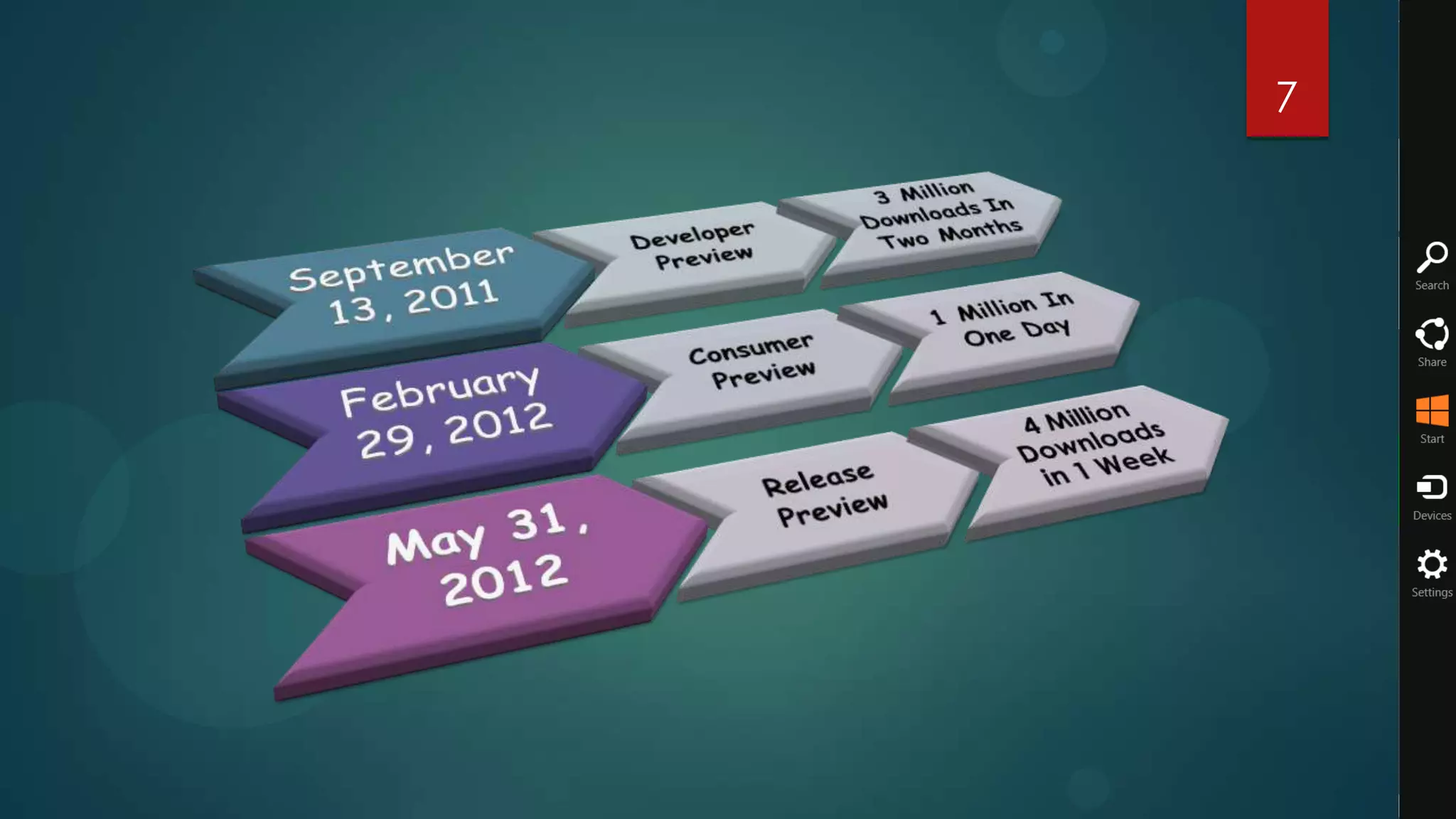
   During its development and test phases, Microsoft released three pre-release
versions: Developer Preview on September 13, 2011, Consumer Preview February 29,
                      2012, and Release Preview May 31, 2012.
3

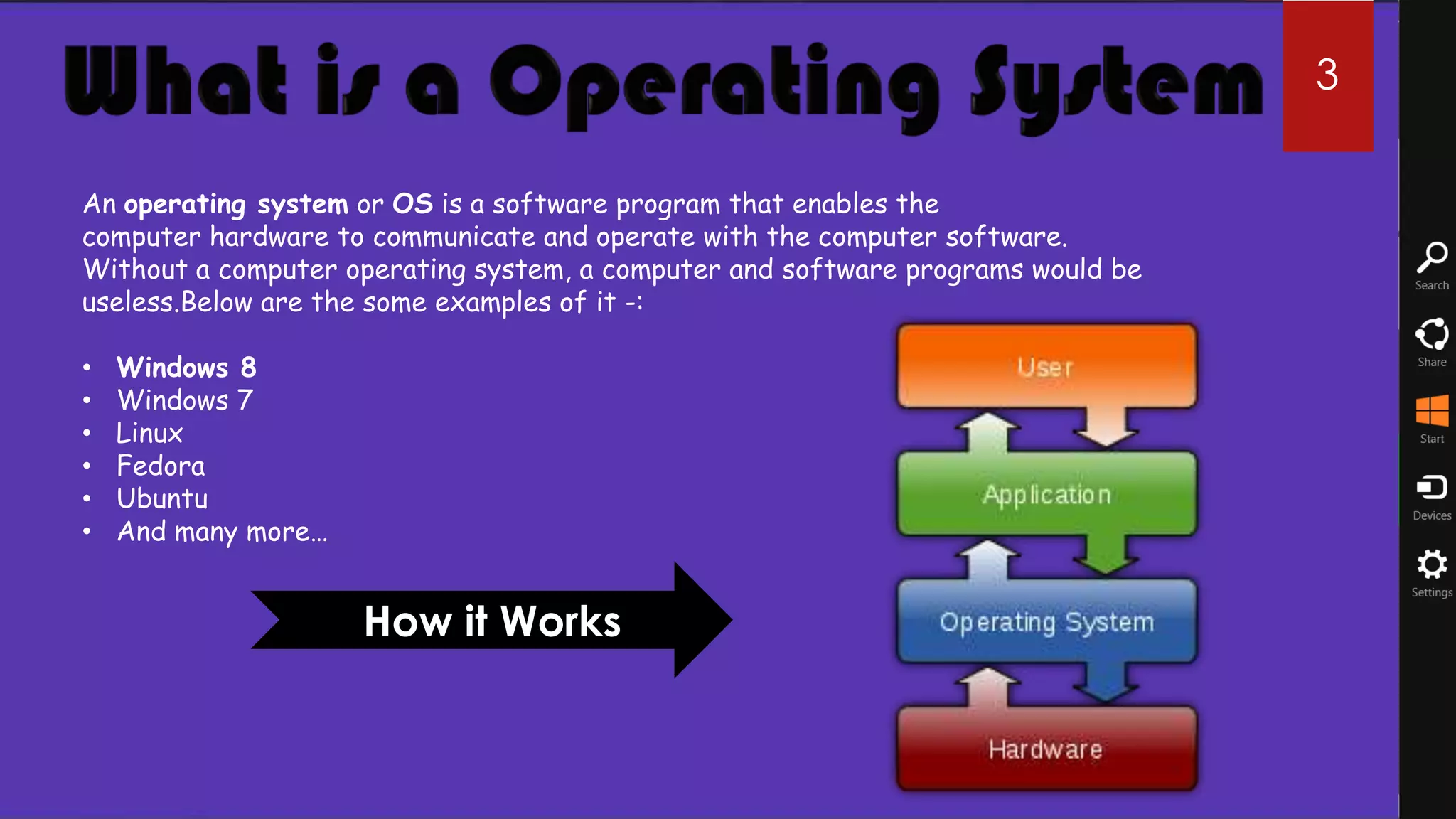
An operating system or OS is a software program that enables the
computer hardware to communicate and operate with the computer software.
Without a computer operating system, a computer and software programs would be
useless.Below are the some examples of it -:

•   Windows 8
•   Windows 7
•   Linux
•   Fedora
•   Ubuntu
•   And many more…


                     How it Works
4 4
Microsoft Founded in 1975 by Bill Gates and Paul Allen, Microsoft's mission has
been to create software for the personal computer that empowers and enriches
people in the workplace, at school and at home. As the world's leading software
provider, Microsoft strives to produce innovative products that meet customers'
evolving needs.

Microsoft products include the MS-DOS and Windows operating systems for
personal computers, server applications for client/server environments, business
and consumer productivity applications, interactive media programs, and Internet
platform and development tools. Microsoft also offers online services, sells
personal computer books and input devices, and researches and develops advanced
technology software products. Microsoft products, available in more than 30
languages and sold in more than 50 countries, are available for most PCs, including
Intel microprocessor-based computers and Apple computers.
5
6

It’s been almost two years since Microsoft launched the Windows 7 operating system
and over time, it has proved itself to be one of the best and most stable operating
systems ever created. And now with Windows 8, there isn’t a least shred of doubt
that Microsoft is aiming not only for a repeat performance but to also change how we
interact with our PCs.

    Windows 8 is an operating system produced by Microsoft for use on personal computers, including
          home and business desktops, laptops, tablets, Smartphones and home theatre PCs.


Windows 8 introduces significant changes to the operating system's graphical user
interface and platform; such as a new interface design incorporating a new design
language used by other Microsoft products, a new Start screen to replace the Start
menu used by previous versions of Windows, a new...
7
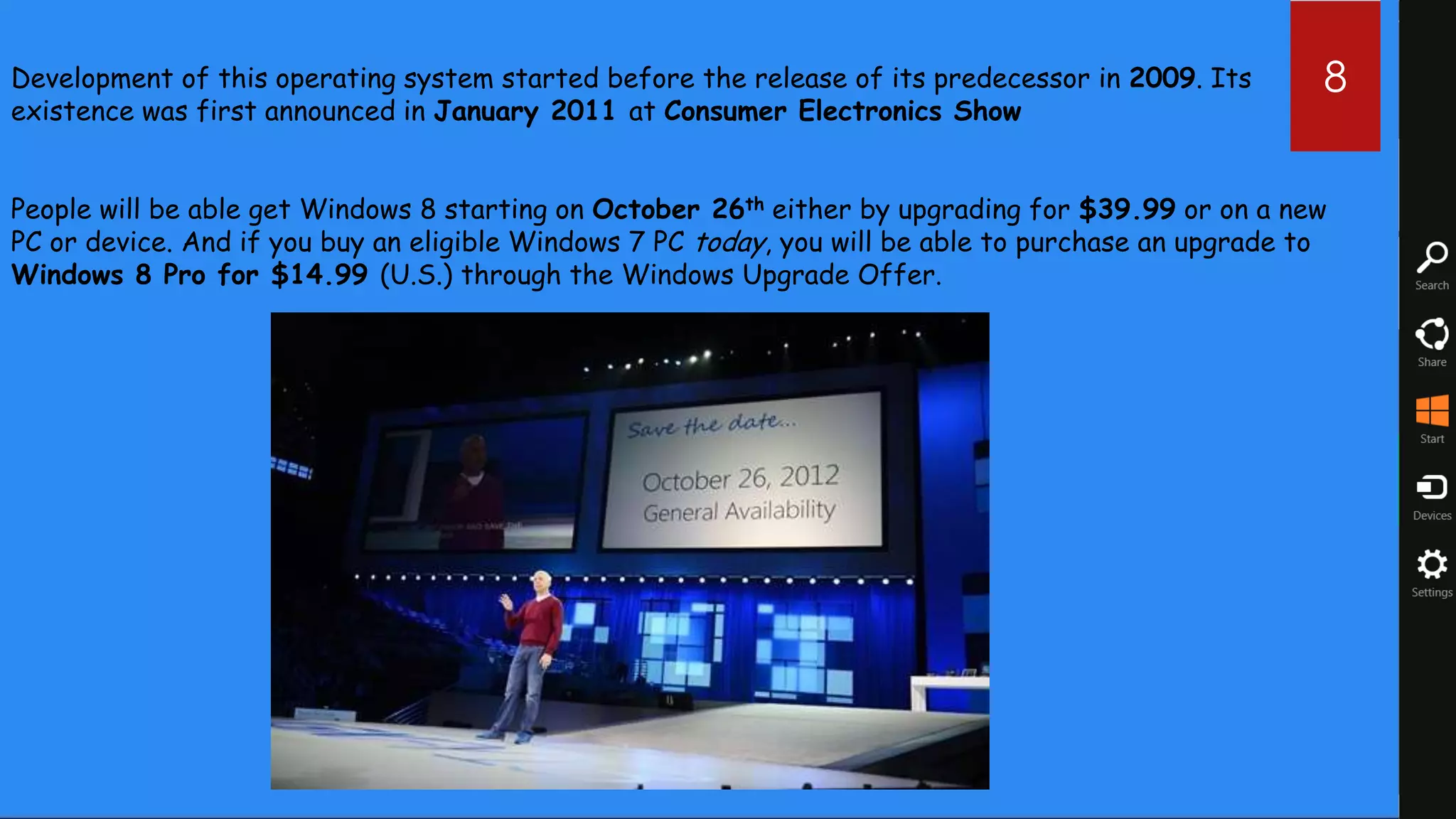
Development of this operating system started before the release of its predecessor in 2009. Its       8
existence was first announced in January 2011 at Consumer Electronics Show


People will be able get Windows 8 starting on October 26th either by upgrading for $39.99 or on a new
PC or device. And if you buy an eligible Windows 7 PC today, you will be able to purchase an upgrade to
Windows 8 Pro for $14.99 (U.S.) through the Windows Upgrade Offer.
9


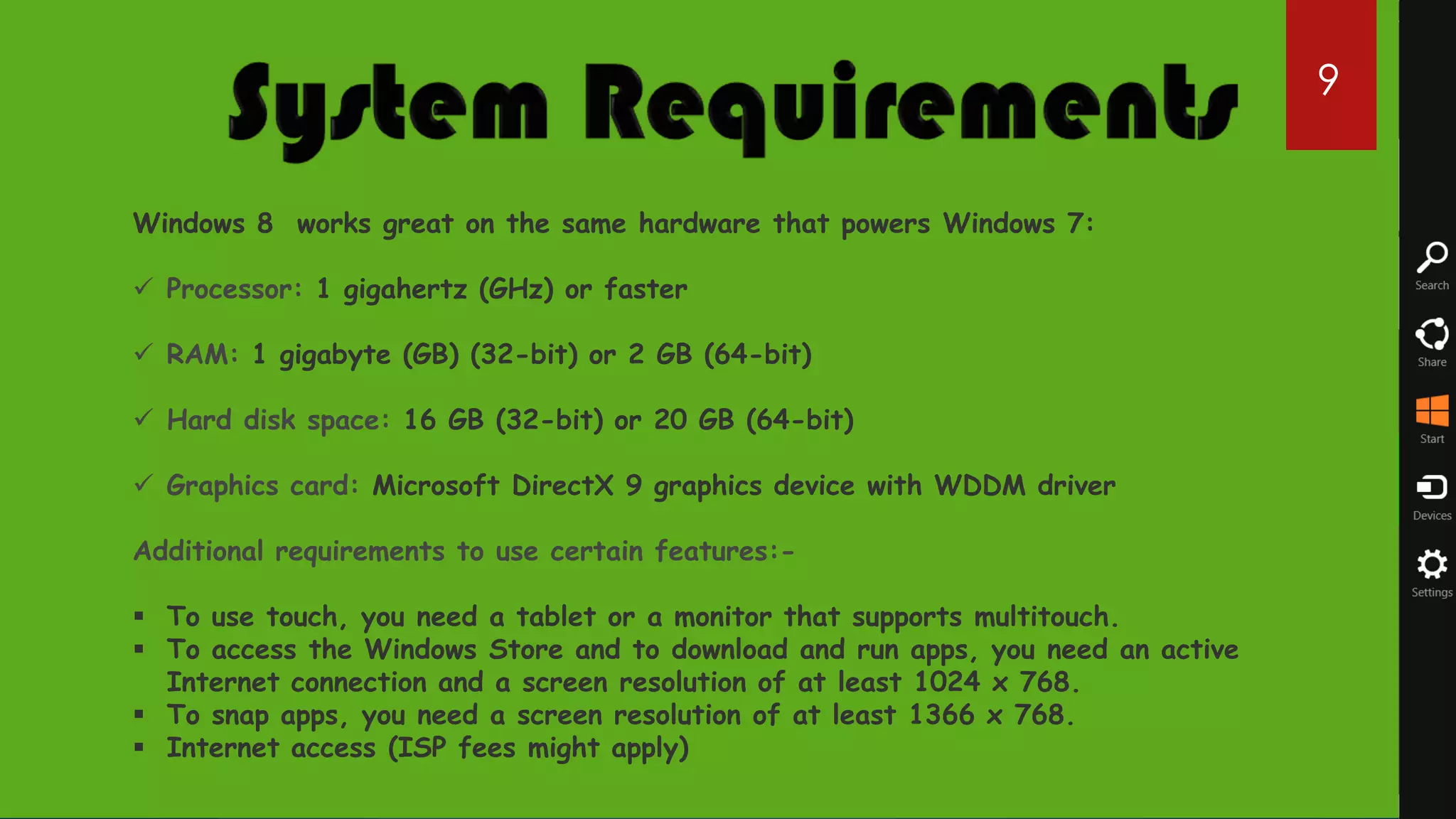
Windows 8 works great on the same hardware that powers Windows 7:

 Processor: 1 gigahertz (GHz) or faster

 RAM: 1 gigabyte (GB) (32-bit) or 2 GB (64-bit)

 Hard disk space: 16 GB (32-bit) or 20 GB (64-bit)

 Graphics card: Microsoft DirectX 9 graphics device with WDDM driver

Additional requirements to use certain features:-

 To use touch, you need a tablet or a monitor that supports multitouch.
 To access the Windows Store and to download and run apps, you need an active
  Internet connection and a screen resolution of at least 1024 x 768.
 To snap apps, you need a screen resolution of at least 1366 x 768.
 Internet access (ISP fees might apply)
10
12
13
14
15


   Traditional Start Button & Start Menu
   Windows Aero, Transparent Glass, & Flip 3D
   No Windows 8 Desktop Gadgets
   Command Bar get replaced by new Ribbon
   DVD Playback & Windows Media Center
   Previous Versions & Windows Backup and Restore
   Parental Control is now family safety on Windows 8
   Windows Update Desktop Notifications
Pros               16

   Safer
   Low hardware specifications (even for tablets)
   Has a fresh look
   Optimized for touch screens
   Windows Store application
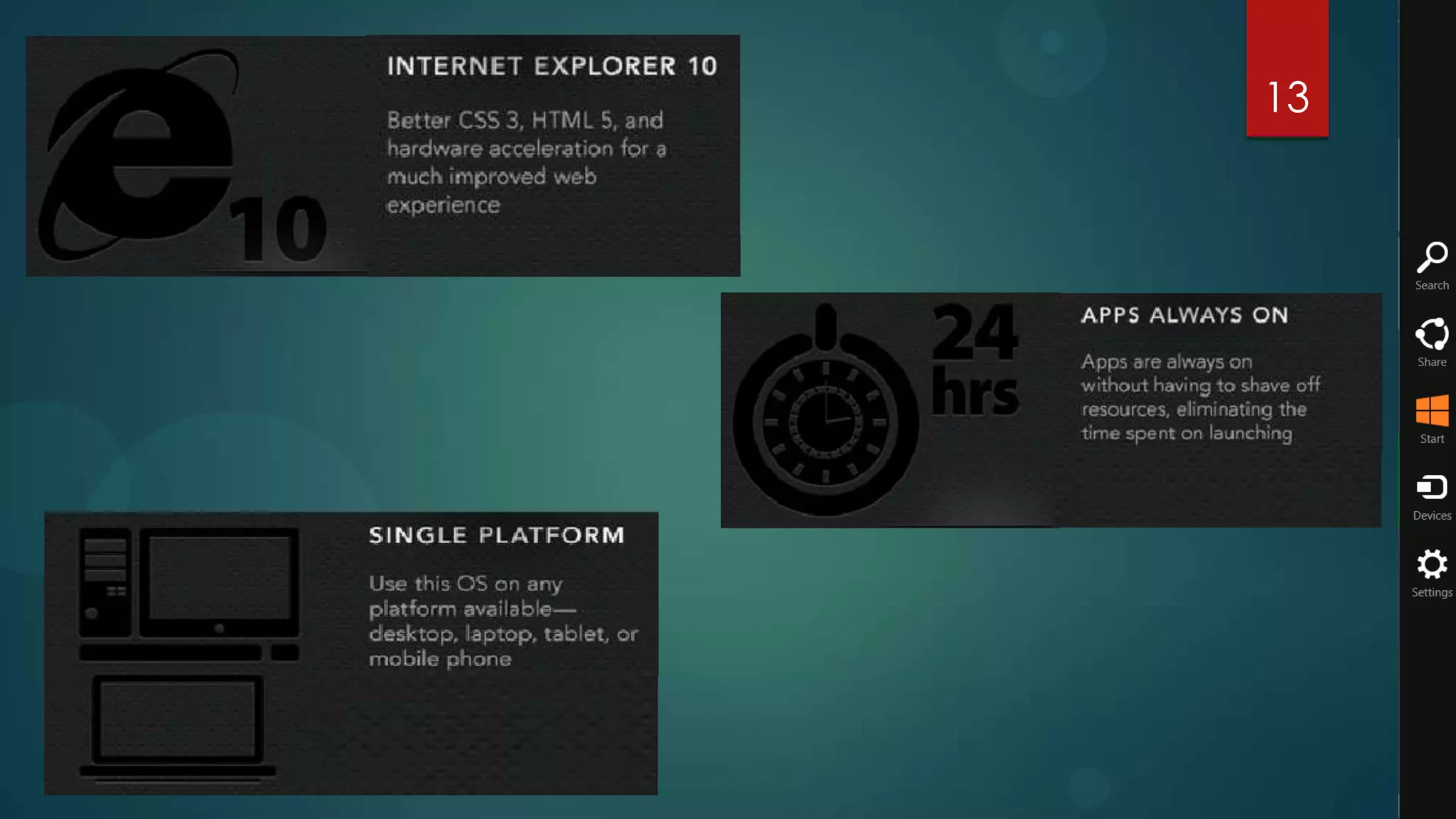
   Internet Explorer 10
   Startup Duration: Max 17 Seconds
   Shut-down Duration: Max 9.9 Seconds
17
                                    Cons

   A whole new interface to discover

   Start menu


   All Software's are not compatible with it
Poll                                             18


            6%
      4%
                        I'll upgrade my existing PC to
                        Windows 8 as soon as it's available.

                        I plan to download and test the
20%                     Windows 8 beta before deciding.

                  45%   I'll stick with Windows 7, thank you
                        very much.

                        I want no part of any current or future
                        Microsoft operating system.

                        Other


      25%
19
The Start Screen                                        20


Window       7 At start screen we
 have Desktop with a Start Menu toolbar.


                                           Windows 8 At Start screen there is
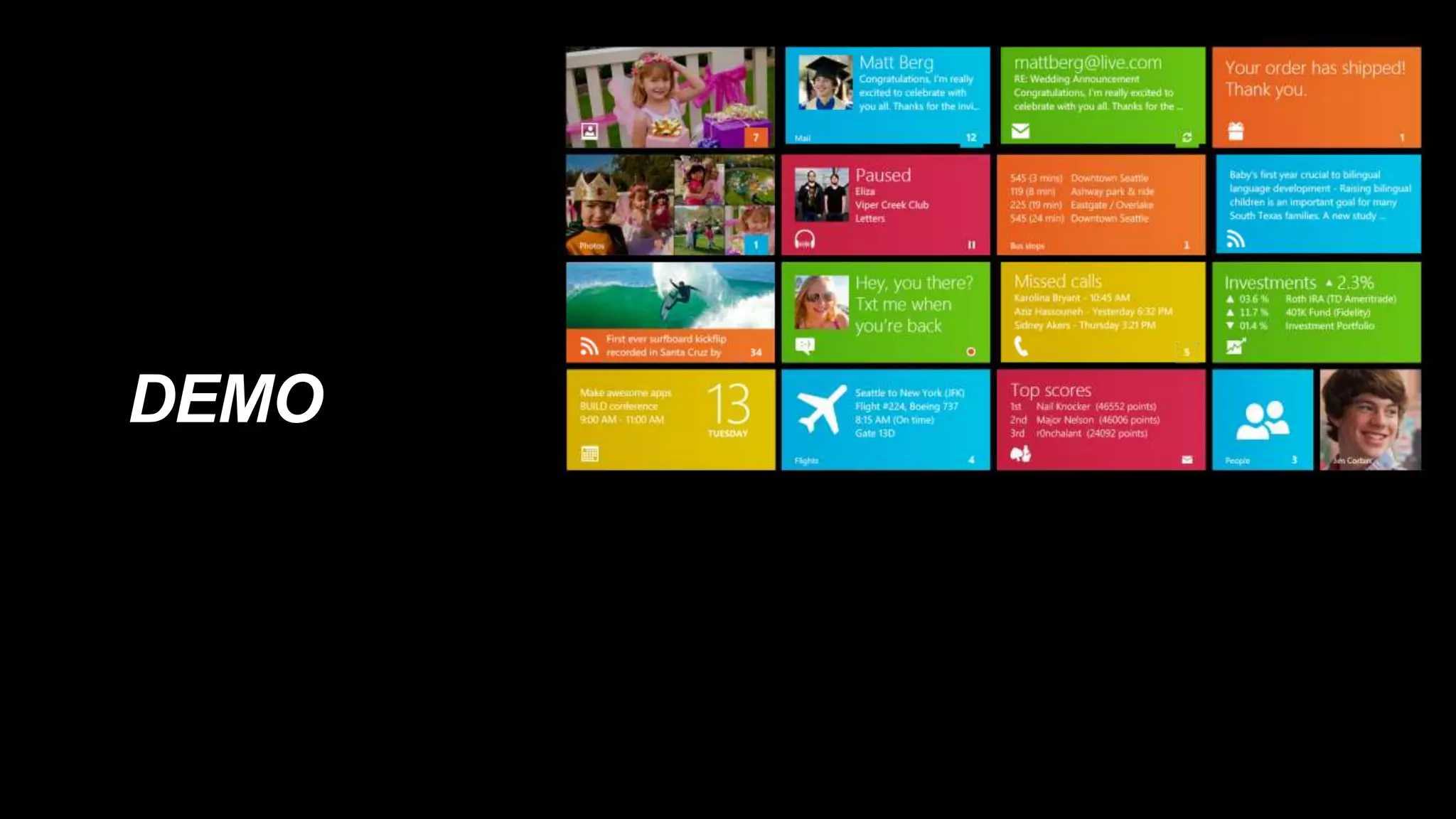
                                           all new Metro UI.
Task management                              21

Window 7 A simple and easy to
handle Task Manager dialog box


                                 Window 8 A Whole New Task
                                 manager dialog box with more details
                                 of running applications.
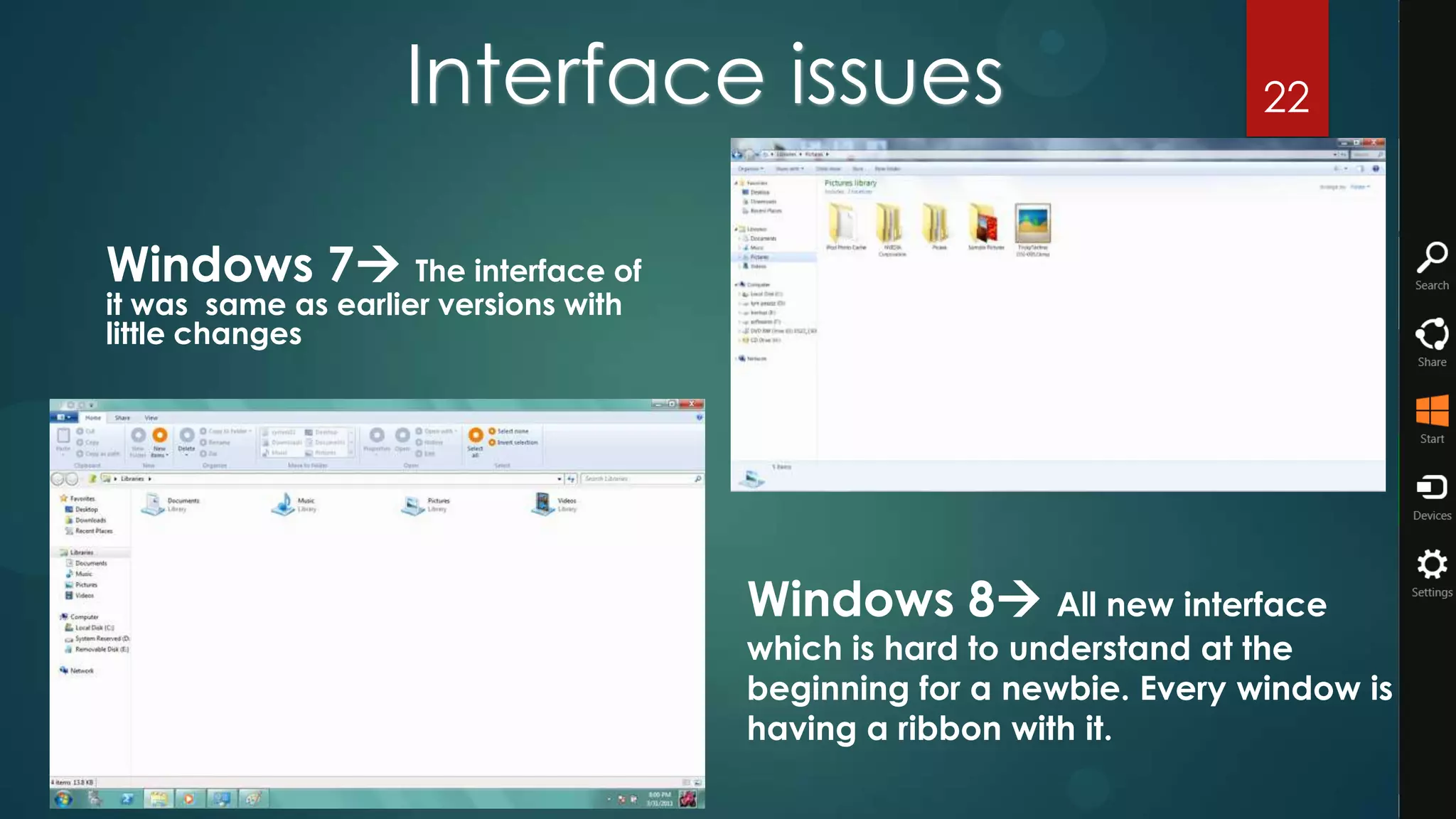
Interface issues                                  22


Windows 7 The interface of
it was same as earlier versions with
little changes


                                       Windows 8 All new interface
                                       which is hard to understand at the
                                       beginning for a newbie. Every window is
                                       having a ribbon with it.
Lock Screen
                                                              23


Windows 7 No Lock Screen Feature
in it.


                             Windows 8 A new lock screen
                             feature which allows to lock your PC/
                             Laptop same as a Smartphone.
24
25
 Windows   8  Old Copy Style.


                                  Windows 8 All new Copy Style
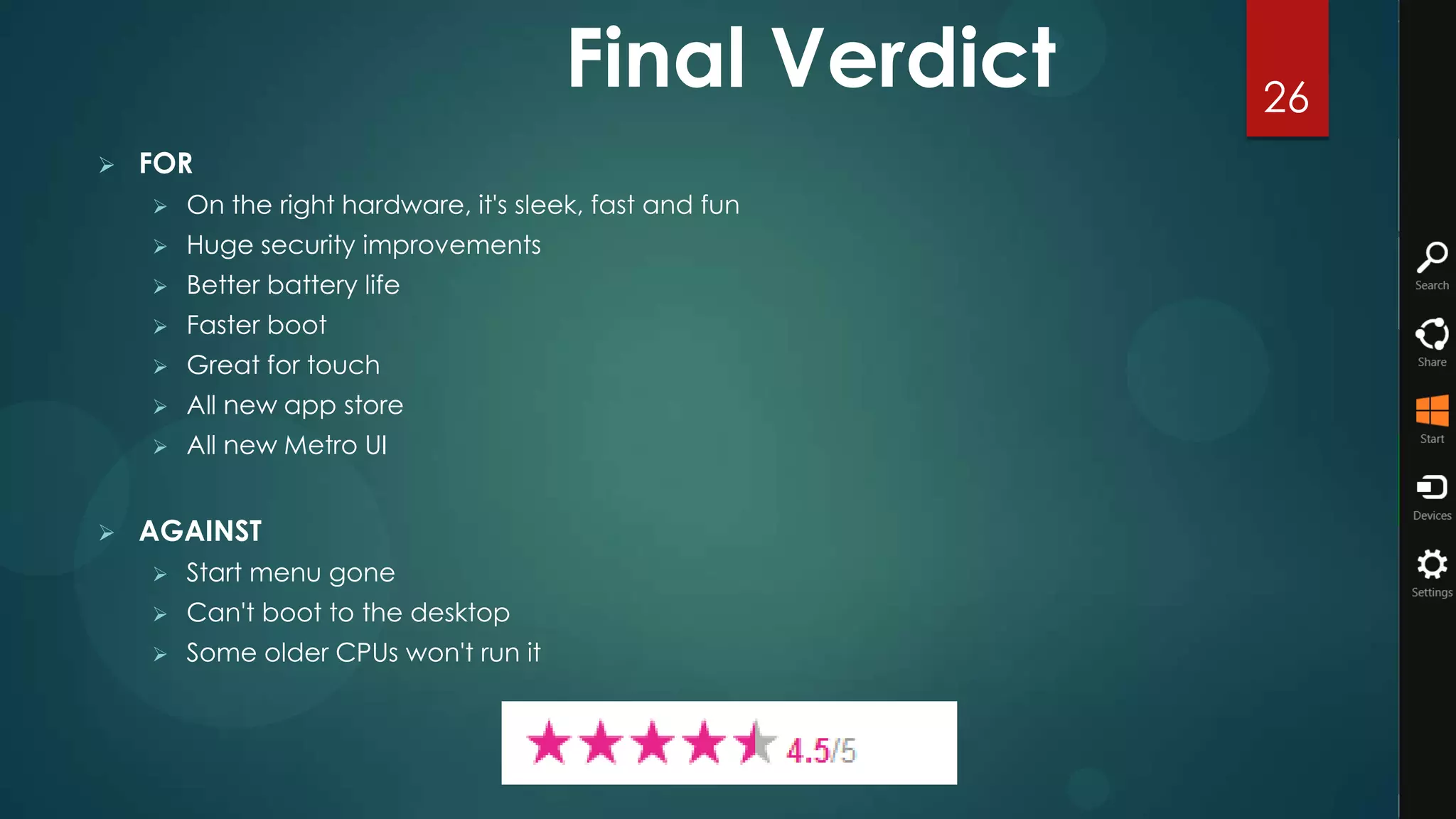
Final Verdict     26
   FOR
       On the right hardware, it's sleek, fast and fun
       Huge security improvements
       Better battery life
       Faster boot
       Great for touch
       All new app store
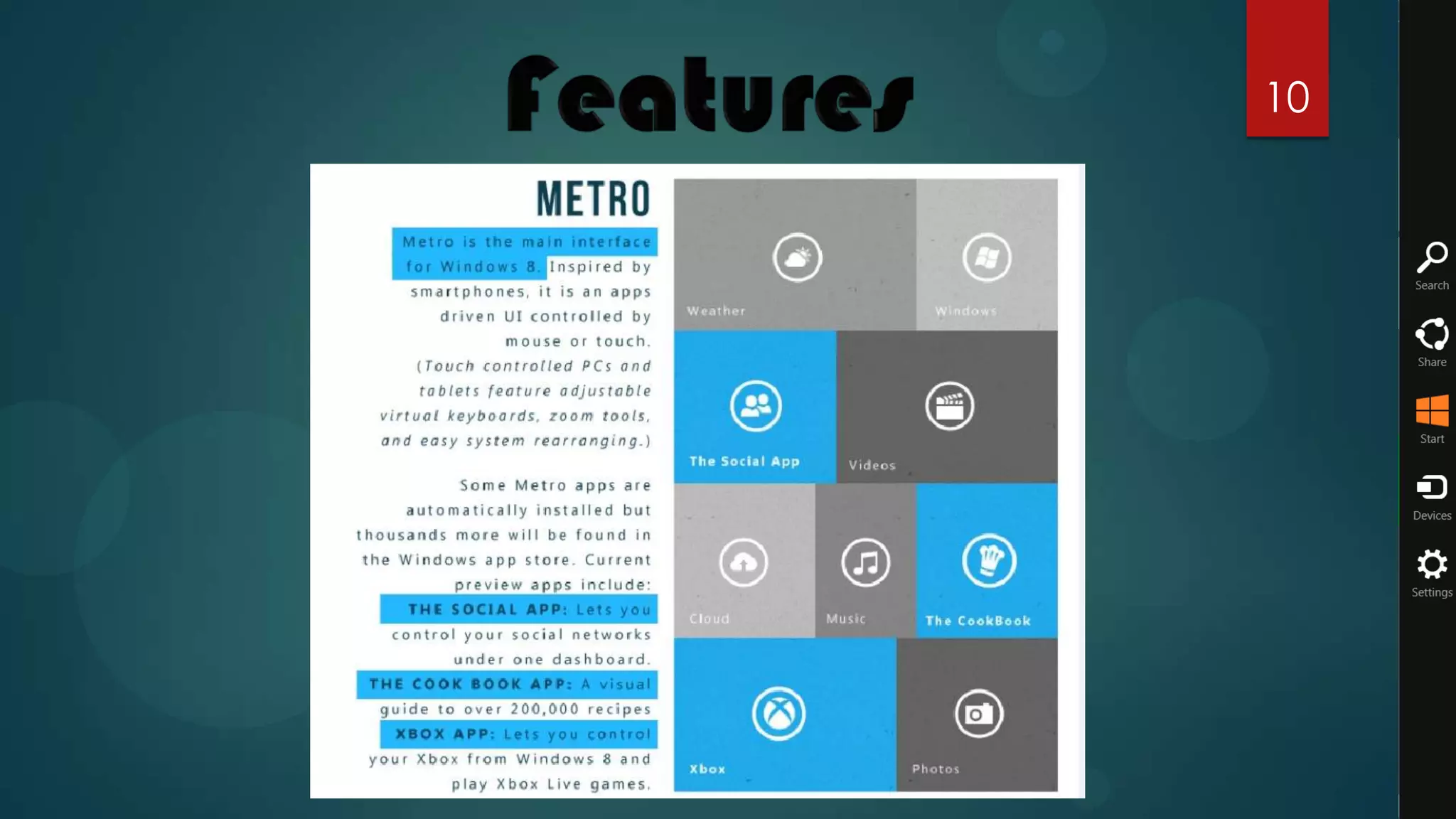
       All new Metro UI


   AGAINST
       Start menu gone
       Can't boot to the desktop
       Some older CPUs won't run it
27

Windows 8

  • 1.
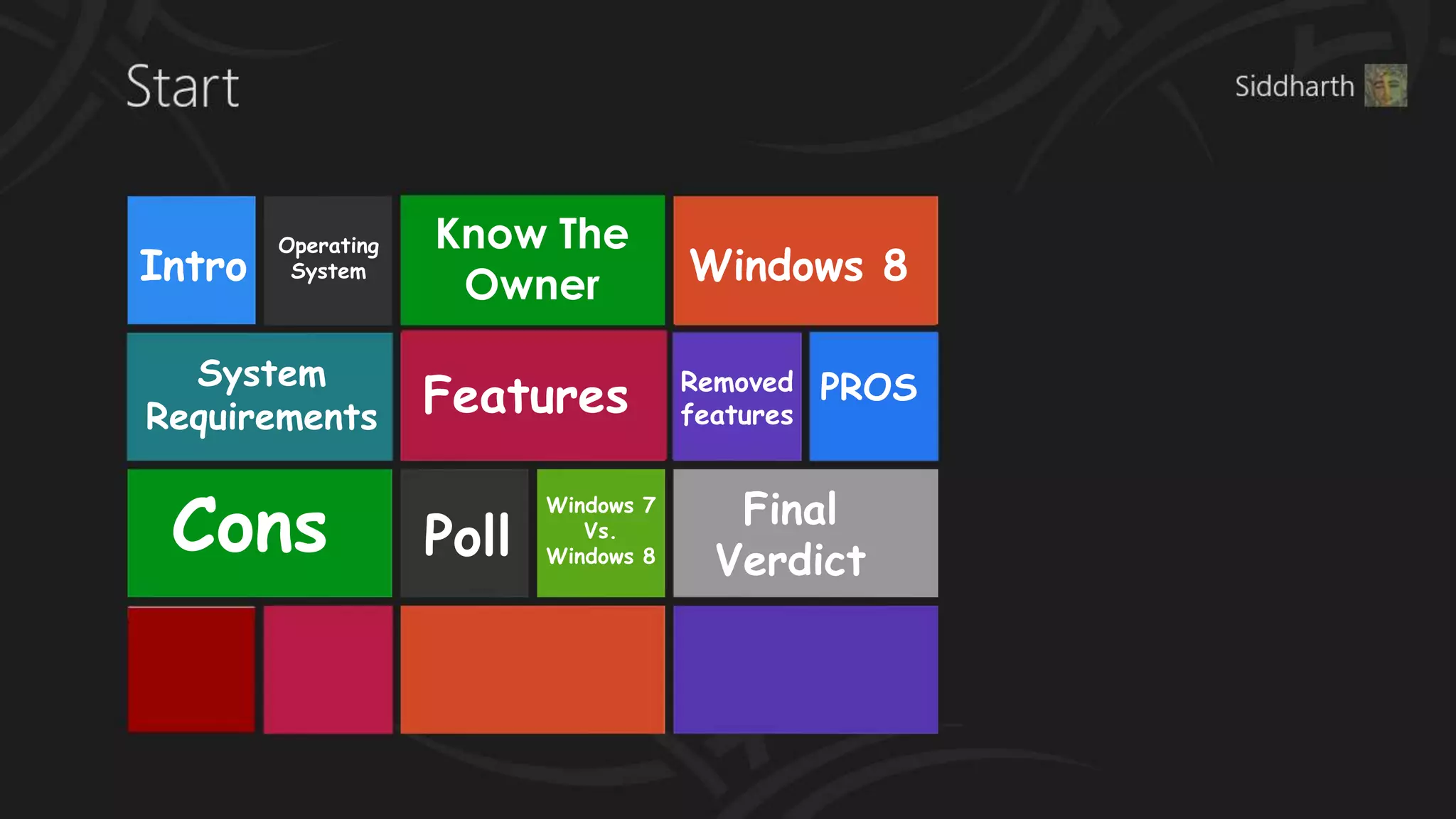
    Operating Know The Intro System Owner Windows 8 System Requirements Features Removed features PROS Cons Final Windows 7 Poll Vs. Windows 8 Verdict
  • 2.
    2 Windows 8 is an operating system produced by Microsoft for use on personal computers, including home and business desktops, laptops, tablets, and home theatre PCs. Development of this operating system started before the release of its predecessor in 2009. Its existence was first announced in January 2011 at Consumer Electronics Show. During its development and test phases, Microsoft released three pre-release versions: Developer Preview on September 13, 2011, Consumer Preview February 29, 2012, and Release Preview May 31, 2012.
  • 3.
    3 An operating systemor OS is a software program that enables the computer hardware to communicate and operate with the computer software. Without a computer operating system, a computer and software programs would be useless.Below are the some examples of it -: • Windows 8 • Windows 7 • Linux • Fedora • Ubuntu • And many more… How it Works
  • 4.
    4 4 Microsoft Foundedin 1975 by Bill Gates and Paul Allen, Microsoft's mission has been to create software for the personal computer that empowers and enriches people in the workplace, at school and at home. As the world's leading software provider, Microsoft strives to produce innovative products that meet customers' evolving needs. Microsoft products include the MS-DOS and Windows operating systems for personal computers, server applications for client/server environments, business and consumer productivity applications, interactive media programs, and Internet platform and development tools. Microsoft also offers online services, sells personal computer books and input devices, and researches and develops advanced technology software products. Microsoft products, available in more than 30 languages and sold in more than 50 countries, are available for most PCs, including Intel microprocessor-based computers and Apple computers.
  • 5.
  • 6.
    6 It’s been almosttwo years since Microsoft launched the Windows 7 operating system and over time, it has proved itself to be one of the best and most stable operating systems ever created. And now with Windows 8, there isn’t a least shred of doubt that Microsoft is aiming not only for a repeat performance but to also change how we interact with our PCs. Windows 8 is an operating system produced by Microsoft for use on personal computers, including home and business desktops, laptops, tablets, Smartphones and home theatre PCs. Windows 8 introduces significant changes to the operating system's graphical user interface and platform; such as a new interface design incorporating a new design language used by other Microsoft products, a new Start screen to replace the Start menu used by previous versions of Windows, a new...
  • 7.
  • 8.
    Development of thisoperating system started before the release of its predecessor in 2009. Its 8 existence was first announced in January 2011 at Consumer Electronics Show People will be able get Windows 8 starting on October 26th either by upgrading for $39.99 or on a new PC or device. And if you buy an eligible Windows 7 PC today, you will be able to purchase an upgrade to Windows 8 Pro for $14.99 (U.S.) through the Windows Upgrade Offer.
  • 9.
    9 Windows 8 worksgreat on the same hardware that powers Windows 7:  Processor: 1 gigahertz (GHz) or faster  RAM: 1 gigabyte (GB) (32-bit) or 2 GB (64-bit)  Hard disk space: 16 GB (32-bit) or 20 GB (64-bit)  Graphics card: Microsoft DirectX 9 graphics device with WDDM driver Additional requirements to use certain features:-  To use touch, you need a tablet or a monitor that supports multitouch.  To access the Windows Store and to download and run apps, you need an active Internet connection and a screen resolution of at least 1024 x 768.  To snap apps, you need a screen resolution of at least 1366 x 768.  Internet access (ISP fees might apply)
  • 10.
  • 12.
  • 13.
  • 14.
  • 15.
    15  Traditional Start Button & Start Menu  Windows Aero, Transparent Glass, & Flip 3D  No Windows 8 Desktop Gadgets  Command Bar get replaced by new Ribbon  DVD Playback & Windows Media Center  Previous Versions & Windows Backup and Restore  Parental Control is now family safety on Windows 8  Windows Update Desktop Notifications
  • 16.
    Pros 16  Safer  Low hardware specifications (even for tablets)  Has a fresh look  Optimized for touch screens  Windows Store application  Internet Explorer 10  Startup Duration: Max 17 Seconds  Shut-down Duration: Max 9.9 Seconds
  • 17.
    17 Cons  A whole new interface to discover  Start menu  All Software's are not compatible with it
  • 18.
    Poll 18 6% 4% I'll upgrade my existing PC to Windows 8 as soon as it's available. I plan to download and test the 20% Windows 8 beta before deciding. 45% I'll stick with Windows 7, thank you very much. I want no part of any current or future Microsoft operating system. Other 25%
  • 19.
  • 20.
    The Start Screen 20 Window 7 At start screen we have Desktop with a Start Menu toolbar. Windows 8 At Start screen there is all new Metro UI.
  • 21.
    Task management 21 Window 7 A simple and easy to handle Task Manager dialog box Window 8 A Whole New Task manager dialog box with more details of running applications.
  • 22.
    Interface issues 22 Windows 7 The interface of it was same as earlier versions with little changes Windows 8 All new interface which is hard to understand at the beginning for a newbie. Every window is having a ribbon with it.
  • 23.
    Lock Screen 23 Windows 7 No Lock Screen Feature in it. Windows 8 A new lock screen feature which allows to lock your PC/ Laptop same as a Smartphone.
  • 24.
  • 25.
    25  Windows 8  Old Copy Style. Windows 8 All new Copy Style
  • 26.
    Final Verdict 26  FOR  On the right hardware, it's sleek, fast and fun  Huge security improvements  Better battery life  Faster boot  Great for touch  All new app store  All new Metro UI  AGAINST  Start menu gone  Can't boot to the desktop  Some older CPUs won't run it
  • 27.

Editor's Notes

  • #12 While showing demos, few ppl would surely clap den you should say feel free to clap, then all would be enjoying clapping after each demo ;)Lock screenPicture passwordStart screenMetro appsSwitching between metro apps smoothlySnap viewCopy paste demoExplorer Ribbon demoHyper V Demo if requiredISO Mount demo