Benjamin Armstrong
Senior Program Manager Lead
Microsoft Corporation
CLI202
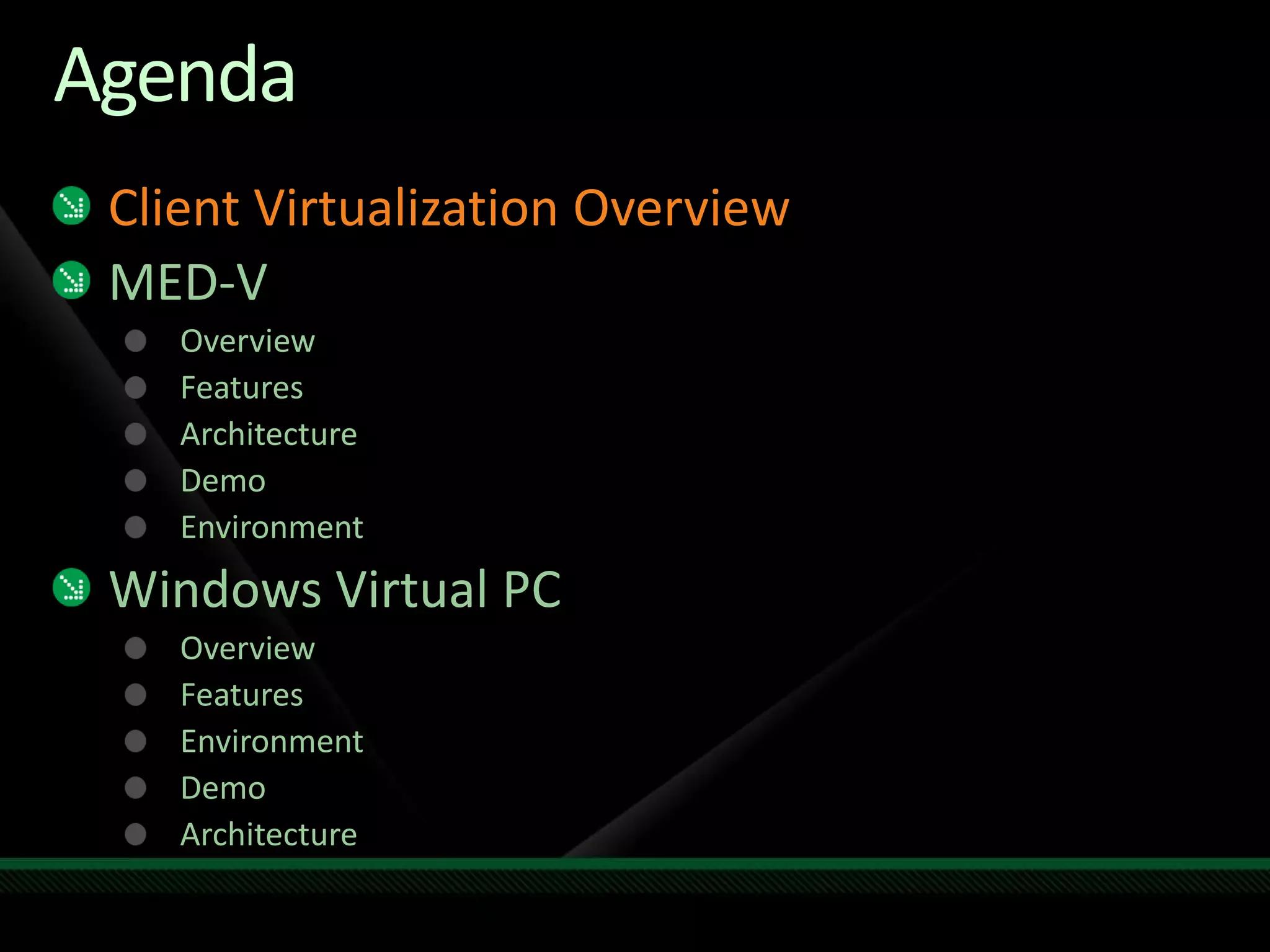
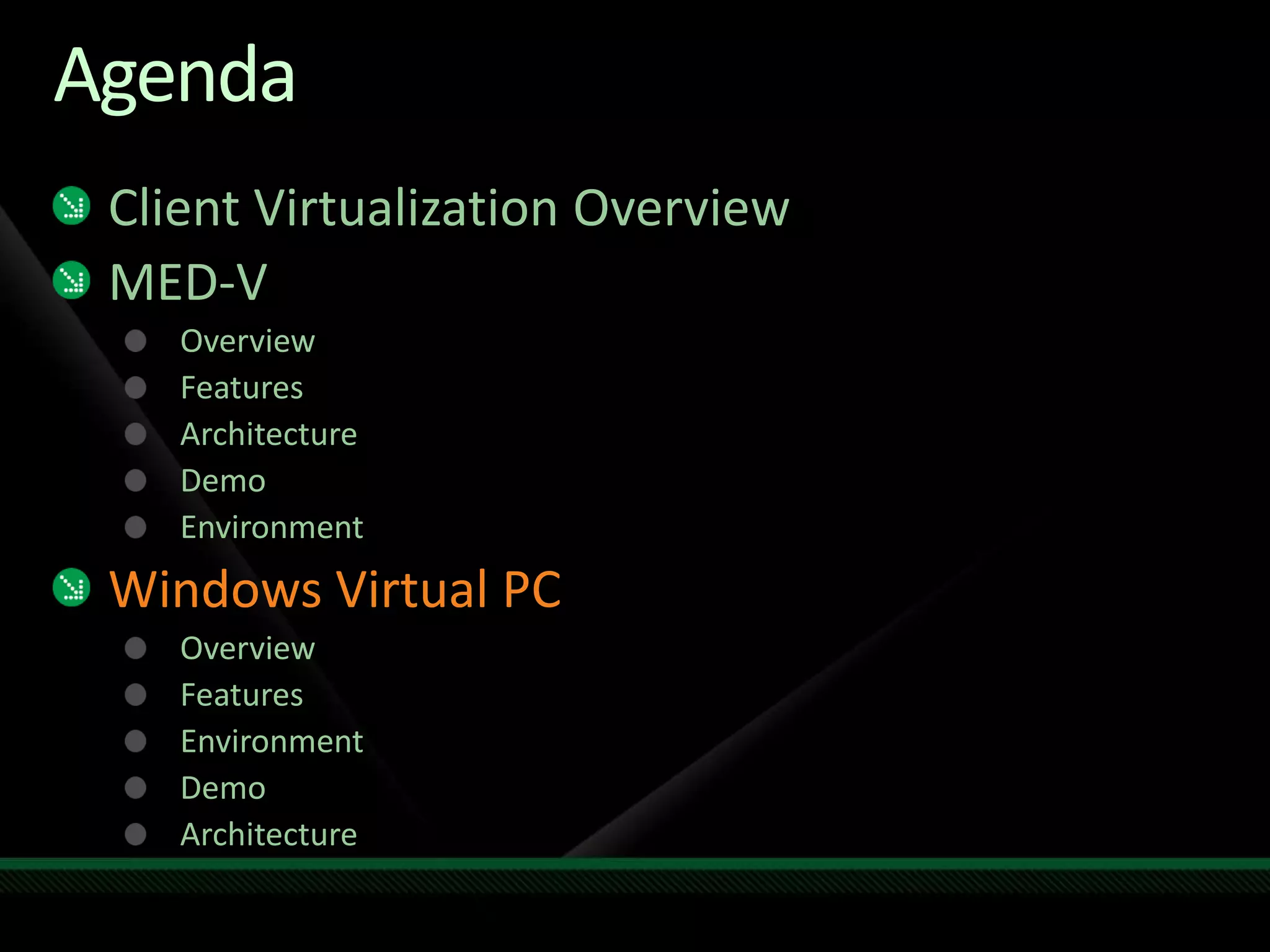
Agenda
Client Virtualization Overview
MED-V
Overview
Features
Architecture
Demo
Environment
Windows Virtual PC
Overview
Features
Environment
Demo
Architecture
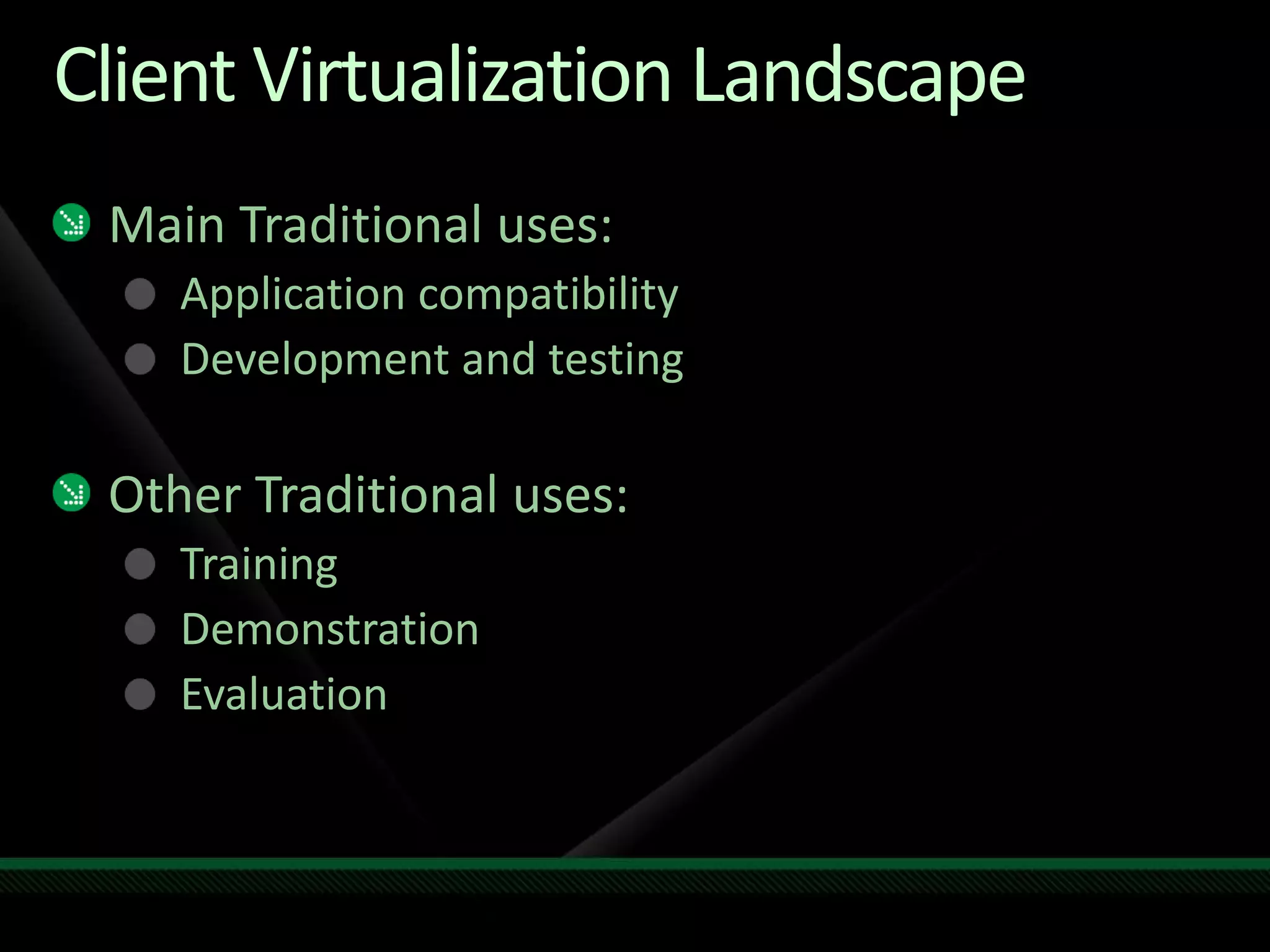
Client Virtualization Landscape
Main Traditional uses:
Application compatibility
Development and testing
Other Traditional uses:
Training
Demonstration
Evaluation
Client Virtualization Landscape
Emerging uses:
Employee owned computer
Contractor laptop
Application isolation
Instant on access to applications
Desktop vs. Server Virtualization
Microsoft has been investing agressively in
server virtualization
Larger market demand for "pure virtualization" on
the server
Microsoft has still been investing in client
virtualization (though not as agresssively)
VECD (licensing changes)
MED-V
Windows Virtual PC
Windows XP Mode
WindowsDesktopVirtualizationFocus
Windows Virtual PC: Application Compatibility
(unmanaged)
MED-V: Application Compatiblility (managed)
VDI: Hyper-V and Remote Desktop Services in
Windows Server 2008 R2
Agenda
Client Virtualization Overview
MED-V
Overview
Features
Architecture
Demo
Environment
Windows Virtual PC
Overview
Features
Environment
Demo
Architecture
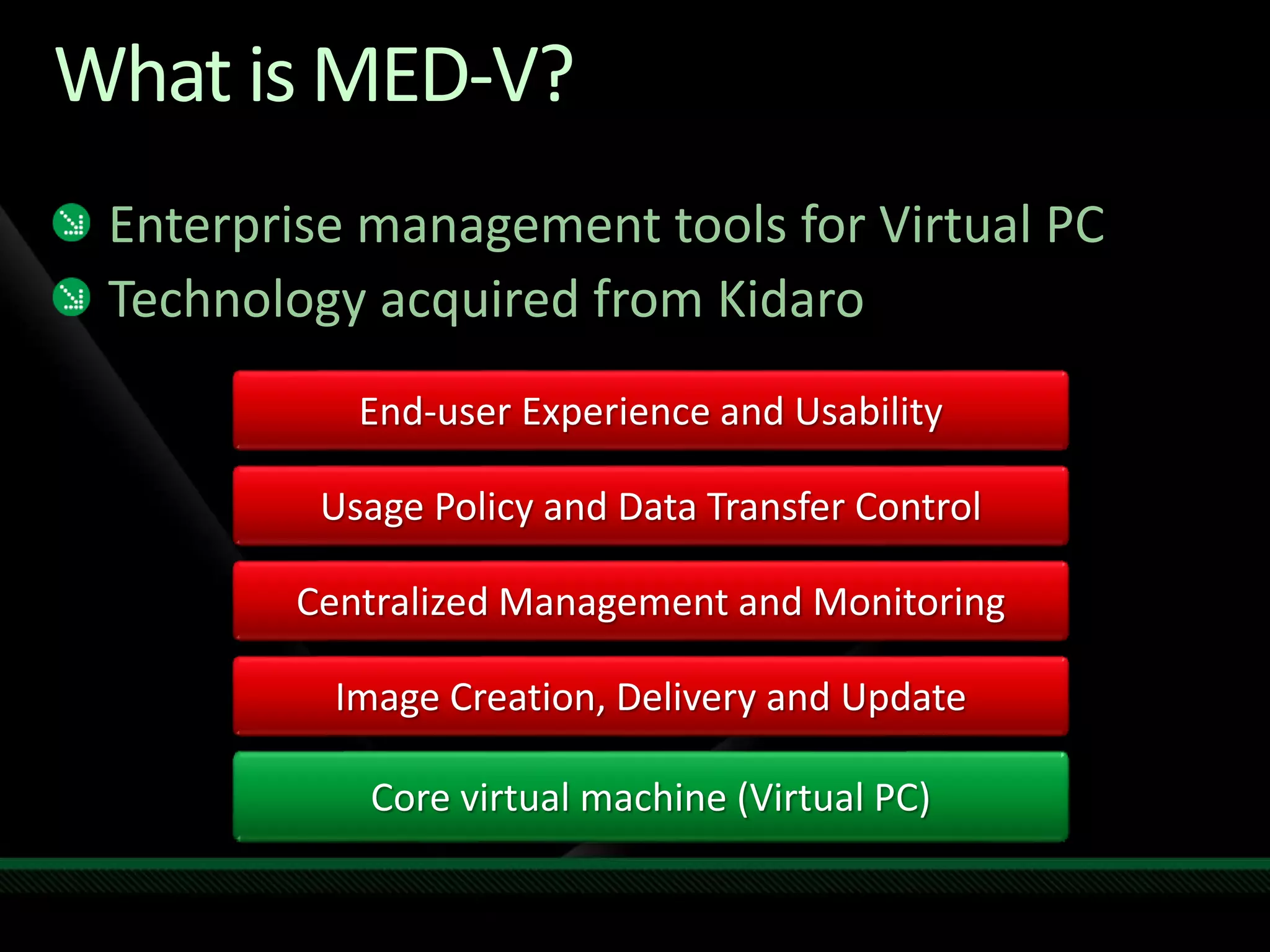
What is MED-V?
Enterprise management tools for Virtual PC
Technology acquired from Kidaro
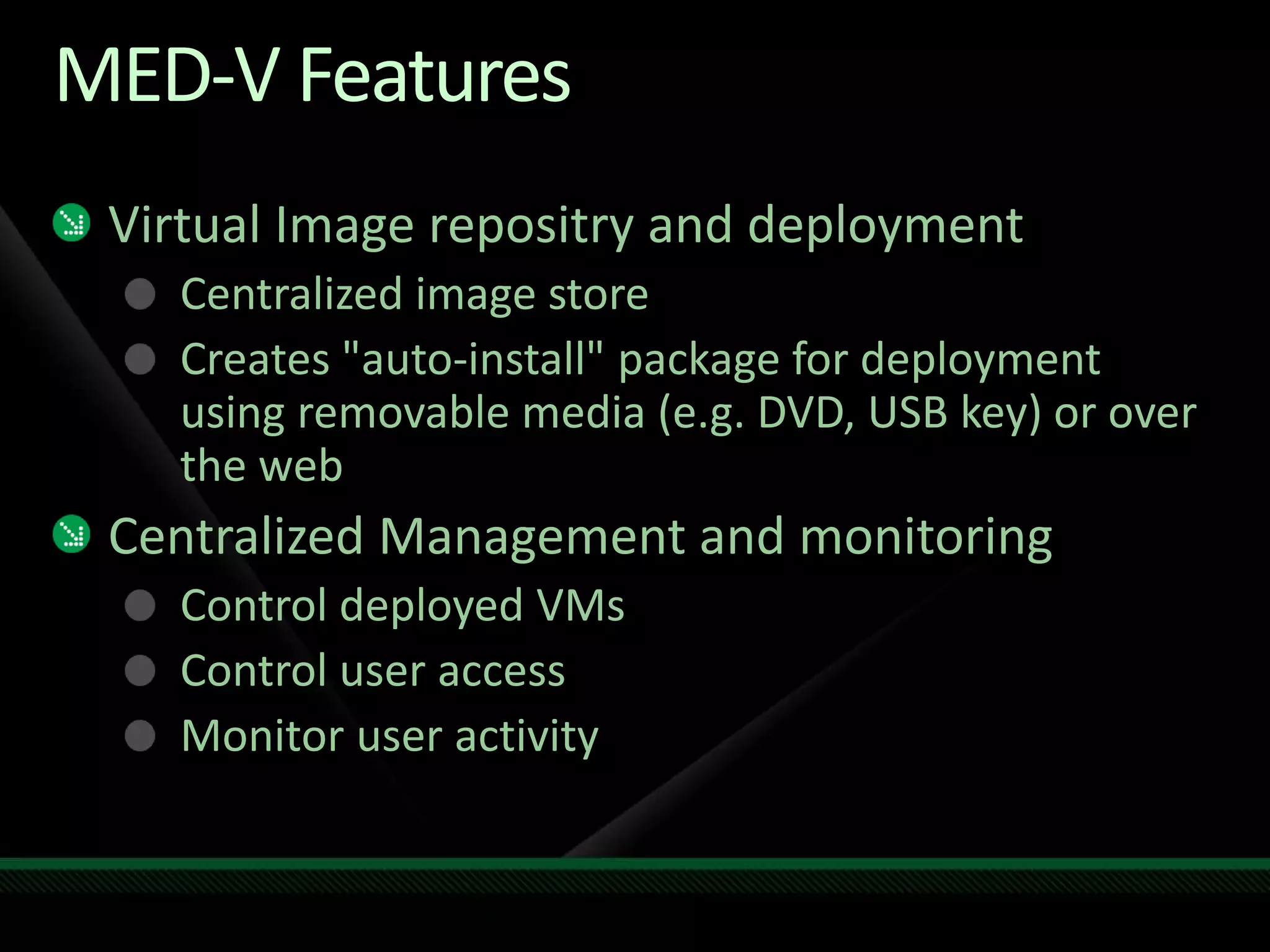
MED-V Features
Virtual Image repositry and deployment
Centralized image store
Creates "auto-install" package for deployment
using removable media (e.g. DVD, USB key) or over
the web
Centralized Management and monitoring
Control deployed VMs
Control user access
Monitor user activity
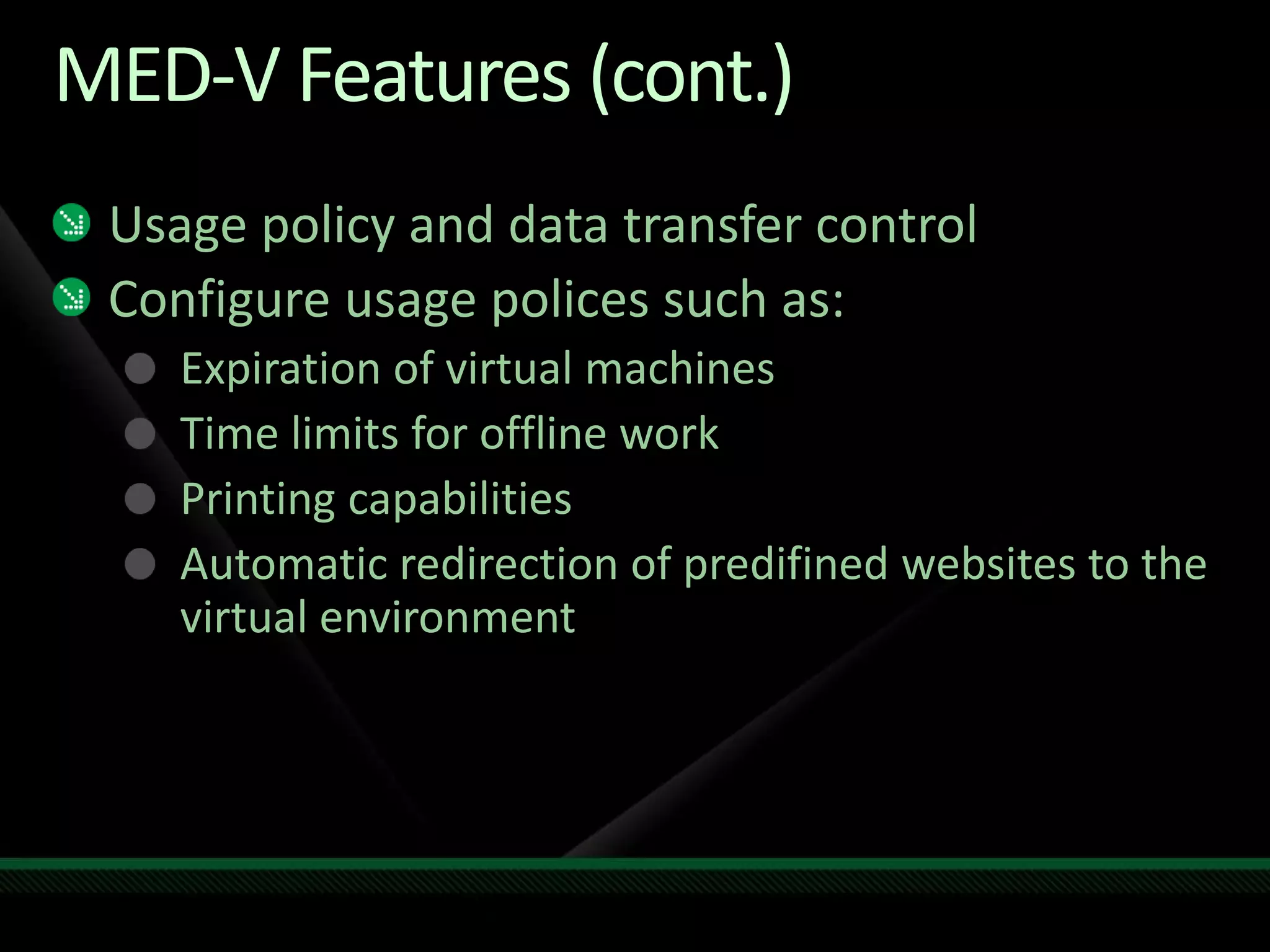
MED-V Features (cont.)
Usage policy and data transfer control
Configure usage polices such as:
Expiration of virtual machines
Time limits for offline work
Printing capabilities
Automatic redirection of predifined websites to the
virtual environment
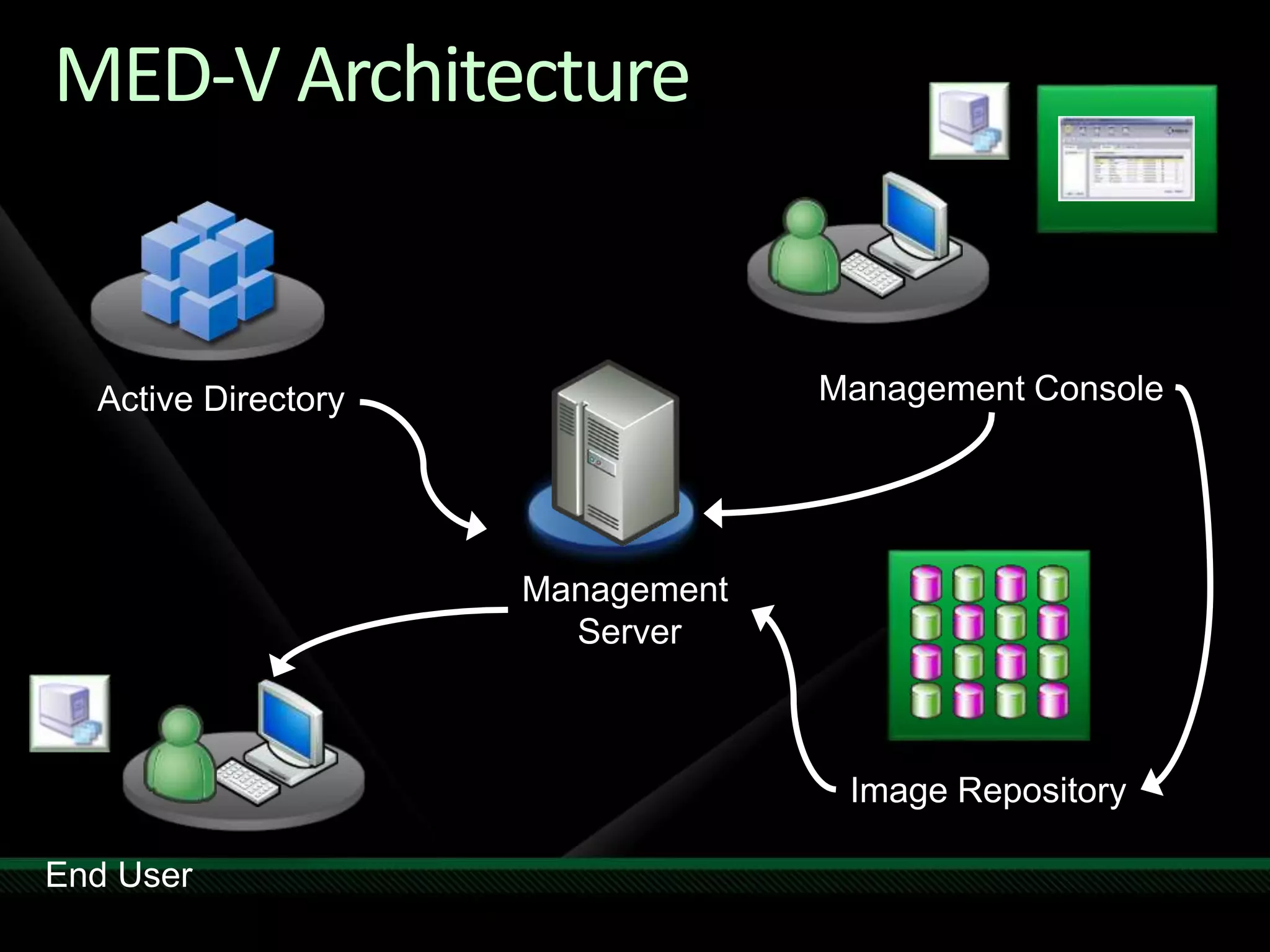
MED-V Architecture
MED-V
Benjamin Armstrong
Senior Program Manager
Windows Virtualization
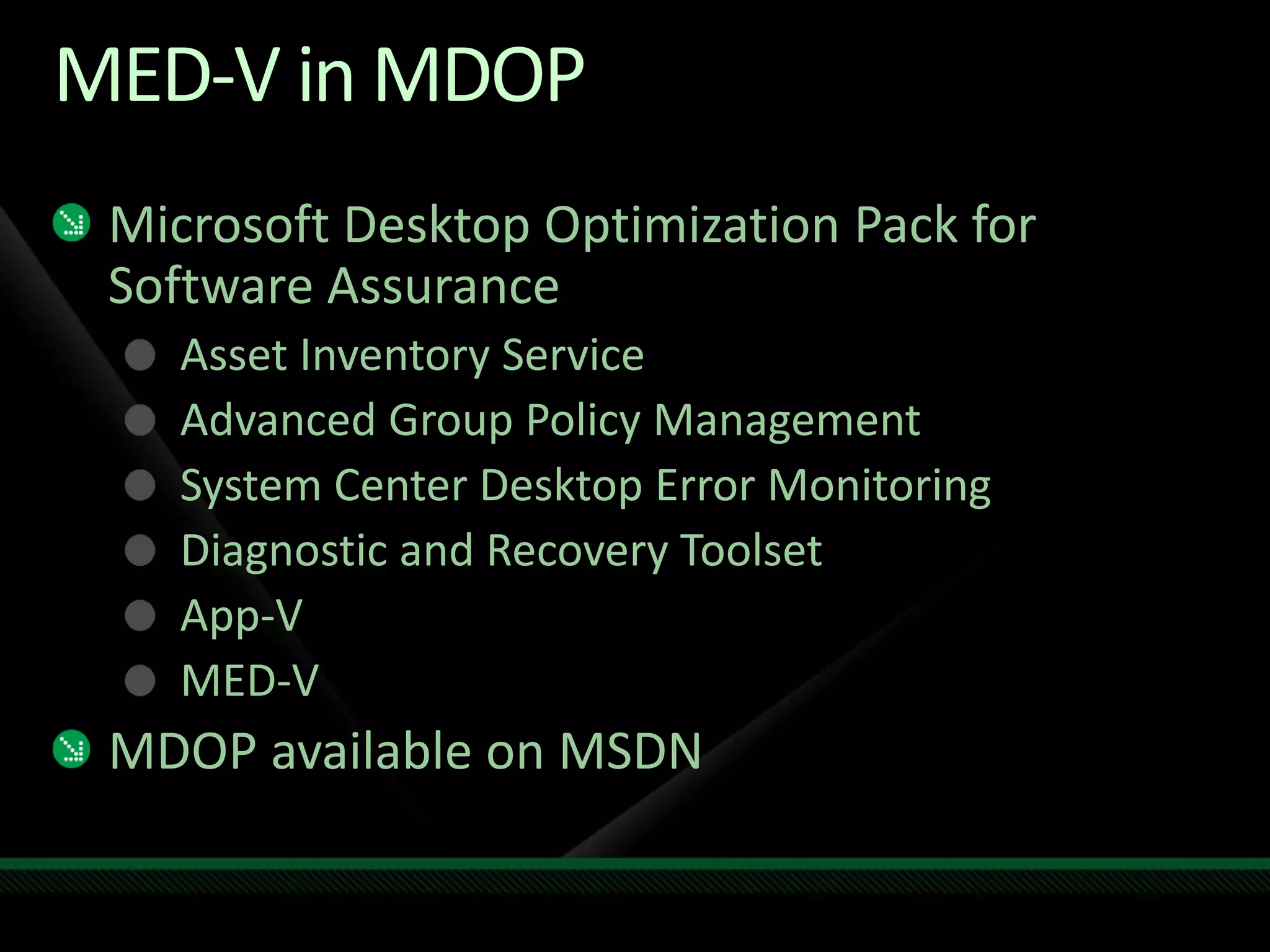
MED-V Environment
Management Server:
Windows Server 2008
Hosts:
Windows XP SP2 / SP3, Windows Vista SP1
Guests:
Windows XP SP2 / SP3, Windows 2000 SP4
Virtualization Software
Virtual PC 2007 SP1
MED-V in MDOP
Microsoft Desktop Optimization Pack for
Software Assurance
Asset Inventory Service
Advanced Group Policy Management
System Center Desktop Error Monitoring
Diagnostic and Recovery Toolset
App-V
MED-V
MDOP available on MSDN
Agenda
Client Virtualization Overview
MED-V
Overview
Features
Architecture
Demo
Environment
Windows Virtual PC
Overview
Features
Environment
Demo
Architecture
Windows Virtual PC Goals
Provide a seamless solution for running
Windows XP applications on Windows 7 using
virtualization
Maintain existing Virtual PC functionality
Virtual PC History
1997 – Virtual PC for Mac 1.0
Focused on running Windows apps on Mac
2001 – Virtual PC 4.0 for Windows
Focused on running legacy applications on Windows 2000 / XP
2003 – Microsoft Virtual PC 2004
Two primary markets: Legacy application compatibility in the
Enterprise and Development / Testing
2007 – Microsoft Virtual PC 2007
Add support for 64-bit hosts, hardware virtualization
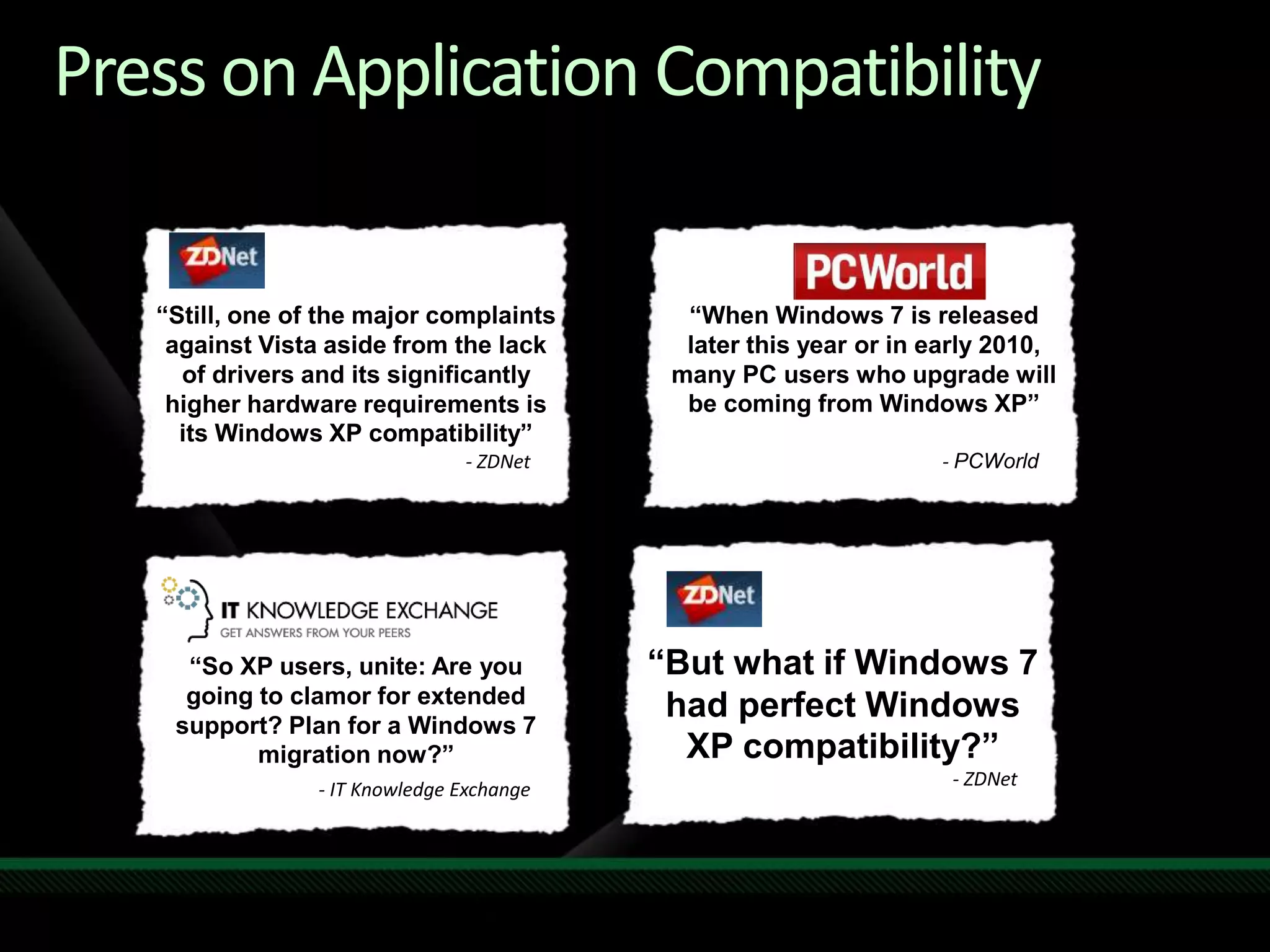
Press on Application Compatibility
“Still, one of the major complaints
against Vista aside from the lack
of drivers and its significantly
higher hardware requirements is
its Windows XP compatibility”
- ZDNet
“When Windows 7 is released
later this year or in early 2010,
many PC users who upgrade will
be coming from Windows XP”
- PCWorld
“So XP users, unite: Are you
going to clamor for extended
support? Plan for a Windows 7
migration now?”
- IT Knowledge Exchange
“But what if Windows 7
had perfect Windows
XP compatibility?”
- ZDNet
Virtual PC 7 Features
Windows XP mode
Select Windows 7 SKUs will include the right to run
a Windows XP virtual machine
USB support
Finally!
Seamless Application Mode
Single login
User does not need to know about a virtual
machine being present
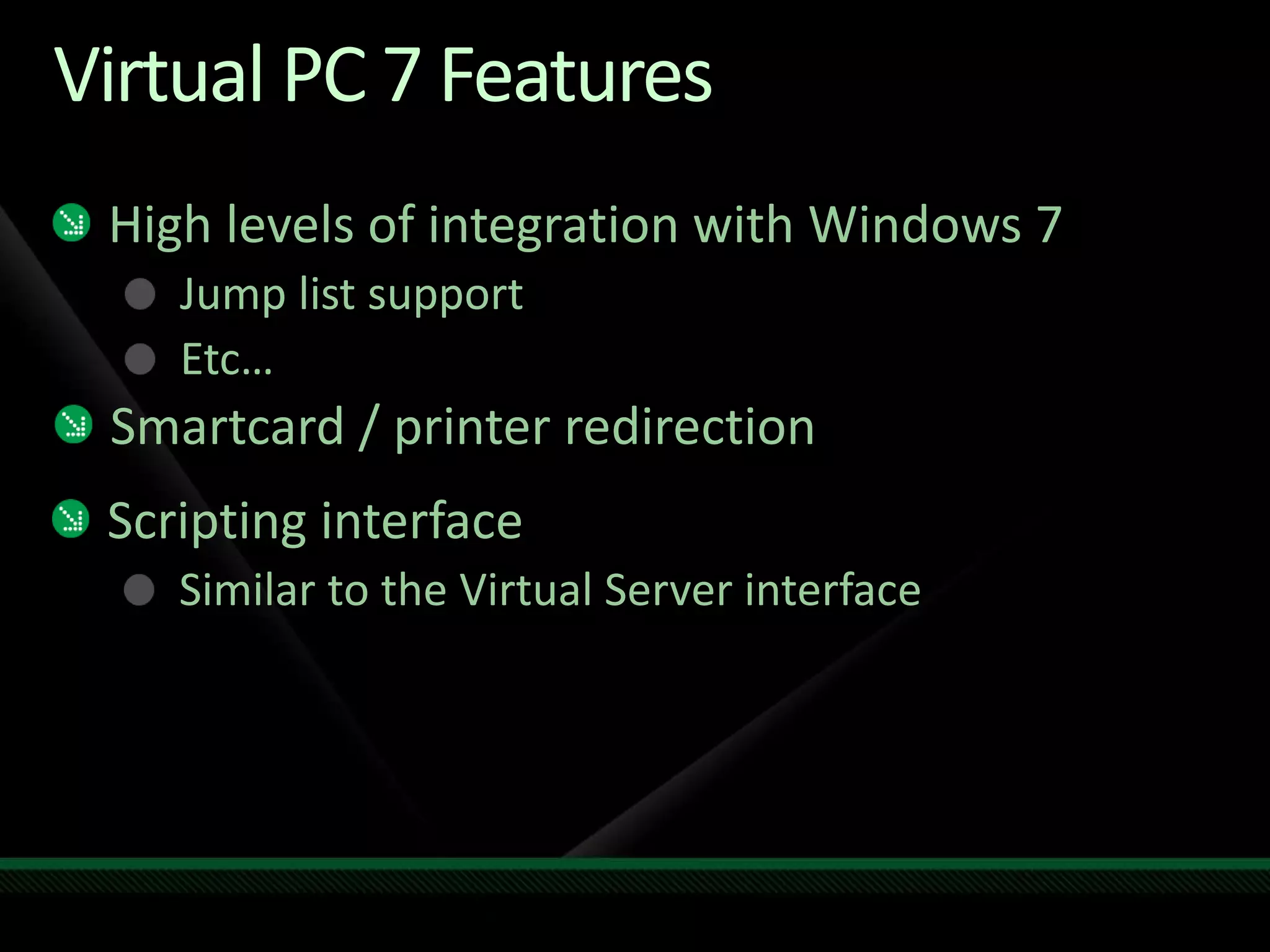
Virtual PC 7 Features
High levels of integration with Windows 7
Jump list support
Etc…
Smartcard / printer redirection
Scripting interface
Similar to the Virtual Server interface
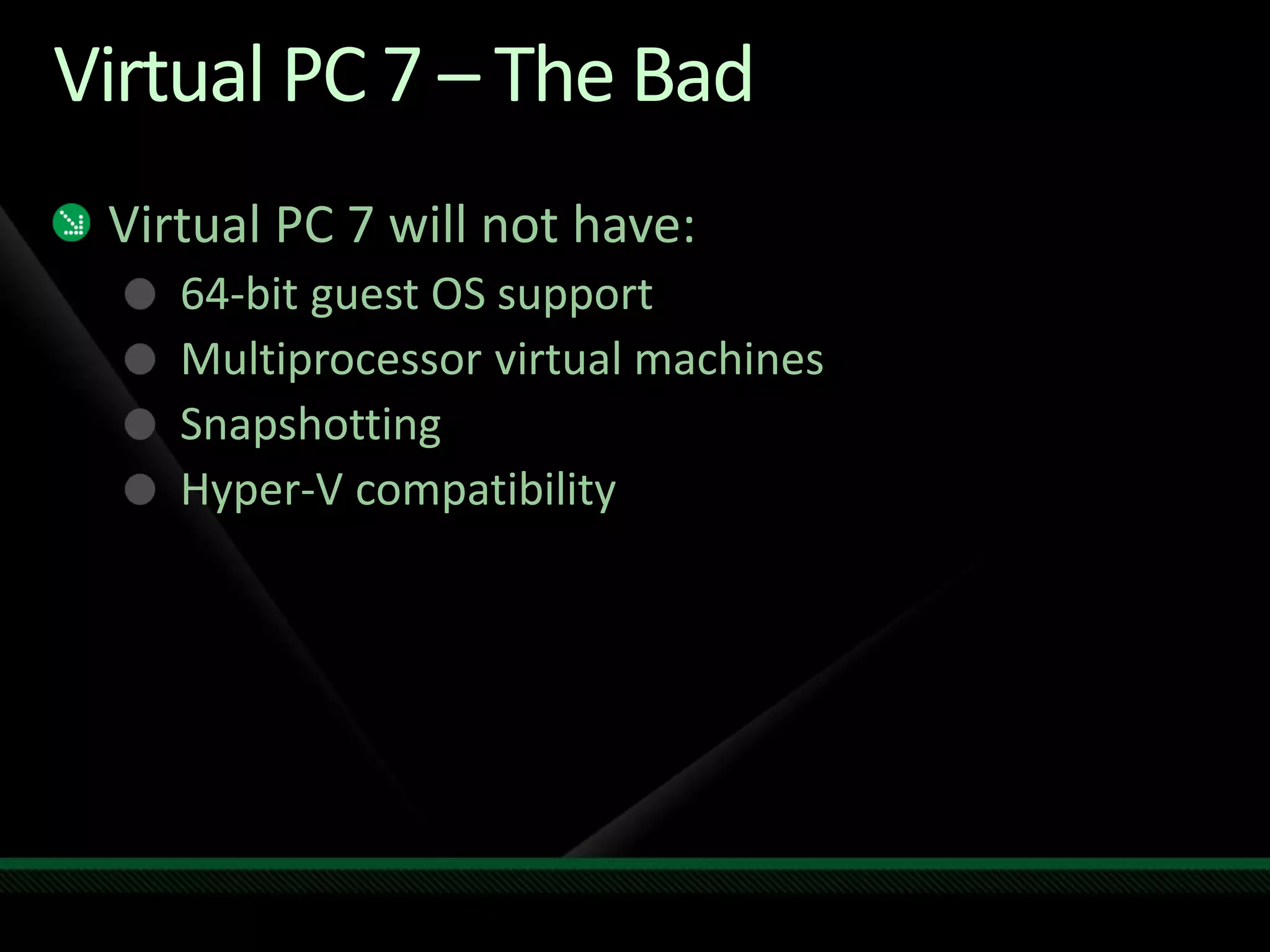
Virtual PC 7 – The Bad
Virtual PC 7 will not have:
64-bit guest OS support
Multiprocessor virtual machines
Snapshotting
Hyper-V compatibility
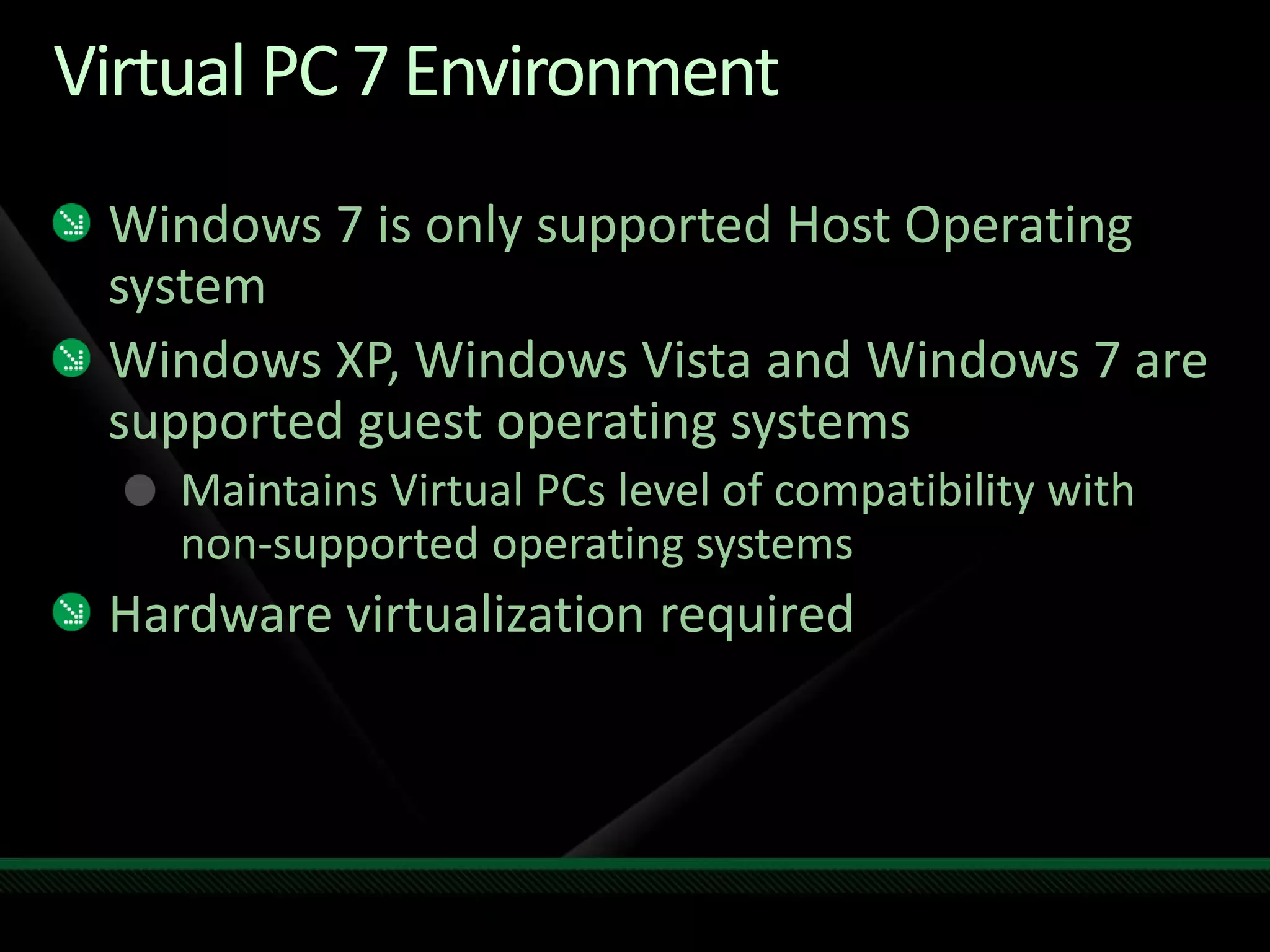
Virtual PC 7 Environment
Windows 7 is only supported Host Operating
system
Windows XP, Windows Vista and Windows 7 are
supported guest operating systems
Maintains Virtual PCs level of compatibility with
non-supported operating systems
Hardware virtualization required
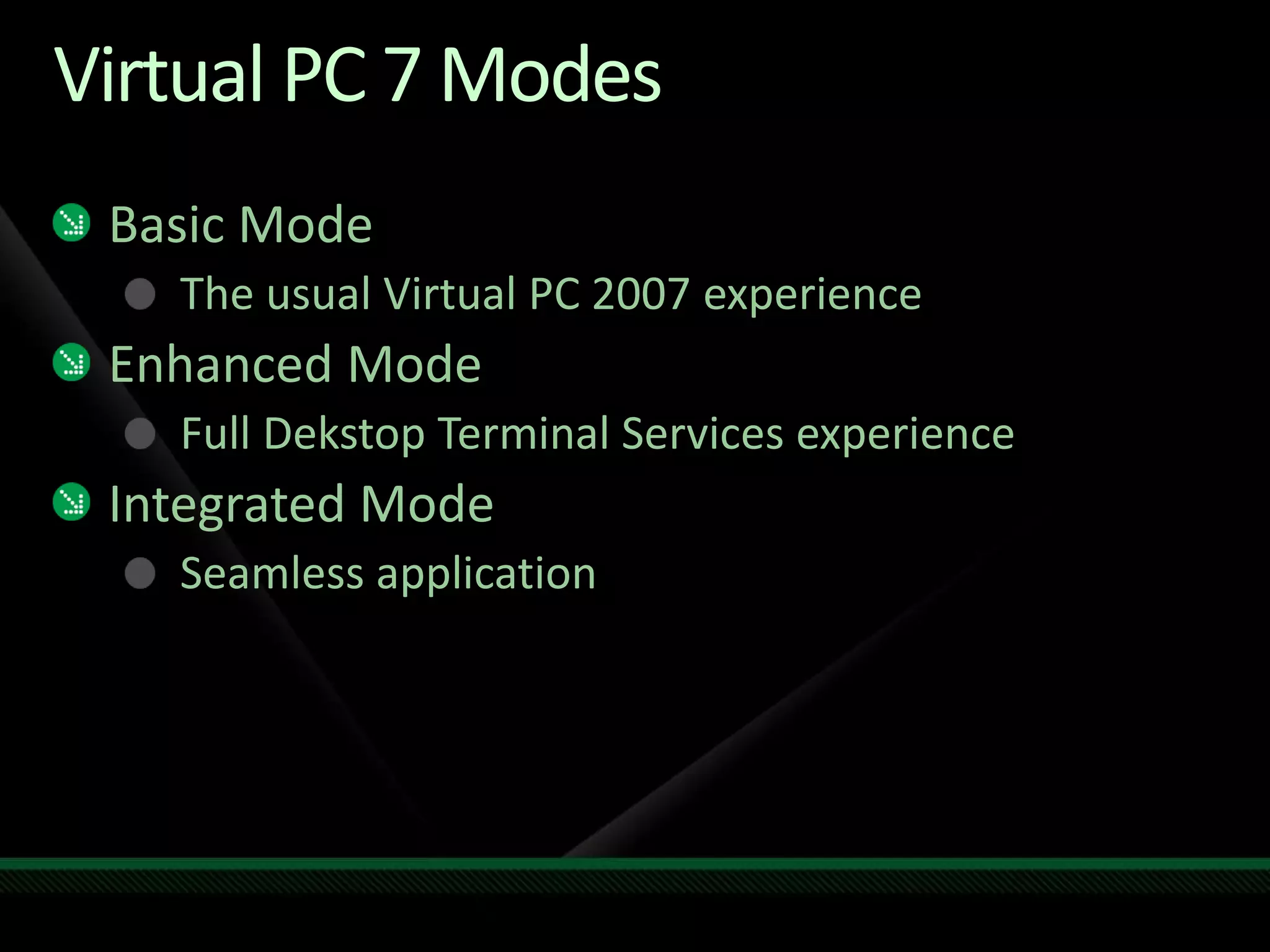
Virtual PC 7 Modes
Basic Mode
The usual Virtual PC 2007 experience
Enhanced Mode
Full Dekstop Terminal Services experience
Integrated Mode
Seamless application
VirtualPC 7Demo
Benjamin Armstrong
Senior Program Manager
Windows Virtualization
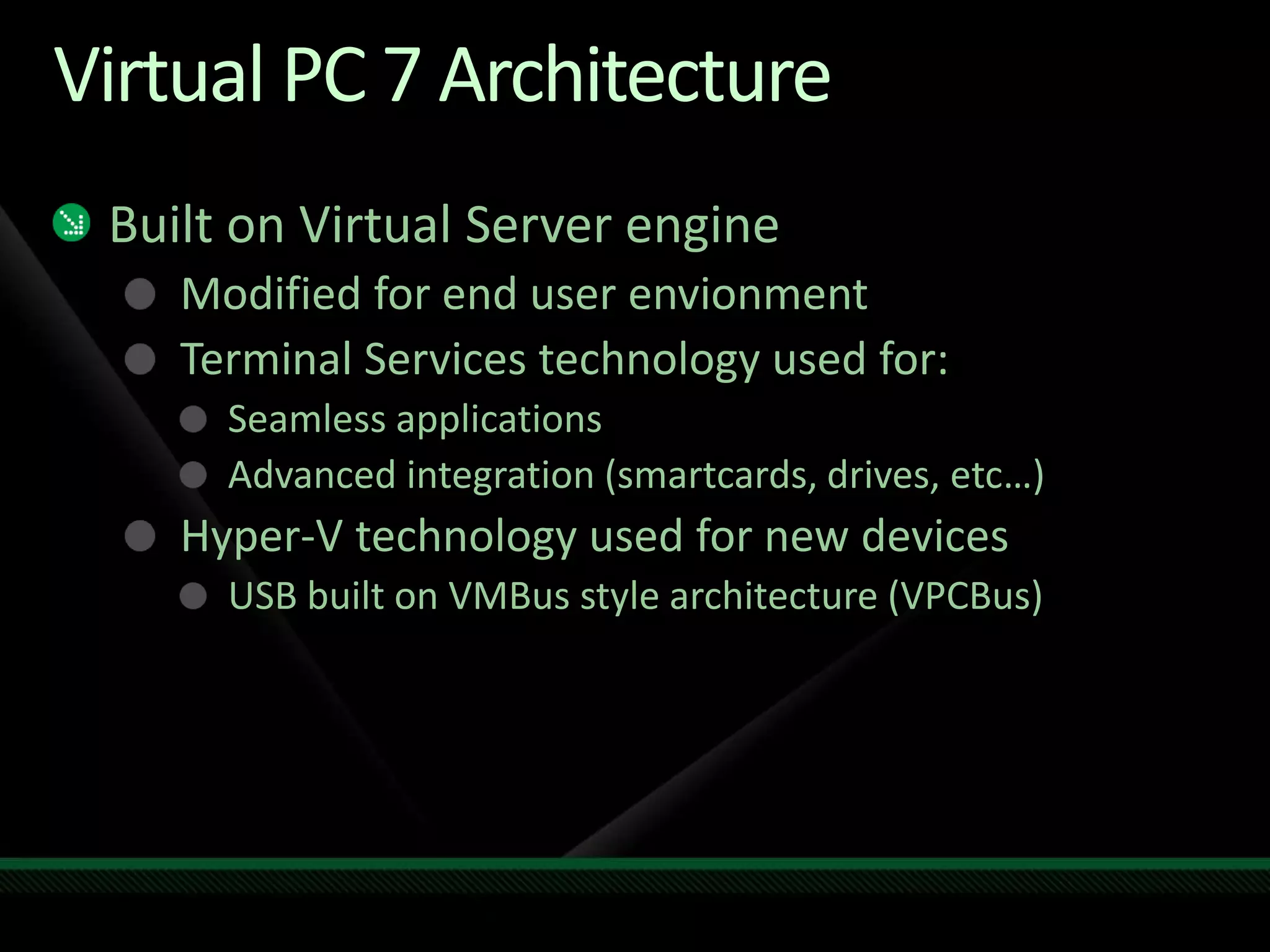
Virtual PC 7 Architecture
Built on Virtual Server engine
Modified for end user envionment
Terminal Services technology used for:
Seamless applications
Advanced integration (smartcards, drives, etc…)
Hyper-V technology used for new devices
USB built on VMBus style architecture (VPCBus)
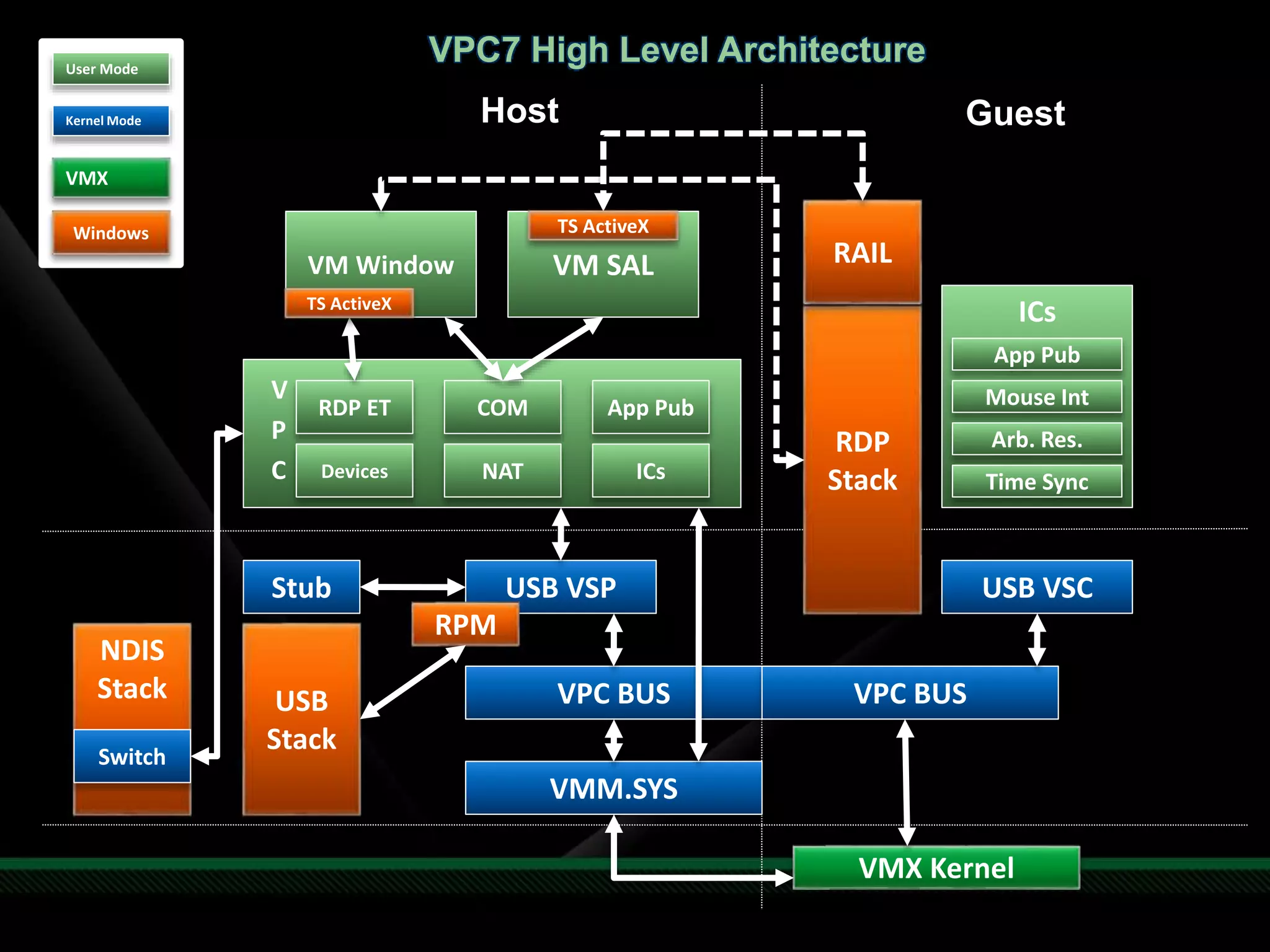
Host Guest
User Mode
Kernel Mode
VMX
VMX Kernel
VMM.SYS
VPC BUS VPC BUS
USB VSP
RPM
Stub
USB
Stack
USB VSC
V
P
C
RDP ET COM
NDIS
Stack
Switch
Devices NAT ICs
VM Window VM SAL
RDP
Stack
RAIL
TS ActiveX
TS ActiveX
ICs
Mouse Int
Arb. Res.
Time Sync
App Pub
App Pub
VPC7 High Level Architecture
Windows
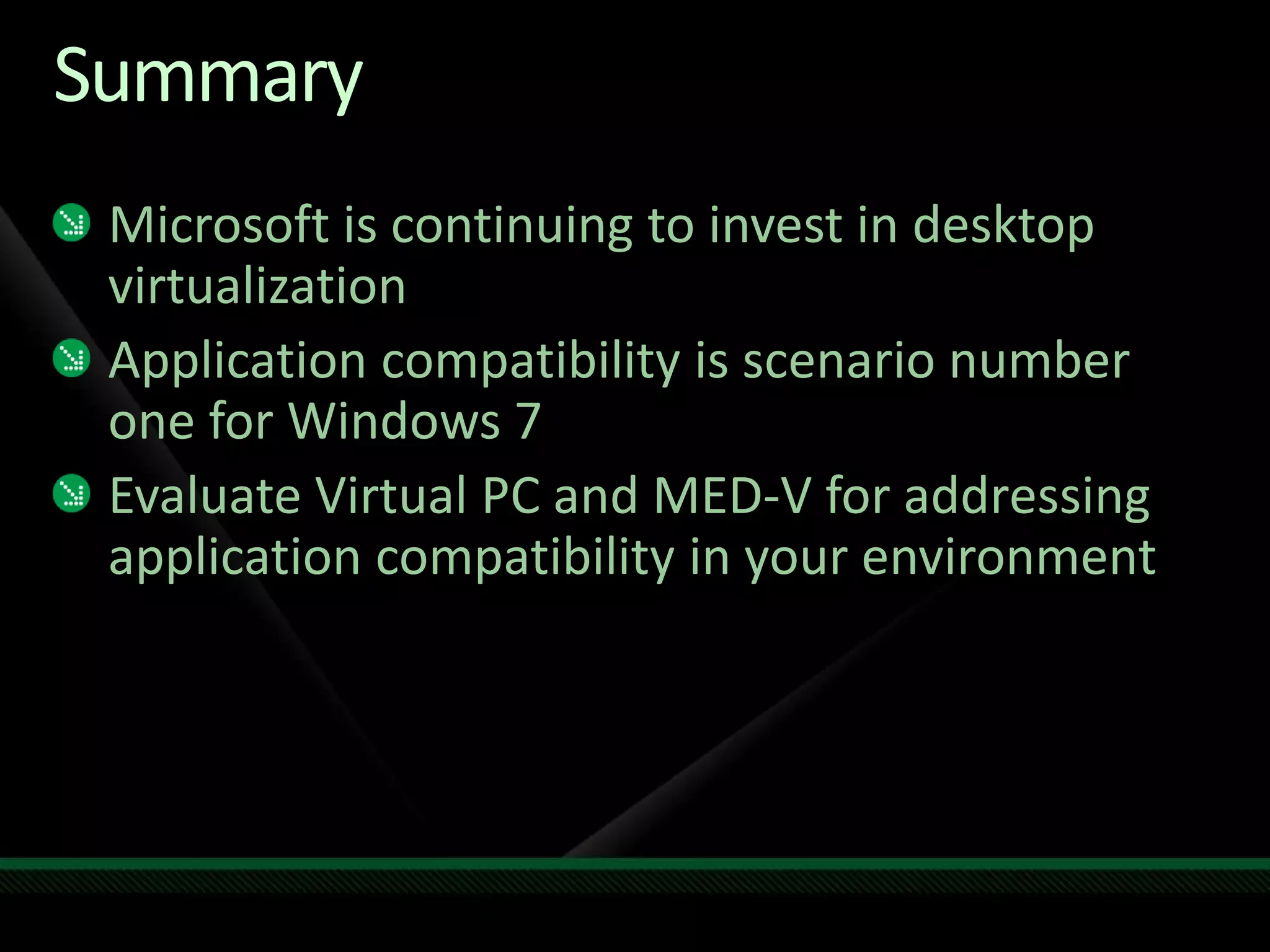
Summary
Microsoft is continuing to invest in desktop
virtualization
Application compatibility is scenario number
one for Windows 7
Evaluate Virtual PC and MED-V for addressing
application compatibility in your environment
www.microsoft.com/teched
Sessions On-Demand & Community
http://microsoft.com/technet
Resources for IT Professionals
http://microsoft.com/msdn
Resources for Developers
www.microsoft.com/learning
Microsoft Certification & Training Resources
Resources
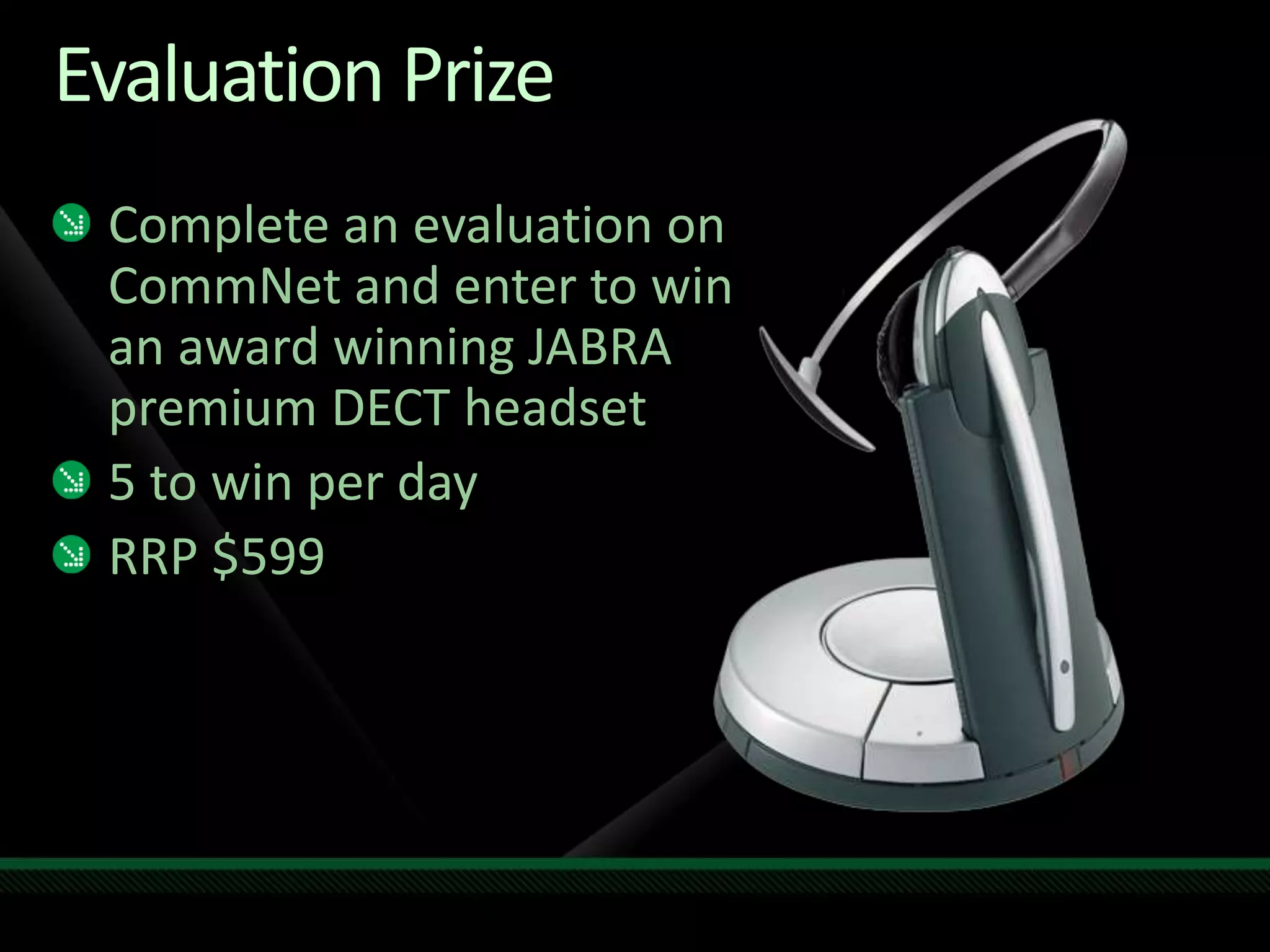
Evaluation Prize
Complete an evaluation on
CommNet and enter to win
an award winning JABRA
premium DECT headset
5 to win per day
RRP $599
© 2009 Microsoft Corporation. All rights reserved. Microsoft, Windows, Windows Vista and other product names are or may be registered trademarks and/or trademarks in the U.S. and/or other countries.
The information herein is for informational purposes only and represents the current view of Microsoft Corporation as of the date of this presentation. Because Microsoft must respond to changing market conditions, it should
not be interpreted to be a commitment on the part of Microsoft, and Microsoft cannot guarantee the accuracy of any information provided after the date of this presentation. MICROSOFT MAKES NO WARRANTIES, EXPRESS,
IMPLIED OR STATUTORY, AS TO THE INFORMATION IN THIS PRESENTATION.

Windows 7 XP Compatibility mode, Virtual PC and Microsoft ...

  • 2.
    Benjamin Armstrong Senior ProgramManager Lead Microsoft Corporation CLI202
  • 3.
  • 4.
    Client Virtualization Landscape MainTraditional uses: Application compatibility Development and testing Other Traditional uses: Training Demonstration Evaluation
  • 5.
    Client Virtualization Landscape Emerginguses: Employee owned computer Contractor laptop Application isolation Instant on access to applications
  • 6.
    Desktop vs. ServerVirtualization Microsoft has been investing agressively in server virtualization Larger market demand for "pure virtualization" on the server Microsoft has still been investing in client virtualization (though not as agresssively) VECD (licensing changes) MED-V Windows Virtual PC Windows XP Mode
  • 7.
    WindowsDesktopVirtualizationFocus Windows Virtual PC:Application Compatibility (unmanaged) MED-V: Application Compatiblility (managed) VDI: Hyper-V and Remote Desktop Services in Windows Server 2008 R2
  • 8.
  • 9.
    What is MED-V? Enterprisemanagement tools for Virtual PC Technology acquired from Kidaro
  • 10.
    MED-V Features Virtual Imagerepositry and deployment Centralized image store Creates "auto-install" package for deployment using removable media (e.g. DVD, USB key) or over the web Centralized Management and monitoring Control deployed VMs Control user access Monitor user activity
  • 11.
    MED-V Features (cont.) Usagepolicy and data transfer control Configure usage polices such as: Expiration of virtual machines Time limits for offline work Printing capabilities Automatic redirection of predifined websites to the virtual environment
  • 12.
  • 13.
    MED-V Benjamin Armstrong Senior ProgramManager Windows Virtualization
  • 14.
    MED-V Environment Management Server: WindowsServer 2008 Hosts: Windows XP SP2 / SP3, Windows Vista SP1 Guests: Windows XP SP2 / SP3, Windows 2000 SP4 Virtualization Software Virtual PC 2007 SP1
  • 15.
    MED-V in MDOP MicrosoftDesktop Optimization Pack for Software Assurance Asset Inventory Service Advanced Group Policy Management System Center Desktop Error Monitoring Diagnostic and Recovery Toolset App-V MED-V MDOP available on MSDN
  • 16.
  • 17.
    Windows Virtual PCGoals Provide a seamless solution for running Windows XP applications on Windows 7 using virtualization Maintain existing Virtual PC functionality
  • 18.
    Virtual PC History 1997– Virtual PC for Mac 1.0 Focused on running Windows apps on Mac 2001 – Virtual PC 4.0 for Windows Focused on running legacy applications on Windows 2000 / XP 2003 – Microsoft Virtual PC 2004 Two primary markets: Legacy application compatibility in the Enterprise and Development / Testing 2007 – Microsoft Virtual PC 2007 Add support for 64-bit hosts, hardware virtualization
  • 19.
    Press on ApplicationCompatibility “Still, one of the major complaints against Vista aside from the lack of drivers and its significantly higher hardware requirements is its Windows XP compatibility” - ZDNet “When Windows 7 is released later this year or in early 2010, many PC users who upgrade will be coming from Windows XP” - PCWorld “So XP users, unite: Are you going to clamor for extended support? Plan for a Windows 7 migration now?” - IT Knowledge Exchange “But what if Windows 7 had perfect Windows XP compatibility?” - ZDNet
  • 20.
    Virtual PC 7Features Windows XP mode Select Windows 7 SKUs will include the right to run a Windows XP virtual machine USB support Finally! Seamless Application Mode Single login User does not need to know about a virtual machine being present
  • 21.
    Virtual PC 7Features High levels of integration with Windows 7 Jump list support Etc… Smartcard / printer redirection Scripting interface Similar to the Virtual Server interface
  • 22.
    Virtual PC 7– The Bad Virtual PC 7 will not have: 64-bit guest OS support Multiprocessor virtual machines Snapshotting Hyper-V compatibility
  • 23.
    Virtual PC 7Environment Windows 7 is only supported Host Operating system Windows XP, Windows Vista and Windows 7 are supported guest operating systems Maintains Virtual PCs level of compatibility with non-supported operating systems Hardware virtualization required
  • 24.
    Virtual PC 7Modes Basic Mode The usual Virtual PC 2007 experience Enhanced Mode Full Dekstop Terminal Services experience Integrated Mode Seamless application
  • 25.
    VirtualPC 7Demo Benjamin Armstrong SeniorProgram Manager Windows Virtualization
  • 26.
    Virtual PC 7Architecture Built on Virtual Server engine Modified for end user envionment Terminal Services technology used for: Seamless applications Advanced integration (smartcards, drives, etc…) Hyper-V technology used for new devices USB built on VMBus style architecture (VPCBus)
  • 27.
    Host Guest User Mode KernelMode VMX VMX Kernel VMM.SYS VPC BUS VPC BUS USB VSP RPM Stub USB Stack USB VSC V P C RDP ET COM NDIS Stack Switch Devices NAT ICs VM Window VM SAL RDP Stack RAIL TS ActiveX TS ActiveX ICs Mouse Int Arb. Res. Time Sync App Pub App Pub VPC7 High Level Architecture Windows
  • 28.
    Summary Microsoft is continuingto invest in desktop virtualization Application compatibility is scenario number one for Windows 7 Evaluate Virtual PC and MED-V for addressing application compatibility in your environment
  • 30.
    www.microsoft.com/teched Sessions On-Demand &Community http://microsoft.com/technet Resources for IT Professionals http://microsoft.com/msdn Resources for Developers www.microsoft.com/learning Microsoft Certification & Training Resources Resources
  • 31.
    Evaluation Prize Complete anevaluation on CommNet and enter to win an award winning JABRA premium DECT headset 5 to win per day RRP $599
  • 32.
    © 2009 MicrosoftCorporation. All rights reserved. Microsoft, Windows, Windows Vista and other product names are or may be registered trademarks and/or trademarks in the U.S. and/or other countries. The information herein is for informational purposes only and represents the current view of Microsoft Corporation as of the date of this presentation. Because Microsoft must respond to changing market conditions, it should not be interpreted to be a commitment on the part of Microsoft, and Microsoft cannot guarantee the accuracy of any information provided after the date of this presentation. MICROSOFT MAKES NO WARRANTIES, EXPRESS, IMPLIED OR STATUTORY, AS TO THE INFORMATION IN THIS PRESENTATION.

Editor's Notes