Wi-Fi
PRESENTATION ON WI-FI
Presented by:
CONTENTS
• Introduction
• How Wi-Fi works
• Advantages
• The Wi-Fi Technology
• IEEE 802.11-Basic Information
• 802.11 protocol
• IEEE 802.11b , 802.11a & 802.11g
• Hotspot , Application of Wi-Fi & Wi-Fi Phone
• Conclusion
INTRODUCTION
• Wireless Technology is an alternative to wired Technolog
y, which is commonly used, for connecting devices in wir
eless mode.
• Wi-Fi (Wireless Fidelity) is a generic term that refers to
the IEEE 802.11 communications standard for Wireles
s Local Area Networks(WLANs).
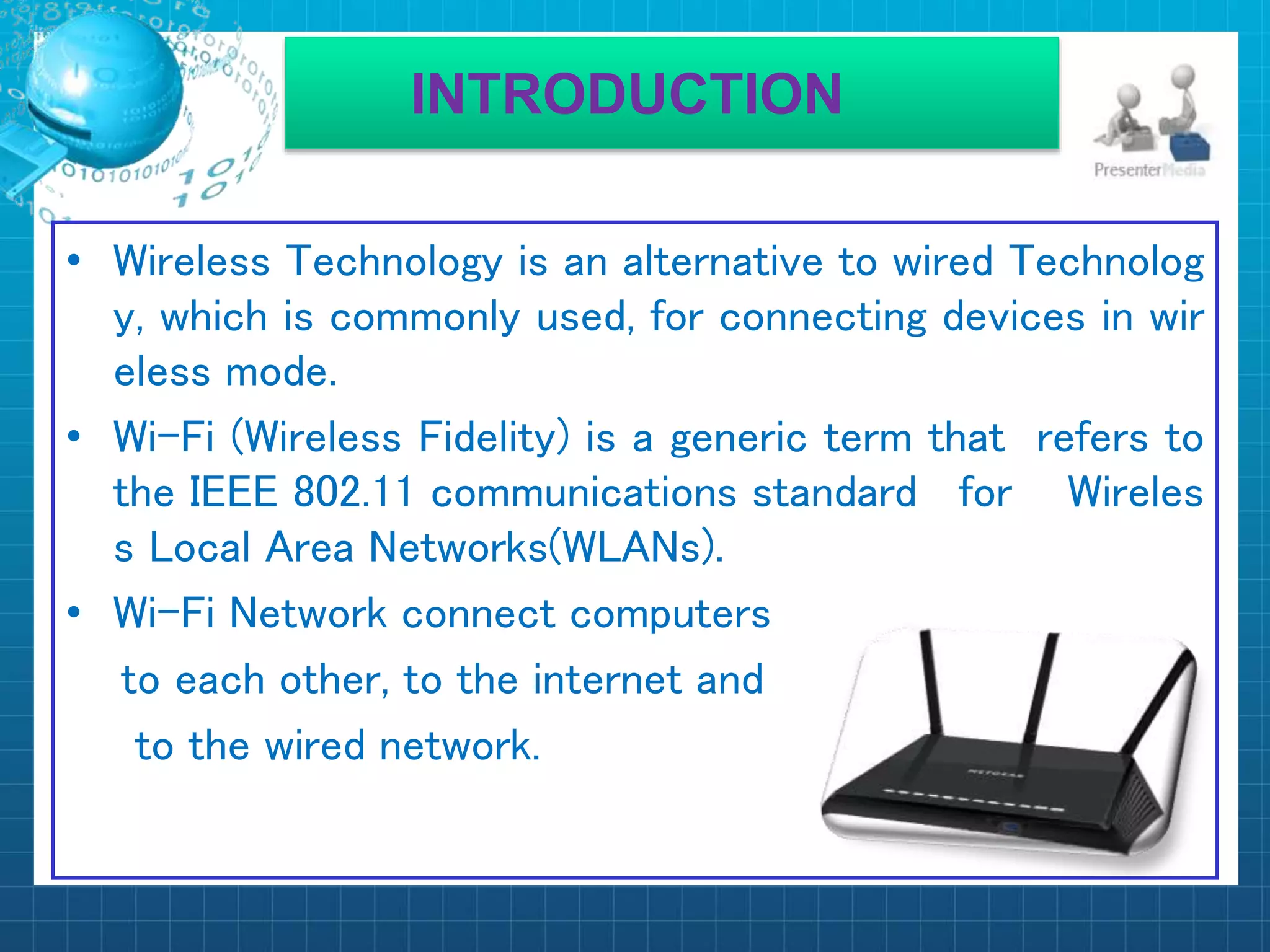
• Wi-Fi Network connect computers
to each other, to the internet and
to the wired network.
How Wi-Fi works
WiFi is a technology that uses radio waves to provide
network connectivity. A WiFi connection is established
using a wireless adapter to create hotspots - areas in the
vicinity of a wireless router that are connected to the
network and allow users to access internet services. Once
configured, WiFi provides wireless connectivity to your
devices by emitting frequencies between 2.4GHz - 5GHz,
based on the amount of data on the network.
ADVANTAGES
• Mobility
• Ease of installation
• Flexibility
• Cost
• Reliability
• Security
• speed
The Wi-Fi Technology
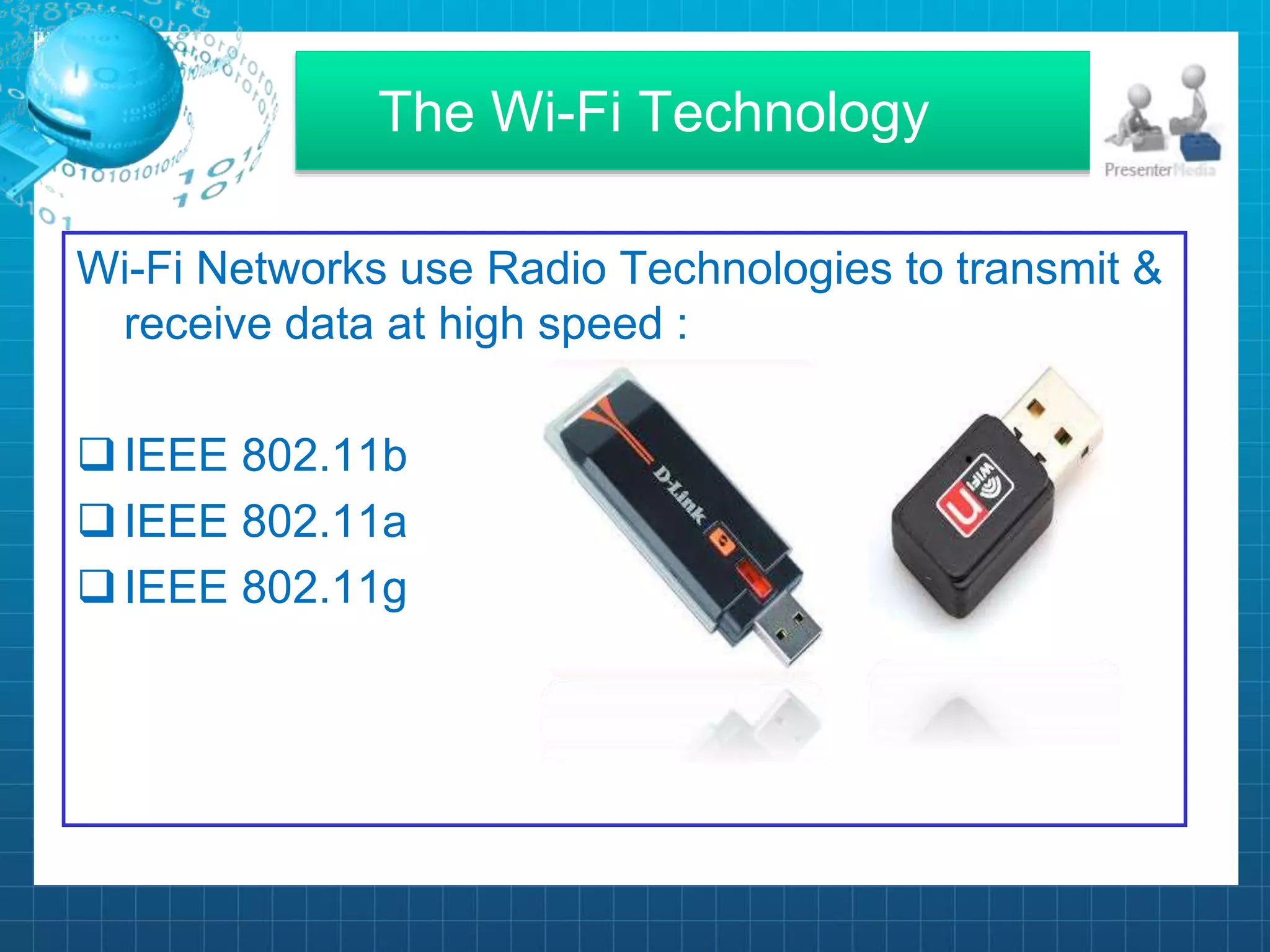
Wi-Fi Networks use Radio Technologies to transmit &
receive data at high speed :
IEEE 802.11b
IEEE 802.11a
IEEE 802.11g
IEEE 802.11-Basic Information
• This is a set of media access control (MAC) and
physical layer specifications for Wireless Local Area
Network (WLAN).
• This is created and maintained by Institute of
Electrical and Electronics Engineers (IEEE) LAN/
MAN Standard Committee (IEEE 802) .
802.11 protocol
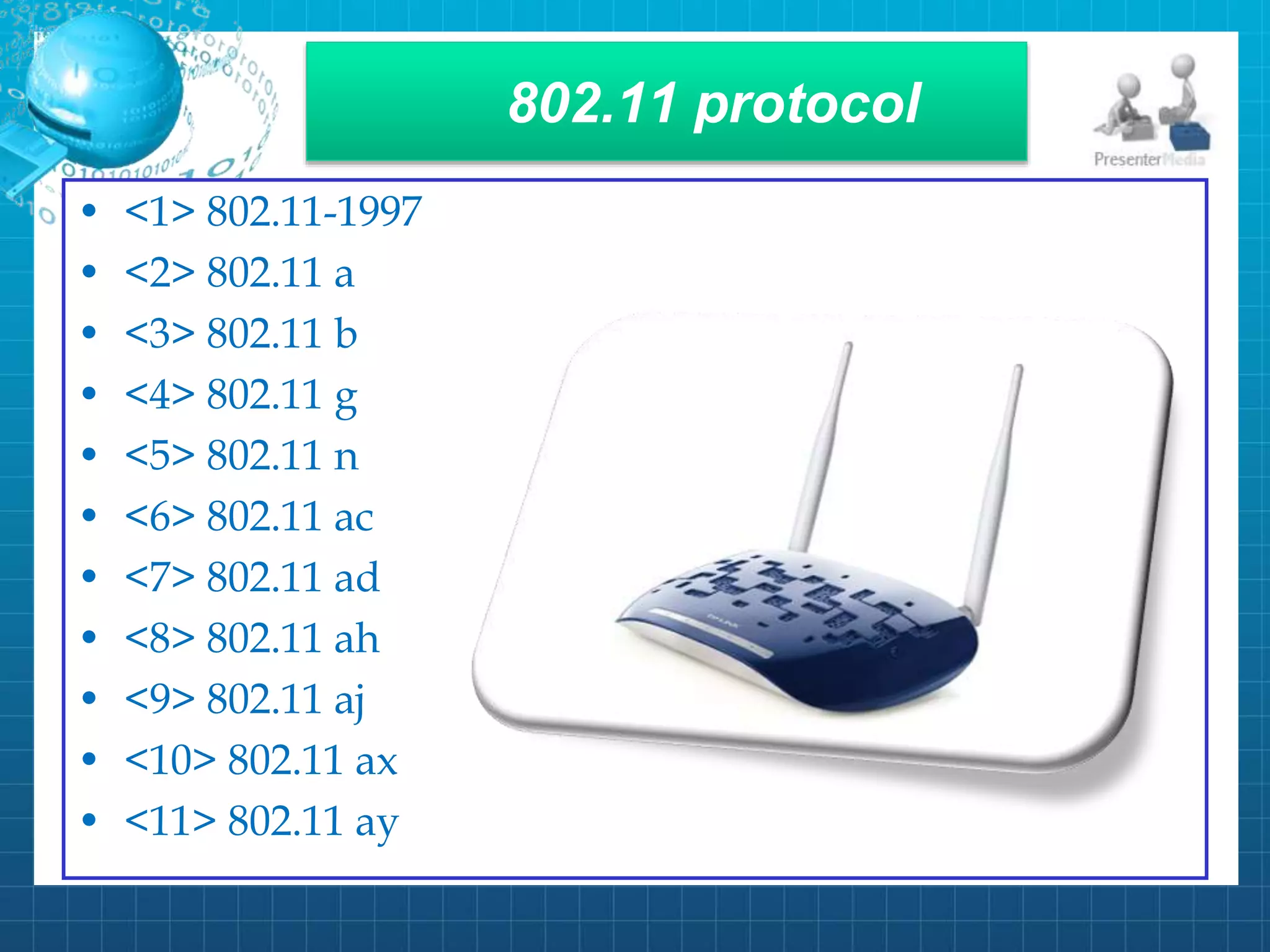
• <1> 802.11-1997
• <2> 802.11 a
• <3> 802.11 b
• <4> 802.11 g
• <5> 802.11 n
• <6> 802.11 ac
• <7> 802.11 ad
• <8> 802.11 ah
• <9> 802.11 aj
• <10> 802.11 ax
• <11> 802.11 ay
IEEE 802.11b
• Appear in late 1999
• Operates at 2.4GHz radio spectrum
• 11 Mbps (theoretical speed)-within 30 m range
• 4-6 Mbps (actual speed)
• 100-150 feet range
• Most popular , Least Expensive
• Interference from mobile phones &
Bluetooth device which can reduce
the transmission speed.
IEEE 802.11a
• Introduced in 2001
• Operates at 5Ghz (less popular)
• 54 Mbps (theoretical speed)
• 15-20 Mbps (Actual speed)
• 50-75 feet range
• More expensive
• Not compatible with 802.11b
HOTSPOTS
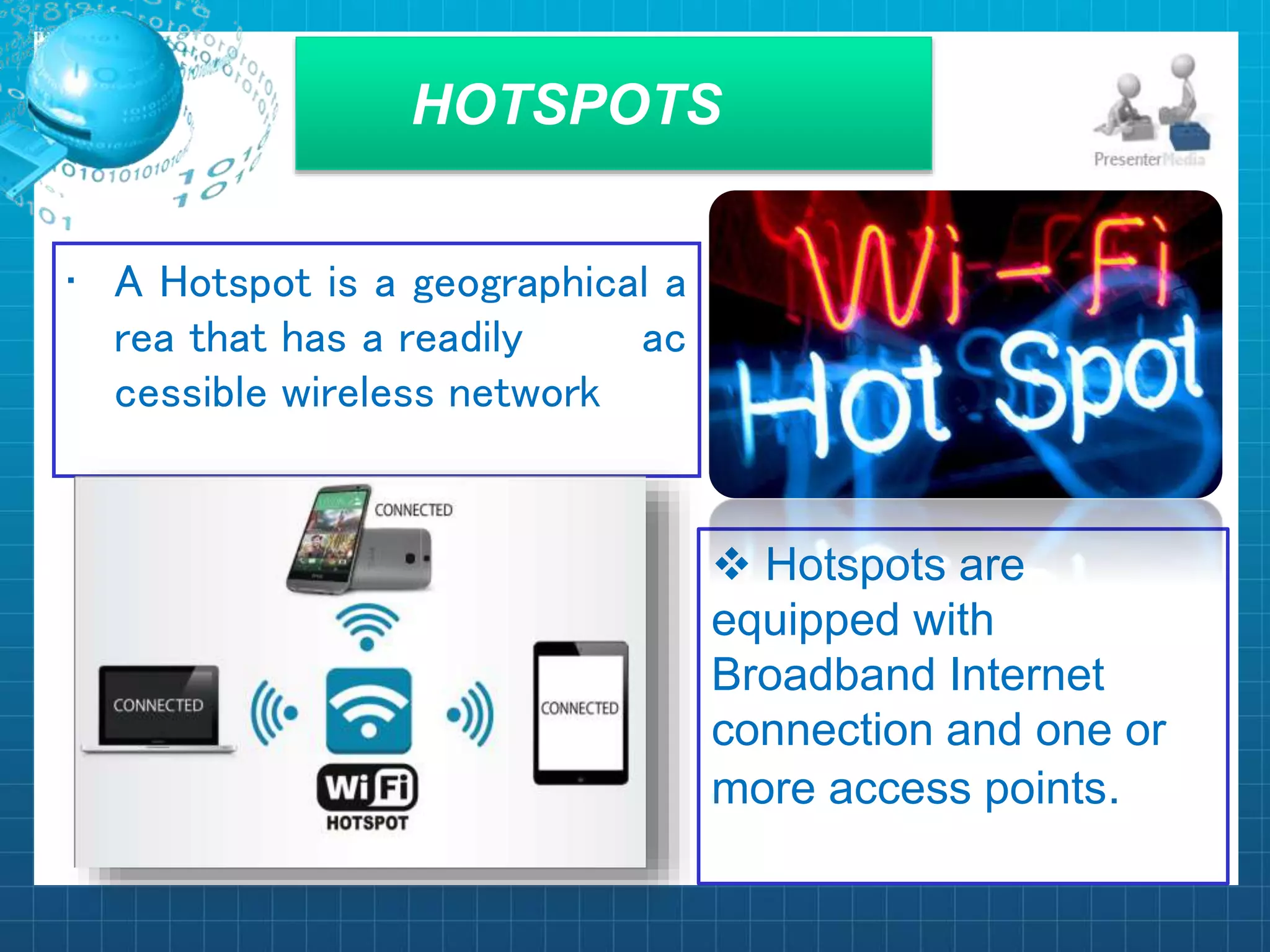
• A Hotspot is a geographical a
rea that has a readily ac
cessible wireless network
 Hotspots are
equipped with
Broadband Internet
connection and one or
more access points.
 Many electronic devices
use Wi-Fi due to its
simple functions.
 Companies use Wi-Fi to
create wireless networks
within their company.
 Phone companies use
Wi-Fi Hotspots for their
users to get free
calling/internet access.
Wi-Fi Phone
• A Wi-Fi phone is a wireless
device that gives the
benefit of wireless
connectivity .
• From this angle , Wi-Fi
phone looks like the next
big thing in the telecom
revolution .
How to get faster Wi-Fi
• 3X SPEED – From the Leader in WiFi
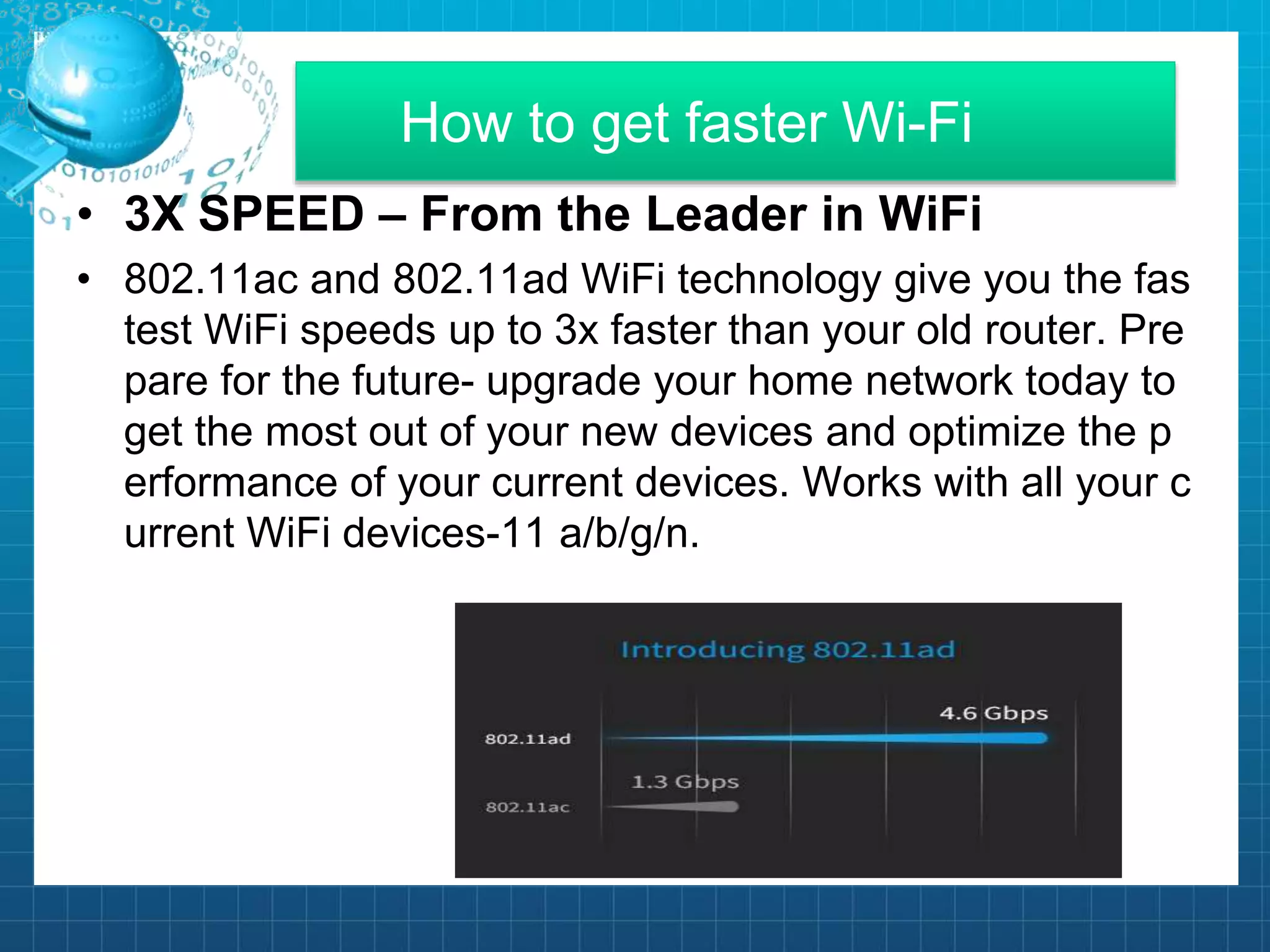
• 802.11ac and 802.11ad WiFi technology give you the fas
test WiFi speeds up to 3x faster than your old router. Pre
pare for the future- upgrade your home network today to
get the most out of your new devices and optimize the p
erformance of your current devices. Works with all your c
urrent WiFi devices-11 a/b/g/n.
Conclusion
• Wi-Fi is a simple way to connect to the internet ,
without the need to physically connecting wires.
• Hotspot is a geographical area setup in any public
location , and has a readily accessible wireless
network .
• Security is a huge challenge for Wi-Fi Networks, many
Security techniques are used to improve it.
For supporting us

Wi Fi presentation

  • 1.
  • 2.
  • 3.
    CONTENTS • Introduction • HowWi-Fi works • Advantages • The Wi-Fi Technology • IEEE 802.11-Basic Information • 802.11 protocol • IEEE 802.11b , 802.11a & 802.11g • Hotspot , Application of Wi-Fi & Wi-Fi Phone • Conclusion
  • 4.
    INTRODUCTION • Wireless Technologyis an alternative to wired Technolog y, which is commonly used, for connecting devices in wir eless mode. • Wi-Fi (Wireless Fidelity) is a generic term that refers to the IEEE 802.11 communications standard for Wireles s Local Area Networks(WLANs). • Wi-Fi Network connect computers to each other, to the internet and to the wired network.
  • 5.
    How Wi-Fi works WiFiis a technology that uses radio waves to provide network connectivity. A WiFi connection is established using a wireless adapter to create hotspots - areas in the vicinity of a wireless router that are connected to the network and allow users to access internet services. Once configured, WiFi provides wireless connectivity to your devices by emitting frequencies between 2.4GHz - 5GHz, based on the amount of data on the network.
  • 6.
    ADVANTAGES • Mobility • Easeof installation • Flexibility • Cost • Reliability • Security • speed
  • 7.
    The Wi-Fi Technology Wi-FiNetworks use Radio Technologies to transmit & receive data at high speed : IEEE 802.11b IEEE 802.11a IEEE 802.11g
  • 8.
    IEEE 802.11-Basic Information •This is a set of media access control (MAC) and physical layer specifications for Wireless Local Area Network (WLAN). • This is created and maintained by Institute of Electrical and Electronics Engineers (IEEE) LAN/ MAN Standard Committee (IEEE 802) .
  • 9.
    802.11 protocol • <1>802.11-1997 • <2> 802.11 a • <3> 802.11 b • <4> 802.11 g • <5> 802.11 n • <6> 802.11 ac • <7> 802.11 ad • <8> 802.11 ah • <9> 802.11 aj • <10> 802.11 ax • <11> 802.11 ay
  • 10.
    IEEE 802.11b • Appearin late 1999 • Operates at 2.4GHz radio spectrum • 11 Mbps (theoretical speed)-within 30 m range • 4-6 Mbps (actual speed) • 100-150 feet range • Most popular , Least Expensive • Interference from mobile phones & Bluetooth device which can reduce the transmission speed.
  • 11.
    IEEE 802.11a • Introducedin 2001 • Operates at 5Ghz (less popular) • 54 Mbps (theoretical speed) • 15-20 Mbps (Actual speed) • 50-75 feet range • More expensive • Not compatible with 802.11b
  • 12.
    HOTSPOTS • A Hotspotis a geographical a rea that has a readily ac cessible wireless network  Hotspots are equipped with Broadband Internet connection and one or more access points.
  • 13.
     Many electronicdevices use Wi-Fi due to its simple functions.  Companies use Wi-Fi to create wireless networks within their company.  Phone companies use Wi-Fi Hotspots for their users to get free calling/internet access.
  • 14.
    Wi-Fi Phone • AWi-Fi phone is a wireless device that gives the benefit of wireless connectivity . • From this angle , Wi-Fi phone looks like the next big thing in the telecom revolution .
  • 15.
    How to getfaster Wi-Fi • 3X SPEED – From the Leader in WiFi • 802.11ac and 802.11ad WiFi technology give you the fas test WiFi speeds up to 3x faster than your old router. Pre pare for the future- upgrade your home network today to get the most out of your new devices and optimize the p erformance of your current devices. Works with all your c urrent WiFi devices-11 a/b/g/n.
  • 16.
    Conclusion • Wi-Fi isa simple way to connect to the internet , without the need to physically connecting wires. • Hotspot is a geographical area setup in any public location , and has a readily accessible wireless network . • Security is a huge challenge for Wi-Fi Networks, many Security techniques are used to improve it.
  • 17.