Online and Digital Marketing
(Session 2)
The DED and TLC
Present
Online and Digital
Marketing (Session 1)
• Introduction to Online and Digital Marketing: the key marketing
principles, tools and techniques
• Understanding client life cycles including client lifetime value as well
as client acquisition vs client retention
• Marketing Audits including techniques and tolls
• How to set budgets, identify business objectives and sales targets
• Strategy creation and content planning including integrated
marketing techniques
• Identifying messaging
• Online marketing channels and choices
• How to implement a successful online marketing plan including the
division of labour and the role of marketing partners.
Creating an effective online
presence (Session 2)
• Myths, facts and stats
• The role of a website in a marketing plan
• Planning for a website
• Understanding what makes a good website including design,
usability, functionality and call to actions
• How to convert visitors into customers
• eCommerce websites and their role in promoting sales
• How to get your business onto 3rd
party websites including eBay and
Amazon
• The role of search engine optimisation and the importance of 3rd
party traffic
• How online advertising can attract web traffic
• Understanding analytics
Social media and content
marketing (Session 3)
• An introduction to content marketing including blogs,
videos and all rich media
• Utilising email marketing to reach customers
• What it takes to compile a database and deliver a successful
marketing campaign
• Understanding the various social media platforms, their usages and
the markets behind them including Facebook, Twitter, Google +,
LinkedIn, YouTube, Pinterest and Instagram
• Identifying the best social media platform for your business
• Using social media as a traffic driver and communication tool
• Social media best practices, trends and developments
• Why social media is working for the retail sector
• Analysing the success of you online marketing
• How the DED can help
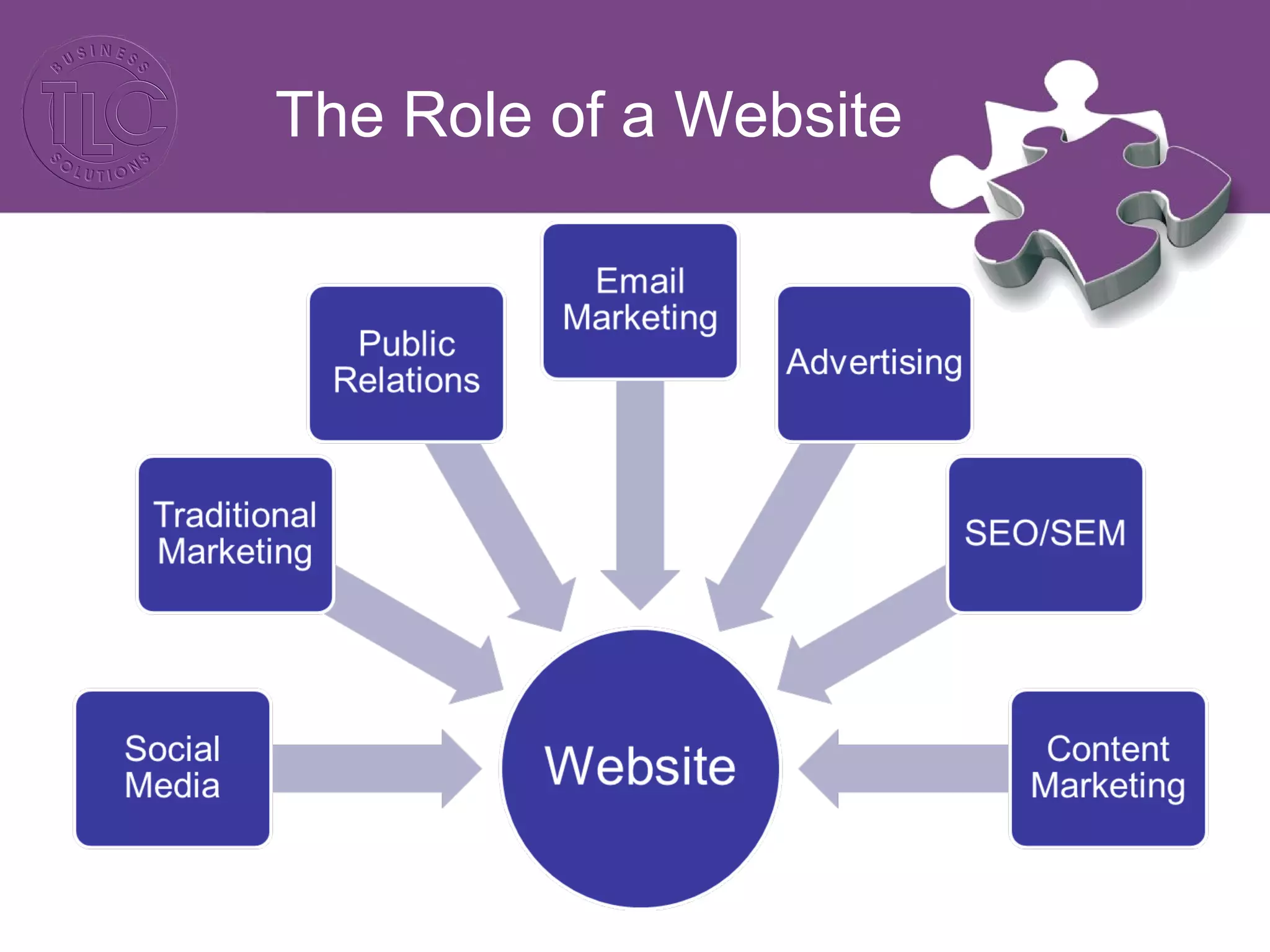
The Role of a Website
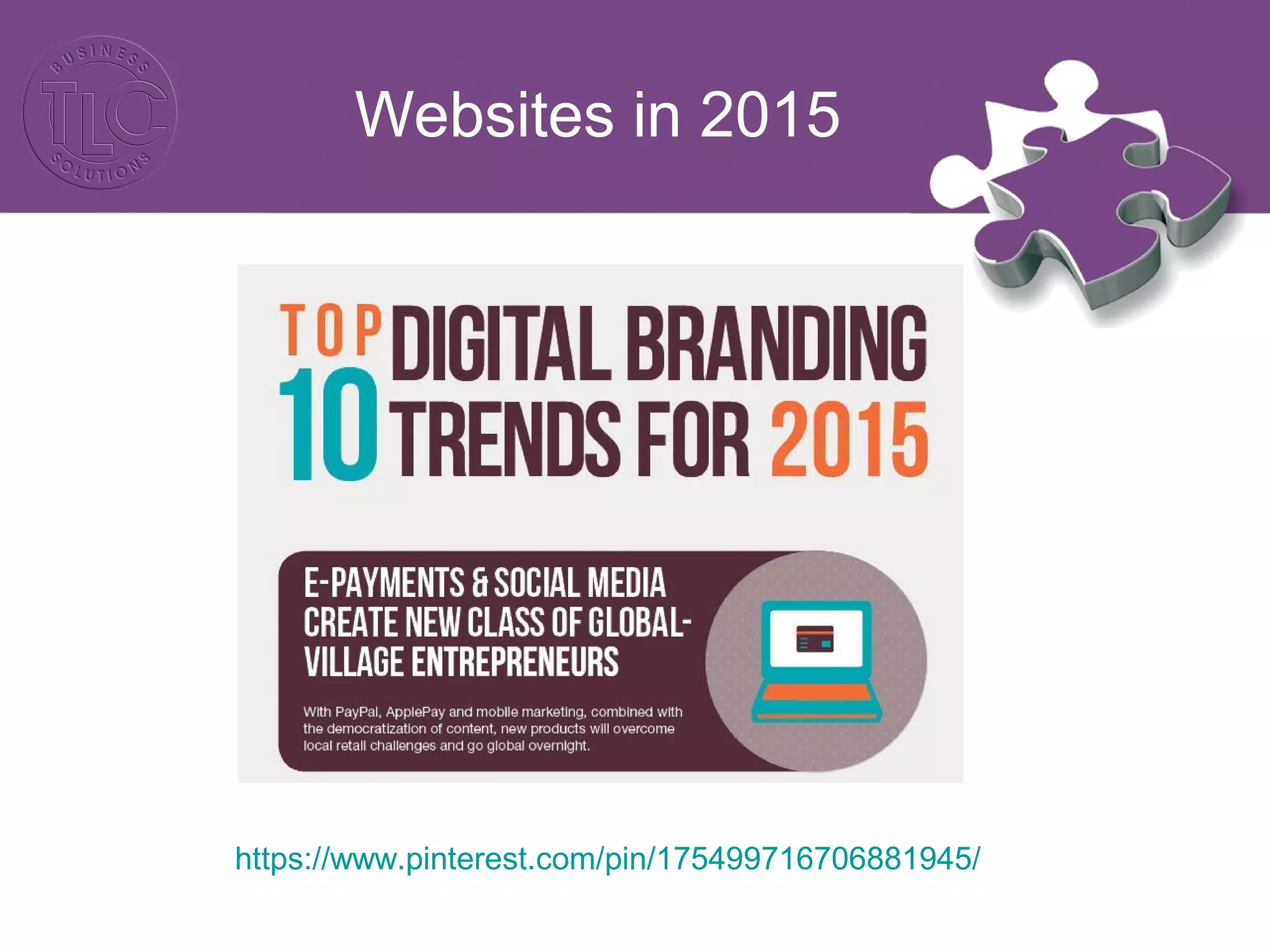
Websites in 2015
https://www.pinterest.com/pin/175499716706881945/
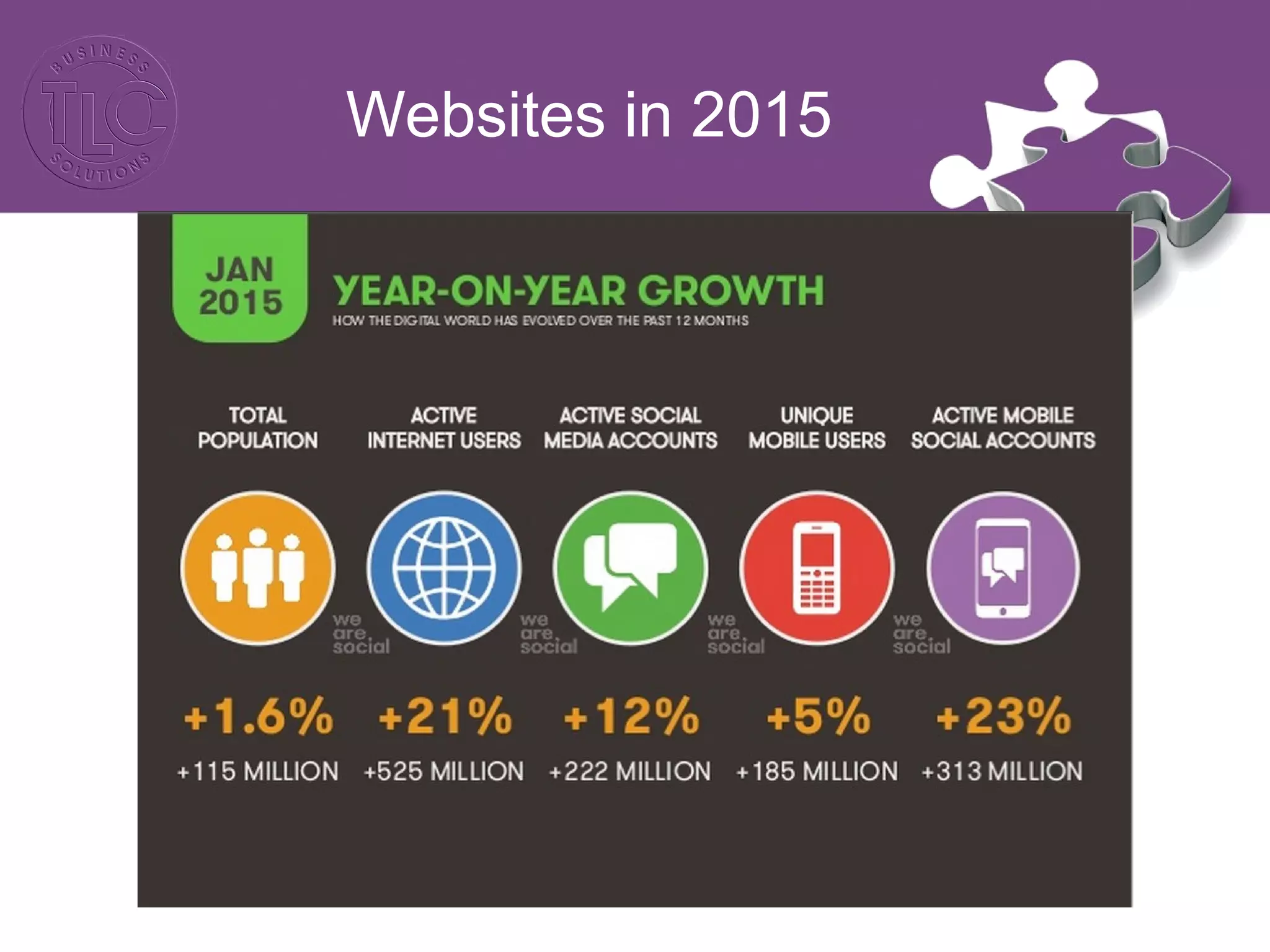
Websites in 2015
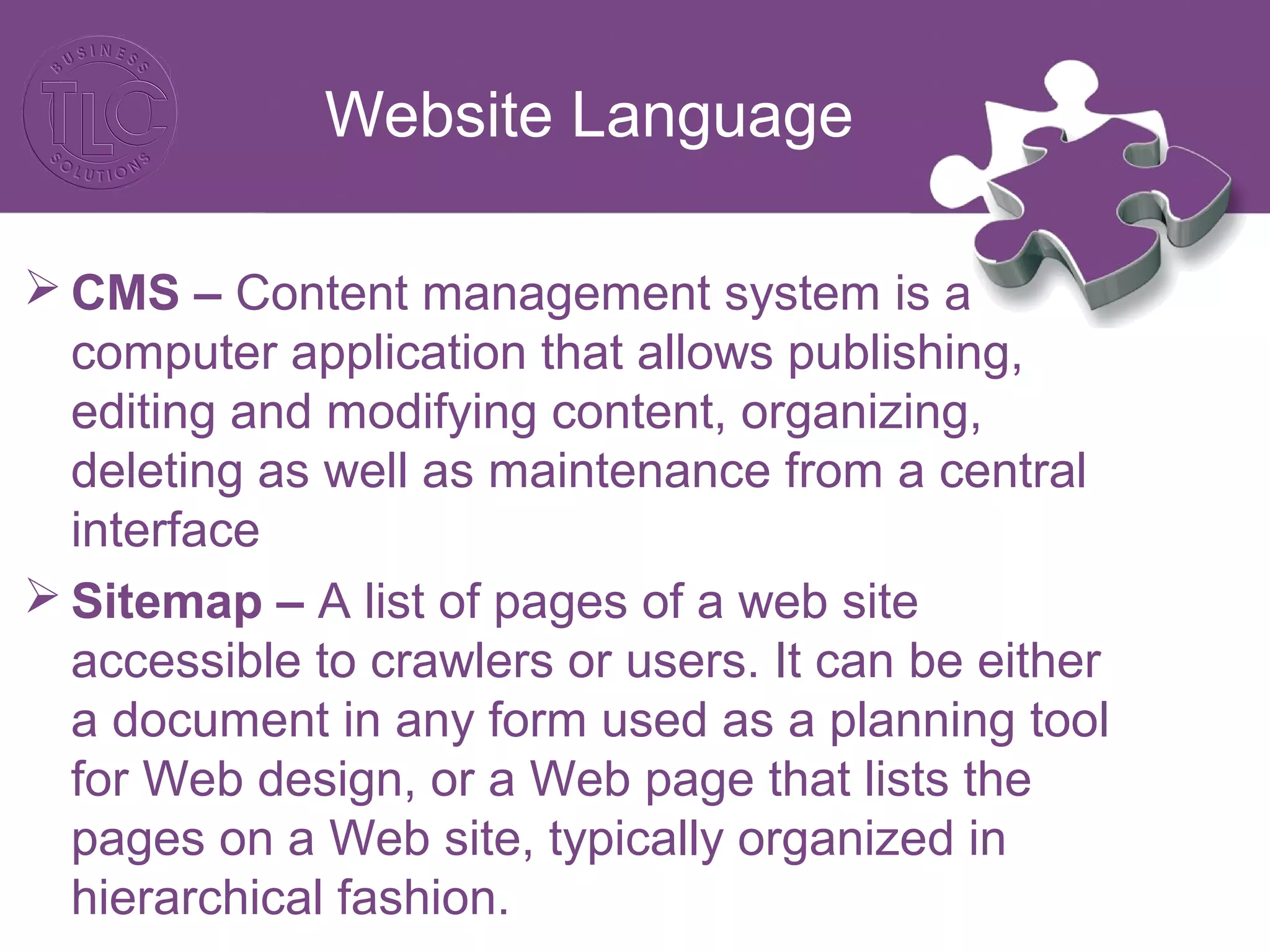
Website Language
 CMS – Content management system is a
computer application that allows publishing,
editing and modifying content, organizing,
deleting as well as maintenance from a central
interface
 Sitemap – A list of pages of a web site
accessible to crawlers or users. It can be either
a document in any form used as a planning tool
for Web design, or a Web page that lists the
pages on a Web site, typically organized in
hierarchical fashion.
Website Language
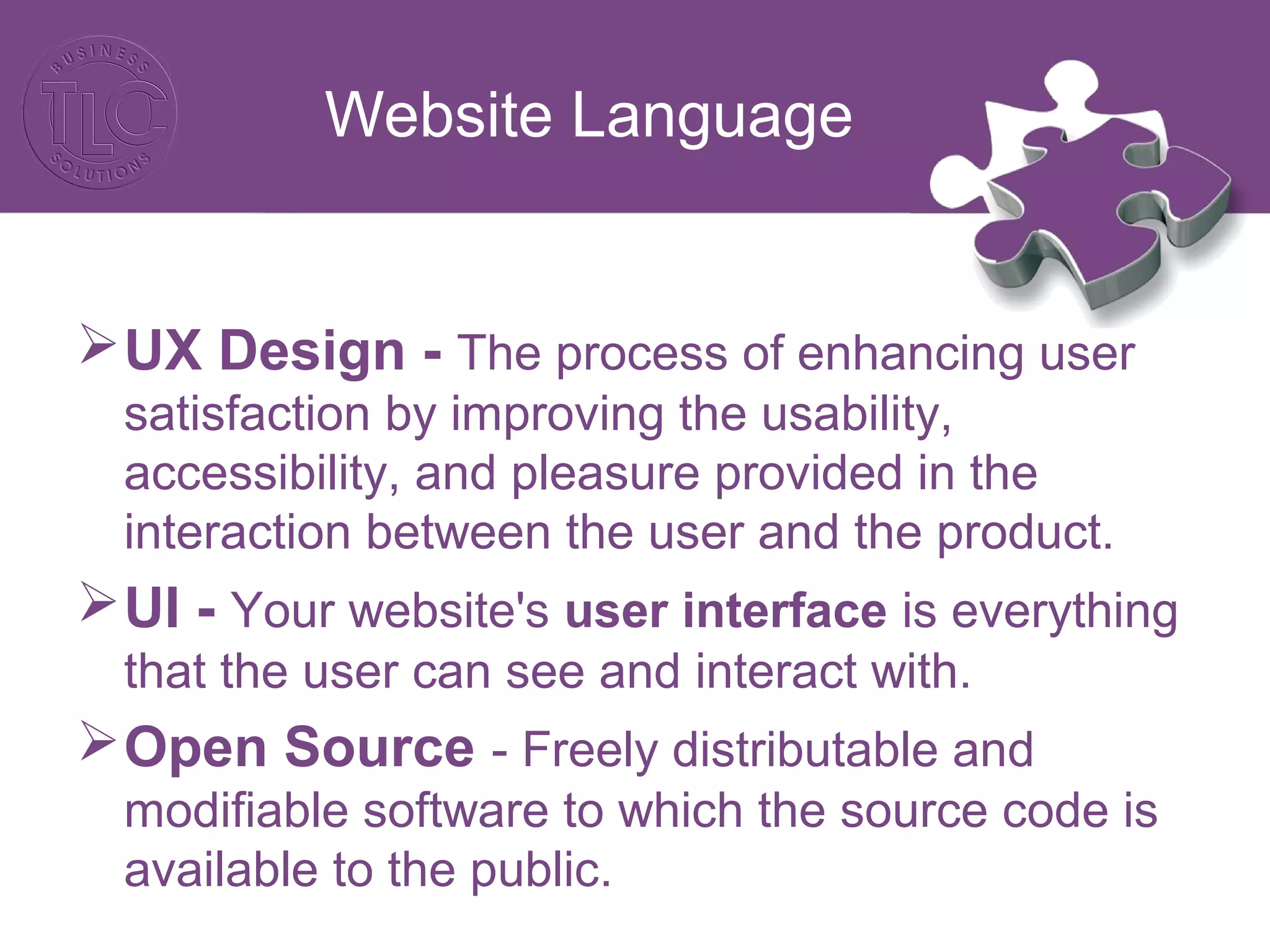
UX Design - The process of enhancing user
satisfaction by improving the usability,
accessibility, and pleasure provided in the
interaction between the user and the product.
UI - Your website's user interface is everything
that the user can see and interact with.
Open Source - Freely distributable and
modifiable software to which the source code is
available to the public.
Website Language
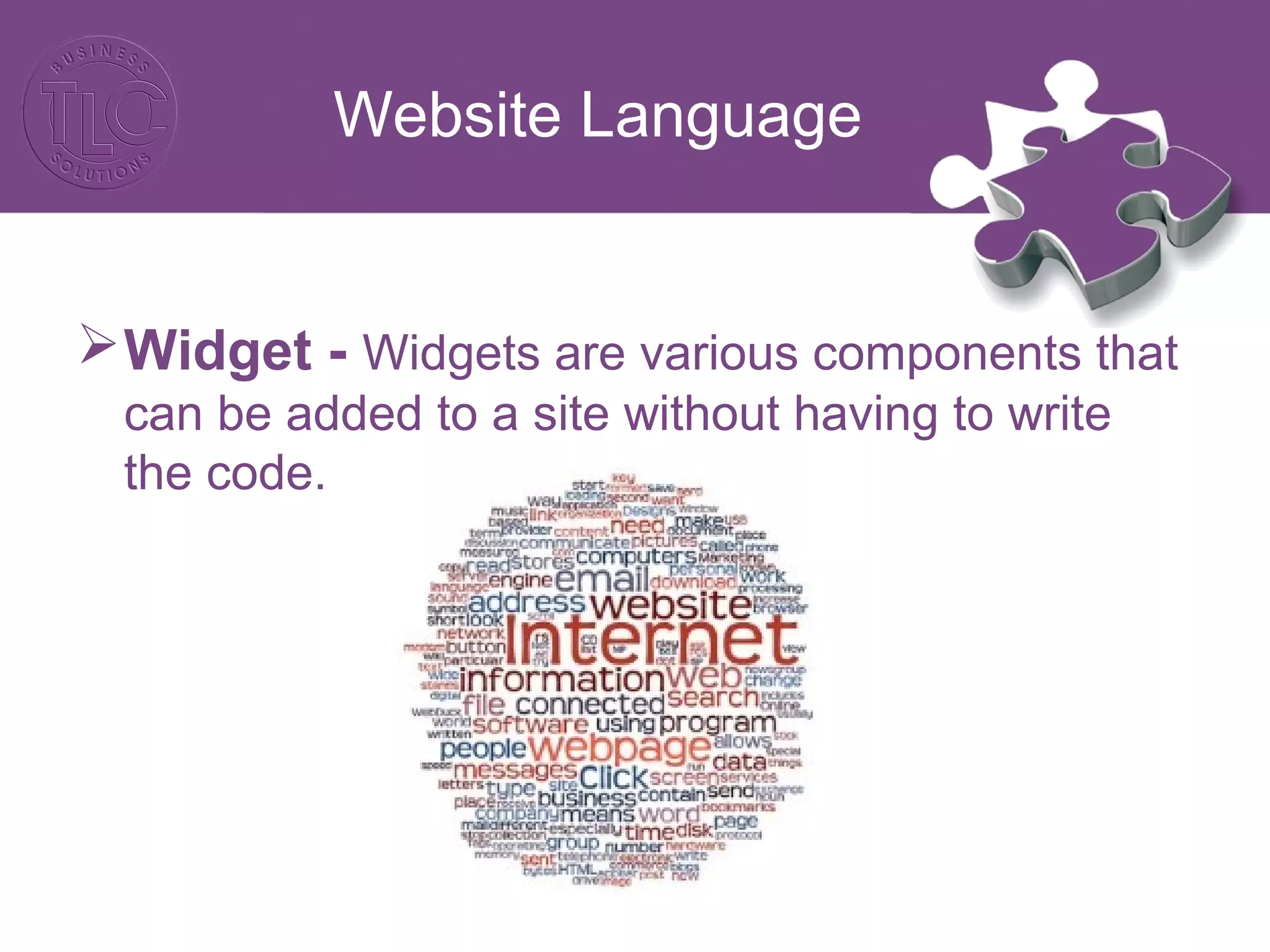
Widget - Widgets are various components that
can be added to a site without having to write
the code.
Planning for a Website
Specification Documents:
• Do you need to keep anything from your existing
website? (content, functionality, content
management system)
• Have you chosen your CMS?
• Does the website planning need to go through
compliance/legal advice?
• Have you determined who needs to sign off on
the various stages of the project?
Planning for a Website
Specification Documents:
• Do you have your brand style guidelines and
branding items in order?
• Do you have licensed imagery to use?
• Do you require video content?
• Who will be writing the copy for the website?
• What SEO will be done on the website and by
who?
• Do you require any special functionality such as
eCommerce or member logins?
Planning for a Website
Specification Documents:
• Have you registered your domain or looked
at ownership expiration dates?
• Who is going to host the website?
• Have you got a google analytics account?
• Do you need CRM integration?
• Do you need social integration?
• Will the website have blogging
functionality?
Planning for a Website
Specification Documents:
• Who will be designing the website and how
many designs will you see?
• Who will be developing the website?
• Have you thought about cross browser
compatibility or responsive design?
• Have you determined testing and go-live
dates?
• Have you addressed training/maintenance?
Planning for a Website
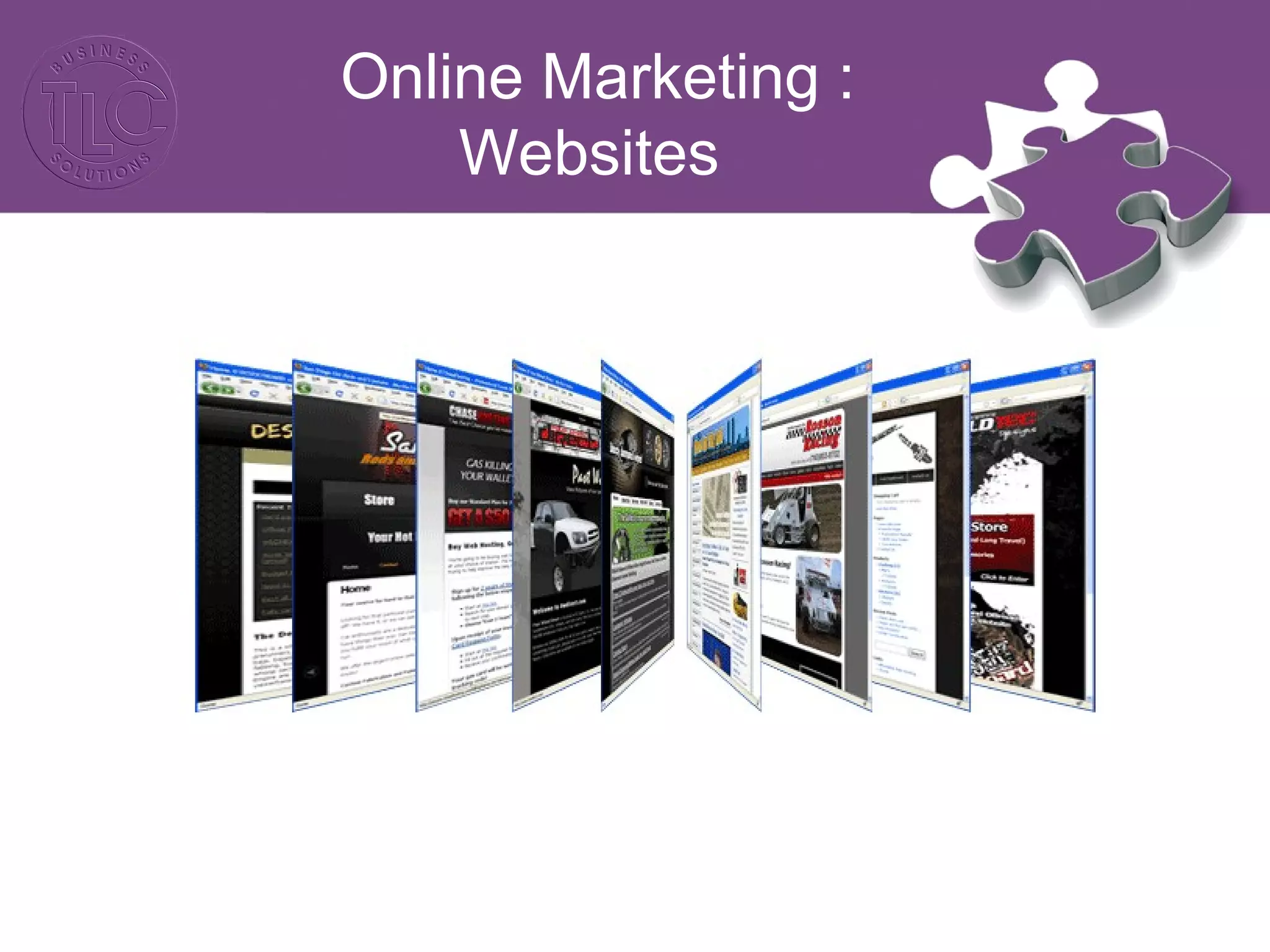
Online Marketing :
Websites
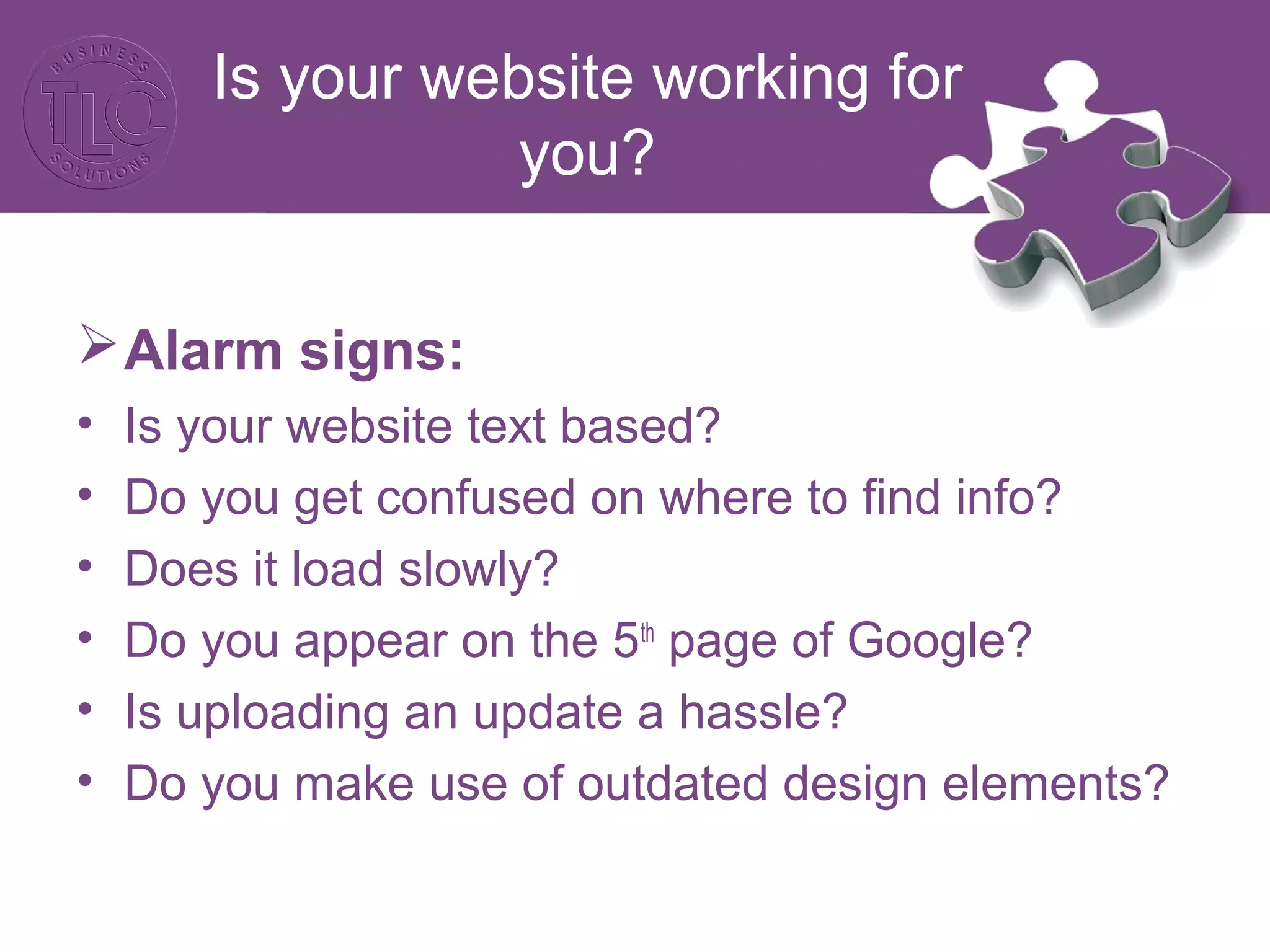
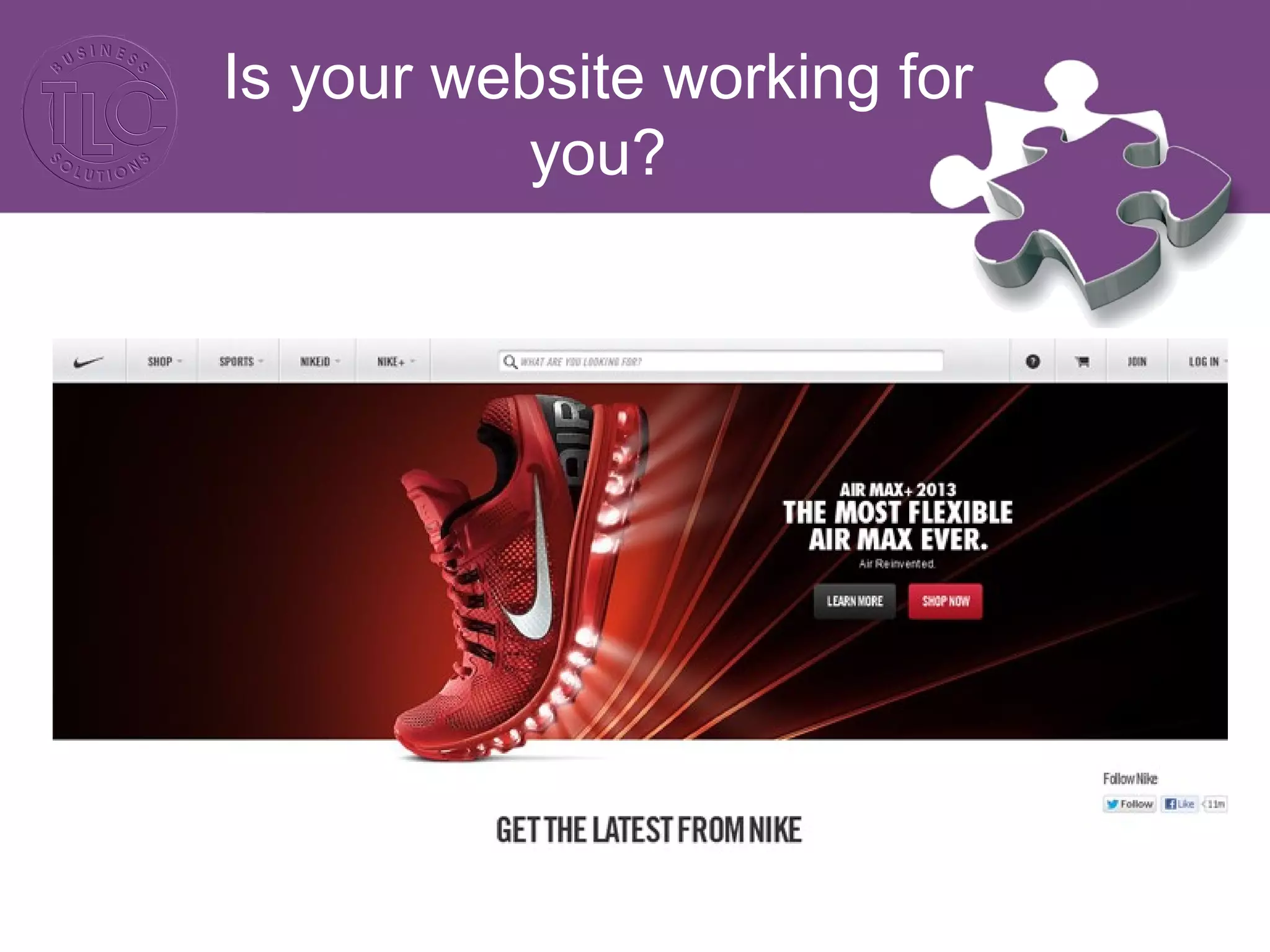
Is your website working for
you?
Alarm signs:
• Is your website text based?
• Do you get confused on where to find info?
• Does it load slowly?
• Do you appear on the 5th
page of Google?
• Is uploading an update a hassle?
• Do you make use of outdated design elements?
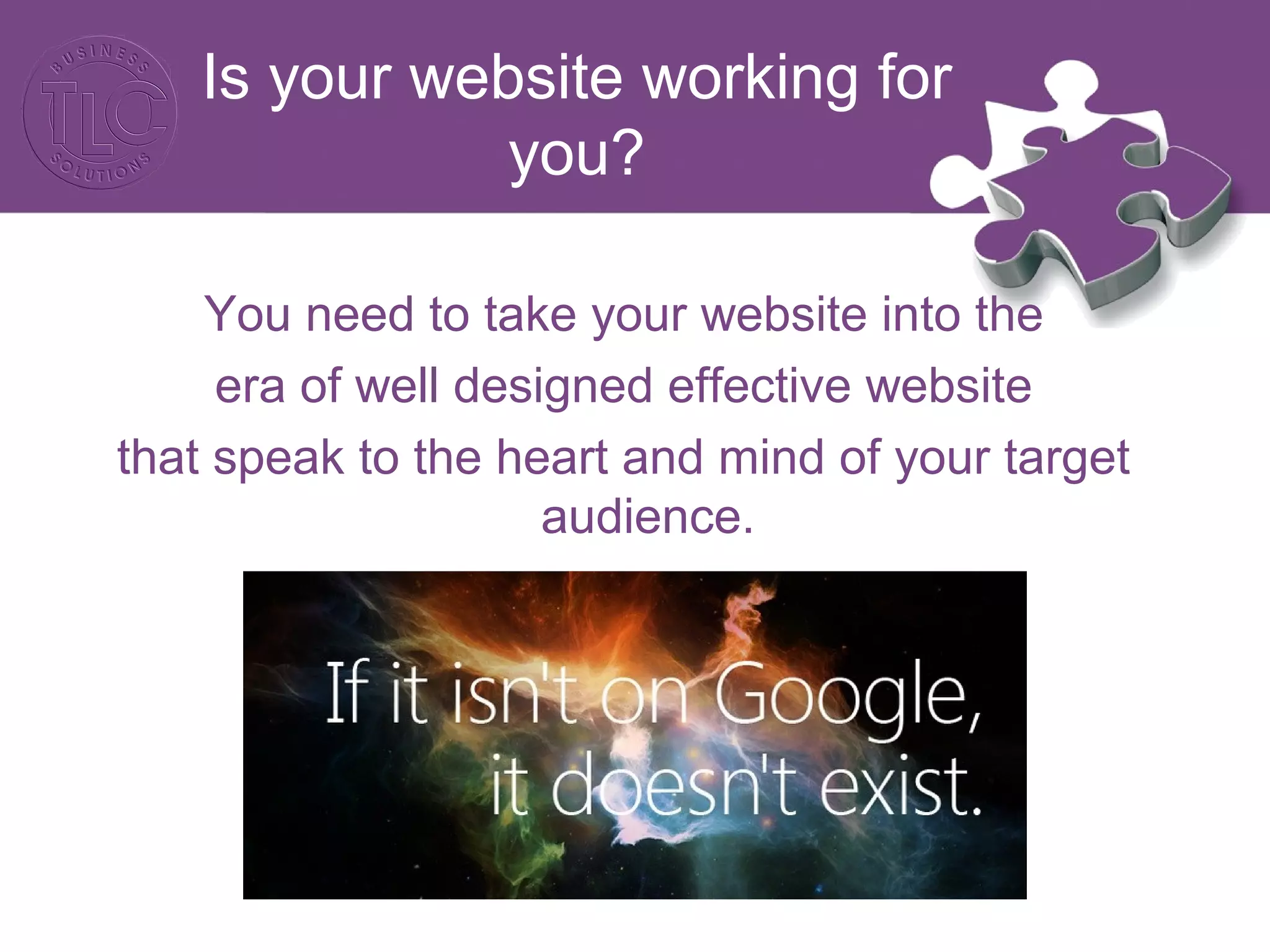
Is your website working for
you?
You need to take your website into the
era of well designed effective website
that speak to the heart and mind of your target
audience.
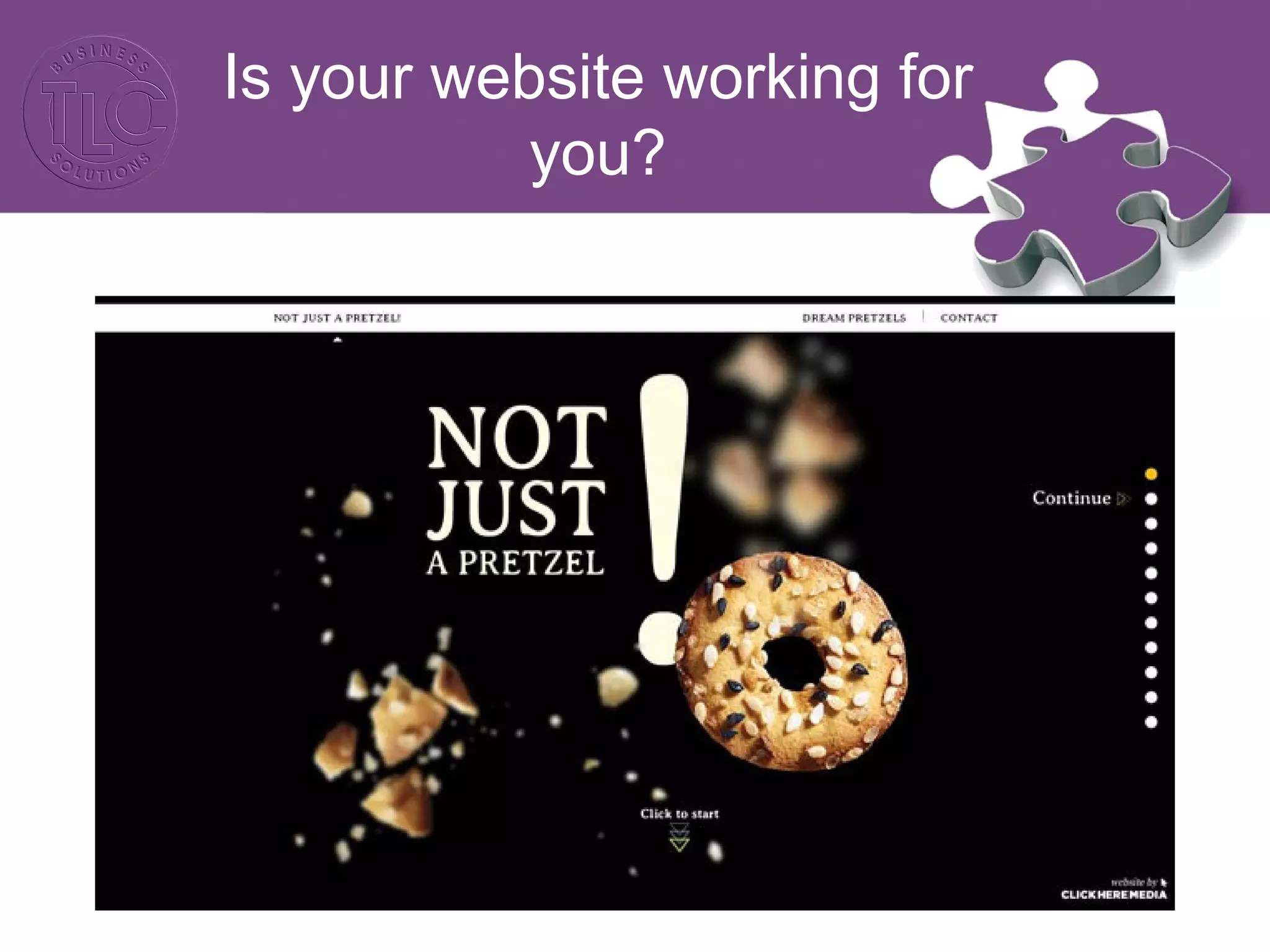
Appearance
Visual design is paramount to anything else
when creating a website – the idea is to catch
the user’s eye with clever design and guide the
user effortlessly through the most critical
communication elements. The use of graphics,
text, colour and imagery needs to appeal to your
target audience, captivate their imagination and
leave them wanting to explore your online
presence.
Is your website working for
you?
Is your website working for
you?
Is your website working for
you?
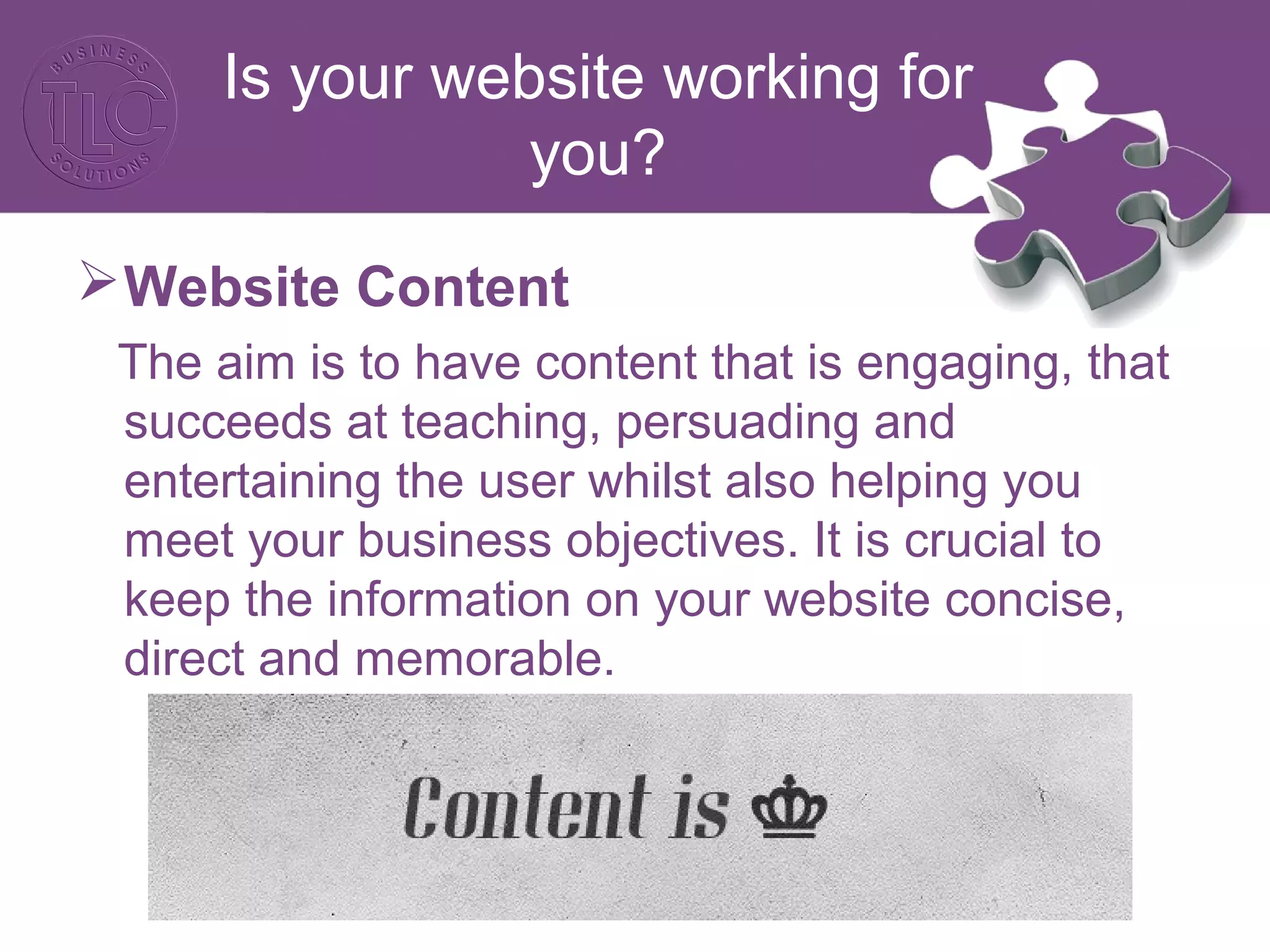
Website Content
The aim is to have content that is engaging, that
succeeds at teaching, persuading and
entertaining the user whilst also helping you
meet your business objectives. It is crucial to
keep the information on your website concise,
direct and memorable.
Is your website working for
you?
Functionality
Most websites fail to take into account who is
going to be visiting the website and the fact that
the most users spend an average of two minutes
on a website. For example if the primary function
of your website is to sell a product then it is
important to clearly display the product and its
description as well as have a user friendly check
out system so purchasing is quick and easy.
Is your website working for
you?
Is your website working for
you?
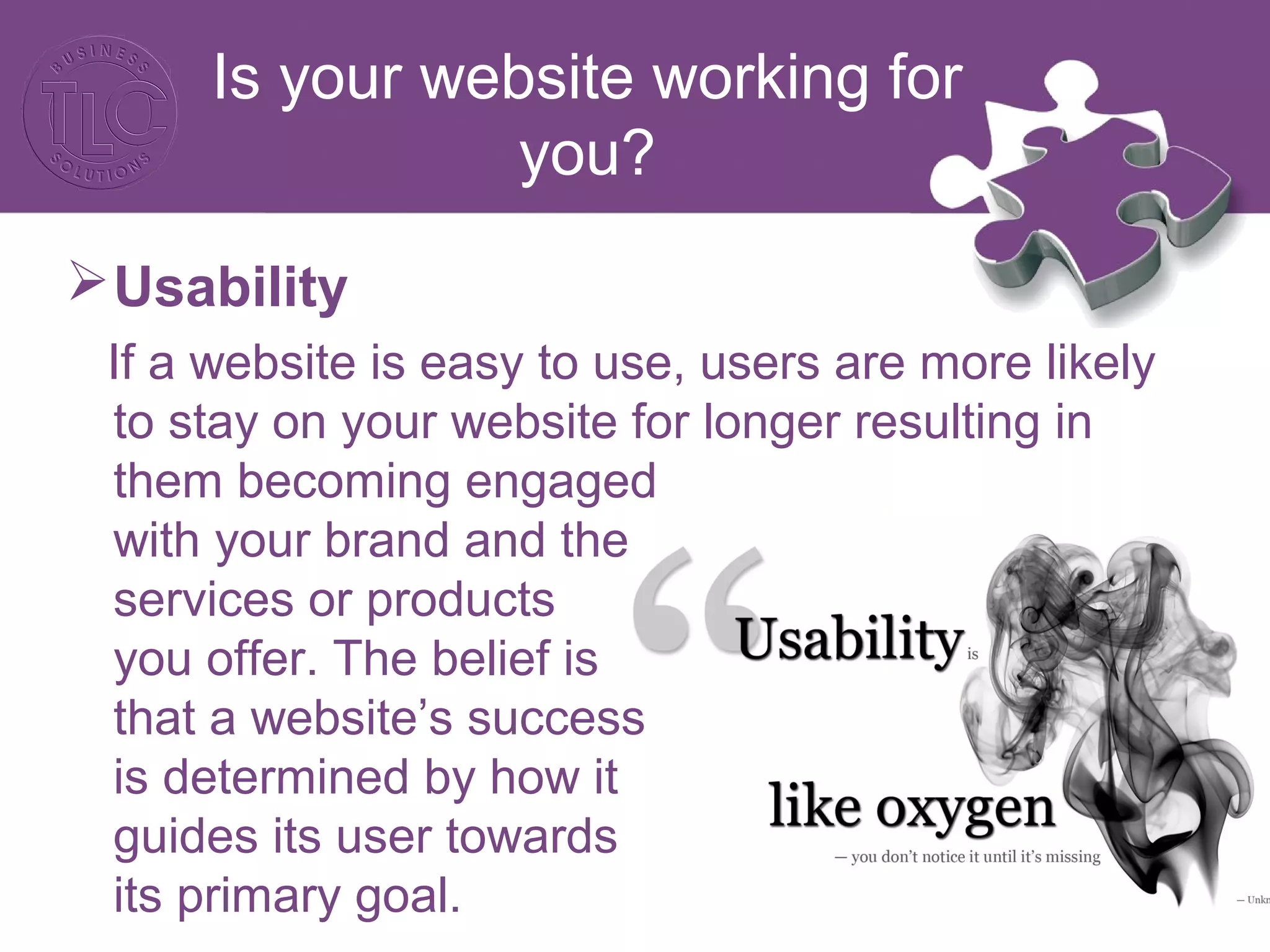
Usability
If a website is easy to use, users are more likely
to stay on your website for longer resulting in
them becoming engaged
with your brand and the
services or products
you offer. The belief is
that a website’s success
is determined by how it
guides its user towards
its primary goal.
Is your website working for
you?
Usability:
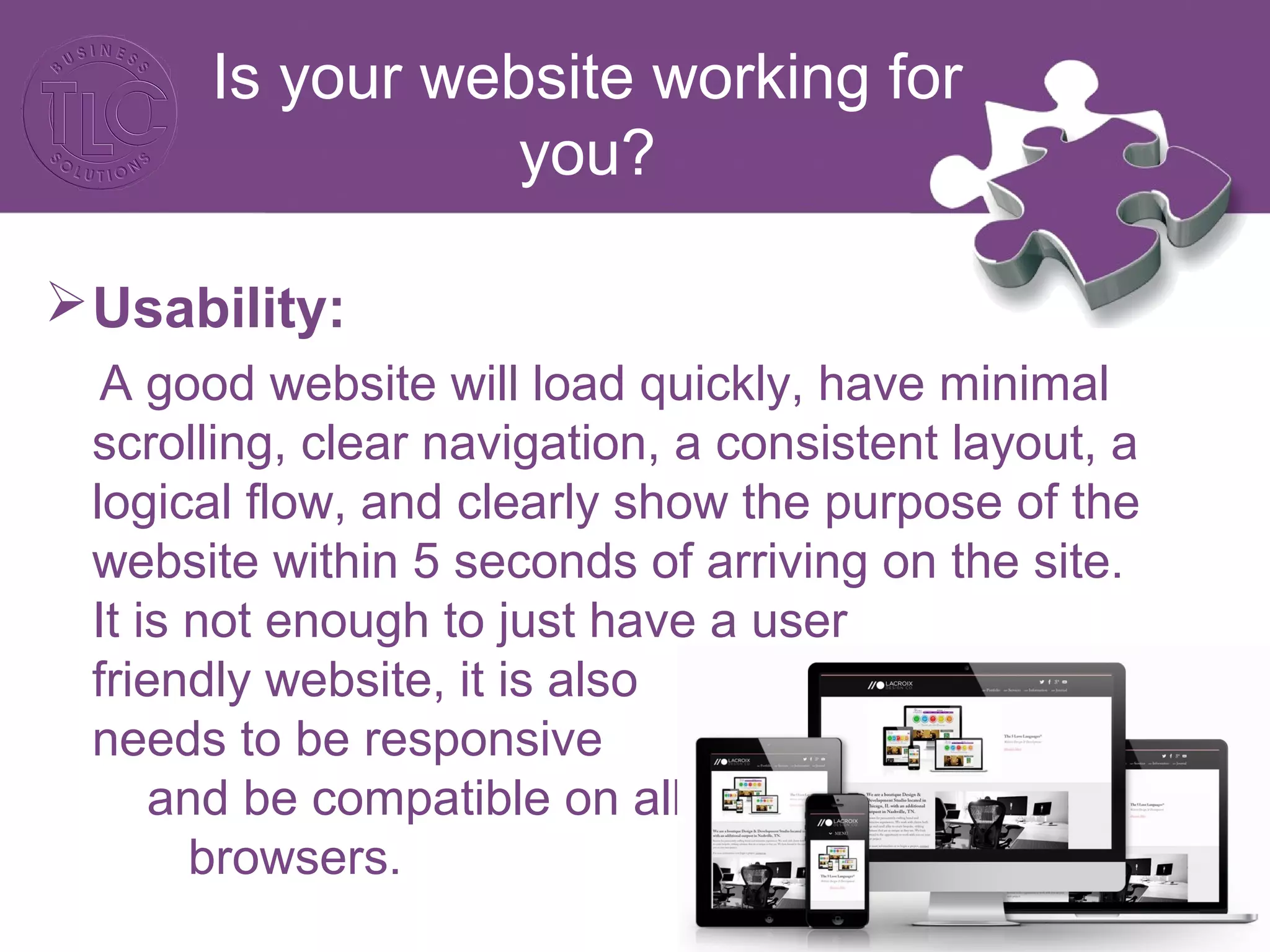
A good website will load quickly, have minimal
scrolling, clear navigation, a consistent layout, a
logical flow, and clearly show the purpose of the
website within 5 seconds of arriving on the site.
It is not enough to just have a user
friendly website, it is also
needs to be responsive
and be compatible on all
browsers.
Is your website working for
you?
Social Media:
Every website should have social media links
not only to allow users to connect with your
business on the various social media platforms
but also to allow users to share the information
you have provided.
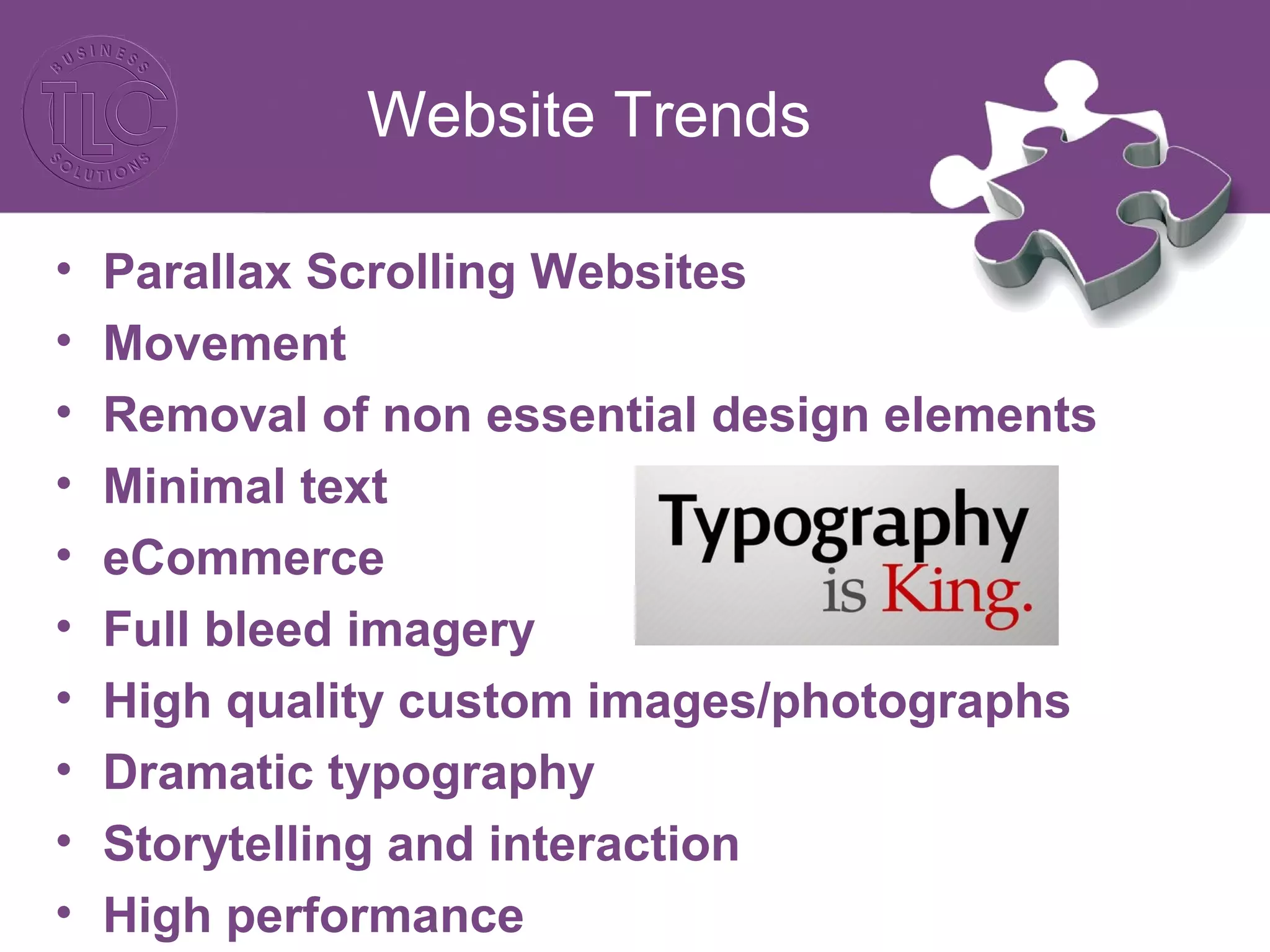
Website Trends
• Parallax Scrolling Websites
• Movement
• Removal of non essential design elements
• Minimal text
• eCommerce
• Full bleed imagery
• High quality custom images/photographs
• Dramatic typography
• Storytelling and interaction
• High performance
Website Trends
http://mcwhopper.com/
http://special.bose.eu/en/
https://edwin-europe.com/
http://boy-coy.com/#home
http://www.formerlyyes.com/
http://www.nodeplus.com.cn/
Website Call to Actions
By definition: In marketing, a call to
action (CTA) is an instruction to the audience to
provoke an immediate response, usually using
an imperative verb such as "call now", "find out
more" or "visit a store today".
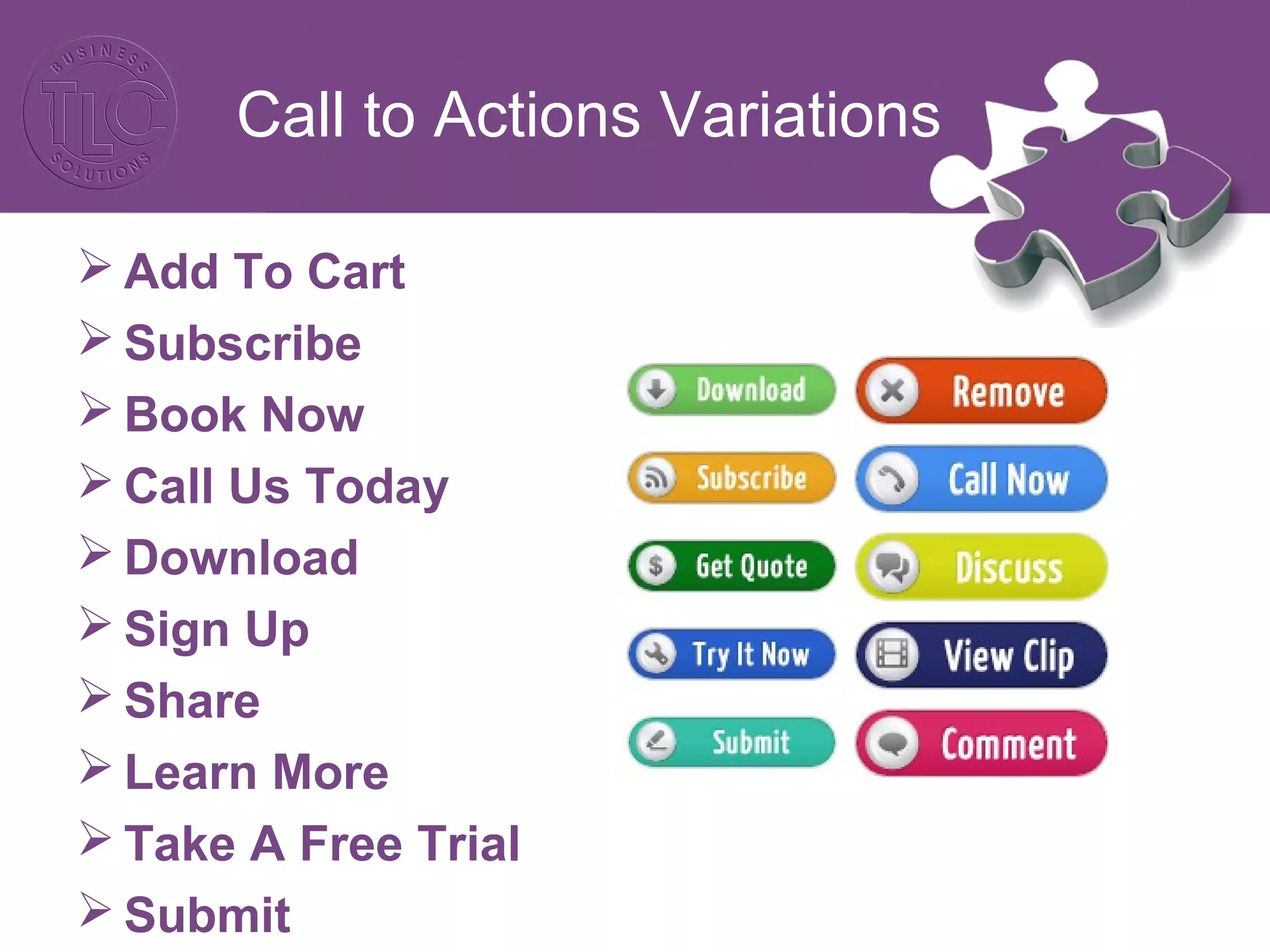
Call to Actions Variations
 Add To Cart
 Subscribe
 Book Now
 Call Us Today
 Download
 Sign Up
 Share
 Learn More
 Take A Free Trial
 Submit
Call to Actions Best
Practice
CTA’s must be:
• Visually appealing
• Include compelling copy
• Relevant to the context
• Easy to identify on a page loaded with copy and
visual elements
• Positioned well
• Clear in their result
Verbs work best!!
Call to Actions
Examples:
http://www.themodernhonolulu.com/
http://www.thezhotels.com/
http://www.booking.com/
http://www.oysterboxhotel.com/
http://ils-world.com/
Now lets look at your website…
Ecommerce: What you
should be doing
Deals
Easy payment methods
Reasonable shipping/delivery options
Recommended products
Wish lists
Retargeting
Latest news
Testimonials
Ecommerce: What you
should be doing
Filters
Product Descriptions
Icons
Social media sharing
Quick link contact details
Store finder/physical presence
Videos
Ecommerce
https://www.pinterest.com/pin/175499716706882162/
Ecommerce Website
Examples
http://demo.lollum.com/crazydiamond/
http://www.mummade.co.nz/
http://www.hardgraft.com/
http://www.boldandnoble.com/
3rd
Party Website
 Currently third-party retail sites dominate e-
commerce growth in 2014/215/
http://www.amazon.com/gp/seller-account/mm-
product-page.html?topic=200274800
3rd
Party Websites
What are the benefits?
Captive audience
Referral traffic
Brand awareness
Added revenue
Testing ground for new products
Credibility
3rd
Party Websites
What do you have to look out for?
Competition
Diluting your own online presence
Search dominance
Commission fees
Negative associations
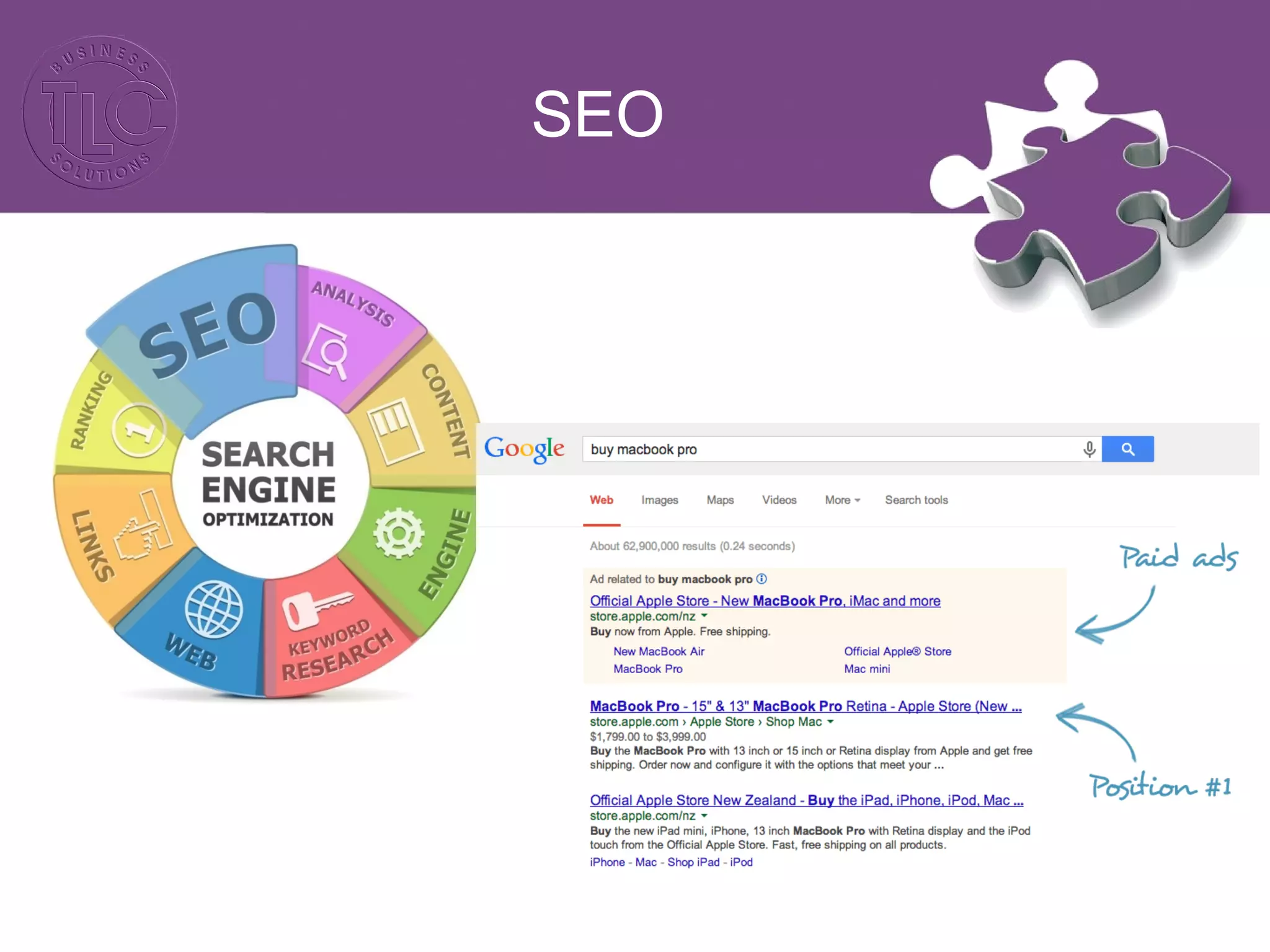
SEO
SEO
Content: SEO content is any content created
with the goal of attracting search engine traffic.
Keywords: Refer to the particular words that
might be entered by a user (surfer) into their
search engine.
Back Links: These are hyperlinks on other
websites which, when clicked on by the user,
transfer the user to your website.
SEO
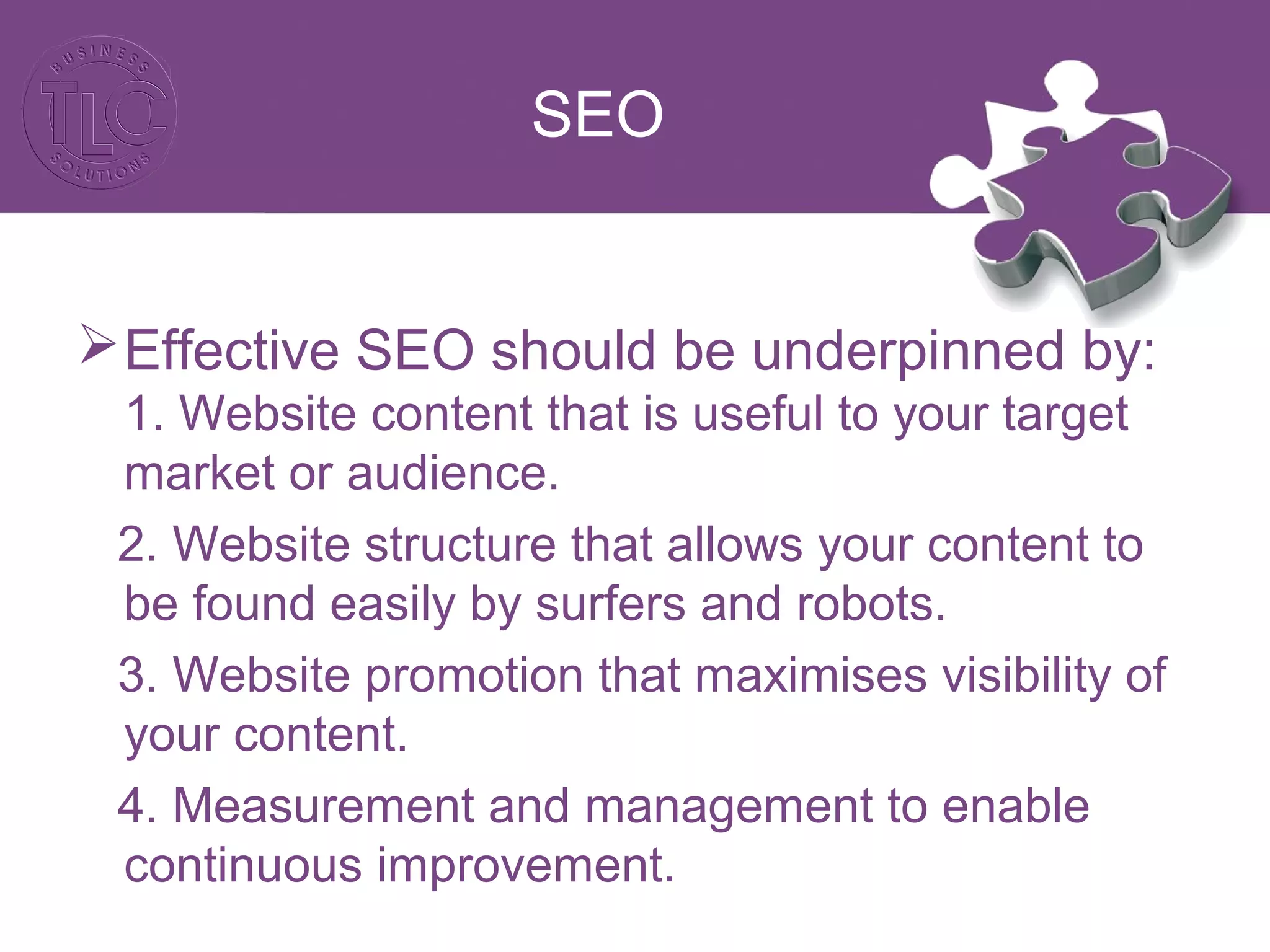
Effective SEO should be underpinned by:
1. Website content that is useful to your target
market or audience.
2. Website structure that allows your content to
be found easily by surfers and robots.
3. Website promotion that maximises visibility of
your content.
4. Measurement and management to enable
continuous improvement.
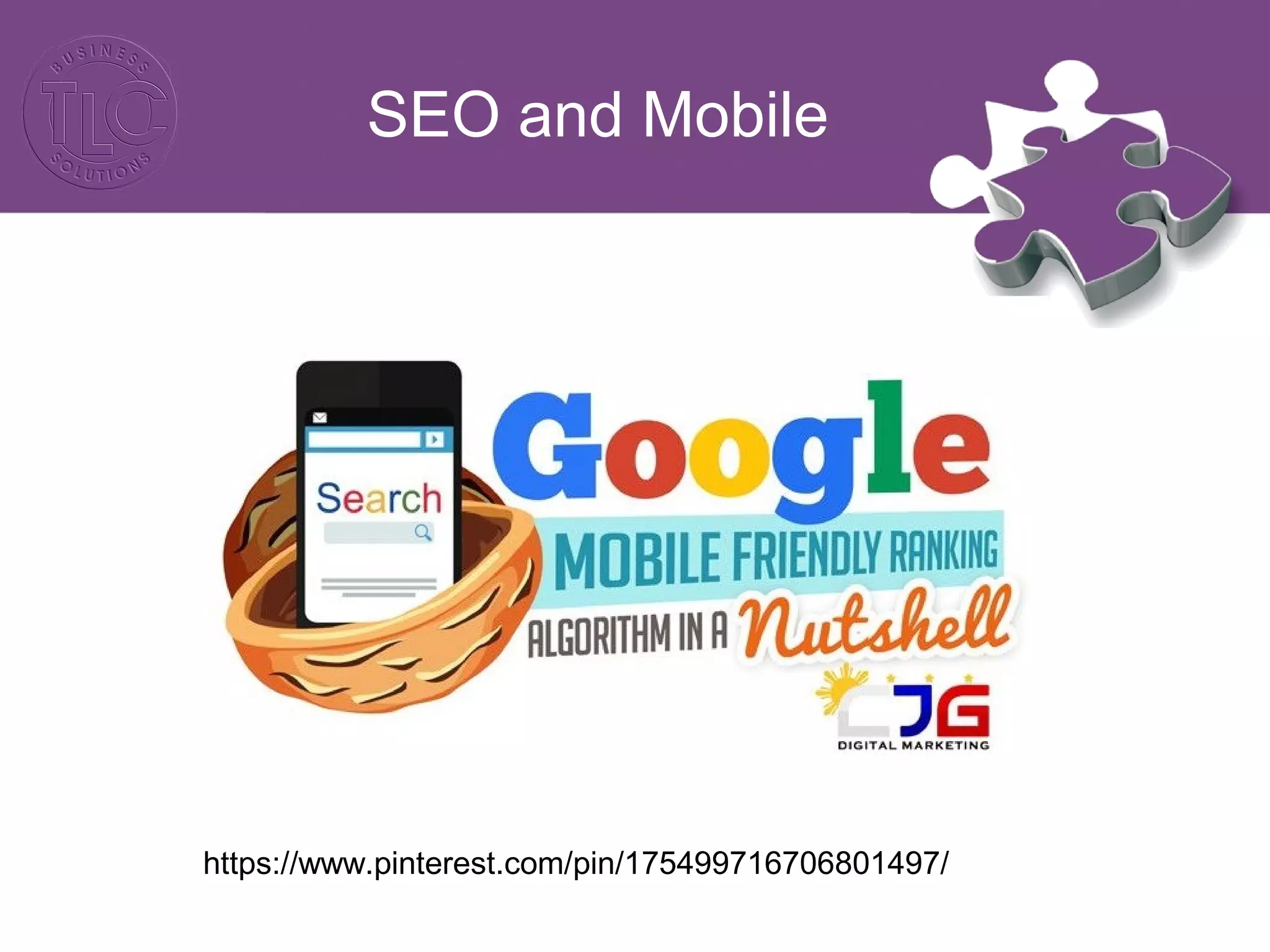
SEO and Mobile
https://www.pinterest.com/pin/175499716706801497/
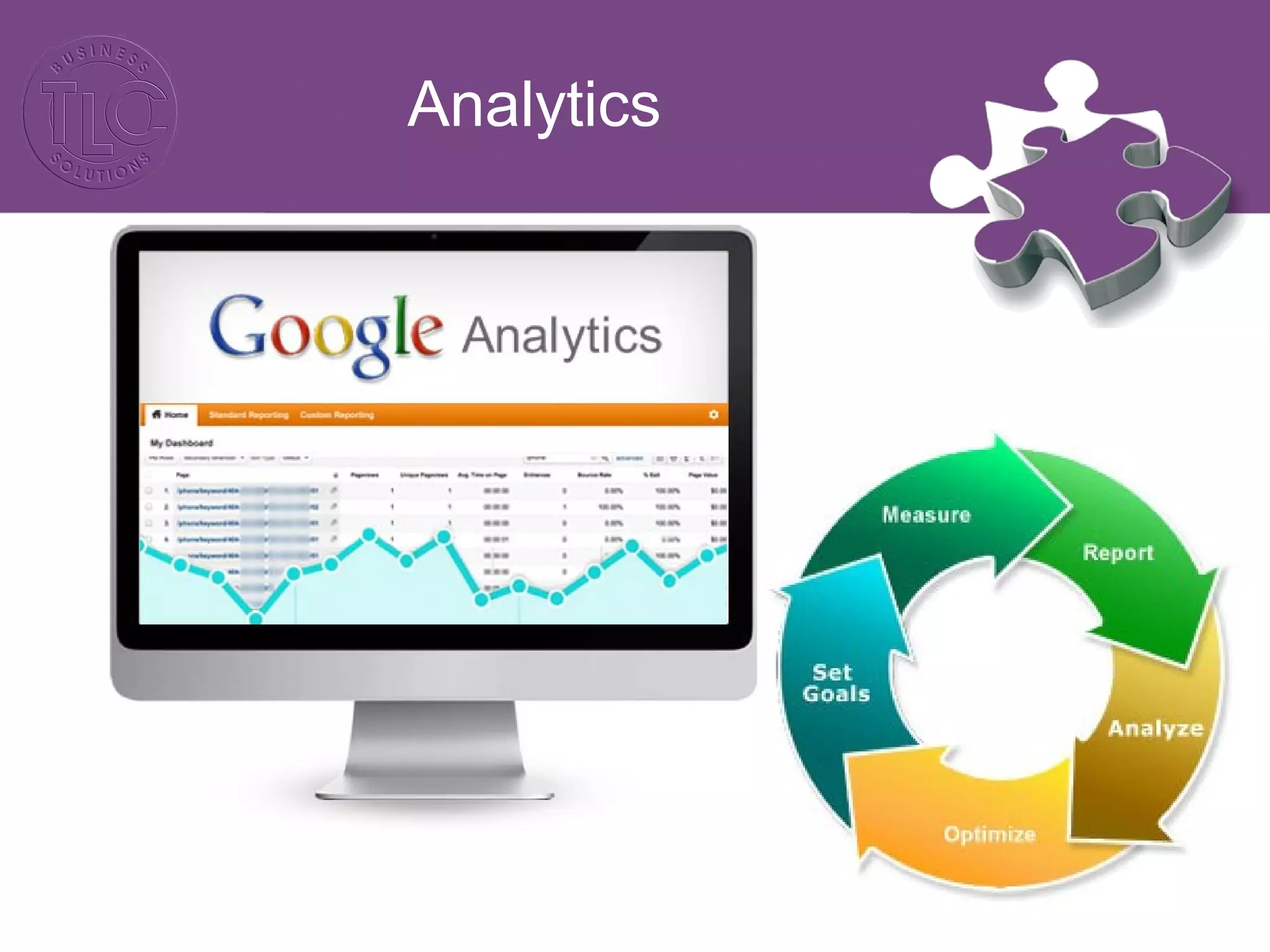
Analytics
Analytics
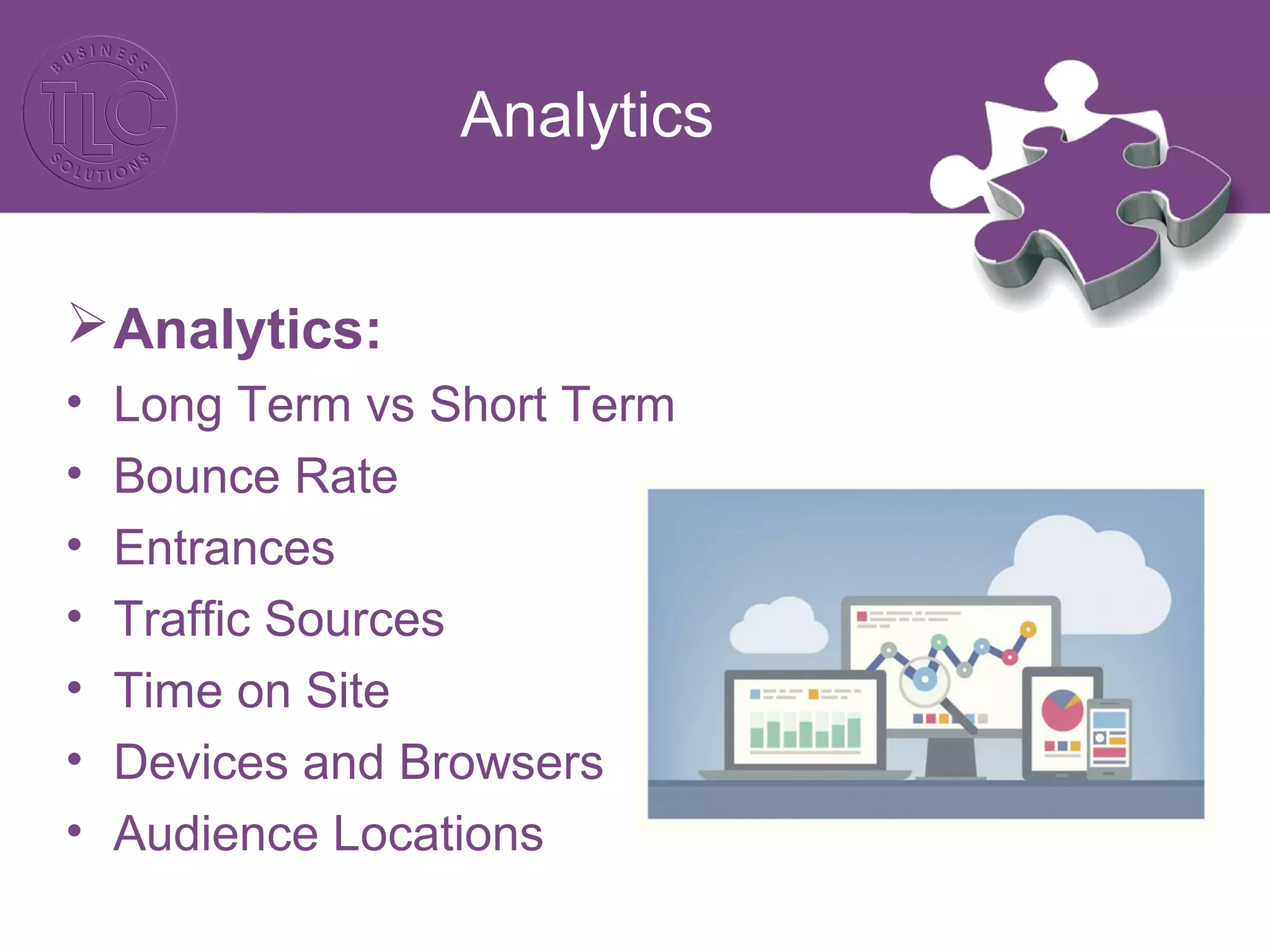
Analytics:
• Long Term vs Short Term
• Bounce Rate
• Entrances
• Traffic Sources
• Time on Site
• Devices and Browsers
• Audience Locations
Analytics
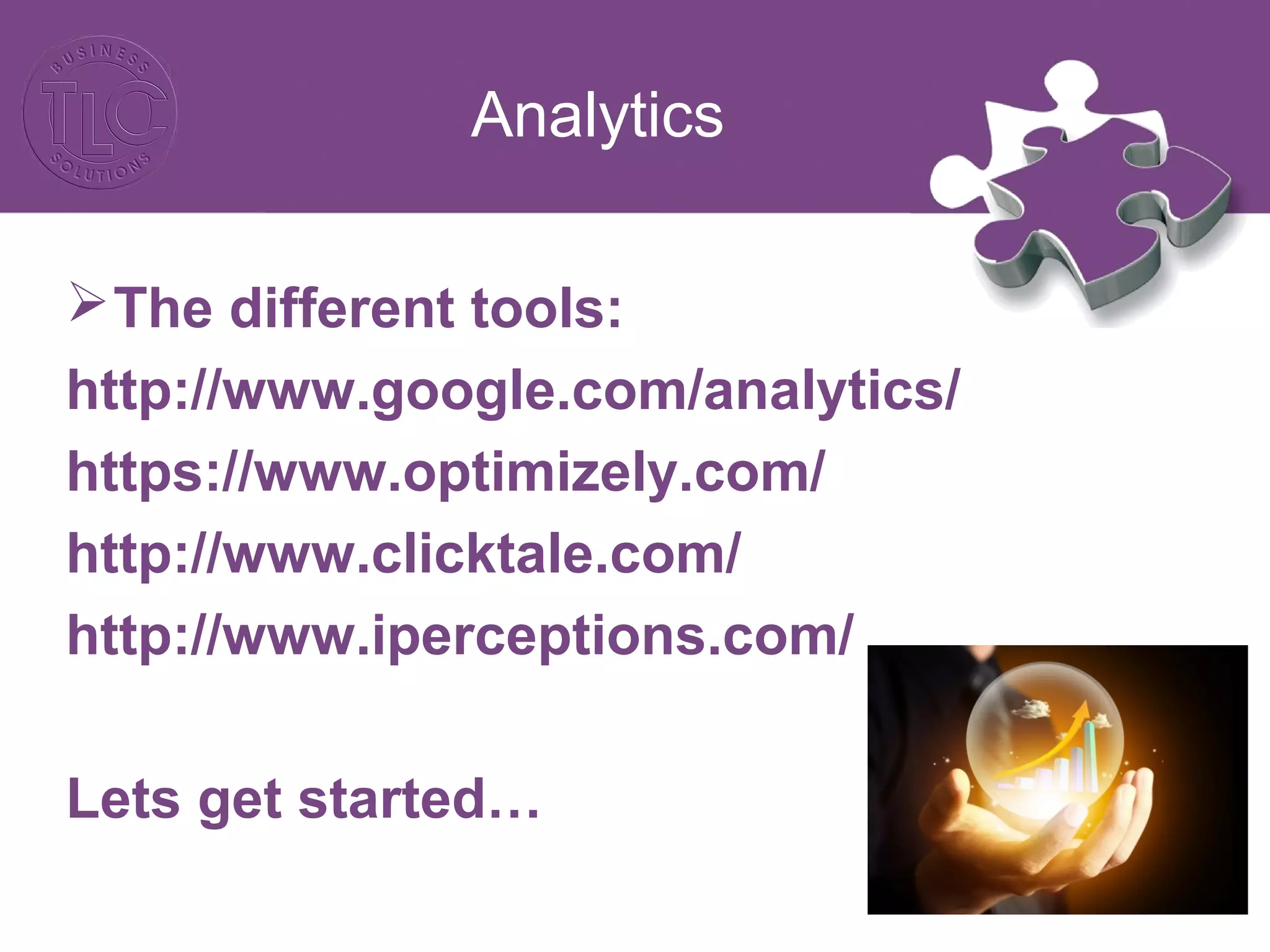
The different tools:
http://www.google.com/analytics/
https://www.optimizely.com/
http://www.clicktale.com/
http://www.iperceptions.com/
Lets get started…
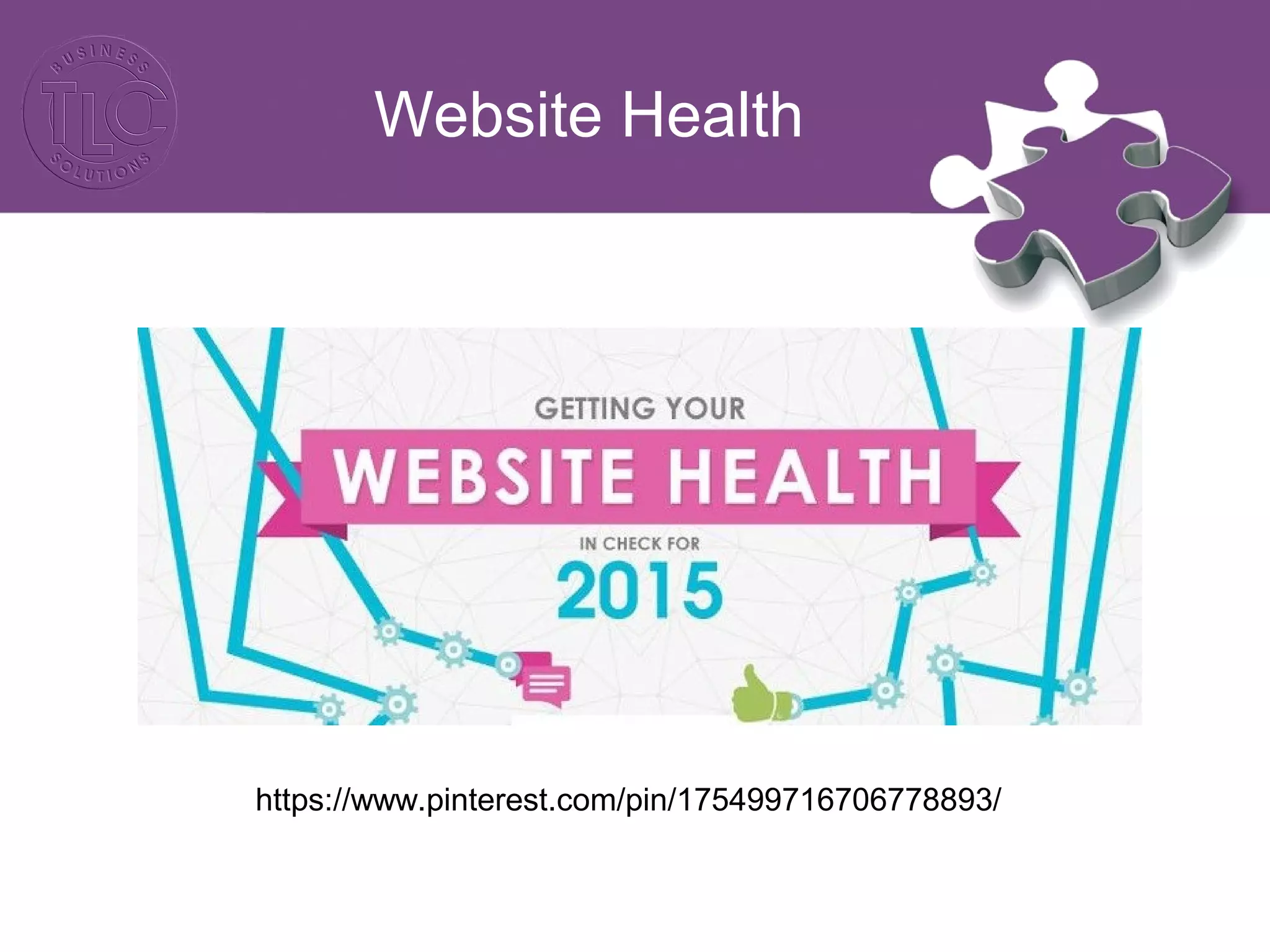
Website Health
https://www.pinterest.com/pin/175499716706778893/
Online Advertising
Banner Ads: Image-based advertisements that
often appear in the side, top, and bottom sections
of websites.
 Google Display Ads: Form of contextual banner
ads used in the Google Display Network,
Google’s collection of network sites that agree to
host display ads. The Google Display
Network also includes Google properties such as
YouTube, Gmail, Blogger, etc. Google Display
ads can be text, images, and even video based.
Online Advertising
Facebook Ads: Adverts on Facebook are
shown to specific groups of highly engaged
people on desktop and mobile. There are three
types, news feed, sidebar and mobile news feed.
 Twitter Ads: Twitter ads refer to the paid
boosts that brands on Twitter can use to extend
the reach of their tweets, promote a chosen
hashtag, or gain more followers.
Online Advertising
https://www.pinterest.com/pin/175499716706779939/

Digital Retail Training Session Two

  • 1.
    Online and DigitalMarketing (Session 2) The DED and TLC Present
  • 2.
    Online and Digital Marketing(Session 1) • Introduction to Online and Digital Marketing: the key marketing principles, tools and techniques • Understanding client life cycles including client lifetime value as well as client acquisition vs client retention • Marketing Audits including techniques and tolls • How to set budgets, identify business objectives and sales targets • Strategy creation and content planning including integrated marketing techniques • Identifying messaging • Online marketing channels and choices • How to implement a successful online marketing plan including the division of labour and the role of marketing partners.
  • 3.
    Creating an effectiveonline presence (Session 2) • Myths, facts and stats • The role of a website in a marketing plan • Planning for a website • Understanding what makes a good website including design, usability, functionality and call to actions • How to convert visitors into customers • eCommerce websites and their role in promoting sales • How to get your business onto 3rd party websites including eBay and Amazon • The role of search engine optimisation and the importance of 3rd party traffic • How online advertising can attract web traffic • Understanding analytics
  • 4.
    Social media andcontent marketing (Session 3) • An introduction to content marketing including blogs, videos and all rich media • Utilising email marketing to reach customers • What it takes to compile a database and deliver a successful marketing campaign • Understanding the various social media platforms, their usages and the markets behind them including Facebook, Twitter, Google +, LinkedIn, YouTube, Pinterest and Instagram • Identifying the best social media platform for your business • Using social media as a traffic driver and communication tool • Social media best practices, trends and developments • Why social media is working for the retail sector • Analysing the success of you online marketing • How the DED can help
  • 5.
    The Role ofa Website
  • 6.
  • 7.
  • 8.
    Website Language  CMS– Content management system is a computer application that allows publishing, editing and modifying content, organizing, deleting as well as maintenance from a central interface  Sitemap – A list of pages of a web site accessible to crawlers or users. It can be either a document in any form used as a planning tool for Web design, or a Web page that lists the pages on a Web site, typically organized in hierarchical fashion.
  • 9.
    Website Language UX Design- The process of enhancing user satisfaction by improving the usability, accessibility, and pleasure provided in the interaction between the user and the product. UI - Your website's user interface is everything that the user can see and interact with. Open Source - Freely distributable and modifiable software to which the source code is available to the public.
  • 10.
    Website Language Widget -Widgets are various components that can be added to a site without having to write the code.
  • 11.
    Planning for aWebsite Specification Documents: • Do you need to keep anything from your existing website? (content, functionality, content management system) • Have you chosen your CMS? • Does the website planning need to go through compliance/legal advice? • Have you determined who needs to sign off on the various stages of the project?
  • 12.
    Planning for aWebsite Specification Documents: • Do you have your brand style guidelines and branding items in order? • Do you have licensed imagery to use? • Do you require video content? • Who will be writing the copy for the website? • What SEO will be done on the website and by who? • Do you require any special functionality such as eCommerce or member logins?
  • 13.
    Planning for aWebsite Specification Documents: • Have you registered your domain or looked at ownership expiration dates? • Who is going to host the website? • Have you got a google analytics account? • Do you need CRM integration? • Do you need social integration? • Will the website have blogging functionality?
  • 14.
    Planning for aWebsite Specification Documents: • Who will be designing the website and how many designs will you see? • Who will be developing the website? • Have you thought about cross browser compatibility or responsive design? • Have you determined testing and go-live dates? • Have you addressed training/maintenance?
  • 15.
  • 16.
  • 17.
    Is your websiteworking for you? Alarm signs: • Is your website text based? • Do you get confused on where to find info? • Does it load slowly? • Do you appear on the 5th page of Google? • Is uploading an update a hassle? • Do you make use of outdated design elements?
  • 18.
    Is your websiteworking for you? You need to take your website into the era of well designed effective website that speak to the heart and mind of your target audience.
  • 19.
    Appearance Visual design isparamount to anything else when creating a website – the idea is to catch the user’s eye with clever design and guide the user effortlessly through the most critical communication elements. The use of graphics, text, colour and imagery needs to appeal to your target audience, captivate their imagination and leave them wanting to explore your online presence. Is your website working for you?
  • 20.
    Is your websiteworking for you?
  • 21.
    Is your websiteworking for you?
  • 22.
    Website Content The aimis to have content that is engaging, that succeeds at teaching, persuading and entertaining the user whilst also helping you meet your business objectives. It is crucial to keep the information on your website concise, direct and memorable. Is your website working for you?
  • 23.
    Functionality Most websites failto take into account who is going to be visiting the website and the fact that the most users spend an average of two minutes on a website. For example if the primary function of your website is to sell a product then it is important to clearly display the product and its description as well as have a user friendly check out system so purchasing is quick and easy. Is your website working for you?
  • 24.
    Is your websiteworking for you? Usability If a website is easy to use, users are more likely to stay on your website for longer resulting in them becoming engaged with your brand and the services or products you offer. The belief is that a website’s success is determined by how it guides its user towards its primary goal.
  • 25.
    Is your websiteworking for you? Usability: A good website will load quickly, have minimal scrolling, clear navigation, a consistent layout, a logical flow, and clearly show the purpose of the website within 5 seconds of arriving on the site. It is not enough to just have a user friendly website, it is also needs to be responsive and be compatible on all browsers.
  • 26.
    Is your websiteworking for you? Social Media: Every website should have social media links not only to allow users to connect with your business on the various social media platforms but also to allow users to share the information you have provided.
  • 27.
    Website Trends • ParallaxScrolling Websites • Movement • Removal of non essential design elements • Minimal text • eCommerce • Full bleed imagery • High quality custom images/photographs • Dramatic typography • Storytelling and interaction • High performance
  • 28.
  • 29.
    Website Call toActions By definition: In marketing, a call to action (CTA) is an instruction to the audience to provoke an immediate response, usually using an imperative verb such as "call now", "find out more" or "visit a store today".
  • 30.
    Call to ActionsVariations  Add To Cart  Subscribe  Book Now  Call Us Today  Download  Sign Up  Share  Learn More  Take A Free Trial  Submit
  • 31.
    Call to ActionsBest Practice CTA’s must be: • Visually appealing • Include compelling copy • Relevant to the context • Easy to identify on a page loaded with copy and visual elements • Positioned well • Clear in their result Verbs work best!!
  • 32.
  • 33.
    Ecommerce: What you shouldbe doing Deals Easy payment methods Reasonable shipping/delivery options Recommended products Wish lists Retargeting Latest news Testimonials
  • 34.
    Ecommerce: What you shouldbe doing Filters Product Descriptions Icons Social media sharing Quick link contact details Store finder/physical presence Videos
  • 35.
  • 36.
  • 37.
    3rd Party Website  Currentlythird-party retail sites dominate e- commerce growth in 2014/215/ http://www.amazon.com/gp/seller-account/mm- product-page.html?topic=200274800
  • 38.
    3rd Party Websites What arethe benefits? Captive audience Referral traffic Brand awareness Added revenue Testing ground for new products Credibility
  • 39.
    3rd Party Websites What doyou have to look out for? Competition Diluting your own online presence Search dominance Commission fees Negative associations
  • 40.
  • 41.
    SEO Content: SEO contentis any content created with the goal of attracting search engine traffic. Keywords: Refer to the particular words that might be entered by a user (surfer) into their search engine. Back Links: These are hyperlinks on other websites which, when clicked on by the user, transfer the user to your website.
  • 42.
    SEO Effective SEO shouldbe underpinned by: 1. Website content that is useful to your target market or audience. 2. Website structure that allows your content to be found easily by surfers and robots. 3. Website promotion that maximises visibility of your content. 4. Measurement and management to enable continuous improvement.
  • 43.
  • 44.
  • 45.
    Analytics Analytics: • Long Termvs Short Term • Bounce Rate • Entrances • Traffic Sources • Time on Site • Devices and Browsers • Audience Locations
  • 46.
  • 47.
  • 48.
    Online Advertising Banner Ads:Image-based advertisements that often appear in the side, top, and bottom sections of websites.  Google Display Ads: Form of contextual banner ads used in the Google Display Network, Google’s collection of network sites that agree to host display ads. The Google Display Network also includes Google properties such as YouTube, Gmail, Blogger, etc. Google Display ads can be text, images, and even video based.
  • 49.
    Online Advertising Facebook Ads:Adverts on Facebook are shown to specific groups of highly engaged people on desktop and mobile. There are three types, news feed, sidebar and mobile news feed.  Twitter Ads: Twitter ads refer to the paid boosts that brands on Twitter can use to extend the reach of their tweets, promote a chosen hashtag, or gain more followers.
  • 50.