Website Fundamentalswww.ebusinessblog.co.ukJames Copejames_copejamesccope
Website Fundamentals The Basics – domain names & hosting
 DIY or Developer?
 Beauty Is?
 Design - Make them want to come back
 Is it working? - Statistics
 ResourcesThe BasicsChoosing a domain nameCompany Name or Search Term?Variations - .co.uk & .comCost approx £3.co.uk or £10.comRegistrationRemember your name & addressEx-directory in some circumstances Protect ItCheck it is not an existing trademark – IPOConsider trademarking company name and domainPackagesSometimes cheaper with bundled hosting
The BasicsChoosing HostingHow Much – from £3 per month
Compatibility
Will site work
Contract
Direct with host – not through developer
What is a Good Host?
Check Service Availability Stats
Where Actually Hosted – UK or US
Support
BandwidthDIY or Developer?Objectives – core route to market or reference point?Your own skills v BudgetTemplate OptionsHost solutions GBBO, MS Office LiveWordpress – my favourite - themesDeveloper & Design BudgetsEntry level - £250 upwardAverage - £2kGood - £5kEcommerce - £5k – £10k & upwardSEO£200 - £400 a month – plus PPC costs
Beauty is?Question:What was the best website you recently visited?Why?
Beauty is? – usual responseImpressed!
Gave me confidence
I quickly / easily achieved my objectives
Enjoyed the experience!
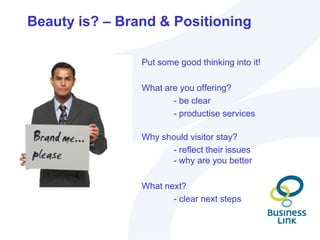
Benefitted meBeauty is? – Brand & Positioning					Put some good thinking into it!					What are you offering?						- be clear						- productise services					Why should visitor stay? 						- reflect their issues					- why are you better					What next?						- clear next steps
Beauty is? – Brand & Positioning A well designed site – but how do you decide?
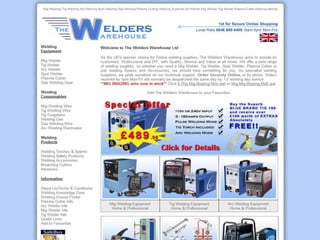
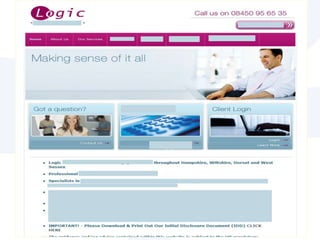
 Look at competitors“Most of your site visitors spend most of their time on other    sites!”Consider business goals“What does the business need to achieve what does the customer want?” Ask the question        “Is it going to stand a reasonable chance at         achieving results?” Use 3 second rule!!!Marks Out of 10 Please- in 3 seconds!
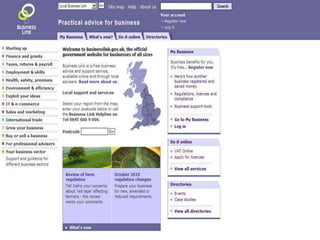
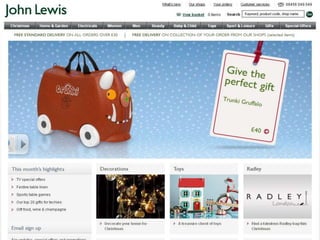
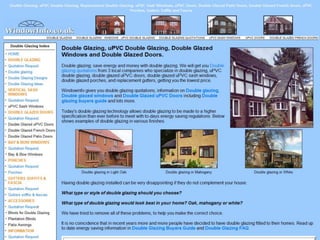
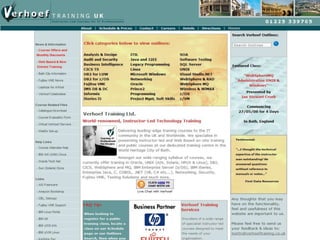
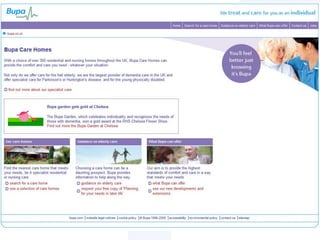
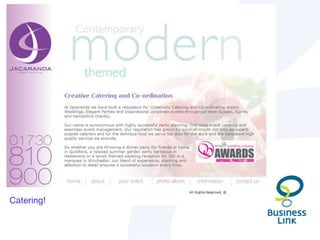
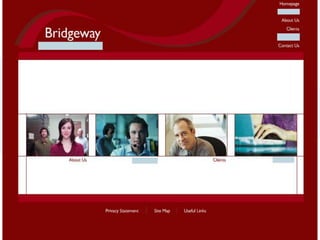
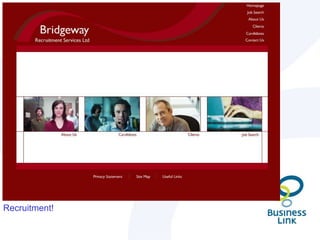
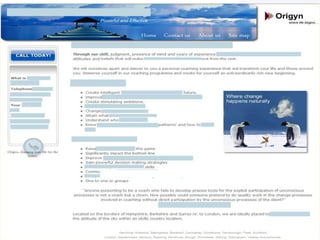
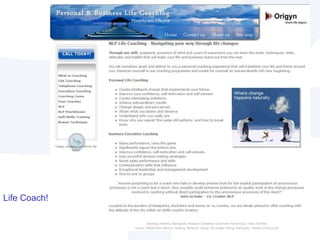
What do these businesses do?....
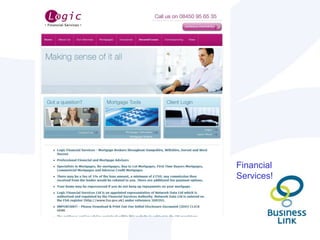
Financial Services!
Catering!
Recruitment!
Life Coach!
Beauty is?Whatever the customer thinks it is - 	not necessarily what you think it is!!Hmm OK, can you prove it??
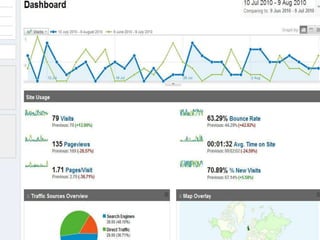
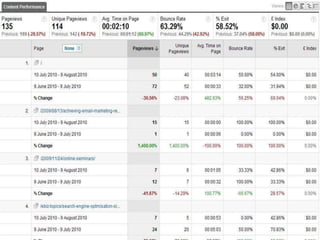
Is it working? – the proofStats / Analytics – our new friend  Visitor Levels
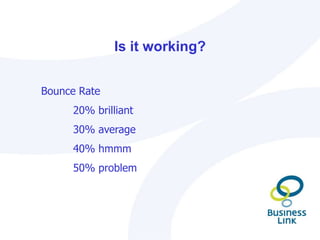
 Bounce Rate
 Traffic Sources
 Goals
Is it working?Bounce Rate 20% brilliant30% average40% hmmm50% problem
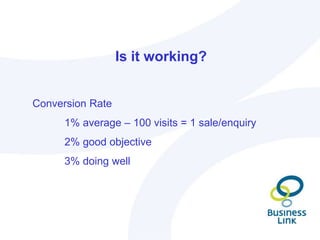
Is it working? Conversion Rate	1% average – 100 visits = 1 sale/enquiry 2% good objective3% doing well
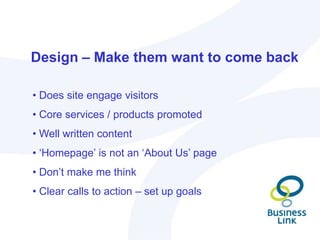
Design – Make them want to come back Does site engage visitors
 Core services / products promoted
 Well written content
 ‘Homepage’ is not an ‘About Us’ page
 Don’t make me think
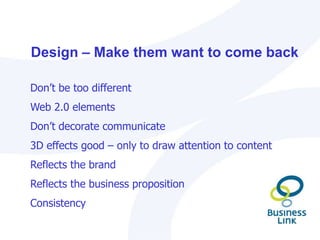
 Clear calls to action – set up goalsDesign – Make them want to come backDon’t be too differentWeb 2.0 elementsDon’t decorate communicate3D effects good – only to draw attention to content Reflects the brandReflects the business propositionConsistency
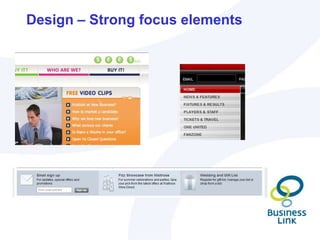
Design – Strong focus elements

Web Fundamentals

  • 1.
  • 2.
    Website Fundamentals TheBasics – domain names & hosting
  • 3.
    DIY orDeveloper?
  • 4.
  • 5.
    Design -Make them want to come back
  • 6.
    Is itworking? - Statistics
  • 7.
    ResourcesThe BasicsChoosinga domain nameCompany Name or Search Term?Variations - .co.uk & .comCost approx £3.co.uk or £10.comRegistrationRemember your name & addressEx-directory in some circumstances Protect ItCheck it is not an existing trademark – IPOConsider trademarking company name and domainPackagesSometimes cheaper with bundled hosting
  • 8.
    The BasicsChoosing HostingHowMuch – from £3 per month
  • 9.
  • 10.
  • 11.
  • 12.
    Direct with host– not through developer
  • 13.
    What is aGood Host?
  • 14.
  • 15.
  • 16.
  • 17.
    BandwidthDIY or Developer?Objectives– core route to market or reference point?Your own skills v BudgetTemplate OptionsHost solutions GBBO, MS Office LiveWordpress – my favourite - themesDeveloper & Design BudgetsEntry level - £250 upwardAverage - £2kGood - £5kEcommerce - £5k – £10k & upwardSEO£200 - £400 a month – plus PPC costs
  • 18.
    Beauty is?Question:What wasthe best website you recently visited?Why?
  • 19.
    Beauty is? –usual responseImpressed!
  • 20.
  • 21.
    I quickly /easily achieved my objectives
  • 22.
  • 23.
    Benefitted meBeauty is?– Brand & Positioning Put some good thinking into it! What are you offering? - be clear - productise services Why should visitor stay? - reflect their issues - why are you better What next? - clear next steps
  • 24.
    Beauty is? –Brand & Positioning A well designed site – but how do you decide?
  • 25.
    Look atcompetitors“Most of your site visitors spend most of their time on other sites!”Consider business goals“What does the business need to achieve what does the customer want?” Ask the question “Is it going to stand a reasonable chance at achieving results?” Use 3 second rule!!!Marks Out of 10 Please- in 3 seconds!
  • 32.
    What do thesebusinesses do?....
  • 34.
  • 38.
  • 40.
  • 42.
  • 43.
    Beauty is?Whatever thecustomer thinks it is - not necessarily what you think it is!!Hmm OK, can you prove it??
  • 44.
    Is it working?– the proofStats / Analytics – our new friend Visitor Levels
  • 45.
  • 46.
  • 47.
  • 49.
    Is it working?BounceRate 20% brilliant30% average40% hmmm50% problem
  • 50.
    Is it working?Conversion Rate 1% average – 100 visits = 1 sale/enquiry 2% good objective3% doing well
  • 51.
    Design – Makethem want to come back Does site engage visitors
  • 52.
    Core services/ products promoted
  • 53.
  • 54.
    ‘Homepage’ isnot an ‘About Us’ page
  • 55.
  • 56.
    Clear callsto action – set up goalsDesign – Make them want to come backDon’t be too differentWeb 2.0 elementsDon’t decorate communicate3D effects good – only to draw attention to content Reflects the brandReflects the business propositionConsistency
  • 57.
    Design – Strongfocus elements
  • 58.
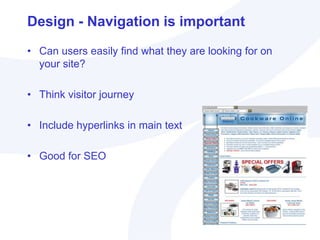
    Design - Navigationis importantCan users easily find what they are looking for on your site?Think visitor journeyInclude hyperlinks in main textGood for SEO
  • 59.
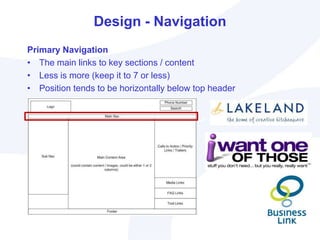
    Design - NavigationPrimaryNavigationThe main links to key sections / contentLess is more (keep it to 7 or less)Position tends to be horizontally below top header
  • 60.
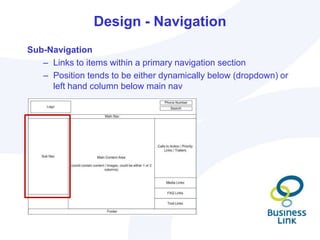
    Design - NavigationSub-NavigationLinksto items within a primary navigation sectionPosition tends to be either dynamically below (dropdown) or left hand column below main nav
  • 61.
    Design – GoodContent5 Step StrategyWhat is your readers’ biggest headache? Feel their pain!Why have others failed to solve this nagging problem?Why is your solution different? Prove it works!Tell them how much better their lives will be with your solutionCalls to action – tell them what they need to do!
  • 62.
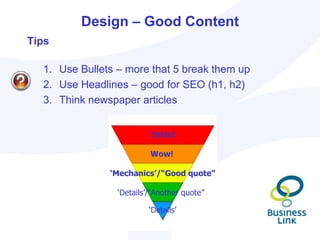
    Design – GoodContentIntro!Wow!‘Mechanics’/“Good quote”‘Details’/“Another quote”‘Details’TipsUse Bullets – more that 5 break them upUse Headlines – good for SEO (h1, h2)Think newspaper articles
  • 63.
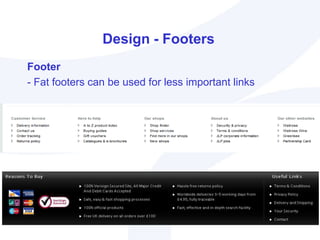
    Design - FootersFooter-Fat footers can be used for less important links
  • 64.
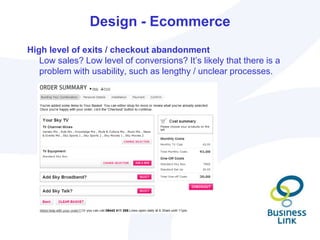
    Design - EcommerceHighlevel of exits / checkout abandonmentLow sales? Low level of conversions? It’s likely that there is a problem with usability, such as lengthy / unclear processes.
  • 65.
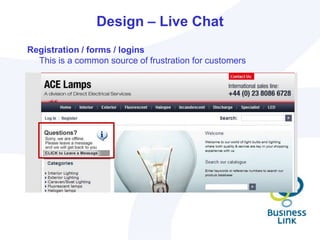
    Design – LiveChatRegistration / forms / loginsThis is a common source of frustration for customers
  • 66.
    Design - SpeedAvoidSlow page load timesFaster the BetterHelps with SEODon’t auto run video or music
  • 67.
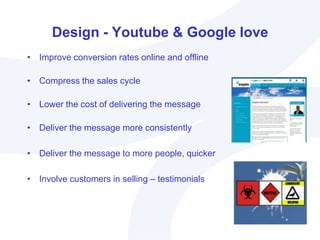
    Design - Youtube& Google loveImprove conversion rates online and offlineCompress the sales cycleLower the cost of delivering the messageDeliver the message more consistentlyDeliver the message to more people, quickerInvolve customers in selling – testimonials
  • 68.
  • 69.
    Please them -Make them want to come backRelevant content (updated regularly) – Content is King!Good structure – visitor pathInteractivityCalls to action (well placed)Testimonials & Case StudiesClear information / directionsShort formsFUN!!!
  • 70.
    Expert Tips.....What thewebmaster says:Be the same but different – try and become unique or an expert in their field. Write great articles about their area of expertise
  • 71.
    Offer great toolsthat people will want to use
  • 72.
    Create a uniqueand valuable community on the site
  • 73.
    Be a majorsource of news and information in their area of expertise David Lakins – Key Multimedia
  • 74.
    Expert Tips.....What thedesigners say:5 top tipsIdentify and understand the audience - design for them not the business ownerKeep things simple - don't overload the user with trivial information and functionality as it just gets in the way. The same is true for "eye candy" and the latest bells and whistlesDesign with consistency - colours, fonts, layoutInclude good calls to actionDesign for all of the major browsers, not one in particularJonathan Elwood – Expert Web Designer
  • 75.
    Expert Tips.....What thestrategists say:Be sure of what BUSINESS wants from the site. Targeted / simplified content
  • 76.
    Calls to actionabove the fold
  • 77.
  • 78.
    Contextual / ReducedNavigation)Content: On the average Web page, users have time to read at most 28% of the words during an average visit; 20% is more likely. – Jakob N
  • 79.
    SummaryDesign & usabilityplay a central role in website success!Try to understand markets / customersEnsure site has a GREAT designCan you DIY? – be honest or have a go and see!Site delivers focused, valuable contentReturn on investment - £££££££££
  • 80.
    Best Practice Top10 TipsDIY or Designer – be honestInstall Google AnalyticsBuild with Goals and Objectives In MindConsider Competitors Good ContentCalls to ActionMake Forms EasyInclude Your Phone NumberConversion % - Review & MonitorHot for 2010 - Video – online sales person53
  • 81.
    ResourcesDomain Names &Hostinghttp://www.123-reg.co.uk/http://www.1and1.co.ukProtectinghttp://www.ebusinessblog.co.uk/2009/09/10/copyright-ip-for-websites/http://www.ipo.gov.uk/types/tm/t-os.htmDesign Optionshttp://wordpress.org/ - my favouritehttp://www.gbbo.co.uk/ - vbasic but cheaphttp://www.officelive.com54
  • 82.
    ResourcesGoogle Analyticshttp://www.google.co.uk/analytics/ -sign uphttp://www.conversationmarketing.com/2007/02/google_analytics_video_tutoria_1.htm  - how tohttp://www.google.com/support/conversionuniversity/bin/static.py?hl=en&page=iq_learning_center.cs&rd=1Protecting - tutorialsDesign Tipshttp://www.webpagesthatsuck.com/http://boagworld.com/usability/steve-krug/55
  • 83.
  • 84.

Editor's Notes

  • #3 Overview
  • #8 Impressed – Immediately and it stays / grows as they move through the siteThe site gives them confidence in the company / it’s proposition / products / servicesThey can quickly and easily achieve what they came to the site do do... (research / purchase / download / interact / communicate / view / upload etc)The whole experience is an enjoyable one – hence they may well feel like re-visiting soon / moving to the next level / stepThey have benefited from the visit – got what they came for / if not more!