Removal Strategies
in Odoo 15
Enterprise
www.cybrosys.com
INTRODUCTION
❖ The removal strategies of operations initially operate based on lots or serial numbers set for
product.
❖ Various removal strategies in Odoo such as:
First in First Out ( FIFO)
Last in First Out (LIFO)
First Expiry First Out(FEFO)
Closest Location
❖ Managing the inventory by removing the respective products if there is a demand for products
should be planned and executed in a business operation.
❖ Moreover, the inventory should have a proper arrangement with the proper lot numbers and
indicators to depict the product and a lot of information.
❖ Systematic management of removal of products on order helps the company to reduce the
wastage and the money loss due to the expiry of the products.
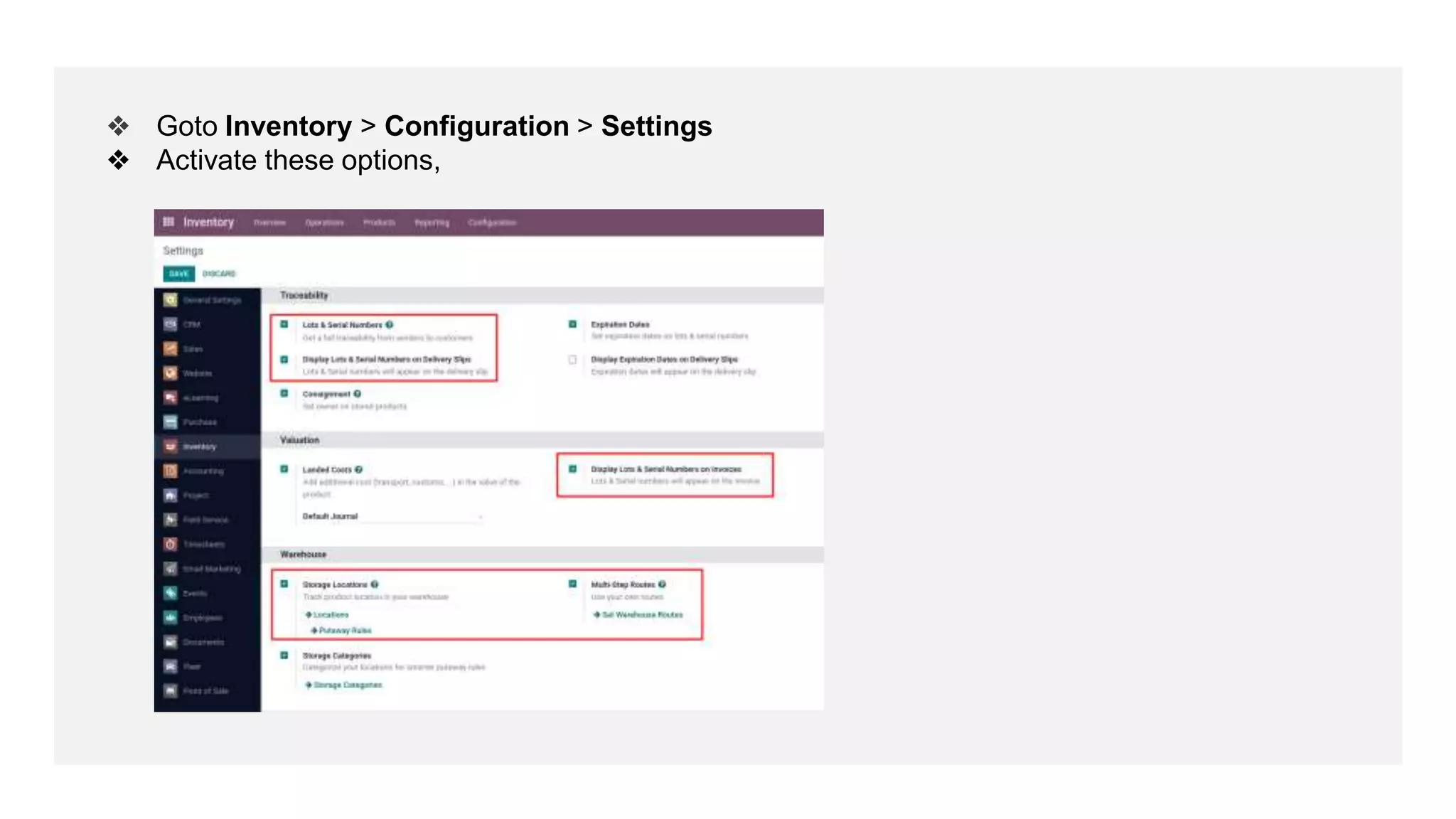
❖ Goto Inventory > Configuration > Settings
❖ Activate these options,
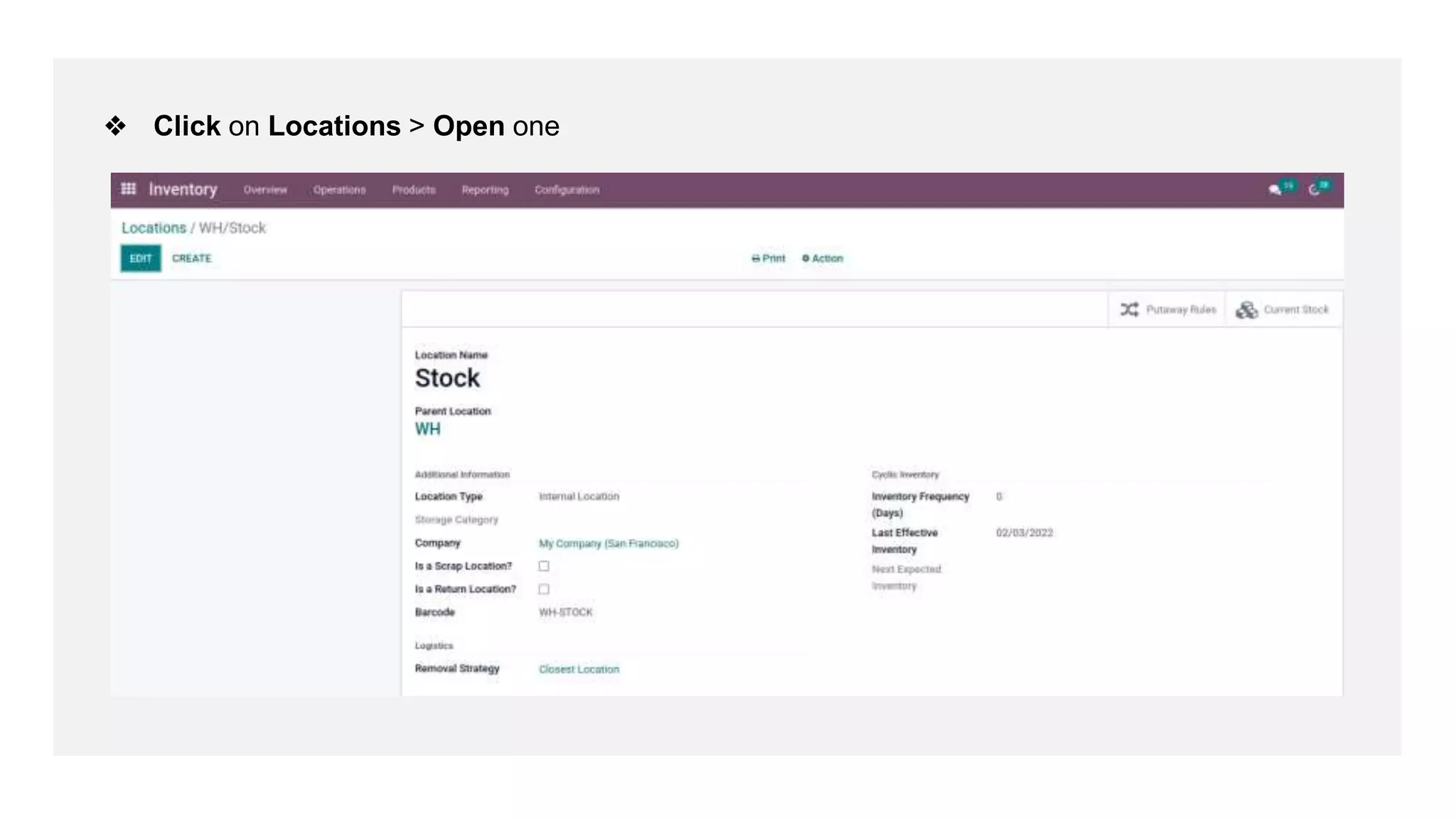
❖ Click on Locations > Open one
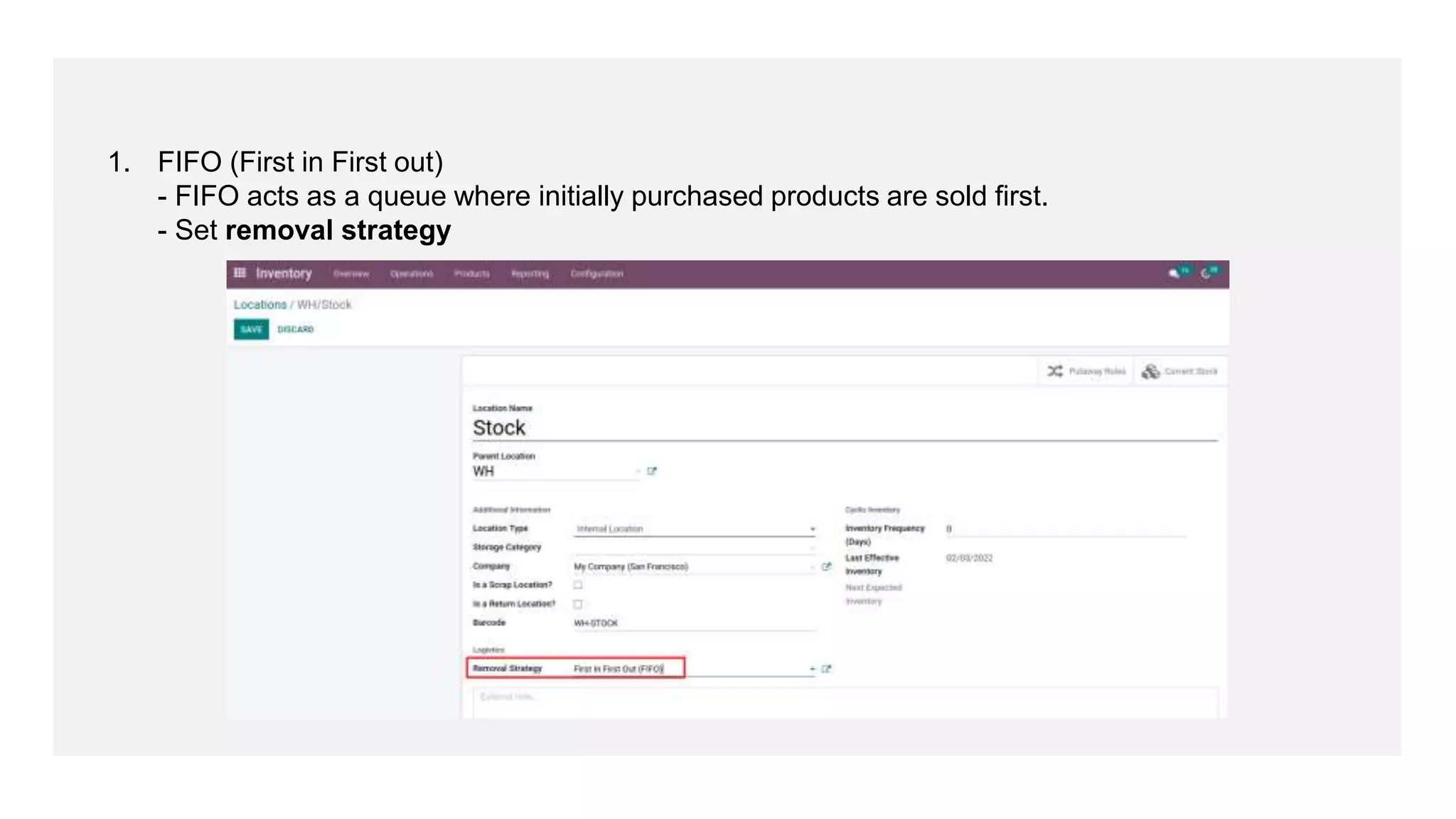
1. FIFO (First in First out)
- FIFO acts as a queue where initially purchased products are sold first.
- Set removal strategy
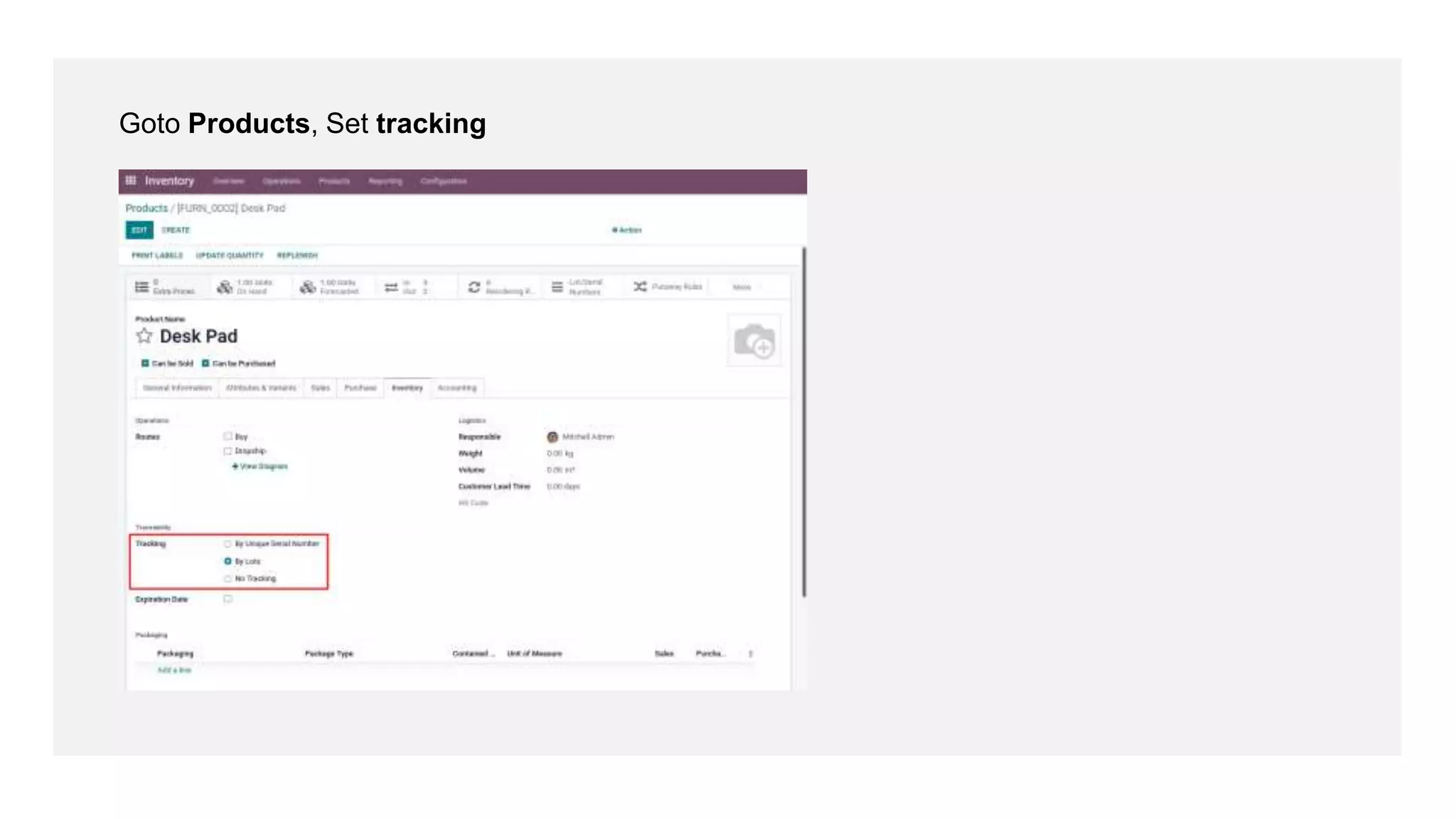
Goto Products, Set tracking
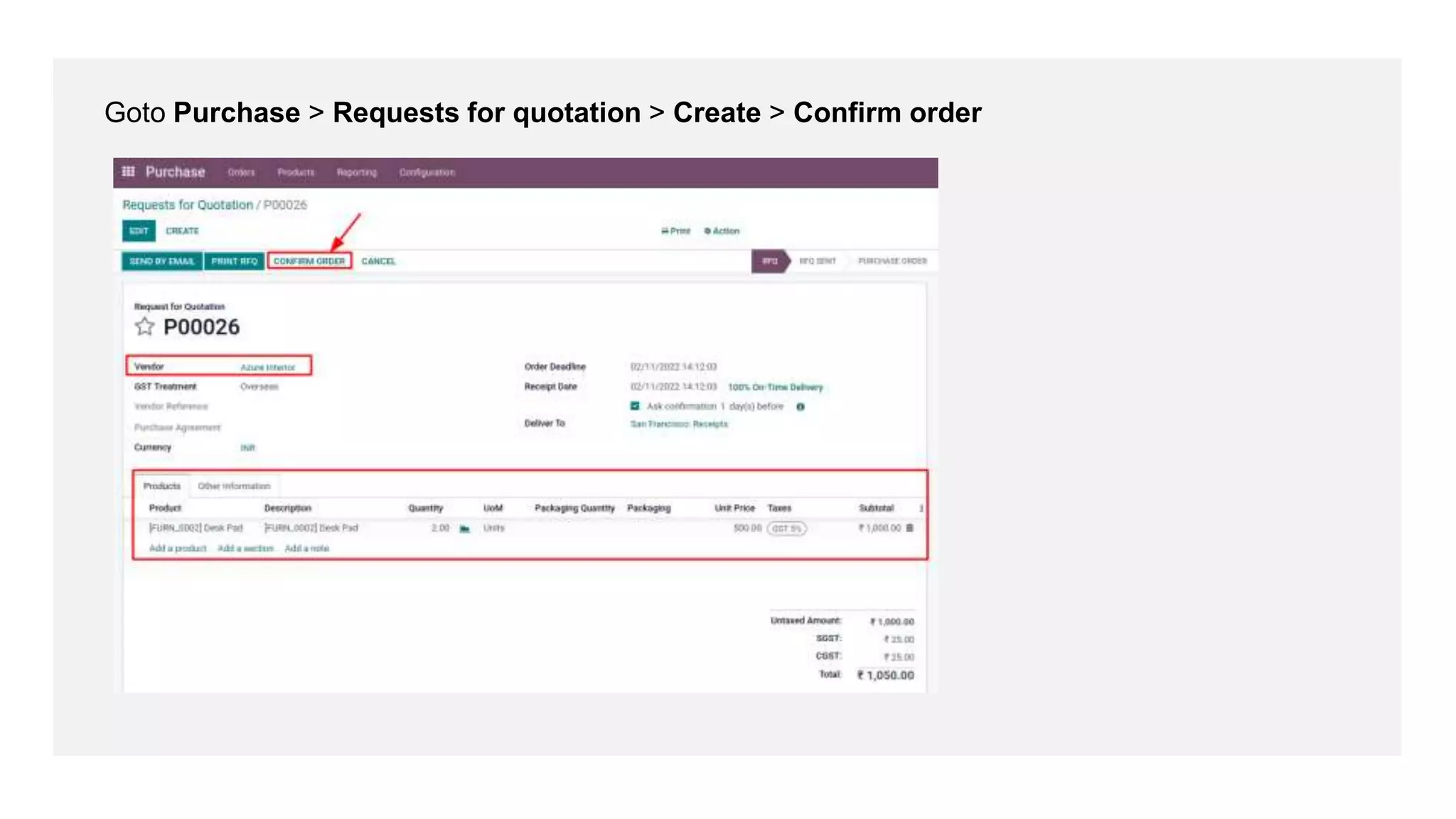
Goto Purchase > Requests for quotation > Create > Confirm order
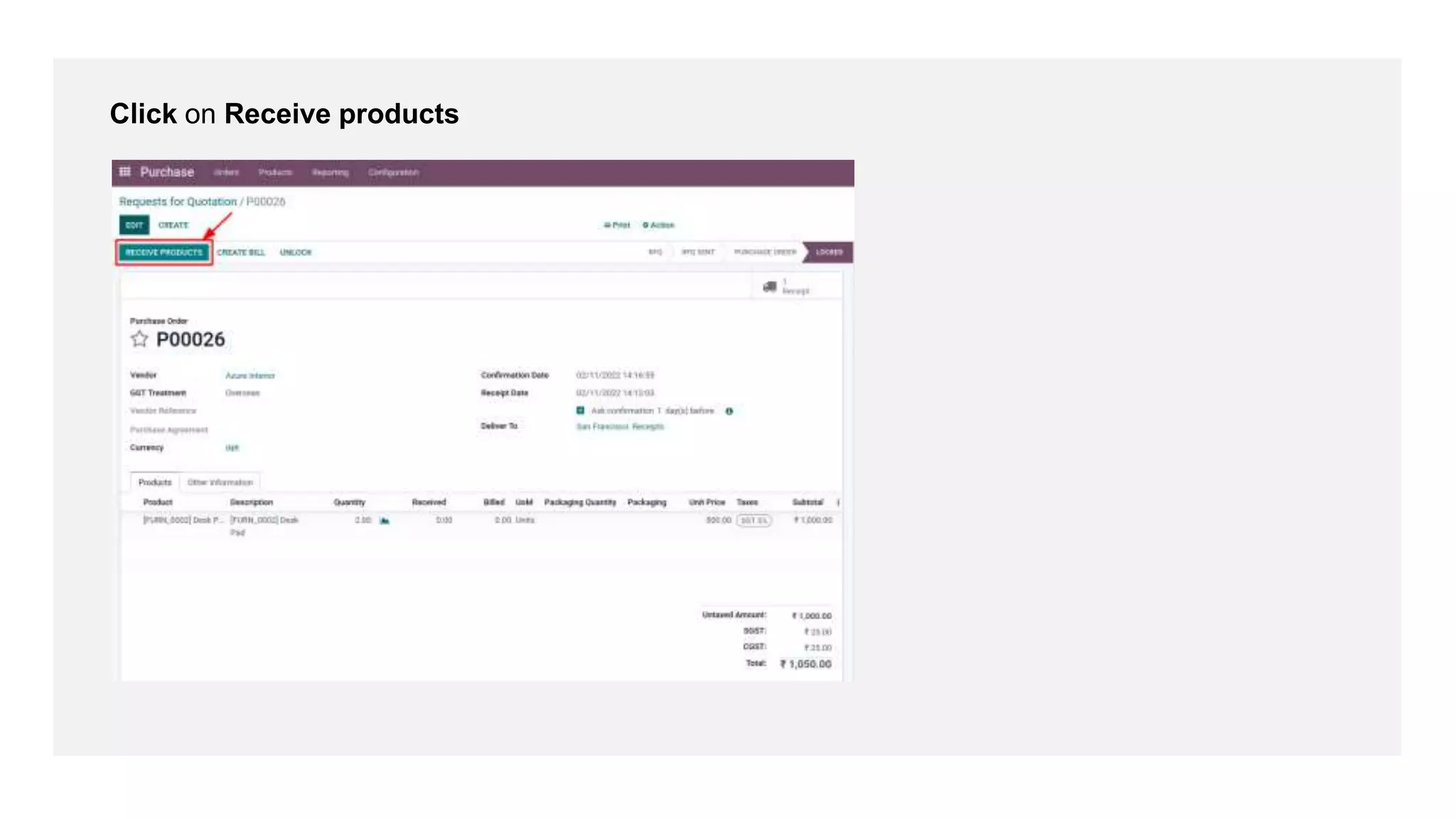
Click on Receive products
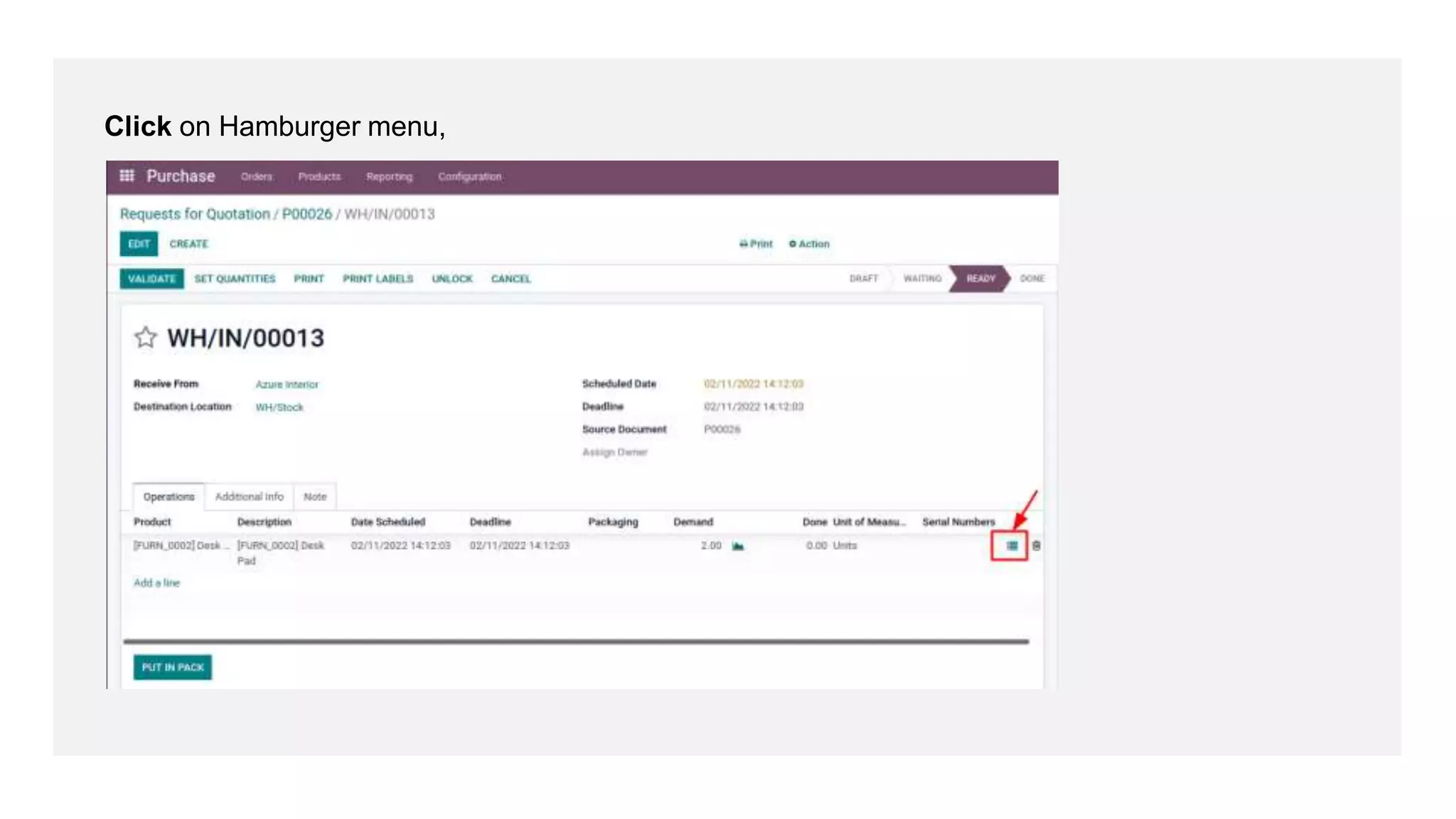
Click on Hamburger menu,
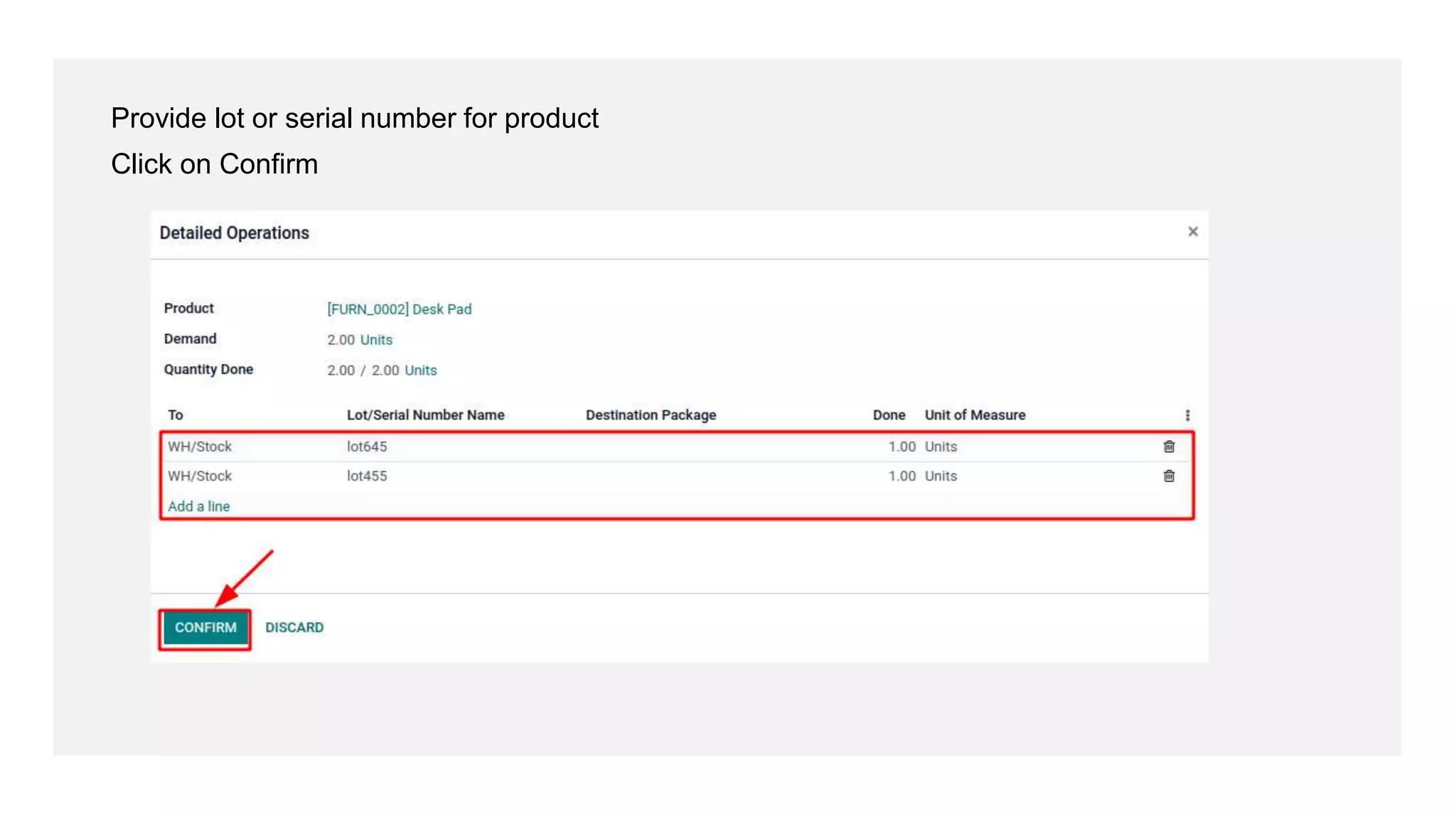
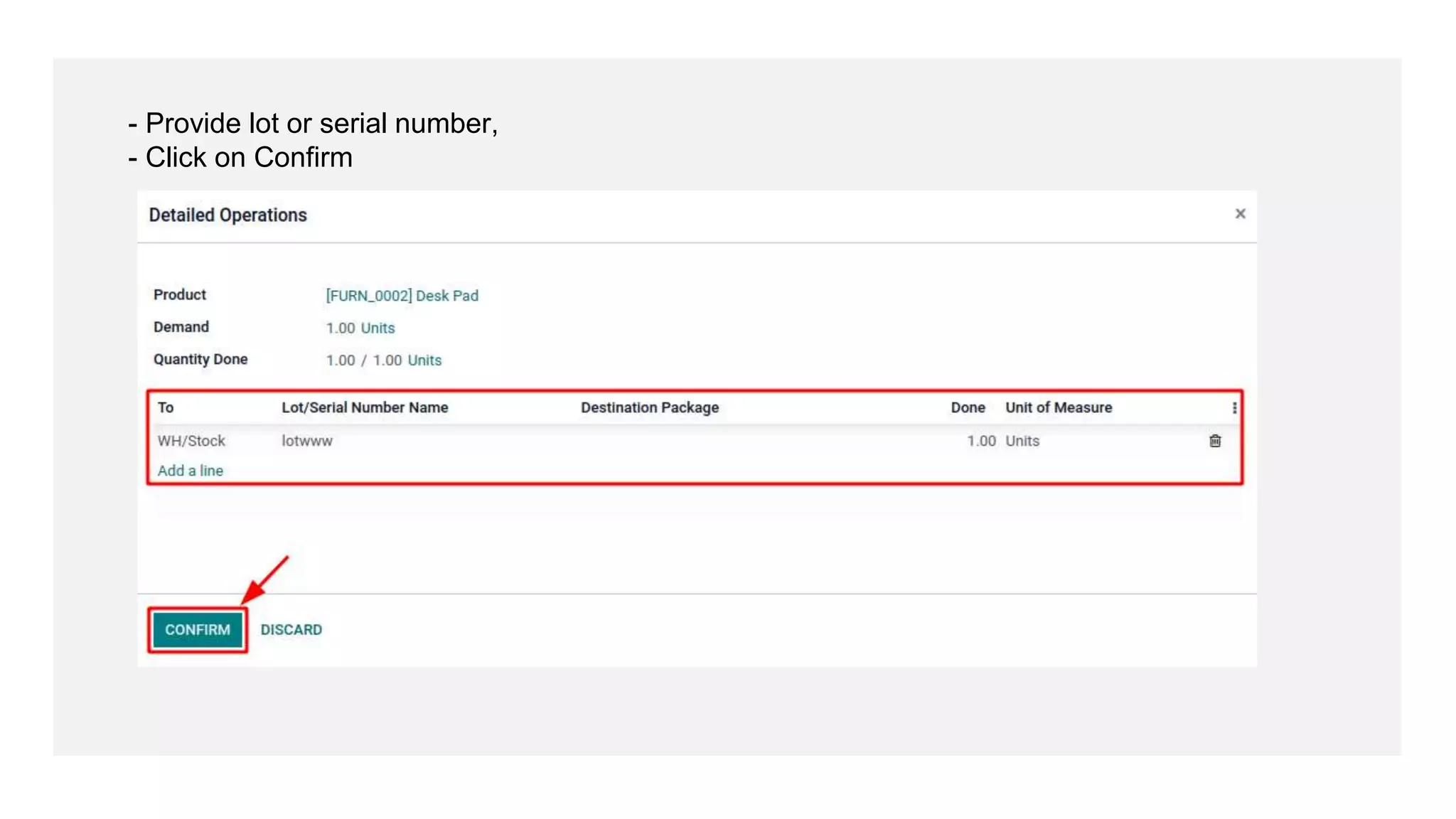
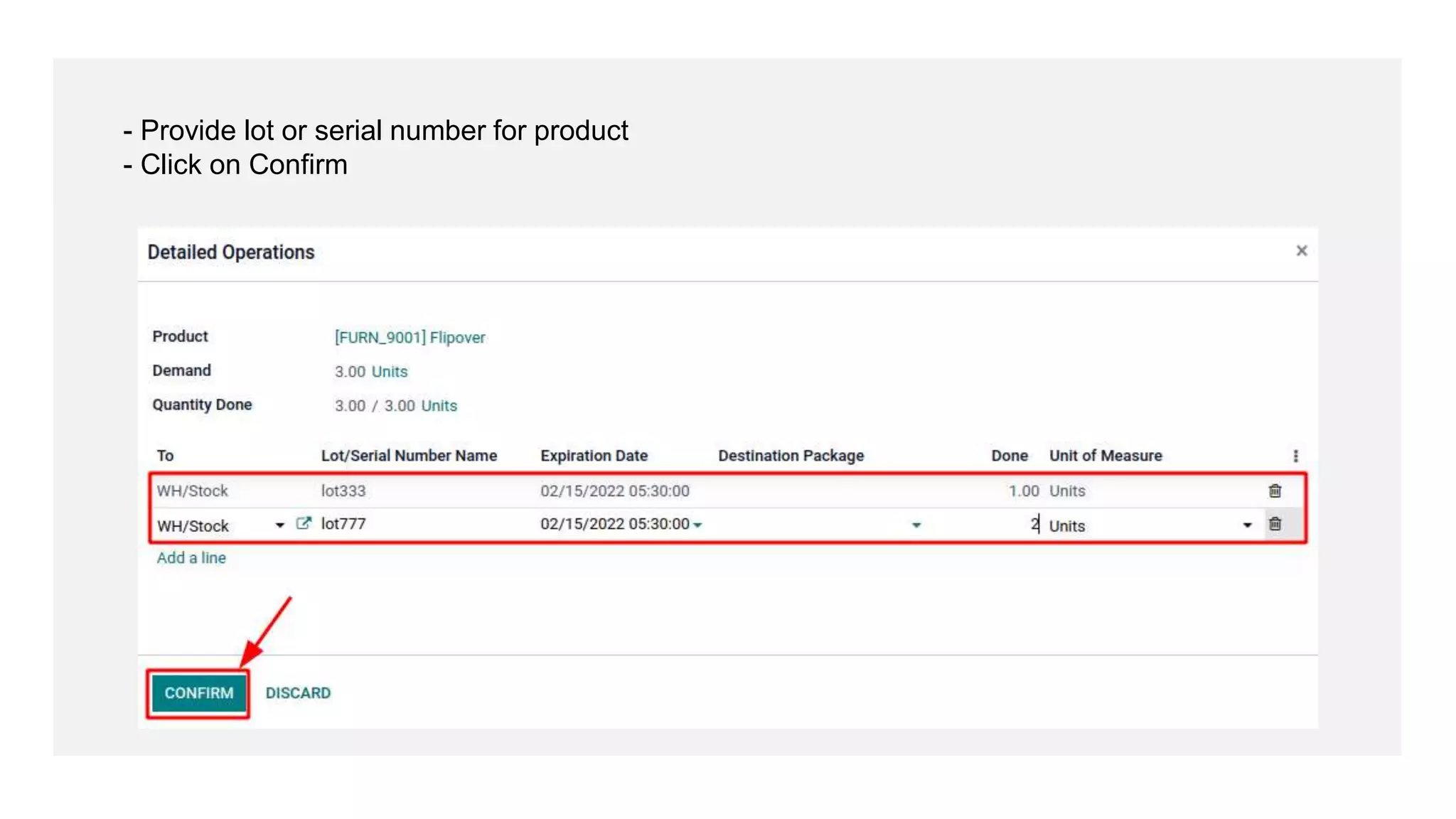
Provide lot or serial number for product
Click on Confirm
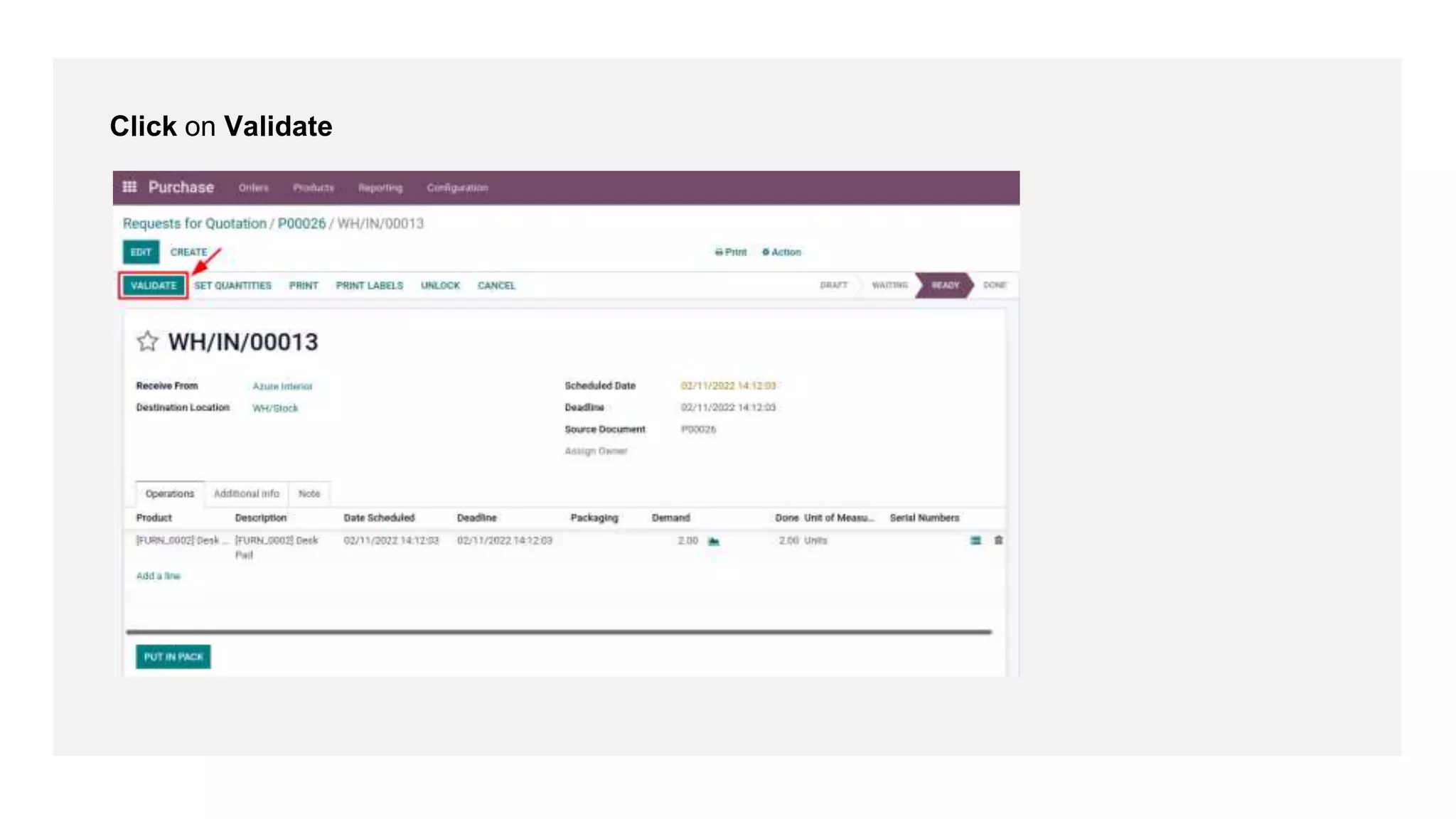
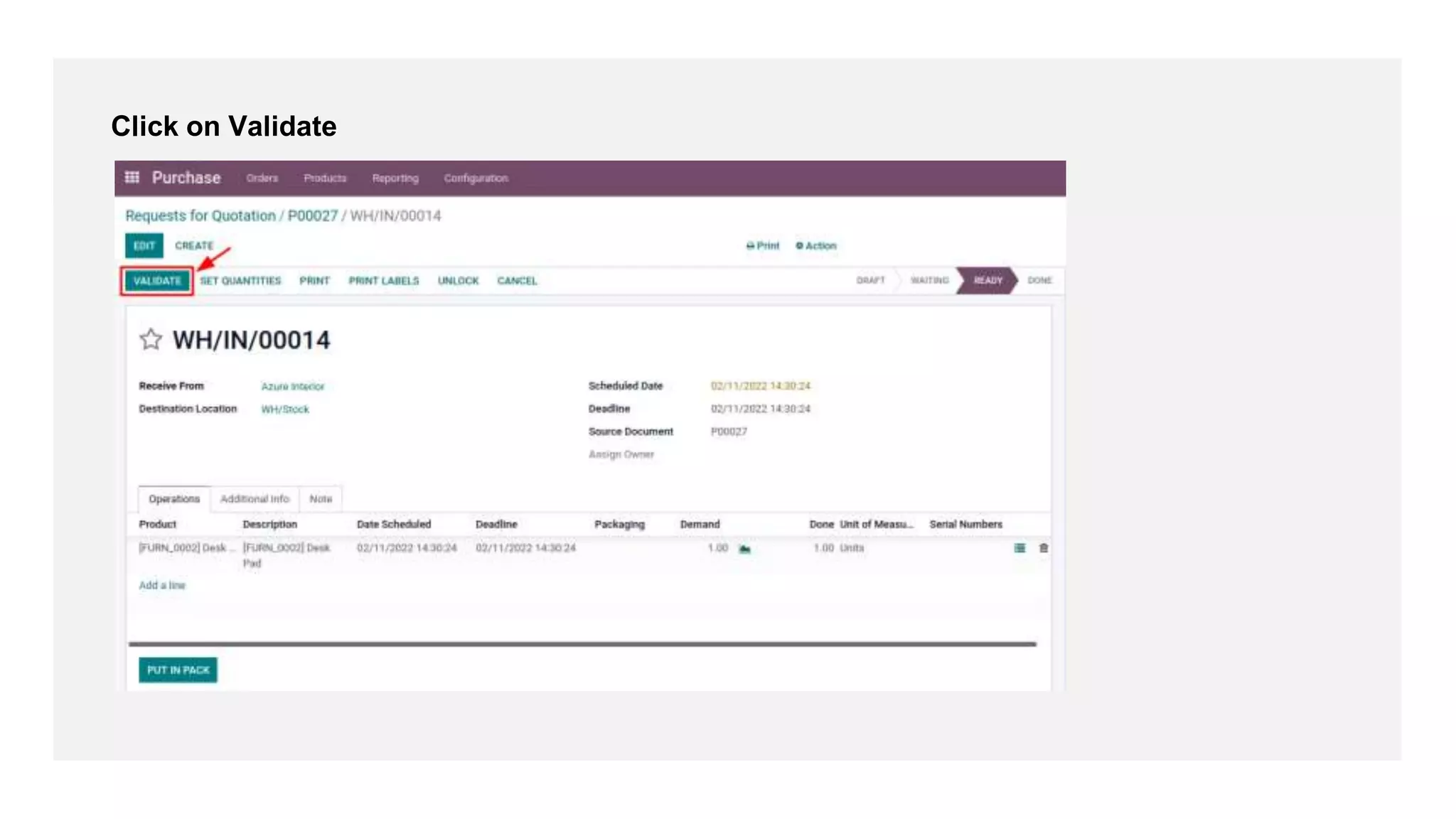
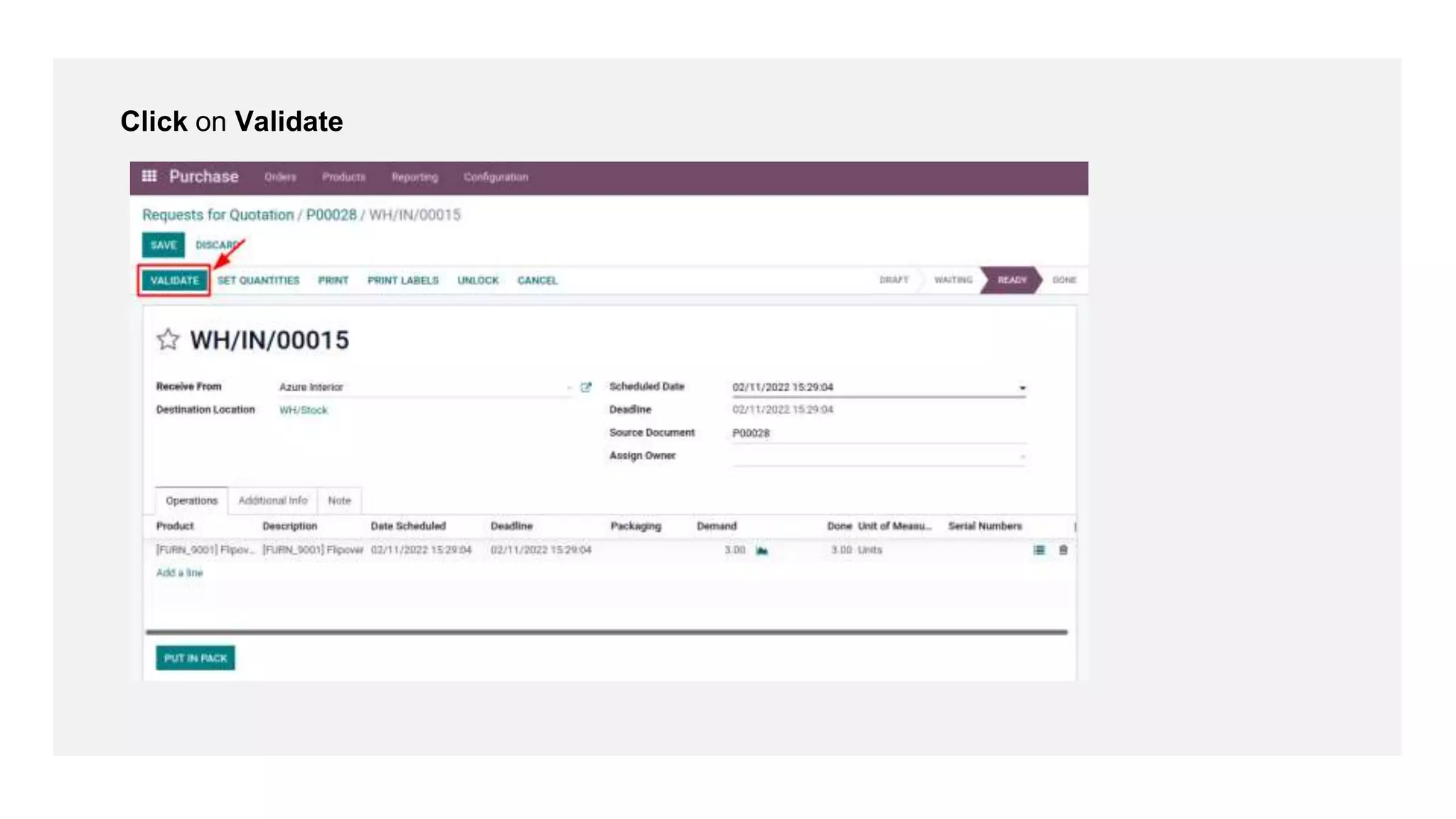
Click on Validate
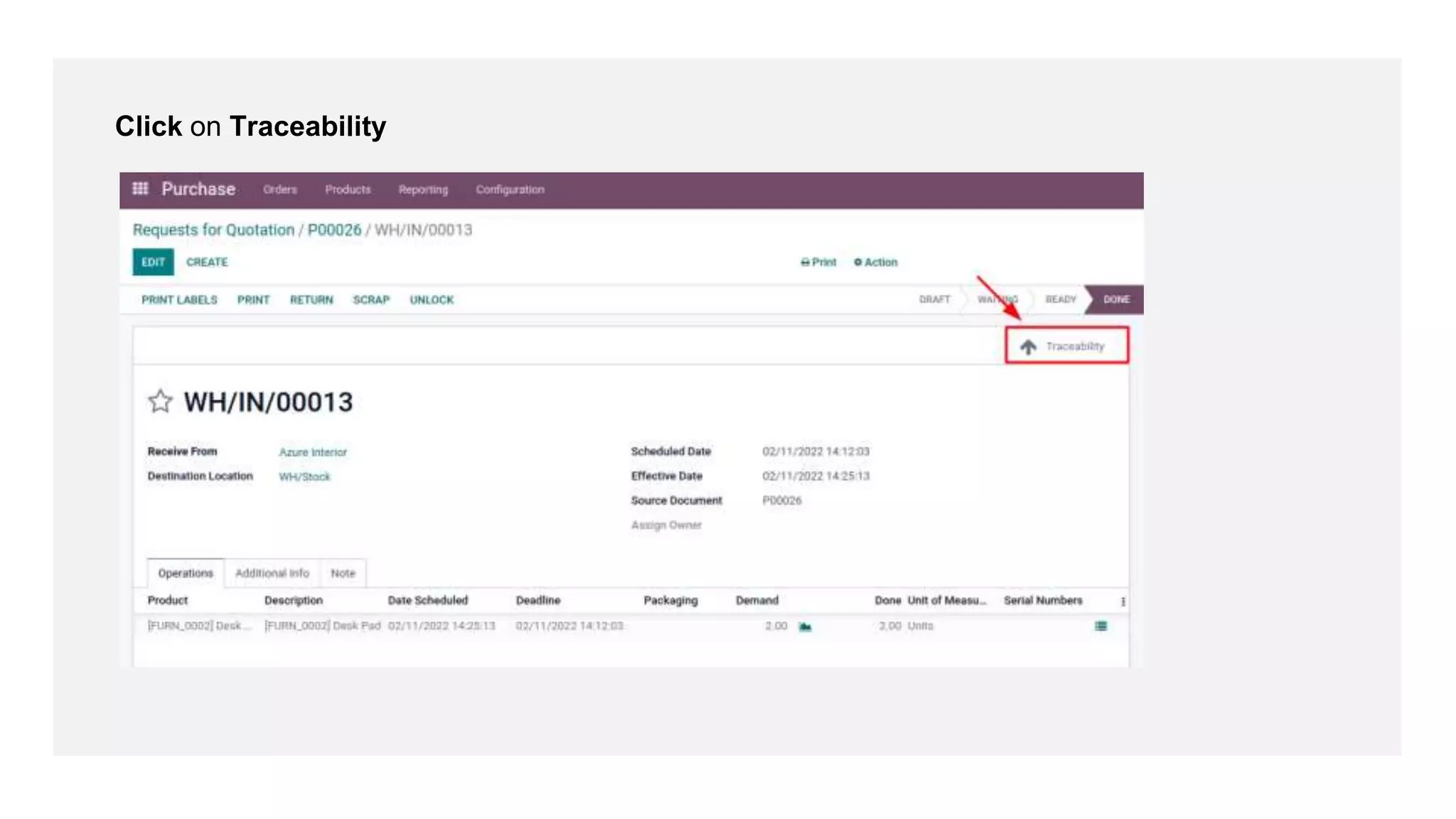
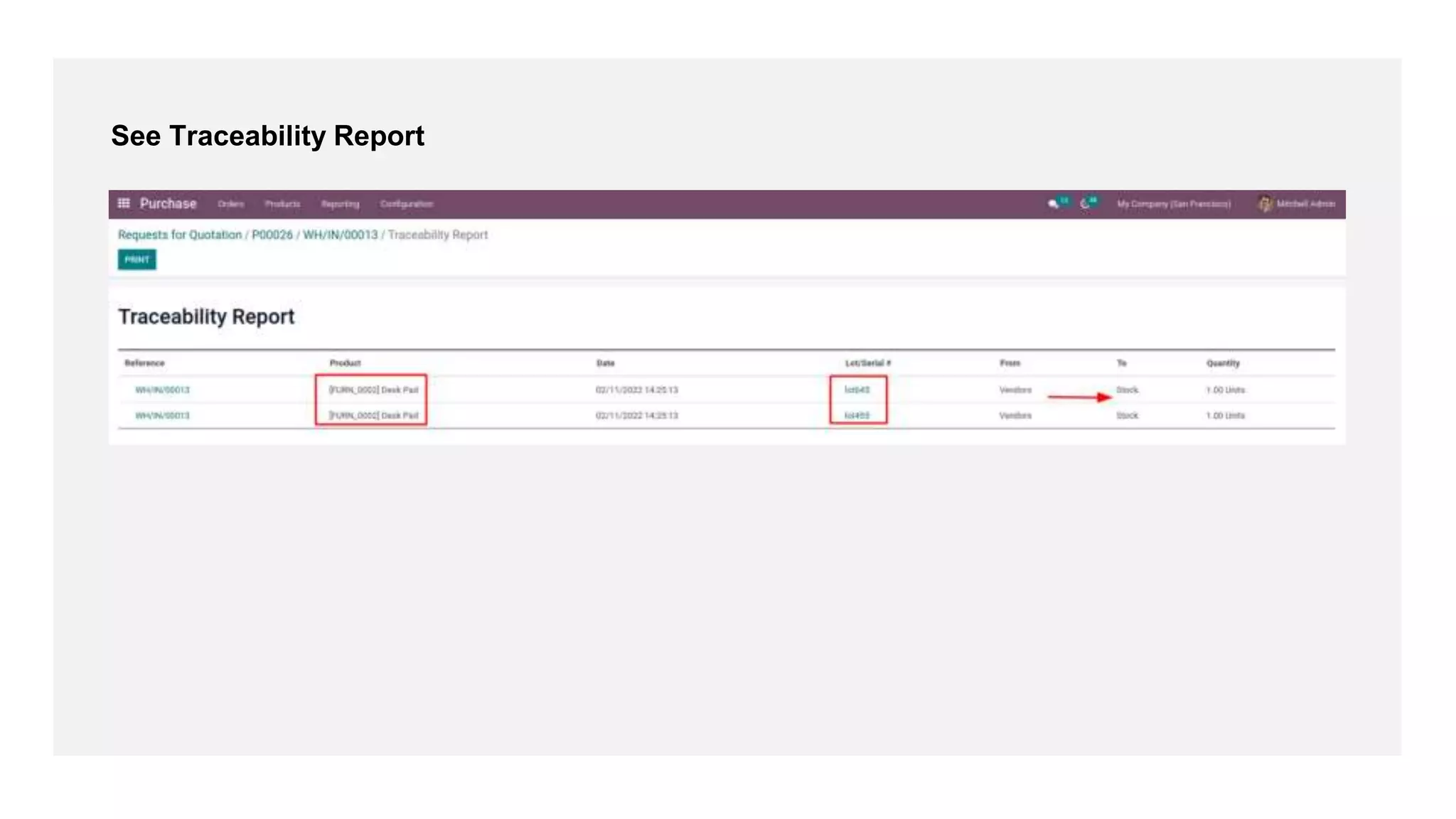
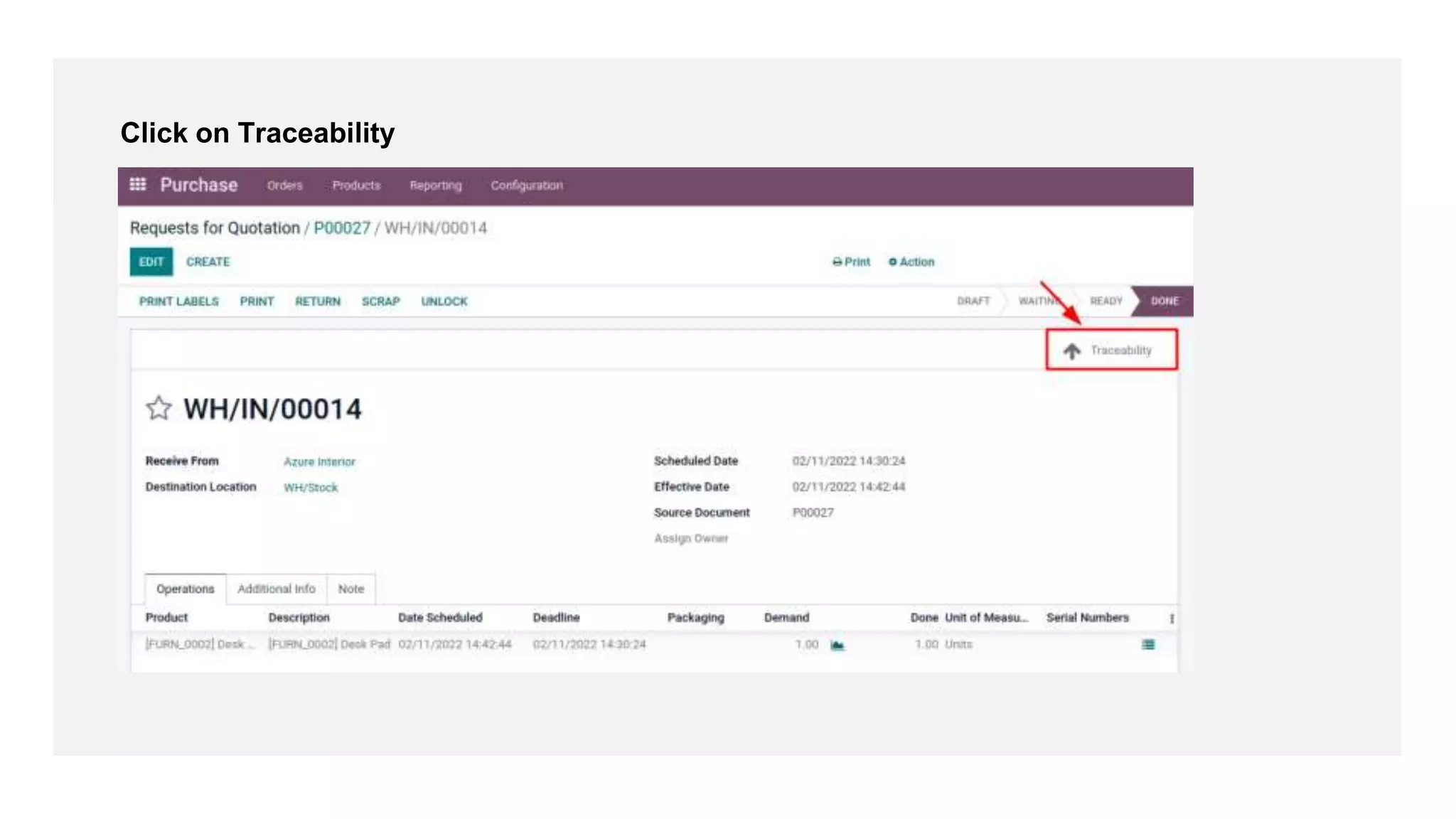
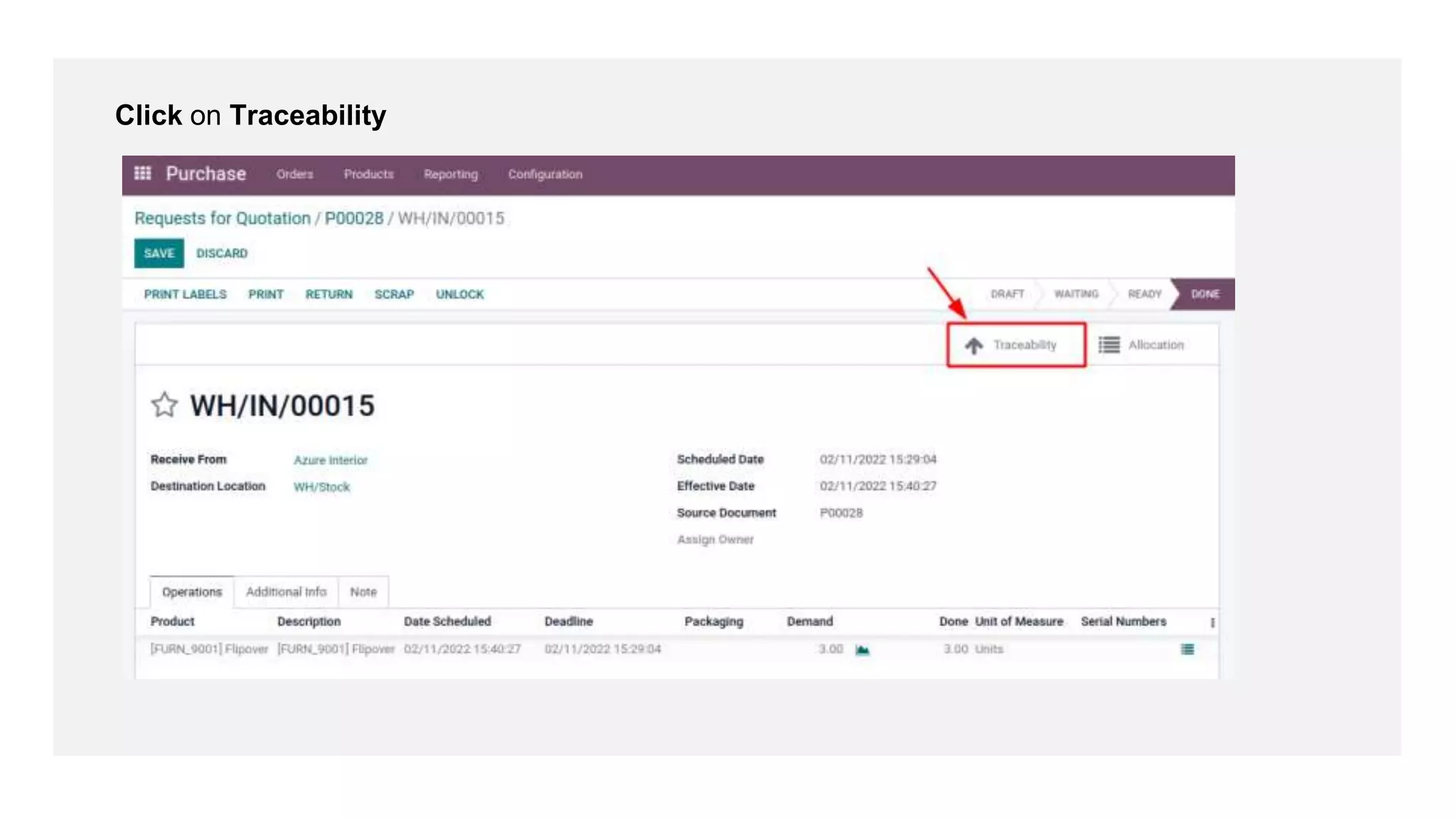
Click on Traceability
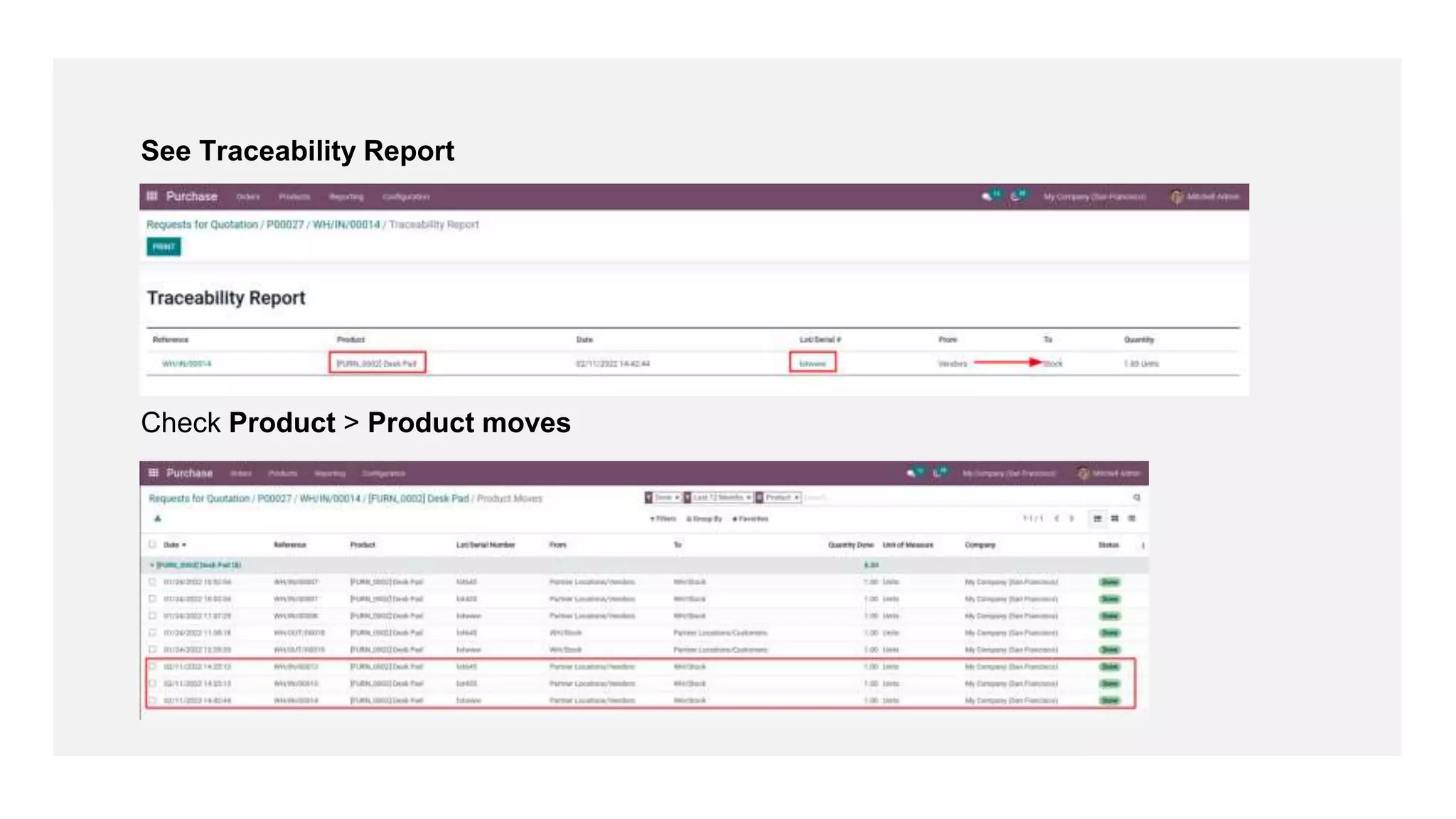
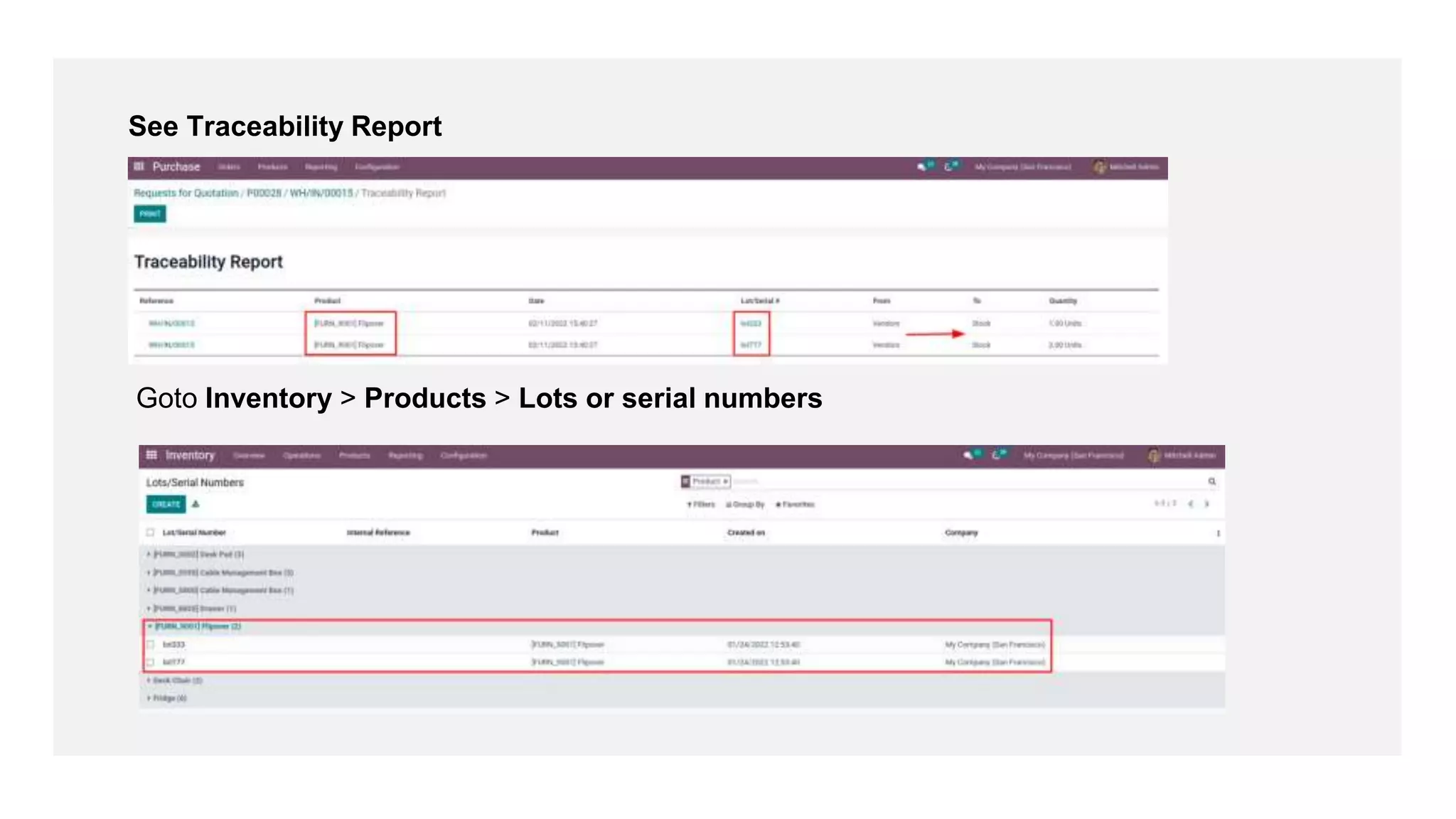
See Traceability Report
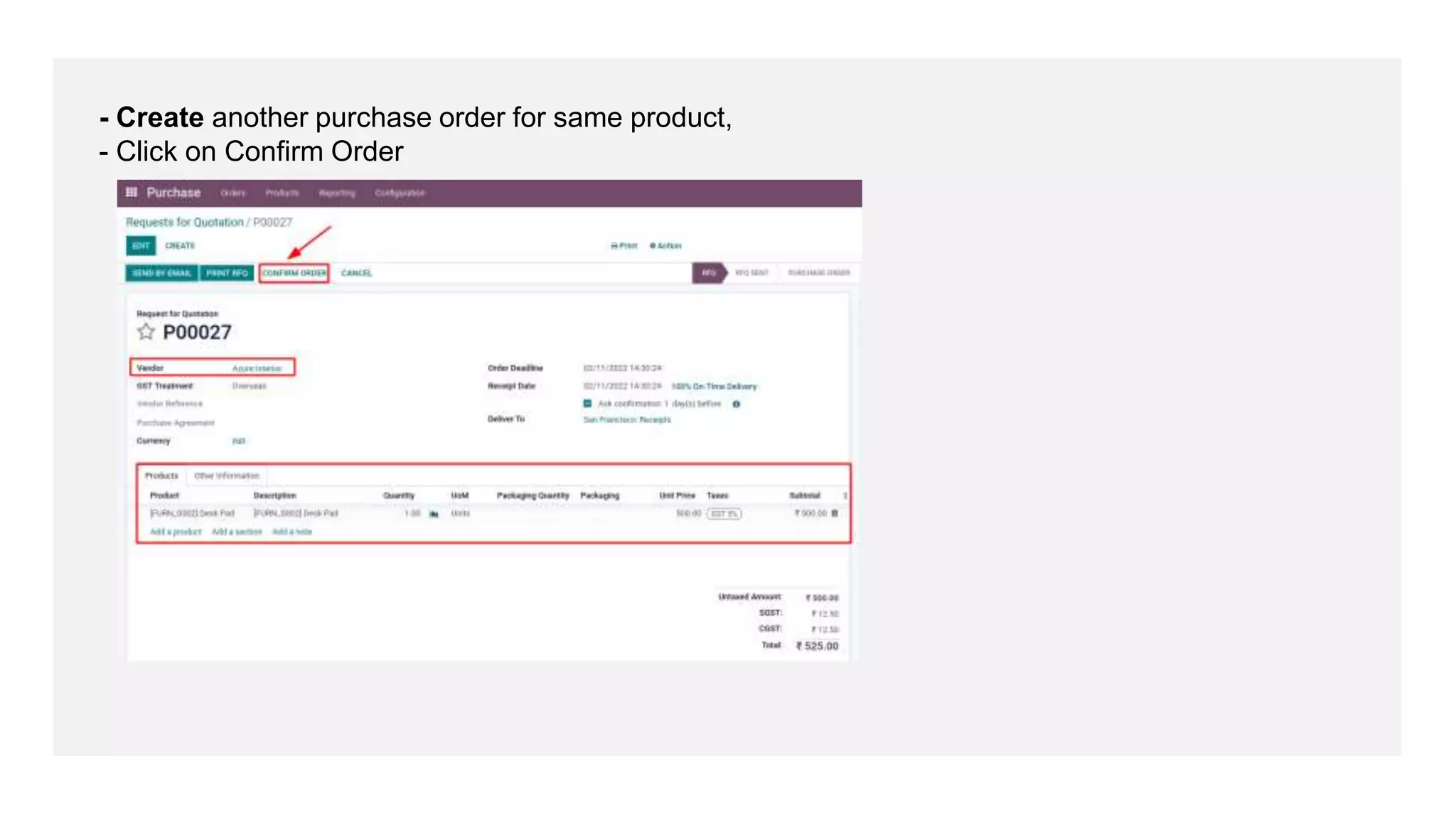
- Create another purchase order for same product,
- Click on Confirm Order
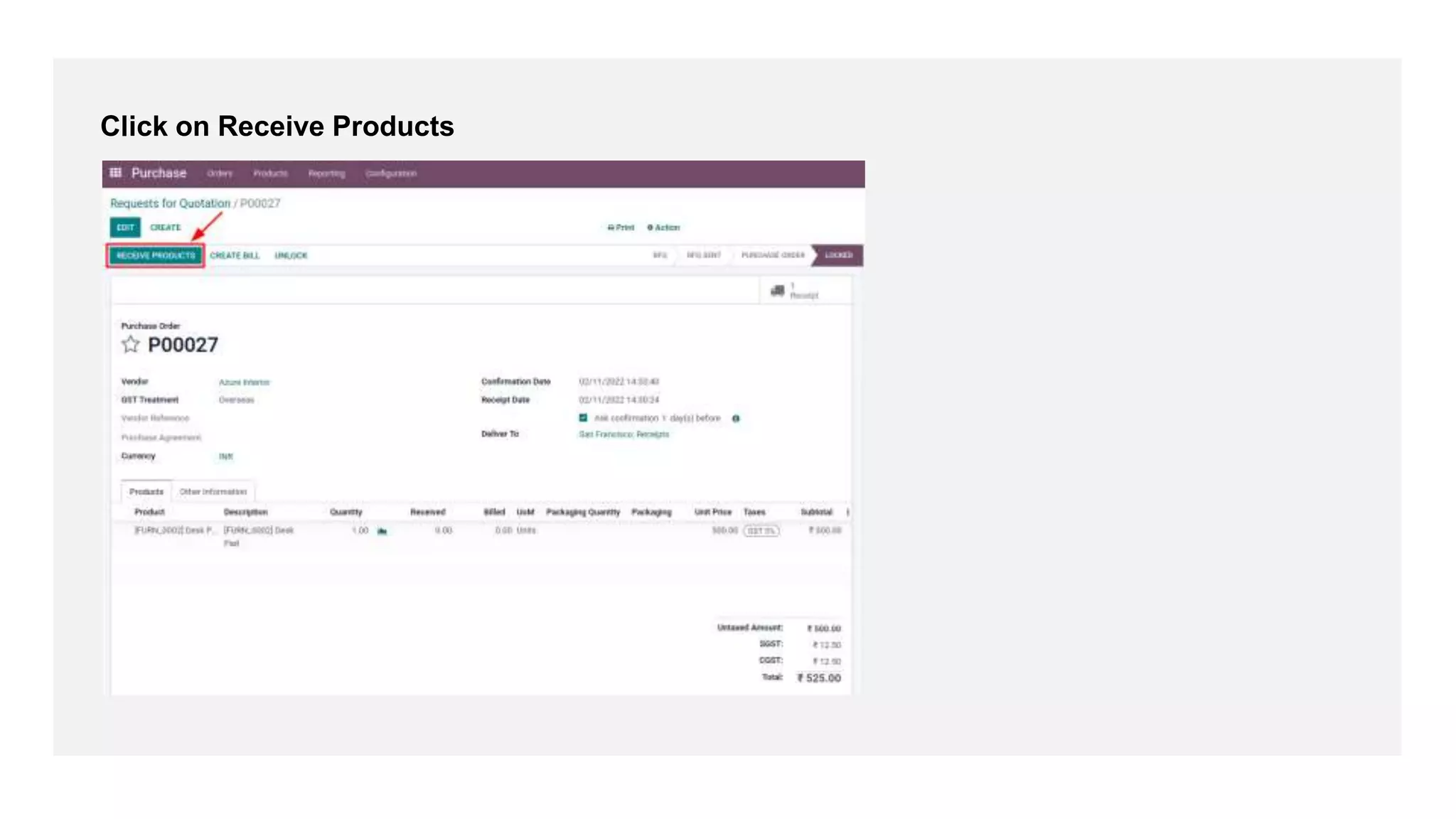
Click on Receive Products
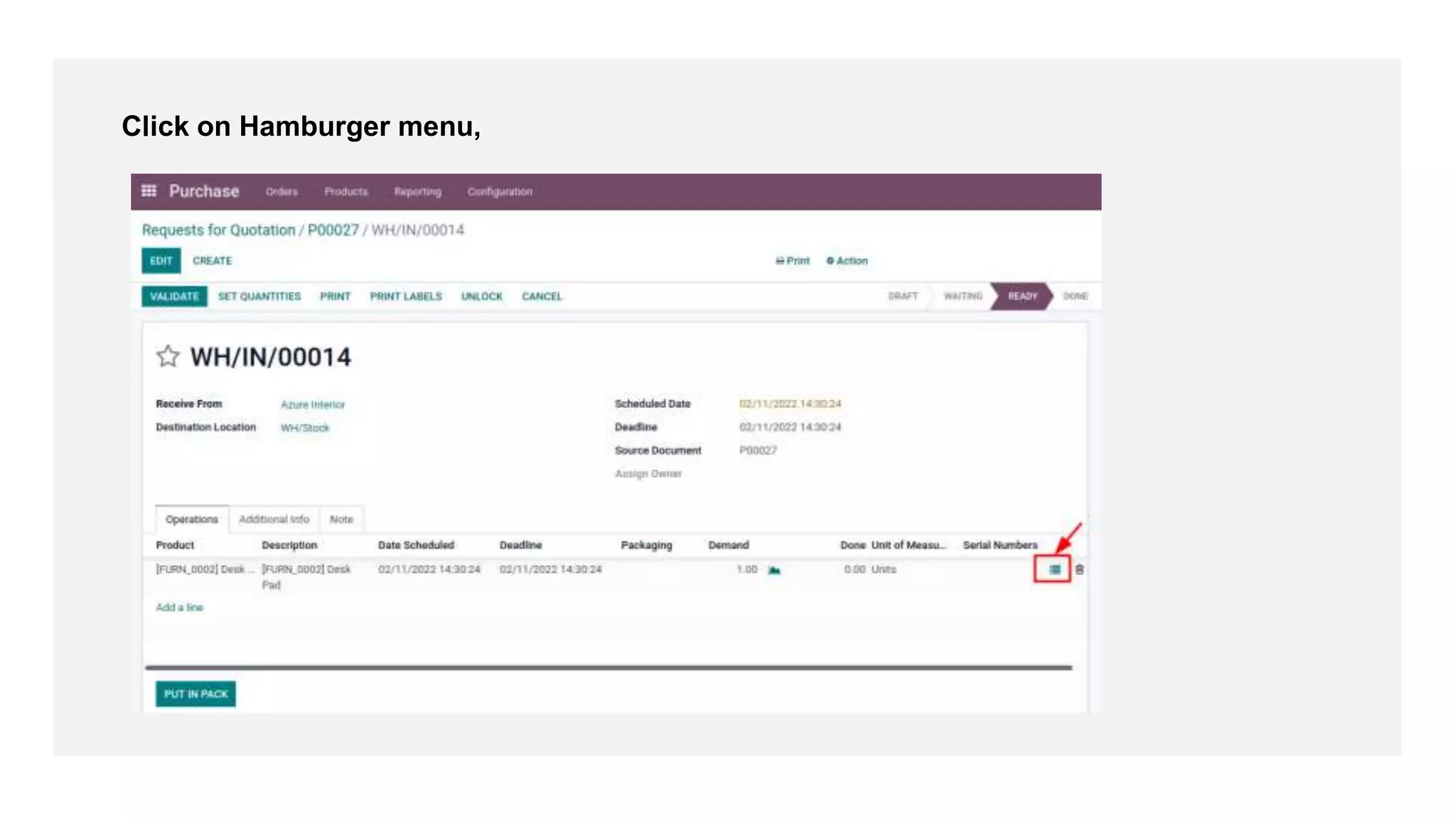
Click on Hamburger menu,
- Provide lot or serial number,
- Click on Confirm
Click on Validate
Click on Traceability
See Traceability Report
Check Product > Product moves
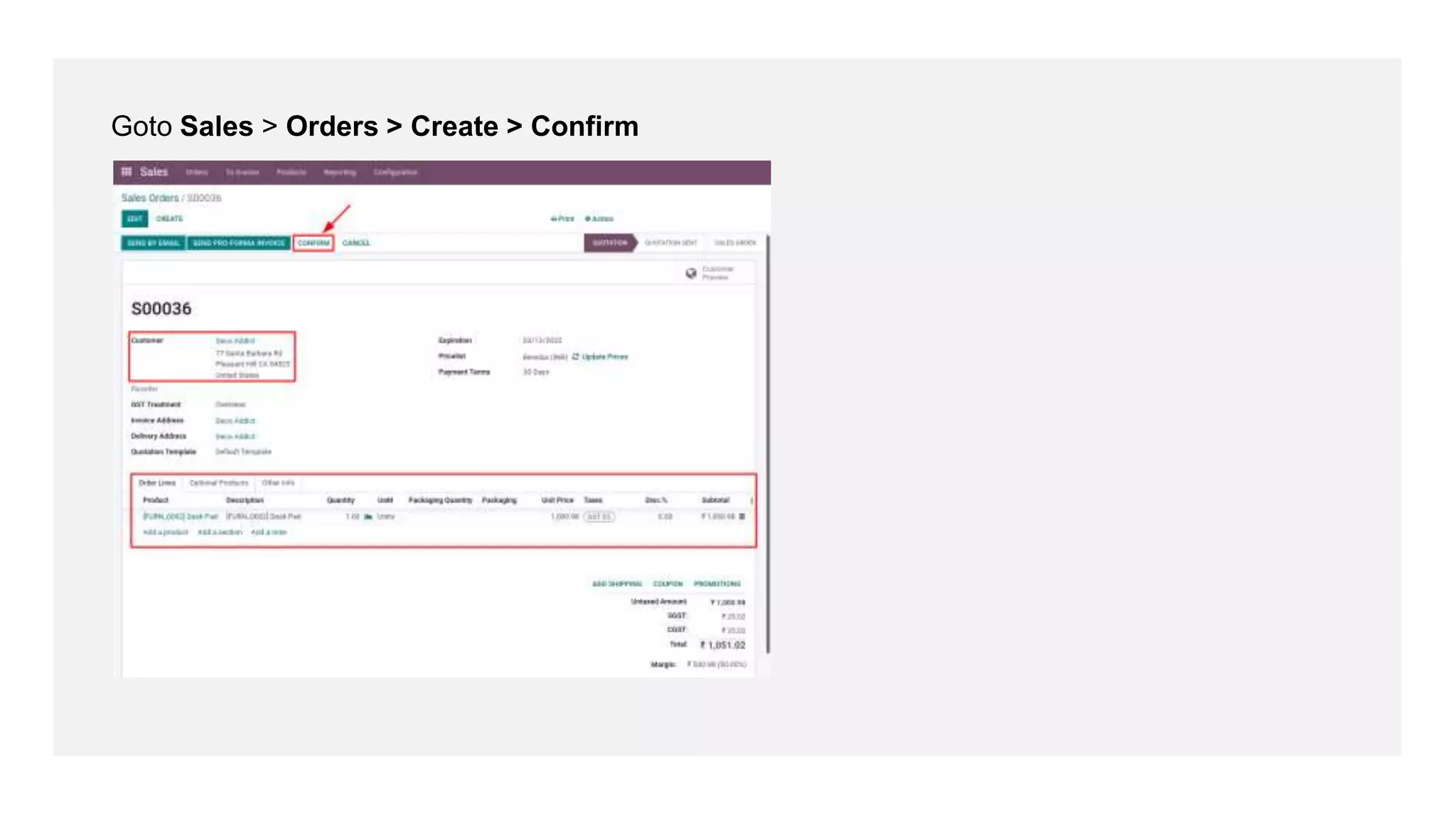
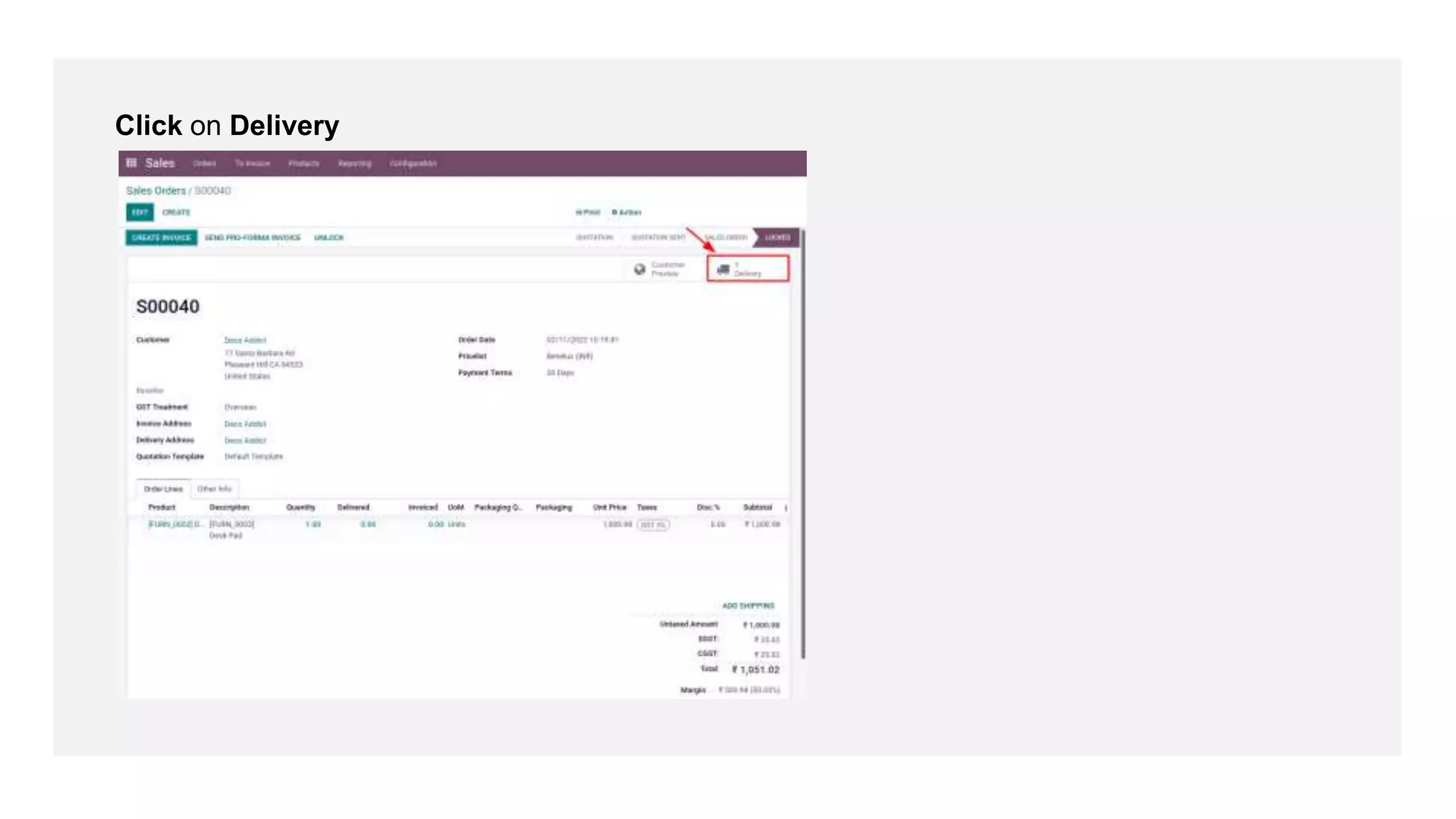
Goto Sales > Orders > Create > Confirm
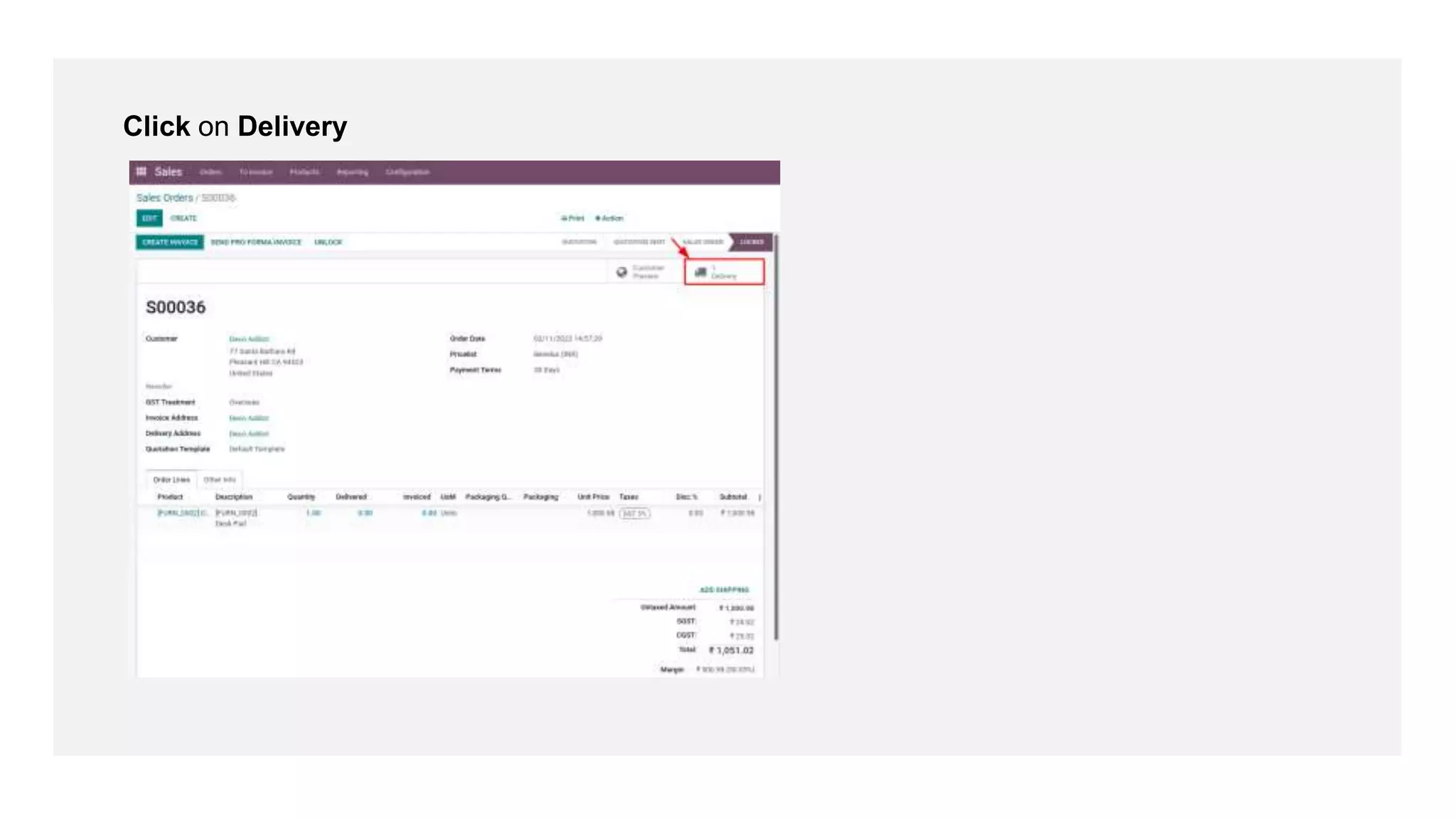
Click on Delivery
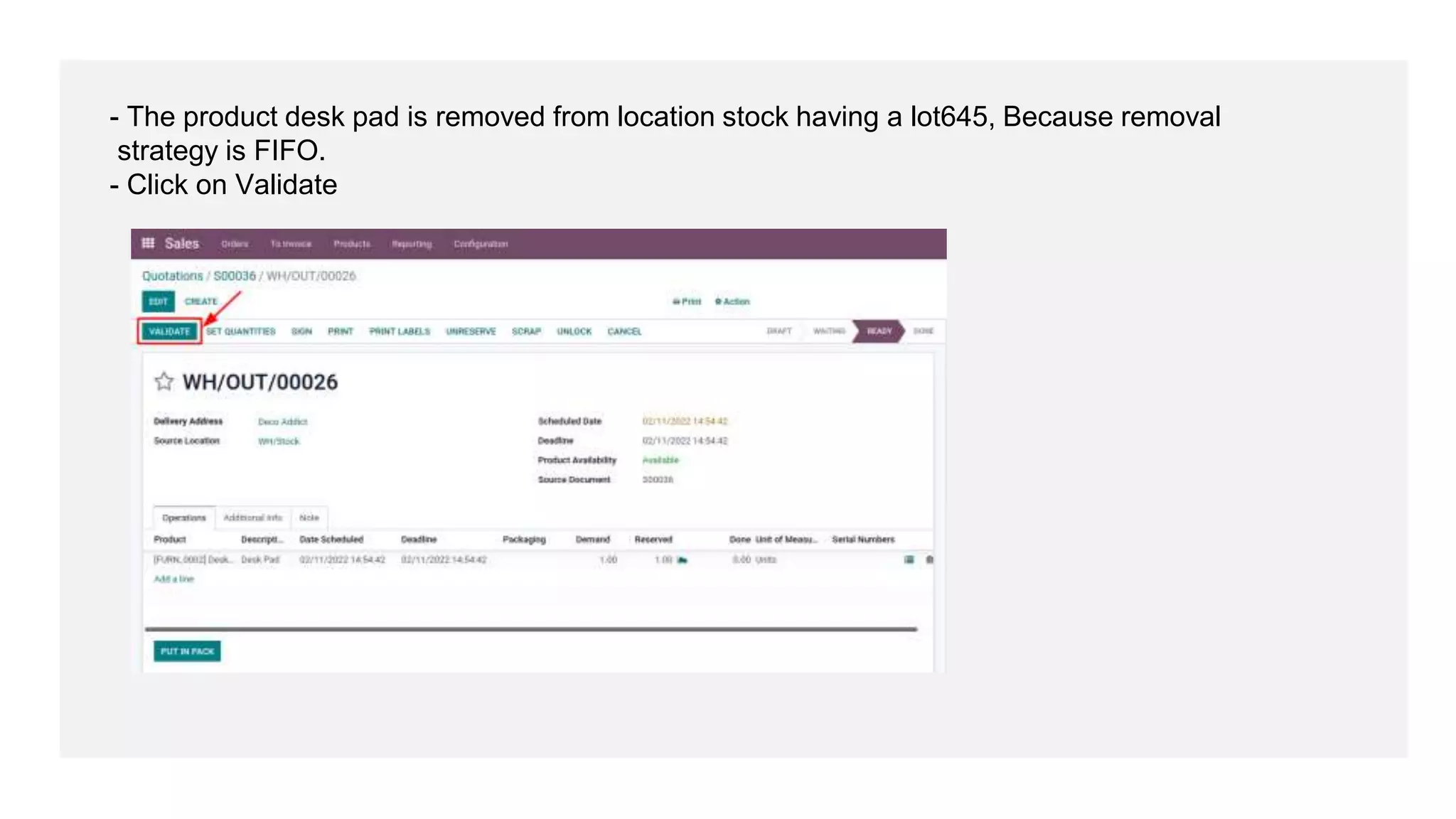
- The product desk pad is removed from location stock having a lot645, Because removal
strategy is FIFO.
- Click on Validate
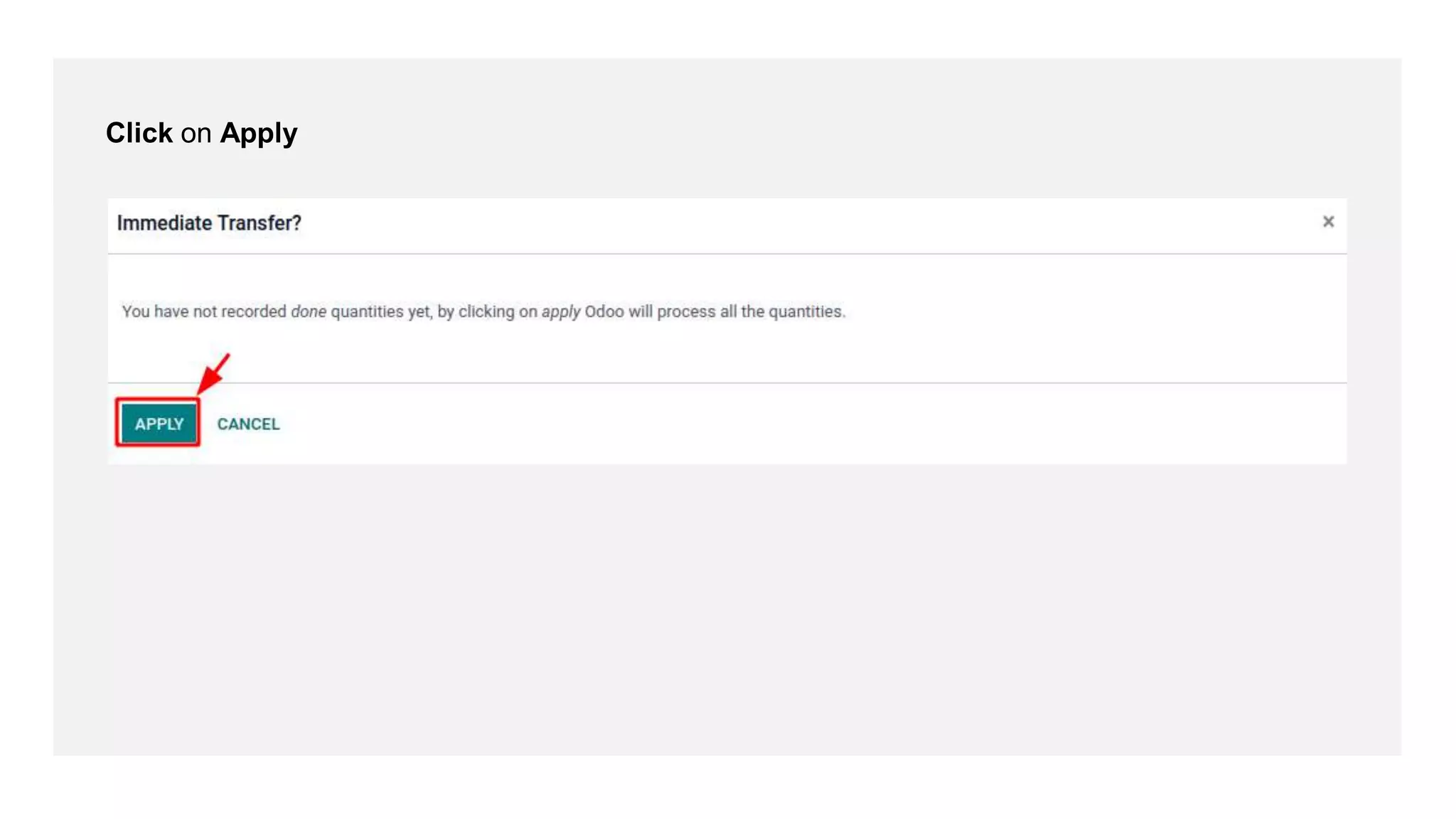
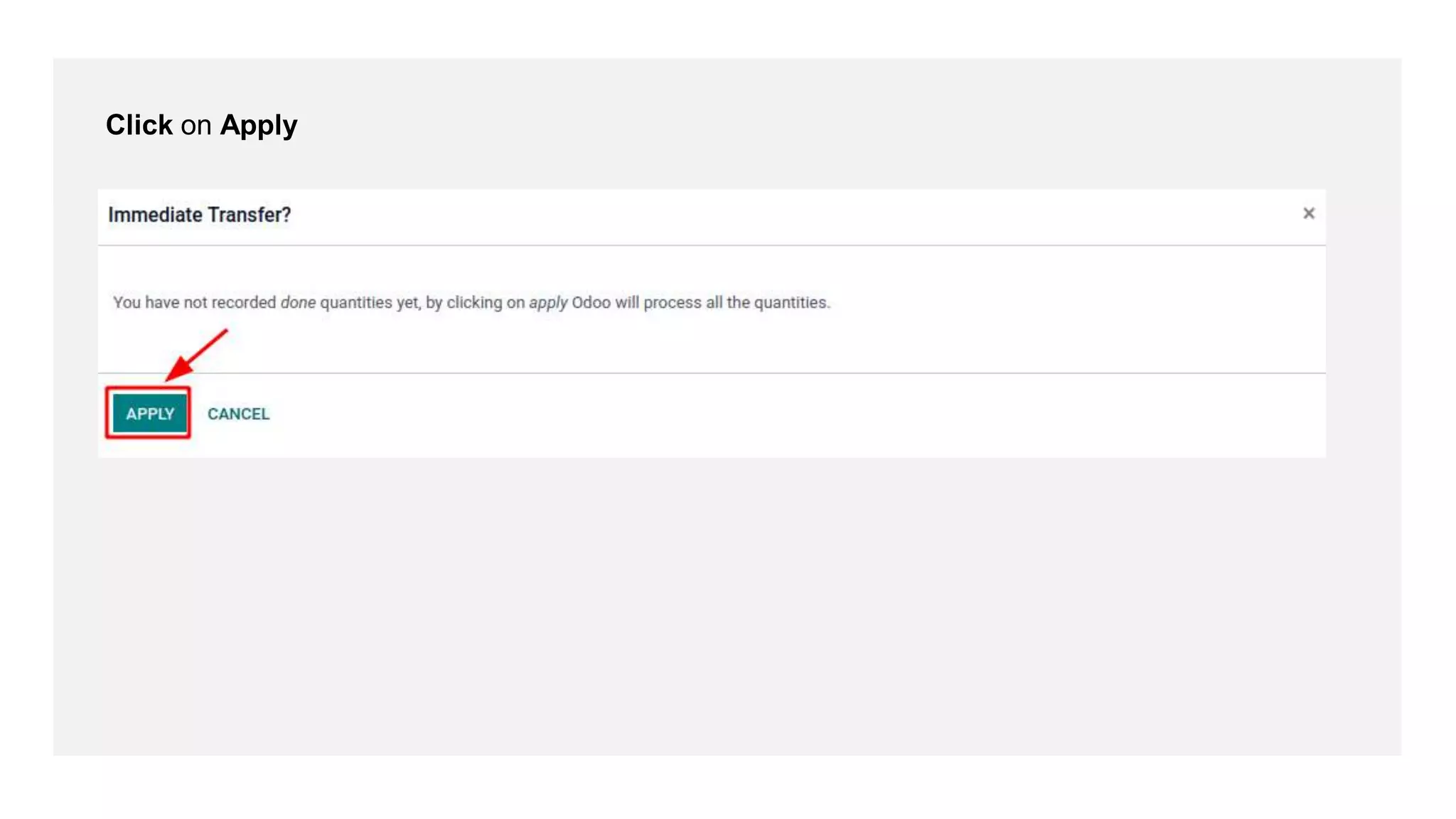
Click on Apply
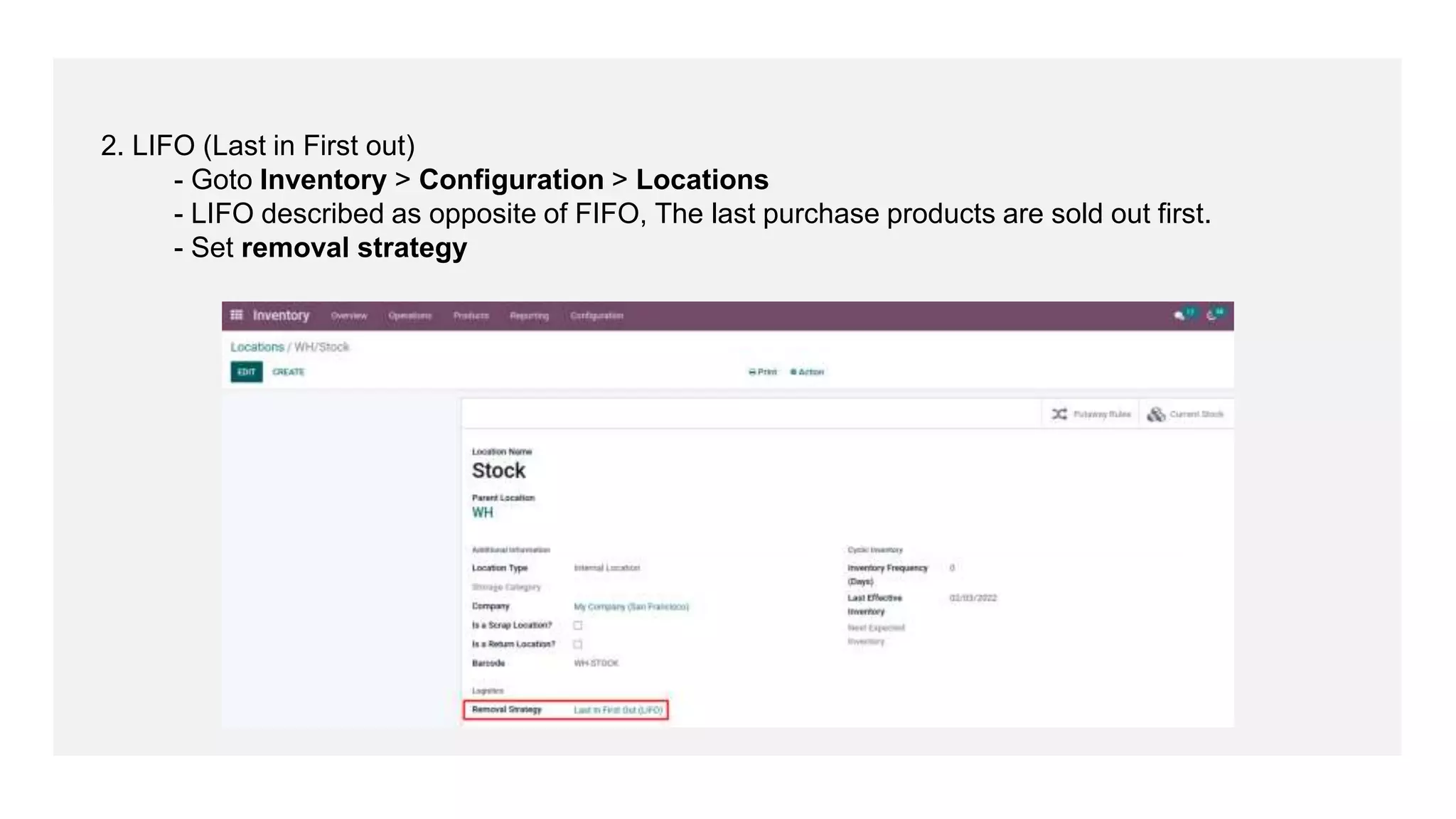
2. LIFO (Last in First out)
- Goto Inventory > Configuration > Locations
- LIFO described as opposite of FIFO, The last purchase products are sold out first.
- Set removal strategy
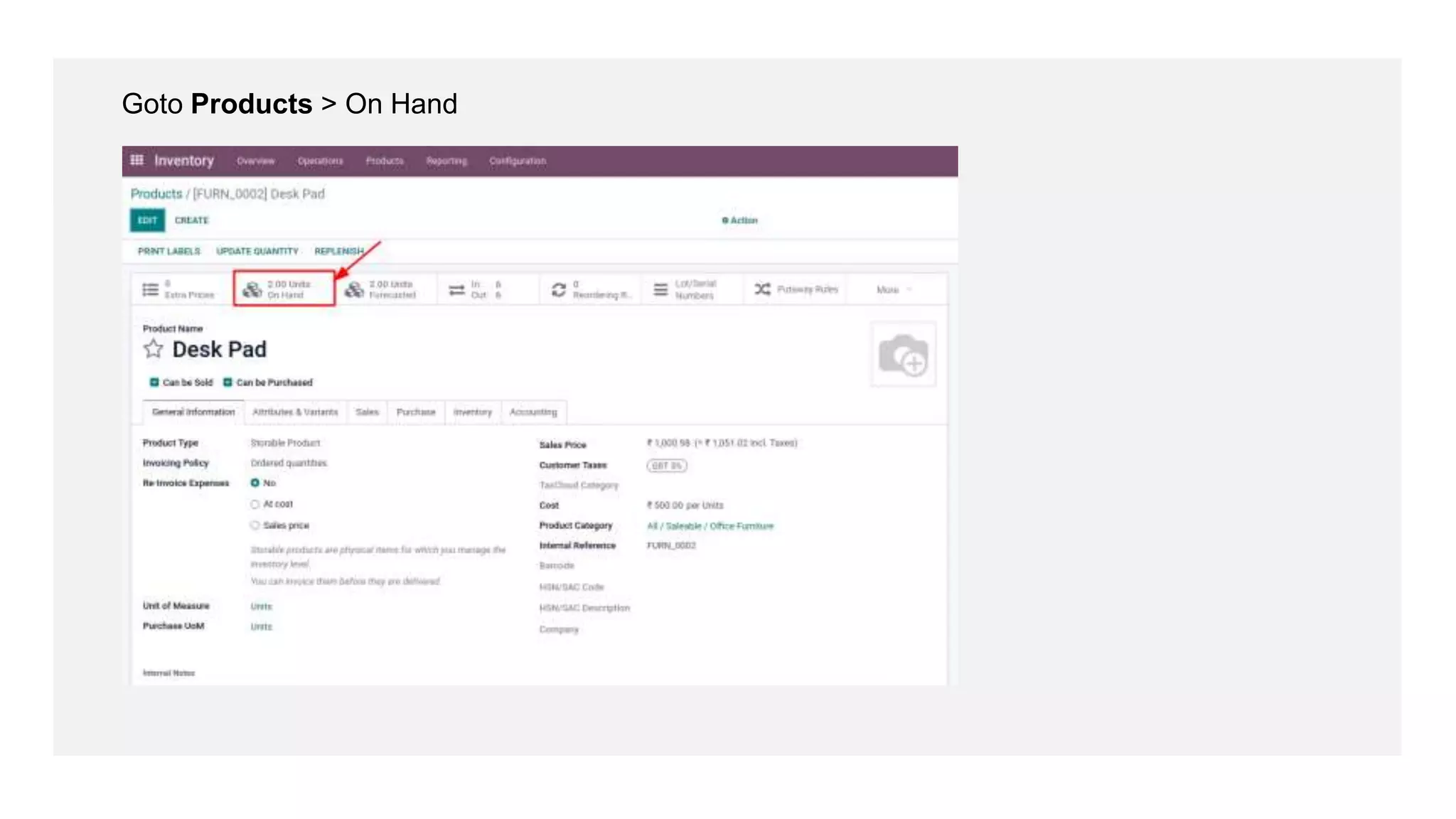
Goto Products > On Hand
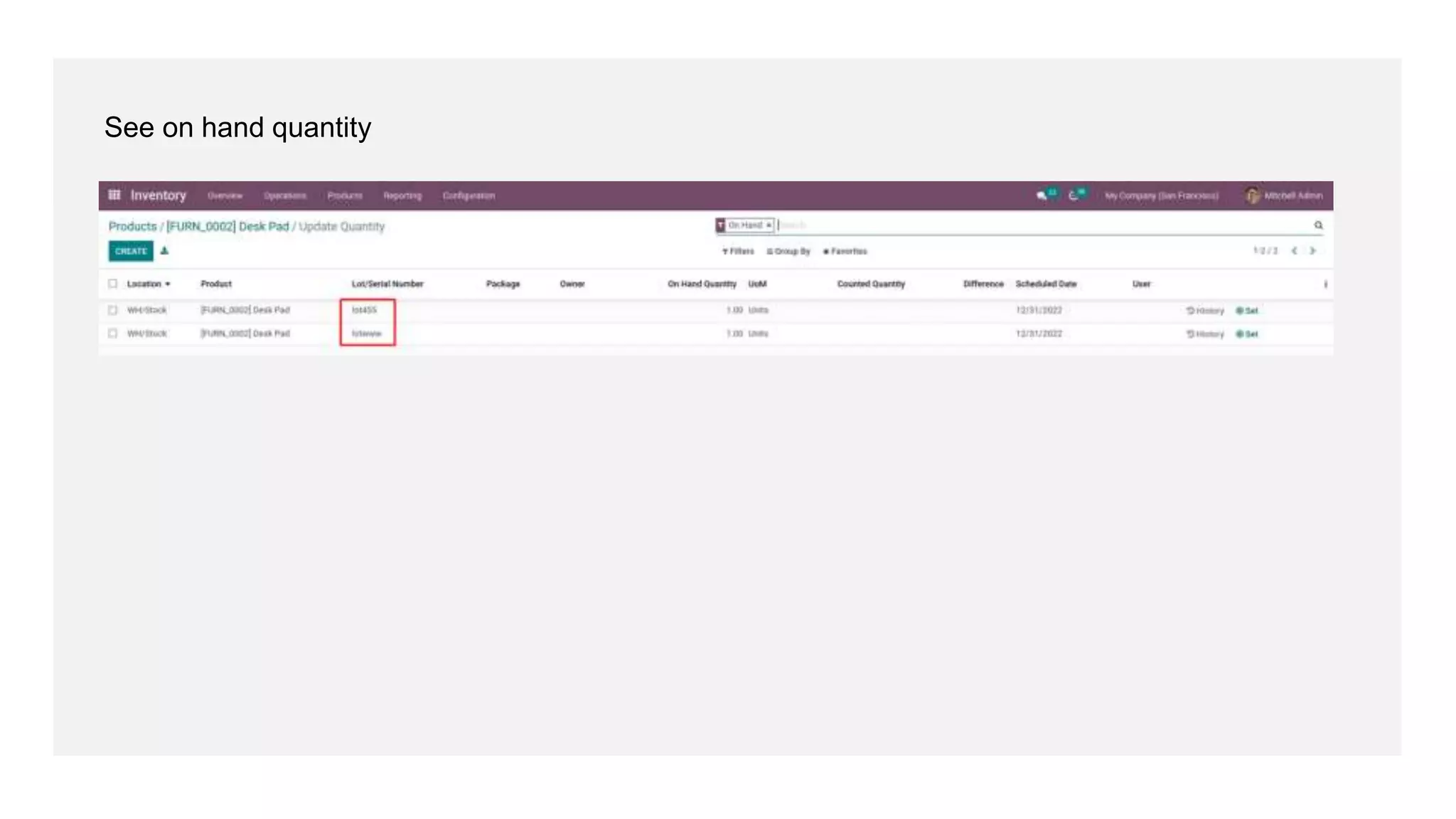
See on hand quantity
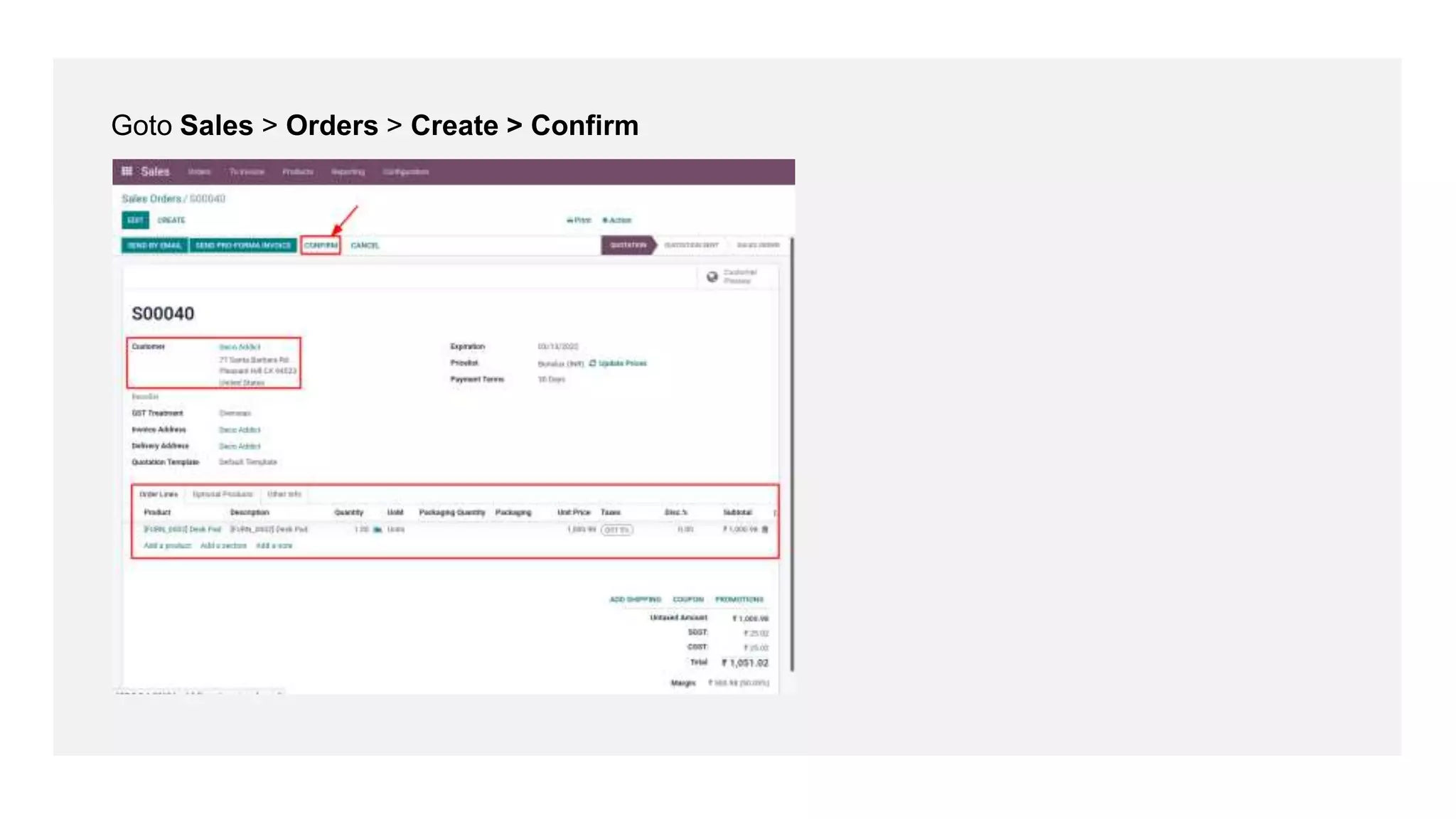
Goto Sales > Orders > Create > Confirm
Click on Delivery
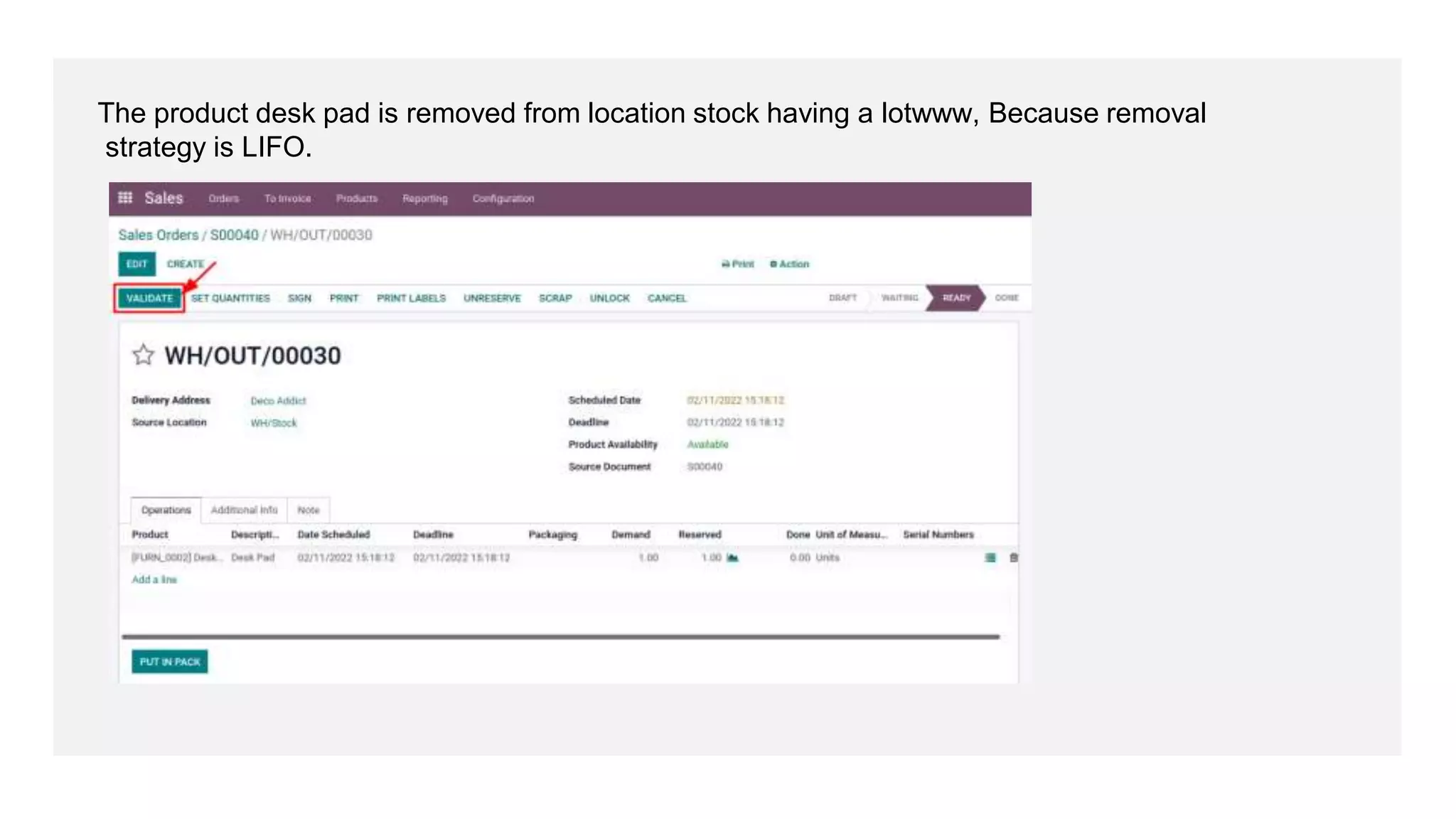
The product desk pad is removed from location stock having a lotwww, Because removal
strategy is LIFO.
Click on Apply
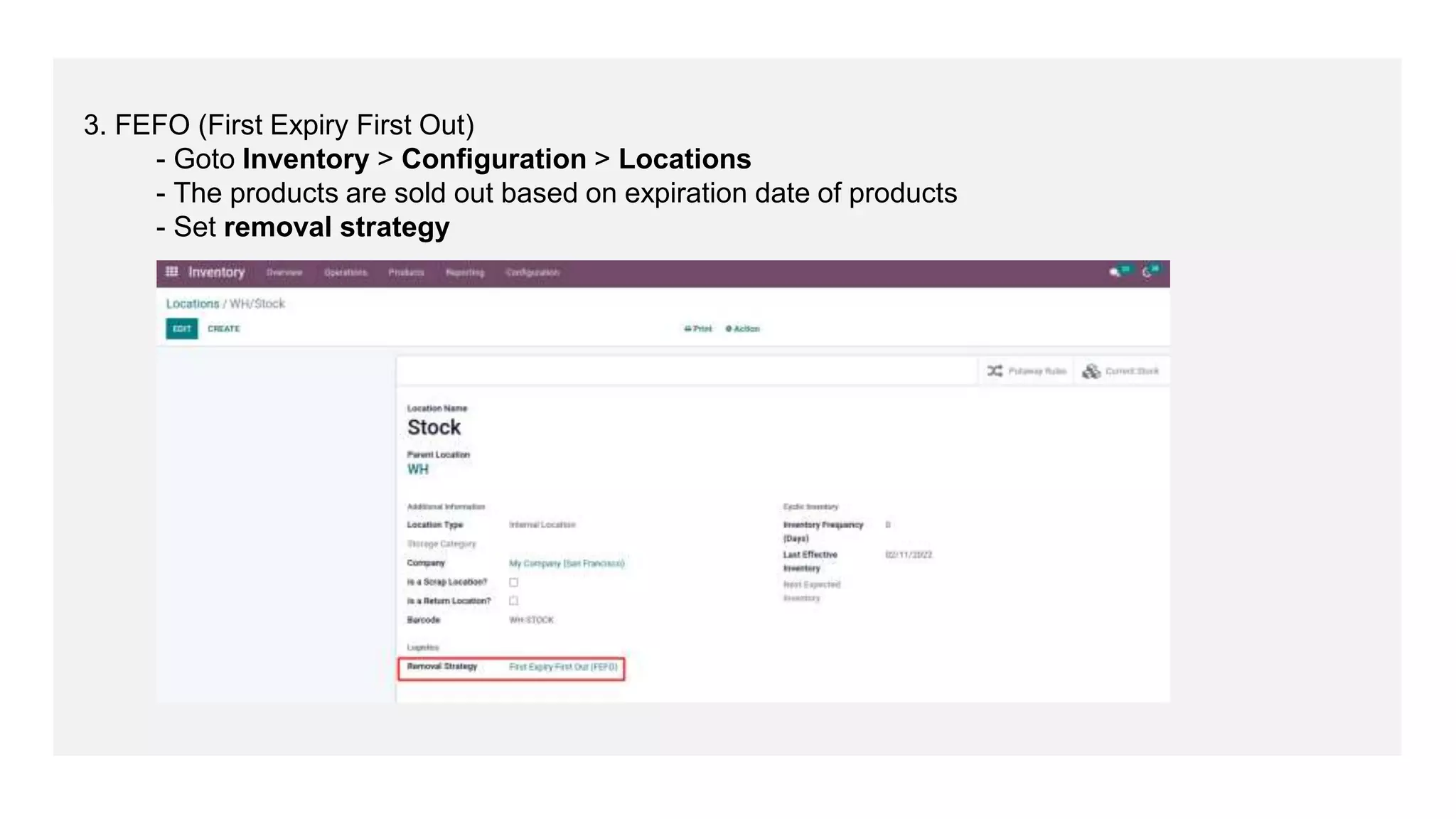
3. FEFO (First Expiry First Out)
- Goto Inventory > Configuration > Locations
- The products are sold out based on expiration date of products
- Set removal strategy
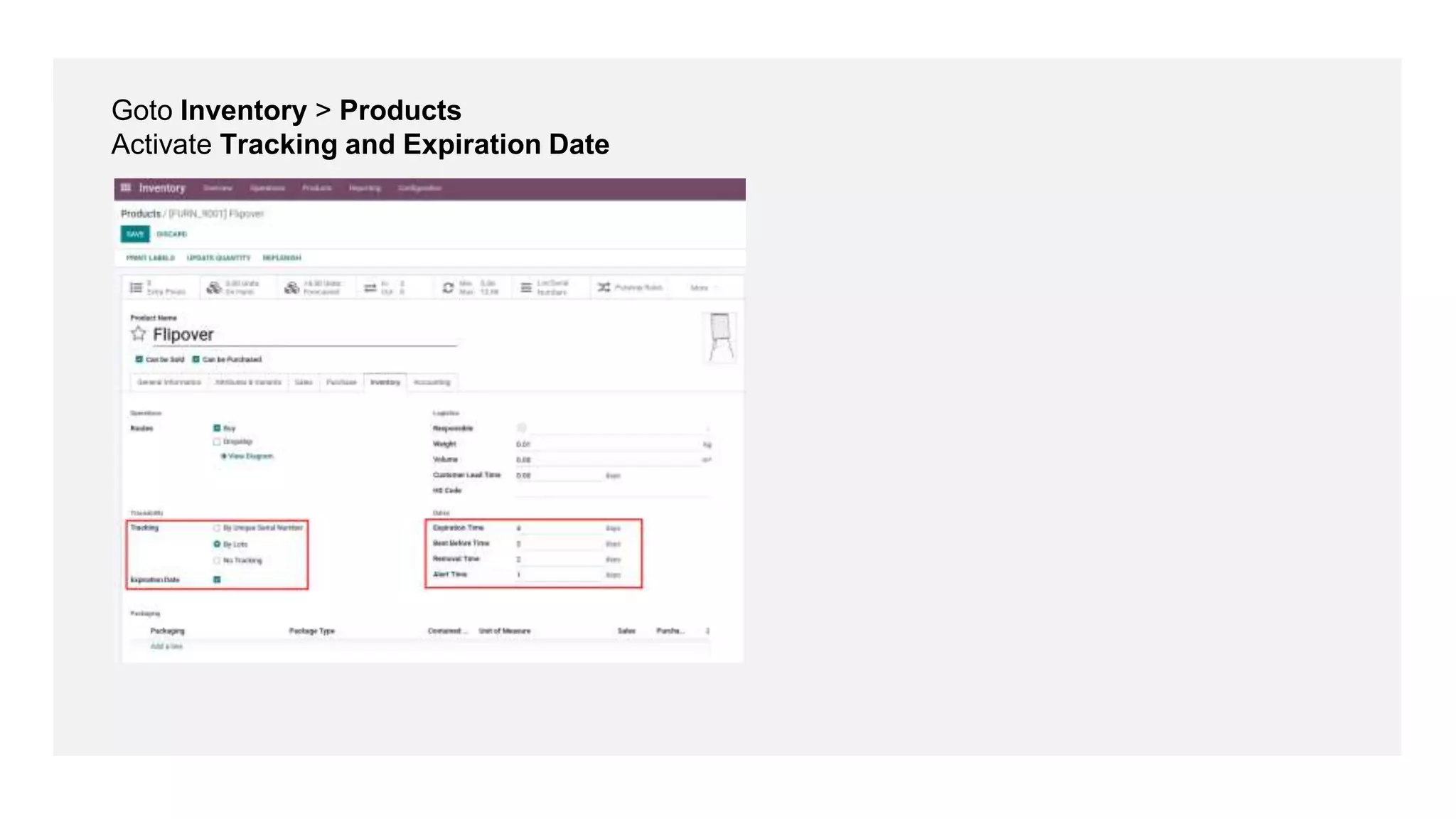
Goto Inventory > Products
Activate Tracking and Expiration Date
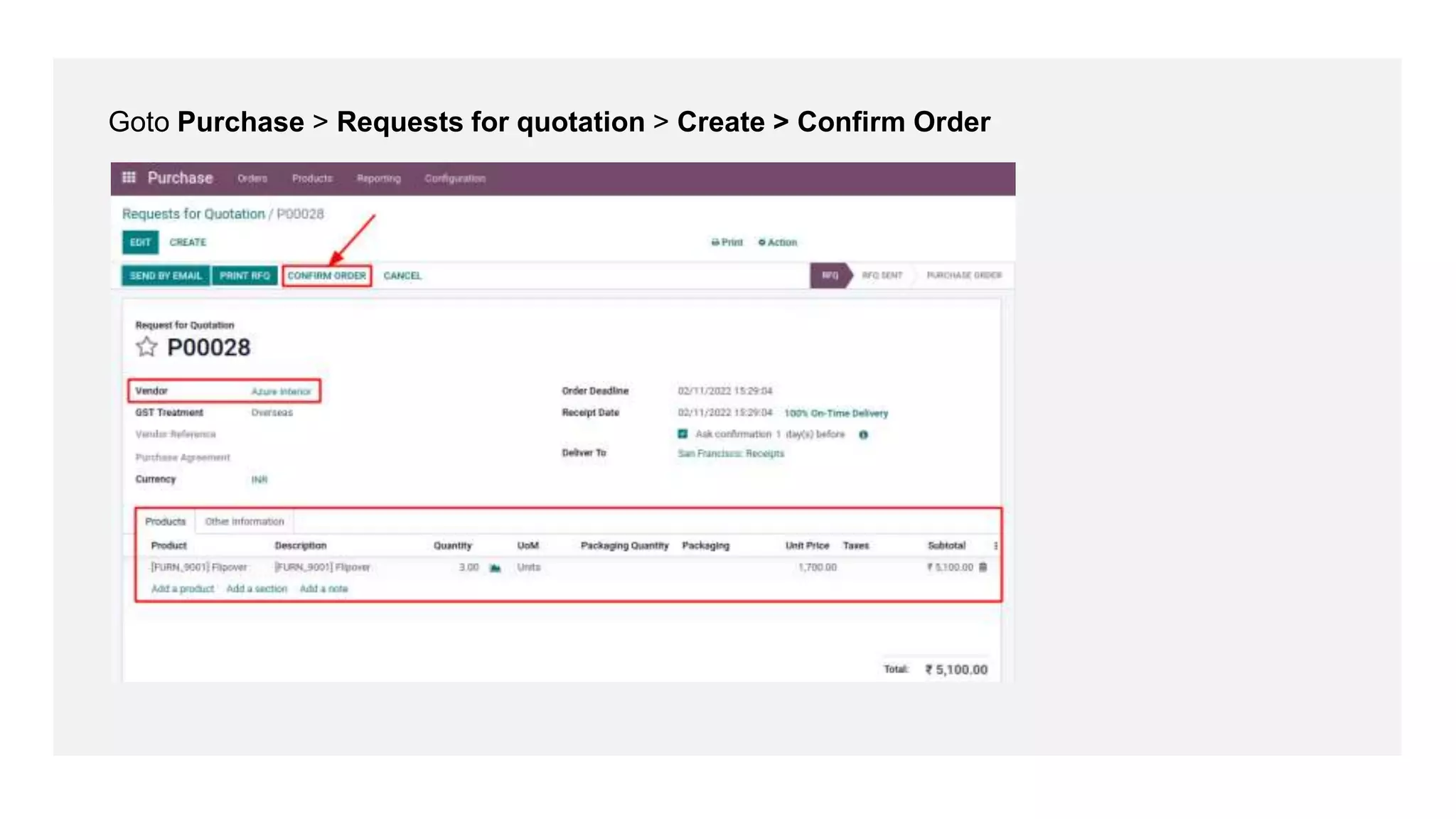
Goto Purchase > Requests for quotation > Create > Confirm Order
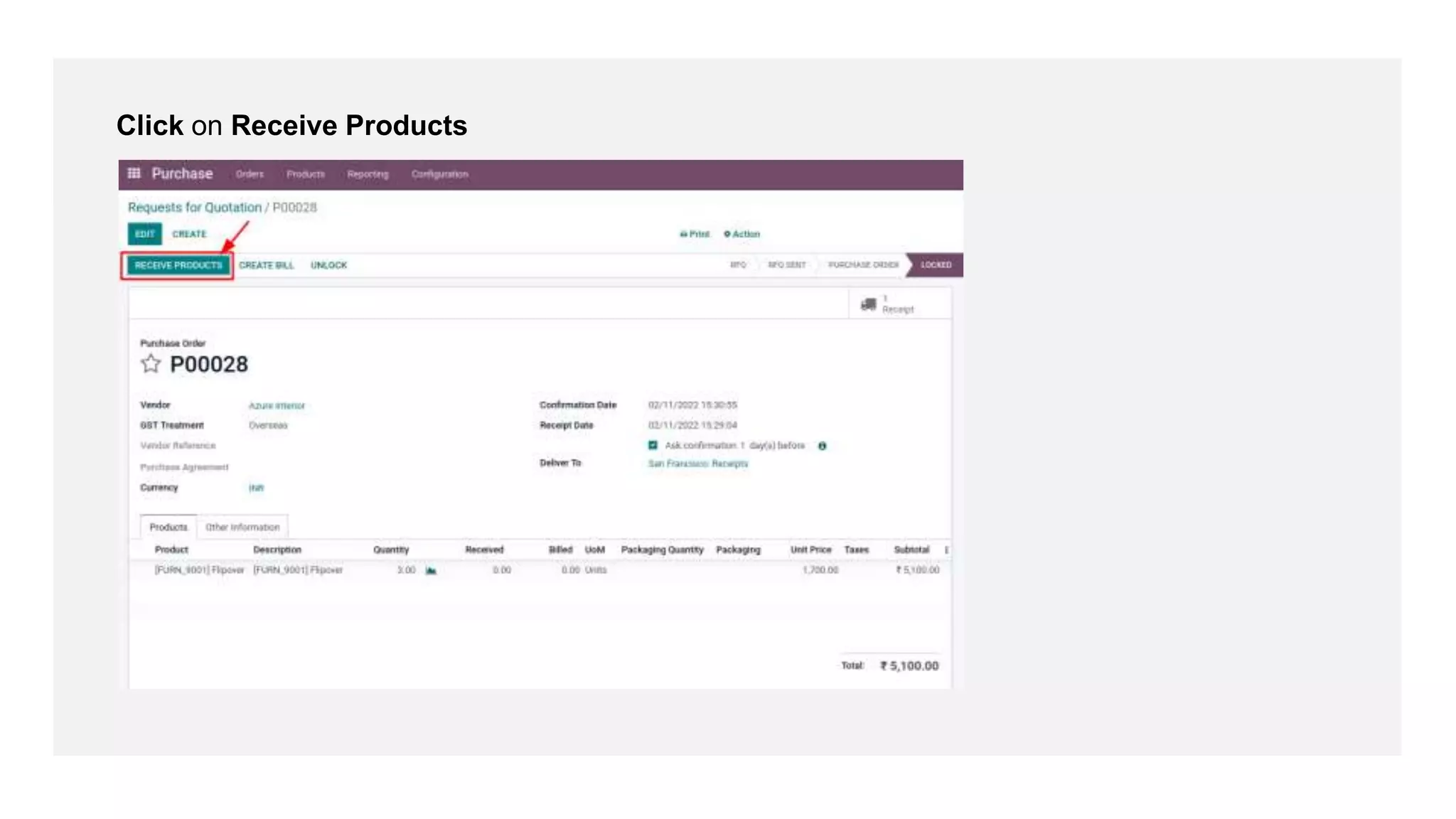
Click on Receive Products
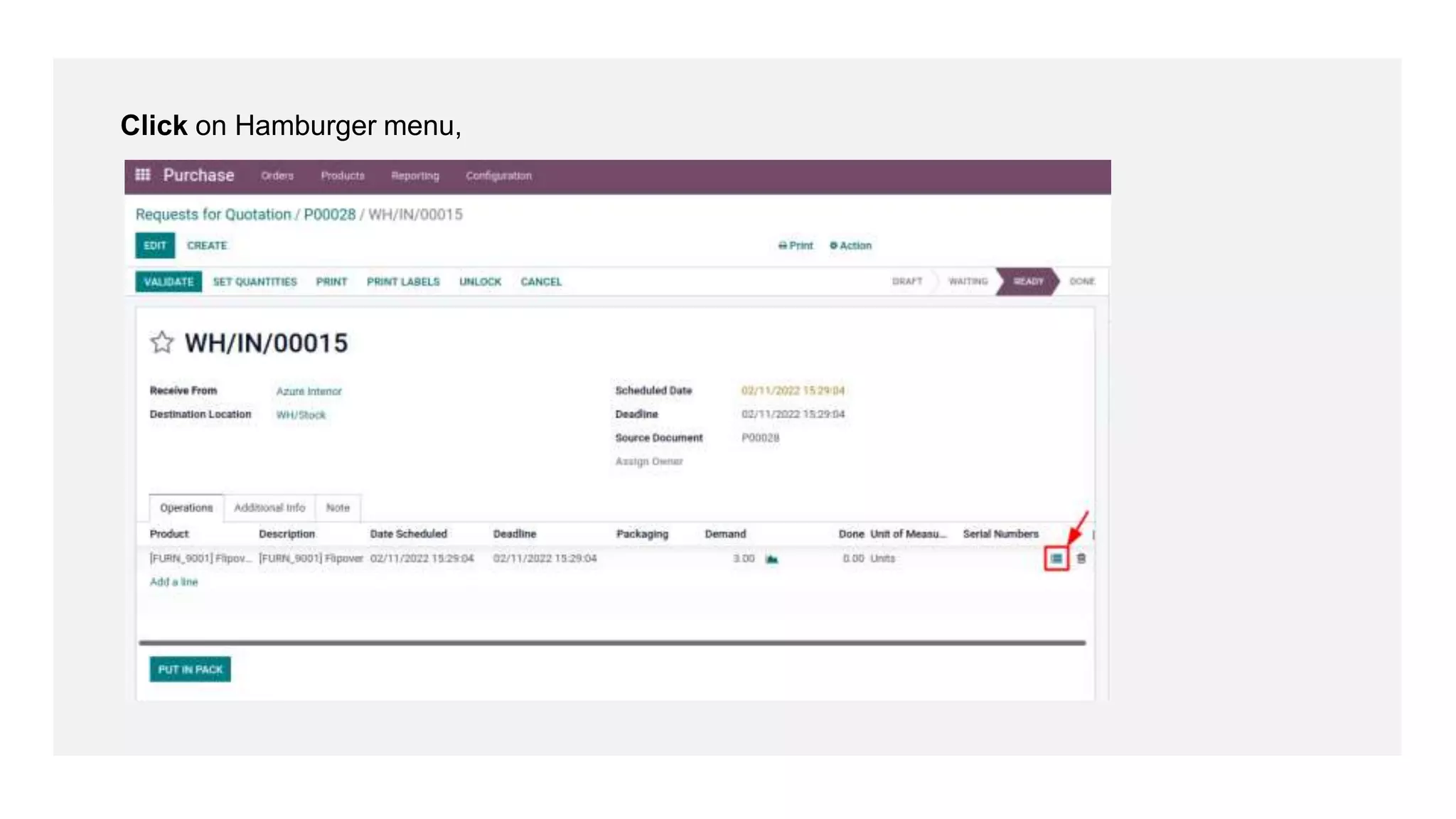
Click on Hamburger menu,
- Provide lot or serial number for product
- Click on Confirm
Click on Validate
Click on Traceability
See Traceability Report
Goto Inventory > Products > Lots or serial numbers
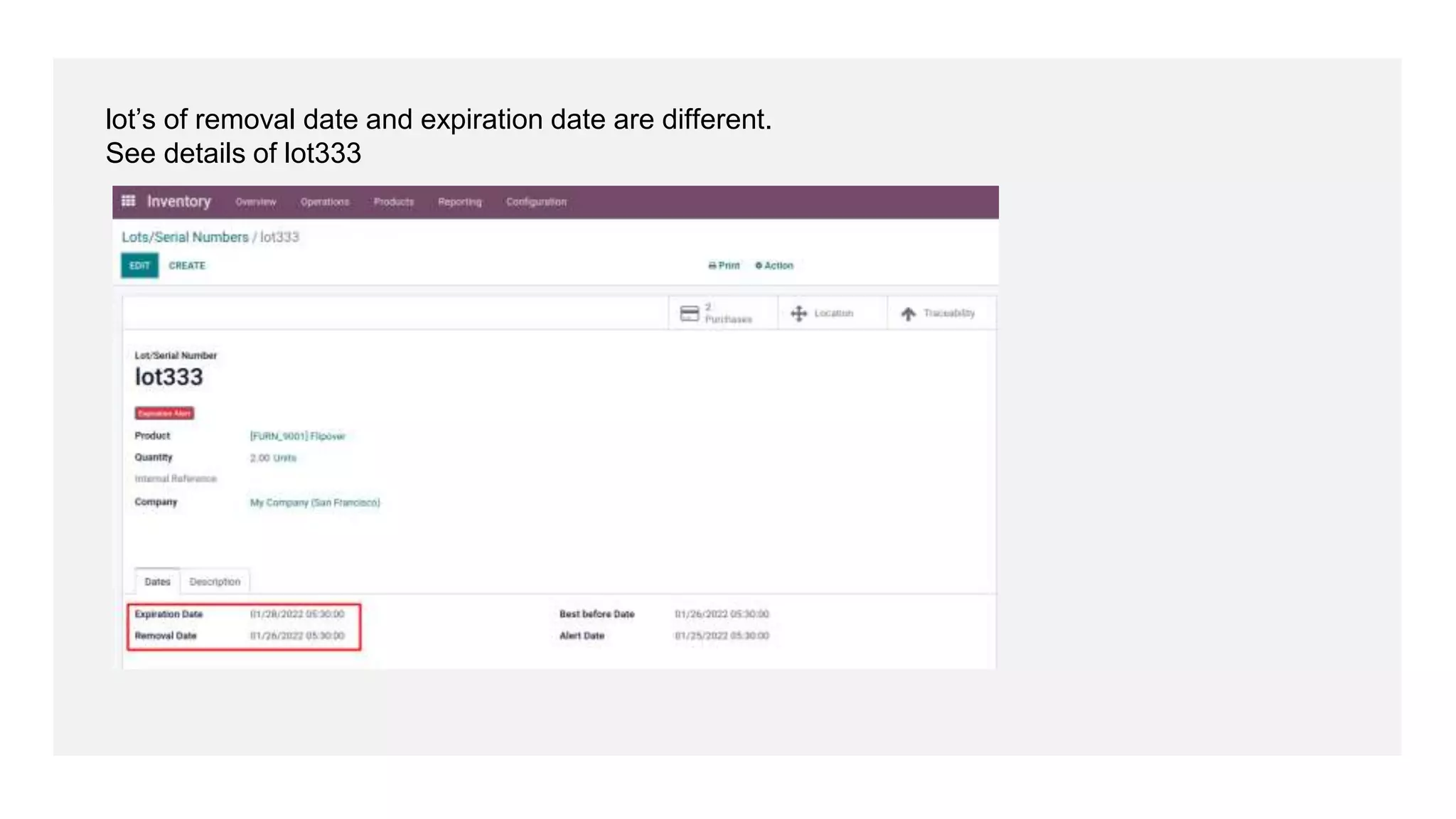
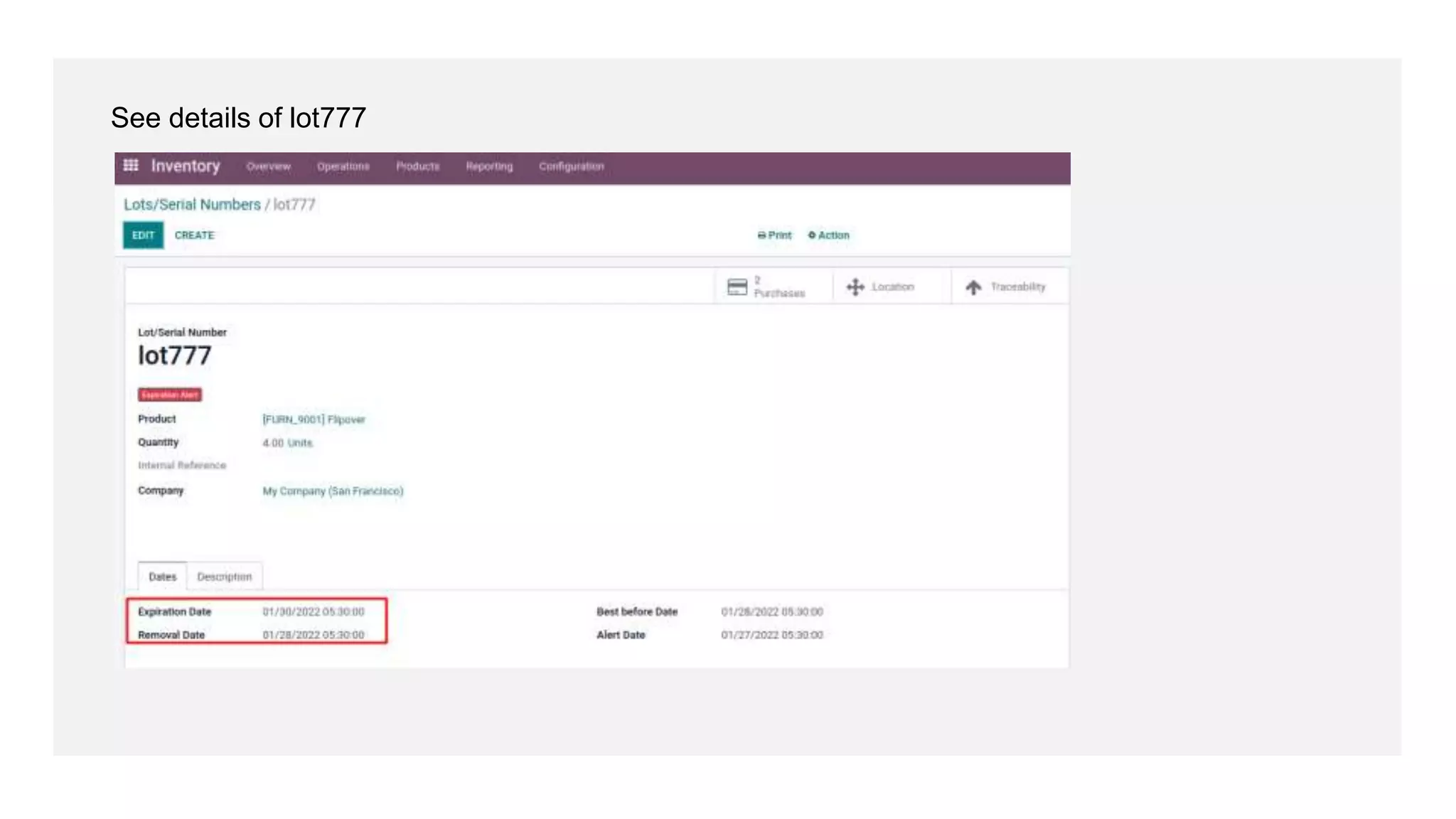
lot’s of removal date and expiration date are different.
See details of lot333
See details of lot777
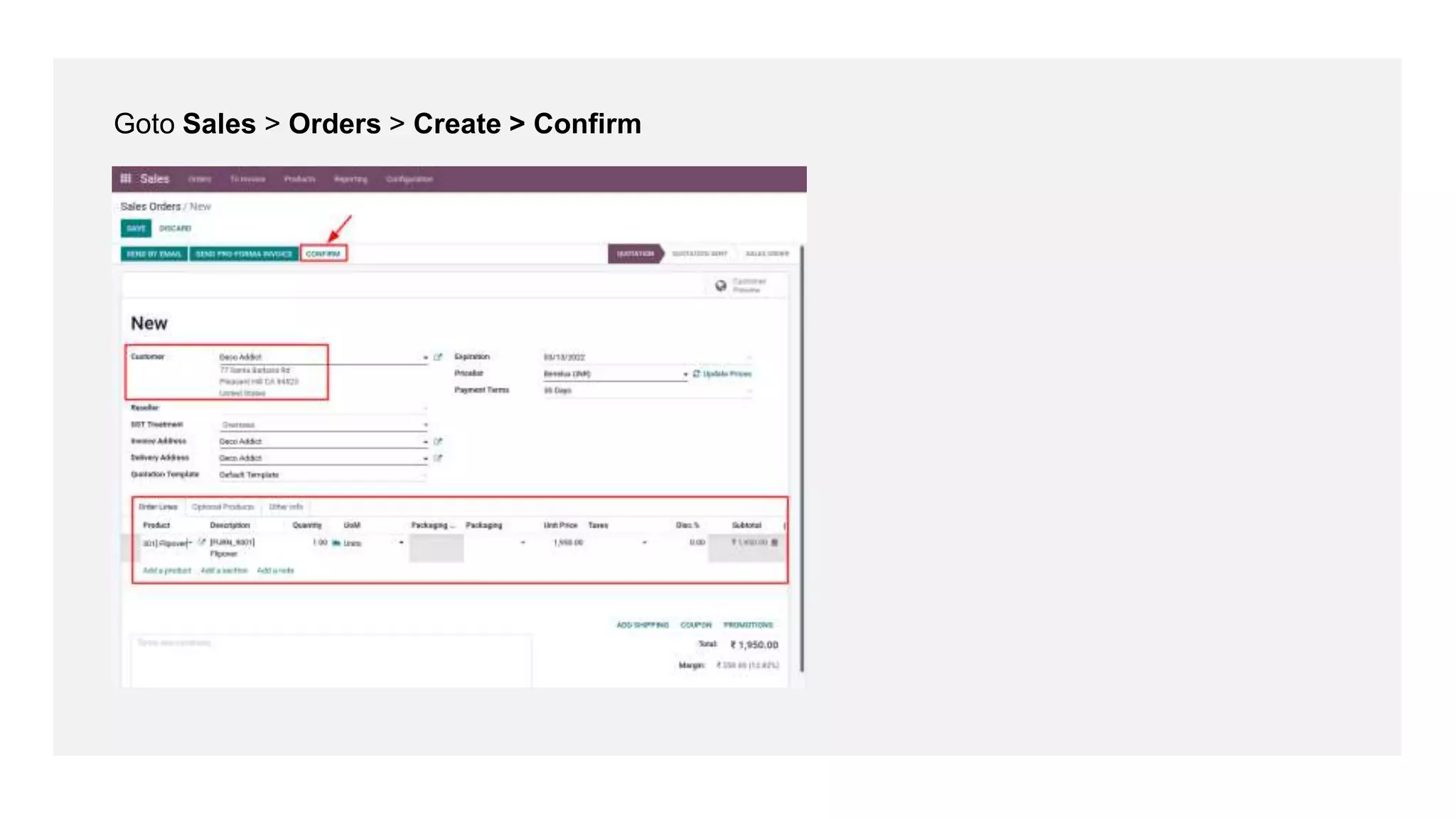
Goto Sales > Orders > Create > Confirm
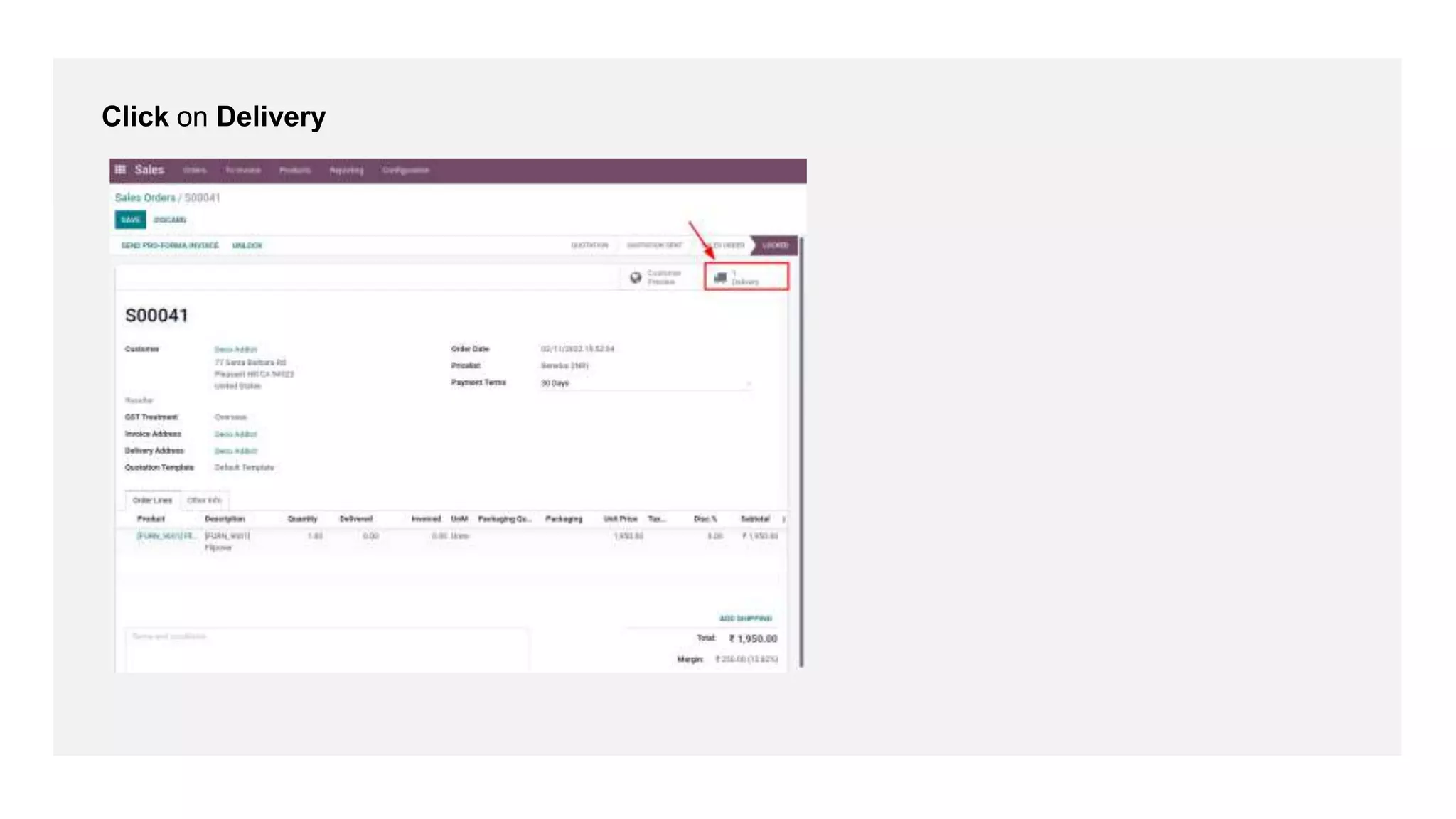
Click on Delivery
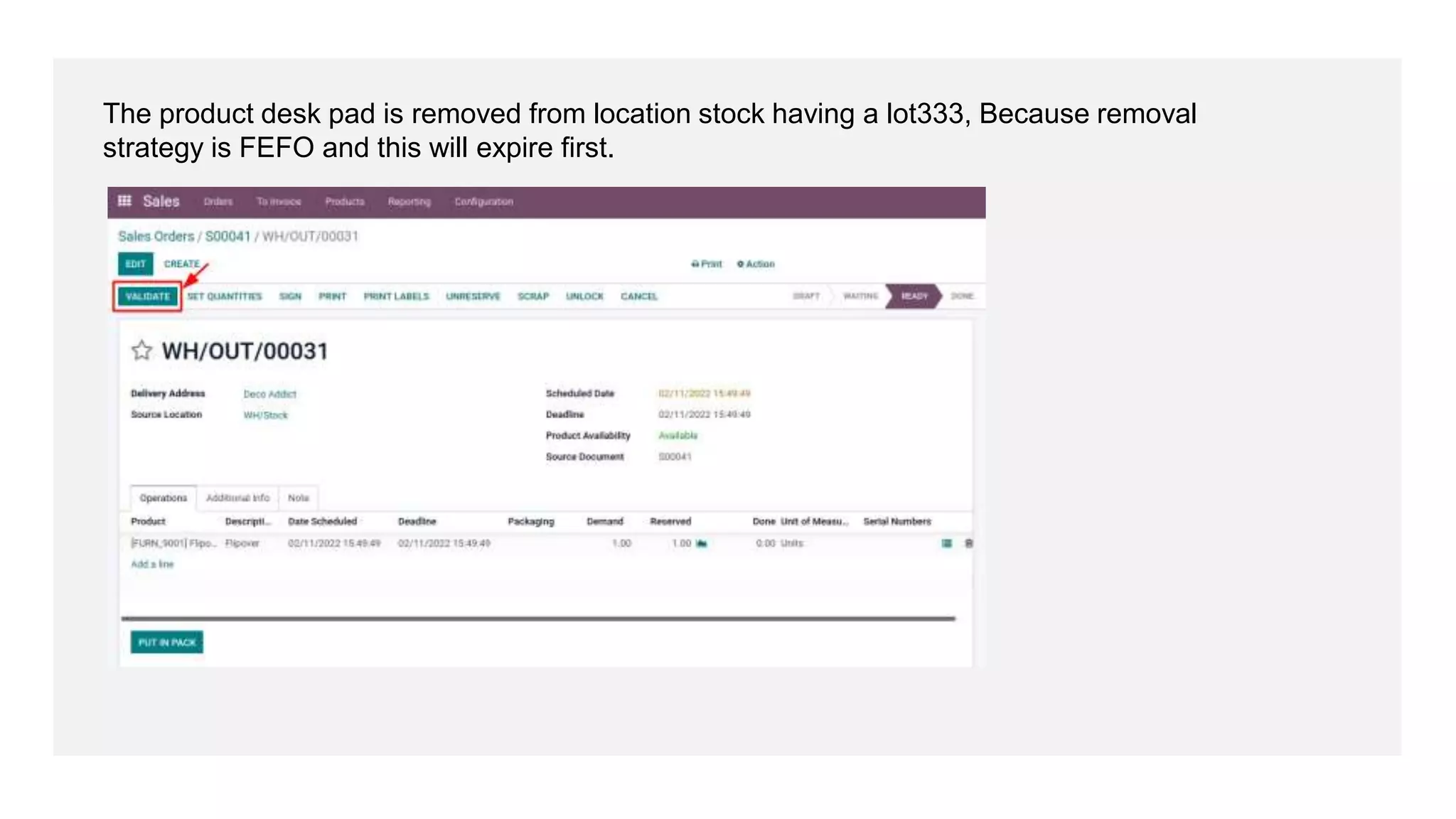
The product desk pad is removed from location stock having a lot333, Because removal
strategy is FEFO and this will expire first.
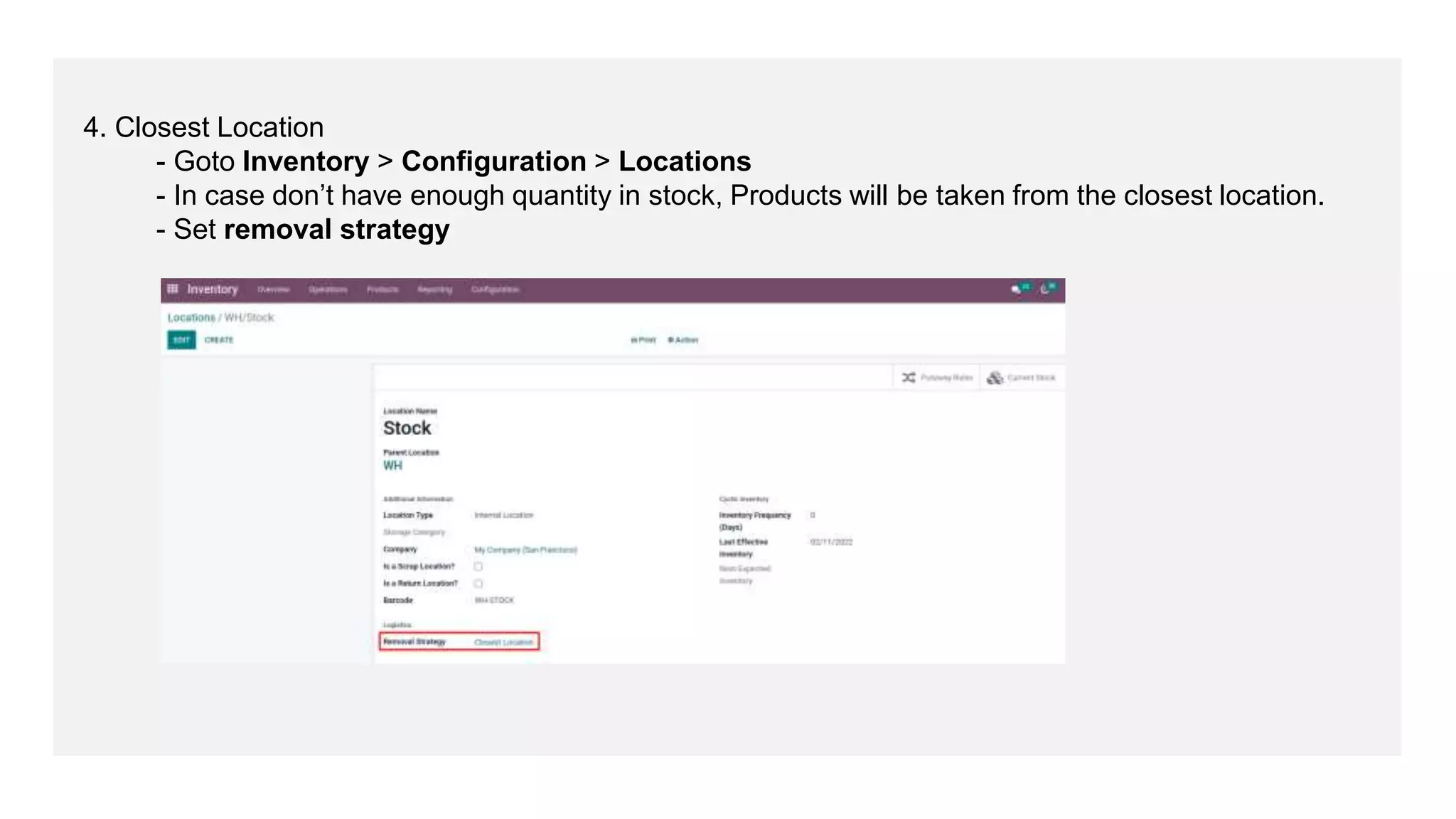
4. Closest Location
- Goto Inventory > Configuration > Locations
- In case don’t have enough quantity in stock, Products will be taken from the closest location.
- Set removal strategy
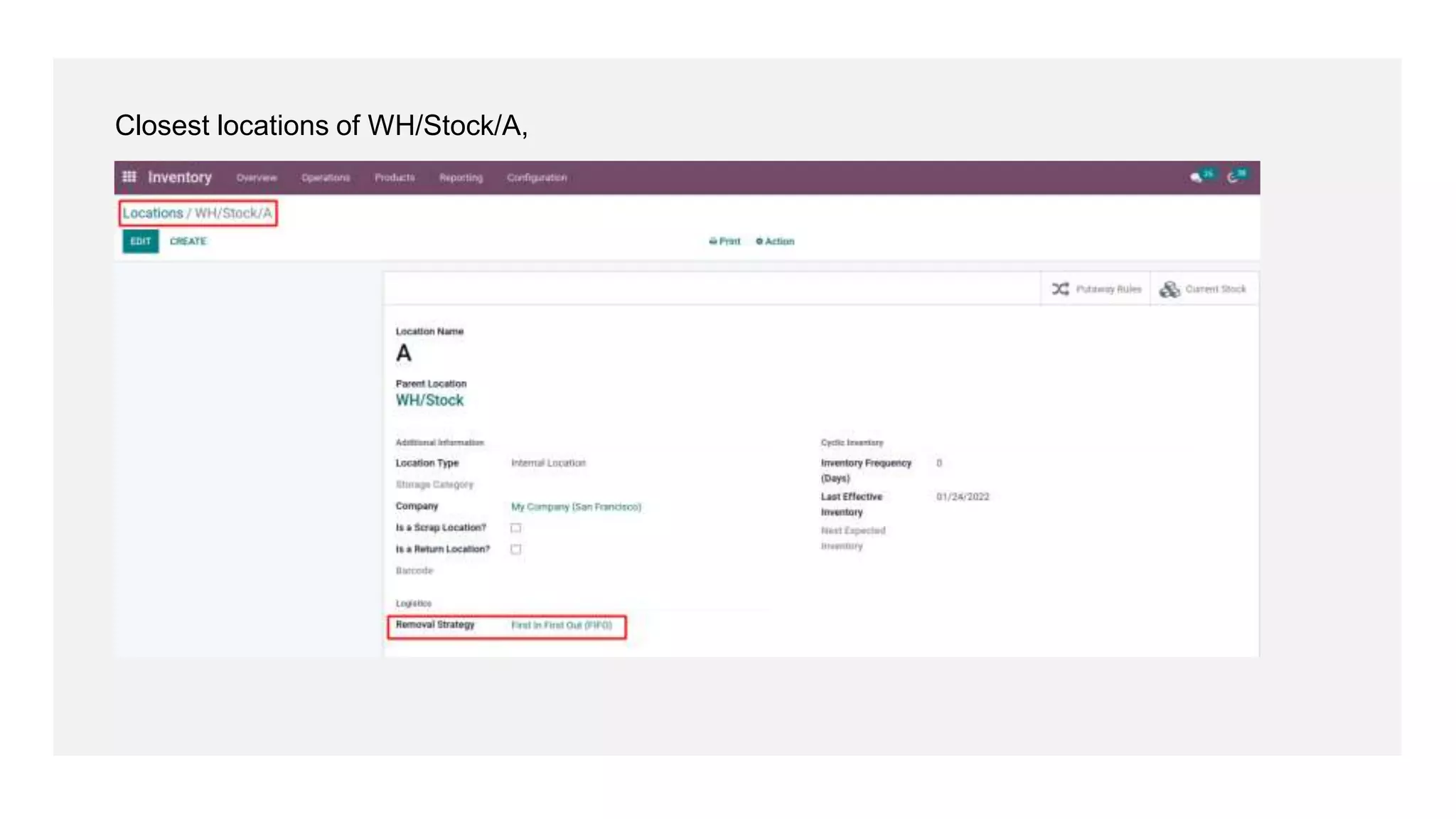
Closest locations of WH/Stock/A,
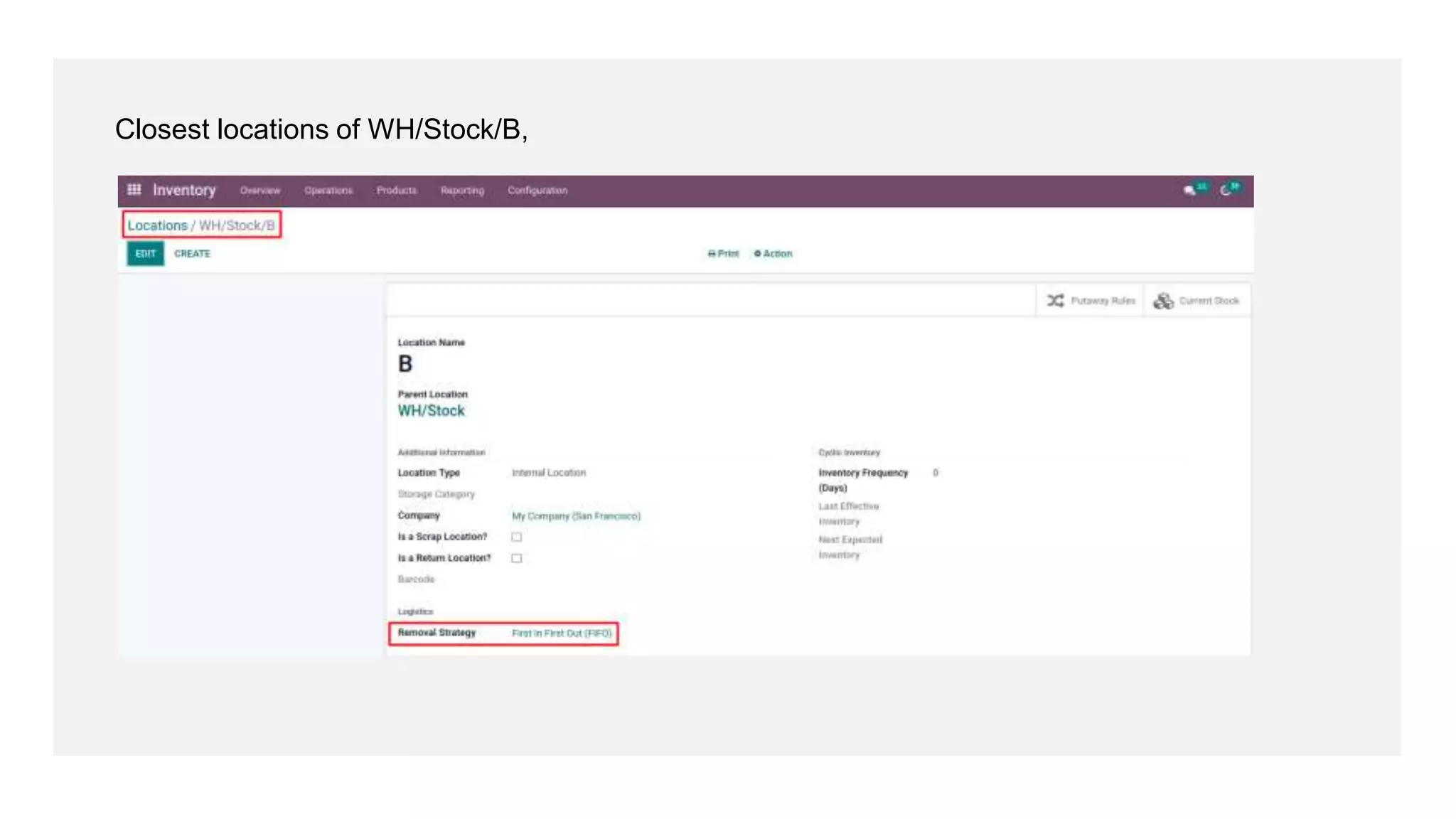
Closest locations of WH/Stock/B,
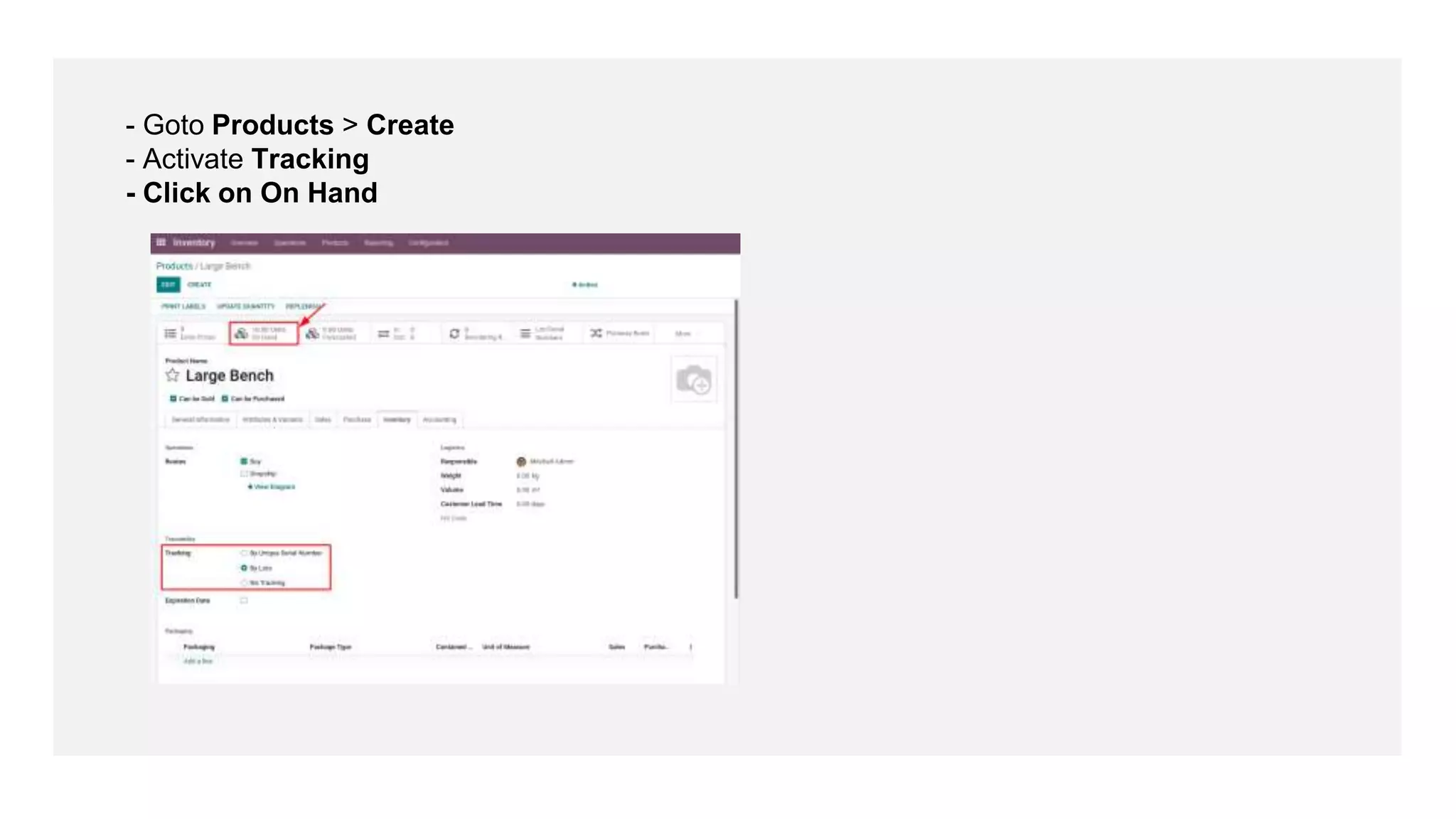
- Goto Products > Create
- Activate Tracking
- Click on On Hand
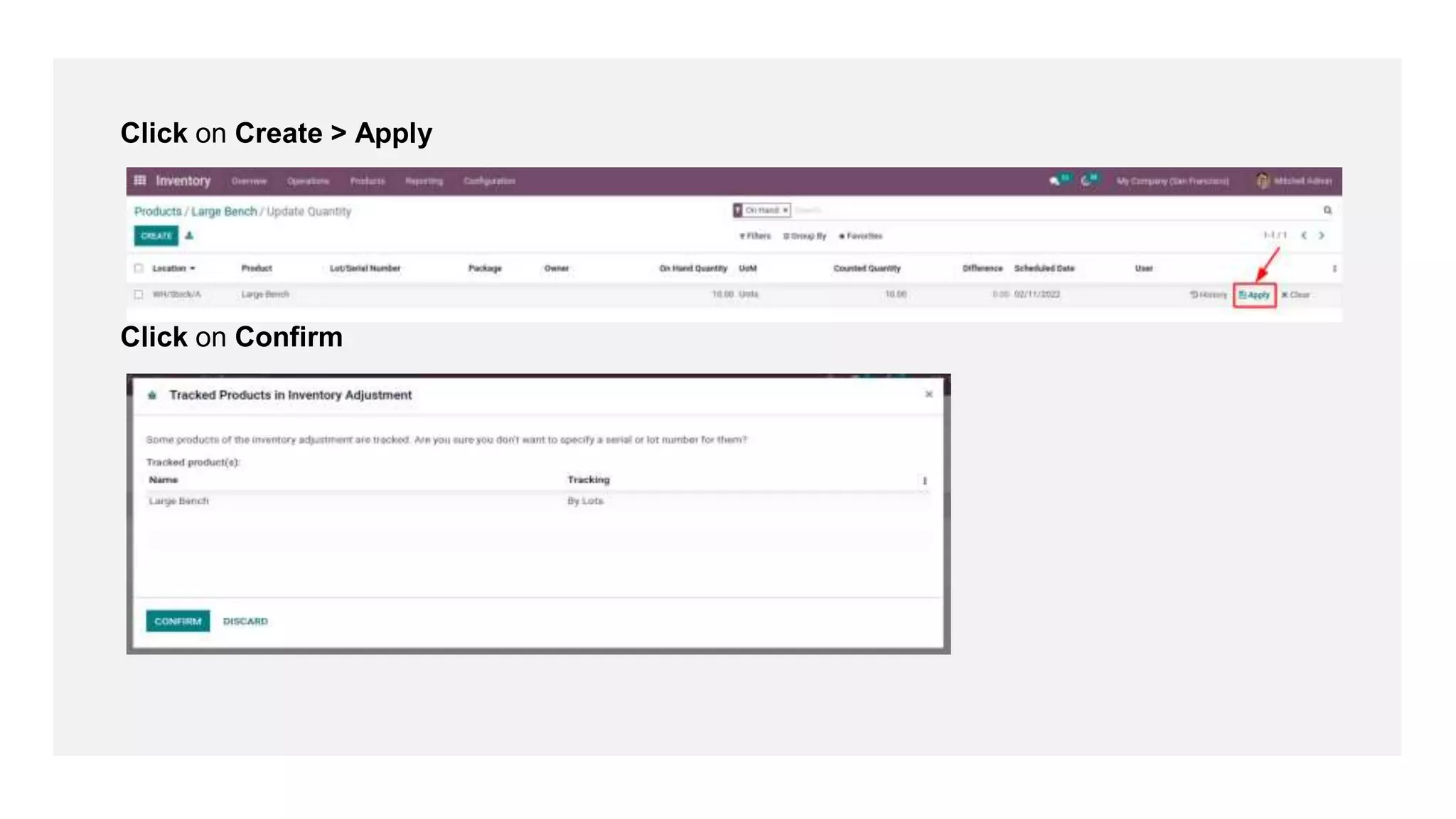
Click on Create > Apply
Click on Confirm
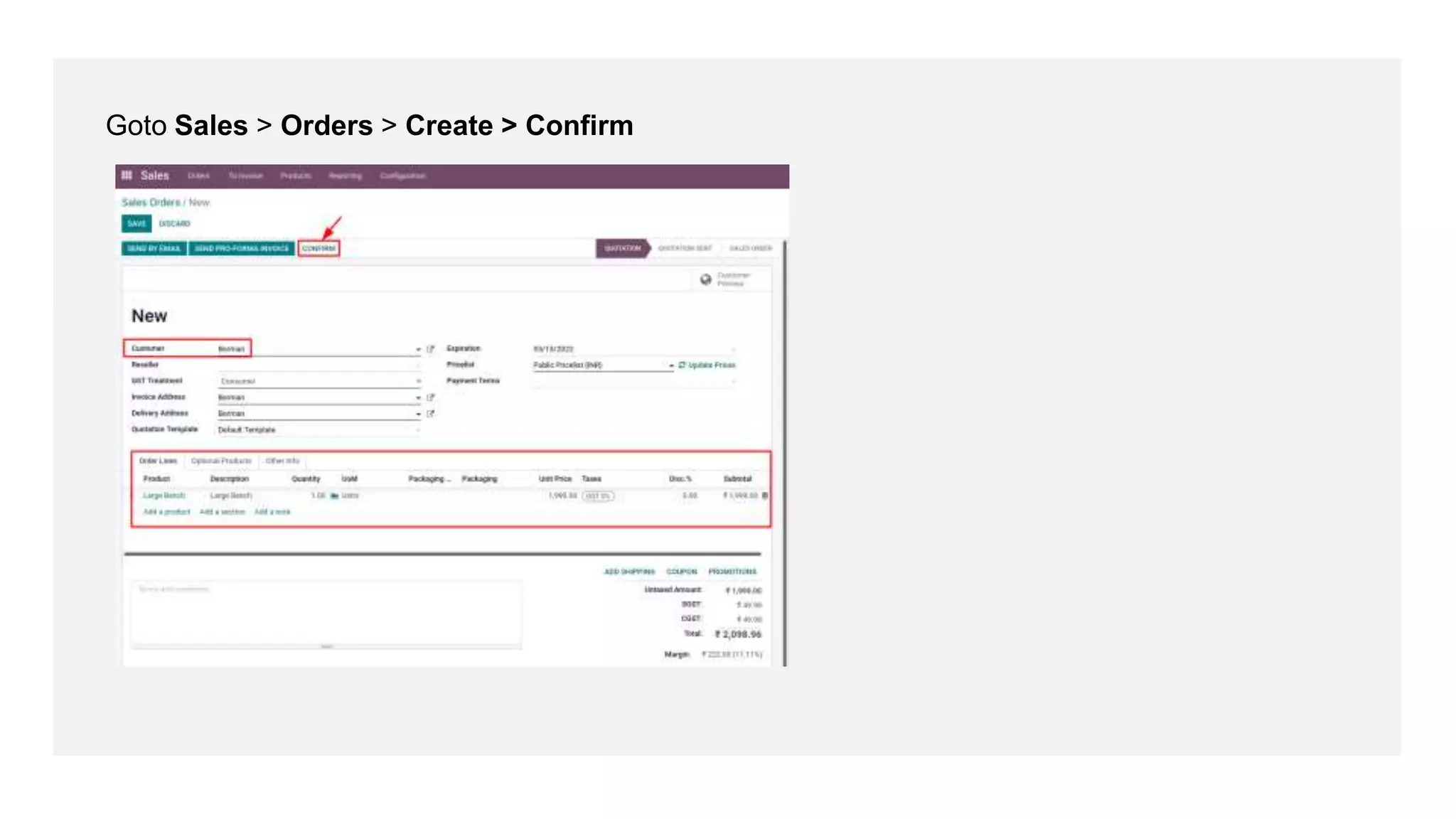
Goto Sales > Orders > Create > Confirm
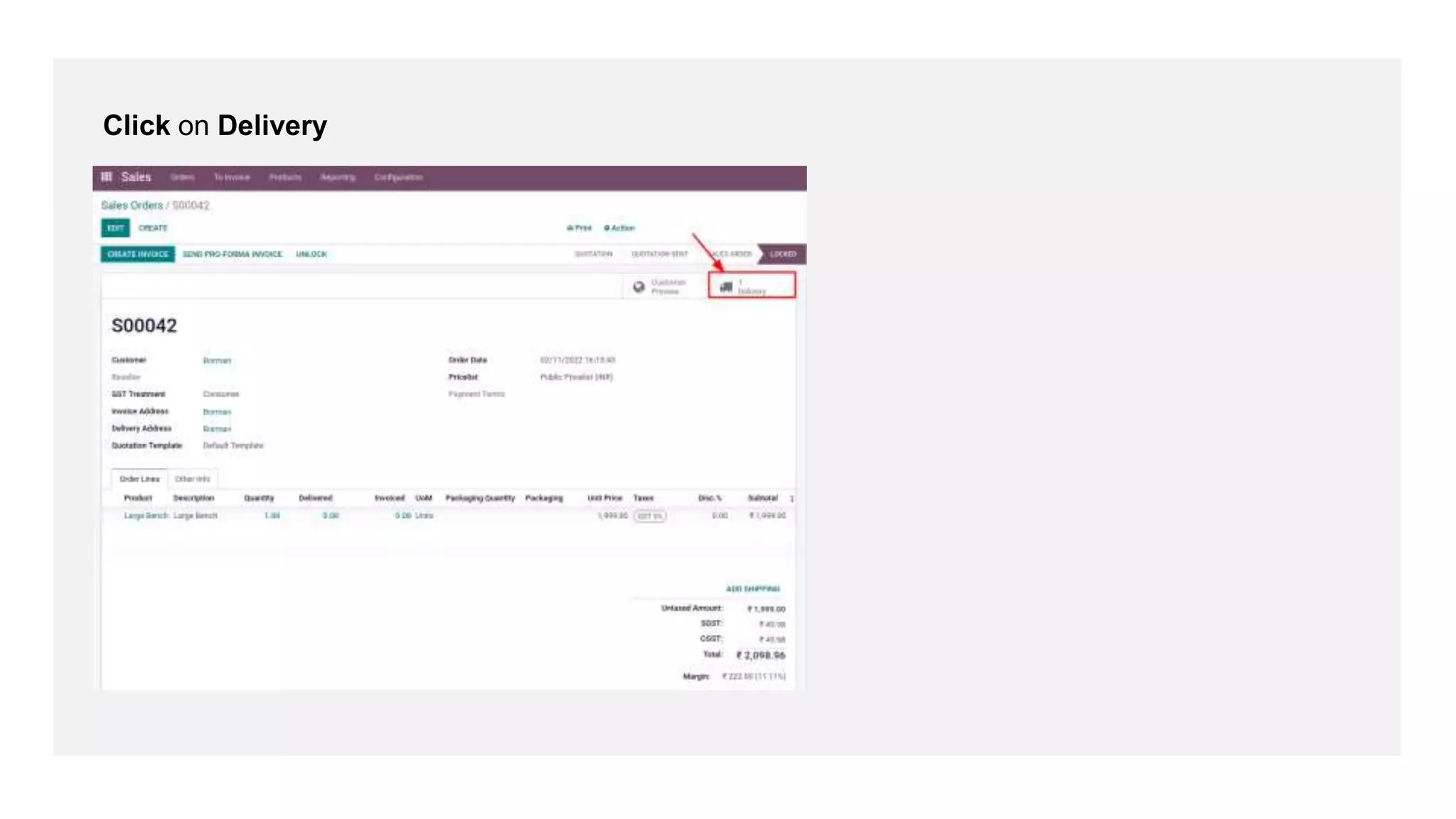
Click on Delivery
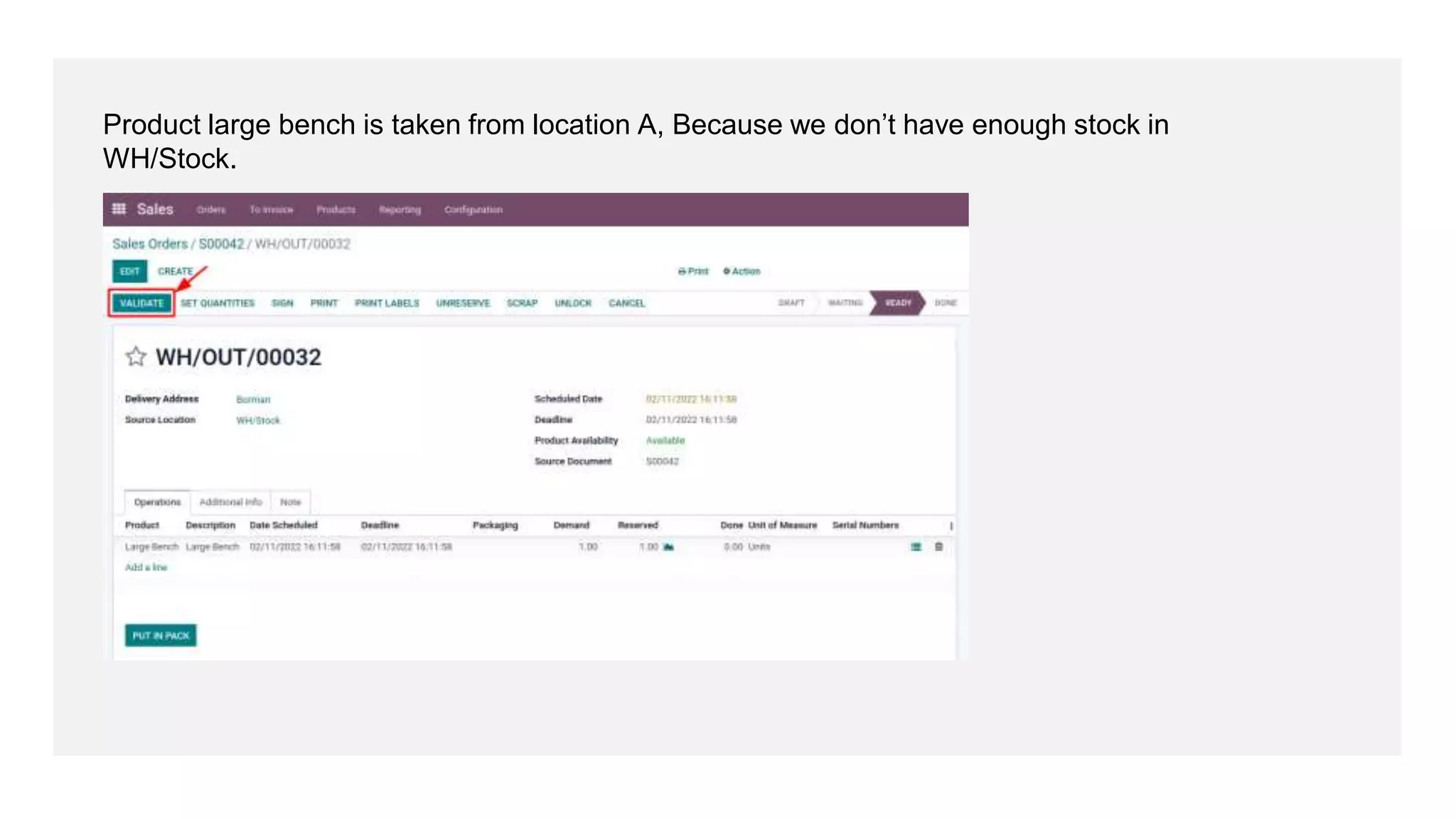
Product large bench is taken from location A, Because we don’t have enough stock in
WH/Stock.
For More
Details
Check our company website for related blogs and Odoo
book.
Odoo Book V15
Check our YouTube channel for functional and technical
videos in Odoo.
Removal Strategies in Odoo 15
Thank You

What is Removal Strategies in Odoo 15