What is athreat?
• A threat refers to anything that has the potential to cause serious
harm to a computer system. A threat may or may not happen but has
the potential to cause serious damage.
• Threats are potentials for vulnerabilities to turn into attacks on
computer systems, networks and more. They can put individuals,
computer systems and business computers at risk. Therefore,
vulnerabilities must be fixed so that attackers cannot infiltrate the
system.
3.
Denial of Service(DoS) Attacks
• DoS attacks are those attacks that prevent the legitimate users from accessing or
using resources and information. These types of attacks may eat up all the
resources of the system and the computer attains a halt state. The varies Denial of
Service attacks are:
Denial of Access to Information: Corrupting, encrypting or changing the status
of information so that it is not accessible to its legitimate user.
Denial of Access to Application: Forced shutting of an application as soon as
the user opens it.
Denial of Access to Resources: Blocking a resource, may be a printer or scanner
or USB port, of a computer, preventing the computer from working properly.
Denial of Access to a Website: Continuously sending bulk requests to a website
so that it is not available to any other user.
4.
Malware
• A Malwarestands for Malicious software. It is a file or code, typically
delivered over a network, that infects, explores, steals or conducts
virtually any behavior an attacker wants. Though varied in type and
capabilities, malware usually has one of the following objectives:
-Provide remote control for an attacker to use an infected machine.
-Send spam from the infected machine to unsuspecting targets.
-Investigate the infected user’s local network
-Steal sensitive data.
• Malware is an inclusive term for all types of malicious software, such as
Trojans, Spyware, Adware, Viruses, Worms etc.. Some which will be
described further on.
5.
Viruses
• Computer Virusesare programs that copy themselves throughout a
computer or network. Viruses can only be activated when a user opens
the program. At their worst, viruses can corrupt or delete data, use the
user’s email to spread or erase everything on the hard disk.
• Viruses often employ stealth tactics, hiding within seemingly harmless
files or programs. They can mutate or change their code to evade
detection by antivirus software, making them challenging to identify and
remove.
• Apart from corrupting or deleting data, viruses can carry various
payloads. Some may aim to steal sensitive information like passwords or
financial details, while others might create backdoors, granting
unauthorized access to the infected system.
6.
• Adware, shortfor advertising-supported software, is designed to
generate revenue through advertisements. It's commonly bundled with
free software, and while not inherently harmful, it can track user
behavior, slowing down systems and creating privacy concerns. Adware
often leads to unwanted pop-ups and redirects, affecting user browsing
experience and potentially compromising sensitive information.
• Adwares display advertisements on a user's device, often
within web browsers or as pop-ups. While typically not
inherently malicious, it can be intrusive, disrupting user
experience and potentially collecting user data to tailor ads.
Adware
7.
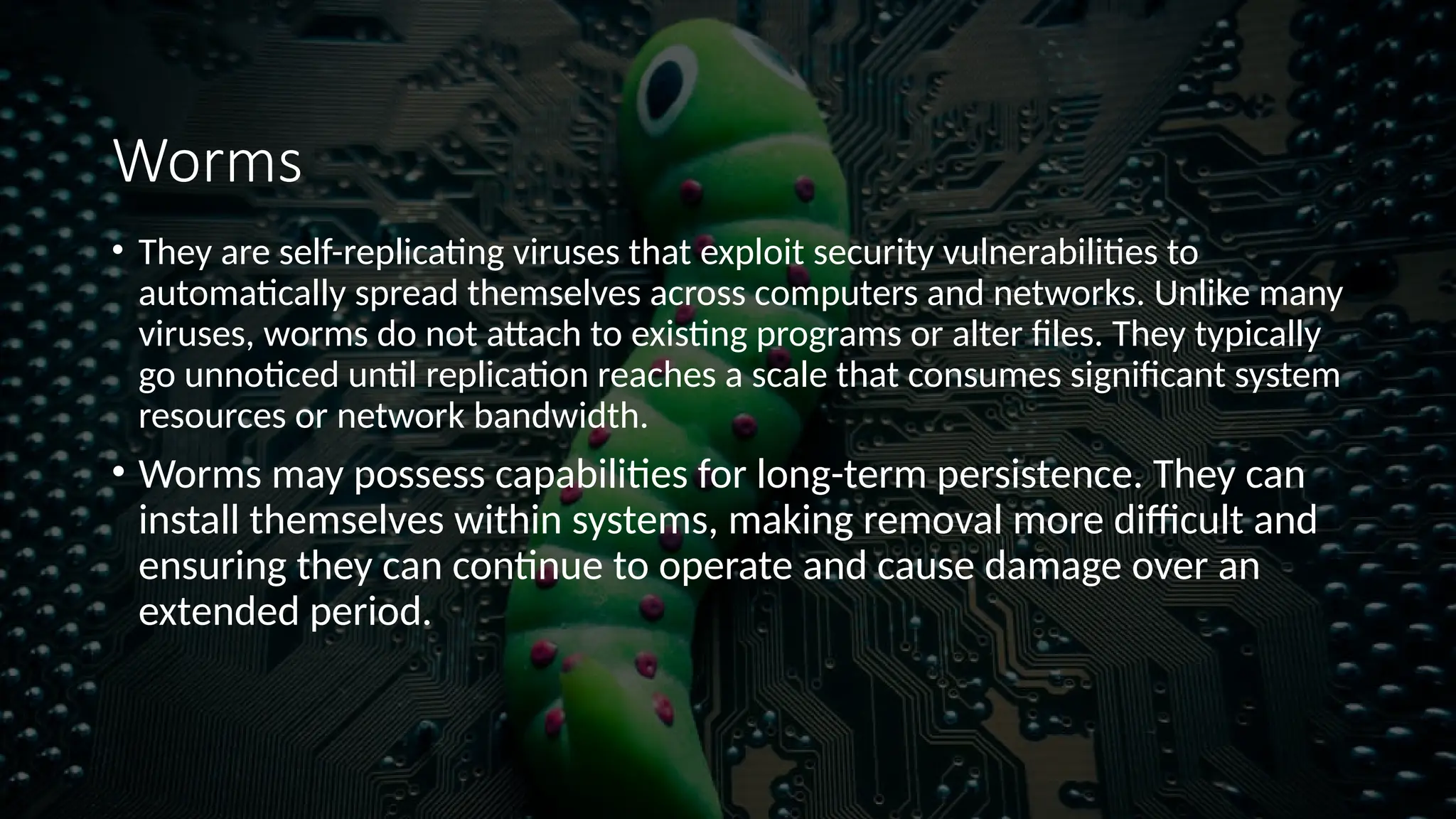
Worms
• They areself-replicating viruses that exploit security vulnerabilities to
automatically spread themselves across computers and networks. Unlike many
viruses, worms do not attach to existing programs or alter files. They typically
go unnoticed until replication reaches a scale that consumes significant system
resources or network bandwidth.
• Worms may possess capabilities for long-term persistence. They can
install themselves within systems, making removal more difficult and
ensuring they can continue to operate and cause damage over an
extended period.
8.
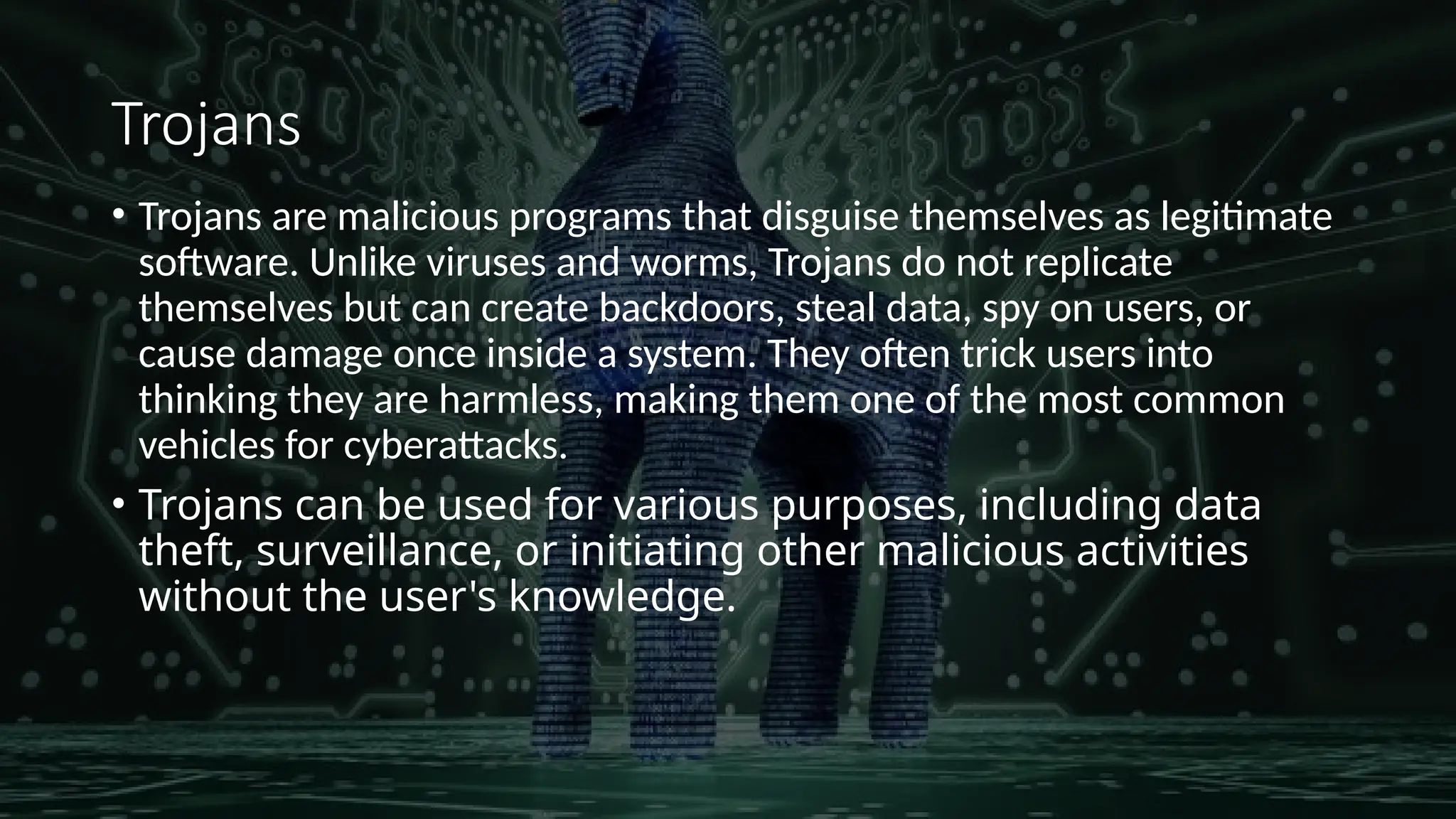
Trojans
• Trojans aremalicious programs that disguise themselves as legitimate
software. Unlike viruses and worms, Trojans do not replicate
themselves but can create backdoors, steal data, spy on users, or
cause damage once inside a system. They often trick users into
thinking they are harmless, making them one of the most common
vehicles for cyberattacks.
• Trojans can be used for various purposes, including data
theft, surveillance, or initiating other malicious activities
without the user's knowledge.
9.
Spyware
• It isthe Malware that collects information about the usage of the infected
computer and communicates it back to the attacker.
• Spyware operates in a stealthy manner, often installed without
the user's knowledge, making it challenging to detect and
remove.
• It can lead to severe privacy breaches by stealing sensitive
information such as passwords, credit card details, and personal
identification.
• It can also be distributed through deceptive methods such as
bundled with free software, phishing emails, or by exploiting
security vulnerabilities in software or operating systems.
10.
Zombie Computers andBotnets
• Zombie computers, in the context of cybersecurity, refer to devices that have
been compromised by a hacker, virus or trojan horse and can be used to
perform malicious tasks under remote direction.
• Zeus, Koobface, TidServ, Monkif, Hamweq, Swizzor, Gammima, etc.., are a few
examples of malware used to create Zombie computers.
• These Zombie computers are then used for DDoS Attacks, Spam, Phishing,
Information Theft and Distributing other malware. When computers are
infected with malware, they unknowingly become part of a botnet
• Botnets stands for ‘robot network’. A botnet is a Network of Zombie computers.
They are often used to spread email spam and launch DoS attacks. Most owners
of zombie computers are unaware that their system is being used in this way.



![Number_Guessing_Game_Dsbsbssbzboc[1].pptx](https://cdn.slidesharecdn.com/ss_thumbnails/numberguessinggamedoc1-251206215042-a076fc05-thumbnail.jpg?width=640&height=640&fit=bounds)