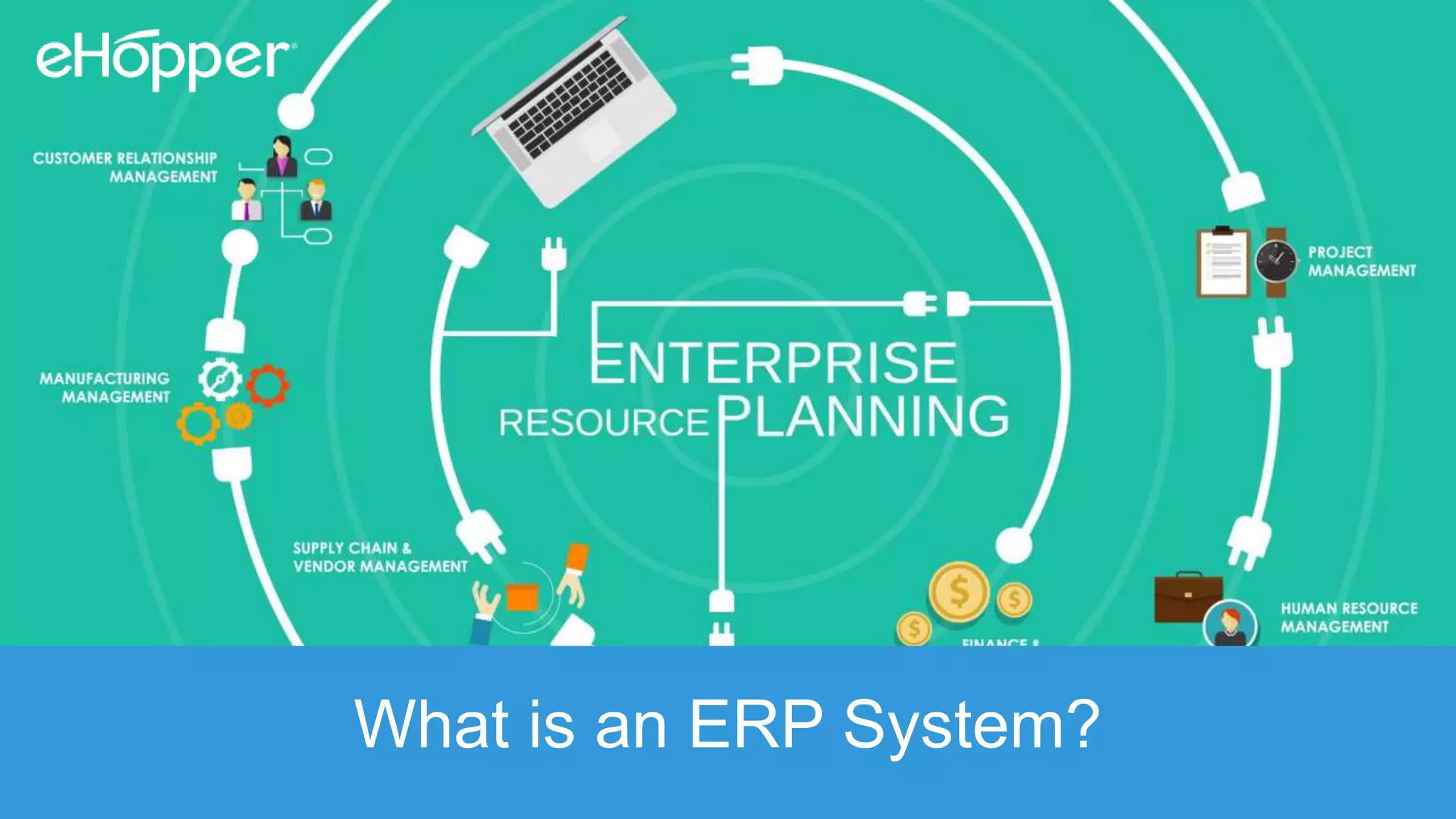
What is an ERP System?
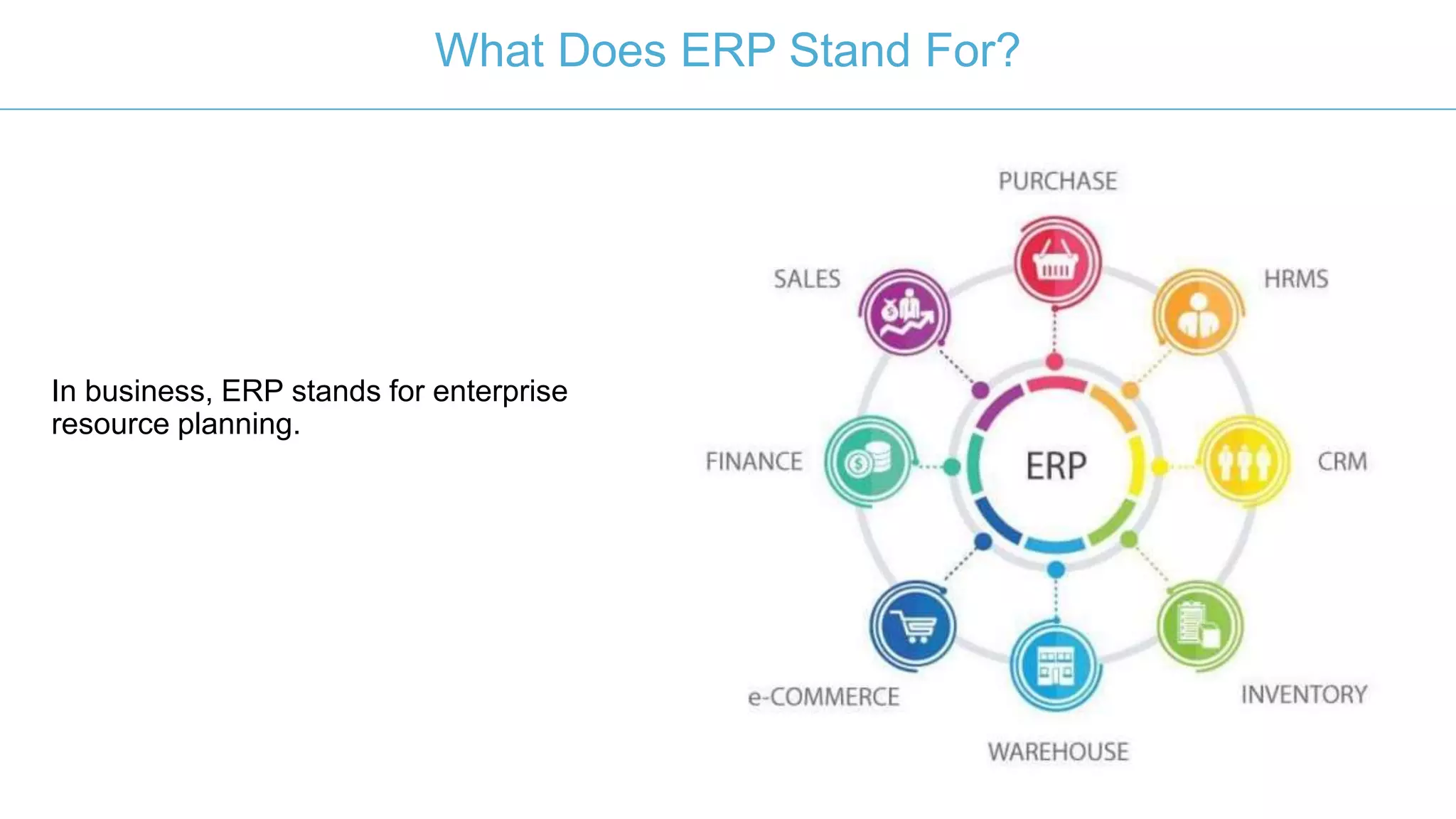
In business, ERP stands for enterprise
resource planning.
What Does ERP Stand For?
The purpose of an ERP system is to improve
efficiency (and thereby profitability) through
improving how company resources are
spent, whether those resources be time,
money, staff or something else.
What Does An ERP Do?
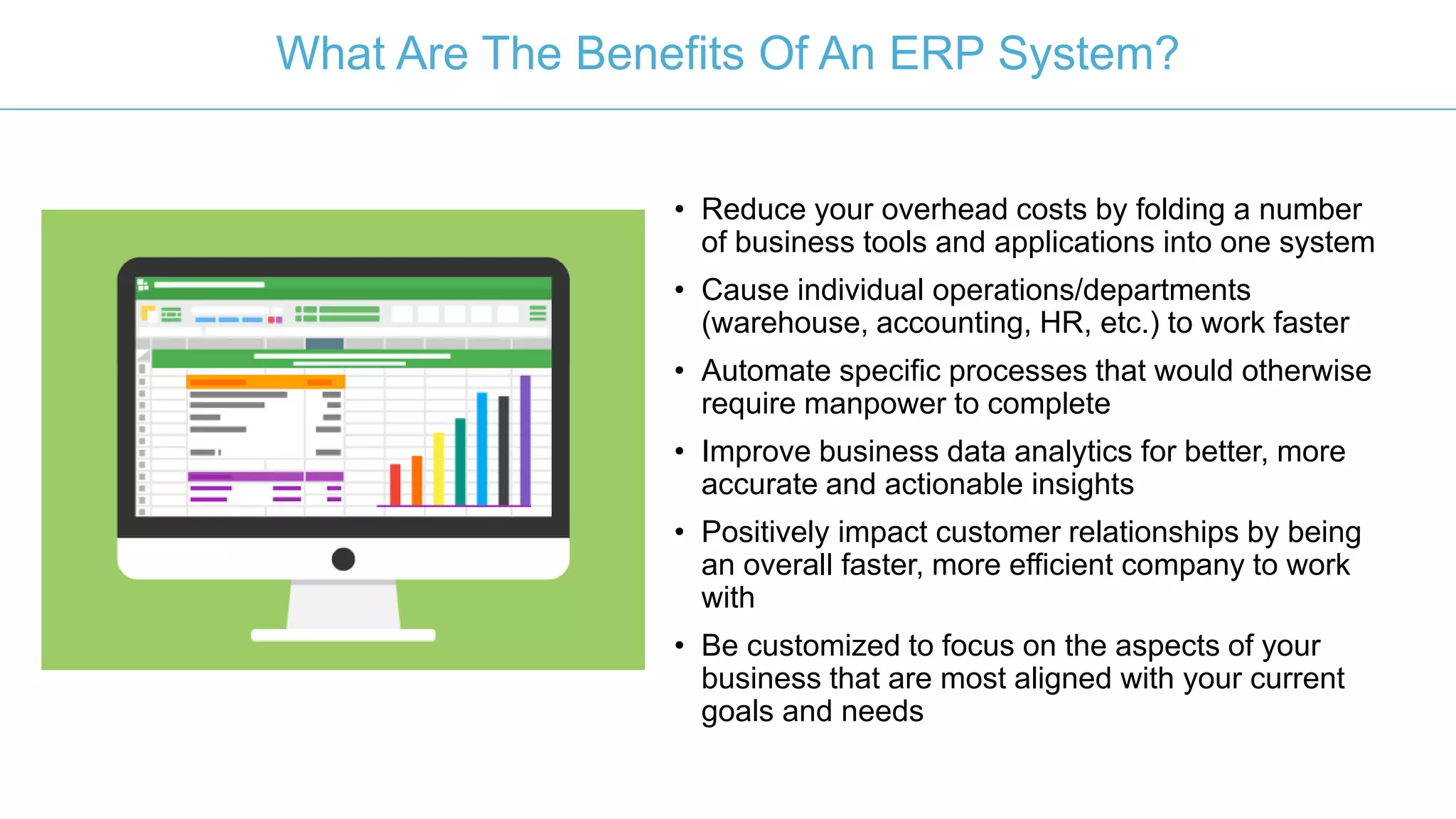
• Reduce your overhead costs by folding a number
of business tools and applications into one system
• Cause individual operations/departments
(warehouse, accounting, HR, etc.) to work faster
• Automate specific processes that would otherwise
require manpower to complete
• Improve business data analytics for better, more
accurate and actionable insights
• Positively impact customer relationships by being
an overall faster, more efficient company to work
with
• Be customized to focus on the aspects of your
business that are most aligned with your current
goals and needs
What Are The Benefits Of An ERP System?
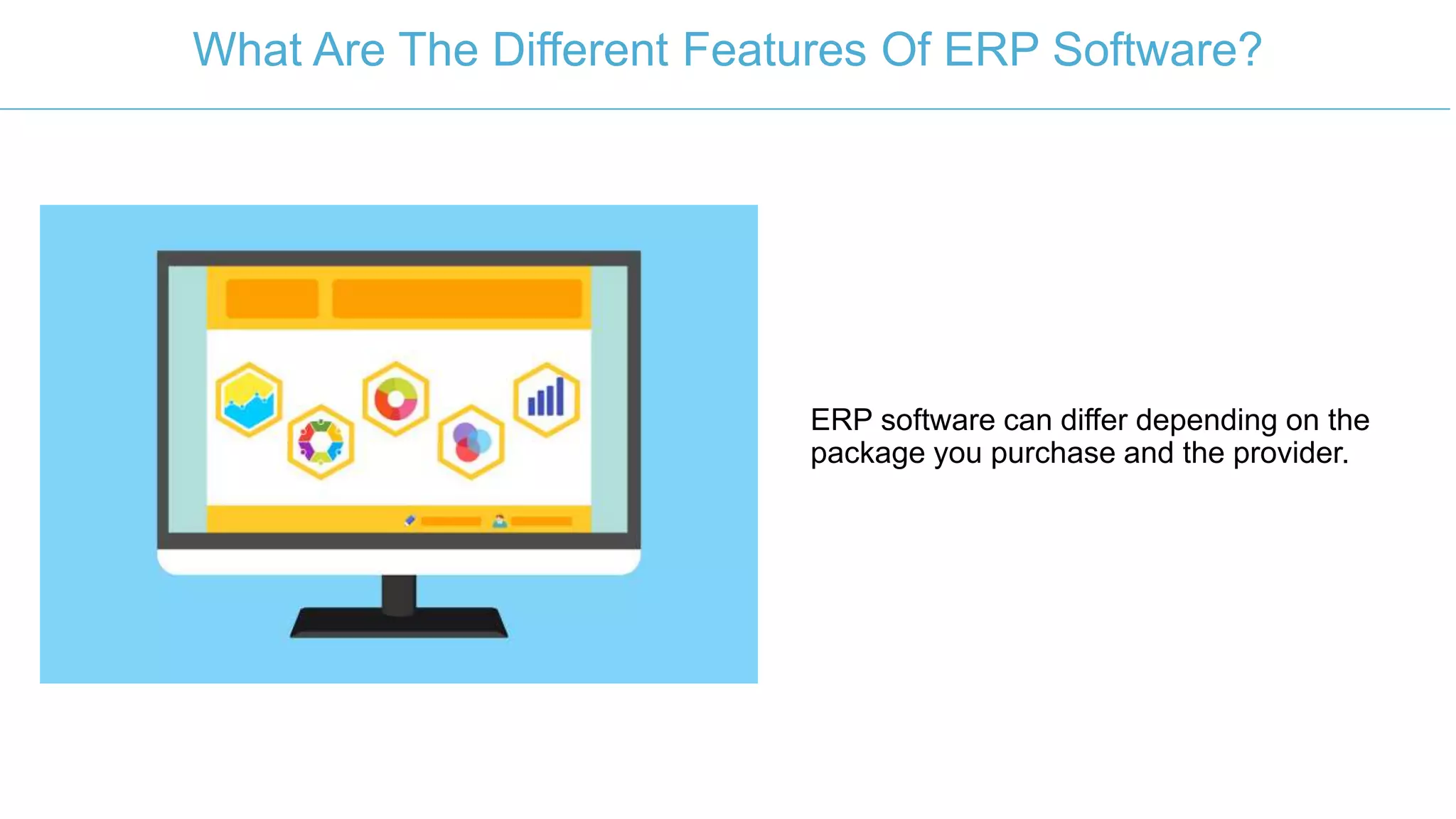
ERP software can differ depending on the
package you purchase and the provider.
What Are The Different Features Of ERP Software?
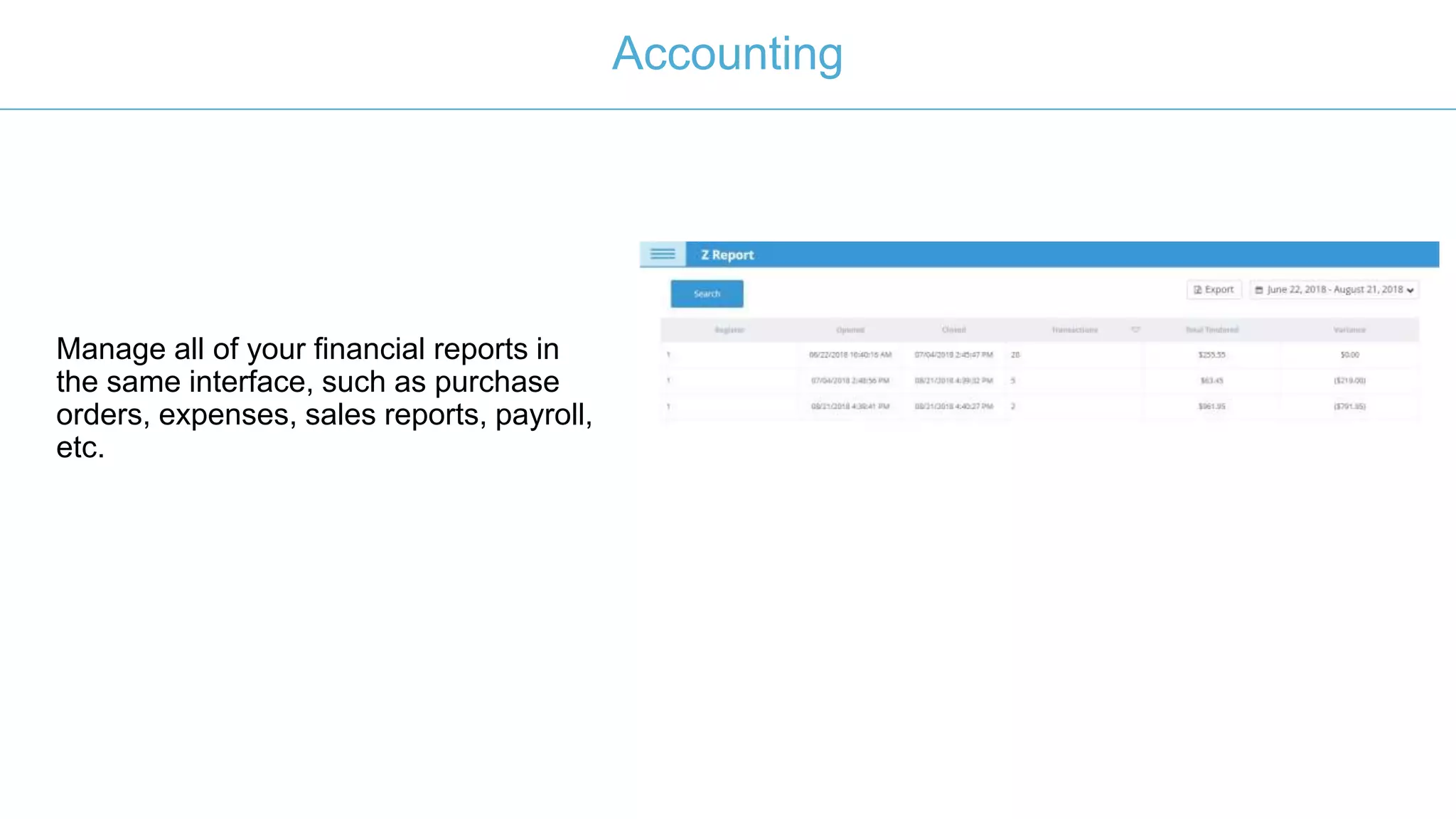
Manage all of your financial reports in
the same interface, such as purchase
orders, expenses, sales reports, payroll,
etc.
Accounting
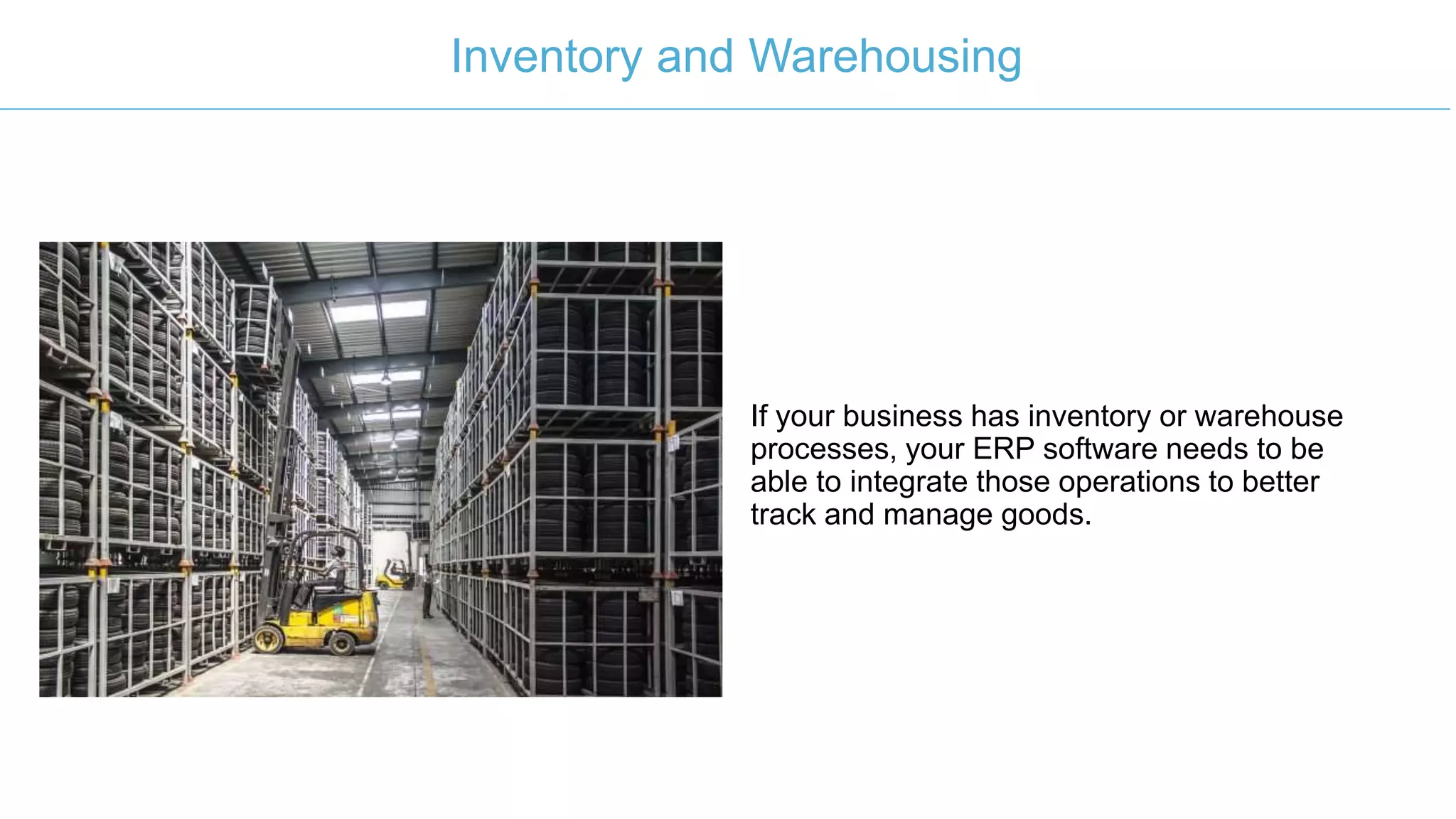
If your business has inventory or warehouse
processes, your ERP software needs to be
able to integrate those operations to better
track and manage goods.
Inventory and Warehousing
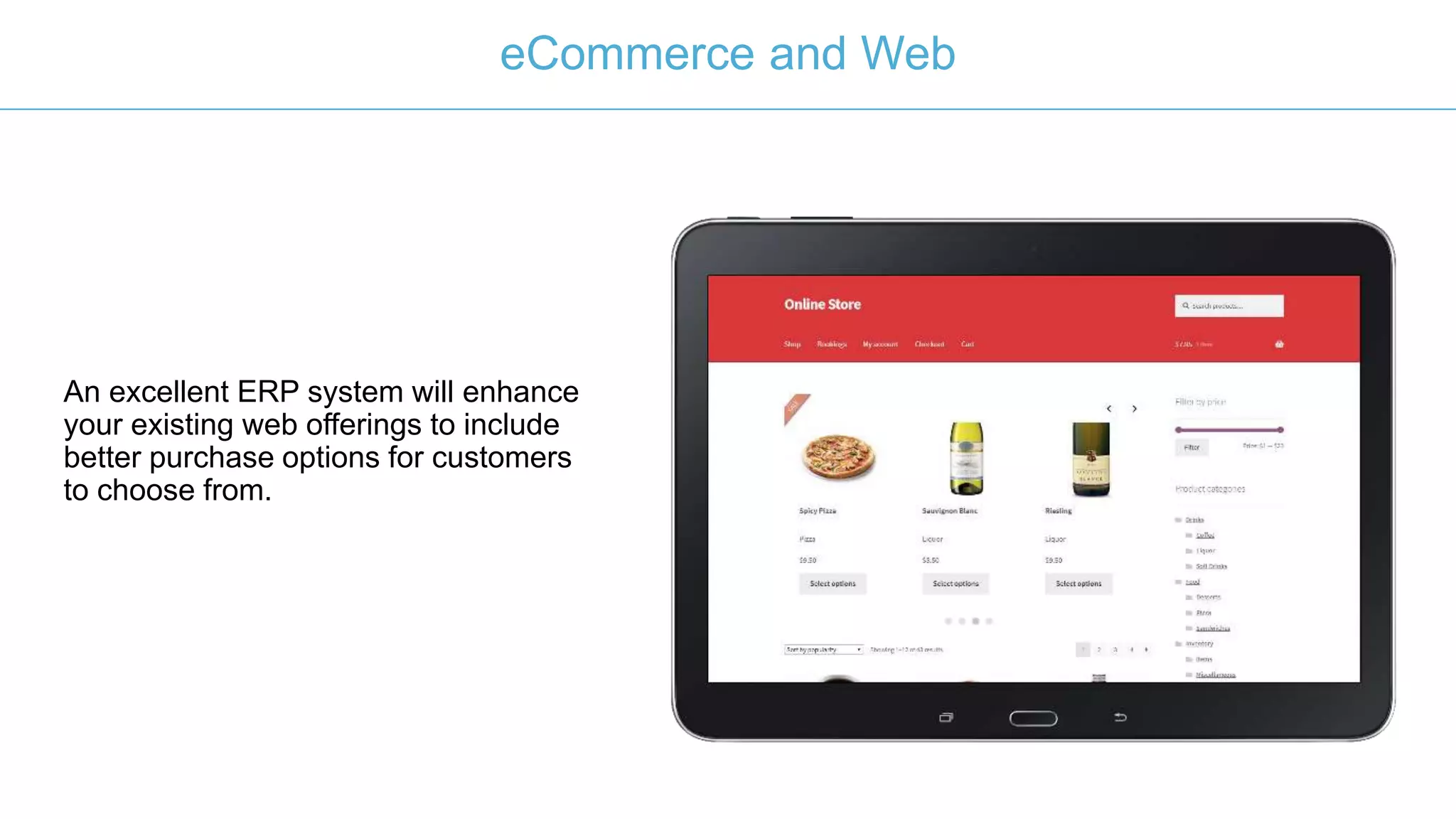
An excellent ERP system will enhance
your existing web offerings to include
better purchase options for customers
to choose from.
eCommerce and Web
The HR module of your ERP system contains
all of the employee management processes,
including payroll expenses, recruitment,
performance evaluations, attendance,
scheduling and more.
Human Resources
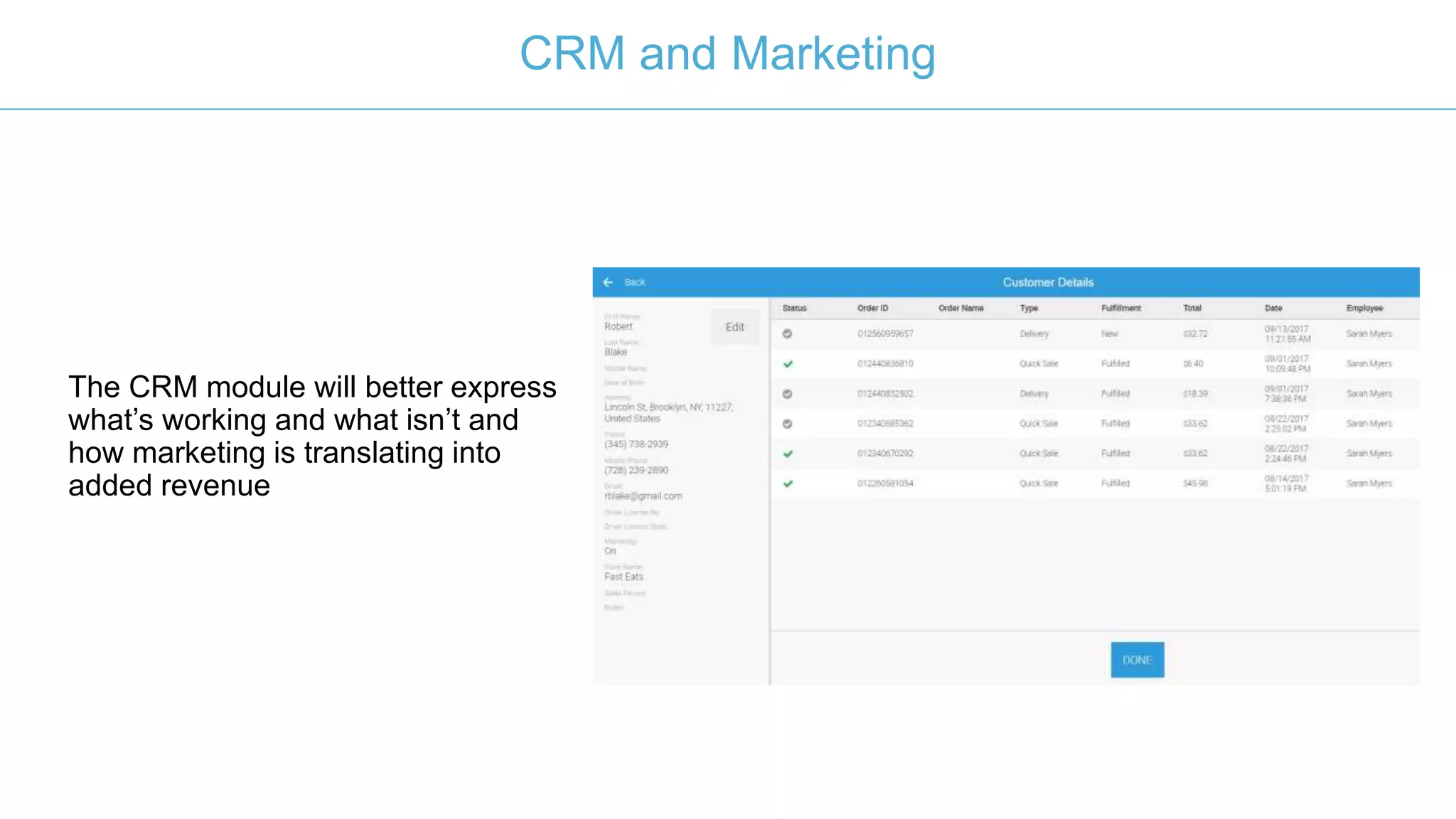
The CRM module will better express
what’s working and what isn’t and
how marketing is translating into
added revenue
CRM and Marketing
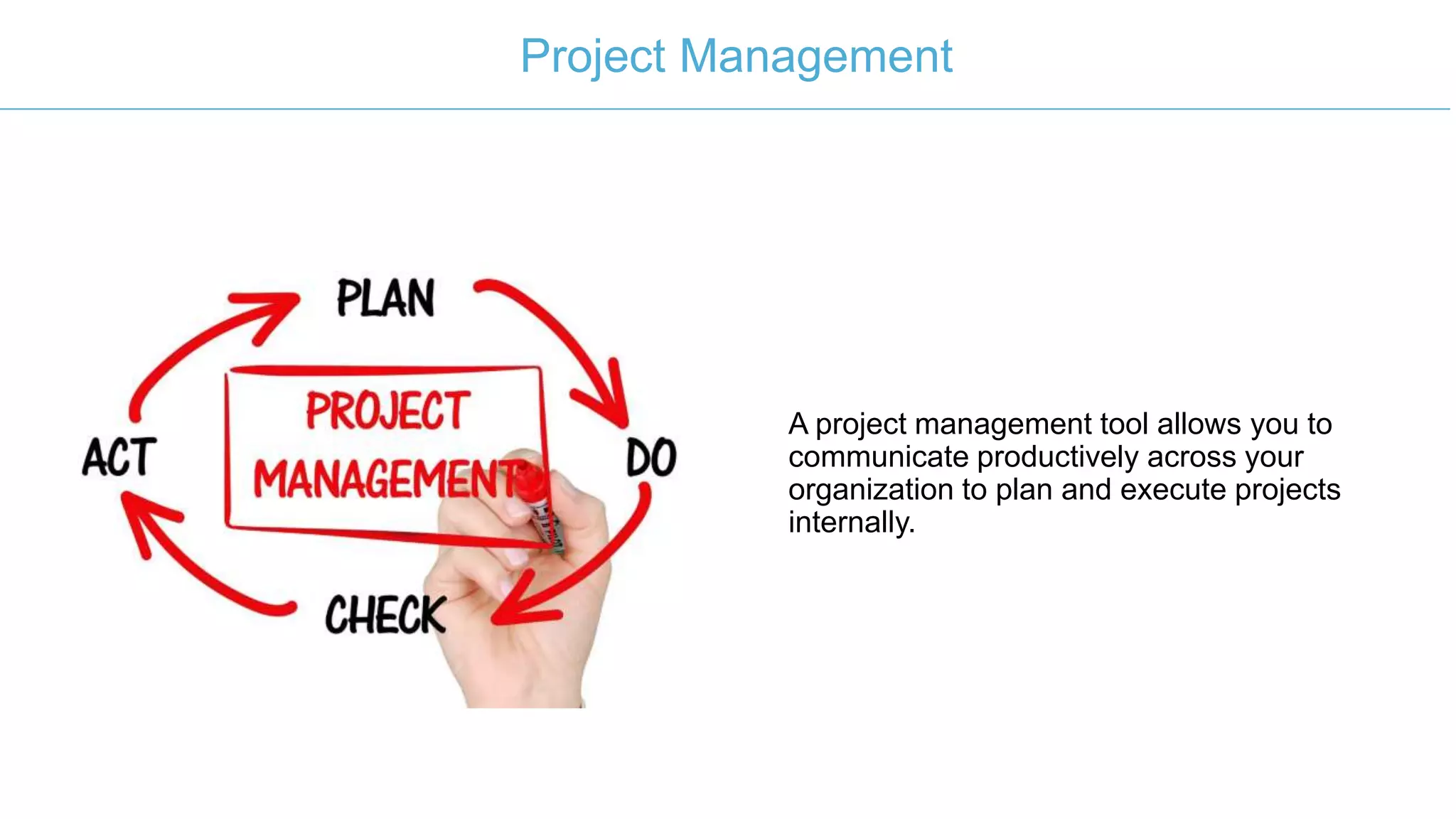
A project management tool allows you to
communicate productively across your
organization to plan and execute projects
internally.
Project Management
Benefits of Cloud Vs On-Premise ERP
On-premise, in this case, meaning the
software is organized and run from your
computer system
Cloud-based ERP stores your various reports
in the cloud and can even leverage cloud
processing to run the multiple applications
and features of your system.
Performance
In-house ERP can require a pretty
sophisticated computer system and other
equipment to run efficiently
A cloud solution guarantees performance, as
long as you have a steady Internet
connection.
Costs
If you do need to upgrade your equipment to
manage an on-premise ERP system, then
you’re facing potentially high upfront costs.
With cloud ERP software, there is little-to-no
upfront cost, aside from purchasing the
service. This may be a small upfront price,
with a monthly fee attached.
Security
It is hard to maintain high level security with
an on-premise solution. For example, a data
breach could occur just because someone left
a computer unattended or the server room
unlocked; these issues can’t happen with
cloud ERP systems.
Cloud security is often more sophisticated
than your in-house security because they
leverage incredibly advanced protocols to
ensure that only users with permission can
access the system.
Support
If you don’t have an in-house IT department,
getting support for your ERP system can be a
challenge.
With cloud ERP software, support is not only
24/7, but also any issues, updates, security
improvements and so on are all handled on
the provider’s end, which means there’s far
less responsibility placed on your business.
Support
If you don’t have an in-house IT department,
getting support for your ERP system can be a
challenge.
With cloud ERP software, support is not only
24/7, but also any issues, updates, security
improvements and so on are all handled on
the provider’s end, which means there’s far
less responsibility placed on your business.
Cost
High upfront costs. It is very situational and
depends greatly on the equipment you have
available now
While upfront costs may be low, the cost of
your cloud service provider’s flat rate fee can
add up. There could be a point in time where
the total cost of those fees rival the upfront
cost of upgrading and maintaining an on-
premise system.
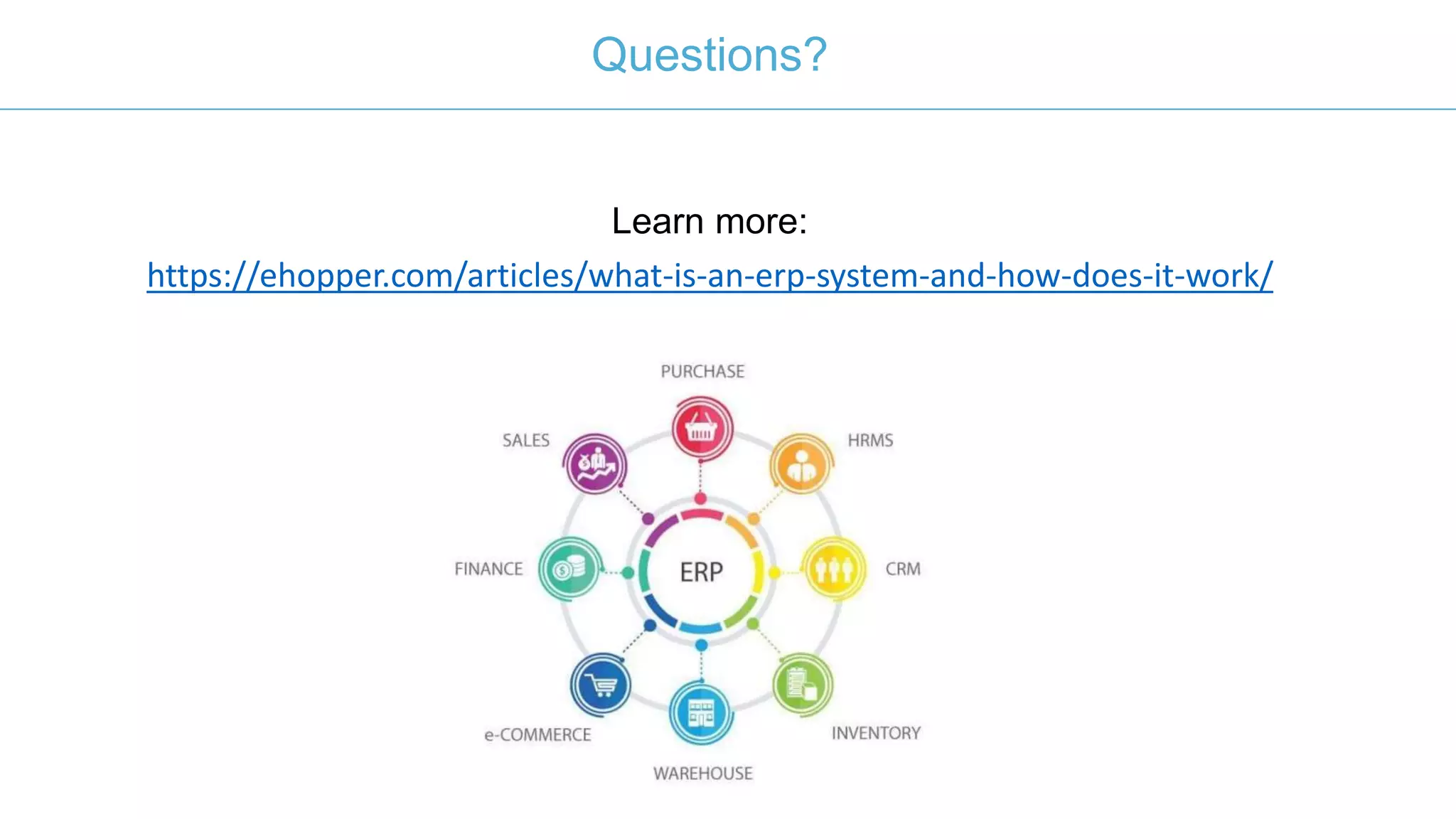
eHopper’s ERP software stands out for a number of reasons:
• Combines sales, purchase, HRMS, CRM, inventory, warehouse, e-
commerce, finance and more into the same software
• Has a number of different features to handle critical operations within
accounting, human resources, CRM, inventory, project management
and other departments
• Modern software interface is user-friendly, fast and can be customized
to fit your business’ needs
• You only have to use the features that are valuable for your goals and
can add more as your business grows
• As a cloud ERP system, you get excellent performance, security, low
upfront costs, better support and access from anywhere you have
Internet
Suggest ERP Software Solution?
Questions?
Learn more:
https://ehopper.com/articles/what-is-an-erp-system-and-how-does-it-work/
212-651-8911
sales@ehopper.com
www.ehopper.com
30 Broad Street, Floor 22, New York, NY 10004
Contact Us

What is an erp system?

  • 1.
    What is anERP System?
  • 2.
    In business, ERPstands for enterprise resource planning. What Does ERP Stand For?
  • 3.
    The purpose ofan ERP system is to improve efficiency (and thereby profitability) through improving how company resources are spent, whether those resources be time, money, staff or something else. What Does An ERP Do?
  • 4.
    • Reduce youroverhead costs by folding a number of business tools and applications into one system • Cause individual operations/departments (warehouse, accounting, HR, etc.) to work faster • Automate specific processes that would otherwise require manpower to complete • Improve business data analytics for better, more accurate and actionable insights • Positively impact customer relationships by being an overall faster, more efficient company to work with • Be customized to focus on the aspects of your business that are most aligned with your current goals and needs What Are The Benefits Of An ERP System?
  • 5.
    ERP software candiffer depending on the package you purchase and the provider. What Are The Different Features Of ERP Software?
  • 6.
    Manage all ofyour financial reports in the same interface, such as purchase orders, expenses, sales reports, payroll, etc. Accounting
  • 7.
    If your businesshas inventory or warehouse processes, your ERP software needs to be able to integrate those operations to better track and manage goods. Inventory and Warehousing
  • 8.
    An excellent ERPsystem will enhance your existing web offerings to include better purchase options for customers to choose from. eCommerce and Web
  • 9.
    The HR moduleof your ERP system contains all of the employee management processes, including payroll expenses, recruitment, performance evaluations, attendance, scheduling and more. Human Resources
  • 10.
    The CRM modulewill better express what’s working and what isn’t and how marketing is translating into added revenue CRM and Marketing
  • 11.
    A project managementtool allows you to communicate productively across your organization to plan and execute projects internally. Project Management
  • 12.
    Benefits of CloudVs On-Premise ERP On-premise, in this case, meaning the software is organized and run from your computer system Cloud-based ERP stores your various reports in the cloud and can even leverage cloud processing to run the multiple applications and features of your system.
  • 13.
    Performance In-house ERP canrequire a pretty sophisticated computer system and other equipment to run efficiently A cloud solution guarantees performance, as long as you have a steady Internet connection.
  • 14.
    Costs If you doneed to upgrade your equipment to manage an on-premise ERP system, then you’re facing potentially high upfront costs. With cloud ERP software, there is little-to-no upfront cost, aside from purchasing the service. This may be a small upfront price, with a monthly fee attached.
  • 15.
    Security It is hardto maintain high level security with an on-premise solution. For example, a data breach could occur just because someone left a computer unattended or the server room unlocked; these issues can’t happen with cloud ERP systems. Cloud security is often more sophisticated than your in-house security because they leverage incredibly advanced protocols to ensure that only users with permission can access the system.
  • 16.
    Support If you don’thave an in-house IT department, getting support for your ERP system can be a challenge. With cloud ERP software, support is not only 24/7, but also any issues, updates, security improvements and so on are all handled on the provider’s end, which means there’s far less responsibility placed on your business.
  • 17.
    Support If you don’thave an in-house IT department, getting support for your ERP system can be a challenge. With cloud ERP software, support is not only 24/7, but also any issues, updates, security improvements and so on are all handled on the provider’s end, which means there’s far less responsibility placed on your business.
  • 18.
    Cost High upfront costs.It is very situational and depends greatly on the equipment you have available now While upfront costs may be low, the cost of your cloud service provider’s flat rate fee can add up. There could be a point in time where the total cost of those fees rival the upfront cost of upgrading and maintaining an on- premise system.
  • 19.
    eHopper’s ERP softwarestands out for a number of reasons: • Combines sales, purchase, HRMS, CRM, inventory, warehouse, e- commerce, finance and more into the same software • Has a number of different features to handle critical operations within accounting, human resources, CRM, inventory, project management and other departments • Modern software interface is user-friendly, fast and can be customized to fit your business’ needs • You only have to use the features that are valuable for your goals and can add more as your business grows • As a cloud ERP system, you get excellent performance, security, low upfront costs, better support and access from anywhere you have Internet Suggest ERP Software Solution?
  • 20.
  • 21.