Theory and Practice
of Data Cleaning
Regular Expressions: From Theory to Practice
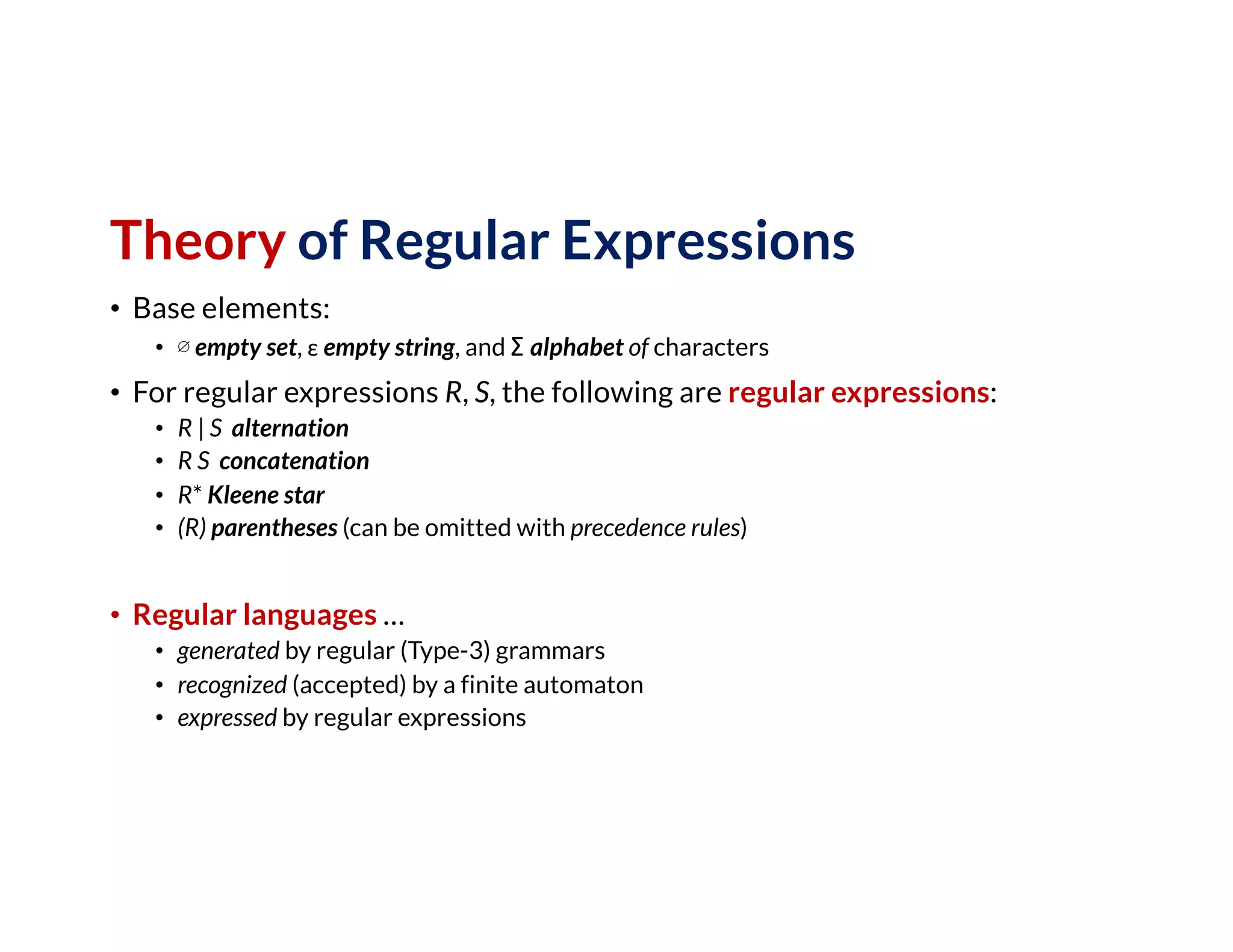
Theory of Regular Expressions
• Base elements:
• ∅ empty set, ε empty string, and Σ alphabet of characters
• For regular expressions R, S, the following are regular expressions:
• R | S alternation
• R S concatenation
• R* Kleene star
• (R) parentheses (can be omitted with precedence rules)
• Regular languages …
• generated by regular (Type-3) grammars
• recognized (accepted) by a finite automaton
• expressed by regular expressions
Regular
Grammars
• Not very handy in practice …
• Regular expressions to the
rescue!
[-+]?[0-9]*.?[0-9]+([eE][-+]?[0-9]+)?
Example: floating point numbers such as -0.314159265e+1
… can be generated by a right regular grammar G with
N = {S, A,B,C,D,E,F}, Σ = {0,1,2,3,4,5,6,7,8,9,+,-,.,e},
Production rules P =
Introduction to Regular Expressions (Regex)
Theory & Practice
• Theory of regular expressions:
• Brief introduction where regular expressions come from …
• Practice of regular expressions:
• What you need to know to get started with regex in practice!
• Demonstration of regular expressions
Practice of Regular Expressions
• Use case: Extract (then transform) data from text
• pi = -0.314159265e+1
• e = 0.2718281828E+1
• This regex will do the trick: [-+]?[0-9]*.?[0-9]+([eE][-+]?[0-9]+)?
• Character set [ … ] matches any single character
• Optional element ... ? matches 0 or 1 occurrence
• Range [0-9] matches any single character in this range
• (Kleene) Star ... * matches 0 or more occurrences
• Dot . matches any character (execept line breaks)
• Escape character  ... take next character literally (no special meaning)
• Capturing group (...) group multiple tokens; capture group for backreference
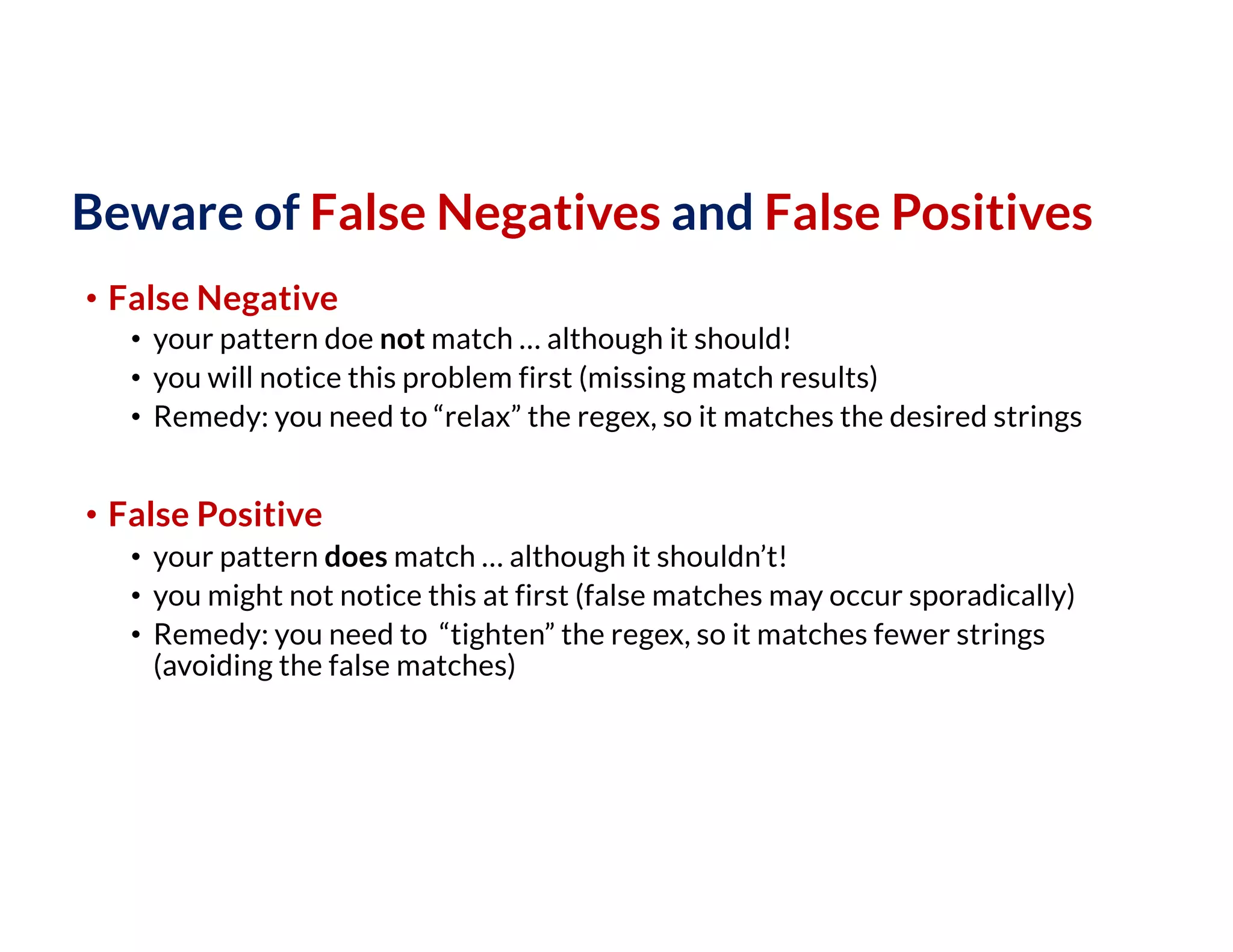
Beware of False Negatives and False Positives
• False Negative
• your pattern doe not match … although it should!
• you will notice this problem first (missing match results)
• Remedy: you need to “relax” the regex, so it matches the desired strings
• False Positive
• your pattern does match … although it shouldn’t!
• you might not notice this at first (false matches may occur sporadically)
• Remedy: you need to “tighten” the regex, so it matches fewer strings
(avoiding the false matches)
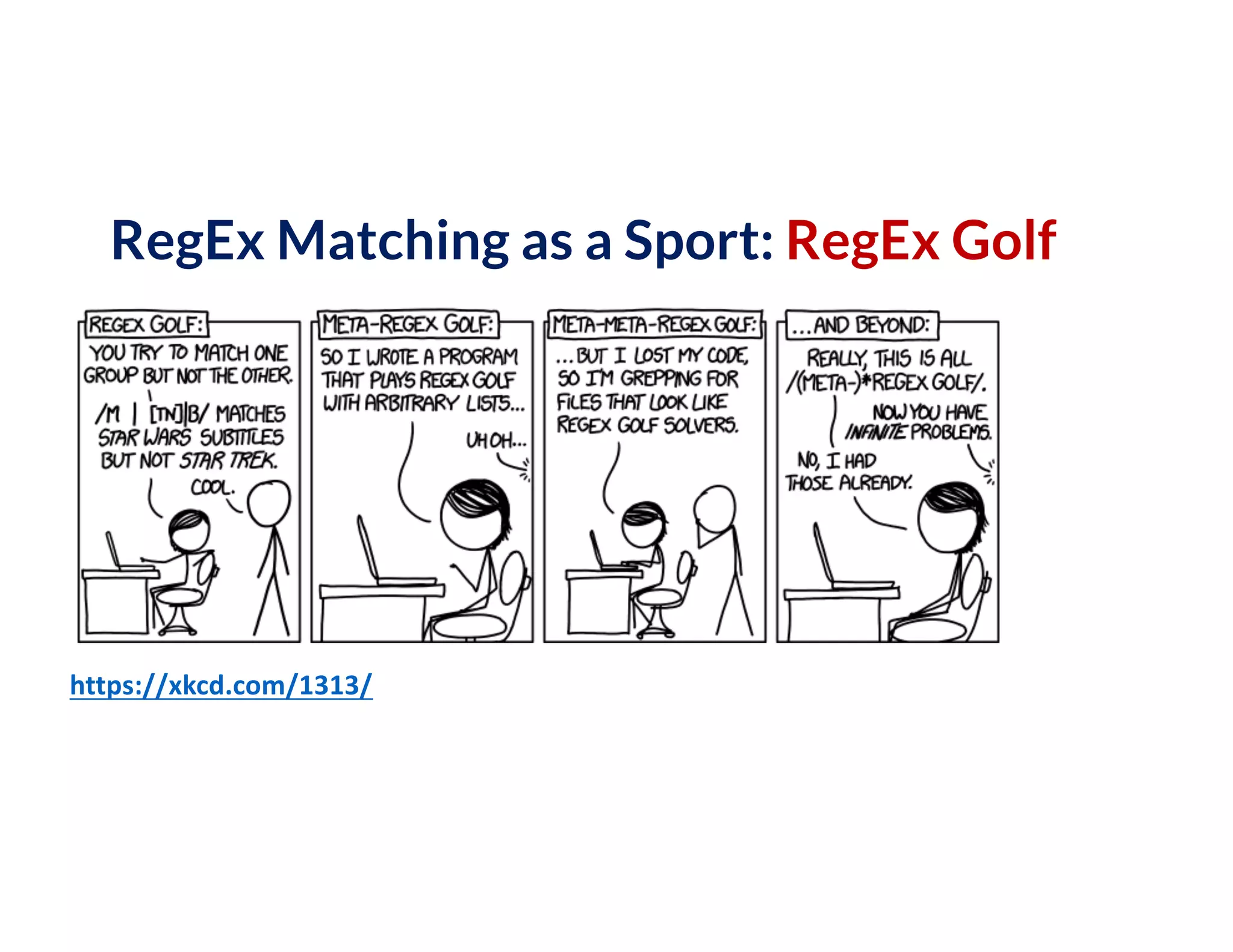
RegEx Matching as a Sport: RegEx Golf
https://xkcd.com/1313/
Division of Labor:
RegEx for Syntax; Code for Semantics
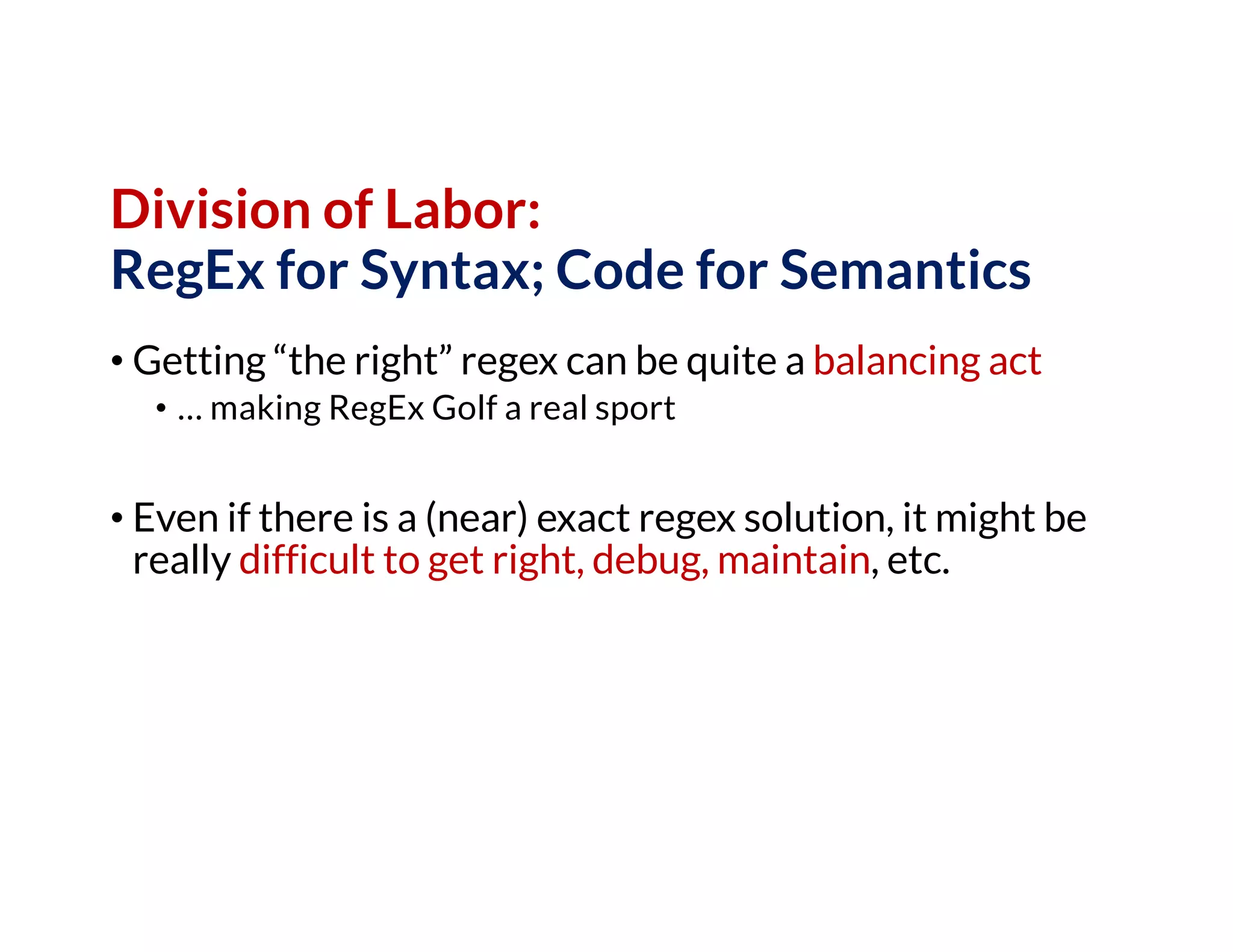
• Getting “the right” regex can be quite a balancing act
• … making RegEx Golf a real sport
• Even if there is a (near) exact regex solution, it might be
really difficult to get right, debug, maintain, etc.
Division of Labor:
RegEx for Syntax; Code for Semantics
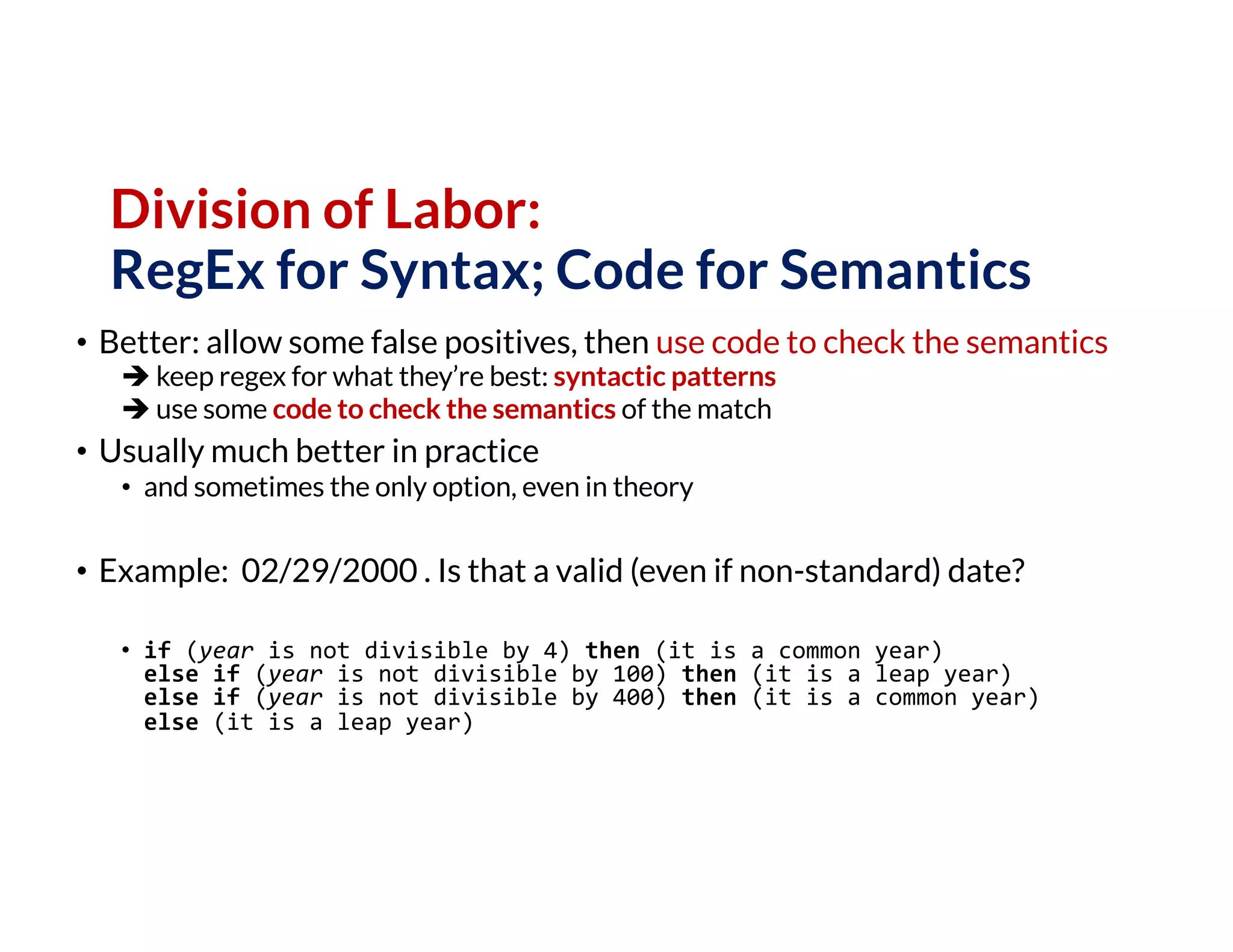
• Better: allow some false positives, then use code to check the semantics
è keep regex for what they’re best: syntactic patterns
è use some code to check the semantics of the match
• Usually much better in practice
• and sometimes the only option, even in theory
• Example: 02/29/2000 . Is that a valid (even if non-standard) date?
• if (year is not divisible by 4) then (it is a common year)
else if (year is not divisible by 100) then (it is a leap year)
else if (year is not divisible by 400) then (it is a common year)
else (it is a leap year)
Character Classes
• . match any character except newline
• w d s match a word, digit, whitespace character, respectively
• W D S match a non-word, non-digit, non-whitespace character
• [abc] any of a, b, or c
• [^abc] match a character other than a, b, or c
• [a-g] match a character between a, b, …, g
Anchors
• ^abc match abc at the start of the string
• abc$ match abc at the end of the string
• xyzb match xyz at a word boundary
• xyzB match xyz if not at a word boundary
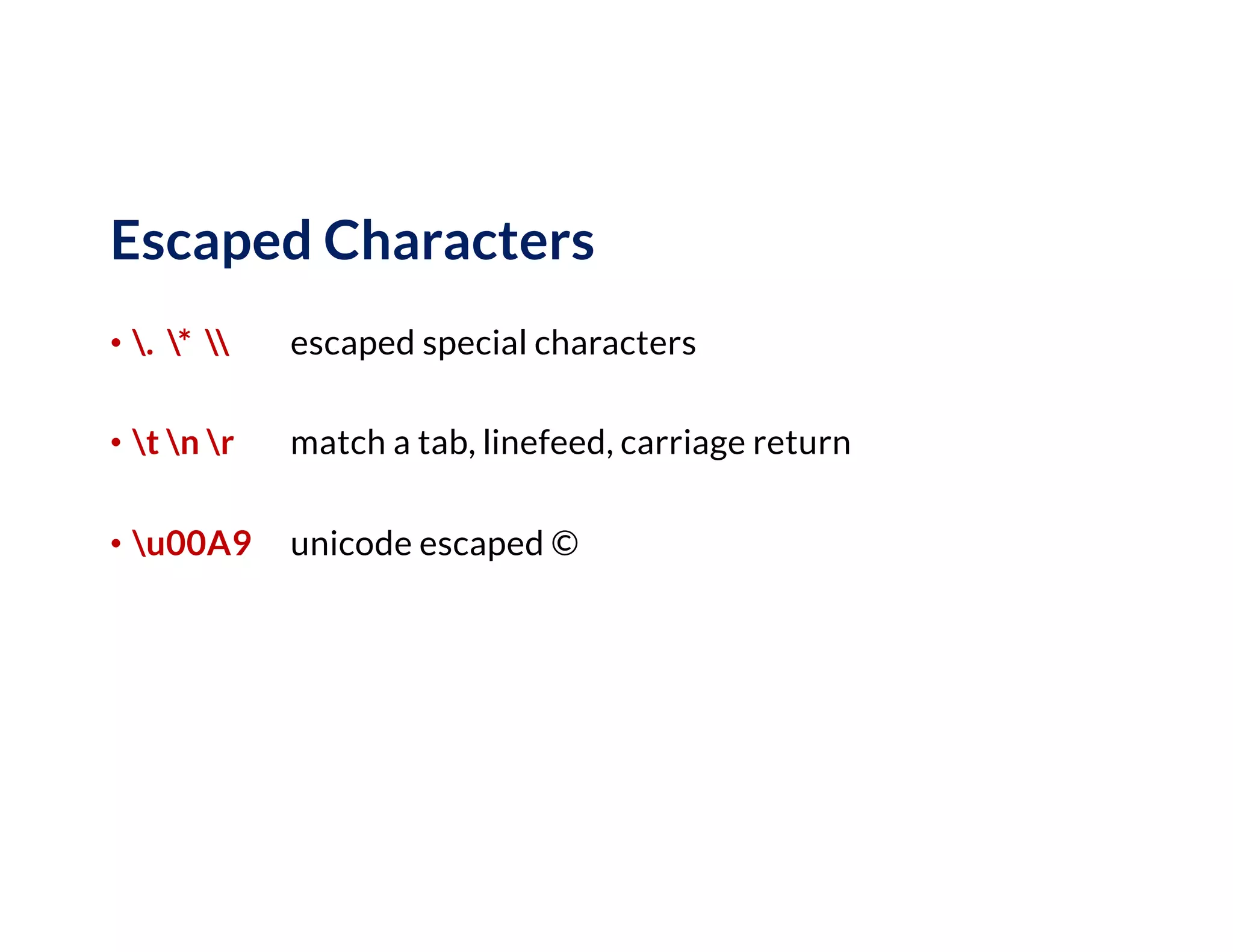
Escaped Characters
• . *  escaped special characters
• t n r match a tab, linefeed, carriage return
• u00A9 unicode escaped ©
Groups
• ([0-9]+)s*([a-z]+) two capture group s
• 1 backreference to group #1
• 2 1 first group #2, then #1 (simple palindrome)
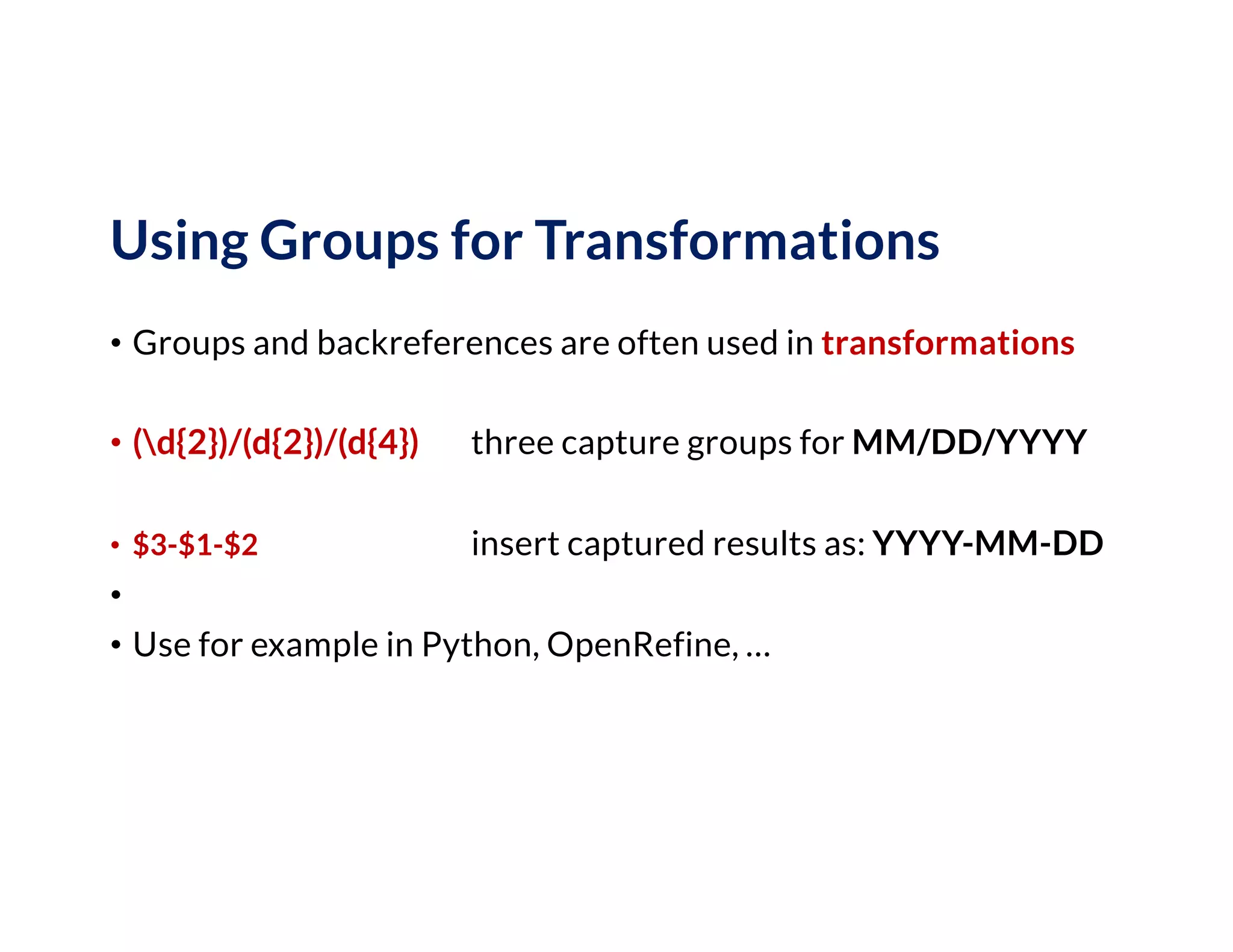
Using Groups for Transformations
• Groups and backreferences are often used in transformations
• (d{2})/(d{2})/(d{4}) three capture groups for MM/DD/YYYY
• $3-$1-$2 insert captured results as: YYYY-MM-DD
•
• Use for example in Python, OpenRefine, …
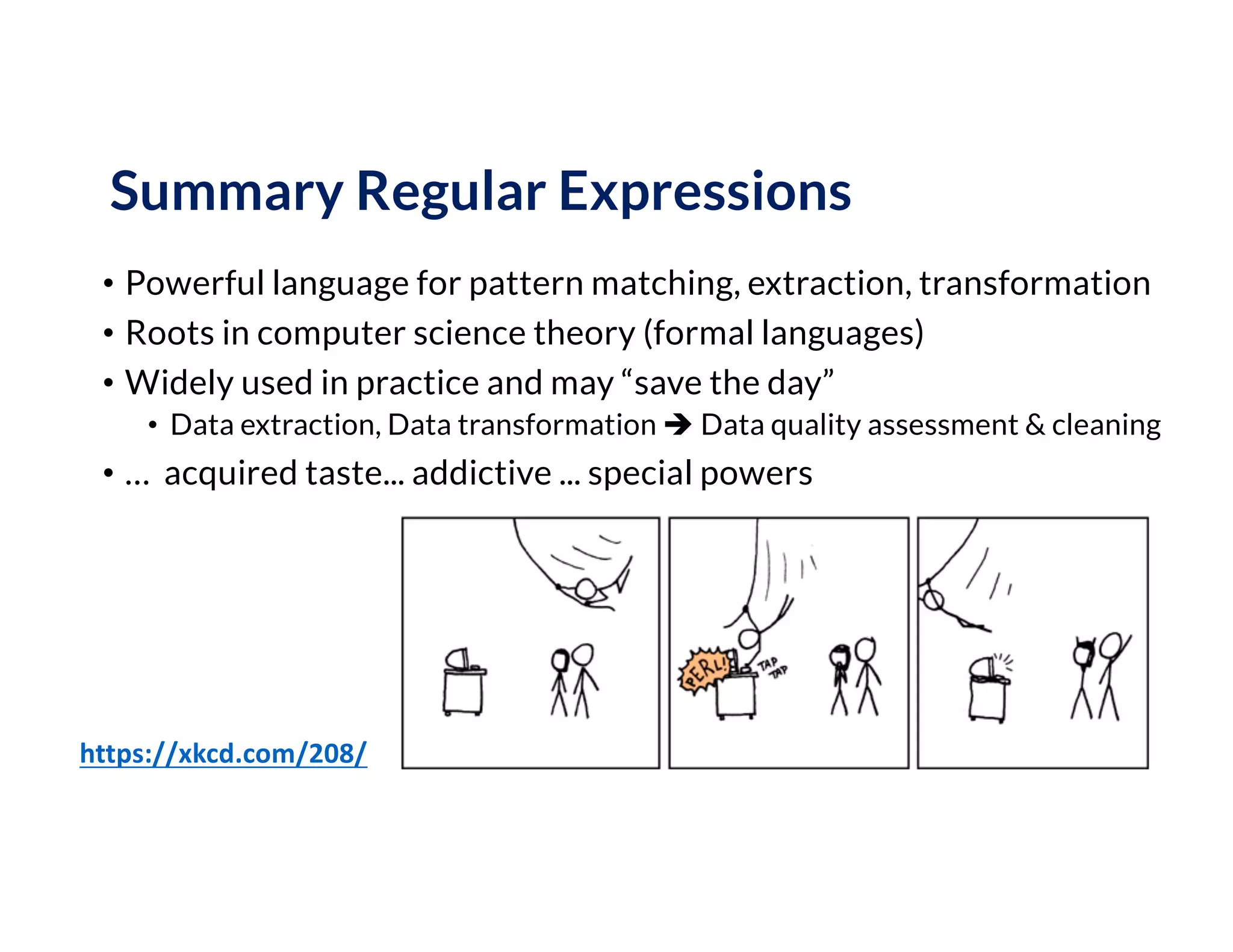
Summary Regular Expressions
• Powerful language for pattern matching, extraction, transformation
• Roots in computer science theory (formal languages)
• Widely used in practice and may “save the day”
• Data extraction, Data transformation è Data quality assessment & cleaning
• … acquired taste... addictive ... special powers
https://xkcd.com/208/

Week-2: Theory & Practice of Data Cleaning: Regular Expressions in Practice

  • 1.
    Theory and Practice ofData Cleaning Regular Expressions: From Theory to Practice
  • 2.
    Theory of RegularExpressions • Base elements: • ∅ empty set, ε empty string, and Σ alphabet of characters • For regular expressions R, S, the following are regular expressions: • R | S alternation • R S concatenation • R* Kleene star • (R) parentheses (can be omitted with precedence rules) • Regular languages … • generated by regular (Type-3) grammars • recognized (accepted) by a finite automaton • expressed by regular expressions
  • 3.
    Regular Grammars • Not veryhandy in practice … • Regular expressions to the rescue! [-+]?[0-9]*.?[0-9]+([eE][-+]?[0-9]+)? Example: floating point numbers such as -0.314159265e+1 … can be generated by a right regular grammar G with N = {S, A,B,C,D,E,F}, Σ = {0,1,2,3,4,5,6,7,8,9,+,-,.,e}, Production rules P =
  • 4.
    Introduction to RegularExpressions (Regex) Theory & Practice • Theory of regular expressions: • Brief introduction where regular expressions come from … • Practice of regular expressions: • What you need to know to get started with regex in practice! • Demonstration of regular expressions
  • 5.
    Practice of RegularExpressions • Use case: Extract (then transform) data from text • pi = -0.314159265e+1 • e = 0.2718281828E+1 • This regex will do the trick: [-+]?[0-9]*.?[0-9]+([eE][-+]?[0-9]+)? • Character set [ … ] matches any single character • Optional element ... ? matches 0 or 1 occurrence • Range [0-9] matches any single character in this range • (Kleene) Star ... * matches 0 or more occurrences • Dot . matches any character (execept line breaks) • Escape character ... take next character literally (no special meaning) • Capturing group (...) group multiple tokens; capture group for backreference
  • 6.
    Beware of FalseNegatives and False Positives • False Negative • your pattern doe not match … although it should! • you will notice this problem first (missing match results) • Remedy: you need to “relax” the regex, so it matches the desired strings • False Positive • your pattern does match … although it shouldn’t! • you might not notice this at first (false matches may occur sporadically) • Remedy: you need to “tighten” the regex, so it matches fewer strings (avoiding the false matches)
  • 7.
    RegEx Matching asa Sport: RegEx Golf https://xkcd.com/1313/
  • 8.
    Division of Labor: RegExfor Syntax; Code for Semantics • Getting “the right” regex can be quite a balancing act • … making RegEx Golf a real sport • Even if there is a (near) exact regex solution, it might be really difficult to get right, debug, maintain, etc.
  • 9.
    Division of Labor: RegExfor Syntax; Code for Semantics • Better: allow some false positives, then use code to check the semantics è keep regex for what they’re best: syntactic patterns è use some code to check the semantics of the match • Usually much better in practice • and sometimes the only option, even in theory • Example: 02/29/2000 . Is that a valid (even if non-standard) date? • if (year is not divisible by 4) then (it is a common year) else if (year is not divisible by 100) then (it is a leap year) else if (year is not divisible by 400) then (it is a common year) else (it is a leap year)
  • 10.
    Character Classes • .match any character except newline • w d s match a word, digit, whitespace character, respectively • W D S match a non-word, non-digit, non-whitespace character • [abc] any of a, b, or c • [^abc] match a character other than a, b, or c • [a-g] match a character between a, b, …, g
  • 11.
    Anchors • ^abc matchabc at the start of the string • abc$ match abc at the end of the string • xyzb match xyz at a word boundary • xyzB match xyz if not at a word boundary
  • 12.
    Escaped Characters • .* escaped special characters • t n r match a tab, linefeed, carriage return • u00A9 unicode escaped ©
  • 13.
    Groups • ([0-9]+)s*([a-z]+) twocapture group s • 1 backreference to group #1 • 2 1 first group #2, then #1 (simple palindrome)
  • 14.
    Using Groups forTransformations • Groups and backreferences are often used in transformations • (d{2})/(d{2})/(d{4}) three capture groups for MM/DD/YYYY • $3-$1-$2 insert captured results as: YYYY-MM-DD • • Use for example in Python, OpenRefine, …
  • 15.
    Summary Regular Expressions •Powerful language for pattern matching, extraction, transformation • Roots in computer science theory (formal languages) • Widely used in practice and may “save the day” • Data extraction, Data transformation è Data quality assessment & cleaning • … acquired taste... addictive ... special powers https://xkcd.com/208/