1
Approaches for application
request throttling
Maarten Balliauw
@maartenballiauw
Upcoming events
• Wednesday, October 3, 2018 (www.azug.be )
• Confusion In The Land Of The Serverless
& Macro challenges of a microservice architecture
Sam Newman & Cornell Knulst
• @3Square - Gent
• Tuesday, October 23, 2018
• Releasing features at the flick of a switch
Dimitri Holsteens
• @Corda Campus - Hasselt (UgenTec offices)
Thank you!
4
Approaches for application
request throttling
Maarten Balliauw
@maartenballiauw
5
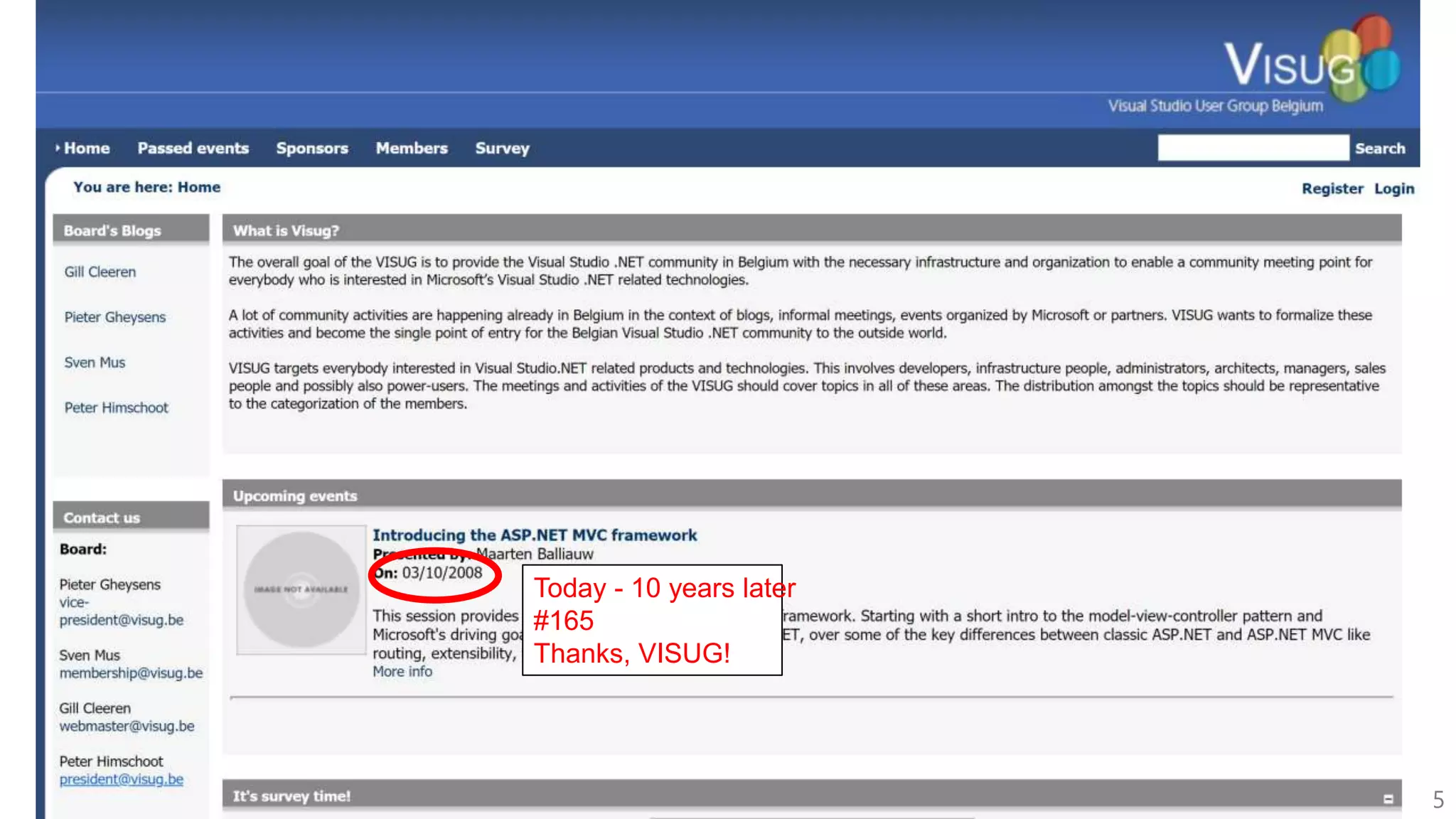
Today - 10 years later
#165
Thanks, VISUG!
6
9
Agenda
Users and traffic patterns
Rate limiting and considerations
Which resources?
Which limits?
Who to limit? Who not to limit?
What when a limit is reached?
Where to limit?
10
Users...
11
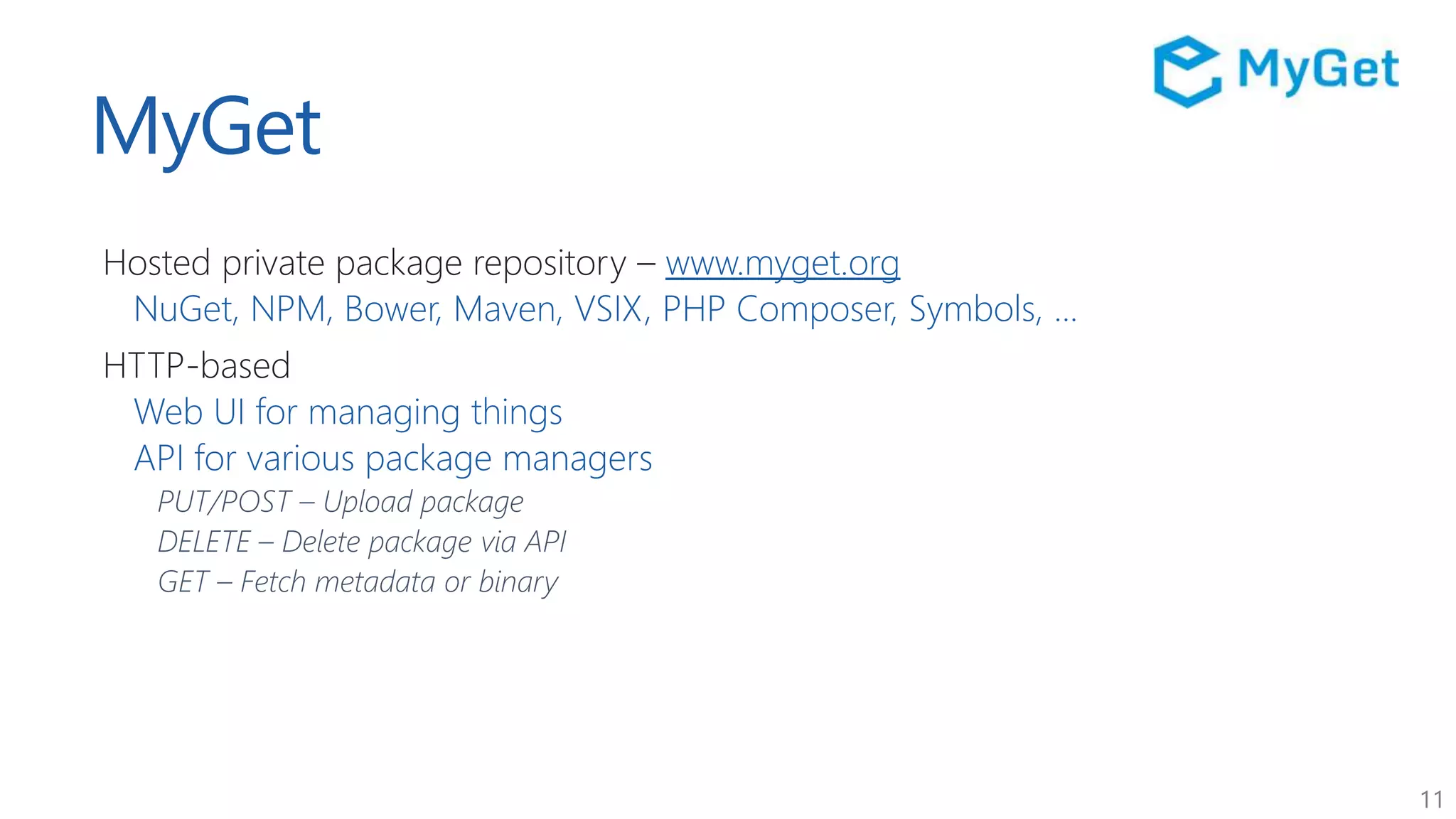
MyGet
Hosted private package repository – www.myget.org
NuGet, NPM, Bower, Maven, VSIX, PHP Composer, Symbols, ...
HTTP-based
Web UI for managing things
API for various package managers
PUT/POST – Upload package
DELETE – Delete package via API
GET – Fetch metadata or binary
12
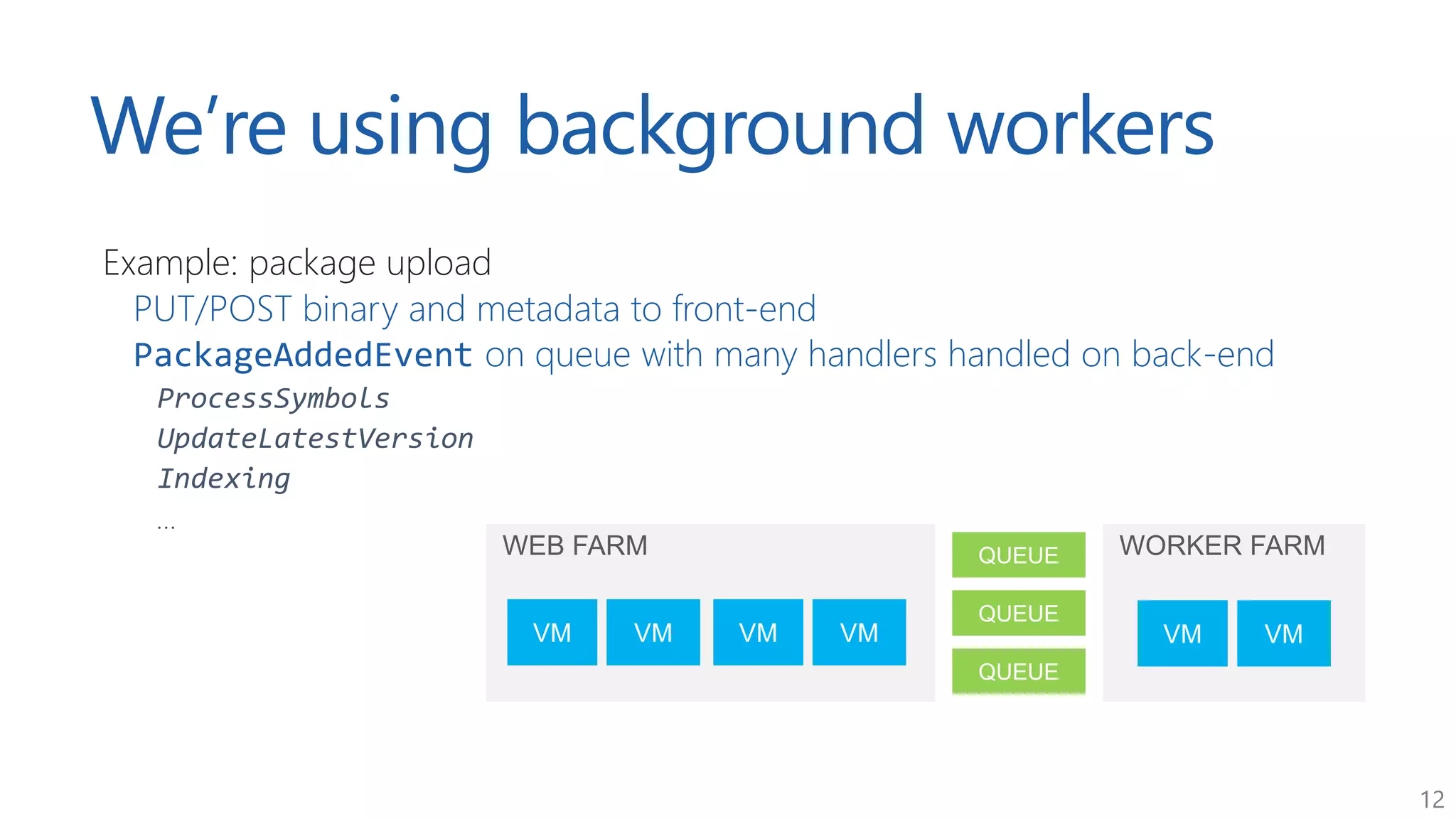
We’re using background workers
Example: package upload
PUT/POST binary and metadata to front-end
PackageAddedEvent on queue with many handlers handled on back-end
ProcessSymbols
UpdateLatestVersion
Indexing
...
13
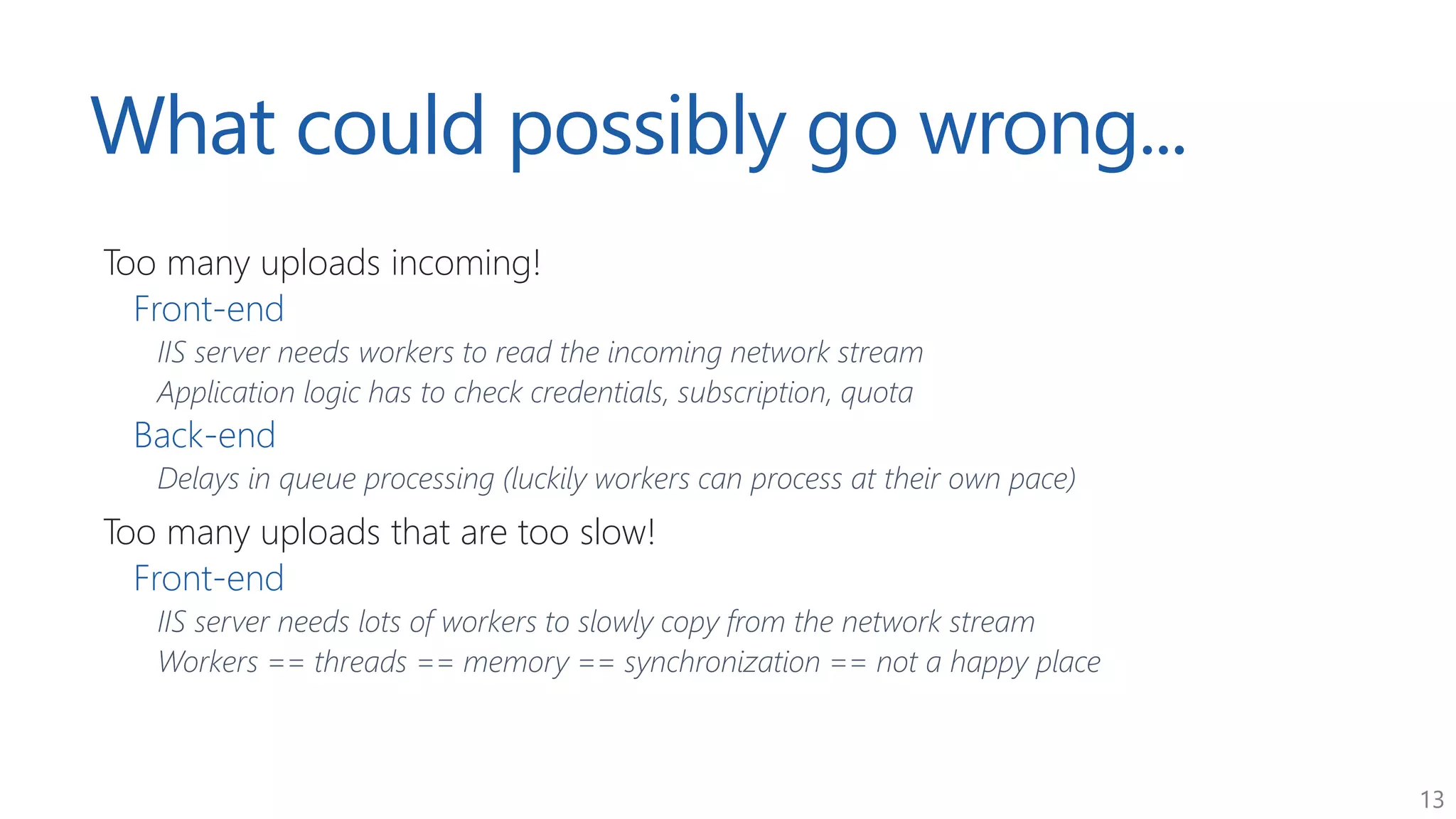
What could possibly go wrong...
Too many uploads incoming!
Front-end
IIS server needs workers to read the incoming network stream
Application logic has to check credentials, subscription, quota
Back-end
Delays in queue processing (luckily workers can process at their own pace)
Too many uploads that are too slow!
Front-end
IIS server needs lots of workers to slowly copy from the network stream
Workers == threads == memory == synchronization == not a happy place
14
What could possibly go wrong...
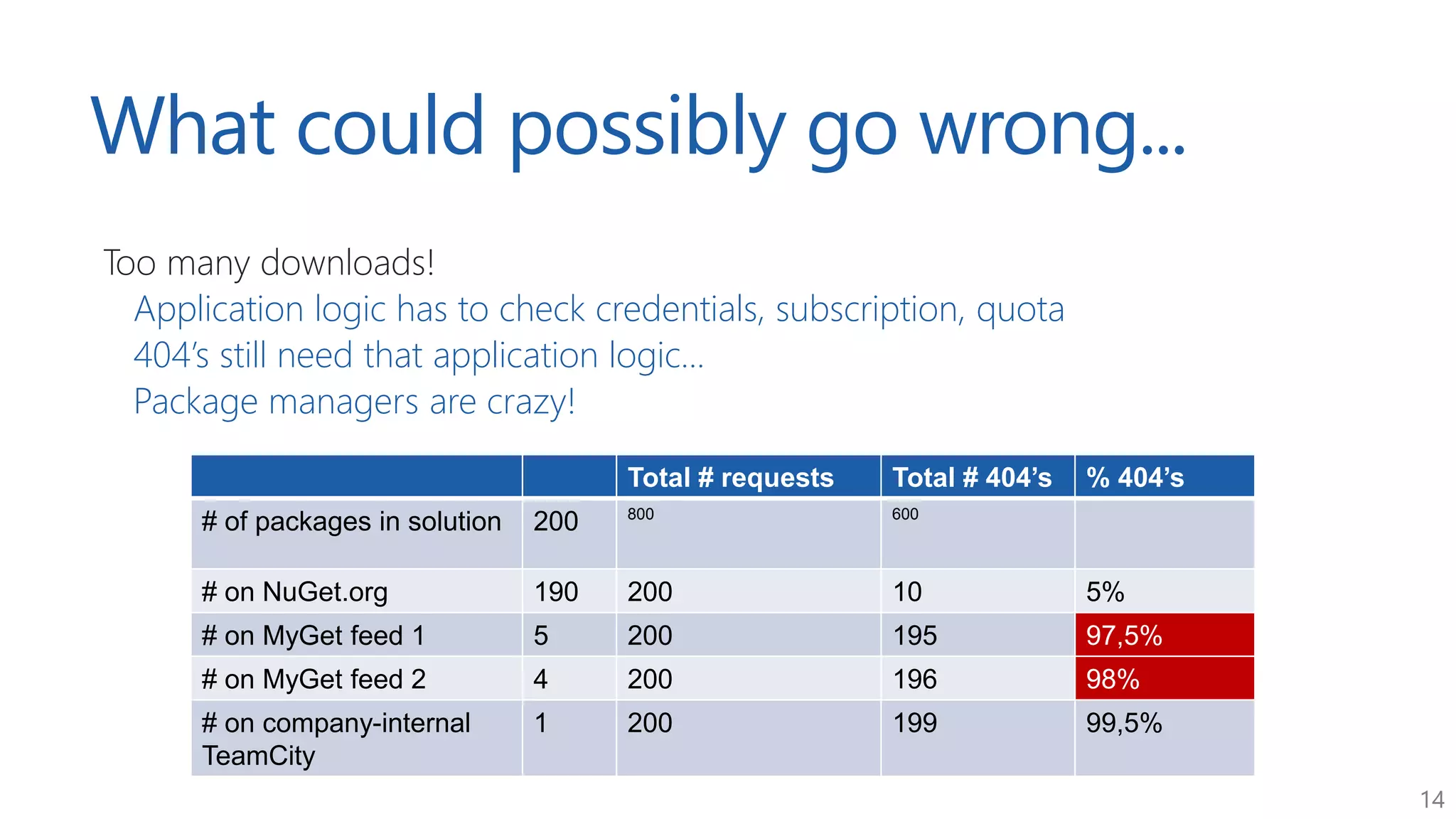
Too many downloads!
Application logic has to check credentials, subscription, quota
404’s still need that application logic...
Package managers are crazy!
Total # requests Total # 404’s % 404’s
# of packages in solution 200 800 600
# on NuGet.org 190 200 10 5%
# on MyGet feed 1 5 200 195 97,5%
# on MyGet feed 2 4 200 196 98%
# on company-internal
TeamCity
1 200 199 99,5%
17
Other examples
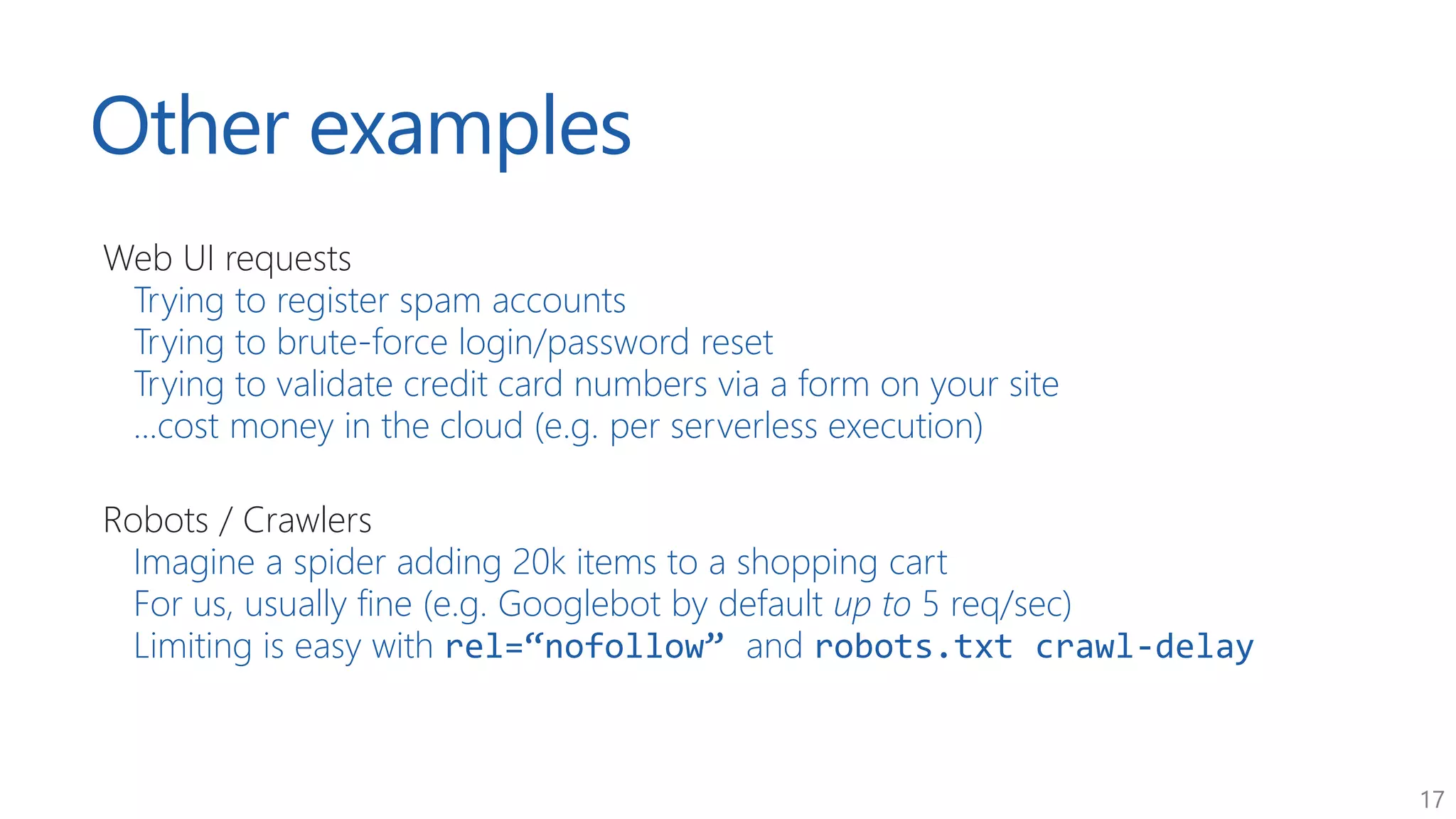
Web UI requests
Trying to register spam accounts
Trying to brute-force login/password reset
Trying to validate credit card numbers via a form on your site
...cost money in the cloud (e.g. per serverless execution)
Robots / Crawlers
Imagine a spider adding 20k items to a shopping cart
For us, usually fine (e.g. Googlebot by default up to 5 req/sec)
Limiting is easy with rel=“nofollow” and robots.txt crawl-delay
18
Real-life example
19
Rate limiting!
(or “throttling”)
20
Rate limiting – what?
Limits # of requests in a given timeframe
Or limits bandwidth, or another resource – up to you
Helps eliminate:
Unexpected traffic patterns
Unwanted traffic patterns (e.g. script kiddie brute-force login)
Potentiallly damaging traffic patterns
(accidental and malicious)
21
Rate limit everything.
- Maarten Balliauw
22
Rate limiting – everything???
Everything that could slow down or break your application
Typically everything that depends on a scarce or external resource
CPU
Memory
Disk I/O
Database
External API
So yes, everything...
23
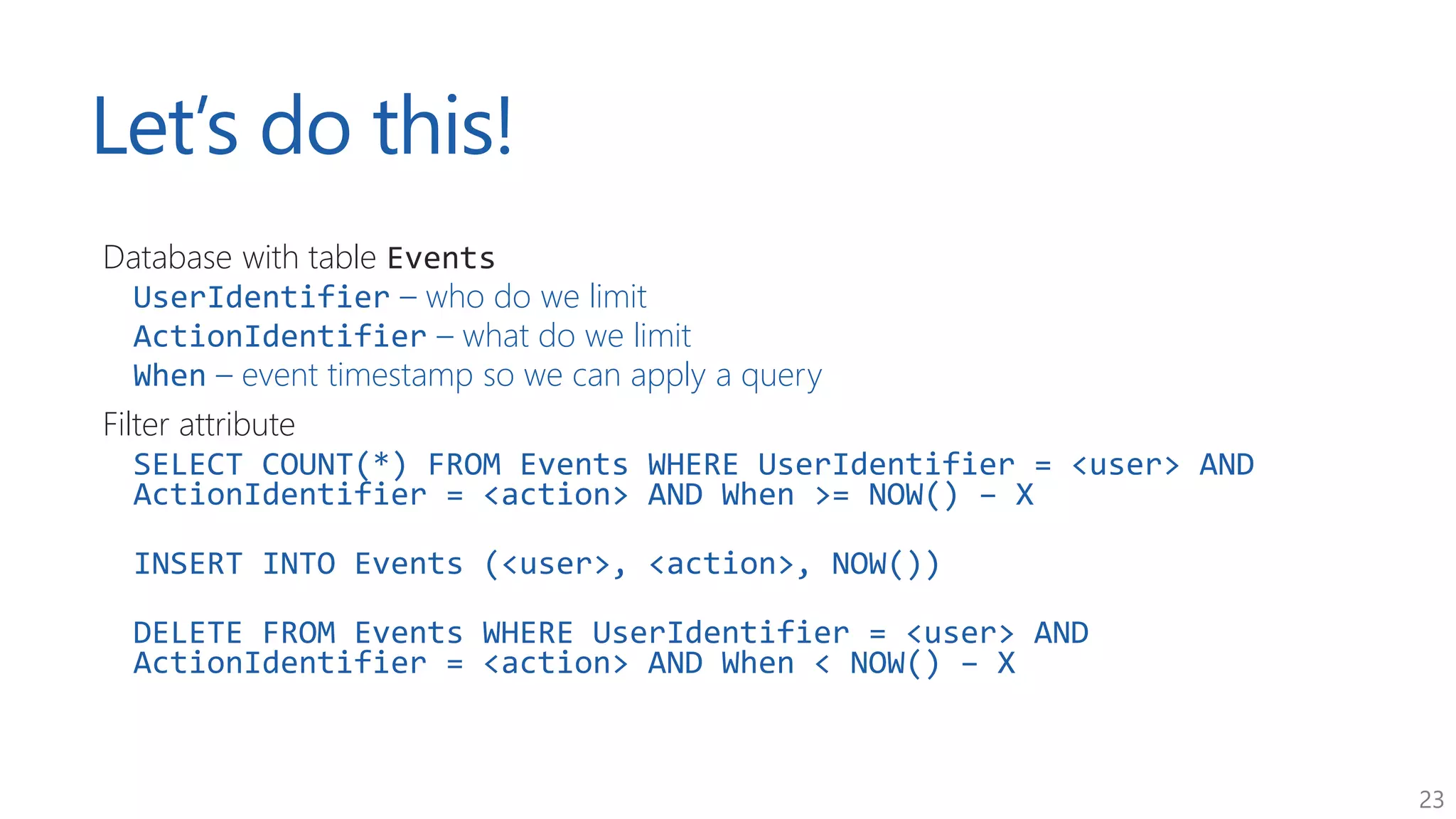
Let’s do this!
Database with table Events
UserIdentifier – who do we limit
ActionIdentifier – what do we limit
When – event timestamp so we can apply a query
Filter attribute
SELECT COUNT(*) FROM Events WHERE UserIdentifier = <user> AND
ActionIdentifier = <action> AND When >= NOW() – X
INSERT INTO Events (<user>, <action>, NOW())
DELETE FROM Events WHERE UserIdentifier = <user> AND
ActionIdentifier = <action> AND When < NOW() – X
24
Let’s do this!
demo
25
Rate measuring
26
That database was a bad idea!
Very flexible in defining various limits or doing combinations
Very flexible in changing limits, e.g. changing the time period
The database will suffer at scale...
Every request is at least 2 – 3 queries
Constant index churn
We need to manually run DELETE to remove old events
Database size!
27
That database was a bad idea!
We created a denial of service opportunity!
SELECT, INSERT, DELETE for every request
Consider a simpler technique to limit # of operations
Ideally just a simple counter
“Buckets”
28
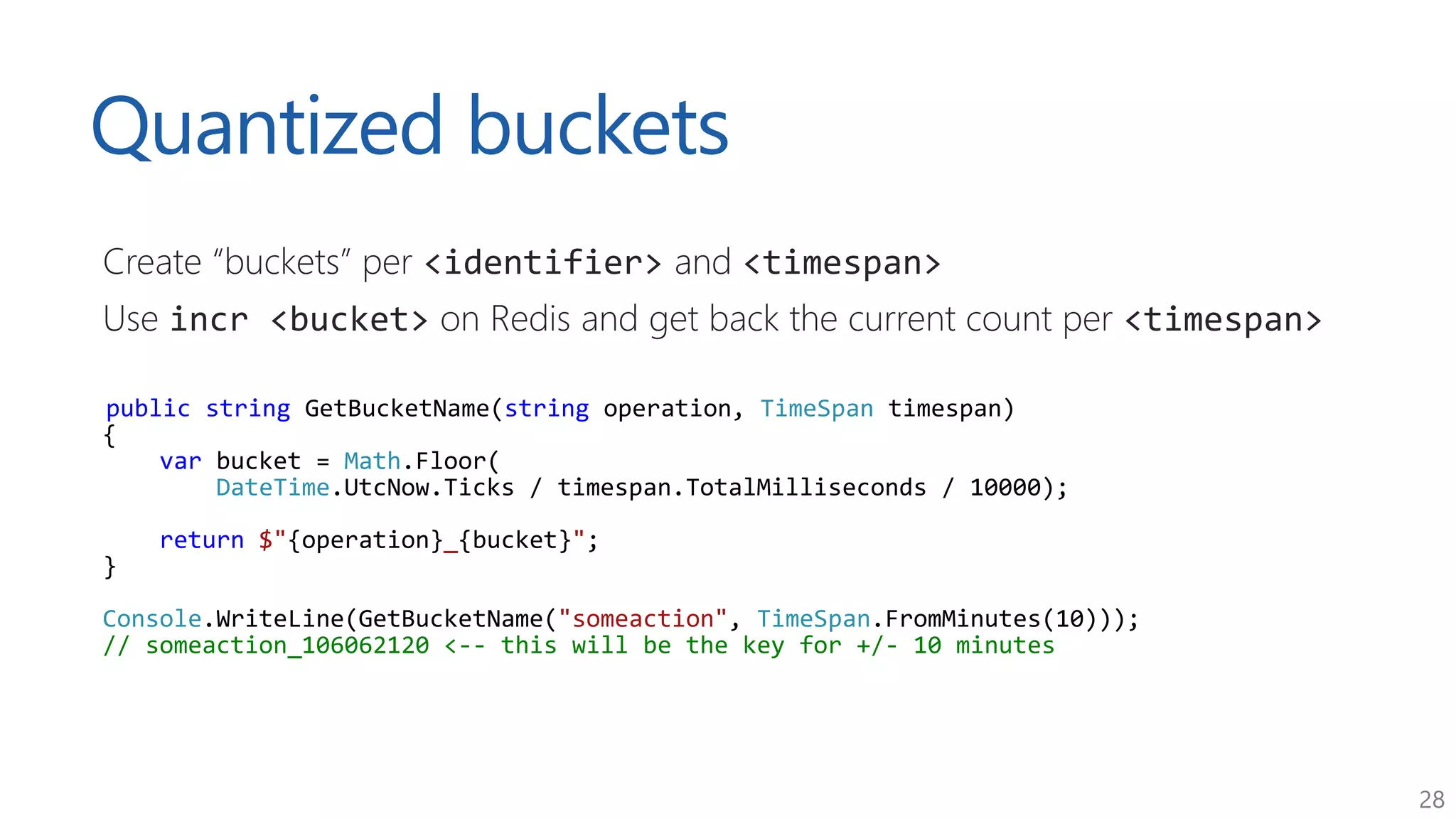
Quantized buckets
Create “buckets” per <identifier> and <timespan>
Use incr <bucket> on Redis and get back the current count per <timespan>
public string GetBucketName(string operation, TimeSpan timespan)
{
var bucket = Math.Floor(
DateTime.UtcNow.Ticks / timespan.TotalMilliseconds / 10000);
return $"{operation}_{bucket}";
}
Console.WriteLine(GetBucketName("someaction", TimeSpan.FromMinutes(10)));
// someaction_106062120 <-- this will be the key for +/- 10 minutes
29
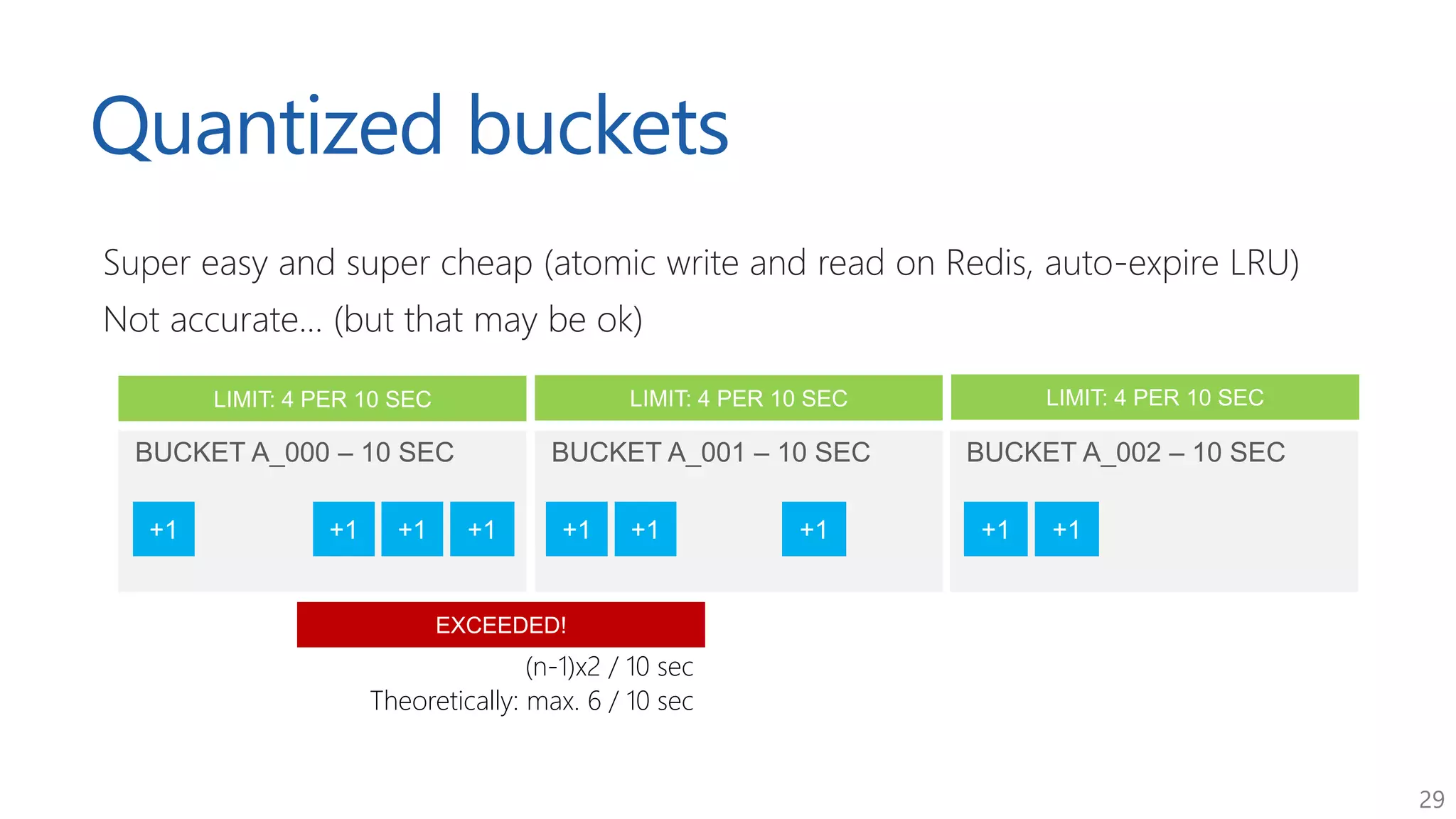
Quantized buckets
Super easy and super cheap (atomic write and read on Redis, auto-expire LRU)
Not accurate... (but that may be ok)
(n-1)x2 / 10 sec
Theoretically: max. 6 / 10 sec
30
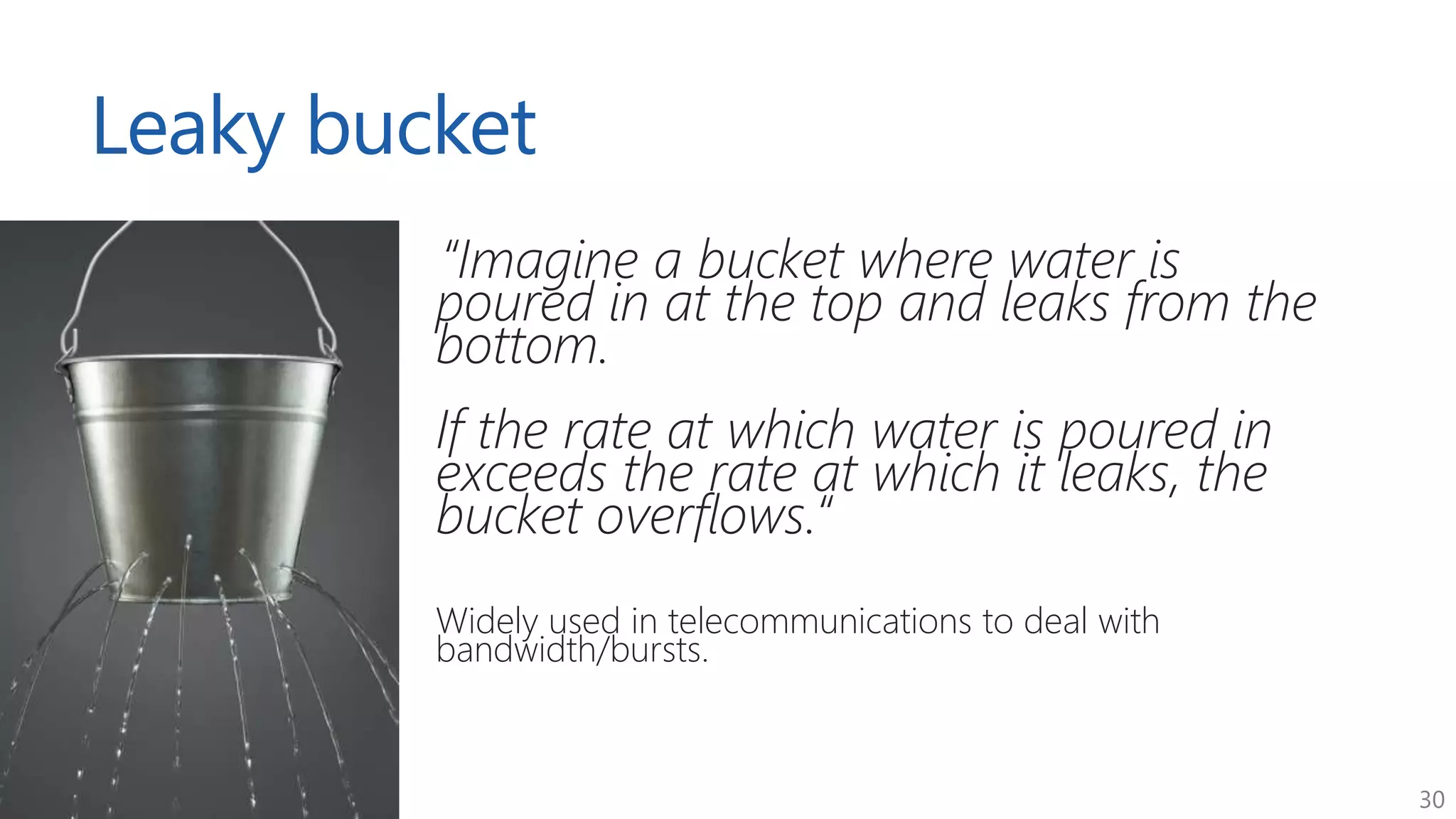
Leaky bucket
“Imagine a bucket where water is
poured in at the top and leaks from the
bottom.
If the rate at which water is poured in
exceeds the rate at which it leaks, the
bucket overflows.“
Widely used in telecommunications to deal with
bandwidth/bursts.
31
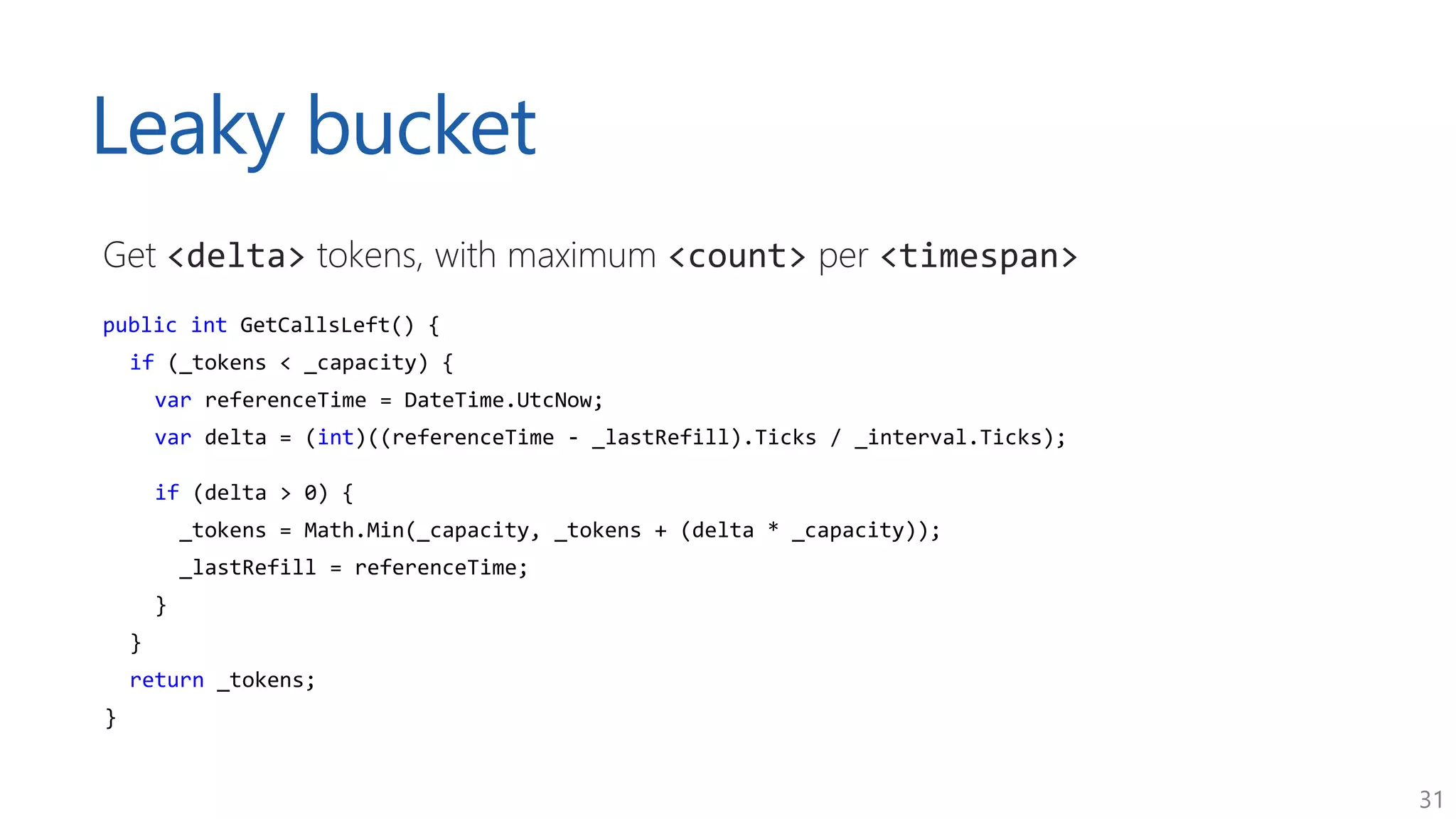
Leaky bucket
Get <delta> tokens, with maximum <count> per <timespan>
public int GetCallsLeft() {
if (_tokens < _capacity) {
var referenceTime = DateTime.UtcNow;
var delta = (int)((referenceTime - _lastRefill).Ticks / _interval.Ticks);
if (delta > 0) {
_tokens = Math.Min(_capacity, _tokens + (delta * _capacity));
_lastRefill = referenceTime;
}
}
return _tokens;
}
32
Cool! That’s it, right?
33
Deciding on limits
34
Things to decide on
Decide on the resources to limit
Decide on a sensible limit
Come up with an identifier to limit on
Decide on exceptions to the rule
35
Which resources to limit?
...
36
Rate limit everything.
- Maarten Balliauw
37
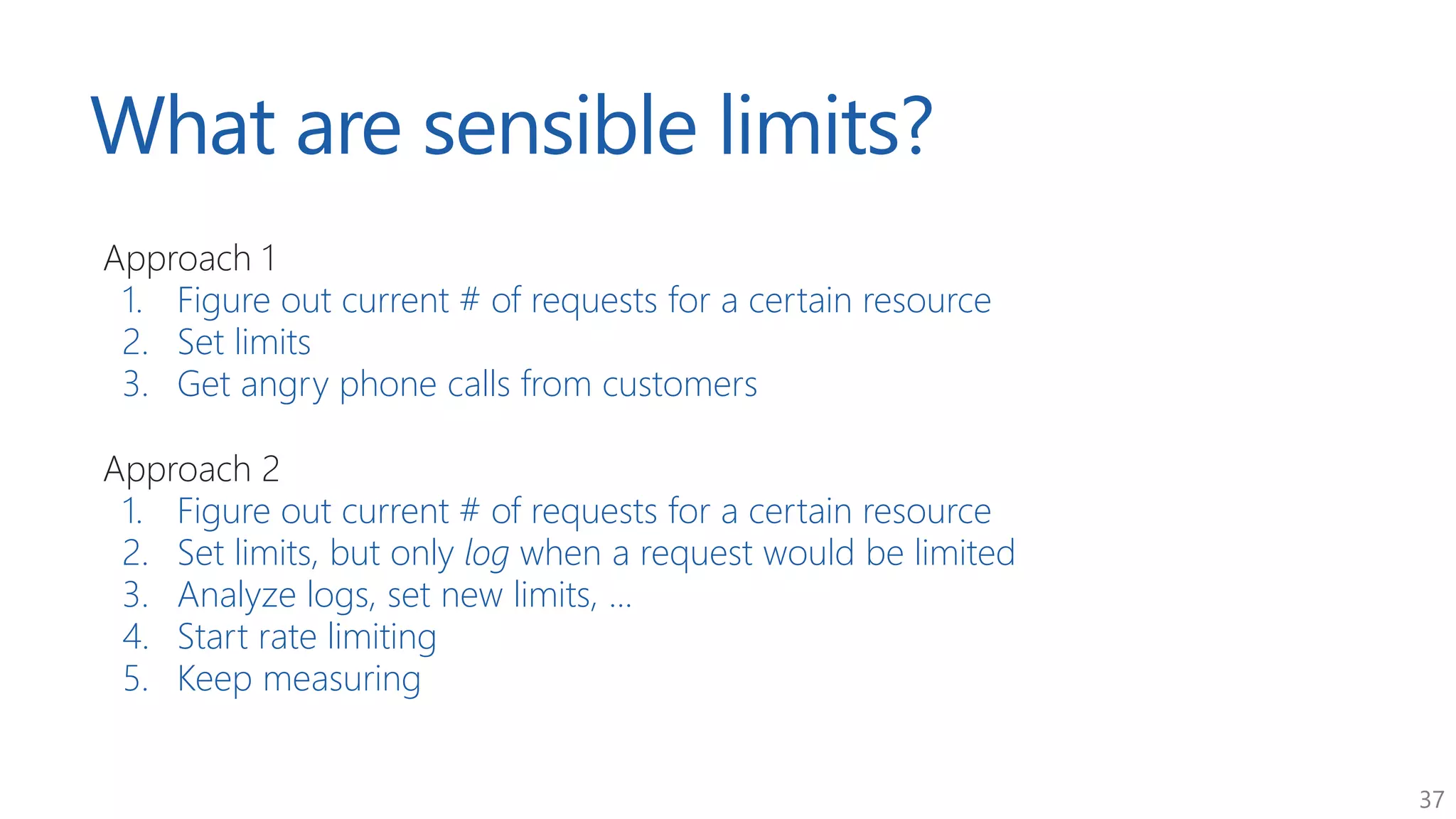
What are sensible limits?
Approach 1
1. Figure out current # of requests for a certain resource
2. Set limits
3. Get angry phone calls from customers
Approach 2
1. Figure out current # of requests for a certain resource
2. Set limits, but only log when a request would be limited
3. Analyze logs, set new limits, ...
4. Start rate limiting
5. Keep measuring
38
Will you allow bursts or not?
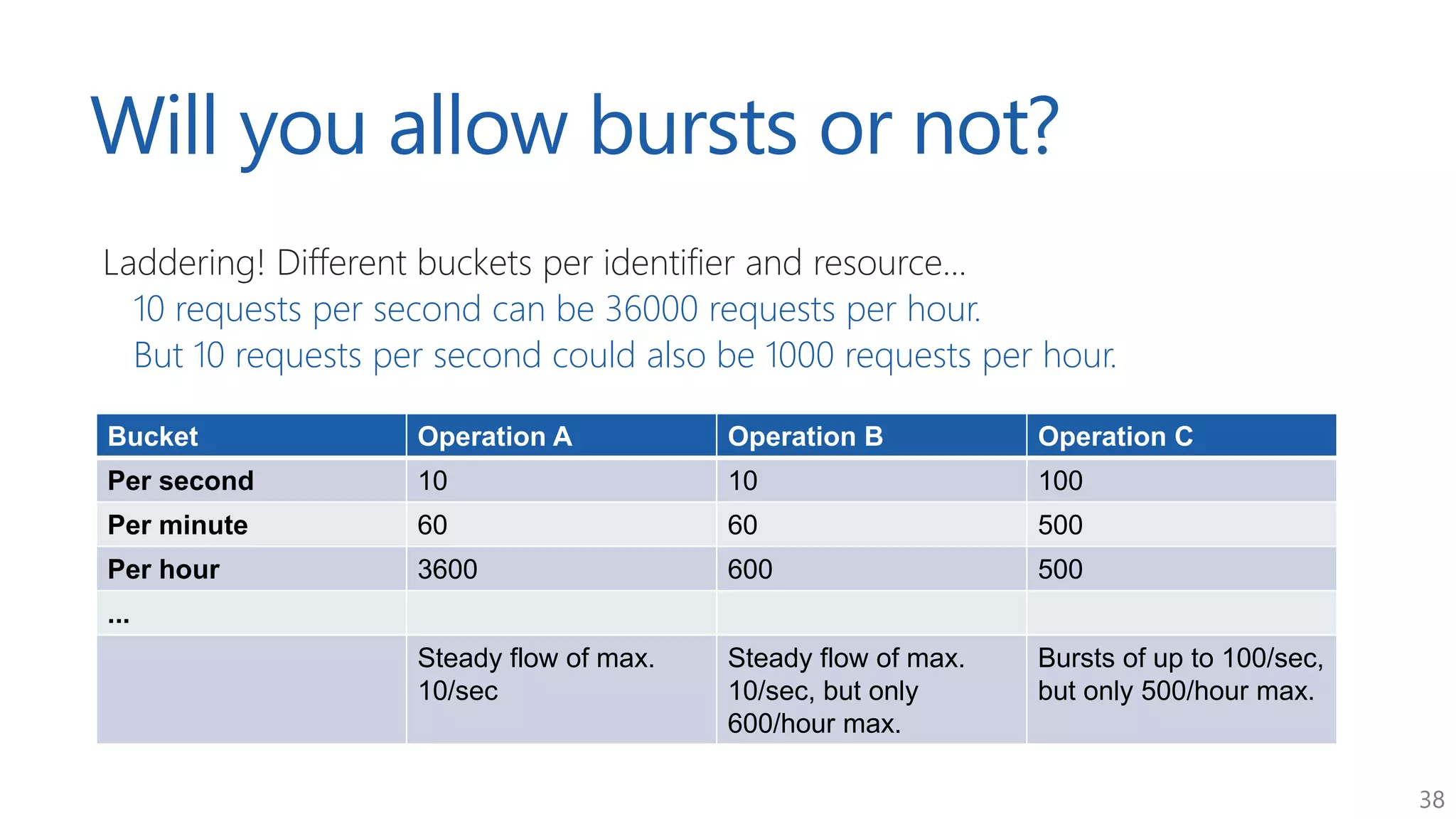
Laddering! Different buckets per identifier and resource...
10 requests per second can be 36000 requests per hour.
But 10 requests per second could also be 1000 requests per hour.
Bucket Operation A Operation B Operation C
Per second 10 10 100
Per minute 60 60 500
Per hour 3600 600 500
...
Steady flow of max.
10/sec
Steady flow of max.
10/sec, but only
600/hour max.
Bursts of up to 100/sec,
but only 500/hour max.
39
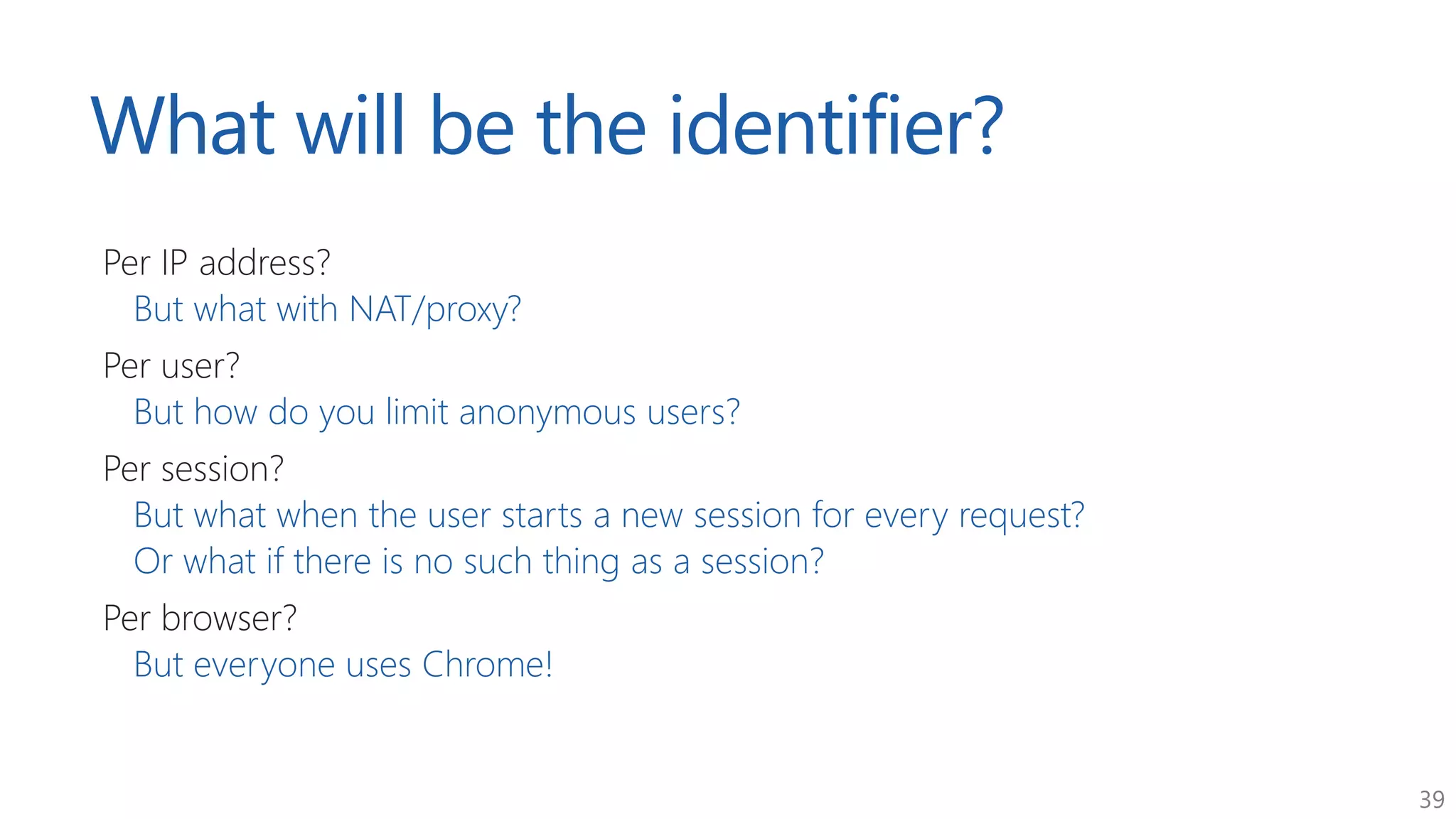
What will be the identifier?
Per IP address?
But what with NAT/proxy?
Per user?
But how do you limit anonymous users?
Per session?
But what when the user starts a new session for every request?
Or what if there is no such thing as a session?
Per browser?
But everyone uses Chrome!
40
What will be the identifier?
Probably a combination!
IP address (debatable)
+ User token (or “anonymous”)
+ Session token
+ Headers (user agent + accept-language + some cookie + ...)
41
Decide on exceptions
Do we rate limit all users? Do we have separate limits for certain users?
Dynamic limiting
Do we rate limit all IP addresses?
What about ourselves?
What about our monitoring tools?
What about web crawlers?
What about certain datacenter ranges? (https://github.com/client9/ipcat)
“IP addresses that end web consumers should not be using"
42
Responding to limits
43
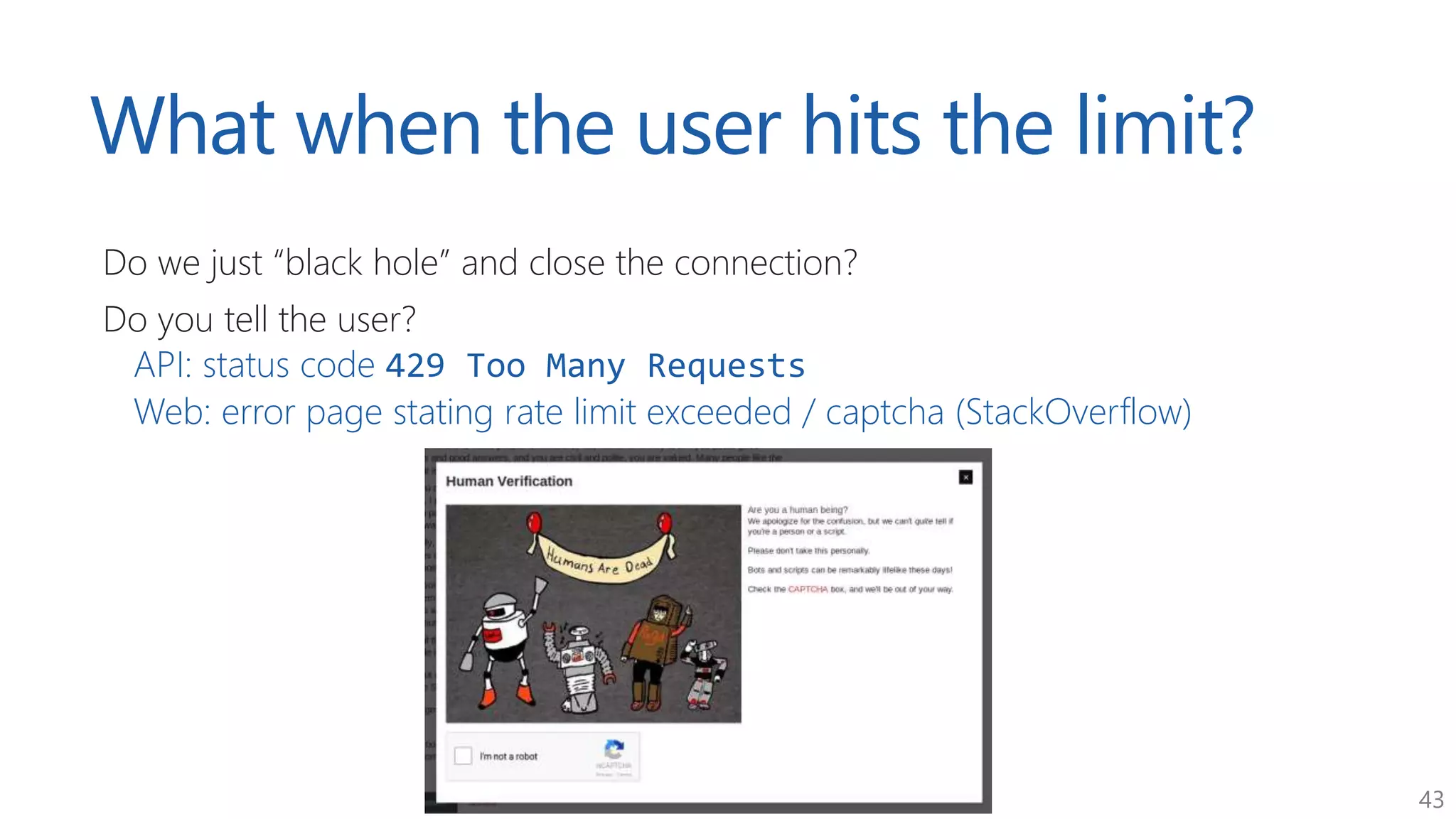
What when the user hits the limit?
Do we just “black hole” and close the connection?
Do you tell the user?
API: status code 429 Too Many Requests
Web: error page stating rate limit exceeded / captcha (StackOverflow)
44
Try to always tell the user
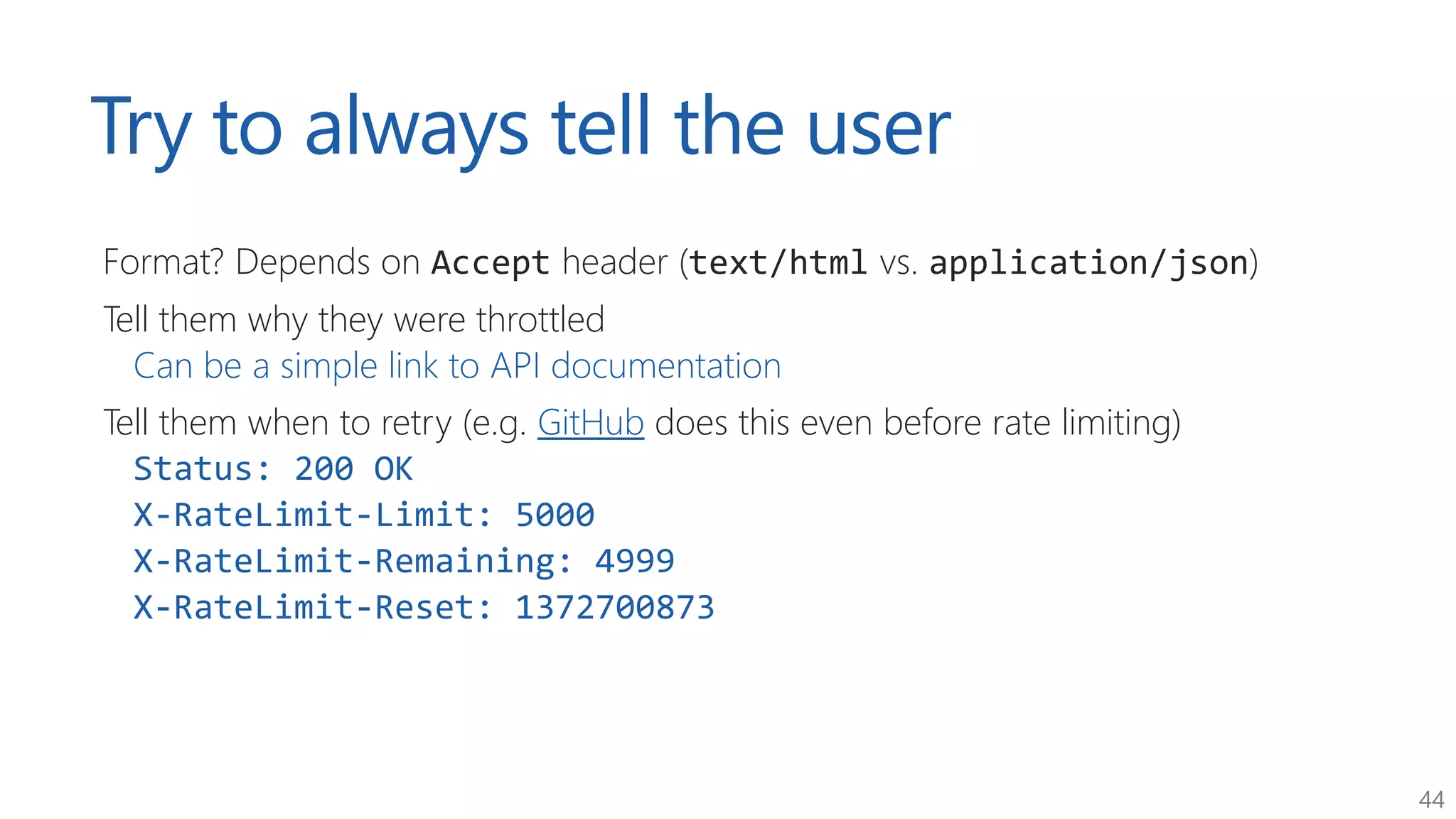
Format? Depends on Accept header (text/html vs. application/json)
Tell them why they were throttled
Can be a simple link to API documentation
Tell them when to retry (e.g. GitHub does this even before rate limiting)
Status: 200 OK
X-RateLimit-Limit: 5000
X-RateLimit-Remaining: 4999
X-RateLimit-Reset: 1372700873
45
Where do we limit?
46
Rate limiting – where?
MvcThrottle
Runs as action filter
Requests per timespan
Per action, user, IP, ... (so knows about actions)
Owin.Limits
Runs as OWIN middleware
Bandwidth, concurrent requests, ...
No knowledge about application specifics
Many, many others
47
MvcThrottle
Demo
48
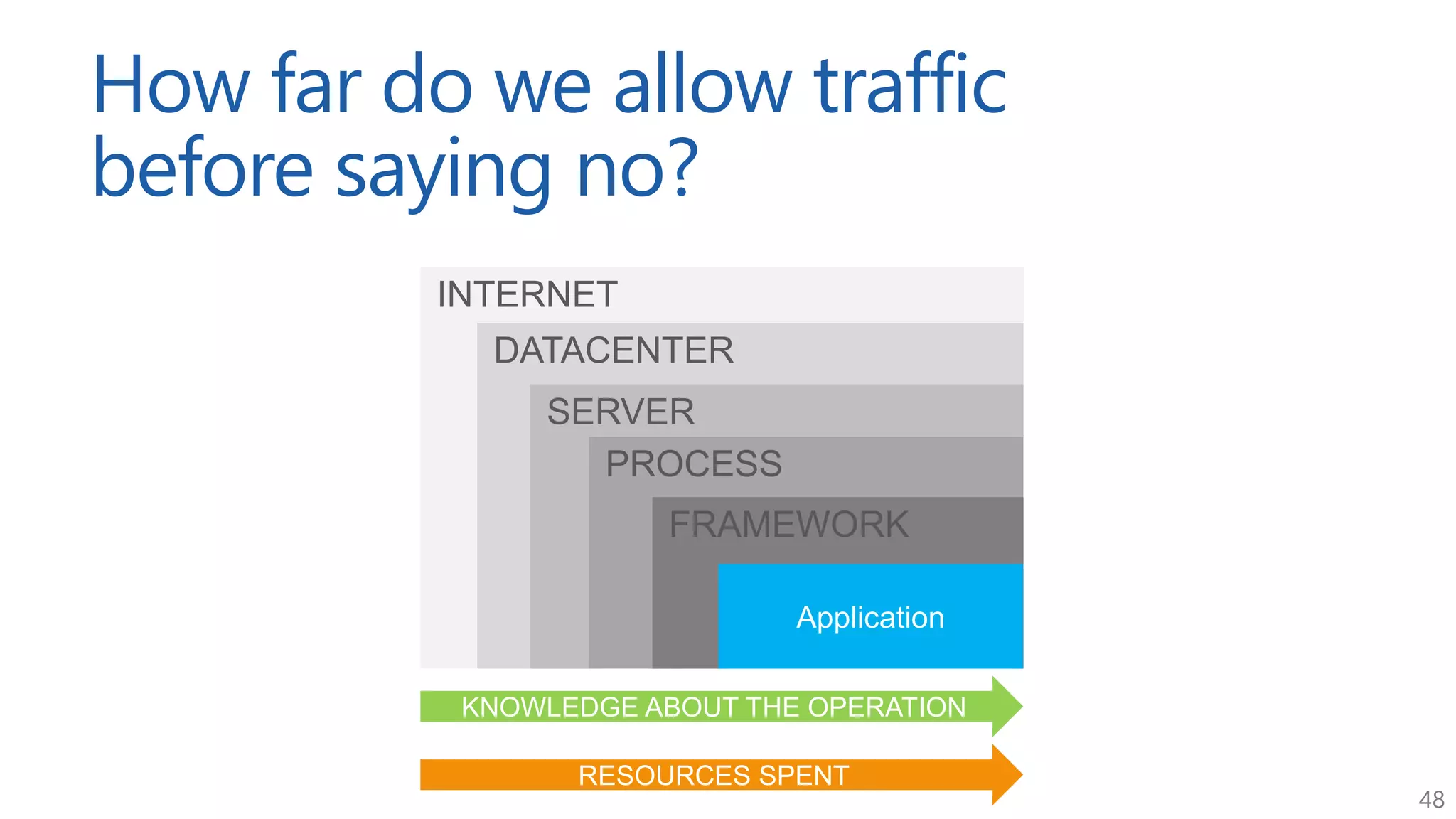
How far do we allow traffic
before saying no?
KNOWLEDGE ABOUT THE OPERATION
RESOURCES SPENT
49
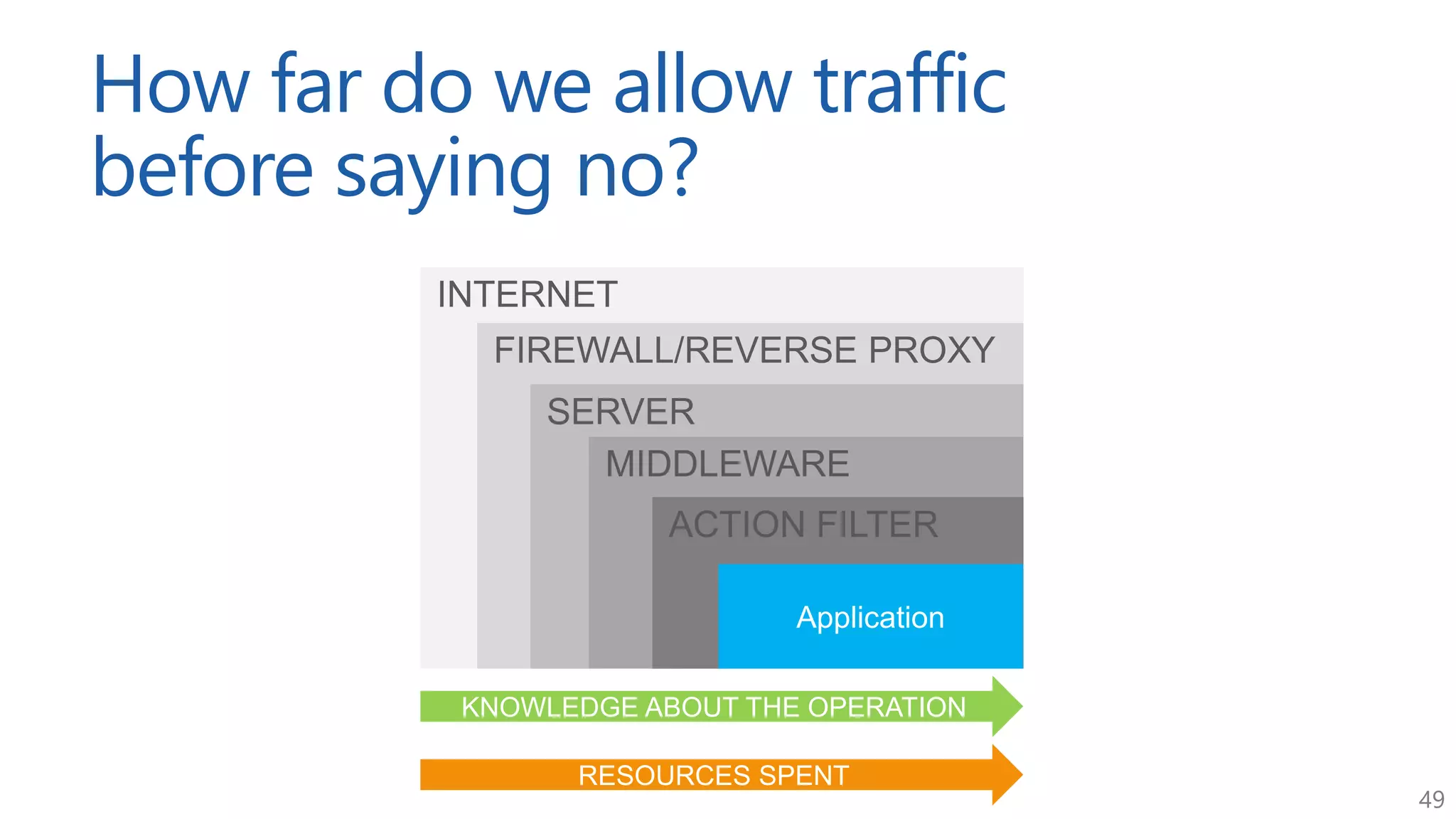
How far do we allow traffic
before saying no?
KNOWLEDGE ABOUT THE OPERATION
RESOURCES SPENT
50
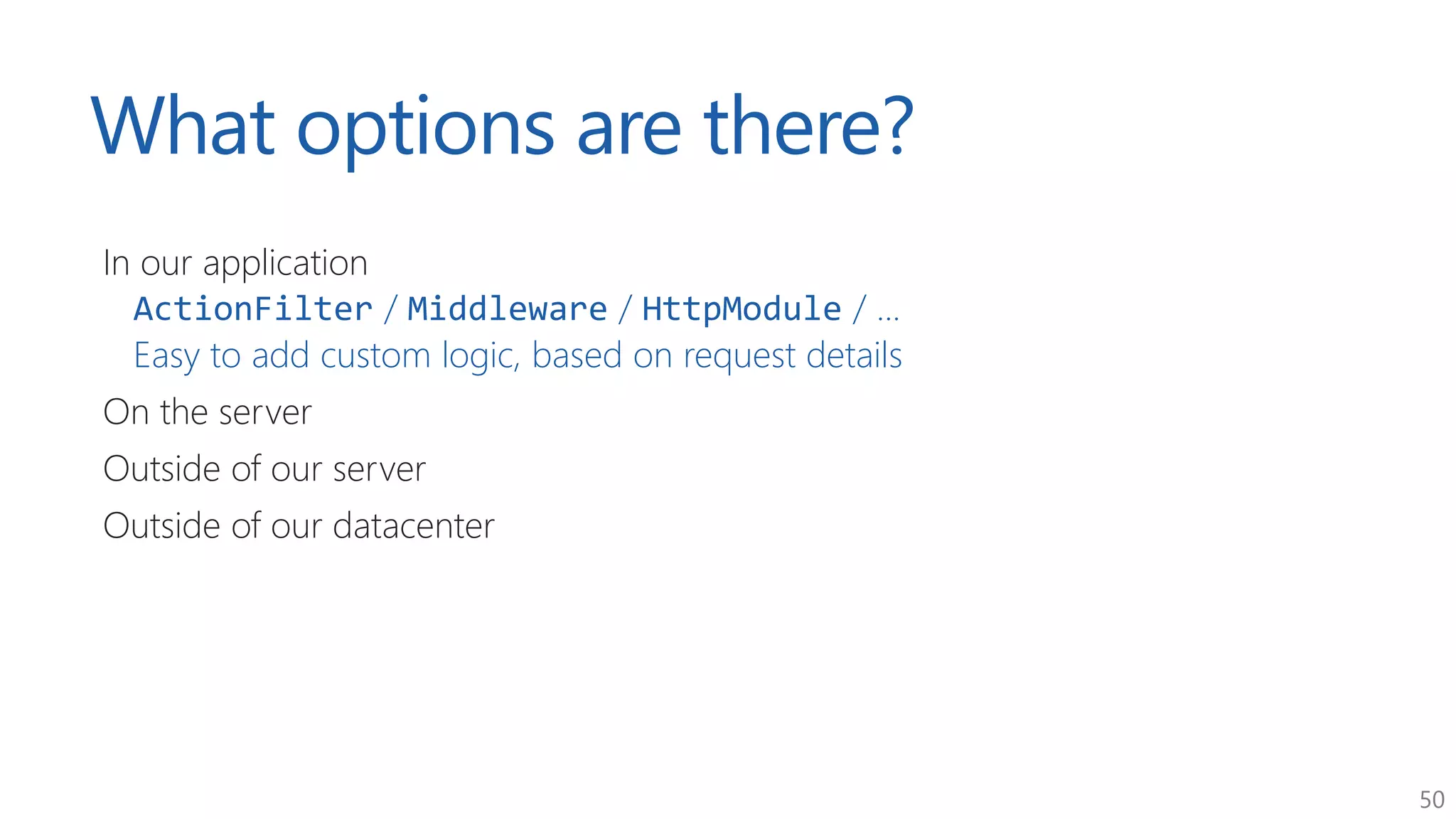
What options are there?
In our application
ActionFilter / Middleware / HttpModule / ...
Easy to add custom logic, based on request details
On the server
Outside of our server
Outside of our datacenter
51
What options are there?
In our application
On the server
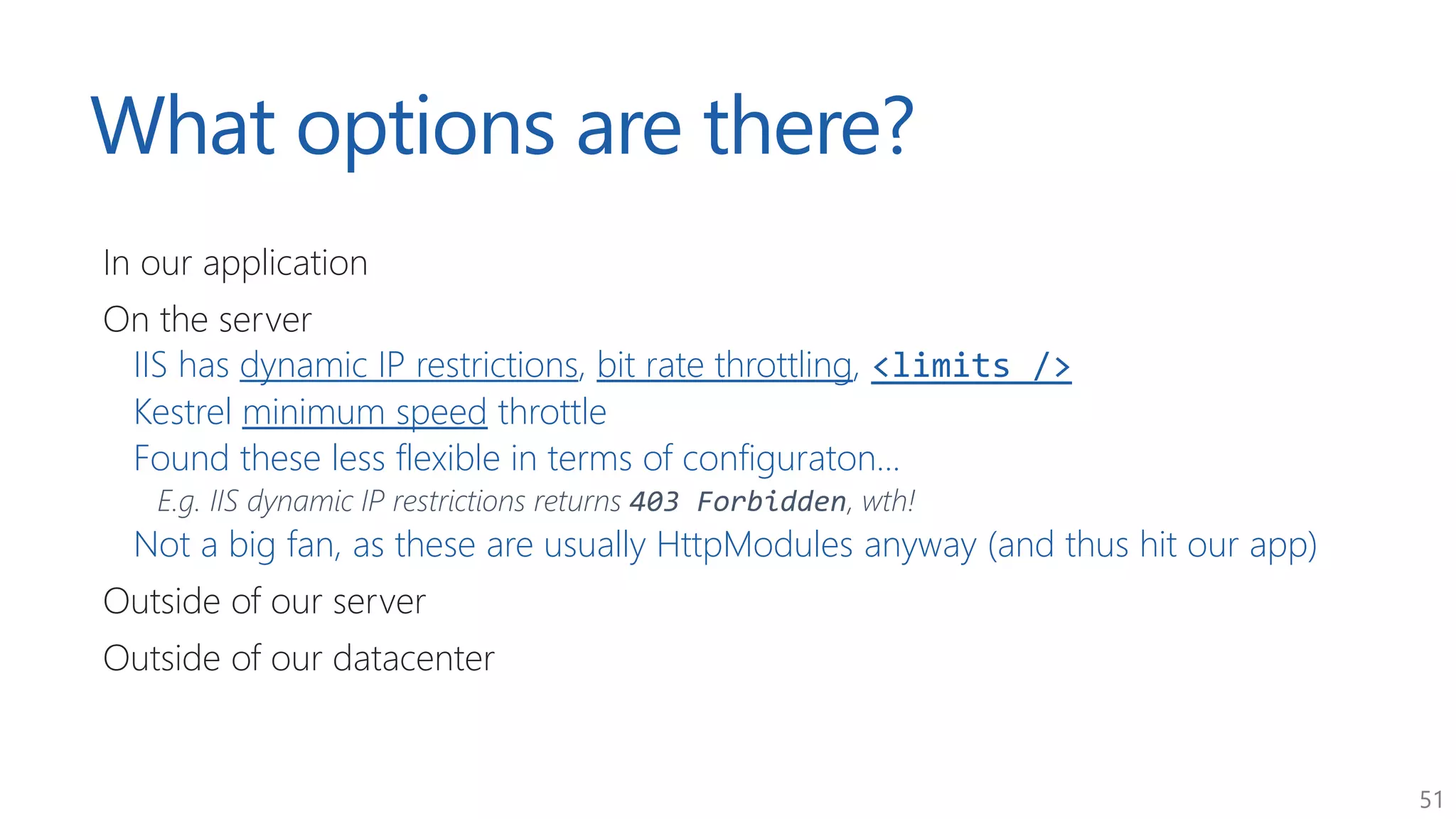
IIS has dynamic IP restrictions, bit rate throttling, <limits />
Kestrel minimum speed throttle
Found these less flexible in terms of configuraton...
E.g. IIS dynamic IP restrictions returns 403 Forbidden, wth!
Not a big fan, as these are usually HttpModules anyway (and thus hit our app)
Outside of our server
Outside of our datacenter
52
What options are there?
In our application
On the server
Outside of our server
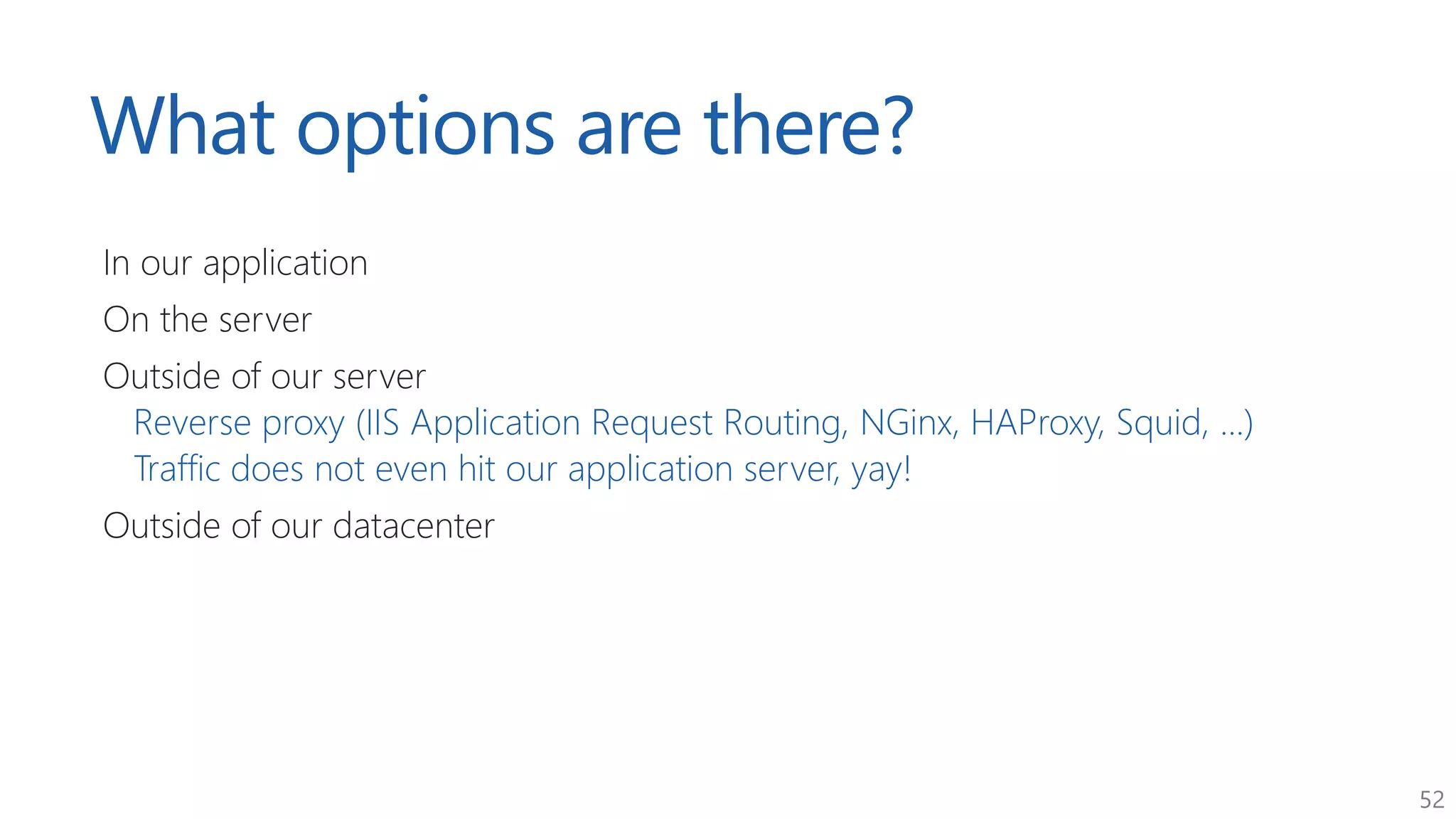
Reverse proxy (IIS Application Request Routing, NGinx, HAProxy, Squid, ...)
Traffic does not even hit our application server, yay!
Outside of our datacenter
53
Rate limiting with NGinx
Demo
54
What options are there?
In our application
On the server
Outside of our server
Outside of our datacenter
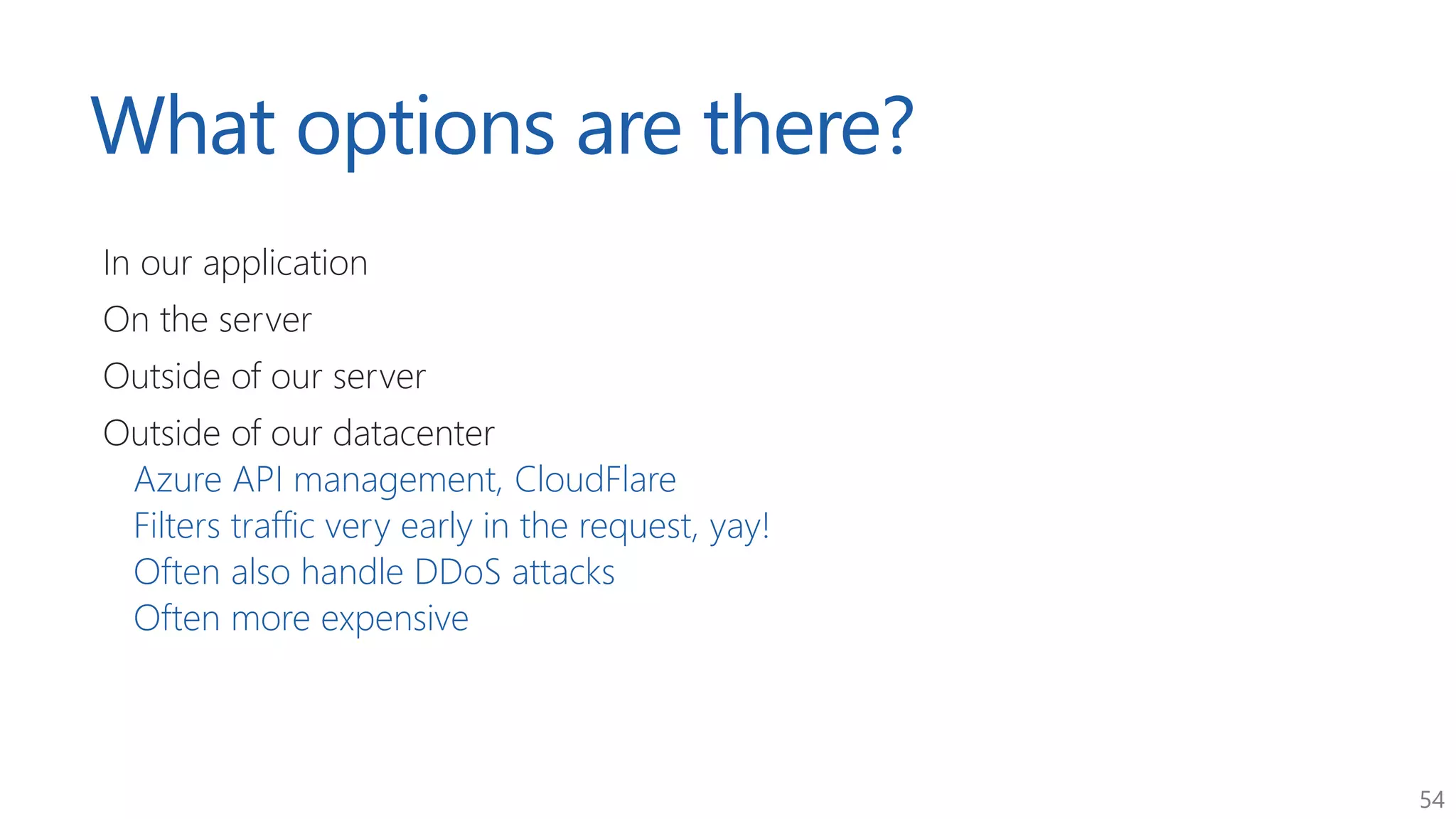
Azure API management, CloudFlare
Filters traffic very early in the request, yay!
Often also handle DDoS attacks
Often more expensive
55
Rate limiting with
Azure API management
Demo
56
Monitor rate limiting
57
Imagine...
Your marketing team decided to bridge the physical world with the virtual:
“Use our in-store wifi to join this online contest and win!”
58
Imagine...
Your marketing team decided to bridge the physical world with the virtual:
“Use our in-store wifi to join this online contest and win!”
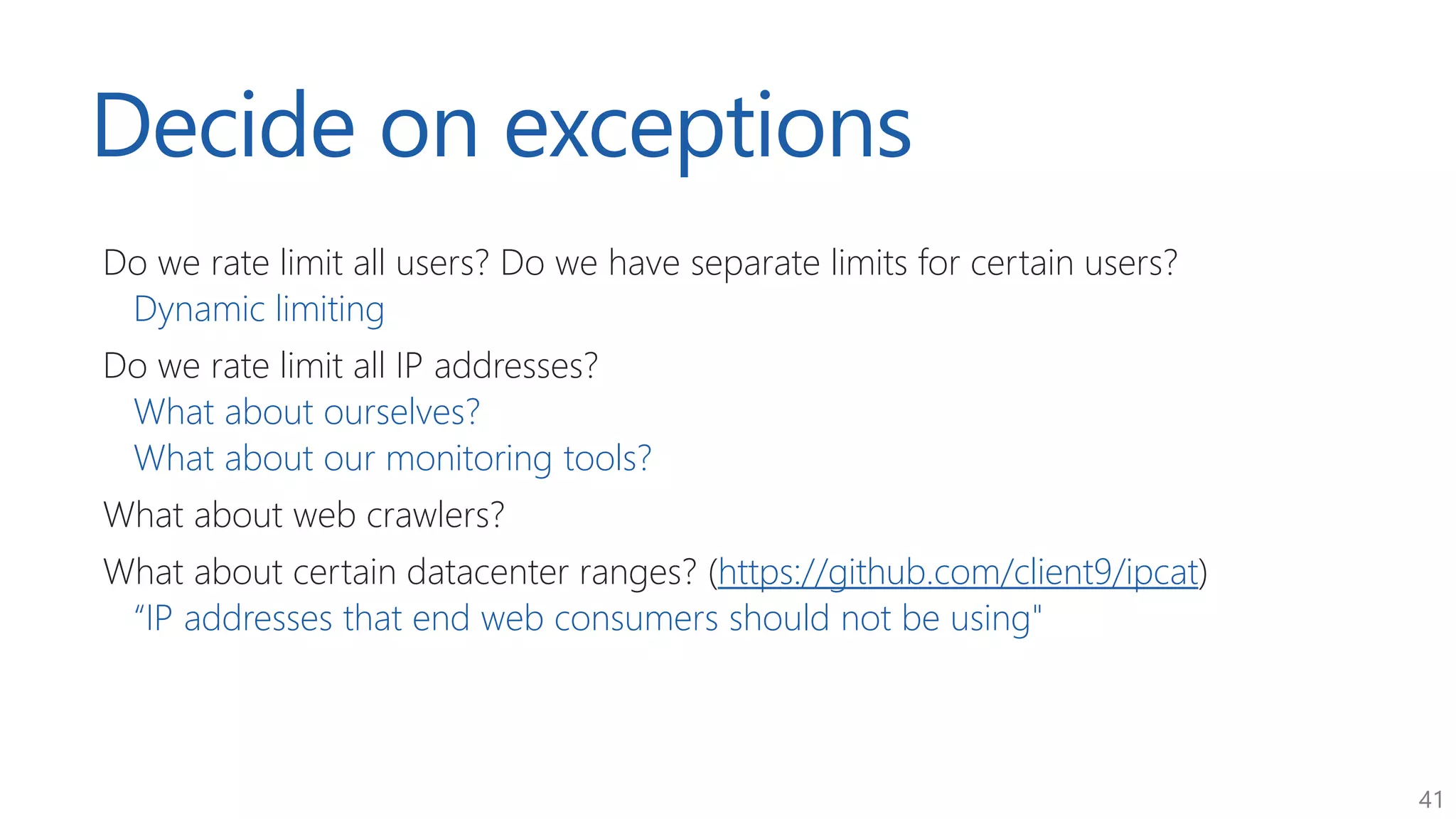
What if... All those users are NAT-ed from the same IP
And your rate limiting does not allow for 100 simultaneous users from an IP...
59
Monitor your rate limiting!
Monitor what is happening in your application
Who are we rate limiting, when, why
Allow for circuit breakers (“exceptional exceptions”)
“This flood of requests is fine for now”

60
Conclusion
61
Conclusion
Users are crazy! (typically unintended)
We need rate limiting
Decide on the resources to limit (tip: everything)
Decide on a sensible limit (tip: measure)
Come up with an identifier to limit on
Decide on exceptions
What when the user reaches a limit?
Decide where in the request/response flow to limit
Monitor your rate limiting
62
Thank you!
http://blog.maartenballiauw.be
@maartenballiauw

VISUG - Approaches for application request throttling

  • 1.
    1 Approaches for application requestthrottling Maarten Balliauw @maartenballiauw
  • 2.
    Upcoming events • Wednesday,October 3, 2018 (www.azug.be ) • Confusion In The Land Of The Serverless & Macro challenges of a microservice architecture Sam Newman & Cornell Knulst • @3Square - Gent • Tuesday, October 23, 2018 • Releasing features at the flick of a switch Dimitri Holsteens • @Corda Campus - Hasselt (UgenTec offices)
  • 3.
  • 4.
    4 Approaches for application requestthrottling Maarten Balliauw @maartenballiauw
  • 5.
    5 Today - 10years later #165 Thanks, VISUG!
  • 6.
  • 7.
    9 Agenda Users and trafficpatterns Rate limiting and considerations Which resources? Which limits? Who to limit? Who not to limit? What when a limit is reached? Where to limit?
  • 8.
  • 9.
    11 MyGet Hosted private packagerepository – www.myget.org NuGet, NPM, Bower, Maven, VSIX, PHP Composer, Symbols, ... HTTP-based Web UI for managing things API for various package managers PUT/POST – Upload package DELETE – Delete package via API GET – Fetch metadata or binary
  • 10.
    12 We’re using backgroundworkers Example: package upload PUT/POST binary and metadata to front-end PackageAddedEvent on queue with many handlers handled on back-end ProcessSymbols UpdateLatestVersion Indexing ...
  • 11.
    13 What could possiblygo wrong... Too many uploads incoming! Front-end IIS server needs workers to read the incoming network stream Application logic has to check credentials, subscription, quota Back-end Delays in queue processing (luckily workers can process at their own pace) Too many uploads that are too slow! Front-end IIS server needs lots of workers to slowly copy from the network stream Workers == threads == memory == synchronization == not a happy place
  • 12.
    14 What could possiblygo wrong... Too many downloads! Application logic has to check credentials, subscription, quota 404’s still need that application logic... Package managers are crazy! Total # requests Total # 404’s % 404’s # of packages in solution 200 800 600 # on NuGet.org 190 200 10 5% # on MyGet feed 1 5 200 195 97,5% # on MyGet feed 2 4 200 196 98% # on company-internal TeamCity 1 200 199 99,5%
  • 13.
    17 Other examples Web UIrequests Trying to register spam accounts Trying to brute-force login/password reset Trying to validate credit card numbers via a form on your site ...cost money in the cloud (e.g. per serverless execution) Robots / Crawlers Imagine a spider adding 20k items to a shopping cart For us, usually fine (e.g. Googlebot by default up to 5 req/sec) Limiting is easy with rel=“nofollow” and robots.txt crawl-delay
  • 14.
  • 15.
  • 16.
    20 Rate limiting –what? Limits # of requests in a given timeframe Or limits bandwidth, or another resource – up to you Helps eliminate: Unexpected traffic patterns Unwanted traffic patterns (e.g. script kiddie brute-force login) Potentiallly damaging traffic patterns (accidental and malicious)
  • 17.
  • 18.
    22 Rate limiting –everything??? Everything that could slow down or break your application Typically everything that depends on a scarce or external resource CPU Memory Disk I/O Database External API So yes, everything...
  • 19.
    23 Let’s do this! Databasewith table Events UserIdentifier – who do we limit ActionIdentifier – what do we limit When – event timestamp so we can apply a query Filter attribute SELECT COUNT(*) FROM Events WHERE UserIdentifier = <user> AND ActionIdentifier = <action> AND When >= NOW() – X INSERT INTO Events (<user>, <action>, NOW()) DELETE FROM Events WHERE UserIdentifier = <user> AND ActionIdentifier = <action> AND When < NOW() – X
  • 20.
  • 21.
  • 22.
    26 That database wasa bad idea! Very flexible in defining various limits or doing combinations Very flexible in changing limits, e.g. changing the time period The database will suffer at scale... Every request is at least 2 – 3 queries Constant index churn We need to manually run DELETE to remove old events Database size!
  • 23.
    27 That database wasa bad idea! We created a denial of service opportunity! SELECT, INSERT, DELETE for every request Consider a simpler technique to limit # of operations Ideally just a simple counter “Buckets”
  • 24.
    28 Quantized buckets Create “buckets”per <identifier> and <timespan> Use incr <bucket> on Redis and get back the current count per <timespan> public string GetBucketName(string operation, TimeSpan timespan) { var bucket = Math.Floor( DateTime.UtcNow.Ticks / timespan.TotalMilliseconds / 10000); return $"{operation}_{bucket}"; } Console.WriteLine(GetBucketName("someaction", TimeSpan.FromMinutes(10))); // someaction_106062120 <-- this will be the key for +/- 10 minutes
  • 25.
    29 Quantized buckets Super easyand super cheap (atomic write and read on Redis, auto-expire LRU) Not accurate... (but that may be ok) (n-1)x2 / 10 sec Theoretically: max. 6 / 10 sec
  • 26.
    30 Leaky bucket “Imagine abucket where water is poured in at the top and leaks from the bottom. If the rate at which water is poured in exceeds the rate at which it leaks, the bucket overflows.“ Widely used in telecommunications to deal with bandwidth/bursts.
  • 27.
    31 Leaky bucket Get <delta>tokens, with maximum <count> per <timespan> public int GetCallsLeft() { if (_tokens < _capacity) { var referenceTime = DateTime.UtcNow; var delta = (int)((referenceTime - _lastRefill).Ticks / _interval.Ticks); if (delta > 0) { _tokens = Math.Min(_capacity, _tokens + (delta * _capacity)); _lastRefill = referenceTime; } } return _tokens; }
  • 28.
  • 29.
  • 30.
    34 Things to decideon Decide on the resources to limit Decide on a sensible limit Come up with an identifier to limit on Decide on exceptions to the rule
  • 31.
  • 32.
  • 33.
    37 What are sensiblelimits? Approach 1 1. Figure out current # of requests for a certain resource 2. Set limits 3. Get angry phone calls from customers Approach 2 1. Figure out current # of requests for a certain resource 2. Set limits, but only log when a request would be limited 3. Analyze logs, set new limits, ... 4. Start rate limiting 5. Keep measuring
  • 34.
    38 Will you allowbursts or not? Laddering! Different buckets per identifier and resource... 10 requests per second can be 36000 requests per hour. But 10 requests per second could also be 1000 requests per hour. Bucket Operation A Operation B Operation C Per second 10 10 100 Per minute 60 60 500 Per hour 3600 600 500 ... Steady flow of max. 10/sec Steady flow of max. 10/sec, but only 600/hour max. Bursts of up to 100/sec, but only 500/hour max.
  • 35.
    39 What will bethe identifier? Per IP address? But what with NAT/proxy? Per user? But how do you limit anonymous users? Per session? But what when the user starts a new session for every request? Or what if there is no such thing as a session? Per browser? But everyone uses Chrome!
  • 36.
    40 What will bethe identifier? Probably a combination! IP address (debatable) + User token (or “anonymous”) + Session token + Headers (user agent + accept-language + some cookie + ...)
  • 37.
    41 Decide on exceptions Dowe rate limit all users? Do we have separate limits for certain users? Dynamic limiting Do we rate limit all IP addresses? What about ourselves? What about our monitoring tools? What about web crawlers? What about certain datacenter ranges? (https://github.com/client9/ipcat) “IP addresses that end web consumers should not be using"
  • 38.
  • 39.
    43 What when theuser hits the limit? Do we just “black hole” and close the connection? Do you tell the user? API: status code 429 Too Many Requests Web: error page stating rate limit exceeded / captcha (StackOverflow)
  • 40.
    44 Try to alwaystell the user Format? Depends on Accept header (text/html vs. application/json) Tell them why they were throttled Can be a simple link to API documentation Tell them when to retry (e.g. GitHub does this even before rate limiting) Status: 200 OK X-RateLimit-Limit: 5000 X-RateLimit-Remaining: 4999 X-RateLimit-Reset: 1372700873
  • 41.
  • 42.
    46 Rate limiting –where? MvcThrottle Runs as action filter Requests per timespan Per action, user, IP, ... (so knows about actions) Owin.Limits Runs as OWIN middleware Bandwidth, concurrent requests, ... No knowledge about application specifics Many, many others
  • 43.
  • 44.
    48 How far dowe allow traffic before saying no? KNOWLEDGE ABOUT THE OPERATION RESOURCES SPENT
  • 45.
    49 How far dowe allow traffic before saying no? KNOWLEDGE ABOUT THE OPERATION RESOURCES SPENT
  • 46.
    50 What options arethere? In our application ActionFilter / Middleware / HttpModule / ... Easy to add custom logic, based on request details On the server Outside of our server Outside of our datacenter
  • 47.
    51 What options arethere? In our application On the server IIS has dynamic IP restrictions, bit rate throttling, <limits /> Kestrel minimum speed throttle Found these less flexible in terms of configuraton... E.g. IIS dynamic IP restrictions returns 403 Forbidden, wth! Not a big fan, as these are usually HttpModules anyway (and thus hit our app) Outside of our server Outside of our datacenter
  • 48.
    52 What options arethere? In our application On the server Outside of our server Reverse proxy (IIS Application Request Routing, NGinx, HAProxy, Squid, ...) Traffic does not even hit our application server, yay! Outside of our datacenter
  • 49.
  • 50.
    54 What options arethere? In our application On the server Outside of our server Outside of our datacenter Azure API management, CloudFlare Filters traffic very early in the request, yay! Often also handle DDoS attacks Often more expensive
  • 51.
    55 Rate limiting with AzureAPI management Demo
  • 52.
  • 53.
    57 Imagine... Your marketing teamdecided to bridge the physical world with the virtual: “Use our in-store wifi to join this online contest and win!”
  • 54.
    58 Imagine... Your marketing teamdecided to bridge the physical world with the virtual: “Use our in-store wifi to join this online contest and win!” What if... All those users are NAT-ed from the same IP And your rate limiting does not allow for 100 simultaneous users from an IP...
  • 55.
    59 Monitor your ratelimiting! Monitor what is happening in your application Who are we rate limiting, when, why Allow for circuit breakers (“exceptional exceptions”) “This flood of requests is fine for now”
  • 56.
  • 57.
    61 Conclusion Users are crazy!(typically unintended) We need rate limiting Decide on the resources to limit (tip: everything) Decide on a sensible limit (tip: measure) Come up with an identifier to limit on Decide on exceptions What when the user reaches a limit? Decide where in the request/response flow to limit Monitor your rate limiting
  • 58.

Editor's Notes

  • #2 https://pixabay.com
  • #5 https://pixabay.com
  • #11 https://pixabay.com/en/tires-used-tires-pfu-garbage-1846674/
  • #20 https://pixabay.com/en/tires-used-tires-pfu-garbage-1846674/
  • #25 Prerequisites: create database and make sure it works! Open demo 01 - DemoLetsDoThis.sln In Startup.cs explain adding EF context and show how EventsContext is built Next, show RateLimitFilter is applied to every request Implementation of RateLimitFilter Uses an identifier for the user (either User.Identity.Username or “anonymous” + IP address) Uses ControllerActionDescriptor to determine controller + action We then check if there are > 5 requests to this resource We always add an event to the DB – DANGEROUS!!! And drop older events Show in Fiddler, requesting: http://localhost:56983/api/hello/maarten
  • #48 Open MvcThrottle, in project MvcThrottle.Demo Show HomeController, show EnableThrottling attribute Run the application - http://localhost:53048/Home/About – see it in action after a few refreshes Mention we can respond to throttlign depending on the client type! Open MvcThrottleCustomFilter See filterContext.HttpContext.Request.AcceptTypes.Any(accept => accept.Contains("html")) -> custom view result Mention we can filter based on client IP In FilterConfig.cs, there is an IP whitelist of folks we never want to throttle Same goes with user agents Same goes with endpoints The REALLY nice thing: I can enable/disable per action in MVC Show BlogController REALLY NICE, throttling follows my logic The SAD thing: open 04-snapshot I did a load test – non scientific! This thing has low overhead (did a few thousand requests) but still my aplication spent 12% of its time rate limiting requests
  • #54 Run the nginx docker container from 05-nginx Show a few requests: http://localhost:8080/ proxies MyGet http://localhost:8080/F/googleanalyticstracker/api/v2 proxies a feed A few refreshes of http://localhost:8080/F/googleanalyticstracker/api/v2 get throttled So we proxy our app, and get to rate limit some calls, sweet! Open nginx.conf and go through some boiler-plate: Worker processes and worker connections (typically == to # cores) http section sets up a web server, we can add SSL etc here as well Under server, we define the different resources / just proxies www.myget.org and injects a header /Content proxies and caches (yay added bonus of NGinx) /F/ is where things get interesting – we limit requests to this one using “mylimit” Defines a key, names a zone, names the timespan, names the limit Can mix and match to create key: limit_req_zone $binary_remote_addr$http_authorization zone=mylimit:10m rate=2r/s;
  • #56 Prerequisites Create Azure API management (!!! Well upfront – takes time !!!) Force-push the 06-apim repo to it git remote add origin .......<new url>....... git push --force --set-upstream origin master Show portal – especially “API” and “PRODUCT” “API” defines API calls. From portal, show we can create this based on a Swagger definition For demo here, created manually and registered /F/* and /* to just pass-through Under products Show anonymous and unlimited Explain the idea of API management is to sell access to your API and allow people to purchase a product to get better/less/… access to an API Anonymous is all I’ll use during the demo Anonymous has policies – show rate limit is 100 per 60 sec From PUBLISHER PORTAL (click), we have a policy for –Feed endpoint as well, which is more strict Show https://ratelimitingdemo.azure-api.net/ is smooth Show a few refreshes of https://shit.azure-api.net/F/googleanalyticstracker/api/v2/  limited Requests that are limited never hit my server