



@AndrewRota
The web is no longer simply a
platform for serving static
documents.
Today we can build rich, highly
interactive applications on the
web.
And while users expect rich
interactivity, they also expect
performance.
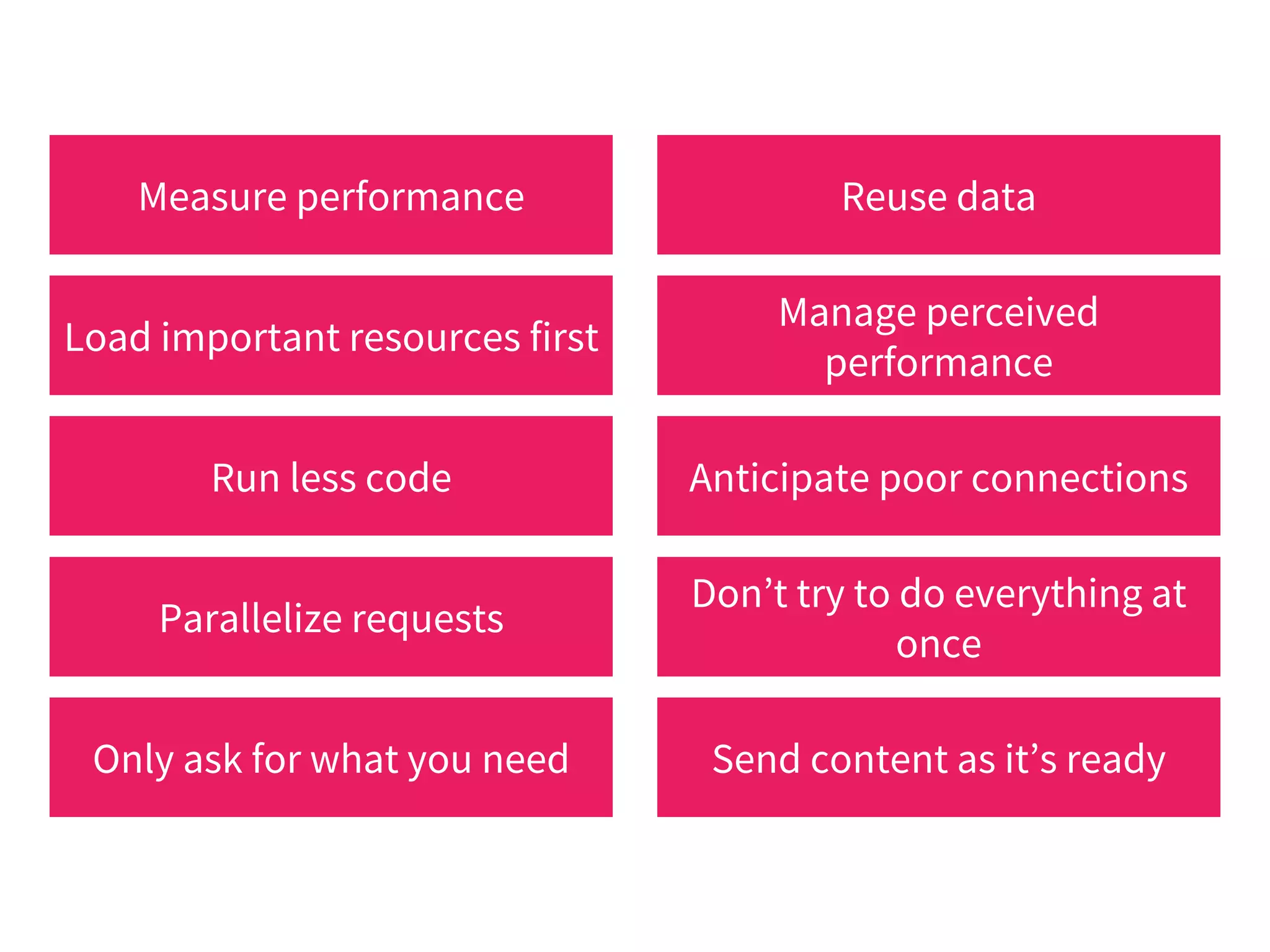
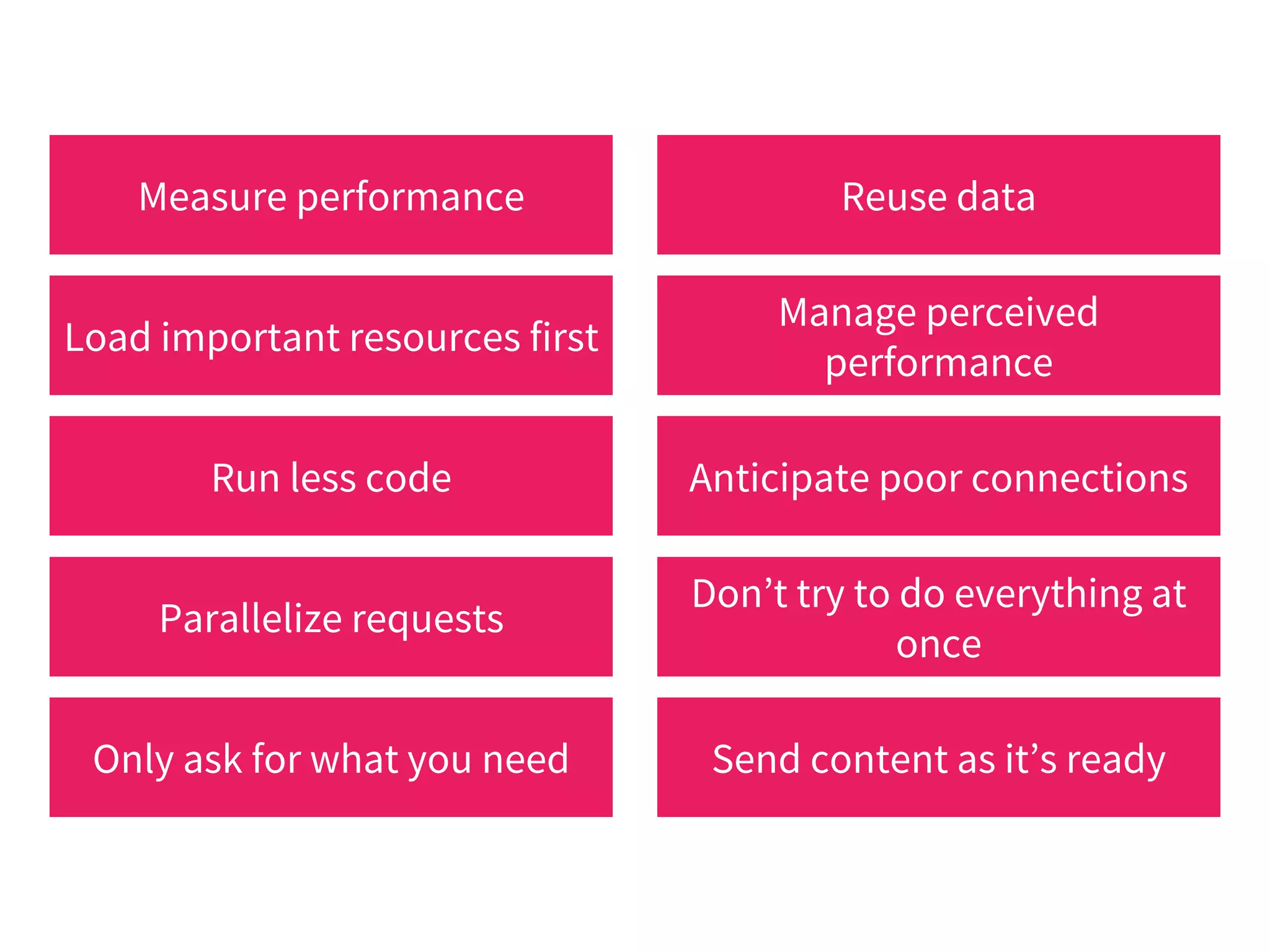
Measure performance Reuse data
Load important resources first
Manage perceived
performance
Run less code Anticipate poor connections
Parallelize requests
Don’t try to do everything at
once
Only ask for what you need Send content as it’s ready
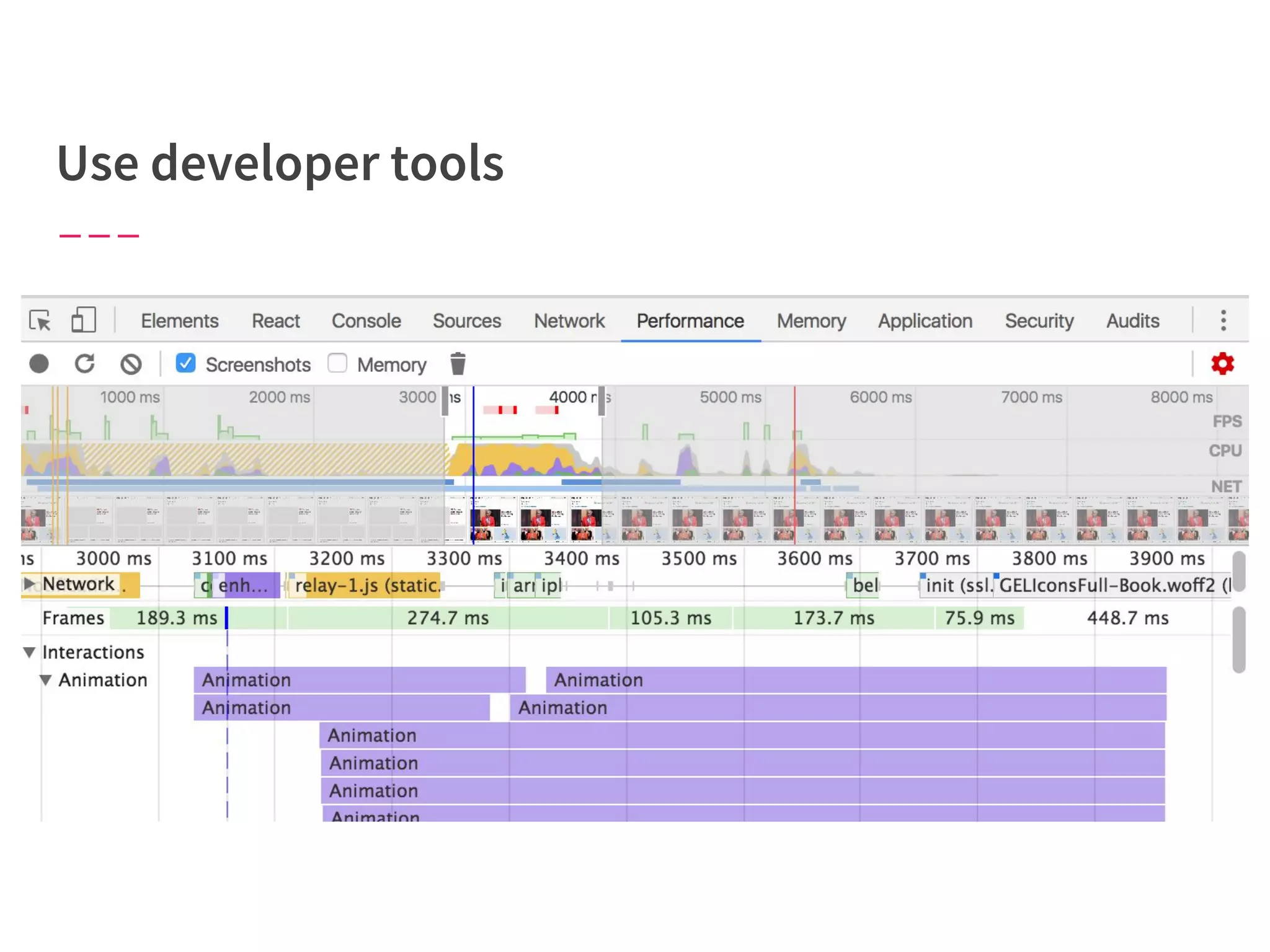
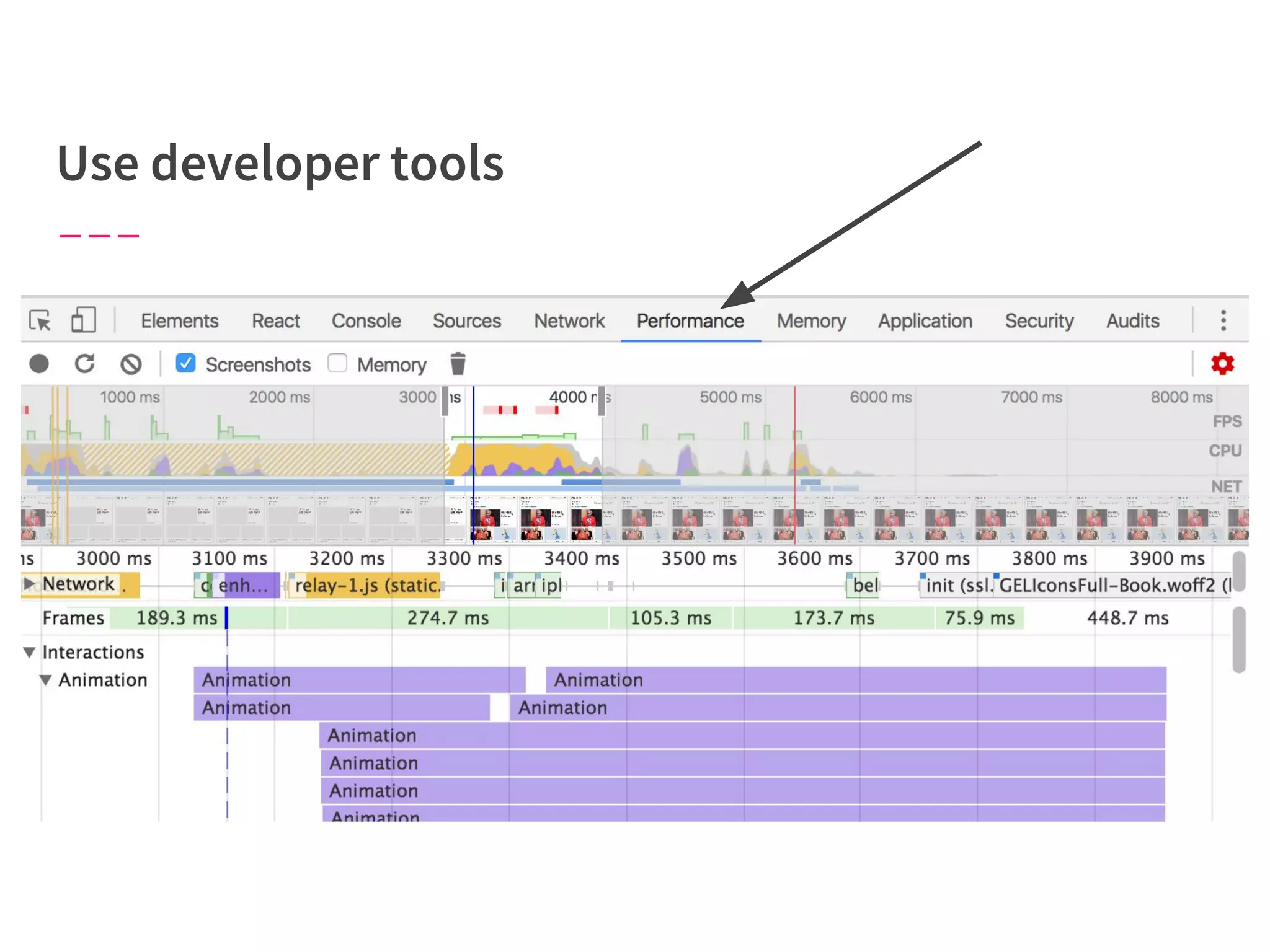
Tune performance based on data,
not guesses.
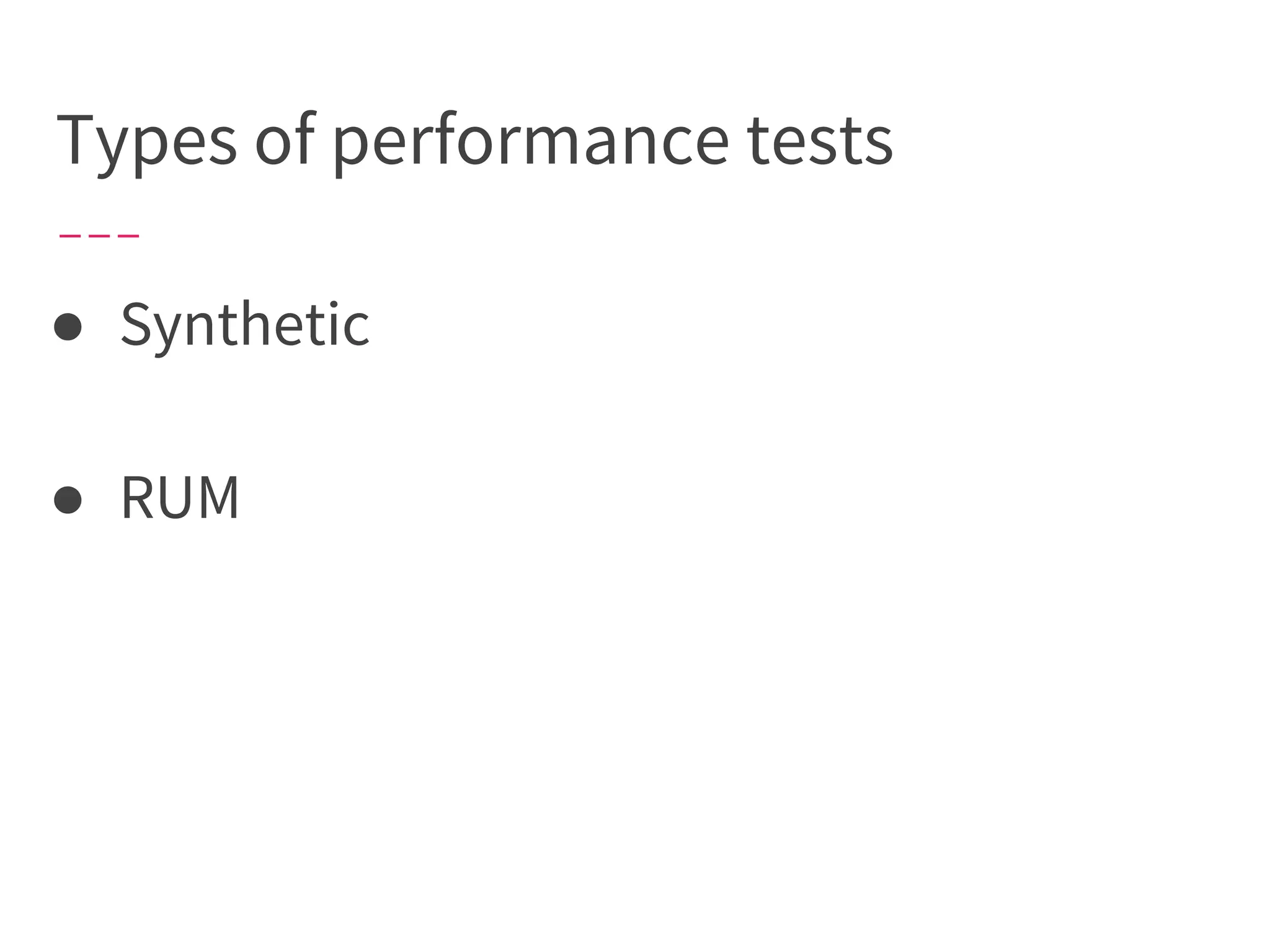
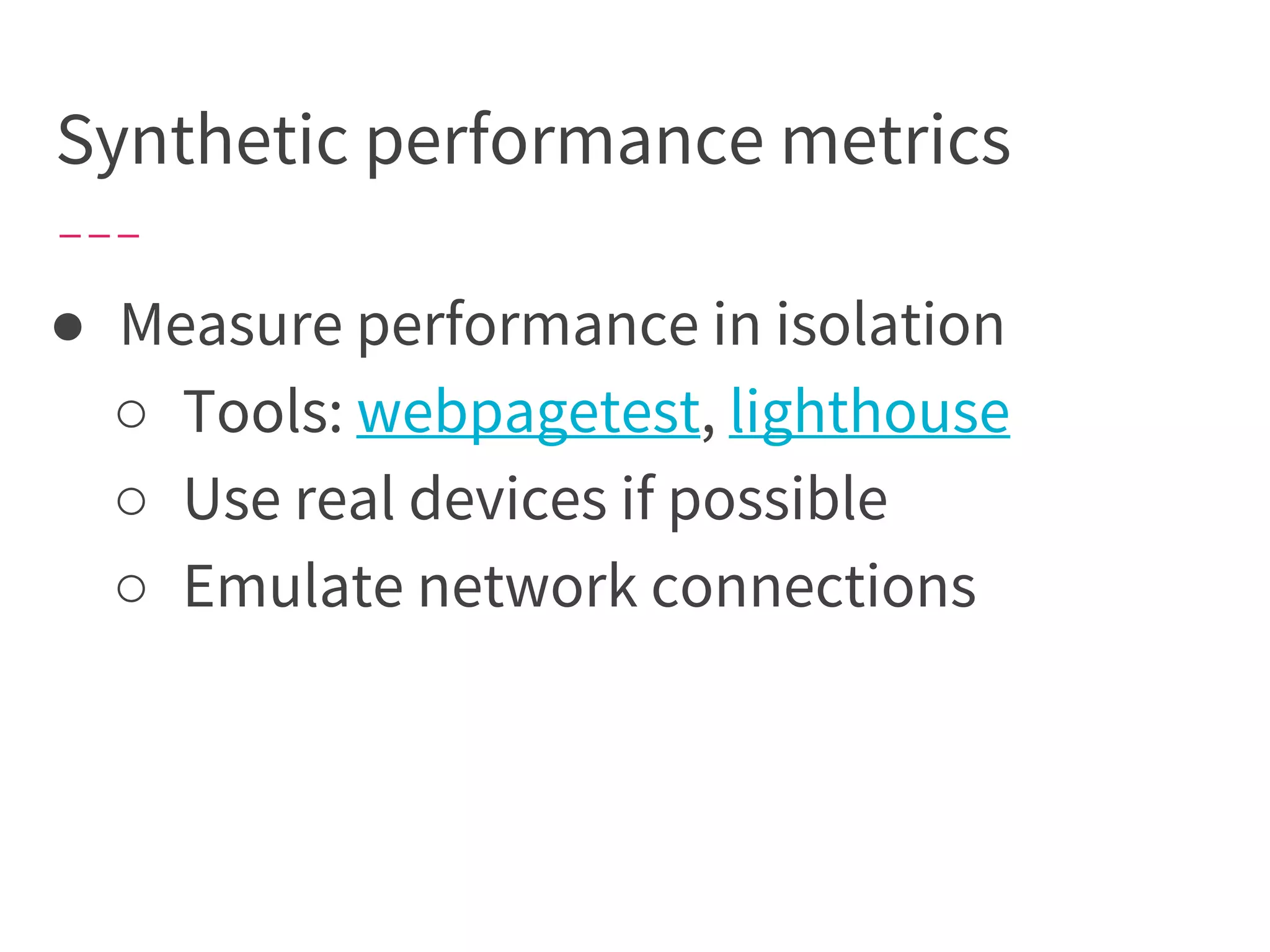
Types of performance tests
● Synthetic
● RUM
Synthetic performance metrics
● Measure performance in isolation
○ Tools: webpagetest, lighthouse
○ Use real devices if possible
○ Emulate network connections
A developer’s
browser/device/network are not
necessarily representative of their
users.
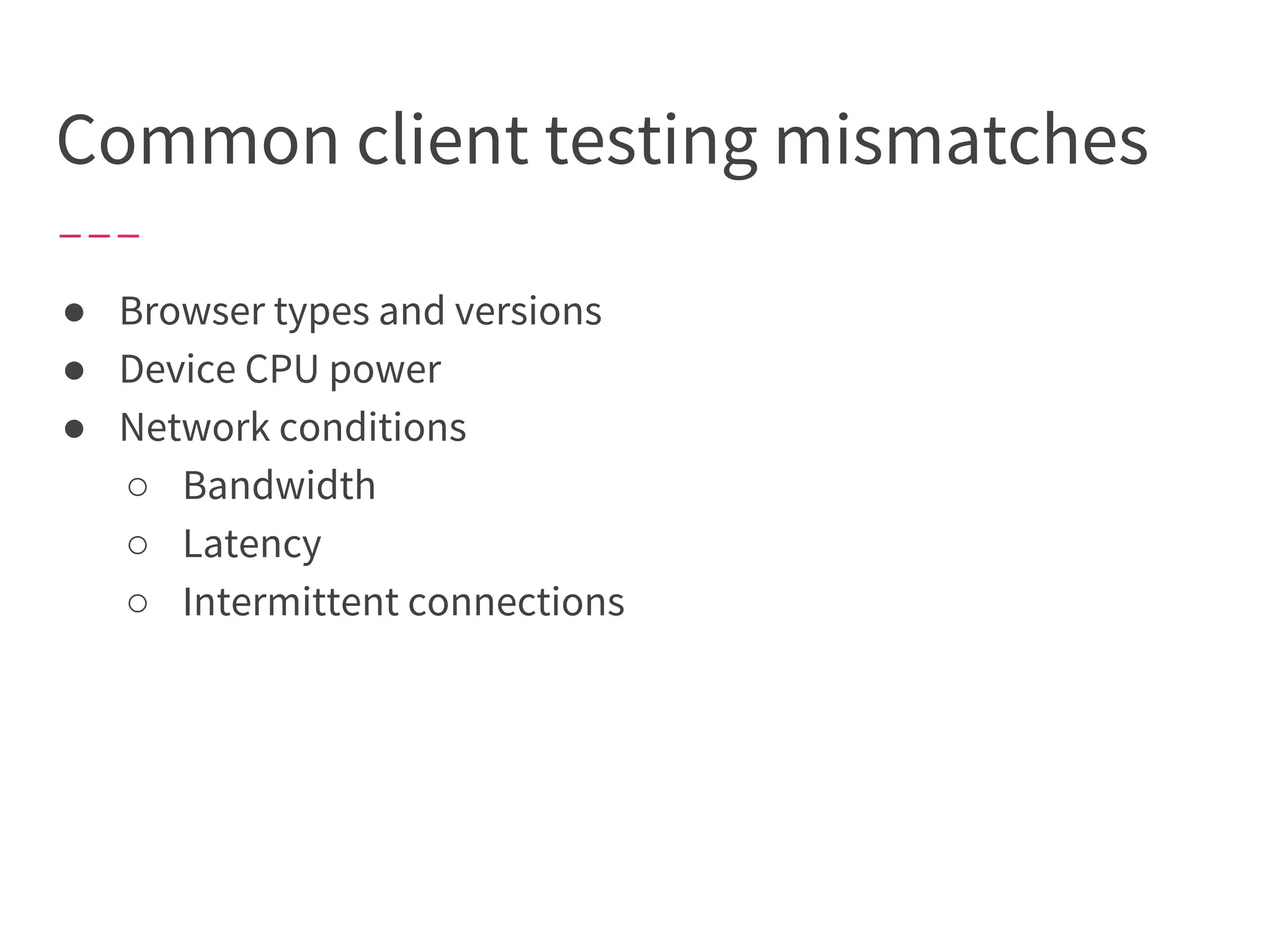
Common client testing mismatches
● Browser types and versions
● Device CPU power
● Network conditions
○ Bandwidth
○ Latency
○ Intermittent connections
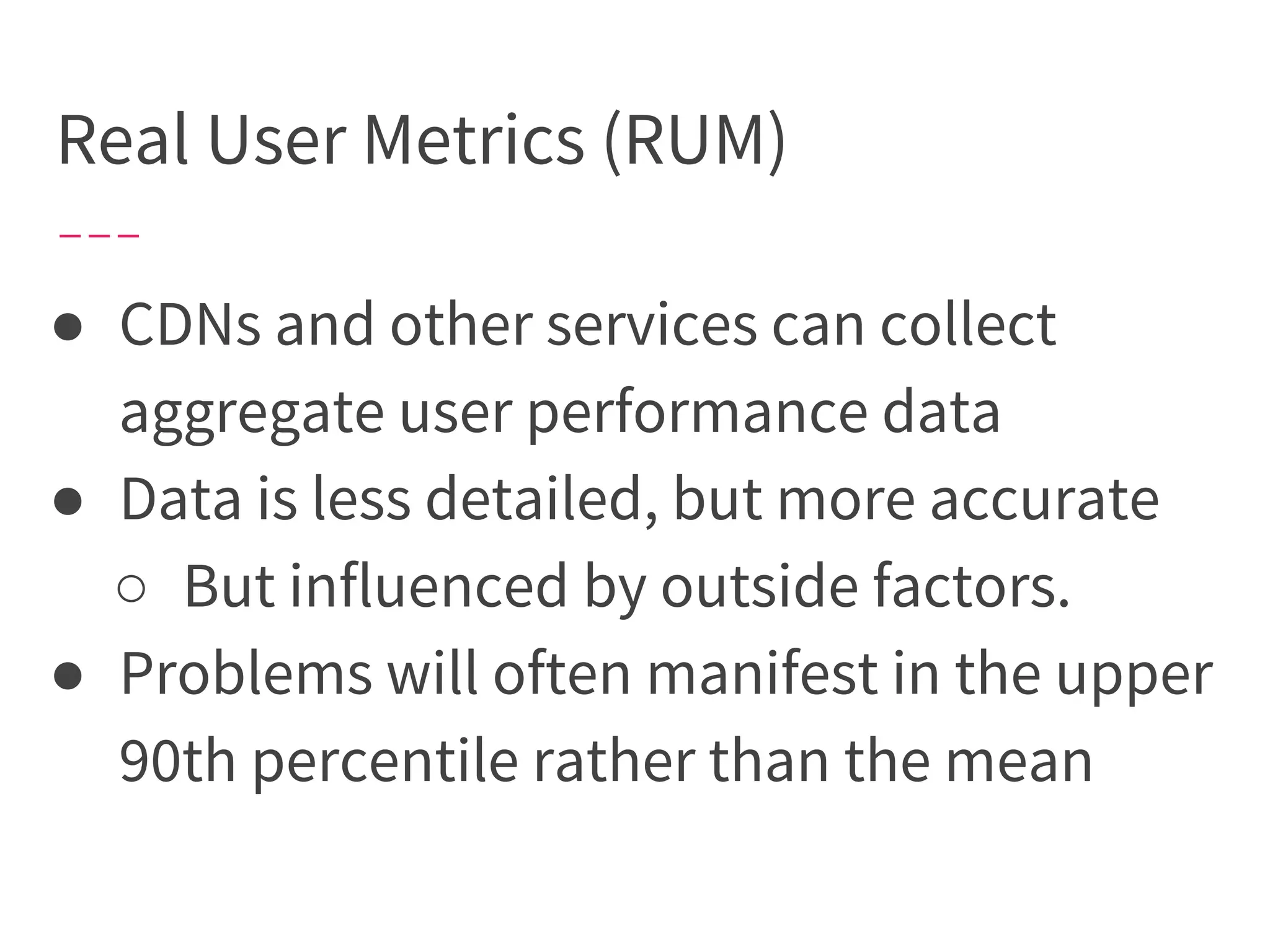
Real User Metrics (RUM)
● CDNs and other services can collect
aggregate user performance data
● Data is less detailed, but more accurate
○ But influenced by outside factors.
● Problems will often manifest in the upper
90th percentile rather than the mean
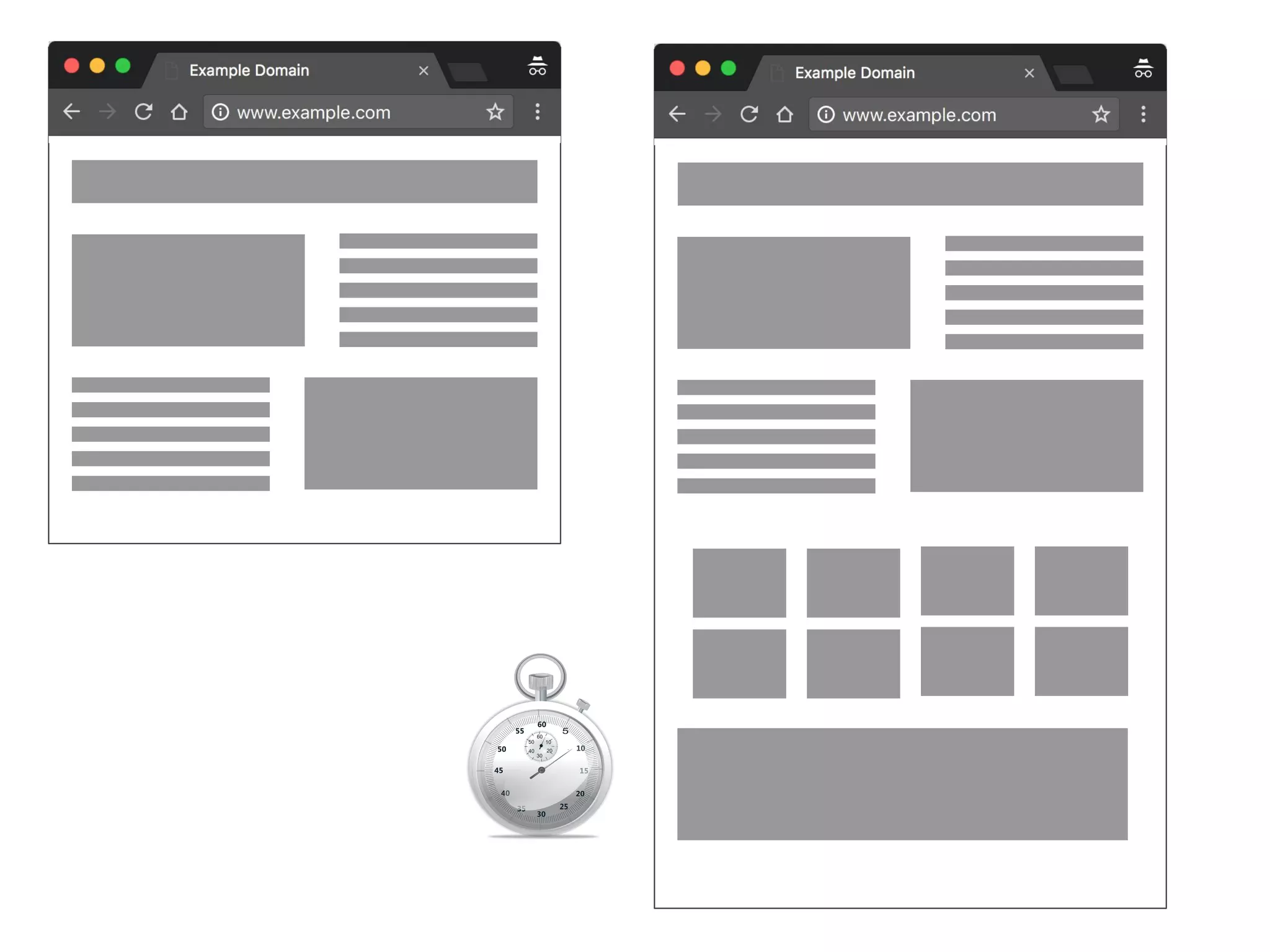
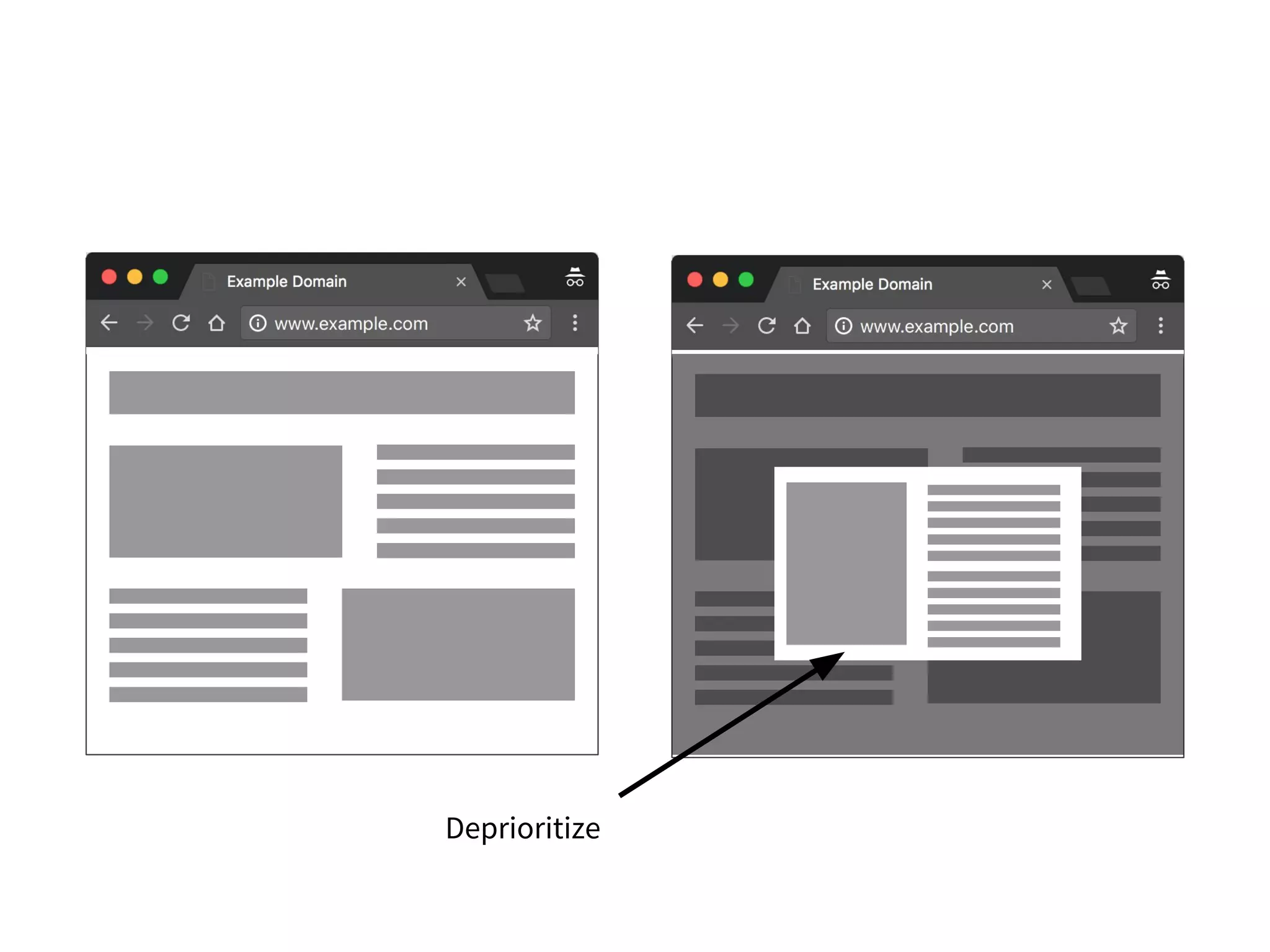
Prioritize resources the user is likely
to need first (e.g., above the fold
images) before those they won’t
need until later.
Deprioritize
Priority matters.
If everything is important, nothing is.
Performance, is all about
trade-offs.
is the core of the problem we
have to solve [...] legitimately difficult problems.
is all the stuff that doesn’t
necessarily relate directly to the solution, but that we
have to deal with anyway.
Neal Ford, Investigating Architecture and Design (2009)
We can have essential and
accidental performance costs,
too.
* And often it can be hard to tell the difference.
Know the essential
performance cost of features
you write.
Look for opportunities to
remove accidental
performance costs.
(function () {
const condition = true;
function fibonacci(x) {
return x <= 1 ? x : fibonacci(x - 1) + fibonacci(x - 2);
}
if (condition === true) {
window.result = fibonacci(23);
} else {
window.result = fibonacci(32);
}
})();
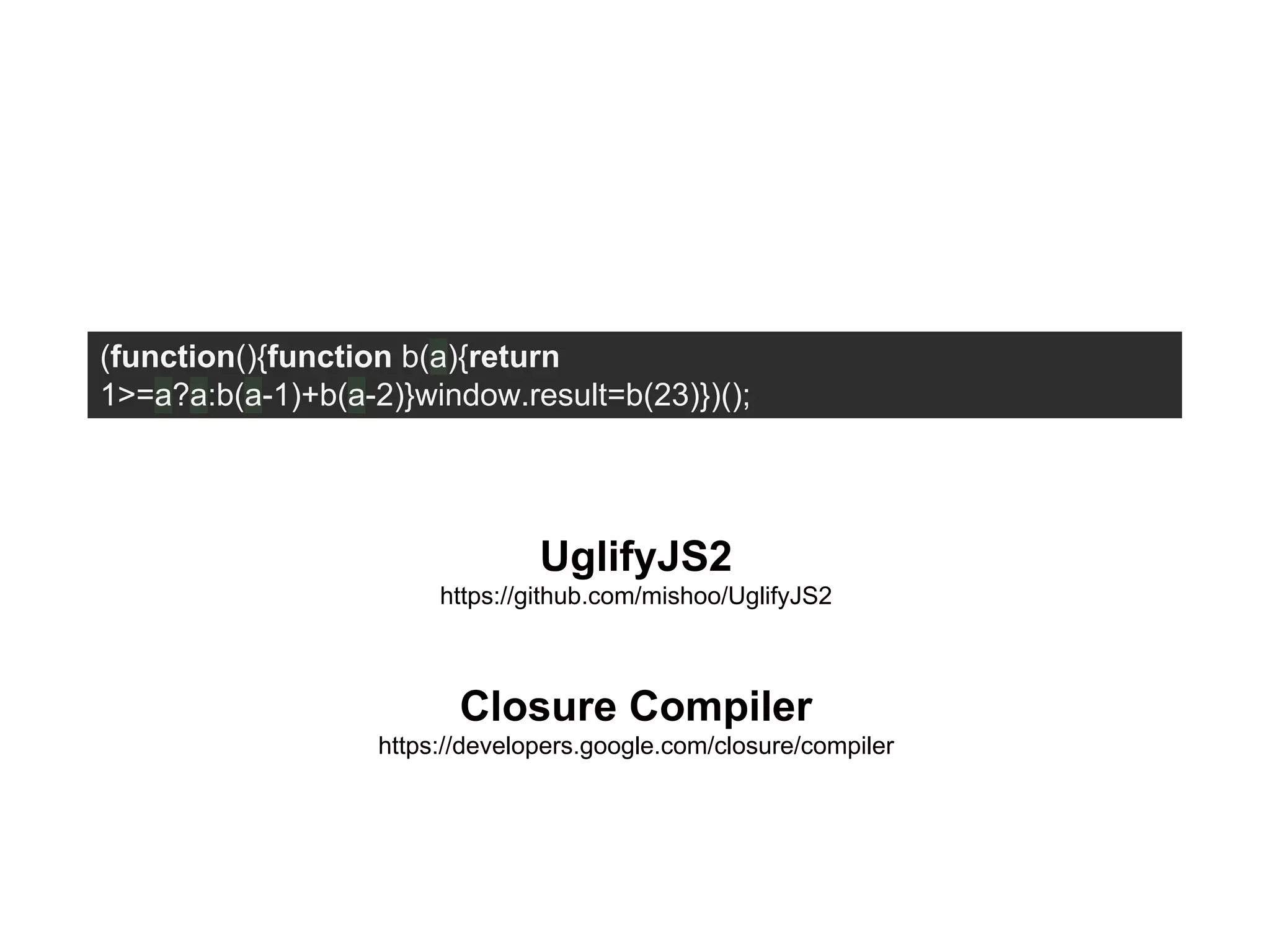
(function(){function b(a){return
1>=a?a:b(a-1)+b(a-2)}window.result=b(23)})();
UglifyJS2
https://github.com/mishoo/UglifyJS2
Closure Compiler
https://developers.google.com/closure/compiler
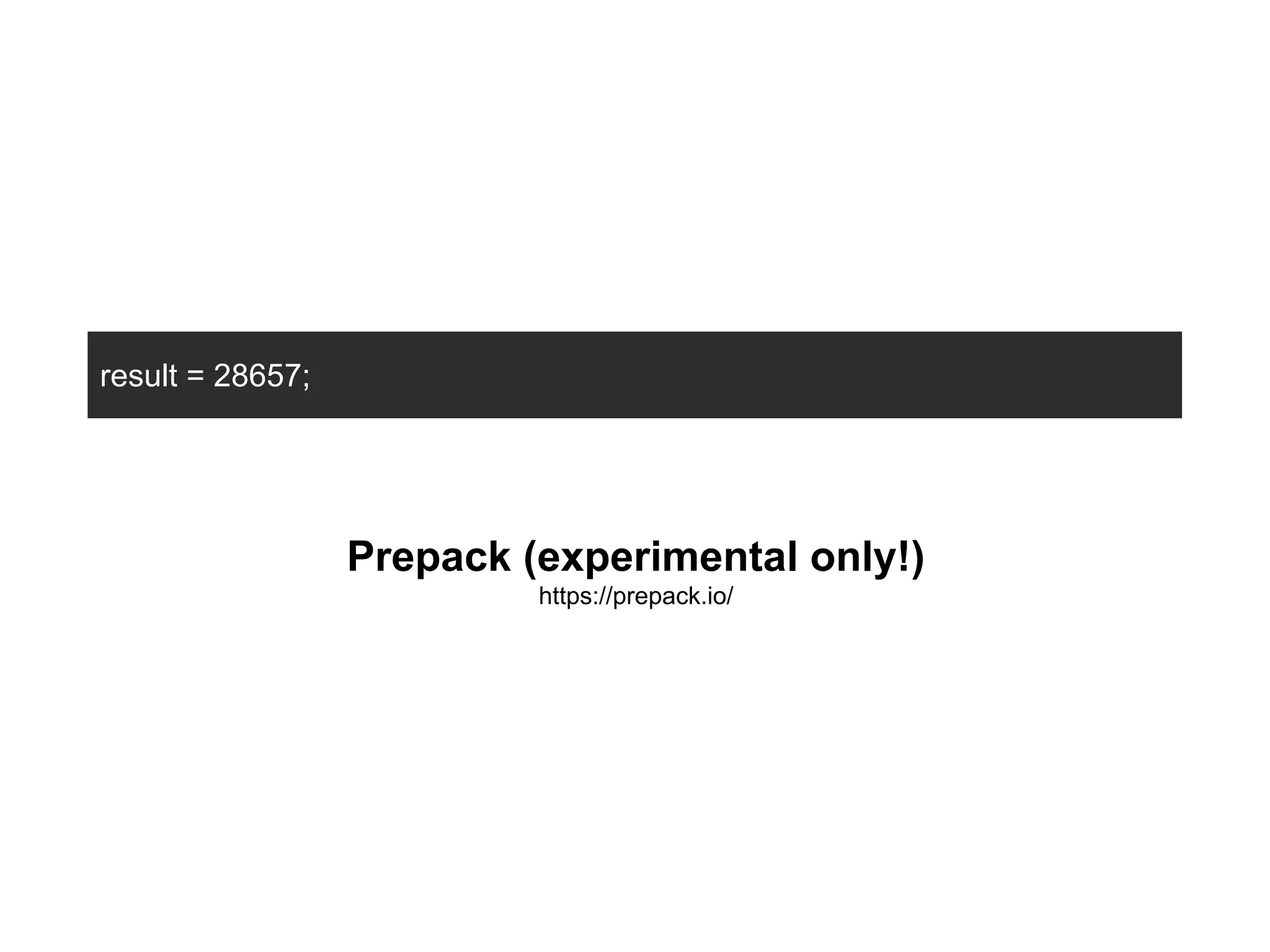
result = 28657;
Prepack (experimental only!)
https://prepack.io/
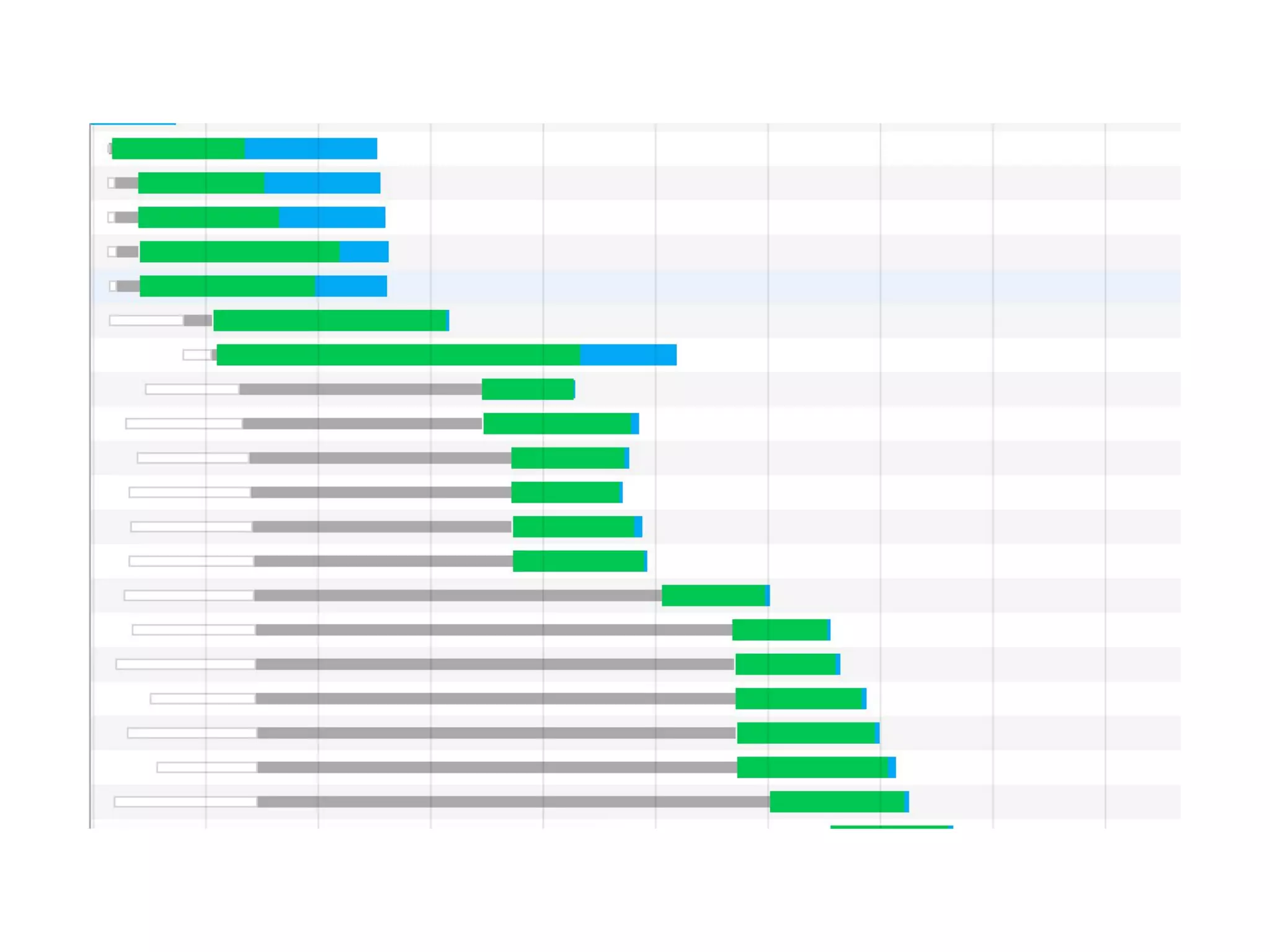
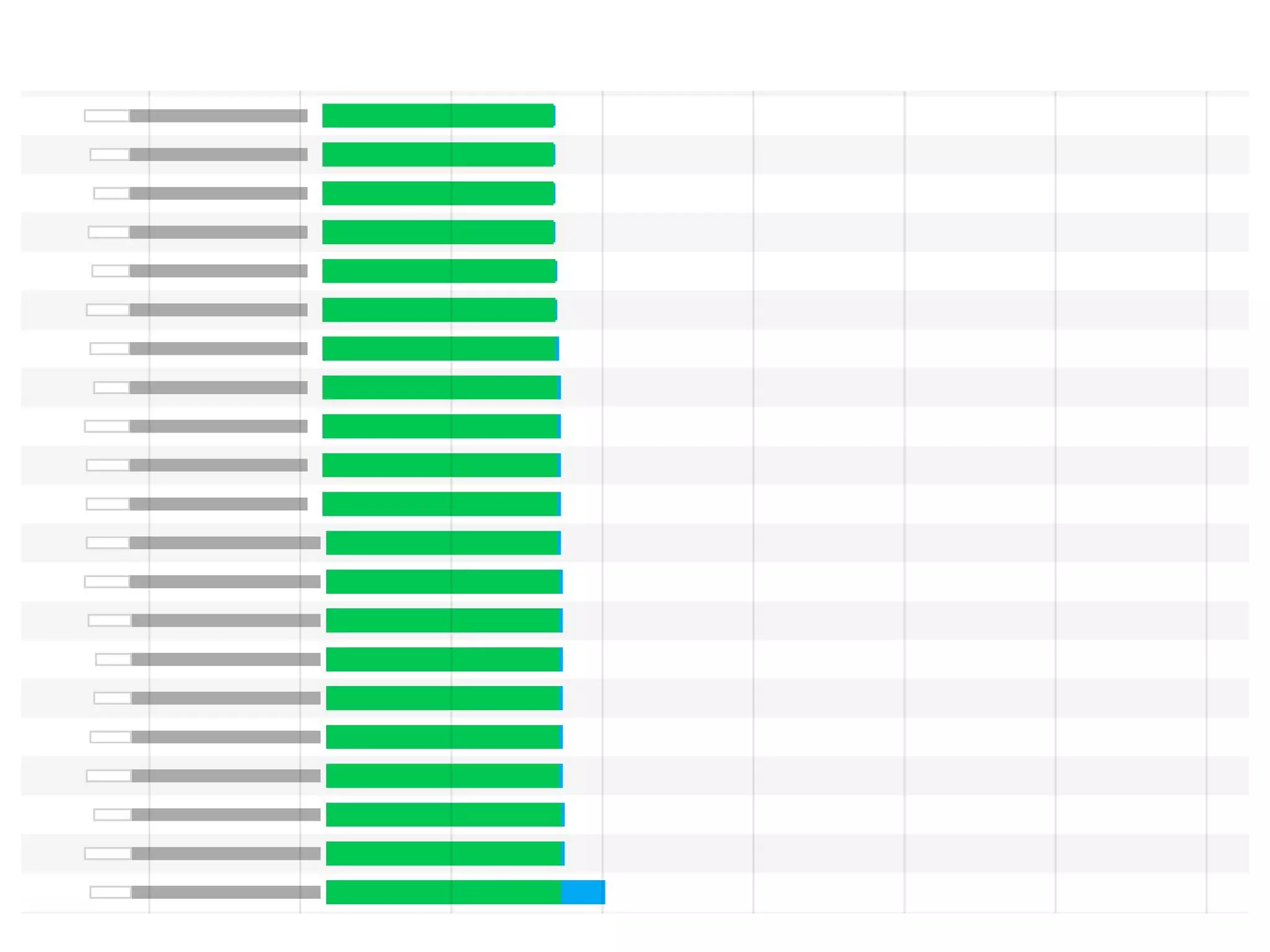
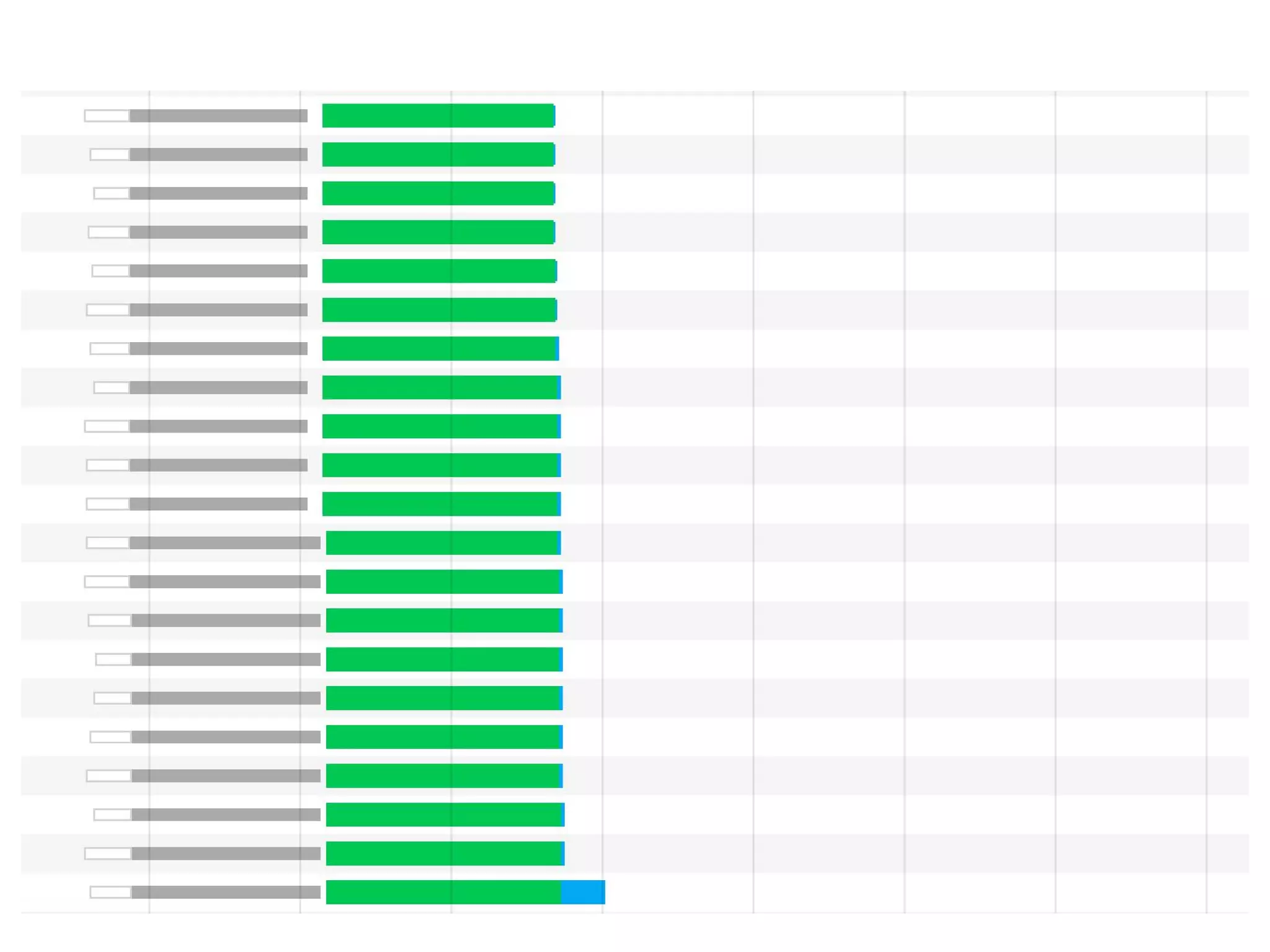
Browsers limit the number of
HTTP/1.1 requests made in parallel
from a single hostname.
Distribute resource requests across multiple domains, allowing
the browser to parallelize requests
Distribute resource requests across multiple domains, allowing
the browser to parallelize requests
… but there’s overhead. New DNS lookup, time to establish
connection.
Distribute resource requests across multiple domains, allowing
the browser to parallelize requests
… but there’s overhead. New DNS lookup, time to establish
connection.
General guideline: shard across two domains.
But we have a better solution today...
H2 can download multiple files in
parallel over a single multiplexed
connection.
H2 can download multiple files in
parallel over a single multiplexed
connection.
Adopt H2 today
● Ensure resources are served via HTTPS
● If you use a content-delivery network (CDN)
there’s a good chance it supports HTTP/2 today.
● If you’re already domain sharding, make sure
those hostnames resolve to the same IP.
Designing APIs is difficult
How data is requested between
browser and server can impact
performance.
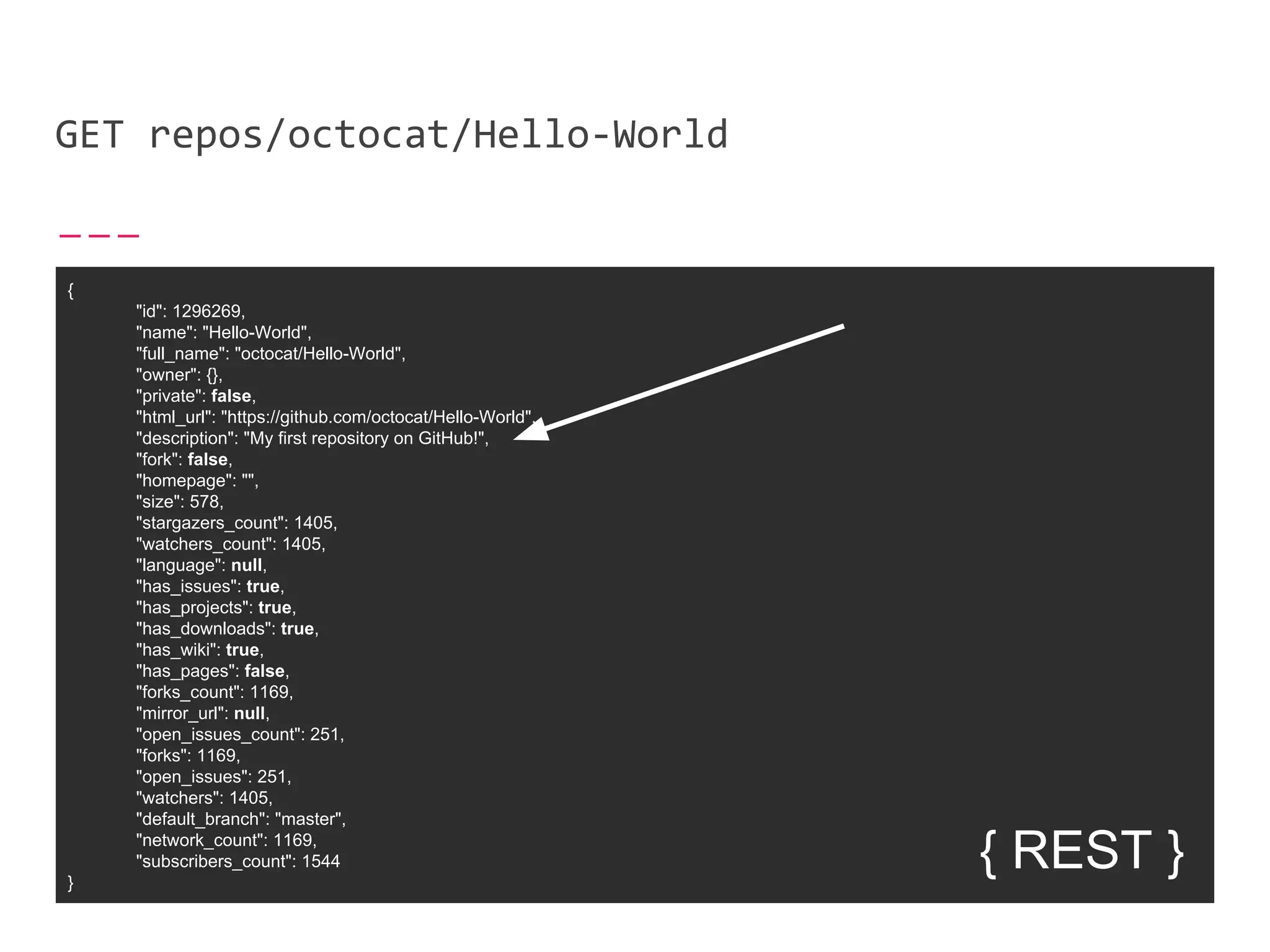
Imagine using the GitHub API to
request the description of a repo.
GET repos/octocat/Hello-World
{
"id": 1296269,
"name": "Hello-World",
"full_name": "octocat/Hello-World",
"owner": {},
"private": false,
"html_url": "https://github.com/octocat/Hello-World",
"description": "My first repository on GitHub!",
"fork": false,
"homepage": "",
"size": 578,
"stargazers_count": 1405,
"watchers_count": 1405,
"language": null,
"has_issues": true,
"has_projects": true,
"has_downloads": true,
"has_wiki": true,
"has_pages": false,
"forks_count": 1169,
"mirror_url": null,
"open_issues_count": 251,
"forks": 1169,
"open_issues": 251,
"watchers": 1405,
"default_branch": "master",
"network_count": 1169,
"subscribers_count": 1544
}
{ REST }
In a RESTful API, provide
mechanisms to request only the data
needed.
Alternative API paradigms might
provide a better format for selecting
only the data needed.
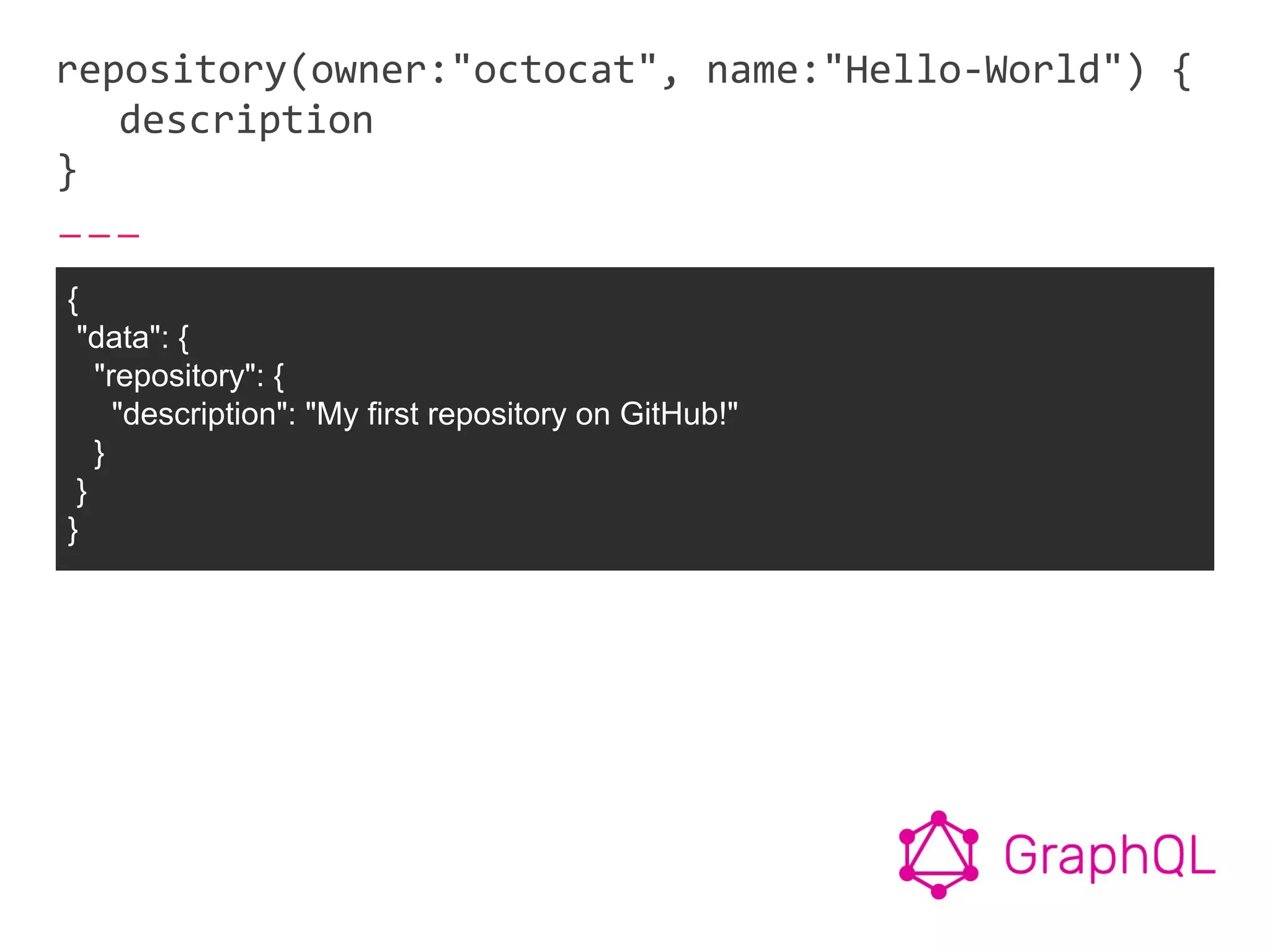
repository(owner:"octocat", name:"Hello-World") {
description
}
{
"data": {
"repository": {
"description": "My first repository on GitHub!"
}
}
}
GraphQL can help prevent
over-serving data, and reduce the
number of overall requests.
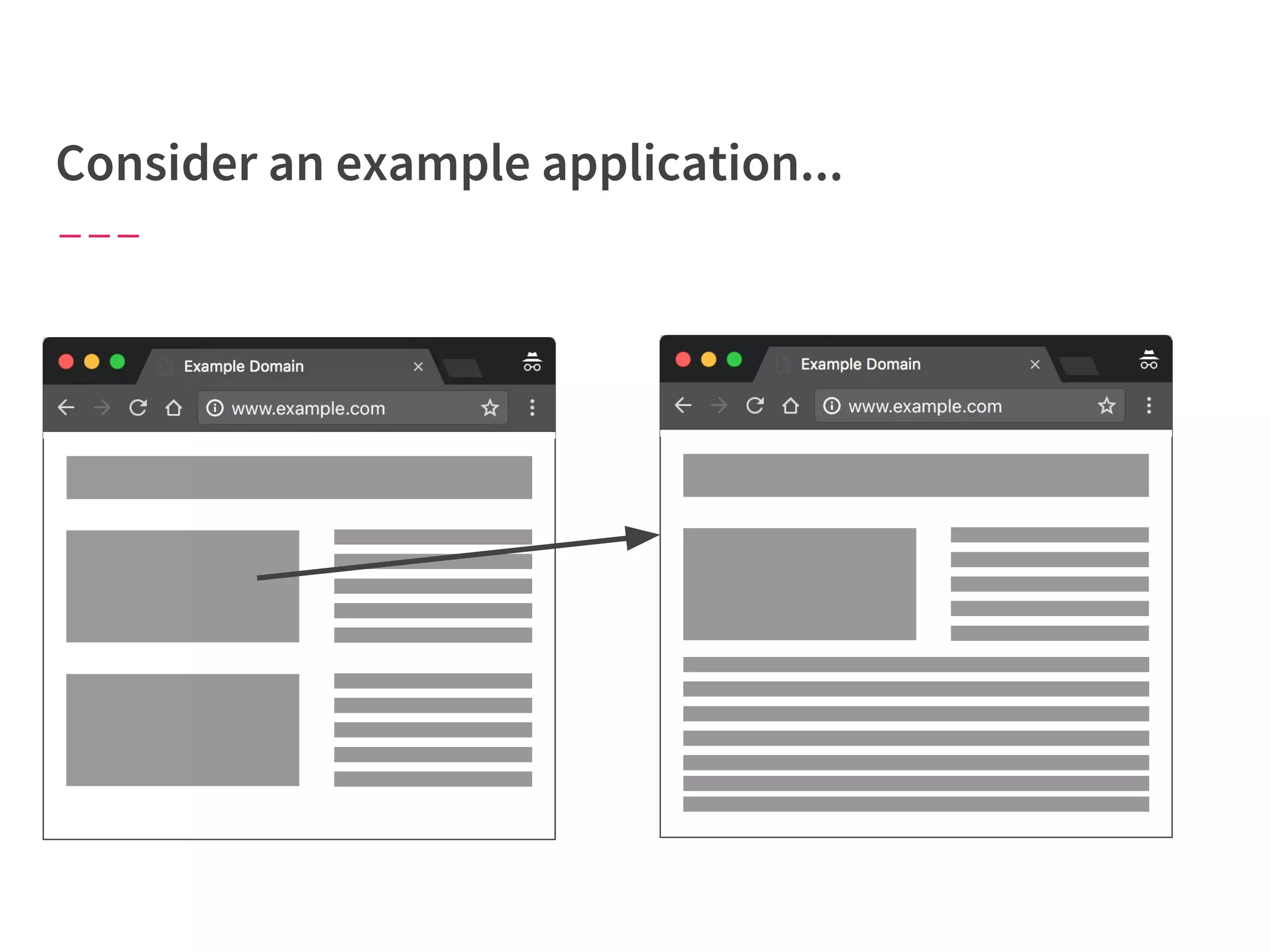
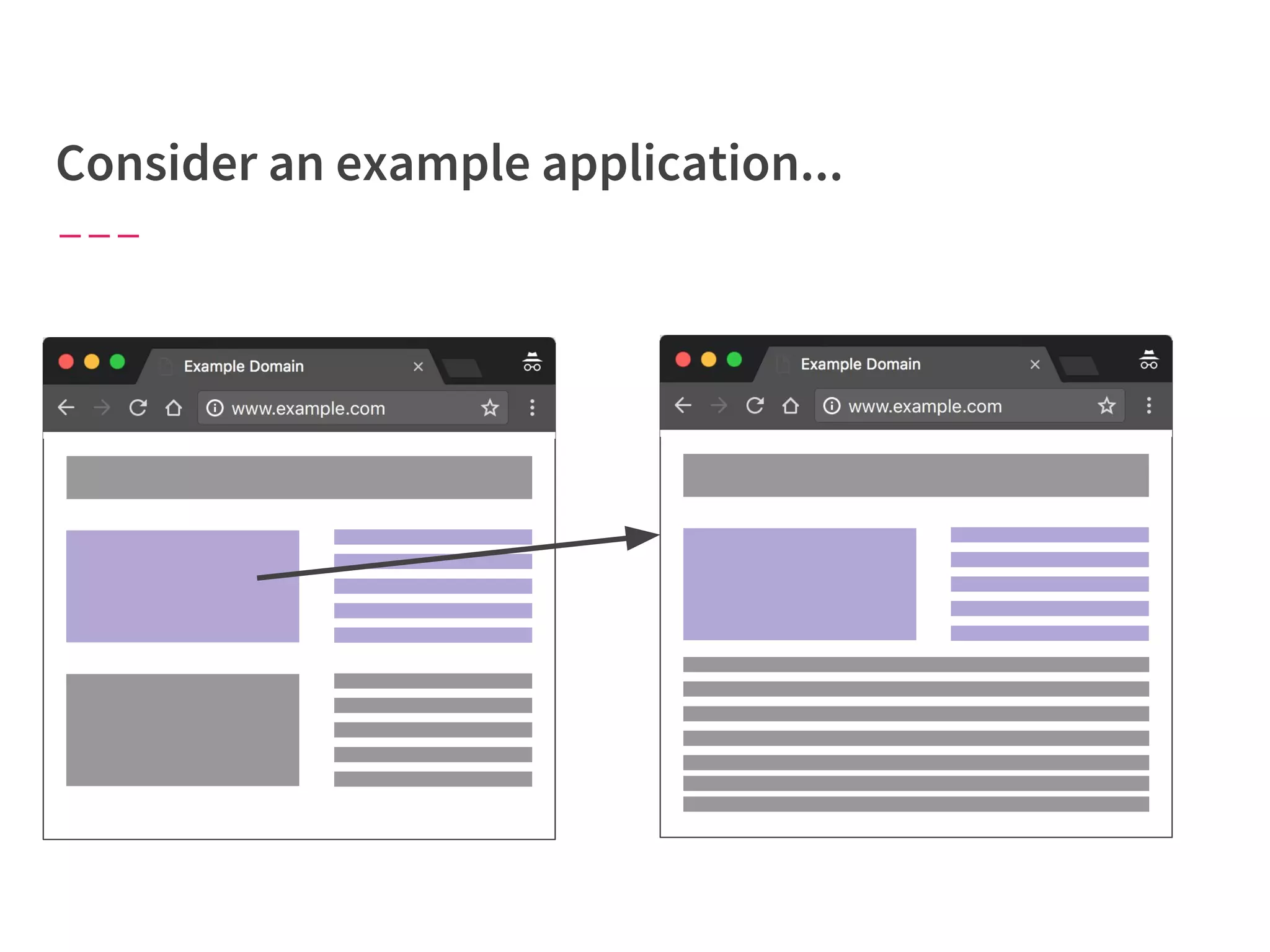
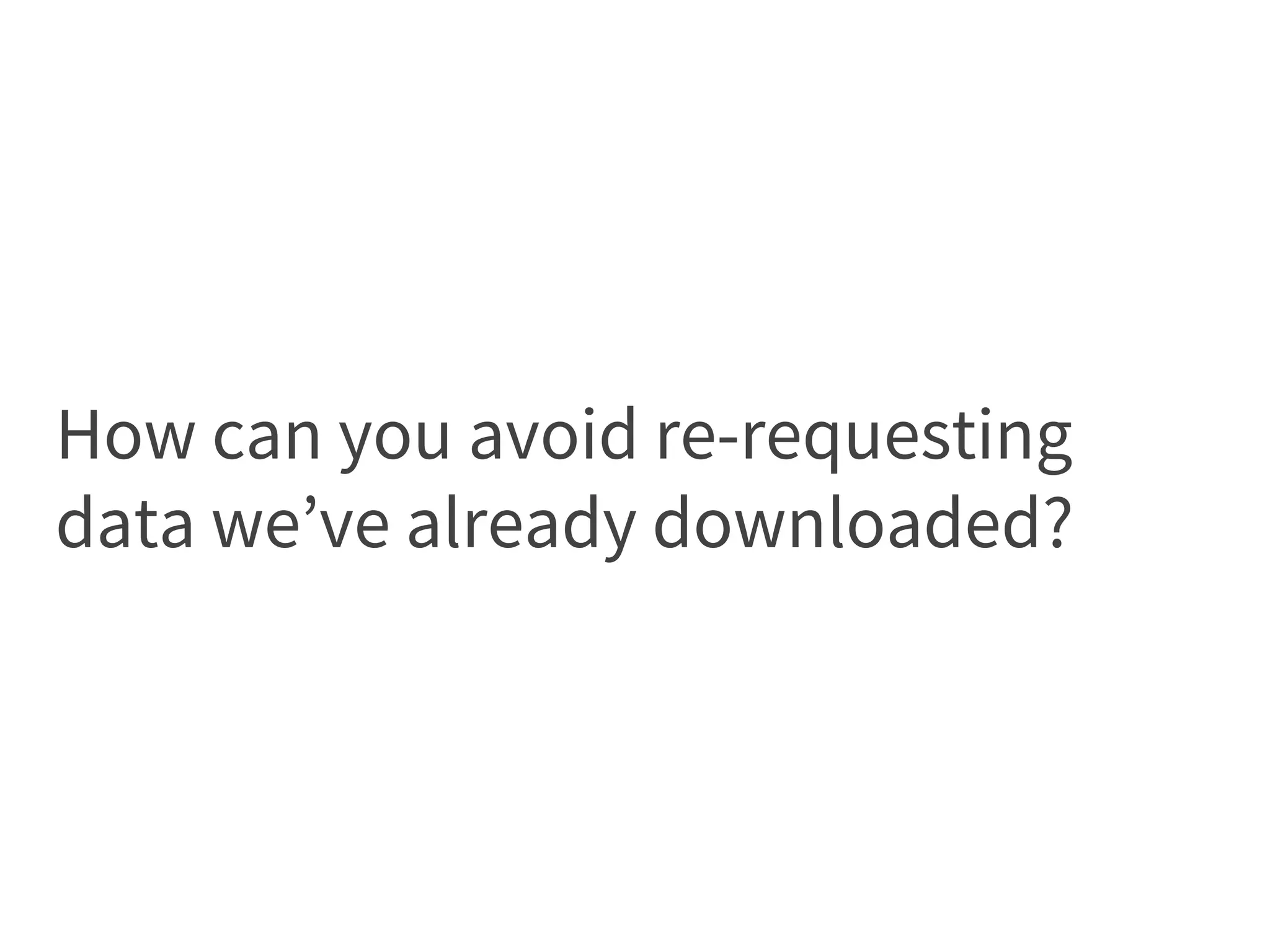
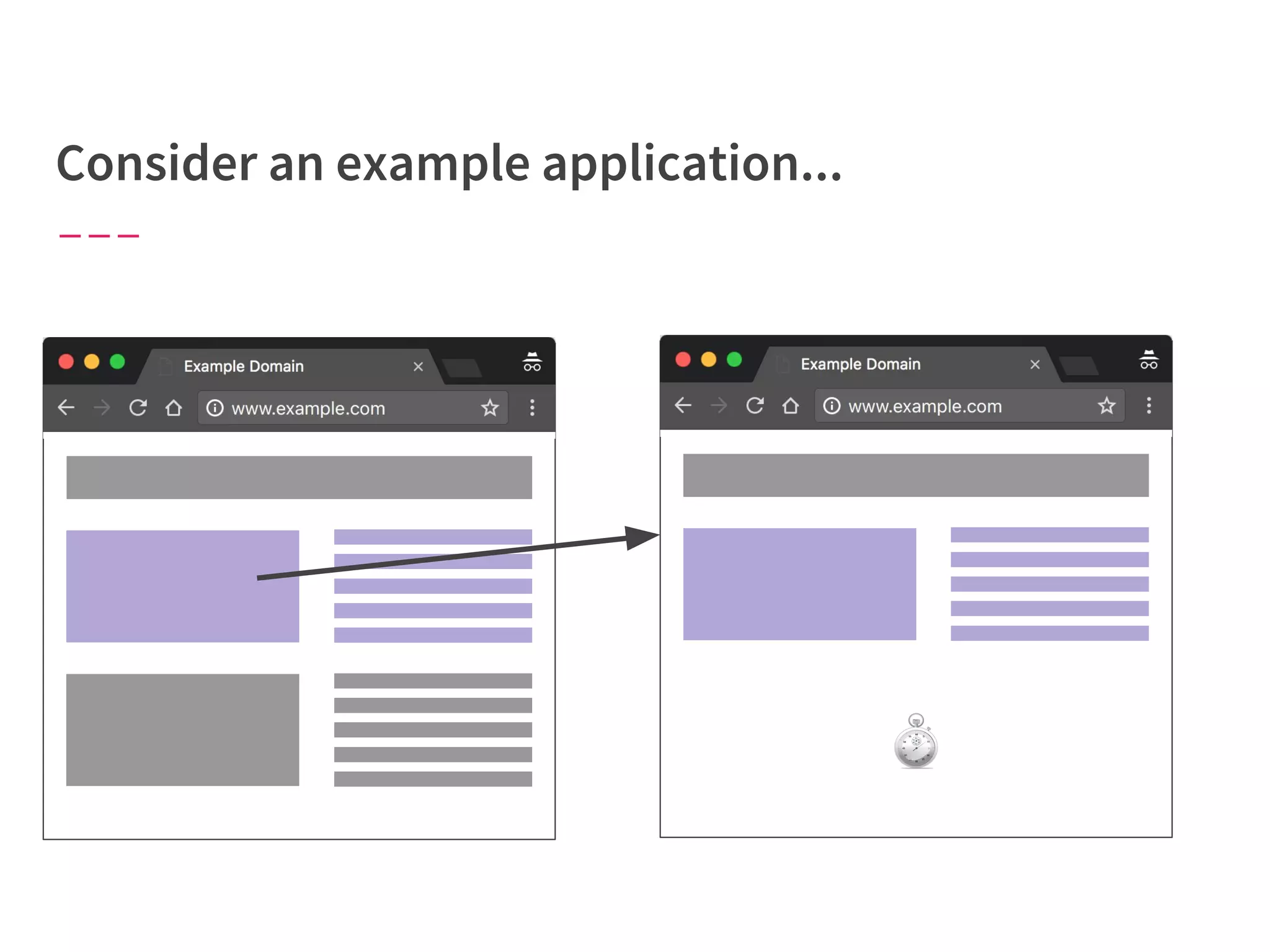
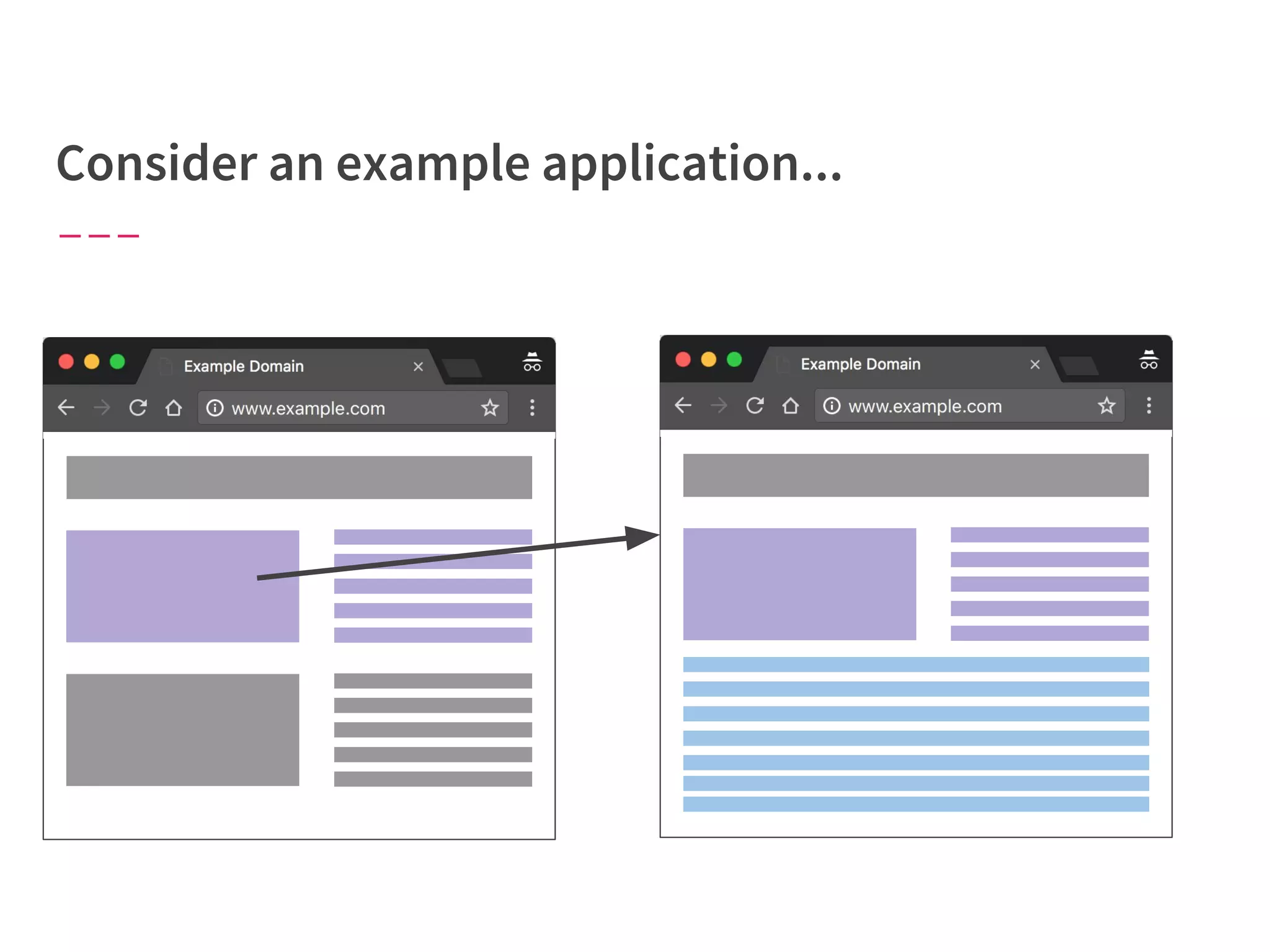
How can you avoid re-requesting
data we’ve already downloaded?
● Caching layers on the server
● Single-page application on the client, share data between
routes or components
○ Normalized top-level data
○ Smart client-side caching
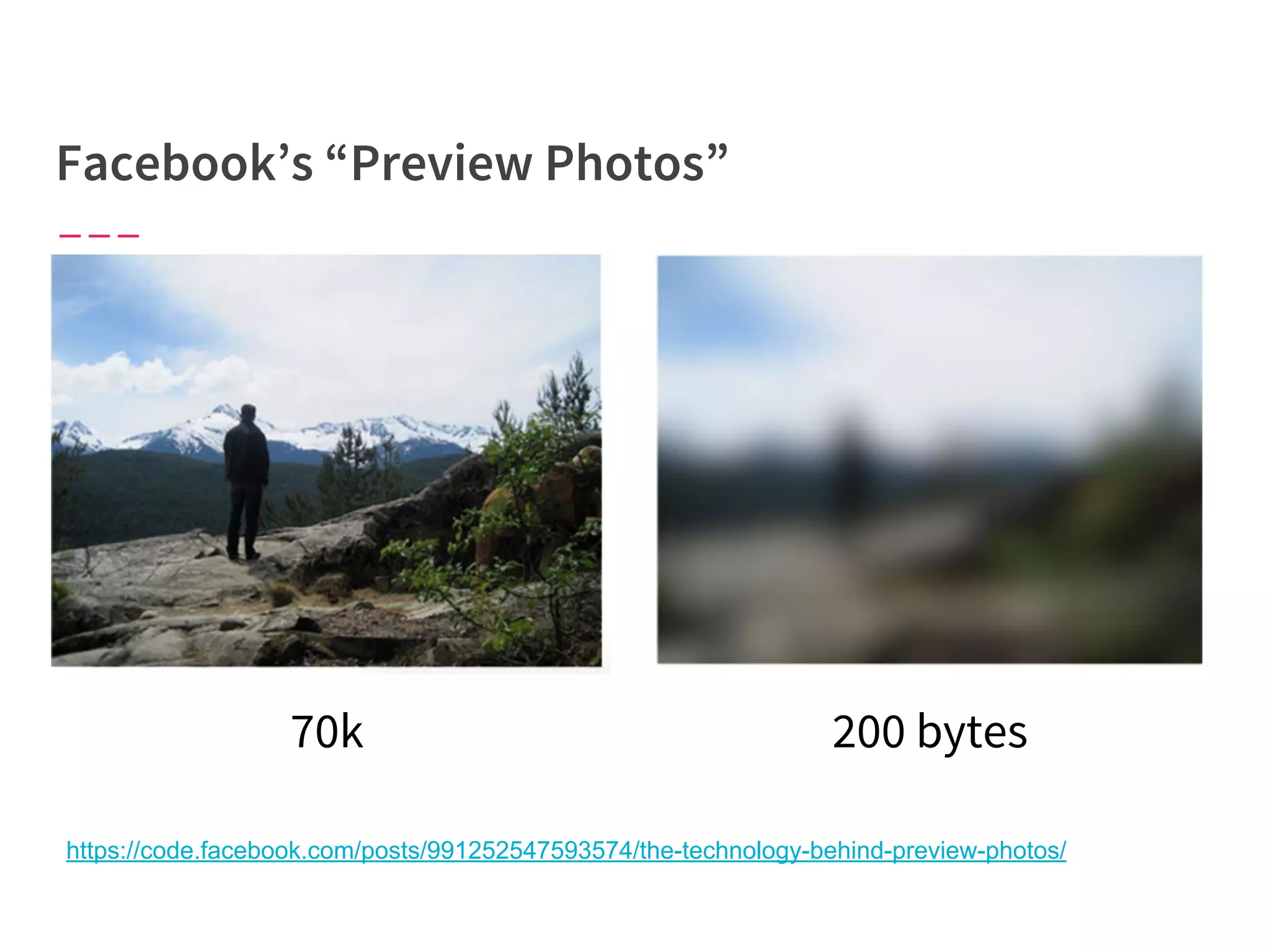
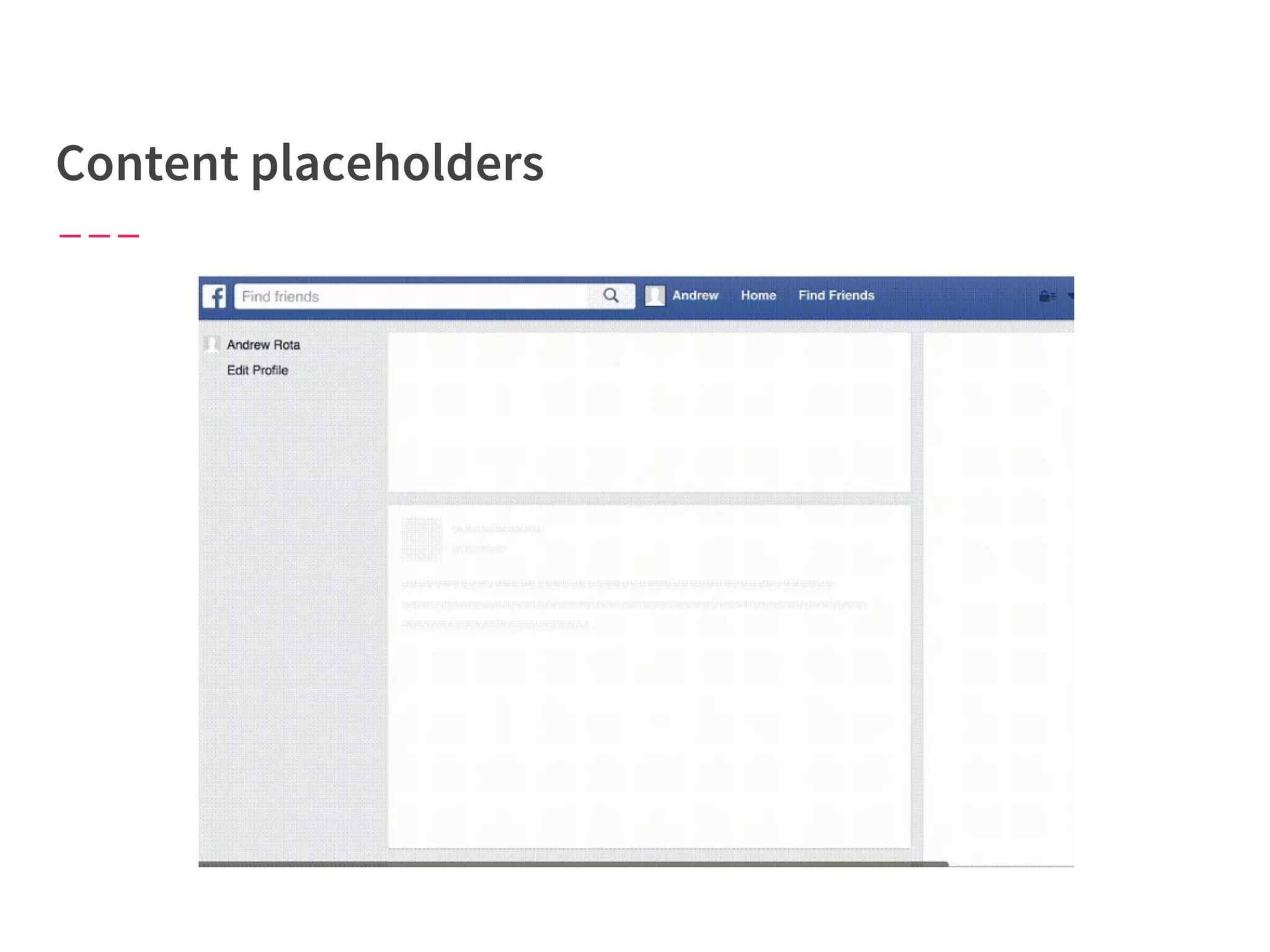
A lot of performance is about
perception.
70k
https://code.facebook.com/posts/991252547593574/the-technology-behind-preview-photos/
200 bytes
There’s no one-size-fits-all method
for improving perceived
performance.
Be creative!
“Progressive Web Apps”
● PWAs focus on building web applications that work well in
environments with slow, intermittent, or zero network
connectivity.
● More than just “offline” support, PWA techniques can provide
features of your app even when the network connection is
imperfect.
ServiceWorker
● ServiceWorker is browser technology that allows a separate
script to run in the browser background, separate from your
web site, intercept and handle network requests, and
communicate back to your web application.
● You can cache data and other page assets in order to serve
them to your web application even if no external network
connection is available.
The browser has a lot to do on a
single thread when rendering a
page...don’t let JavaScript get in the
way.
window.requestAnimationFrame()
allows you to schedule something before
the next repaint.
But what about non-critical JS...how
do we ensure it doesn’t block more
important work on the main thread?
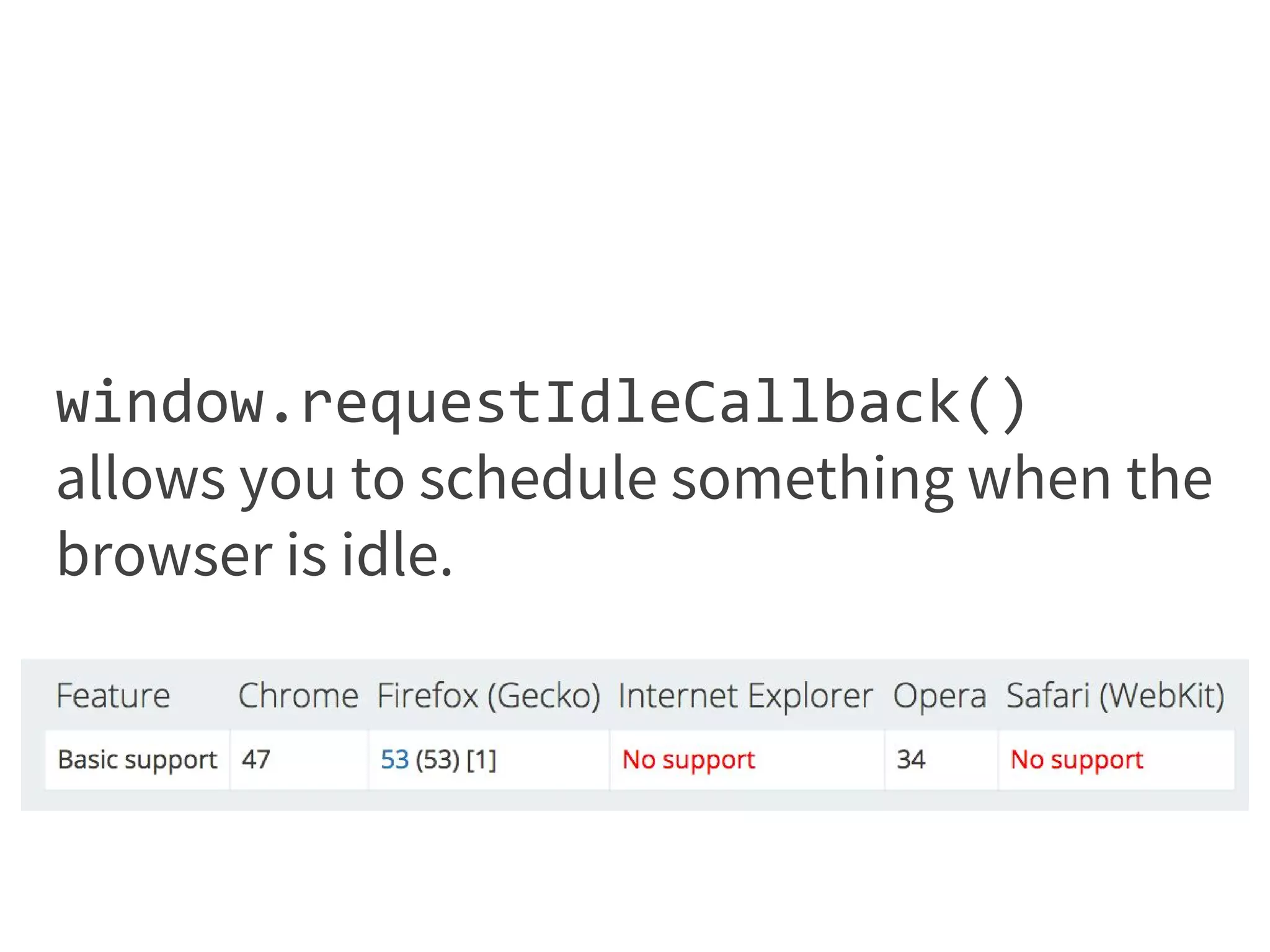
window.requestIdleCallback()
allows you to schedule something when the
browser is idle.
window.requestIdleCallback()
allows you to schedule something when the
browser is idle.
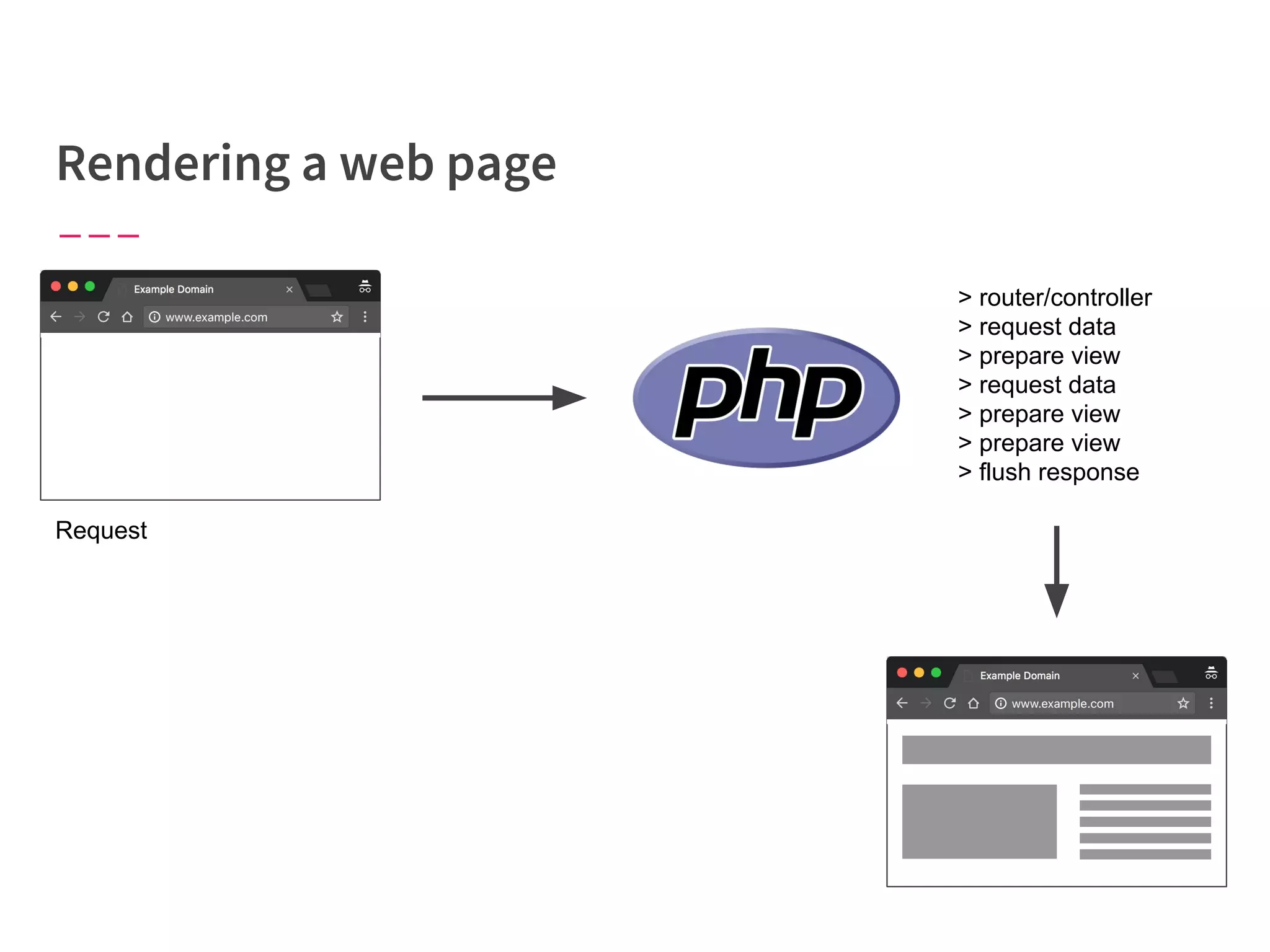
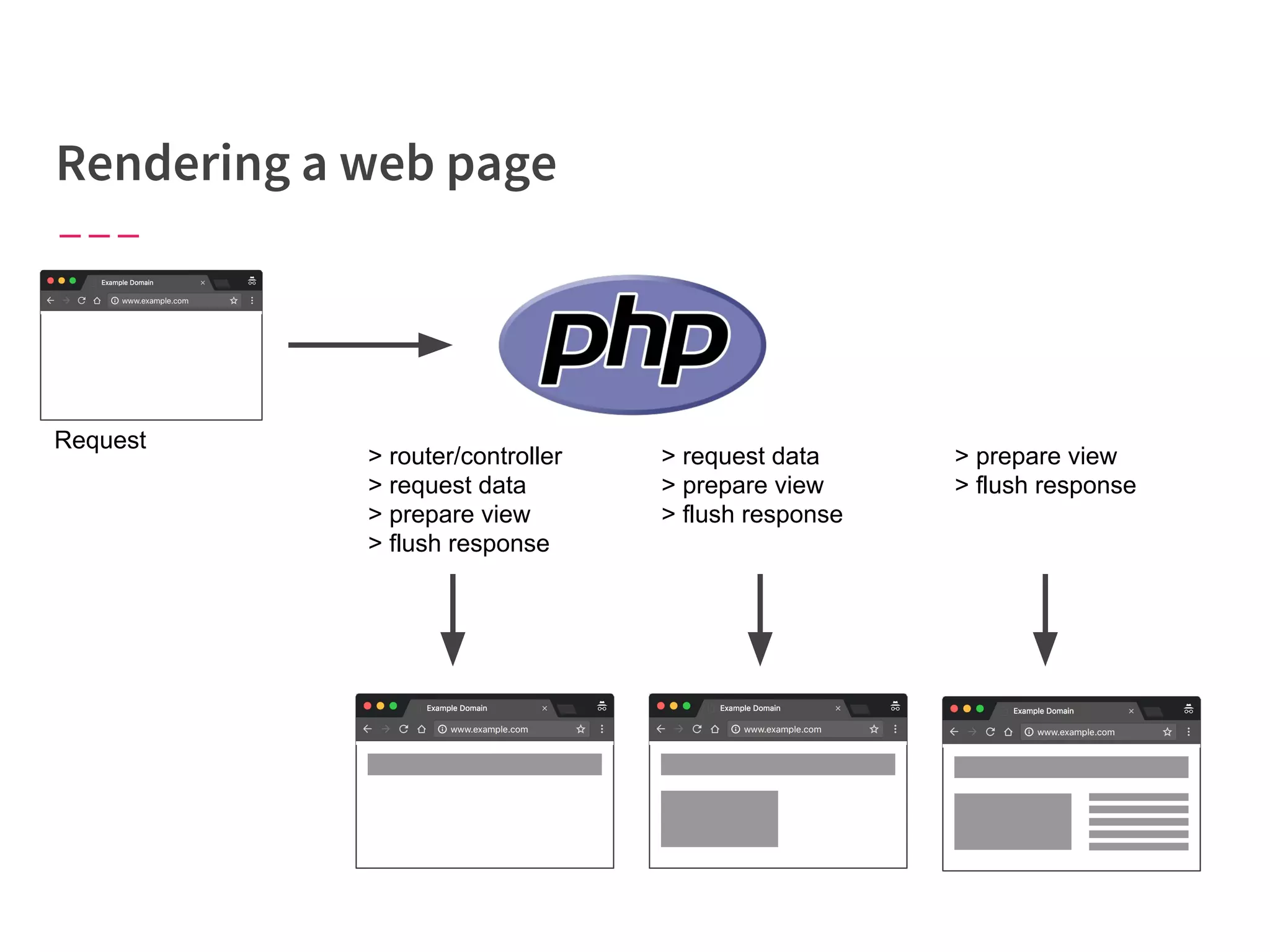
Request
> router/controller
> request data
> prepare view
> request data
> prepare view
> prepare view
> flush response
Why make the user wait for the
whole page to be done?
“The general idea is to decompose web pages into small
chunks called pagelets, and pipeline them through
several execution stages inside web servers and
browsers.”
Changhao Jiang, “BigPipe: Pipelining web pages for high performance” (2010)
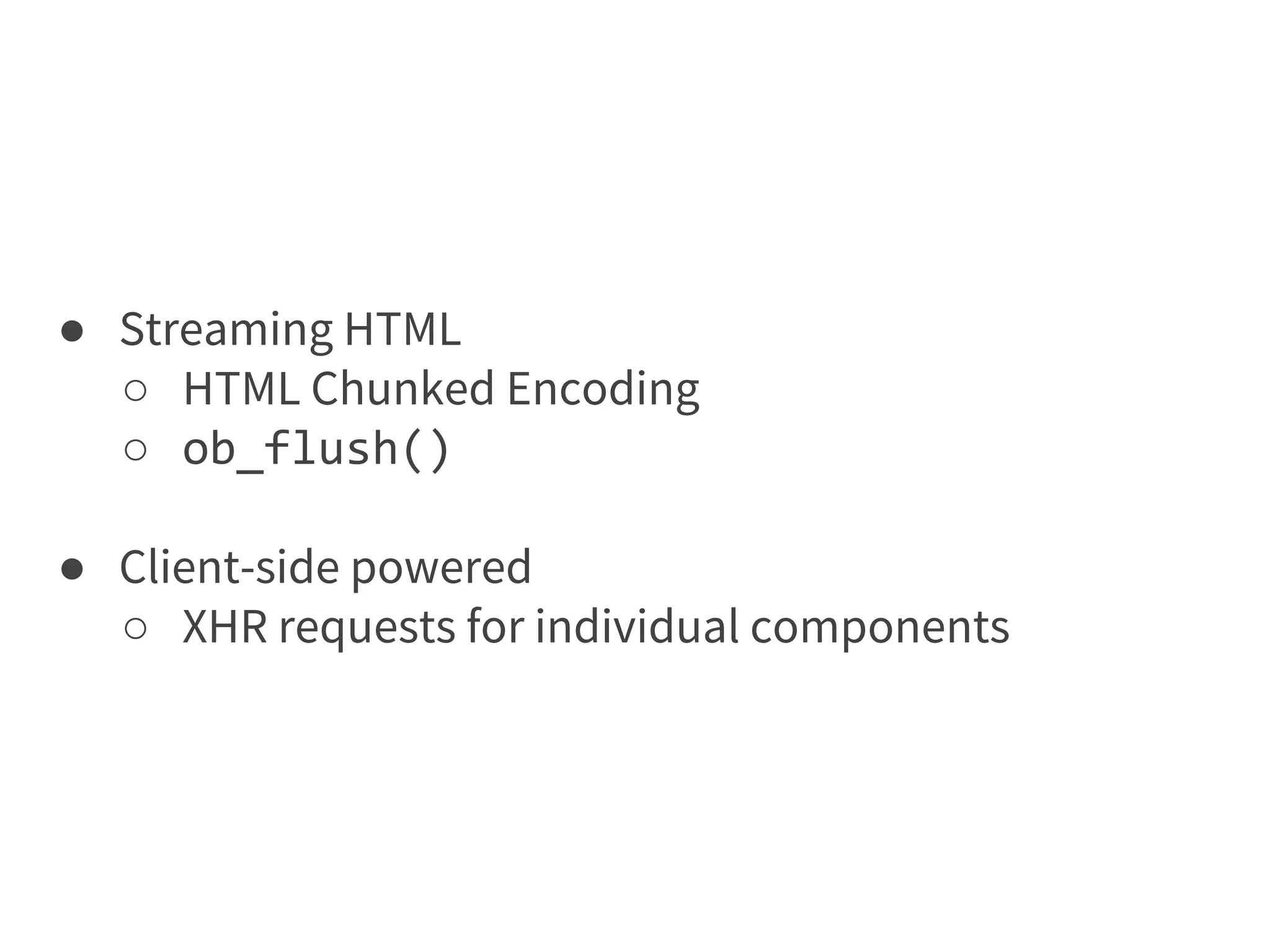
● Streaming HTML
○ HTML Chunked Encoding
○ ob_flush()
● Client-side powered
○ XHR requests for individual components
Request
> router/controller
> request data
> prepare view
> flush response
> request data
> prepare view
> flush response
> prepare view
> flush response
Measure performance Reuse data
Load important resources first
Manage perceived
performance
Run less code Anticipate poor connections
Parallelize requests
Don’t try to do everything at
once
Only ask for what you need Send content as it’s ready
@AndrewRota

Ten practical ways to improve front-end performance