D.Keane ED 5700 Teaching With Technology
Technology can be incorporated into the MSMC lesson plan Anticipatory  Set Lessons Independent practice Assessment
One must keep in mind the literacy skills of  students at each level.  Technology such as videos and live broadcasts give younger students (K-3) access to advanced  information without having to read text. Students in grades 5-8 may engage in interactive sites which require typing skills and internet proficiency.
Applying technology in the K-8 classroom Internet resources such as videos and podcasts are available to supplement current lesson plans and to utilize as introductory activities and  anticipatory sets . Many  lesson activities  are available which are aligned with standards. Web sites and activities can be utilized for  independent practice  and  assessment .
Anticipatory Sets Use videos to introduce a lesson topic BrainPop   http://www.brainpop.com   Three minute videos in cartoon format, give a brief overview of a topic.  Many subjects available. BrainPop is “hosted” by Tim and his robot, “Moby”.  Subscription required to view all topics. Appropriate for K-6. Example :  Penquin:  http://www.brainpop.com/science/diversityoflife/penguins/
Anticipatory Sets YouTube Videos   http://Youtube.com   Short videos are available to provide background information or to pique student interest in a topic.  Appropriate videos available for all age levels.  Examples : Water Cycle  (An overview of the water cycle and weather factors set to music)  http://www.youtube.com/watch?v=YswL4dIDQuk Kilauea volcano eruption  (actual footage)    http://www.google.com/ig?sourceid=navclient&ie=UTF-8&hl=en
Lesson Activities WebQuests   Inquiry based lessons in which students acquire most of the information through the internet. Contain an introduction, a task, procedure, an evaluation, and a teacher page.  Pre-made WebQuests are available for all grade levels on many science topics.  Science WebQuests for grades K-2 can be found at:  http://webquest.org/search/webquest_results.php?curr=currscience&grade=gradek2&Submit=Search+Matrix   Example:  Meteorology Master : K-2 Students learn weather words via an internet word find, visit links to learn about the National Weather Service, create a mindmap of a weather forecast, and then give a report to their classmates.  http://questgarden.com/12/58/3/080312071022/index.htm
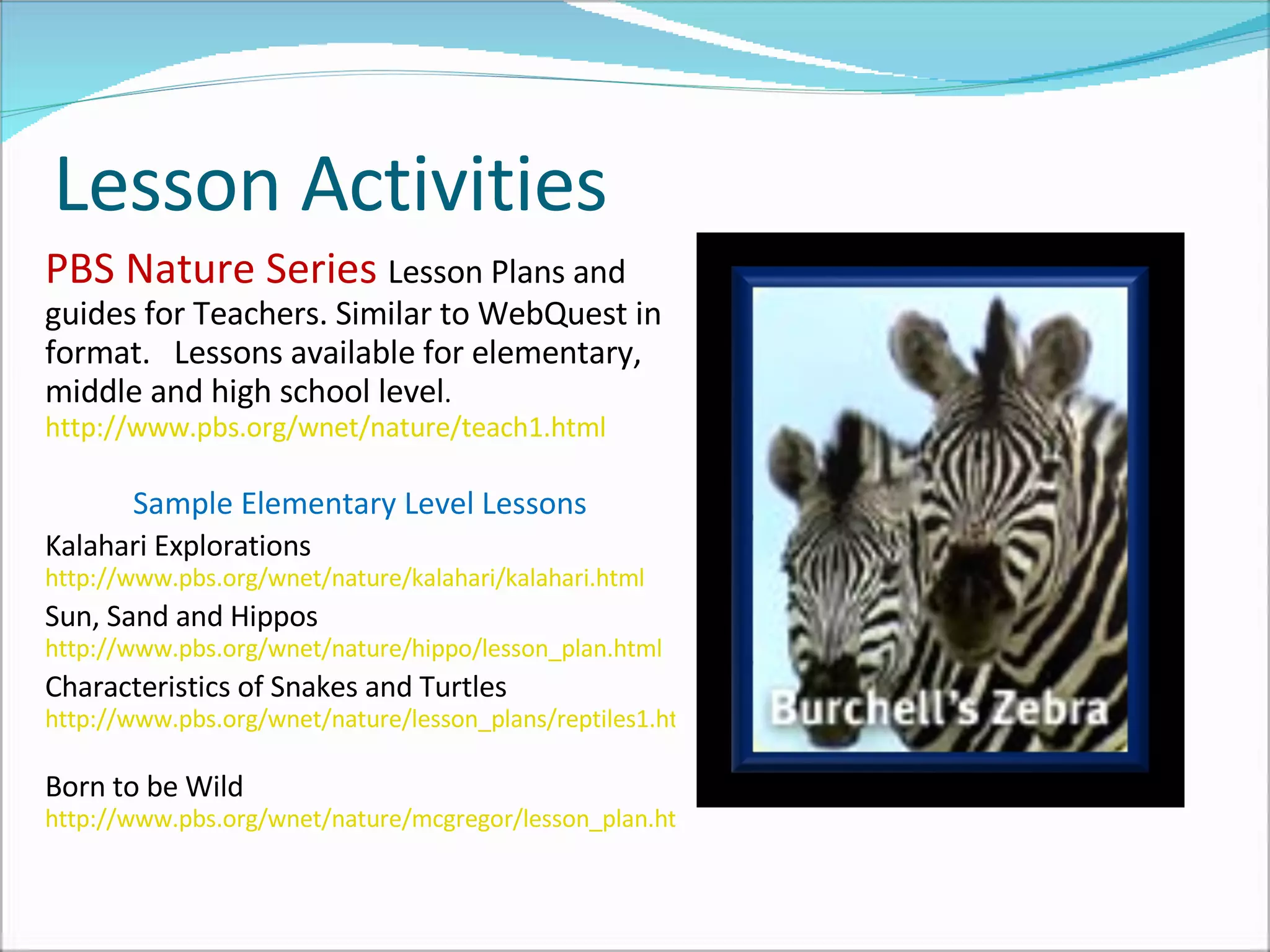
Lesson Activities PBS Nature Series  Lesson Plans and guides for Teachers. Similar to WebQuest in format.  Lessons available for elementary, middle and high school level .  http://www.pbs.org/wnet/nature/teach1.html   Sample Elementary Level Lessons Kalahari Explorations  http://www.pbs.org/wnet/nature/kalahari/kalahari.html   Sun, Sand and Hippos  http://www.pbs.org/wnet/nature/hippo/lesson_plan.html   Characteristics of Snakes and Turtles  http://www.pbs.org/wnet/nature/lesson_plans/reptiles1.html   Born to be Wild  http://www.pbs.org/wnet/nature/mcgregor/lesson_plan.html
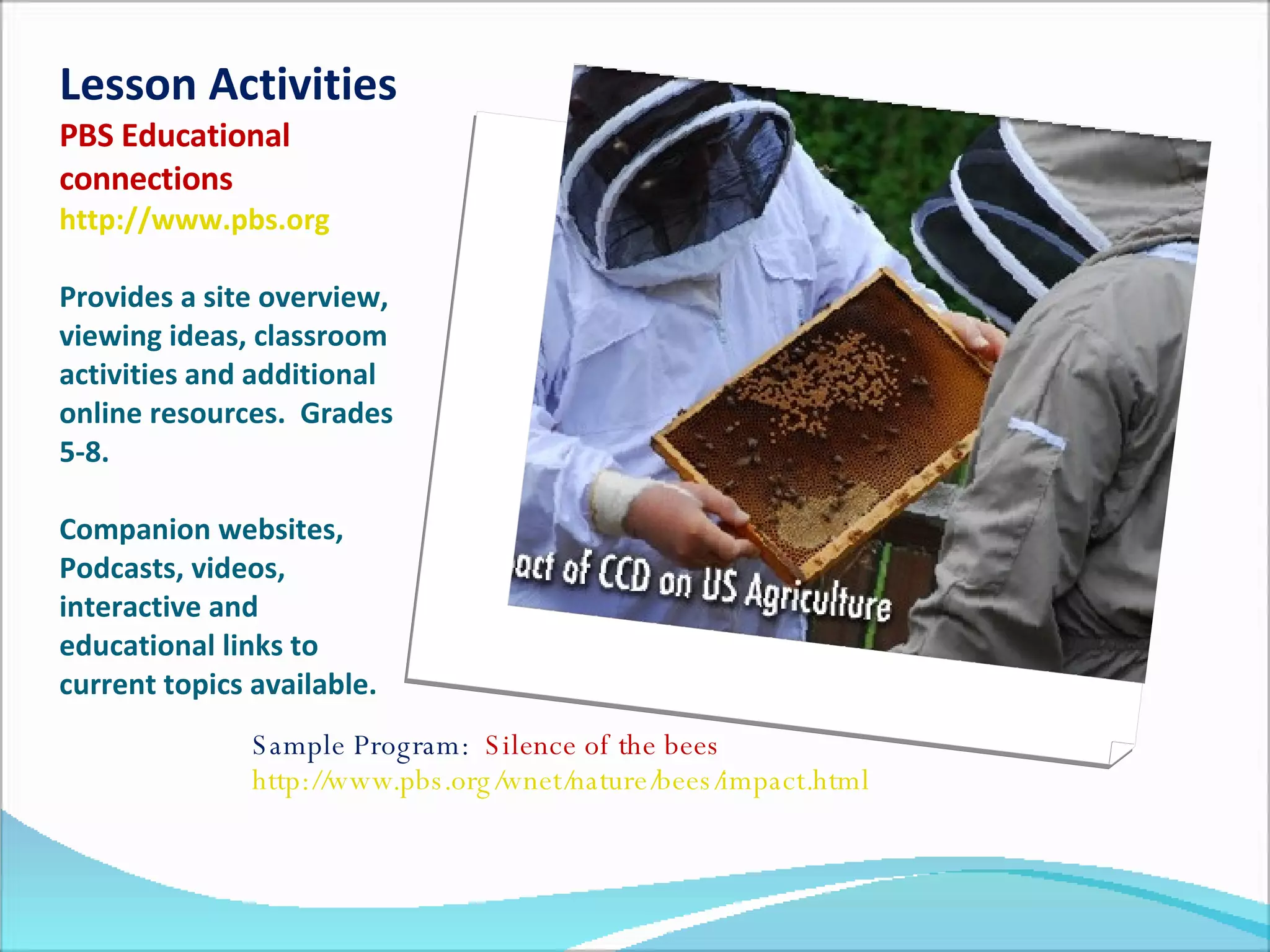
Lesson Activities PBS Educational connections   http://www.pbs.org   Provides a site overview, viewing ideas, classroom activities and additional online resources.  Grades 5-8. Companion websites, Podcasts, videos, interactive and educational links to current topics available.  Sample Program:  Silence of the bees  http://www.pbs.org/wnet/nature/bees/impact.html
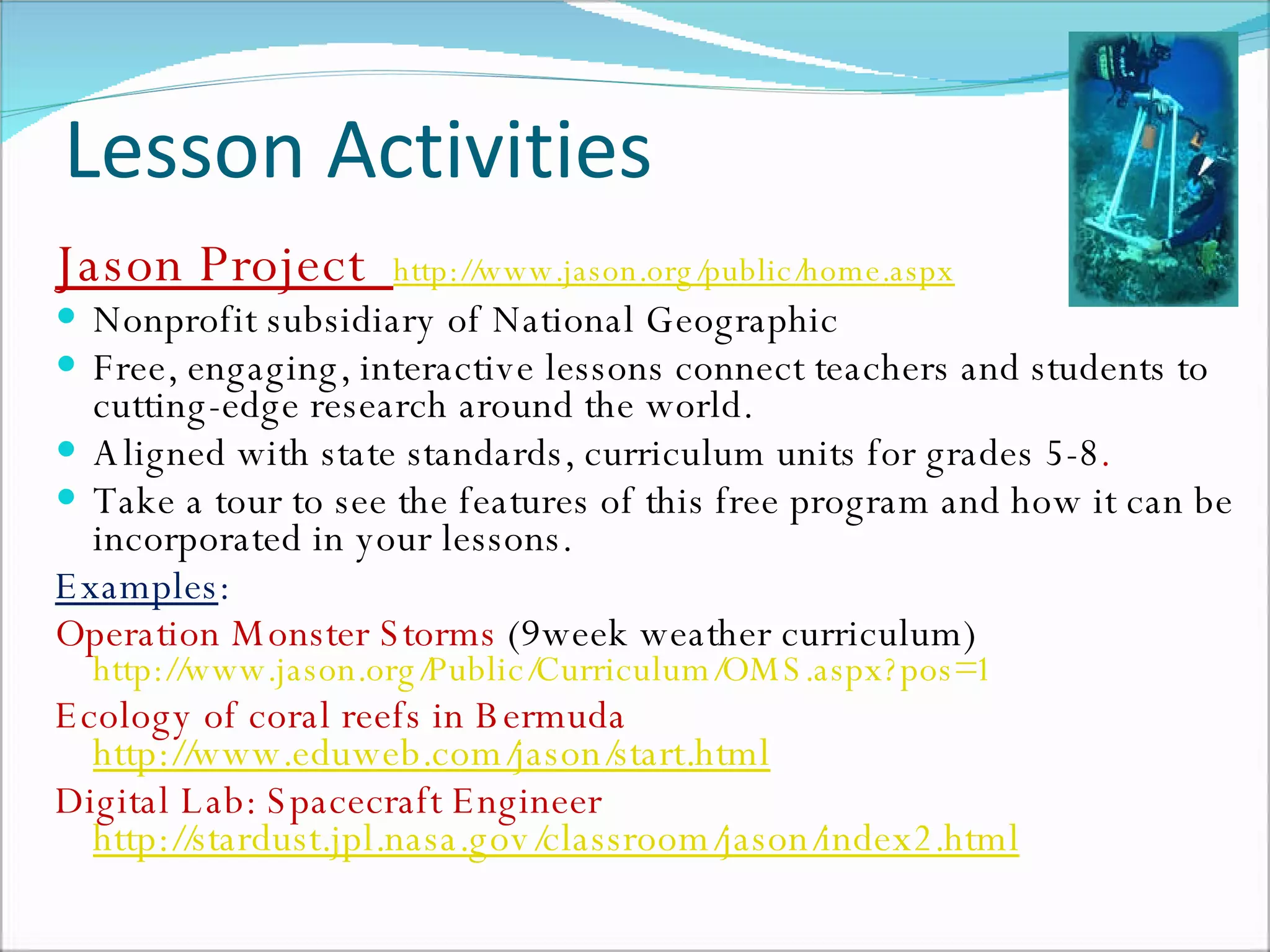
Lesson Activities Jason Project  http://www.jason.org/public/home.aspx Nonprofit subsidiary of National Geographic Free, engaging, interactive lessons connect teachers and students to cutting-edge research around the world. Aligned with state standards, curriculum units for grades 5-8 .  Take a tour to see the features of this free program and how it can be incorporated in your lessons. Examples :   Operation Monster Storms  (9week weather curriculum)  http://www.jason.org/Public/Curriculum/OMS.aspx?pos=1 Ecology of coral reefs in Bermuda   http://www.eduweb.com/jason/start.html   Digital Lab: Spacecraft Engineer  http://stardust.jpl.nasa.gov/classroom/jason/index2.html
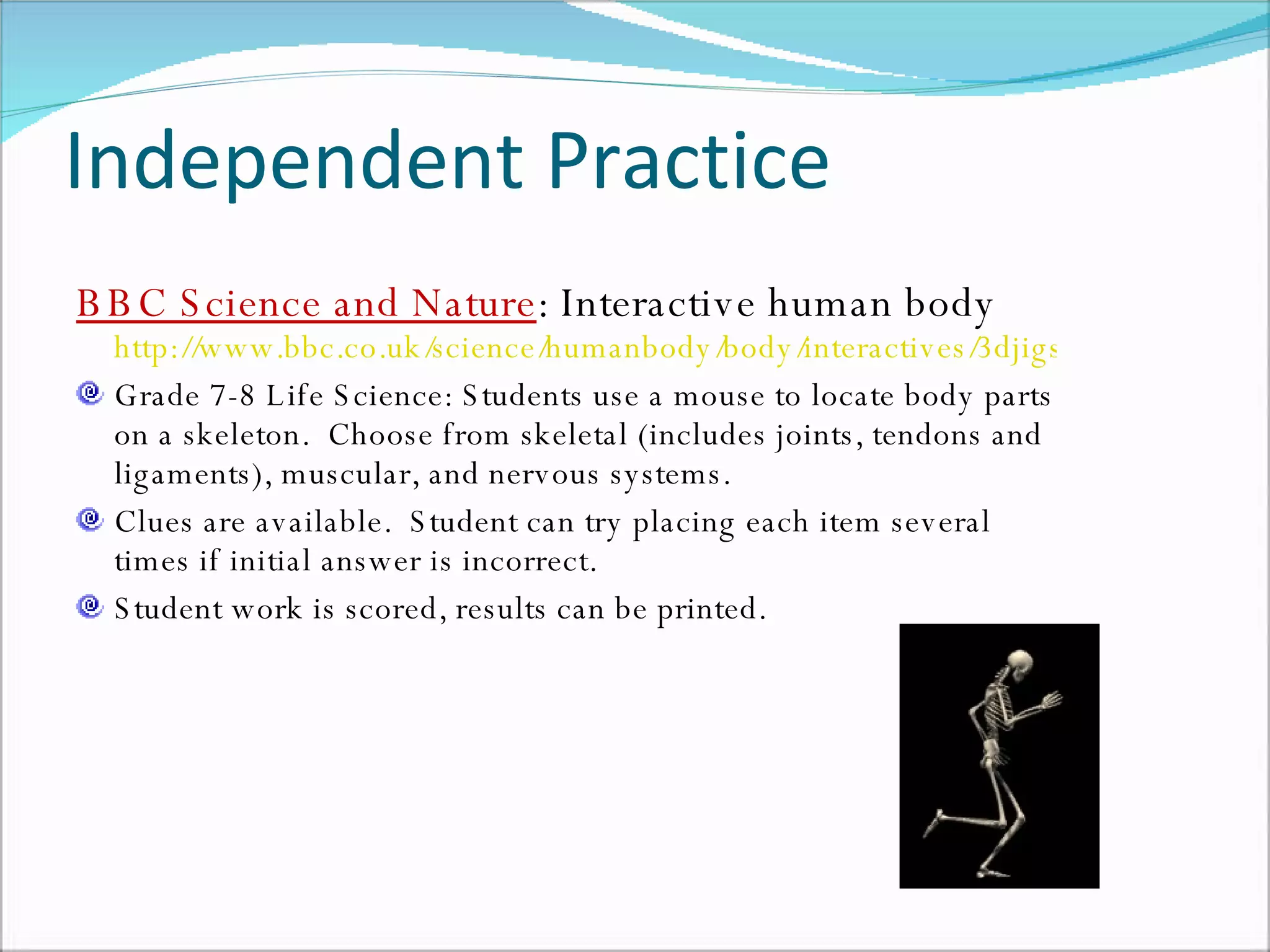
Independent Practice BBC Science and Nature : Interactive human body  http://www.bbc.co.uk/science/humanbody/body/interactives/3djigsaw_02/index.shtml?skeleton Grade 7-8 Life Science: Students use a mouse to locate body parts on a skeleton.  Choose from skeletal (includes joints, tendons and ligaments), muscular, and nervous systems. Clues are available.  Student can try placing each item several times if initial answer is incorrect.  Student work is scored, results can be printed.
Independent Practice Web based access for self-check, Independent practice, and Homework assignments.  (requires subscription, free trial available) Castle Learning Online http://castlesoftware.com/home/castlelearningonline.htm   Provides content review and skill assessment. Use premade material or create specialized assignments and quizzes. Teachers can monitor student work. Quiz Lab   http://www.quizlab.com/   Teacher created online quizzes. Automatic scoring and recording.  Integrated with MyGradeBook.com
Classroom Assessment  Jeopardy   games using  PowerPoint software.  Uses a PowerPoint template, SmartBoard and projector. How to create your own Jeopardy game using the powerpoint template found at:  Jeopardy template  http://teach.fcps.net/trt10/Documents/jeopardytemplate25.ppt Sample 4 th  grade Science Review and other premade Jeopardy games created in Power Point found at:  http://teach.fcps.net/trt10/PowerPoint.htm
Supportive Materials Needed for Using Technology in the K-8 Classroom In order to utilize these types of technology, schools must be equipped with specific supportive materials. Smart Board:  The use of Web based programs with an entire class requires the use of a SmartBoard with an internet connection. Computer stations with printers must be available to the students within the classroom daily, not just in a computer lab once a week.

Using Technology in the Classroom

  • 1.
    D.Keane ED 5700Teaching With Technology
  • 2.
    Technology can beincorporated into the MSMC lesson plan Anticipatory Set Lessons Independent practice Assessment
  • 3.
    One must keepin mind the literacy skills of students at each level. Technology such as videos and live broadcasts give younger students (K-3) access to advanced information without having to read text. Students in grades 5-8 may engage in interactive sites which require typing skills and internet proficiency.
  • 4.
    Applying technology inthe K-8 classroom Internet resources such as videos and podcasts are available to supplement current lesson plans and to utilize as introductory activities and anticipatory sets . Many lesson activities are available which are aligned with standards. Web sites and activities can be utilized for independent practice and assessment .
  • 5.
    Anticipatory Sets Usevideos to introduce a lesson topic BrainPop http://www.brainpop.com Three minute videos in cartoon format, give a brief overview of a topic. Many subjects available. BrainPop is “hosted” by Tim and his robot, “Moby”. Subscription required to view all topics. Appropriate for K-6. Example : Penquin: http://www.brainpop.com/science/diversityoflife/penguins/
  • 6.
    Anticipatory Sets YouTubeVideos http://Youtube.com Short videos are available to provide background information or to pique student interest in a topic. Appropriate videos available for all age levels. Examples : Water Cycle (An overview of the water cycle and weather factors set to music) http://www.youtube.com/watch?v=YswL4dIDQuk Kilauea volcano eruption (actual footage) http://www.google.com/ig?sourceid=navclient&ie=UTF-8&hl=en
  • 7.
    Lesson Activities WebQuests Inquiry based lessons in which students acquire most of the information through the internet. Contain an introduction, a task, procedure, an evaluation, and a teacher page. Pre-made WebQuests are available for all grade levels on many science topics. Science WebQuests for grades K-2 can be found at: http://webquest.org/search/webquest_results.php?curr=currscience&grade=gradek2&Submit=Search+Matrix Example: Meteorology Master : K-2 Students learn weather words via an internet word find, visit links to learn about the National Weather Service, create a mindmap of a weather forecast, and then give a report to their classmates. http://questgarden.com/12/58/3/080312071022/index.htm
  • 8.
    Lesson Activities PBSNature Series Lesson Plans and guides for Teachers. Similar to WebQuest in format. Lessons available for elementary, middle and high school level . http://www.pbs.org/wnet/nature/teach1.html Sample Elementary Level Lessons Kalahari Explorations http://www.pbs.org/wnet/nature/kalahari/kalahari.html Sun, Sand and Hippos http://www.pbs.org/wnet/nature/hippo/lesson_plan.html Characteristics of Snakes and Turtles http://www.pbs.org/wnet/nature/lesson_plans/reptiles1.html Born to be Wild http://www.pbs.org/wnet/nature/mcgregor/lesson_plan.html
  • 9.
    Lesson Activities PBSEducational connections http://www.pbs.org Provides a site overview, viewing ideas, classroom activities and additional online resources. Grades 5-8. Companion websites, Podcasts, videos, interactive and educational links to current topics available. Sample Program: Silence of the bees http://www.pbs.org/wnet/nature/bees/impact.html
  • 10.
    Lesson Activities JasonProject http://www.jason.org/public/home.aspx Nonprofit subsidiary of National Geographic Free, engaging, interactive lessons connect teachers and students to cutting-edge research around the world. Aligned with state standards, curriculum units for grades 5-8 . Take a tour to see the features of this free program and how it can be incorporated in your lessons. Examples : Operation Monster Storms (9week weather curriculum) http://www.jason.org/Public/Curriculum/OMS.aspx?pos=1 Ecology of coral reefs in Bermuda http://www.eduweb.com/jason/start.html Digital Lab: Spacecraft Engineer http://stardust.jpl.nasa.gov/classroom/jason/index2.html
  • 11.
    Independent Practice BBCScience and Nature : Interactive human body http://www.bbc.co.uk/science/humanbody/body/interactives/3djigsaw_02/index.shtml?skeleton Grade 7-8 Life Science: Students use a mouse to locate body parts on a skeleton. Choose from skeletal (includes joints, tendons and ligaments), muscular, and nervous systems. Clues are available. Student can try placing each item several times if initial answer is incorrect. Student work is scored, results can be printed.
  • 12.
    Independent Practice Webbased access for self-check, Independent practice, and Homework assignments. (requires subscription, free trial available) Castle Learning Online http://castlesoftware.com/home/castlelearningonline.htm Provides content review and skill assessment. Use premade material or create specialized assignments and quizzes. Teachers can monitor student work. Quiz Lab http://www.quizlab.com/ Teacher created online quizzes. Automatic scoring and recording. Integrated with MyGradeBook.com
  • 13.
    Classroom Assessment Jeopardy games using PowerPoint software. Uses a PowerPoint template, SmartBoard and projector. How to create your own Jeopardy game using the powerpoint template found at: Jeopardy template http://teach.fcps.net/trt10/Documents/jeopardytemplate25.ppt Sample 4 th grade Science Review and other premade Jeopardy games created in Power Point found at: http://teach.fcps.net/trt10/PowerPoint.htm
  • 14.
    Supportive Materials Neededfor Using Technology in the K-8 Classroom In order to utilize these types of technology, schools must be equipped with specific supportive materials. Smart Board: The use of Web based programs with an entire class requires the use of a SmartBoard with an internet connection. Computer stations with printers must be available to the students within the classroom daily, not just in a computer lab once a week.