Applying Technology in the
Science Classroom

  by: Shelly Solis
Applying technology in the
     classroom does several
     things to student learning:
1. It increases interest even in rote
   tasks;
2. it provides purpose for learning
3. it can attach meaning to an ongoing
   lesson
Applying technology in the
classroom does several things
to student learning:
(continued)
4. it provides opportunities to perceive
  knowledge as being related, not
  isolated bits
5. it allows for individual student
   differences
6. it can affect students’ attitudes
   toward learning.”
Purpose of Technology

Technology should enhance learning.
 There is no value in just having access to
 it but more important how it is used.
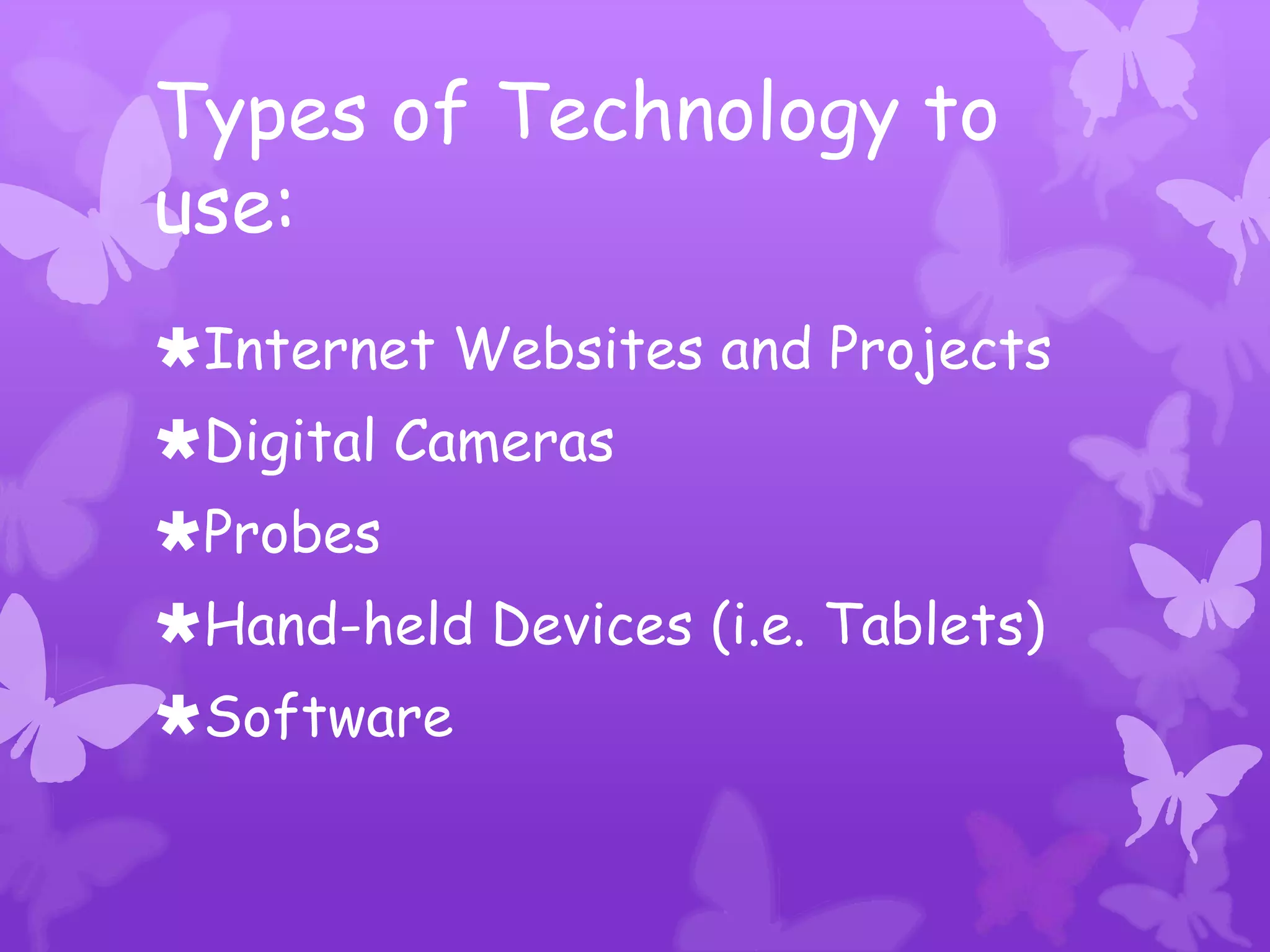
Types of Technology to
use:
Internet Websites and Projects
Digital Cameras
Probes
Hand-held Devices (i.e. Tablets)
Software
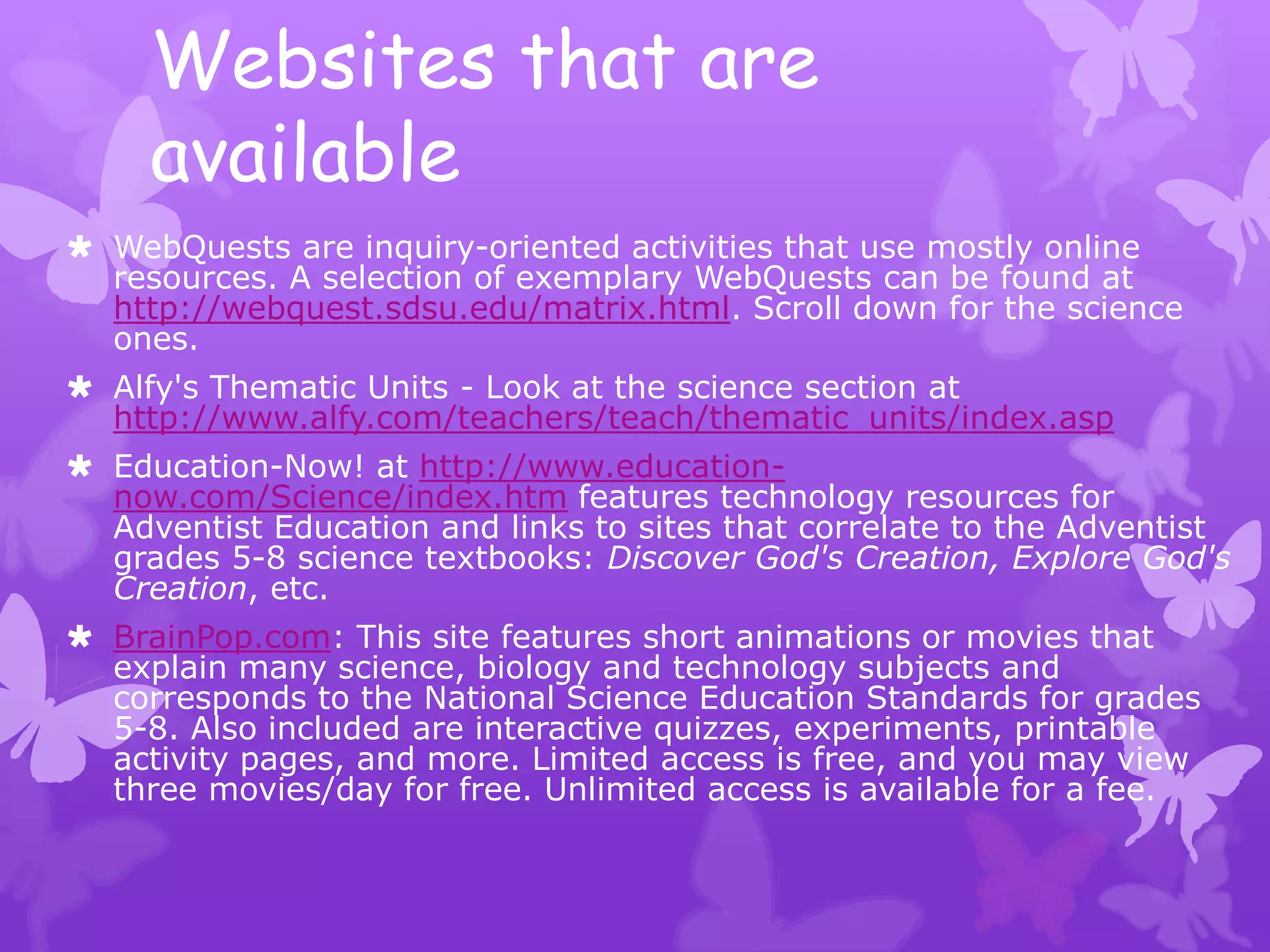
Websites that are
     available
 WebQuests are inquiry-oriented activities that use mostly online
  resources. A selection of exemplary WebQuests can be found at
  http://webquest.sdsu.edu/matrix.html. Scroll down for the science
  ones.
 Alfy's Thematic Units - Look at the science section at
  http://www.alfy.com/teachers/teach/thematic_units/index.asp
 Education-Now! at http://www.education-
  now.com/Science/index.htm features technology resources for
  Adventist Education and links to sites that correlate to the Adventist
  grades 5-8 science textbooks: Discover God's Creation, Explore God's
  Creation, etc.
 BrainPop.com: This site features short animations or movies that
  explain many science, biology and technology subjects and
  corresponds to the National Science Education Standards for grades
  5-8. Also included are interactive quizzes, experiments, printable
  activity pages, and more. Limited access is free, and you may view
  three movies/day for free. Unlimited access is available for a fee.
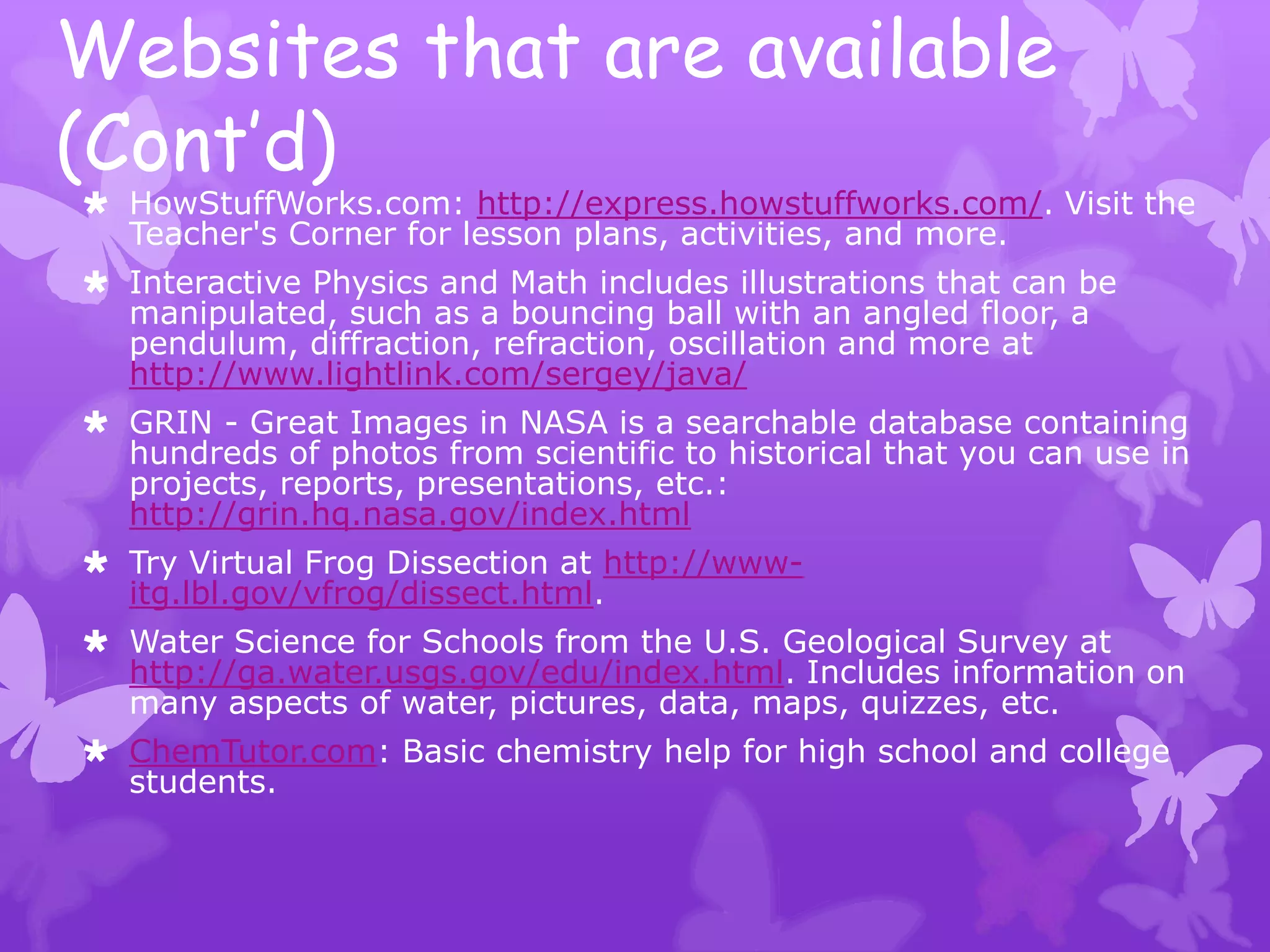
Websites that are available
(Cont’d)
 HowStuffWorks.com: http://express.howstuffworks.com/. Visit the
  Teacher's Corner for lesson plans, activities, and more.
 Interactive Physics and Math includes illustrations that can be
  manipulated, such as a bouncing ball with an angled floor, a
  pendulum, diffraction, refraction, oscillation and more at
  http://www.lightlink.com/sergey/java/
 GRIN - Great Images in NASA is a searchable database containing
  hundreds of photos from scientific to historical that you can use in
  projects, reports, presentations, etc.:
  http://grin.hq.nasa.gov/index.html
 Try Virtual Frog Dissection at http://www-
  itg.lbl.gov/vfrog/dissect.html.
 Water Science for Schools from the U.S. Geological Survey at
  http://ga.water.usgs.gov/edu/index.html. Includes information on
  many aspects of water, pictures, data, maps, quizzes, etc.
 ChemTutor.com: Basic chemistry help for high school and college
  students.
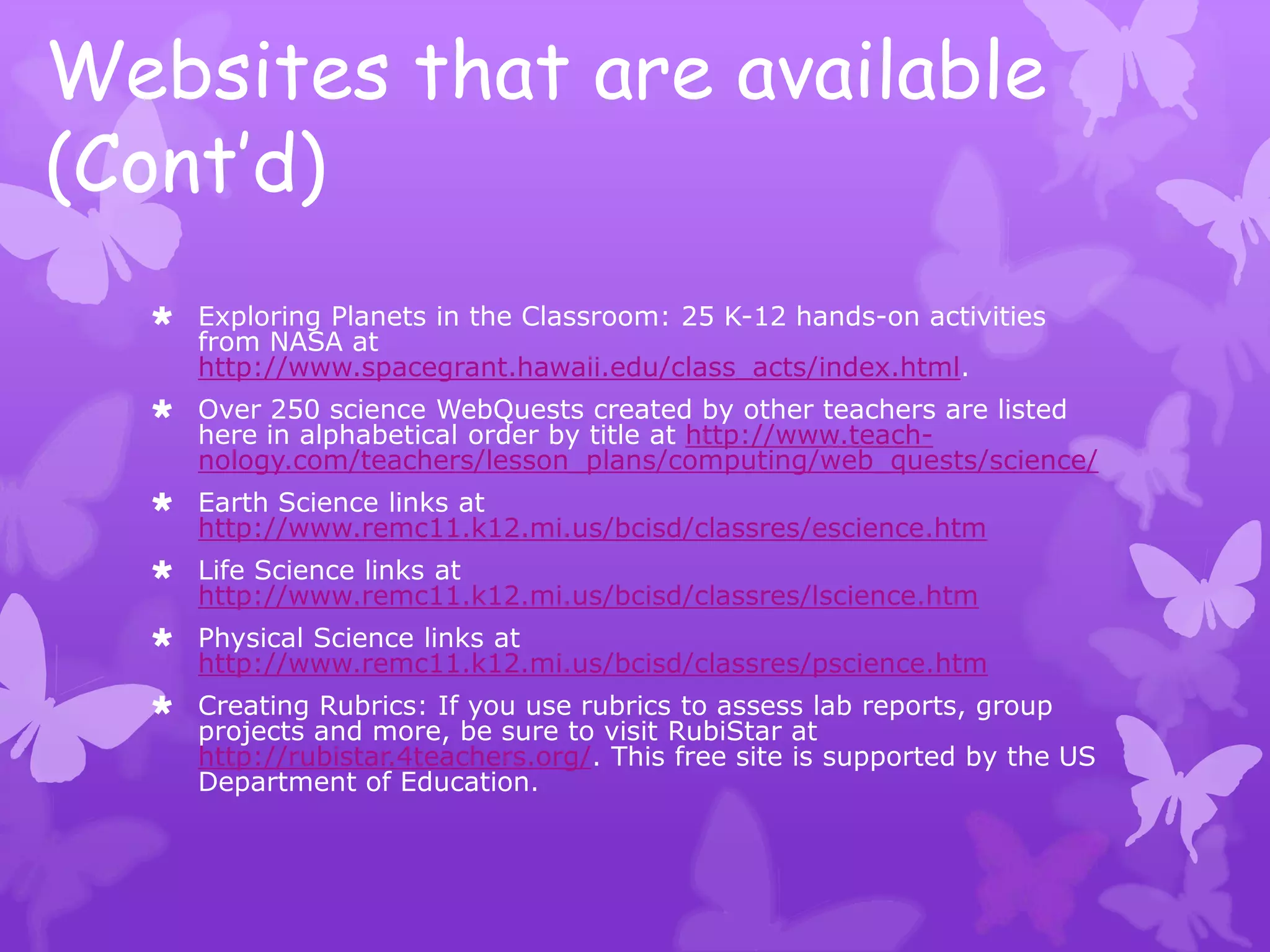
Websites that are available
(Cont’d)
   Exploring Planets in the Classroom: 25 K-12 hands-on activities
    from NASA at
    http://www.spacegrant.hawaii.edu/class_acts/index.html.
   Over 250 science WebQuests created by other teachers are listed
    here in alphabetical order by title at http://www.teach-
    nology.com/teachers/lesson_plans/computing/web_quests/science/
   Earth Science links at
    http://www.remc11.k12.mi.us/bcisd/classres/escience.htm
   Life Science links at
    http://www.remc11.k12.mi.us/bcisd/classres/lscience.htm
   Physical Science links at
    http://www.remc11.k12.mi.us/bcisd/classres/pscience.htm
   Creating Rubrics: If you use rubrics to assess lab reports, group
    projects and more, be sure to visit RubiStar at
    http://rubistar.4teachers.org/. This free site is supported by the US
    Department of Education.
Results from Using Technology
Technology allows teachers and students to
 augment the curriculum with current
 information and timely study of real-world
 events, thus making learning more dynamic,
 engaging, and valuable.
Studies have shown that students who used
 simulations, microcomputer-based
 laboratories, and video to connect science
 instruction to real-world problems
 outperformed students who used
 traditional instructional methods alone.
Bibliography
  Flick, L., & Bell, R. (2000). Preparing Tomorrow's Science
    Teachers to Use Technology: Guidelines for Science
    Educators. Retrieved from Contemporary Issues in
    Technology and Teacher Education:
    http://www.citejournal.org/vol1/iss1/currentissues/science/a
    rticle1.htm
  Glencoe/McGraw-Hill. (2005). Reach Beyond the Science
   Classroom with Online Tools . Retrieved from Educational and
   Professional Publishing Group:
   http://www.glencoe.com/sec/teachingtoday/subject/beyond.
   phtml
  Martin, R., Sexton, C., Franklin, T., Gerlovich, J., & McElroy,
   D. (2009). Why Use Technology in the Science Classroom.
   Retrieved from education.com:
   http://www.education.com/reference/article/why-use-
   technology-science-classroom/

Technology in the science classroom

  • 1.
    Applying Technology inthe Science Classroom by: Shelly Solis
  • 2.
    Applying technology inthe classroom does several things to student learning: 1. It increases interest even in rote tasks; 2. it provides purpose for learning 3. it can attach meaning to an ongoing lesson
  • 3.
    Applying technology inthe classroom does several things to student learning: (continued) 4. it provides opportunities to perceive knowledge as being related, not isolated bits 5. it allows for individual student differences 6. it can affect students’ attitudes toward learning.”
  • 4.
    Purpose of Technology Technologyshould enhance learning. There is no value in just having access to it but more important how it is used.
  • 5.
    Types of Technologyto use: Internet Websites and Projects Digital Cameras Probes Hand-held Devices (i.e. Tablets) Software
  • 6.
    Websites that are available  WebQuests are inquiry-oriented activities that use mostly online resources. A selection of exemplary WebQuests can be found at http://webquest.sdsu.edu/matrix.html. Scroll down for the science ones.  Alfy's Thematic Units - Look at the science section at http://www.alfy.com/teachers/teach/thematic_units/index.asp  Education-Now! at http://www.education- now.com/Science/index.htm features technology resources for Adventist Education and links to sites that correlate to the Adventist grades 5-8 science textbooks: Discover God's Creation, Explore God's Creation, etc.  BrainPop.com: This site features short animations or movies that explain many science, biology and technology subjects and corresponds to the National Science Education Standards for grades 5-8. Also included are interactive quizzes, experiments, printable activity pages, and more. Limited access is free, and you may view three movies/day for free. Unlimited access is available for a fee.
  • 7.
    Websites that areavailable (Cont’d)  HowStuffWorks.com: http://express.howstuffworks.com/. Visit the Teacher's Corner for lesson plans, activities, and more.  Interactive Physics and Math includes illustrations that can be manipulated, such as a bouncing ball with an angled floor, a pendulum, diffraction, refraction, oscillation and more at http://www.lightlink.com/sergey/java/  GRIN - Great Images in NASA is a searchable database containing hundreds of photos from scientific to historical that you can use in projects, reports, presentations, etc.: http://grin.hq.nasa.gov/index.html  Try Virtual Frog Dissection at http://www- itg.lbl.gov/vfrog/dissect.html.  Water Science for Schools from the U.S. Geological Survey at http://ga.water.usgs.gov/edu/index.html. Includes information on many aspects of water, pictures, data, maps, quizzes, etc.  ChemTutor.com: Basic chemistry help for high school and college students.
  • 8.
    Websites that areavailable (Cont’d)  Exploring Planets in the Classroom: 25 K-12 hands-on activities from NASA at http://www.spacegrant.hawaii.edu/class_acts/index.html.  Over 250 science WebQuests created by other teachers are listed here in alphabetical order by title at http://www.teach- nology.com/teachers/lesson_plans/computing/web_quests/science/  Earth Science links at http://www.remc11.k12.mi.us/bcisd/classres/escience.htm  Life Science links at http://www.remc11.k12.mi.us/bcisd/classres/lscience.htm  Physical Science links at http://www.remc11.k12.mi.us/bcisd/classres/pscience.htm  Creating Rubrics: If you use rubrics to assess lab reports, group projects and more, be sure to visit RubiStar at http://rubistar.4teachers.org/. This free site is supported by the US Department of Education.
  • 9.
    Results from UsingTechnology Technology allows teachers and students to augment the curriculum with current information and timely study of real-world events, thus making learning more dynamic, engaging, and valuable. Studies have shown that students who used simulations, microcomputer-based laboratories, and video to connect science instruction to real-world problems outperformed students who used traditional instructional methods alone.
  • 10.
    Bibliography  Flick,L., & Bell, R. (2000). Preparing Tomorrow's Science Teachers to Use Technology: Guidelines for Science Educators. Retrieved from Contemporary Issues in Technology and Teacher Education: http://www.citejournal.org/vol1/iss1/currentissues/science/a rticle1.htm  Glencoe/McGraw-Hill. (2005). Reach Beyond the Science Classroom with Online Tools . Retrieved from Educational and Professional Publishing Group: http://www.glencoe.com/sec/teachingtoday/subject/beyond. phtml  Martin, R., Sexton, C., Franklin, T., Gerlovich, J., & McElroy, D. (2009). Why Use Technology in the Science Classroom. Retrieved from education.com: http://www.education.com/reference/article/why-use- technology-science-classroom/