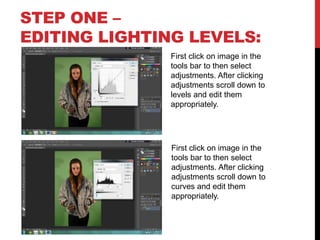
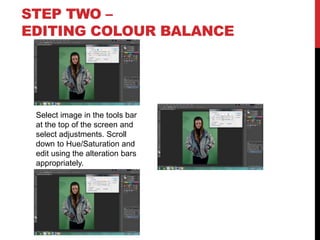
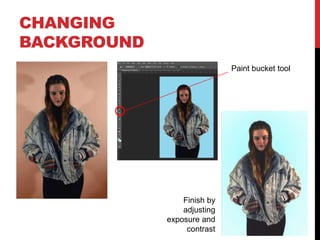
This document provides steps for editing images using Photoshop. It outlines five steps: 1) Editing lighting levels using the levels adjustment, 2) Editing color balance using the hue/saturation adjustment, 3) Adding photo filters, 4) Removing backgrounds using the magic wand and eraser tools, and 5) Further editing like spot healing, burning, smudging and sharpening. It also describes how to change the background using the paint bucket tool and finish by adjusting exposure and contrast.