Downloaded 73 times
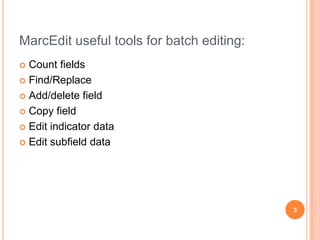
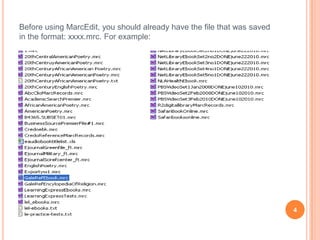
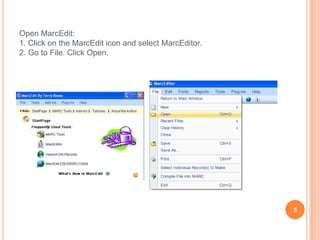
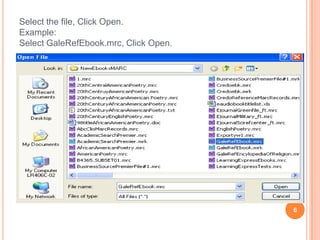
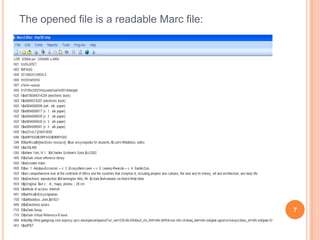
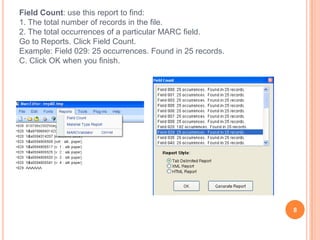
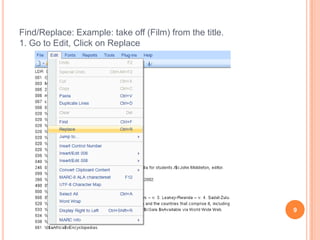
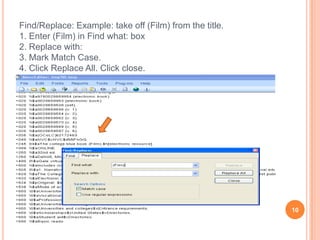
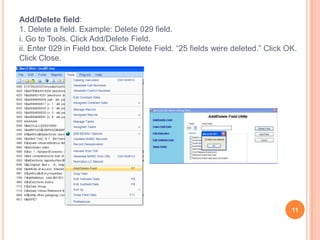
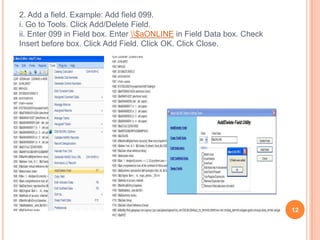
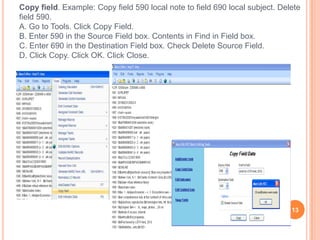
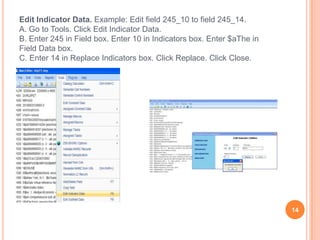
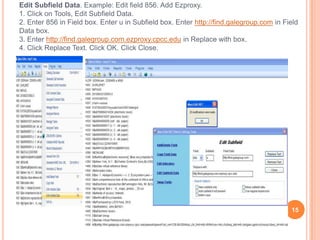
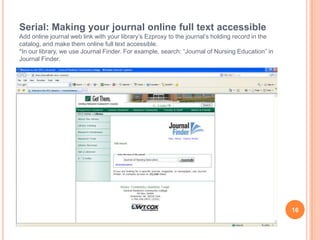
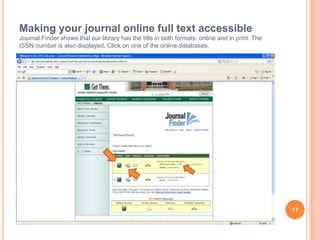
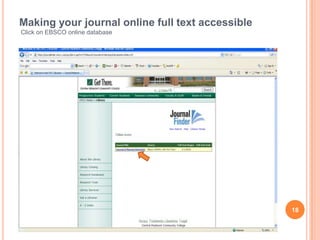
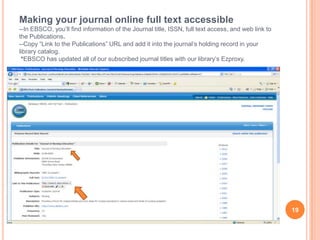
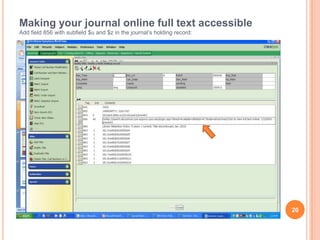
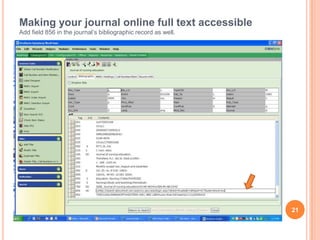
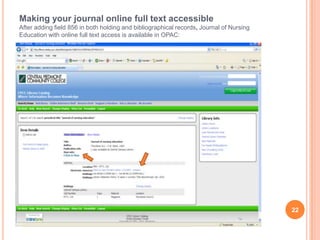

This document provides instructions for using MarcEdit software to perform batch editing of bibliographic records. It describes MarcEdit's useful tools for batch editing such as count fields, find/replace, add/delete fields, copy fields, and edit indicator and subfield data. It then provides step-by-step examples for how to use each of these tools to edit MARC records in a batch, such as taking text out of titles using find/replace, adding and deleting fields, copying data between fields, and editing field indicators and subfields. The document concludes by describing how to add an online journal link with an ezproxy to a holding record to provide access to the full text.


