Using Google’s Cloud – for Developers
Using Google Compute Engine (GCE)
Lynn Langit
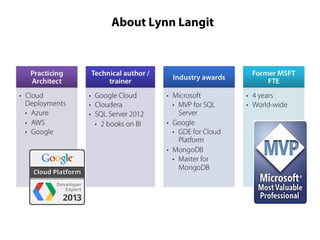
About Lynn Langit
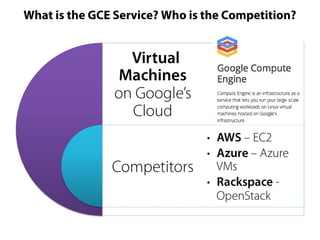
What is the GCE Service? Who is the Competition?
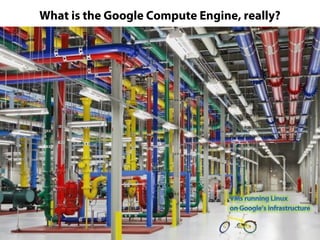
What is the Google Compute Engine, really?
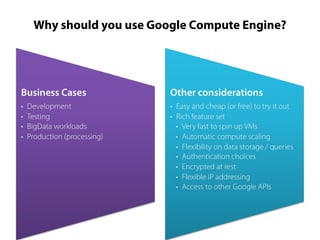
Why should you use Google Compute Engine?
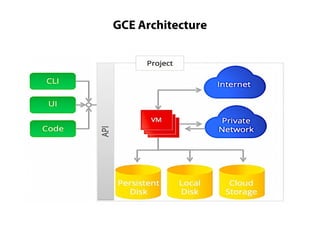
GCE Architecture
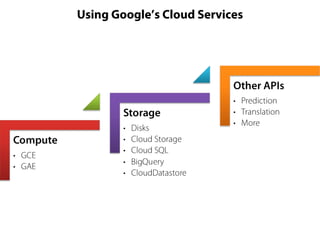
Using Google’s Cloud Services
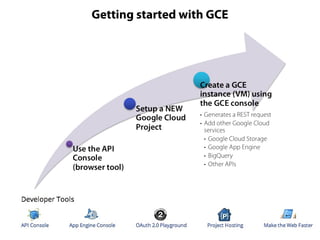
Getting started with GCE
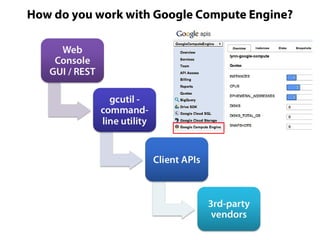
How do you work with Google Compute Engine?
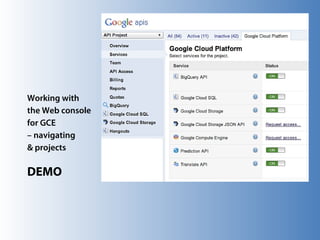
Working with
the Web console
for GCE
– navigating
& projects
DEMO
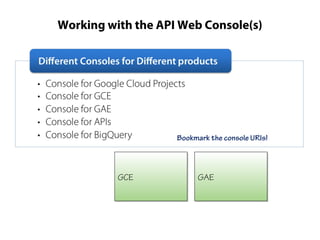
Working with the API Web Console(s)

Bookmark the console URIs!

GCE
GCE

GAE
GAE
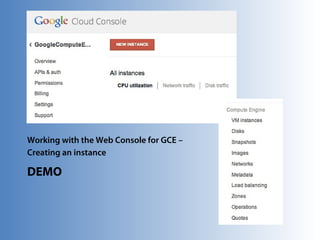
Working with the Web Console for GCE –
Creating an instance

DEMO
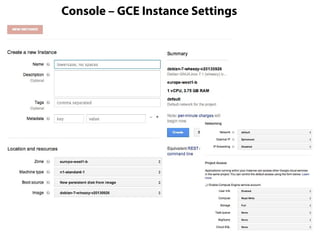
Console – GCE Instance Settings
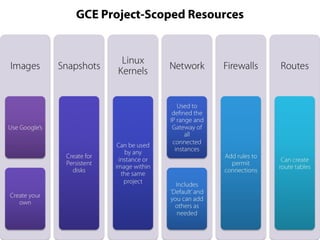
GCE Project-Scoped Resources
Understanding Billing
considering costs of Compute, Storage & Network Use

DEMO
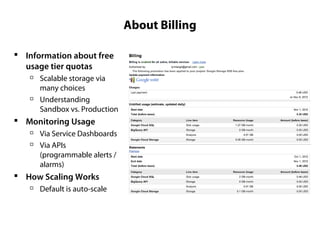
About Billing
 Information about free
usage tier quotas




Scalable storage via
many choices
Understanding
Sandbox vs. Production

 Monitoring Usage



Via Service Dashboards
Via APIs
(programmable alerts /
alarms)

 How Scaling Works


Default is auto-scale
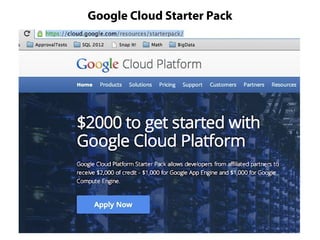
Google Cloud Starter Pack
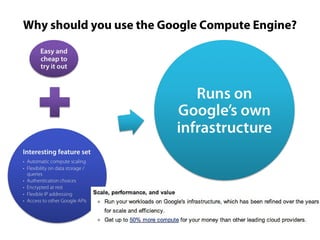
Why should you use the Google Compute Engine?
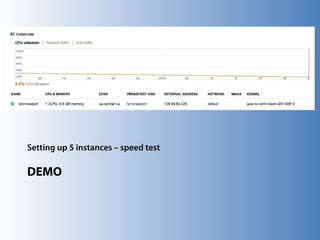
Setting up 5 instances – speed test

DEMO
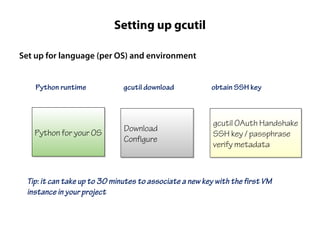
Setting up gcutil
Set up for language (per OS) and environment
Python runtime

gcutil download

obtain SSH key

Python for your OS
Python for your OS

Download
Download
Configure
Configure

gcutil OAuth Handshake
SSH key / passphrase
verify metadata
verify metadata

Tip: it can take up to 30 minutes to associate a new key with the first VM
instance in your project
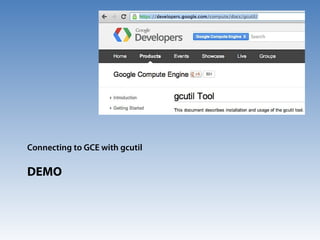
Connecting to GCE with gcutil

DEMO
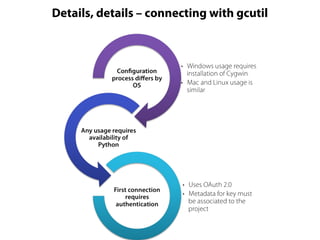
Details, details – connecting with gcutil
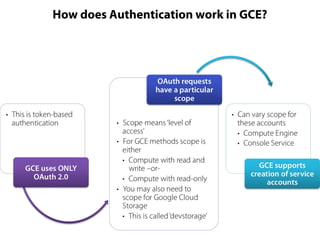
How does Authentication work in GCE?
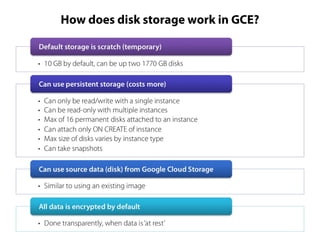
How does disk storage work in GCE?
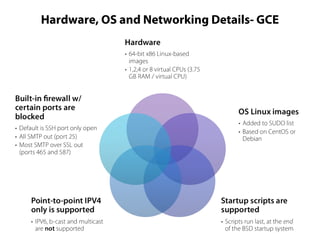
Hardware, OS and Networking Details- GCE
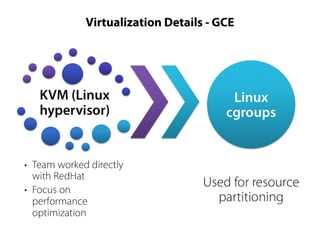
Virtualization Details - GCE
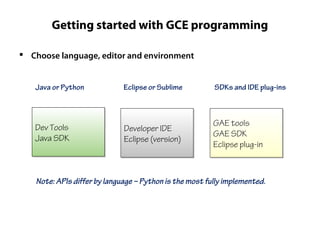
Getting started with GCE programming
 Choose language, editor and environment
Java or Python

Eclipse or Sublime

SDKs and IDE plug-ins

Dev Tools
Dev Tools
Java SDK
Java SDK

Developer IDE
Developer IDE
Eclipse (version)
Eclipse (version)

GAE tools
GAE tools
GAE SDK
GAE SDK
Eclipse plug-in
Eclipse plug-in

Note: APIs differ by language – Python is the most fully implemented.
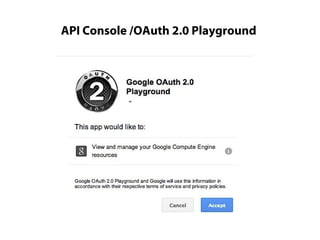
API Console /OAuth 2.0 Playground
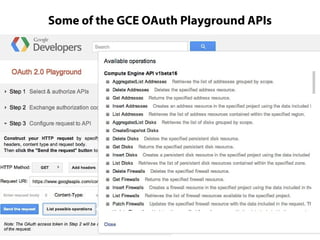
Some of the GCE OAuth Playground APIs
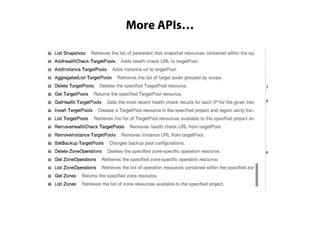
More APIs…
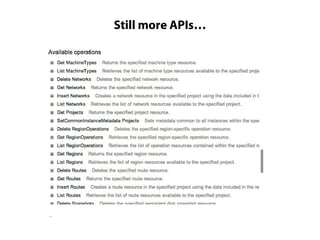
Still more APIs…
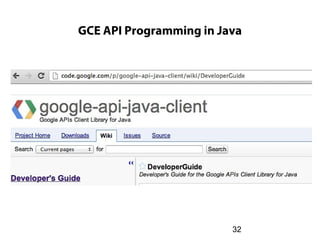
GCE API Programming in Java

32
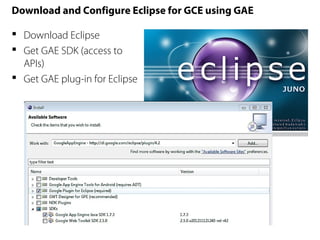
Download and Configure Eclipse for GCE using GAE
 Download Eclipse
 Get GAE SDK (access to
APIs)
 Get GAE plug-in for Eclipse
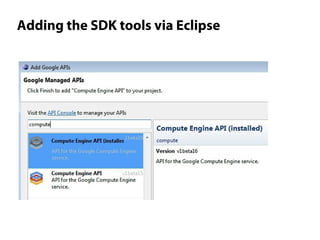
Adding the SDK tools via Eclipse
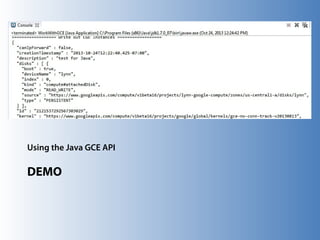
Using the Java GCE API

DEMO
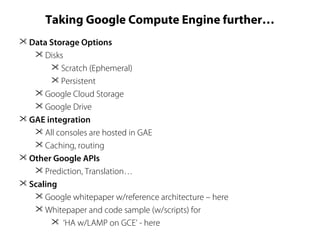
Taking Google Compute Engine further…
 Data Storage Options
 Disks
 Scratch (Ephemeral)
 Persistent
 Google Cloud Storage
 Google Drive
 GAE integration
 All consoles are hosted in GAE
 Caching, routing
 Other Google APIs
 Prediction, Translation…
 Scaling
 Google whitepaper w/reference architecture – here
 Whitepaper and code sample (w/scripts) for
 ‘HA w/LAMP on GCE’ - here
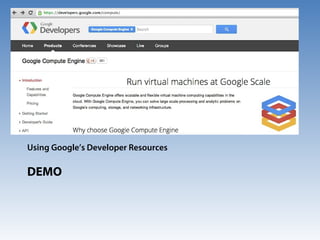
Using Google’s Developer Resources

DEMO
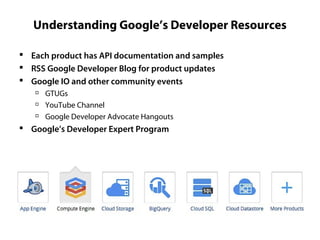
Understanding Google’s Developer Resources
 Each product has API documentation and samples
 RSS Google Developer Blog for product updates
 Google IO and other community events




GTUGs
YouTube Channel
Google Developer Advocate Hangouts

 Google’s Developer Expert Program
• recipes)

www.TeachingKidsProgramming.org
•
•
•

Free Courseware (Java, Small Basic or C# [on Pluralsight])
Do a Recipe  Teach a Kid (Ages 10 ++)
VOTE at http://www.azureDevs.com, CONFIRM via email and SHARE
(tweet)
Keep Learning
 Twitter: @LynnLangit
 YouTube:
http://www.youtube.com/user/SoCalDevGal

 Hire me




To help build your BI/Big Data solution
To teach your team next gen BI
To learn more about using NoSQL solutions

Using Google Compute Engine

Editor's Notes

  • #9 Getting started documentation -- https://developers.google.com/compute/docs/api/prereqs
  • #10 https://developers.google.com/compute/docs/gcutil/
  • #19 From the GCE documentation -- https://developers.google.com/compute/docs/faq#morecompute “Can you explain more about the value of Google Compute Engine? We measure the compute power in GCEUs. Based on our benchmarks, one GCEU is at least as powerful as the CPU capacity of a 1.0-1.2 GHz 2007 Opteron. The hourly rate for each GCEU is $.053. Our analysis of on-demand pricing for similarly configured instance types shows that customers get 50% more compute power (GCEUs) for their money than when running on other leading cloud providers. Note that compute power transfers to applications differently, which can affect the level of performance gains.”
  • #21 https://developers.google.com/compute/docs/gcutil/
  • #23 https://developers.google.com/compute/docs/api/how-tos/authorization https://developers.google.com/compute/docs/access
  • #24 https://developers.google.com/compute/docs/api/how-tos/authorization https://developers.google.com/compute/docs/access
  • #25 https://developers.google.com/compute/docs/disks
  • #26 https://developers.google.com/compute/docs/networking#blockedtraffic
  • #29 Useful for exploring the APIs for Google Cloud services
  • #33 Download location for tools
  • #34 https://code.google.com/appengine/ SDK for Eclipse - https://code.google.com/appengine/downloads.html#Google_App_Engine_SDK_for_Java Plug-in for Eclipse - https://code.google.com/eclipse/docs/getting_started.html Tutorial - http://googcloudlabs.appspot.com/whatgae.html
  • #35 https://appengine.google.com/
  • #37 https://appengine.google.com/ https://cloud.google.com/resources/articles/building-high-availability-applications-on-google-compute-engine https://cloud.google.com/resources/articles/high-availability-lamp-stack-on-google-compute-engine
  • #38 https://developers.google.com/compute/
  • #39 http://developers.google.com
  • #40 Lynn